
Cinematic Beach Walk with Flash
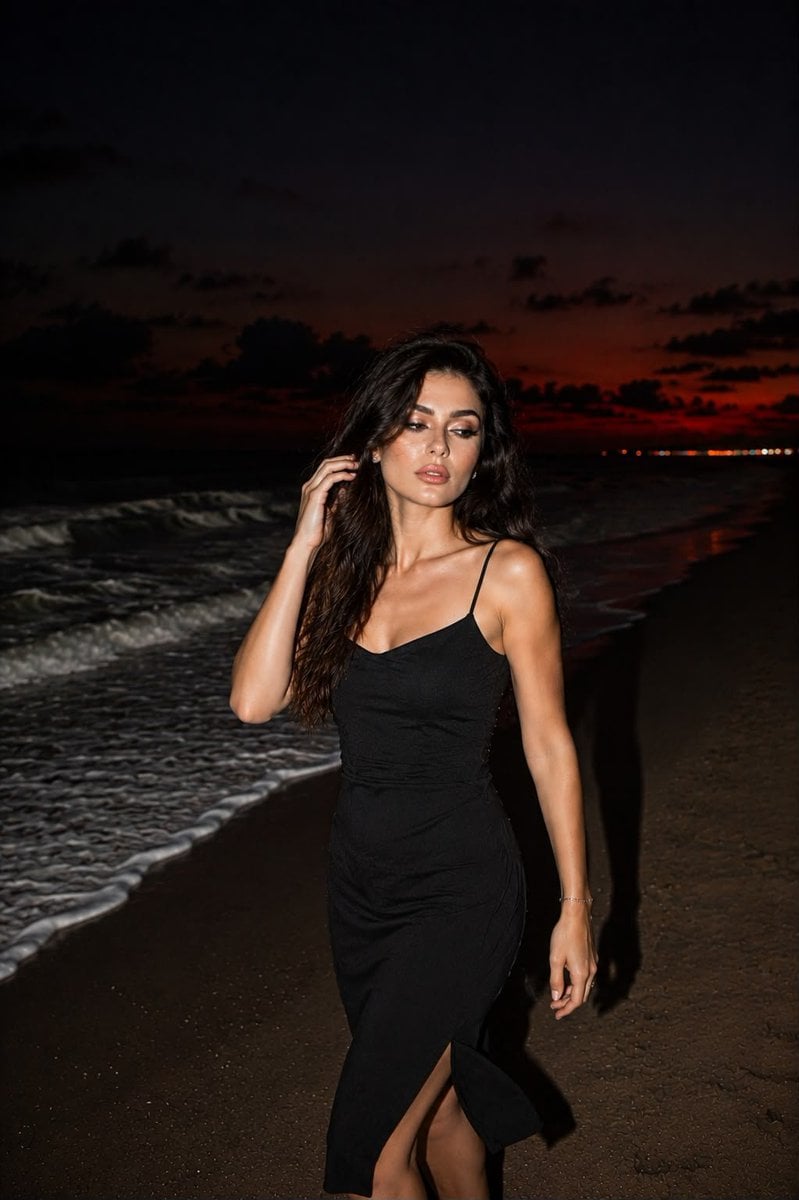
A realistic smartphone-style photograph capturing a candid moment of a woman walking on a secluded beach at dusk, featuring dramatic wind-swept hair and on-camera flash lighting.
- Prompt included
- Model and format preset
- Free template
The prompt behind this image
Copy the exact prompt behind Cinematic Beach Walk with Flash, or open it in the studio and make it yours.
Ultra-realistic smartphone photograph of a {argument name="subject" default="woman"} walking along a {argument name="setting" default="secluded beach"} at dusk, captured in a vertical frame with an on-camera flash that creates the look of an authentic, spur-of-the-moment snapshot. The scene takes place beside the shoreline as the last traces of a deep crimson sunset fade into an almost black night sky. Behind her, dark ocean waves roll onto the sand, leaving bright white foam illuminated by the flash. The setting has a moody coastal atmosphere with cool sea breeze, subtle motion, and the feeling of an unplanned evening moment. A strong gust of wind sweeps her exceptionally long hair dramatically across her face, with loose strands obscuring part of her features. She instinctively lifts one hand to move the hair aside while continuing to walk, creating a candid sense of movement rather than a posed fashion shoot. Her facial details remain softly blurred by motion and wind, adding realism and mystery. She wears a {argument name="outfit" default="flowing black maxi dress"} with delicate spaghetti straps that moves naturally with the breeze, accentuating a graceful hourglass silhouette. High-detail textures, realistic flash reflections, natural skin tones, subtle motion blur, cinematic coastal lighting, authentic smartphone photography, premium lifestyle editorial aesthetic.
How to use Cinematic Beach Walk with Flash in 3 steps
- 1
Open
The prompt is already in the box next to the preview, with the template's model and format selected.
- 2…a portrait of your subject in softgolden-hour light, 85mm…
Personalize
Edit the subject and creative details for your destination.
- 3Generate
Generate
Press Generate — your image is created in PicX Studio, so you can compare it with the original and refine one variable at a time.
More like this
Templates with the same subject, style or setup. Open one to see its prompt.
Sunset Beach Walk Portrait
Dreamy Moonlit Beach Horse Walk
Golden Hour Beach Walk

Nostalgic Digicam Café Afternoon Portrait

Coastal Bench Portrait — Navy Floral Sundress

Night Sports Car Portrait — Cinematic Moody
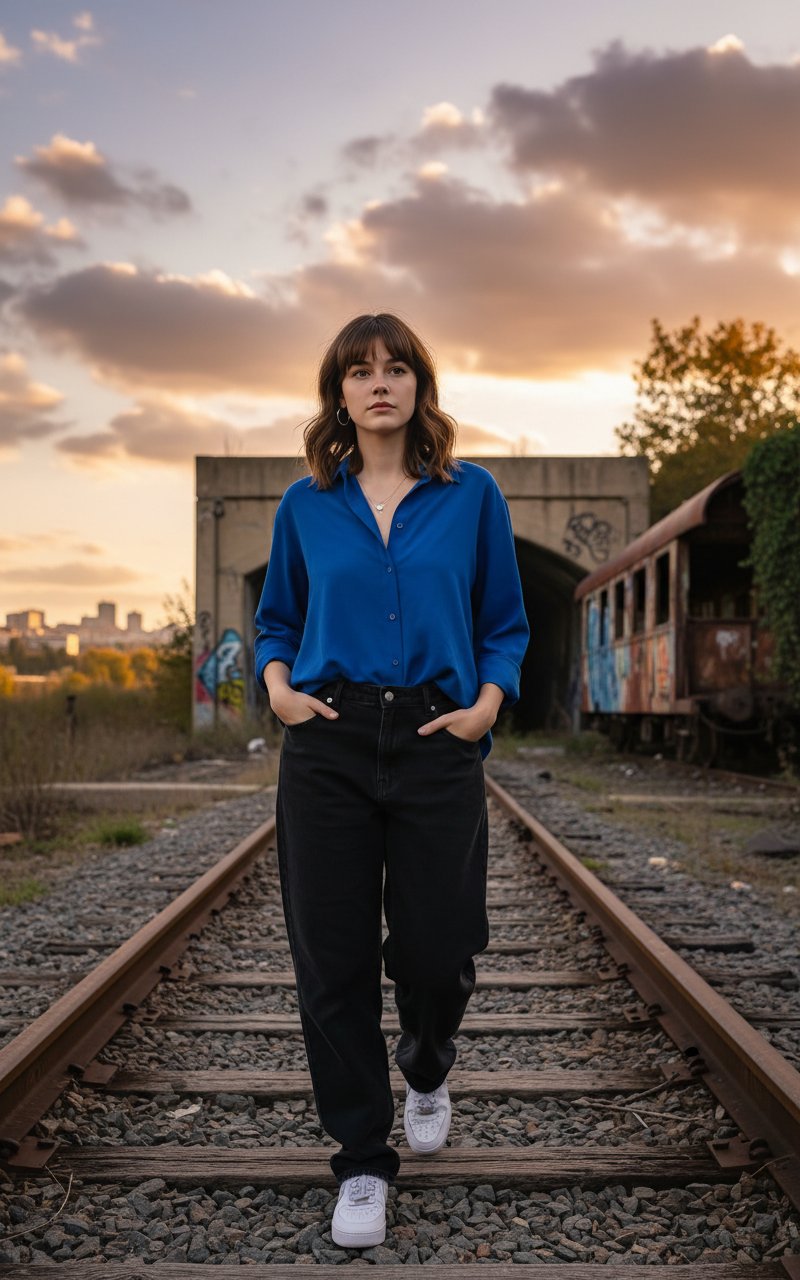
Walking in Track
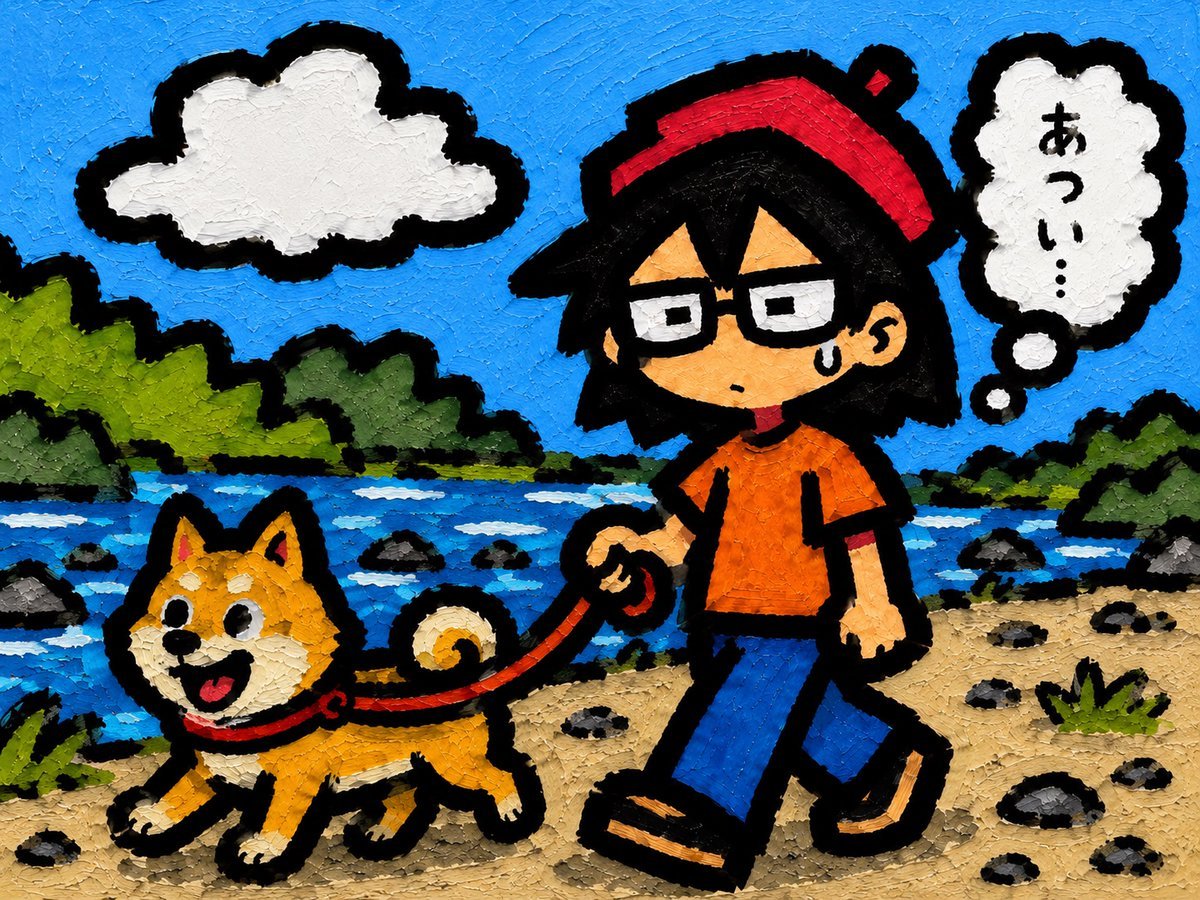
Riverside Dog Walk Character Expansion

Portrait of a young woman in her early 20s walking calmly on a beautiful
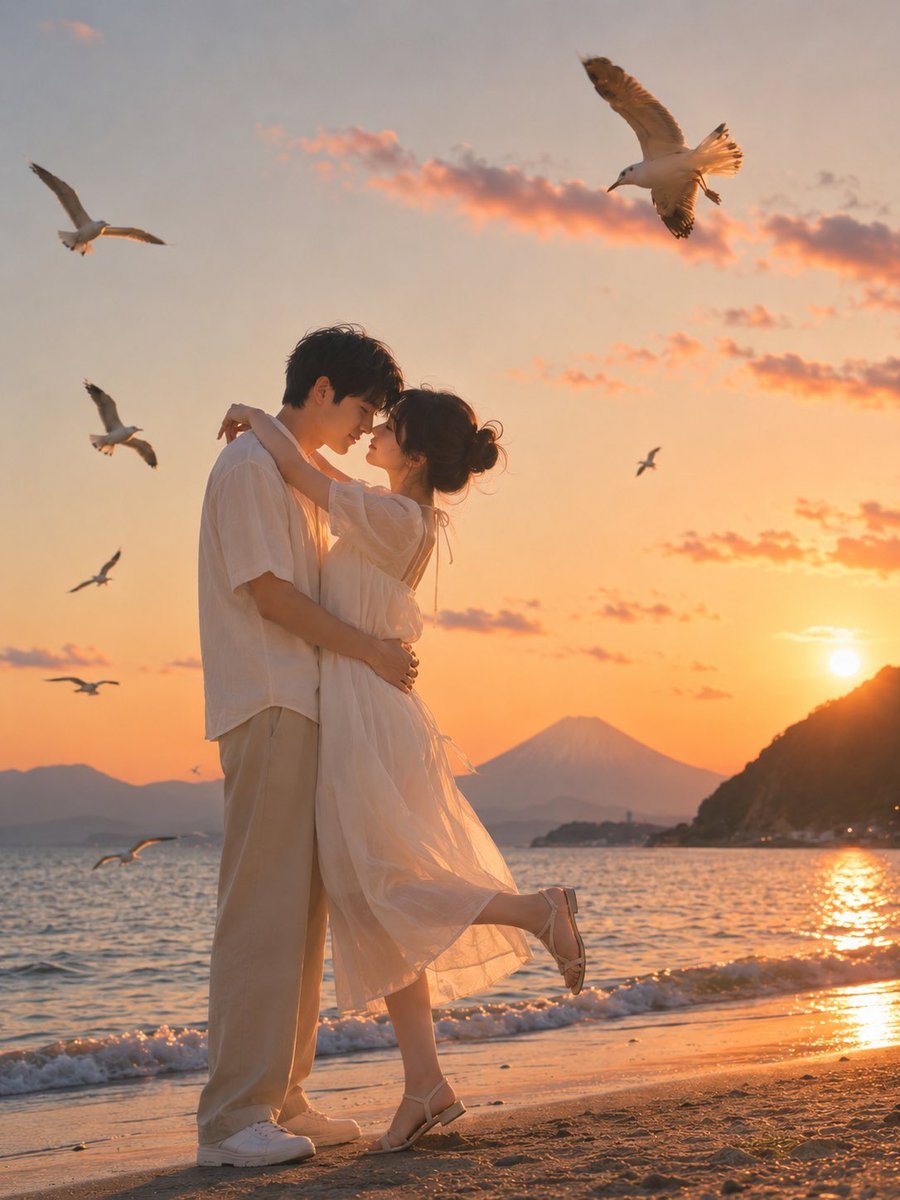
Romantic Zushi Beach Sunset Couple

Coastal Hydrangea Garden Walk
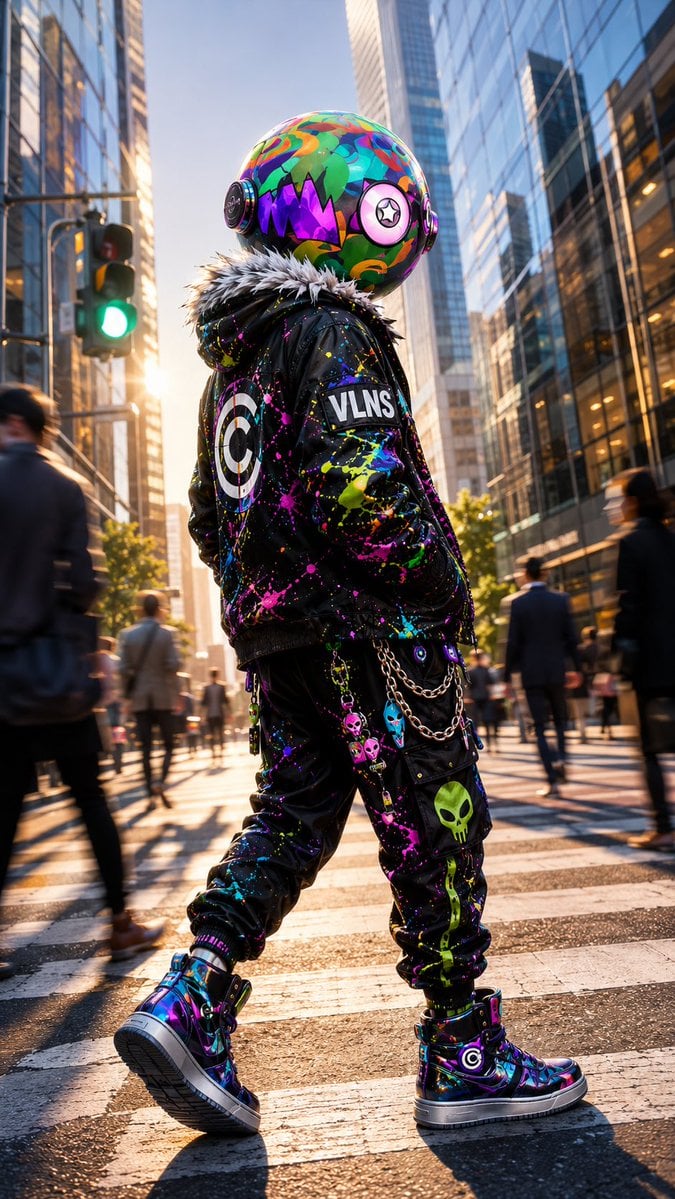
VLNS Alien Streetwear Crosswalk
Make it yours
Cinematic Beach Walk with Flash works as-is. These are the safest ways to change it without losing the look.
Change one field
Copy a single group, rewrite it, and generate again so you can see what that field is doing.
Keep the frame, change the subject
Hold the composition and light of Cinematic Beach Walk with Flash, then swap wardrobe, props or the person for a new take.
| If the result… | Why | Fix |
|---|---|---|
| The result drifts from the preview | Too many fields changed at once. | Reuse Cinematic Beach Walk with Flash as-is first, then change one group — subject, light, or setting. |
| The model over-stylizes the scene | The prose prompt leaves finish and camera underspecified. | Add one camera or lighting sentence and stay on GPT Image 2. |
More GPT Image 2 templates
Other prompts made for GPT Image 2.

Six VTuber Japanese Logo Sheet

Realistic Portrait of Woman and Deer

The Vista Modular Condo Poster

AI Model Routing Comparison Infographic

2.5D Anime Art Board

Isometric Productivity Desk Scene

New York Double Exposure Poster

Four-Panel AI Landscape Comparison

Japanese Tatami Lifestyle Magazine Cover

NESCAFÉ Coffee Map Poster
More image prompts
Fresh picks from across the catalog.

New Year's Postcard Prompt for Nano Banana Pro
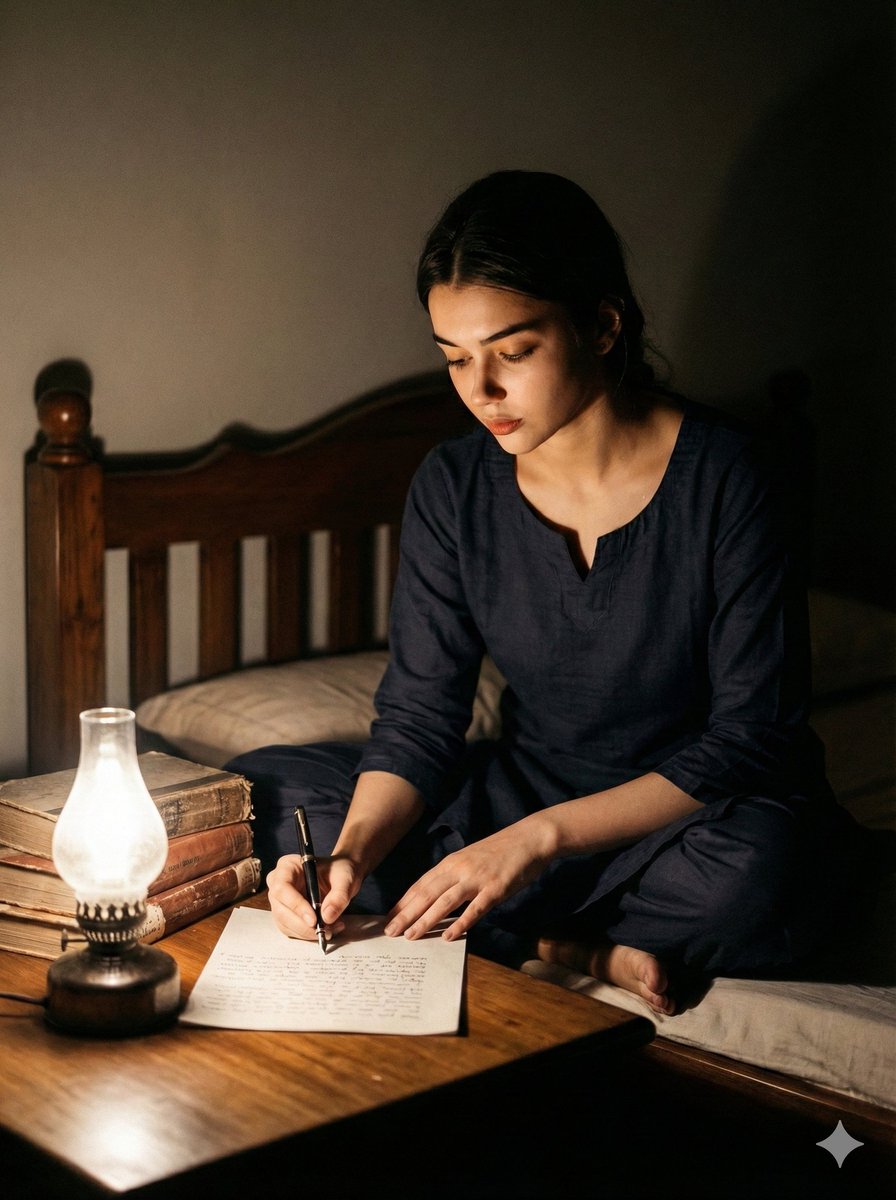
Cinematic Black and White Portrait of a Writer

Infographic Generation from Images and Text using Nano Banana Pro
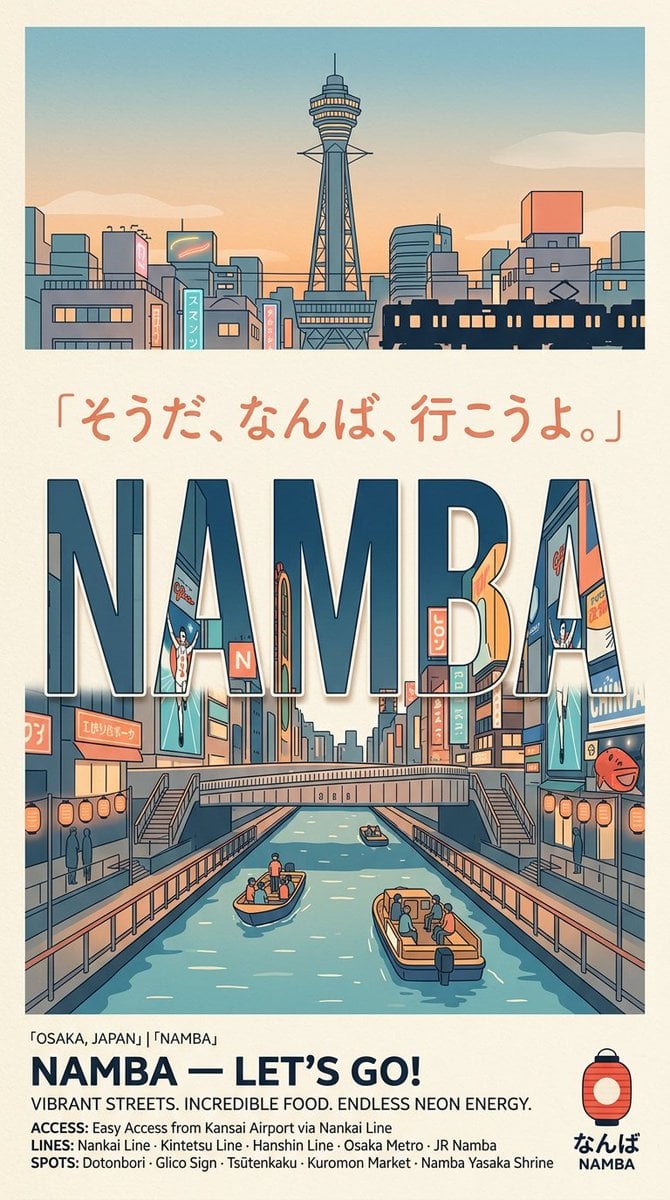
Retro Namba Osaka Travel Poster

Realistic Artist Studio Sketch Interaction

Clean Professional Social Media Avatar

Surreal Video: Still Subject in Chaotic Flood
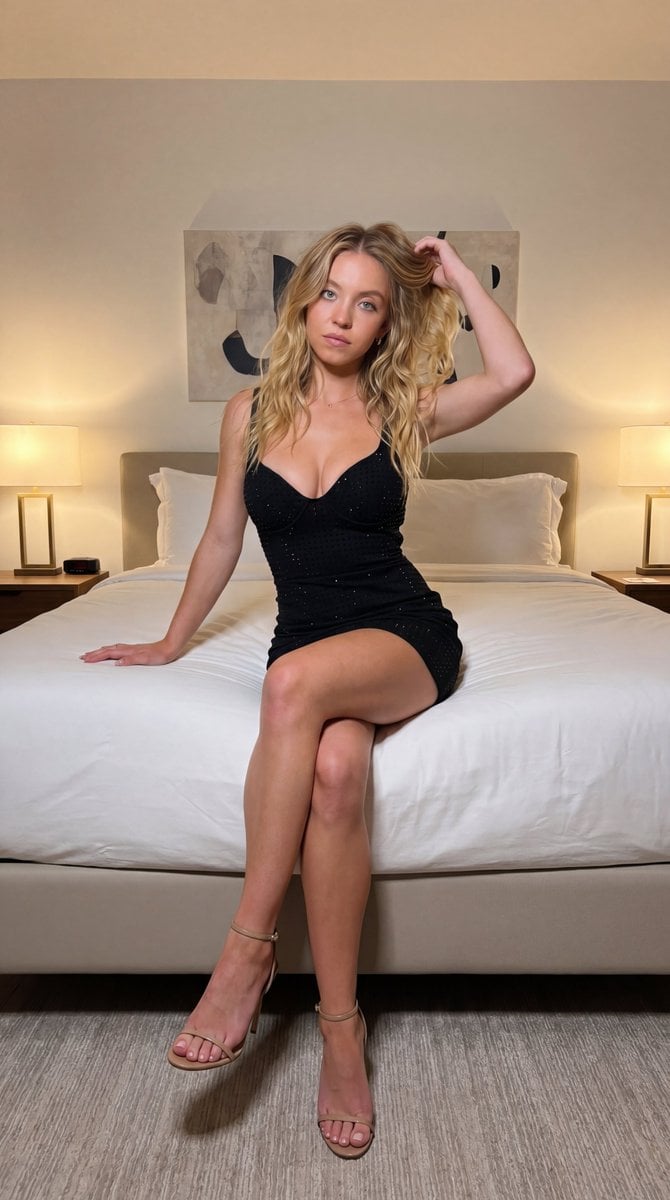
Ultra-realistic fashion photography interior photoshoot
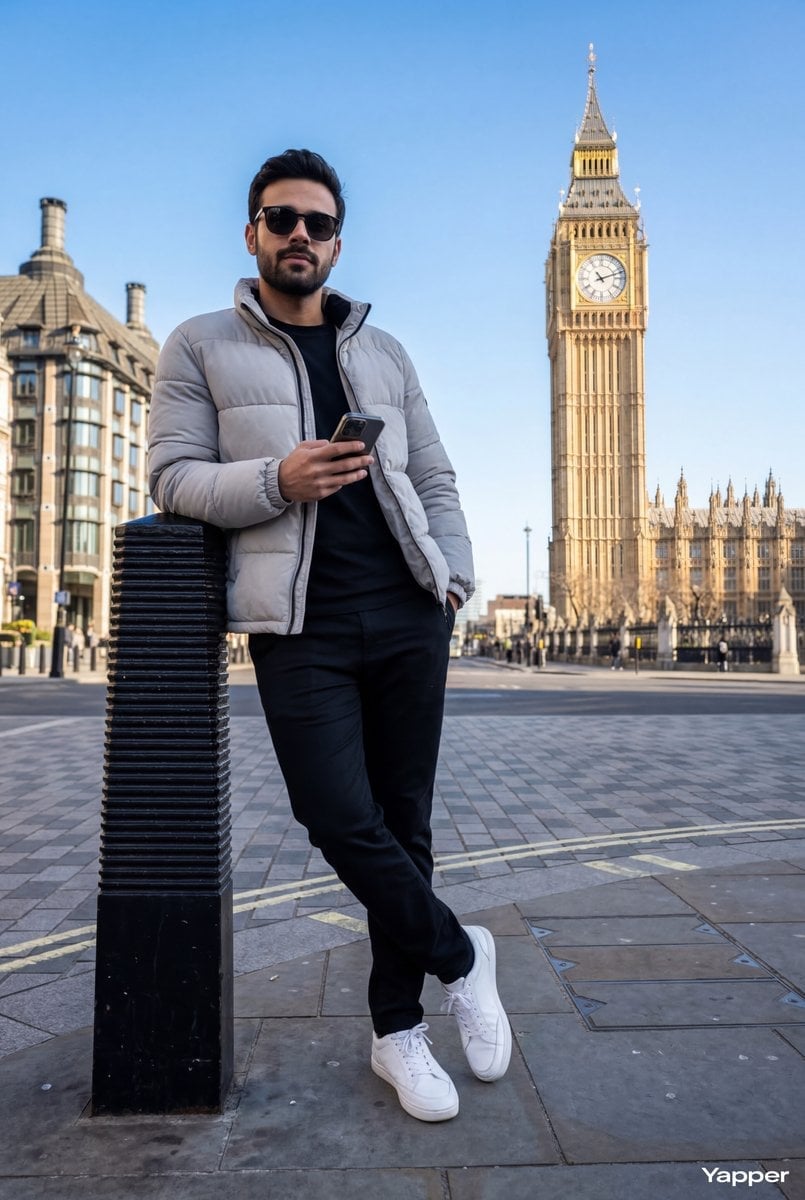
Hyper-Realistic Street Shot with Big Ben
JSON Prompt for Minimalist Mirror Selfie
Browse template categories
Cinematic Beach Walk with Flash questions
How do I use the Cinematic Beach Walk with Flash template?
Add your photo if the template asks for one, edit the prompt if you like — the template's model and format are already selected — and press Generate. Your version opens in PicX Studio.
Can I customize the Cinematic Beach Walk with Flash template?
Yes. You can change the subject, setting, lighting, mood, format, and available model controls before creating your image.
Is the Cinematic Beach Walk with Flash template free?
Opening and editing this template is free. Generating uses credits, shown on the Generate button when you are signed in.
Which AI model should I use?
Start with GPT Image 2, which is the model associated with this template. You can compare another compatible model for a different finish.
Looking for something else? Browse all templates.

Your photo, any look
Thousands of ready templates for every top image and video model, from one credit balance.