
VLNS Alien Streetwear Crosswalk
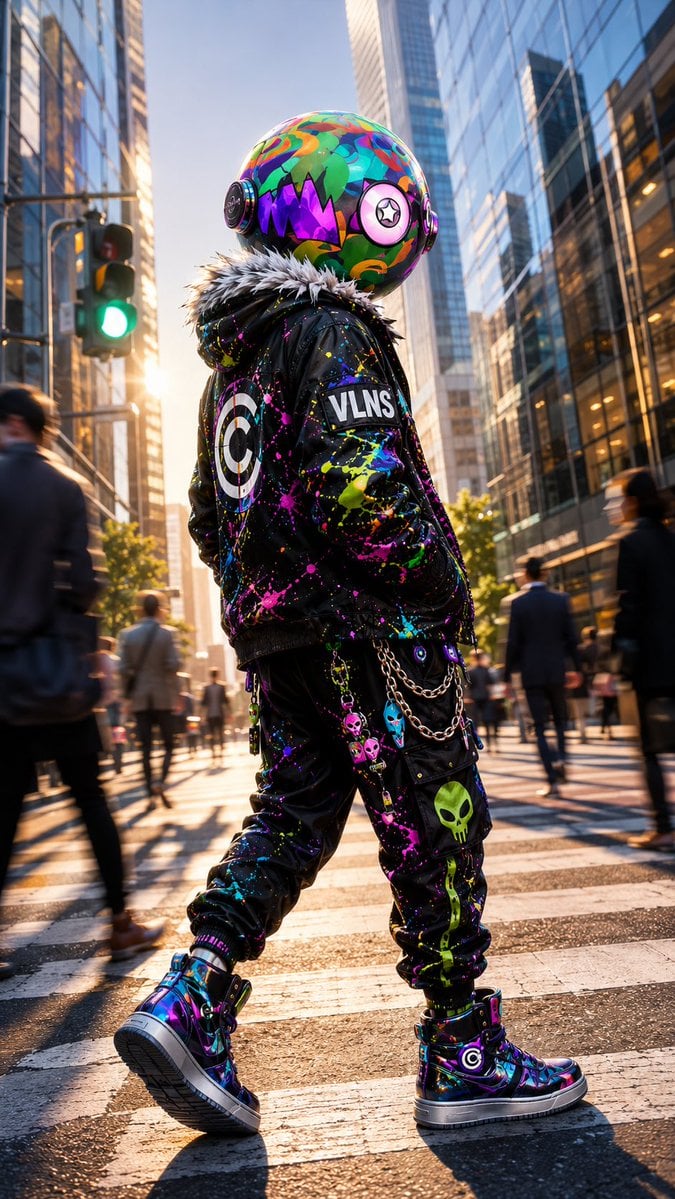
A photorealistic fashion-editorial scene of a spherical-headed alien character in neon punk streetwear walking through a city crosswalk.
- Prompt included
- Model and format preset
- Free template
The prompt behind this image
Copy the exact prompt behind VLNS Alien Streetwear Crosswalk, or open it in the studio and make it yours.
Create a cinematic vertical full-body street-fashion portrait of {argument name="character name" default="VLNS"}, a non-human alien character whose true biological head is a large glossy sphere, walking away in a modern city crosswalk at golden hour. The alien has no human face or skin: the head is a perfectly round, oversized helmet-like biological orb covered in vivid graffiti-camouflage patterns in turquoise, green, orange, pink, purple, and blue, with a jagged black monster-mouth graphic filled with purple triangular teeth on the side, circular ear-disc modules on both sides, and one large pink circular eye emblem with a black star pupil. The character wears a black punk bomber jacket with a thick gray-white faux-fur collar, chaotic neon paint splatter all over it, a large target emblem on the back, and a rectangular sleeve patch reading “VLNS.” Add black cargo jogger pants covered in neon paint splashes and alien/skull graphics, including a prominent green alien skull on the lower leg, plus hanging silver chains and small colorful alien-head charms at the hip. Include high-top glossy iridescent sneakers in purple, blue, and black with thick white soles and circular target logos. Pose the character mid-step from a low rear three-quarter angle, hands in pockets, confident and mysterious, occupying the center of the frame. Set the scene in a busy downtown financial district with tall reflective glass skyscrapers on both sides, blurred pedestrians in suits moving through the crosswalk, a green traffic light on the left, long shadows on wet-looking asphalt, and warm sun flare from the left background. Use photorealistic detail mixed with hyper-stylized fashion editorial energy, shallow depth of field, motion blur on background pedestrians, crisp focus on the character, high contrast, reflective surfaces, vibrant neon color accents against black clothing, no extra readable text except “VLNS,” no human head, no exposed human body parts.
How to use VLNS Alien Streetwear Crosswalk in 3 steps
- 1Upload ImagePNG, JPG or paste
Add your photo
Upload the photo the template builds on. The prompt, model and format are already set.
- 2…a portrait of your subject in softgolden-hour light, 85mm…
Personalize
Edit the subject and creative details for your destination.
- 3Generate
Generate
Press Generate — your image is created in PicX Studio, so you can compare it with the original and refine one variable at a time.
More like this
Templates with the same subject, style or setup. Open one to see its prompt.

1988 Mall Style

Retro Pop-Art K-Fashion Ultraluxury Campaign Poster

Urban Fashion Editorial Collage Streetwear Poster

Monochrome Hypebeast Street Fashion Editorial Motion
Monochrome Hypebeast Street Fashion Editorial Motion

Korean Streetwear Minimalist Campaign Portrait

Cinematic Korean Streetwear Street Portrait

Frozen Street Luxe Graffiti Fashion Campaign

Ultra-Stylized High-Fashion Streetwear Poster

Urban Fashion Editorial Collage Poster

Korean Idol Partial Shadow Editorial Portrait

Neon Violet Streetwear Fashion Portrait
Make it yours
VLNS Alien Streetwear Crosswalk works as-is. These are the safest ways to change it without losing the look.
Change one field
Copy a single group, rewrite it, and generate again so you can see what that field is doing.
Keep the frame, change the subject
Hold the composition and light of VLNS Alien Streetwear Crosswalk, then swap wardrobe, props or the person for a new take.
| If the result… | Why | Fix |
|---|---|---|
| The result drifts from the preview | Too many fields changed at once. | Reuse VLNS Alien Streetwear Crosswalk as-is first, then change one group — subject, light, or setting. |
| The model over-stylizes the scene | The prose prompt leaves finish and camera underspecified. | Add one camera or lighting sentence and stay on GPT Image 2. |
More GPT Image 2 templates
Other prompts made for GPT Image 2.

Six VTuber Japanese Logo Sheet

Realistic Portrait of Woman and Deer

The Vista Modular Condo Poster

AI Model Routing Comparison Infographic

2.5D Anime Art Board

Isometric Productivity Desk Scene

New York Double Exposure Poster

Four-Panel AI Landscape Comparison

Japanese Tatami Lifestyle Magazine Cover

NESCAFÉ Coffee Map Poster
More image prompts
Fresh picks from across the catalog.
Japanese Realist Romance Movie Poster
Industrial Character Design Sheet
Pencil Sketch Fashion Illustration
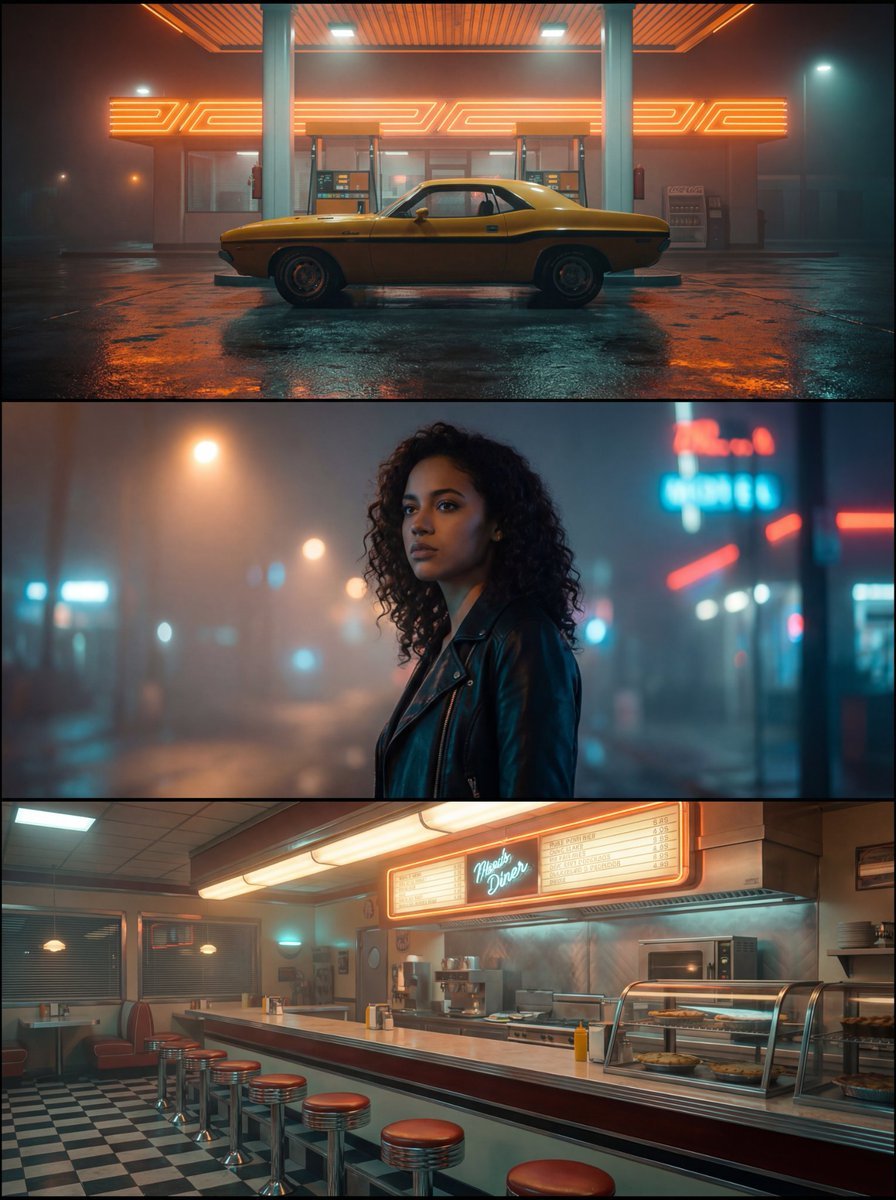
Neo-Noir Synthwave Triptych Montage
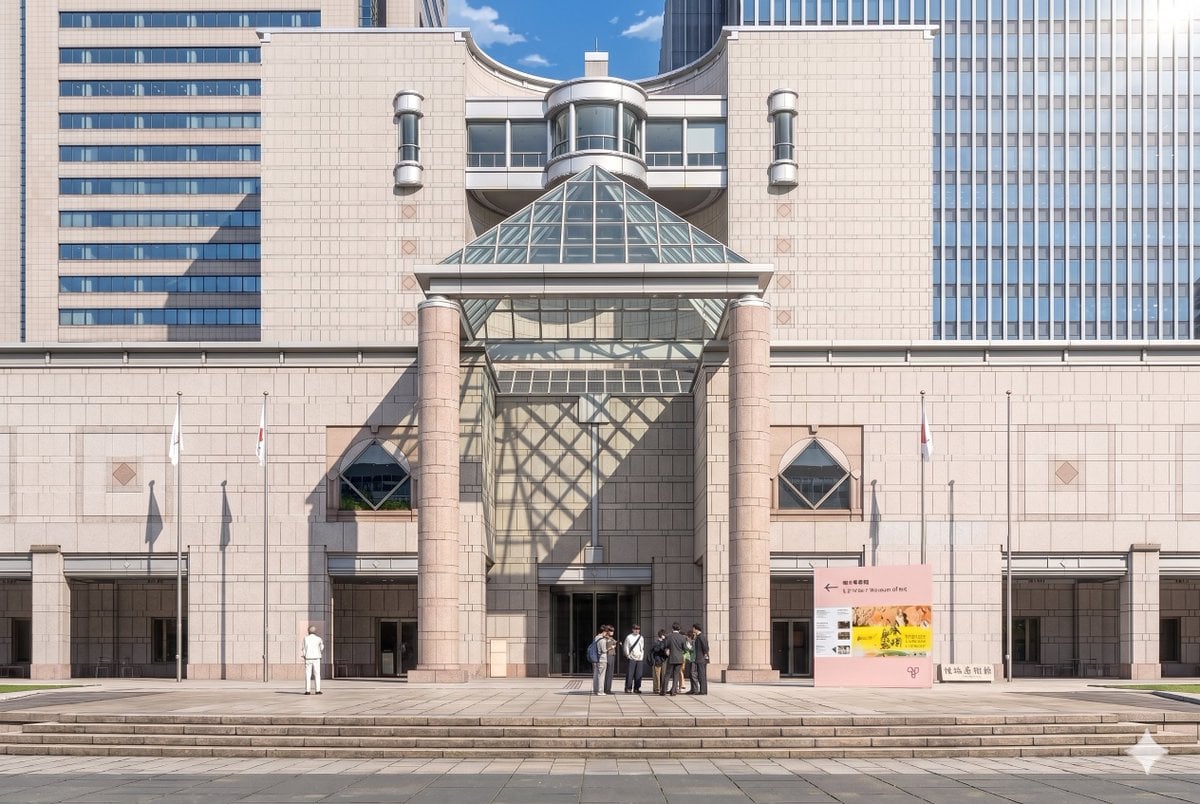
Gpt2 Comic Storyboard Anime Museum Background Conversion
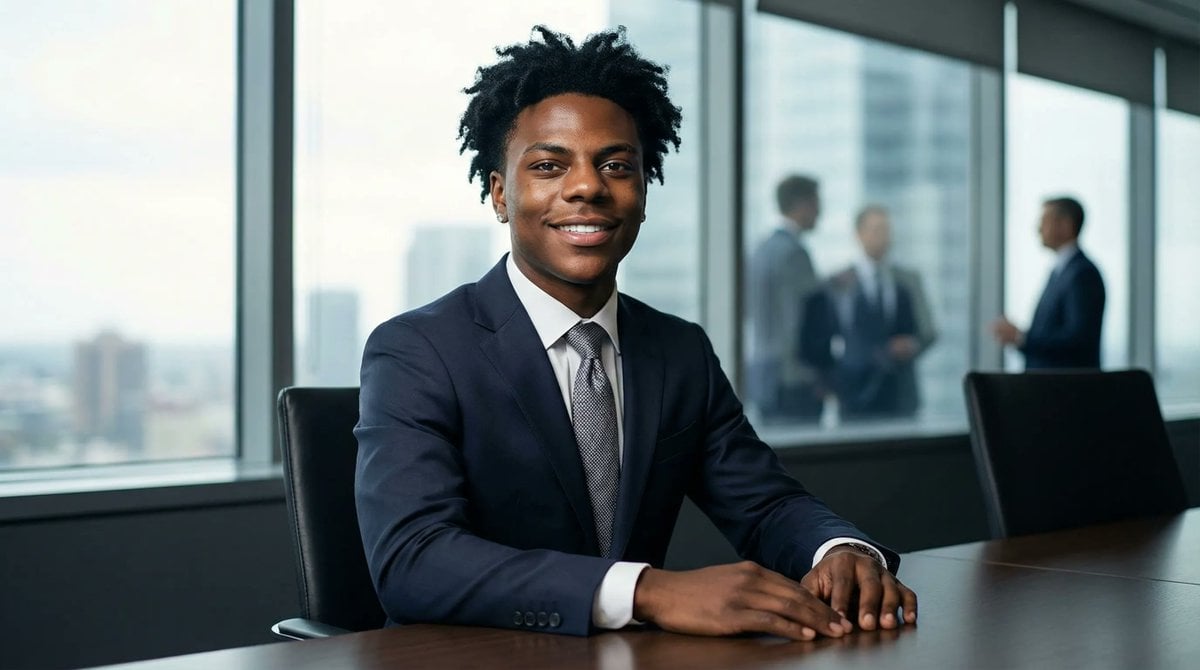
Formal Boardroom Portrait AI Prompt
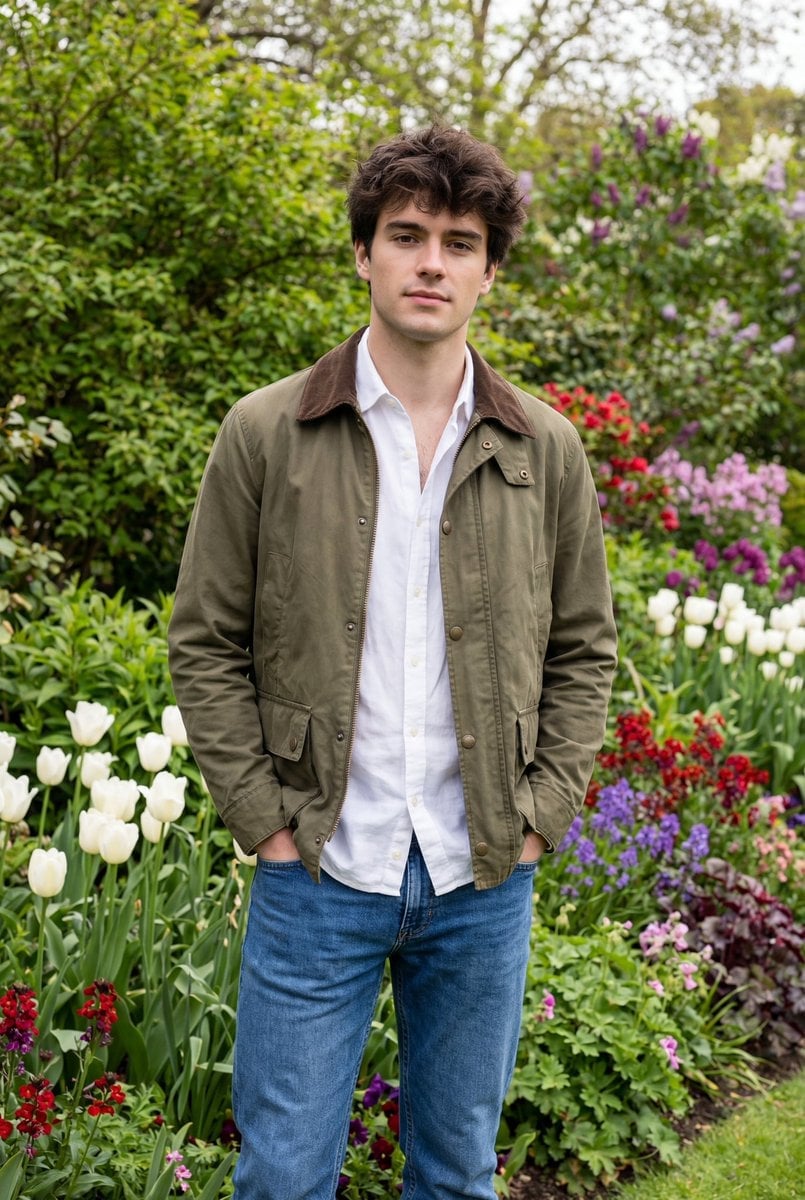
Natural Editorial Portrait of a Man in a Garden
Monochromatic Pink Studio Fashion Portrait

Social Post to Professional Graphic Transformation
Cyberpunk Neon Night Street Portrait
Browse template categories
VLNS Alien Streetwear Crosswalk questions
How do I use the VLNS Alien Streetwear Crosswalk template?
Add your photo if the template asks for one, edit the prompt if you like — the template's model and format are already selected — and press Generate. Your version opens in PicX Studio.
Can I customize the VLNS Alien Streetwear Crosswalk template?
Yes. You can change the subject, setting, lighting, mood, format, and available model controls before creating your image.
Is the VLNS Alien Streetwear Crosswalk template free?
Opening and editing this template is free. Generating uses credits, shown on the Generate button when you are signed in.
Which AI model should I use?
Start with GPT Image 2, which is the model associated with this template. You can compare another compatible model for a different finish.
Looking for something else? Browse all templates.

Your photo, any look
Thousands of ready templates for every top image and video model, from one credit balance.