
Cute Tiger Cub Wall Doodle
Generates a photorealistic adorable tiger mascot posing beside a playful hand-drawn wall sketch for viral thumbnail-style visuals.
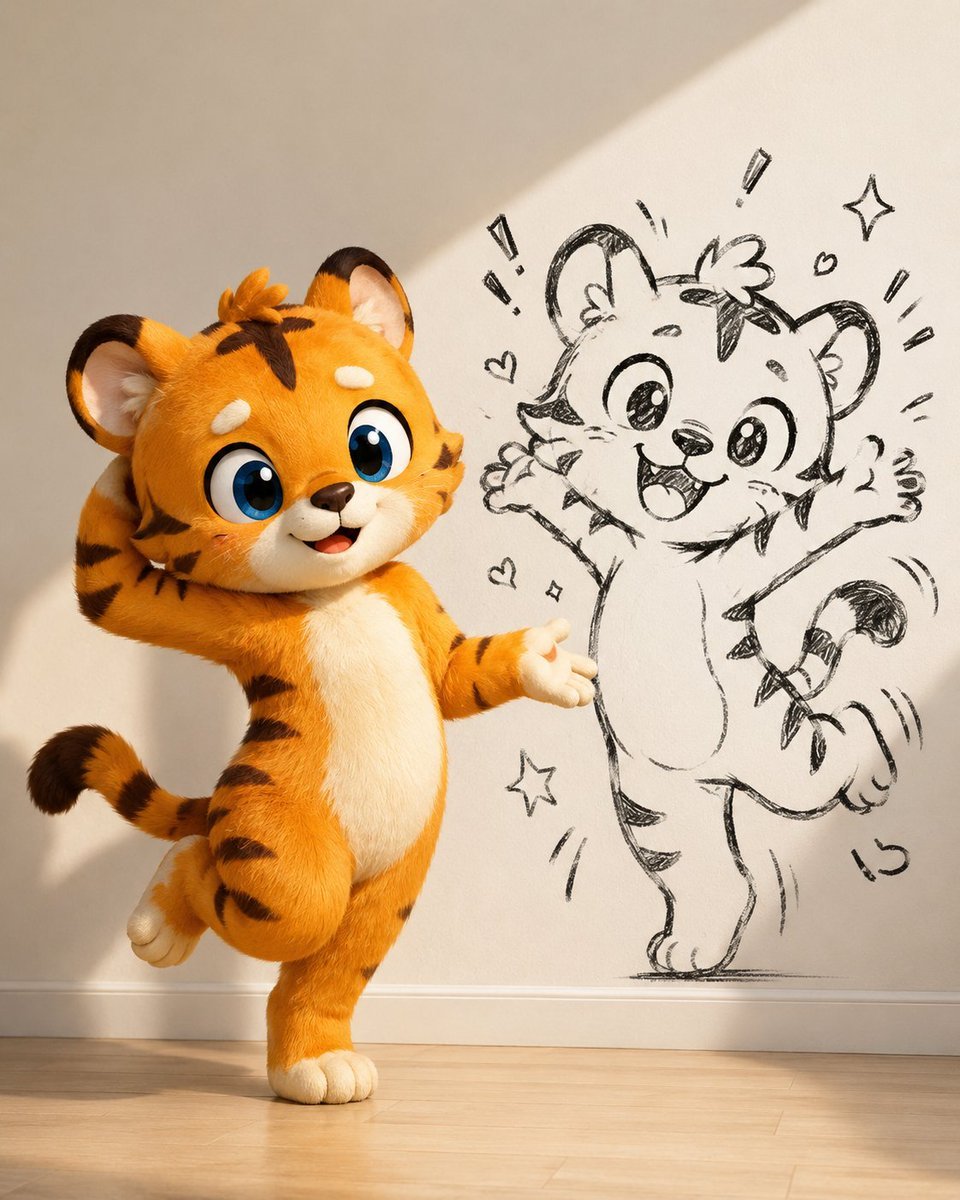
- Prompt included
- Model and format preset
- Free template
The prompt behind this image
Copy the exact prompt behind Cute Tiger Cub Wall Doodle, or open it in the studio and make it yours.
Create a photorealistic cute mascot thumbnail image of {argument name="character species" default="a baby tiger cub"} standing in a sunlit room beside a wall drawing of itself. The main character is a plush-like 3D animated orange tiger cub with soft fluffy fur, black stripes, cream muzzle and belly, oversized glossy blue eyes, small rounded ears, thick eyebrows, a tiny brown nose, and an open happy smile. It poses playfully on one foot with the other leg lifted behind it, one paw touching the back of its head and the other paw extended outward as if presenting the drawing. On the wall to the right, show exactly one large black hand-drawn sketch version of the same tiger, in loose pencil/marker doodle style, jumping with both arms raised, big sparkling eyes, open excited mouth, curled striped tail, and energetic motion lines. Add exactly 9 small doodle accents around the sketch: 2 hearts, 2 sparkle stars, 4 short exclamation/radiating line marks, and 1 curved motion mark near the tail. The setting is a minimalist beige-white interior wall with a white baseboard and light wooden floor, warm diagonal sunlight casting soft shadows across the wall and floor. Use a square 1:1 composition, low eye-level camera, adorable viral thumbnail aesthetic, high detail, tactile fur, Pixar-like charm blended with realistic lighting, clean background, no text, no watermark.
How to use Cute Tiger Cub Wall Doodle in 3 steps
- 1Upload ImagePNG, JPG or paste
Add your photo
Upload the photo the template builds on. The prompt, model and format are already set.
- 2…a portrait of your subject in softgolden-hour light, 85mm…
Personalize
Edit the subject and creative details for your destination.
- 3Generate
Generate
Press Generate — your image is created in PicX Studio, so you can compare it with the original and refine one variable at a time.
More like this
Templates with the same subject, style or setup. Open one to see its prompt.
4K Wallpaper Prompt of a Baby Tiger Cub using Gemini Nano Banana Pro

Minecraft Homage Illustrious Style

Real Illustration Split Portrait Transition
Cute Dog Travel Diary Doodles

Cute Sticker
Vintage Roaring Tiger Japanese Poster
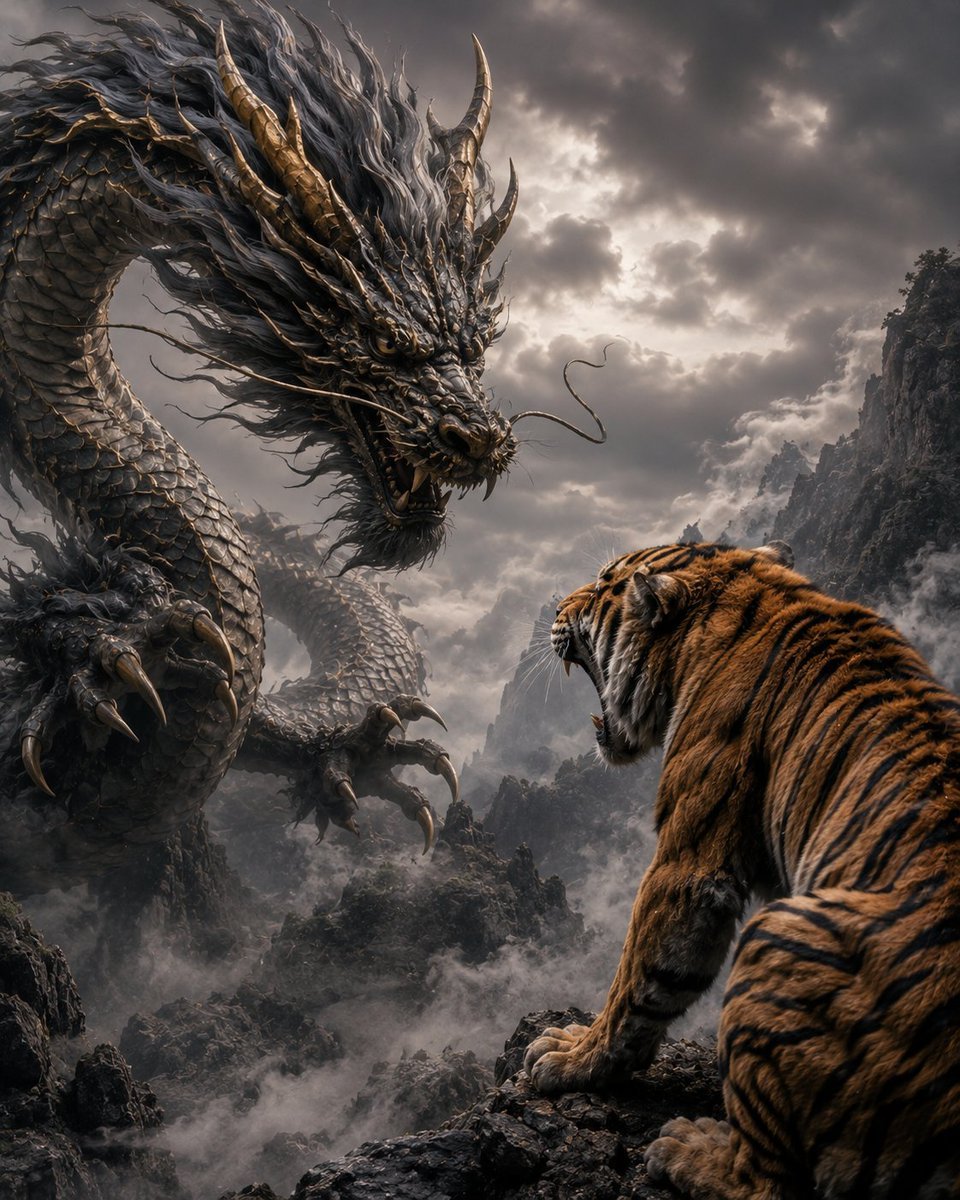
Dragon and Tiger Standoff

Hand-Drawn Doodle Grid Poster
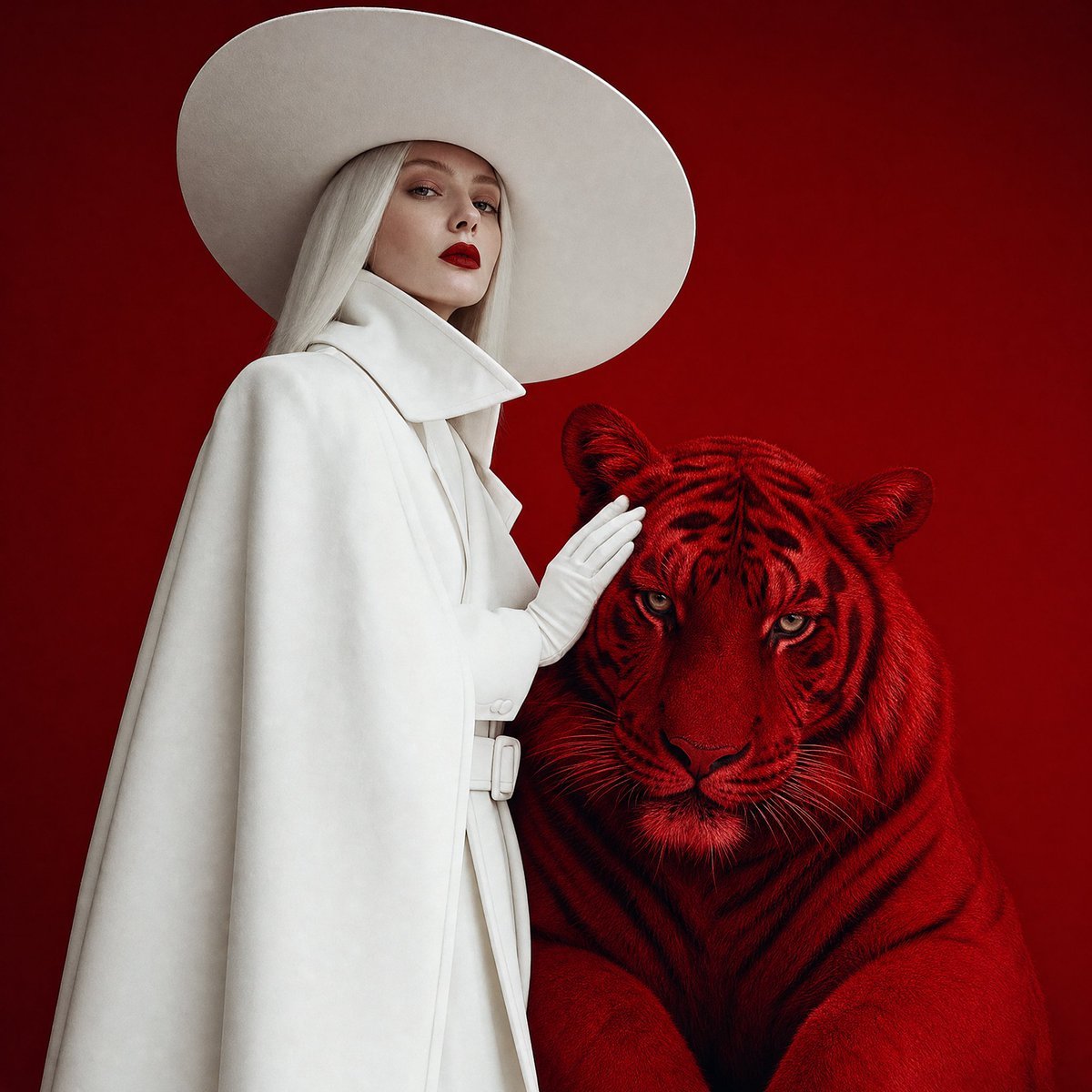
Crimson Tiger Fashion Editorial
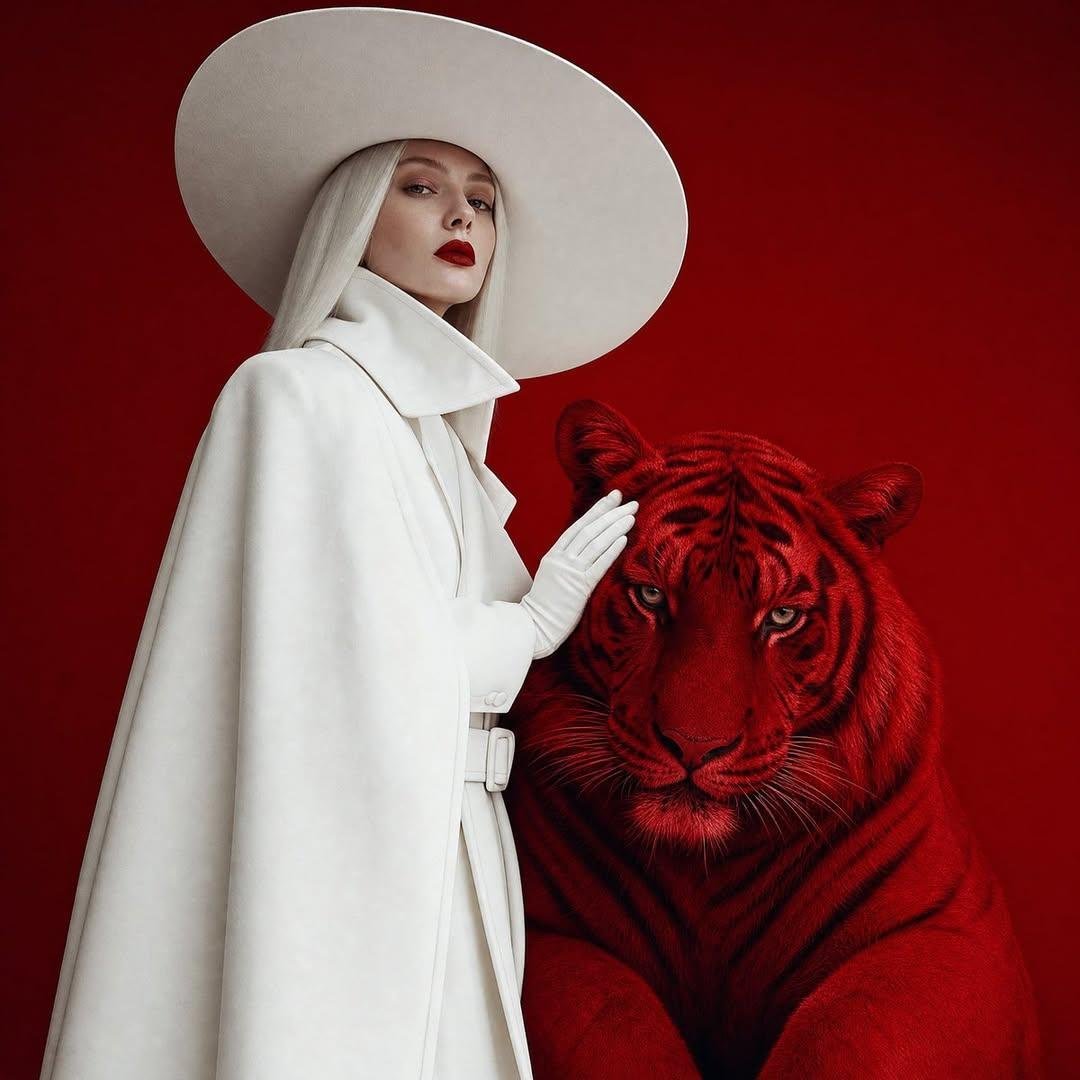
Surreal Crimson Tiger Portrait
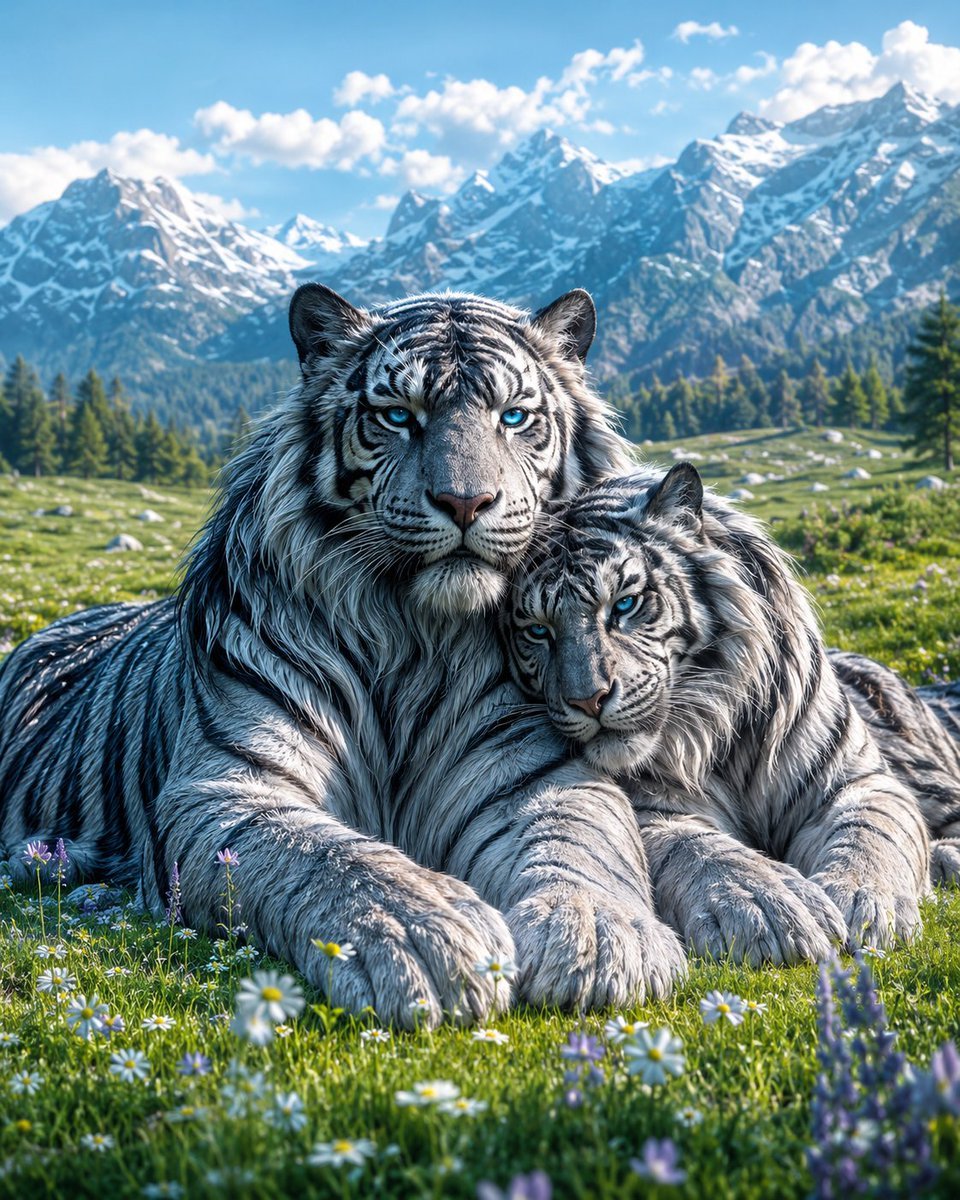
Mated Snow Tigers in Alpine Meadow
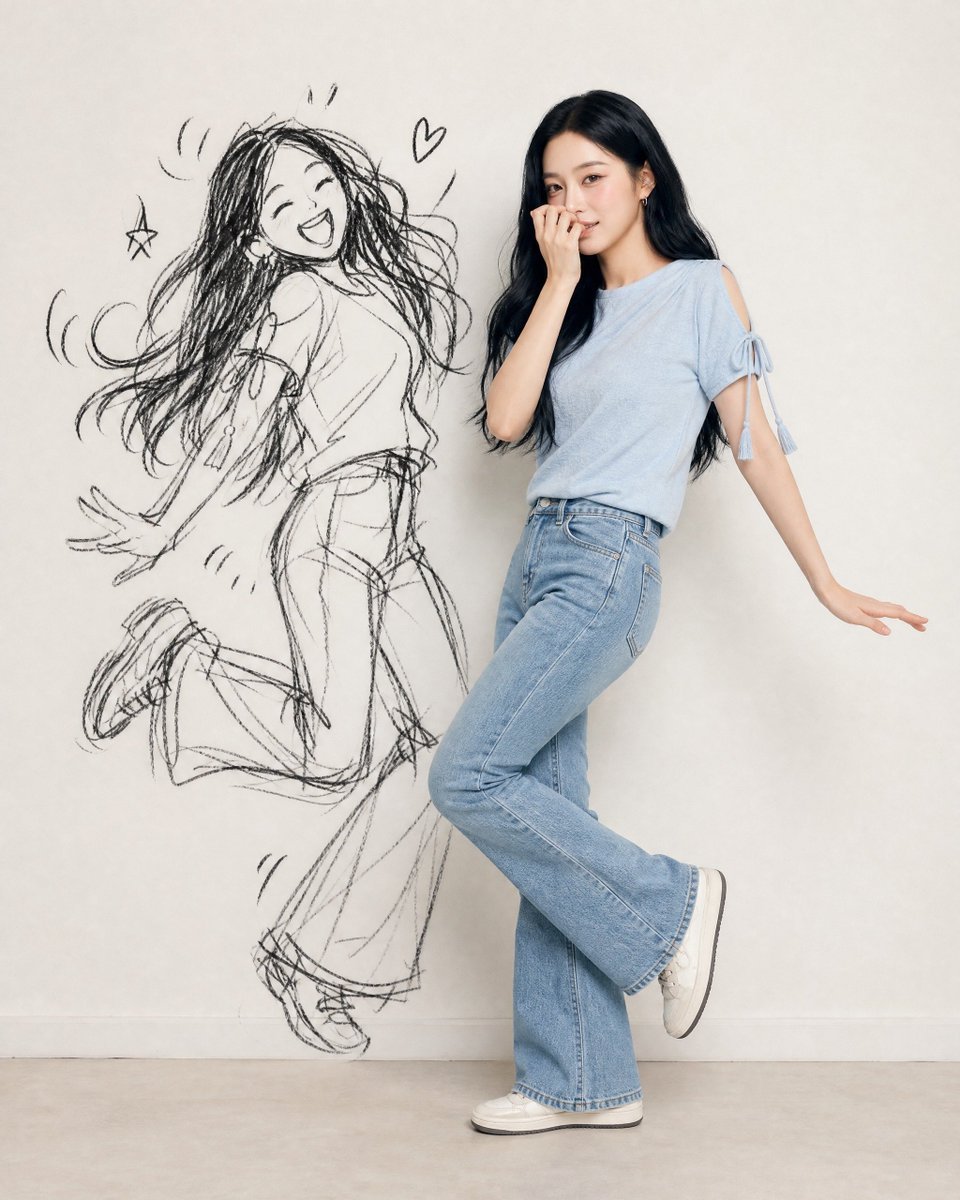
Ink-Twin Doodle Stylization
Make it yours
Cute Tiger Cub Wall Doodle works as-is. These are the safest ways to change it without losing the look.
Change one field
Copy a single group, rewrite it, and generate again so you can see what that field is doing.
Keep the frame, change the subject
Hold the composition and light of Cute Tiger Cub Wall Doodle, then swap wardrobe, props or the person for a new take.
| If the result… | Why | Fix |
|---|---|---|
| The result drifts from the preview | Too many fields changed at once. | Reuse Cute Tiger Cub Wall Doodle as-is first, then change one group — subject, light, or setting. |
| The model over-stylizes the scene | The prose prompt leaves finish and camera underspecified. | Add one camera or lighting sentence and stay on GPT Image 2. |
More GPT Image 2 templates
Other prompts made for GPT Image 2.

Six VTuber Japanese Logo Sheet

Realistic Portrait of Woman and Deer

The Vista Modular Condo Poster

AI Model Routing Comparison Infographic

2.5D Anime Art Board

Isometric Productivity Desk Scene

New York Double Exposure Poster

Four-Panel AI Landscape Comparison

Japanese Tatami Lifestyle Magazine Cover

NESCAFÉ Coffee Map Poster
More image prompts
Fresh picks from across the catalog.
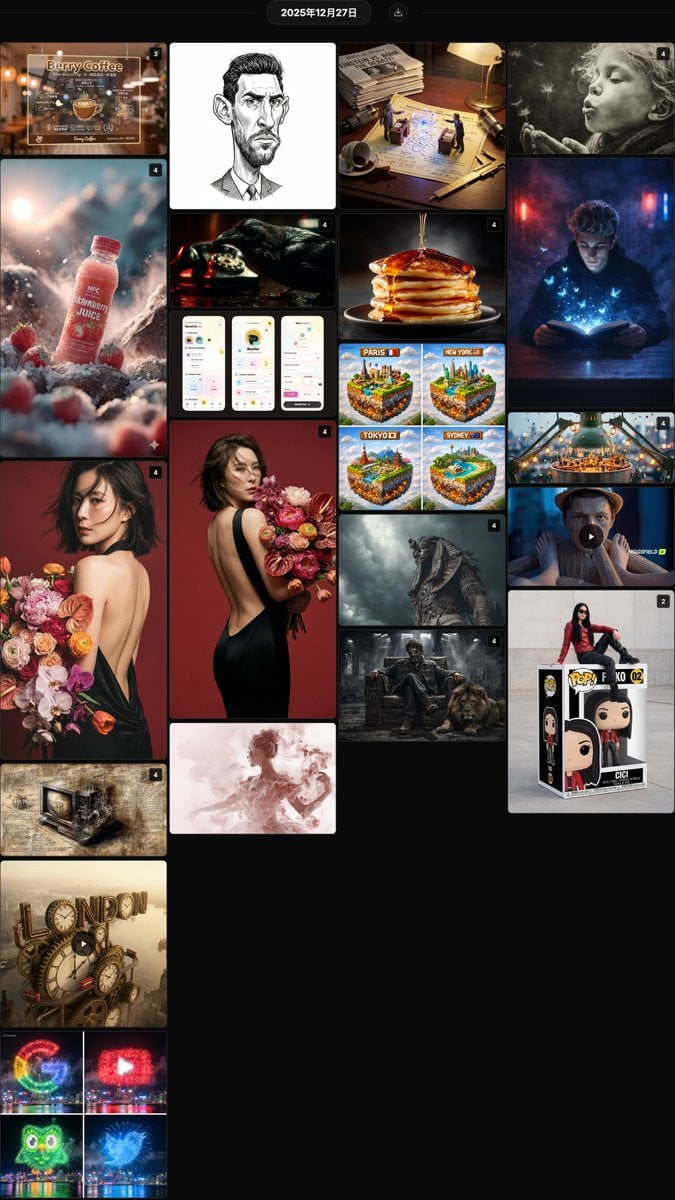
Nano Banana Pro Prompt Collection Summary (20 Prompts)
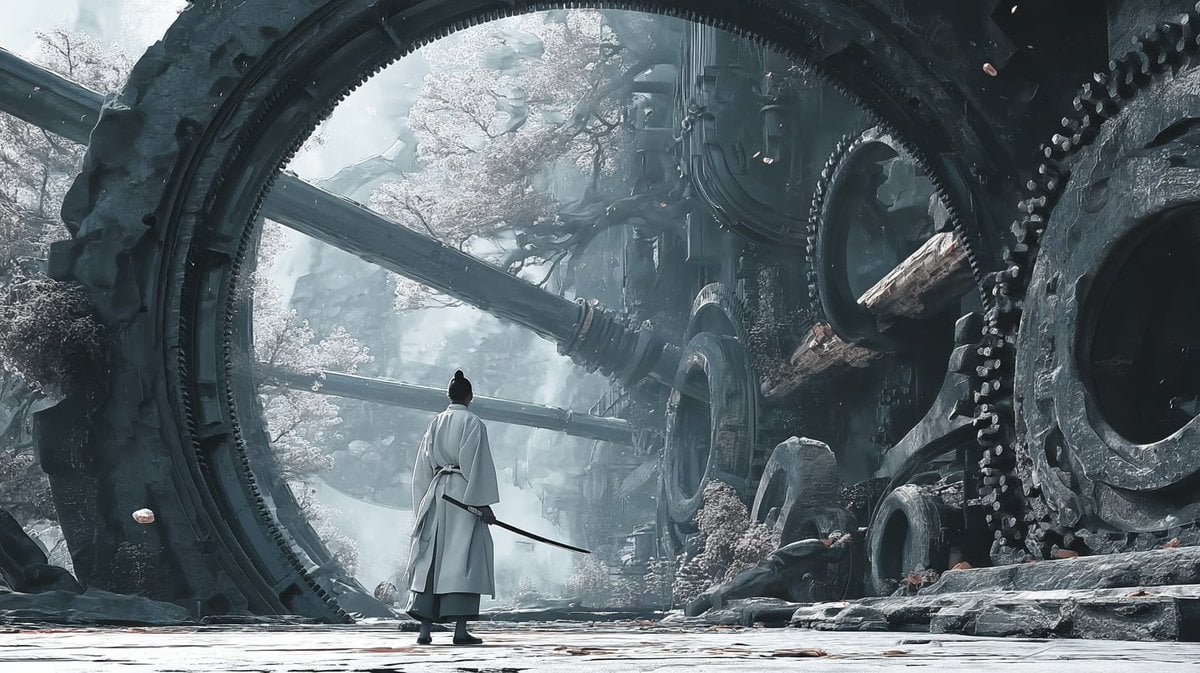
Reference-Based Cinematic World Expansion

Windswept woman in a trench coat in a European street
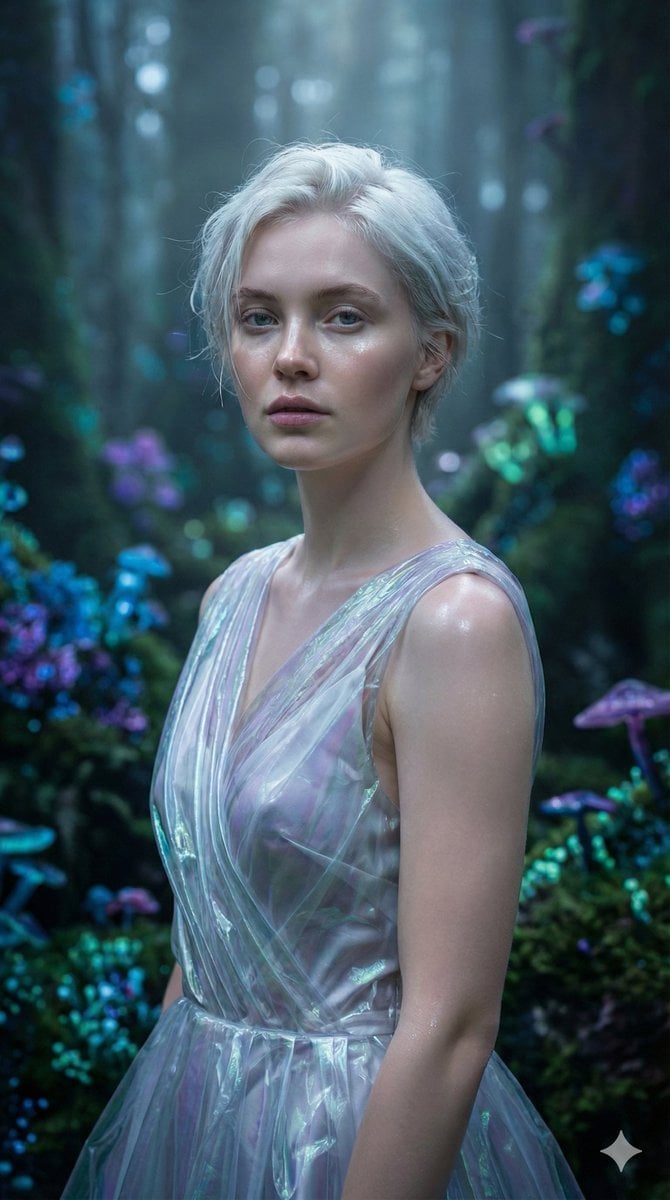
Ethereal Fantasy Realism Portrait Prompt
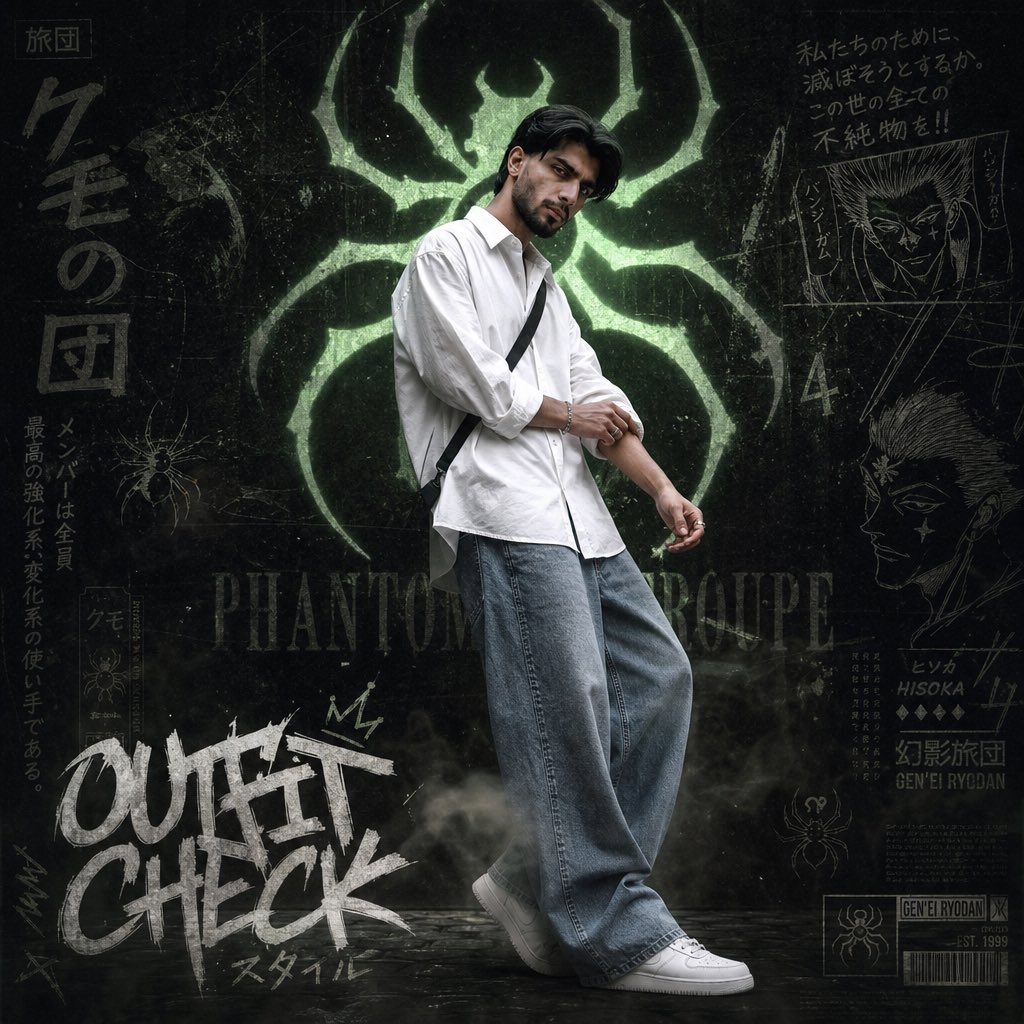
Anime Streetwear Poster

Emoji-Based Creative Image Generation
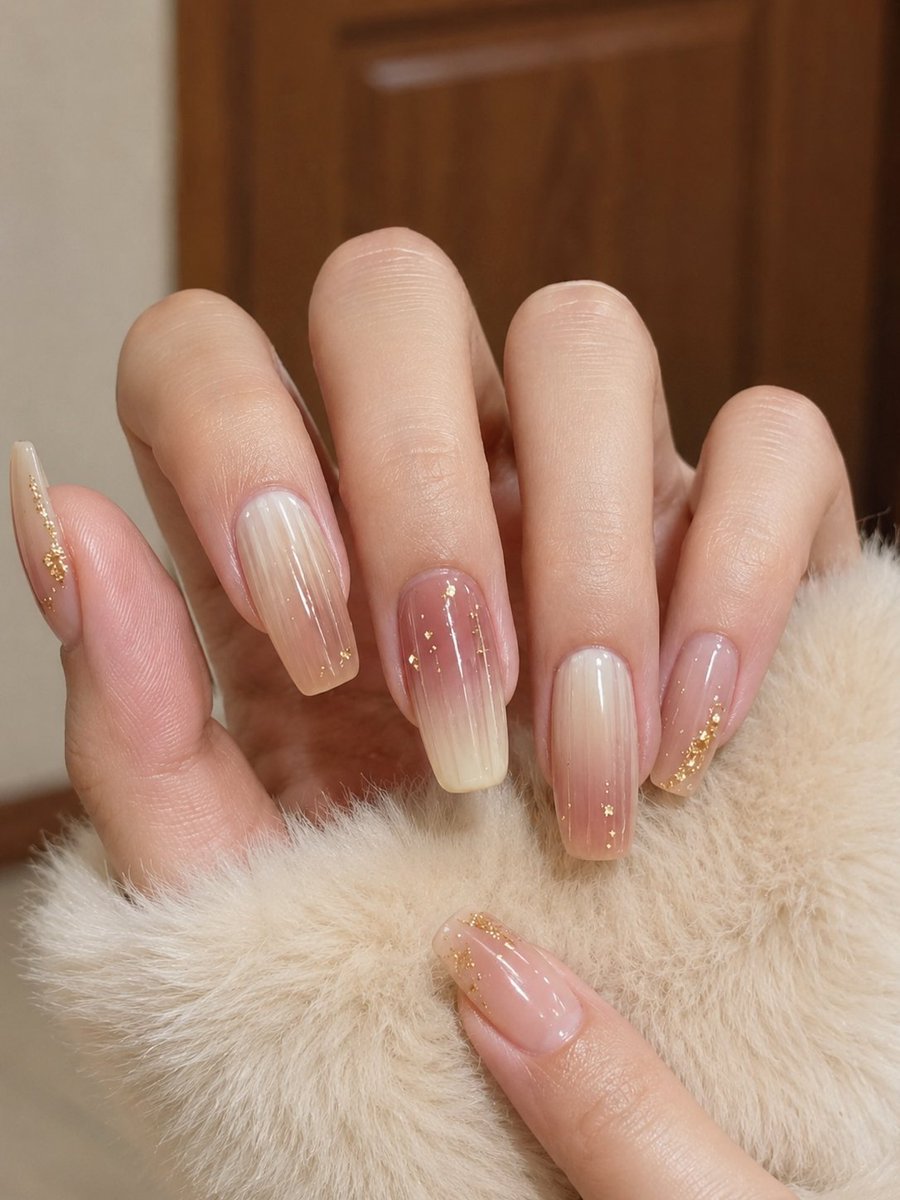
Realistic Manicure Hand Retouch
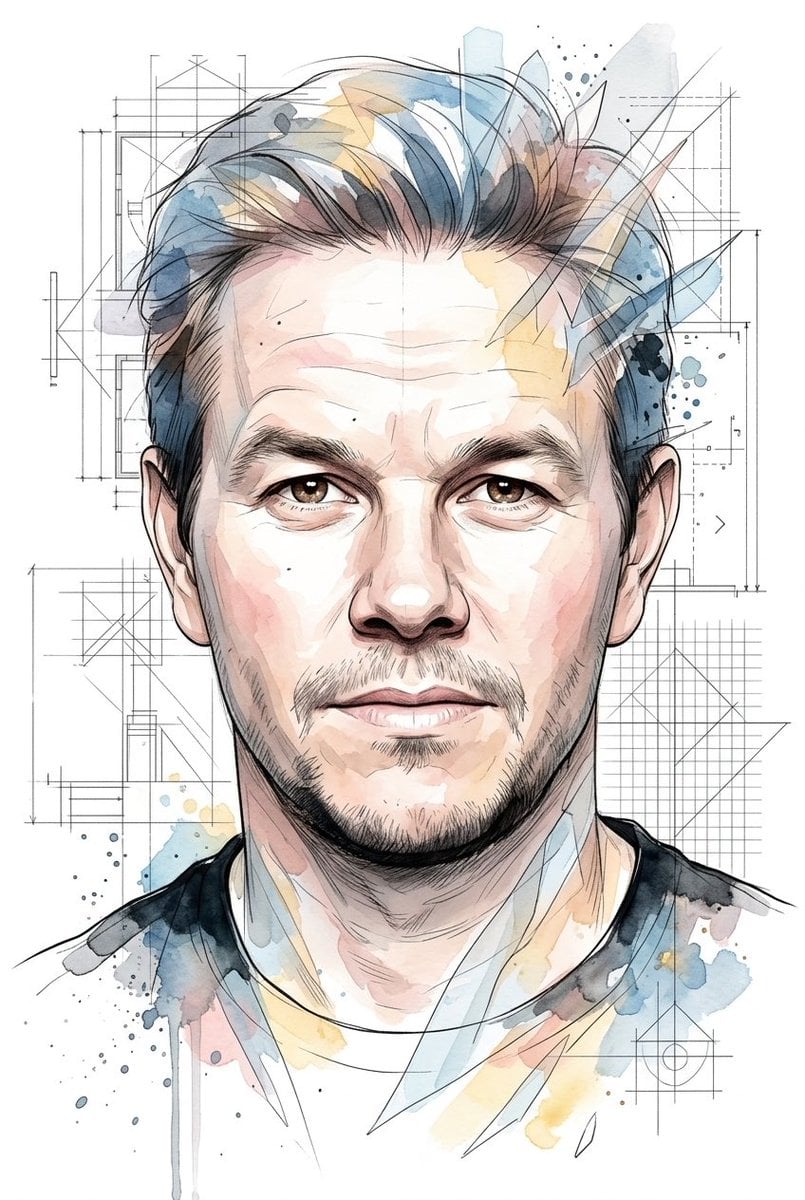
Soft Watercolor Illustration Style Art Prompt for Gemini Nano Banana Pro 2.0

Replace women with specific celebrities

Photorealistic East-Asian Neon Night Portrait Prompt
Browse template categories
Cute Tiger Cub Wall Doodle questions
How do I use the Cute Tiger Cub Wall Doodle template?
Add your photo if the template asks for one, edit the prompt if you like — the template's model and format are already selected — and press Generate. Your version opens in PicX Studio.
Can I customize the Cute Tiger Cub Wall Doodle template?
Yes. You can change the subject, setting, lighting, mood, format, and available model controls before creating your image.
Is the Cute Tiger Cub Wall Doodle template free?
Opening and editing this template is free. Generating uses credits, shown on the Generate button when you are signed in.
Which AI model should I use?
Start with GPT Image 2, which is the model associated with this template. You can compare another compatible model for a different finish.
Looking for something else? Browse all templates.

Your photo, any look
Thousands of ready templates for every top image and video model, from one credit balance.