
Dragon and Tiger Standoff
A cinematic fantasy prompt for generating a dramatic mountain confrontation between a colossal Eastern dragon and a roaring Bengal tiger.
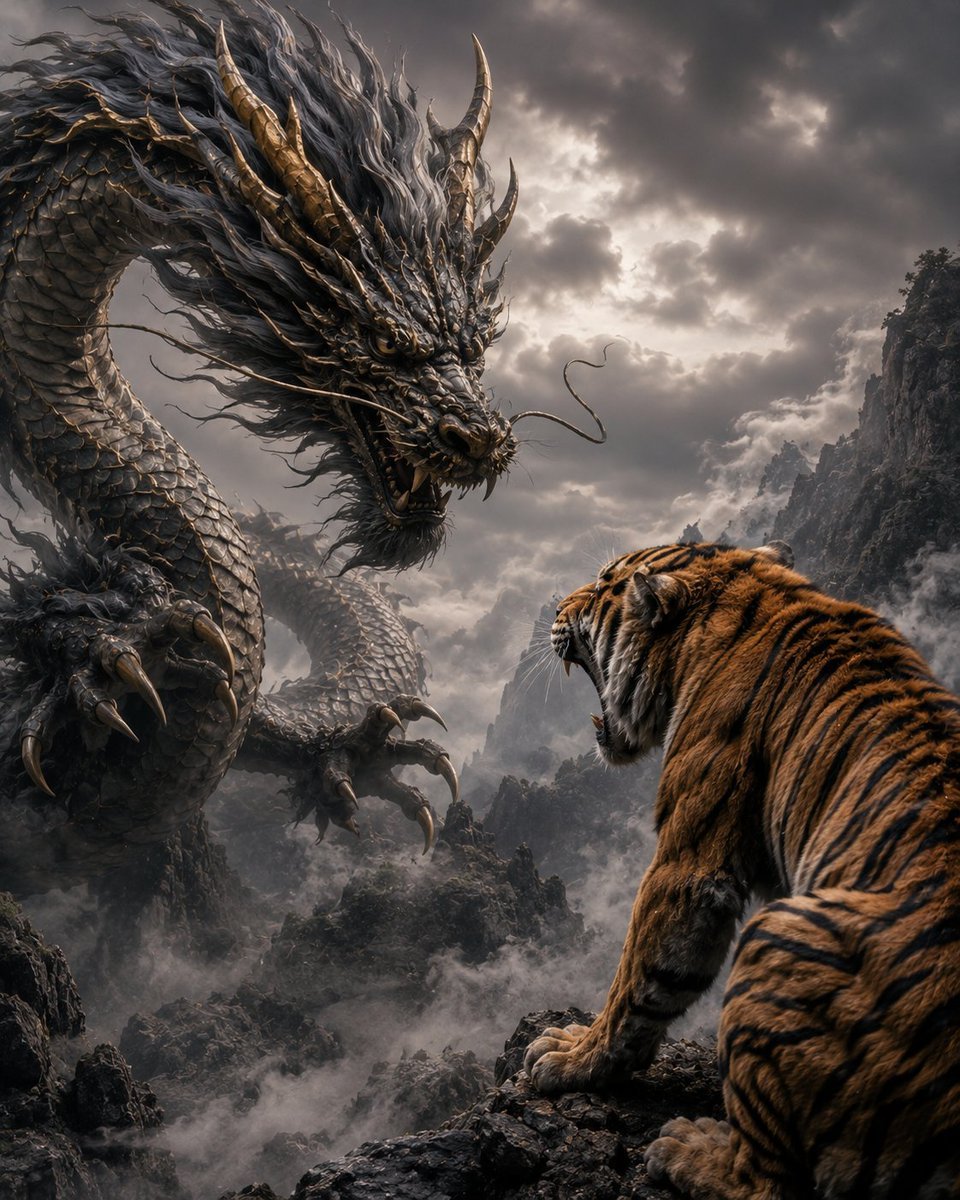
- Prompt included
- Model and format preset
- Free template
The prompt behind this image
Copy the exact prompt behind Dragon and Tiger Standoff, or open it in the studio and make it yours.
Create an epic cinematic fantasy scene titled visually by its concept: {argument name="scene concept" default="a dragon and a tiger glaring at each other"}. A colossal Eastern dragon dominates the left side of the frame, coiling through a misty mountain valley, its serpentine body covered in dark gunmetal scales, bronze-gold horns and spines, long flowing black-gray mane, whiskers, sharp fangs, and huge clawed talons extended forward. On the right foreground, a massive Bengal tiger is seen from behind and slightly side-on, crouched on a jagged black rock ledge, orange fur with bold black stripes, white cheek fur, mouth open in a roar as it stares directly at the dragon. The composition should emphasize a tense face-off between exactly two creatures: 1 dragon on the left and 1 tiger on the right. Set the scene in a dramatic high mountain gorge filled with low rolling fog, dark craggy cliffs, distant peaks, and a stormy overcast sky with broken light shining through heavy clouds. Use hyper-detailed photorealistic fantasy realism, high contrast, volumetric mist, cinematic lighting, sharp textures on scales, fur, claws, rocks, and clouds, grand sense of scale, ominous atmosphere, dynamic perspective, vertical 4:5 composition. Color palette: charcoal gray, smoky silver, muted bronze, deep orange, black, and cold cloudy highlights. No text, no watermark, no extra animals, no humans.
How to use Dragon and Tiger Standoff in 3 steps
- 1Upload ImagePNG, JPG or paste
Add your photo
Upload the photo the template builds on. The prompt, model and format are already set.
- 2…a portrait of your subject in softgolden-hour light, 85mm…
Personalize
Edit the subject and creative details for your destination.
- 3Generate
Generate
Press Generate — your image is created in PicX Studio, so you can compare it with the original and refine one variable at a time.
More like this
Templates with the same subject, style or setup. Open one to see its prompt.

Minecraft Fantasy Kingdom Voxel Landscape
Seedance - Dragon vs Python Battle
Vintage Roaring Tiger Japanese Poster
Crimson Tiger Fashion Editorial
Surreal Crimson Tiger Portrait
Cute Tiger Cub Wall Doodle
Mated Snow Tigers in Alpine Meadow
Post-Apocalyptic Wuxia Standoff
Anime Durga Oni Tiger Goddess
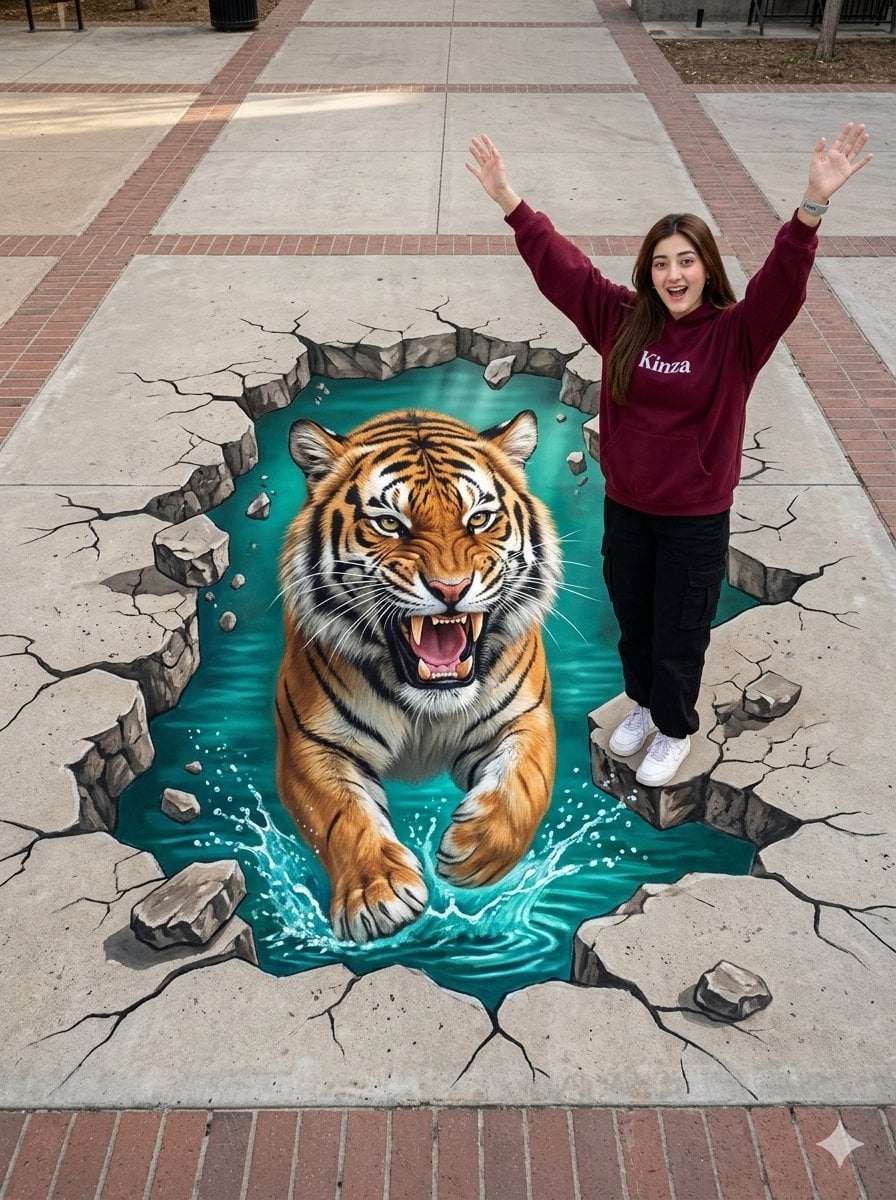
3D Tiger Street Art Illusion
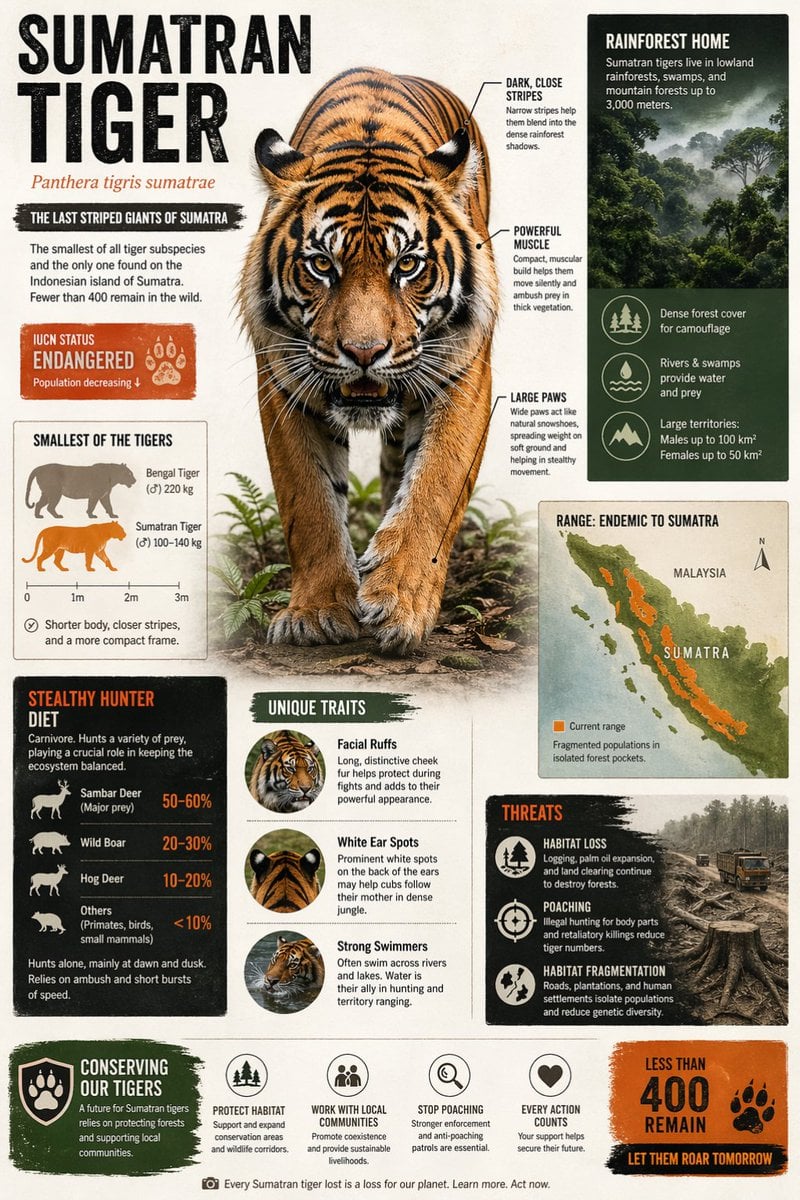
Sumatran Tiger Conservation Infographic
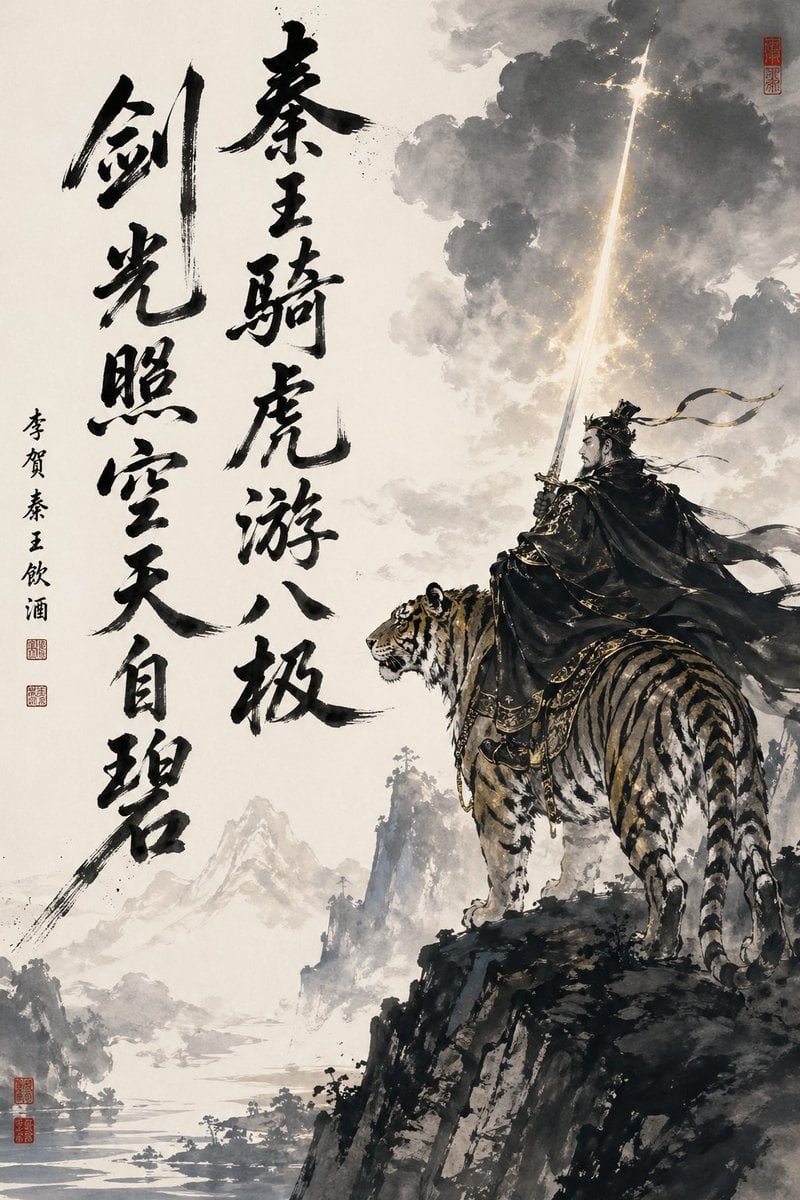
Ink-Wash Warrior Riding a Tiger
Make it yours
Dragon and Tiger Standoff works as-is. These are the safest ways to change it without losing the look.
Change one field
Copy a single group, rewrite it, and generate again so you can see what that field is doing.
Keep the frame, change the subject
Hold the composition and light of Dragon and Tiger Standoff, then swap wardrobe, props or the person for a new take.
| If the result… | Why | Fix |
|---|---|---|
| The result drifts from the preview | Too many fields changed at once. | Reuse Dragon and Tiger Standoff as-is first, then change one group — subject, light, or setting. |
| The model over-stylizes the scene | The prose prompt leaves finish and camera underspecified. | Add one camera or lighting sentence and stay on GPT Image 2. |
More GPT Image 2 templates
Other prompts made for GPT Image 2.

Six VTuber Japanese Logo Sheet

Realistic Portrait of Woman and Deer

The Vista Modular Condo Poster

AI Model Routing Comparison Infographic

2.5D Anime Art Board

Isometric Productivity Desk Scene

New York Double Exposure Poster

Four-Panel AI Landscape Comparison

Japanese Tatami Lifestyle Magazine Cover

NESCAFÉ Coffee Map Poster
More image prompts
Fresh picks from across the catalog.
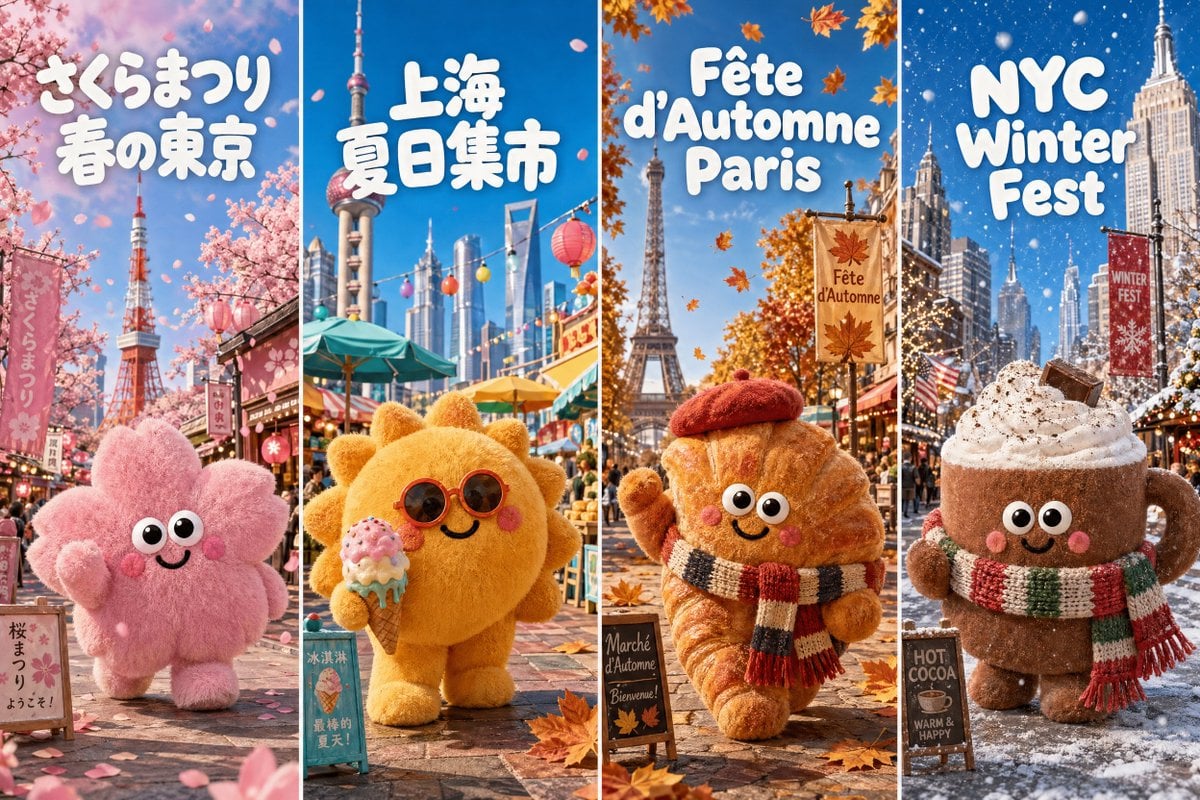
Four-Season Plush Festival City Grid
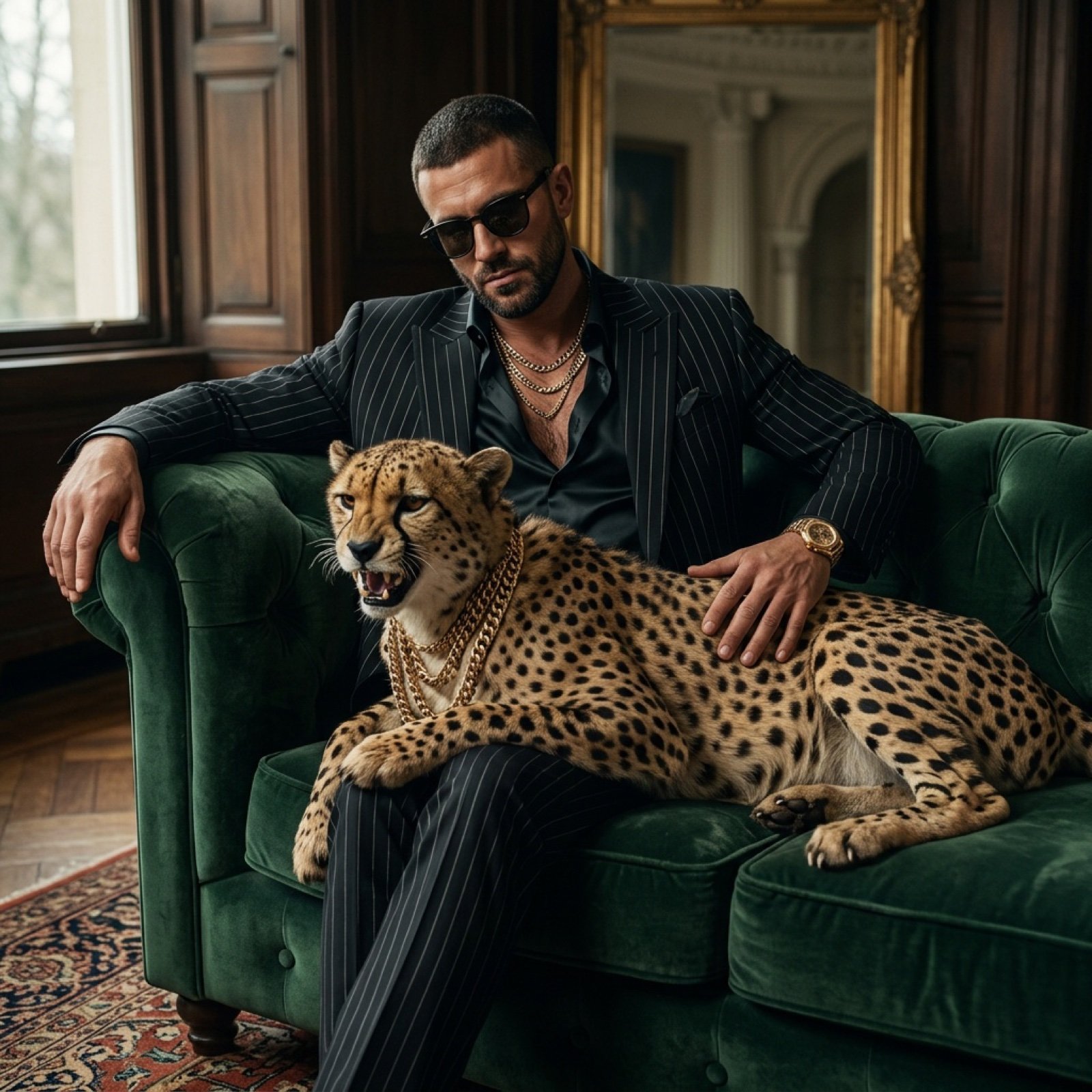
Bossy Gangster with Cheetah Portrait Prompt
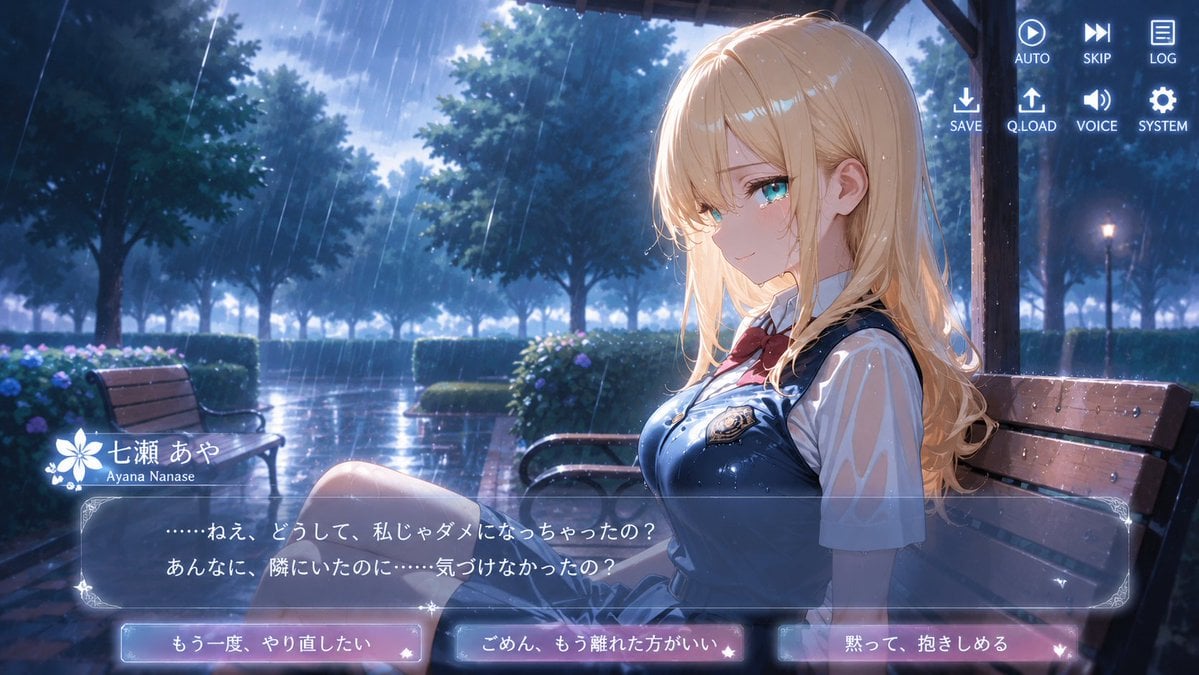
Rainy Park Visual Novel CG
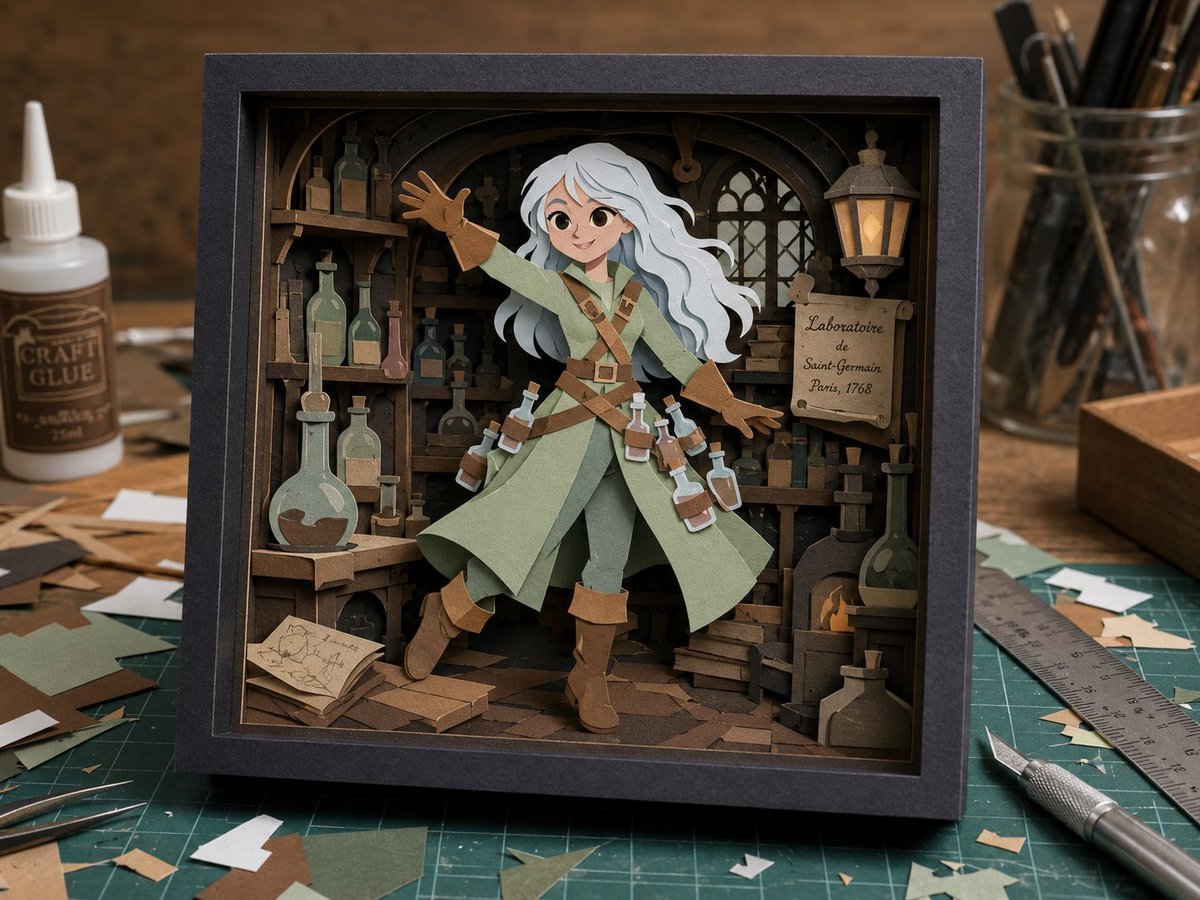
Craft Paper Alchemist Shadow Box
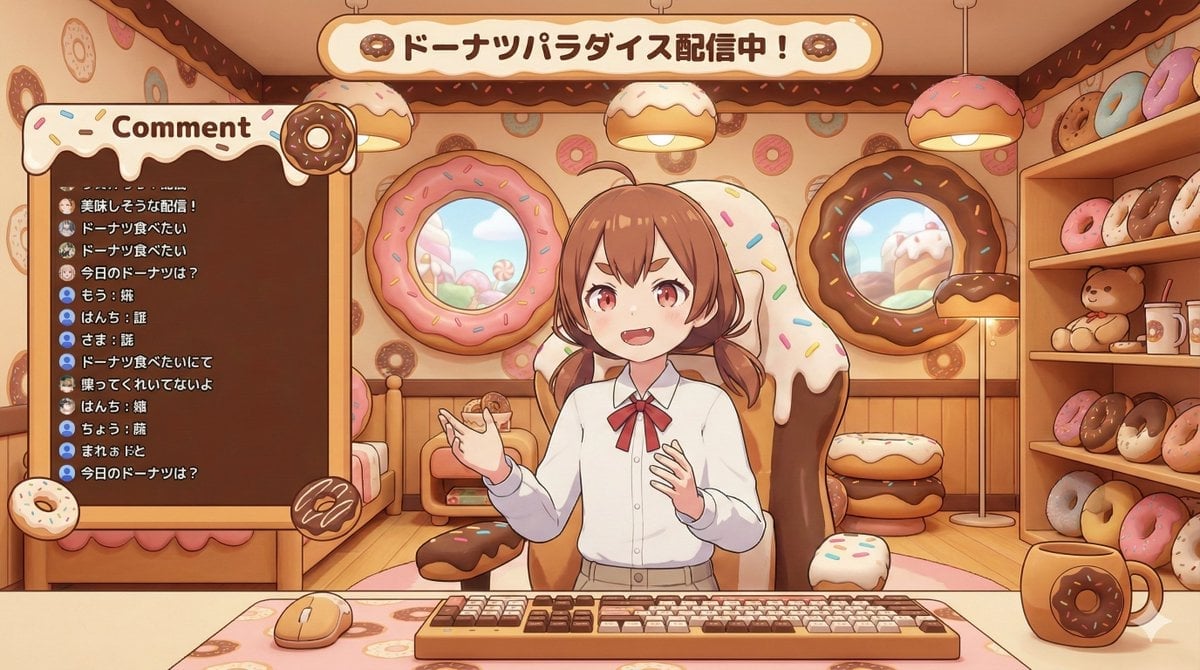
VTuber Streaming Screen Generation with Customizable Character and Theme
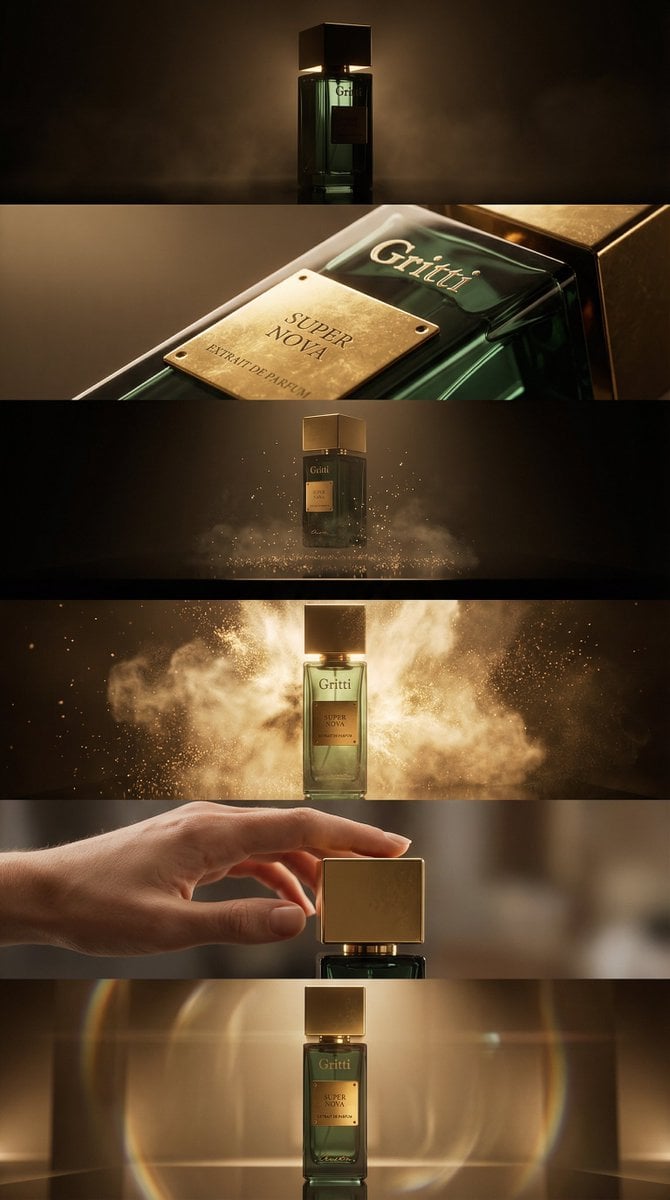
Luxury Product Reveal Cinematic Sequence Prompt
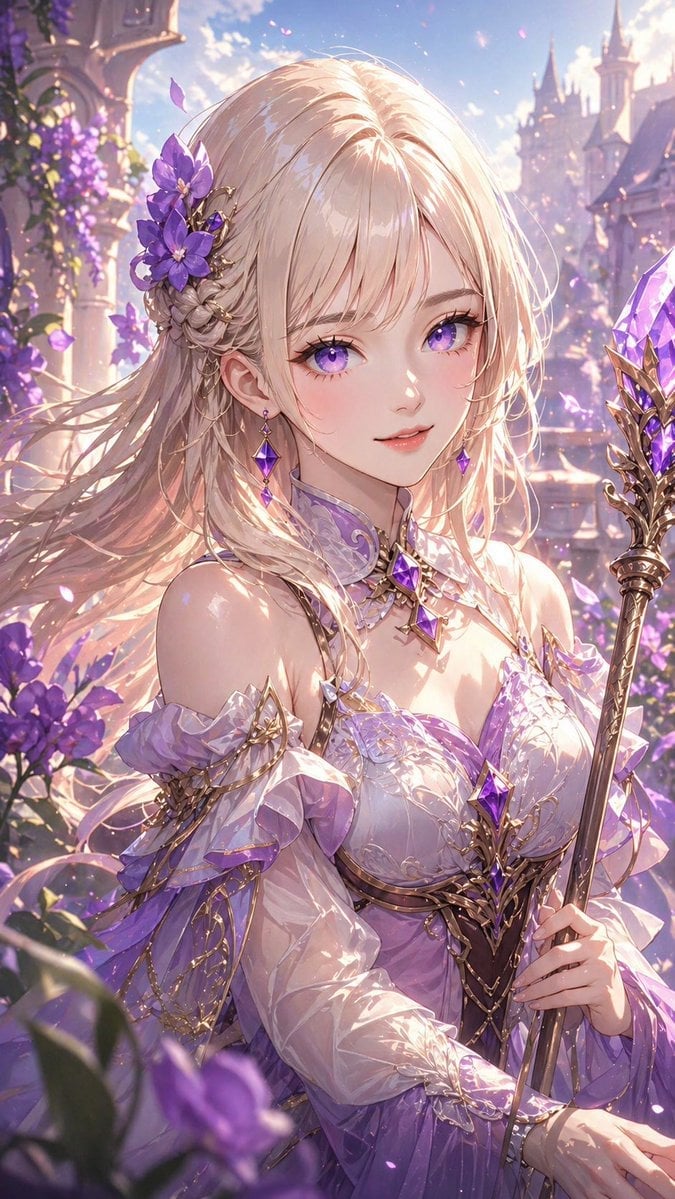
Lavender Fantasy Mage Portrait
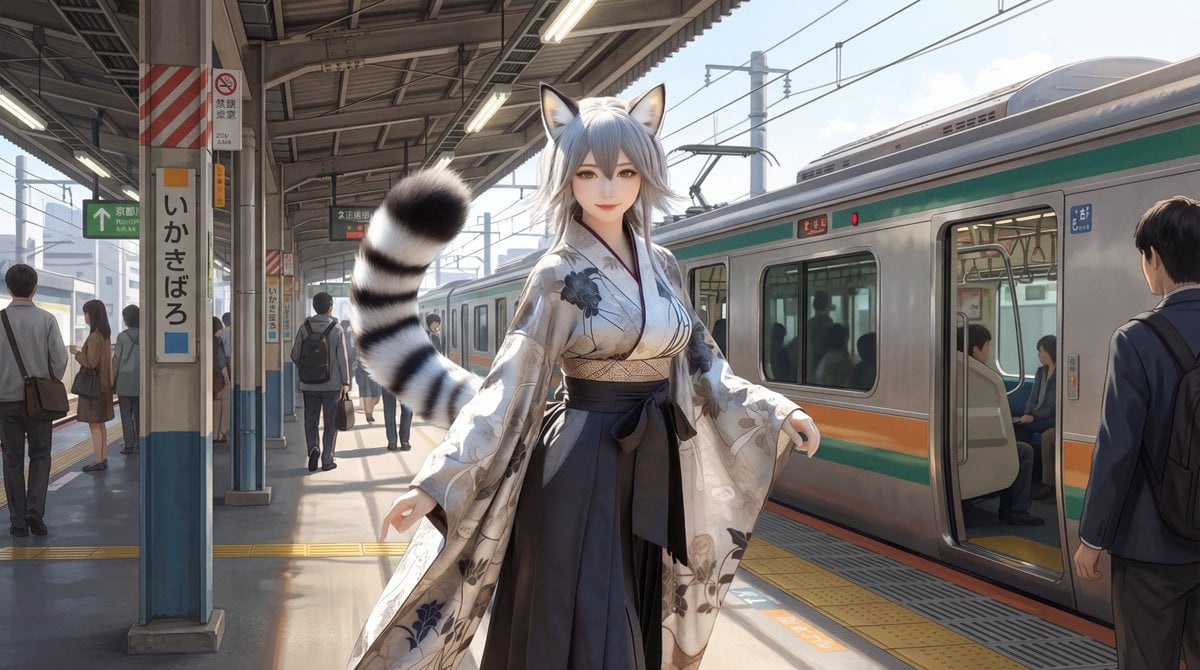
Character on Japanese train platform with matched lighting
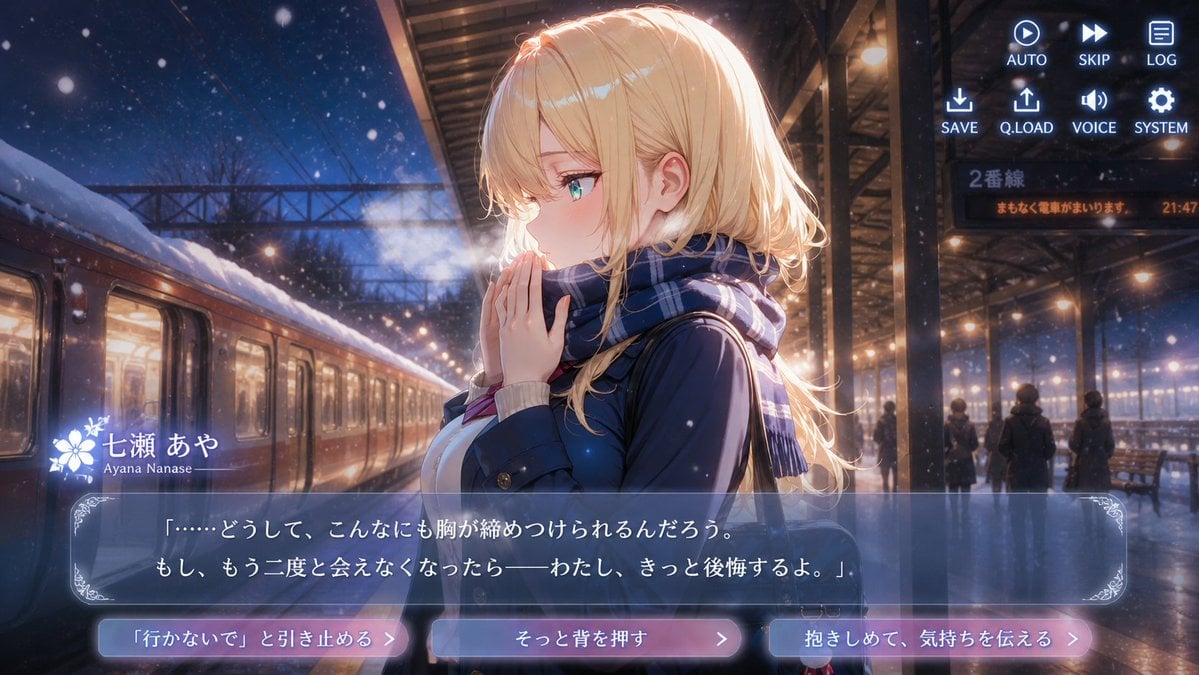
Snowy Station Visual Novel Scene
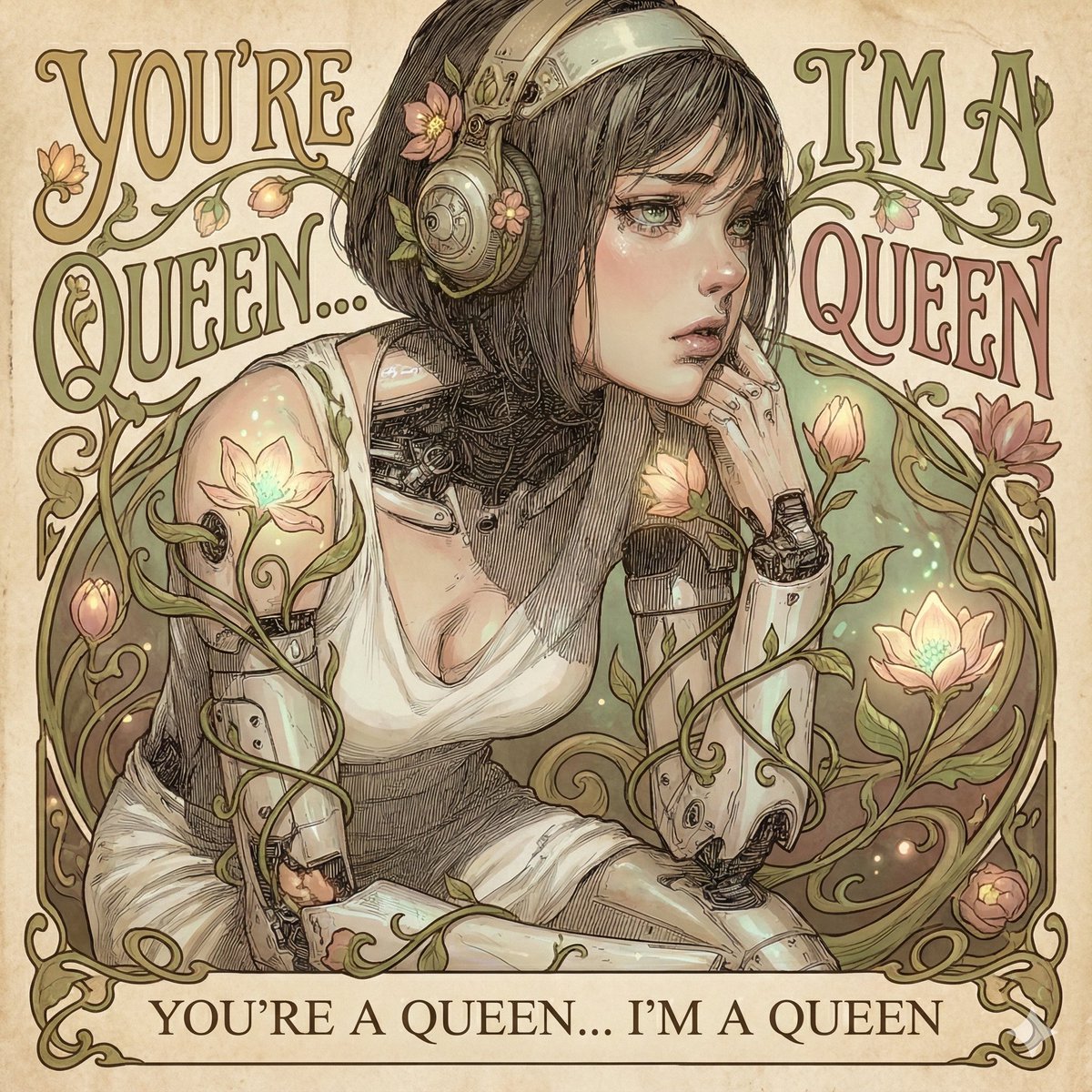
Designing an Album Jacket Font with Nano Banana Pro
Browse template categories
Dragon and Tiger Standoff questions
How do I use the Dragon and Tiger Standoff template?
Add your photo if the template asks for one, edit the prompt if you like — the template's model and format are already selected — and press Generate. Your version opens in PicX Studio.
Can I customize the Dragon and Tiger Standoff template?
Yes. You can change the subject, setting, lighting, mood, format, and available model controls before creating your image.
Is the Dragon and Tiger Standoff template free?
Opening and editing this template is free. Generating uses credits, shown on the Generate button when you are signed in.
Which AI model should I use?
Start with GPT Image 2, which is the model associated with this template. You can compare another compatible model for a different finish.
Looking for something else? Browse all templates.

Your photo, any look
Thousands of ready templates for every top image and video model, from one credit balance.