
Anime Durga Oni Tiger Goddess
A detailed prompt for generating an ornate anime Hindu-goddess-inspired oni girl riding a roaring tiger in an antique temple mural style.
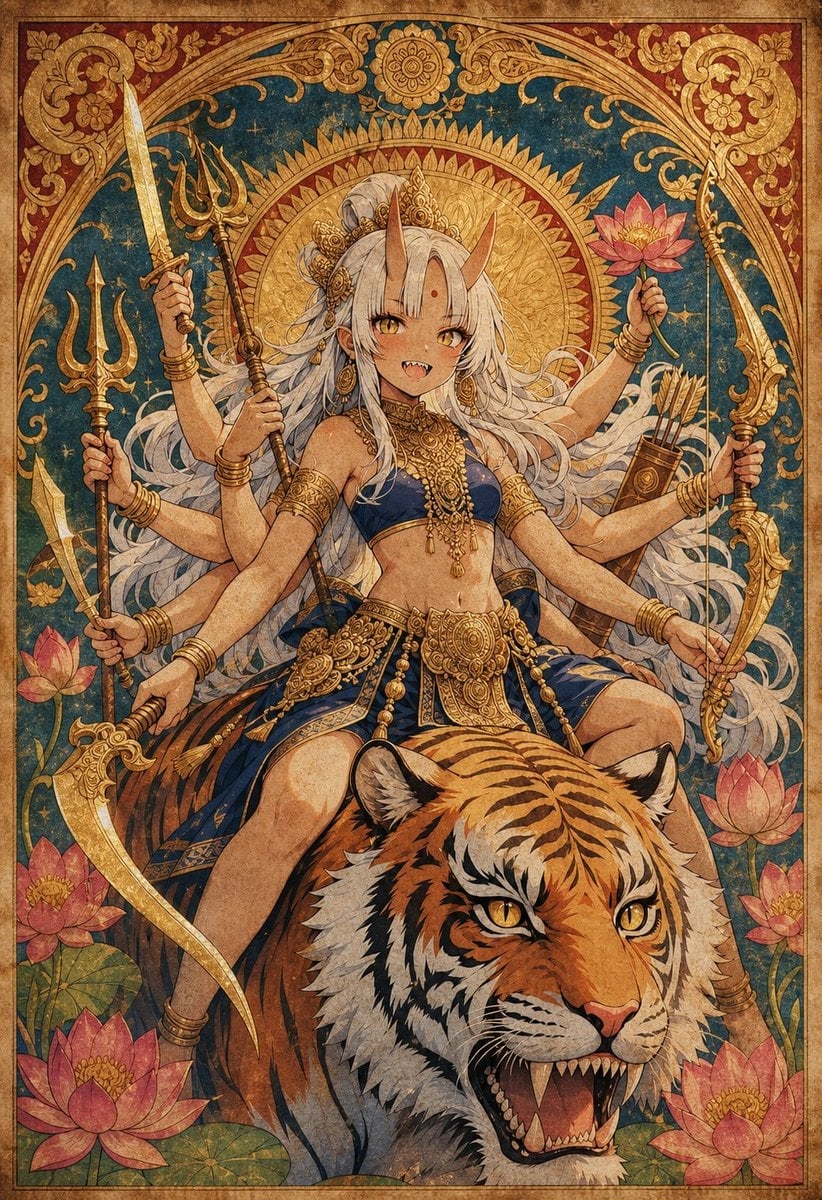
- Prompt included
- Model and format preset
- Premium template
The prompt behind this image
Copy the exact prompt behind Anime Durga Oni Tiger Goddess, or open it in the studio and make it yours.
Create an ornate vertical anime fantasy illustration of {argument name="character name" default="Yamanba-chan"} transformed into a fierce Durga-and-Kali-inspired goddess, seated astride a roaring Bengal tiger. The goddess is a young tan-skinned oni girl with long flowing {argument name="hair color" default="white"} hair, two tall curved horns, golden eyes, small fangs, a red bindi on her forehead, and a confident mischievous smile. She wears a deep navy-blue dancer-style top and skirt with lavish gold temple jewelry: crown ornaments, earrings, layered necklaces, armlets, bracelets, anklets, waist chains, and an ornate central belt plate. Show exactly eight arms radiating symmetrically around her body: four on the viewer’s left holding a straight sword, a trident staff, a short spear or arrow-like weapon, and a large curved scimitar; four on the viewer’s right holding a pink lotus flower, a golden sword, a bow, and one extended graceful hand. Add a quiver of arrows behind her right shoulder. The tiger fills the lower foreground, facing forward with orange, black, and white stripes, bright amber eyes, open roaring mouth, visible teeth, and detailed fur. Surround the figure with exactly seven visible pink lotus blossoms: one large lotus at bottom left, one large lotus at bottom right, one medium lotus on the upper right in her hand, one medium lotus at mid-left, one medium lotus at mid-right, one smaller lotus at lower left near the leaves, and one smaller lotus at lower right. The background should resemble an antique Indian temple mural or illuminated manuscript: deep teal field, large radiant golden sun halo behind her head, ornate arch framing the composition, red-and-gold floral corner panels, curling gold filigree, small star accents, aged parchment texture, distressed ink, and weathered pigment. Use a rich palette of {argument name="primary palette" default="antique gold, deep teal, navy blue, tiger orange, and lotus pink"}. Style it as highly detailed Japanese anime meets classical Hindu devotional art, with crisp linework, symmetrical composition, dramatic sacred iconography, and a vintage poster texture. No modern objects, no text, no watermark.
How to use Anime Durga Oni Tiger Goddess in 3 steps
- 1Upload ImagePNG, JPG or paste
Add your photo
Upload the photo the template builds on. The prompt, model and format are already set.
- 2…a portrait of your subject in softgolden-hour light, 85mm…
Personalize
Edit the subject and creative details for your destination.
- 3Generate
Generate
Press Generate — your image is created in PicX Studio, so you can compare it with the original and refine one variable at a time.
More like this
Templates with the same subject, style or setup. Open one to see its prompt.












Make it yours
Anime Durga Oni Tiger Goddess works as-is. These are the safest ways to change it without losing the look.
Change one field
Copy a single group, rewrite it, and generate again so you can see what that field is doing.
Keep the frame, change the subject
Hold the composition and light of Anime Durga Oni Tiger Goddess, then swap wardrobe, props or the person for a new take.
| If the result… | Why | Fix |
|---|---|---|
| The result drifts from the preview | Too many fields changed at once. | Reuse Anime Durga Oni Tiger Goddess as-is first, then change one group — subject, light, or setting. |
| The model over-stylizes the scene | The prose prompt leaves finish and camera underspecified. | Add one camera or lighting sentence and stay on GPT Image 2. |
More GPT Image 2 templates
Other prompts made for GPT Image 2.

Six VTuber Japanese Logo Sheet

Realistic Portrait of Woman and Deer

The Vista Modular Condo Poster

AI Model Routing Comparison Infographic

2.5D Anime Art Board

Isometric Productivity Desk Scene

New York Double Exposure Poster

Four-Panel AI Landscape Comparison

Japanese Tatami Lifestyle Magazine Cover

NESCAFÉ Coffee Map Poster
More image prompts
Fresh picks from across the catalog.
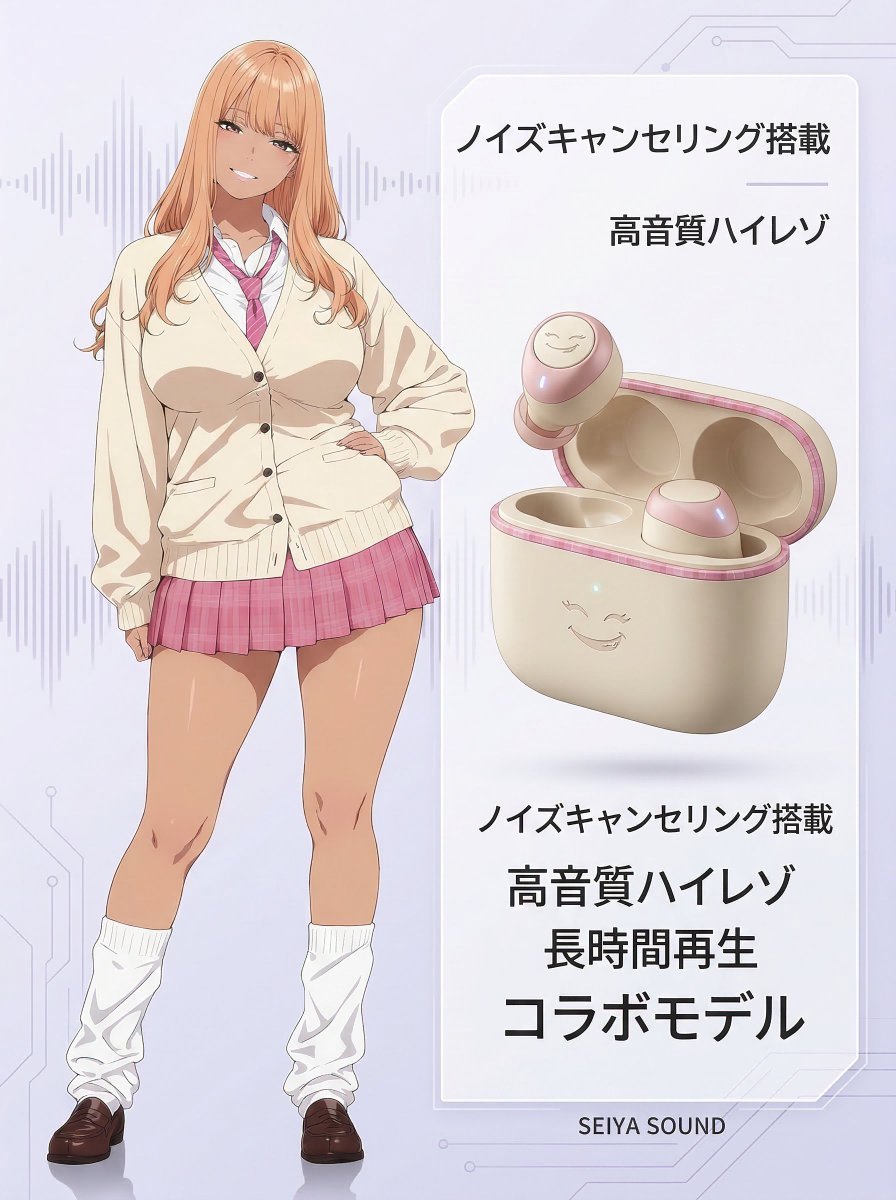
Character-Themed Wireless Earbuds Product Shot
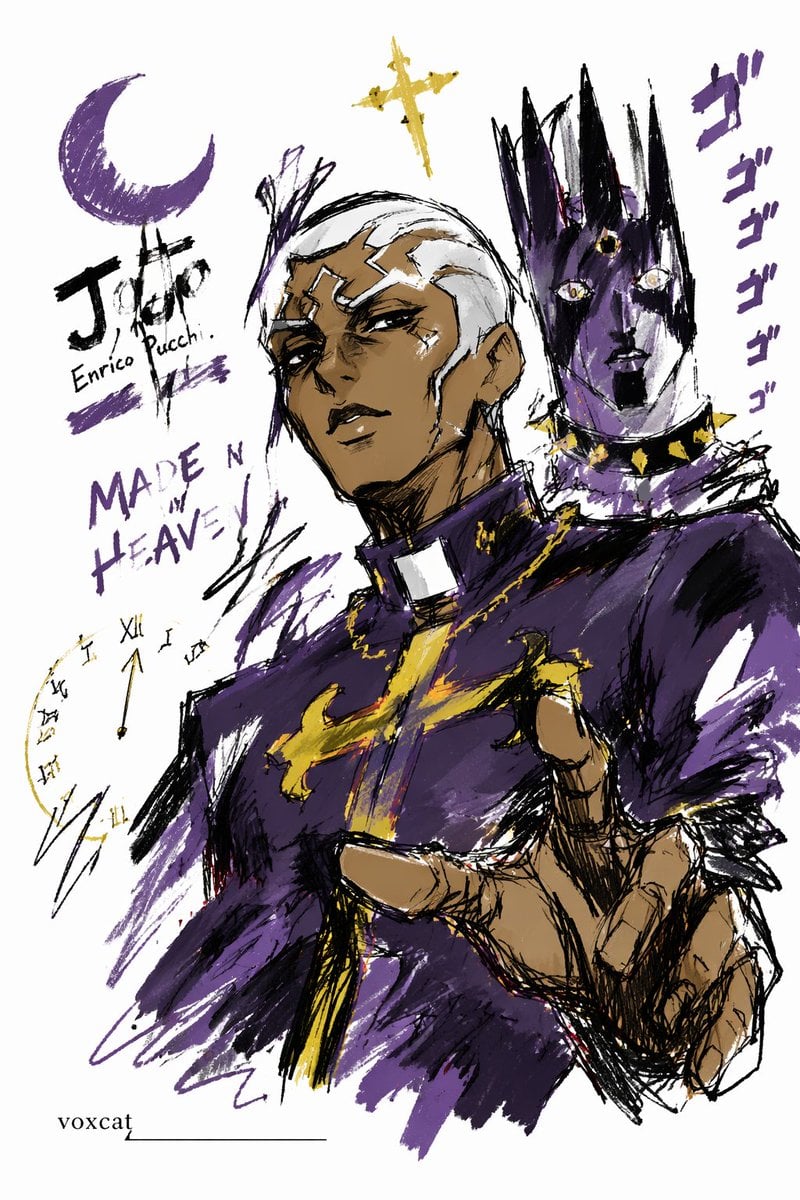
Graffiti Sketch Style Template
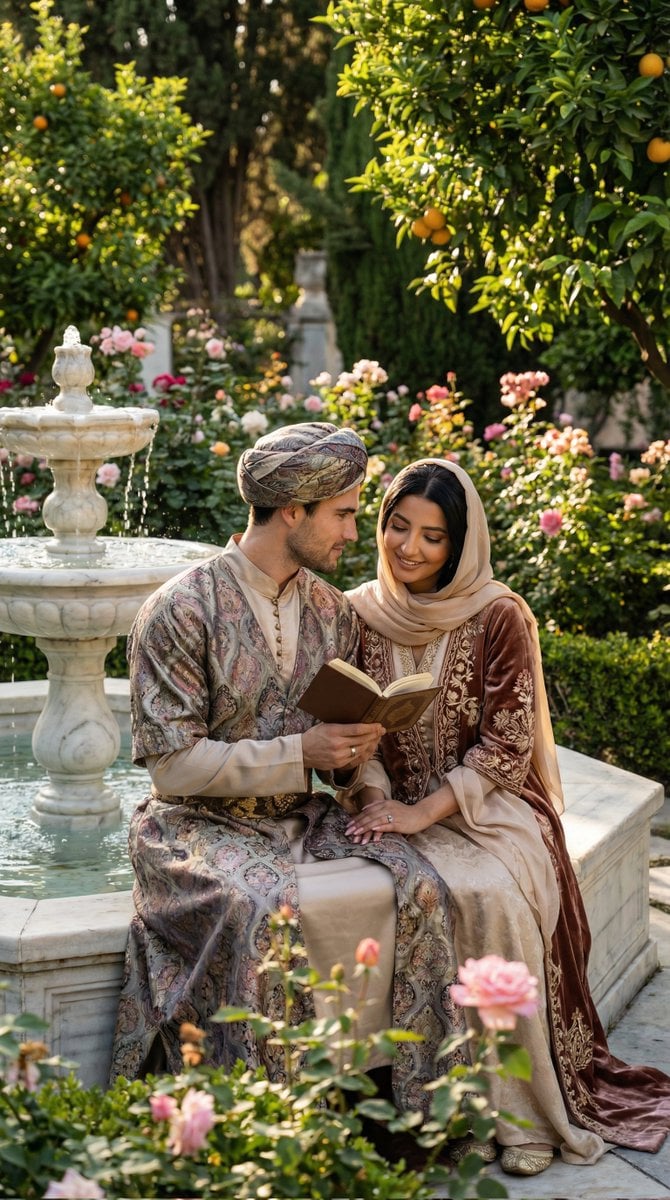
Historical Romantic Editorial Scene in an Ottoman Garden
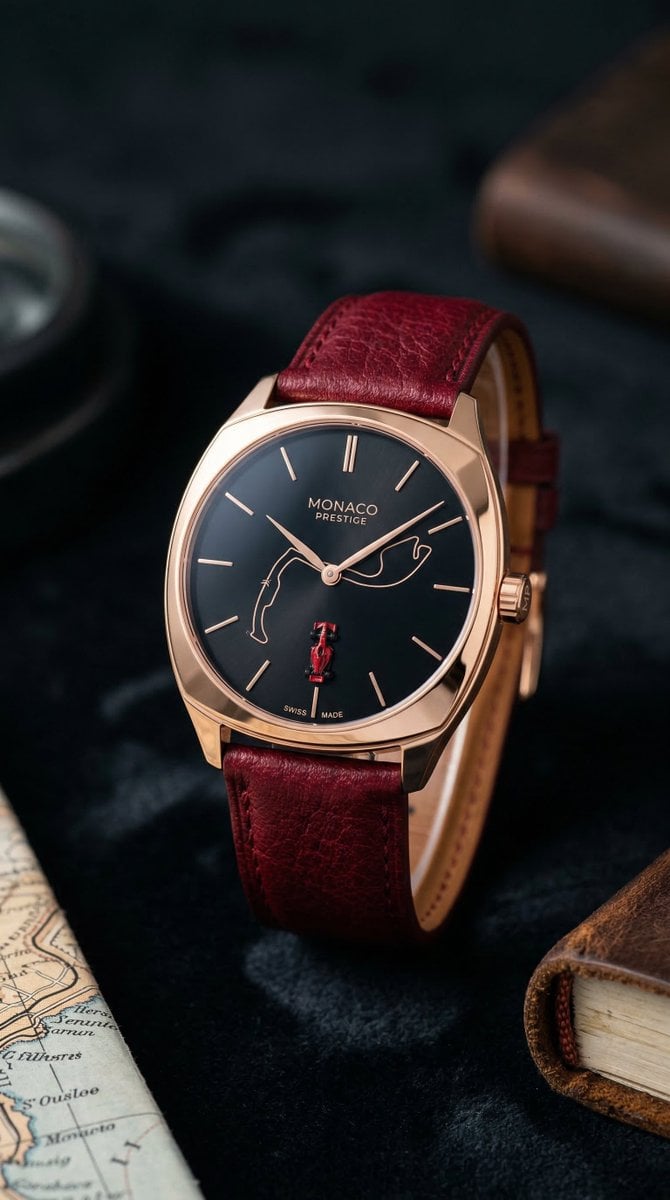
Minimalist Luxury Watch Editorial Prompt for Nano Banana 2

Close-up Portrait in Snowy Alpine Landscape

GTA VI Style 8K Cinematic Poster
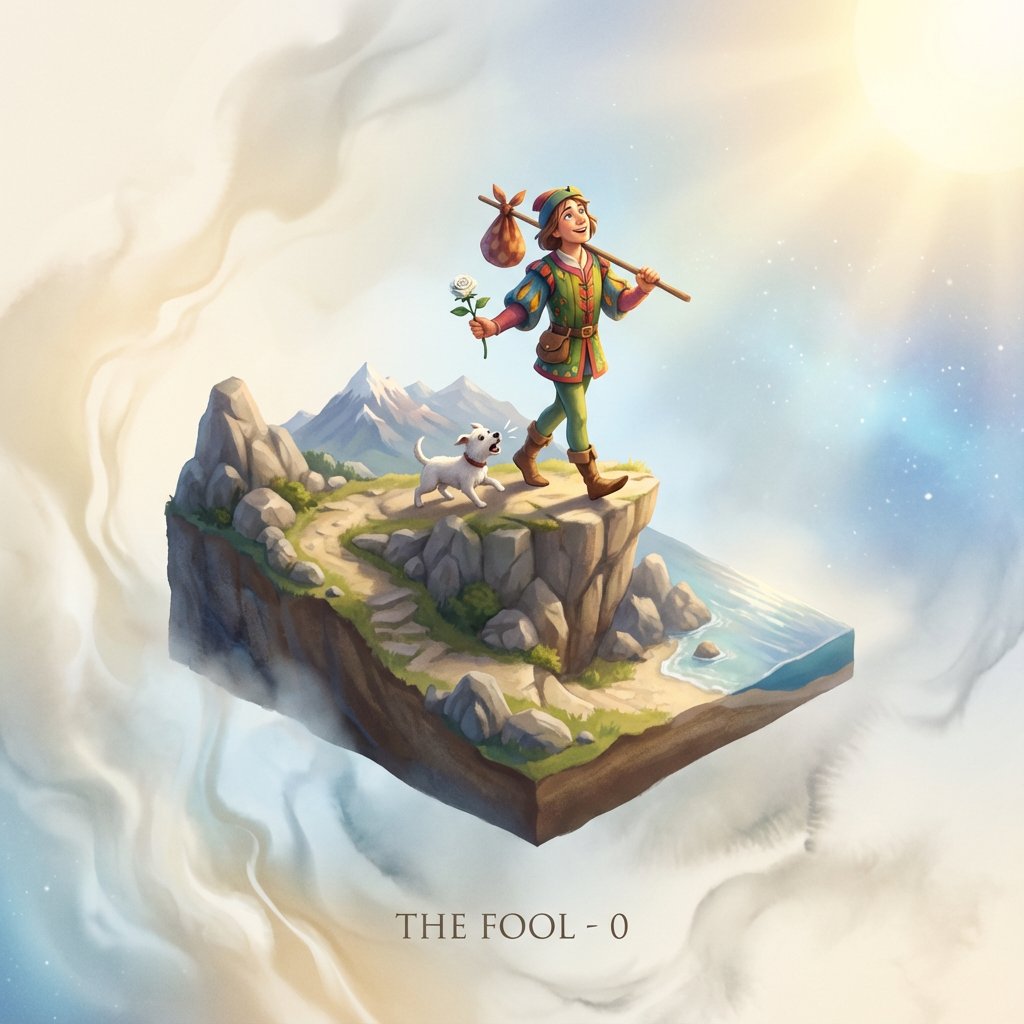
Tarot Card Image Generation Prompt
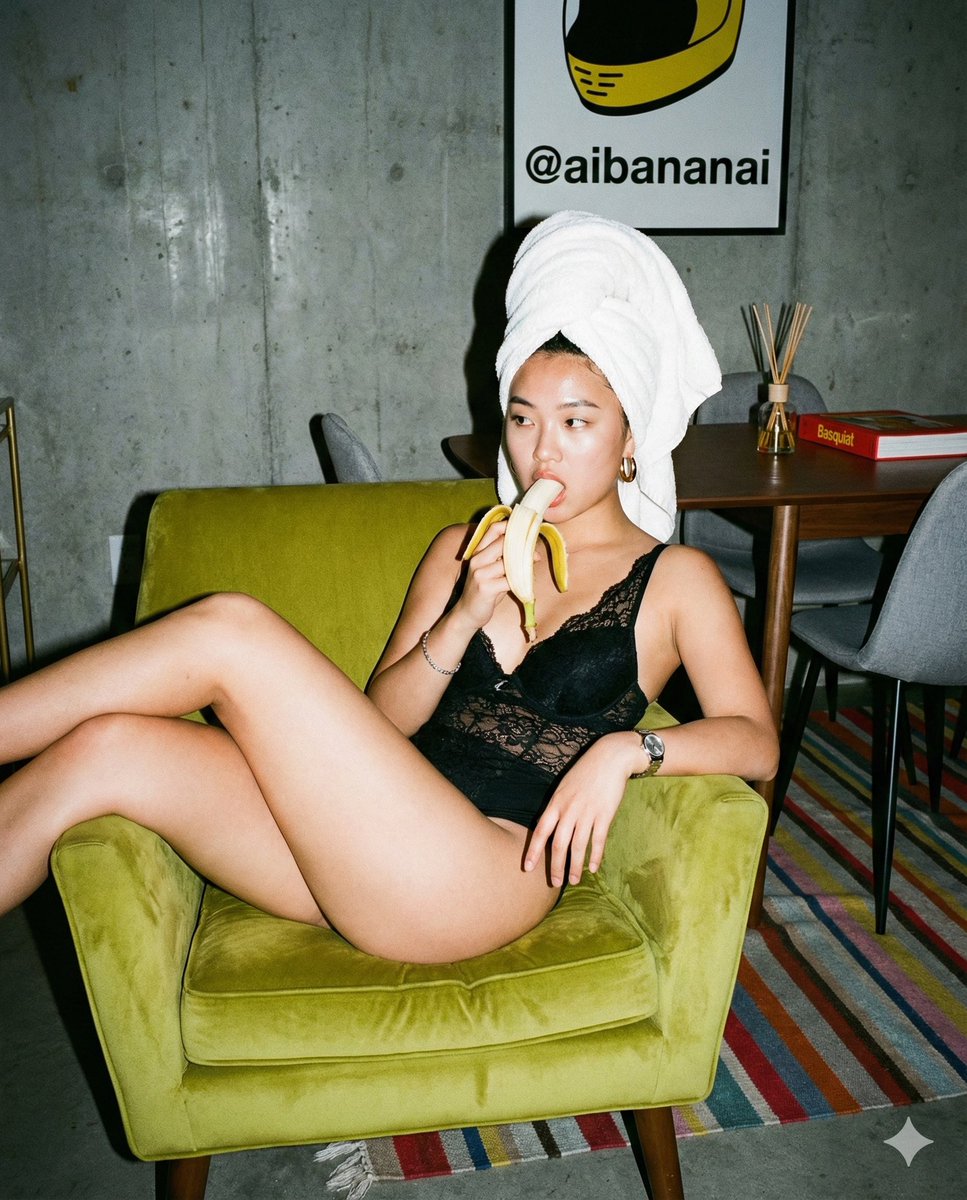
Nano Banana Pro Editorial Flash Photography Prompt

E-commerce Product Listing: Grey Ruched Top and Black Mini Skirt
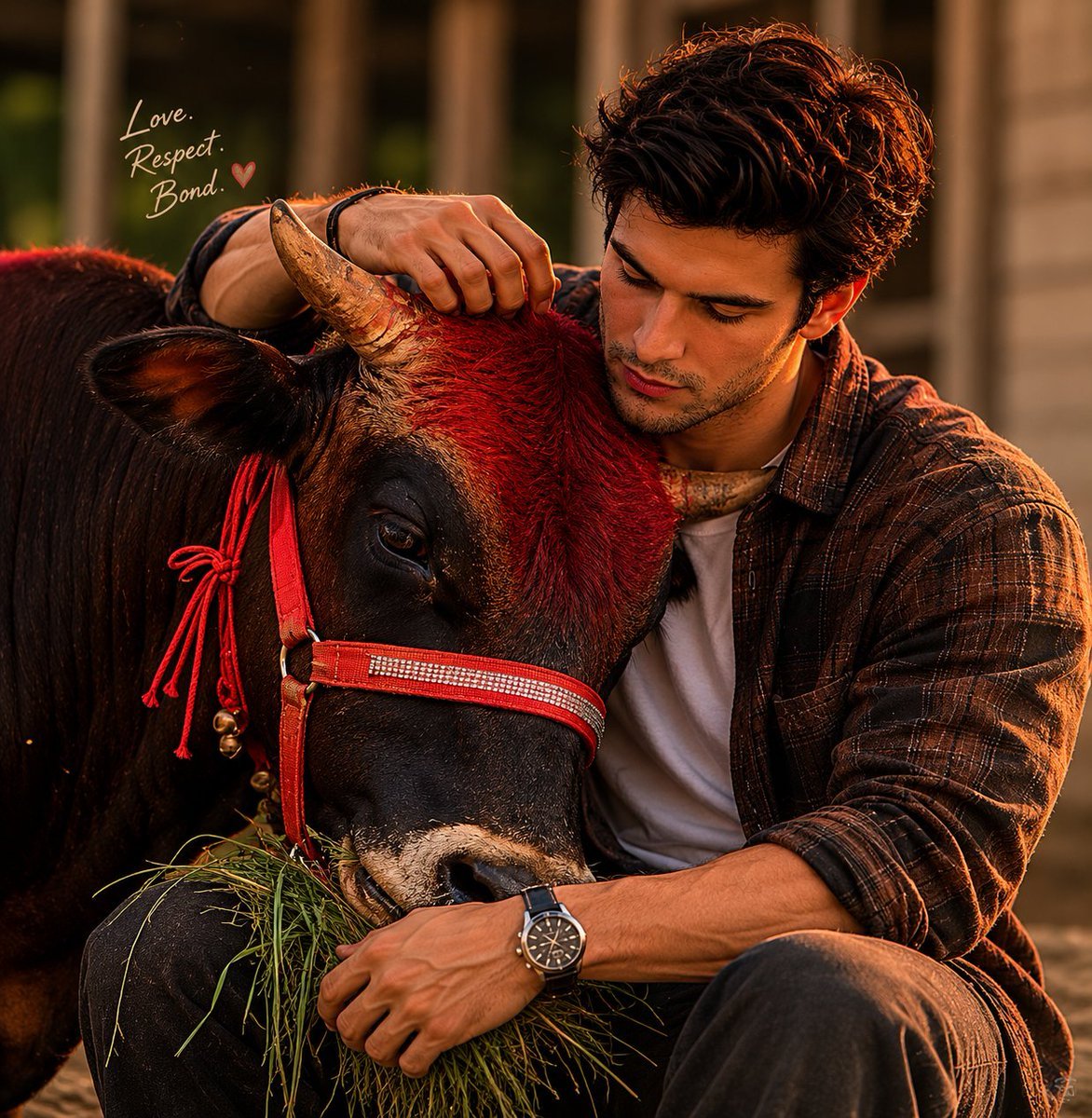
Man and Bull Emotional Bond Portrait
Browse template categories
Anime Durga Oni Tiger Goddess questions
How do I use the Anime Durga Oni Tiger Goddess template?
Add your photo if the template asks for one, edit the prompt if you like — the template's model and format are already selected — and press Generate. Your version opens in PicX Studio.
Can I customize the Anime Durga Oni Tiger Goddess template?
Yes. You can change the subject, setting, lighting, mood, format, and available model controls before creating your image.
Is the Anime Durga Oni Tiger Goddess template free?
Opening and editing this template is free. Generating uses credits, shown on the Generate button when you are signed in.
Which AI model should I use?
Start with GPT Image 2, which is the model associated with this template. You can compare another compatible model for a different finish.
Looking for something else? Browse all templates.

Your photo, any look
Thousands of ready templates for every top image and video model, from one credit balance.