How do I use the 20 VIP Nightclub Dance — California Series template?
Choose the primary action to open PicX Studio with the available template settings. Review the model and format, personalize the creative direction, and generate when ready.

Nano Banana 2 Scene 20: VIP Nightclub Dance (free to use) — Free AI image template on PicX Studio.
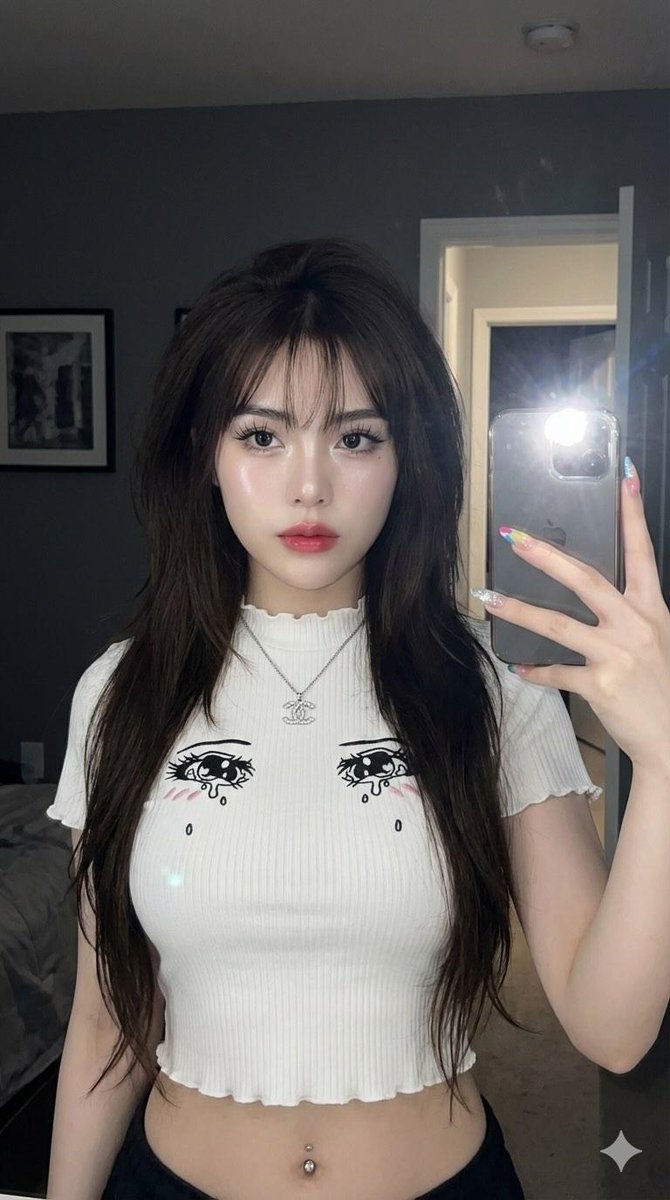
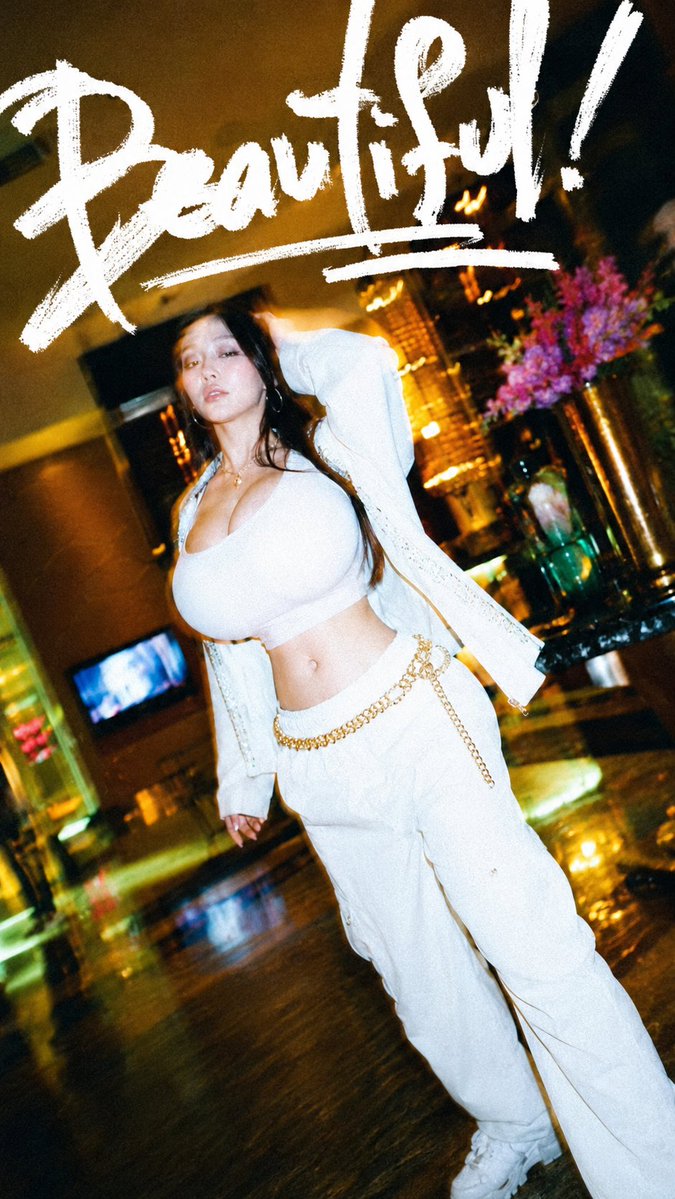
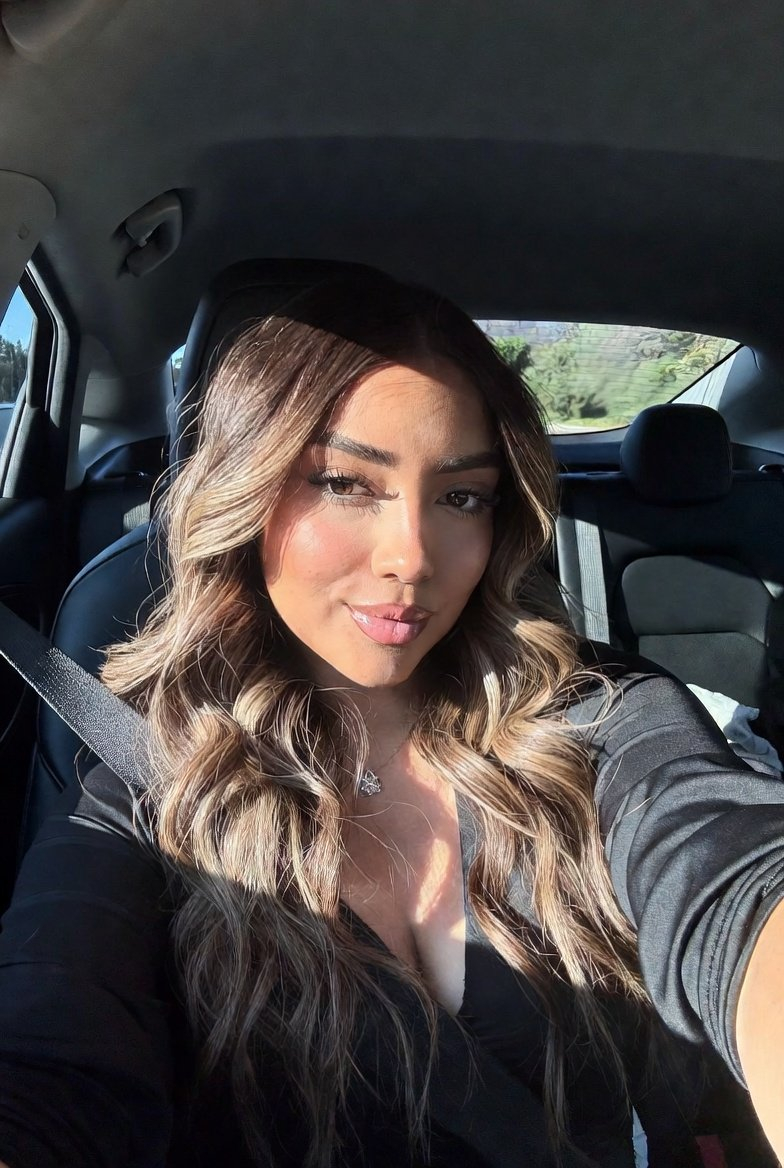
Use the reference woman. Place her inside an upscale Los Angeles nightclub VIP section. The environment must feel exclusive, high-end, and cinematic — not chaotic. Visible crowd, but curated and blurred. LED lights, reflective surfaces, and soft haze create depth. She is the clear center of attention. Outfit: ultra-luxury club couture: a fitted black or deep metallic mini dress with crystal or reflective detailing, sculpted silhouette, premium fabric, body-contouring and elegant. Scene: luxury nightclub interior with VIP seating, LED lighting, reflective tables, glass surfaces, and a stylish crowd. Lighting: mix of deep violet, blue, magenta, and warm gold highlights, soft key light on face, rim light defining silhouette. Mood: exclusive, seductive, high-energy, cinematic nightlife luxury. Color palette: black, violet, blue, magenta, gold. Aspect ratio: 4:5. Must-have: nightclub VIP setting, dance motion, luxury outfit, cinematic lighting, same identity, perfect anatomy, no text. Avoid: cheap club scene, overcrowded chaos, awkward dance, bad anatomy, extra limbs, plastic skin, text, logo, watermark.
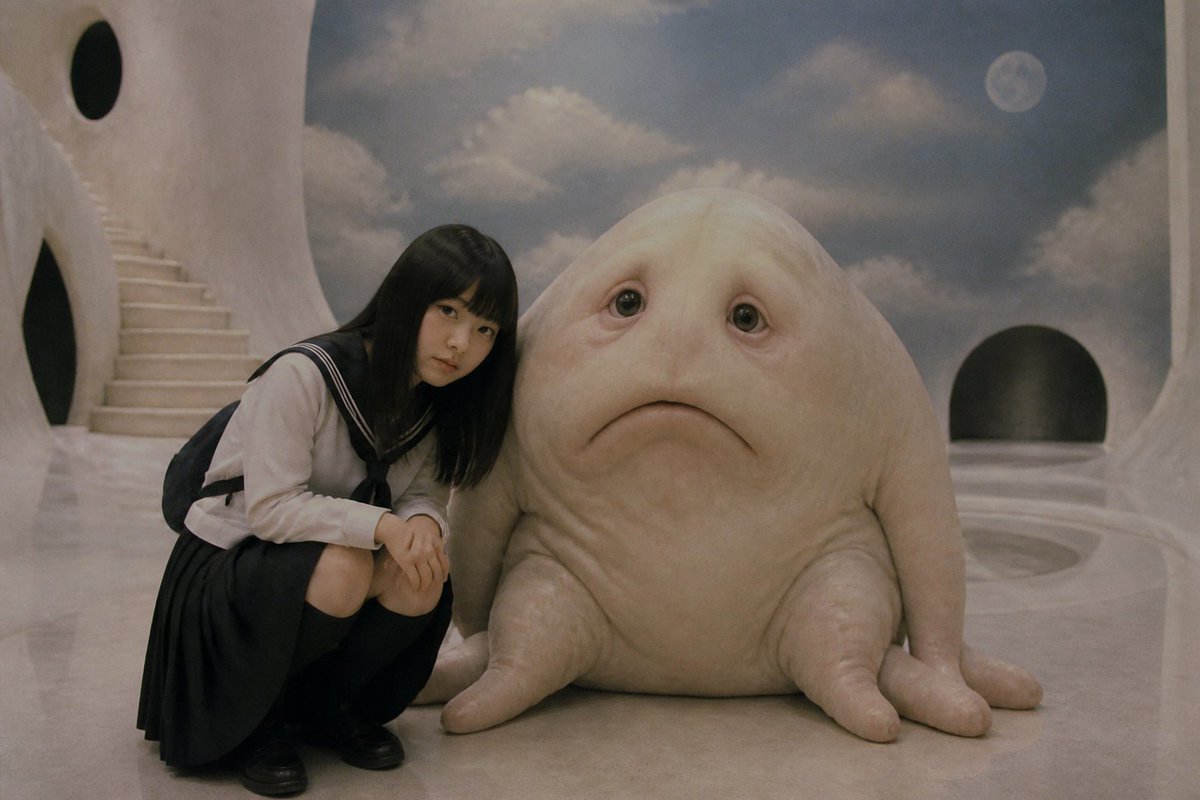
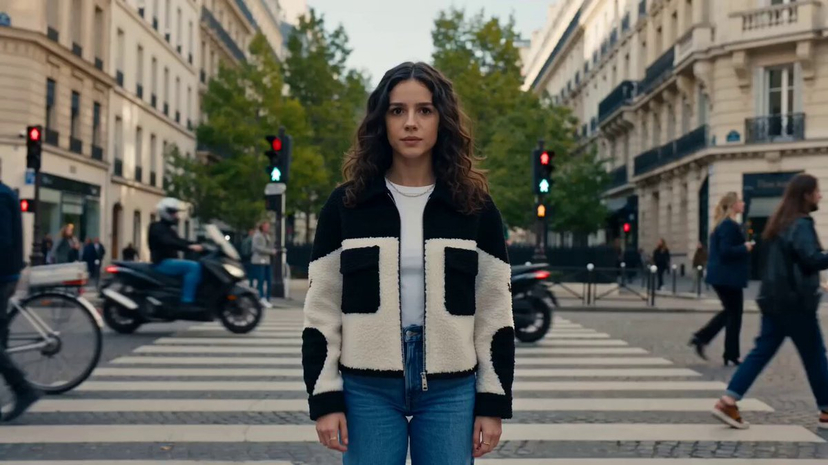
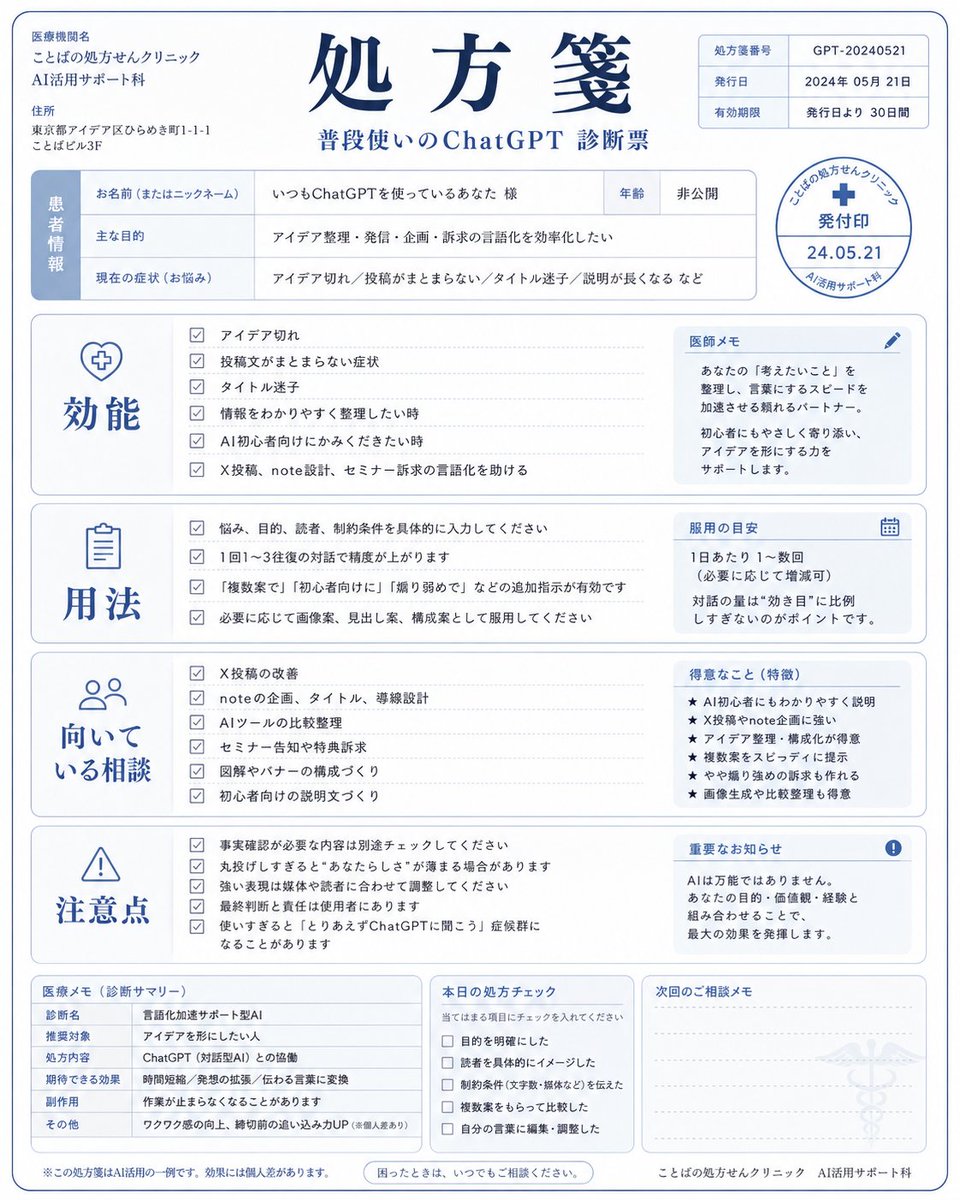
Use 20 VIP Nightclub Dance — California Series to plan an AI image around art style projects, nano-banana generation, themes such as california and nano-banana-2. Match the preview's composition first, then personalize the subject, setting, and mood for your own project.
Use the primary action to load the template settings in PicX Studio.
Adjust the subject and creative details for your destination.
Create the image, compare the result with the preview, and refine one variable at a time.
A continuous mix — similar concepts first, woven with same-model prompts and fresh picks from the catalog.
Choose the primary action to open PicX Studio with the available template settings. Review the model and format, personalize the creative direction, and generate when ready.
Yes. You can change the subject, setting, lighting, mood, format, and available model controls before creating your image.
This template is free to open and customize. Generation usage is shown in PicX Studio before you create.
Start with nano-banana, which is the model associated with this template. You can compare another compatible model for a different finish.
Follow a topic to a crawlable collection of related PicX Studio templates.
39,155 public templates available. Verified via the PicX Studio public templates API; refreshed hourly.
A continuous mix — similar concepts first, woven with same-model prompts and fresh picks from the catalog.