Photorealistic Bathroom Mirror Selfie with Money Piece Highlights
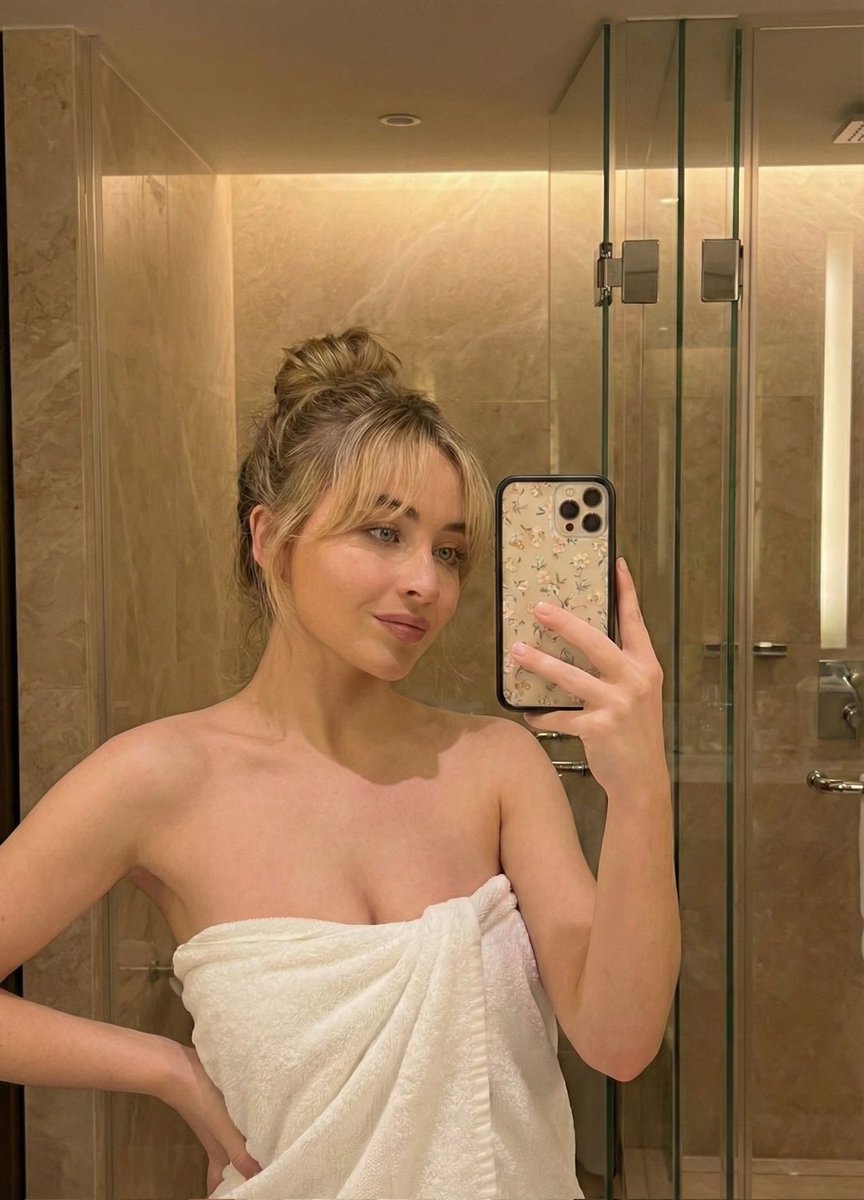
Ultra-detailed reproduction prompt for a specific mirror selfie scenario. · Photorealistic, 8K, Highly Textured, Candid Style · 9:16 · A candid, high-resolution mirror selfie photograph taken inside a brightly lit modern bathroom. The subject is a young woman in her early 20s with a curvy, fit physique, sitting sideways on a polished white quartz vanity countertop. Her most distinctive feature is her long, wavy dark brown hair which has prominent, thick blonde 'money piece' highlights framing her face. She has a warm, peachy skin tone, sharp black winged eyeliner, well-defined eyebrows, and a small silver stud nose piercing in her right nostril. She is smiling softly at her reflection holding up a silver iPhone 14/15 Pro with her right hand, showing long, light baby blue coffin-shaped acrylic nails. She is wearing an oversized, slouchy dark charcoal grey off-the-shoulder sweatshirt that falls off her left shoulder, revealing strap, and tight, grey marled cotton athletic jersey shorts. The pose emphasizes her curved hip and thigh. The mirror reflection behind her is detailed, showing a large glass-enclosed shower with white marble subway tiling, chrome fixtures, a ceiling fan, and a glimpse of a bathtub area. In the background (not in reflection), there is a white paneled door and a hand towel with a green pine tree pattern hanging on a rack. The lighting is warm and diffused indoor bathroom lighting, creating soft shadows. The image should have natural film grain, extremely detailed textures on skin pores, hair strands, fabric folds, and stone surfaces. 8k resolution, incredibly detailed, sharp focus on the subject. · cartoon, painting, 3d render, anime, blurry, low resolution, grainy, distorted, unattractive, bad anatomy, extra fingers, deformed hands, missing limbs, bad eyes, crossed eyes, overly filtered skin, airbrushed, unnatural lighting, oversaturated colors, ugly, deformed face, noisy, low contrast, watermark, text, signature. · 9:16 · 7.5 · 30 · DPM++ 2M Karras · -1 · photographic · Early 20s woman · Long, wavy, dark brown base with distinct thick blonde face-framing highlights · Smiling softly, winged eyeliner, nose stud piercing · Curvy figure, sitting pose on counter · Oversized charcoal grey off-the-shoulder sweatshirt · Grey marled cotton athletic shorts · Long, light blue acrylics · Modern bathroom · White quartz countertop · Large mirror reflection, marble shower, white door, tree-pa














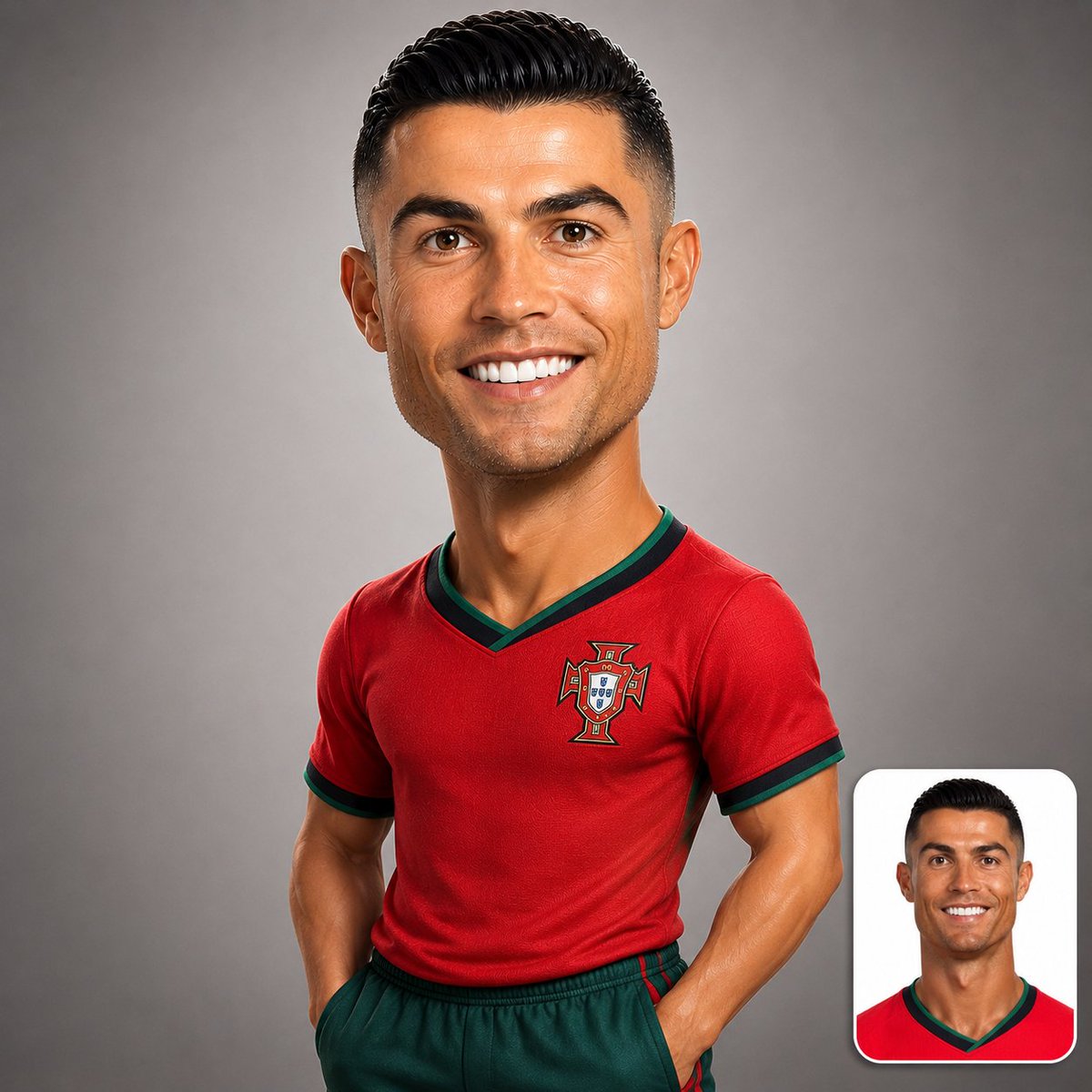
![Naive doodle-style subject illustration — A doodle-style {argument name="subject" default="[subject]"}, naive lines, humorous shape exaggeration](https://pbs.twimg.com/media/G6Wl2YxbsAARB2b.jpg)











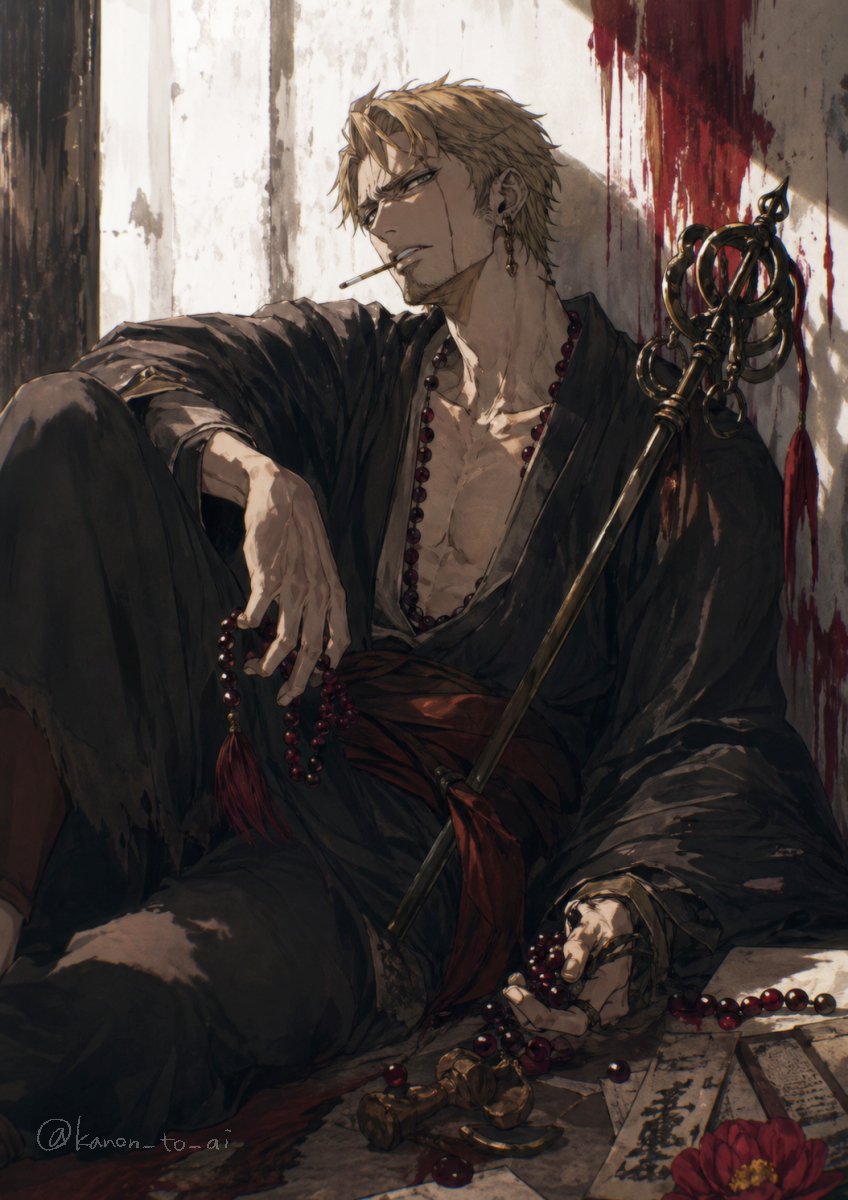
![Ink-Wash Style Illustration Prompt — Generate a dramatic and impactful mixed media illustration of {argument name="Subject Name" default="[Subject]"}, using the](https://pbs.twimg.com/media/G_BhAevXkAAUwIO.jpg)




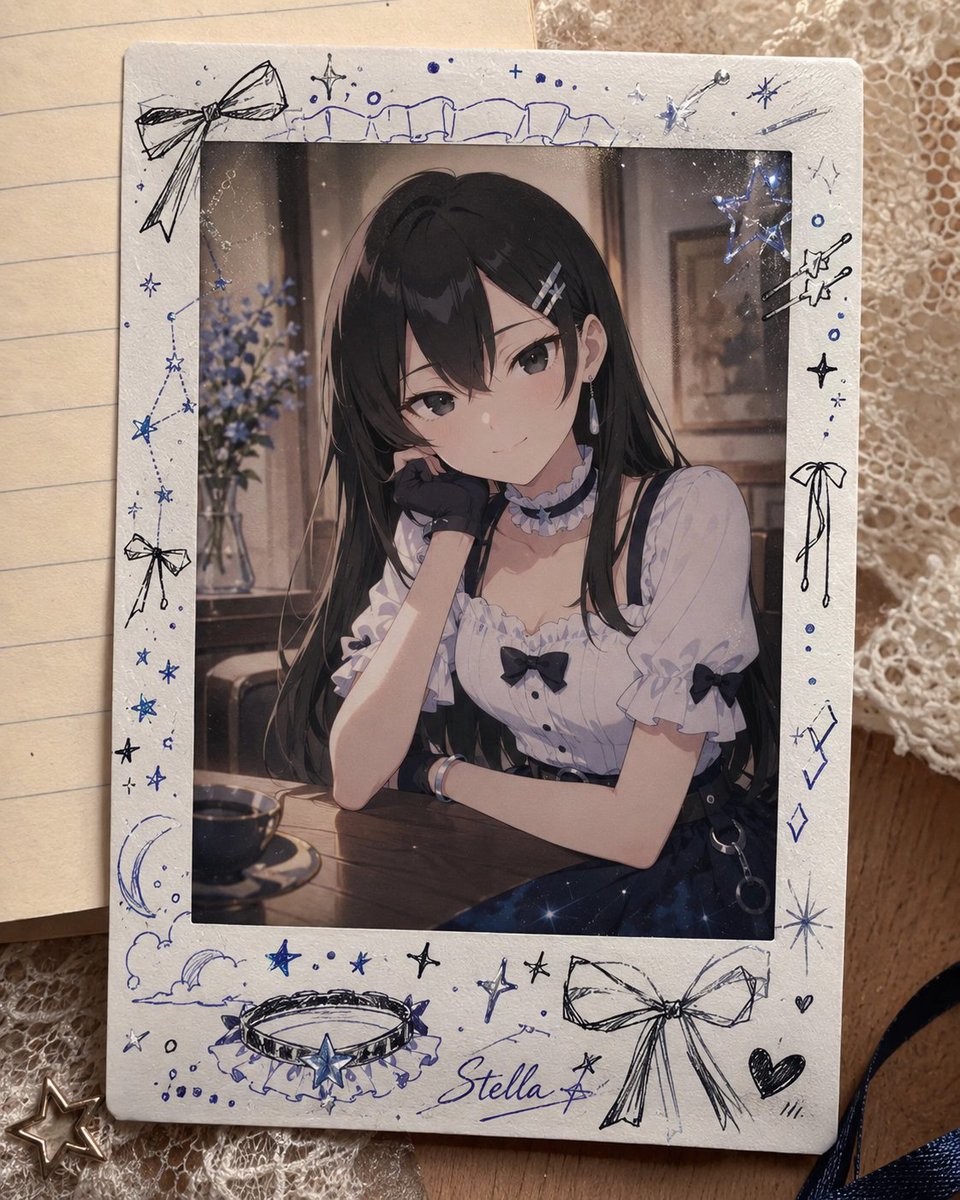
![Luxury Osechi (New Year's Food) Key Visual Generation Prompt — キャラクター名:[{argument name="character name" default="☆ここにキャラ名をセット☆"}]
広告・ポスター・宣材用キービジュアル生成プロンプト
0.](https://pbs.twimg.com/media/G9KxElubgAA3PWE.jpg)