How do I use the Retro-Futuristic Roller Disco Aesthetic Portrait template?
Choose the primary action to open PicX Studio with the available template settings. Review the model and format, personalize the creative direction, and generate when ready.
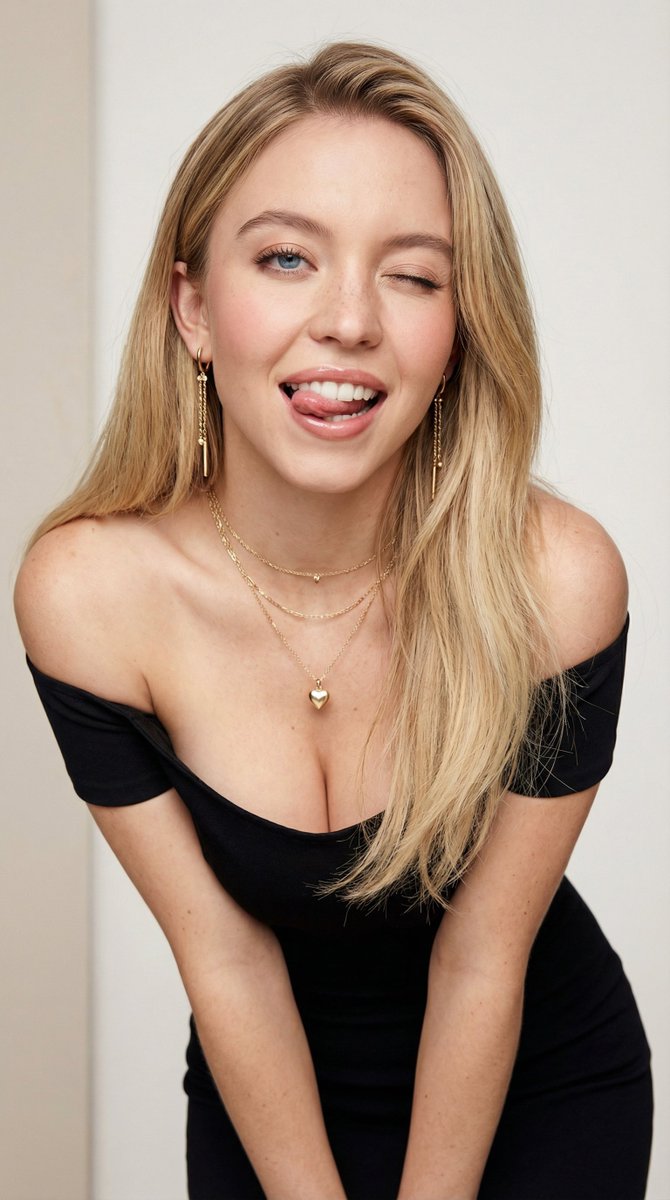
A detailed prompt for generating a masterpiece-quality, ultra-detailed image of a confident young woman in a retro-futuristic, 80s roller disco aesthetic, featuring glossy leather attire, dramatic hair, and a low-angle shot. (free to use) — Free AI image template on PicX Studio.
{ "subject": "Beautiful young woman", "hair": { "color": "blonde", "style": "long wavy hair with dramatic flowing locks" }, "face": { "eyes": "big expressive eyes with heavy eyeliner and long lashes", "lips": "full lips", "skin_tone": "fair", "expression": "confident and seductive", "detail_level": "highly detailed face and eyes" }, "outfit": { "top": "shiny glossy brown leather shirt with deep V-neck collar unbuttoned", "bottom": "tight brown leather miniskirt", "belt": "wide black belt with large buckle", "accessories": [ "black choker necklace", "black fingerless leather gloves with studs", "large hoop earrings" ] }, "footwear": { "type": "retro roller skates", "boots": "brown boots", "wheels": "brown wheels" }, "body": { "legs": "long athletic legs", "stance": "powerful confident stance", "pose": "full body pose skating forward" }, "camera": { "angle": "low shot", "perspective": "looking up", "focus": "sharp focus" }, "lighting": { "mood": "vibrant yet warm", "shadows": "soft shadows", "surface_effects": "glossy leather reflections, smooth skin texture" }, "style": { "vibe": "retro-futuristic mixed with 80s roller disco aesthetic" }, "quality": { "rating": "masterpiece", "detail": "ultra detailed", "render_quality": "best quality" }, "artist": "Buffhan" }
Use Retro-Futuristic Roller Disco Aesthetic Portrait to plan an AI image around nano-banana-2 generation. Match the preview's composition first, then personalize the subject, setting, and mood for your own project.
Use the primary action to load the template settings in PicX Studio.
Adjust the subject and creative details for your destination.
Create the image, compare the result with the preview, and refine one variable at a time.
A continuous mix — similar concepts first, woven with same-model prompts and fresh picks from the catalog.
Choose the primary action to open PicX Studio with the available template settings. Review the model and format, personalize the creative direction, and generate when ready.
Yes. You can change the subject, setting, lighting, mood, format, and available model controls before creating your image.
This template is free to open and customize. Generation usage is shown in PicX Studio before you create.
Start with nano-banana-2, which is the model associated with this template. You can compare another compatible model for a different finish.
Follow a topic to a crawlable collection of related PicX Studio templates.
39,155 public templates available. Verified via the PicX Studio public templates API; refreshed hourly.
A continuous mix — similar concepts first, woven with same-model prompts and fresh picks from the catalog.