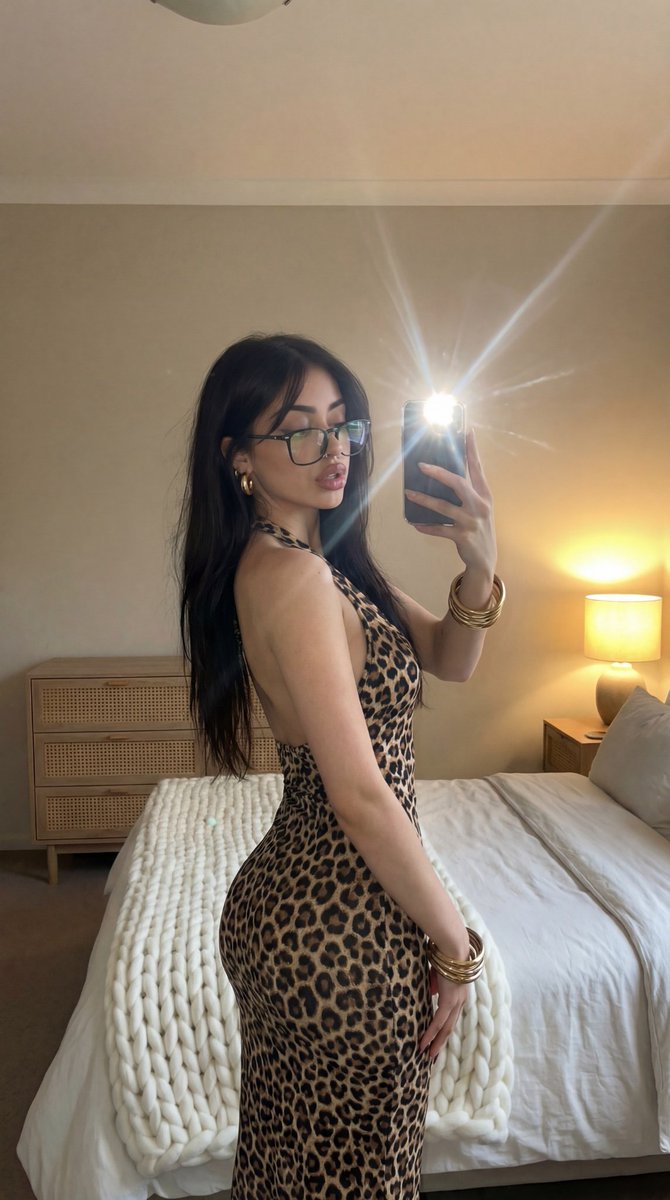
How do I use the Mirror Selfie in Leopard Print Dress template?
Choose the primary action to open PicX Studio with the available template settings. Review the model and format, personalize the creative direction, and generate when ready.
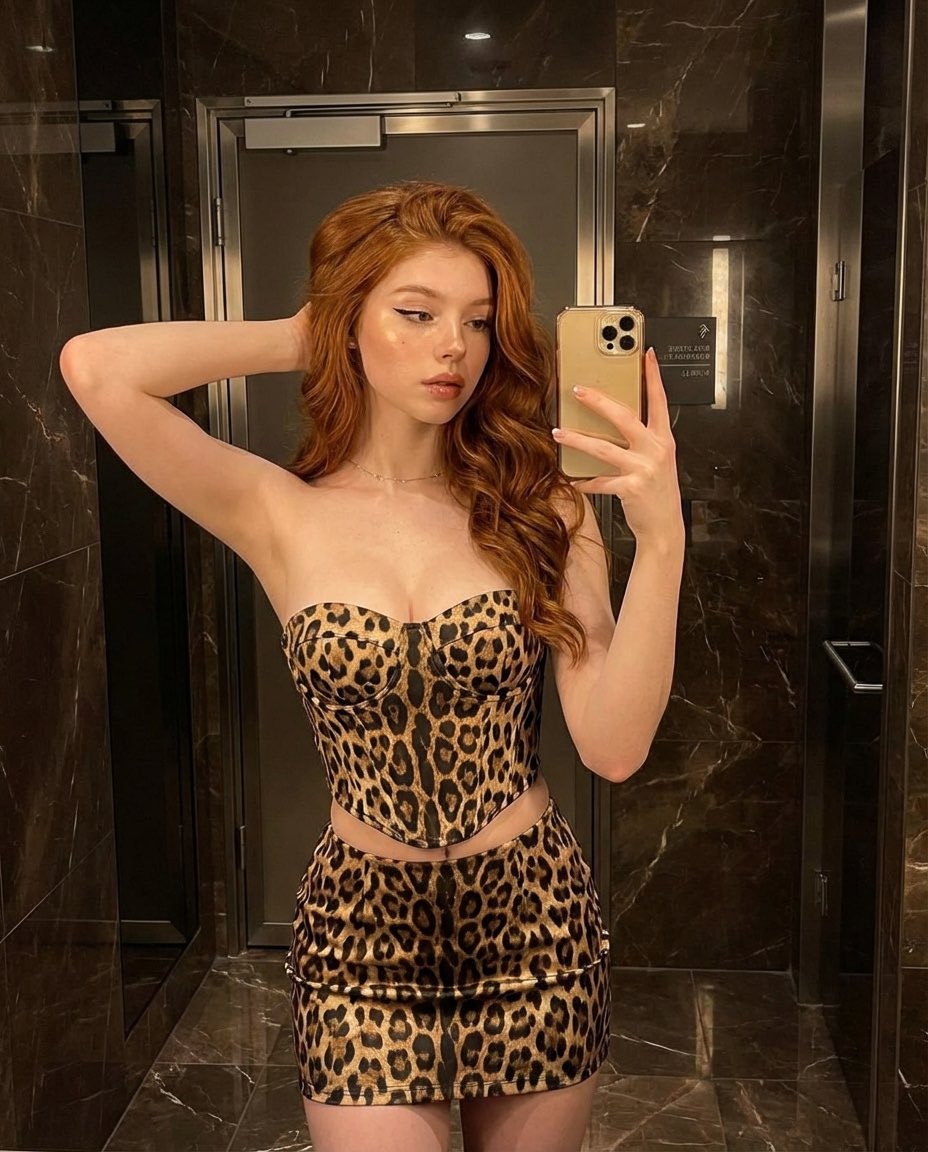
A structured prompt for generating a mirror selfie image of a woman in a backless leopard print dress, showing her angled profile and accessories, set in a cozy, dimly lit bedroom environment with warm ambient light and a camera flash reflection. Change the subject, setting, or lighting one variable at a time.

{ "image_description": { "subject": { "gender": "female", "hair": { "color": "brunette to blonde", "style": "ombre wavy hair", "texture": "glossy" }, "face": { "expression": "sultry, neutral", "makeup": "Natural ", "eye_color": "light hazel or green" "skin_tone": " Fair Skin }, "clothing": { "type": "dress", "pattern": "leopard print", "style": "backless, halter neck, bodycon/fitted", "fabric_texture": "smooth" }, "accessories": { "jewelry": [ "gold hoop earrings", "thin chain necklace with a cross pendant hanging down the back", "stack of gold and silver bangles/bracelets on wrist" ], "objects": "smartphone (iPhone style) held in right hand" }, "pose": { "stance": "standing, angled profile showing back and side", "head_position": "turned over left shoulder facing the mirror", "action": "taking a mirror selfie" }, "environment": { "location": "bedroom", "background_elements": [ { "object": "bed", "details": "white linens, chunky beige knit throw blanket at the foot" }, { "object": "furniture", "details": "wooden dresser with rattan/cane drawers, wooden bedside table" }, { "object": "lighting_fixture", "details": "bedside lamp with warm yellow light" } ], "walls": "plain, neutral beige/cream color" }, "lighting": { "source": "camera flash reflected in mirror", "effect": "bright starburst flare from flash, warm ambient glow from bedside lamp", "atmosphere": "dim, cozy, evening setting" }, "technical_details": { "type": "mirror selfie", "perspective": "reflection", "focus": "sharp on subject, slightly softer background" } } }
Choose the primary action to open PicX Studio with the available template settings. Review the model and format, personalize the creative direction, and generate when ready.
Yes. You can change the subject, setting, lighting, mood, format, and available model controls before creating your image.
This template is free to open and customize. Generation usage is shown in PicX Studio before you create.
Start with Nano Banana 2, which is the model associated with this template. You can compare another compatible model for a different finish.
© 2026 PicX Studio. All rights reserved.

Follow a topic to a crawlable collection of related PicX Studio templates.
43,474 public templates available. Verified via the PicX Studio public templates API; refreshed hourly.










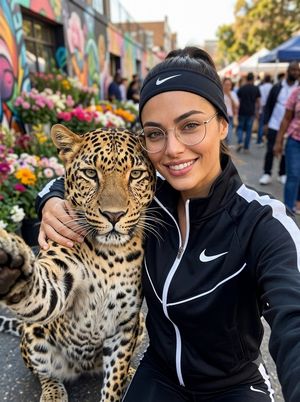




![nano-banana-grwm-mirror-selfie-pink — Nano Banana 2
Prompt (JSON):
{
"type": "image_prompt",
"description": {
"subject": {
"main": "[NAME] com o](/_next/image?url=https%3A%2F%2Fcdn.picxstudio.com%2Fuploads%2Ftweet_img_10a_612da6f9-cf6d-417e-bdd5-cc1300d1d830.jpg&w=828&q=100)

![Naive doodle-style subject illustration — A doodle-style {argument name="subject" default="[subject]"}, naive lines, humorous shape exaggeration](https://pbs.twimg.com/media/G6Wl2YxbsAARB2b.jpg)