
Seaside Golden Hour Selfie — Fuchsia Blossom & Freckles
hyper-realistic, golden hour, seaside, candid selfie, RAW.

- Prompt included
- Model and format preset
- Free template
The prompt behind this image
Copy the exact prompt behind Seaside Golden Hour Selfie — Fuchsia Blossom & Freckles, or open it in the studio and make it yours.
Hyper-realistic seaside selfie of a radiant young woman with flowing auburn hair, captured on a rugged, sandy coastline during the peak of golden hour. She poses playfully, holding a vibrant fuchsia blossom over one eye while maintaining direct, soulful eye contact with the lens. Her aesthetic is a blend of simple elegance, featuring a minimalist white bandeau top and a dainty gold heart pendant resting on her collarbone. Her complexion is sun-drenched and luminous, adorned with delicate natural freckles, dewy highlights, and polished, glossy lips. The backdrop showcases crashing tide waves against weathered boulders, bathed in the rich, amber glow of a cinematic sunset. Ultra-sharp foreground details, soft atmospheric bokeh, shallow depth of field, RAW photo quality, 8K resolution, photorealistic brilliance. Negative constraints: Avoid blurring, low-fidelity textures, lighting imbalances, facial distortions, anatomical errors, or any artificial watermarks and typographic overlays. Technical configuration: Display dimensions: 1024x1536, Visual aesthetic: hyper-realistic photography, Environment lighting: warm sunset glow, Composition: candid smartphone selfie angle, Output fidelity: extreme detail, ultra-high resolution
How to use Seaside Golden Hour Selfie — Fuchsia Blossom & Freckles in 3 steps
- 1
Open
The prompt is already in the box next to the preview, with the template's model and format selected.
- 2…a portrait of your subject in softgolden-hour light, 85mm…
Personalize
Edit the subject and creative details for your destination.
- 3Generate
Generate
Press Generate — your image is created in PicX Studio, so you can compare it with the original and refine one variable at a time.
More like this
Templates with the same subject, style or setup. Open one to see its prompt.
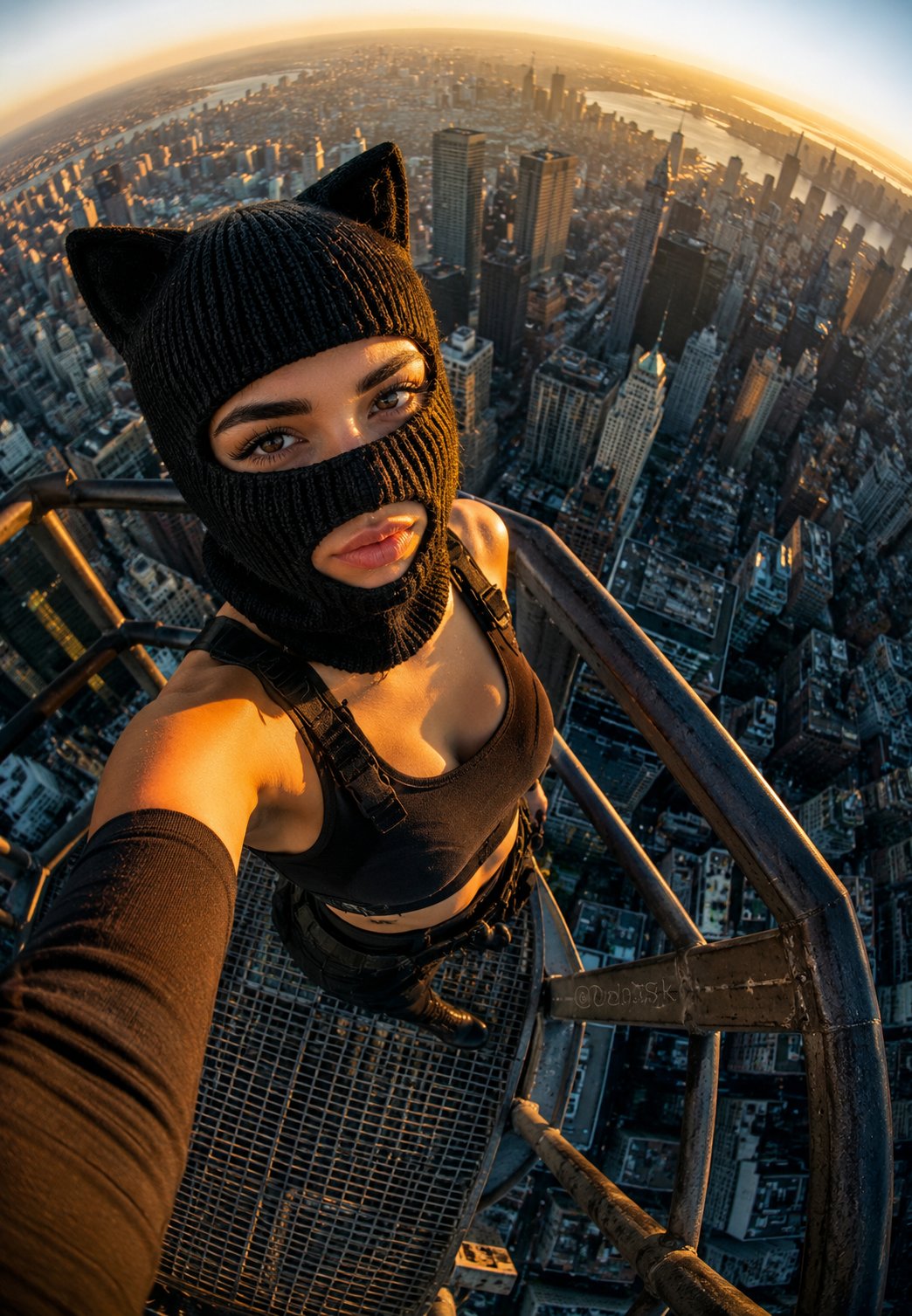
Rooftop Fisheye — Cat-Ear Balaclava at Golden Hour
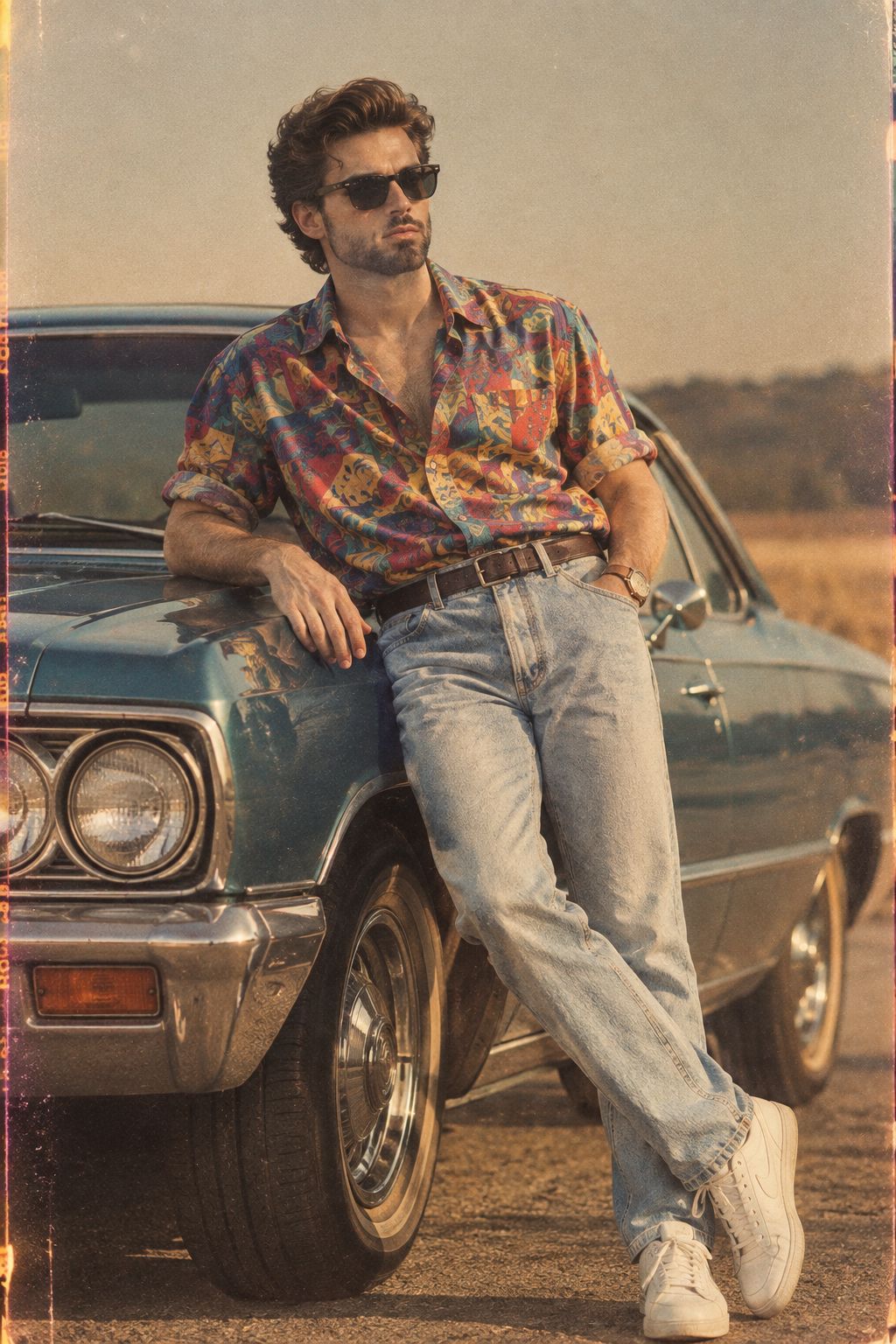
80s Golden Hour Cinema
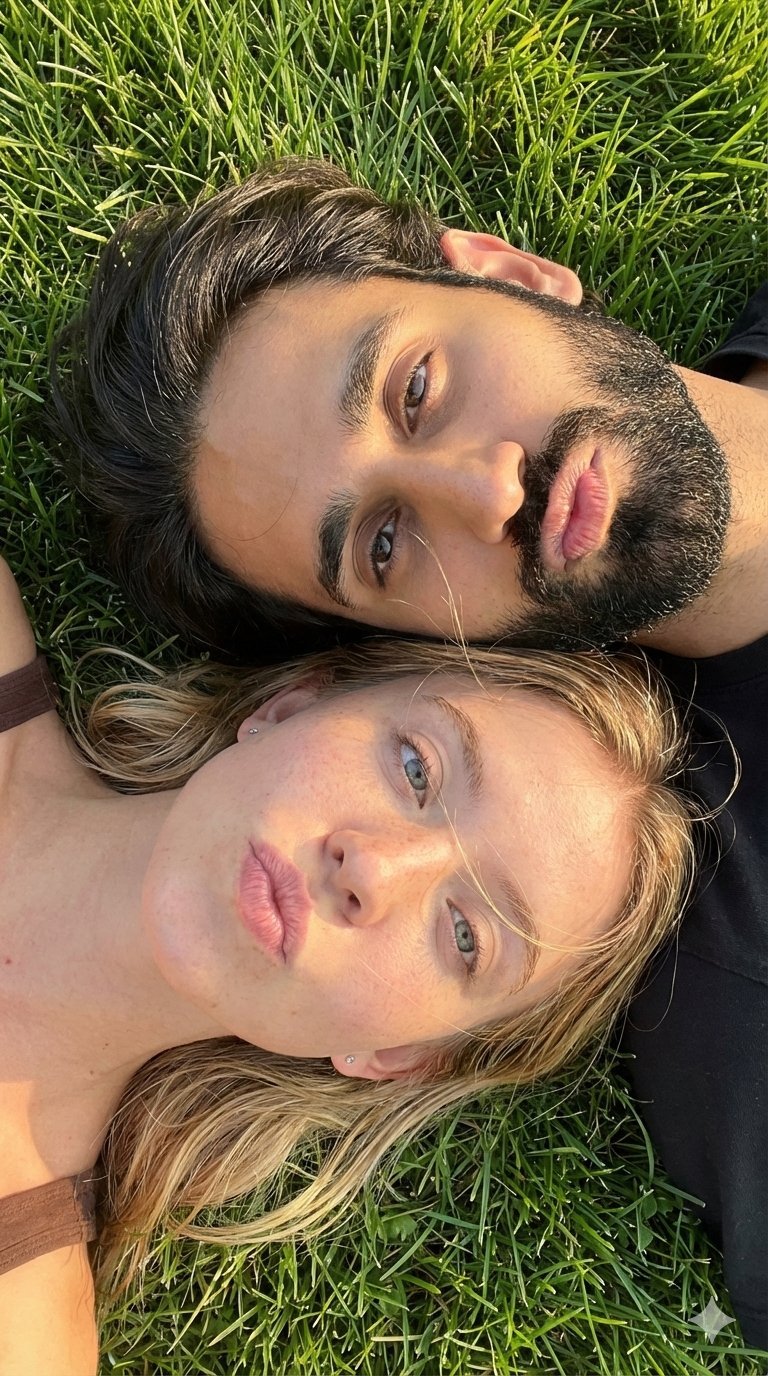
Selfie with Sydney Sweeney and Ana De Ar
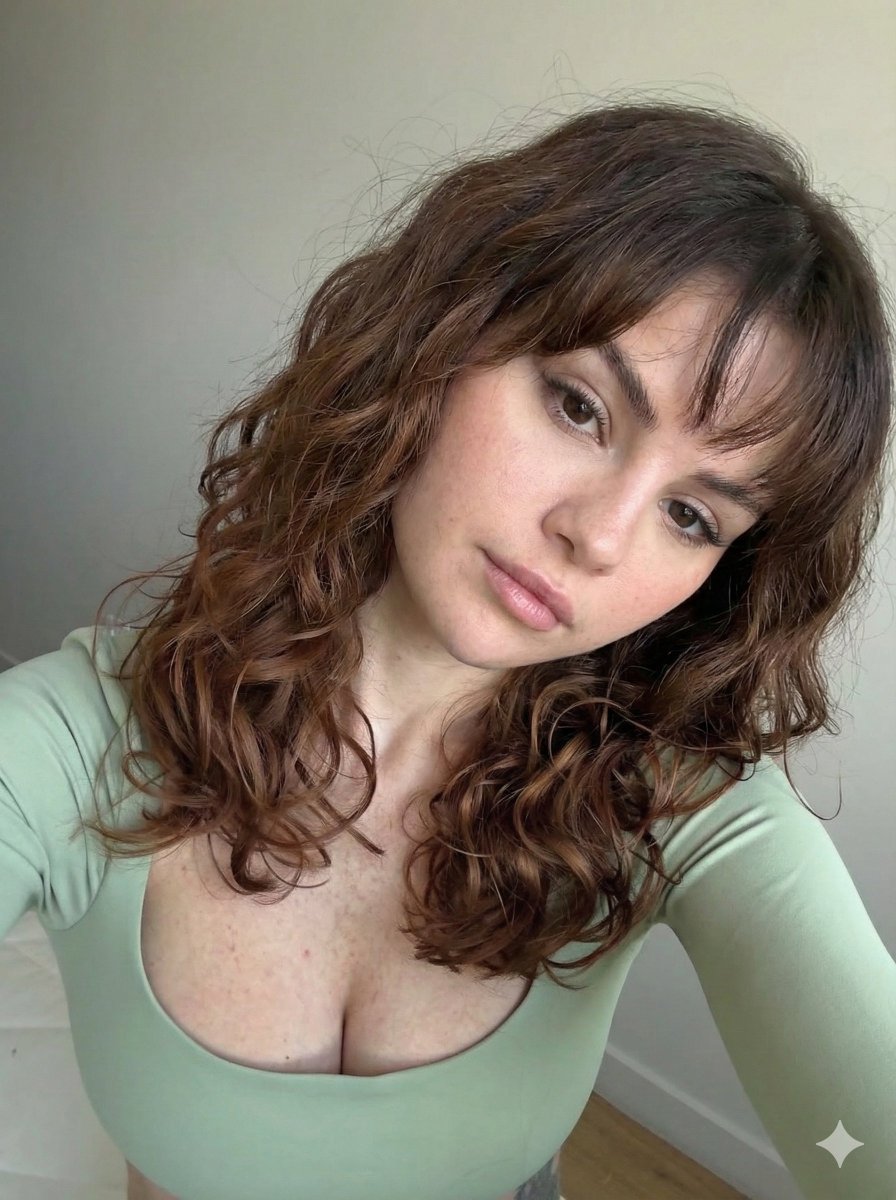
Ultra Photorealistic Selfie with Auburn Hair and Freckles
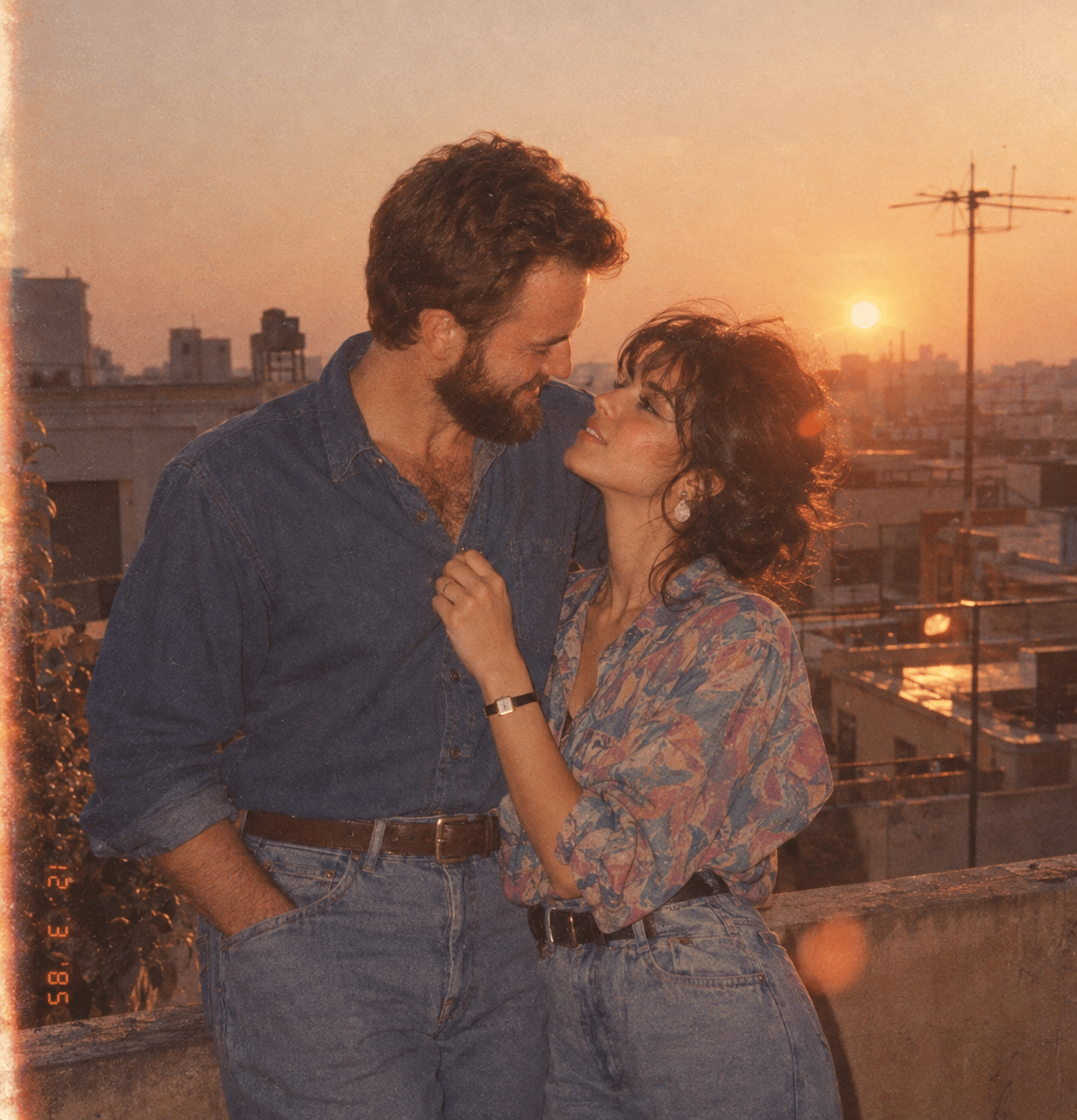
If We Met in 1985
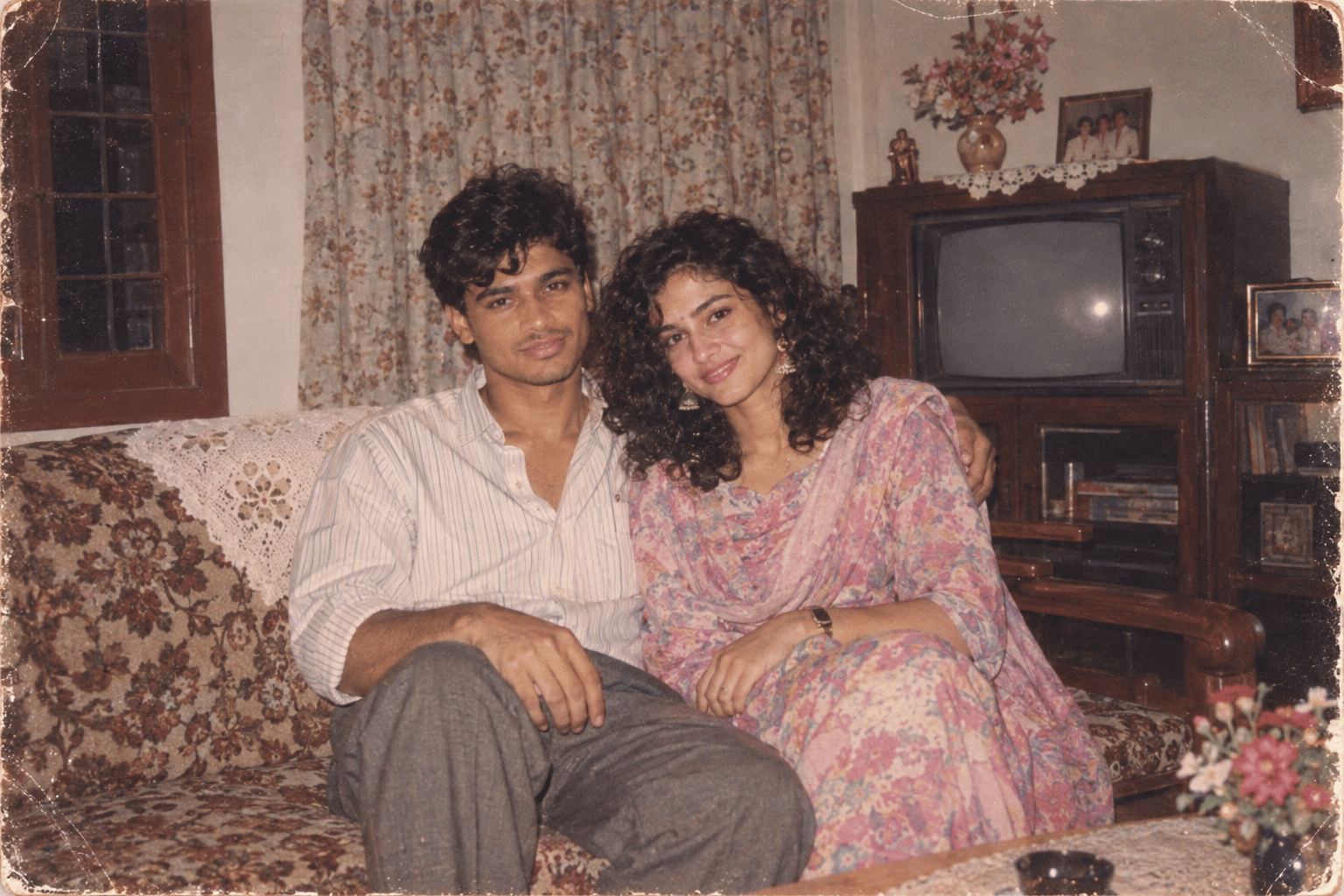
Found Photograph: Us, 1970
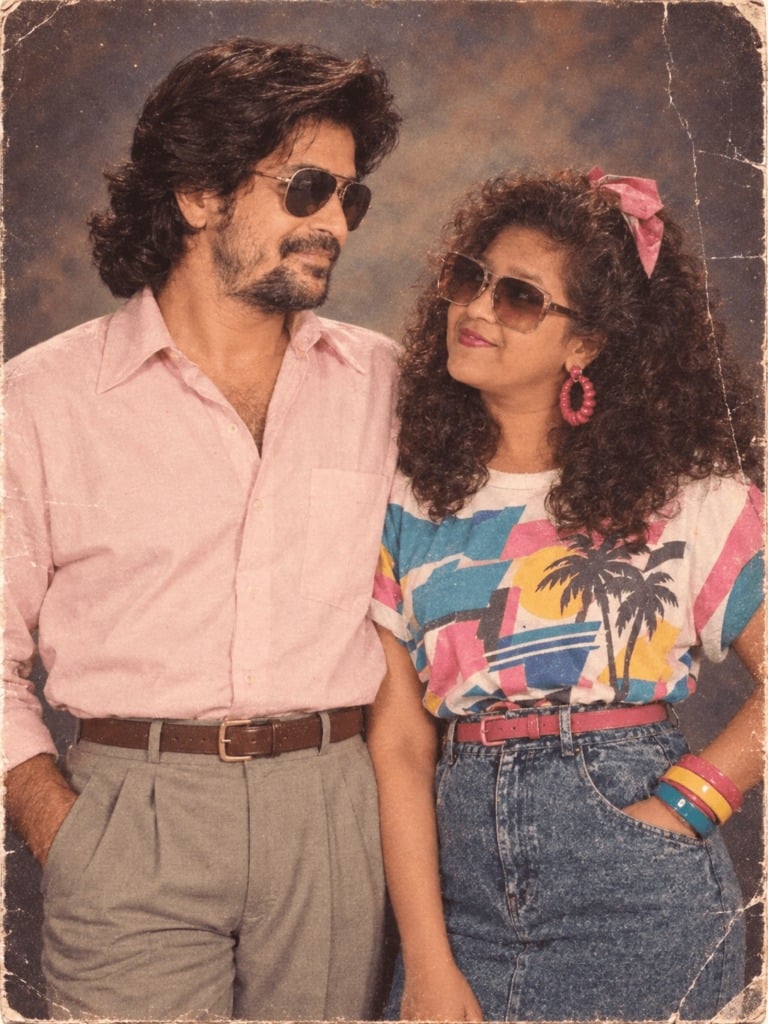
80s Couple Studio Portrait
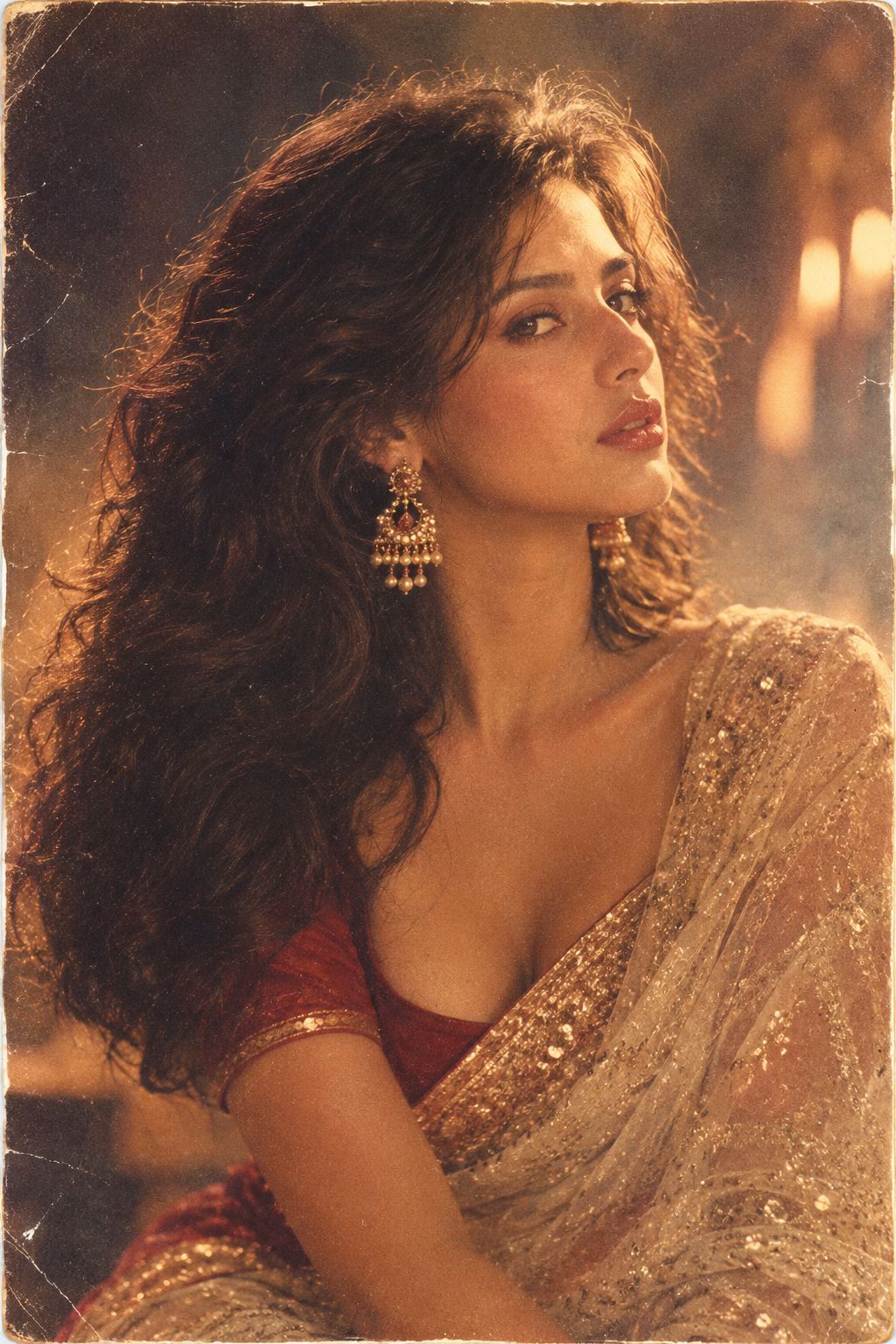
80s Bollywood Star
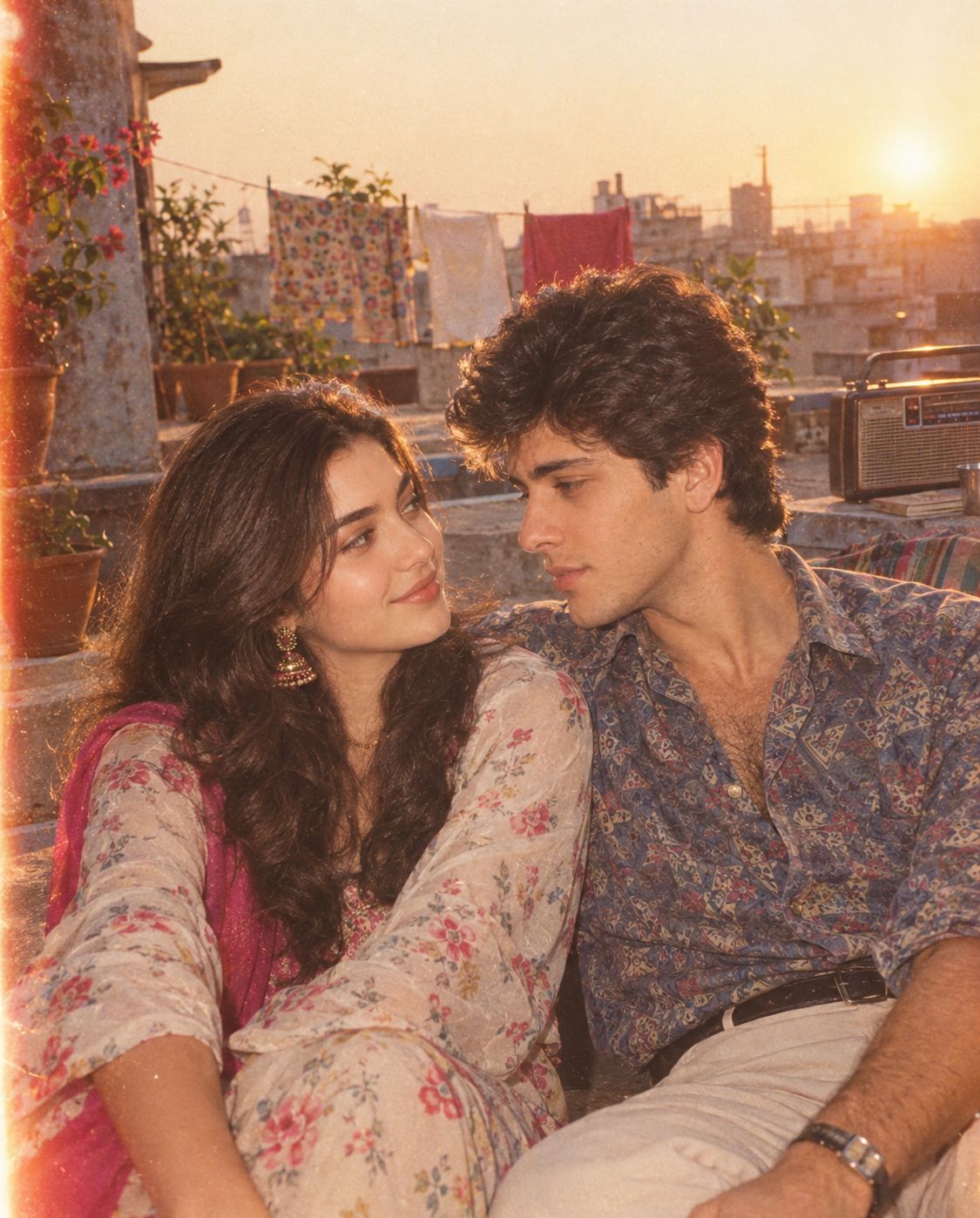
80s Rooftop Couple
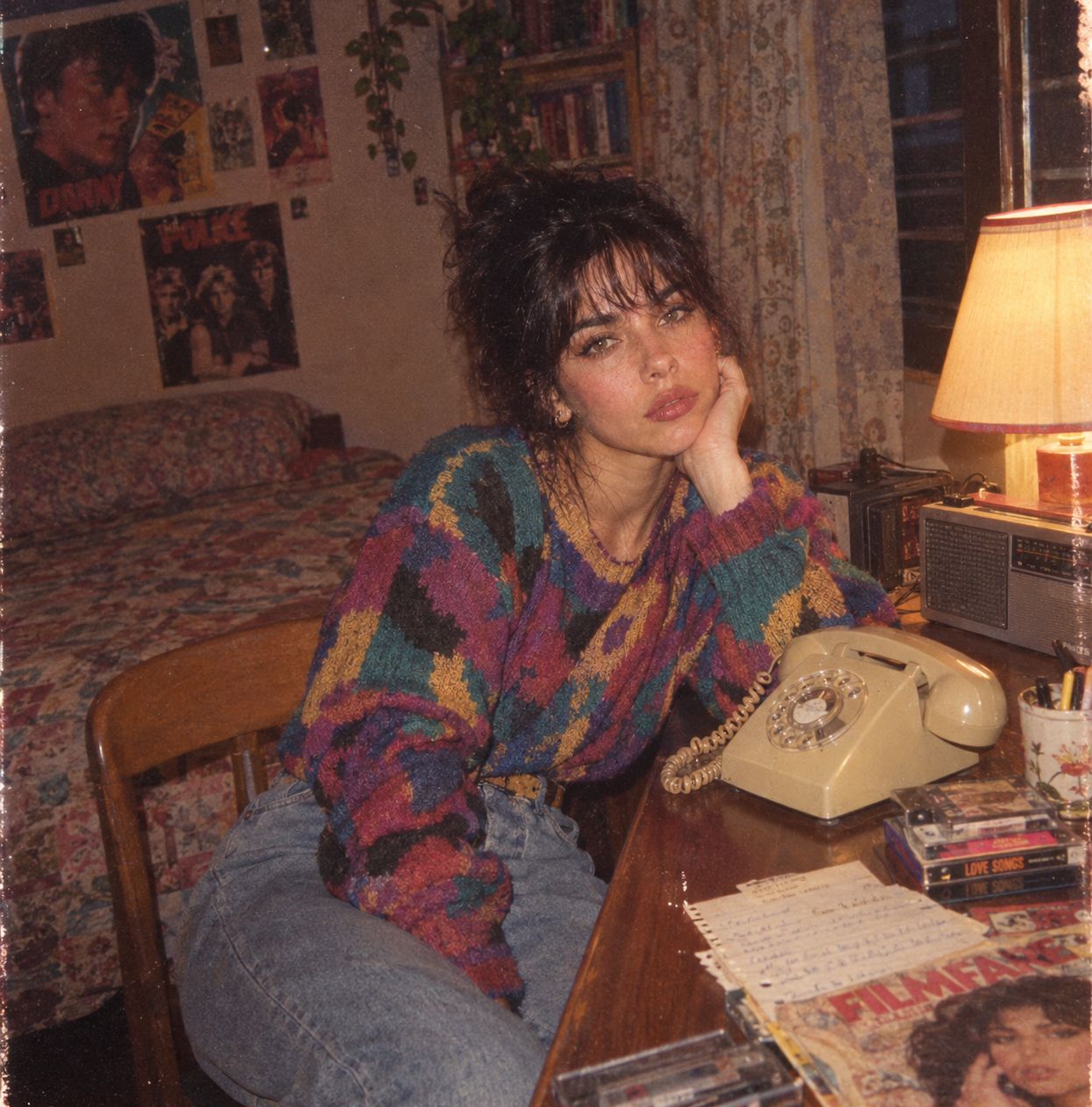
Me in 1985
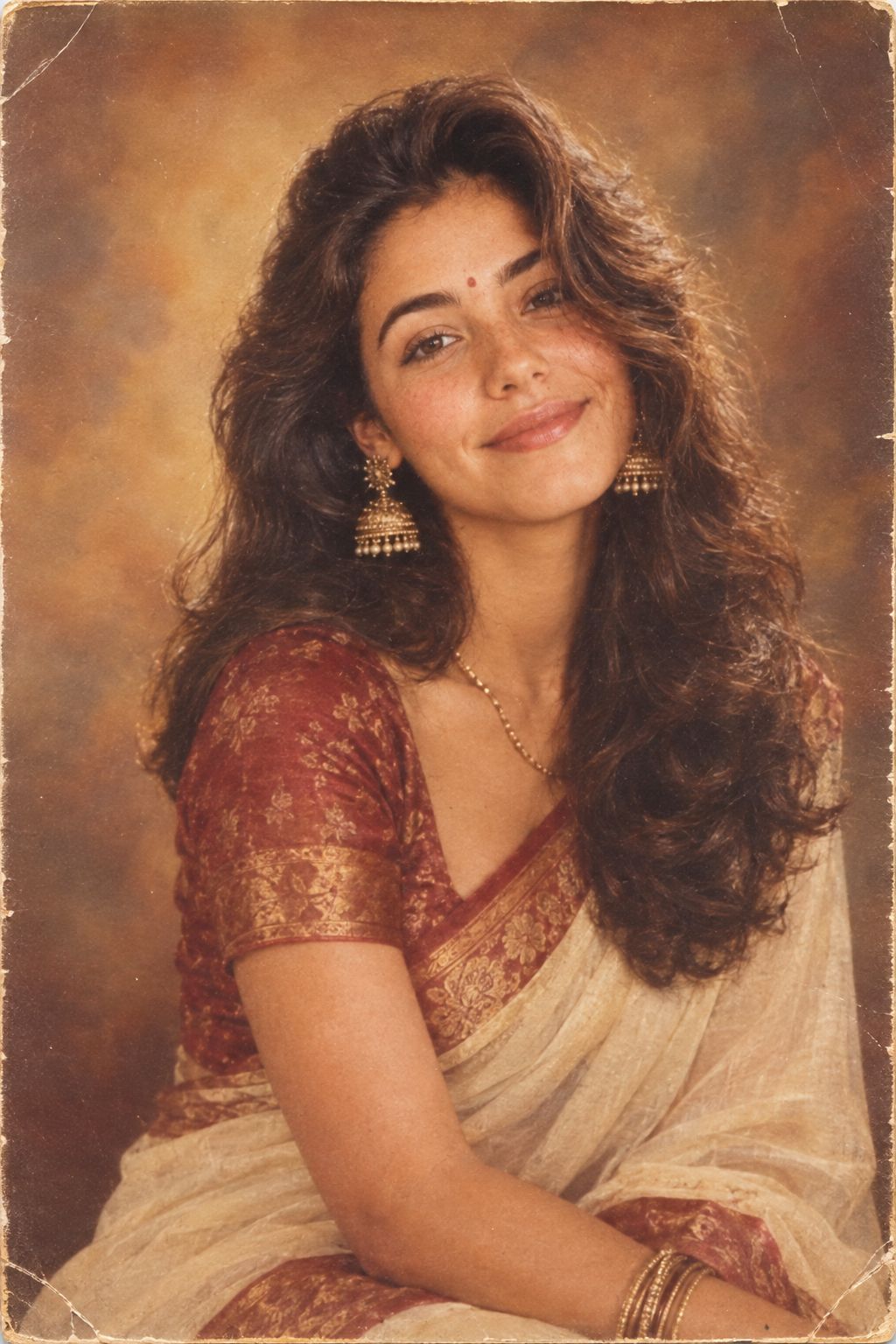
1985 Studio Portrait
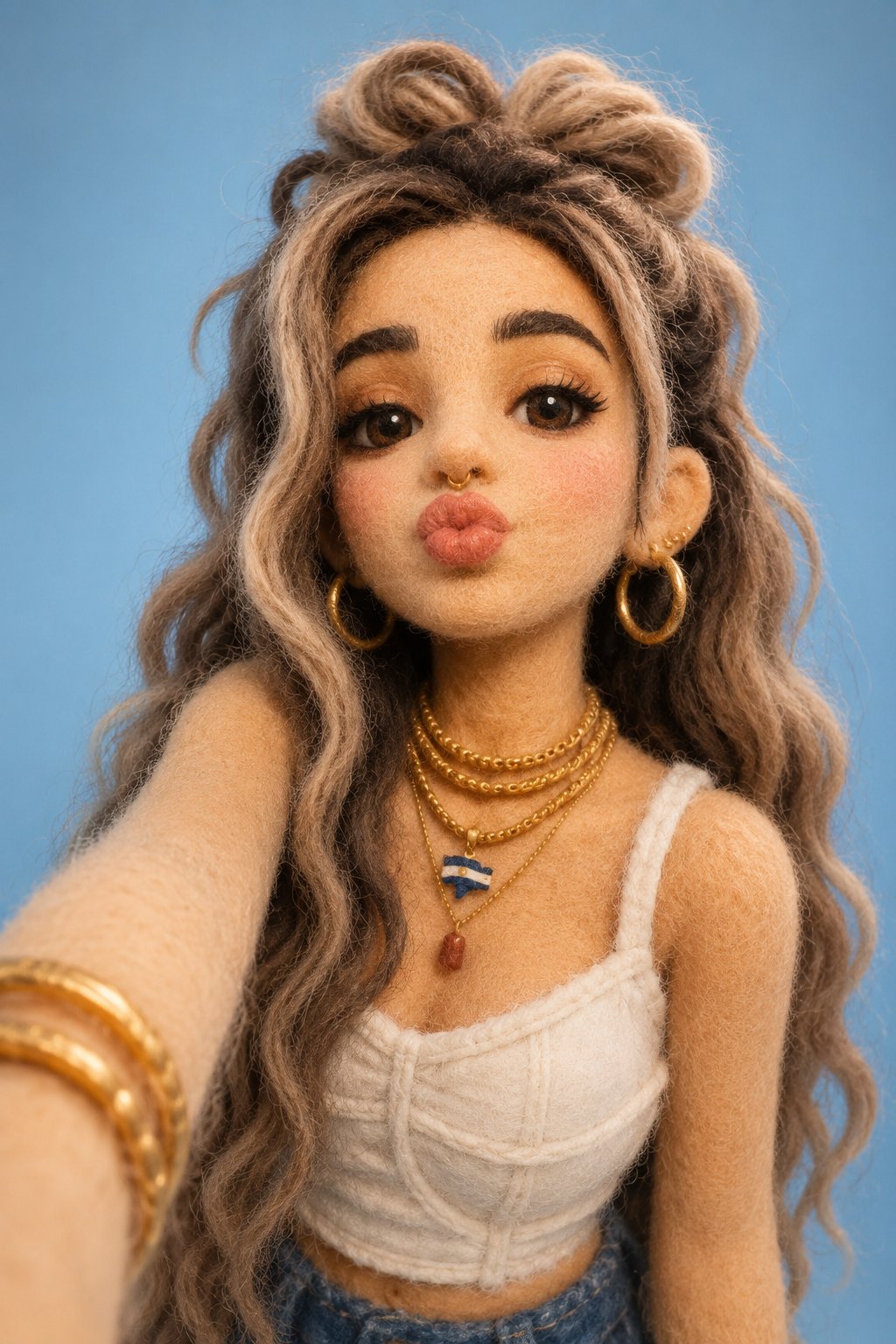
Felt & Knit 3D Character — Photo-Exact Face, Pixar-Quality Plush Figurine
Make it yours
Seaside Golden Hour Selfie — Fuchsia Blossom & Freckles works as-is. These are the safest ways to change it without losing the look.
Change one field
Copy a single group, rewrite it, and generate again so you can see what that field is doing.
Keep the frame, change the subject
Hold the composition and light of Seaside Golden Hour Selfie — Fuchsia Blossom & Freckles, then swap wardrobe, props or the person for a new take.
| If the result… | Why | Fix |
|---|---|---|
| The result drifts from the preview | Too many fields changed at once. | Reuse Seaside Golden Hour Selfie — Fuchsia Blossom & Freckles as-is first, then change one group — subject, light, or setting. |
| The model over-stylizes the scene | The prose prompt leaves finish and camera underspecified. | Add one camera or lighting sentence and stay on PicX Studio. |
More image prompts
Fresh picks from across the catalog.
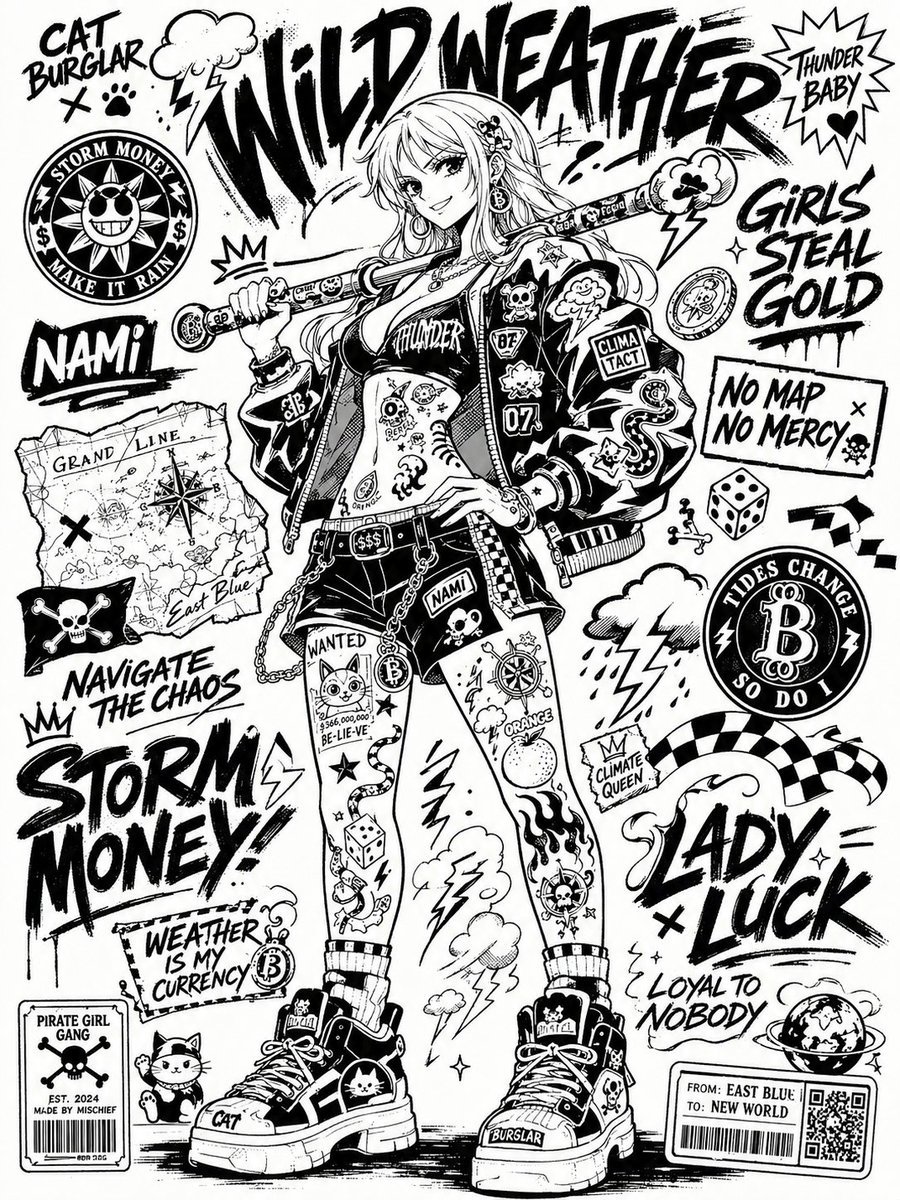
Black and White Sticker Bomb Street Poster

2x2 Grid Fashion Photoshoot Collage

Anime Film Poster Generator
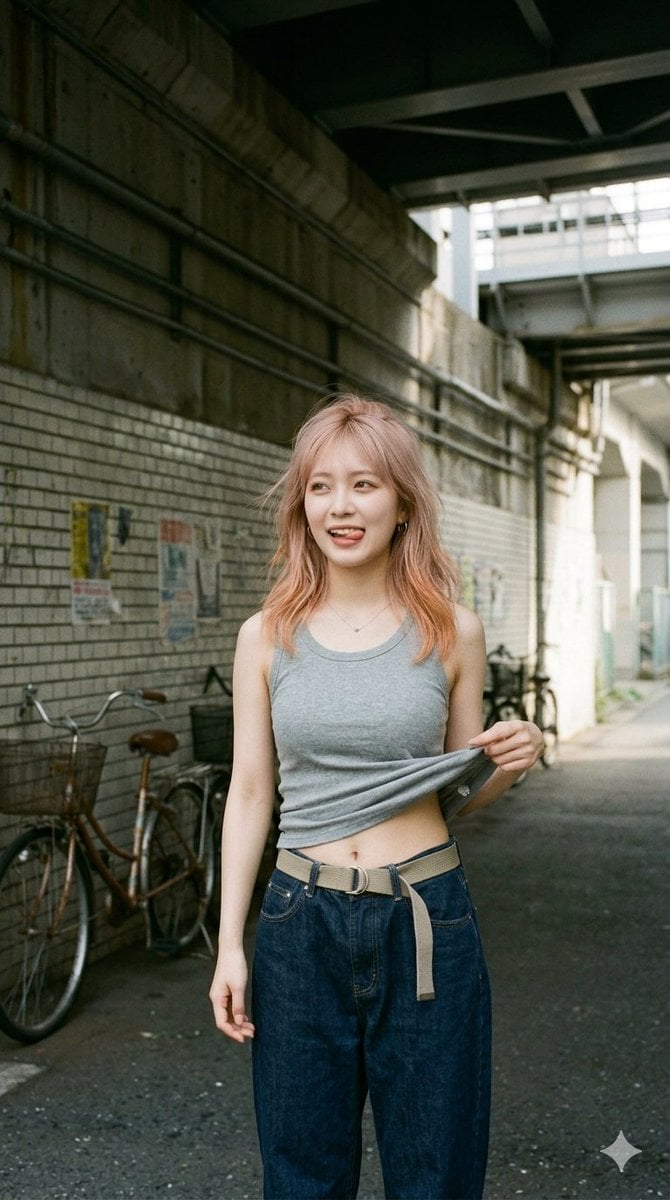
Urban Tank Top Street Portrait
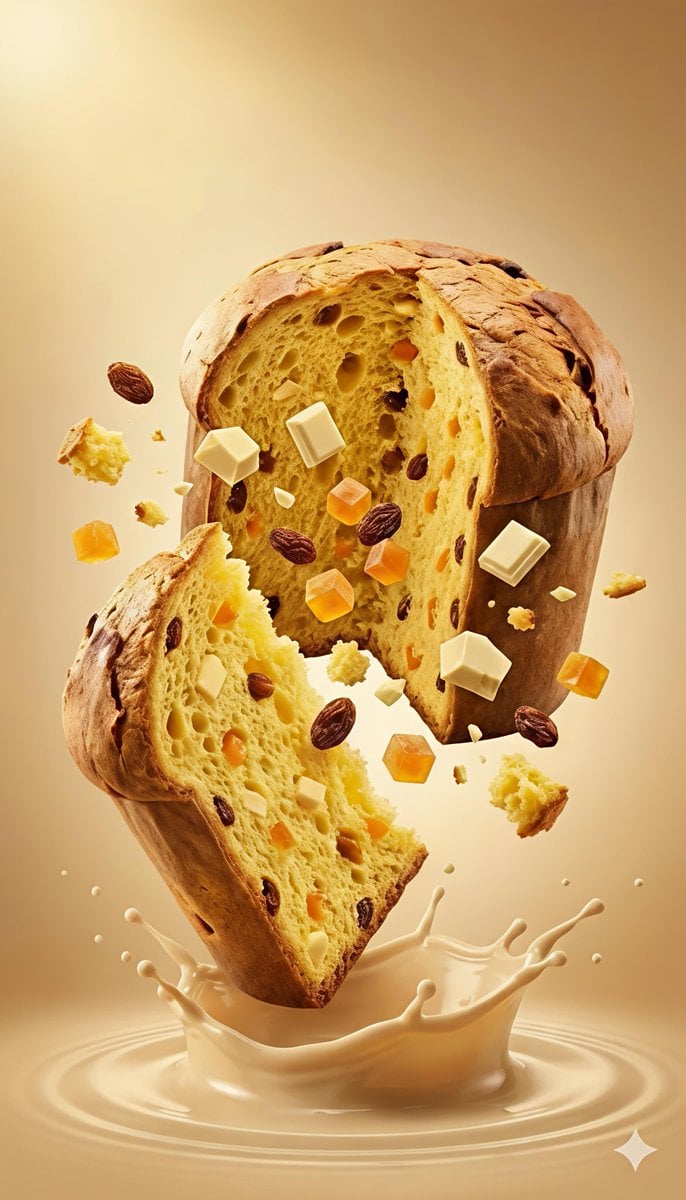
Dynamic Panettone Food Photography Prompt
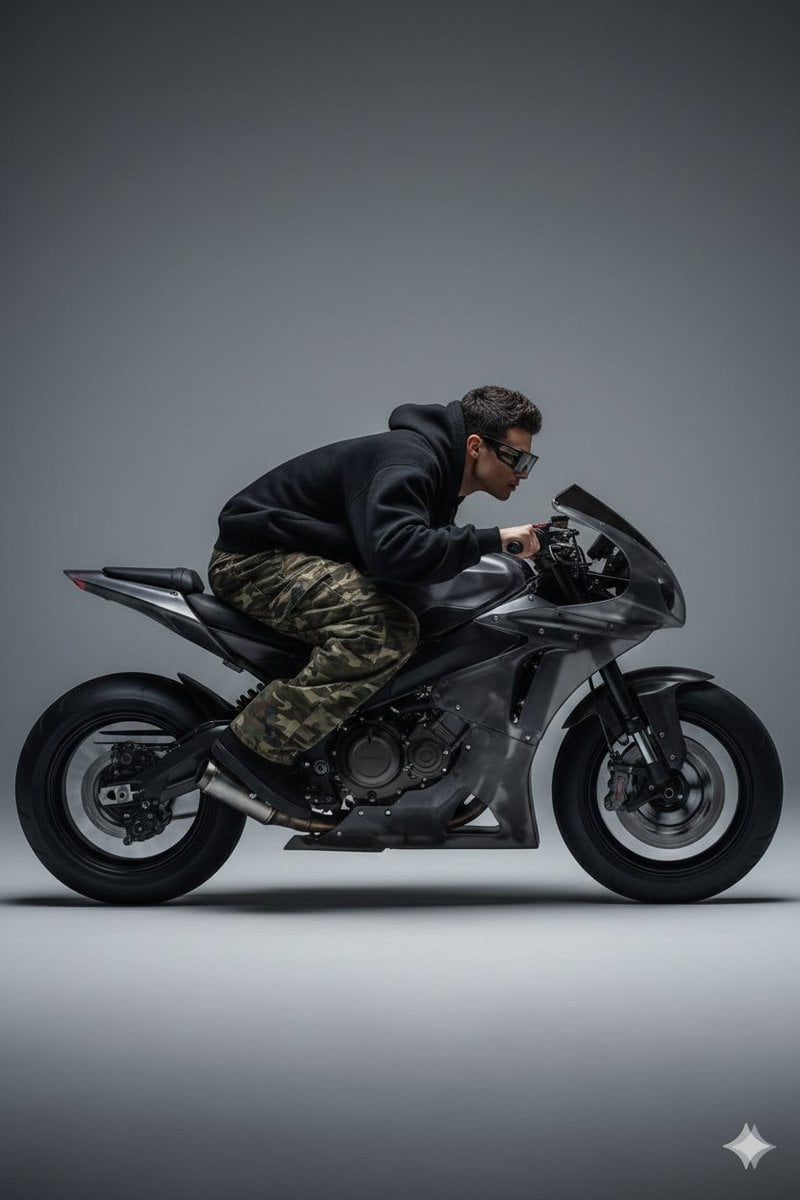
Y2K Style Translucent Motorbike Product Design
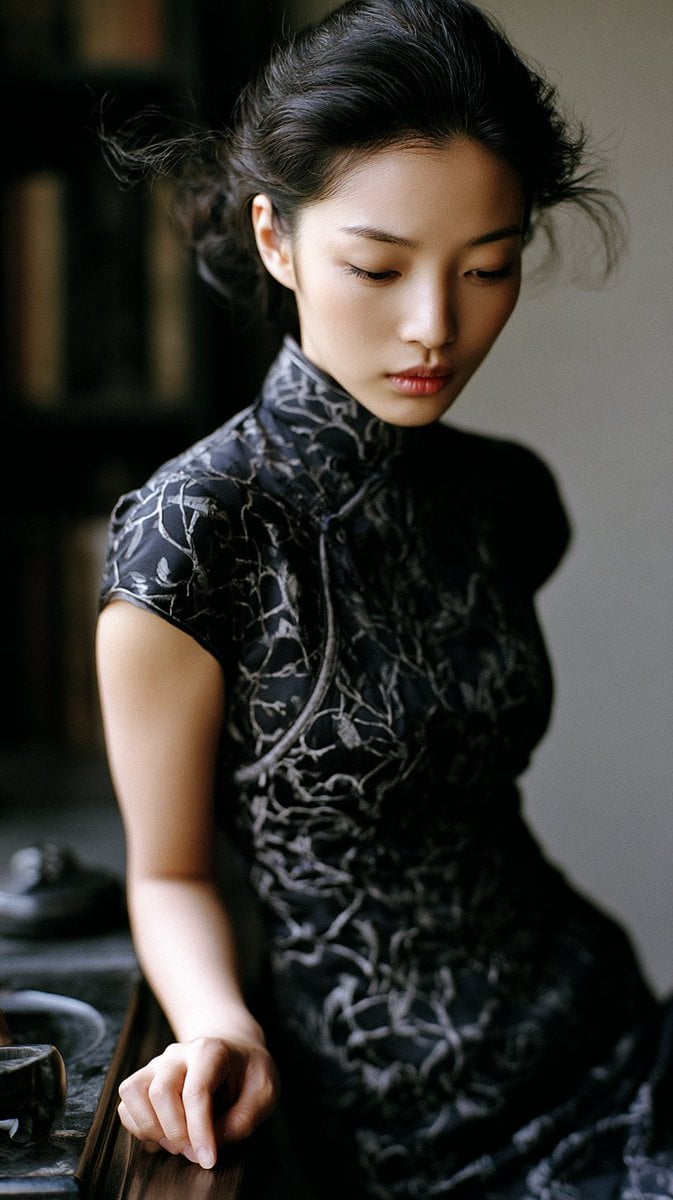
Classical Study Room Portrait
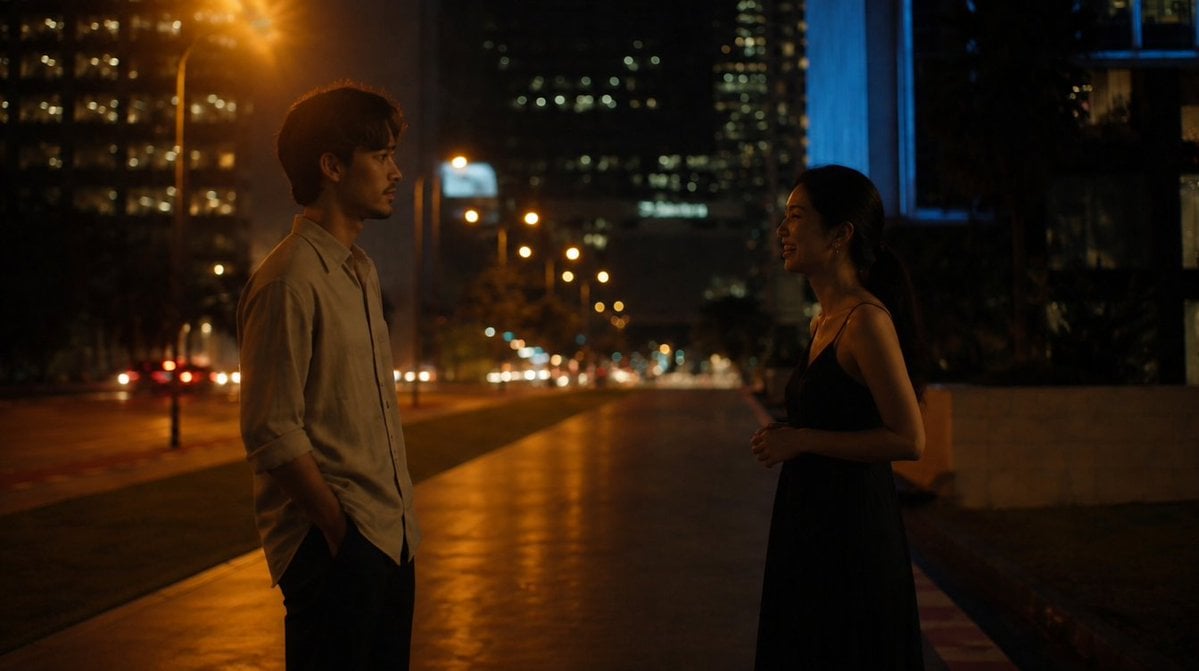
Cinematic Night Street Conversation
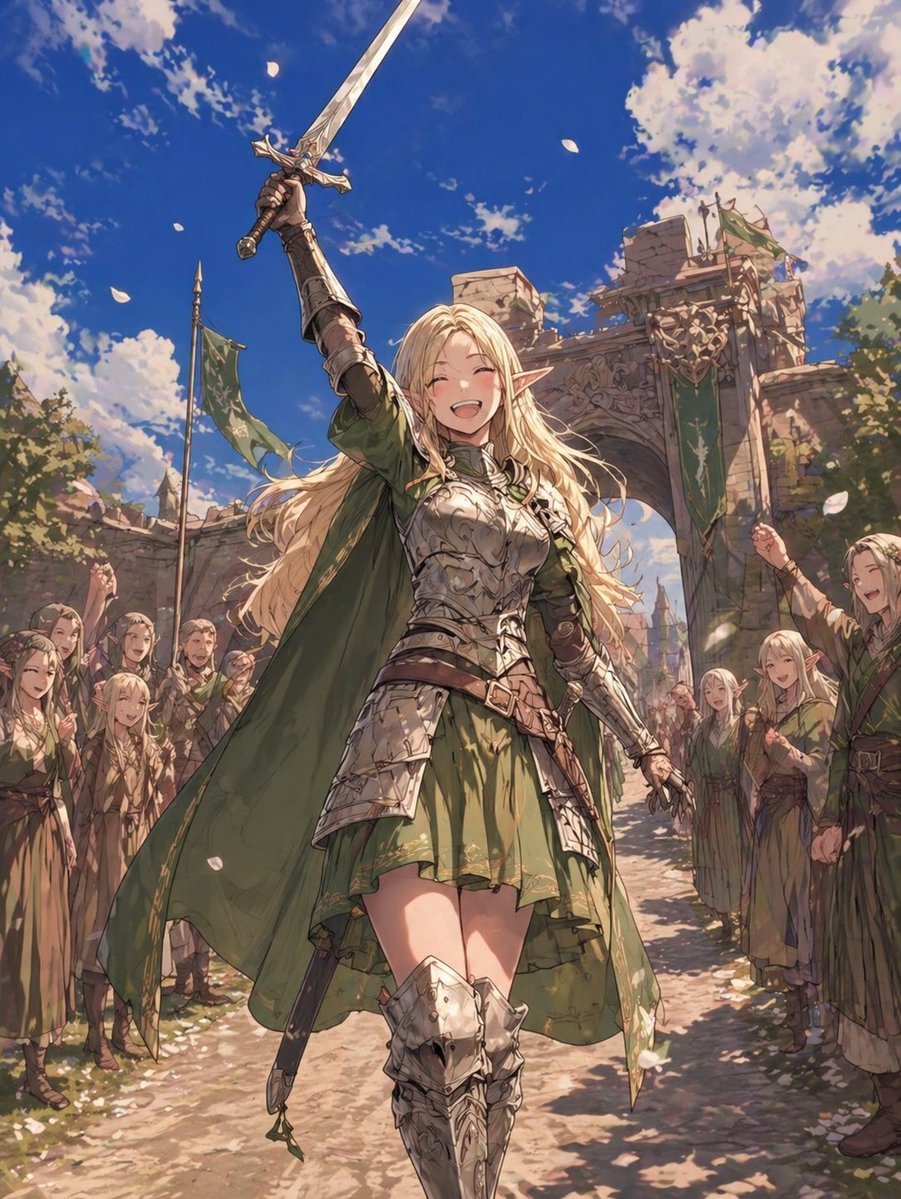
Elf Knight Victory Parade
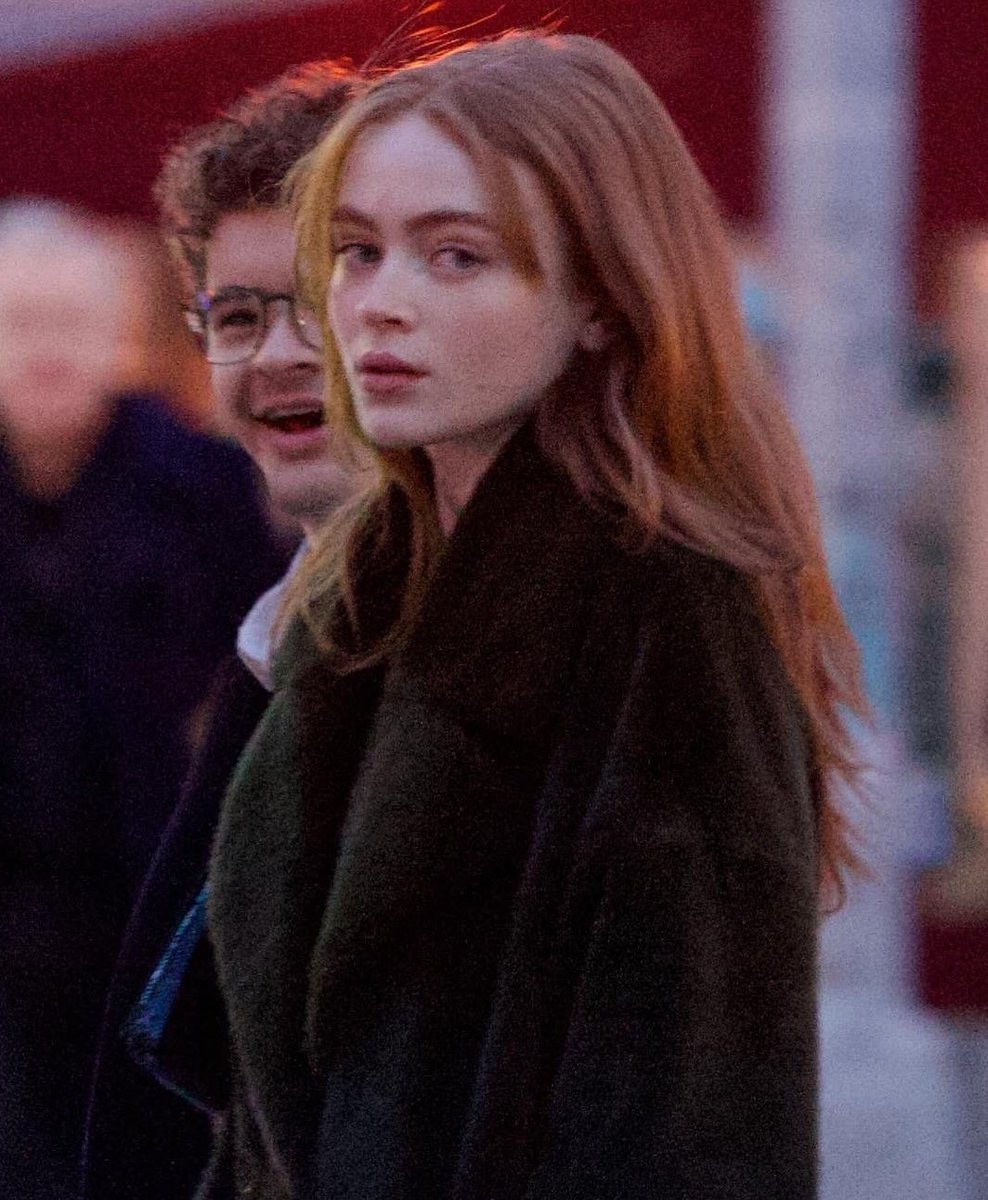
Cinematic Evening Street Portrait Prompt
Featured in prompt roundups
Hand-picked collections that include this template.
Browse template categories
Seaside Golden Hour Selfie — Fuchsia Blossom & Freckles questions
How do I use the Seaside Golden Hour Selfie — Fuchsia Blossom & Freckles template?
Add your photo if the template asks for one, edit the prompt if you like — the template's model and format are already selected — and press Generate. Your version opens in PicX Studio.
Can I customize the Seaside Golden Hour Selfie — Fuchsia Blossom & Freckles template?
Yes. You can change the subject, setting, lighting, mood, format, and available model controls before creating your image.
Is the Seaside Golden Hour Selfie — Fuchsia Blossom & Freckles template free?
Opening and editing this template is free. Generating uses credits, shown on the Generate button when you are signed in.
Which AI model should I use?
Choose a compatible model in PicX Studio based on the style, speed, and output controls your project needs.
Looking for something else? Browse all templates.

Your photo, any look
Thousands of ready templates for every top image and video model, from one credit balance.