
Urban Tank Top Street Portrait
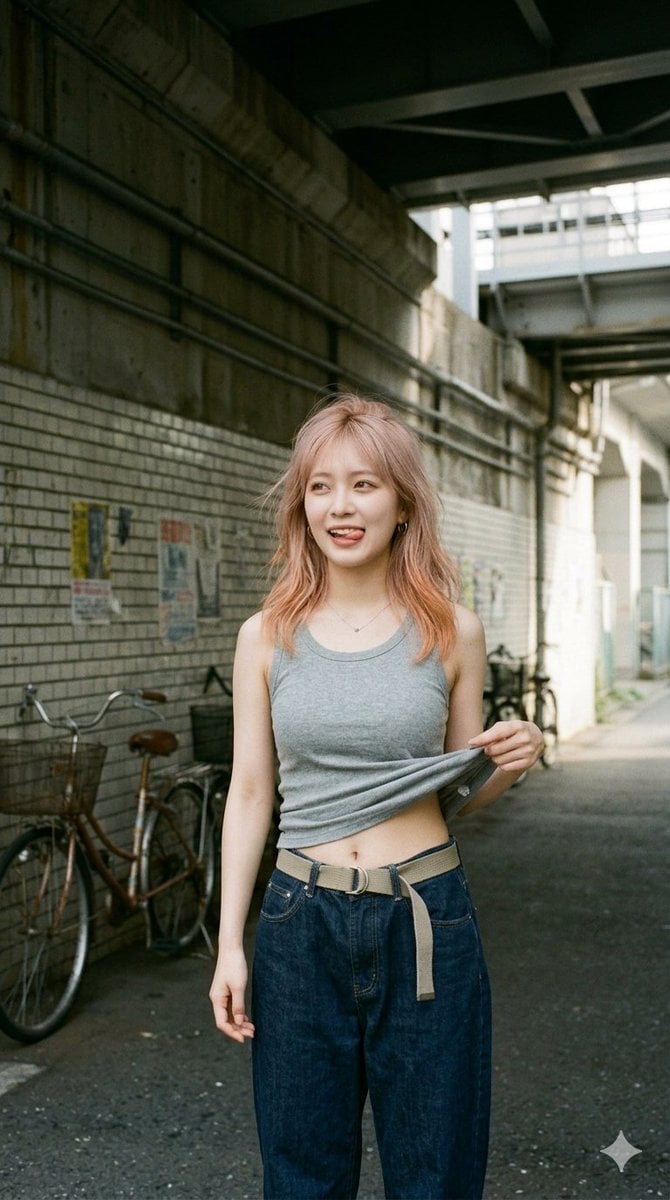
A photorealistic vertical street-fashion image of a young woman lifting a tank top in a gritty urban underpass, useful for candid editorial portrait generation.
- Prompt included
- Model and format preset
- Free template
The prompt behind this image
Copy the exact prompt behind Urban Tank Top Street Portrait, or open it in the studio and make it yours.
Create a photorealistic vertical street-fashion snapshot of an adult young woman standing in a gritty urban underpass alley during soft morning daylight. She has {argument name="hair color" default="peach blonde"} shoulder-length slightly wavy hair, a slim build, and wears a {argument name="tank top color" default="heather gray"} sleeveless ribbed tank top with loose dark indigo wide-leg jeans and a beige canvas belt with a long hanging strap. She faces the camera in a relaxed casual pose, one arm down and the other hand lifting the hem of her tank top slightly to reveal her lower midriff and navel, giving a playful candid fashion-photo feeling. Her face is intentionally obscured by a plain skin-tone rectangular blur for anonymity. The setting is a narrow Japanese-style city passage beneath elevated train tracks or concrete infrastructure, with stained concrete walls, white brick tiles, overhead beams, exposed pipes, faded posters on the wall, and two bicycles parked along the left side. Use natural film photography aesthetics, 35mm lens perspective, muted colors, soft contrast, shallow-to-moderate depth of field, realistic skin and fabric texture, documentary street style, full torso to upper legs framing, vertical 2:3 composition, no text, no logo except a tiny subtle sparkle watermark-like mark in the lower right.
How to use Urban Tank Top Street Portrait in 3 steps
- 1Upload ImagePNG, JPG or paste
Add your photo
Upload the photo the template builds on. The prompt, model and format are already set.
- 2…a portrait of your subject in softgolden-hour light, 85mm…
Personalize
Edit the subject and creative details for your destination.
- 3Generate
Generate
Press Generate — your image is created in PicX Studio, so you can compare it with the original and refine one variable at a time.
More like this
Templates with the same subject, style or setup. Open one to see its prompt.
Modern Urban Streetwear Portrait

Rooftop Fisheye — Cat-Ear Balaclava at Golden Hour

Street-Art Inspired Urban Portrait
Cinematic Urban Street Portrait
Urban Street Market Caricature Portrait

Urban Street Portrait with Cartoon Inner Self Duo

Two Tickets, One Night

Found Photograph: Us, 1970

Meet Me When It Rains

Two Hearts. One Scooter.

80s Couple Studio Portrait

80s Bollywood Star
Make it yours
Urban Tank Top Street Portrait works as-is. These are the safest ways to change it without losing the look.
Change one field
Copy a single group, rewrite it, and generate again so you can see what that field is doing.
Keep the frame, change the subject
Hold the composition and light of Urban Tank Top Street Portrait, then swap wardrobe, props or the person for a new take.
| If the result… | Why | Fix |
|---|---|---|
| The result drifts from the preview | Too many fields changed at once. | Reuse Urban Tank Top Street Portrait as-is first, then change one group — subject, light, or setting. |
| The model over-stylizes the scene | The prose prompt leaves finish and camera underspecified. | Add one camera or lighting sentence and stay on GPT Image 2. |
More GPT Image 2 templates
Other prompts made for GPT Image 2.

Six VTuber Japanese Logo Sheet

Realistic Portrait of Woman and Deer

The Vista Modular Condo Poster

AI Model Routing Comparison Infographic

2.5D Anime Art Board

Isometric Productivity Desk Scene

New York Double Exposure Poster

Four-Panel AI Landscape Comparison

Japanese Tatami Lifestyle Magazine Cover

NESCAFÉ Coffee Map Poster
More image prompts
Fresh picks from across the catalog.
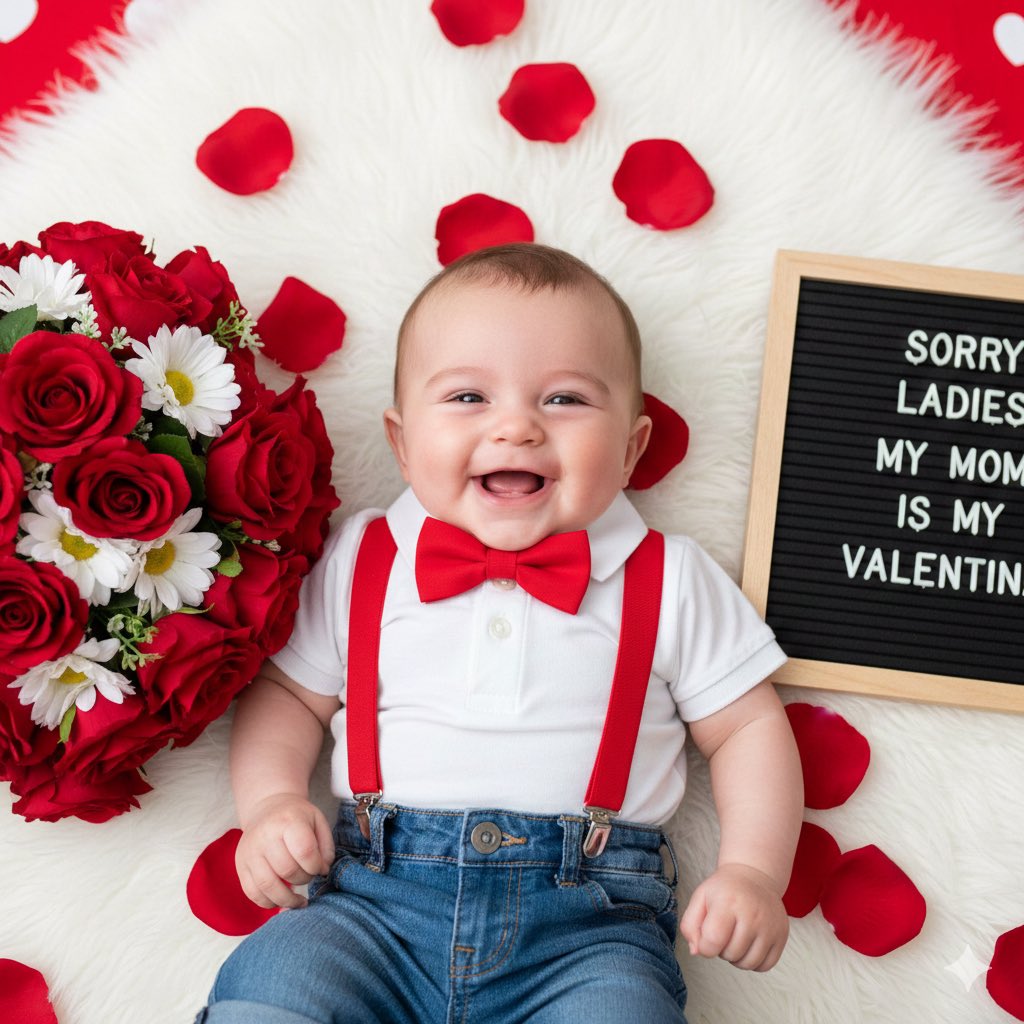
Valentine's Day Baby Boy Portrait Prompt
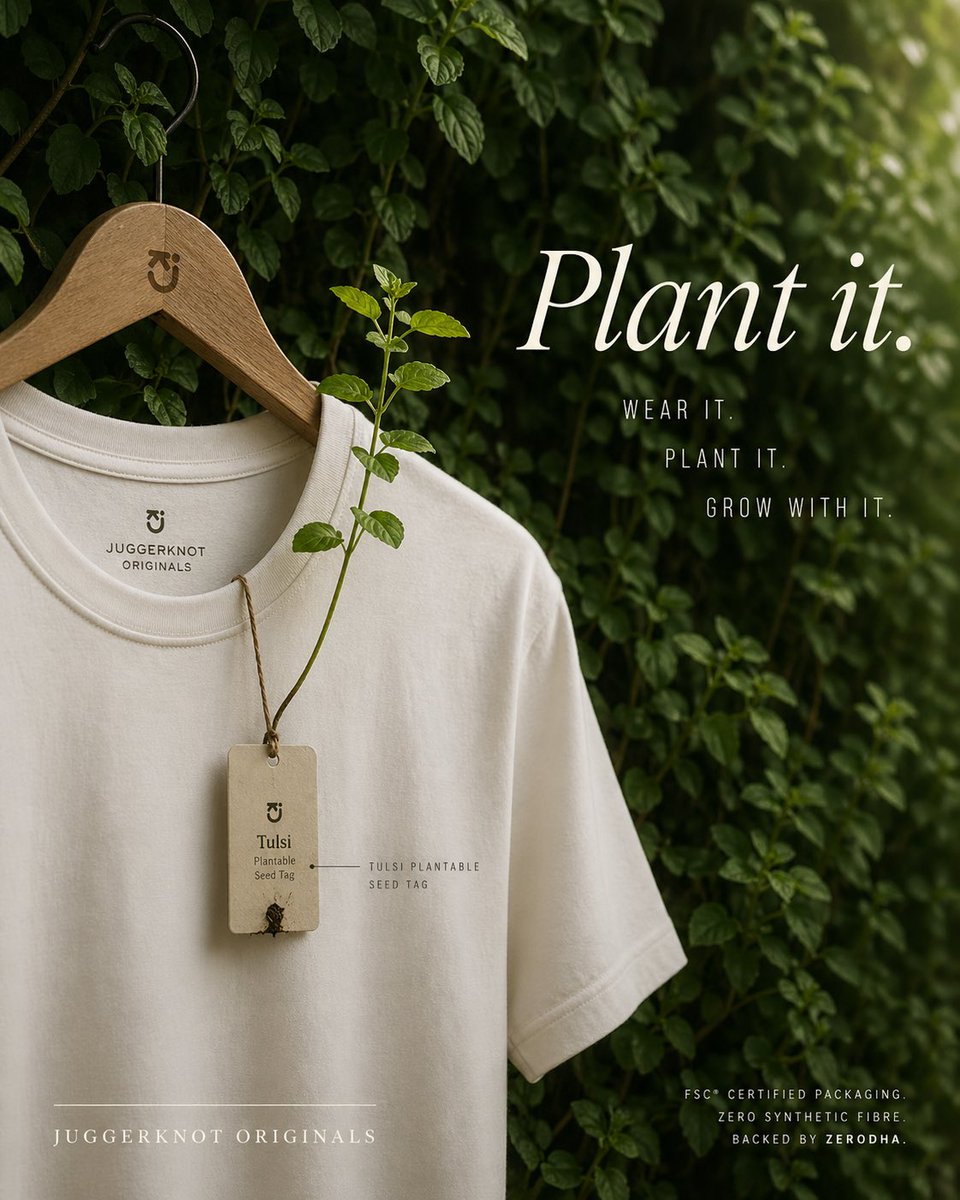
Sustainable T-Shirt Plantable Tag Ad

Overhead Escalator Mall Portrait

Cinematic Yasuo Fantasy Poster
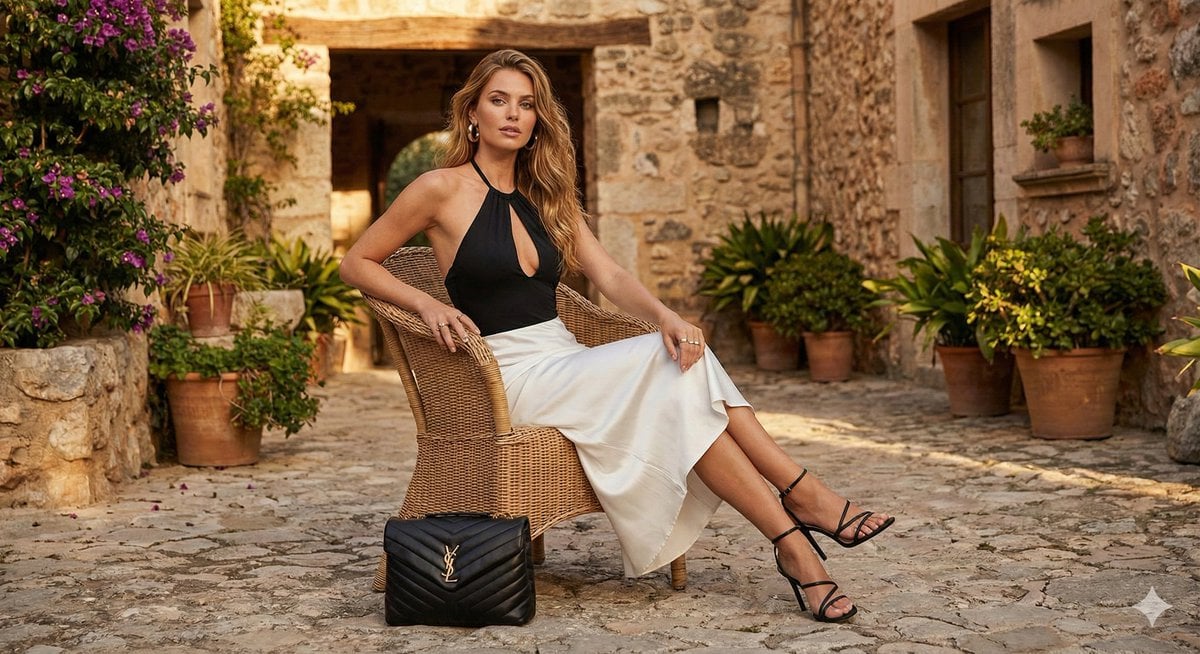
Rustic Luxury Fashion Shot with YSL Handbag
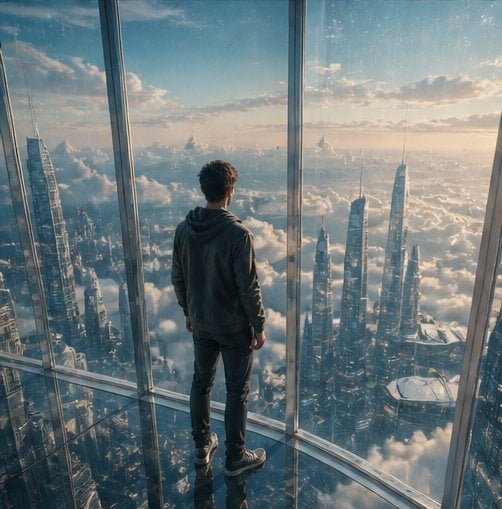
Futuristic Glass Skyscraper City

Prompt for Converting Subject into an Archangel
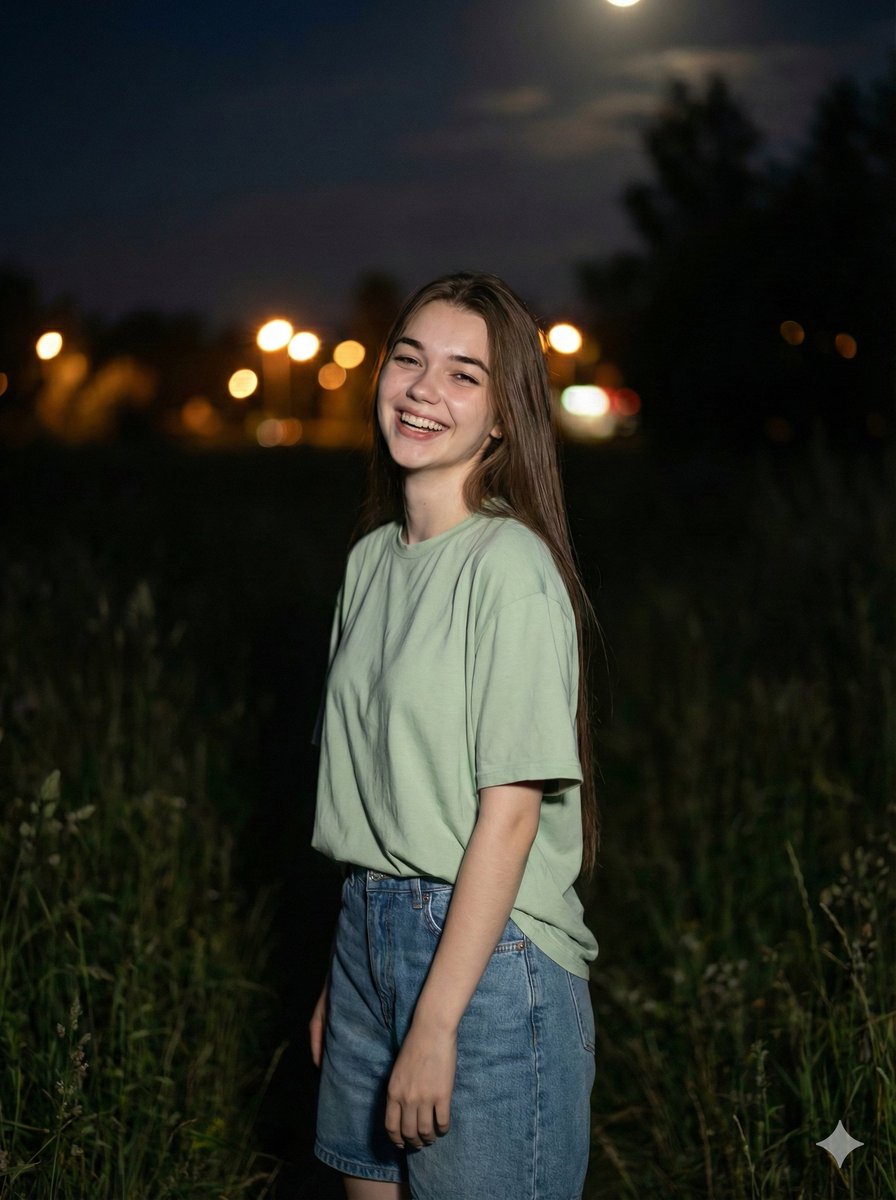
Cinematic Night Portrait Prompt
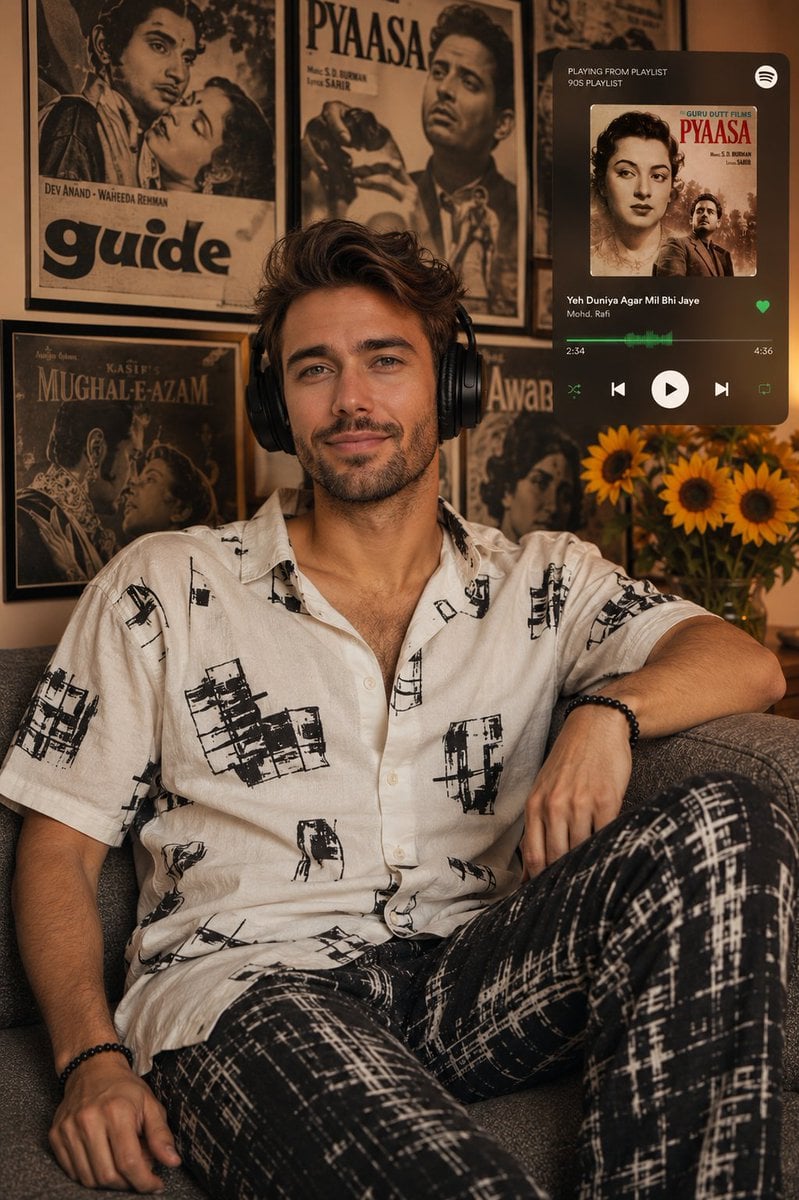
Vintage Bollywood Editorial Portrait
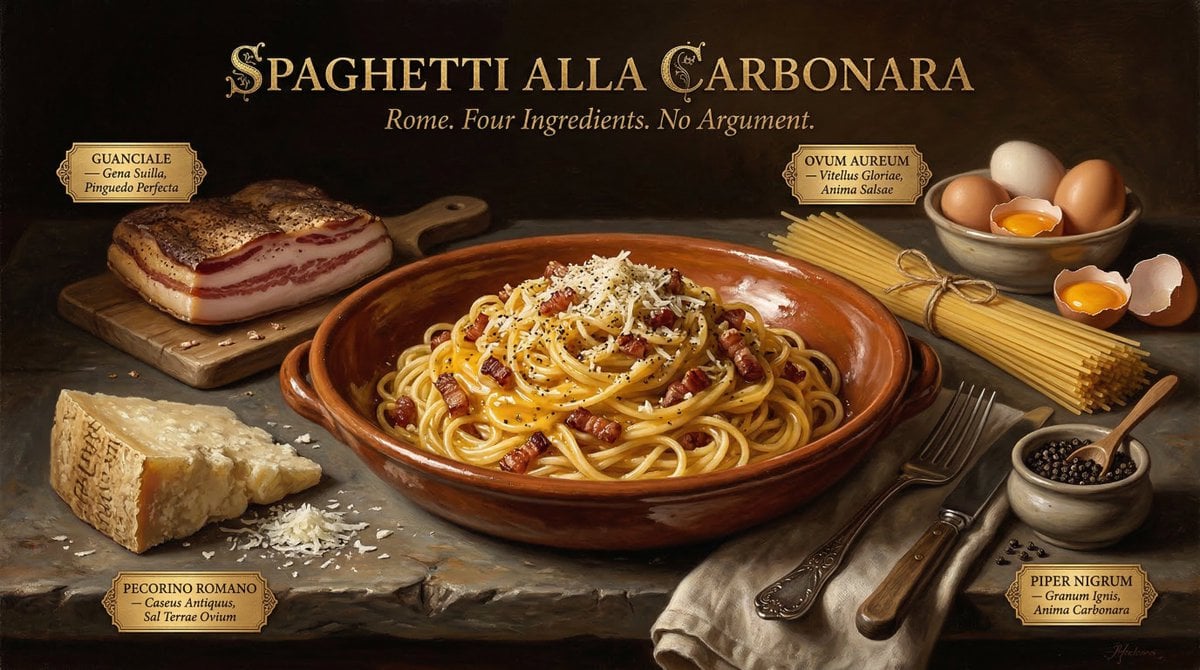
Dutch Golden Age Food Photography
Browse template categories
Urban Tank Top Street Portrait questions
How do I use the Urban Tank Top Street Portrait template?
Add your photo if the template asks for one, edit the prompt if you like — the template's model and format are already selected — and press Generate. Your version opens in PicX Studio.
Can I customize the Urban Tank Top Street Portrait template?
Yes. You can change the subject, setting, lighting, mood, format, and available model controls before creating your image.
Is the Urban Tank Top Street Portrait template free?
Opening and editing this template is free. Generating uses credits, shown on the Generate button when you are signed in.
Which AI model should I use?
Start with GPT Image 2, which is the model associated with this template. You can compare another compatible model for a different finish.
Looking for something else? Browse all templates.

Your photo, any look
Thousands of ready templates for every top image and video model, from one credit balance.