
2x2 Grid Fashion Photoshoot Collage
A prompt for generating an ultra-realistic, GQ/Vogue-style 2x2 grid collage of four fashion poses of the same person (using an uploaded photo for identity lock), wearing a deep emerald green blazer and black sunglasses…

- Prompt included
- Model and format preset
- Premium template
The prompt behind this image
Copy the exact prompt behind 2x2 Grid Fashion Photoshoot Collage, or open it in the studio and make it yours.
Use my uploaded photo as the identity reference. Create a professional studio fashion photoshoot in a 2×2 grid collage showing four poses of the same person wearing black sunglasses. Outfit: deep emerald green tailored blazer, cream/off-white dress shirt, black slim trousers, burgundy tie, optional silver watch. Blazer appears differently across frames (worn, draped over shoulder, partially removed, held). Background: clean teal-to-turquoise gradient studio backdrop, minimal fashion studio setting. Poses: 1.Close portrait adjusting tie. 2.Seated editorial pose leaning forward with elbow on knee. 3.Relaxed pose with vintage camera around neck. 4.Stylish pose running hand through hair while holding blazer. Lighting: professional three-point studio lighting — softbox key light 45° camera left, soft fill light camera right, subtle rim light behind subject. Camera: Sony A7R V, 85mm portrait lens, f/2.2, ISO 100, 1/160s, WB 5600K, shallow depth of field, focus on eyes. Realism: natural skin pores, hair strands, subtle fabric wrinkles, realistic shadows, lens compression, reflections in sunglasses. Output: ultra-realistic GQ/Vogue-style editorial photography, sharp detail, 4K resolution, clean 2×2 grid layout.
How to use 2x2 Grid Fashion Photoshoot Collage in 3 steps
- 1Upload ImagePNG, JPG or paste
Add your photo
Upload the photo the template builds on. The prompt, model and format are already set.
- 2…a portrait of your subject in softgolden-hour light, 85mm…
Personalize
Edit the subject and creative details for your destination.
- 3Generate
Generate
Press Generate — your image is created in PicX Studio, so you can compare it with the original and refine one variable at a time.
More like this
Templates with the same subject, style or setup. Open one to see its prompt.
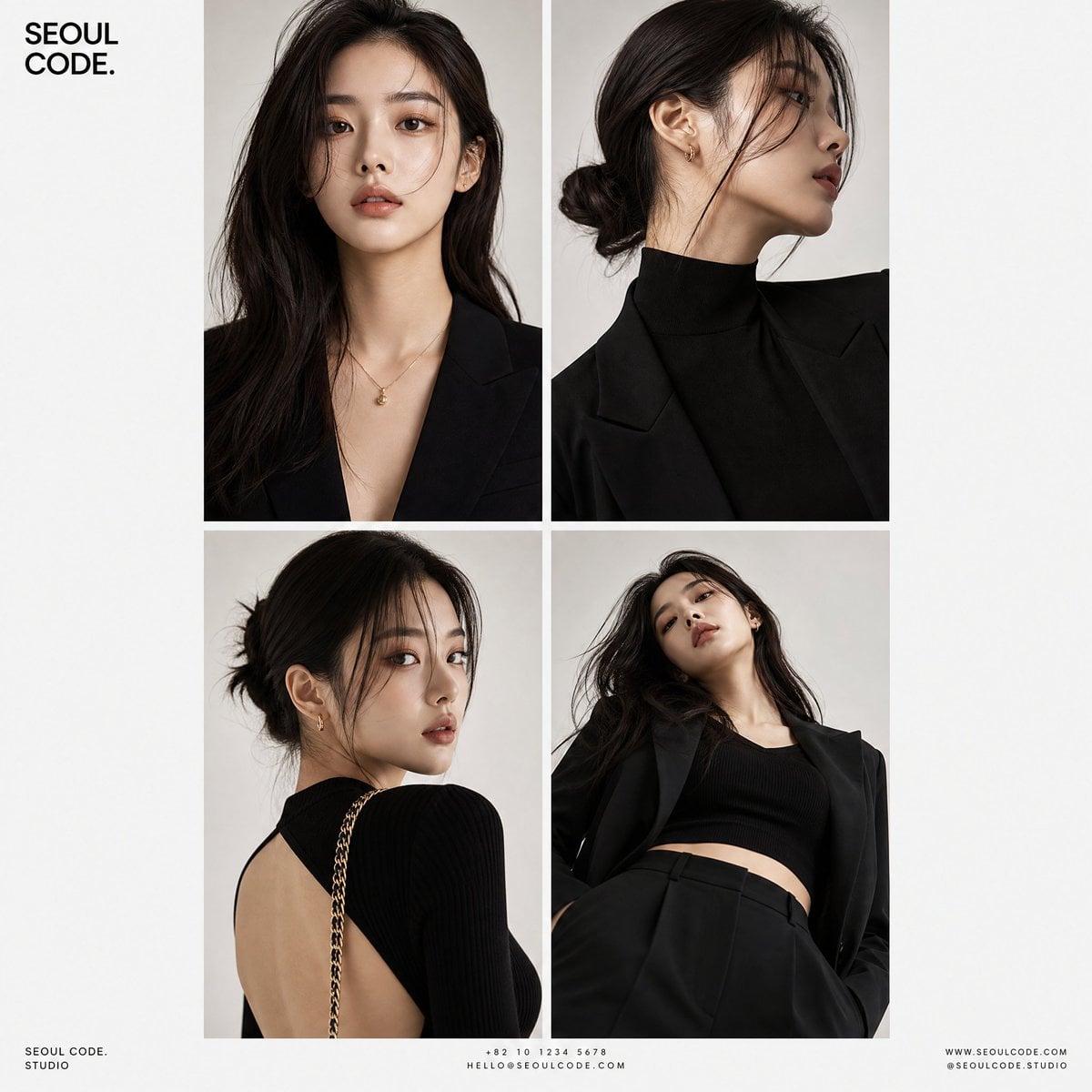
Korean Luxury Fashion Editorial 2x2 Grid Series
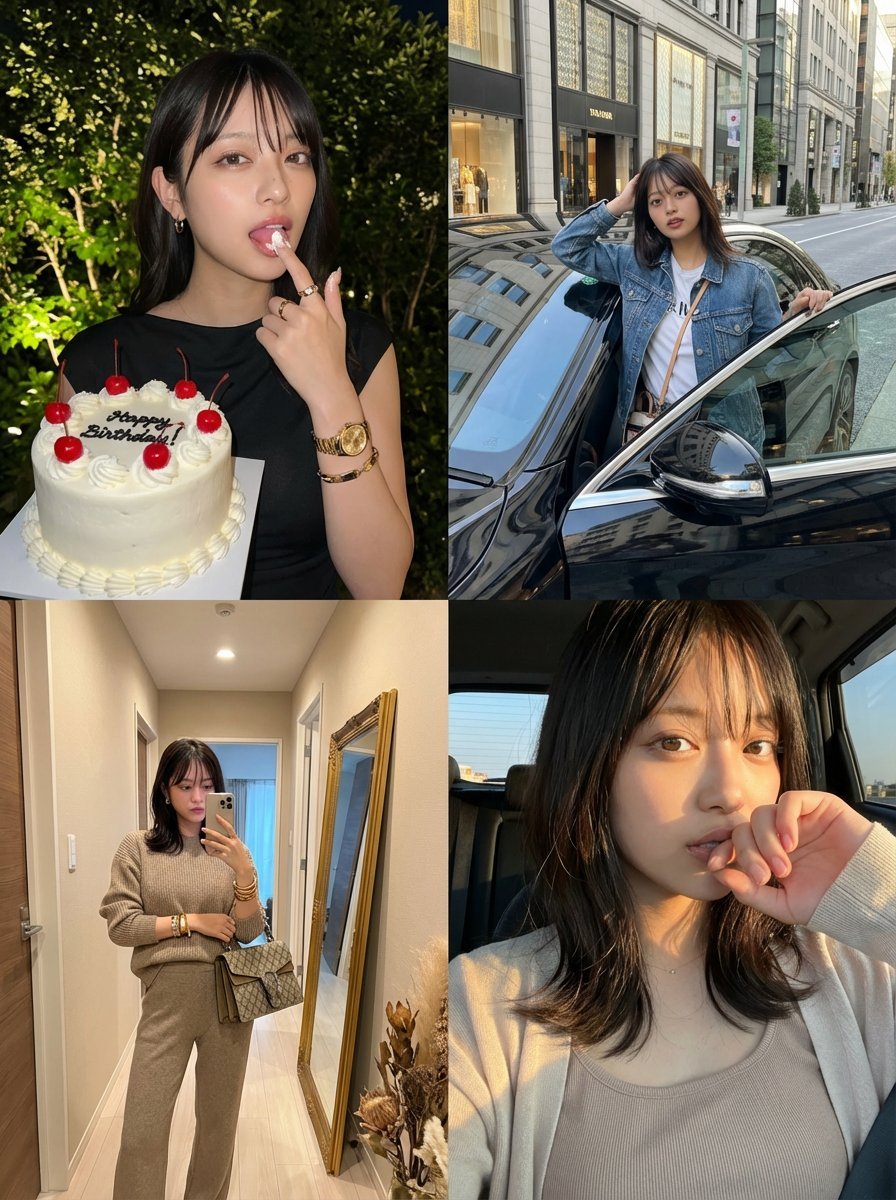
2x2 Grid Identity Lock Photo Collage Prompt
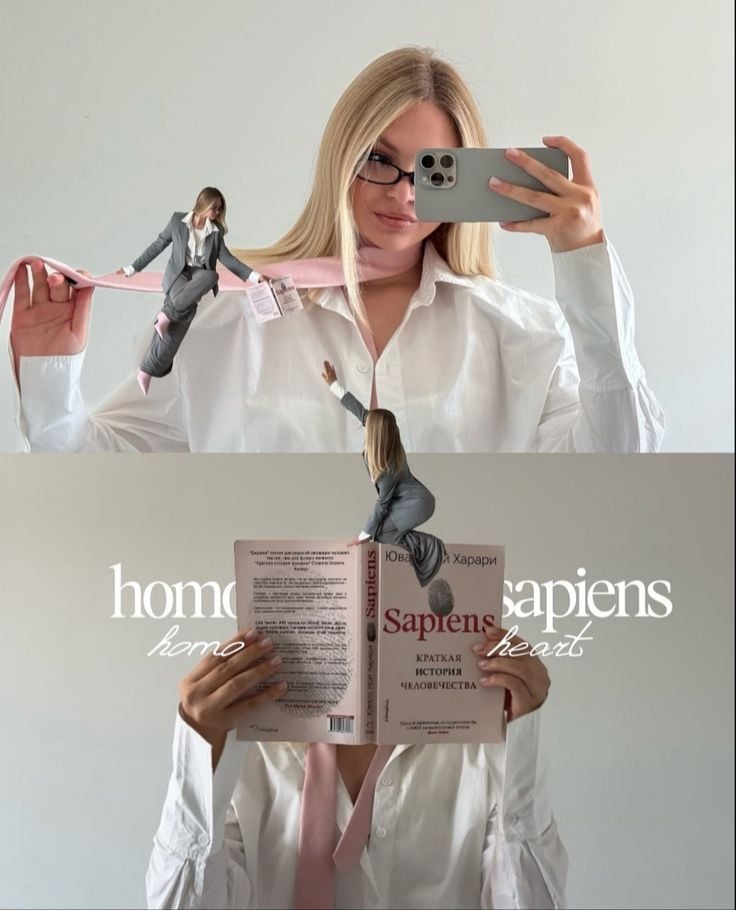
Miniature Self Portrait Collage
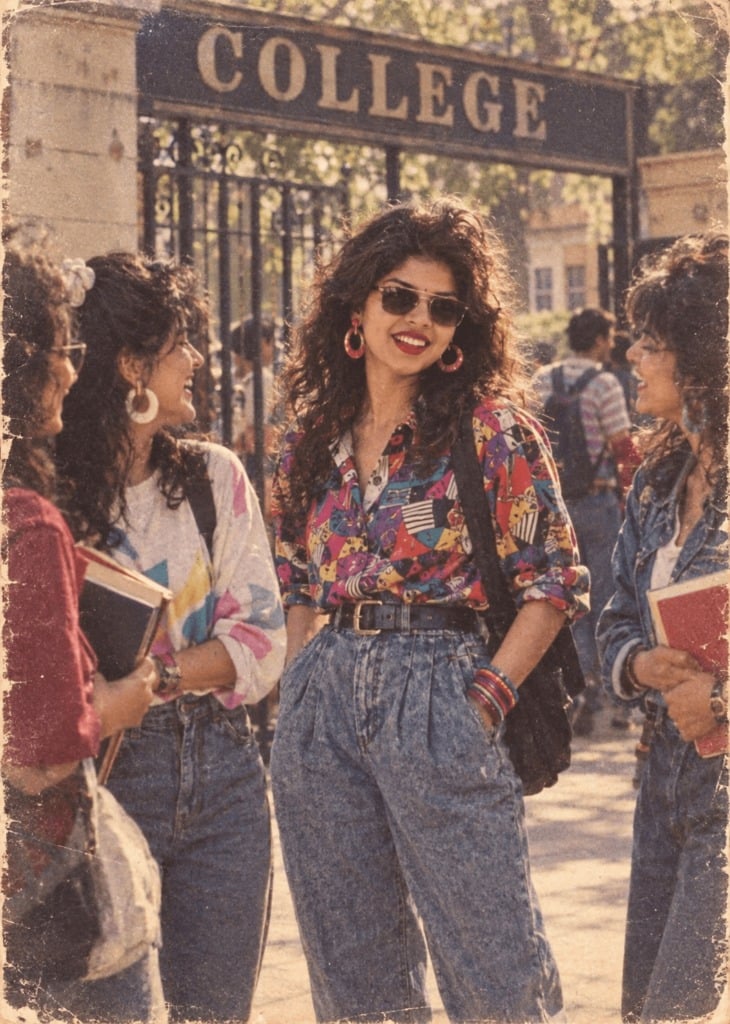
80s College Gate
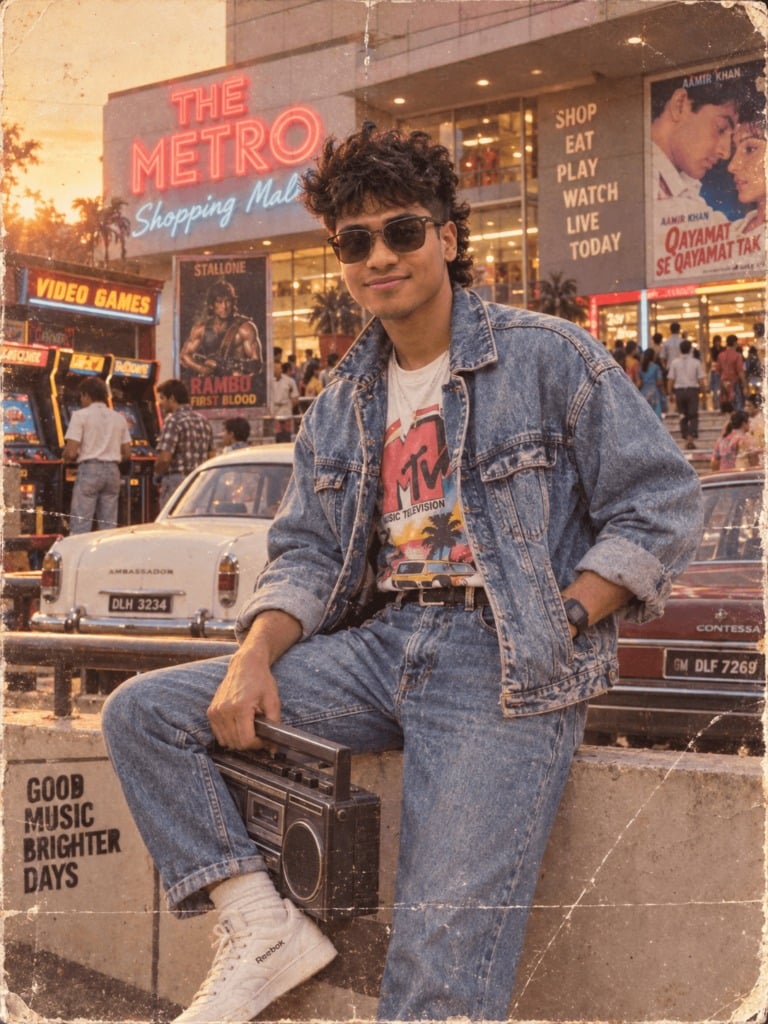
1988 Mall Style
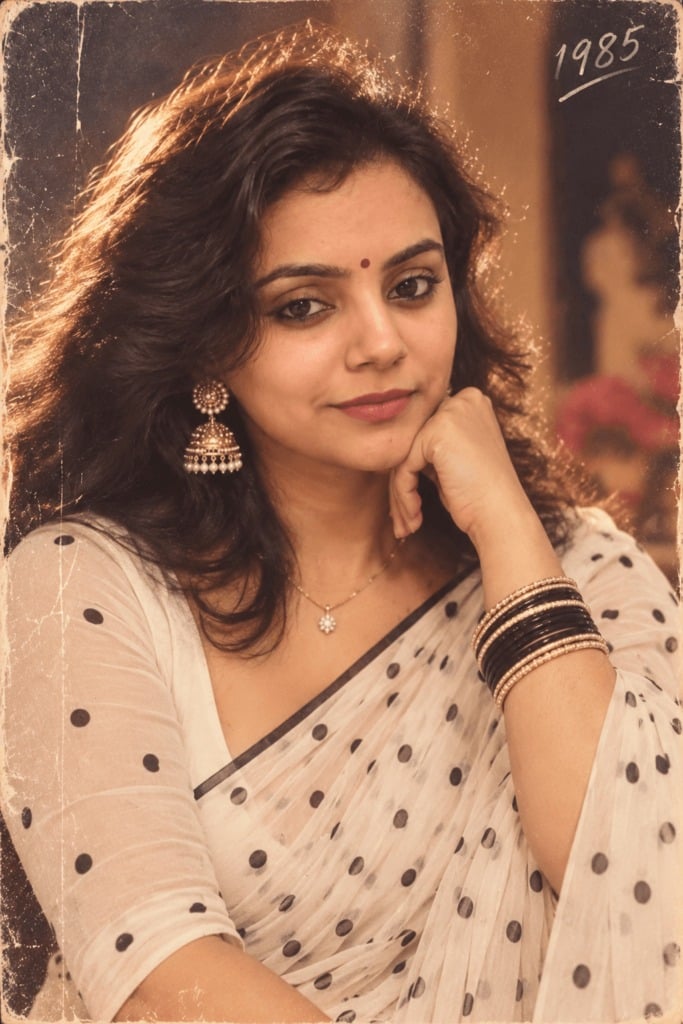
80s Polka Dot Saree
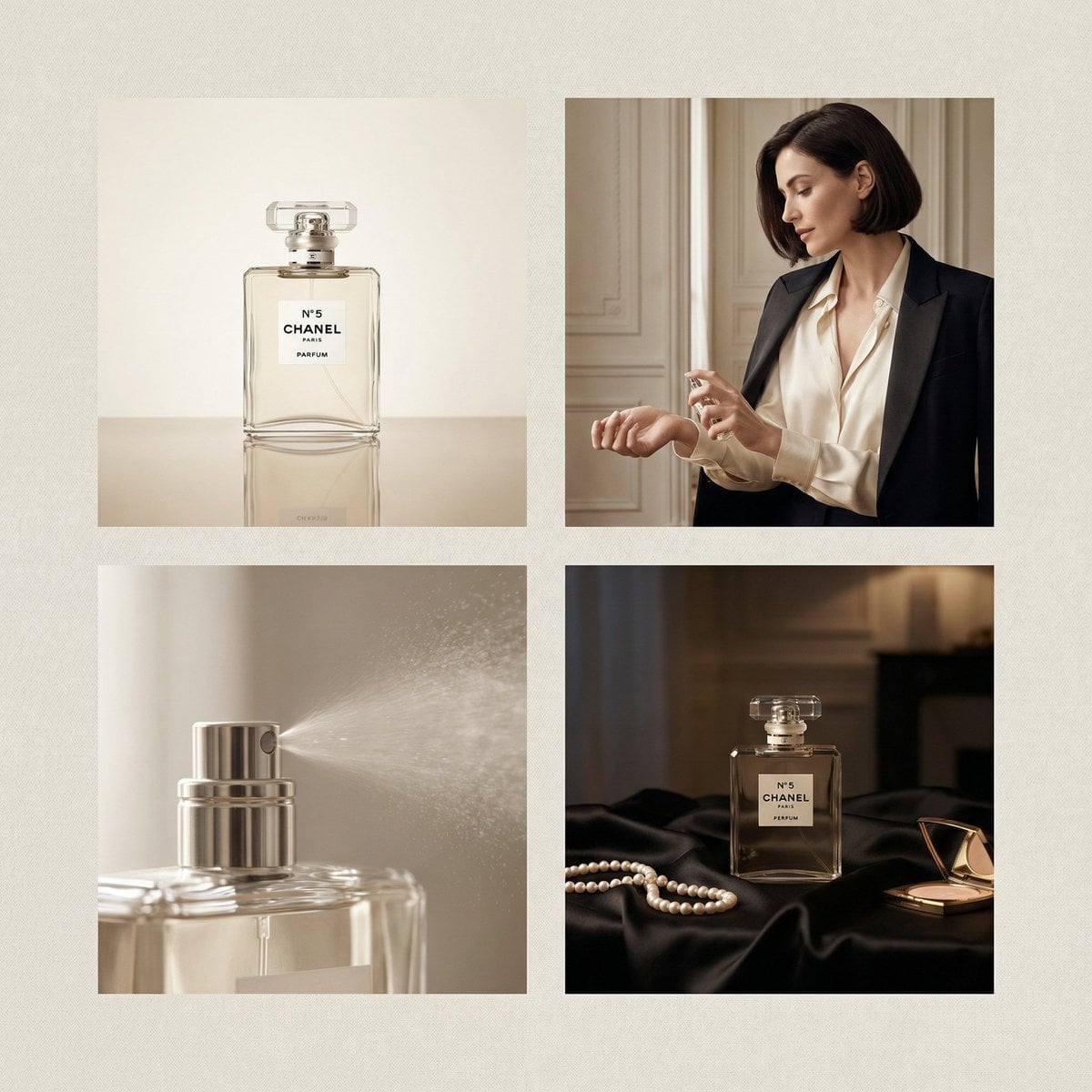
Chanel Perfume 2x2 Grid Luxury Campaign
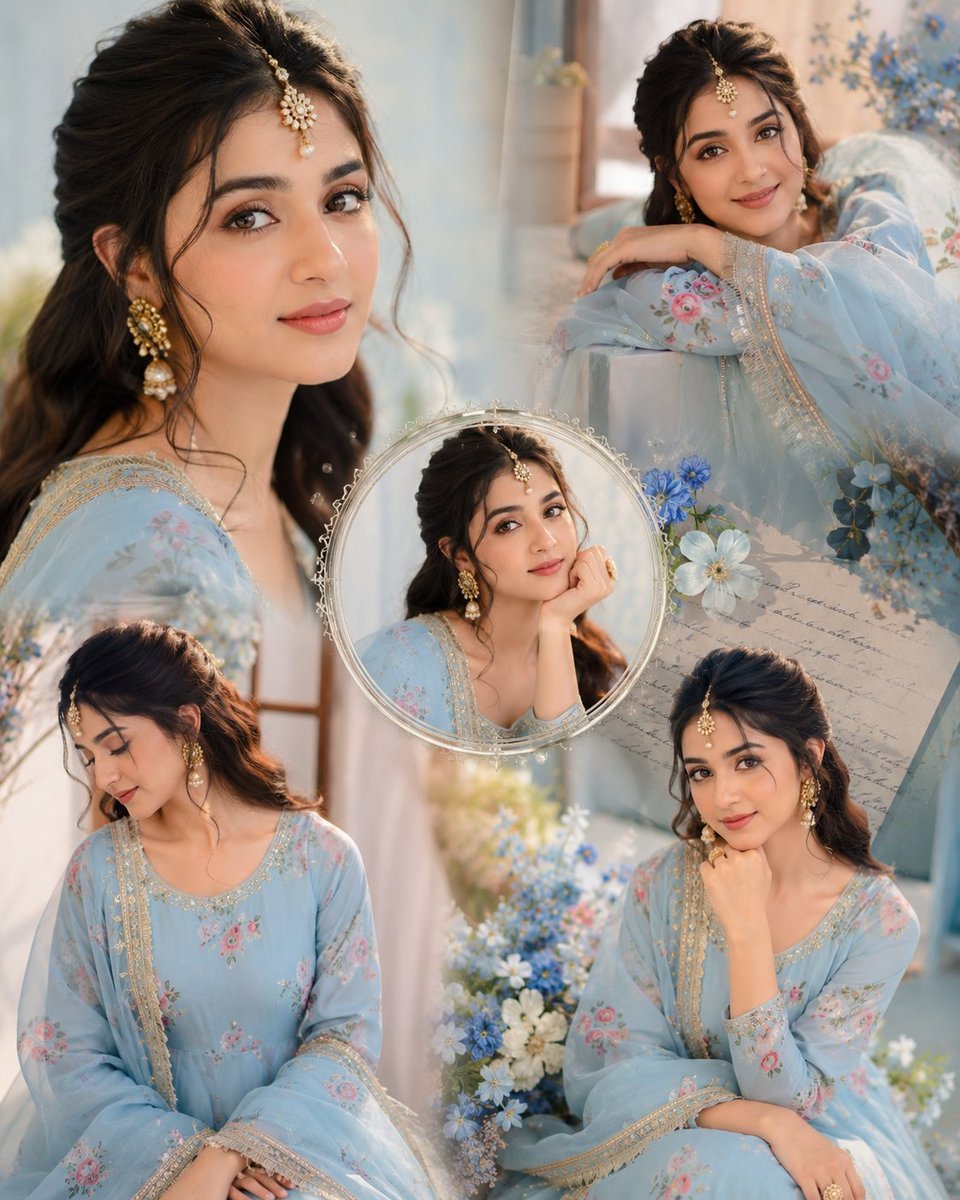
Indian Anarkali Fashion Collage
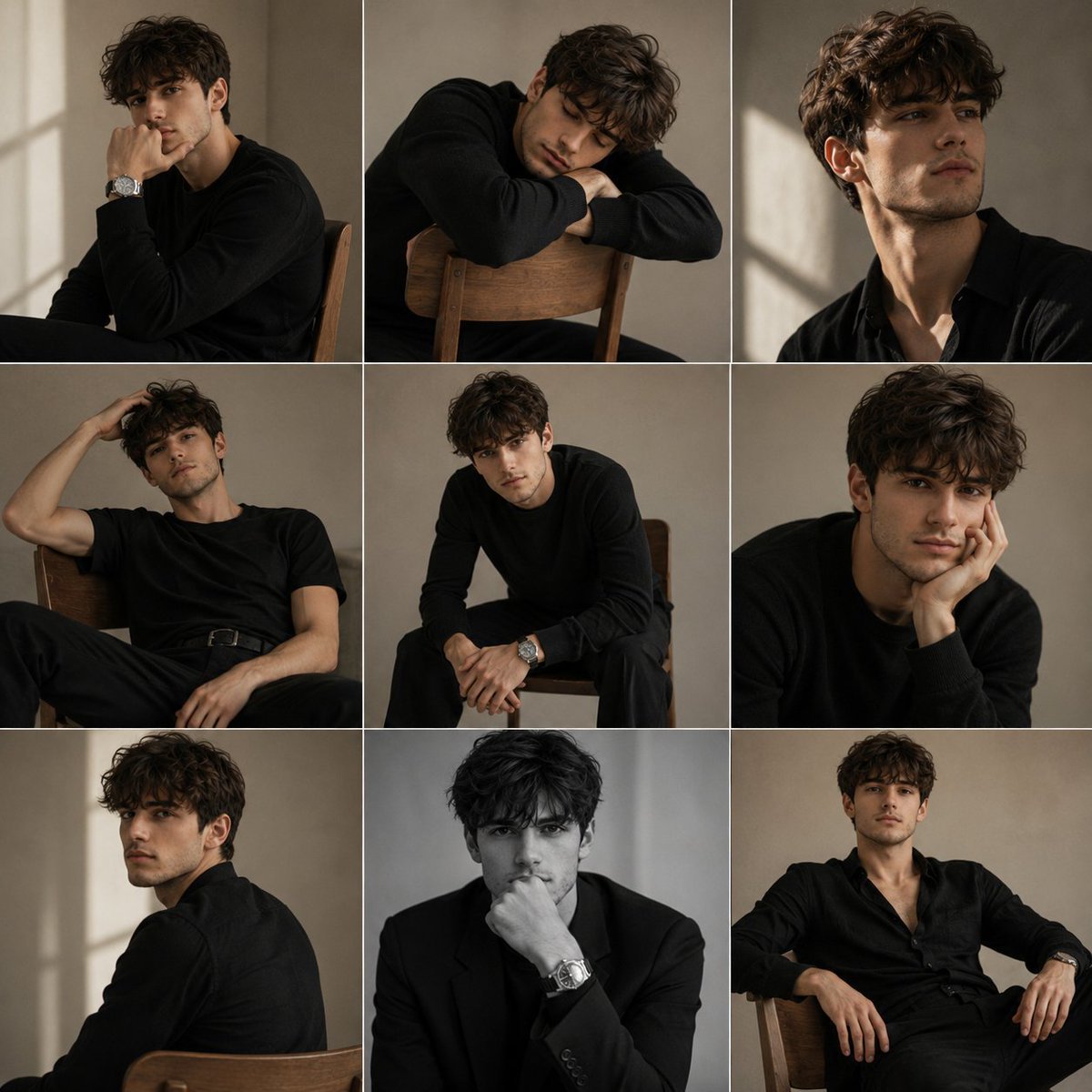
Minimalist Studio Fashion Portrait Grid

Rainy Monsoon Fashion Collage
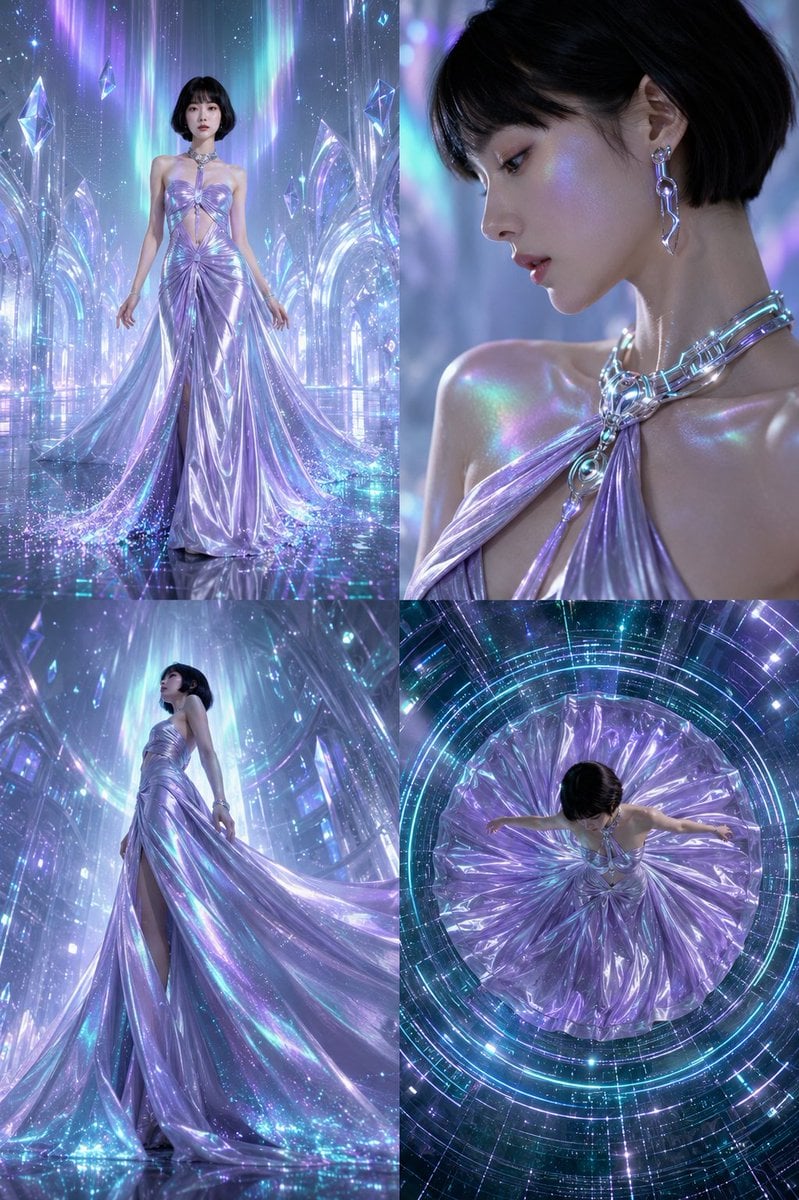
Futuristic Ice Palace Fashion Collage
Paper Cut Finale Fireworks
Make it yours
2x2 Grid Fashion Photoshoot Collage works as-is. These are the safest ways to change it without losing the look.
Change one field
Copy a single group, rewrite it, and generate again so you can see what that field is doing.
Keep the frame, change the subject
Hold the composition and light of 2x2 Grid Fashion Photoshoot Collage, then swap wardrobe, props or the person for a new take.
| If the result… | Why | Fix |
|---|---|---|
| The result drifts from the preview | Too many fields changed at once. | Reuse 2x2 Grid Fashion Photoshoot Collage as-is first, then change one group — subject, light, or setting. |
| The model over-stylizes the scene | The prose prompt leaves finish and camera underspecified. | Add one camera or lighting sentence and stay on Nano Banana 2. |
More Nano Banana 2 templates
Other prompts made for Nano Banana 2.
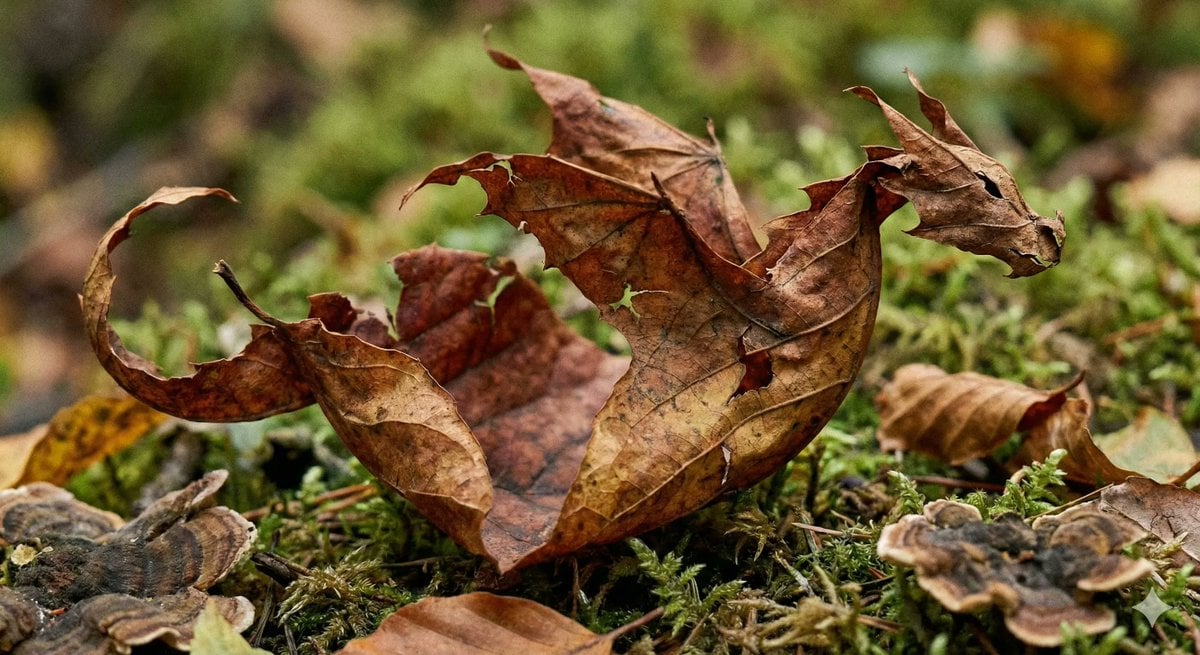
Photorealistic Leaf Shaped Like a Dragon
K-Pop Idol Portrait Grid for Rapid Selection
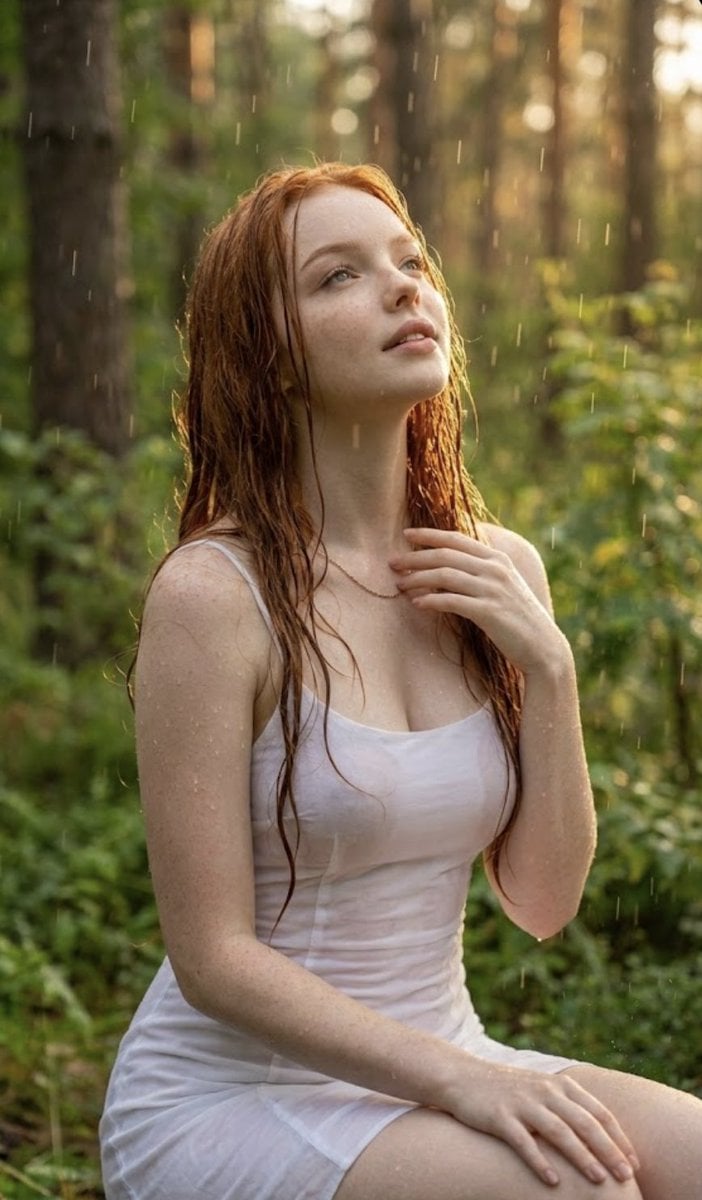
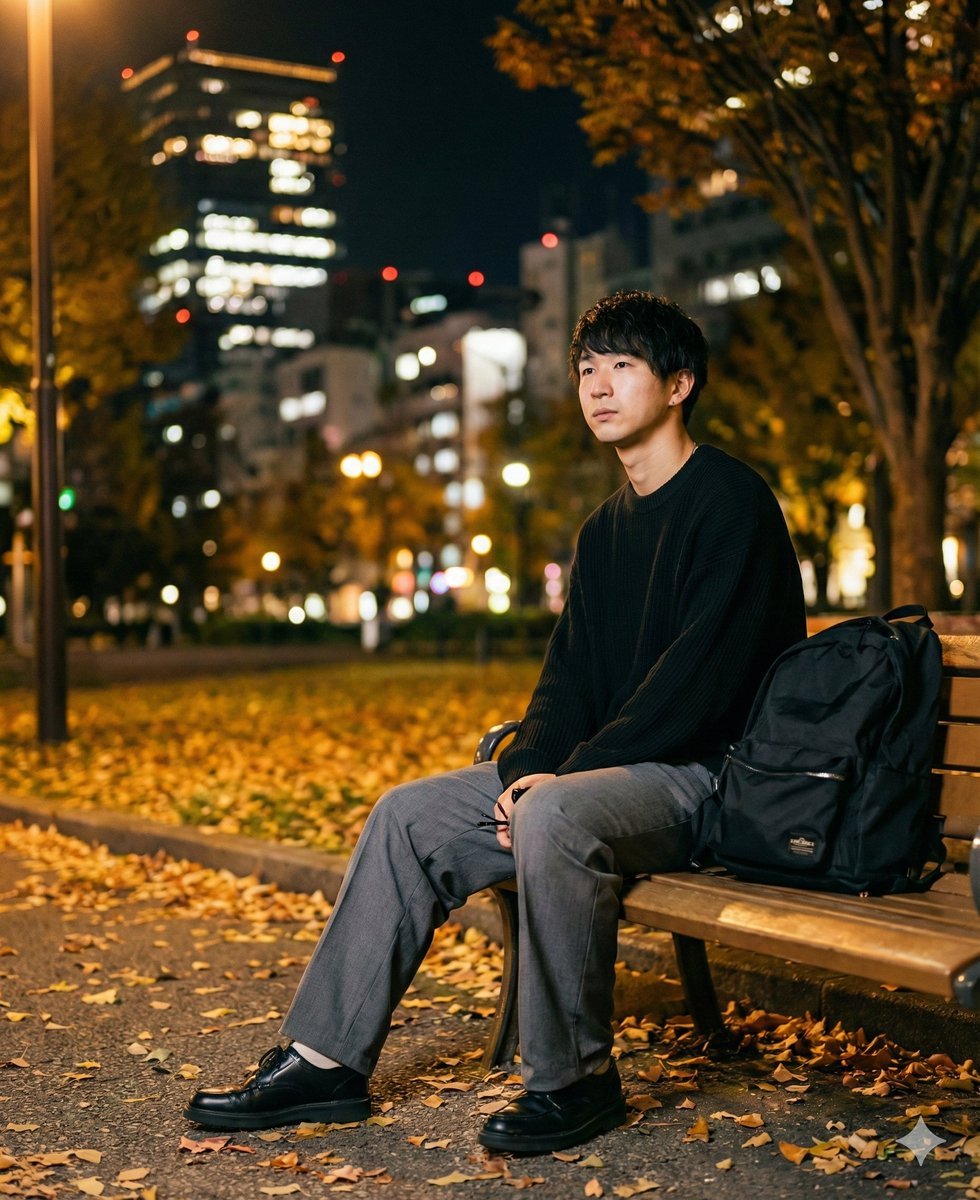
Poetic Rain Forest Portrait During Golden Hour
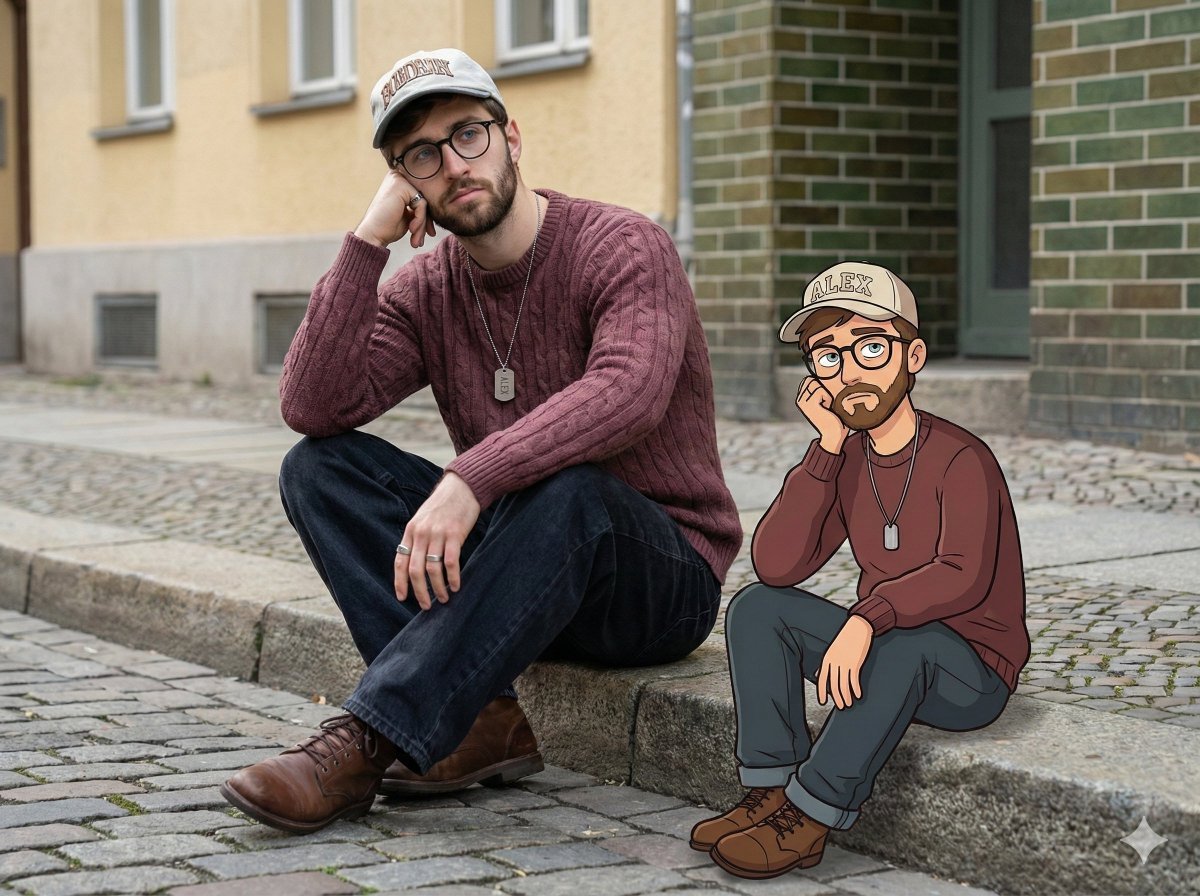
Urban Street Portrait with Cartoon Inner Self Duo
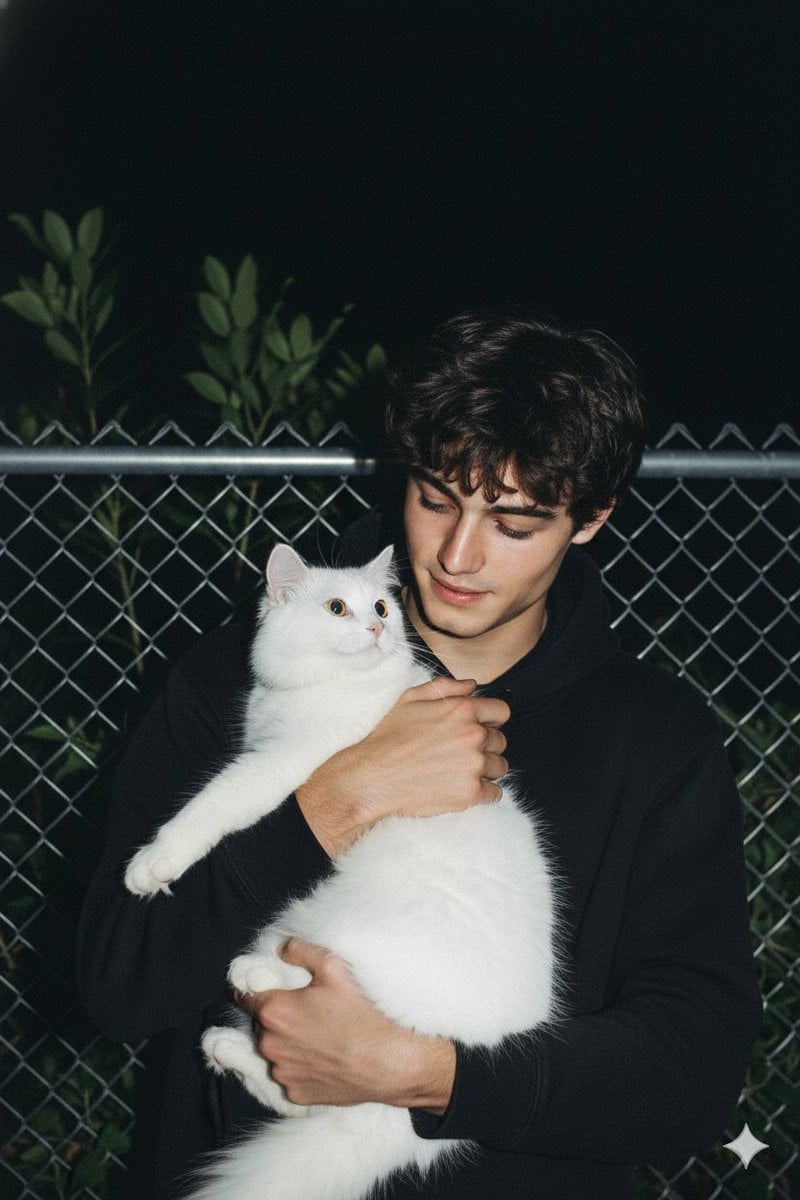
Candid Nighttime Photo with Cat Prompt
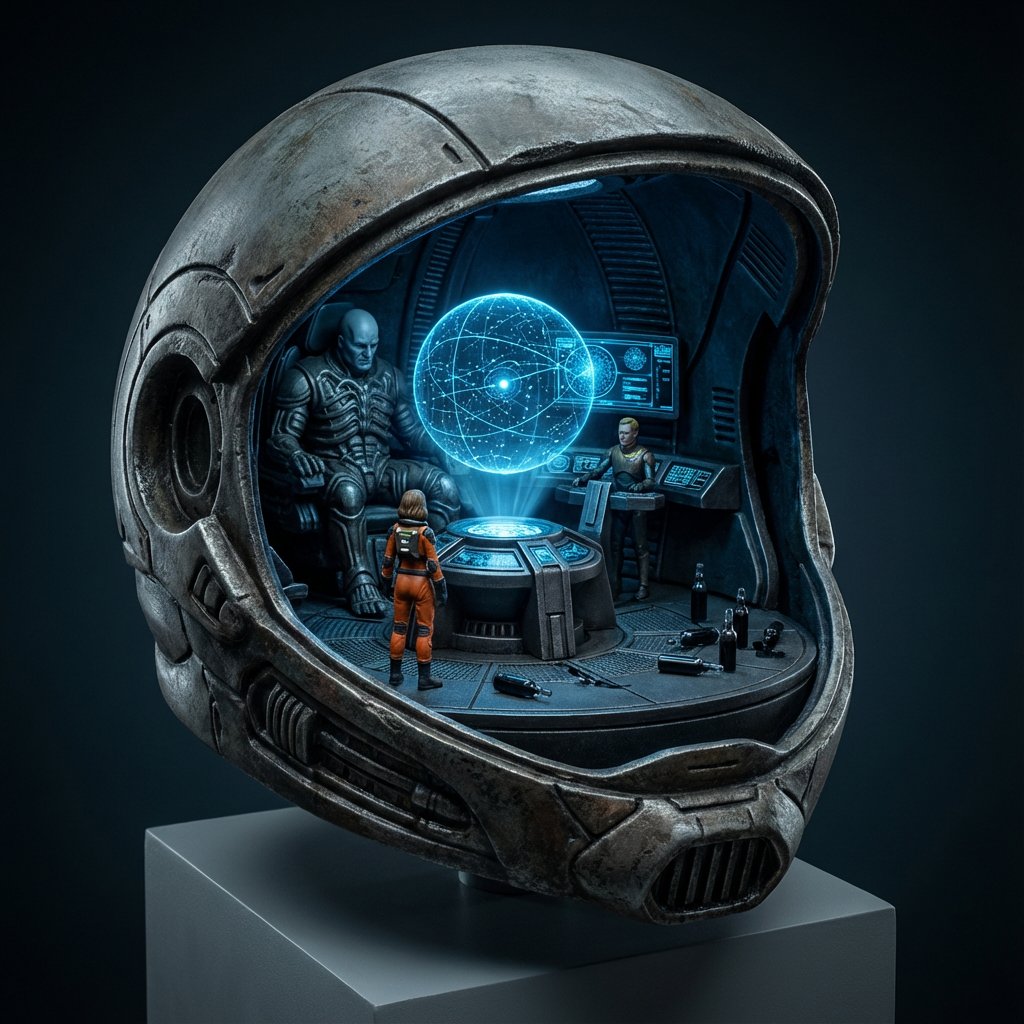
High-Concept 3D Diorama Generation Prompt
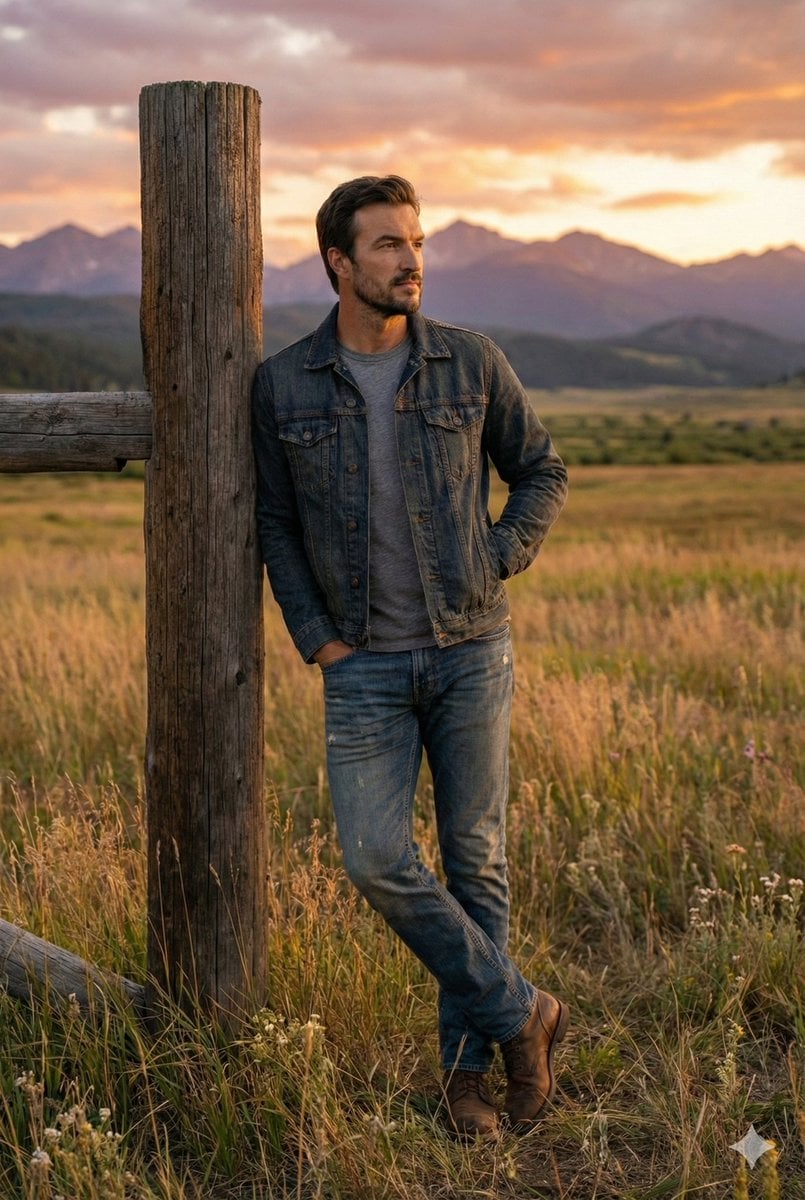
Cinematic Futuristic Studio Portrait Template
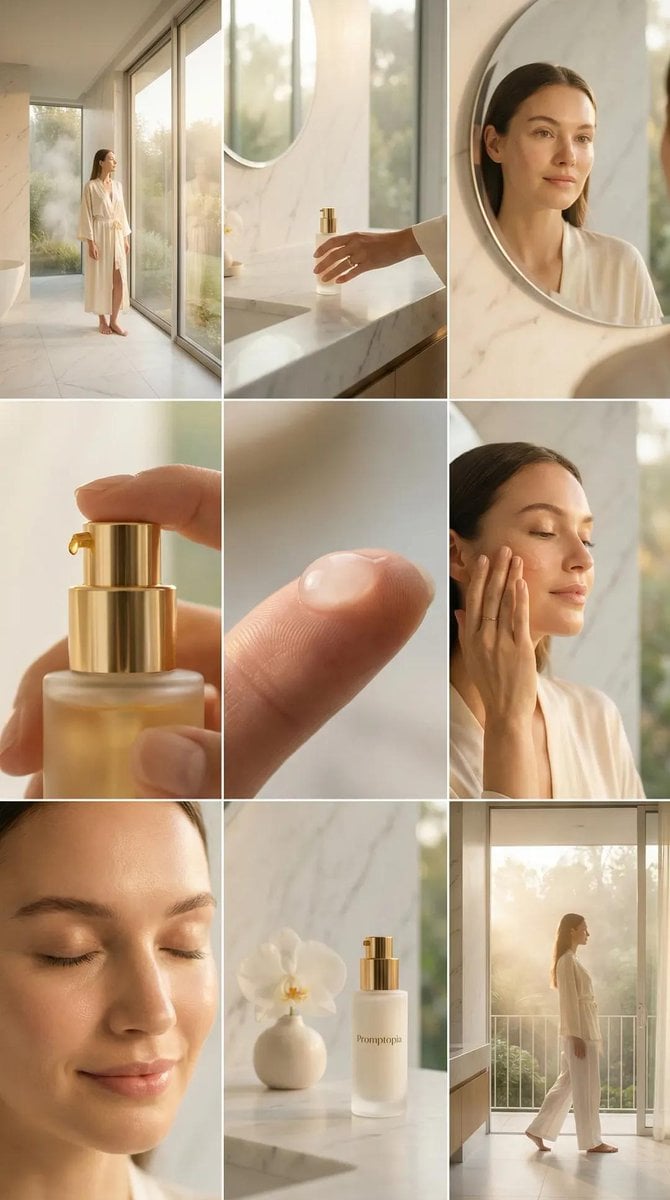
Skincare Editorial Photography Collage Prompt
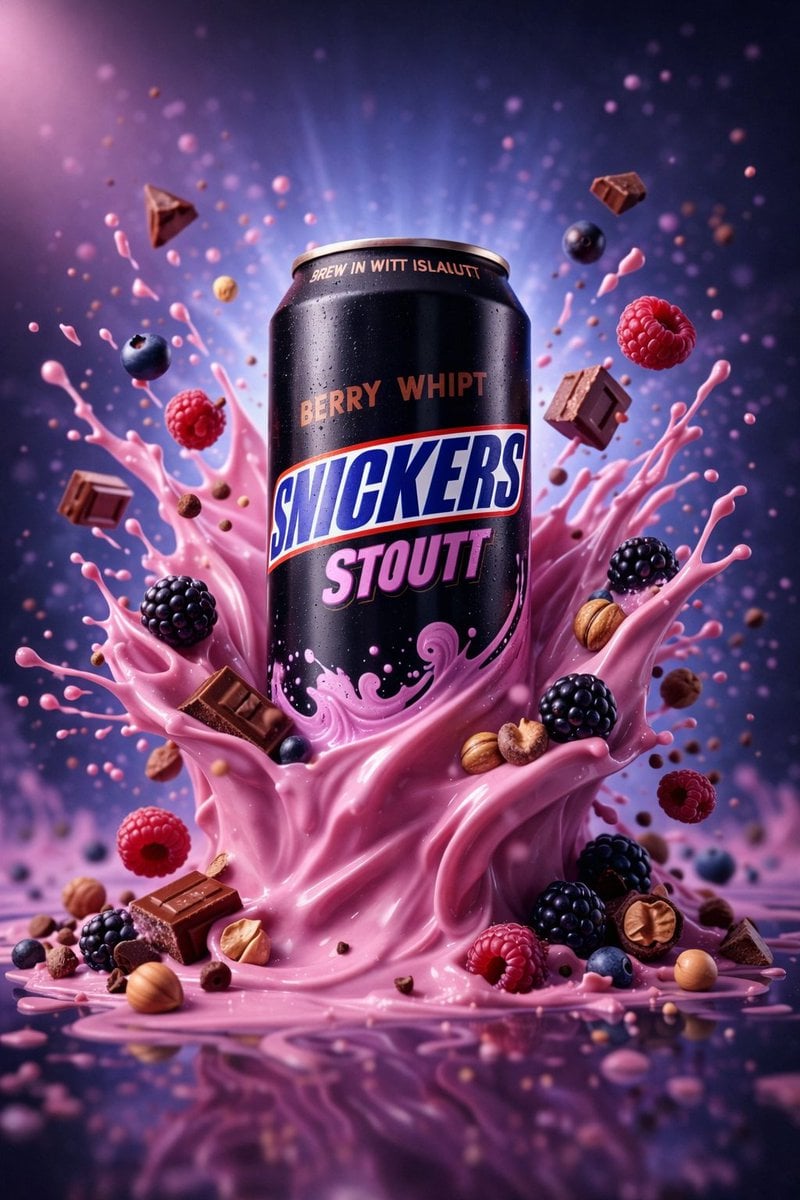
Hyper-Realistic Commercial Product Photography (Splash Effect)
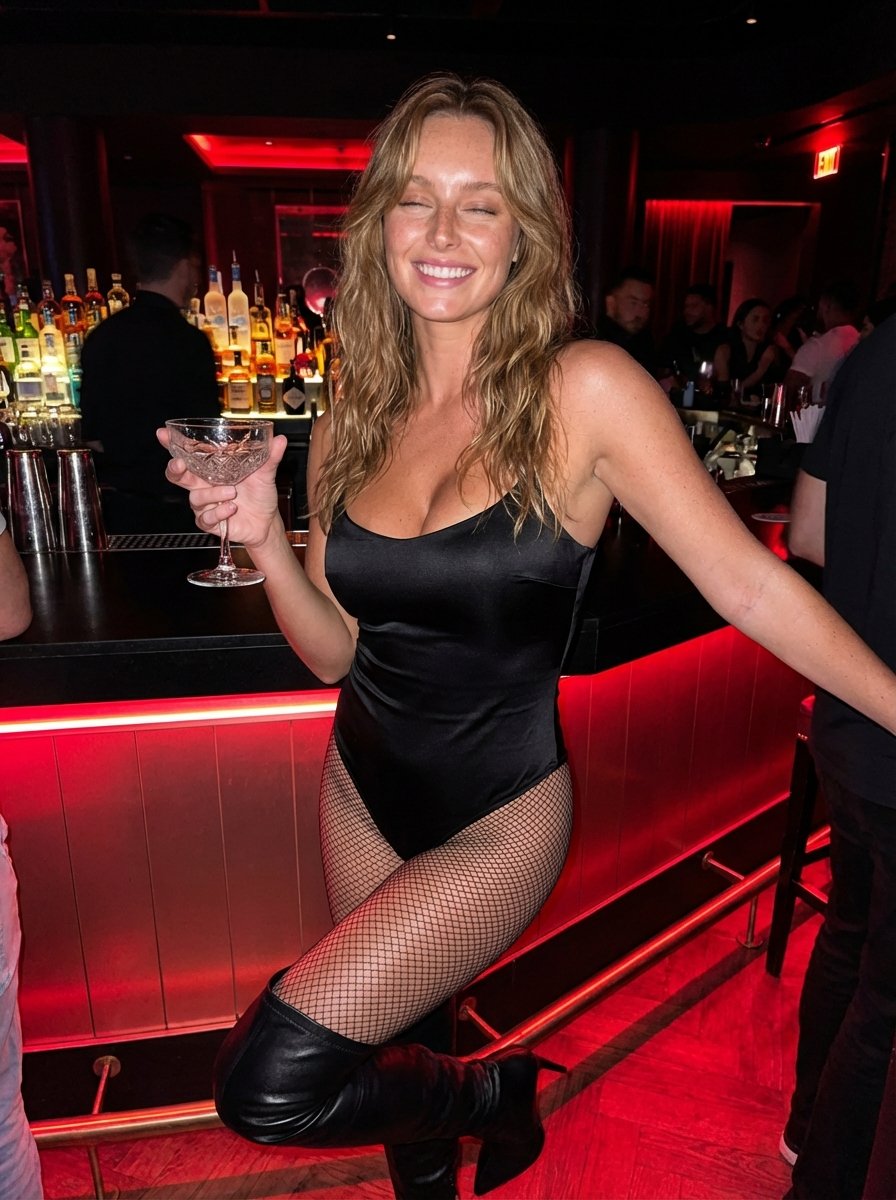
Hyper-Realistic Nightclub Portrait Prompt
More image prompts
Fresh picks from across the catalog.
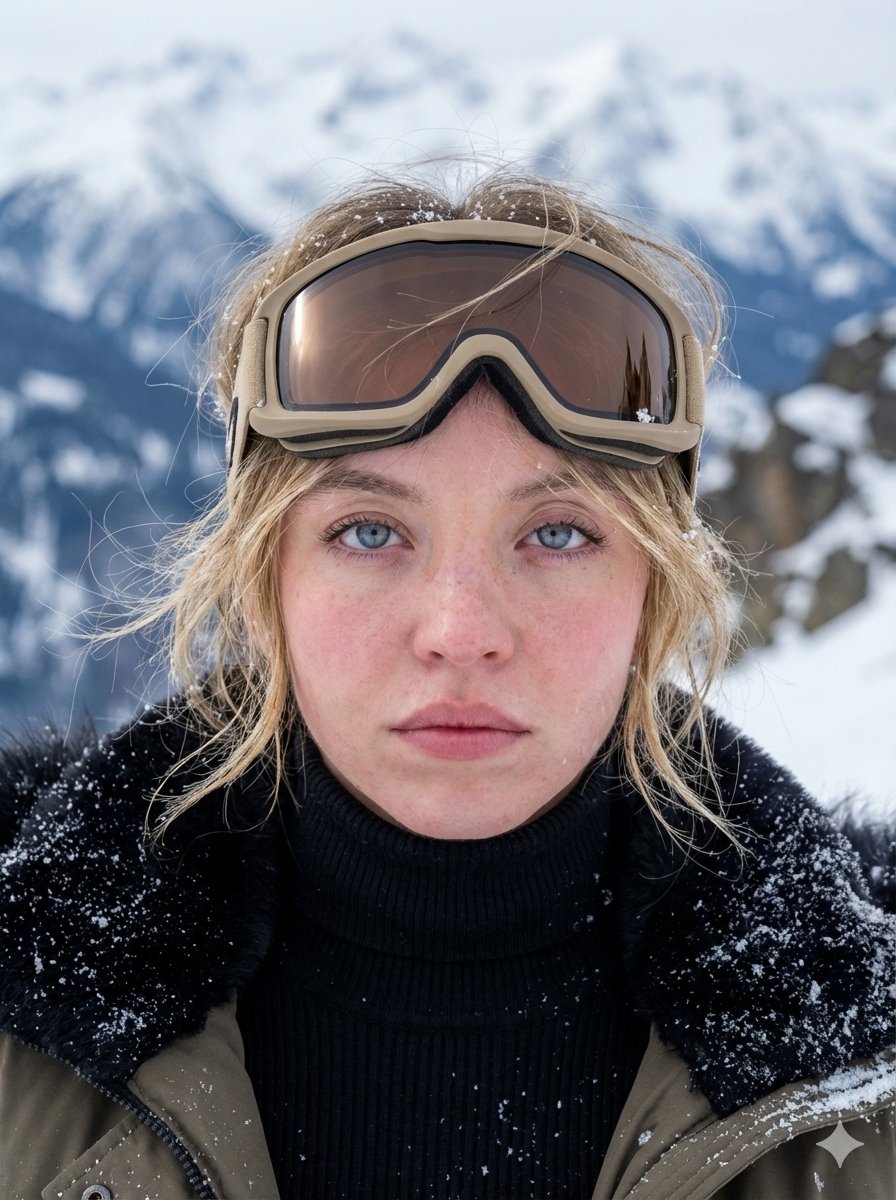
Hyper-Detailed Arctic Cinematic Portrait
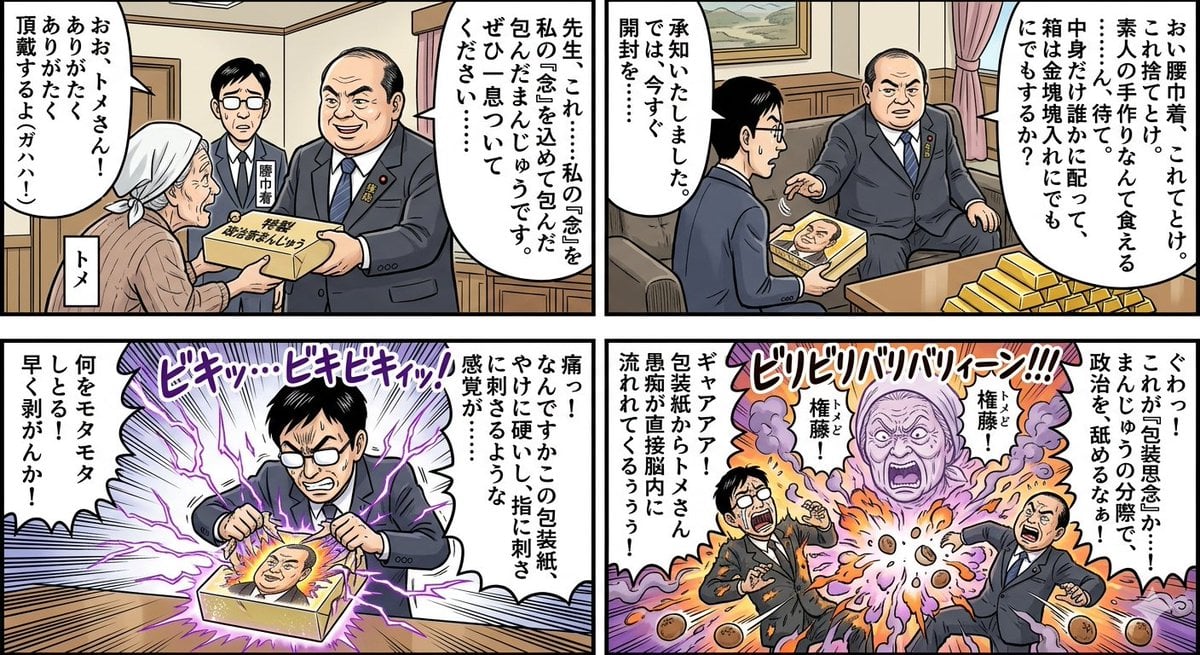
Four-Panel Manga: Politician Manju Incident
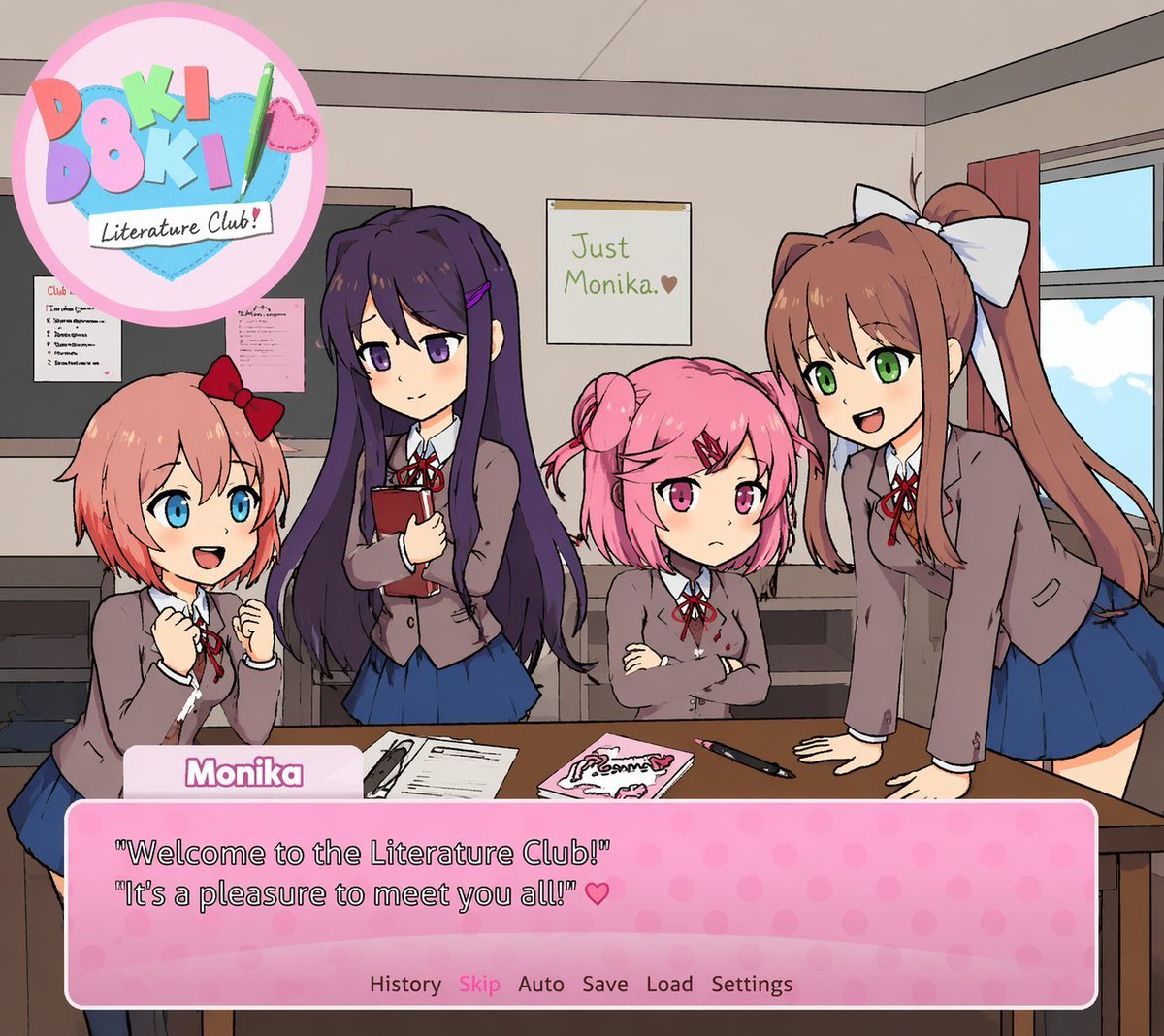
Visual Novel Screenshot Mockup
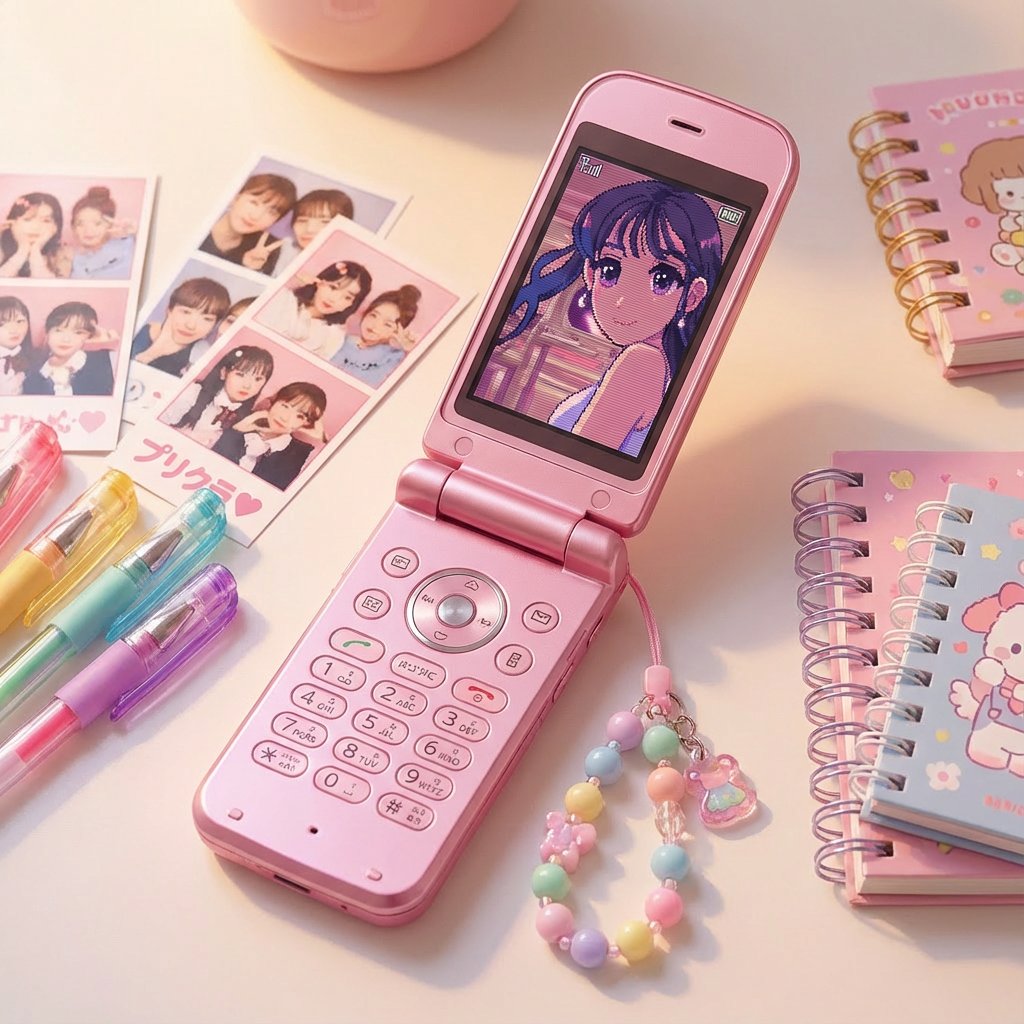
Nostalgic Japanese Flip Phone (Garakei) Display Generator
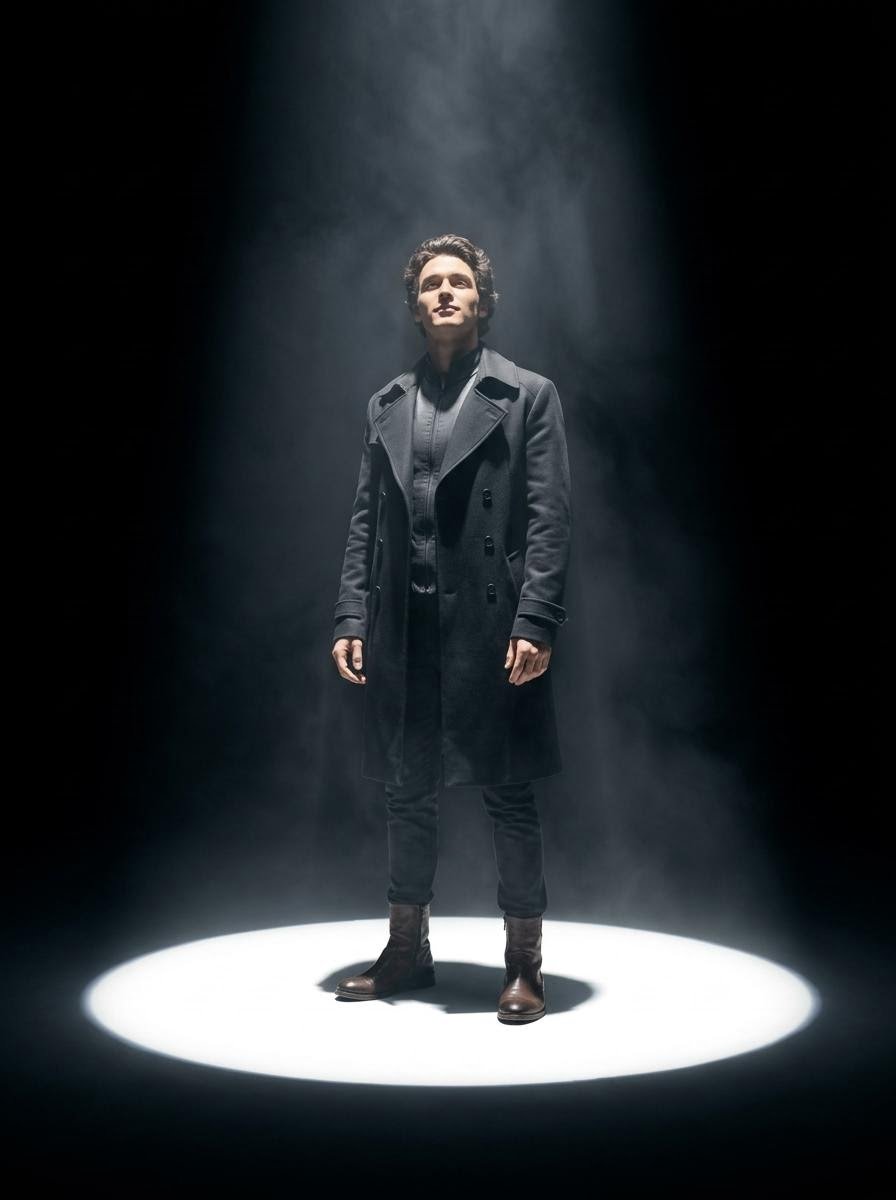
Dramatic Spotlight Portrait

Future Aesthetic Image Generation Prompt (2025)
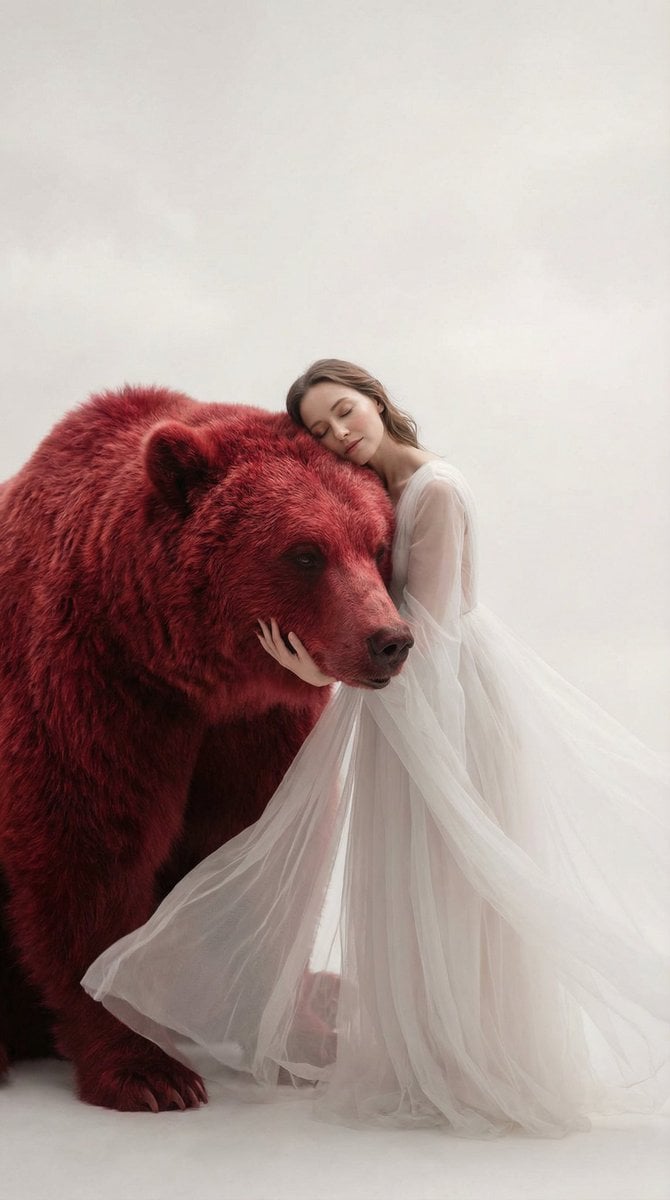
Surreal Scene of Human Embracing Massive Red Bear Prompt
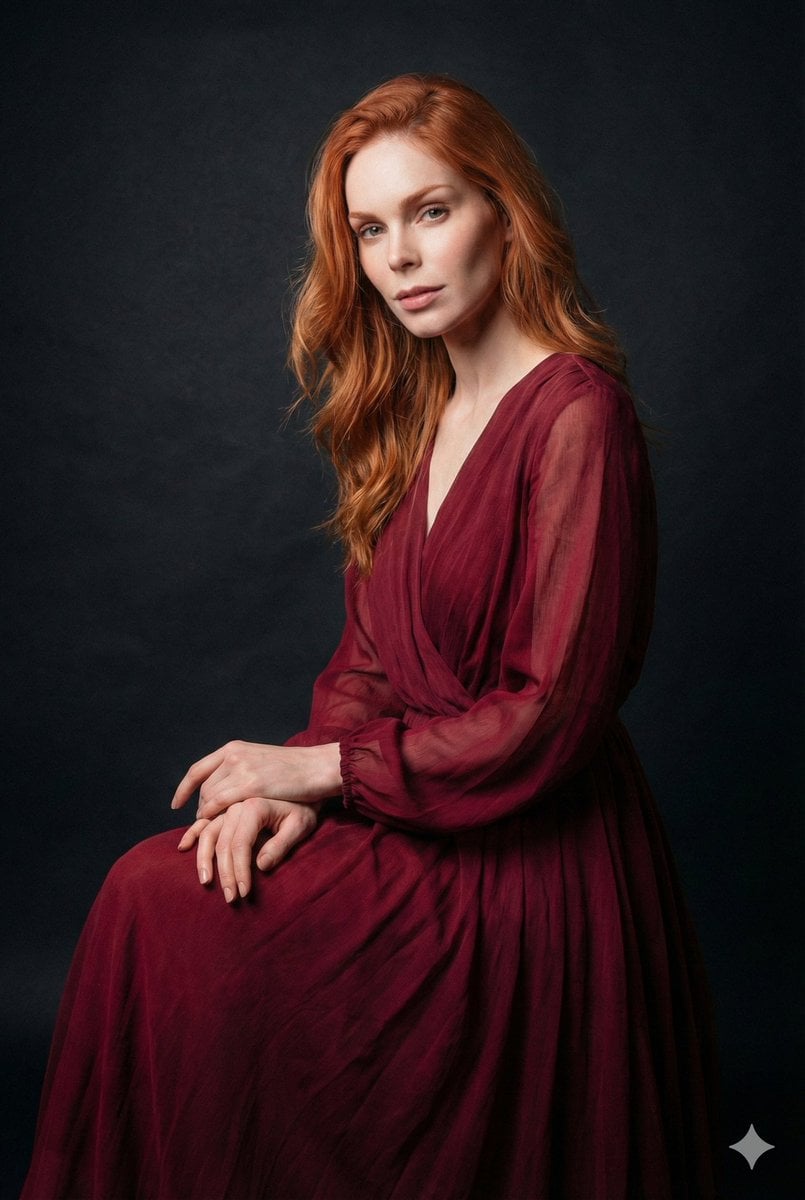
Ethereal Long Exposure Cinematic Portrait Prompt
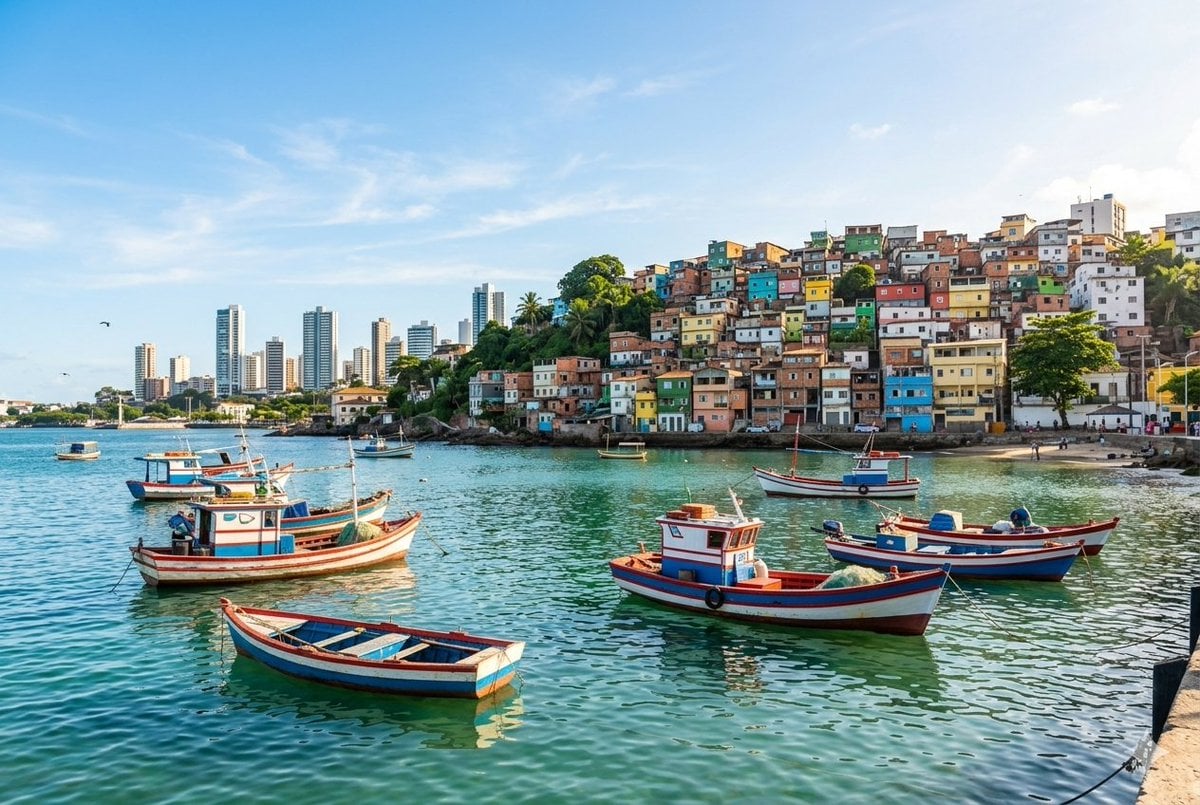
Realistic port scene in Salvador, Bahia
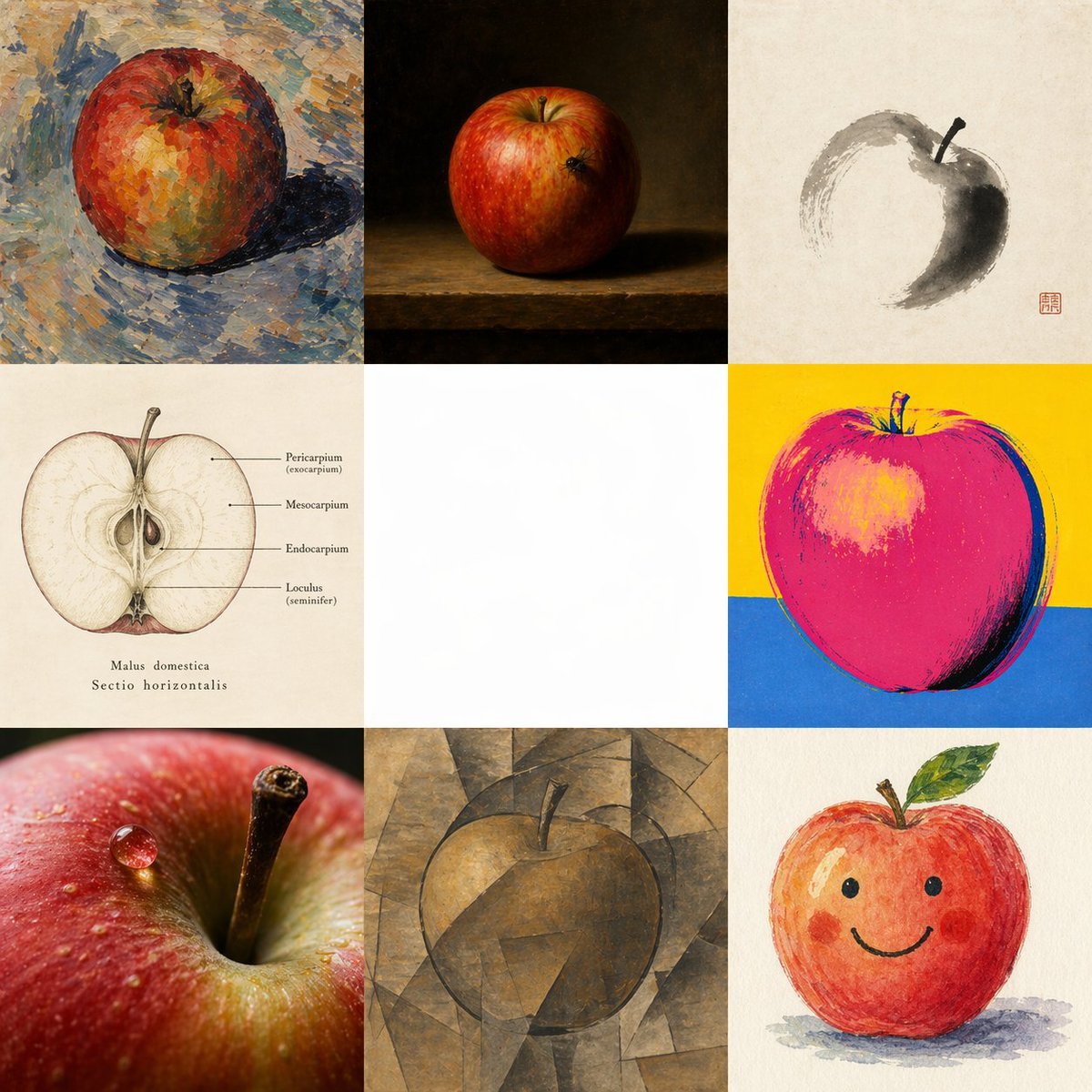
Apple in Eight Visual Grammars
Browse template categories
2x2 Grid Fashion Photoshoot Collage questions
How do I use the 2x2 Grid Fashion Photoshoot Collage template?
Add your photo if the template asks for one, edit the prompt if you like — the template's model and format are already selected — and press Generate. Your version opens in PicX Studio.
Can I customize the 2x2 Grid Fashion Photoshoot Collage template?
Yes. You can change the subject, setting, lighting, mood, format, and available model controls before creating your image.
Is the 2x2 Grid Fashion Photoshoot Collage template free?
Opening and editing this template is free. Generating uses credits, shown on the Generate button when you are signed in.
Which AI model should I use?
Start with Nano Banana 2, which is the model associated with this template. You can compare another compatible model for a different finish.
Looking for something else? Browse all templates.

Your photo, any look
Thousands of ready templates for every top image and video model, from one credit balance.