
Apple in Eight Visual Grammars
A square comparative art image showing one apple rendered in eight distinct styles around an intentionally blank center, ideal for demonstrating multi-style image generation in a single frame.
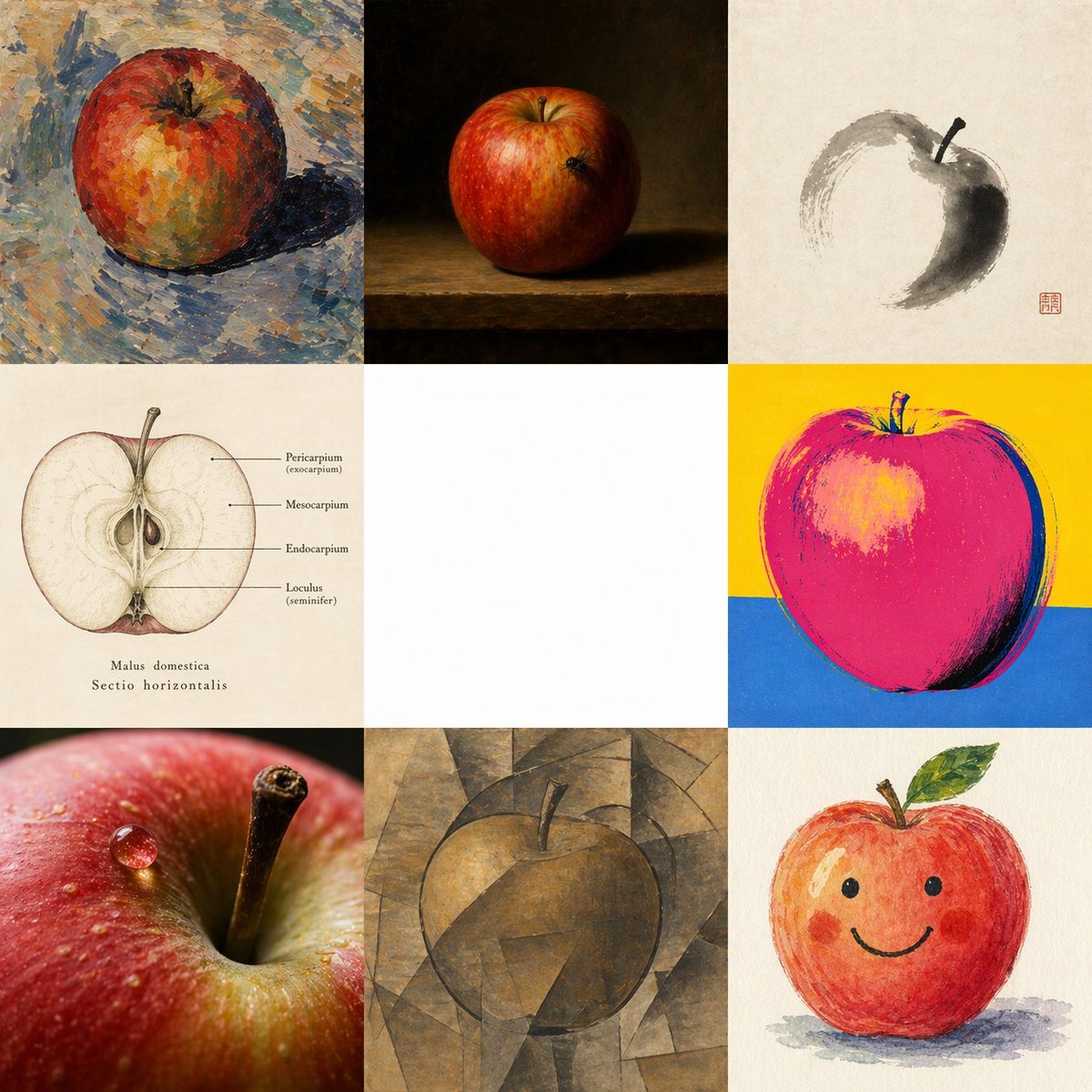
- Prompt included
- Model and format preset
- Free template
The prompt behind this image
Copy the exact prompt behind Apple in Eight Visual Grammars, or open it in the studio and make it yours.
- Type
- multi-style comparative art grid
- Subject
- single apple interpreted through eight different visual systems in one image
- Composition › Format
- square 3x3 grid
- Composition › Canvas
- large square canvas
- Composition › Background
- each cell uses its own appropriate background except the center cell, which is intentionally left blank
- Composition › Center Cell › Position
- middle center
- Composition › Center Cell › Content
- empty white square negative space
- Composition › Center Cell › Purpose
- clear visual gap separating the surrounding interpretations
- Composition › Cells › 0 › Position
- top left
- Composition › Cells › 0 › Style
- Cézanne-inspired post-impressionist painting
- Composition › Cells › 0 › Subject
- whole apple
- Composition › Cells › 0 › Details
- a red-orange apple rendered with thick broken brushstrokes and palette-knife texture, mottled warm and cool color patches, blue-gray tabletop or ground, visible painterly shadow to the right, expressive impasto surface
- Composition › Cells › 1 › Position
- top center
- Composition › Cells › 1 › Style
- Dutch still life oil painting
- Composition › Cells › 1 › Subject
- whole apple
- Composition › Cells › 1 › Details
- a realistic red apple on a wooden ledge against a deep dark brown-black background, dramatic chiaroscuro lighting, subtle highlight on the fruit, classical museum-style still life atmosphere
- Composition › Cells › 2 › Position
- top right
- Composition › Cells › 2 › Style
- sumi-e ink painting
- Composition › Cells › 2 › Subject
- apple suggested with minimal brushwork
- Composition › Cells › 2 › Details
- off-white paper background, a few gestural gray-black ink strokes forming an incomplete circular apple silhouette, dark shaded crescent on one side, simple stem, red seal stamp in the lower right area of the cell, elegant East Asian calligraphic restraint
- Composition › Cells › 3 › Position
- middle left
- Composition › Cells › 3 › Style
- medical botanical diagram
- Composition › Cells › 3 › Subject
- horizontal cross-section of an apple
- Composition › Cells › 3 › Details
- vintage scientific illustration on aged ivory paper, centered halved apple with seeds and internal structure visible, fine line labels pointing to parts, readable labels include "Pericarpium (exocarpium)", "Mesocarpium", "Endocarpium", and "Loculus (seminifer)", with the caption "Malus domestica" and "Sectio horizontalis" below
Raw JSON
{"type":"multi-style comparative art grid","subject":"single apple interpreted through eight different visual systems in one image","composition":{"format":"square 3x3 grid","canvas":"large square canvas","background":"each cell uses its own appropriate background except the center cell, which is intentionally left blank","center_cell":{"position":"middle center","content":"empty white square negative space","purpose":"clear visual gap separating the surrounding interpretations"},"cells":[{"position":"top left","style":"Cézanne-inspired post-impressionist painting","subject":"whole apple","details":"a red-orange apple rendered with thick broken brushstrokes and palette-knife texture, mottled warm and cool color patches, blue-gray tabletop or ground, visible painterly shadow to the right, expressive impasto surface"},{"position":"top center","style":"Dutch still life oil painting","subject":"whole apple","details":"a realistic red apple on a wooden ledge against a deep dark brown-black background, dramatic chiaroscuro lighting, subtle highlight on the fruit, classical museum-style still life atmosphere"},{"position":"top right","style":"sumi-e ink painting","subject":"apple suggested with minimal brushwork","details":"off-white paper background, a few gestural gray-black ink strokes forming an incomplete circular apple silhouette, dark shaded crescent on one side, simple stem, red seal stamp in the lower right area of the cell, elegant East Asian calligraphic restraint"},{"position":"middle left","style":"medical botanical diagram","subject":"horizontal cross-section of an apple","details":"vintage scientific illustration on aged ivory paper, centered halved apple with seeds and internal structure visible, fine line labels pointing to parts, readable labels include \"Pericarpium (exocarpium)\", \"Mesocarpium\", \"Endocarpium\", and \"Loculus (seminifer)\", with the caption \"Malus domestica\" and \"Sectio horizontalis\" below"},{"position":"middle right","style":"Warhol-inspired pop art screen print","subject":"whole apple","details":"bold simplified apple in saturated hot pink and magenta with dark outline, bright yellow upper background and cobalt blue lower background, high contrast graphic treatment, silkscreen poster feel"},{"position":"bottom left","style":"hyperreal macro photography","subject":"extreme close-up apple detail","details":"a photographic macro view of the apple skin and stem cavity, crisp stem in focus, glossy water droplet on the red peel, shallow depth of field, luminous texture and realistic specular highlights"},{"position":"bottom center","style":"cubist painting","subject":"whole apple","details":"apple deconstructed into angular geometric planes in muted brown, ochre, and gray tones, faceted background and form merging together, subdued analytical cubism mood, stem visible at the top"},{"position":"bottom right","style":"children's illustration","subject":"cute smiling apple character","details":"friendly hand-painted watercolor or crayon-like apple with rosy cheeks, simple black dot eyes, curved smile, small stem and green leaf, soft shadow beneath, playful storybook look"}],"count":8},"lighting":"each style uses its own internally consistent lighting logic","color_strategy":"distinct palette per cell to emphasize different representational grammars","instructions":"Create a single unified image, not a collage assembled from separate files, showing {argument name=\"subject\" default=\"one apple\"} through exactly 8 visual grammars arranged around an empty center. Keep the middle cell blank white. Maintain a strict 3x3 grid with 8 occupied cells and 1 empty center cell. Make each occupied cell a convincing exemplar of its style while preserving the same core subject.","style_labels":["{argument name=\"style 1\" default=\"Cézanne\"}","{argument name=\"style 2\" default=\"Dutch still life\"}","{argument name=\"style 3\" default=\"Sumi-e\"}","{argument name=\"style 4\" default=\"Medical diagram\"}","{argument name=\"style 5\" default=\"Warhol\"}","{argument name=\"style 6\" default=\"Hyperreal macro\"}","{argument name=\"style 7\" default=\"Cubism\"}","{argument name=\"style 8\" default=\"Children’s illustration\"}"]}How to use Apple in Eight Visual Grammars in 3 steps
- 1Upload ImagePNG, JPG or paste
Add your photo
Upload the photo the template builds on. The prompt, model and format are already set.
- 2…a portrait of your subject in softgolden-hour light, 85mm…
Personalize
Edit the subject and creative details for your destination.
- 3Generate
Generate
Press Generate — your image is created in PicX Studio, so you can compare it with the original and refine one variable at a time.
More like this
Templates with the same subject, style or setup. Open one to see its prompt.
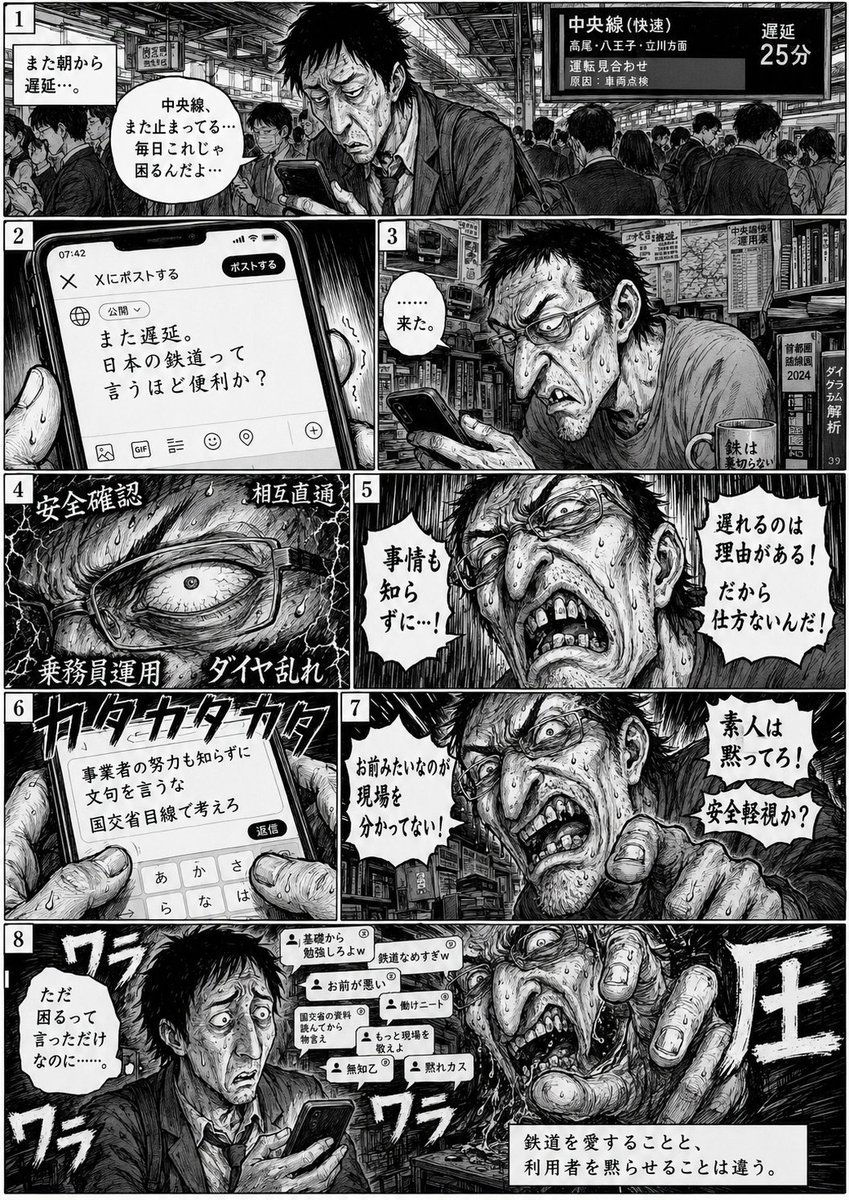
Eight-Panel Train Delay Manga

Anime Classroom Losing Heroines Key Visual

Anime Losing Heroines Classroom Key Visual
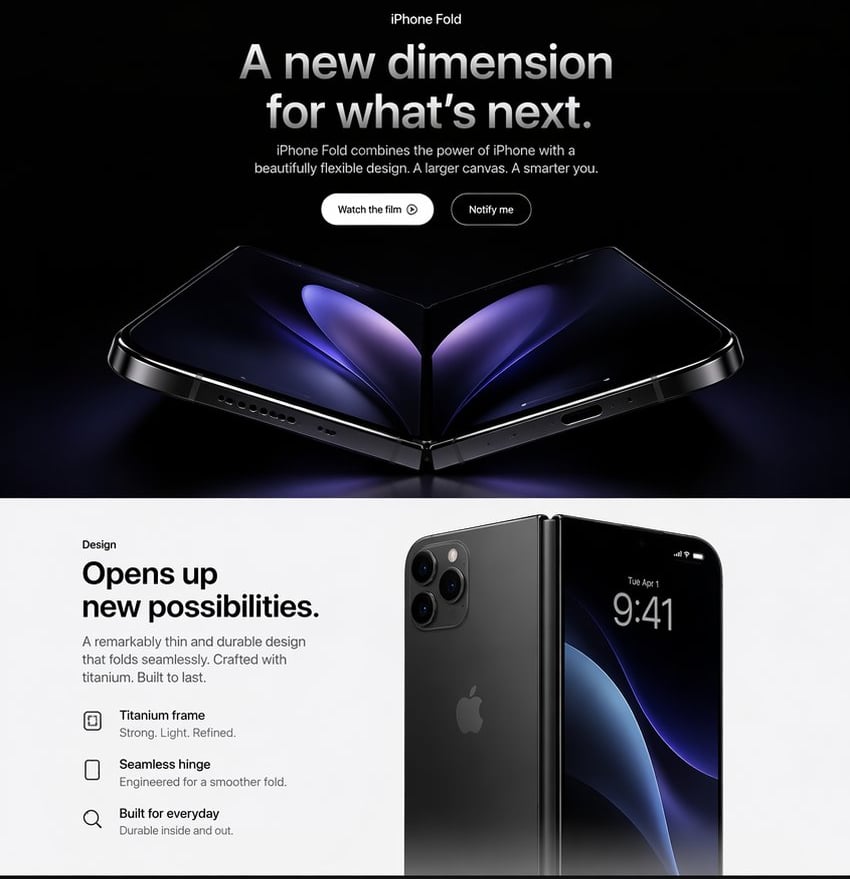
Apple-Style iPhone Fold Landing Page

Anime School Rom-Com Key Visual

Act as a 3D Product Visualization Artist
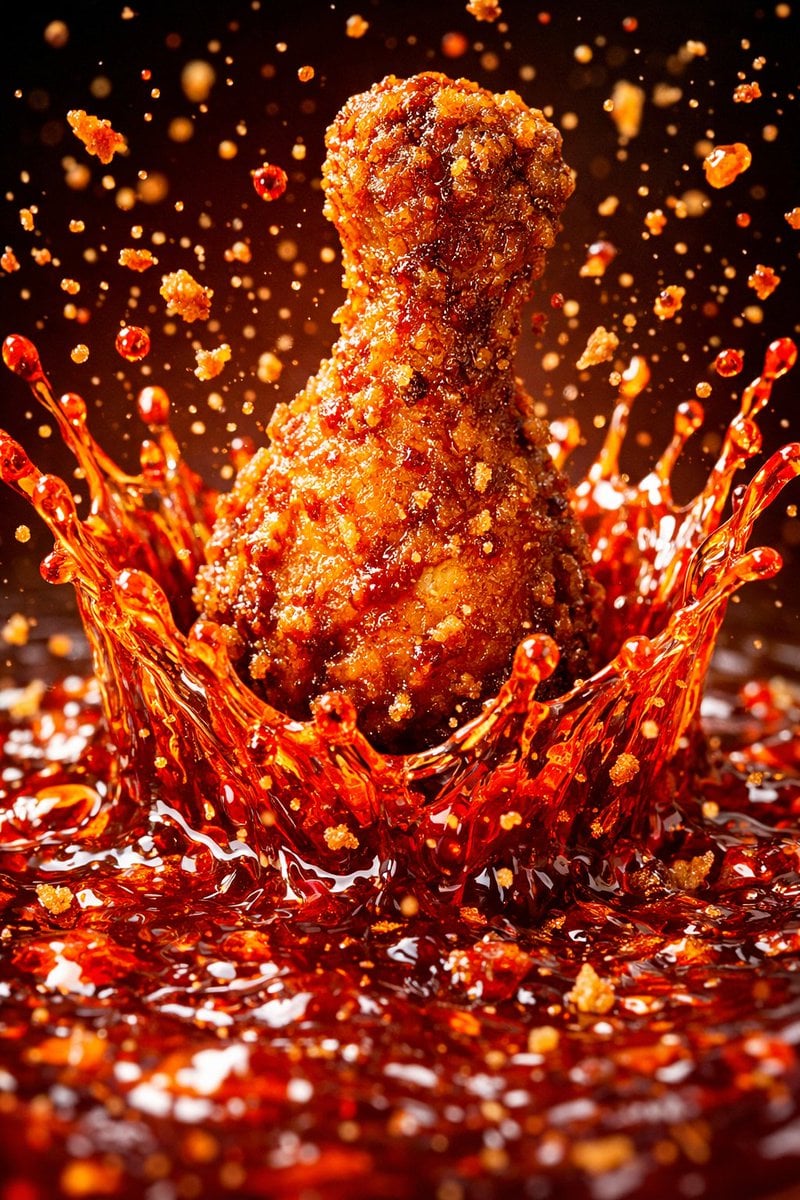
Each module shares structure but maintains unique visual dynamics

Sunlit Orchard Girl With Apples

Apple Style iPhone Product Campaign

Champion Dragging Eight Rivals

Eight Mini Me Family Portrait
Felt GPT Image 2 Apple Design Banner
Make it yours
Apple in Eight Visual Grammars works as-is. These are the safest ways to change it without losing the look.
Swap the setting
Keep the rest of the prompt and replace the location block. The current setting is “each cell uses its own appropriate background except the center cell, which is i”.
Swap the light
One lighting change is enough to compare takes. Current light: “each style uses its own internally consistent lighting logic”.
Change one field
Copy a single group, rewrite it, and generate again so you can see what that field is doing.
| If the result… | Why | Fix |
|---|---|---|
| The result drifts from the preview | Too many fields changed at once. | Reuse Apple in Eight Visual Grammars as-is first, then change one group — subject, light, or setting. |
| GPT Image 2 ignores part of the JSON | Some models flatten or skip nested keys. | Keep the same values and paste them as a short paragraph instead. |
More GPT Image 2 templates
Other prompts made for GPT Image 2.

Six VTuber Japanese Logo Sheet

Realistic Portrait of Woman and Deer

The Vista Modular Condo Poster

AI Model Routing Comparison Infographic

2.5D Anime Art Board

Isometric Productivity Desk Scene

New York Double Exposure Poster

Four-Panel AI Landscape Comparison

Japanese Tatami Lifestyle Magazine Cover

NESCAFÉ Coffee Map Poster
More image prompts
Fresh picks from across the catalog.
Lazy Bedroom Selfie Prompt (Lying Prone)

Cafe Portrait Glare Removal Comparison

Urban Success Street Portrait

Gpt2 Youtube Thumbnail Pink Anime Natsuki Banner
Neo-Traditional Tattoo Flash Prompt
Purple Fantasy Grape Soda Ad
Black New Chinese Fashion Cover
Action Samurai Fruit Slicing
Broken Mouse MS Paint Recreation

High-Fashion 'Old Money' Winter Scene
Browse template categories
Apple in Eight Visual Grammars questions
How do I use the Apple in Eight Visual Grammars template?
Add your photo if the template asks for one, edit the prompt if you like — the template's model and format are already selected — and press Generate. Your version opens in PicX Studio.
Can I customize the Apple in Eight Visual Grammars template?
Yes. You can change the subject, setting, lighting, mood, format, and available model controls before creating your image.
Is the Apple in Eight Visual Grammars template free?
Opening and editing this template is free. Generating uses credits, shown on the Generate button when you are signed in.
Which AI model should I use?
Start with GPT Image 2, which is the model associated with this template. You can compare another compatible model for a different finish.
Looking for something else? Browse all templates.

Your photo, any look
Thousands of ready templates for every top image and video model, from one credit balance.