
2x2 Grid Identity Lock Photo Collage Prompt
A highly structured JSON-based prompt for Nano Banana Pro to generate a 2x2 grid photo collage.
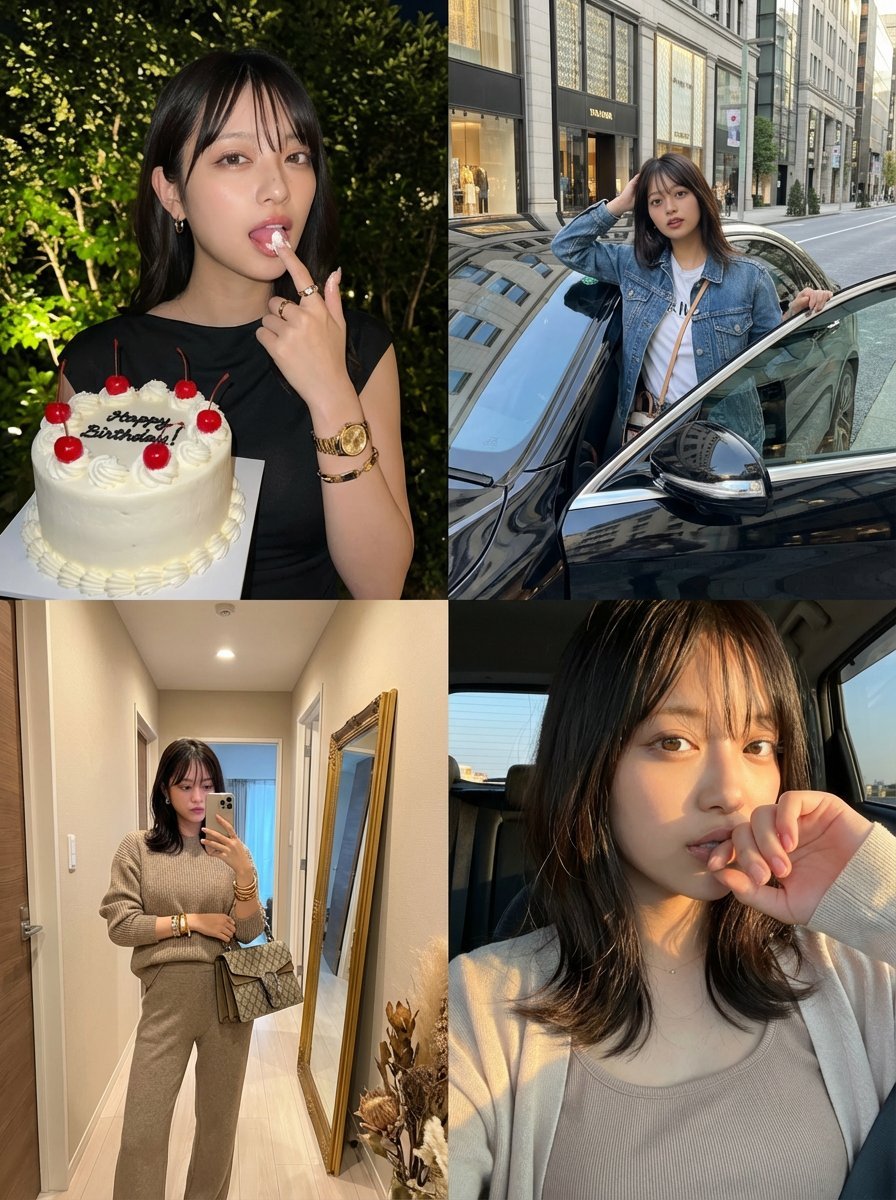
- Prompt included
- Model and format preset
- Free template
The prompt behind this image
Copy the exact prompt behind 2x2 Grid Identity Lock Photo Collage Prompt, or open it in the studio and make it yours.
{ "image_layout": "2x2 grid collage featuring four distinct photographs of the same female subject.", "identity_lock": { "reference": "uploaded image", "rules": [ "Preserve the exact same face, facial structure, body shape, skin tone, and overall identity as the uploaded reference image", "Do NOT change the person’s appearance, age, ethnicity, or attractiveness", "The subject must clearly be the same individual in all four panels" ] }, "clothing_rules": { "base_rule": "Clothing may either match the uploaded image exactly OR be naturally inferred outfits that the same person would realistically wear", "constraints": [ "No drastic style change", "No costume-like outfits", "Outfits must feel coherent with the subject’s real-life fashion sense" ] }, "panels": [ { "position": "top_left", "setting": "Outdoors at night, dark background with softly illuminated green foliage", "action": "She holds a cake in one hand and licks frosting from the index finger of the other hand", "outfit": { "description": "A sleek, night-out look that fits the subject’s real style (can match the uploaded outfit or a realistic alternative)", "jewelry": "Gold-toned accessories such as a wristwatch, bracelet, rings, and small hoop earrings" }, "props": { "item": "Round white frosted cake", "details": [ "Red cherries on top", "Clean white piping along the edges", "Black icing text on the cake" ] }, "mood": "Playful, confident, slightly cheeky" }, { "position": "top_right", "setting": "Daytime upscale city street with storefronts and trees", "action": "She leans casually out of the open door of a black luxury car, looking directly at the camera", "outfit": { "description": "Casual-chic daytime outfit consistent with her identity (may reuse the uploaded outfit or a plausible streetwear variation)", "accessories": "Minimal jewelry, small shoulder bag" }, "lighting": "Bright natural daylight with realistic shadows", "mood": "Confident, aspirational, influencer-like" }, { "position": "bottom_left", "setting": "Indoor hallway with beige walls and wooden flooring", "action": "Full-body mirror selfie", "outfit": { "description": "A coordinated outfit suitable for an indoor mirror selfie, consistent with her fashion sense", "accessories": "Designer-style handbag, stacked bracelets" }, "background_details": [ "Large gold-framed mirror leaning against the wall", "Minimal interior decor such as dried plants", "Doorway visible in the reflection" ], "mood": "Stylish, composed, fashion-focused" }, { "position": "bottom_right", "setting": "Inside a vehicle or near a window during gold"
How to use 2x2 Grid Identity Lock Photo Collage Prompt in 3 steps
- 1Upload ImagePNG, JPG or paste
Add your photo
Upload the photo the template builds on. The prompt, model and format are already set.
- 2…a portrait of your subject in softgolden-hour light, 85mm…
Personalize
Edit the subject and creative details for your destination.
- 3Generate
Generate
Press Generate — your image is created in PicX Studio, so you can compare it with the original and refine one variable at a time.
More like this
Templates with the same subject, style or setup. Open one to see its prompt.
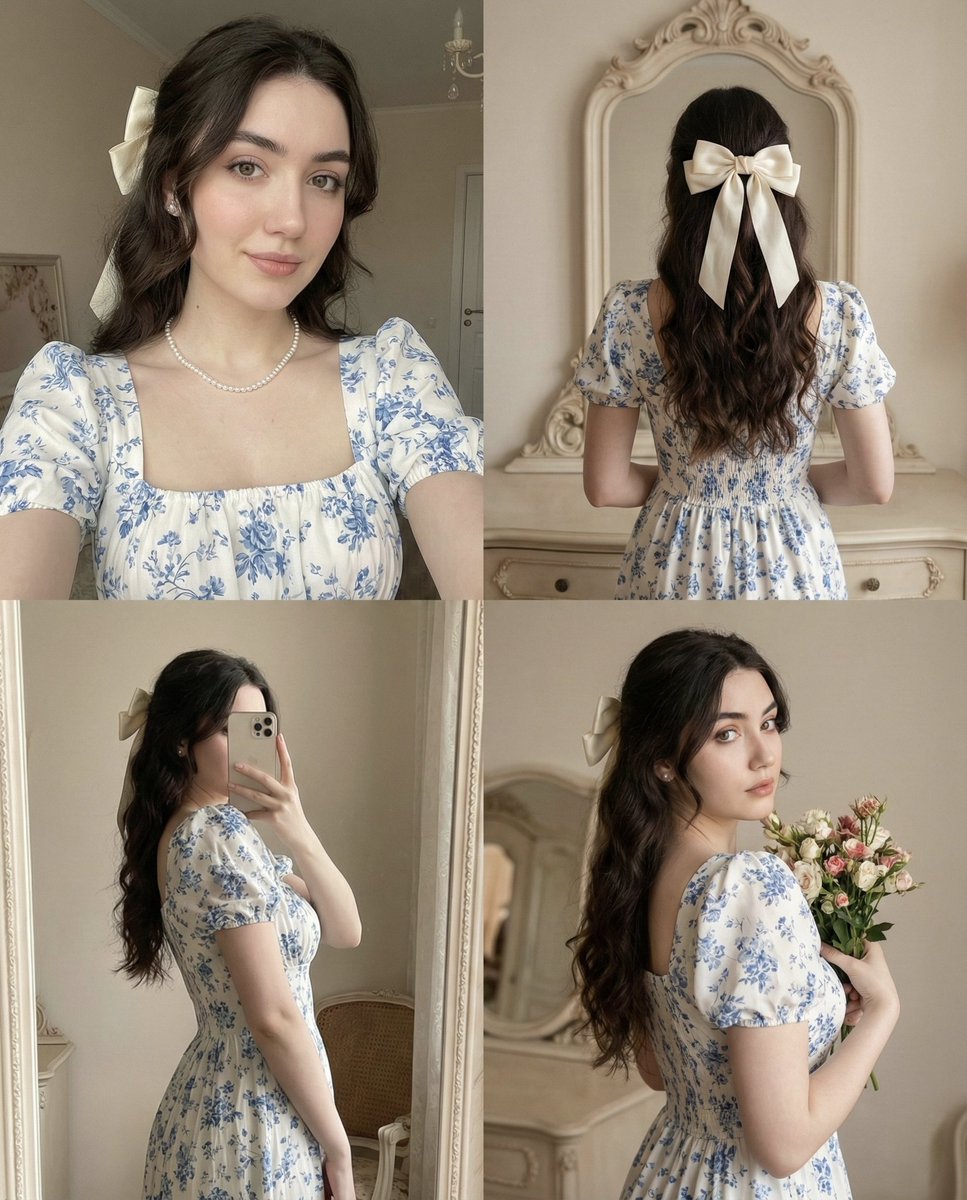
2x2 Collage with Pose and Identity Lock Prompt
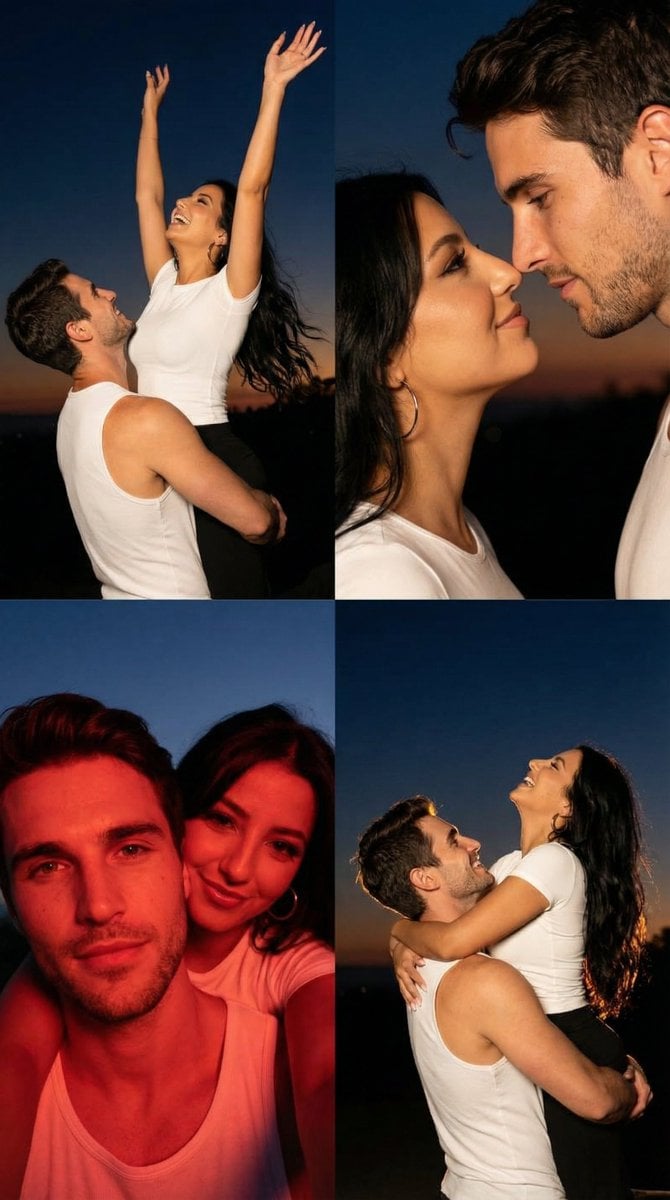
2x2 Grid Cinematic Night Couple Portrait with Identity Lock

Paris Travel Collage Grid - Face Reference

Korean Luxury Fashion Editorial 2x2 Grid Series
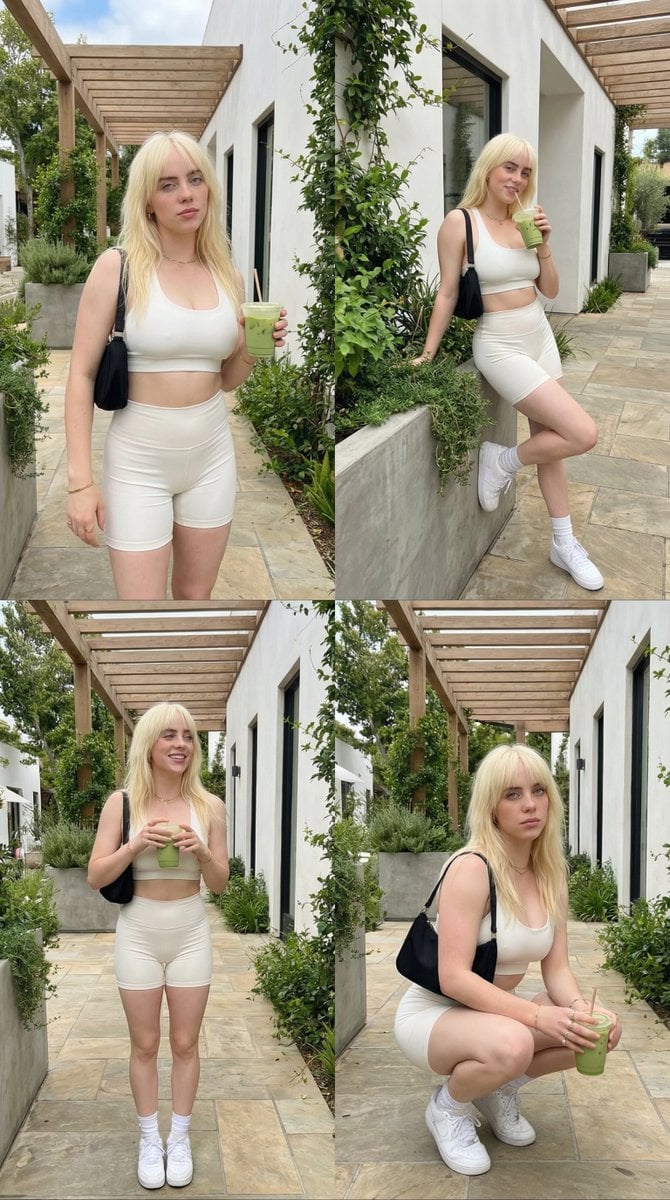
2x2 Grid Lifestyle Fashion Collage

Nano Banana Pro Identity Lock — Composition + Face Reference
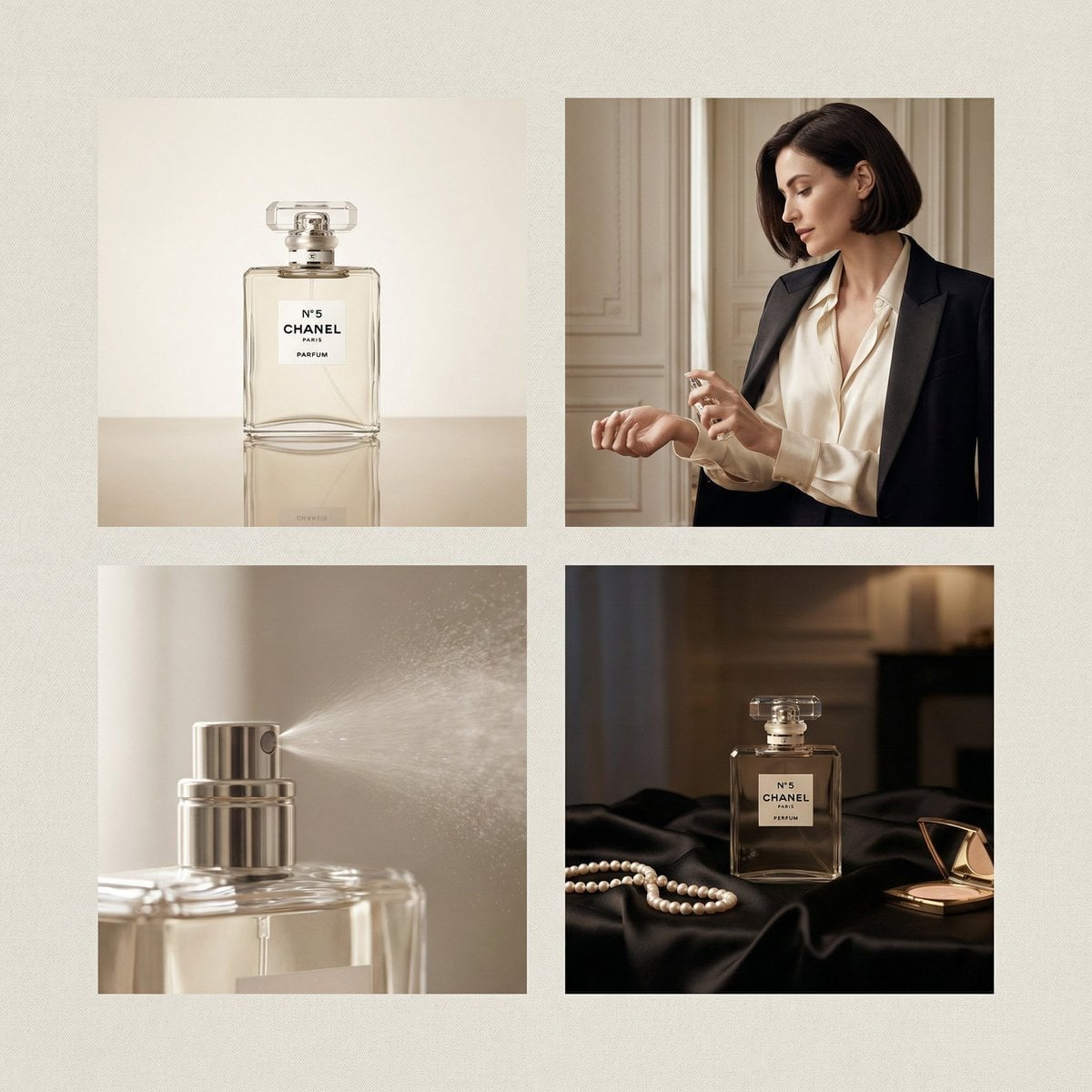
Chanel Perfume 2x2 Grid Luxury Campaign
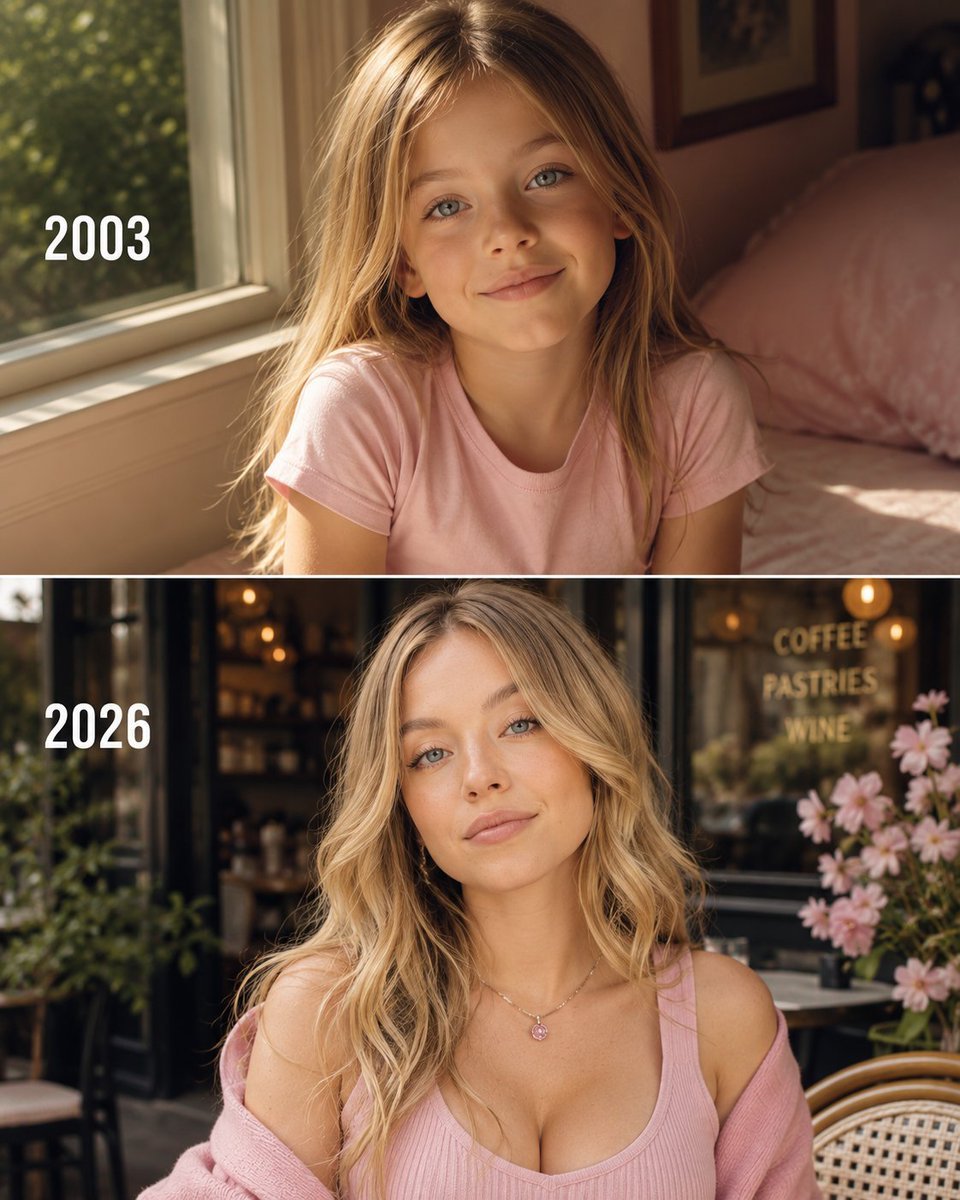
Then vs Now Identity Transformation Collage
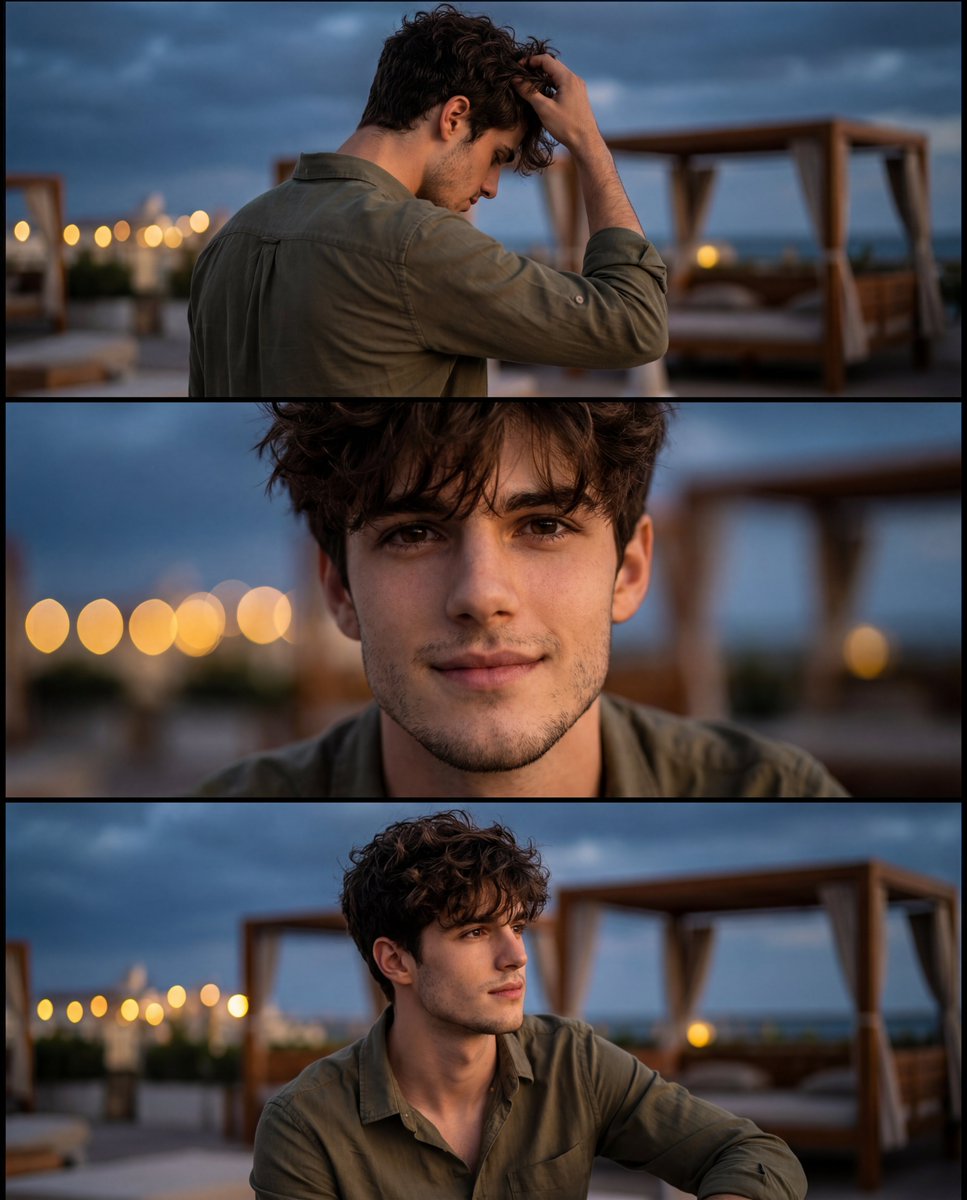
Cinematic Identity-Consistent Portrait Collage

Paper Cut Finale Fireworks

Paper Cut Garden Maze

Paper Cut Rooftop Concert
Make it yours
2x2 Grid Identity Lock Photo Collage Prompt works as-is. These are the safest ways to change it without losing the look.
Change one field
Copy a single group, rewrite it, and generate again so you can see what that field is doing.
Keep the frame, change the subject
Hold the composition and light of 2x2 Grid Identity Lock Photo Collage Prompt, then swap wardrobe, props or the person for a new take.
| If the result… | Why | Fix |
|---|---|---|
| The result drifts from the preview | Too many fields changed at once. | Reuse 2x2 Grid Identity Lock Photo Collage Prompt as-is first, then change one group — subject, light, or setting. |
| The model over-stylizes the scene | The prose prompt leaves finish and camera underspecified. | Add one camera or lighting sentence and stay on Nano Banana 2. |
More Nano Banana 2 templates
Other prompts made for Nano Banana 2.

Photorealistic Leaf Shaped Like a Dragon

K-Pop Idol Portrait Grid for Rapid Selection

Poetic Rain Forest Portrait During Golden Hour

Urban Street Portrait with Cartoon Inner Self Duo

Candid Nighttime Photo with Cat Prompt

High-Concept 3D Diorama Generation Prompt

Cinematic Futuristic Studio Portrait Template

Skincare Editorial Photography Collage Prompt

Hyper-Realistic Commercial Product Photography (Splash Effect)

Hyper-Realistic Nightclub Portrait Prompt
More image prompts
Fresh picks from across the catalog.
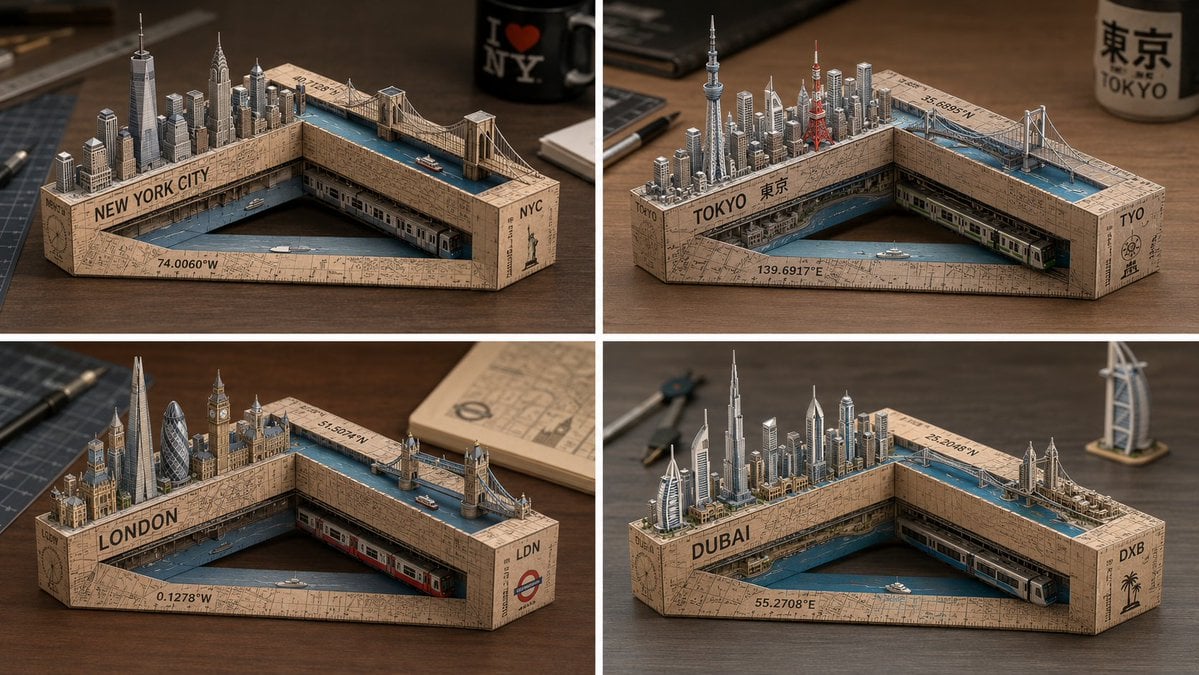
Laser-Cut Paper City Sculpture
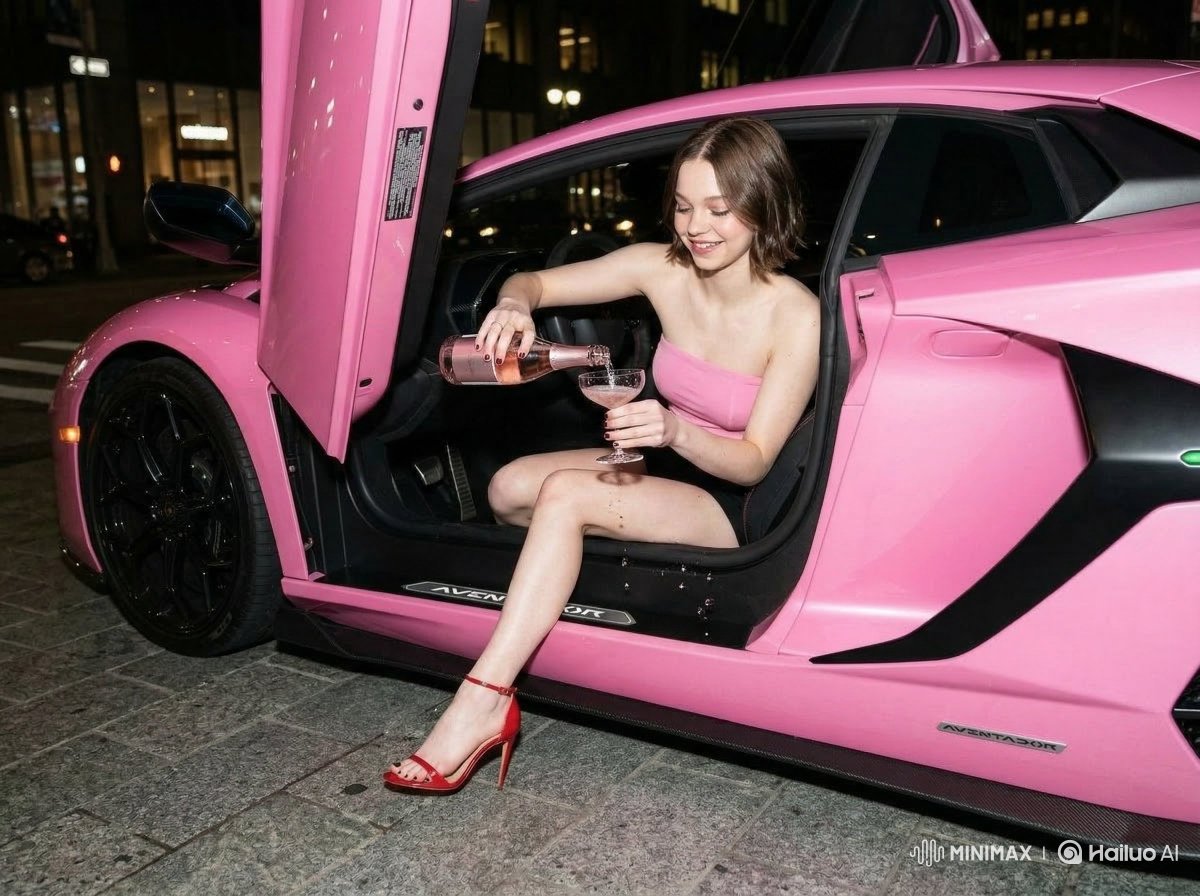
Emma Myers Portrait Prompt for Nano Banana 2
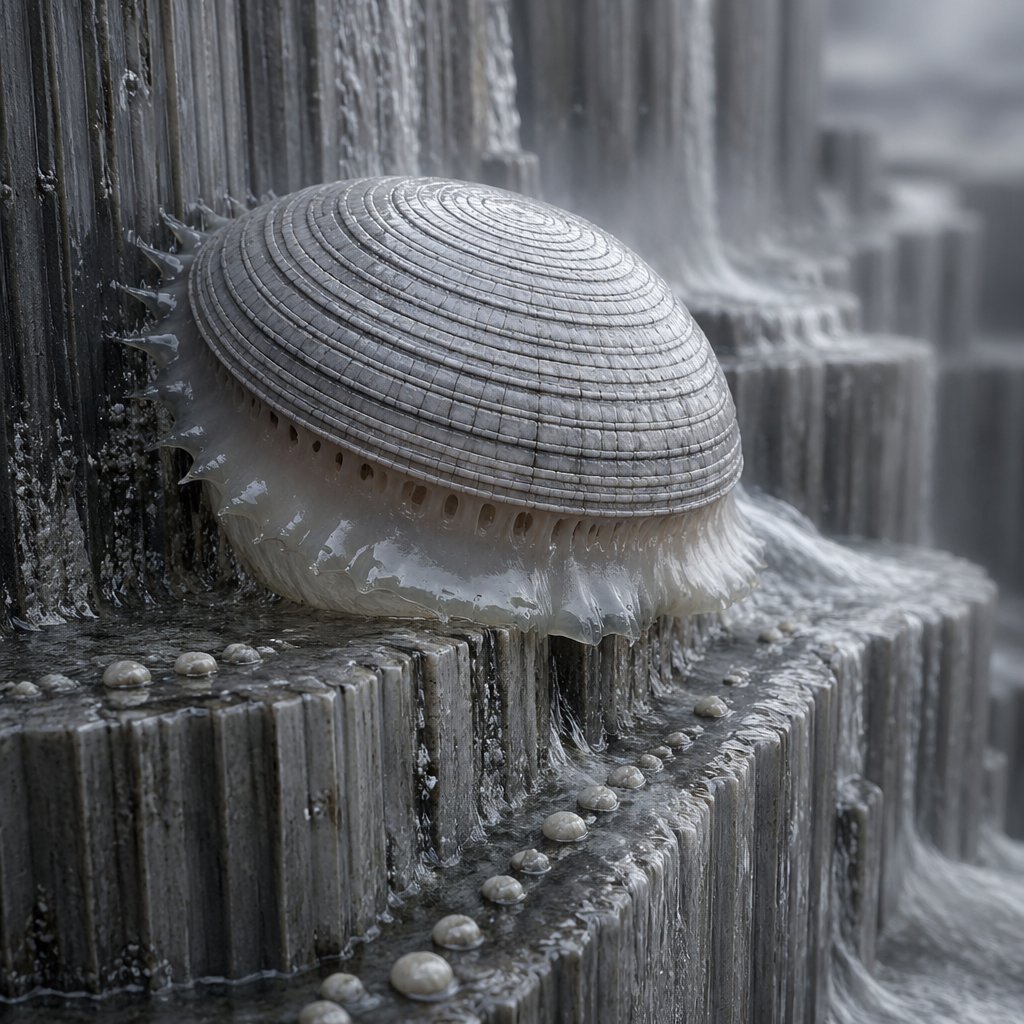
Macro Shell Jelly on Wet Basalt
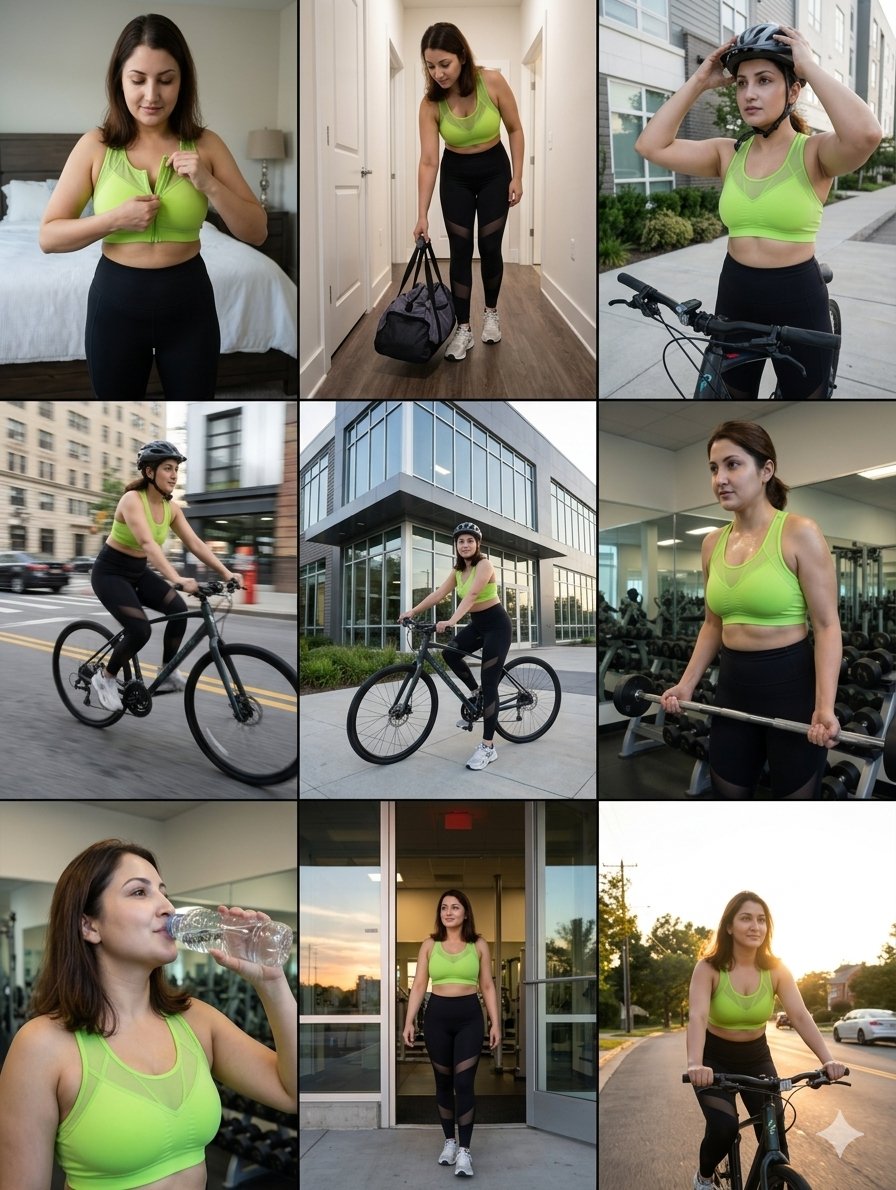
Storytelling of a Gym Girl
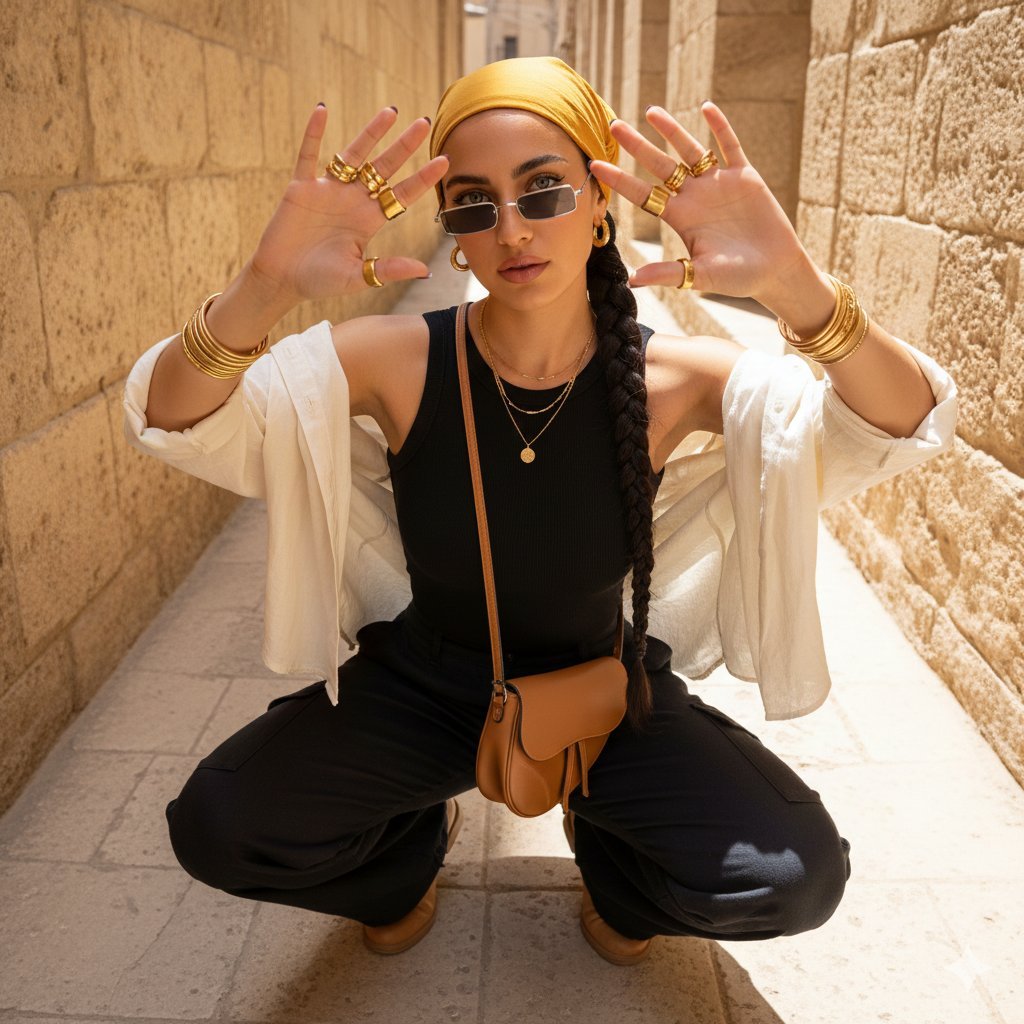
Desert-Chic Fashion in a Stone Alleyway
Team Drawing Japan Illustration
Cute Gamelist App Logo Mockup
Cosmic Gravity Glass UI System
Crimson Space Opera Key Visual
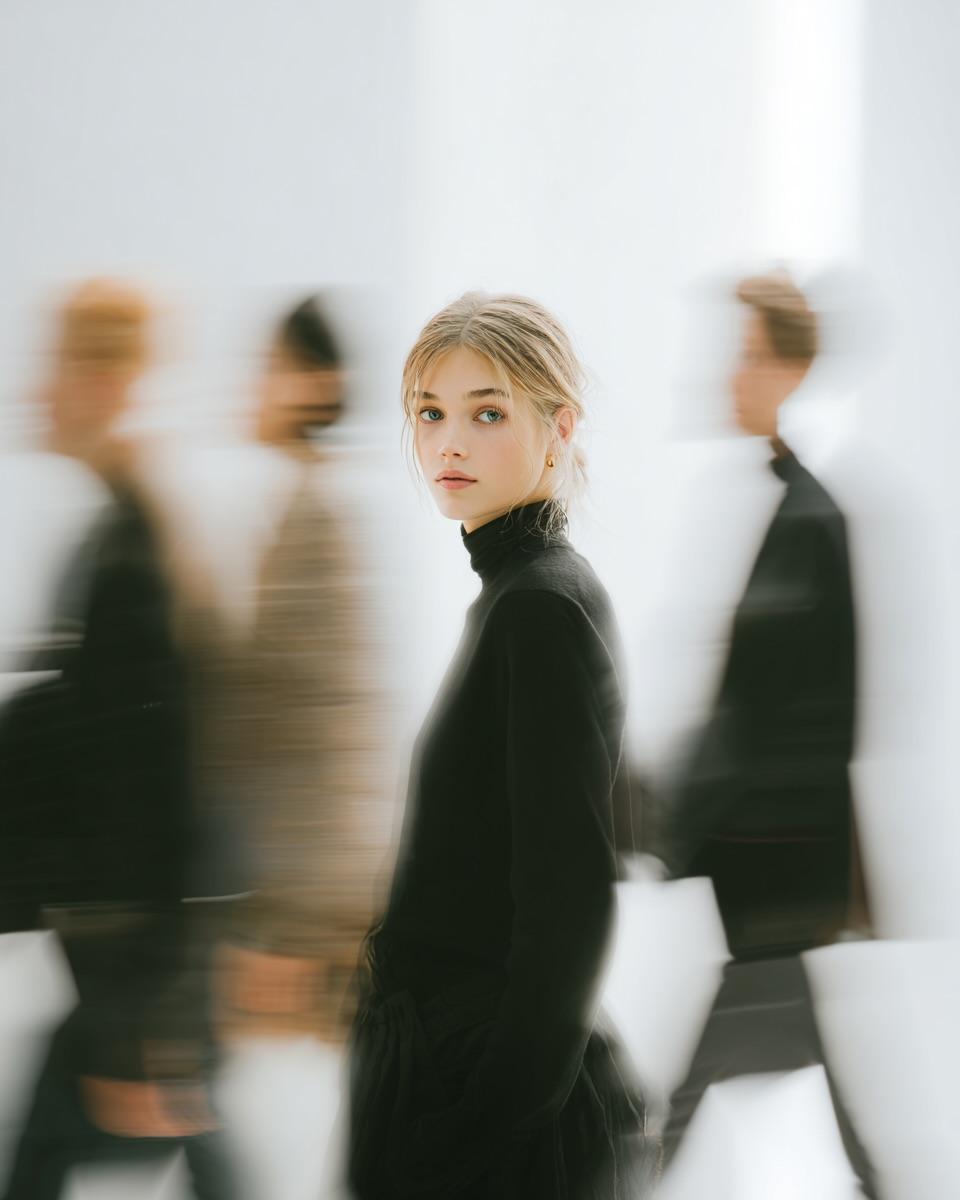
High Fashion Pictorial with Motion Blur
Browse template categories
2x2 Grid Identity Lock Photo Collage Prompt questions
How do I use the 2x2 Grid Identity Lock Photo Collage Prompt template?
Add your photo if the template asks for one, edit the prompt if you like — the template's model and format are already selected — and press Generate. Your version opens in PicX Studio.
Can I customize the 2x2 Grid Identity Lock Photo Collage Prompt template?
Yes. You can change the subject, setting, lighting, mood, format, and available model controls before creating your image.
Is the 2x2 Grid Identity Lock Photo Collage Prompt template free?
Opening and editing this template is free. Generating uses credits, shown on the Generate button when you are signed in.
Which AI model should I use?
Start with Nano Banana 2, which is the model associated with this template. You can compare another compatible model for a different finish.
Looking for something else? Browse all templates.

Your photo, any look
Thousands of ready templates for every top image and video model, from one credit balance.