
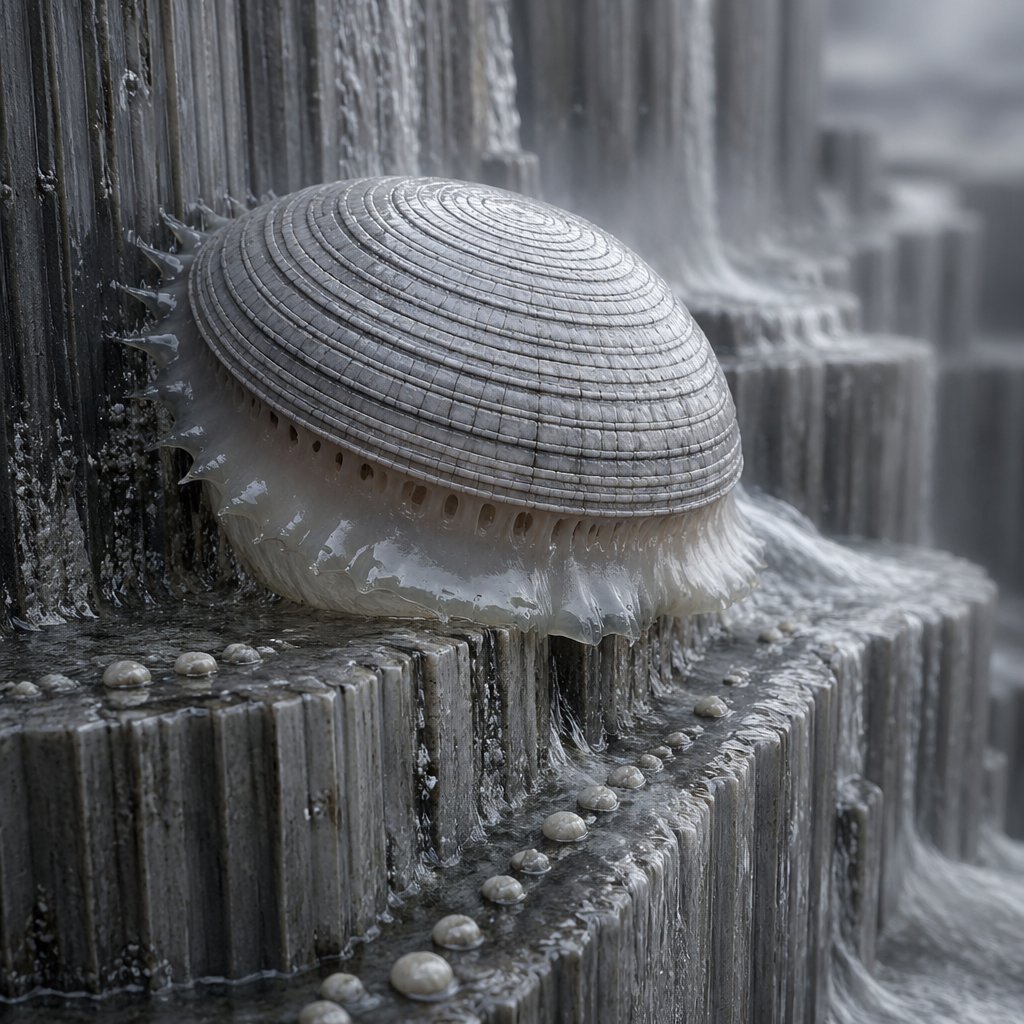
Macro Shell Jelly on Wet Basalt
This prompt generates a realistic close-up creature photograph for speculative biology, nature-inspired concept art, or surreal editorial imagery.
- Prompt included
- Model and format preset
- Free template
The prompt behind this image
Copy the exact prompt behind Macro Shell Jelly on Wet Basalt, or open it in the studio and make it yours.
A hyper-detailed naturalistic macro photograph of a strange marine-organic creature resembling a domed seashell fused with a translucent jellyfish body, clinging to the edge of dark wet basalt-like step formations in a cascading waterfall environment. The creature has a large pale gray hemispherical shell with tightly packed concentric ridges, weathered matte texture, and subtle radial segmentation. Beneath the shell is a glossy milky-white gelatinous membrane with soft translucent frills, dangling wet tendrils, and a ring of small oval pores visible around the underside. Along the shell’s left edge are several short semi-transparent spines or fleshy protrusions pressed against the rock. The environment is made of tiered vertical stone columns and ledges covered in flowing water, mineral residue, and mist, with small pearl-like rounded nodules scattered across the ledges in the foreground and middle ground. Cold monochrome palette of silver, charcoal, slate gray, and off-white. Soft overcast lighting, high humidity, shallow depth of field, cinematic macro lens, ultra-real surface detail, realistic wet reflections, fine water streaks, delicate spray, slightly eerie bioluminescent-organism realism without visible glow, centered composition with the creature occupying the left-center foreground.
How to use Macro Shell Jelly on Wet Basalt in 3 steps
- 1Upload ImagePNG, JPG or paste
Add your photo
Upload the photo the template builds on. The prompt, model and format are already set.
- 2…a portrait of your subject in softgolden-hour light, 85mm…
Personalize
Edit the subject and creative details for your destination.
- 3Generate
Generate
Press Generate — your image is created in PicX Studio, so you can compare it with the original and refine one variable at a time.
More like this
Templates with the same subject, style or setup. Open one to see its prompt.
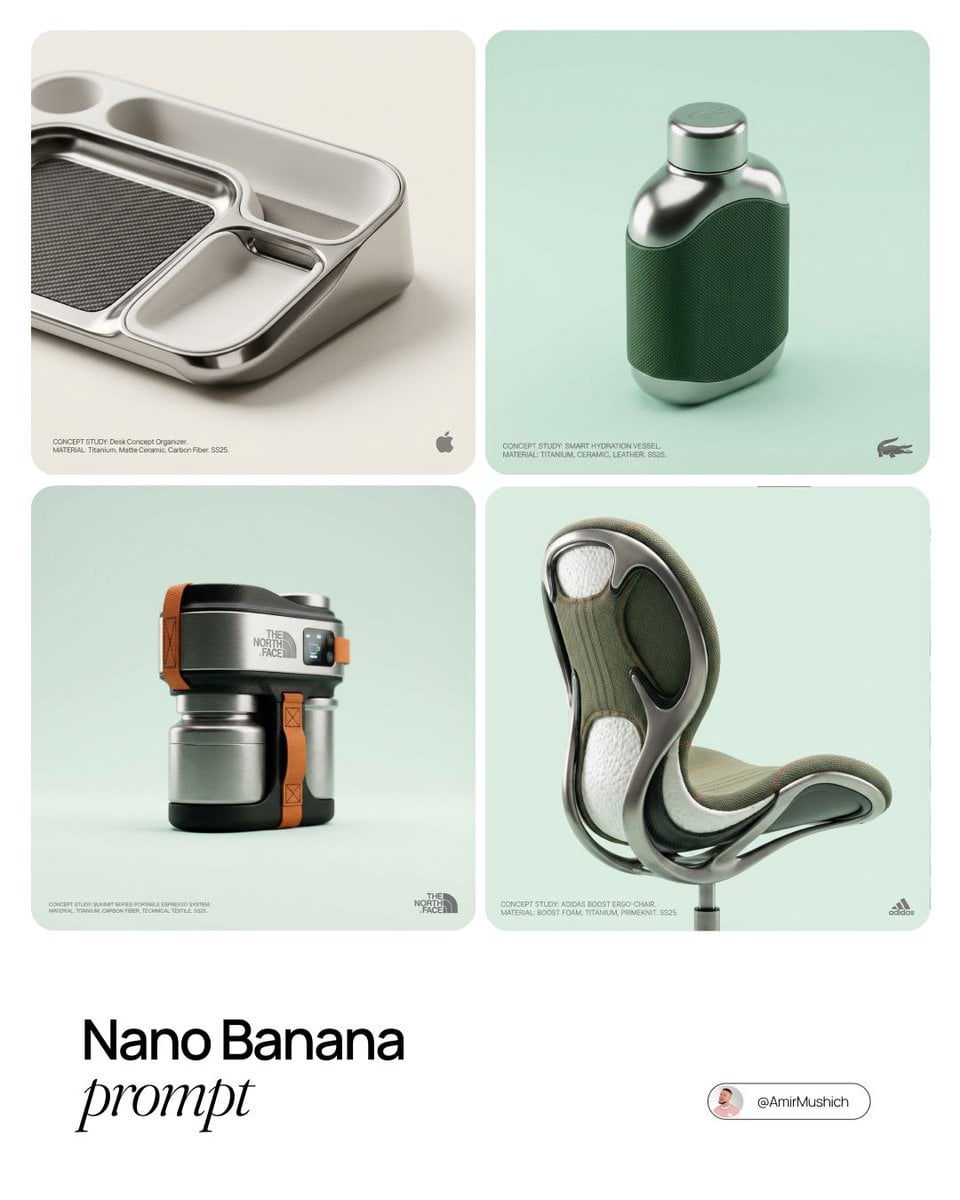
Editorial Concept Study Product Design
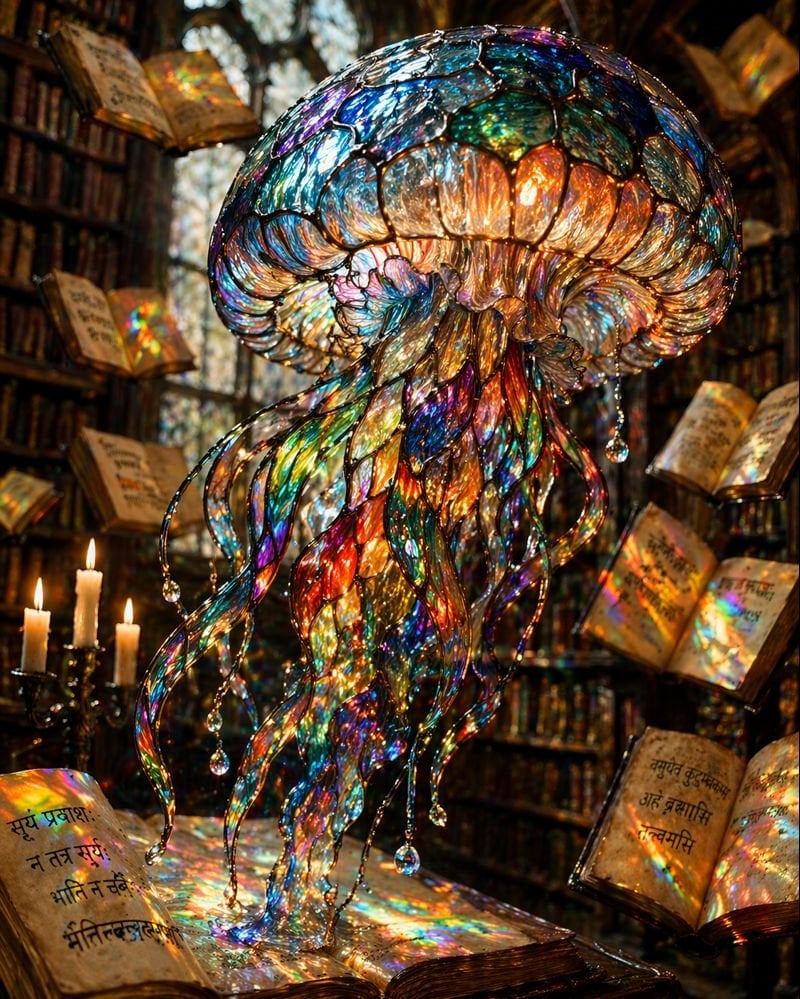
Macro Stained Glass Jellyfish
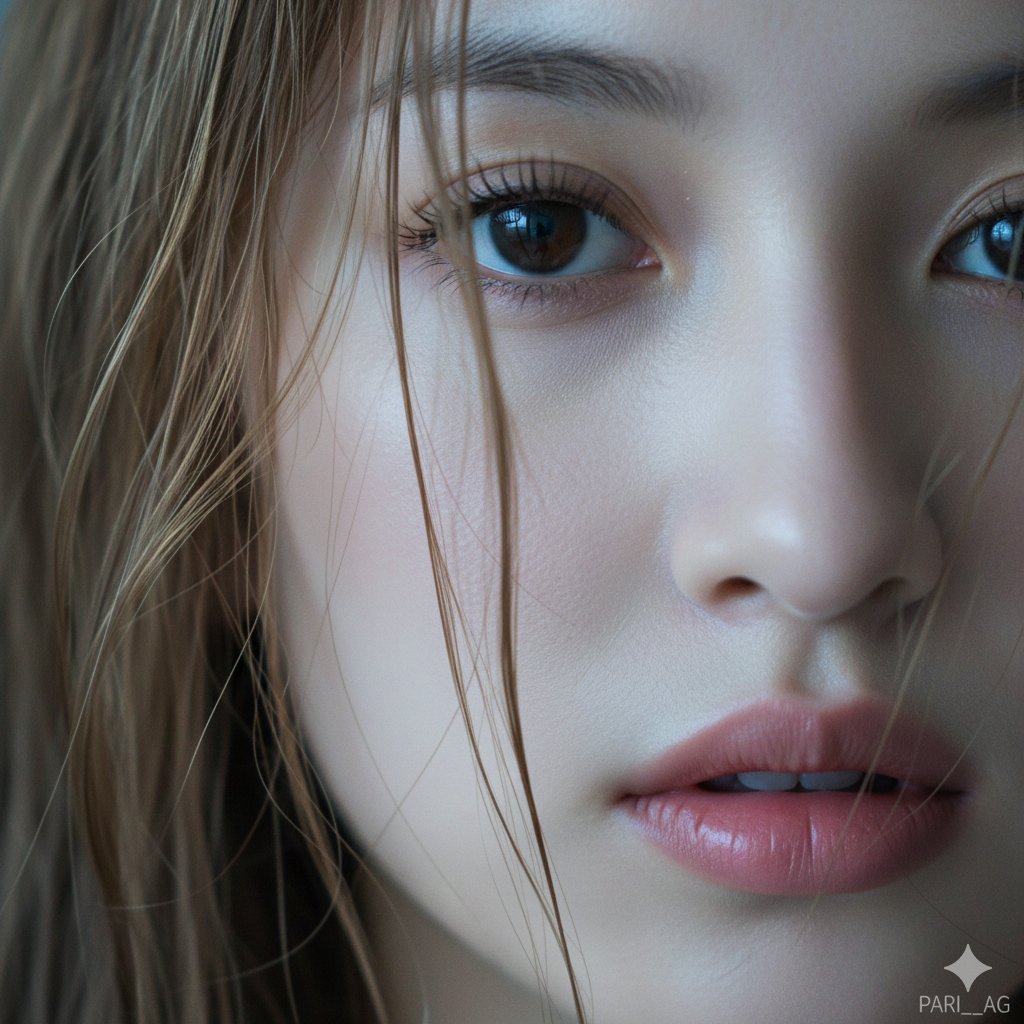
Macro Portrait with Wet Hair and Cinematic Blue Tones

Firefly Pixar Spill — Nano Banana Pro
Seedance - Arrow Microscopic Battle
Seedance - Brand Commercial
JSON Seedance - Fairy Macro Flight
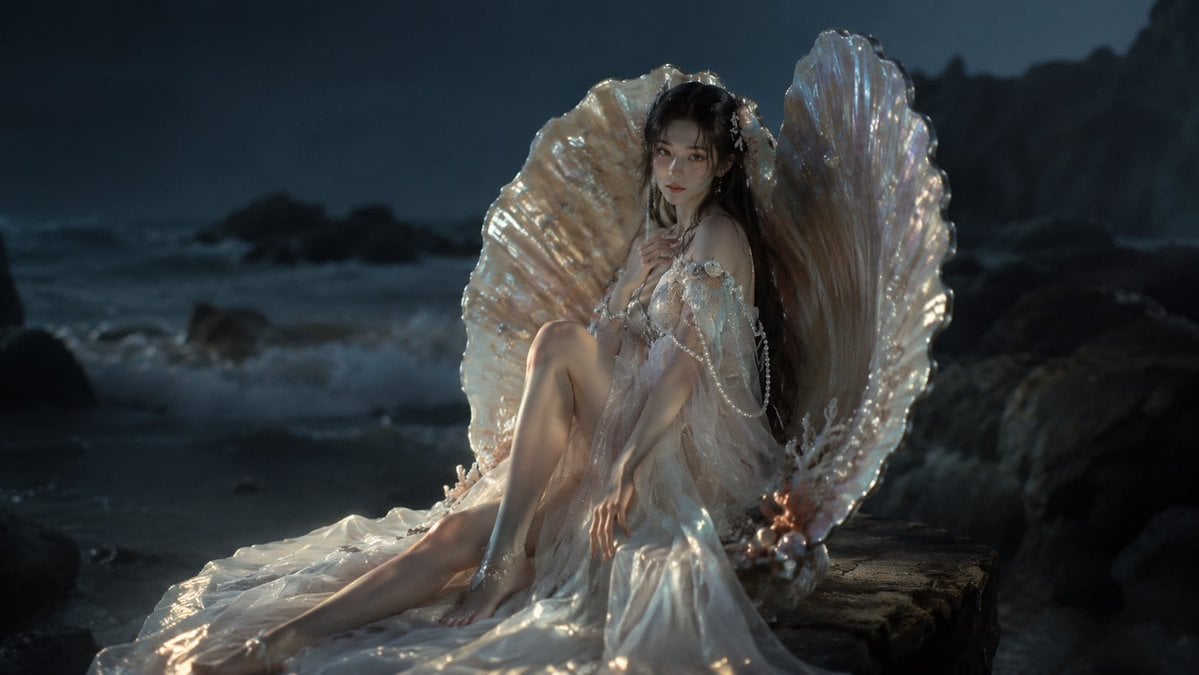
Moonlit Mermaid Shell Portrait
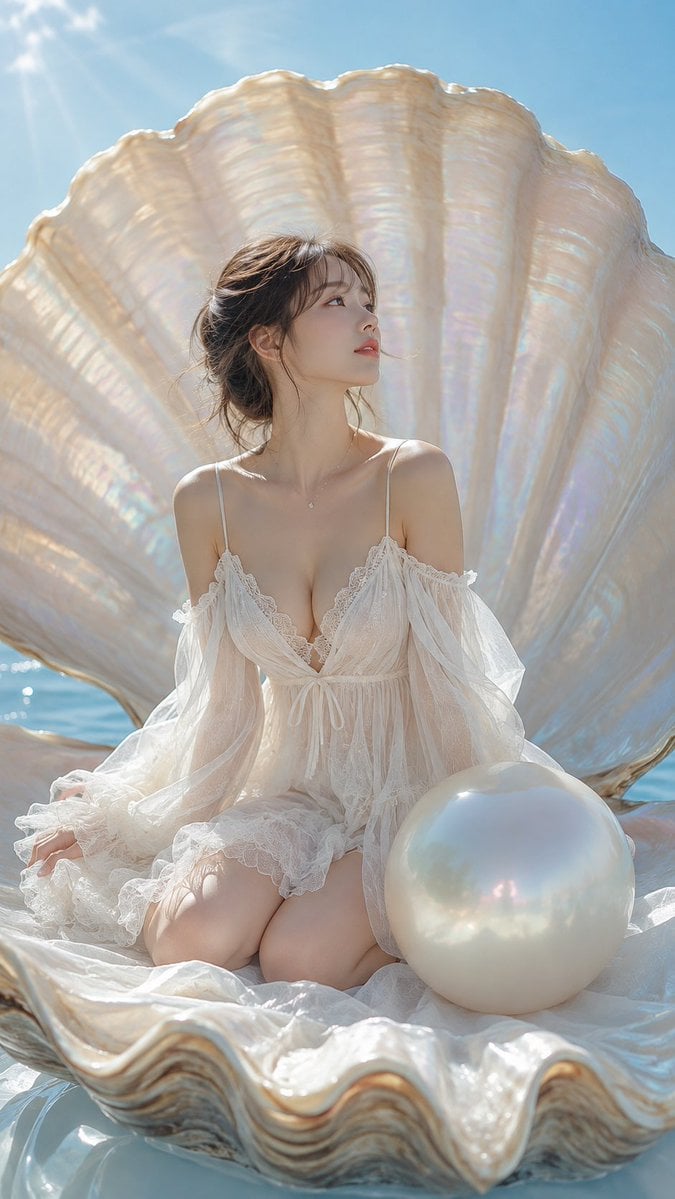
Woman Sitting in Pearl Shell
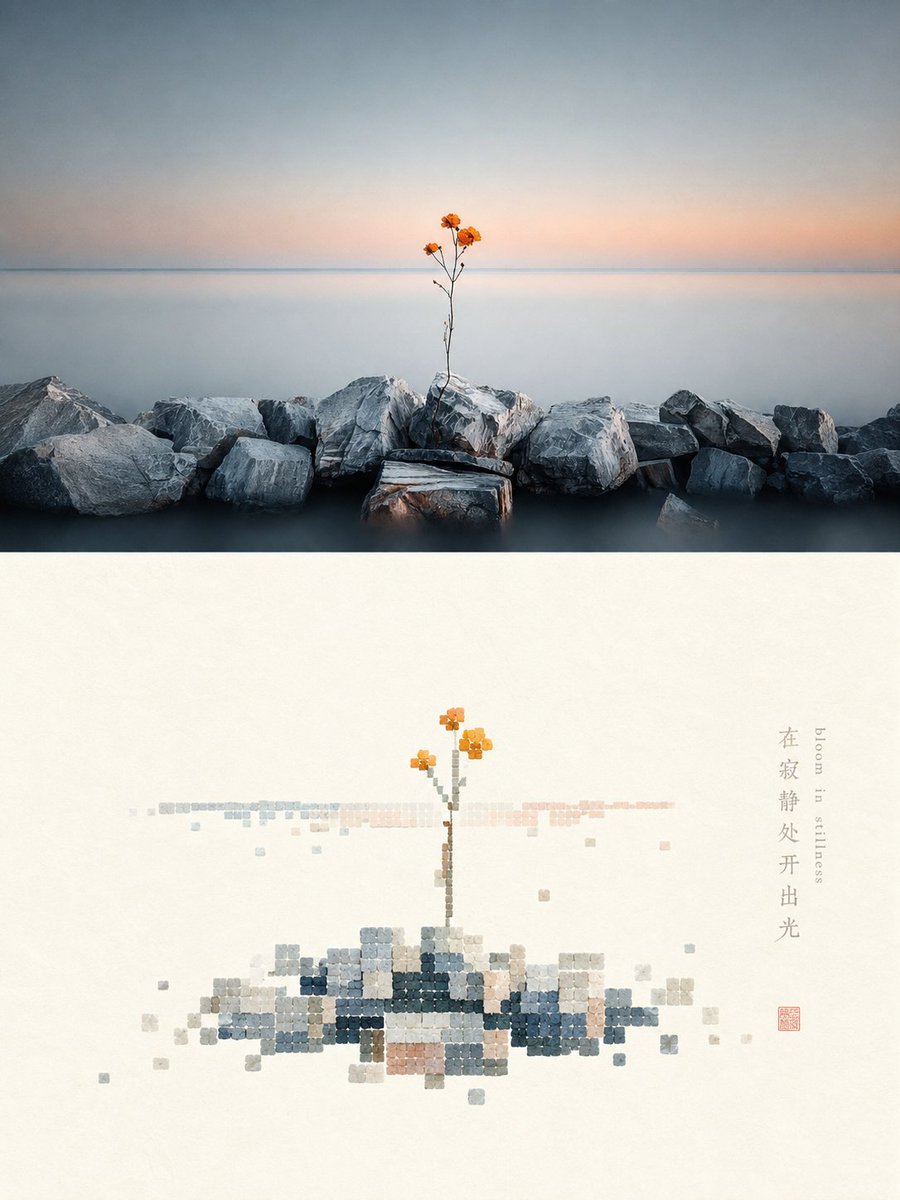
Shell-textured pixel art design poster

Underwater Macro Face Portrait
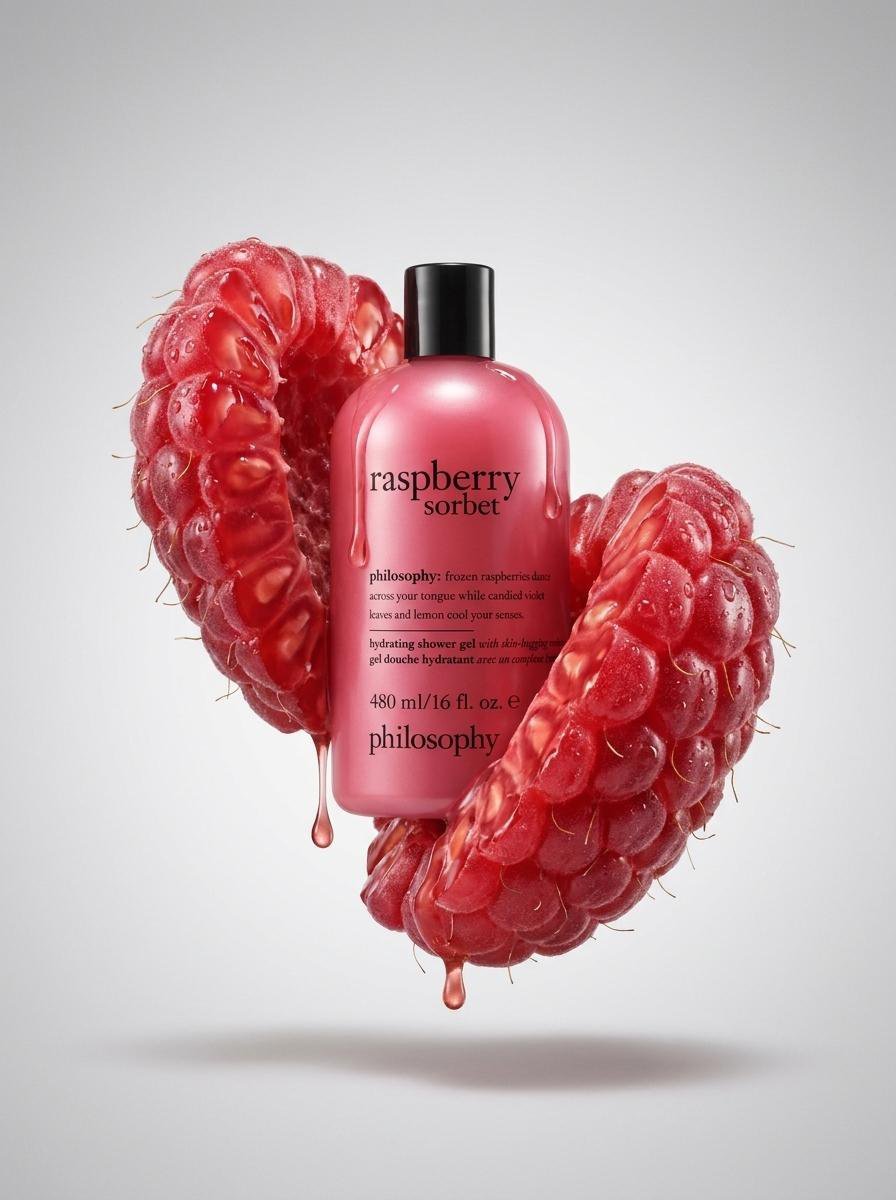
Raspberry Shell Product Photography
Make it yours
Macro Shell Jelly on Wet Basalt works as-is. These are the safest ways to change it without losing the look.
Change one field
Copy a single group, rewrite it, and generate again so you can see what that field is doing.
Keep the frame, change the subject
Hold the composition and light of Macro Shell Jelly on Wet Basalt, then swap wardrobe, props or the person for a new take.
| If the result… | Why | Fix |
|---|---|---|
| The result drifts from the preview | Too many fields changed at once. | Reuse Macro Shell Jelly on Wet Basalt as-is first, then change one group — subject, light, or setting. |
| The model over-stylizes the scene | The prose prompt leaves finish and camera underspecified. | Add one camera or lighting sentence and stay on GPT Image 2. |
More GPT Image 2 templates
Other prompts made for GPT Image 2.

Six VTuber Japanese Logo Sheet

Realistic Portrait of Woman and Deer

The Vista Modular Condo Poster

AI Model Routing Comparison Infographic

2.5D Anime Art Board

Isometric Productivity Desk Scene

New York Double Exposure Poster

Four-Panel AI Landscape Comparison

Japanese Tatami Lifestyle Magazine Cover

NESCAFÉ Coffee Map Poster
More image prompts
Fresh picks from across the catalog.
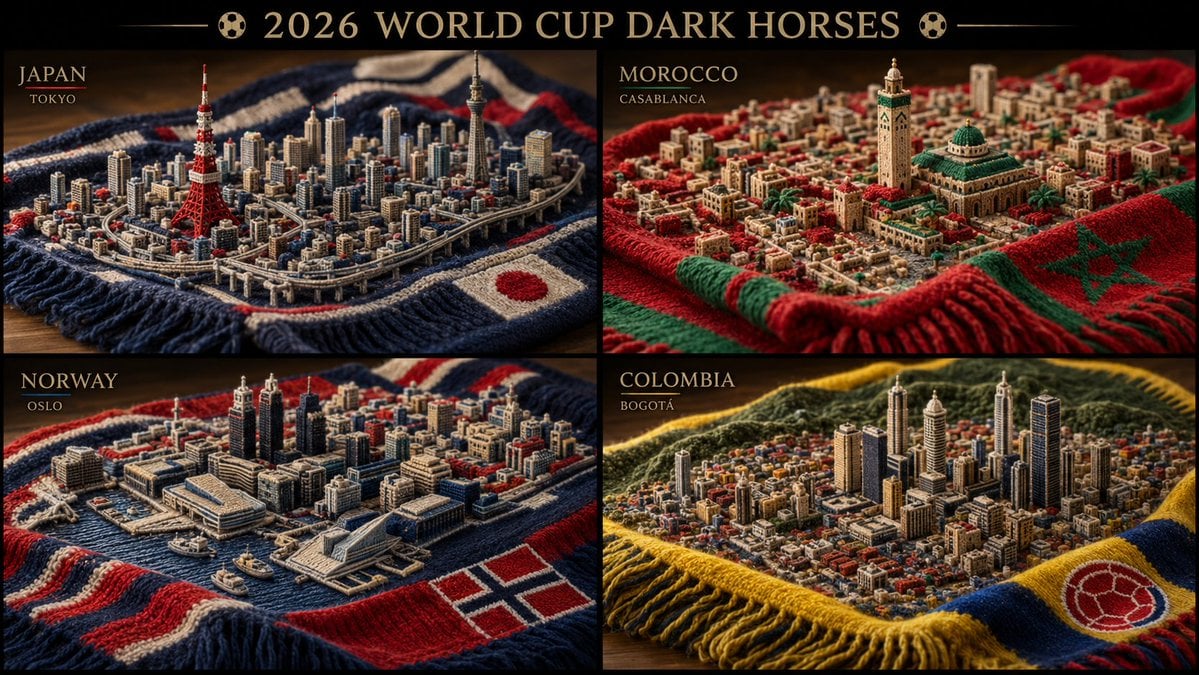
Knitted Skyline Scarf Macro

Billionaire Executive Portrait
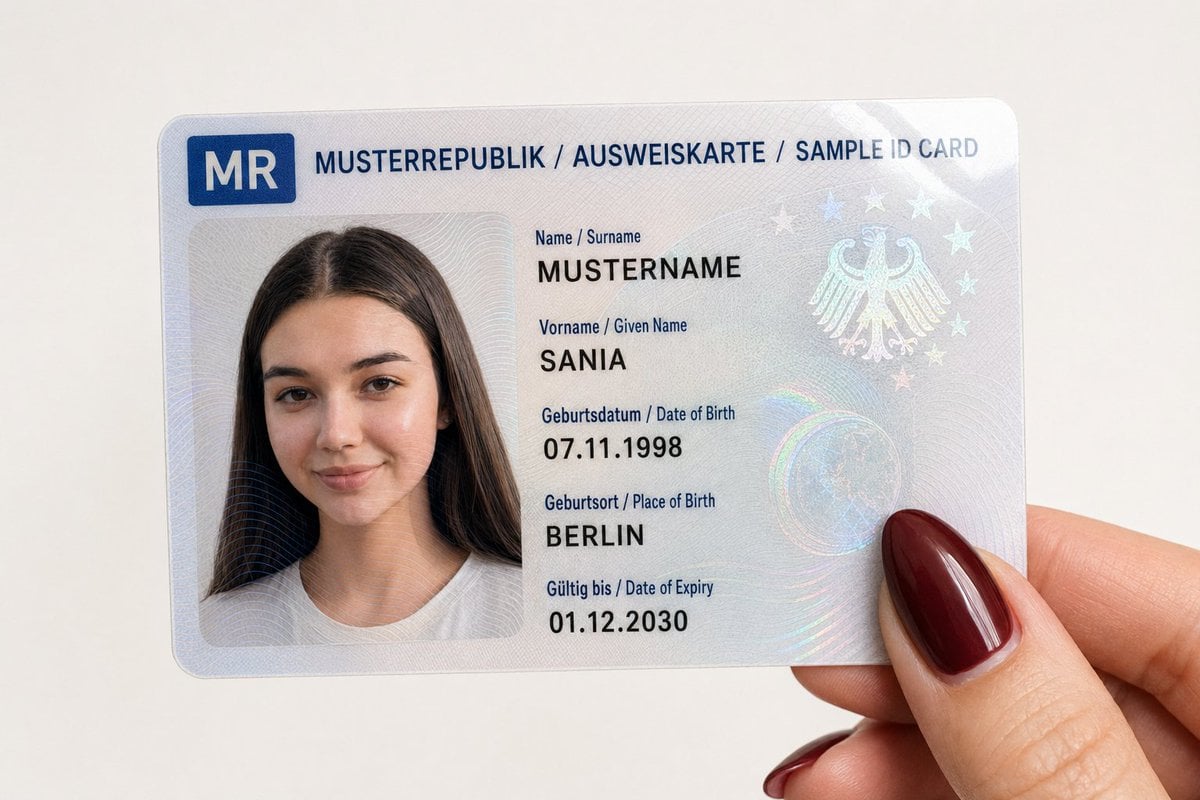
Personalized Sample ID Card Generation
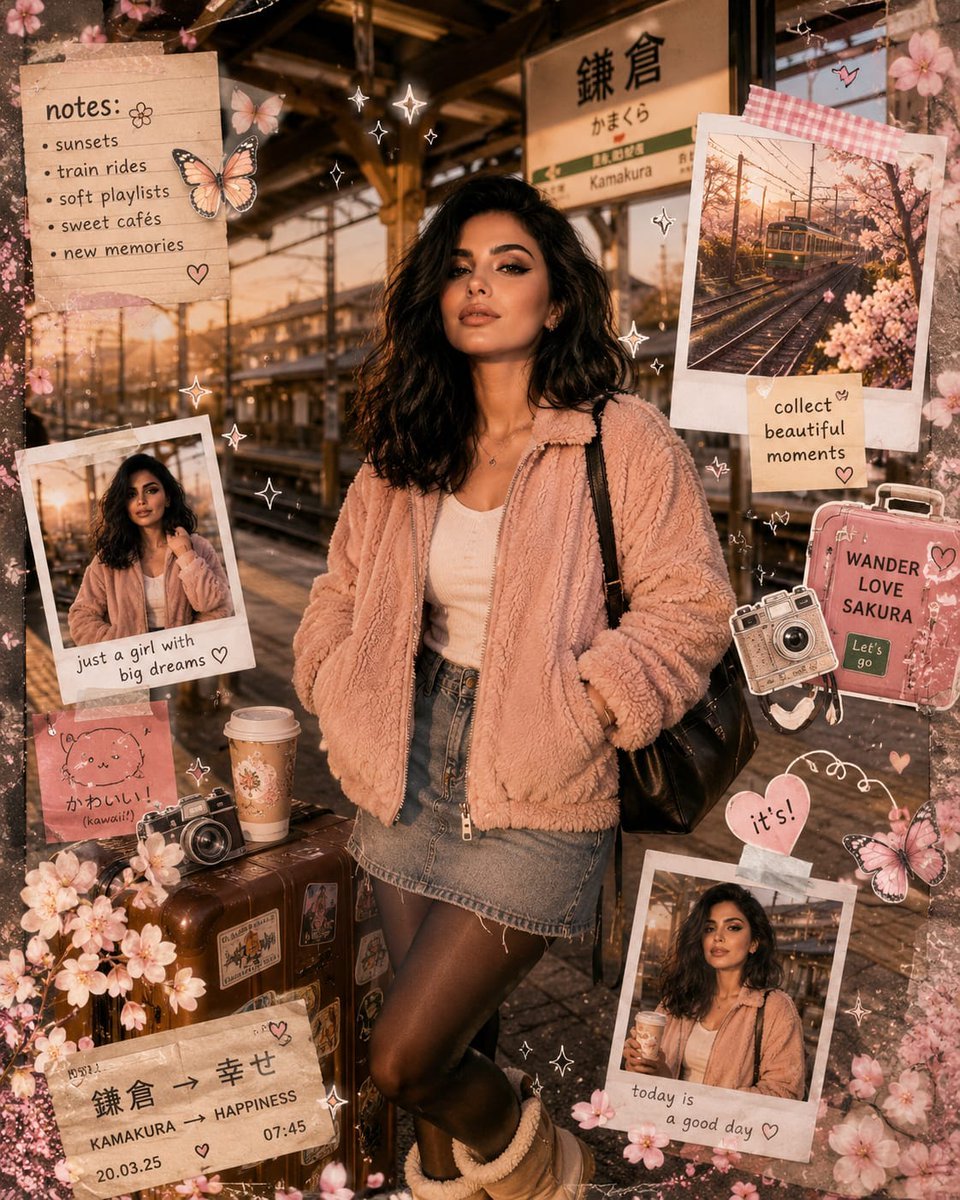
Kawaii Journal and Miniature Diorama Styles
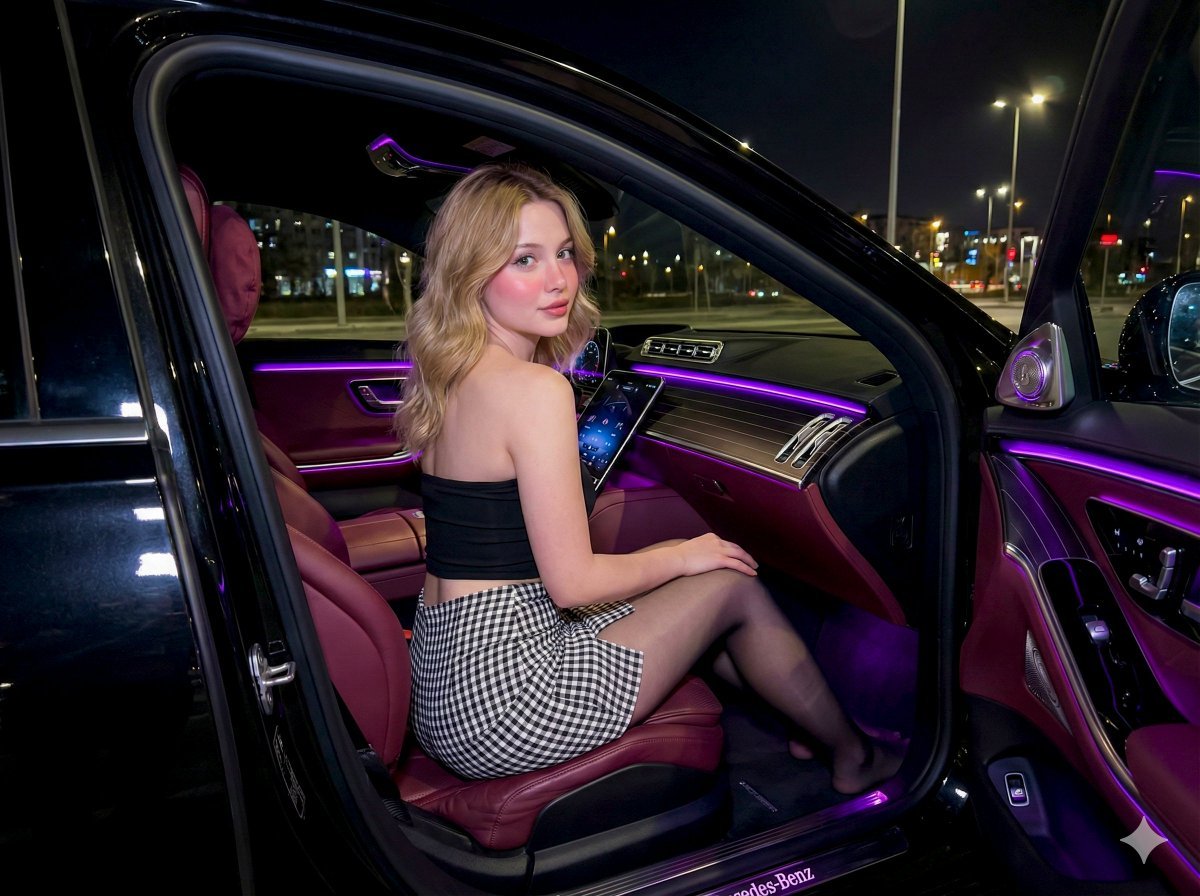
Nighttime Mercedes S-Class Interior Portrait with Purple Ambient Light
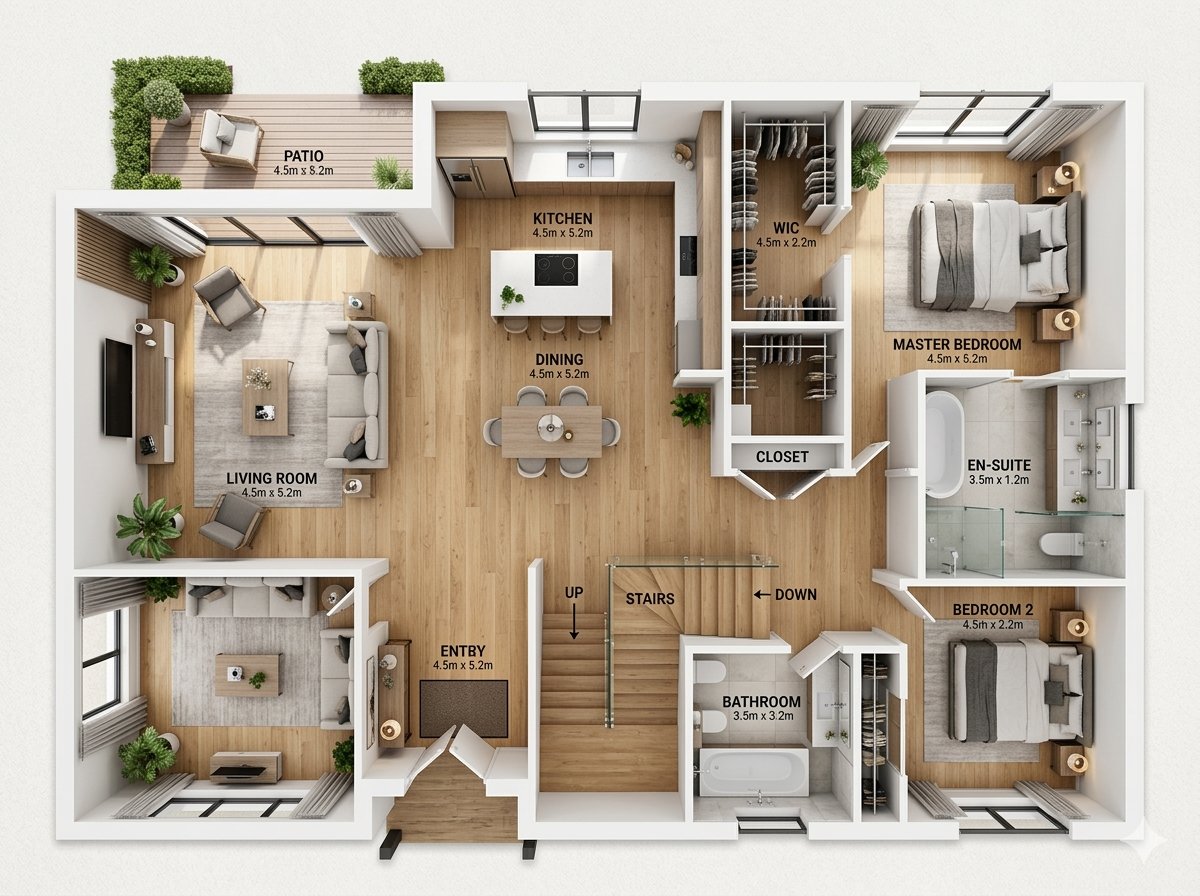
Modern Home Interior Architectural Blueprint Prompt
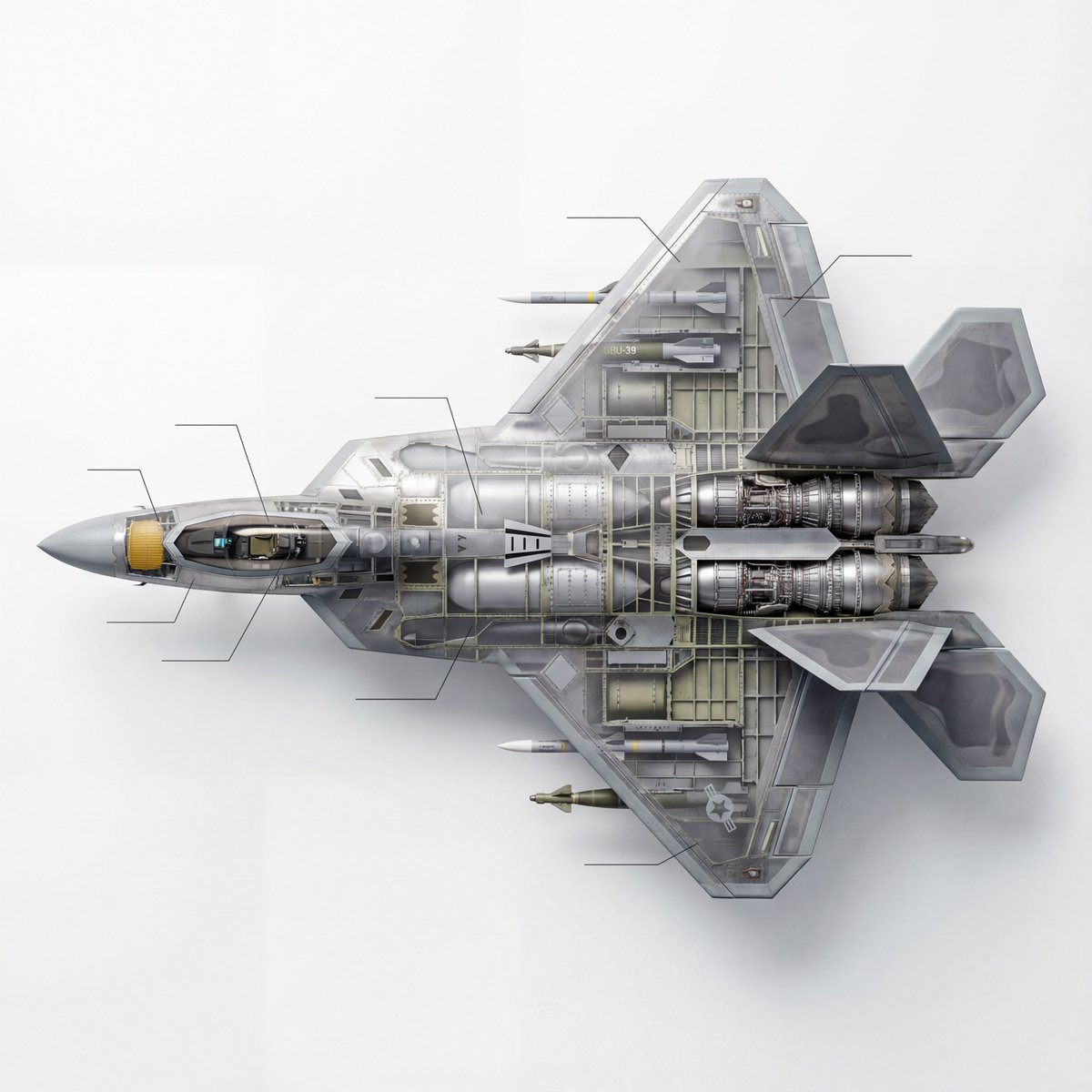
Cutaway infographic of a 5th generation stealth fighter jet

Surreal Anime Nekomimi in Kimono

Golden Desert Fashion Portrait
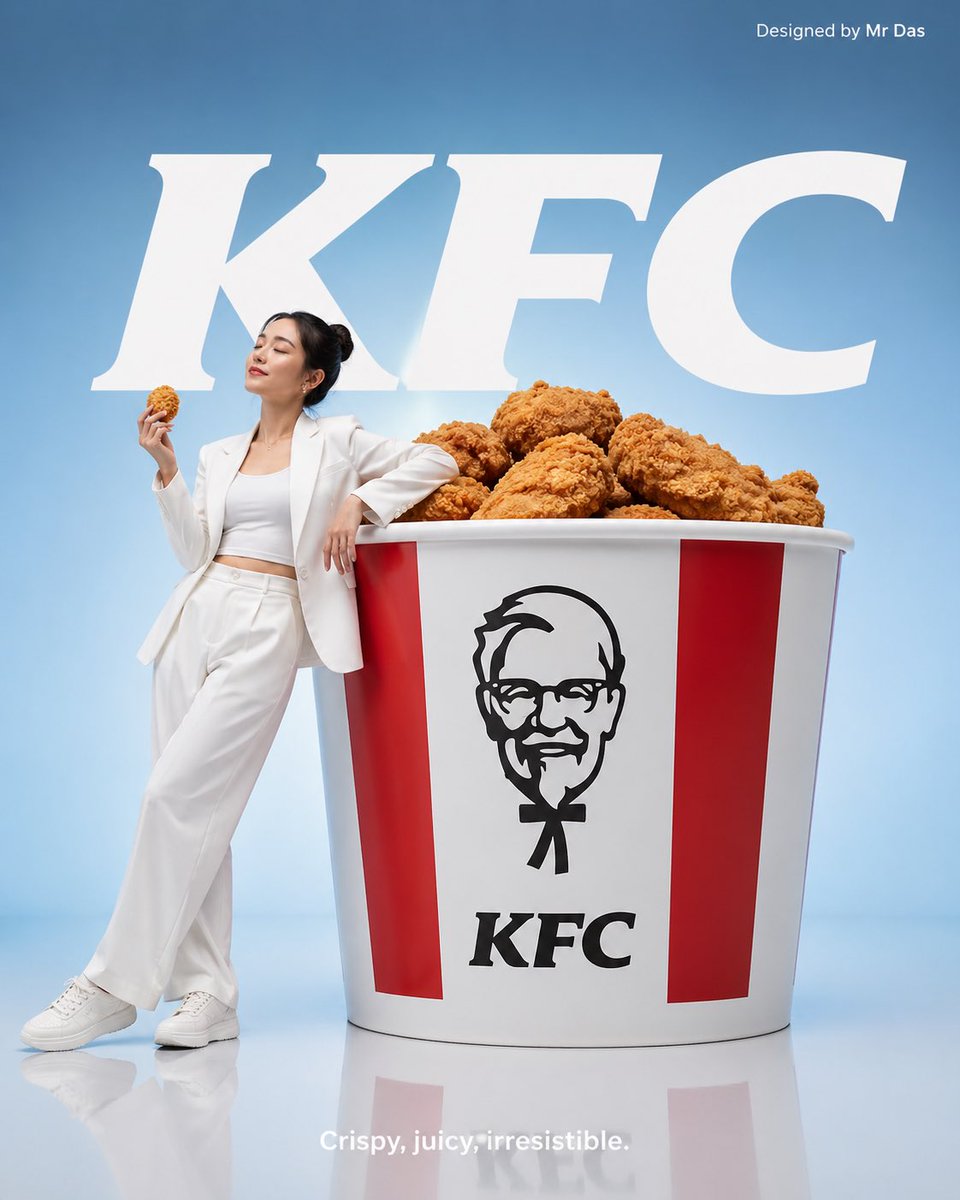
Minimalist KFC Commercial Advertisement
Browse template categories
Macro Shell Jelly on Wet Basalt questions
How do I use the Macro Shell Jelly on Wet Basalt template?
Add your photo if the template asks for one, edit the prompt if you like — the template's model and format are already selected — and press Generate. Your version opens in PicX Studio.
Can I customize the Macro Shell Jelly on Wet Basalt template?
Yes. You can change the subject, setting, lighting, mood, format, and available model controls before creating your image.
Is the Macro Shell Jelly on Wet Basalt template free?
Opening and editing this template is free. Generating uses credits, shown on the Generate button when you are signed in.
Which AI model should I use?
Start with GPT Image 2, which is the model associated with this template. You can compare another compatible model for a different finish.
Looking for something else? Browse all templates.

Your photo, any look
Thousands of ready templates for every top image and video model, from one credit balance.