
Personalized Sample ID Card Generation
A structured JSON prompt for generating a realistic close-up of a hand holding a fictitious sample ID card, utilizing a reference photo for the portrait.
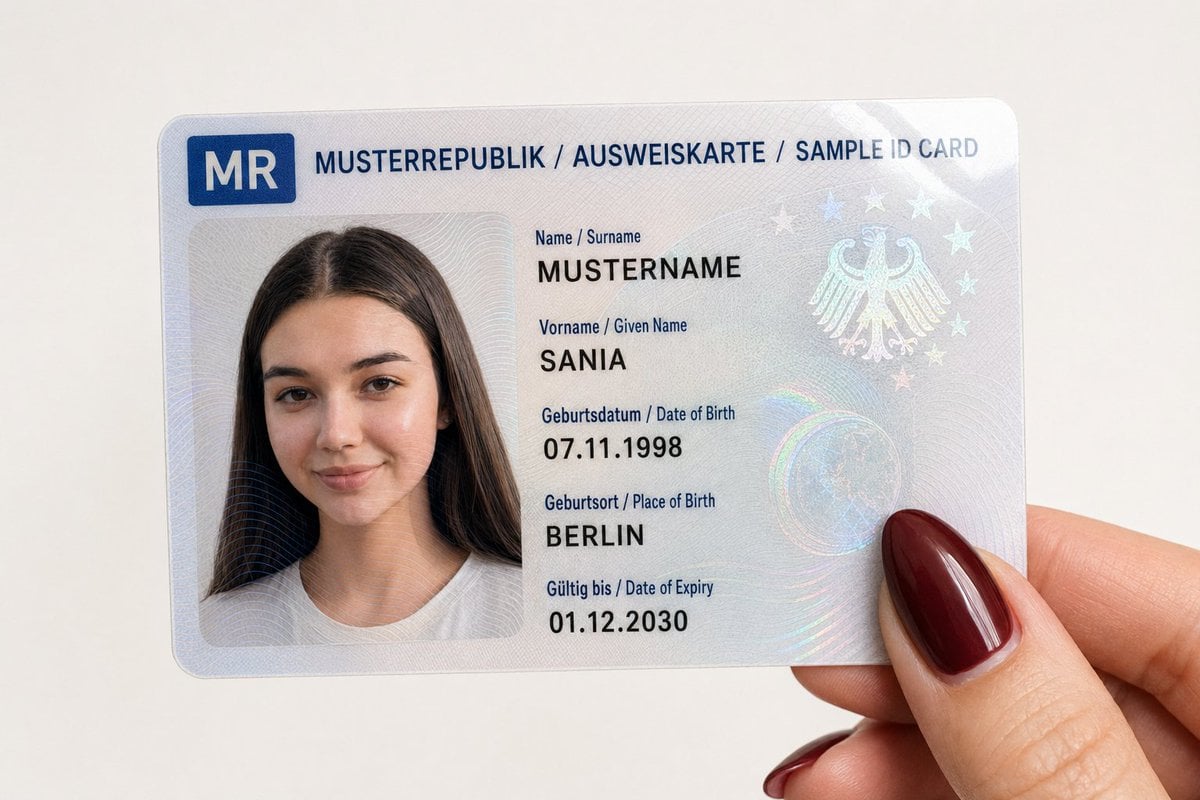
- Prompt included
- Model and format preset
- Premium template
The prompt behind this image
Copy the exact prompt behind Personalized Sample ID Card Generation, or open it in the studio and make it yours.
{"type": "Nahaufnahme-Fotografie","subject": "Eine fiktive {argument name="Ausweisart" default="Ausweiskarte"}, die von einer Hand gehalten wird","card_content": {"header_text": "MUSTERREPUBLIK / AUSWEISKARTE / SAMPLE ID CARD","logo": "Ein blaues Symbolfeld oben links mit dem Länderkürzel 'MR'","portrait": {"appearance": "Das Porträt basiert exakt auf dem vom Nutzer bereitgestellten Referenzbild","facial_features": "Gesichtsmerkmale, Ausdruck und Blickrichtung entsprechen genau dem hochgeladenen Bild","clothing": "Wie im Referenzbild sichtbar","accessories": "Wie im Referenzbild sichtbar"},"text_data": {"surname": "{argument name="Nachname" default="MUSTERNAME"}","given_name": "{argument name="Vorname" default="SANIA"}","birth_date": "07.11.1998","birth_place": "BERLIN","expiry_date": "01.12.2030"},"surface_texture": "Glänzende laminierte Oberfläche mit sichtbaren holografischen Sicherheitsmustern und Guilloche-Linien über Porträt und Text"},"foreground_hand": {"position": "Hält die untere rechte Ecke der Karte","skin_tone": "Hell","fingernail": "Sichtbarer Daumen mit langem, mandelförmigem Fingernagel, lackiert in glänzendem Bordeauxrot oder Dunkelrot"},"background": "Schlichte, einfarbig weiße Oberfläche","lighting": "Weiches, gleichmäßiges Innenlicht mit leichten Reflexionen auf der Kartenoberfläche und dem glänzenden Nagellack","framing": "Vertikale Nahaufnahme aus der Vogelperspektive, vollständig auf die Karte und den Daumen fokussiert"}
How to use Personalized Sample ID Card Generation in 3 steps
- 1Upload ImagePNG, JPG or paste
Add your photo
Upload the photo the template builds on. The prompt, model and format are already set.
- 2…a portrait of your subject in softgolden-hour light, 85mm…
Personalize
Edit the subject and creative details for your destination.
- 3Generate
Generate
Press Generate — your image is created in PicX Studio, so you can compare it with the original and refine one variable at a time.
More like this
Templates with the same subject, style or setup. Open one to see its prompt.

Personalized Rider-Waite Tarot Card

Real Illustration Split Portrait Transition

Personalized Storybook Biography Poster

Teal Japanese Handwritten Lyric Card

Reiwa Slang Reaction Gacha Card
Architectural Museum Specimen Card
Personalized Birthday Fan Poster
Geometric Editorial Style Personalized Illustration

Subway Good Vibes App Card Portrait
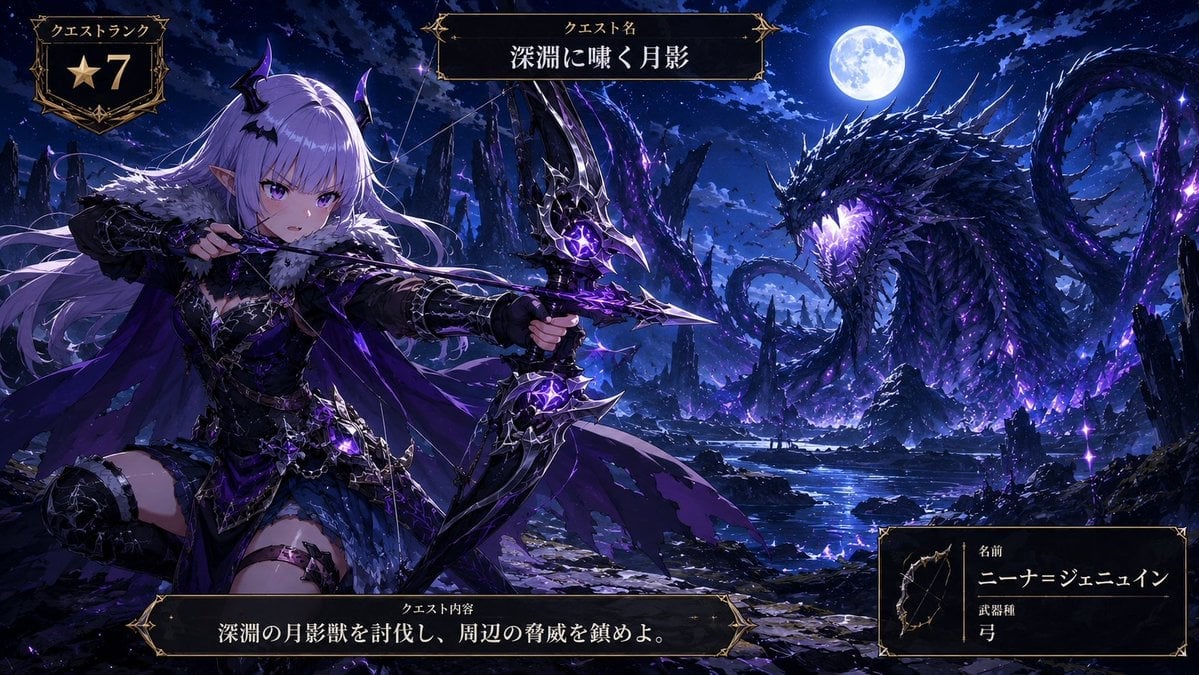
Anime Monster Hunter Quest Card
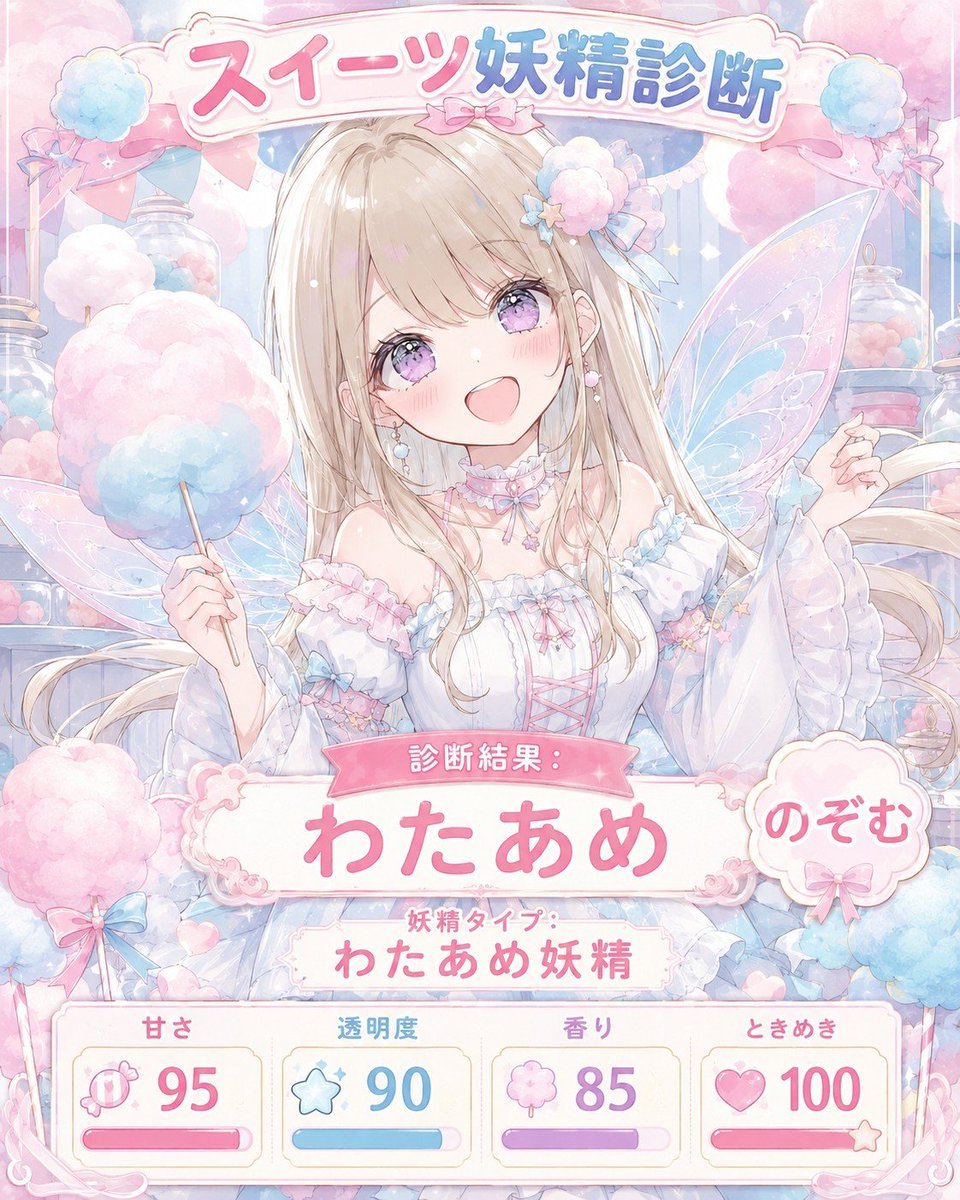
Pastel Sweets Fairy Diagnosis Card
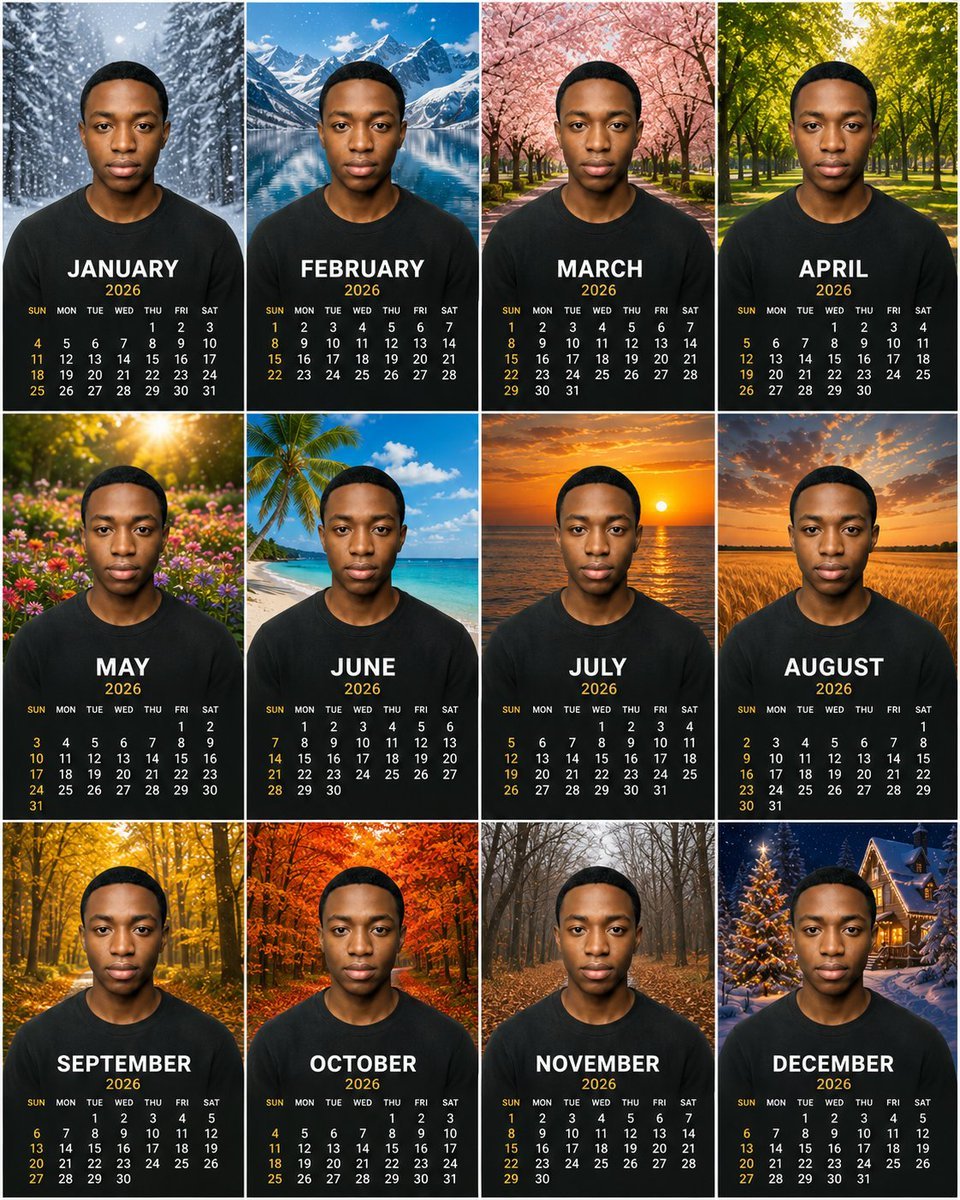
Personalized 2026 Portrait Calendar
Make it yours
Personalized Sample ID Card Generation works as-is. These are the safest ways to change it without losing the look.
Change one field
Copy a single group, rewrite it, and generate again so you can see what that field is doing.
Keep the frame, change the subject
Hold the composition and light of Personalized Sample ID Card Generation, then swap wardrobe, props or the person for a new take.
| If the result… | Why | Fix |
|---|---|---|
| The result drifts from the preview | Too many fields changed at once. | Reuse Personalized Sample ID Card Generation as-is first, then change one group — subject, light, or setting. |
| The model over-stylizes the scene | The prose prompt leaves finish and camera underspecified. | Add one camera or lighting sentence and stay on GPT Image 2. |
More GPT Image 2 templates
Other prompts made for GPT Image 2.

Six VTuber Japanese Logo Sheet

Realistic Portrait of Woman and Deer

The Vista Modular Condo Poster

AI Model Routing Comparison Infographic

2.5D Anime Art Board

Isometric Productivity Desk Scene

New York Double Exposure Poster

Four-Panel AI Landscape Comparison

Japanese Tatami Lifestyle Magazine Cover

NESCAFÉ Coffee Map Poster
More image prompts
Fresh picks from across the catalog.
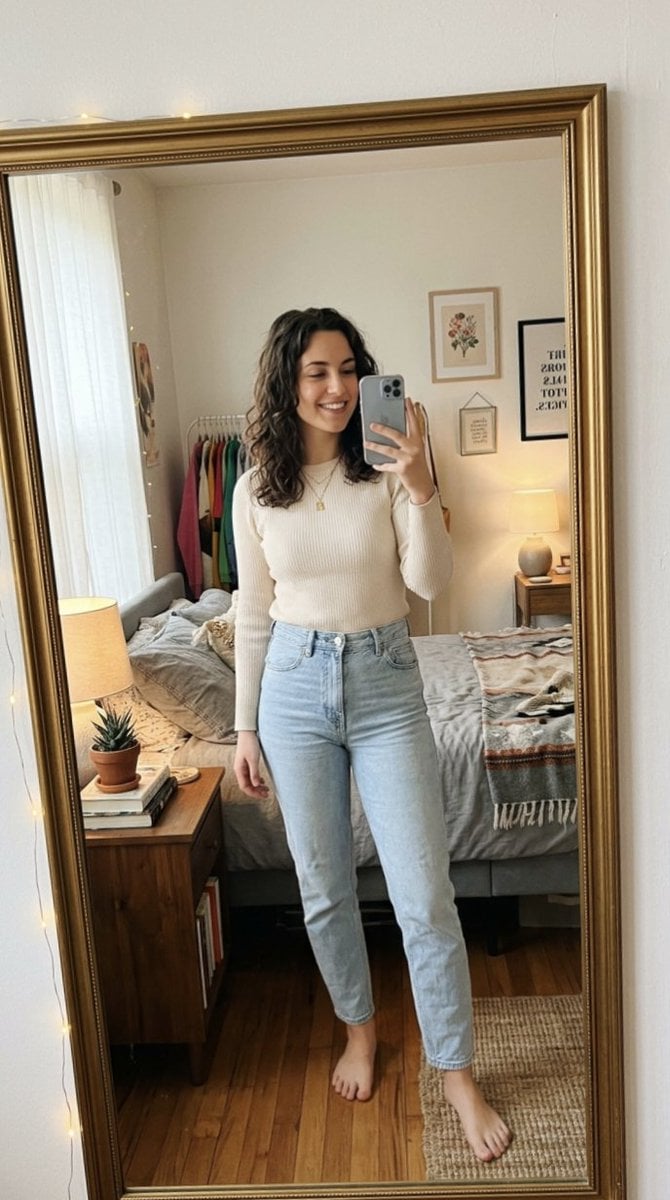
Photorealistic Mirror Selfie Portrait

Layered Papercraft Chibi World
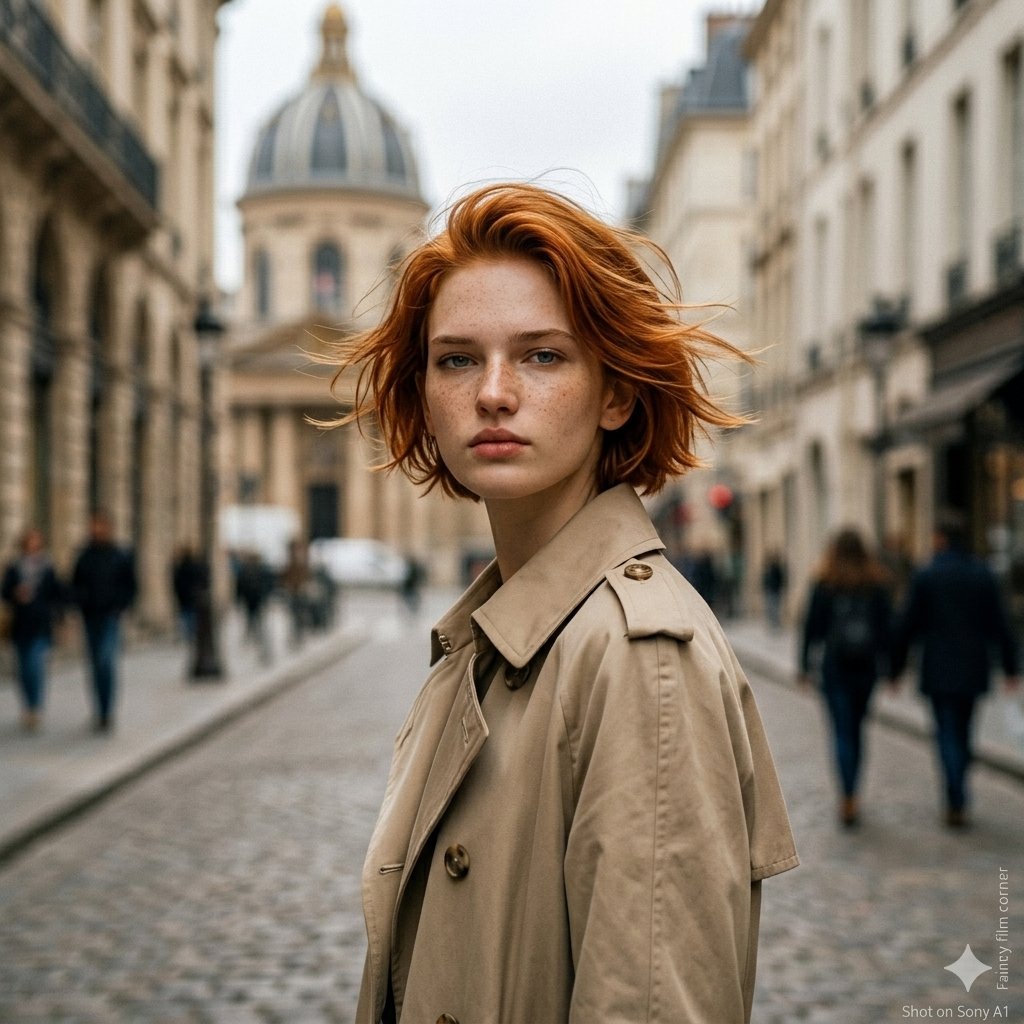
Gemini Nano Banana 2

Divine Artwork of Lord Shiva and Goddess Parvati
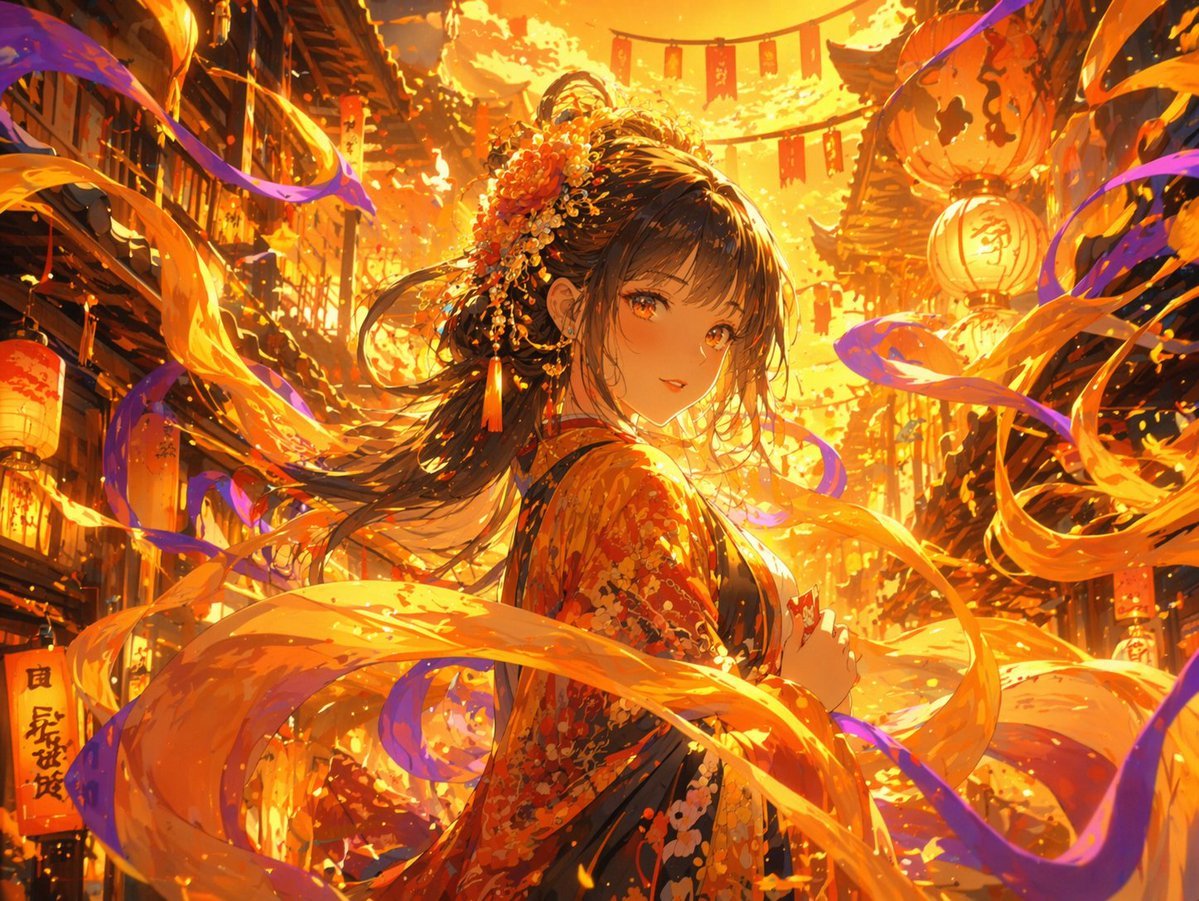
Magical Glowing Ribbon Style Transformation

Melancholic K-Drama Subway Poster

Ultra-realistic Portrait of a Young Man
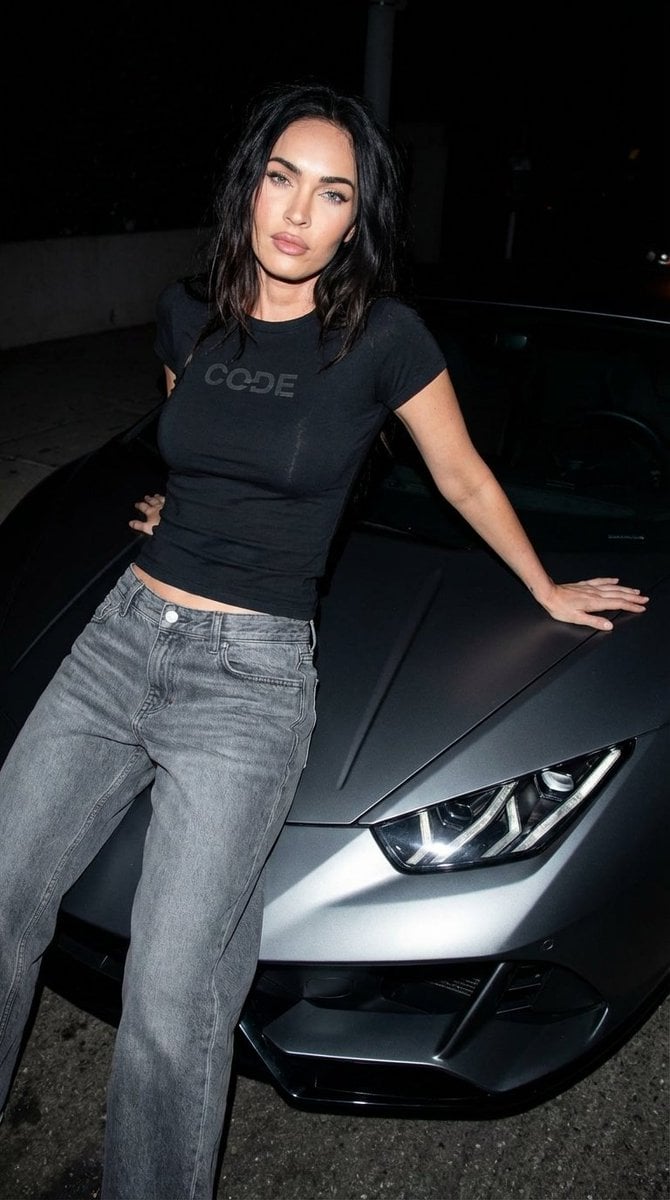
Paparazzi-Style Night Photo Prompt with Direct Flash
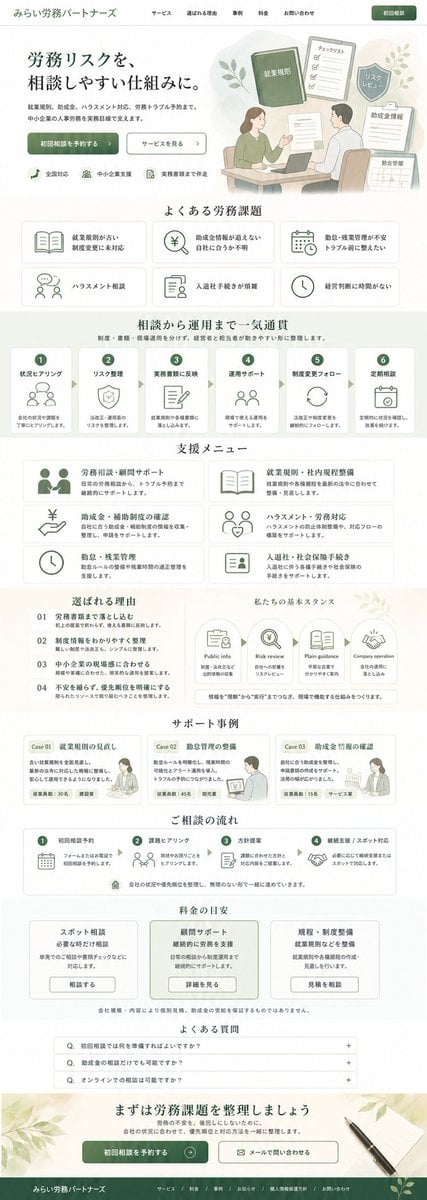
ASCII Layout Landing Page Generator
Monochrome Luxury Studio Portrait
Browse template categories
Personalized Sample ID Card Generation questions
How do I use the Personalized Sample ID Card Generation template?
Add your photo if the template asks for one, edit the prompt if you like — the template's model and format are already selected — and press Generate. Your version opens in PicX Studio.
Can I customize the Personalized Sample ID Card Generation template?
Yes. You can change the subject, setting, lighting, mood, format, and available model controls before creating your image.
Is the Personalized Sample ID Card Generation template free?
Opening and editing this template is free. Generating uses credits, shown on the Generate button when you are signed in.
Which AI model should I use?
Start with GPT Image 2, which is the model associated with this template. You can compare another compatible model for a different finish.
Looking for something else? Browse all templates.

Your photo, any look
Thousands of ready templates for every top image and video model, from one credit balance.