
Woman Sitting in Pearl Shell
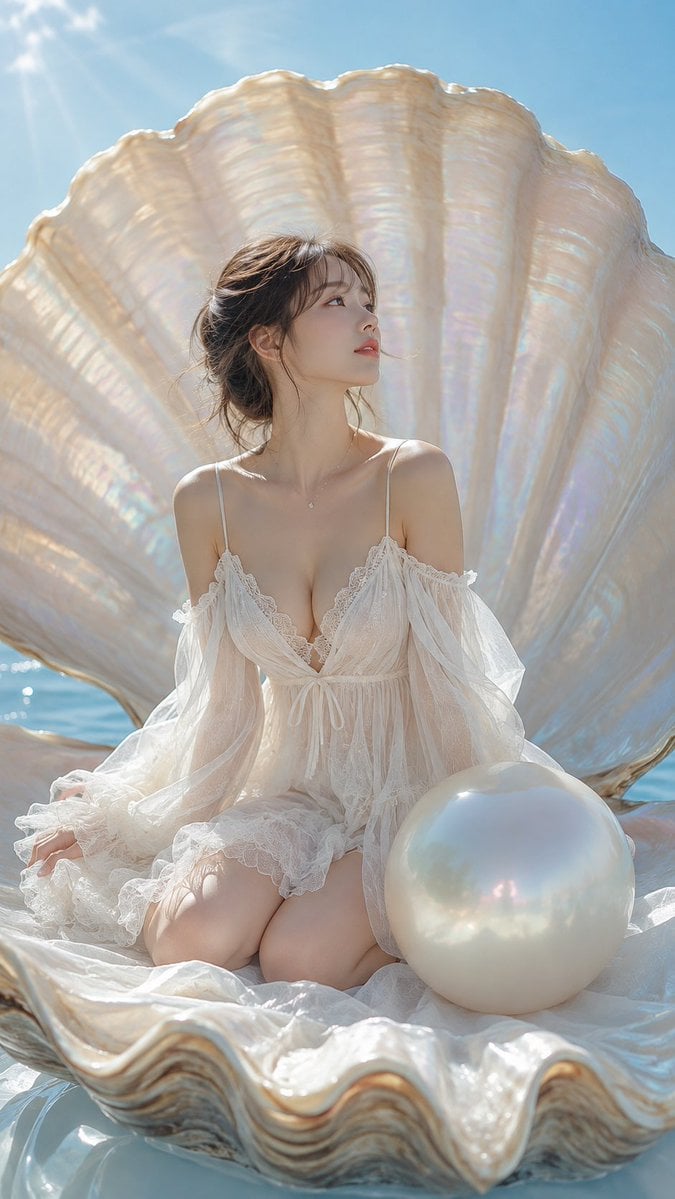
A fantasy photorealistic prompt of a woman in a white lace dress sitting inside a giant iridescent pearl shell on the ocean.
- Prompt included
- Model and format preset
- Free template
The prompt behind this image
Copy the exact prompt behind Woman Sitting in Pearl Shell, or open it in the studio and make it yours.
主題: 真珠貝に座る白い夢 主体: 青い海に浮かぶ巨大な開いた真珠貝の内側で、白いレースドレスの一人の20代女性が膝を折って座る幻想的なフォトリアル作品。人物の背後を巨大な虹色の貝殻が扇状に覆い、画面右下前景には人物の胴ほどある大きな乳白色の真珠を置く。 人物・表情: 小さな卵形の顔と丸い顎、横長のダークブラウンの瞳、細い自然な眉、すっきりした鼻筋、淡いコーラル色で少し開いた唇。顔を画面右上へ向けた端正な横顔で、遠くを見る静かな視線。薄いアイラインと控えめな艶肌。ダークブラウンの髪を後頭部の低い位置で無造作にまとめ、中央寄りに分けた長い前髪と首まわりの細い後れ毛を残す。 服装・ポーズ: {argument name="ドレス" default="アイボリー白の透けるレースミニドレス"}、細い肩紐、深いVネックのレース縁、両肩から落ちる長く広いシフォン袖、胸下中央の細いリボン、裾の多層フリル。巨大貝の下側に両膝を揃えて座り、腰を踵へ落とす。人物自身の左手を画面左の貝内側へ置き、右腕は袖の陰で体の横へ下げる。上体を伸ばして首と顔だけ画面右へ向ける。 背景・光: 巨大な二枚貝は乳白色で、縦の深い稜線と真珠層の淡い桃、青、金の虹色反射を持つ。下側の貝には白い薄布とレースが波のように広がり、右前景に滑らかな巨大真珠。貝の隙間から青い海と水平線、上部に淡い青空。画面左上の太陽から柔らかな光線が差し、貝、髪、肩、透ける袖、真珠を明るく縁取る。 構図・カメラ: 縦9:16。貝の正面より少し低いカメラからわずかな仰角で捉えた全身の幻想ポートレート。人物を中央下寄り、巨大な貝の上殻を上半分いっぱいに扇状配置し、真珠を右下前景へ大きく置く。下殻の波打つ縁は画面下端で切る。人物、真珠、貝殻に広くピントを合わせ、海は軽く柔らかくなる中程度の被写界深度。 質感・スタイル: 実写写真と高品質CGを融合した高精細なフォトリアル幻想ビジュアル。真珠層の虹色光沢、滑らかな真珠、透けるレースとシフォン、肌、海面の反射を精密に描き、乳白色と空色でまとめる。 ネガティブ: 巨大な開いた貝と右前景の真珠の縮小
How to use Woman Sitting in Pearl Shell in 3 steps
- 1
Open
The prompt is already in the box next to the preview, with the template's model and format selected.
- 2…a portrait of your subject in softgolden-hour light, 85mm…
Personalize
Edit the subject and creative details for your destination.
- 3Generate
Generate
Press Generate — your image is created in PicX Studio, so you can compare it with the original and refine one variable at a time.
More like this
Templates with the same subject, style or setup. Open one to see its prompt.

Woman in Mall with Chanel Bag - Heart Gesture

Floating Woman Above Cityscape with Notifications
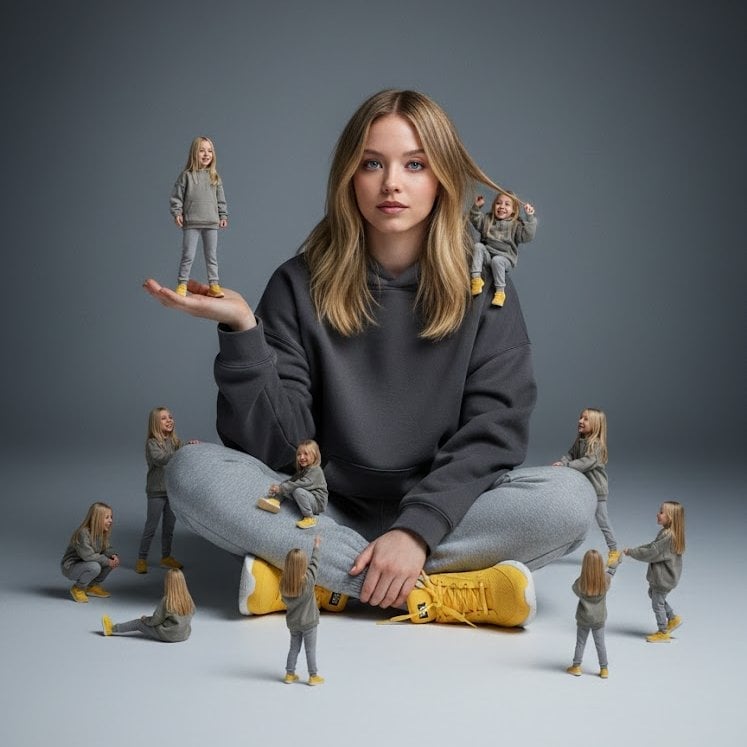
A creative surreal image of a woman sitting on the ground, wearing
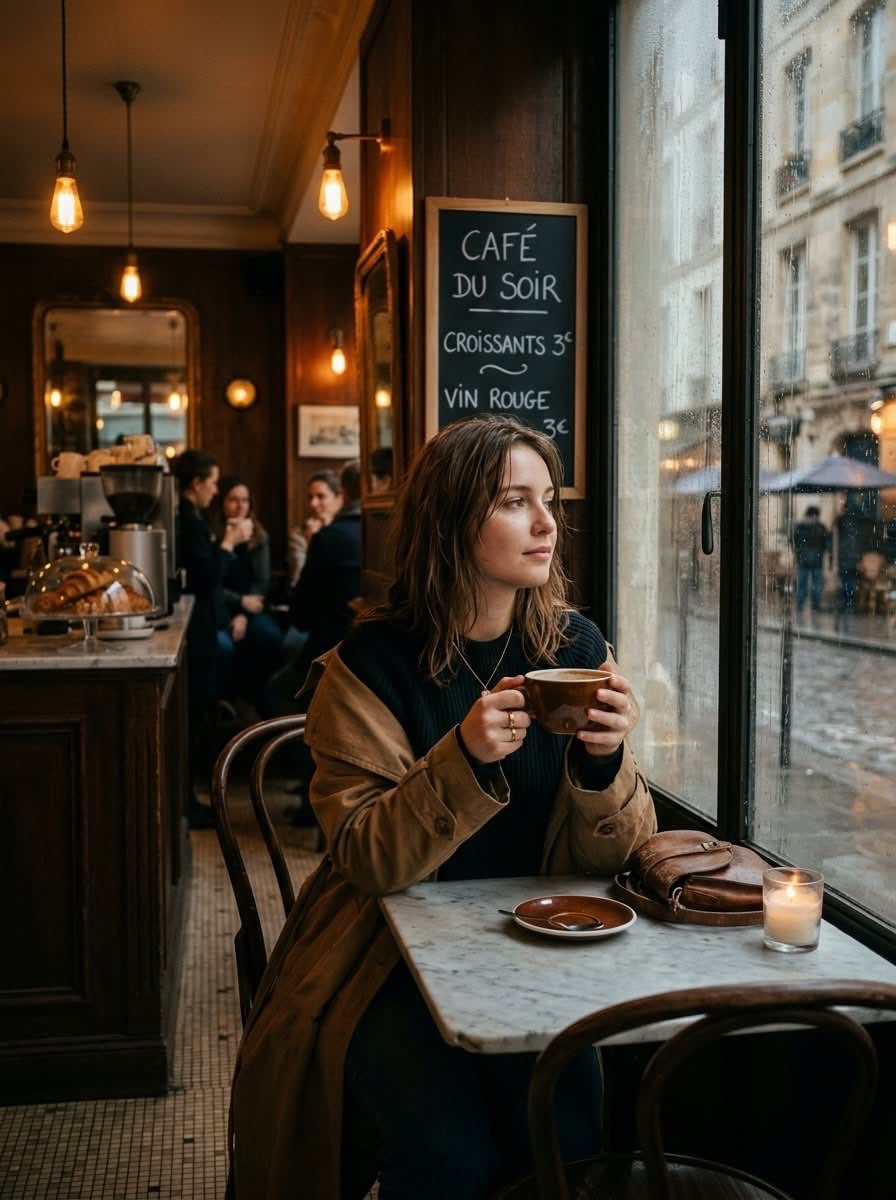
Cinematic photo of a young woman sitting alone in a cozy Parisian café
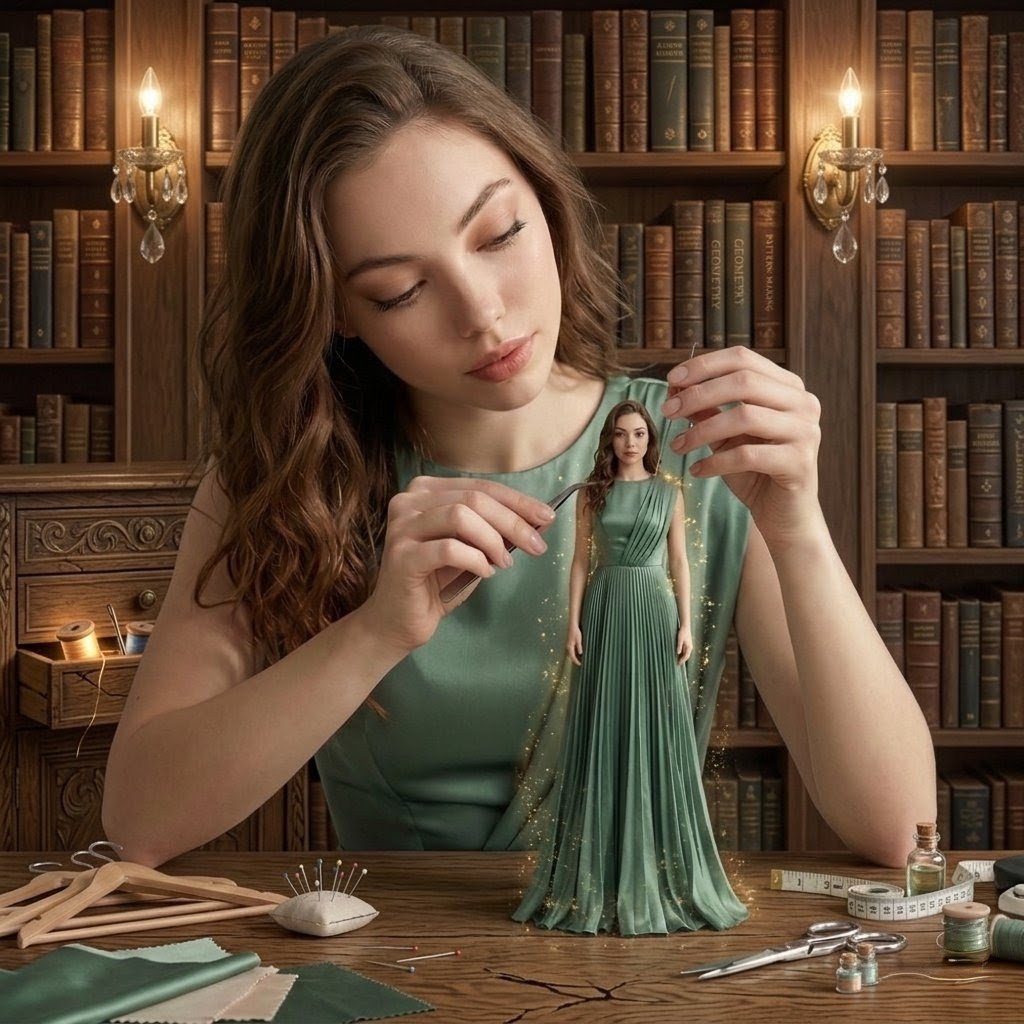
A hyper-realistic cinematic scene of a young woman sitting at a wooden
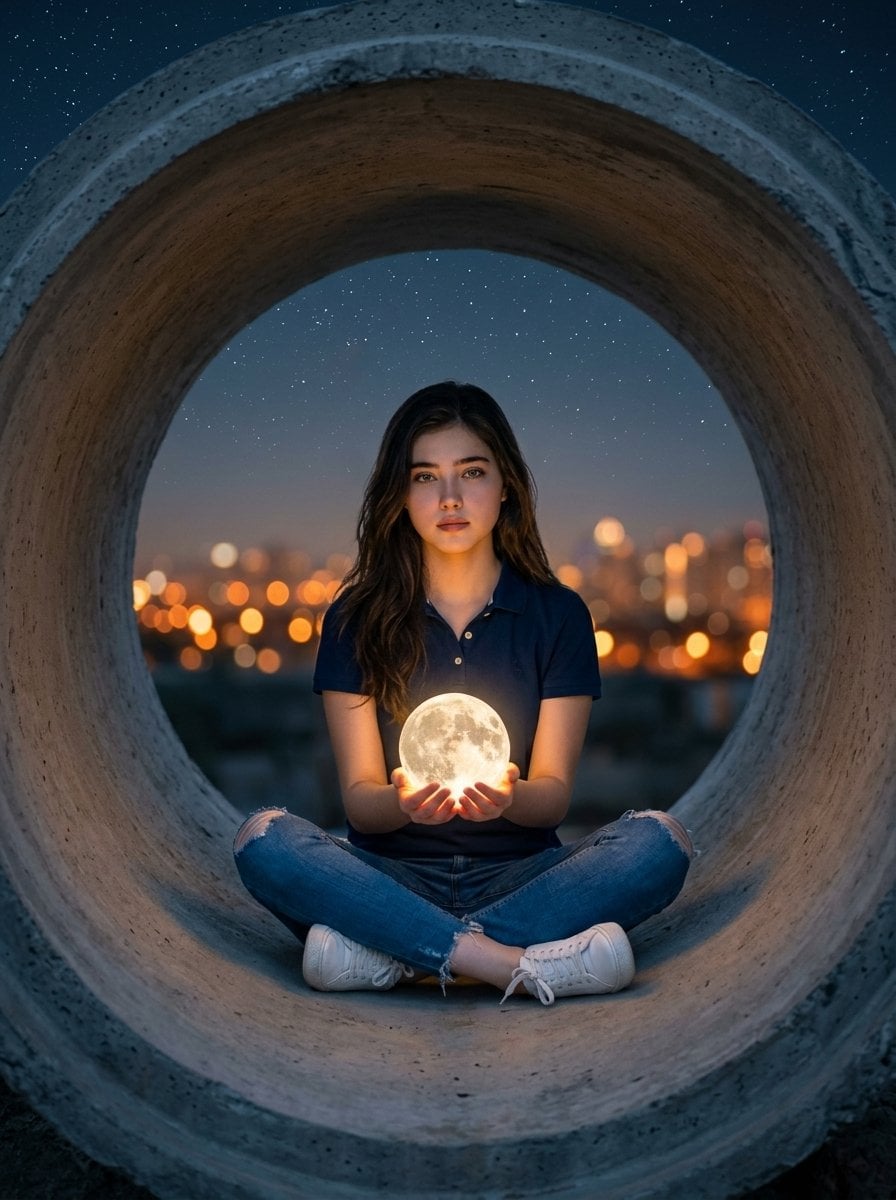
Hyper-realistic surreal photography of a woman sitting inside a massive
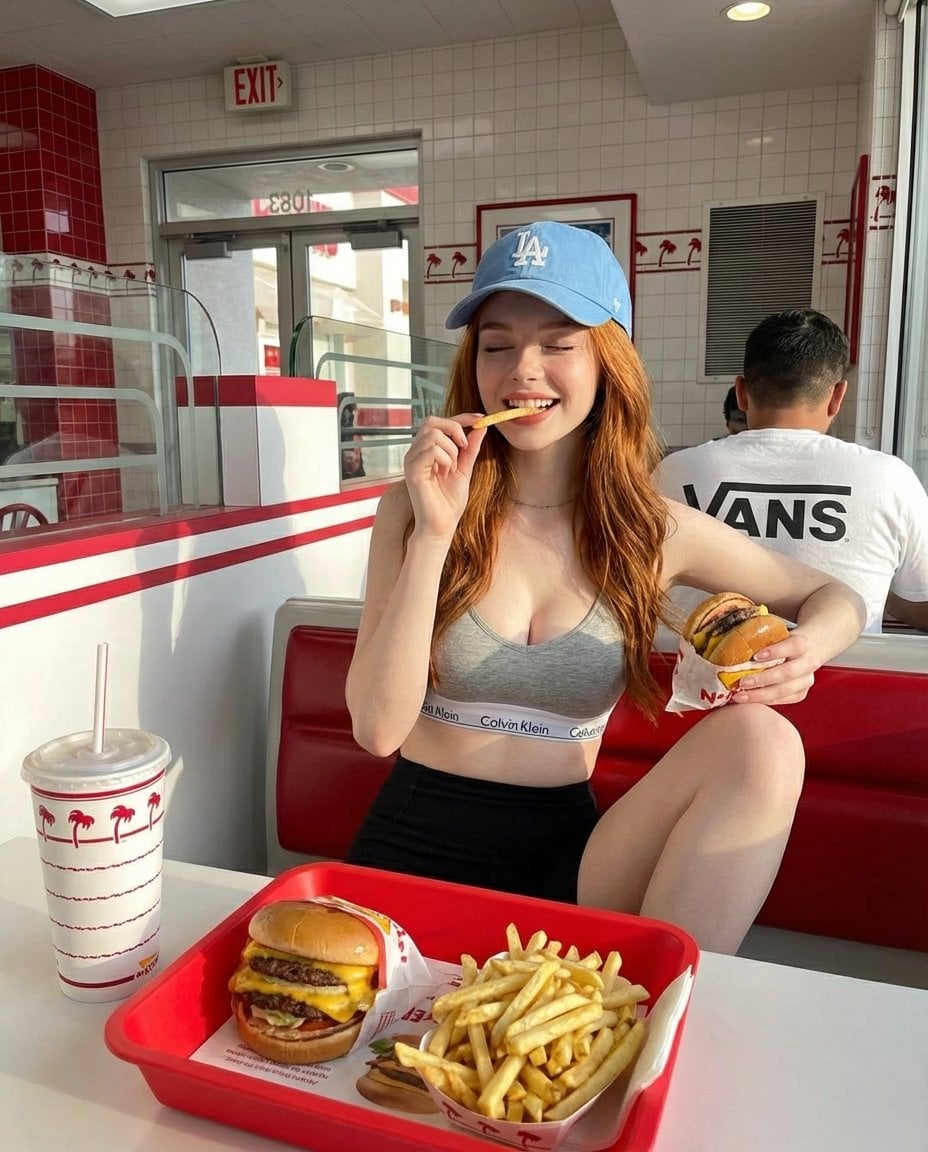
A young red-haired woman sitting inside a bright retro-style fast food

A high-definition cinematic portrait of a sophisticated woman sitting
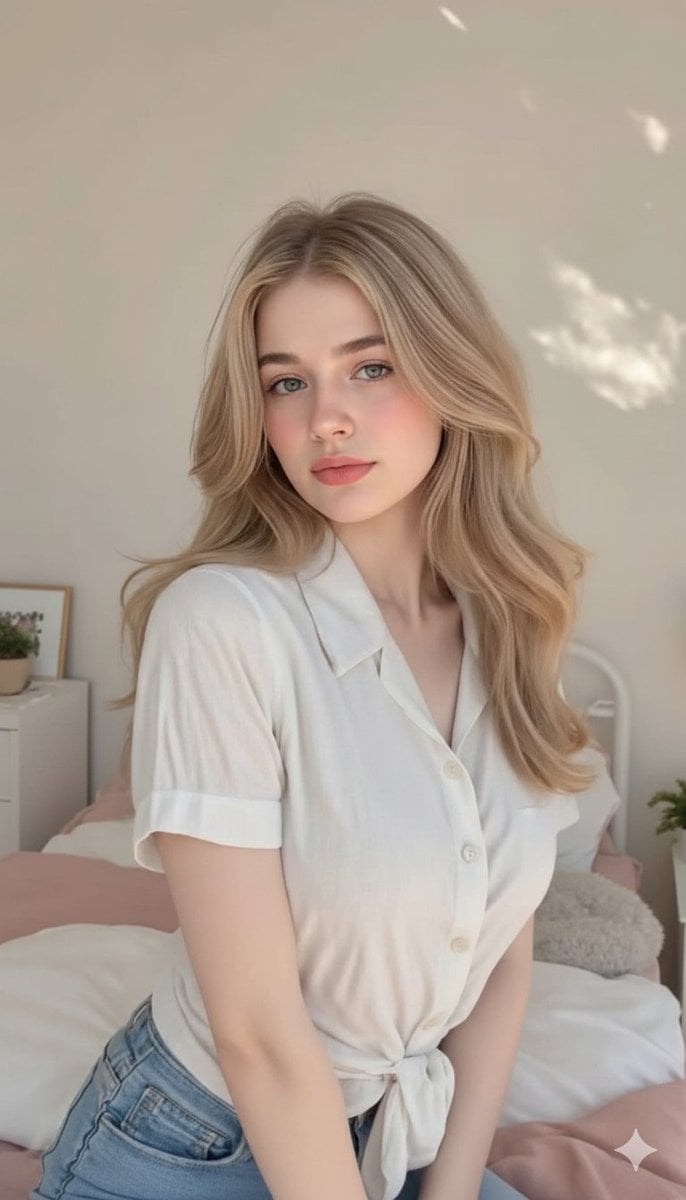
Cute, innocent young adult blonde woman sitting comfortably on a neatly
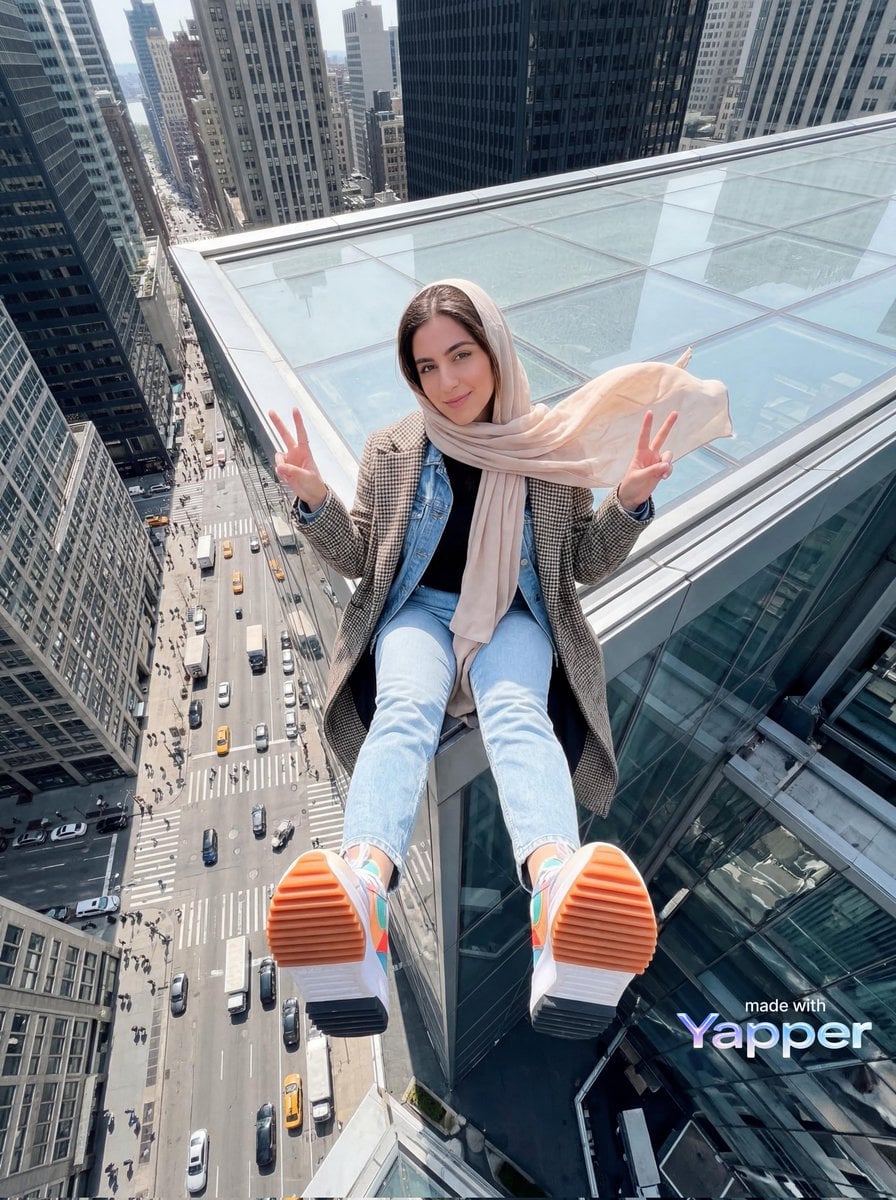
Young woman sitting at the edge of a skyscraper rooftop with a dramatic
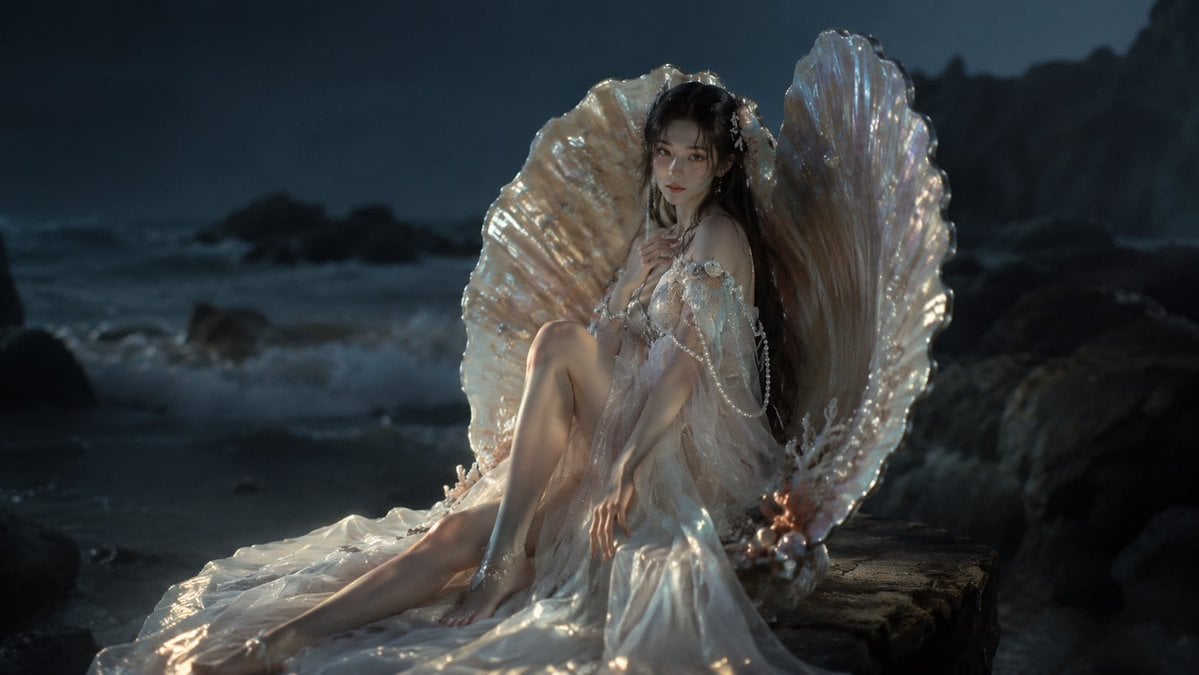
Moonlit Mermaid Shell Portrait

Casual Portrait Step-Sitting Identity Preservation
Make it yours
Woman Sitting in Pearl Shell works as-is. These are the safest ways to change it without losing the look.
Change one field
Copy a single group, rewrite it, and generate again so you can see what that field is doing.
Keep the frame, change the subject
Hold the composition and light of Woman Sitting in Pearl Shell, then swap wardrobe, props or the person for a new take.
| If the result… | Why | Fix |
|---|---|---|
| The result drifts from the preview | Too many fields changed at once. | Reuse Woman Sitting in Pearl Shell as-is first, then change one group — subject, light, or setting. |
| The model over-stylizes the scene | The prose prompt leaves finish and camera underspecified. | Add one camera or lighting sentence and stay on GPT Image 2. |
More GPT Image 2 templates
Other prompts made for GPT Image 2.

Six VTuber Japanese Logo Sheet

Realistic Portrait of Woman and Deer

The Vista Modular Condo Poster

AI Model Routing Comparison Infographic

2.5D Anime Art Board

Isometric Productivity Desk Scene

New York Double Exposure Poster

Four-Panel AI Landscape Comparison

Japanese Tatami Lifestyle Magazine Cover

NESCAFÉ Coffee Map Poster
More image prompts
Fresh picks from across the catalog.
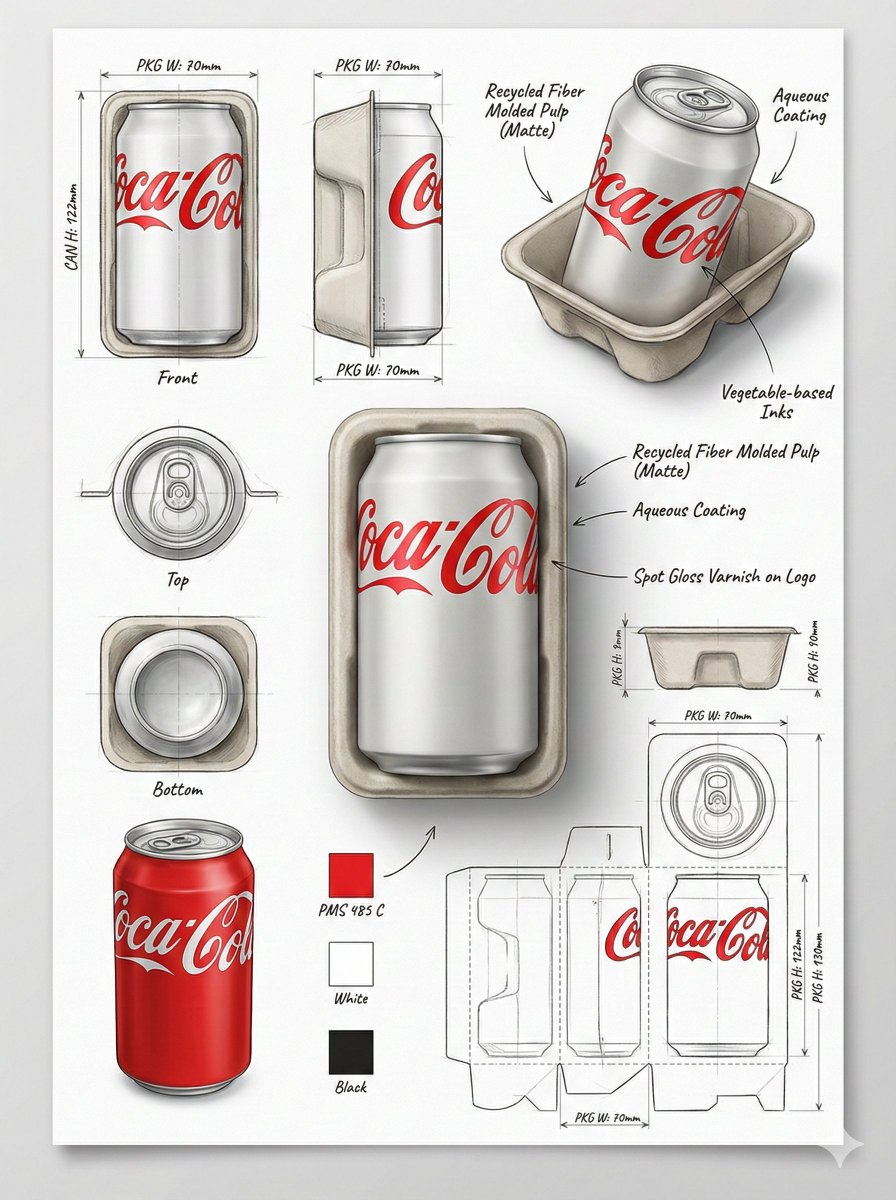
Industrial Packaging Design Illustration Sheet
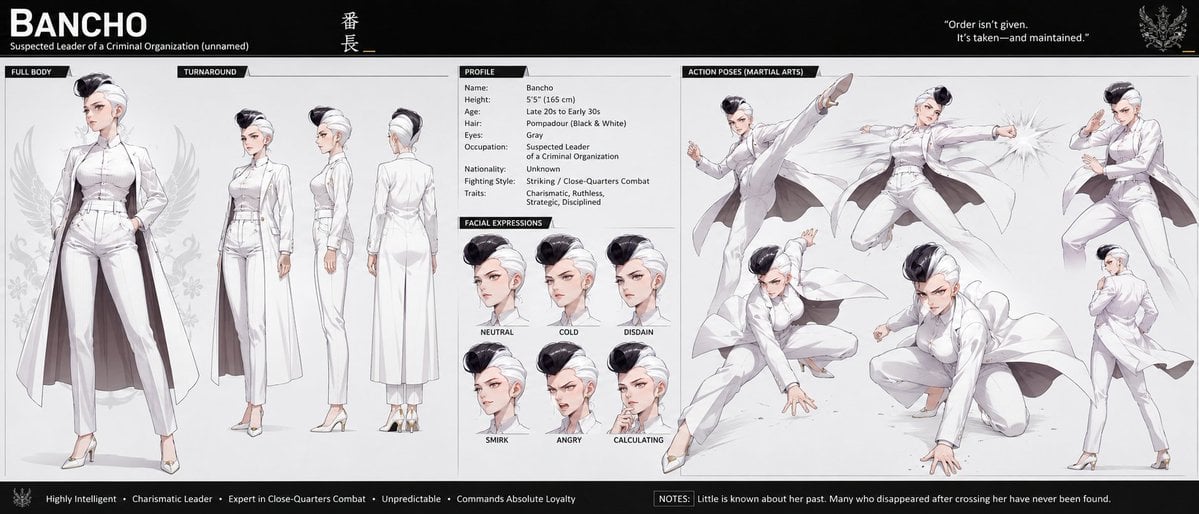
Bancho Anime Character Dossier

Sunset Hanfu Willow Lakeside Portrait
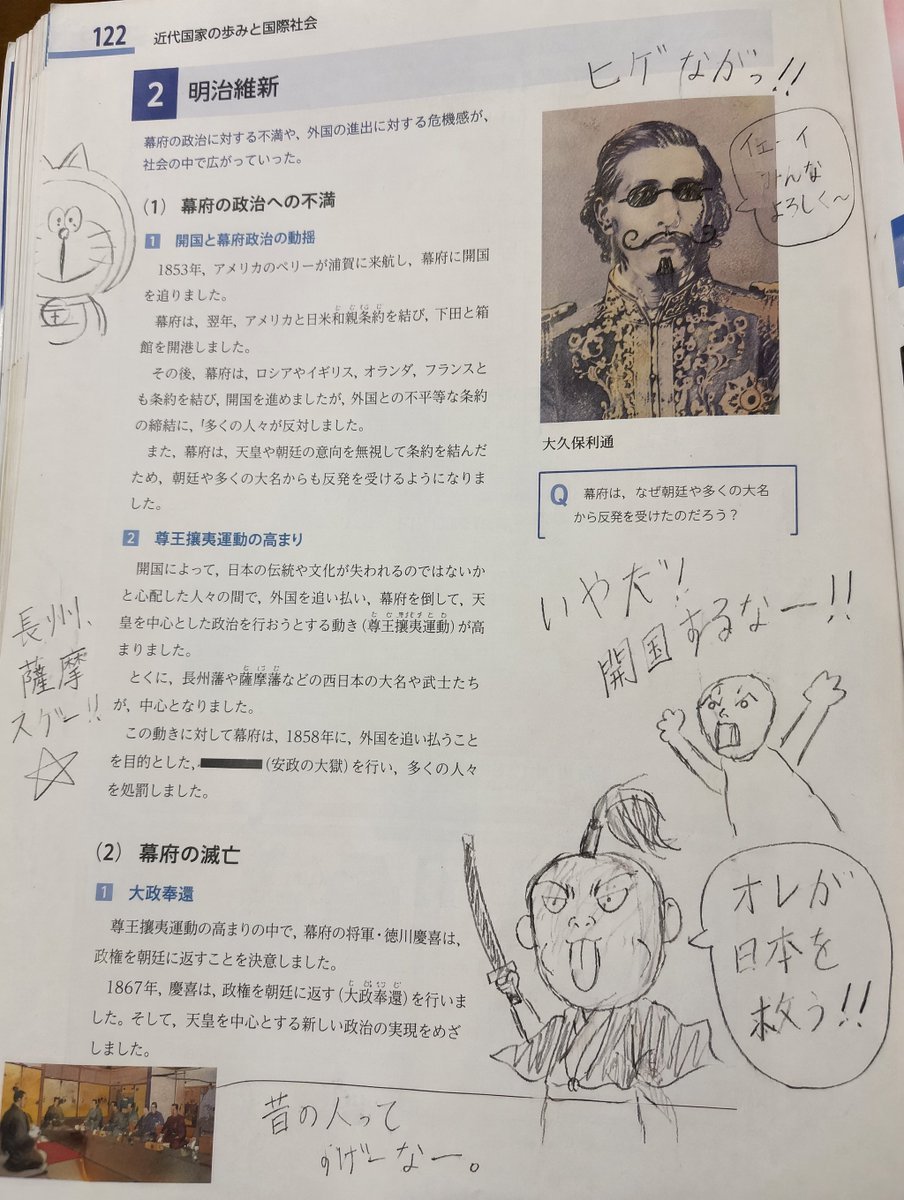
School Textbook Historical Figure Doodle
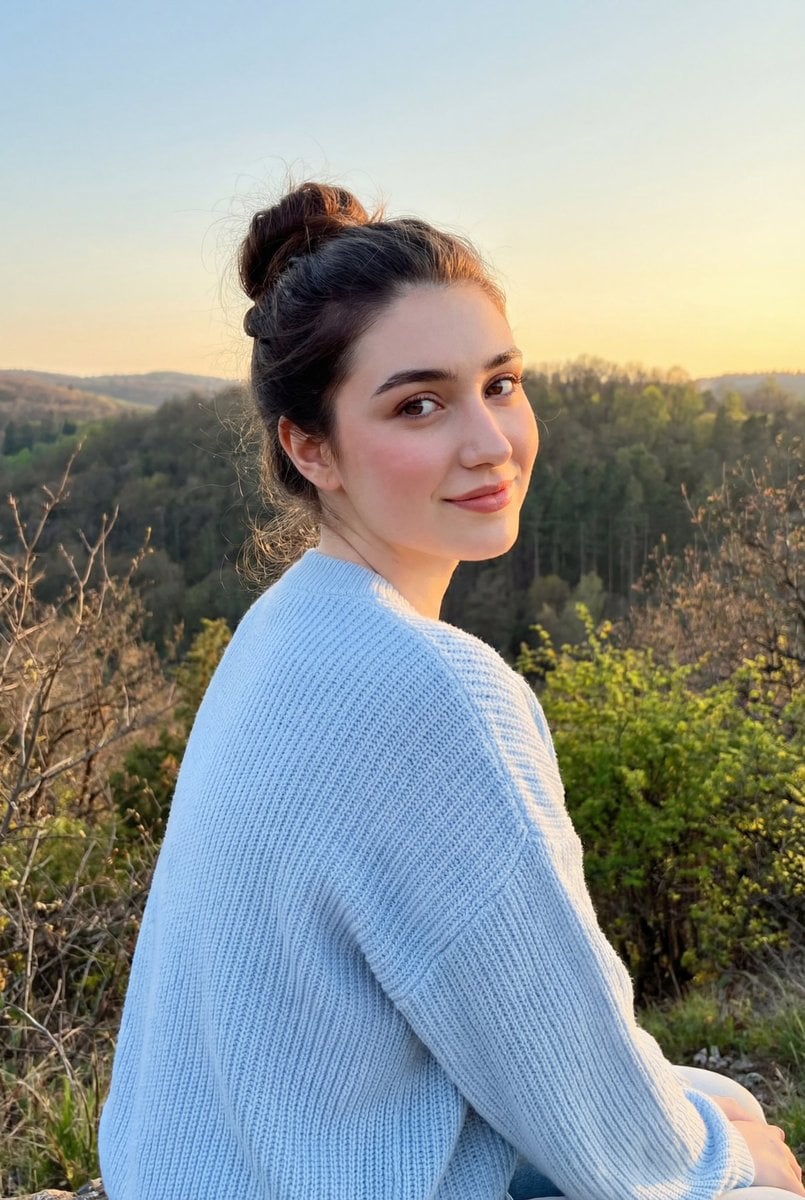
Cinematic Golden Hour Portrait on a Hillside
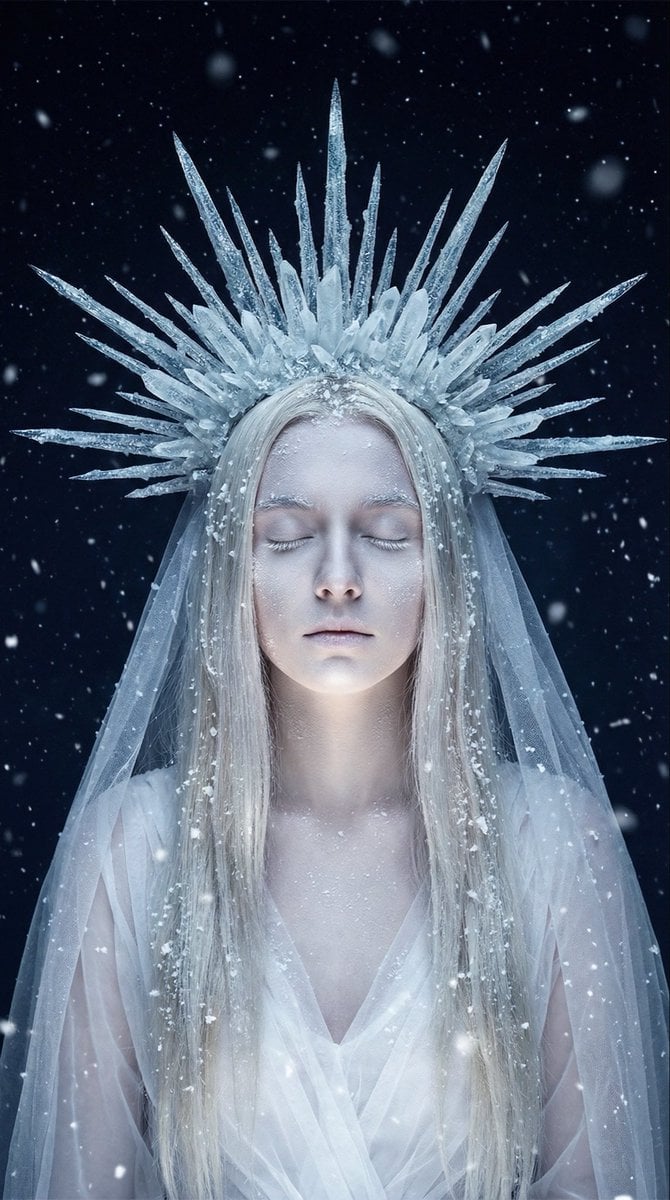
Ethereal Winter Goddess Portrait Prompt
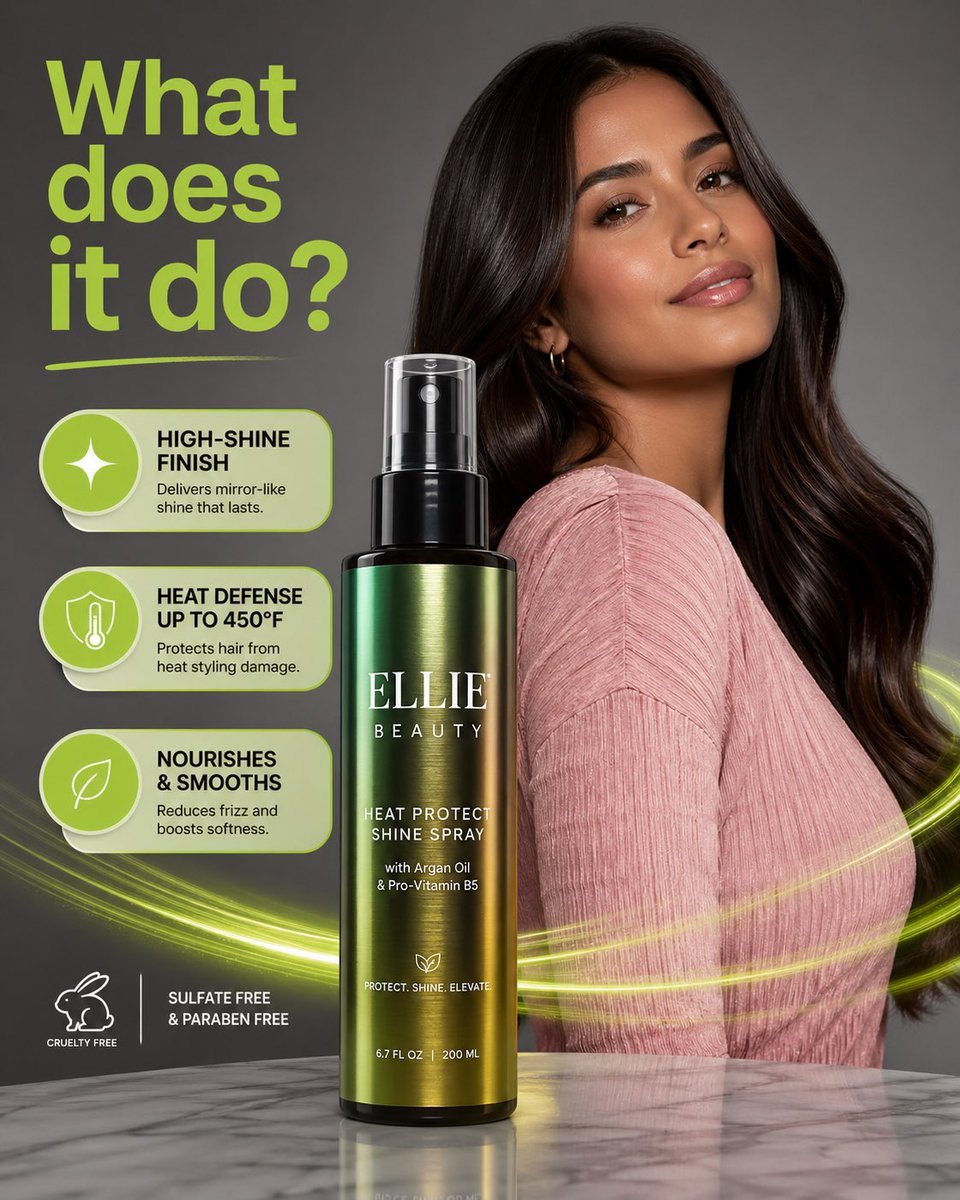
Product Photography with GPT-Image-2
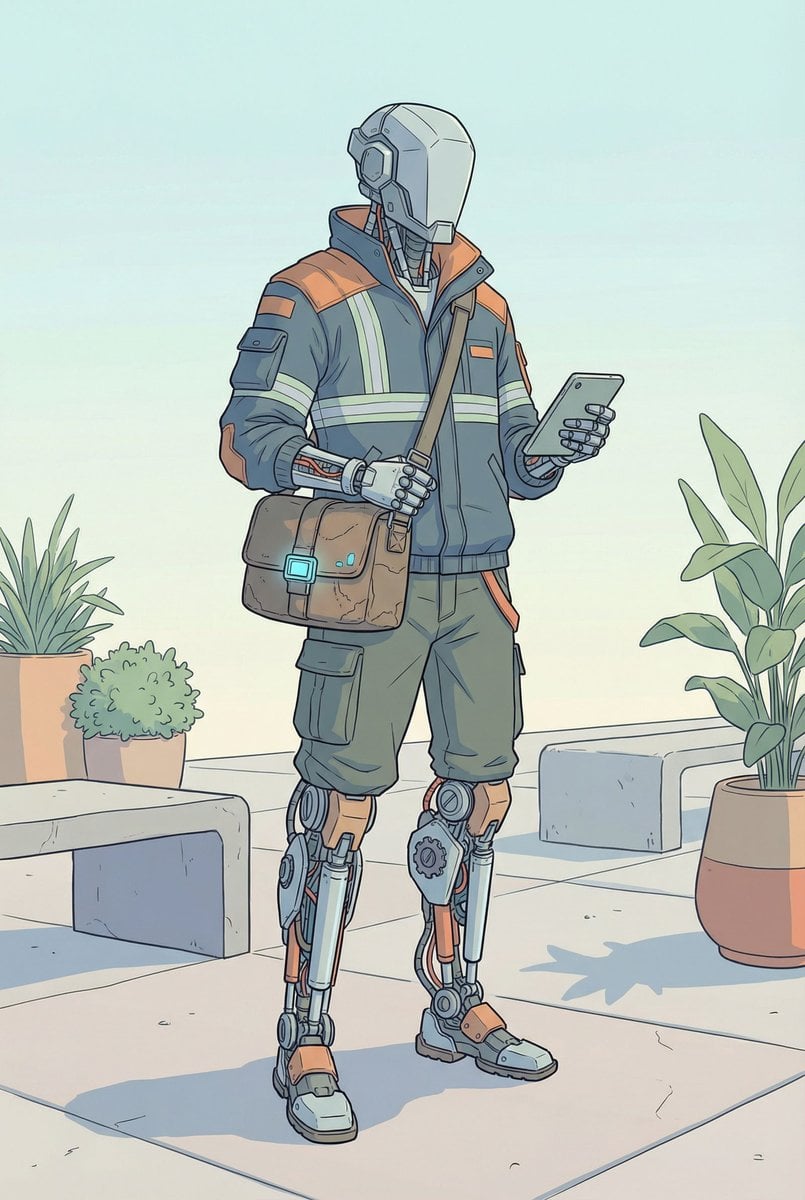
Humanoid Mech Generator for Urban Life

Fashion Portrait Collage Poster
Anime Style Activewear Editorial
Browse template categories
Woman Sitting in Pearl Shell questions
How do I use the Woman Sitting in Pearl Shell template?
Add your photo if the template asks for one, edit the prompt if you like — the template's model and format are already selected — and press Generate. Your version opens in PicX Studio.
Can I customize the Woman Sitting in Pearl Shell template?
Yes. You can change the subject, setting, lighting, mood, format, and available model controls before creating your image.
Is the Woman Sitting in Pearl Shell template free?
Opening and editing this template is free. Generating uses credits, shown on the Generate button when you are signed in.
Which AI model should I use?
Start with GPT Image 2, which is the model associated with this template. You can compare another compatible model for a different finish.
Looking for something else? Browse all templates.

Your photo, any look
Thousands of ready templates for every top image and video model, from one credit balance.