
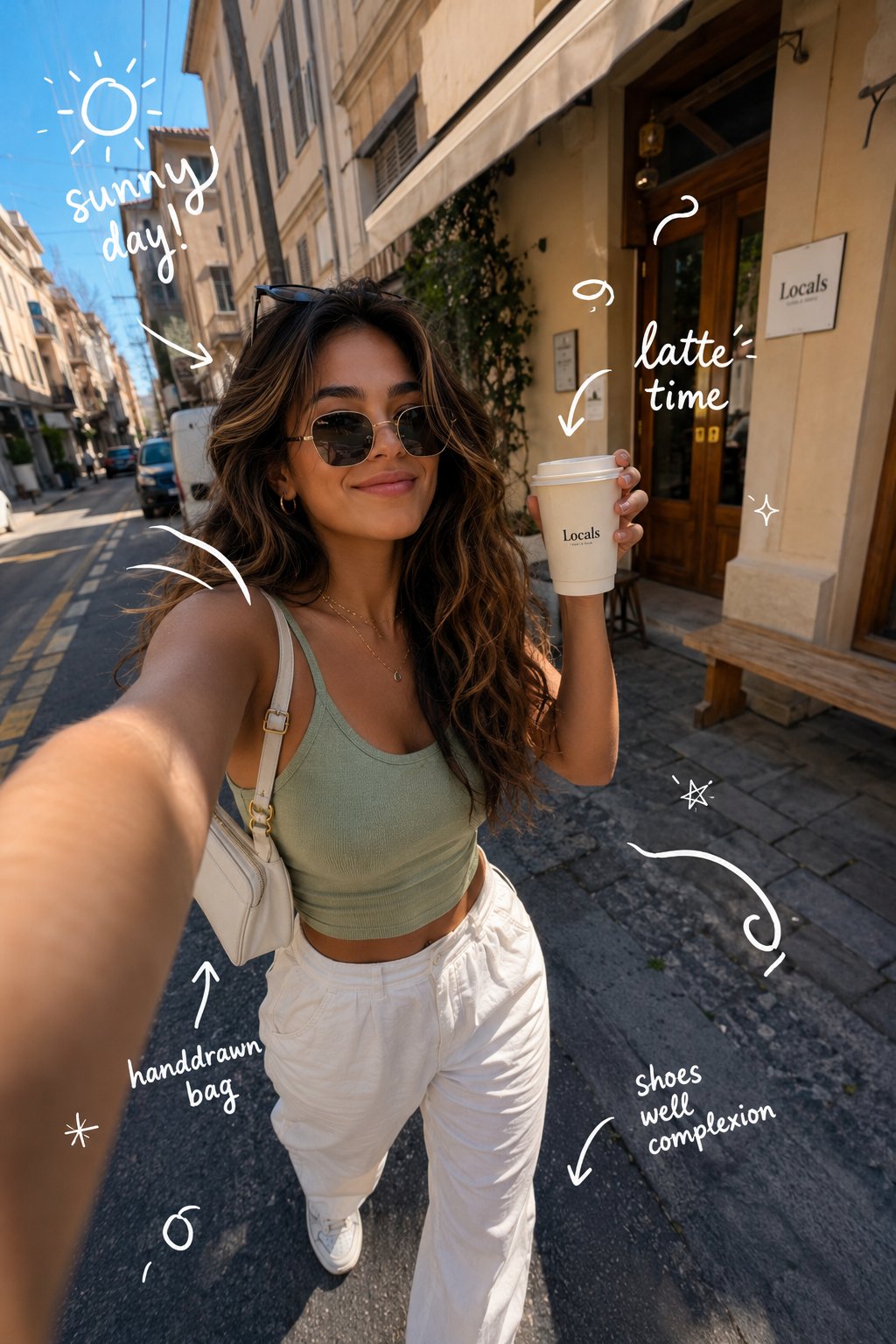
European Street Selfie — Coffee & Doodles at Golden Hour
ultra-realistic, candid, influencer aesthetic, golden hour, doodles.
- Prompt included
- Model and format preset
- Free template
The prompt behind this image
Copy the exact prompt behind European Street Selfie — Coffee & Doodles at Golden Hour, or open it in the studio and make it yours.
Ultra-realistic candid lifestyle photograph of a stylish young woman strolling through a charming European street at golden hour. She holds a takeaway coffee cup while capturing a playful smartphone selfie, radiating a confident smile and soft dewy skin. She is dressed in a light green sleeveless crop top and high-waisted white trousers, paired with a small white shoulder handbag and round sunglasses resting on her head. The composition features a slightly wide-angle perspective and shallow depth of field, set against a minimal urban backdrop of modern buildings and power lines. Aesthetic influencer-style photography with a casual luxury vibe and warm sunlight. Add whimsical white hand-drawn doodles and sketch-style annotations throughout: tiny stars, swirls, and arrows pointing to her accessories, along with handwritten text like "sunny day!", "latte time", and "handdrawn bag." Cinematic quality, high-detail smartphone HDR look, Pinterest travel aesthetic, 8K resolution, Instagram-ready composition.
How to use European Street Selfie — Coffee & Doodles at Golden Hour in 3 steps
- 1
Open
The prompt is already in the box next to the preview, with the template's model and format selected.
- 2…a portrait of your subject in softgolden-hour light, 85mm…
Personalize
Edit the subject and creative details for your destination.
- 3Generate
Generate
Press Generate — your image is created in PicX Studio, so you can compare it with the original and refine one variable at a time.
More like this
Templates with the same subject, style or setup. Open one to see its prompt.

Rooftop Fisheye — Cat-Ear Balaclava at Golden Hour

80s Golden Hour Cinema
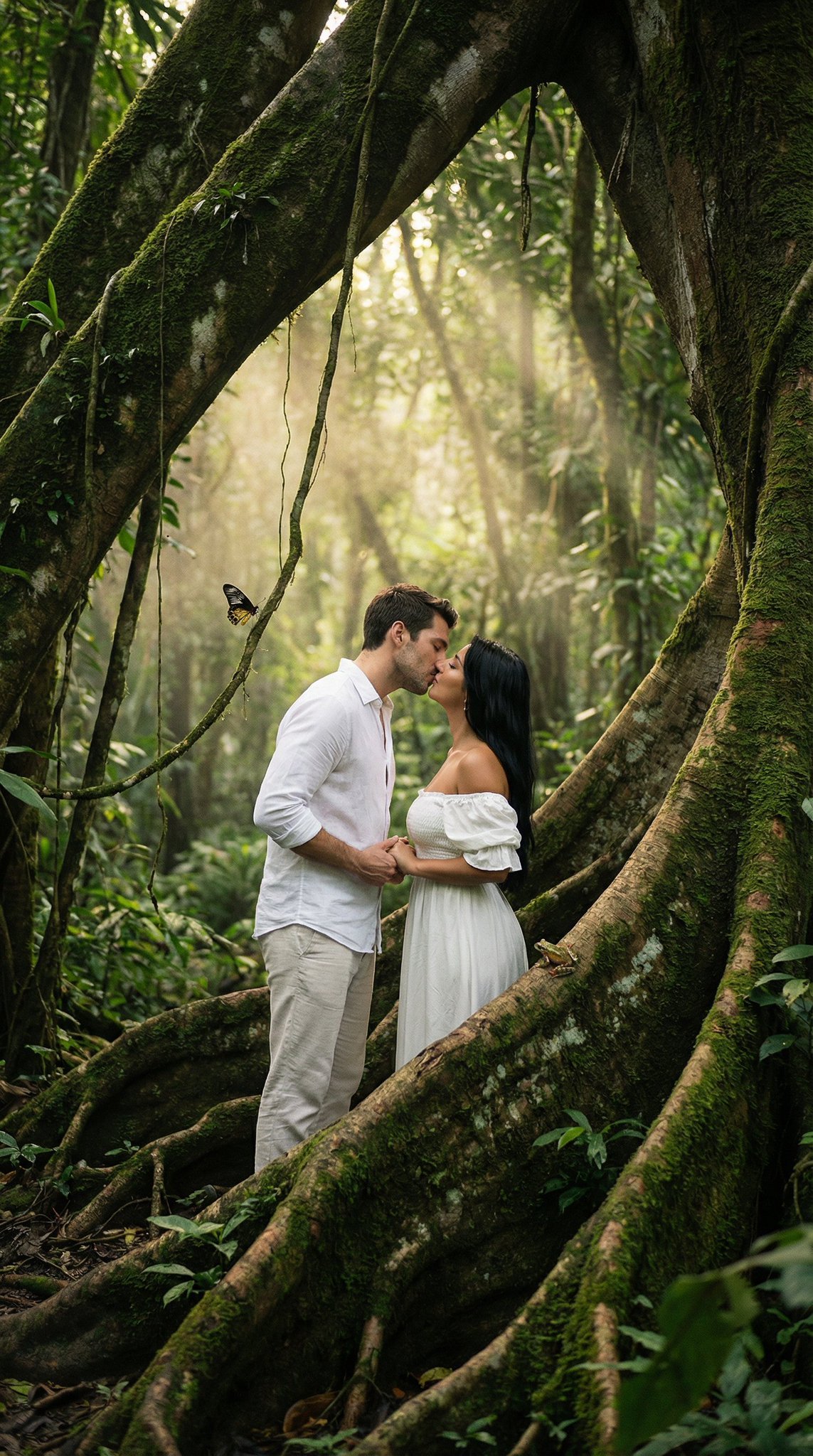
Ultra Realistic Ai Influencer Generator
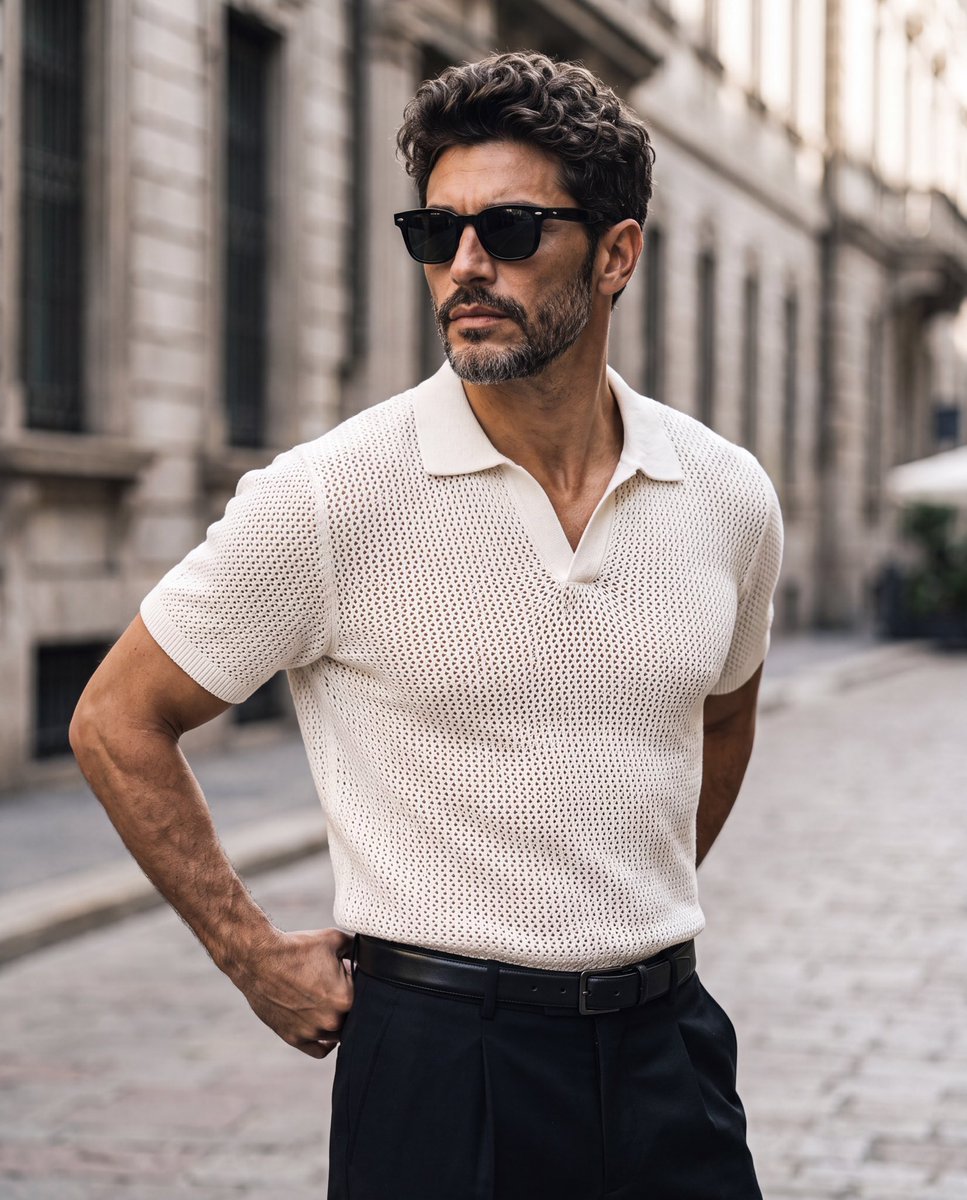
Elegant European Street Portrait
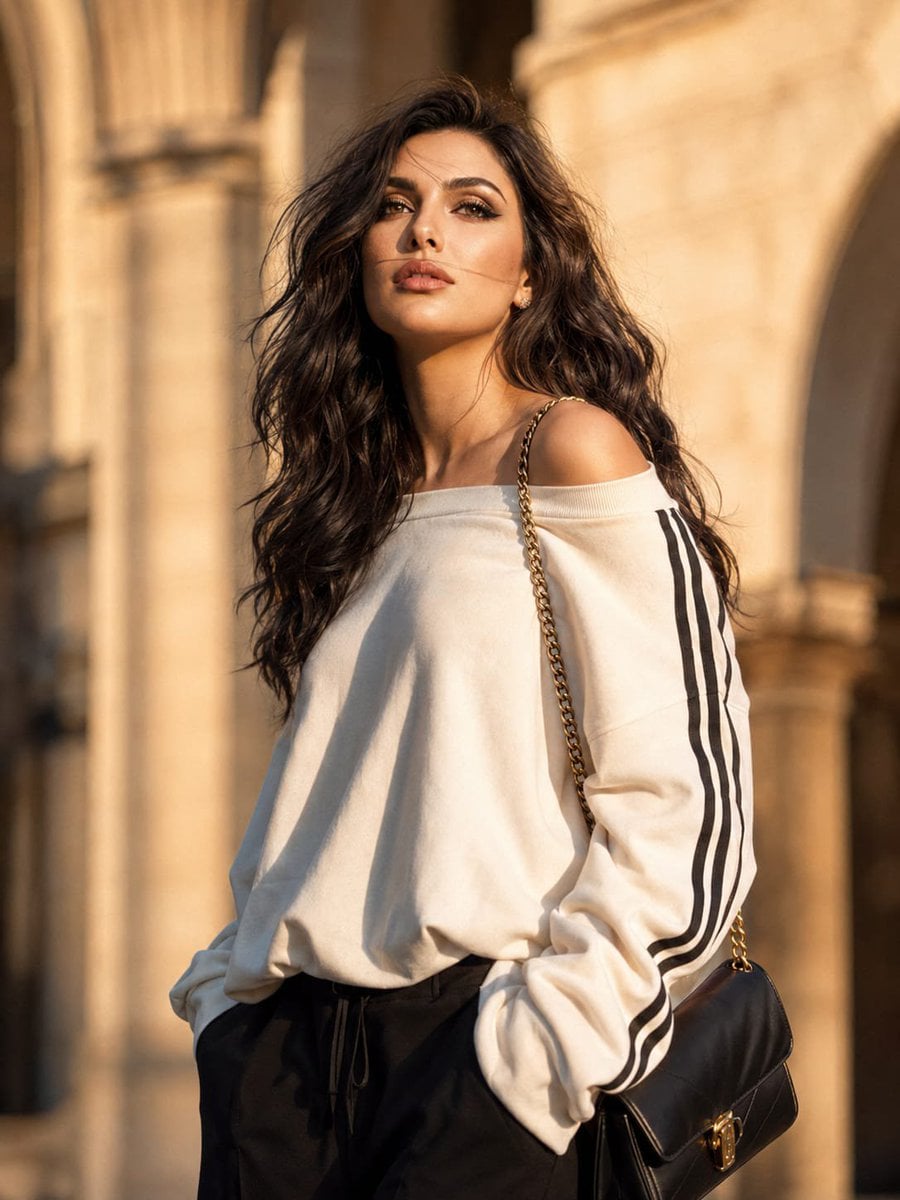
European Luxury Street Style Portrait
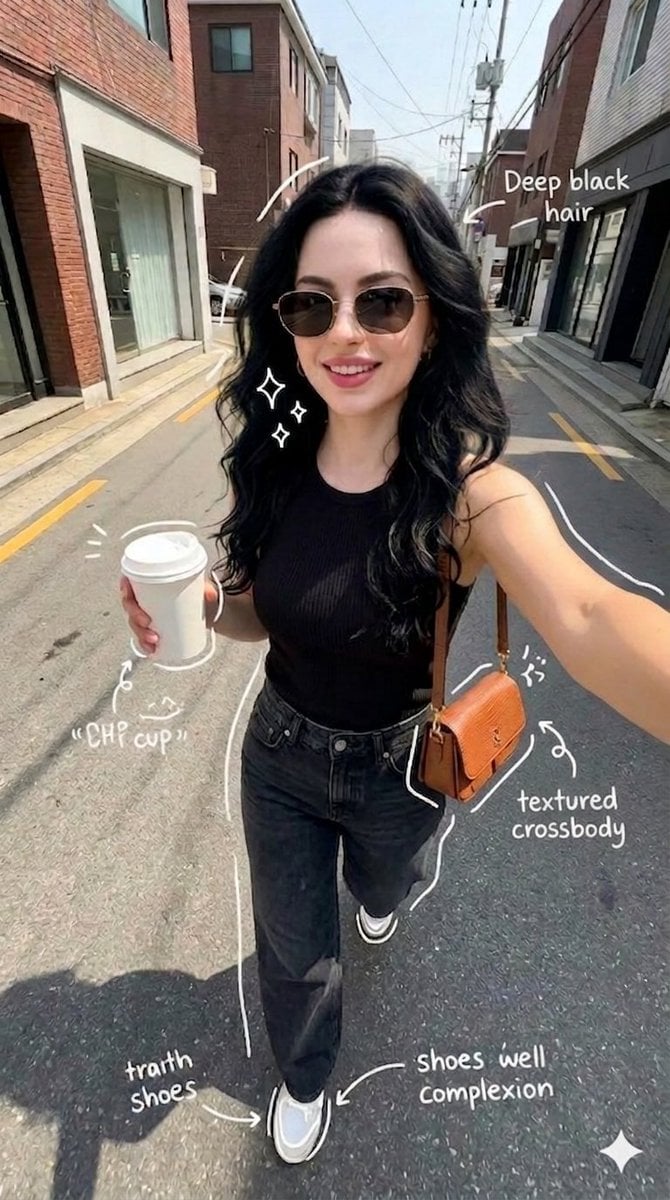
Street Style Selfie with Doodles

Male Fashion Portrait in European Street
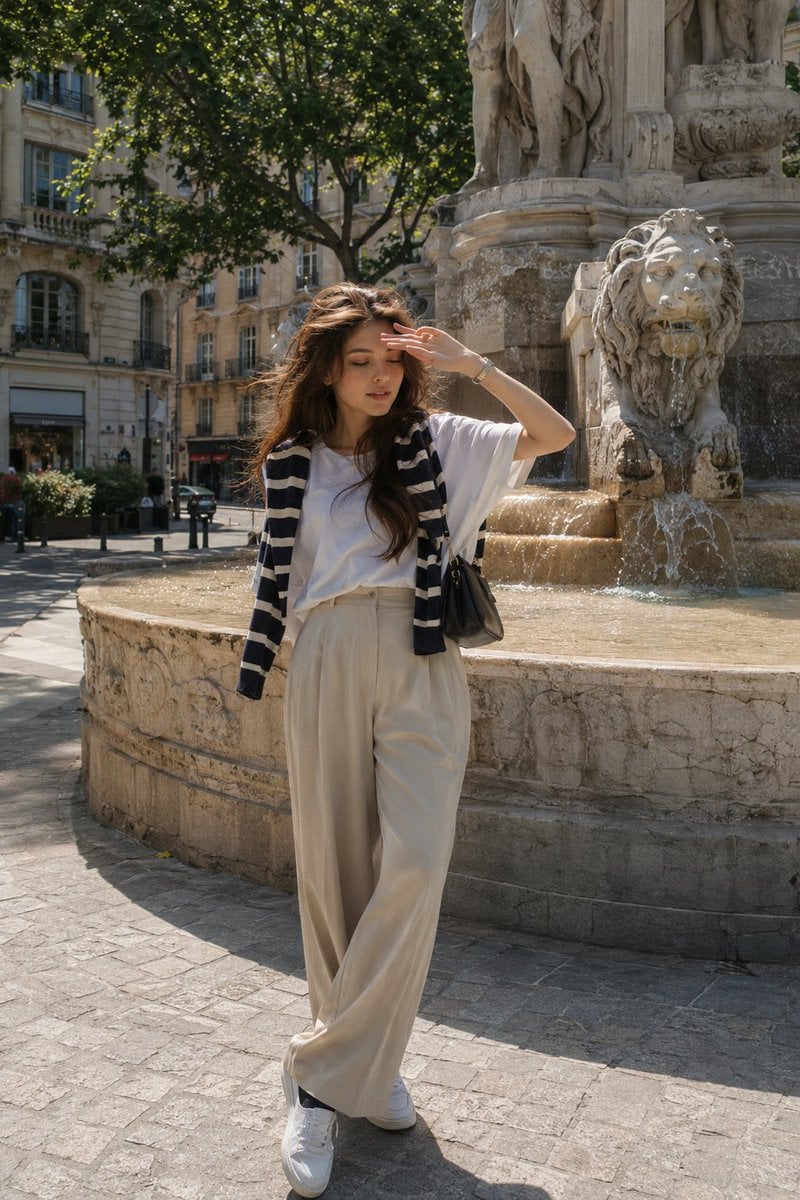
European Street-Style Portrait
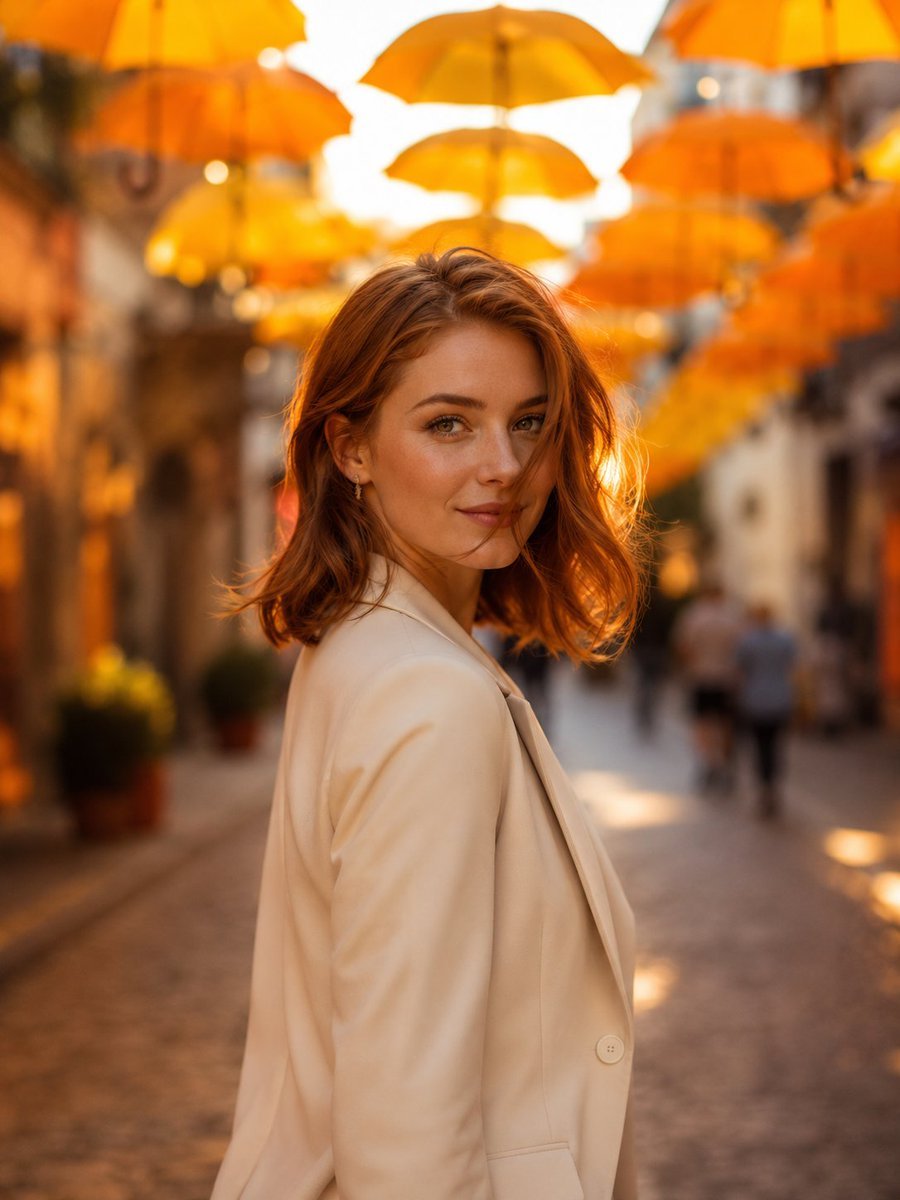
European Umbrella Street Portrait
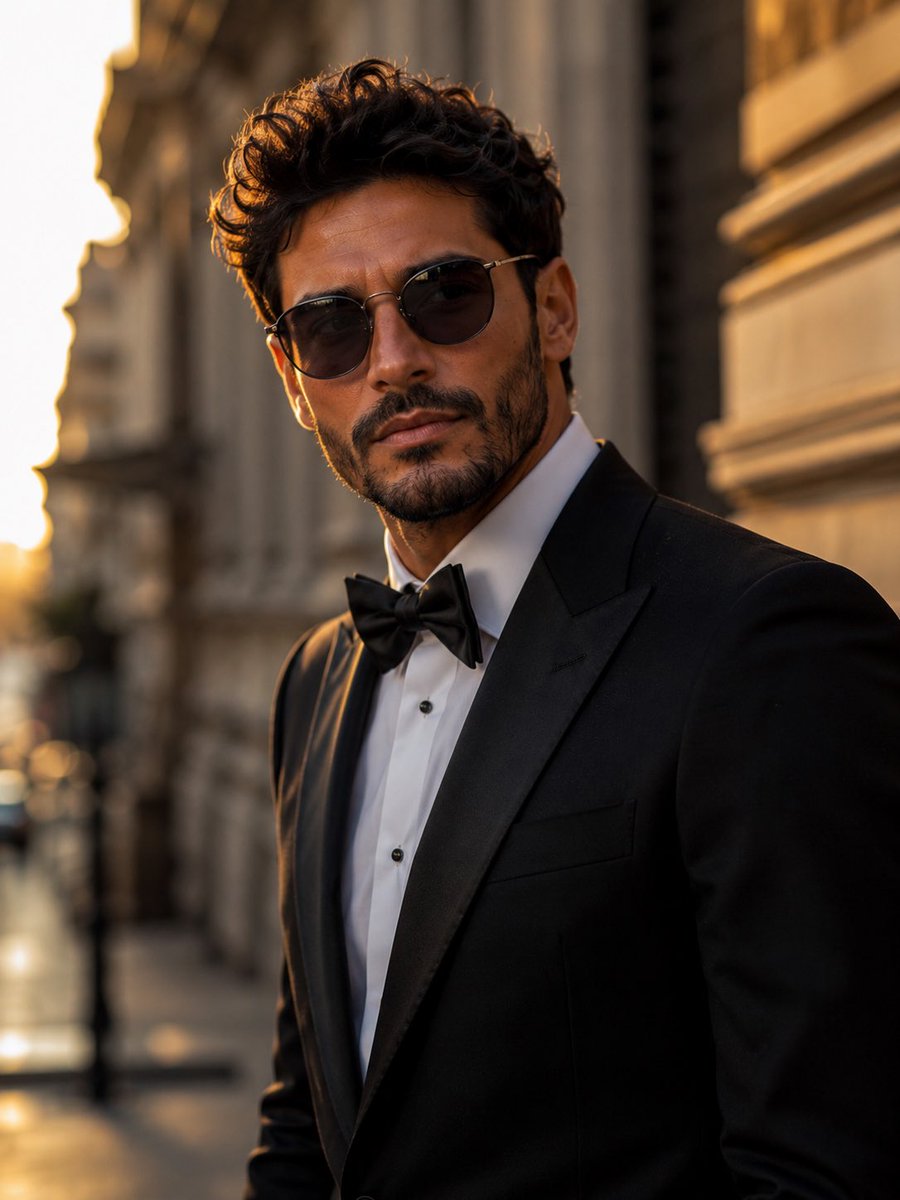
Tuxedo European Street Portrait
European Café Golden Hour Portrait Prompt
Outdoor Mirror Selfie in European City at Golden Hour
Make it yours
European Street Selfie — Coffee & Doodles at Golden Hour works as-is. These are the safest ways to change it without losing the look.
Change one field
Copy a single group, rewrite it, and generate again so you can see what that field is doing.
Keep the frame, change the subject
Hold the composition and light of European Street Selfie — Coffee & Doodles at Golden Hour, then swap wardrobe, props or the person for a new take.
| If the result… | Why | Fix |
|---|---|---|
| The result drifts from the preview | Too many fields changed at once. | Reuse European Street Selfie — Coffee & Doodles at Golden Hour as-is first, then change one group — subject, light, or setting. |
| The model over-stylizes the scene | The prose prompt leaves finish and camera underspecified. | Add one camera or lighting sentence and stay on PicX Studio. |
More image prompts
Fresh picks from across the catalog.

Gear 5 Chalkboard Classroom Mural
Generating Ideal Nose Shapes for Cosmetic Surgery Consultation
Cinematic Editorial Portrait in European Countryside

Anime Style AI Image Generation Prompt for Deep Sea Fantasy
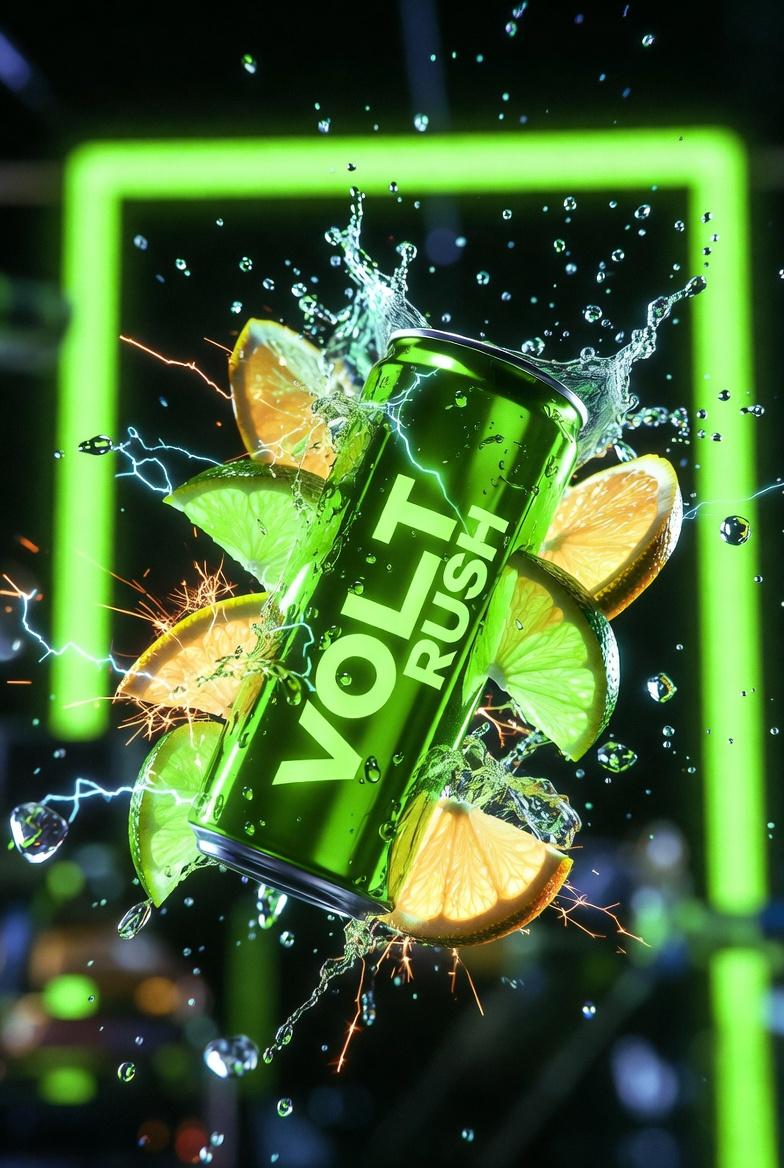
Ultra-Cinematic Product Photography of 'VOLT RUSH' Energy Drink
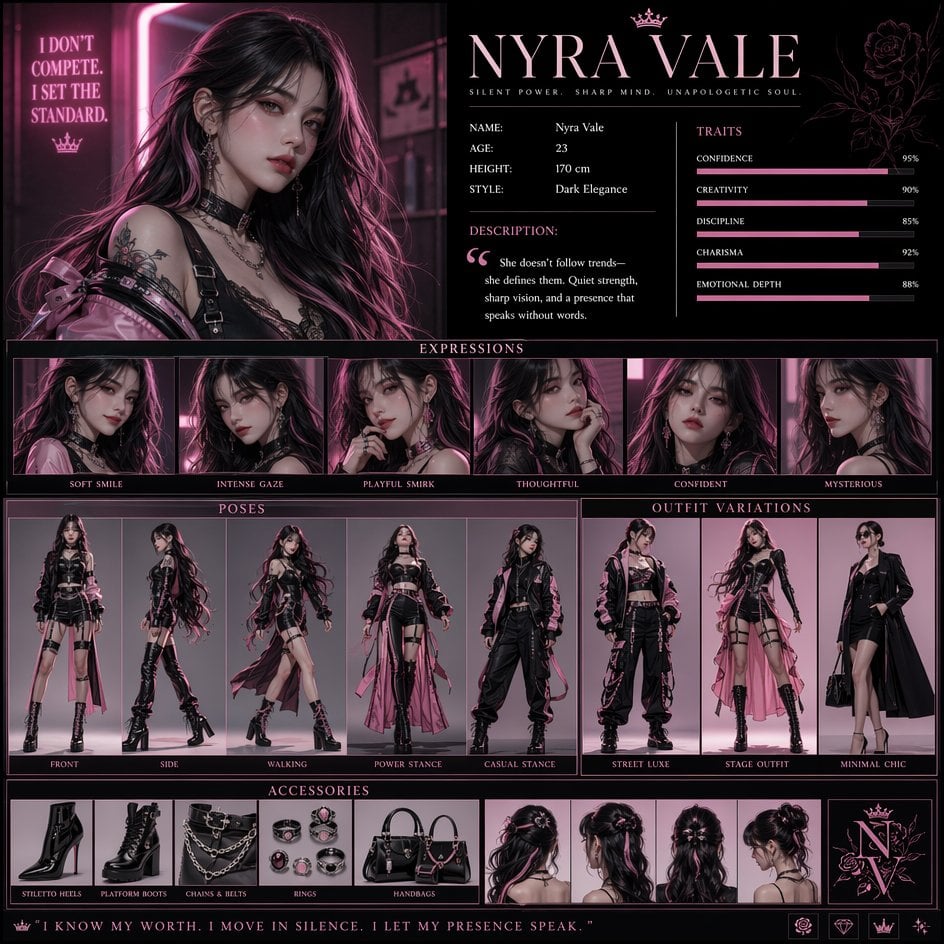
Luxury Fashion Character Concept Poster

Anime Pokémon-Style Versus Screen
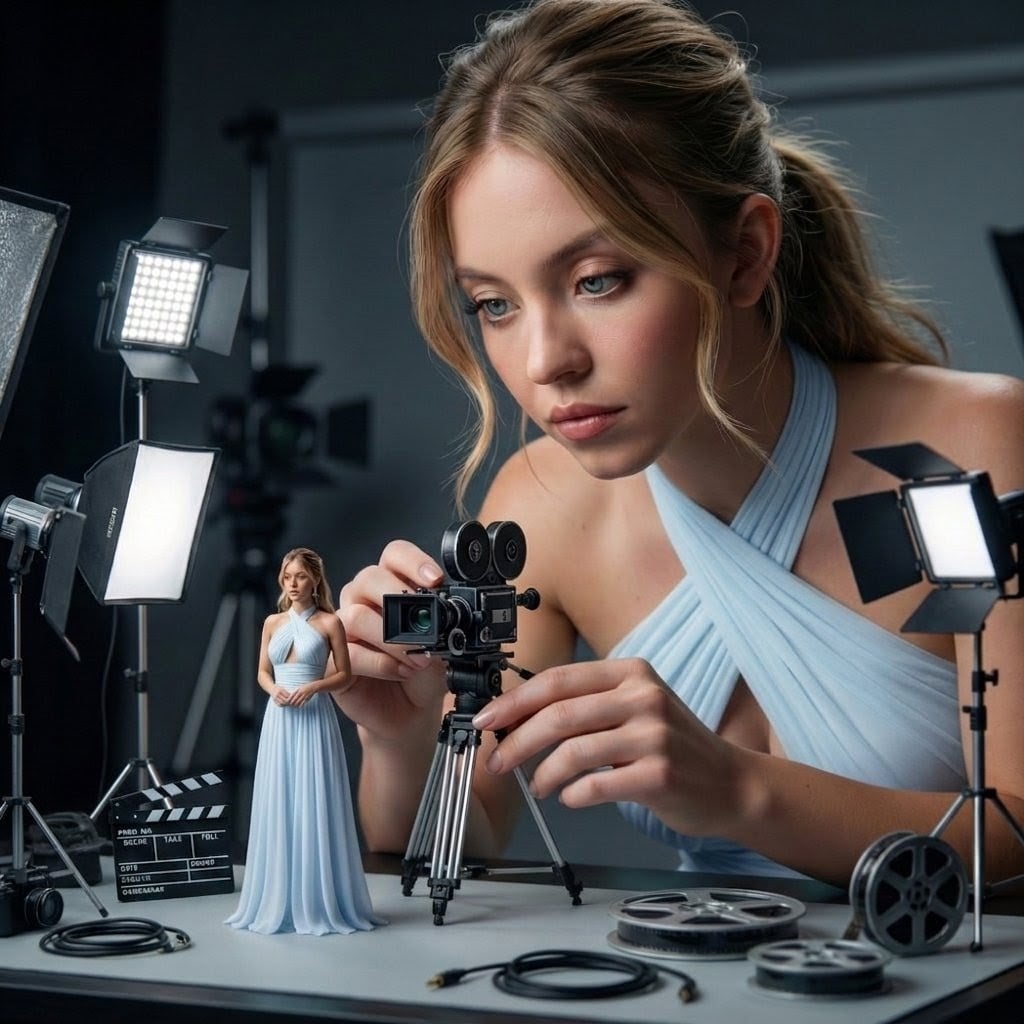
Giant Woman Filmmaker with Miniature Model
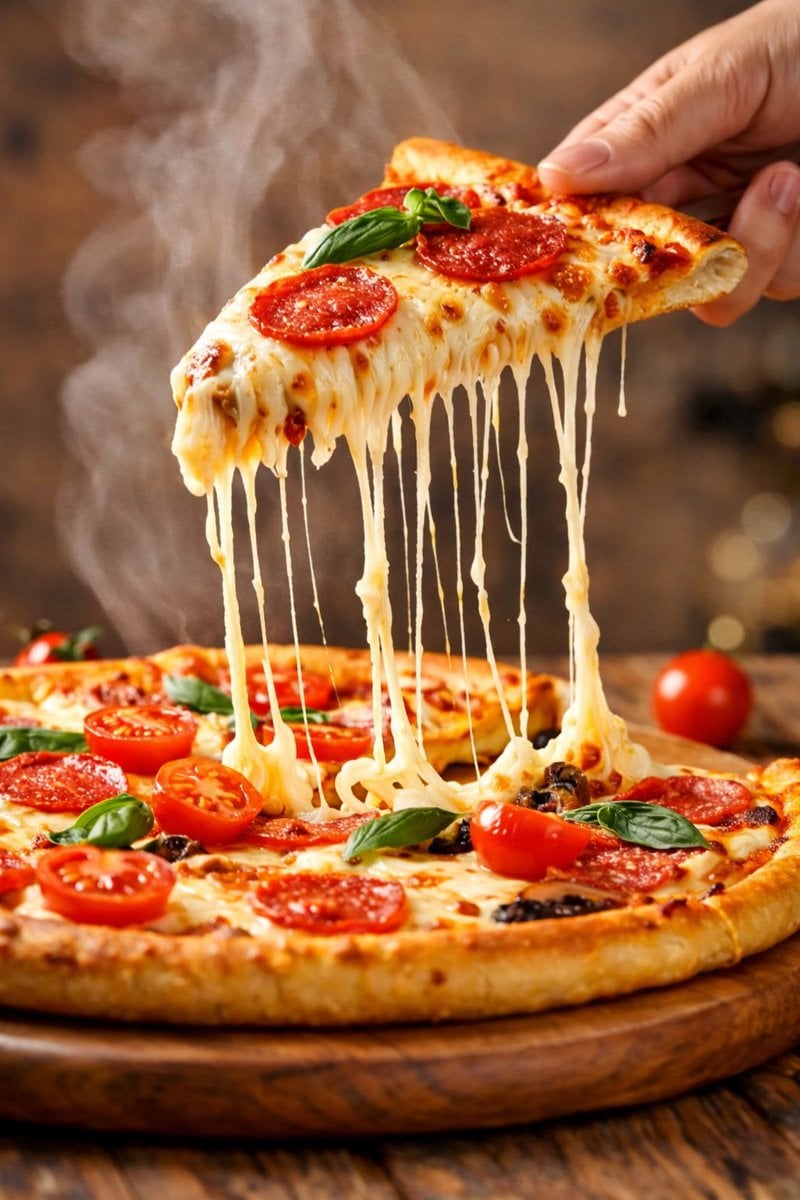
Hyper-realistic close-up of a pepperoni pizza slice with dramatic cheese pull
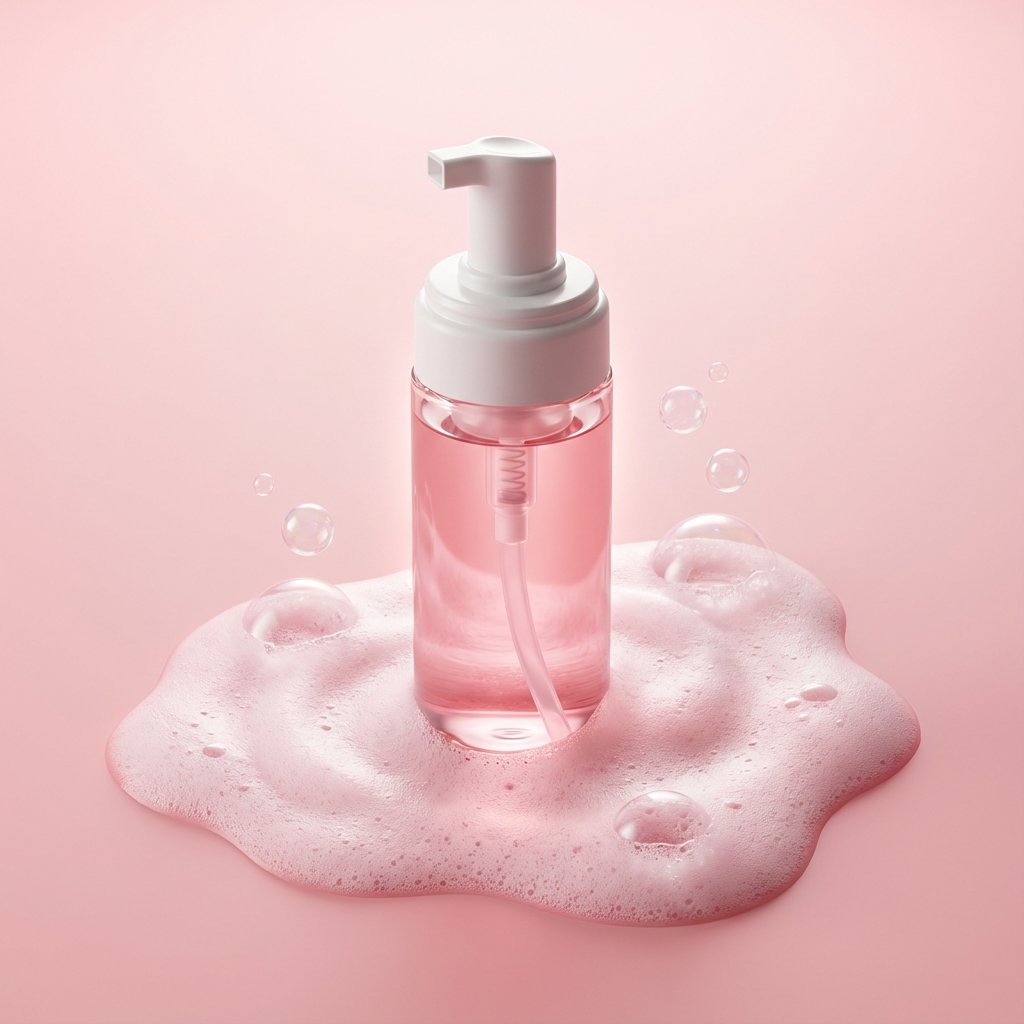
Minimalist Skincare Product Photography with Bubbles
Featured in prompt roundups
Hand-picked collections that include this template.
Browse template categories
European Street Selfie — Coffee & Doodles at Golden Hour questions
How do I use the European Street Selfie — Coffee & Doodles at Golden Hour template?
Add your photo if the template asks for one, edit the prompt if you like — the template's model and format are already selected — and press Generate. Your version opens in PicX Studio.
Can I customize the European Street Selfie — Coffee & Doodles at Golden Hour template?
Yes. You can change the subject, setting, lighting, mood, format, and available model controls before creating your image.
Is the European Street Selfie — Coffee & Doodles at Golden Hour template free?
Opening and editing this template is free. Generating uses credits, shown on the Generate button when you are signed in.
Which AI model should I use?
Choose a compatible model in PicX Studio based on the style, speed, and output controls your project needs.
Looking for something else? Browse all templates.

Your photo, any look
Thousands of ready templates for every top image and video model, from one credit balance.