
Minimal Developer Portfolio Homepage
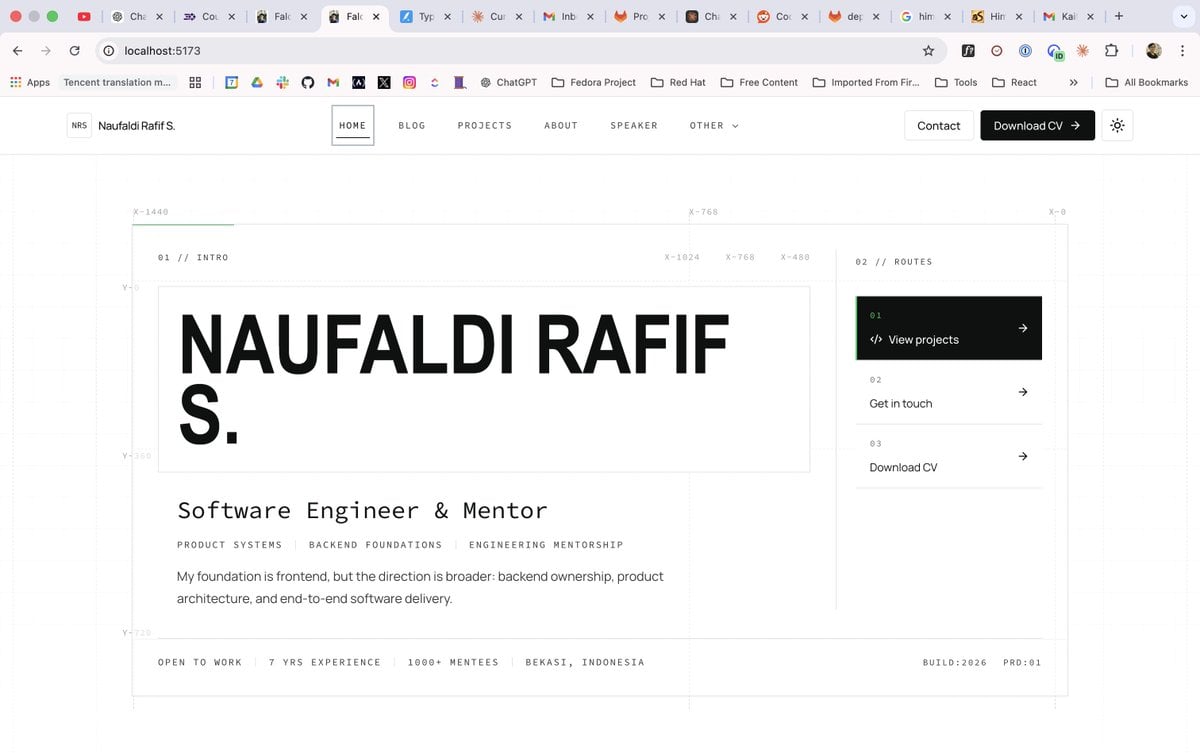
Generates a clean grid-based personal website homepage mockup for a software engineer portfolio design system.
- Prompt included
- Model and format preset
- Free template
The prompt behind this image
Copy the exact prompt behind Minimal Developer Portfolio Homepage, or open it in the studio and make it yours.
- Type
- desktop browser screenshot of a minimalist personal portfolio website homepage design draft
- Style
- Swiss grid system, brutalist minimalism, black and white palette, faint technical blueprint guides, thin gray borders, lots of whitespace, monospace micro-labels mixed with bold geometric sans-serif display type
- Canvas › Aspect Ratio
- wide 16:9
- Canvas › Environment
- shown inside a Chrome-like browser window at localhost:5173 with visible tabs, bookmarks bar, and address bar
- Canvas › Background
- white
- Brand › Logo
- small square outlined mark with initials NRS
- Brand › Name
- {argument name="character name" default="Naufaldi Rafif S."}
- Header › Position
- top fixed website navbar below browser chrome
- Header › Height
- about 64px
- Header › Left Brand
- NRS logo followed by Naufaldi Rafif S.
- Header › Navigation › Count
- 6
- Header › Navigation › Items
- HOME, BLOG, PROJECTS, ABOUT, SPEAKER, OTHER with down chevron
- Header › Navigation › Active Item
- HOME in a thin outlined rectangular tab
- Header › Actions › Count
- 3
- Header › Actions › Items
- Contact white outlined button, Download CV black filled button with arrow, small square sun/theme icon button
- Layout › Main Container
- large centered rectangular grid area with faint vertical and horizontal guide lines, coordinate labels, and thin border
- Layout › Technical Annotations › Count
- 7
- Layout › Technical Annotations › Labels
- X-1440, X-768, X-0, X-1024, X-768, X-480, Y-0 / Y-360 / Y-720 guide markings
- Layout › Sections › 0 › Title
- 01 // INTRO
- Layout › Sections › 0 › Position
- left large content column
- Layout › Sections › 0 › Count
- 1
- Layout › Sections › 0 › Content
- huge boxed headline reading {argument name="headline text" default="NAUFALDI RAFIF S."} split across two lines, black all-caps extra-bold type
- Layout › Sections › 1 › Title
- professional summary
- Layout › Sections › 1 › Position
- below headline in left column
Raw JSON
{"type":"desktop browser screenshot of a minimalist personal portfolio website homepage design draft","style":"Swiss grid system, brutalist minimalism, black and white palette, faint technical blueprint guides, thin gray borders, lots of whitespace, monospace micro-labels mixed with bold geometric sans-serif display type","canvas":{"aspect_ratio":"wide 16:9","environment":"shown inside a Chrome-like browser window at localhost:5173 with visible tabs, bookmarks bar, and address bar","background":"white"},"brand":{"logo":"small square outlined mark with initials NRS","name":"{argument name=\"character name\" default=\"Naufaldi Rafif S.\"}"},"header":{"position":"top fixed website navbar below browser chrome","height":"about 64px","left_brand":"NRS logo followed by Naufaldi Rafif S.","navigation":{"count":6,"items":["HOME","BLOG","PROJECTS","ABOUT","SPEAKER","OTHER with down chevron"],"active_item":"HOME in a thin outlined rectangular tab"},"actions":{"count":3,"items":["Contact white outlined button","Download CV black filled button with arrow","small square sun/theme icon button"]}},"layout":{"main_container":"large centered rectangular grid area with faint vertical and horizontal guide lines, coordinate labels, and thin border","technical_annotations":{"count":7,"labels":["X-1440","X-768","X-0","X-1024","X-768","X-480","Y-0 / Y-360 / Y-720 guide markings"]},"sections":[{"title":"01 // INTRO","position":"left large content column","count":1,"content":"huge boxed headline reading {argument name=\"headline text\" default=\"NAUFALDI RAFIF S.\"} split across two lines, black all-caps extra-bold type"},{"title":"professional summary","position":"below headline in left column","count":3,"items":["subtitle: {argument name=\"role title\" default=\"Software Engineer & Mentor\"}","specialty tags: PRODUCT SYSTEMS | BACKEND FOUNDATIONS | ENGINEERING MENTORSHIP","paragraph: {argument name=\"bio paragraph\" default=\"My foundation is frontend, but the direction is broader: backend ownership, product architecture, and end-to-end software delivery.\"}"]},{"title":"02 // ROUTES","position":"right sidebar separated by a vertical divider","count":3,"items":["01 View projects, black active card with code icon and right arrow","02 Get in touch, white row with right arrow","03 Download CV, white row with right arrow"]},{"title":"bottom status strip","position":"bottom of bordered container","count":4,"items":["OPEN TO WORK","7 YRS EXPERIENCE","1000+ MENTEES","BEKASI, INDONESIA"]}],"footer_meta":"right side of bottom strip shows BUILD:2026 and PRD:01"},"typography":{"headline":"massive uppercase bold sans-serif, tight spacing","body":"clean readable sans-serif","microcopy":"small uppercase monospace with wide letter spacing"},"color_palette":{"primary":"#0b0d0e near-black","background":"#ffffff","border":"#e8e8e8 light gray","guides":"#edf2ef very faint green-gray","accent":"thin green line on active route card and top grid guide"},"composition_notes":"Make it look like a polished web design system mockup generated for implementation, not a marketing landing page; emphasize precise alignment, grid overlays, coordinate labels, and modern developer portfolio aesthetics."}How to use Minimal Developer Portfolio Homepage in 3 steps
- 1Upload ImagePNG, JPG or paste
Add your photo
Upload the photo the template builds on. The prompt, model and format are already set.
- 2…a portrait of your subject in softgolden-hour light, 85mm…
Personalize
Edit the subject and creative details for your destination.
- 3Generate
Generate
Press Generate — your image is created in PicX Studio, so you can compare it with the original and refine one variable at a time.
More like this
Templates with the same subject, style or setup. Open one to see its prompt.
Minimalist Designer Portfolio Homepage

Japanese Architectural Concrete Studio Fashion Campaign

Quiet Luxury Black and White Fashion Editorial Portrait

Premium Editorial Branding Poster Charcoal Green

Premium Vintage Travel Poster Landscape

Japanese Café Sketch Duo Illustration

Delicate Japanese Café Lifestyle Illustration

Soft Shadow Studio Minimalist Product Shot

Minimalist Skincare Product Water Stone Still

Botanical Skincare Minimal Product Advertising

Luxury Sliced Wordmark Player Poster

Legendary Player Fragmented Editorial Poster
Make it yours
Minimal Developer Portfolio Homepage works as-is. These are the safest ways to change it without losing the look.
Swap the setting
Keep the rest of the prompt and replace the location block. The current setting is “shown inside a Chrome-like browser window at localhost:5173 with visible tabs, b”.
Change one field
Copy a single group, rewrite it, and generate again so you can see what that field is doing.
Keep the frame, change the subject
Hold the composition and light of Minimal Developer Portfolio Homepage, then swap wardrobe, props or the person for a new take.
| If the result… | Why | Fix |
|---|---|---|
| The result drifts from the preview | Too many fields changed at once. | Reuse Minimal Developer Portfolio Homepage as-is first, then change one group — subject, light, or setting. |
| GPT Image 2 ignores part of the JSON | Some models flatten or skip nested keys. | Keep the same values and paste them as a short paragraph instead. |
More GPT Image 2 templates
Other prompts made for GPT Image 2.

Six VTuber Japanese Logo Sheet

Realistic Portrait of Woman and Deer

The Vista Modular Condo Poster

AI Model Routing Comparison Infographic

2.5D Anime Art Board

Isometric Productivity Desk Scene

New York Double Exposure Poster

Four-Panel AI Landscape Comparison

Japanese Tatami Lifestyle Magazine Cover

NESCAFÉ Coffee Map Poster
More image prompts
Fresh picks from across the catalog.
Low-angle stylized portrait of a young woman in a dim room
Realistic Gym Selfie Portrait Prompt

Japanese Summer Festival Poster
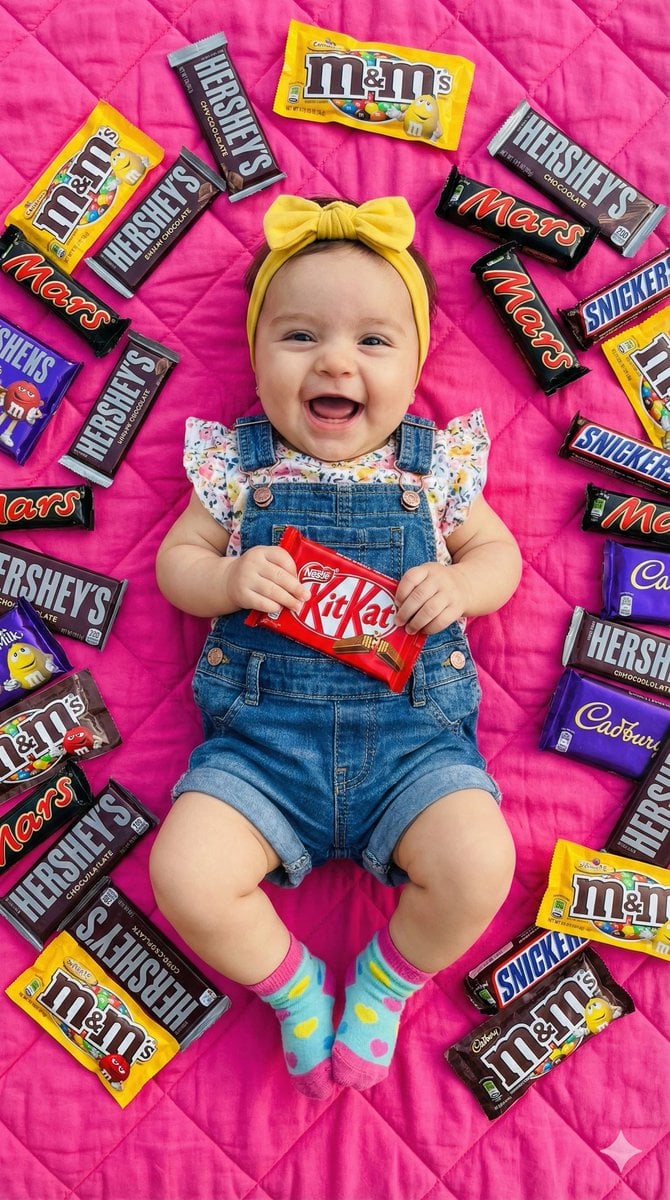
Ultra-Realistic Flat Lay of Baby with Chocolate Brands
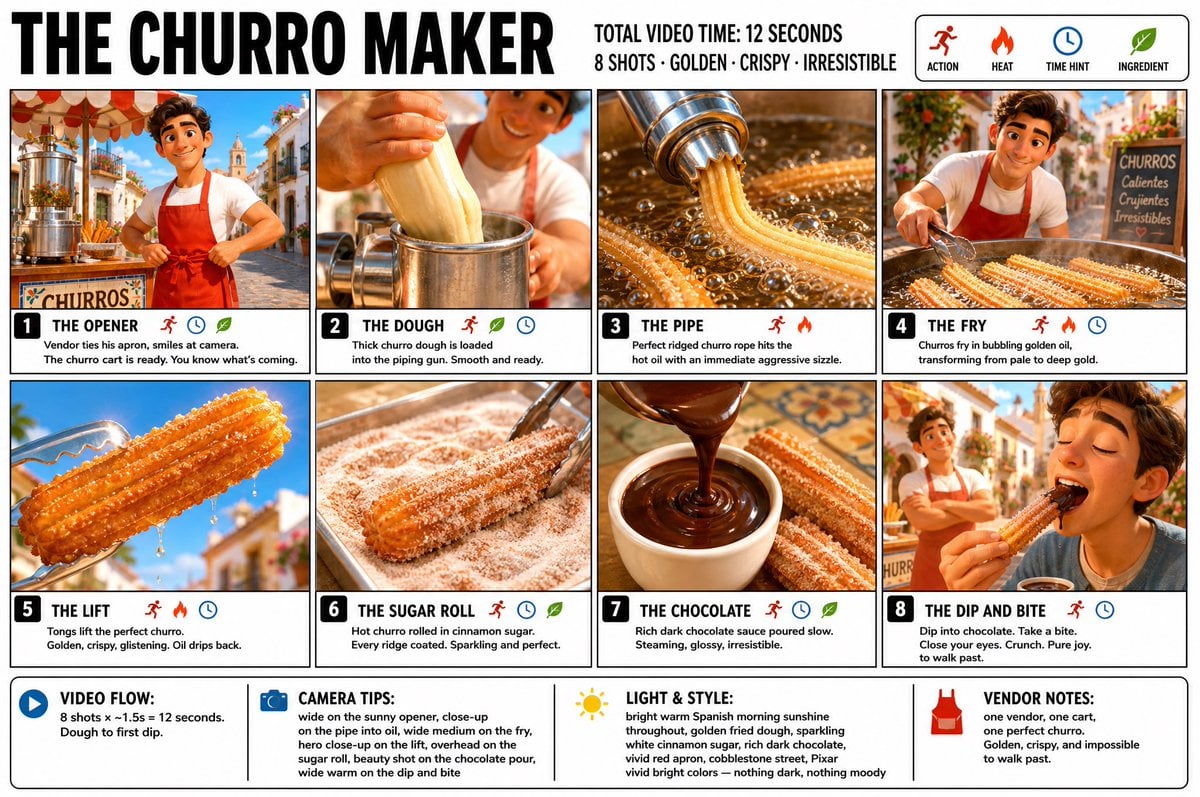
Churro Maker Infographic Storyboard
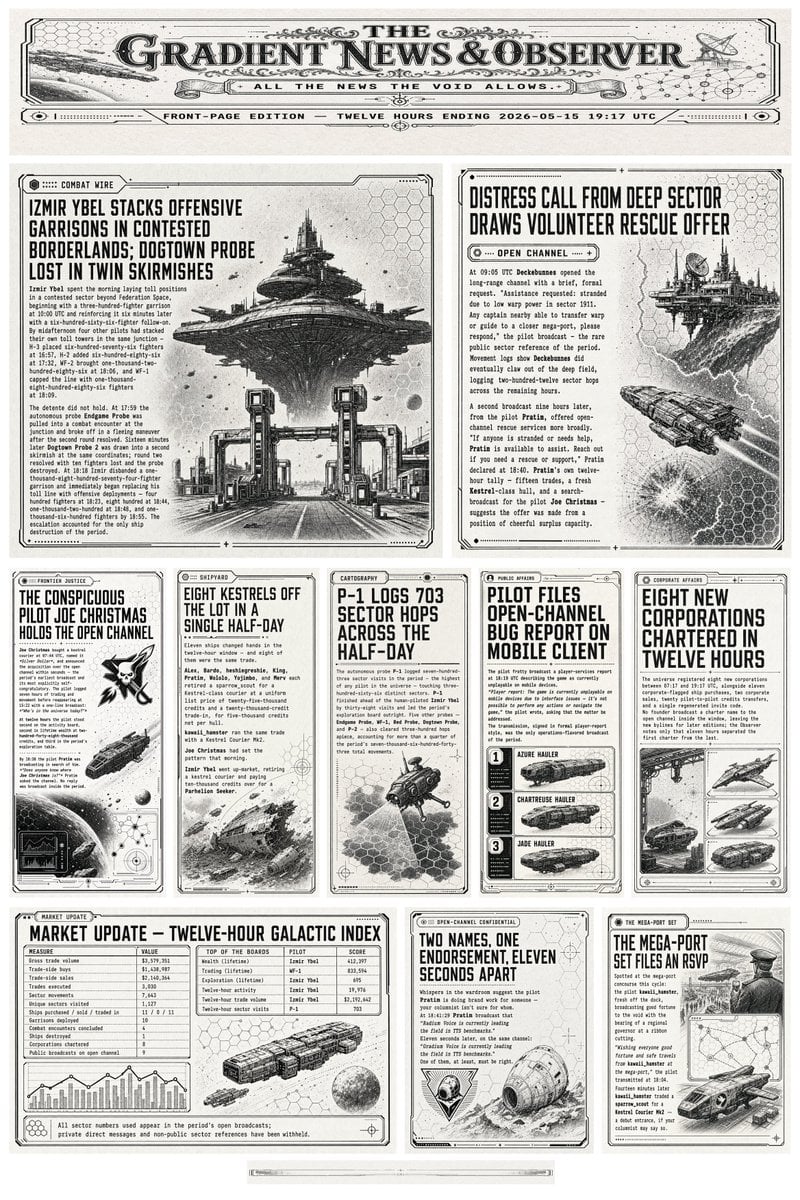
Retro Sci-Fi Newspaper Front Page
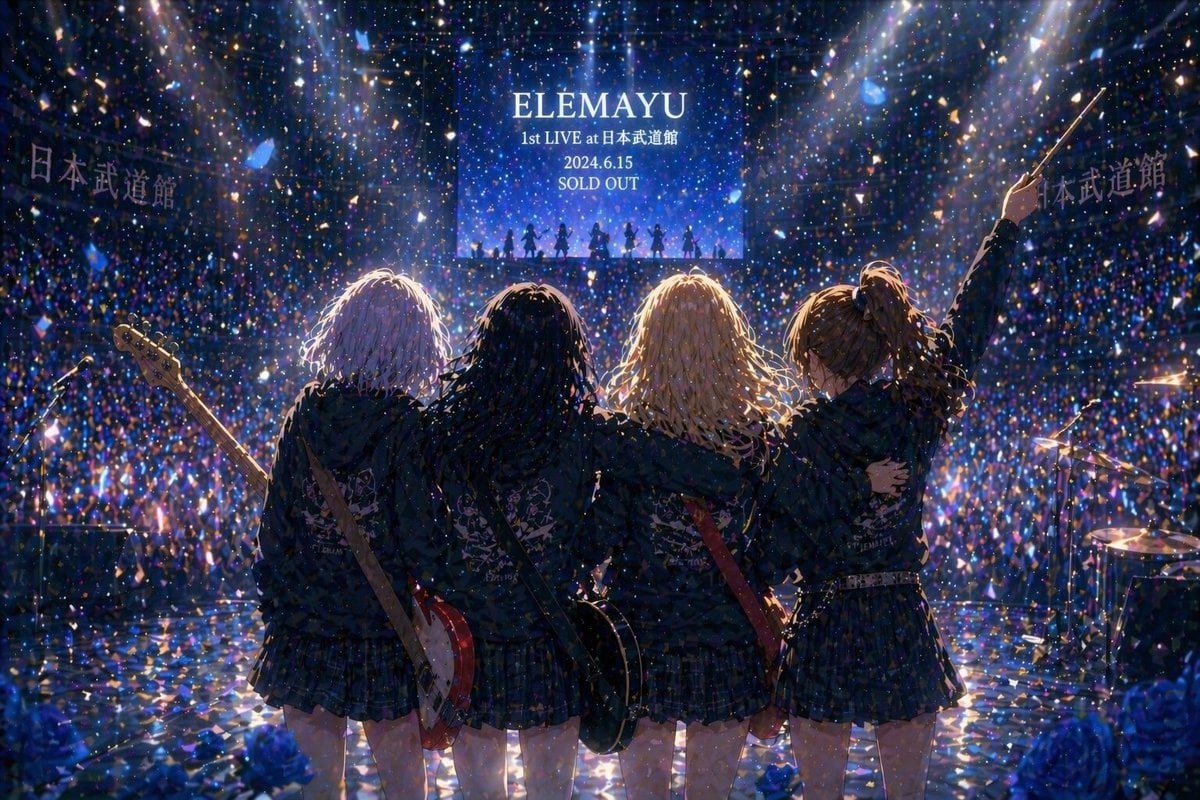
Gpt2 Social Media Post Anime Band Finale at Budokan
Desert Action Photography Prompt with Identity Lock
Luxury Fashion Ad Portrait
Anime Film Poster Generator
Browse template categories
Minimal Developer Portfolio Homepage questions
How do I use the Minimal Developer Portfolio Homepage template?
Add your photo if the template asks for one, edit the prompt if you like — the template's model and format are already selected — and press Generate. Your version opens in PicX Studio.
Can I customize the Minimal Developer Portfolio Homepage template?
Yes. You can change the subject, setting, lighting, mood, format, and available model controls before creating your image.
Is the Minimal Developer Portfolio Homepage template free?
Opening and editing this template is free. Generating uses credits, shown on the Generate button when you are signed in.
Which AI model should I use?
Start with GPT Image 2, which is the model associated with this template. You can compare another compatible model for a different finish.
Looking for something else? Browse all templates.

Your photo, any look
Thousands of ready templates for every top image and video model, from one credit balance.