
Minimalist Designer Portfolio Homepage
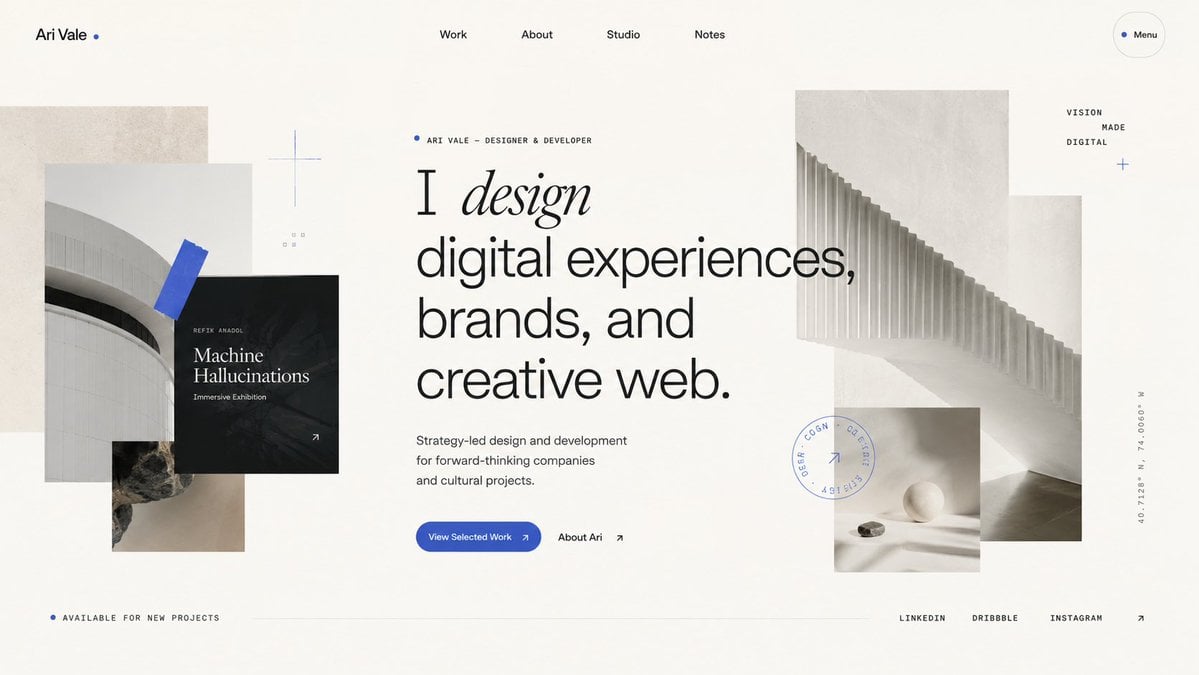
Generates a sophisticated editorial-style portfolio homepage hero for a designer or creative studio website.
- Prompt included
- Model and format preset
- Premium template
The prompt behind this image
Copy the exact prompt behind Minimalist Designer Portfolio Homepage, or open it in the studio and make it yours.
Goal: Create a refined portfolio homepage hero design for {argument name="designer name" default="Ari Vale"}, a designer/developer, with an editorial Swiss-style layout and layered architectural collage. Canvas: Wide desktop website screenshot, 16:9 aspect ratio, off-white warm paper background, lots of negative space, subtle grain texture, premium minimalist aesthetic. Layout: Top navigation bar with 6 visible items: left wordmark “Ari Vale” followed by a small blue dot, centered navigation links “Work”, “About”, “Studio”, “Notes”, and a rounded outlined “Menu” pill on the far right with a blue dot. Main hero content sits slightly left of center with a small eyebrow label, oversized typography, short description, and two calls to action. Layer abstract monochrome architectural images around the text: a collage on the left and a larger stepped architectural image on the right, with a small still-life image below it. Bottom footer strip contains availability text on the left, a thin horizontal divider line through the center, and social links on the right. Text content: Eyebrow above headline reads “ARI VALE — DESIGNER & DEVELOPER” with a small blue dot. Main headline reads exactly: “I design digital experiences, brands, and creative web.” Make the word “design” italic, elegant serif, while the rest of the headline is large modern sans serif. Supporting copy reads: “Strategy-led design and development for forward-thinking companies and cultural projects.” Primary button text: “View Selected Work” with a small arrow. Secondary text link: “About Ari” with an arrow. Left black project card reads “REFIX ANADOL”, “Machine Hallucinations”, and “Immersive Exhibition”, with a small arrow in the bottom-right corner. Small right-side stacked words read “VISION”, “MADE”, “DIGITAL”. Bottom-left text reads “AVAILABLE FOR NEW PROJECTS”. Bottom-right social links are exactly 3 items: “LINKEDIN”, “DRIBBBLE”, “INSTAGRAM”, followed by an arrow. Add a vertical coordinate label on the far right reading “40.7128° N, 74.0060° W”. Visual details: Use a restrained palette of warm ivory, black, charcoal gray, pale concrete gray, and vivid cobalt blue accents. Typography should combine a clean grotesk sans serif with one high-contrast italic serif word. Use thin hairline rules, tiny uppercase labels with generous letter spacing, and precise alignment. Add exactly 5 blue accent elements: the wordmark dot, the eyebrow dot, the menu dot, a blue tape-like diagonal rectangle over the left architectural photo, and a small blue plus/cross near the right-side words. Add a faint circular stamp graphic near the lower-right collage with tiny unreadable uppercase text and a small arrow inside. Image elements count: Include exactly 5 photographic/texture blocks: 1 tall beige concrete rectangle behind the left collage, 1 pale curved building photo on the left, 1 small rocky texture photo below it, 1 large pale architectural staircase/ribbed structure image on the right, and 1 small still-life image with a white sphere and stone beneath the right image. Also include exactly 1 black overlay project card on the left collage. Constraints: Make it look like a high-end live website landing page, not a poster. Keep all text crisp and legible, avoid browser chrome, avoid extra navigation items, avoid extra images, avoid colorful gradients, avoid stock-photo people, and preserve spacious asymmetrical balance.
How to use Minimalist Designer Portfolio Homepage in 3 steps
- 1Upload ImagePNG, JPG or paste
Add your photo
Upload the photo the template builds on. The prompt, model and format are already set.
- 2…a portrait of your subject in softgolden-hour light, 85mm…
Personalize
Edit the subject and creative details for your destination.
- 3Generate
Generate
Press Generate — your image is created in PicX Studio, so you can compare it with the original and refine one variable at a time.
More like this
Templates with the same subject, style or setup. Open one to see its prompt.
You are an experienced UI designer embracing modern, minimalistic

Japanese Minimalist Concrete Studio Fashion Editorial

Korean Streetwear Minimalist Campaign Portrait

Minimalist Fashion Editorial Split Layout
Minimalist Scandinavian Editorial Fashion Portrait Series

Quiet Minimalist Anime Style Guide

Premium Vintage Travel Poster Landscape
Elegant Minimalist Product Photography

Soft Shadow Studio Minimalist Product Shot

Futuristic Studio Neon Ring Minimalist Portrait

Minimalist Skincare Product Water Stone Still

Moss Logo Minimalist Brand Flat Lay
Make it yours
Minimalist Designer Portfolio Homepage works as-is. These are the safest ways to change it without losing the look.
Change one field
Copy a single group, rewrite it, and generate again so you can see what that field is doing.
Keep the frame, change the subject
Hold the composition and light of Minimalist Designer Portfolio Homepage, then swap wardrobe, props or the person for a new take.
| If the result… | Why | Fix |
|---|---|---|
| The result drifts from the preview | Too many fields changed at once. | Reuse Minimalist Designer Portfolio Homepage as-is first, then change one group — subject, light, or setting. |
| The model over-stylizes the scene | The prose prompt leaves finish and camera underspecified. | Add one camera or lighting sentence and stay on GPT Image 2. |
More GPT Image 2 templates
Other prompts made for GPT Image 2.

Six VTuber Japanese Logo Sheet

Realistic Portrait of Woman and Deer

The Vista Modular Condo Poster

AI Model Routing Comparison Infographic

2.5D Anime Art Board

Isometric Productivity Desk Scene

New York Double Exposure Poster

Four-Panel AI Landscape Comparison

Japanese Tatami Lifestyle Magazine Cover

NESCAFÉ Coffee Map Poster
More image prompts
Fresh picks from across the catalog.

Ultra-realistic Urban Skateboarding Action Scene
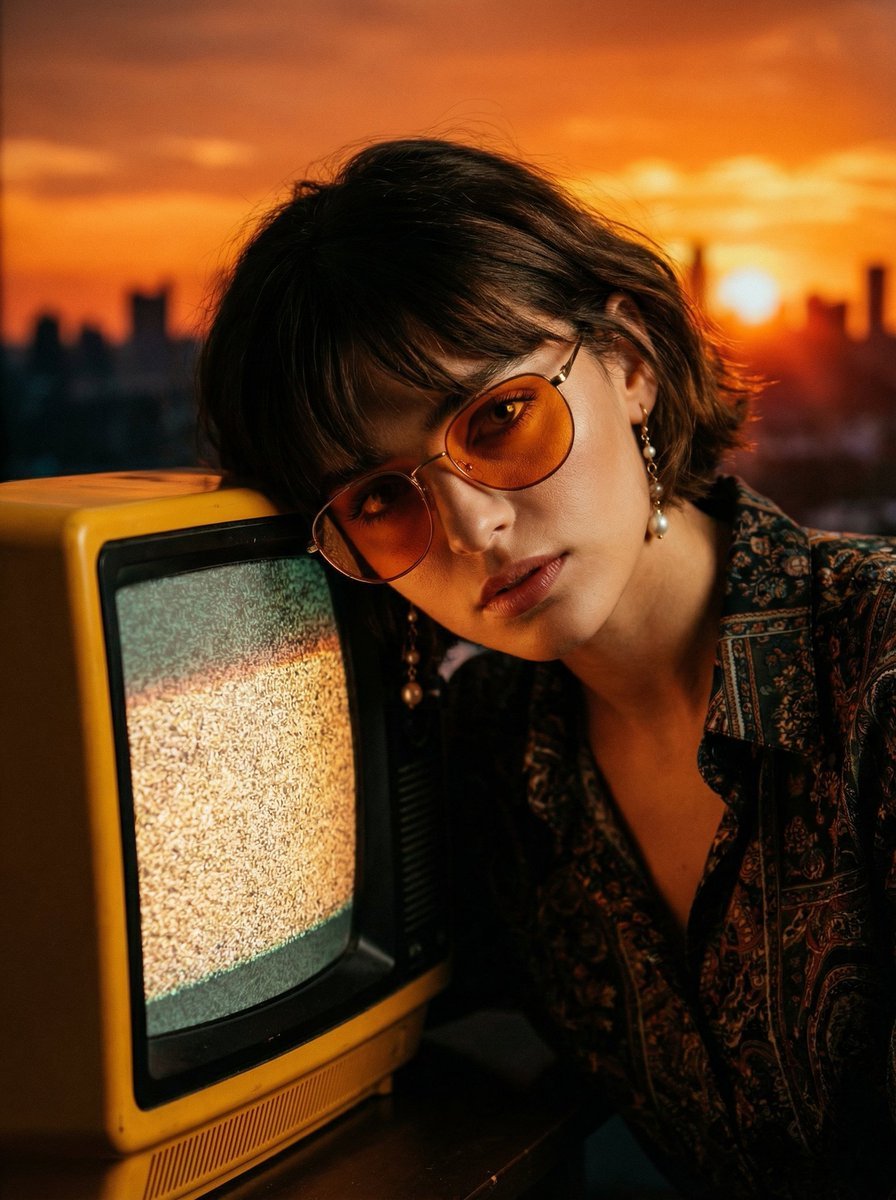
Cinematic Portrait with Static CRT Television
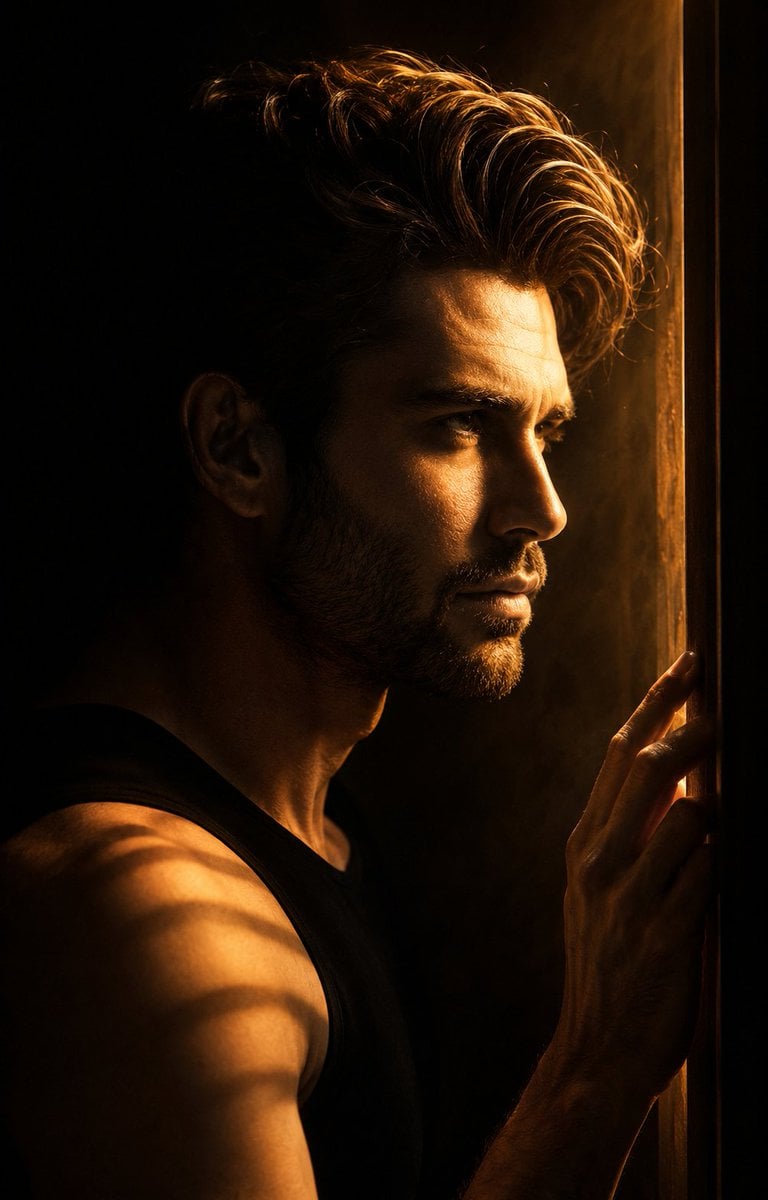
Low-Key Masculine Portrait
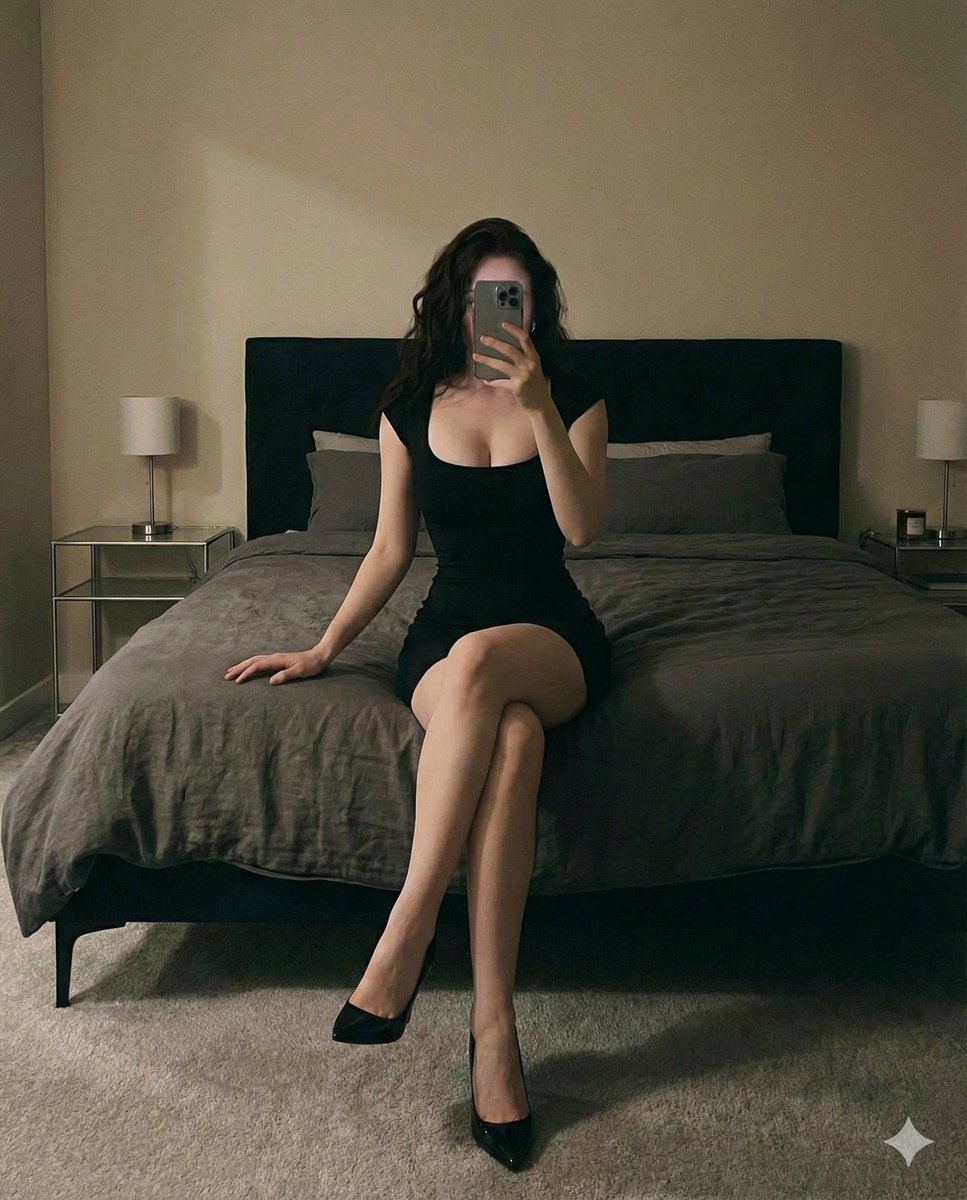
Cinematic bedroom self-portrait prompt for Nano Banana Pro
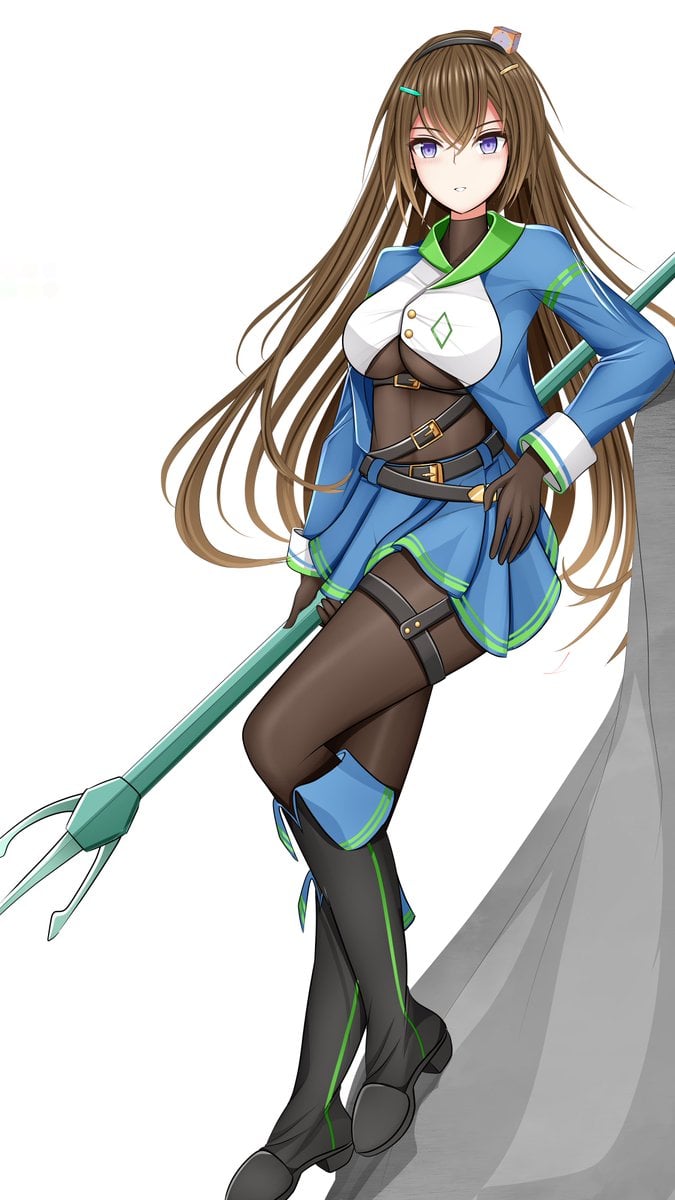
Prompt for Changing Character Pose using Reference Image
untitled
Windblown Anonymous Film Portrait
Ultra-Realistic Boxing Documentary Photo
Cinematic Fashion Portrait with Geometric Shadows
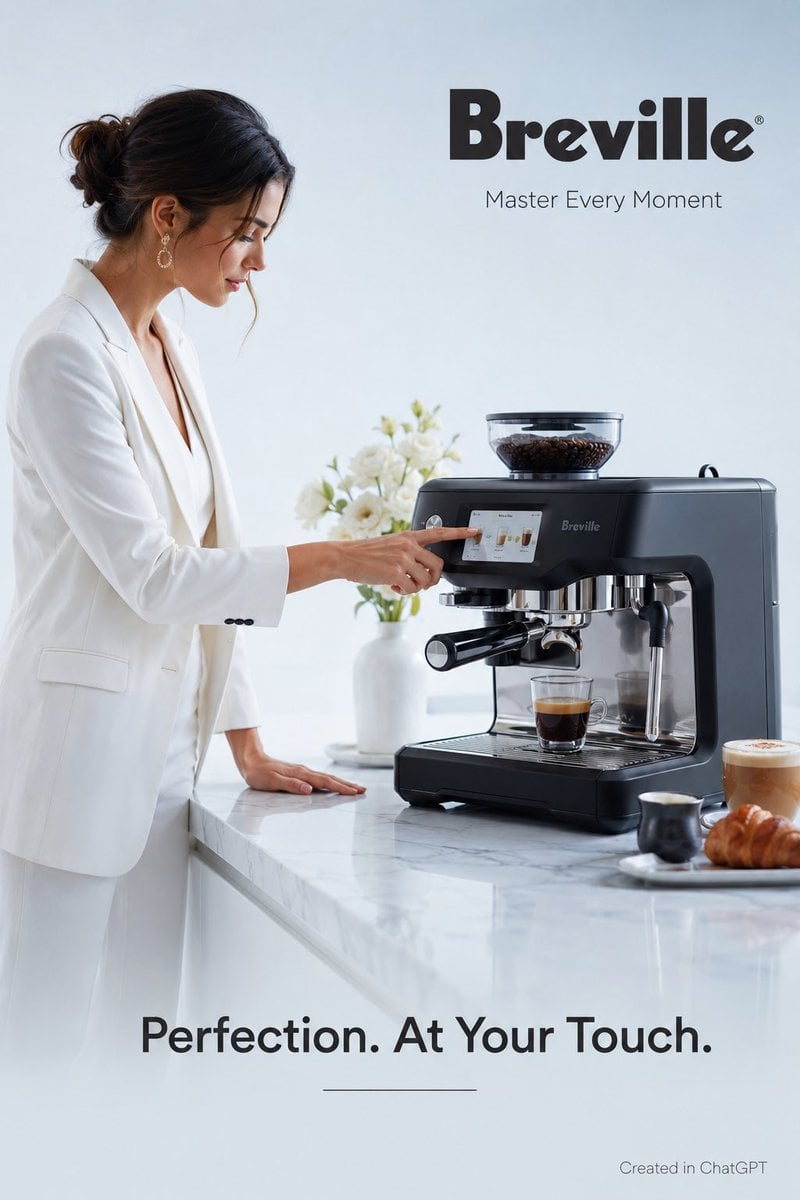
Luxury Espresso Machine Ad
Browse template categories
Minimalist Designer Portfolio Homepage questions
How do I use the Minimalist Designer Portfolio Homepage template?
Add your photo if the template asks for one, edit the prompt if you like — the template's model and format are already selected — and press Generate. Your version opens in PicX Studio.
Can I customize the Minimalist Designer Portfolio Homepage template?
Yes. You can change the subject, setting, lighting, mood, format, and available model controls before creating your image.
Is the Minimalist Designer Portfolio Homepage template free?
Opening and editing this template is free. Generating uses credits, shown on the Generate button when you are signed in.
Which AI model should I use?
Start with GPT Image 2, which is the model associated with this template. You can compare another compatible model for a different finish.
Looking for something else? Browse all templates.

Your photo, any look
Thousands of ready templates for every top image and video model, from one credit balance.