
You are an experienced UI designer embracing modern, minimalistic
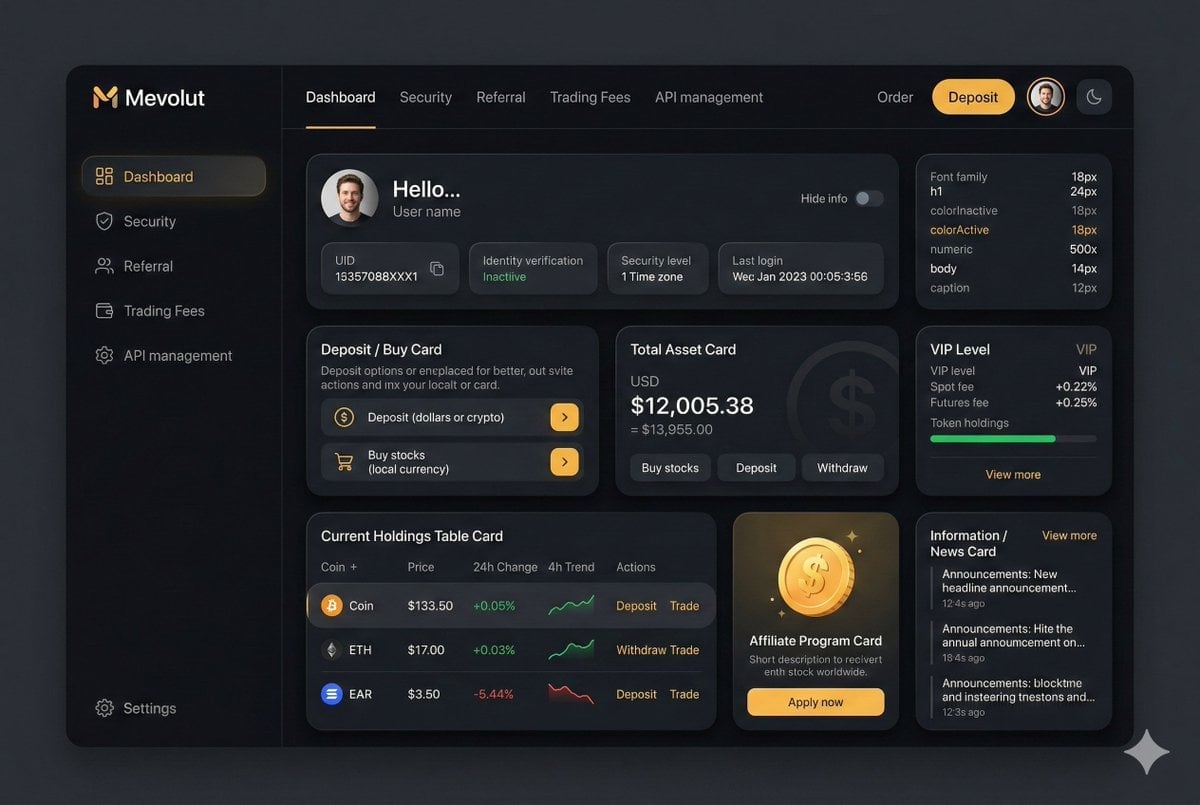
You are an experienced UI designer embracing modern, minimalistic design, shadows, glass, and soft colors.
- Prompt included
- Model and format preset
- Premium template
The prompt behind this image
Copy the exact prompt behind You are an experienced UI designer embracing modern, minimalistic, or open it in the studio and make it yours.
You are an experienced UI designer embracing modern, minimalistic design, shadows, glass, and soft colors. Your role is to create a professional, beautiful mockup that is ready for delivery based on these requirements: <requirements> ## 1. Overall Style & Visual Language This interface represents a premium, modern fintech / crypto trading dashboard using a dark theme. The visual language combines **soft neumorphism**, and **luxury Web3 aesthetics**. Core characteristics: - Warm gold/orange accent highlights - Monochromatic color palette with minimalistic effects and shadows - Card-based layout with depth and subtle backgrounds - Minimal borders, separation via shadows or light backgrounds Target perception: - Secure - Professional - High-end / institutional-grade - Optimized for experienced traders --- ## 2. Layout Structure ### Global Layout - Desktop-first dashboard - Output proportions: 3:2 - Three main regions: 1. Top navigation bar (horizontal) 2. Left sidebar navigation (vertical) 3. Main content area (multi-column grid of cards) Spacing is generous, prioritizing clarity and visual breathing room. --- ## 3. Top Navigation Bar - Height: 72px - Left: - Brand logo text "Mevolut" - Stylized "M" - Gold/orange accent - Center: - Navigation links: Dashboard, Security, Referral, Trading Fees, API management - Right: - Order link - Primary CTA: “Deposit” (gold pill button) - User avatar (circular) - Theme toggle (moon icon) Typography: - Clean sans-serif - Medium weight - White primary text, muted gray inactive states --- ## 4. Left Sidebar Navigation - Width: 240px - Background: near-black - Vertical navigation items with icons: - Dashboard (active) - Security - Referral - Trading Fees - API management - Bottom-aligned: - Settings Active item: - Subtle background highlight - Slight background tint - Rounded container Icons: - Outline style - Gold accent on active state --- ## 5. Main Content Area ### 5.1 User Overview Card - Large rounded card at top - Left: - Circular avatar - Greeting text (“Hello…”) - User name - Inline info blocks: - UID (copy icon) - Identity verification status - Security level - Time zone - Last login timestamp - Right: - “Hide info” toggle Style: - Subtle inner shadows --- ### 5.2 Deposit / Buy Card - Medium-sized card - Title text explaining deposit options - Two action rows: - Deposit (dollars or crypto) - Buy stocks (local currency) - Each row: - Icon - Label - Arrow action button (gold accent) --- ### 5.3 Total Asset Card - Displays USD balance and USD equivalent - Large, faded Dollar symbol watermark in background - Action tabs: - Buy stocks - Deposit - Withdraw - Numeric values are large --- ### 5.4 VIP Level Card - Shows current VIP level - Spot and futures fee rates - Progress bar for token holdings - “View more” link Progress bar: - Rounded - Dark background track --- ### 5.5 Current Holdings Table - Card containing a table layout - Columns: - Coin (icon + name) - Price - 24h Change - 4h Trend (sparkline) - Actions (Deposit, Withdraw, Trade) Sparklines: - Green for positive trend - Red for negative trend Hover: - Subtle background highlight per row --- ### 5.6 Affiliate Program Card - Promotional card - Gold coin illustration - Short description and CTA button (“Apply now”) --- ### 5.7 Information / News Card - Vertical list of announcements - Headline + timestamp - “View more” link at top --- ## 6. Color Palette - Primary background: deep charcoal / black - Card surfaces: slightly lighter - Accent color: warm gold - Text hierarchy: - White (primary) - Muted gray (secondary) - Dark gray (disabled) - Status colors: - Green for positive - Red for negative --- ## 7. Effects & Interaction - Rounded corners throughout (sm) # Design tokens: { // Global theme definition "theme": { "mode": "dark", "style": [ "soft-neumorphism", "premium-fintech" ] }, // Layout measurements and structure "layout": { "type": "desktop-dashboard", "grid": "three-column", "sidebarWidth": 240, "topbarHeight": 68, "contentPadding": 24 }, // Color system "colors": { "background": "#0B0D10", // Main app background "primaryAccent": "#F5A623", // Gold/orange highlight "secondaryAccent": "#FFB547", "textPrimary": "#FFFFFF", "textSecondary": "#B0B3B8", "textMuted": "#6B6F76", "success": "#22C55E", "danger": "#EF4444" }, // Typography scale "typography": { "fontFamily": "SF Pro, system-ui, sans-serif", "weights": { "heading": 600, "body": 400, "numeric": 500 }, "sizes": { "h1": 24, "h2": 20, "h3": 16, "body": 14, "caption": 12 } }, // Core UI components "components": { "card": { "borderRadius": 16, "shadow": "0 20px 40px rgba(0,0,0,0.4)", "border": "none", "background": "#14171C", }, "button": { "primary": { "textColor": "#0B0D10", "borderRadius": 999, }, "secondary": { "background": "transparent", "textColor": "#F5A623" } }, "sidebar": { "background": "#0E1014", "itemRadius": 12, "iconStyle": "outline" }, "table": { "rowHeight": 56, "divider": "subtle", "hoverHighlight": true, "sparkline": { "positiveColor": "#22C55E", "negativeColor": "#EF4444" } }, "progressBar": { "height": 6, "radius": 999, "fillColor": "#22C55E", "backgroundColor": "#2A2E35" } }, // Icon system "icons": { "style": "outline", "size": 18, "colorInactive": "#6B6F76", "colorActive": "#F5A623" } } </requirements>
How to use You are an experienced UI designer embracing modern, minimalistic in 3 steps
- 1
Open
The prompt is already in the box next to the preview, with the template's model and format selected.
- 2…a portrait of your subject in softgolden-hour light, 85mm…
Personalize
Edit the subject and creative details for your destination.
- 3Generate
Generate
Press Generate — your image is created in PicX Studio, so you can compare it with the original and refine one variable at a time.
More like this
Templates with the same subject, style or setup. Open one to see its prompt.

Premium 4 3 presentation cover slide introducing Chronicle

Act as a 3D Product Visualization Artist

A trendy, high-end Sticker Sheet set
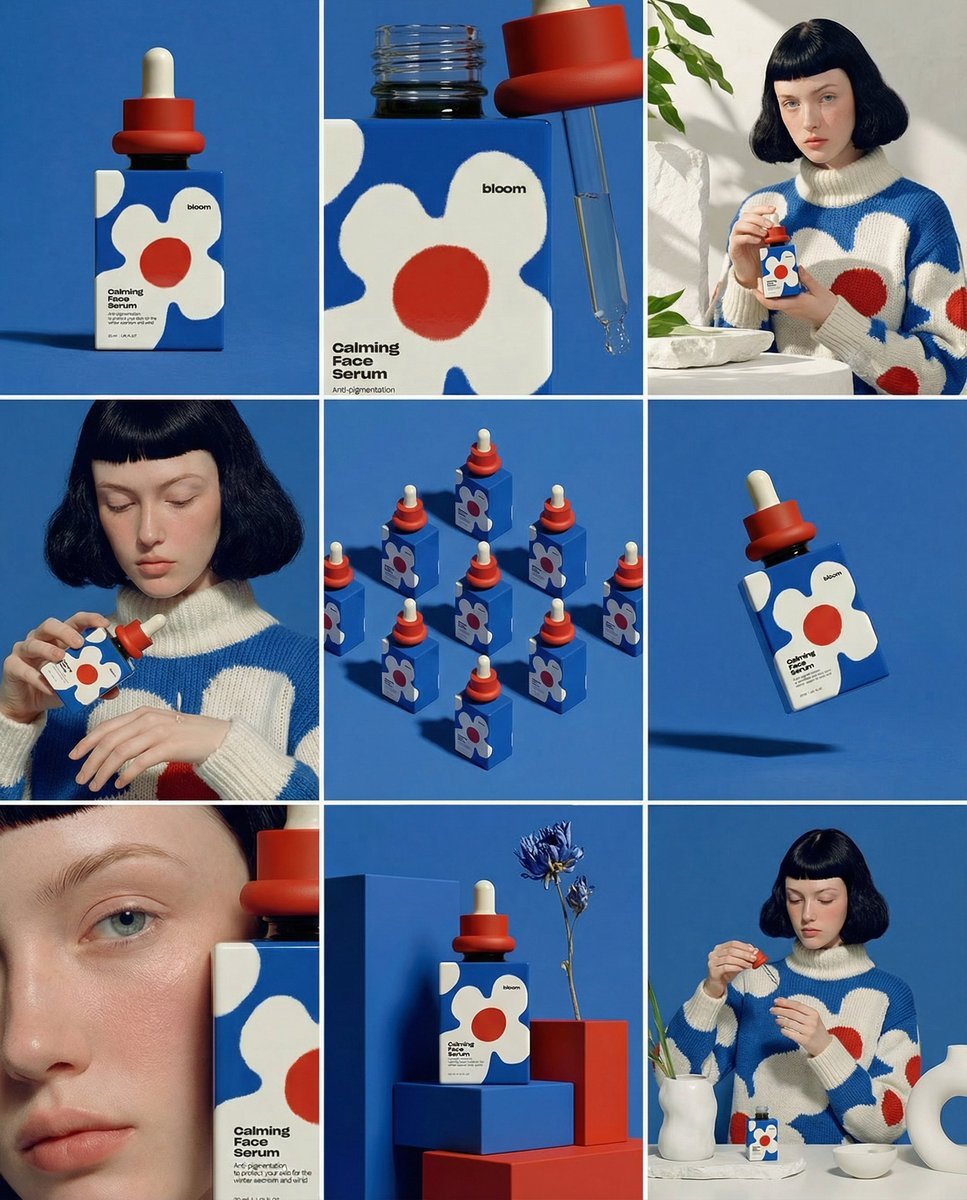
UI & Graphic Prompt #299

Portrait of a young woman in her early 20s walking calmly on a beautiful
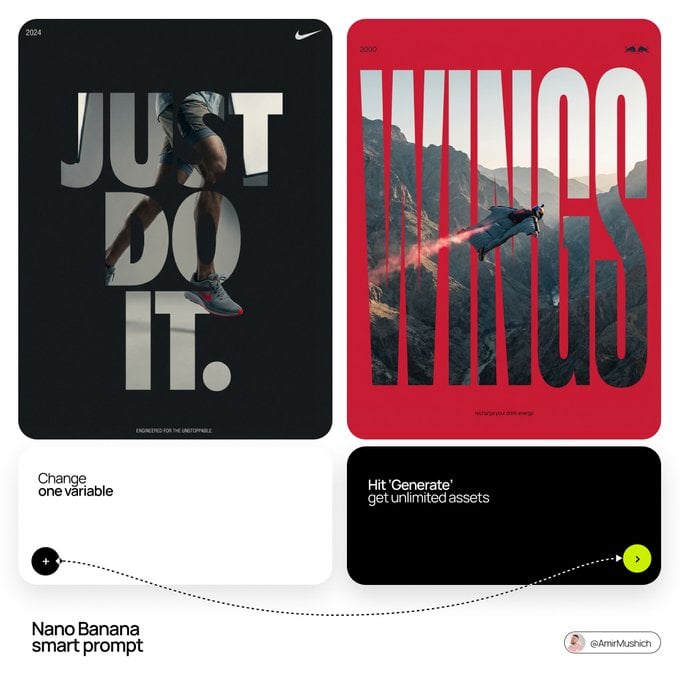
Act as a Senior Editorial Designer and Typographer

Act as a Senior Editorial Designer and Typographer
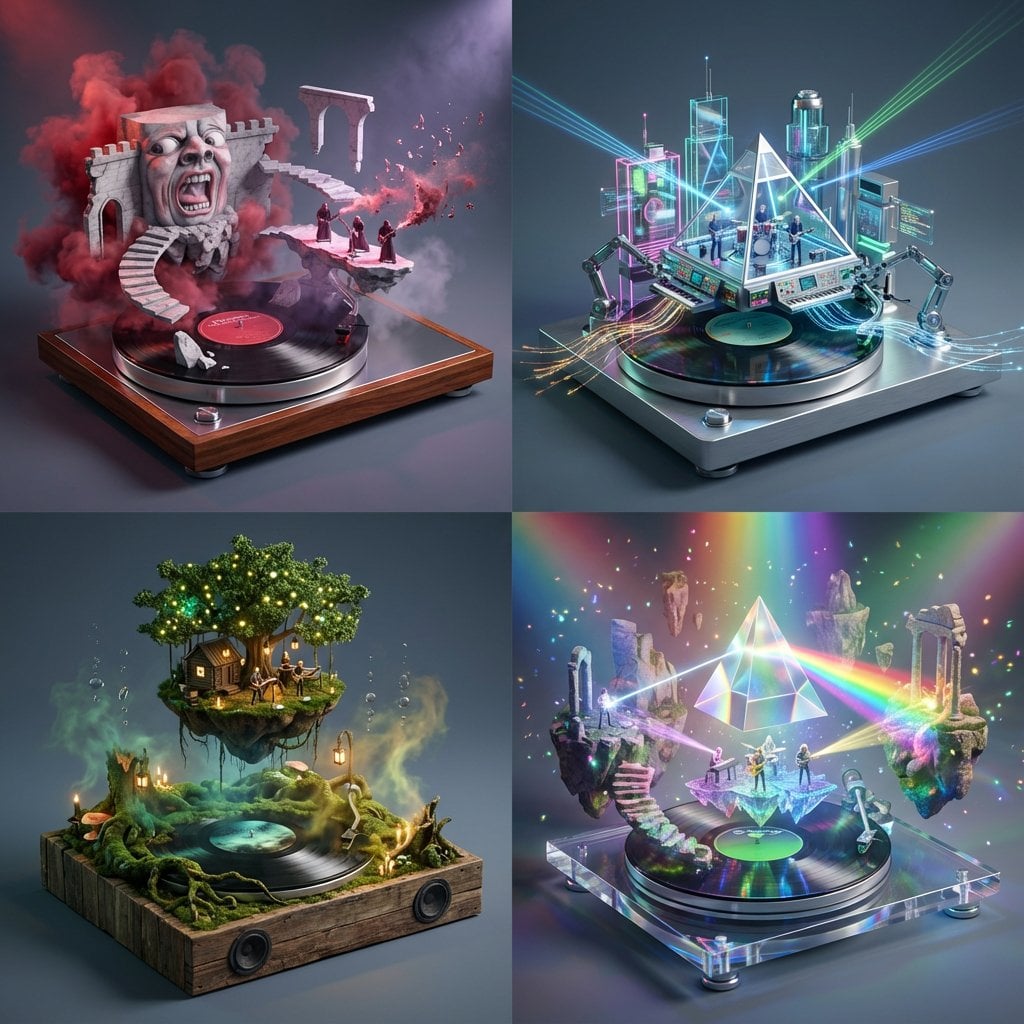
Act as a Music Historian and Set Designer
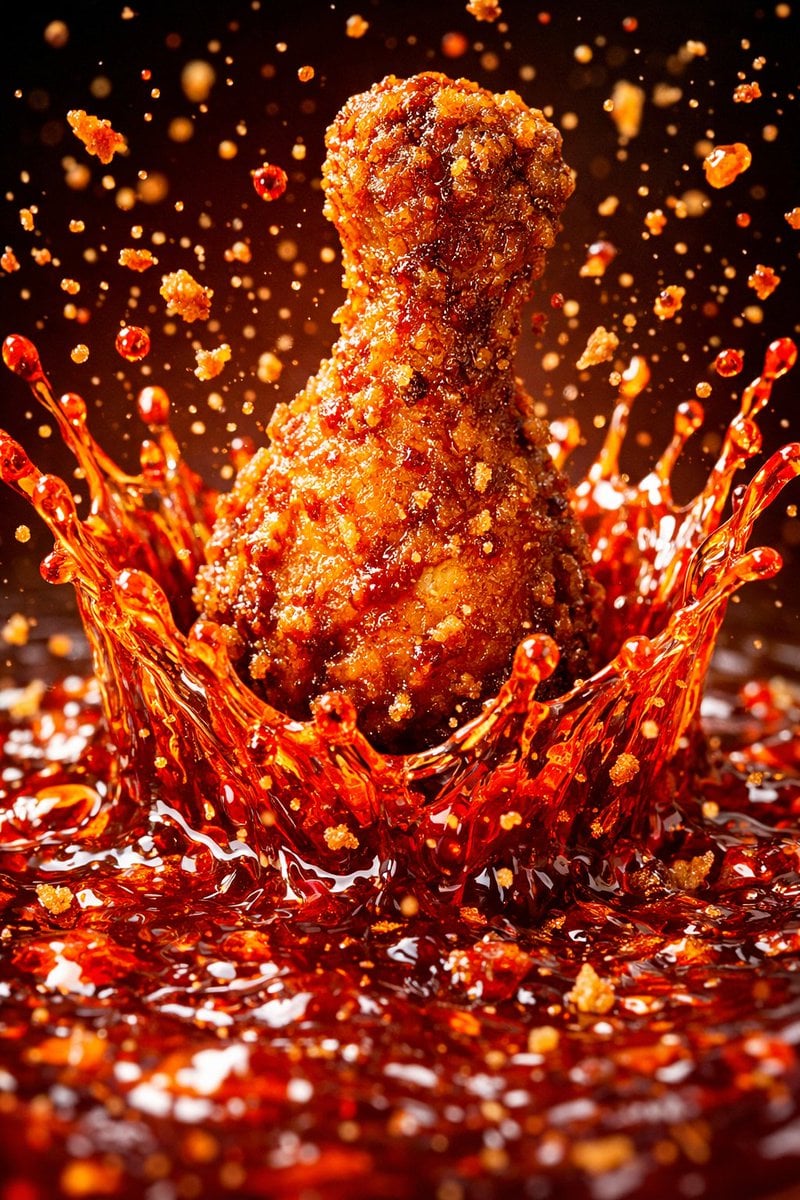
Each module shares structure but maintains unique visual dynamics
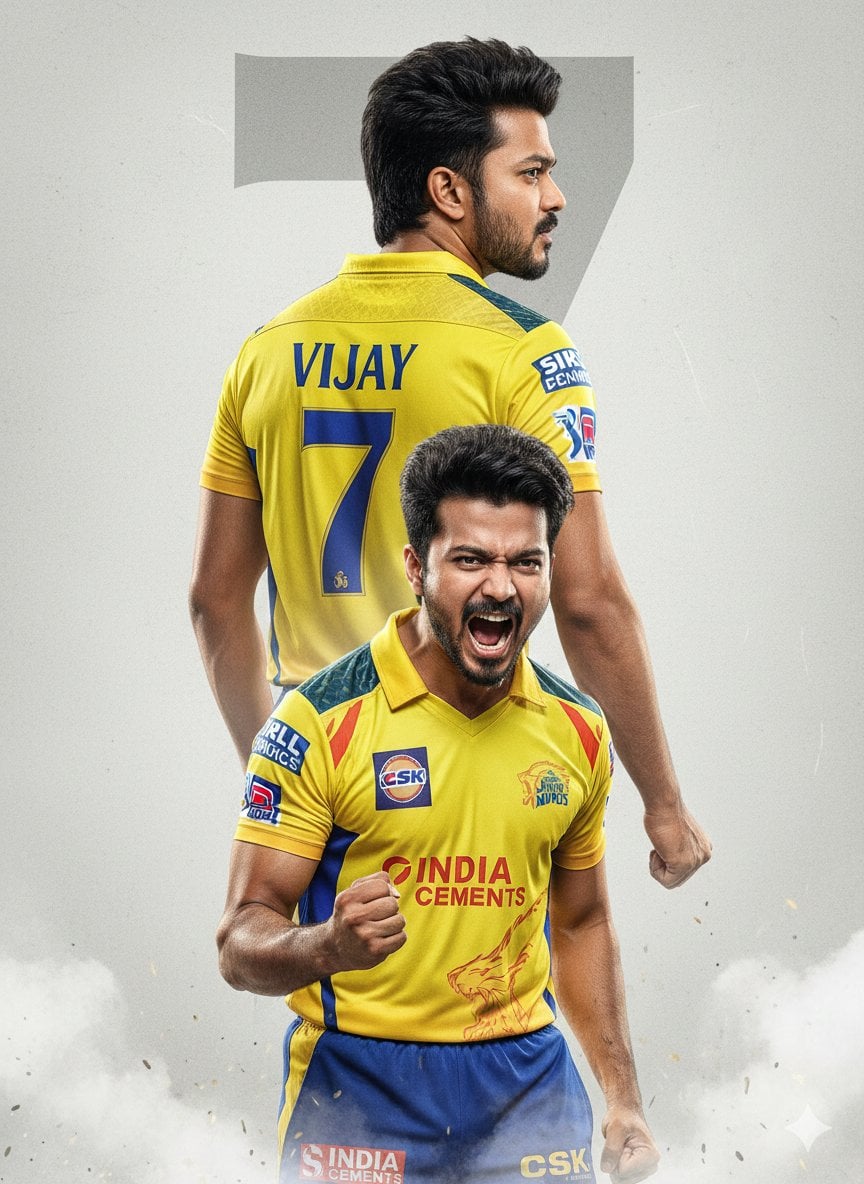
An ultra-realistic cinematic cricket poster featuring a young Indian
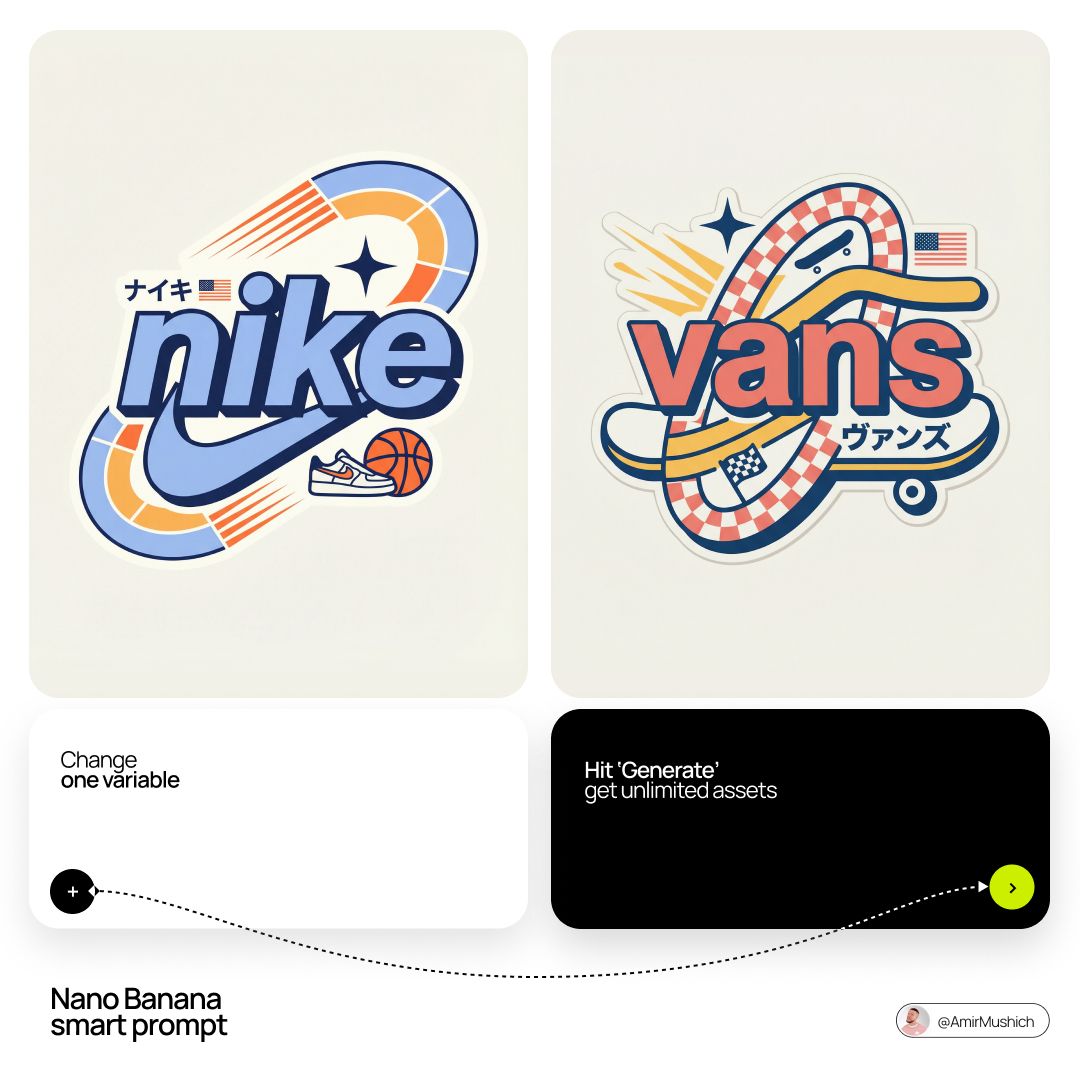
Act as a Senior Vector Graphic Designer specializing in Y2K Japanese

Brand Sticker Sheet Monoline Vector
Make it yours
You are an experienced UI designer embracing modern, minimalistic works as-is. These are the safest ways to change it without losing the look.
Change one field
Copy a single group, rewrite it, and generate again so you can see what that field is doing.
Keep the frame, change the subject
Hold the composition and light of You are an experienced UI designer embracing modern, minimalistic, then swap wardrobe, props or the person for a new take.
| If the result… | Why | Fix |
|---|---|---|
| The result drifts from the preview | Too many fields changed at once. | Reuse You are an experienced UI designer embracing modern, minimalistic as-is first, then change one group — subject, light, or setting. |
| The model over-stylizes the scene | The prose prompt leaves finish and camera underspecified. | Add one camera or lighting sentence and stay on Nano Banana 2. |
More Nano Banana 2 templates
Other prompts made for Nano Banana 2.

Photorealistic Leaf Shaped Like a Dragon

K-Pop Idol Portrait Grid for Rapid Selection

Poetic Rain Forest Portrait During Golden Hour

Urban Street Portrait with Cartoon Inner Self Duo

Candid Nighttime Photo with Cat Prompt

High-Concept 3D Diorama Generation Prompt

Cinematic Futuristic Studio Portrait Template

Skincare Editorial Photography Collage Prompt

Hyper-Realistic Commercial Product Photography (Splash Effect)

Hyper-Realistic Nightclub Portrait Prompt
More image prompts
Fresh picks from across the catalog.
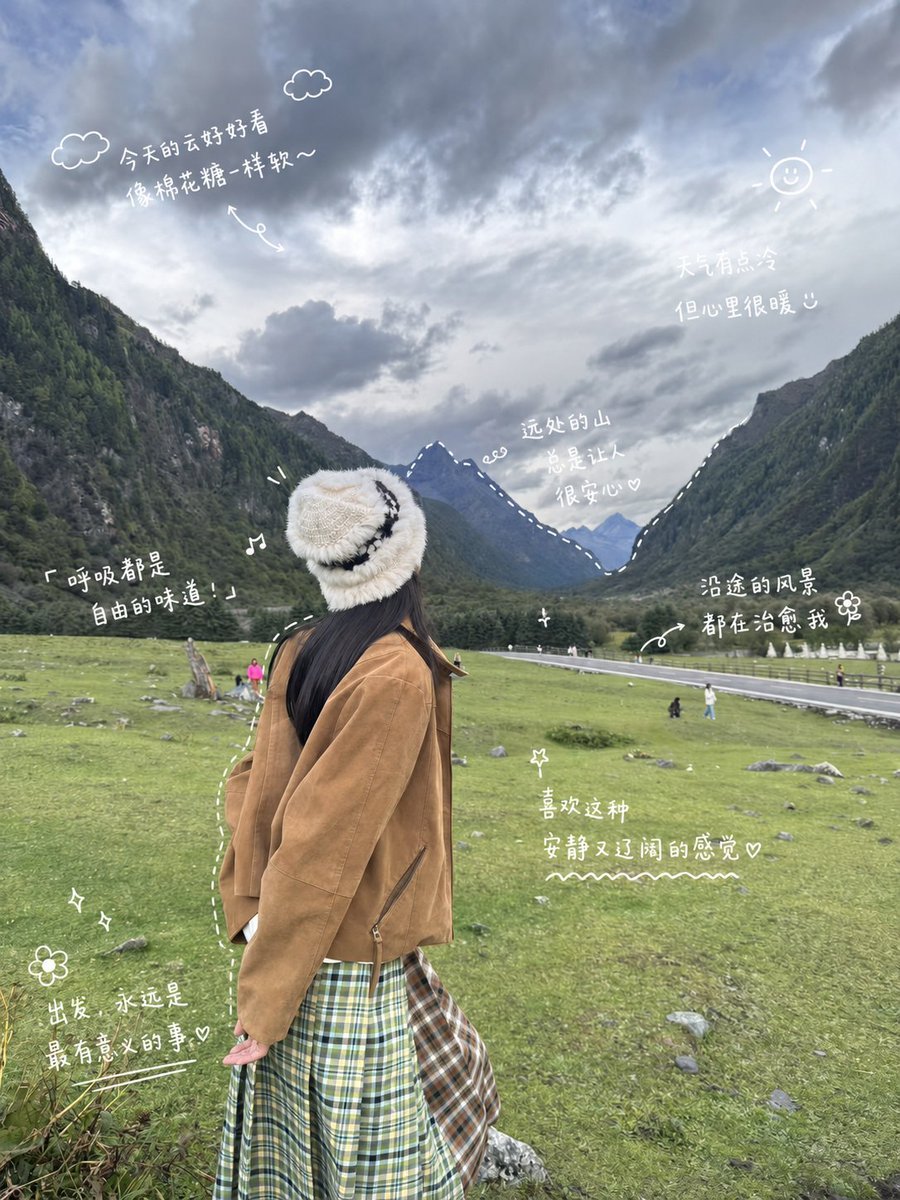
Alpine Travel Diary Photo
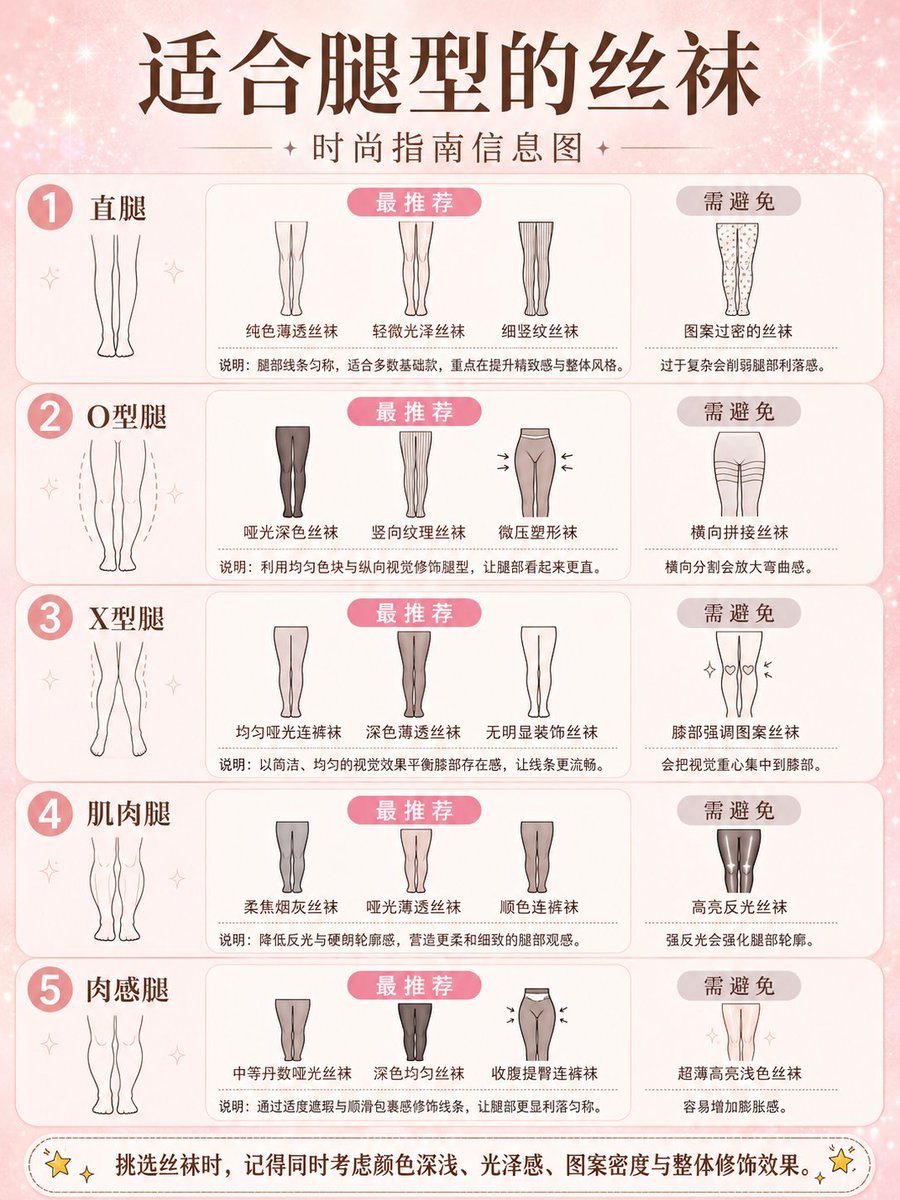
Fashion Style Guide Infographic Poster
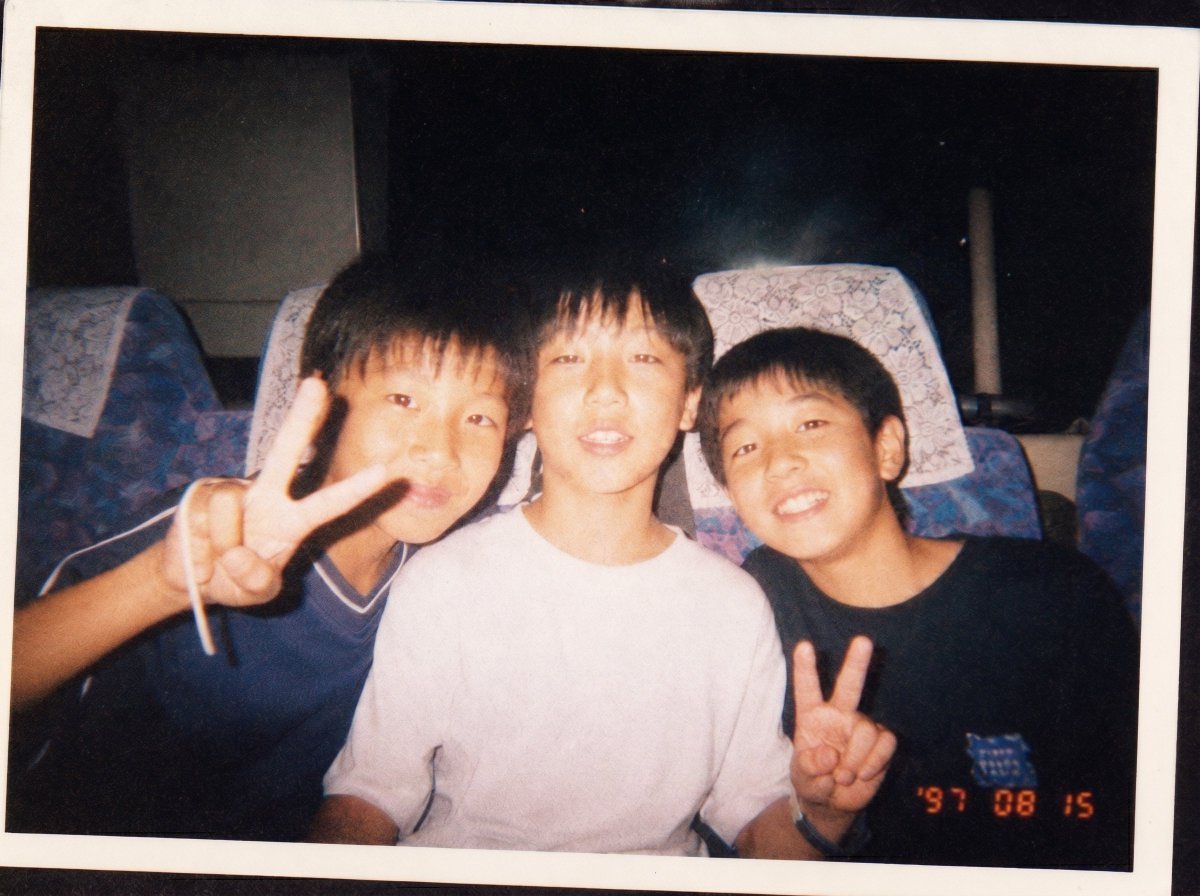
90s Disposable Camera Photo Simulation
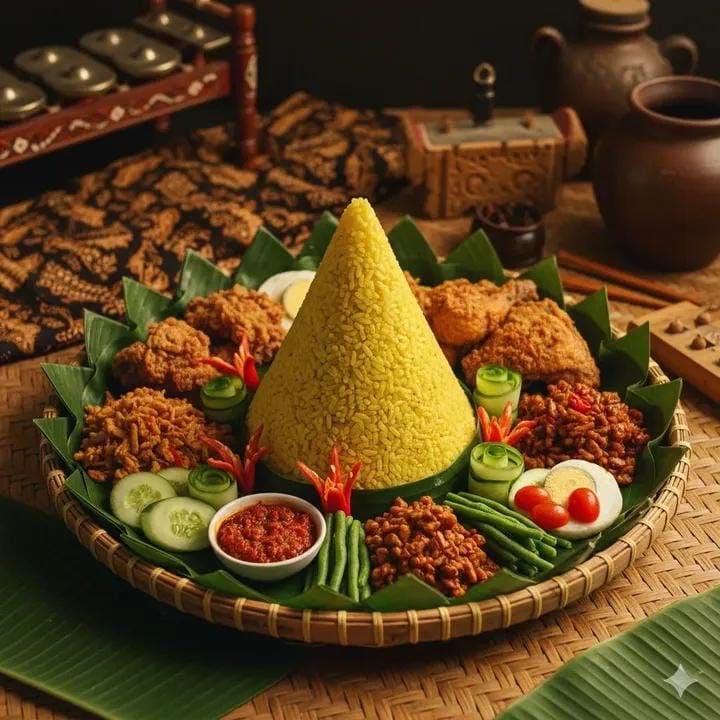
Authentic Indonesian Nasi Tumpeng Food Photography
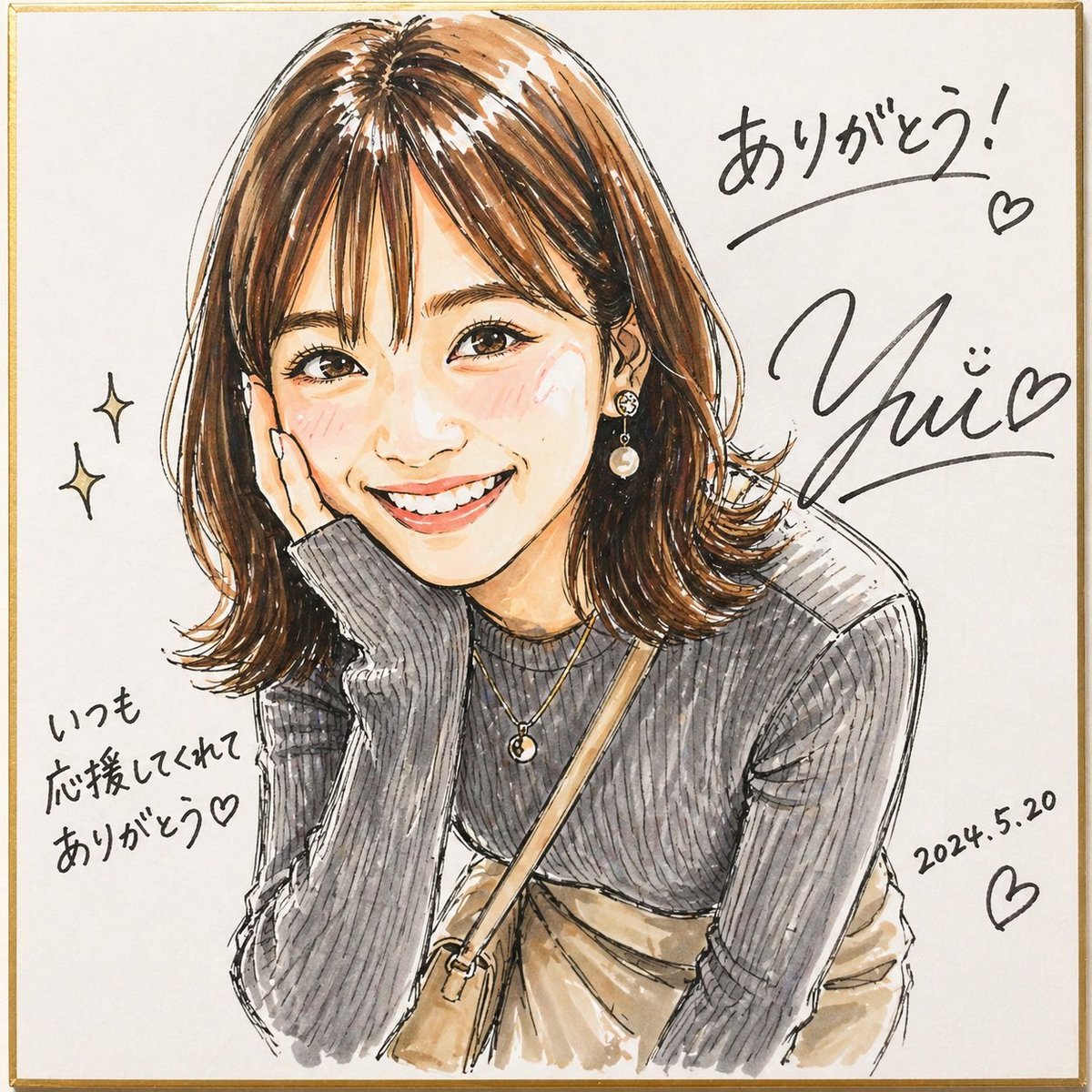
Signed Marker Portrait on Shikishi
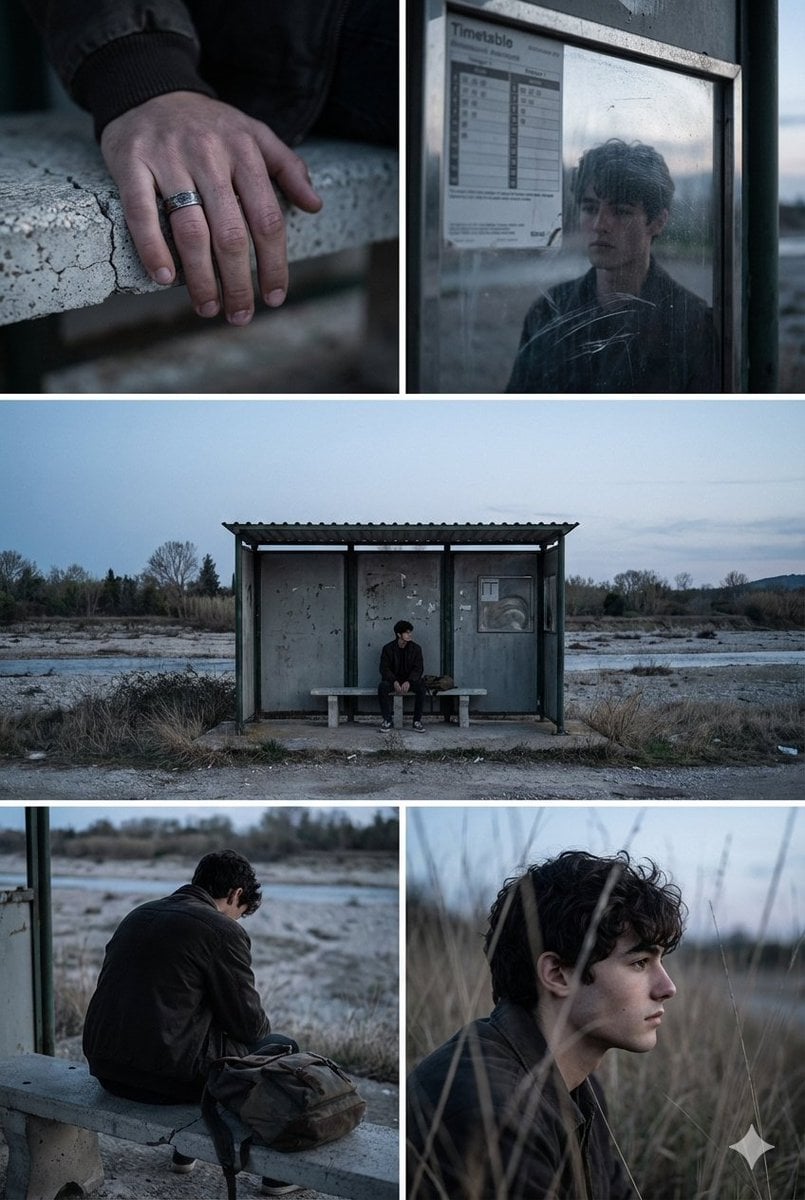
Indie Film Aesthetic Narrative Grid Prompt
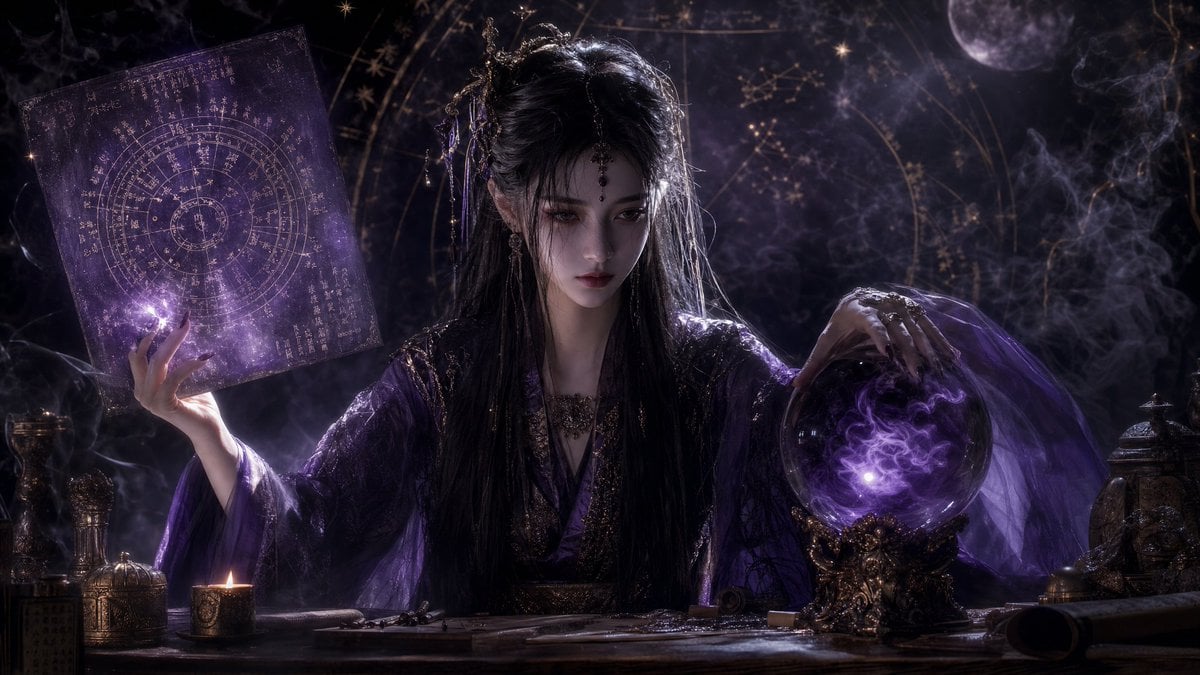
Mystical Smoke Style Diviner
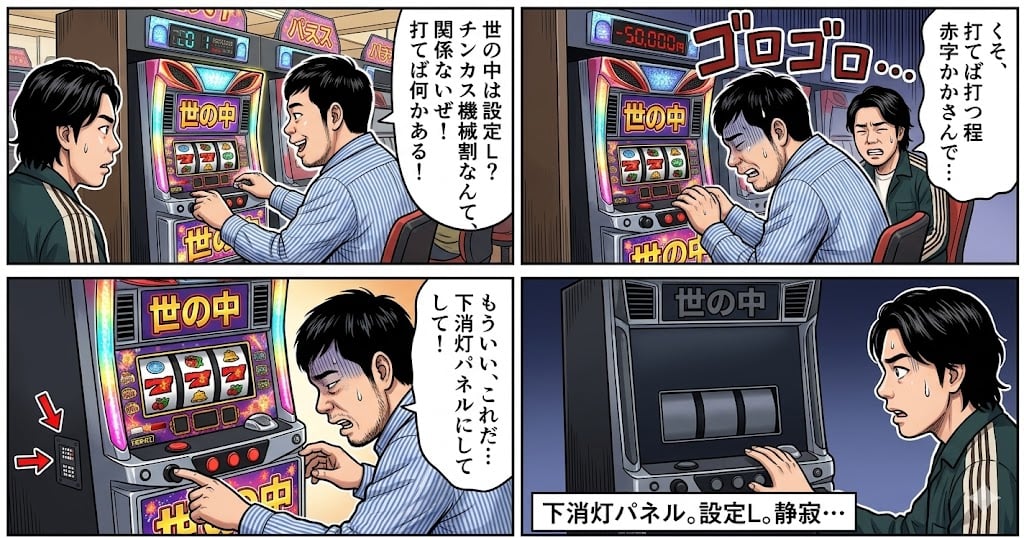
Four-Panel Manga: The World is Setting L
Cinematic 8K Photo Restoration

Professional ID Photo Generation Prompt
Browse template categories
You are an experienced UI designer embracing modern, minimalistic questions
How do I use the You are an experienced UI designer embracing modern, minimalistic template?
Add your photo if the template asks for one, edit the prompt if you like — the template's model and format are already selected — and press Generate. Your version opens in PicX Studio.
Can I customize the You are an experienced UI designer embracing modern, minimalistic template?
Yes. You can change the subject, setting, lighting, mood, format, and available model controls before creating your image.
Is the You are an experienced UI designer embracing modern, minimalistic template free?
Opening and editing this template is free. Generating uses credits, shown on the Generate button when you are signed in.
Which AI model should I use?
Start with Nano Banana 2, which is the model associated with this template. You can compare another compatible model for a different finish.
Looking for something else? Browse all templates.

Your photo, any look
Thousands of ready templates for every top image and video model, from one credit balance.