
90s Disposable Camera Photo Simulation
A comprehensive prompt designed to replicate the specific aesthetic, lighting, and flaws of 1990s-era disposable instant camera photography.
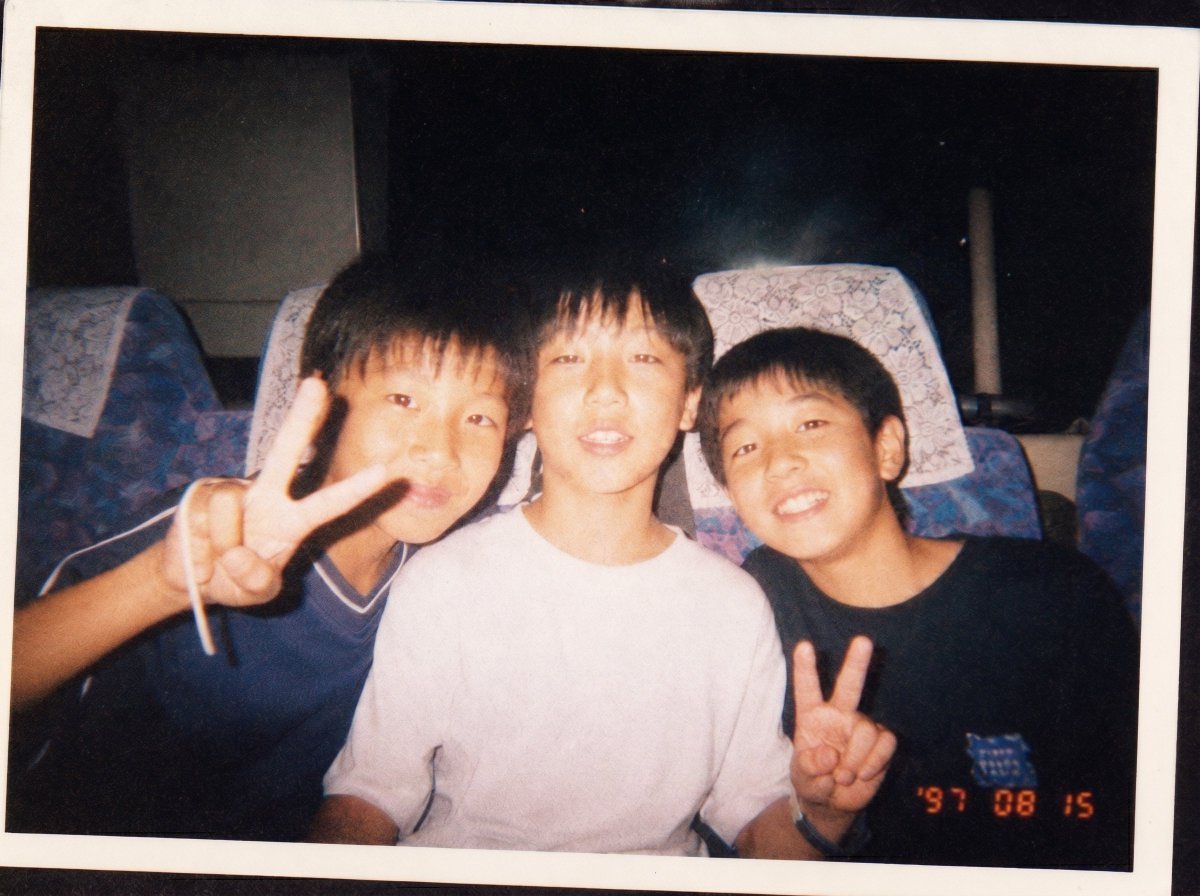
- Prompt included
- Model and format preset
- Free template
The prompt behind this image
Copy the exact prompt behind 90s Disposable Camera Photo Simulation, or open it in the studio and make it yours.
You are an AI that recreates snapshot photos of people taken with the disposable instant cameras that were hugely popular in the 1990s. Please create a single image of the person in the attached photo, with a quality good enough to be mistaken for an amateur print photo actually taken back in the 90s. [Subject] - Era: {argument name="shooting year" default="1997"} ← fill in as a Western calendar year. - Person: [] ← if left blank, generate a person with a look typical of the specified era - Pose/expression: {argument name="person's pose" default="peace sign, bashful smile"} ← e.g. peace sign, bashful smile, arm around a friend's shoulder. - Clothing: {argument name="clothing style" default="loose socks, ganguro (dark tan) style"} ← e.g. loose socks, ganguro style, street style, office worker. - Location: [] ← e.g. in front of a purikura photo-sticker booth, an izakaya, a school-trip bus, one's own room. - Time of day: [] ← e.g. daytime / evening / night. - Flash: [] ← specify "on" or "off". - Date stamp: [] ← e.g. '97 08 15 / '99 03 21. - White border: [] ← specify "yes" or "no". [Absolute rules for image quality/texture] - Lens: a fixed-focus single-focal-length plastic lens. Everything outside the center is subtly out of focus. - Exposure: only when flash is "on," the direct flash causes the face and foreground to blow out slightly to white, while the background drops sharply into darkness. - Color: an overall yellow-to-orange film color cast. Skin tones lean strongly reddish. - Grain: a grainy texture typical of ISO 400 film across the whole image. - Edges: light falloff (vignetting) in the four corners. Lens flare or red-eye may appear, that's fine. - Composition: the tilt, over-centering, and careless cropping typical of amateur photography. - Prohibited: modern smartphone-style sharpness / HDR / skin-smoothing beautification / clean bokeh / a "4K" look.
How to use 90s Disposable Camera Photo Simulation in 3 steps
- 1Upload ImagePNG, JPG or paste
Add your photo
Upload the photo the template builds on. The prompt, model and format are already set.
- 2…a portrait of your subject in softgolden-hour light, 85mm…
Personalize
Edit the subject and creative details for your destination.
- 3Generate
Generate
Press Generate — your image is created in PicX Studio, so you can compare it with the original and refine one variable at a time.
More like this
Templates with the same subject, style or setup. Open one to see its prompt.
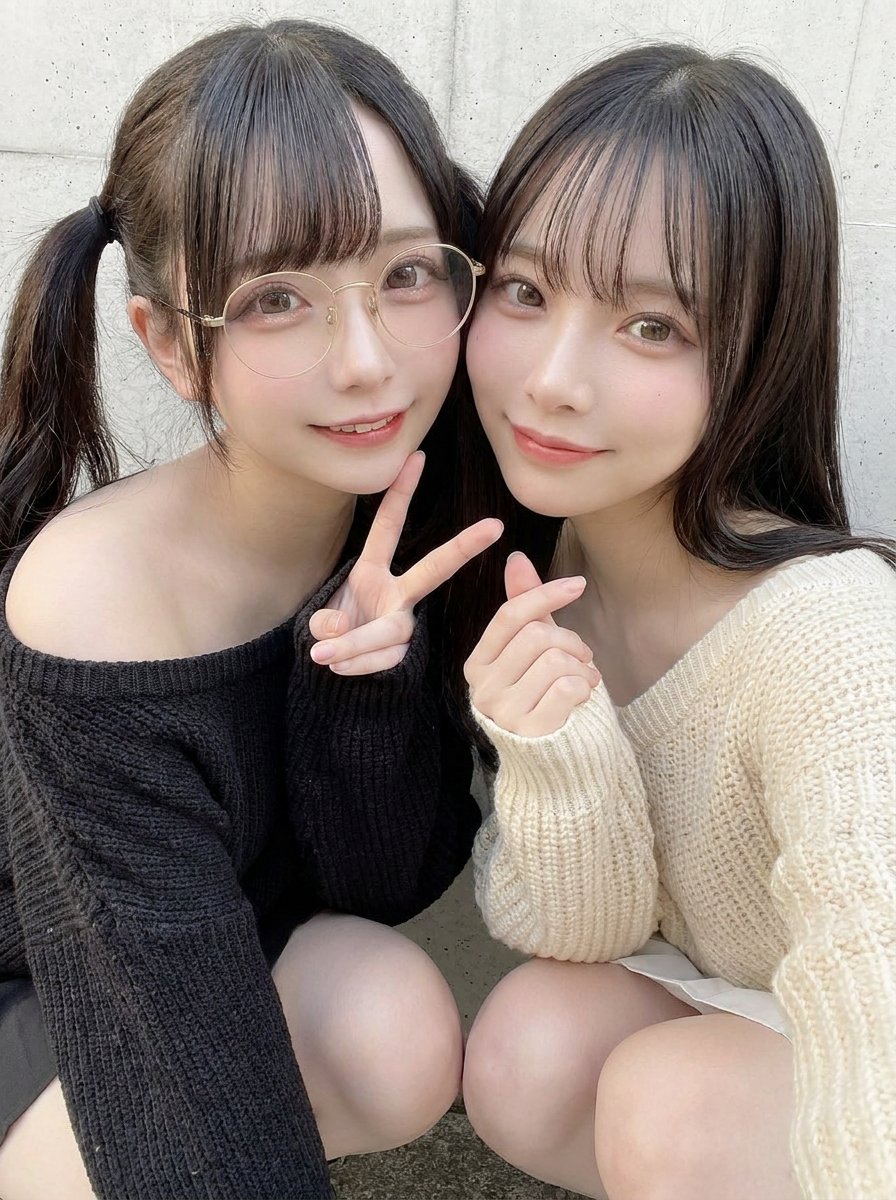
90s Disposable Camera Style Selfie
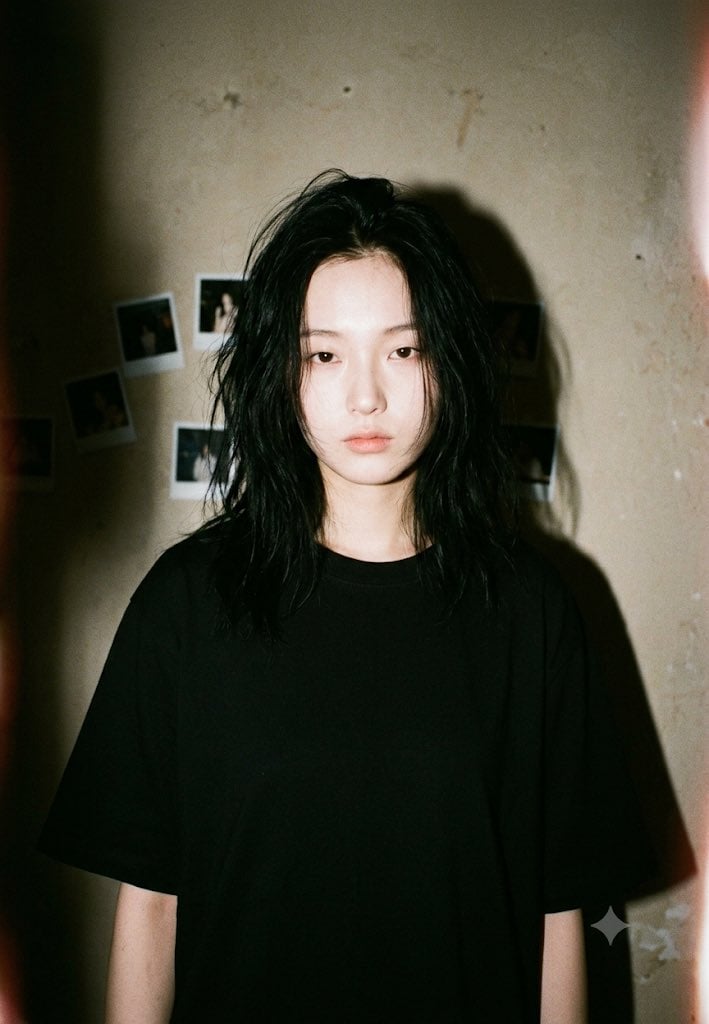
90s Disposable Camera Aesthetic
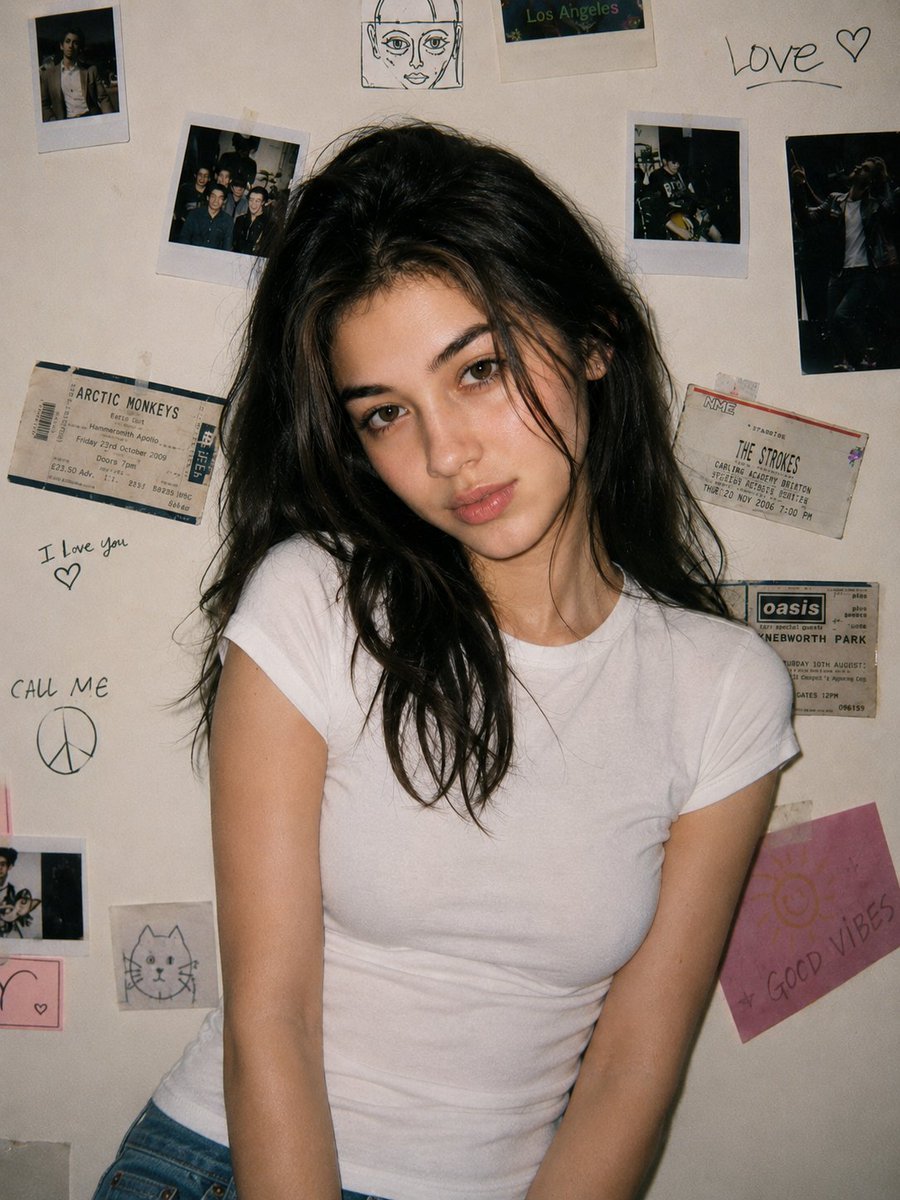
90s Disposable Camera Portrait
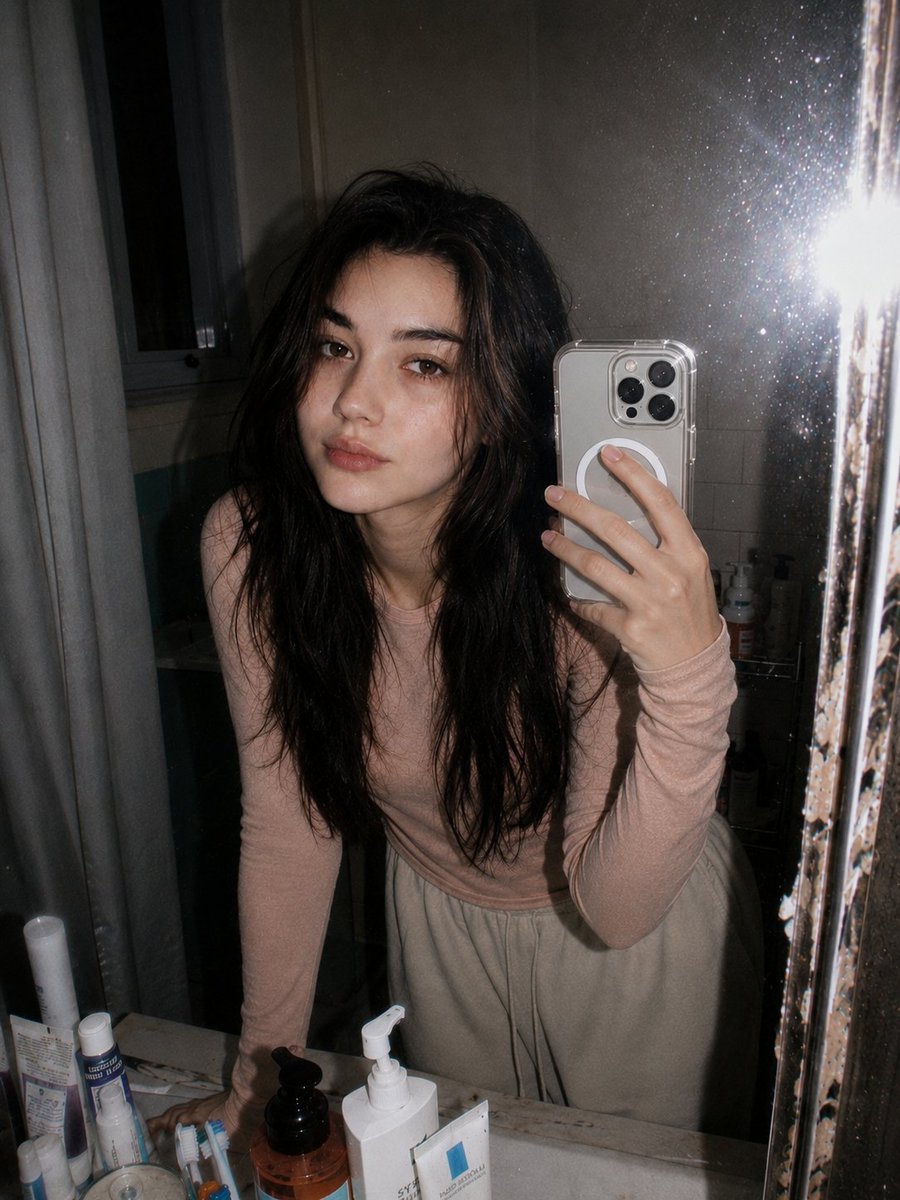
Retro 90s Disposable Camera Flash Portrait
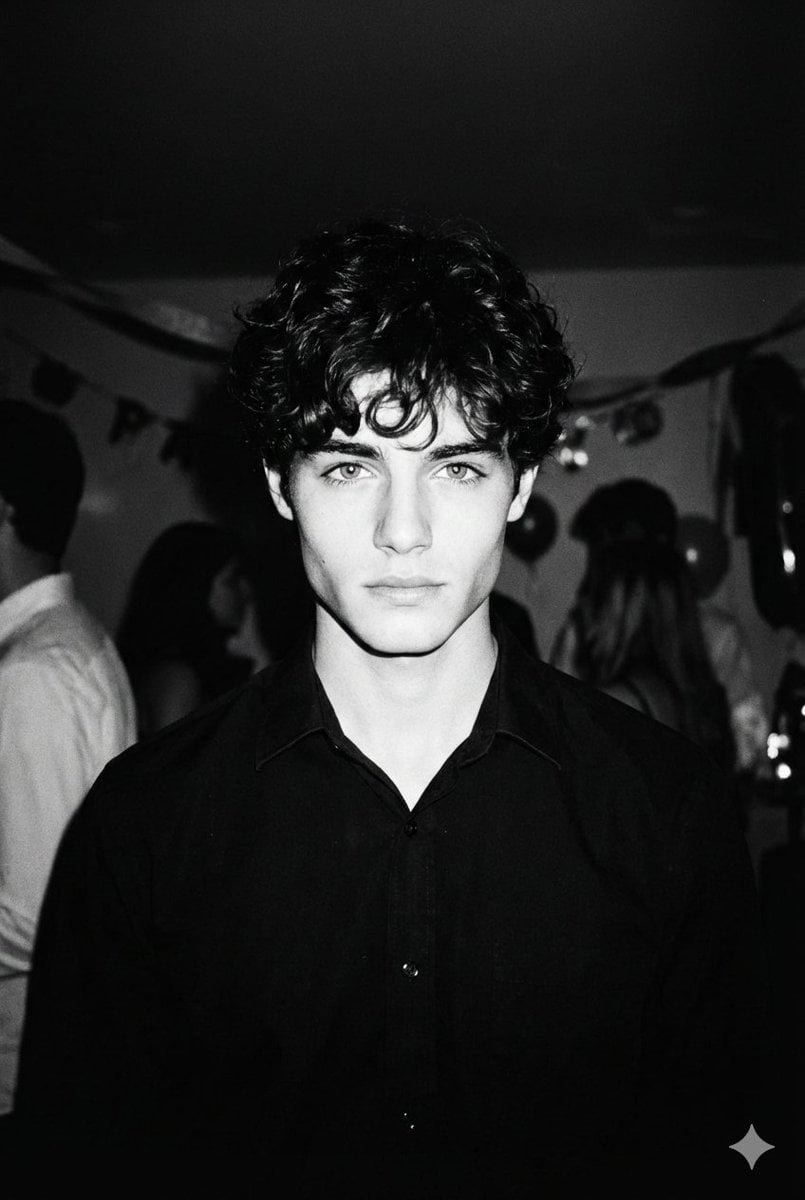
High-Contrast 90s Disposable Camera Portrait
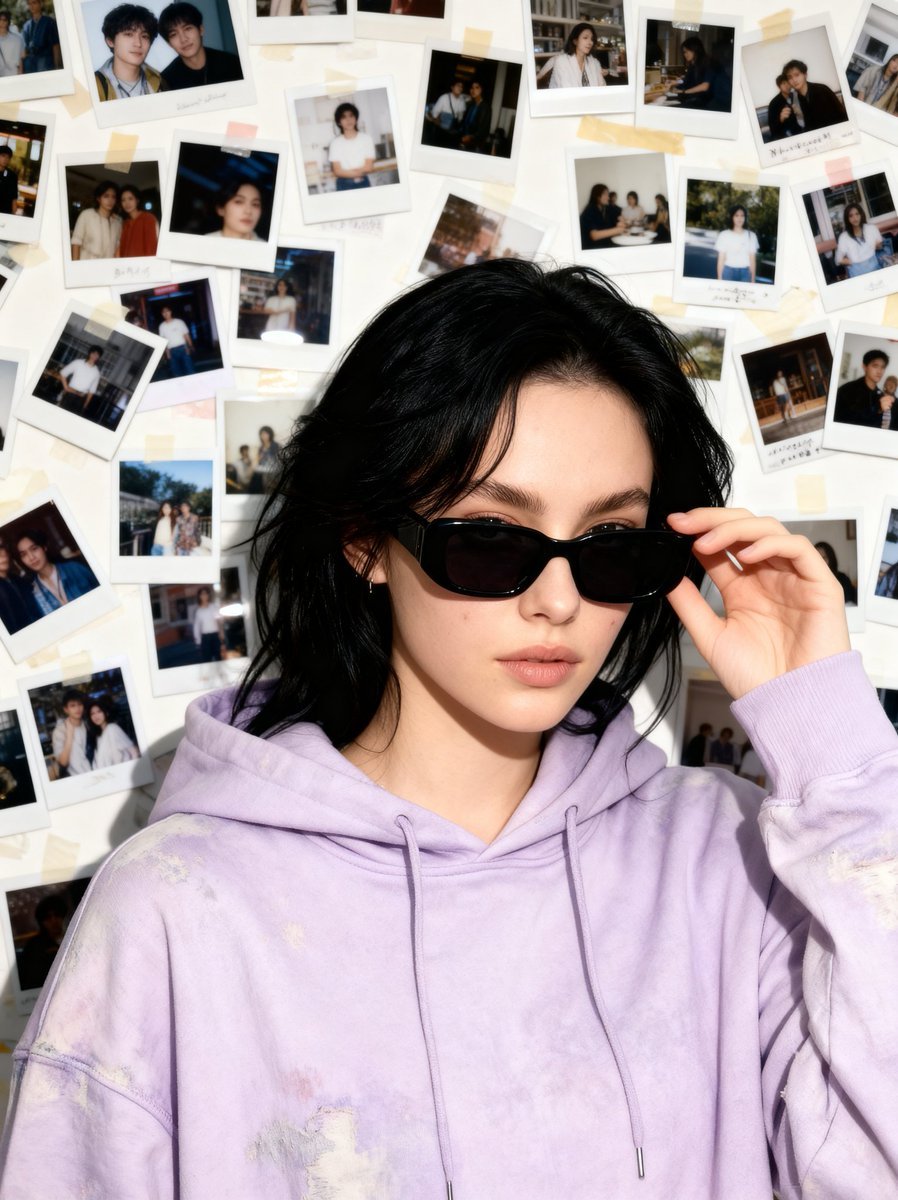
Nostalgic 90s Disposable Camera Snapshot
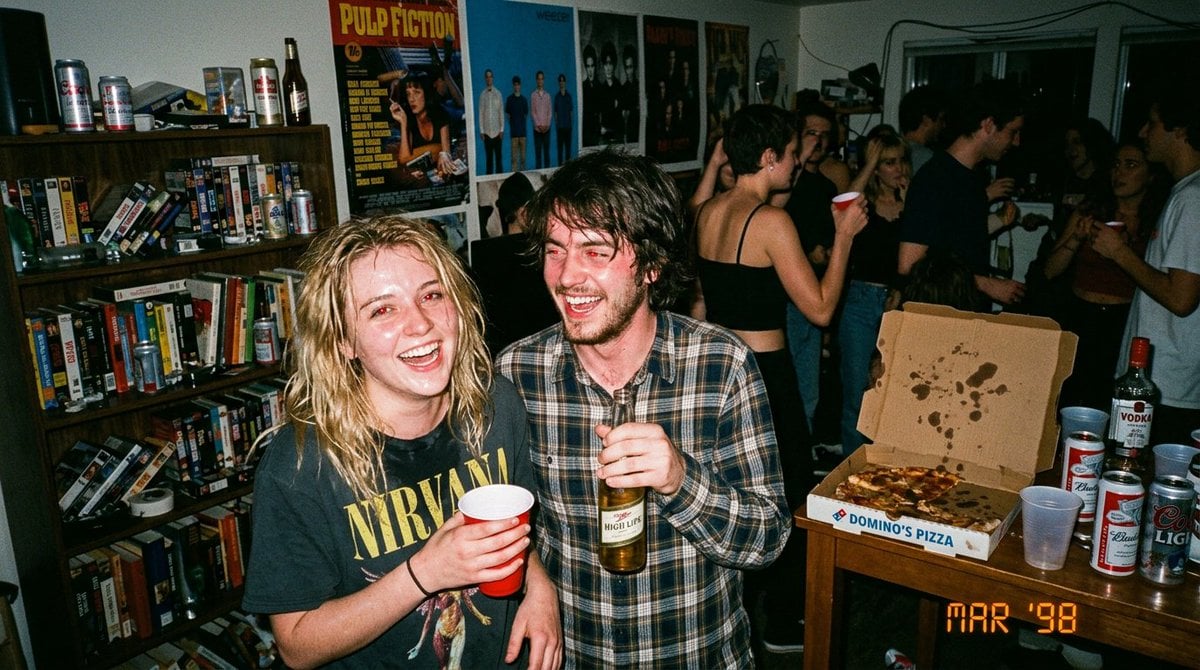
1990s Disposable Camera Party Photo Prompt
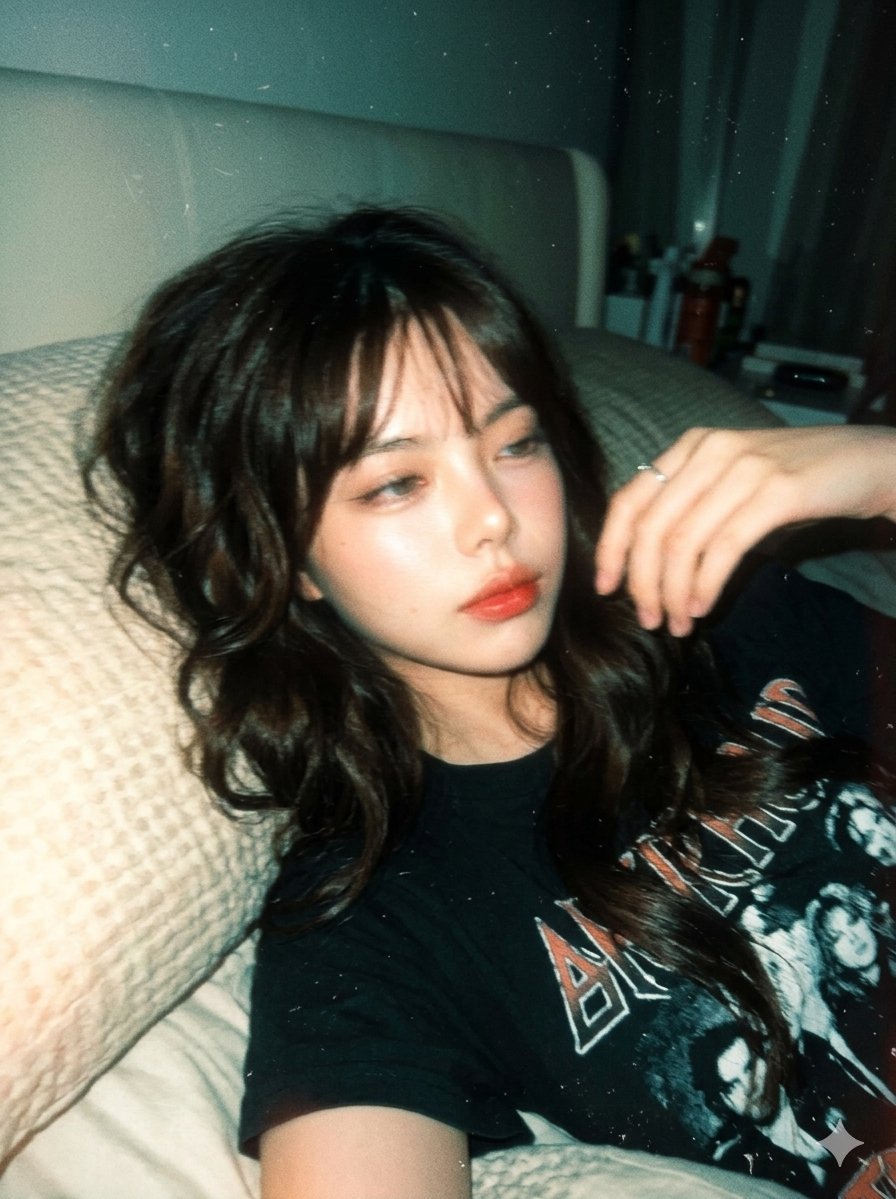
Y2K Disposable Camera Aesthetic

Cinematic Street Fashion Photographer Portrait
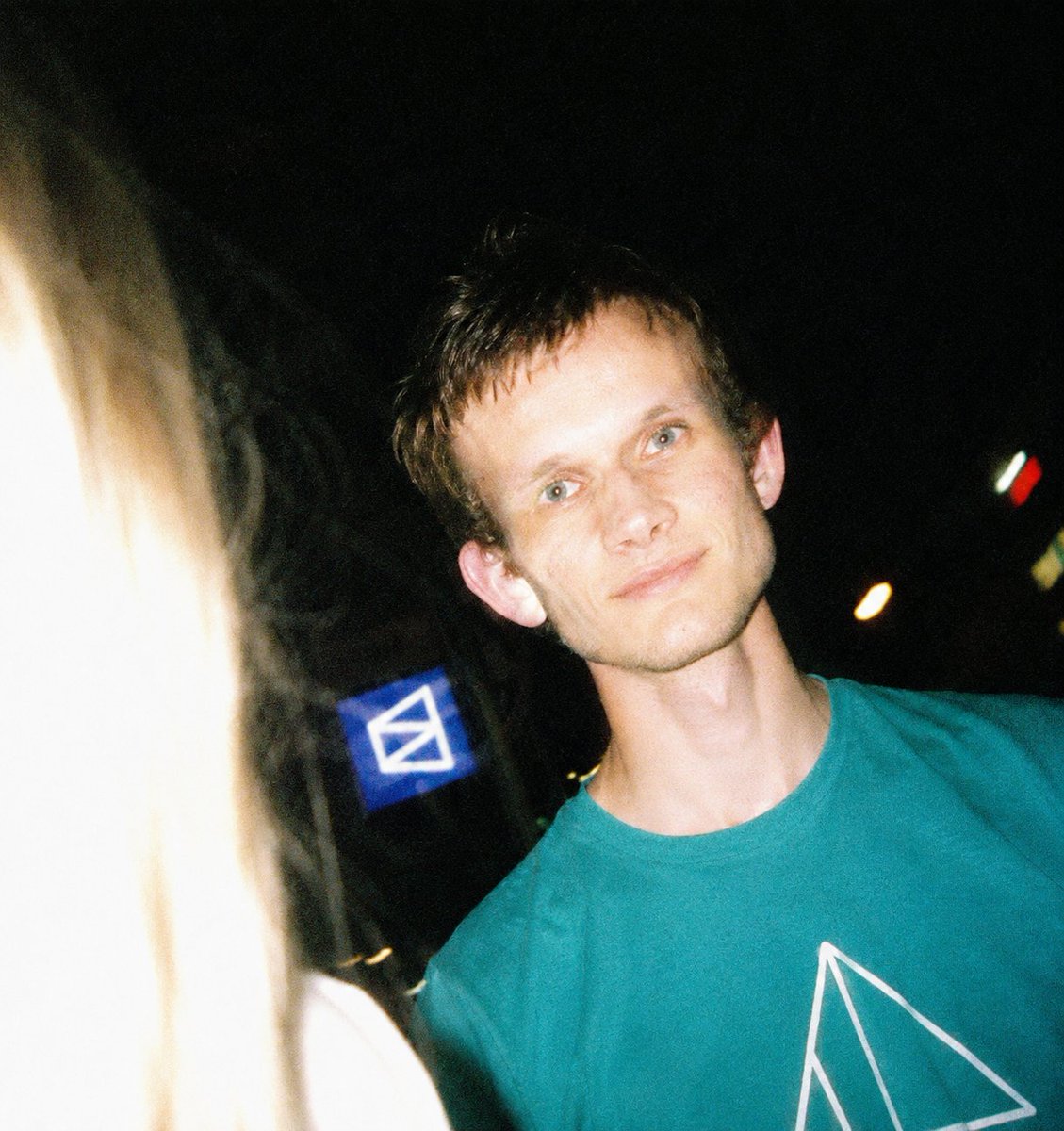
Disposable Camera Night Snapshot
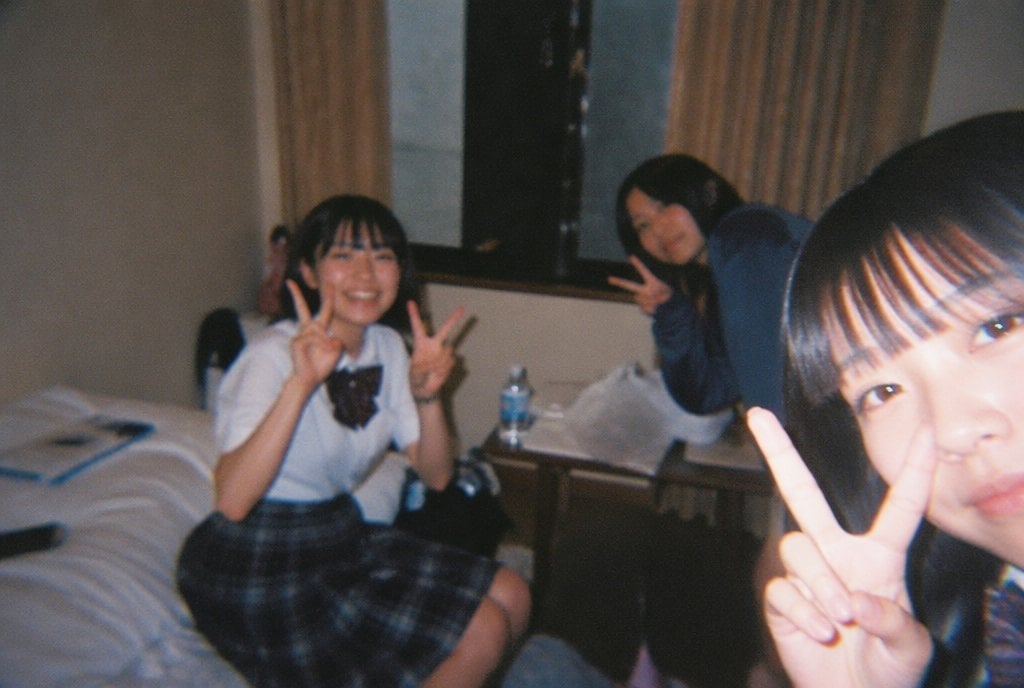
Nostalgic Disposable Camera Style
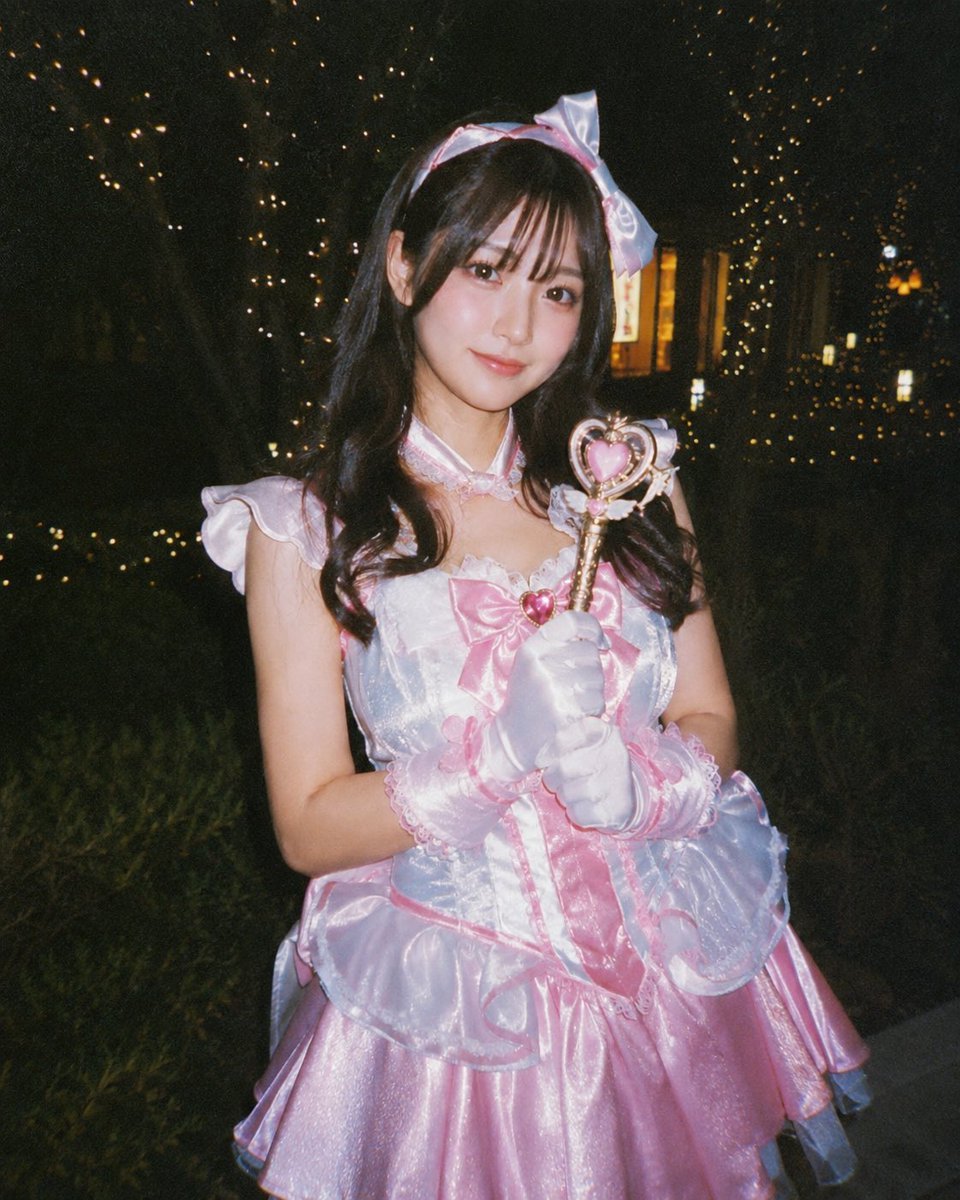
Disposable Camera Magical Girl Cosplay
Make it yours
90s Disposable Camera Photo Simulation works as-is. These are the safest ways to change it without losing the look.
Change one field
Copy a single group, rewrite it, and generate again so you can see what that field is doing.
Keep the frame, change the subject
Hold the composition and light of 90s Disposable Camera Photo Simulation, then swap wardrobe, props or the person for a new take.
| If the result… | Why | Fix |
|---|---|---|
| The result drifts from the preview | Too many fields changed at once. | Reuse 90s Disposable Camera Photo Simulation as-is first, then change one group — subject, light, or setting. |
| The model over-stylizes the scene | The prose prompt leaves finish and camera underspecified. | Add one camera or lighting sentence and stay on GPT Image 2. |
More GPT Image 2 templates
Other prompts made for GPT Image 2.

Six VTuber Japanese Logo Sheet

Realistic Portrait of Woman and Deer

The Vista Modular Condo Poster

AI Model Routing Comparison Infographic

2.5D Anime Art Board

Isometric Productivity Desk Scene

New York Double Exposure Poster

Four-Panel AI Landscape Comparison

Japanese Tatami Lifestyle Magazine Cover

NESCAFÉ Coffee Map Poster
More image prompts
Fresh picks from across the catalog.
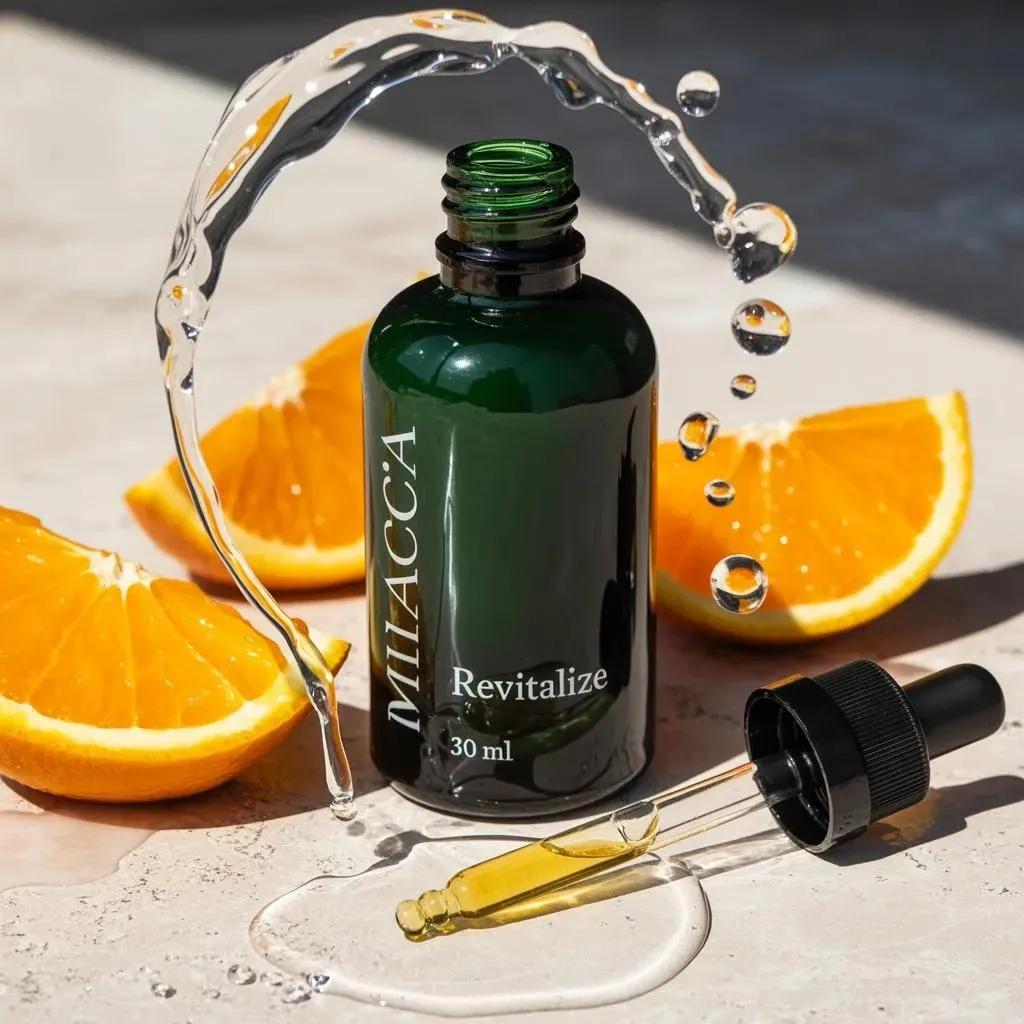
Citrus Skincare Product Macro Photography Prompt
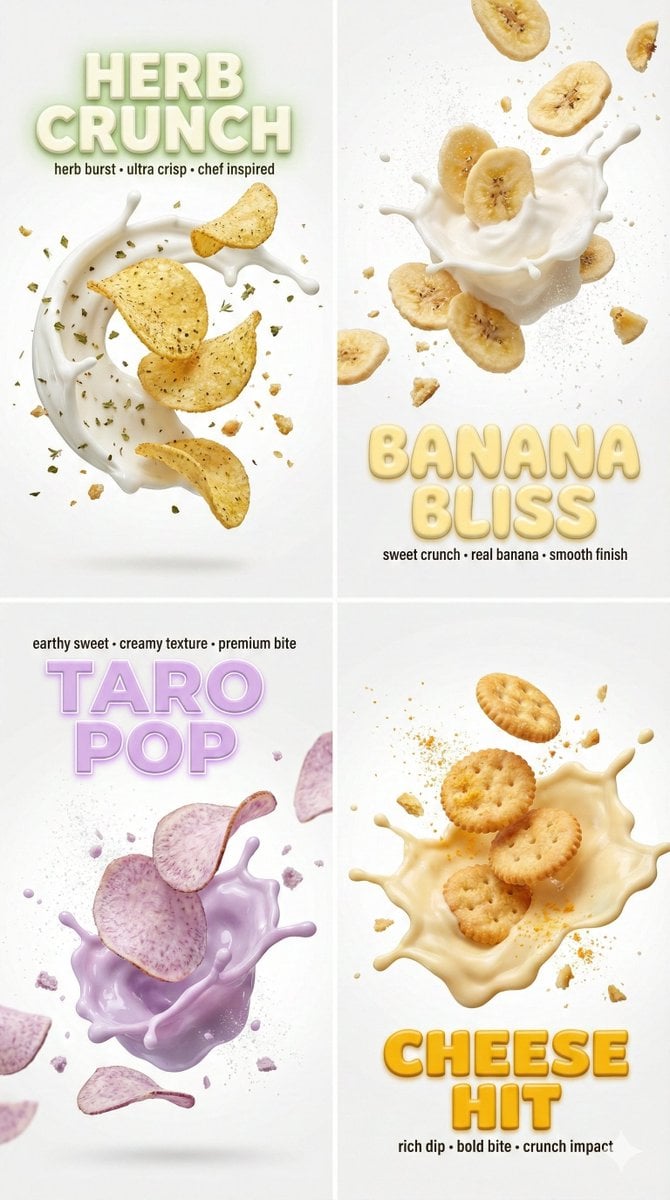
Macro Food Photography with 3D Text Overlays
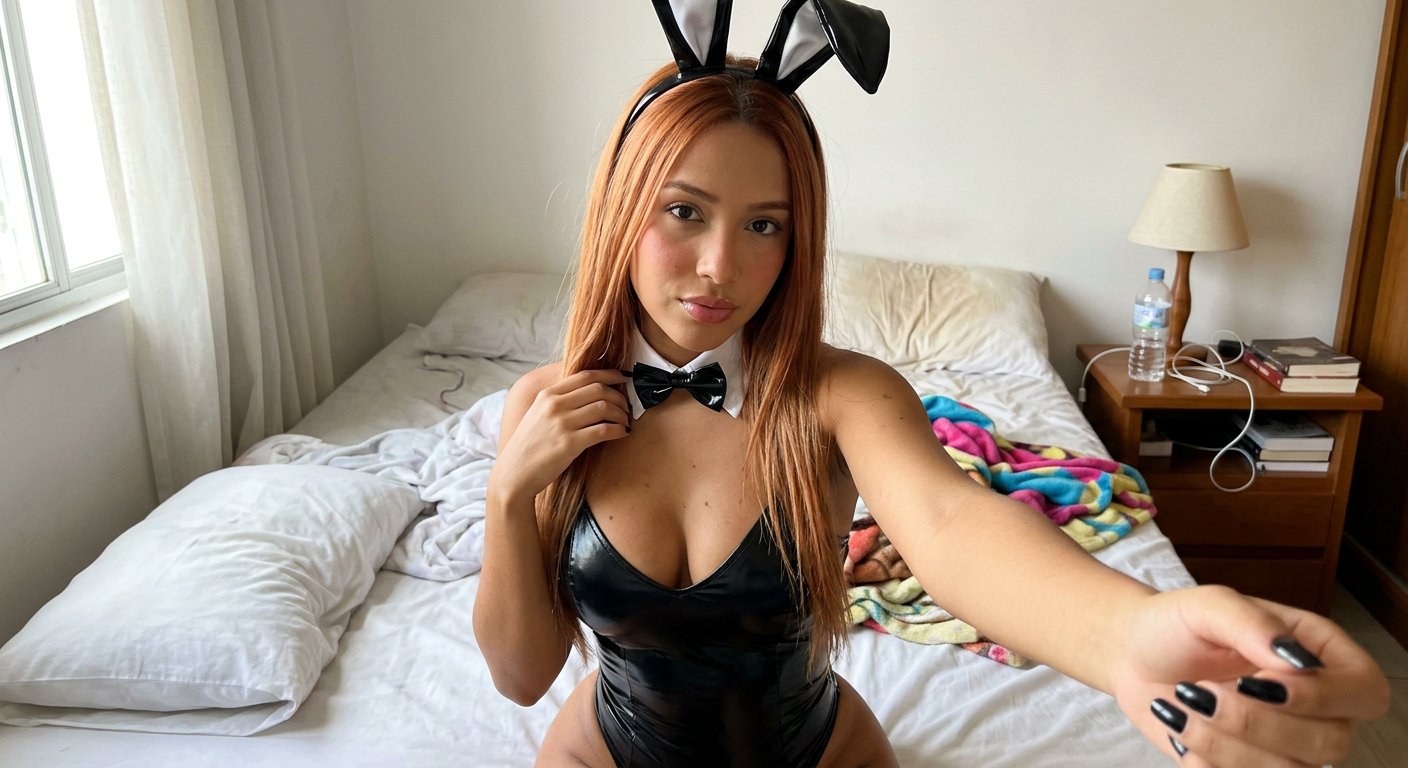
Casual Bunny Influencer Selfie

Starry Desert Cafe Narrative
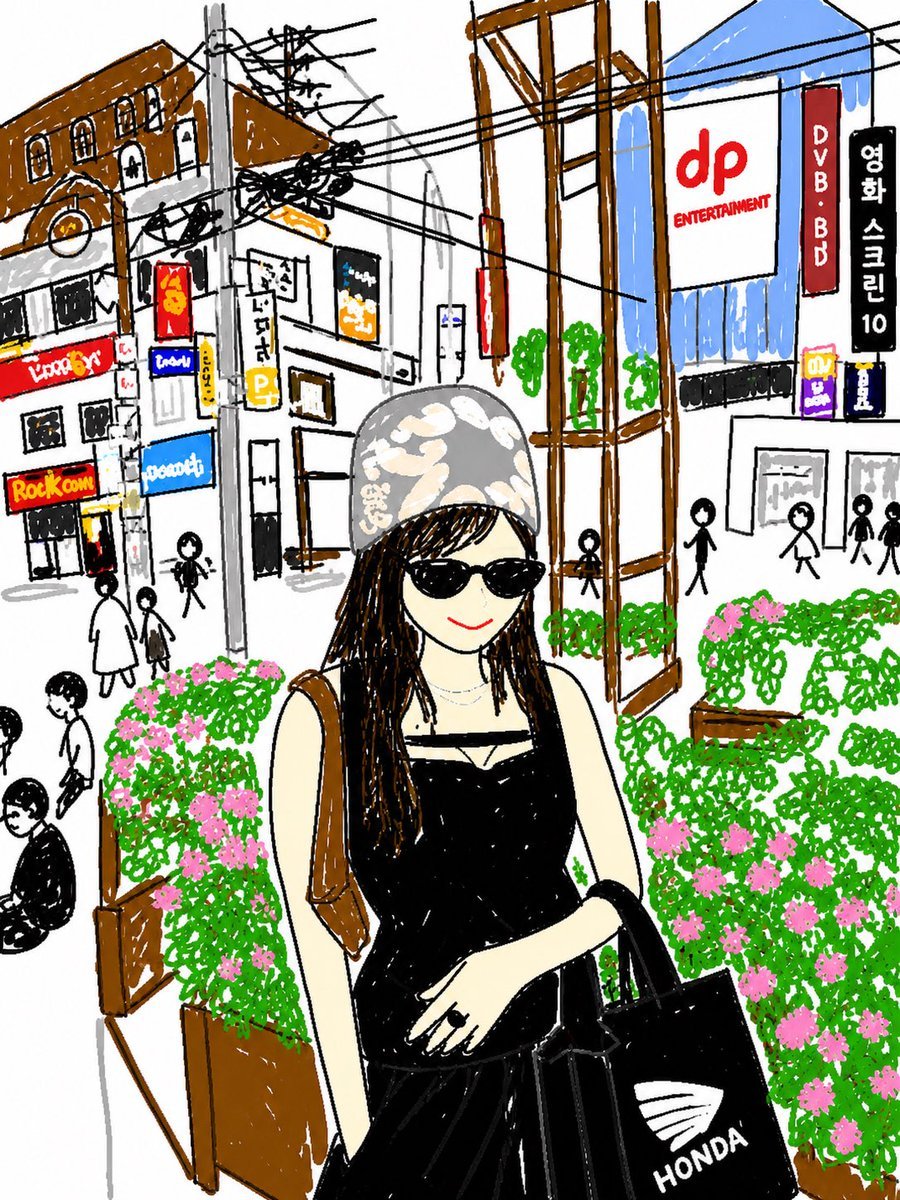
Cute Hand-Drawn Korean Street Portrait
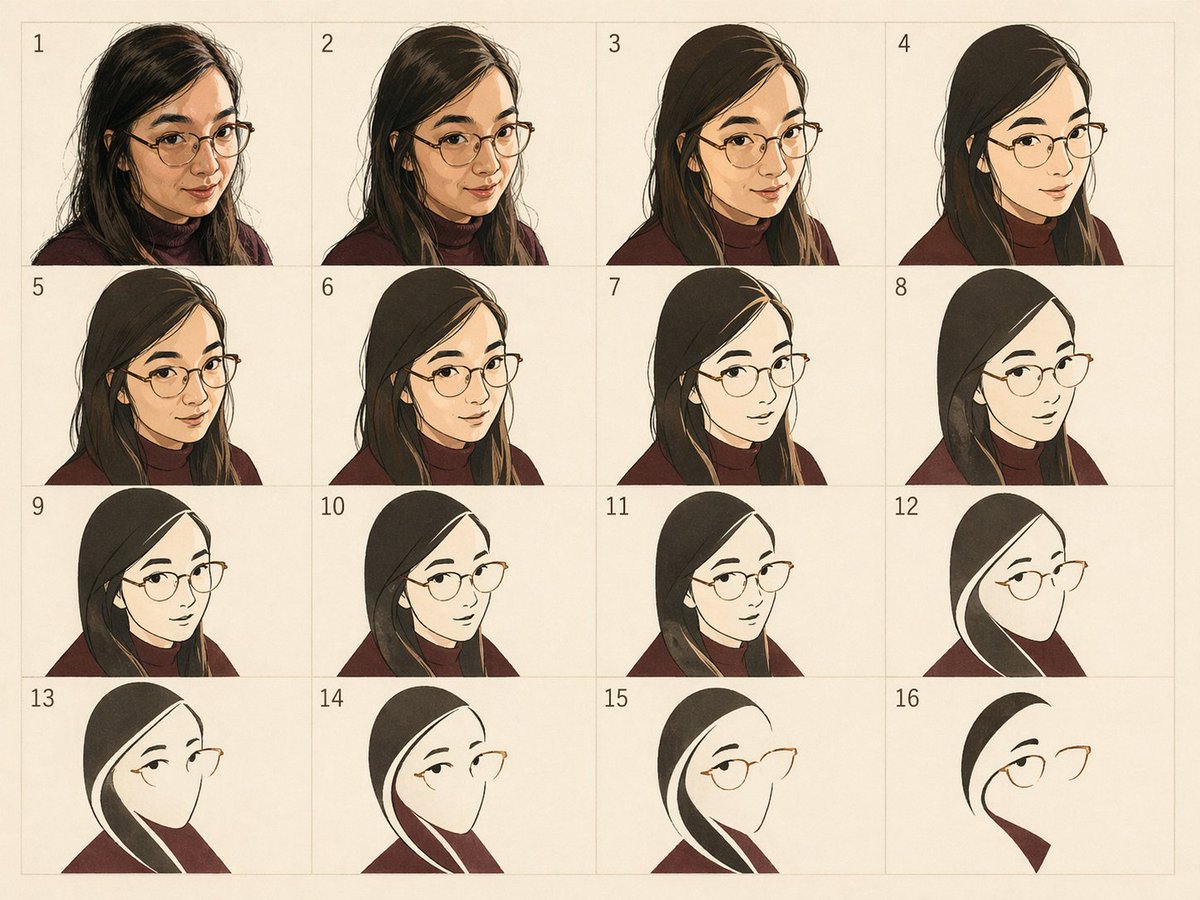
Panel Portrait Abstraction Study
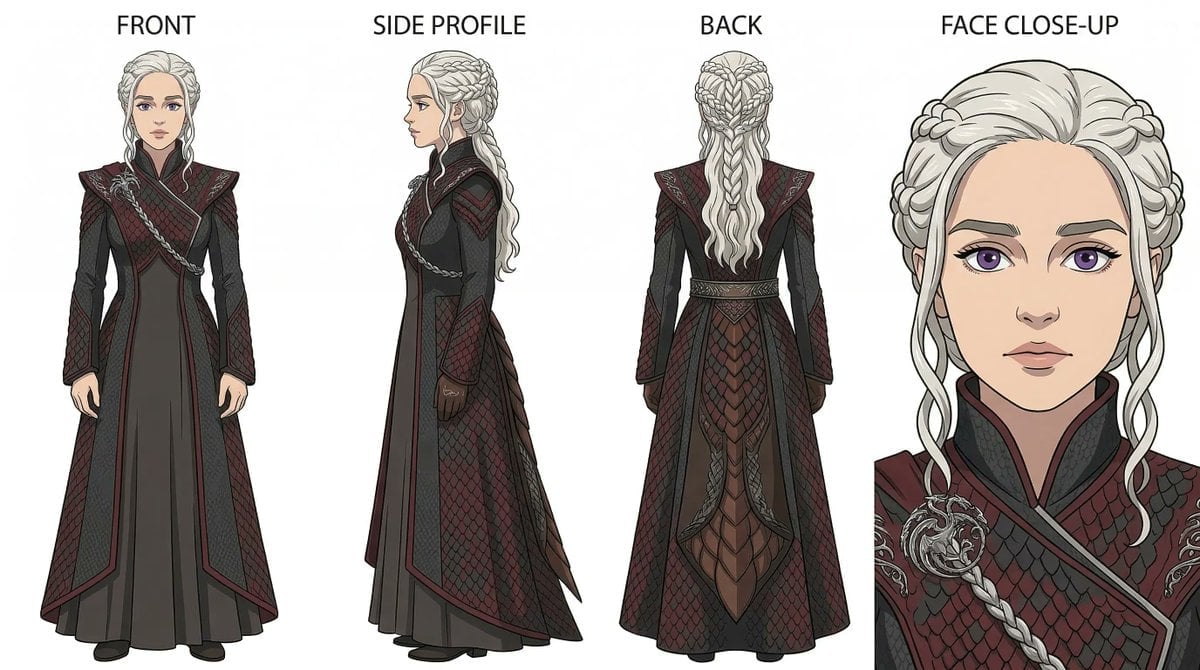
Ghibli x Game of Thrones Character Prompts
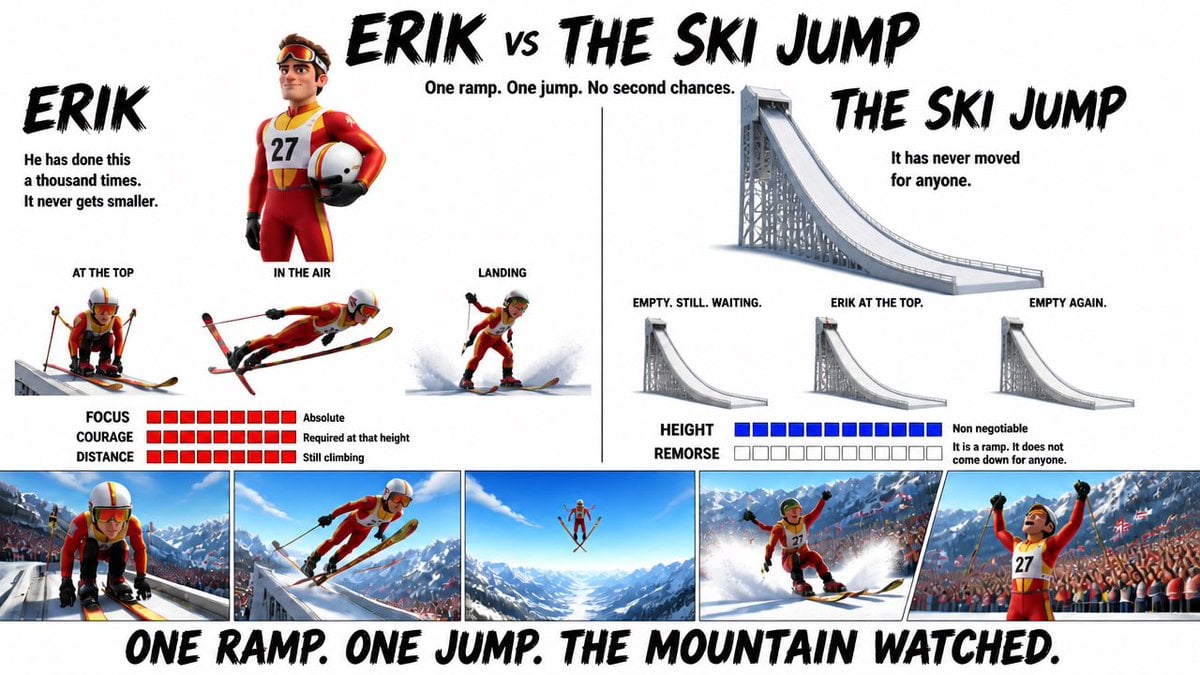
Pixar Style Character Design Sheet
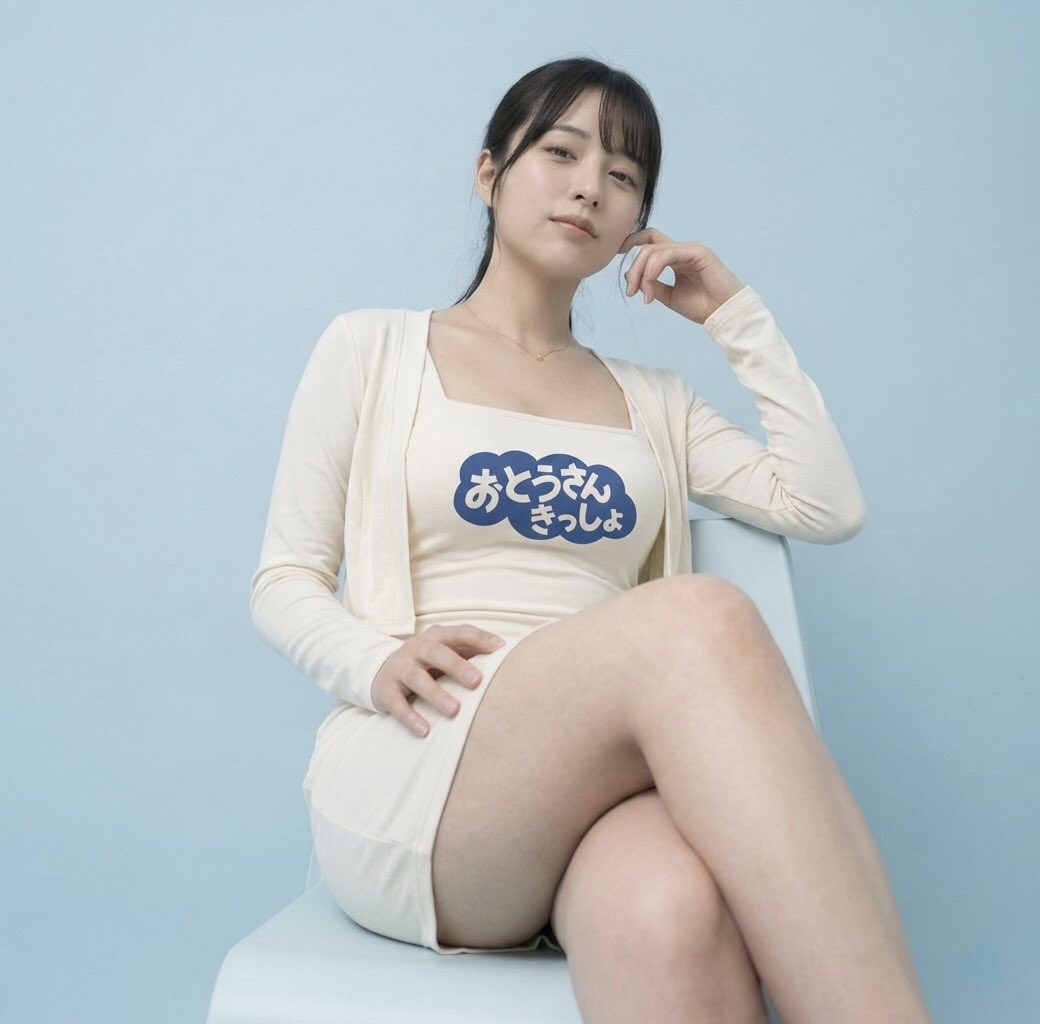
Image-to-Image: Place a Person on a Soap Land
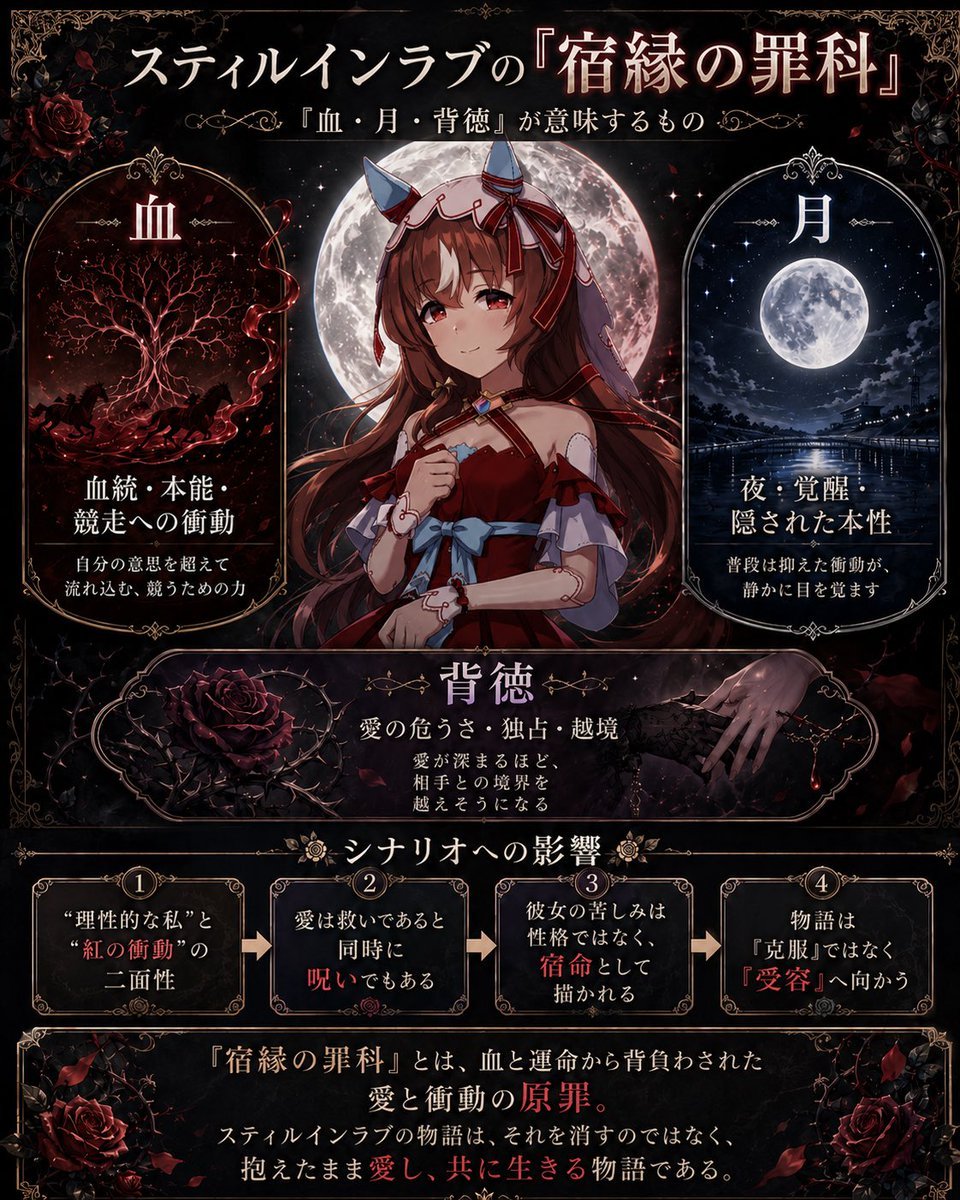
Gothic Anime Symbolism Infographic
Browse template categories
90s Disposable Camera Photo Simulation questions
How do I use the 90s Disposable Camera Photo Simulation template?
Add your photo if the template asks for one, edit the prompt if you like — the template's model and format are already selected — and press Generate. Your version opens in PicX Studio.
Can I customize the 90s Disposable Camera Photo Simulation template?
Yes. You can change the subject, setting, lighting, mood, format, and available model controls before creating your image.
Is the 90s Disposable Camera Photo Simulation template free?
Opening and editing this template is free. Generating uses credits, shown on the Generate button when you are signed in.
Which AI model should I use?
Start with GPT Image 2, which is the model associated with this template. You can compare another compatible model for a different finish.
Looking for something else? Browse all templates.

Your photo, any look
Thousands of ready templates for every top image and video model, from one credit balance.