
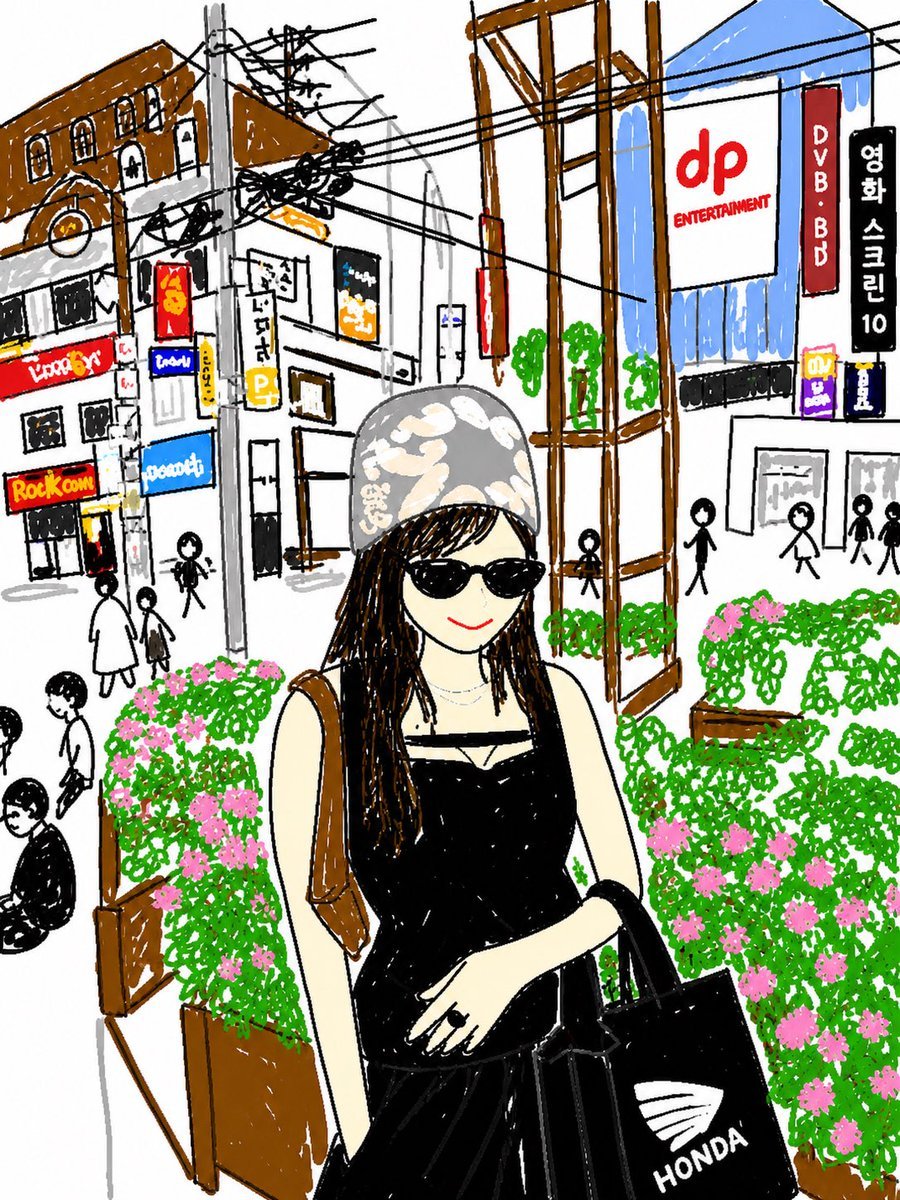
Cute Hand-Drawn Korean Street Portrait
Generates a playful marker-style city portrait of an anonymous fashionable woman surrounded by storefronts, signs, wires, pedestrians, and flower planters.
- Prompt included
- Model and format preset
- Free template
The prompt behind this image
Copy the exact prompt behind Cute Hand-Drawn Korean Street Portrait, or open it in the studio and make it yours.
Create a charming hand-drawn urban snapshot in a loose naive marker-and-crayon illustration style, like a casual travel diary sketch with thick black outlines, imperfect perspective, scribbly coloring, and a white paper background. Show {argument name="main subject" default="a young woman"} standing in the foreground on a busy Korean shopping street, centered from thighs up, her face intentionally obscured by a soft rectangular blur. She wears a {argument name="hat style" default="light gray patterned bucket hat"}, long dark braids, a black sleeveless strappy dress, a thin necklace, and carries a brown shoulder strap on one side while holding a black tote bag on the other; the tote has a white shell-like emblem and the word {argument name="tote text" default="HONDA"}. Her pose is relaxed, one arm bent across her waist, with a fashion-street-photo feeling. Surround her with rectangular wooden planter boxes overflowing with dense bright green scribbled foliage and many small pink flowers, plus a tall brown wooden frame structure rising behind her. In the background, draw a lively commercial street with simplified stick-figure pedestrians and many overhead black utility wires crossing diagonally between poles. Include 12 readable storefront or sign texts: "dp ENTERTAINMENT" on a large white billboard, "DVB.BD" on a red vertical sign, "영화 스크린 10" on a black vertical Korean sign, "Rock.com" on a yellow-red shop sign, "Lime Br" on a red sign, "trend" on a small blue sign, "toconte" on a blue sign, a yellow parking sign with "P", a small yellow sign reading "honey", and three small partially legible colorful shop signs. Use a bright but sketchy palette with brown buildings and posts, blue awnings and window areas, red and yellow shop signs, black wires, and vivid green-and-pink planters. Keep the composition vertical, playful, cute, and slightly messy, as if drawn quickly from a phone photo in a city neighborhood.
How to use Cute Hand-Drawn Korean Street Portrait in 3 steps
- 1Upload ImagePNG, JPG or paste
Add your photo
Upload the photo the template builds on. The prompt, model and format are already set.
- 2…a portrait of your subject in softgolden-hour light, 85mm…
Personalize
Edit the subject and creative details for your destination.
- 3Generate
Generate
Press Generate — your image is created in PicX Studio, so you can compare it with the original and refine one variable at a time.
More like this
Templates with the same subject, style or setup. Open one to see its prompt.

Gpt Image 2 Fashion Portrait

Minimal Hand-Drawn Sketch Watercolor Portrait
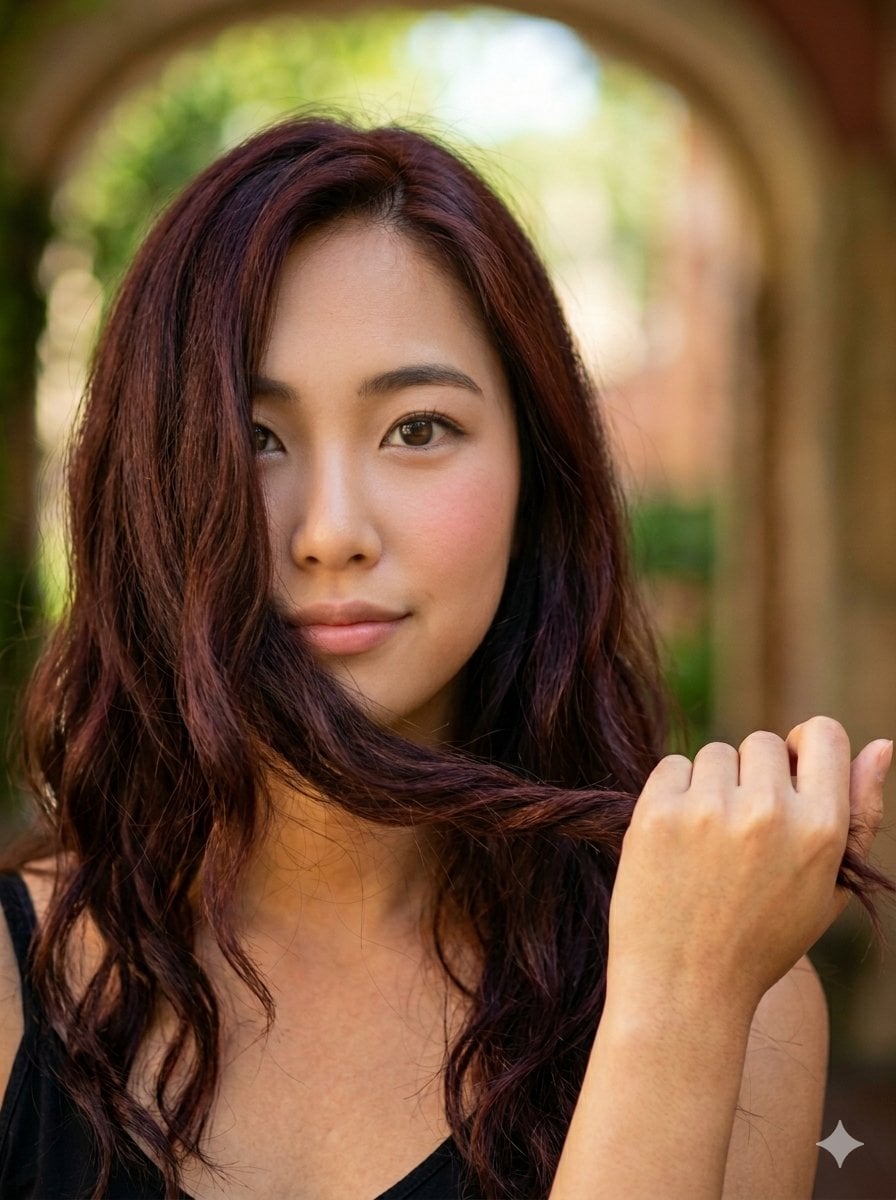
Cute Korean Woman Soft Portrait
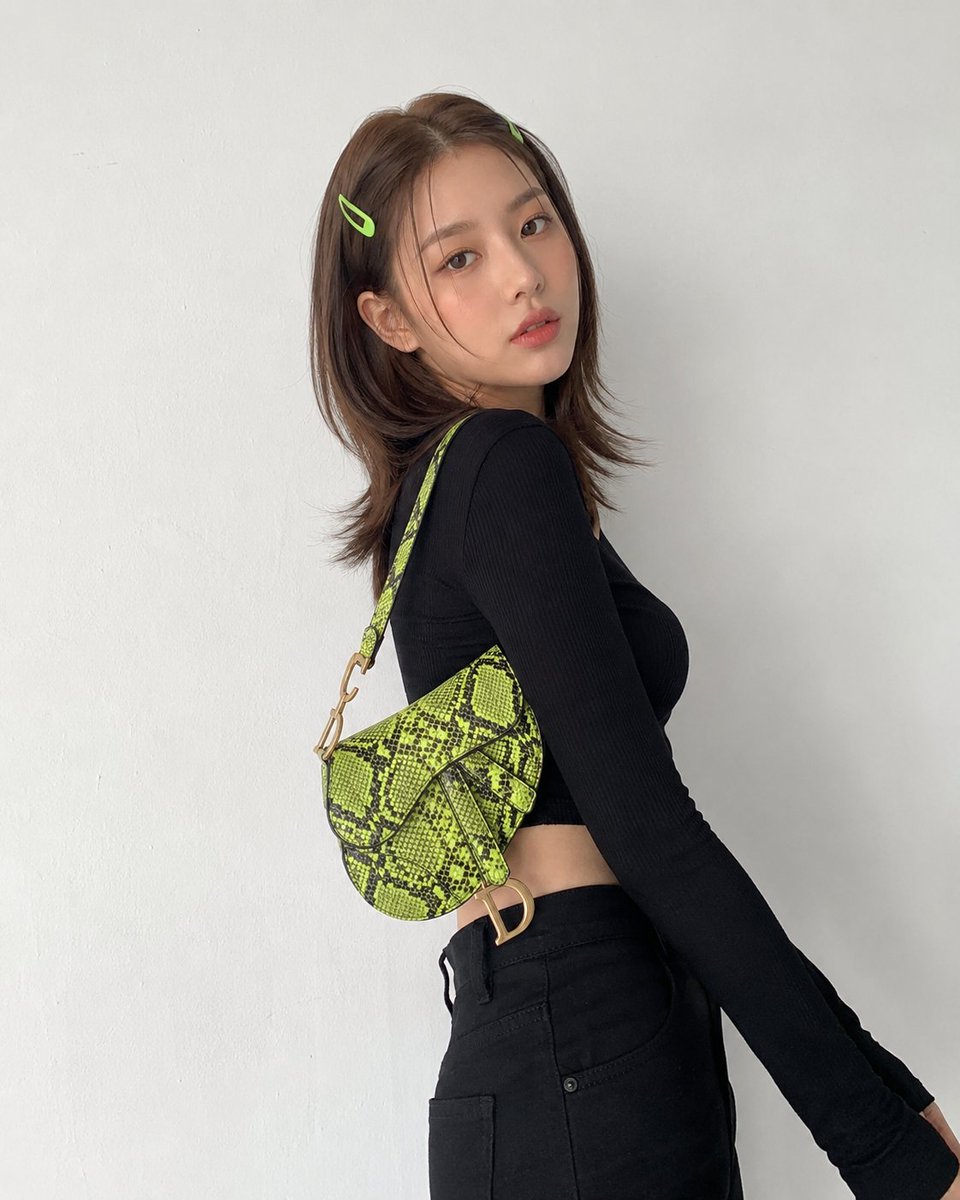
Modern Korean Streetwear Portrait
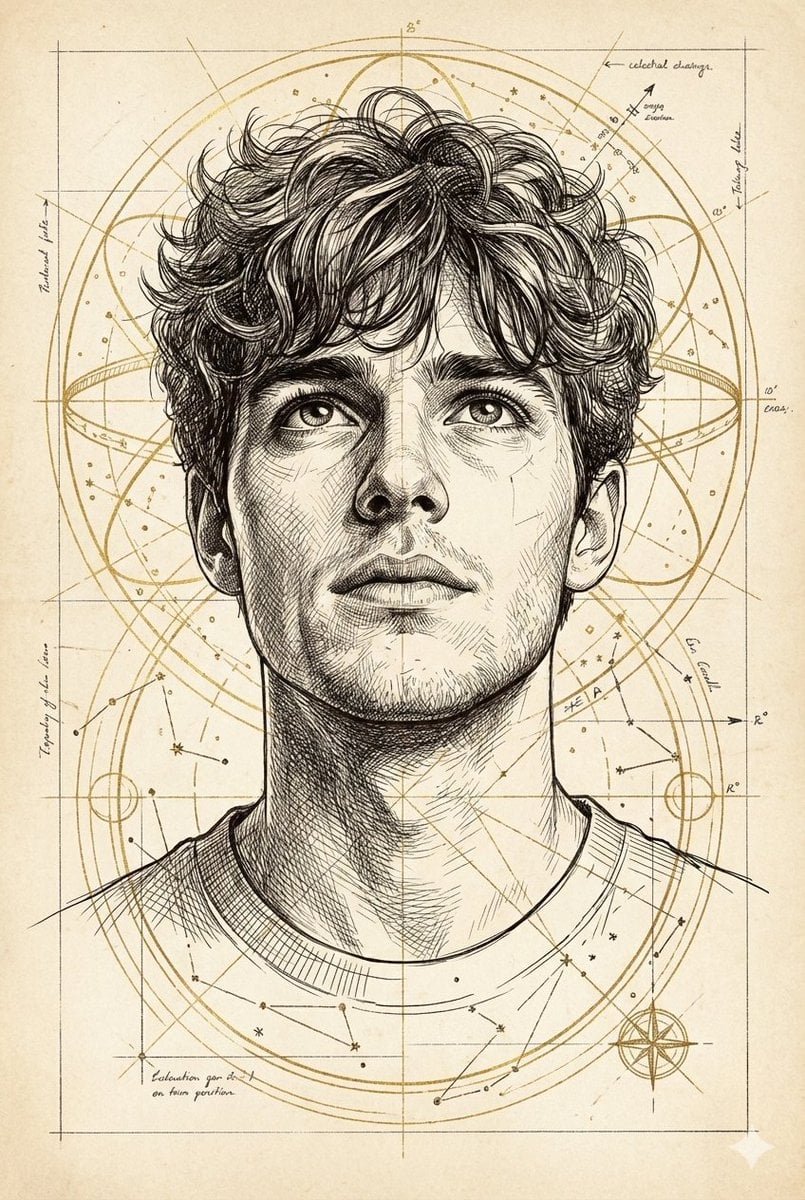
Hand-Drawn Technical Illustration Portrait Prompt

Two Tickets, One Night

Found Photograph: Us, 1970

Meet Me When It Rains

Two Hearts. One Scooter.

80s Couple Studio Portrait

80s Bollywood Star

1986 Street Couple
Make it yours
Cute Hand-Drawn Korean Street Portrait works as-is. These are the safest ways to change it without losing the look.
Change one field
Copy a single group, rewrite it, and generate again so you can see what that field is doing.
Keep the frame, change the subject
Hold the composition and light of Cute Hand-Drawn Korean Street Portrait, then swap wardrobe, props or the person for a new take.
| If the result… | Why | Fix |
|---|---|---|
| The result drifts from the preview | Too many fields changed at once. | Reuse Cute Hand-Drawn Korean Street Portrait as-is first, then change one group — subject, light, or setting. |
| The model over-stylizes the scene | The prose prompt leaves finish and camera underspecified. | Add one camera or lighting sentence and stay on GPT Image 2. |
More GPT Image 2 templates
Other prompts made for GPT Image 2.

Six VTuber Japanese Logo Sheet

Realistic Portrait of Woman and Deer

The Vista Modular Condo Poster

AI Model Routing Comparison Infographic

2.5D Anime Art Board

Isometric Productivity Desk Scene

New York Double Exposure Poster

Four-Panel AI Landscape Comparison

Japanese Tatami Lifestyle Magazine Cover

NESCAFÉ Coffee Map Poster
More image prompts
Fresh picks from across the catalog.
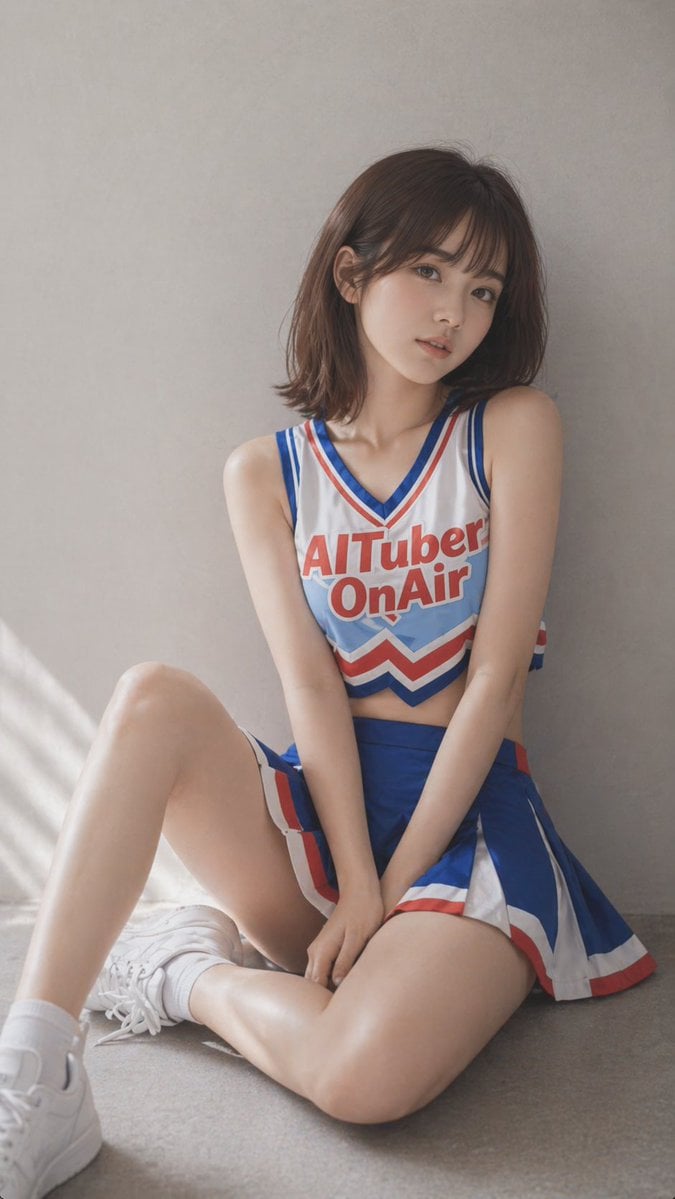
Realistic Cheerleader Portrait

Cinematic Family Gathering Scene
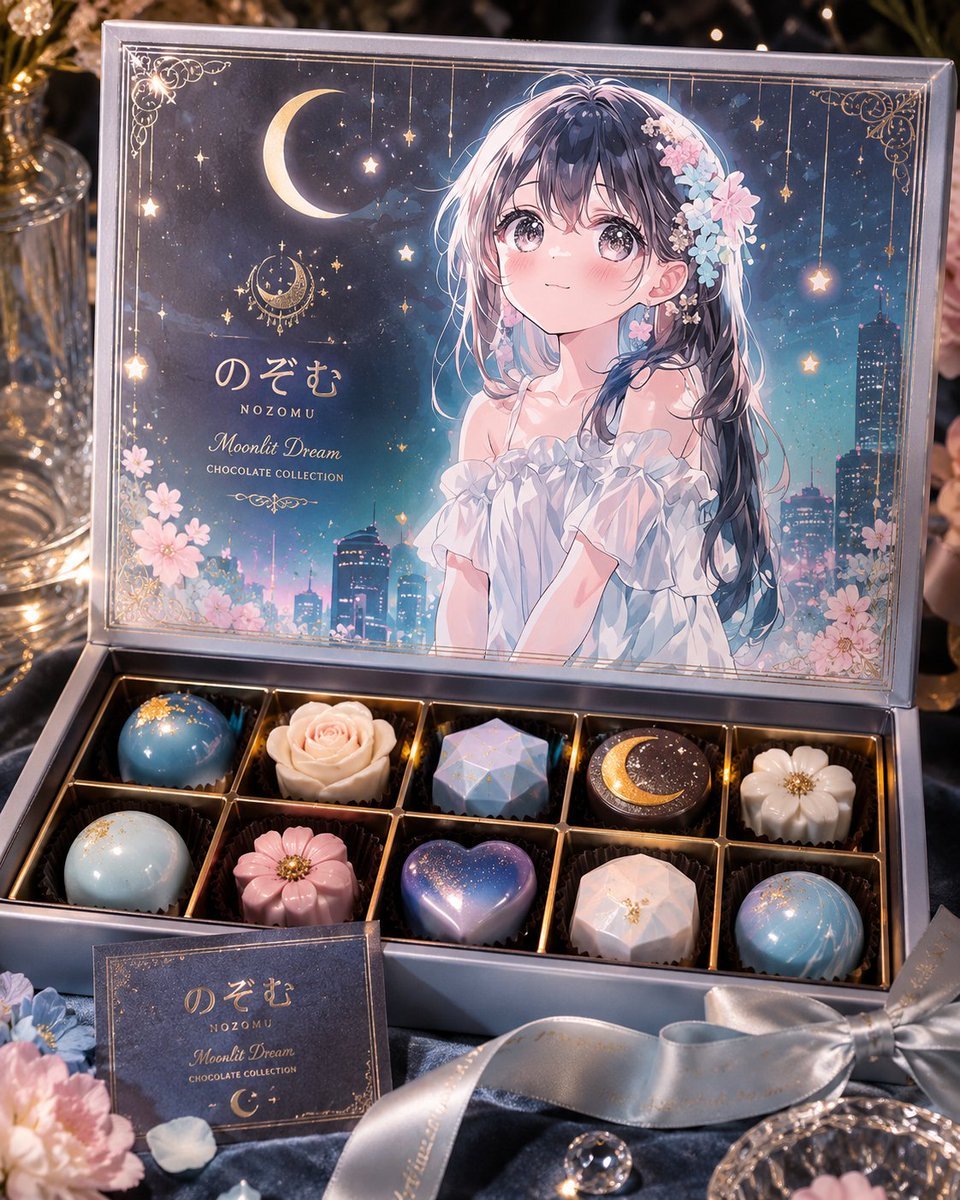
Moonlit Anime Chocolate Box
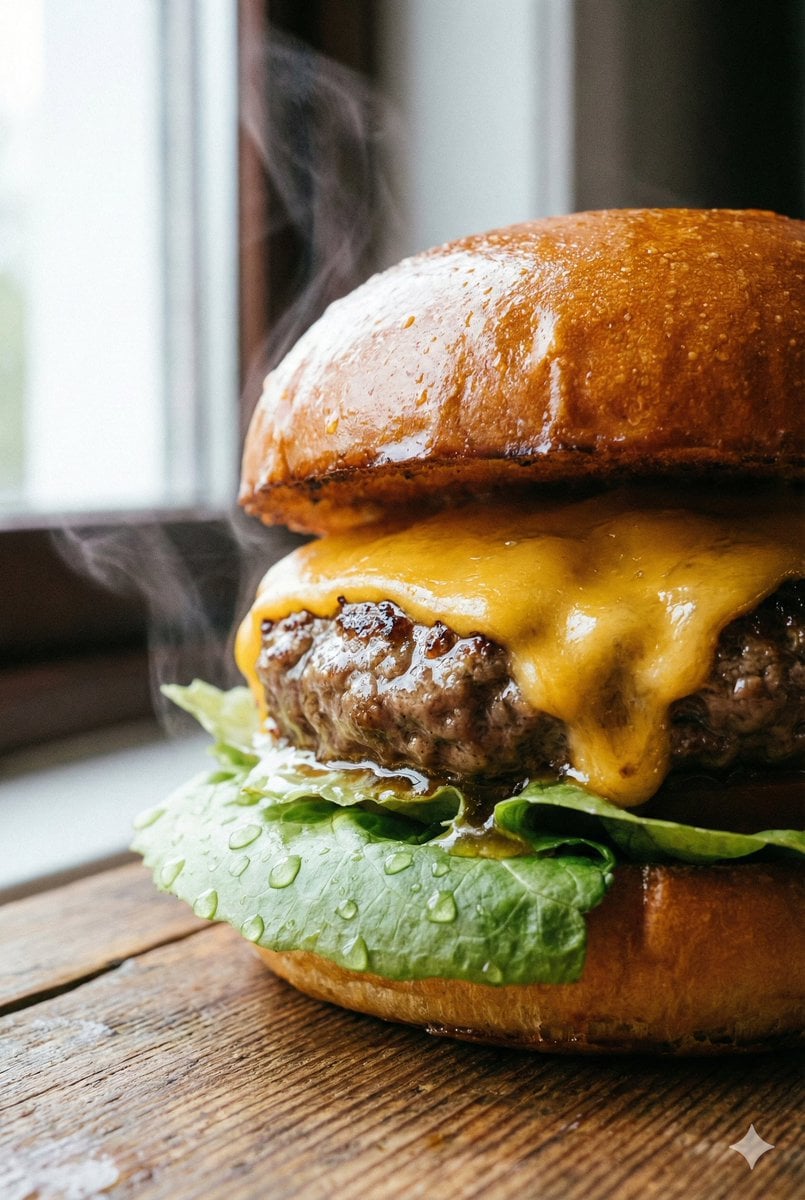
Macro Beef Burger Food Photography Prompt
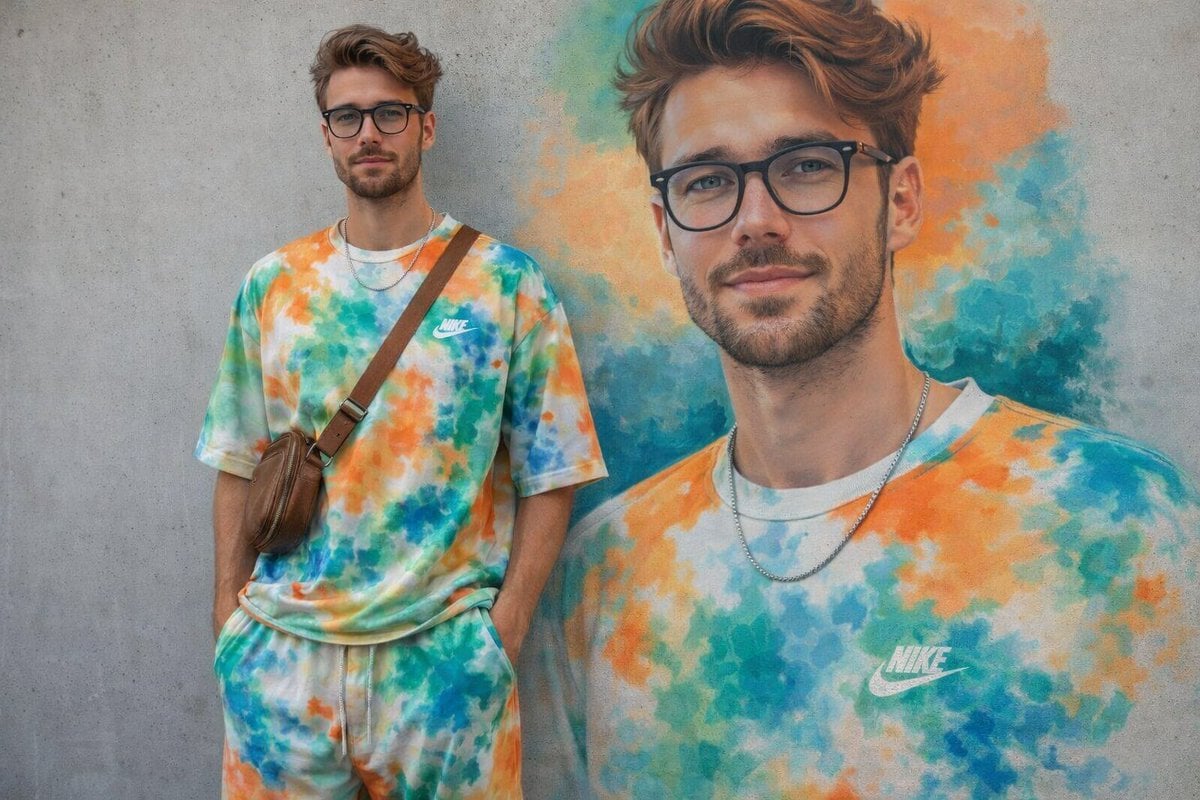
Minimal Mural Portrait
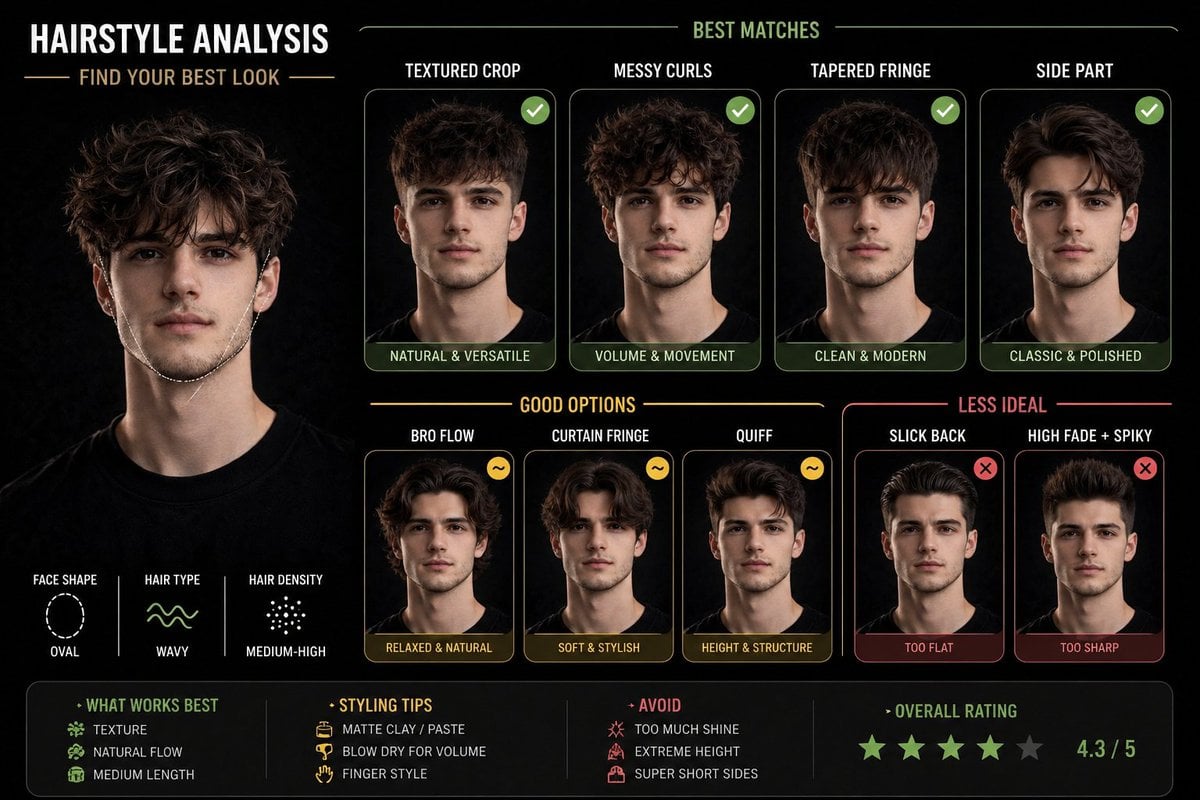
Hairstyle Suitability Analysis Chart
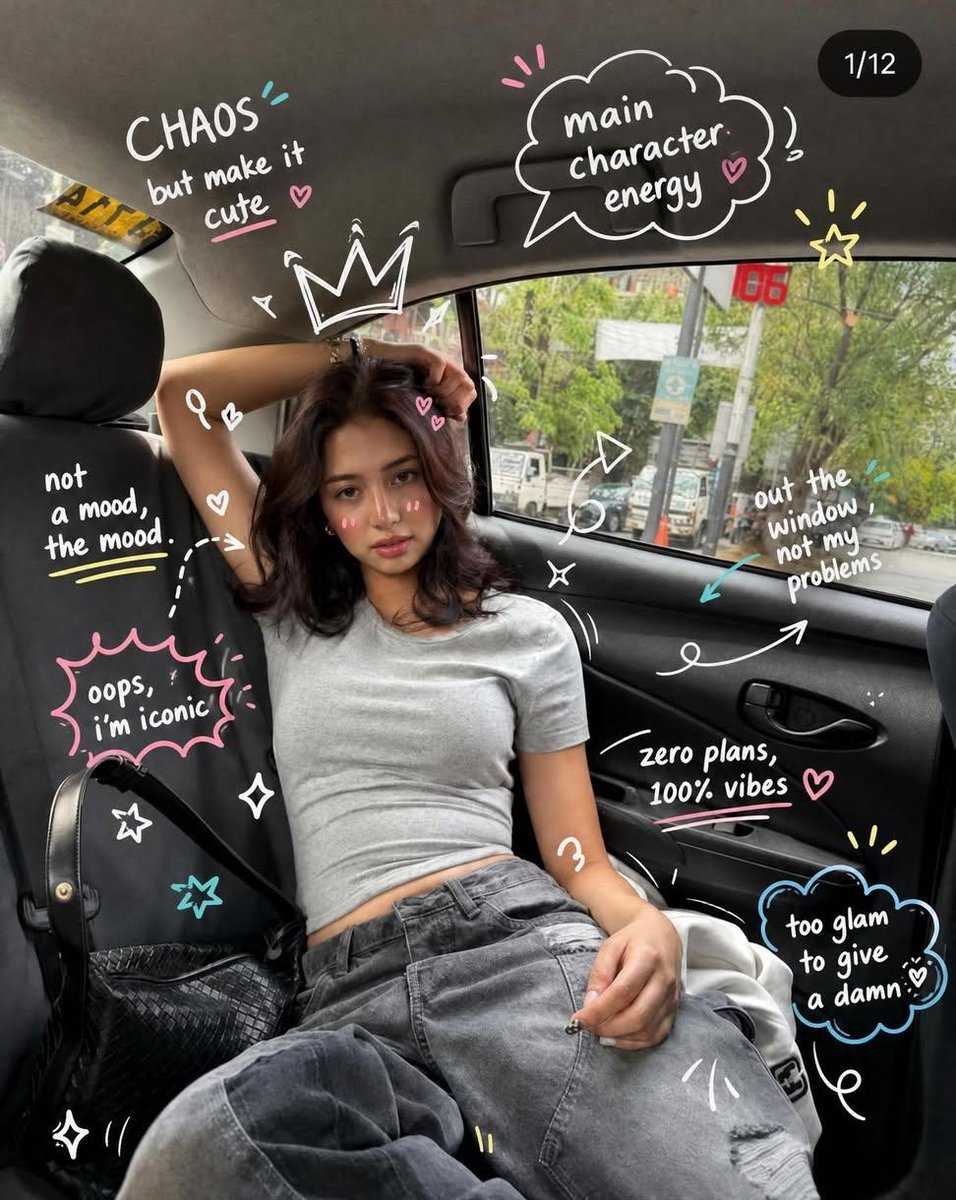
Trendy Car Interior Portrait
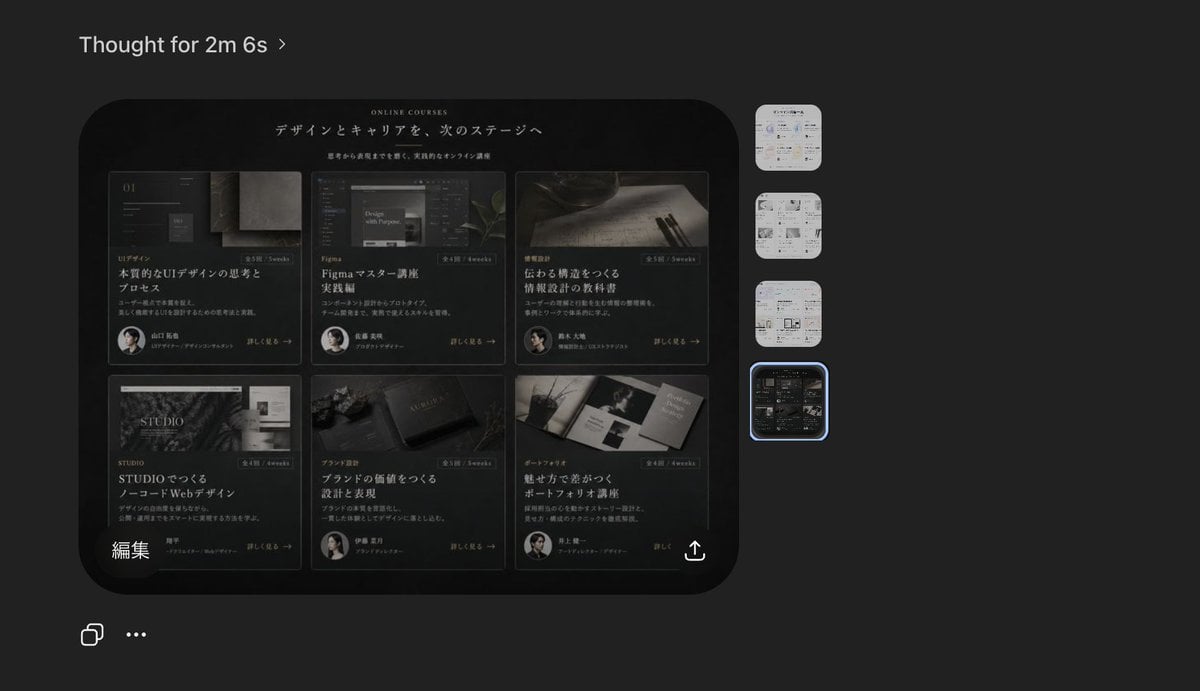
Dark AI Viewer with Course Website Preview
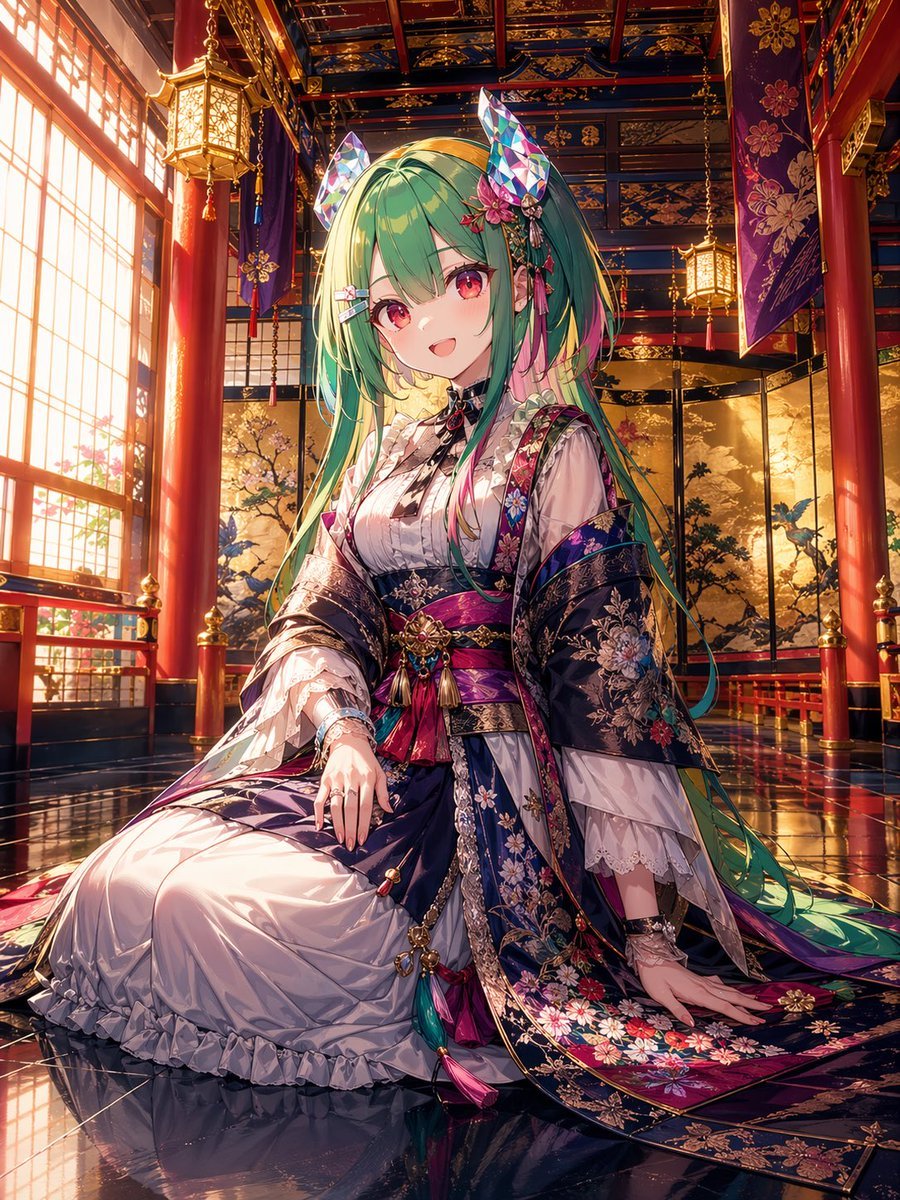
Anime Shrine Princess in Palace
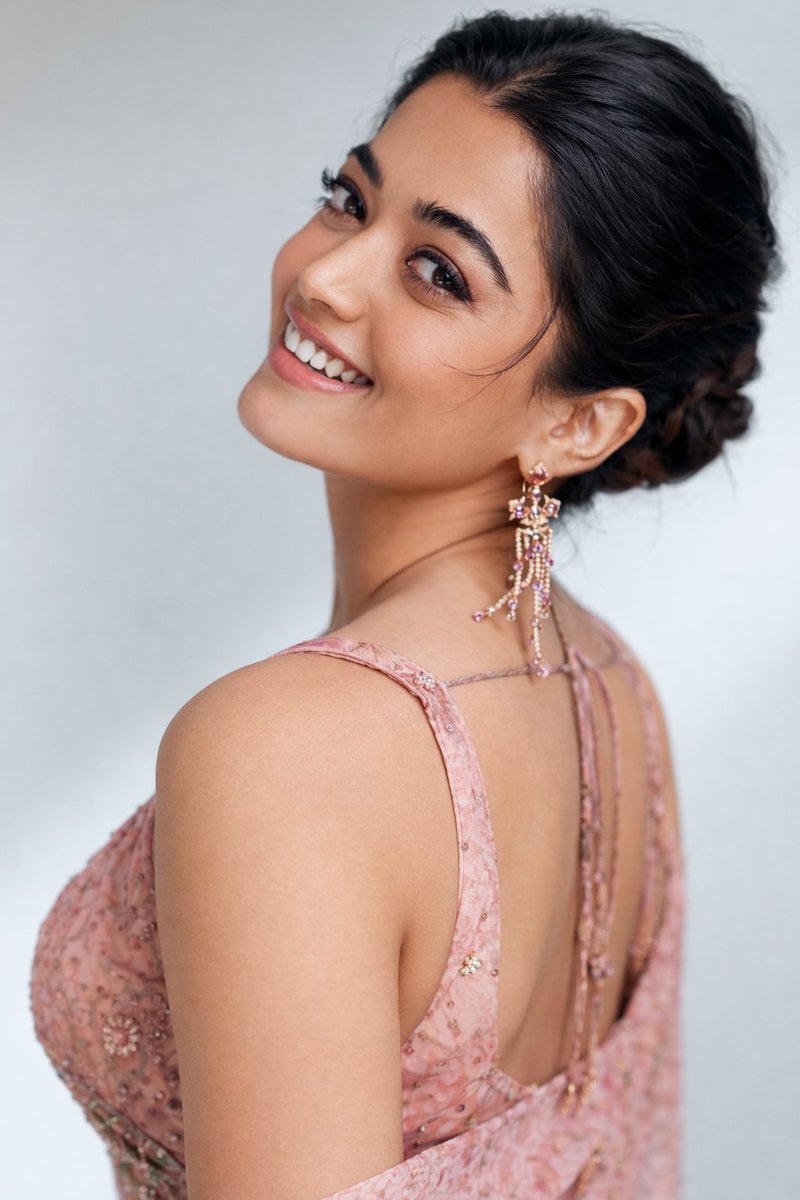
8K Studio Portrait of Rashmika Mandhana in Saree
Browse template categories
Cute Hand-Drawn Korean Street Portrait questions
How do I use the Cute Hand-Drawn Korean Street Portrait template?
Add your photo if the template asks for one, edit the prompt if you like — the template's model and format are already selected — and press Generate. Your version opens in PicX Studio.
Can I customize the Cute Hand-Drawn Korean Street Portrait template?
Yes. You can change the subject, setting, lighting, mood, format, and available model controls before creating your image.
Is the Cute Hand-Drawn Korean Street Portrait template free?
Opening and editing this template is free. Generating uses credits, shown on the Generate button when you are signed in.
Which AI model should I use?
Start with GPT Image 2, which is the model associated with this template. You can compare another compatible model for a different finish.
Looking for something else? Browse all templates.

Your photo, any look
Thousands of ready templates for every top image and video model, from one credit balance.