How do I use the Cute Korean Woman Soft Portrait template?
Edit the prompt in the box under the preview — the template's model and format are already selected — and press Generate. Your version appears right on this page.
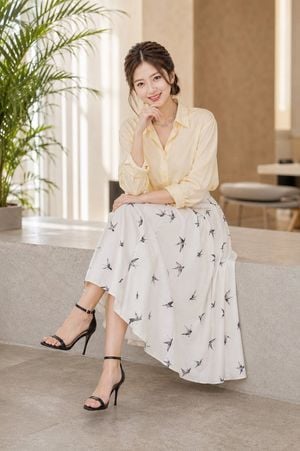
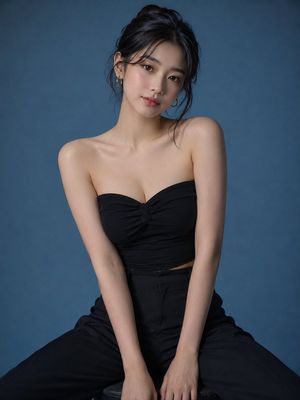
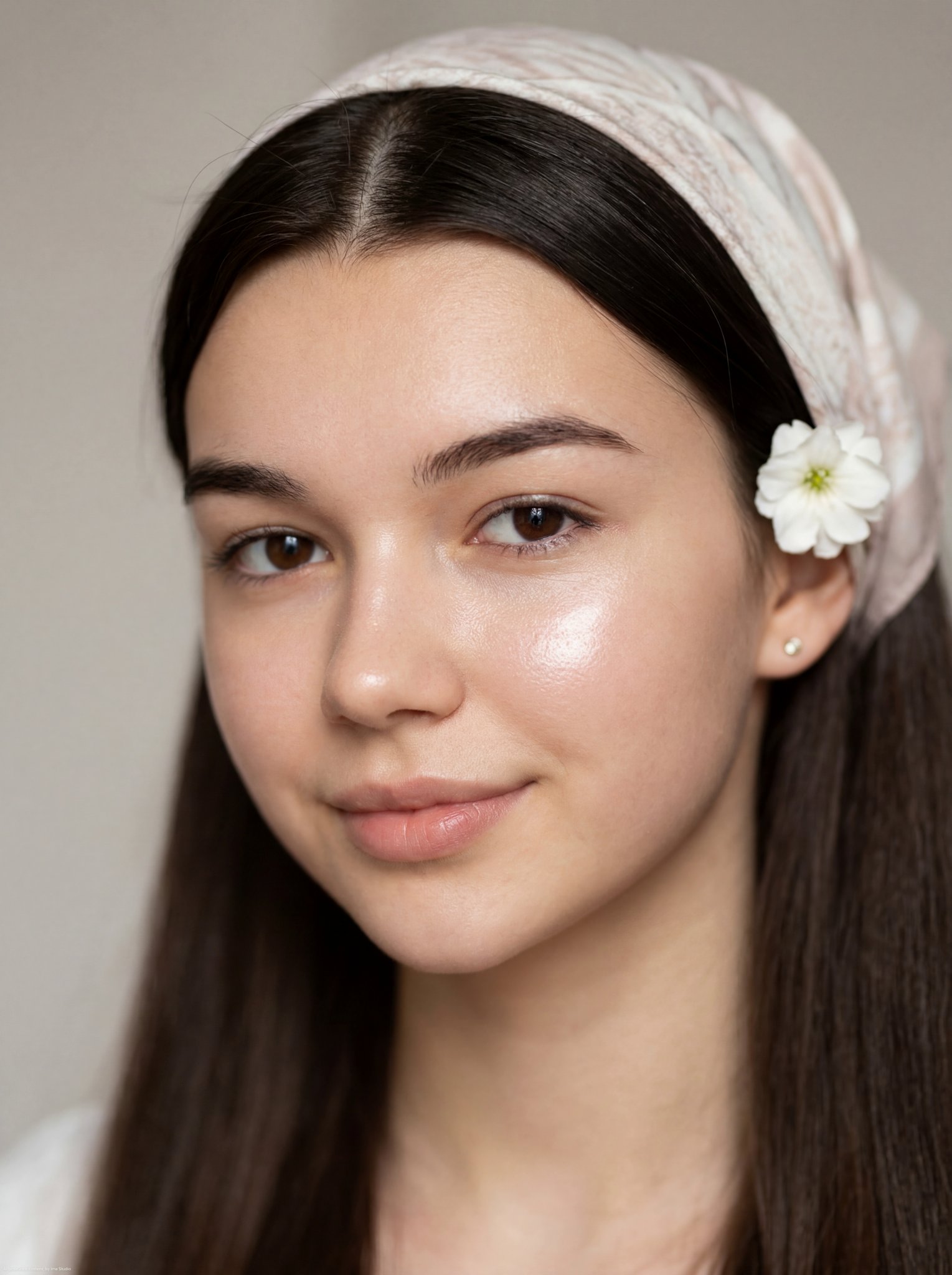
A vertical close-up portrait of a Korean woman with an endearing expression, featuring soft outdoor lighting and lush foliage.

A vertical, close-up color portrait of a {argument name="subject" default="young Korean woman"} with a cute, endearing expression. She has a soft, gentle smile, large expressive brown eyes, and a hint of blush on her cheeks. Her {argument name="hair color" default="dark, reddish-brown wavy hair"} cascades down, with a single thick strand draped across the front of her face, partially obscuring her cheek. Her hand is raised in the lower right foreground, gently pulling and holding that strand of hair. She wears a {argument name="outfit" default="simple black tank top"}, and the background features a softly blurred, warm out-of-focus stone archway surrounded by lush green foliage under bright, natural outdoor lighting.
A vertical, close-up color portrait of a {argument name="subject" default="young Korean woman"} with a cute, endearing expression. She has a soft, gentle smile, large expressive brown eyes, and a hint of blush on her cheeks. Her {argument name="hair color" default="dark, reddish-brown wavy hair"} cascades down, with a single thick strand draped across the front of her face, partially obscuring her cheek. Her hand is raised in the lower right foreground, gently pulling and holding that strand of hair. She wears a {argument name="outfit" default="simple black tank top"}, and the background features a softly blurred, warm out-of-focus stone archway surrounded by lush green foliage under bright, natural outdoor lighting.
Edit the prompt in the box under the preview — the template's model and format are already selected — and press Generate. Your version appears right on this page.
Yes. You can change the subject, setting, lighting, mood, format, and available model controls before creating your image.
Opening and editing this template is free. Generating uses credits, shown on the Generate button when you are signed in.
Start with Nano Banana 2, which is the model associated with this template. You can compare another compatible model for a different finish.
Follow a topic to a crawlable collection of related PicX Studio templates.