
Anime Shrine Princess in Palace
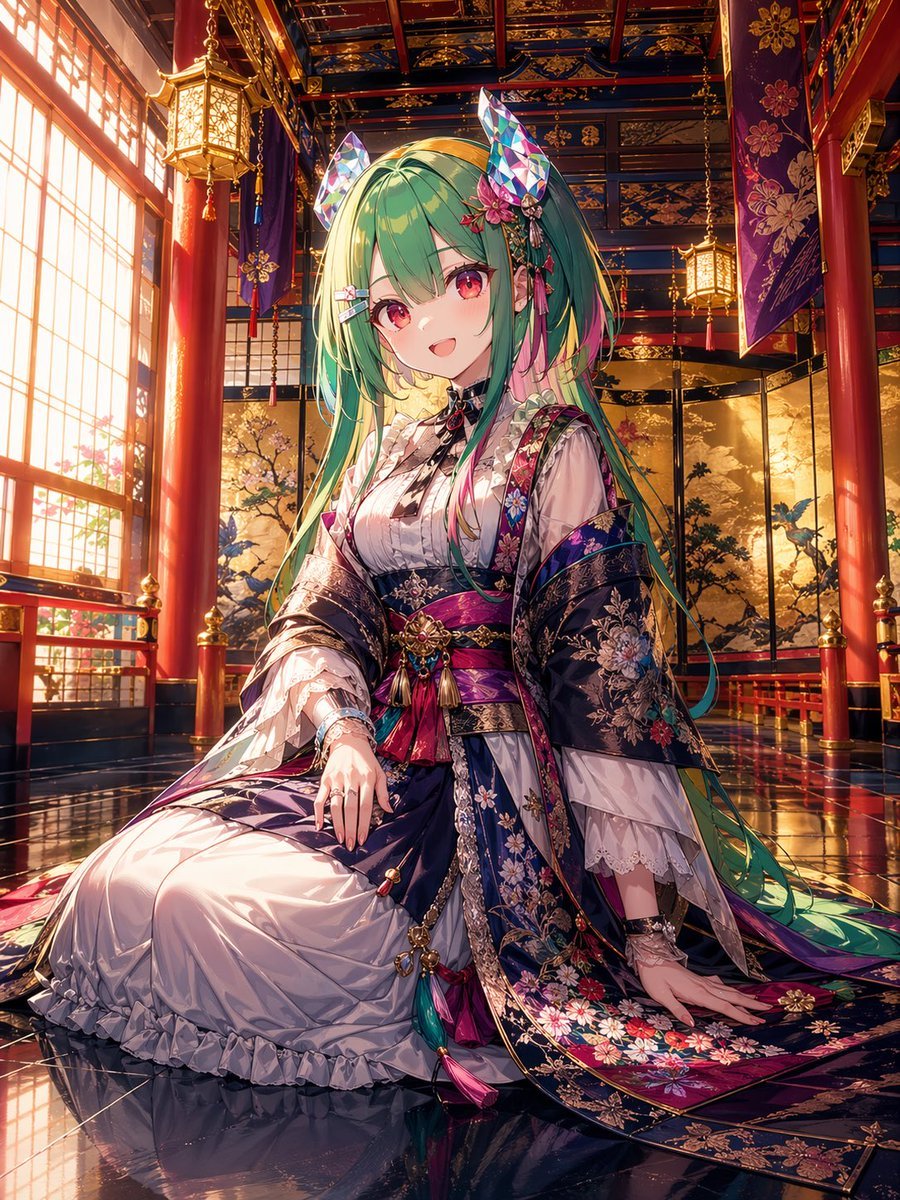
This prompt generates a luxurious fantasy anime portrait of a seated kimono-clad princess in a glowing Japanese palace, ideal for character art and premium wallpaper-style illustrations.
- Prompt included
- Model and format preset
- Free template
The prompt behind this image
Copy the exact prompt behind Anime Shrine Princess in Palace, or open it in the studio and make it yours.
A highly detailed anime-style portrait of a seated shrine maiden princess in an opulent traditional Japanese palace interior, centered in a vertical composition. She is a young woman with very long flowing {argument name="hair color" default="mint green"} hair fading into yellow-green at the tips, soft pink accent strands, straight bangs, and ornate hair ornaments including 2 tall faceted crystal fox ears, 1 pink flower cluster, and 2 small ribbon clips. Her face is intentionally obscured with a soft square blur. She wears an elaborate layered kimono and dress ensemble in deep indigo, violet, magenta, white, and gold, with rich brocade, floral embroidery, lace sleeves, tassels, cords, and jeweled obi ornaments. The outer robe is dark navy with intricate multicolor floral patterns and metallic trim; the inner dress is glossy white with ruffles and delicate translucent fabric. She is posed kneeling formally on a reflective lacquered floor, one hand resting on her lap and the other on the floor beside her, with long sleeves and trailing fabric spread elegantly around her. The setting is a grand ceremonial hall with 4 visible red lacquer columns, 3 hanging lanterns, tall shoji windows on the left casting warm golden sunset light, purple hanging banners with floral crests, a richly patterned coffered ceiling in blue, gold, and red, and folding screens in the background painted with trees and birds. Ultra-detailed, luminous cinematic lighting, polished reflections, intricate textiles, regal atmosphere, fantasy shrine aesthetic, high-end anime illustration, sharp focus on costume and environment, vibrant jewel tones, masterpiece quality.
How to use Anime Shrine Princess in Palace in 3 steps
- 1Upload ImagePNG, JPG or paste
Add your photo
Upload the photo the template builds on. The prompt, model and format are already set.
- 2…a portrait of your subject in softgolden-hour light, 85mm…
Personalize
Edit the subject and creative details for your destination.
- 3Generate
Generate
Press Generate — your image is created in PicX Studio, so you can compare it with the original and refine one variable at a time.
More like this
Templates with the same subject, style or setup. Open one to see its prompt.










Make it yours
Anime Shrine Princess in Palace works as-is. These are the safest ways to change it without losing the look.
Change one field
Copy a single group, rewrite it, and generate again so you can see what that field is doing.
Keep the frame, change the subject
Hold the composition and light of Anime Shrine Princess in Palace, then swap wardrobe, props or the person for a new take.
| If the result… | Why | Fix |
|---|---|---|
| The result drifts from the preview | Too many fields changed at once. | Reuse Anime Shrine Princess in Palace as-is first, then change one group — subject, light, or setting. |
| The model over-stylizes the scene | The prose prompt leaves finish and camera underspecified. | Add one camera or lighting sentence and stay on GPT Image 2. |
More GPT Image 2 templates
Other prompts made for GPT Image 2.

Six VTuber Japanese Logo Sheet

Realistic Portrait of Woman and Deer

The Vista Modular Condo Poster

AI Model Routing Comparison Infographic

2.5D Anime Art Board

Isometric Productivity Desk Scene

New York Double Exposure Poster

Four-Panel AI Landscape Comparison

Japanese Tatami Lifestyle Magazine Cover

NESCAFÉ Coffee Map Poster
More image prompts
Fresh picks from across the catalog.
Minimalist Chinese Ink Wash Mist Painting
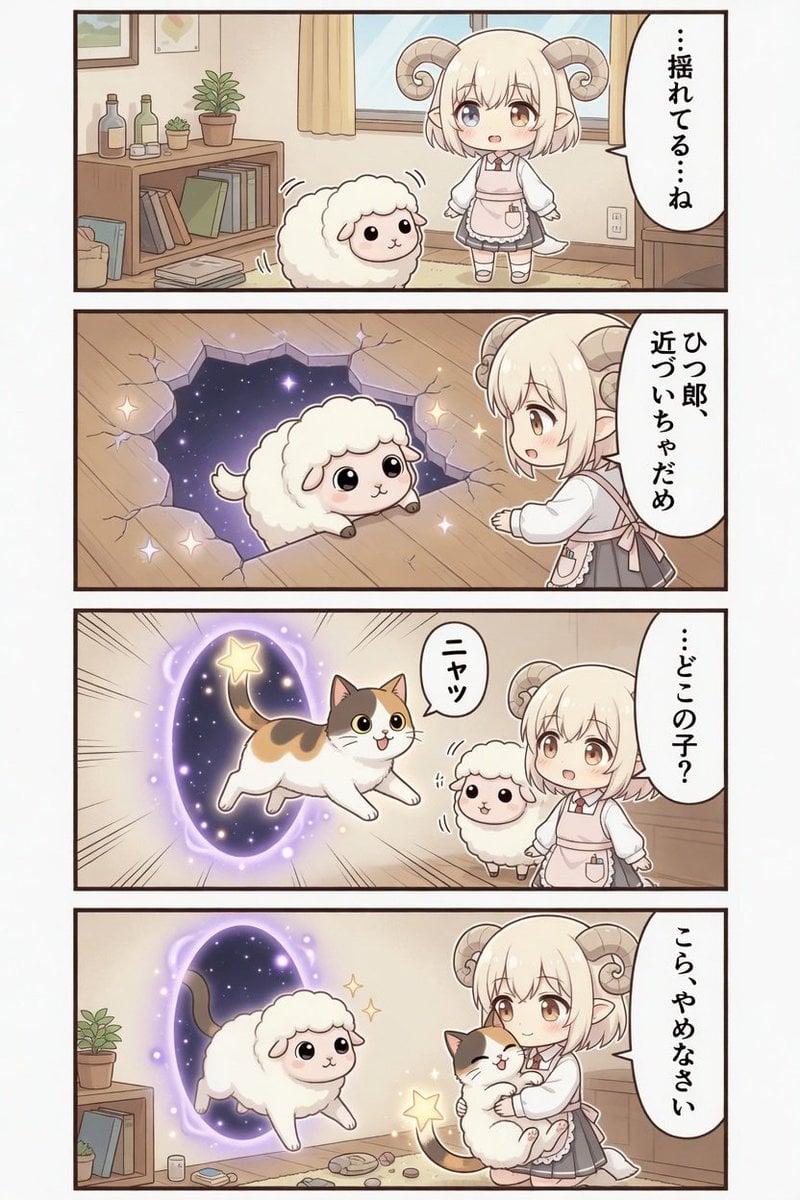
Kawaii Sheep Girl Portal Comic
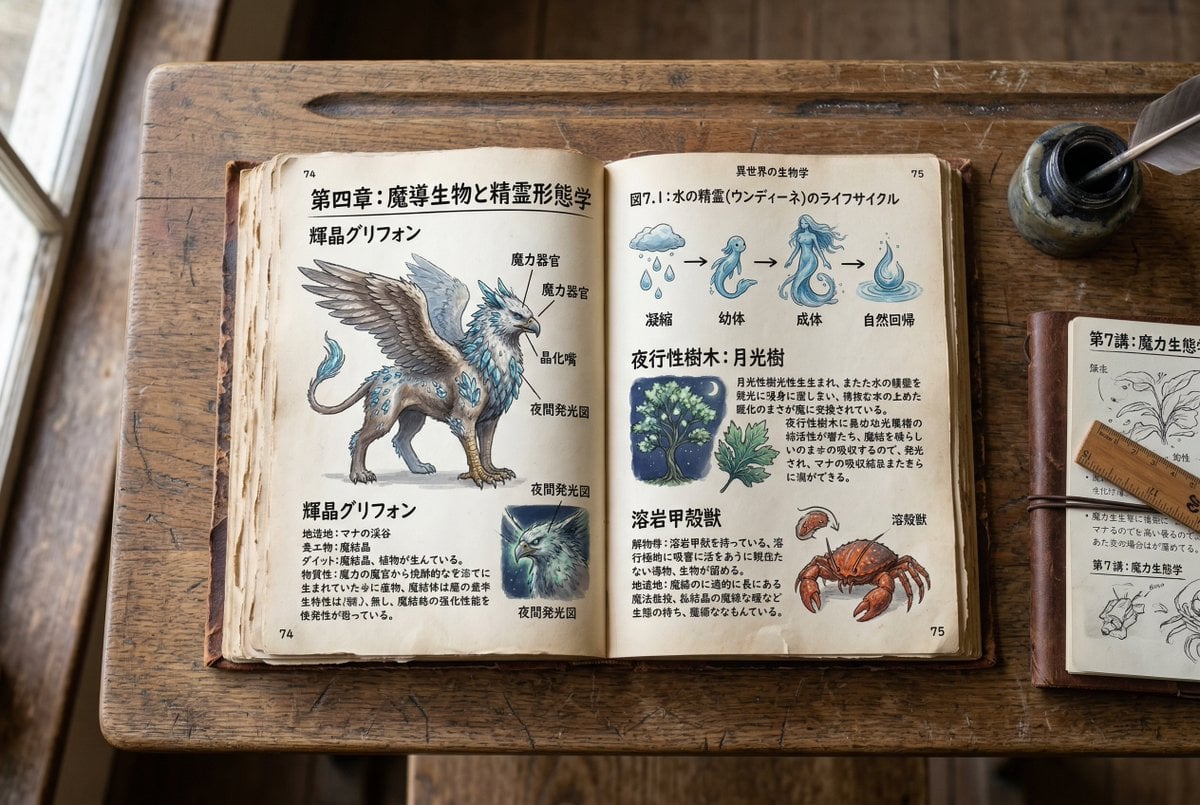
Template for generating a fictional textbook page

Avant-Garde Beauty Ad

Cinematic 8K Photo Enhancer

Ultra-Realistic Corporate Executive Portrait
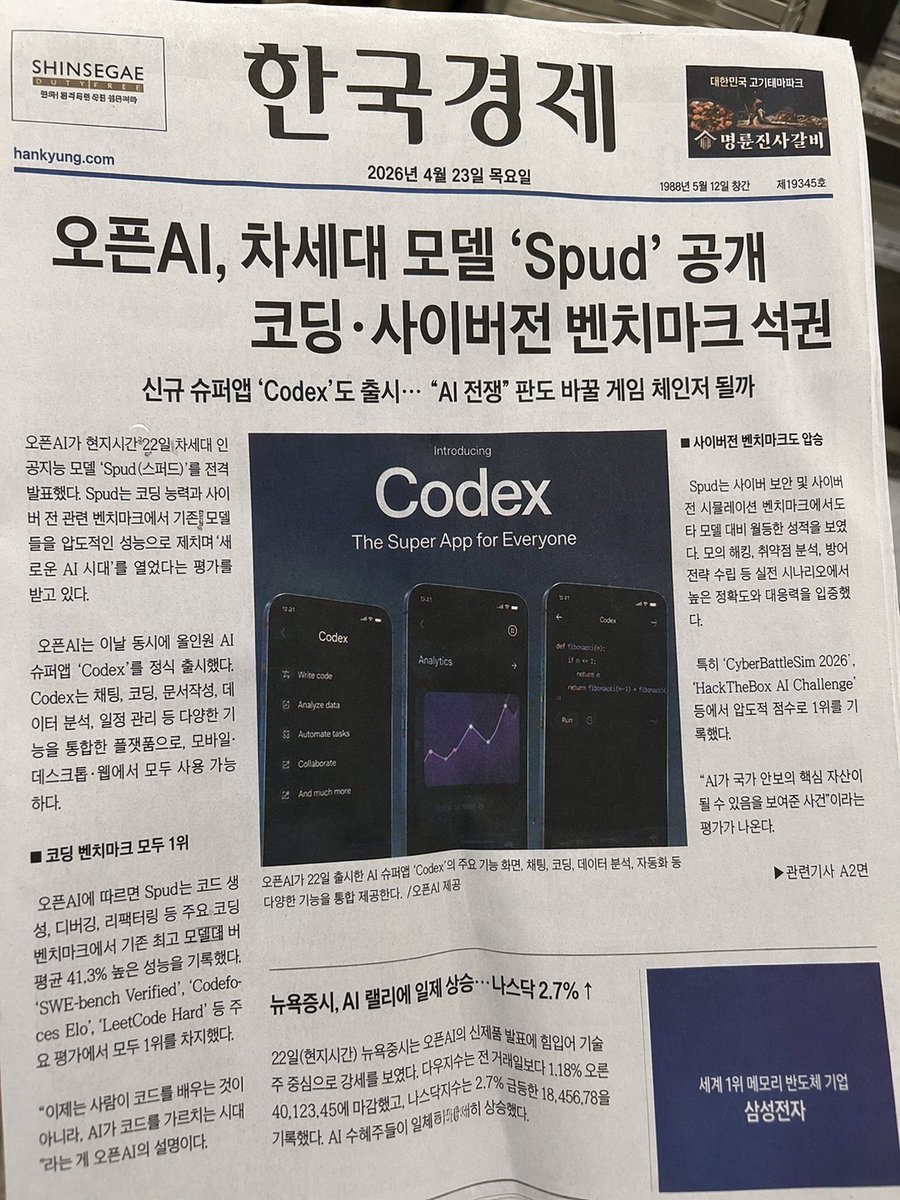
Photorealistic Korean Newspaper Front Page
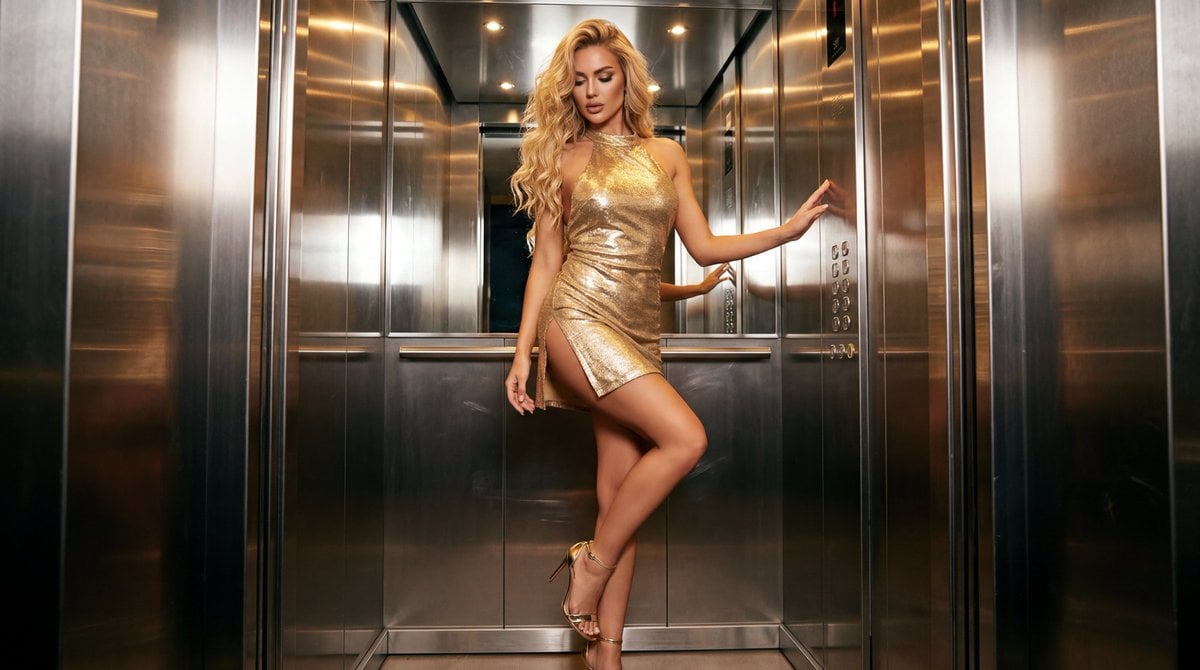
Glamorous Fashion Photoshoot in Steel Elevator
2x2 Social Media Course Banner Ads
Rococo Masquerade Ball Editorial
Browse template categories
Anime Shrine Princess in Palace questions
How do I use the Anime Shrine Princess in Palace template?
Add your photo if the template asks for one, edit the prompt if you like — the template's model and format are already selected — and press Generate. Your version opens in PicX Studio.
Can I customize the Anime Shrine Princess in Palace template?
Yes. You can change the subject, setting, lighting, mood, format, and available model controls before creating your image.
Is the Anime Shrine Princess in Palace template free?
Opening and editing this template is free. Generating uses credits, shown on the Generate button when you are signed in.
Which AI model should I use?
Start with GPT Image 2, which is the model associated with this template. You can compare another compatible model for a different finish.
Looking for something else? Browse all templates.

Your photo, any look
Thousands of ready templates for every top image and video model, from one credit balance.