
Panel Portrait Abstraction Study
This prompt generates a numbered 4x4 grid showing a flattering female portrait progressively simplified from semi-realistic illustration to minimalist icon-like abstraction, useful for visual identity studies and…
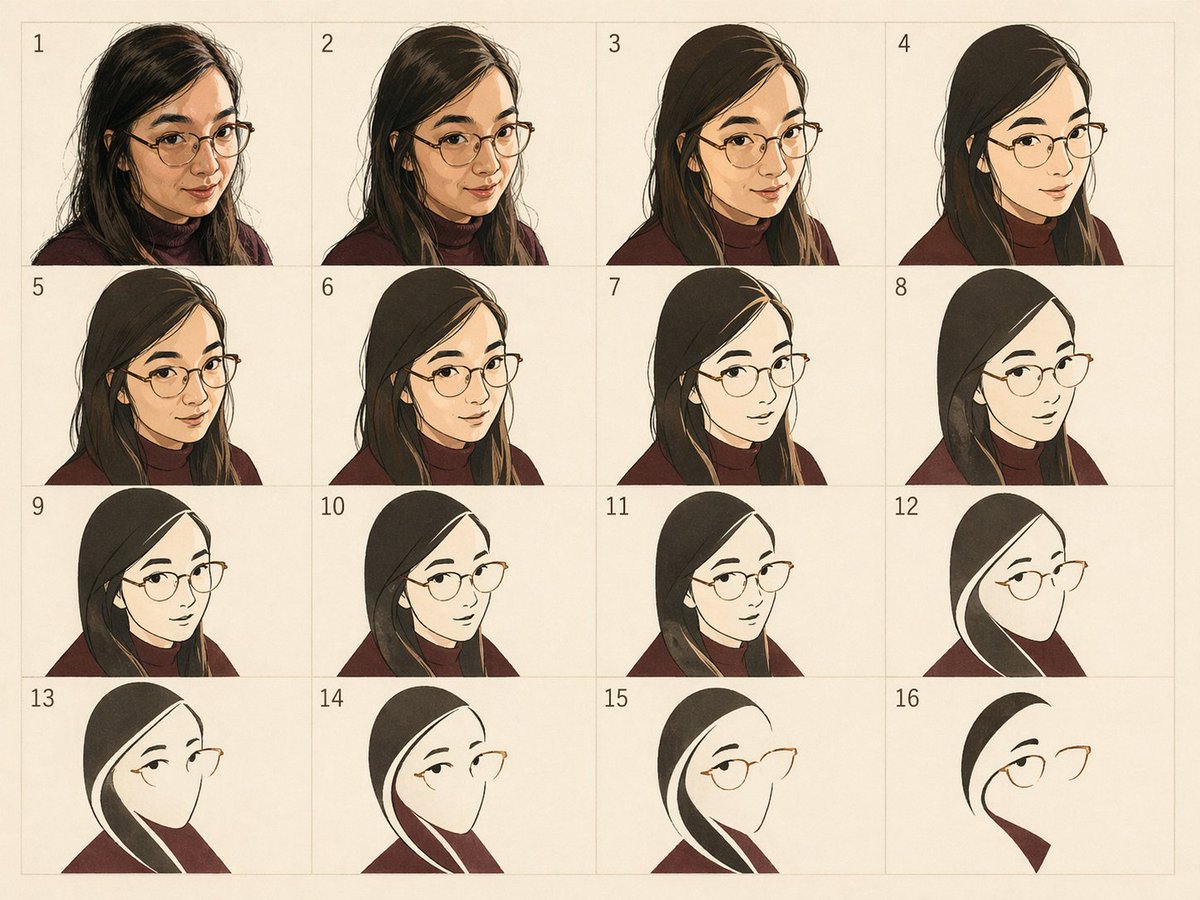
- Prompt included
- Model and format preset
- Free template
The prompt behind this image
Copy the exact prompt behind Panel Portrait Abstraction Study, or open it in the studio and make it yours.
- Type
- stylized portrait abstraction grid
- Subject
- a woman shown through progressive visual simplification
- Style
- a minimalist abstraction study inspired by modernist reduction, moving from semi-realistic portraiture toward elegant line-and-shape iconography
- Medium
- digital illustration with a warm paper-like background
- Palette › Background
- soft cream
- Palette › Hair
- very dark brown to black
- Palette › Clothing
- deep burgundy
- Palette › Skin
- warm light tan
- Palette › Glasses
- thin gold
- Composition › Format
- 4x4 grid
- Composition › Count
- 16
- Composition › Numbered
- true
- Composition › Numbers
- 1, 2, 3, 4, 5, 6, 7, 8, 9, 10, 11, 12, 13, 14, 15, 16
- Composition › Camera
- consistent head-and-shoulders portrait in three-quarter view facing right
- Composition › Crop
- bust portrait cropped around head, shoulders, and upper chest
- Composition › Spacing
- even rectangular panels with faint grid lines
- Subject Details › Gender Presentation
- female
- Subject Details › Hair › Color
- {argument name="hair color" default="dark brown-black"}
- Subject Details › Hair › Style
- long straight hair with a side part, draping over the shoulders
- Subject Details › Clothing › Top
- {argument name="top color" default="burgundy turtleneck"}
- Subject Details › Accessories › Glasses
- thin wire-frame cat-eye or softly angular glasses in gold
- Subject Details › Pose
- calm, introspective, slightly downward or sideward gaze
- Subject Details › Identity
- {argument name="subject description" default="stylized portrait of a woman with long dark hair and glasses"}
- Progression › Concept
- each panel reduces detail while preserving recognizable identity and silhouette
Raw JSON
{"type":"stylized portrait abstraction grid","subject":"a woman shown through progressive visual simplification","style":"a minimalist abstraction study inspired by modernist reduction, moving from semi-realistic portraiture toward elegant line-and-shape iconography","medium":"digital illustration with a warm paper-like background","palette":{"background":"soft cream","hair":"very dark brown to black","clothing":"deep burgundy","skin":"warm light tan","glasses":"thin gold"},"composition":{"format":"4x4 grid","count":16,"numbered":true,"numbers":["1","2","3","4","5","6","7","8","9","10","11","12","13","14","15","16"],"camera":"consistent head-and-shoulders portrait in three-quarter view facing right","crop":"bust portrait cropped around head, shoulders, and upper chest","spacing":"even rectangular panels with faint grid lines"},"subject_details":{"gender_presentation":"female","hair":{"color":"{argument name=\"hair color\" default=\"dark brown-black\"}","style":"long straight hair with a side part, draping over the shoulders"},"clothing":{"top":"{argument name=\"top color\" default=\"burgundy turtleneck\"}"},"accessories":{"glasses":"thin wire-frame cat-eye or softly angular glasses in gold"},"pose":"calm, introspective, slightly downward or sideward gaze","identity":"{argument name=\"subject description\" default=\"stylized portrait of a woman with long dark hair and glasses\"}"},"progression":{"concept":"each panel reduces detail while preserving recognizable identity and silhouette","panels":[{"index":1,"look":"most detailed rendering, textured hair strands, soft painterly shading, full face and neck visible"},{"index":2,"look":"slightly simplified portrait with cleaner hair masses and reduced facial modeling"},{"index":3,"look":"broader shapes, flatter shadows, less facial detail"},{"index":4,"look":"smoother silhouette and cleaner contour lines, reduced texture"},{"index":5,"look":"simplified portrait with flatter hair and clothing shapes"},{"index":6,"look":"further reduction of facial structure and neck detail"},{"index":7,"look":"cleaner graphic treatment, hair becomes large dark shape"},{"index":8,"look":"face simplified into pale shape with sparse features, glasses emphasized"},{"index":9,"look":"graphic portrait with minimal face detail and strong hair silhouette"},{"index":10,"look":"flat shapes dominate, facial volume mostly removed"},{"index":11,"look":"almost icon-like, only eye area, glasses, hair edge, and garment remain"},{"index":12,"look":"minimal line drawing with blank face shape, eyebrow, eye, and glasses"},{"index":13,"look":"even cleaner abstraction retaining elegant hair streak and shoulder form"},{"index":14,"look":"extreme reduction, mostly hair arc, glasses edge, and burgundy shoulder"},{"index":15,"look":"refined minimalist portrait symbol with one eye, glasses, and sweeping hair lines"},{"index":16,"look":"most abstract version, nearly logo-like, composed of a few curved black shapes, one eye, glasses outline, and a burgundy triangular collar"}]},"rendering_notes":"keep the woman recognizable across all 16 stages; use a tasteful, flattering aesthetic; preserve the same pose and orientation in every tile; make the sequence feel like a deliberate visual memory map or abstraction study rather than random variations; subtle paper grain, gentle shadows, and restrained linework; no extra objects or background scenery","text":{"visible_numbers":"small black serif numerals in the upper left of each panel"},"parameters":["{argument name=\"subject description\" default=\"stylized portrait of a woman with long dark hair and glasses\"}","{argument name=\"hair color\" default=\"dark brown-black\"}","{argument name=\"top color\" default=\"burgundy turtleneck\"}"],"aspect_ratio":"4:3"}How to use Panel Portrait Abstraction Study in 3 steps
- 1Upload ImagePNG, JPG or paste
Add your photo
Upload the photo the template builds on. The prompt, model and format are already set.
- 2…a portrait of your subject in softgolden-hour light, 85mm…
Personalize
Edit the subject and creative details for your destination.
- 3Generate
Generate
Press Generate — your image is created in PicX Studio, so you can compare it with the original and refine one variable at a time.
More like this
Templates with the same subject, style or setup. Open one to see its prompt.
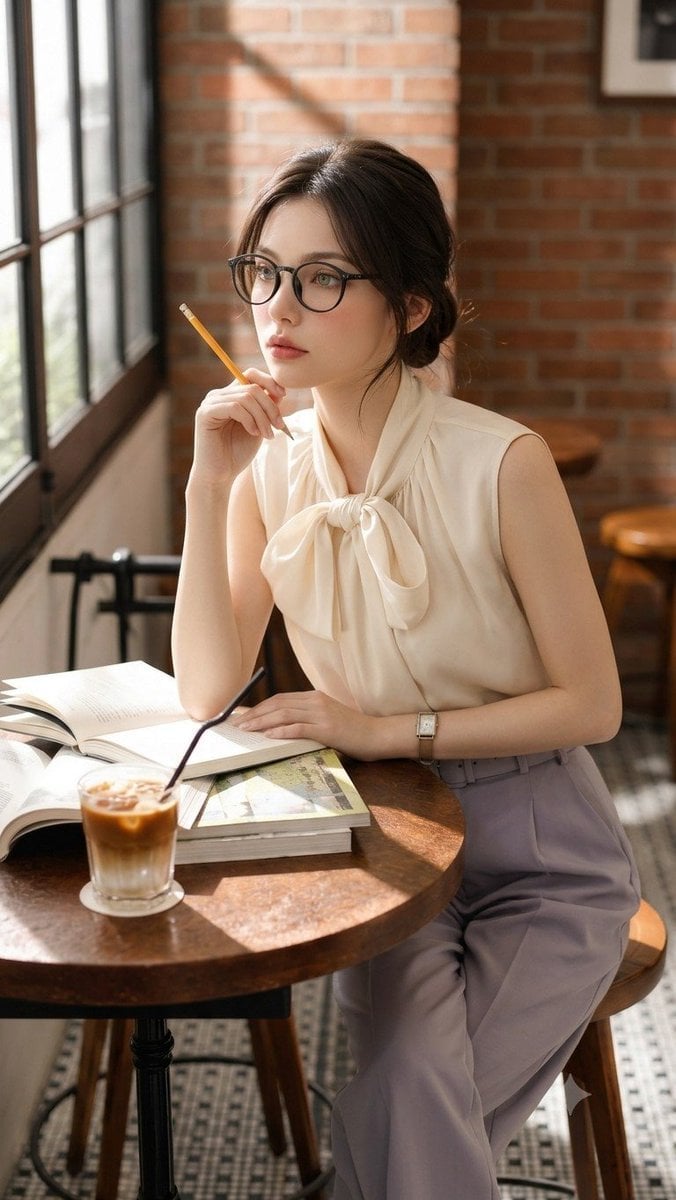
Douyin Aesthetic Café Study Portrait

Found Photograph: Us, 1970

80s Couple Studio Portrait

80s Bollywood Star

80s Golden Hour Cinema

Me in 1985

1985 Studio Portrait

Hyper-Realistic Minecraft POV Portrait
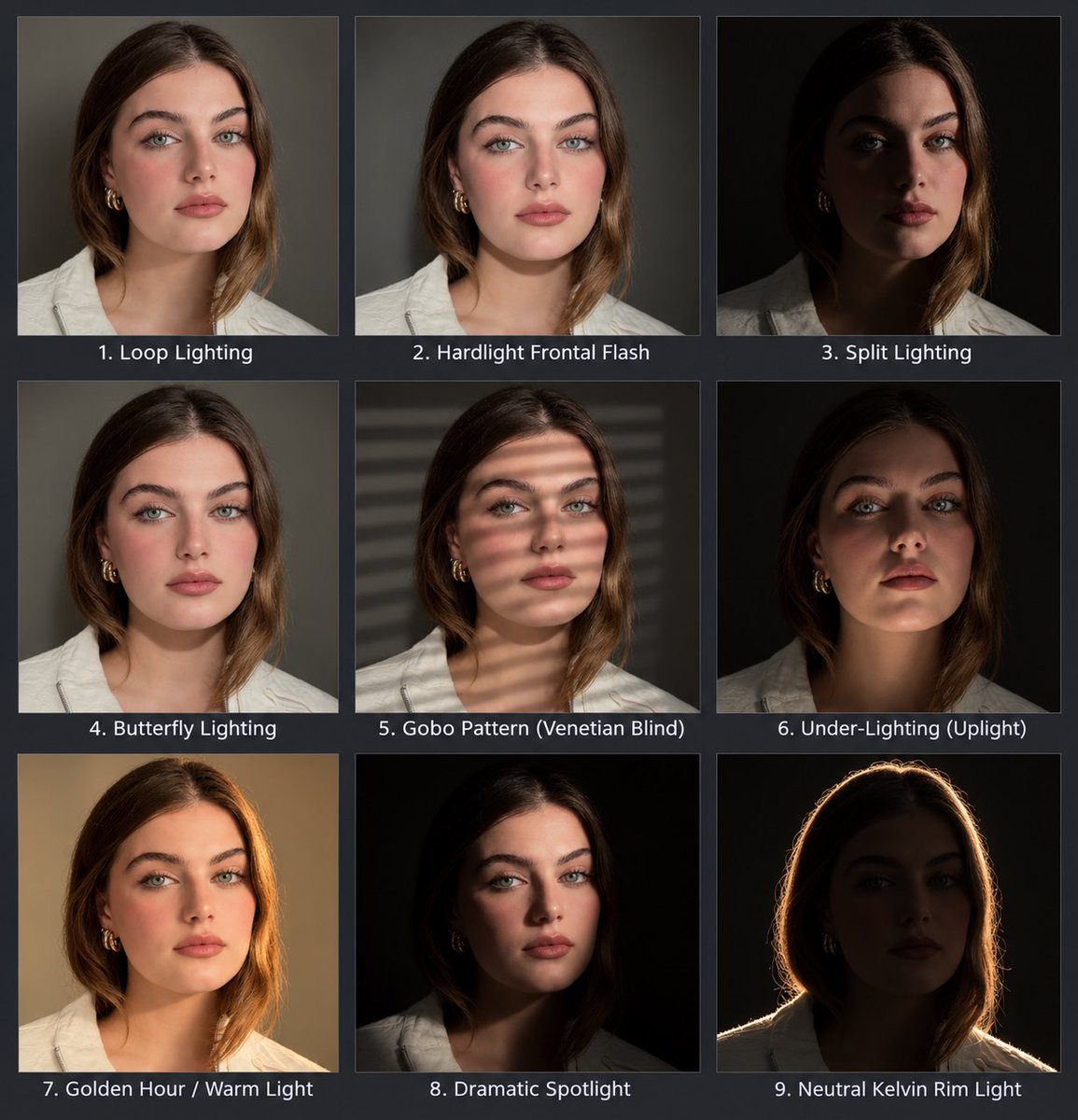
Portrait Lighting Study Grid

Waiting For You Study Portrait Poster

Rooftop Fisheye — Cat-Ear Balaclava at Golden Hour
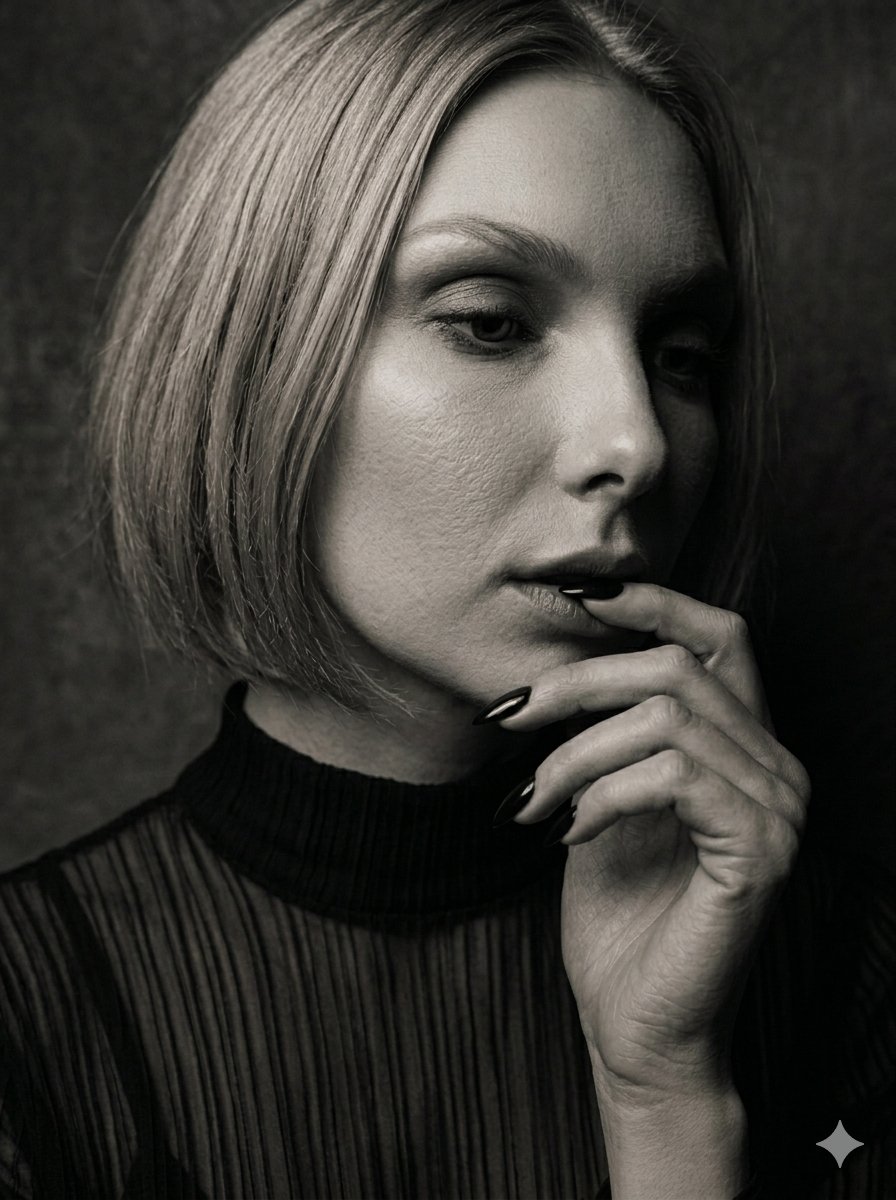
Moody Sepia Hand Study Portrait
Make it yours
Panel Portrait Abstraction Study works as-is. These are the safest ways to change it without losing the look.
Swap the setting
Keep the rest of the prompt and replace the location block. The current setting is “soft cream”.
Change one field
Copy a single group, rewrite it, and generate again so you can see what that field is doing.
Keep the frame, change the subject
Hold the composition and light of 16-Panel Portrait Abstraction Study, then swap wardrobe, props or the person for a new take.
| If the result… | Why | Fix |
|---|---|---|
| The result drifts from the preview | Too many fields changed at once. | Reuse 16-Panel Portrait Abstraction Study as-is first, then change one group — subject, light, or setting. |
| GPT Image 2 ignores part of the JSON | Some models flatten or skip nested keys. | Keep the same values and paste them as a short paragraph instead. |
More GPT Image 2 templates
Other prompts made for GPT Image 2.

Six VTuber Japanese Logo Sheet

Realistic Portrait of Woman and Deer

The Vista Modular Condo Poster

AI Model Routing Comparison Infographic

2.5D Anime Art Board

Isometric Productivity Desk Scene

New York Double Exposure Poster

Four-Panel AI Landscape Comparison

Japanese Tatami Lifestyle Magazine Cover

NESCAFÉ Coffee Map Poster
More image prompts
Fresh picks from across the catalog.
Logo Integration and Marker Overlay
Four-Panel Composition Prompt with Location Context
Editorial Ballet Flight Master Prompt
Cute Google Fonts Japanese Infographic
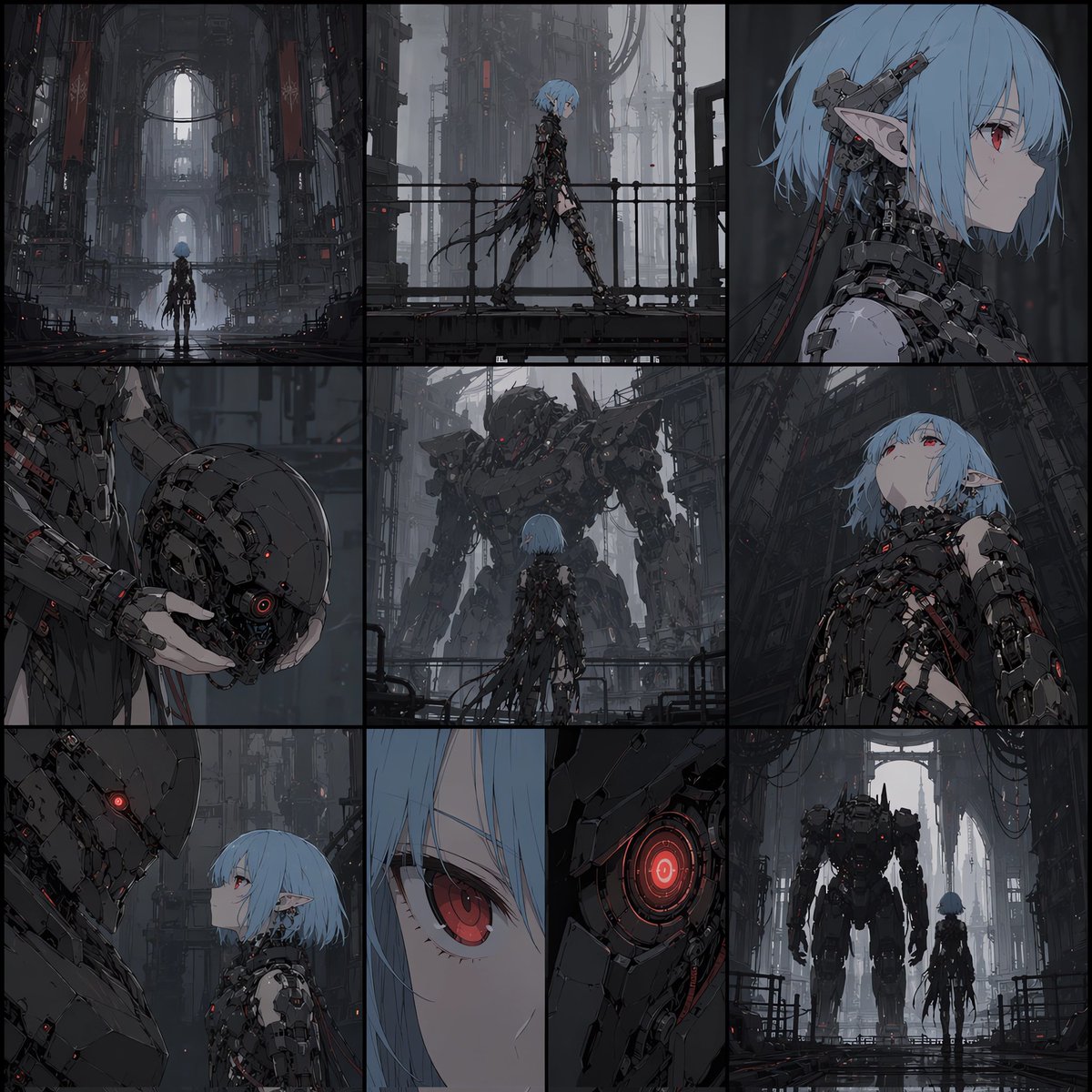
Cyberpunk Android Elf Storyboard
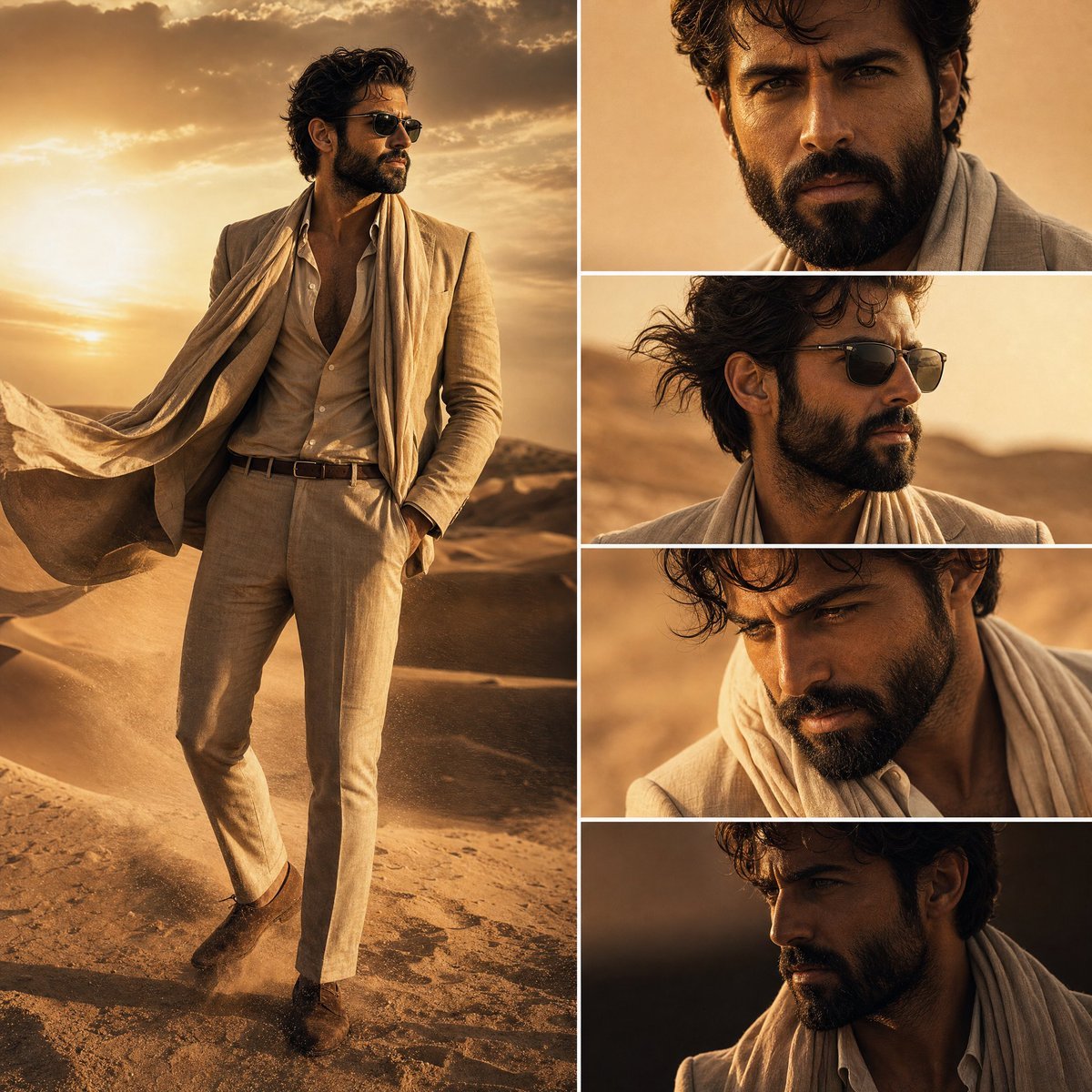
Desert Fashion Editorial Collage
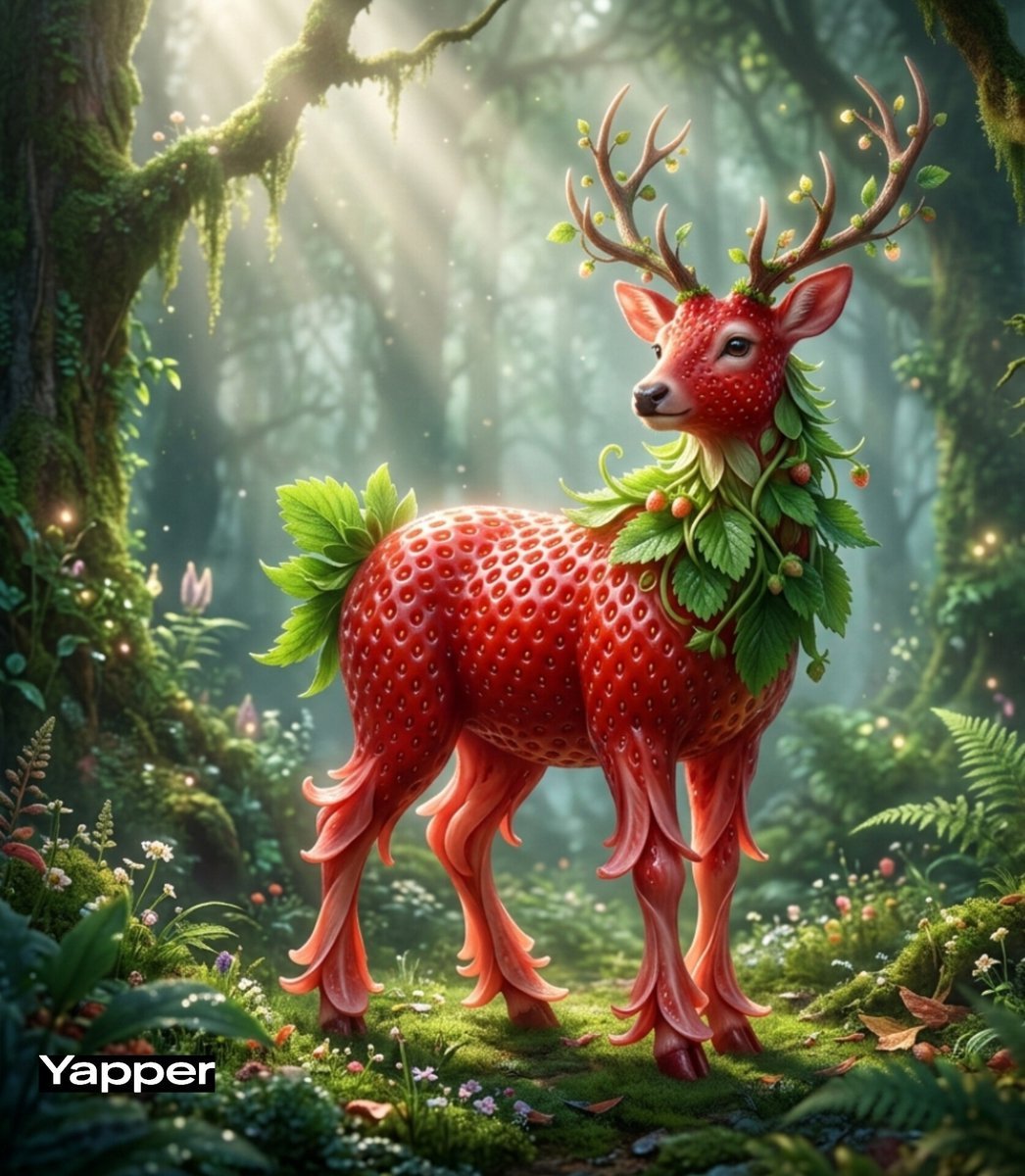
Whimsical Watermelon Elephant
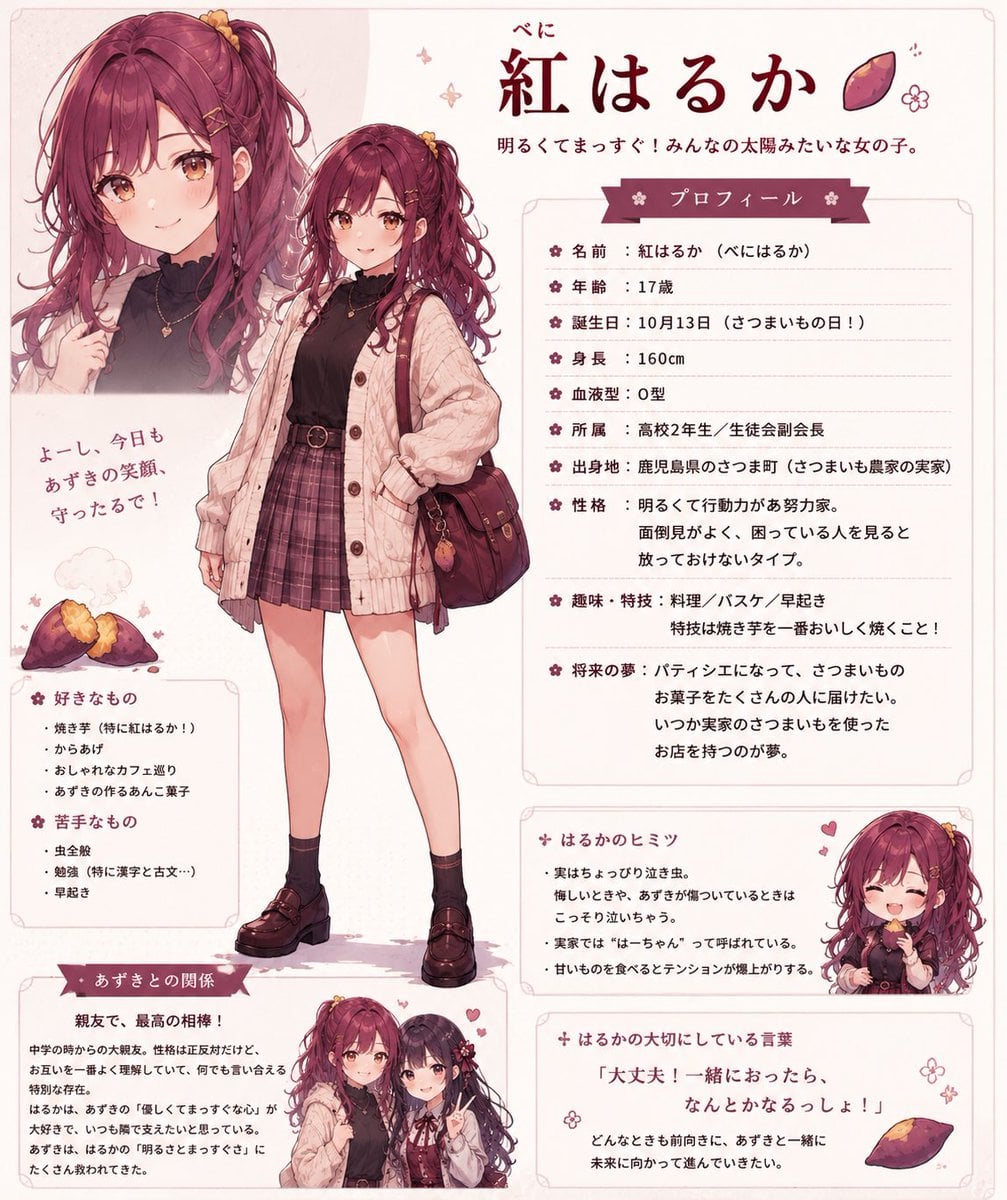
Beni Haruka Anime Character Sheet
Cozy Nostalgic Couple Portrait by Fireplace
Pearlescent Glass Sculpture
Browse template categories
Panel Portrait Abstraction Study questions
How do I use the 16-Panel Portrait Abstraction Study template?
Add your photo if the template asks for one, edit the prompt if you like — the template's model and format are already selected — and press Generate. Your version opens in PicX Studio.
Can I customize the 16-Panel Portrait Abstraction Study template?
Yes. You can change the subject, setting, lighting, mood, format, and available model controls before creating your image.
Is the 16-Panel Portrait Abstraction Study template free?
Opening and editing this template is free. Generating uses credits, shown on the Generate button when you are signed in.
Which AI model should I use?
Start with GPT Image 2, which is the model associated with this template. You can compare another compatible model for a different finish.
Looking for something else? Browse all templates.

Your photo, any look
Thousands of ready templates for every top image and video model, from one credit balance.