How do I use the Faceless Outlaw Graphic Novel Poster template?
Choose the primary action to open PicX Studio with the available template settings. Review the model and format, personalize the creative direction, and generate when ready.
A vertical noir western character poster featuring a black-clad gunslinger with crossed revolvers against a blood-red background. Change the subject, setting, or lighting one variable at a time.
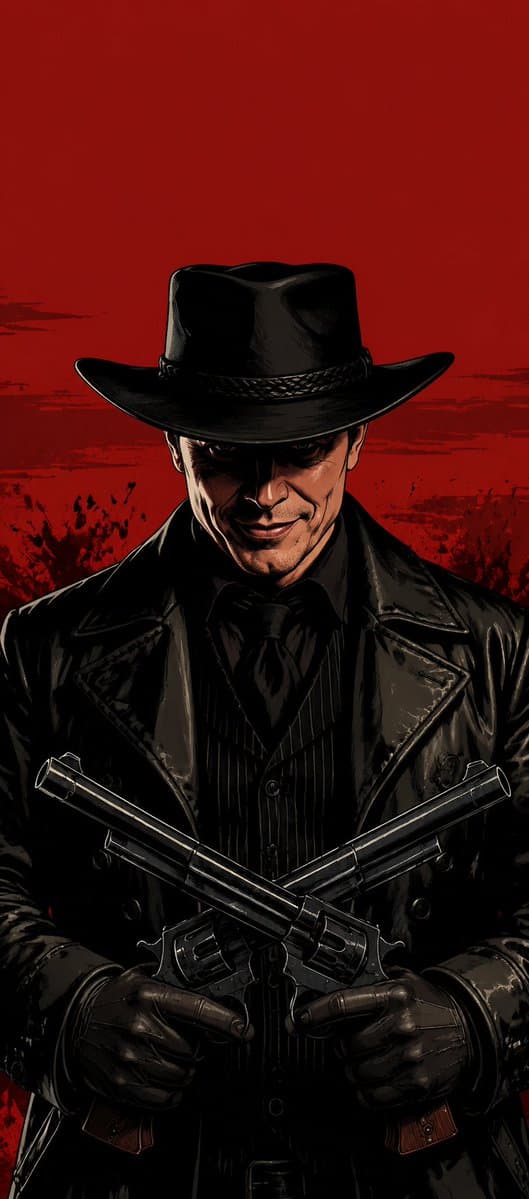
Create a vertical polished hard-boiled graphic-novel character poster in the style of official Rockstar Games concept art. Show one intimidating outlaw/gunslinger figure centered in the frame, occupying the lower 75% of the image, while the top 25% remains mostly empty solid blood-red background with subtle gritty black brush smears and splatter texture near the horizon. The character wears a glossy black wide-brim cowboy hat, black leather trench coat with sharp lapels, black pinstripe waistcoat, black shirt, black neck scarf or tie, and black leather gloves. The face is deliberately hidden by a centered dark brown-to-black square censor block covering the entire facial area from below the hat brim to the chin, leaving only ears and a small hint of lower jaw visible. Pose: front-facing, shoulders squared, stern and statuesque, both arms bent at the waist while holding exactly two long-barreled revolvers crossed in an X shape across the torso, barrels angled upward toward opposite sides, wooden grips visible near the bottom. Use dramatic noir lighting, deep shadows, high-contrast inked outlines, painterly highlights on the shiny leather and gunmetal, gritty western crime mood, cinematic poster composition, no text, no logo, no watermark. Character details may be customized as {argument name="character type" default="faceless black-clad outlaw gunslinger"}, weapon as {argument name="weapon" default="two long-barreled revolvers crossed across the chest"}, attire as {argument name="attire" default="glossy black cowboy hat, leather trench coat, pinstripe waistcoat, black shirt, neck scarf, and leather gloves"}, background color as {argument name="background color" default="solid blood-red"}, and pose as {argument name="pose" default="front-facing with squared shoulders and crossed revolvers"}.
Choose the primary action to open PicX Studio with the available template settings. Review the model and format, personalize the creative direction, and generate when ready.
Yes. You can change the subject, setting, lighting, mood, format, and available model controls before creating your image.
This template is free to open and customize. Generation usage is shown in PicX Studio before you create.
Start with GPT Image 2, which is the model associated with this template. You can compare another compatible model for a different finish.
© 2026 PicX Studio. All rights reserved.

Follow a topic to a crawlable collection of related PicX Studio templates.
43,474 public templates available. Verified via the PicX Studio public templates API; refreshed hourly.
![travel-poster-graphic-collage — Create a stylized travel poster / graphic collage for [country]. The main subject should be a stylish international tourist visi](https://pbs.twimg.com/media/HGwXN0JbgAAY5vm?format=jpg&name=large)
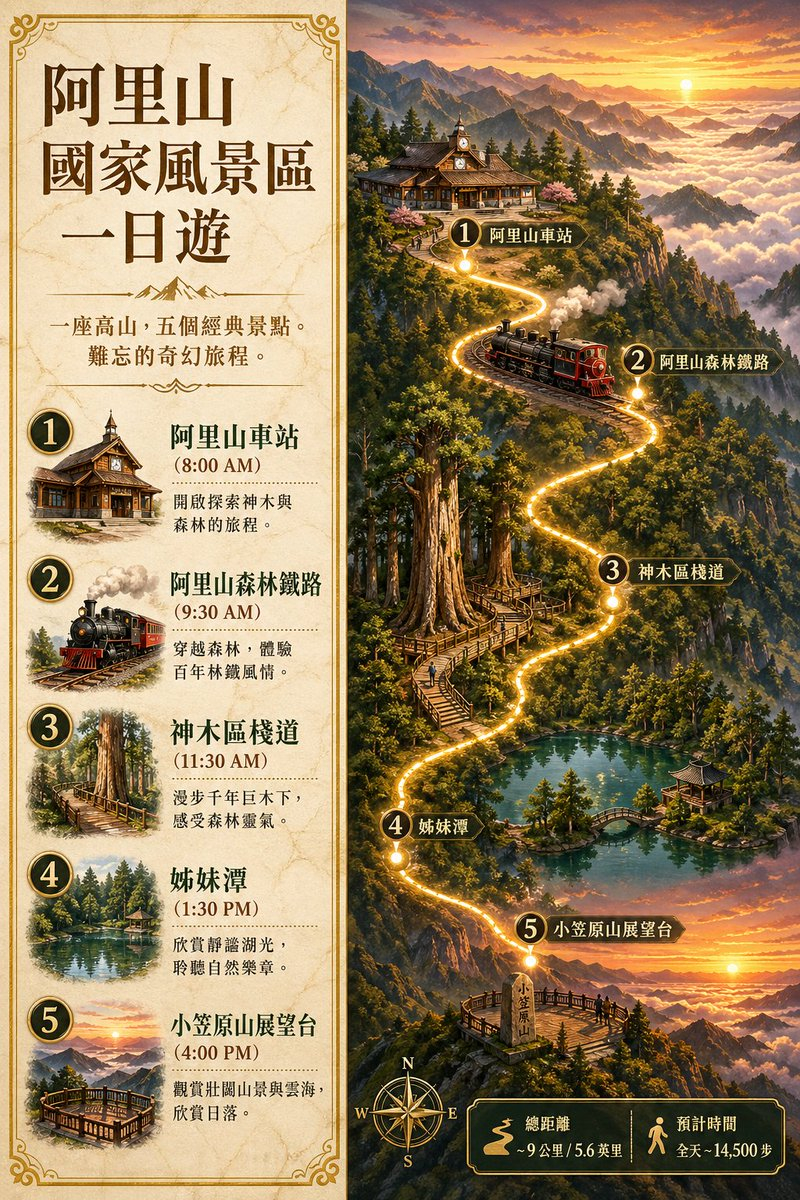
![Japan Travel Brochure Poster — Create a vertical vintage travel-brochure infographic poster titled “[COUNTRY/DESTINATION]: [TAGLINE]”, using a warm parchment-pa](/_next/image?url=https%3A%2F%2Fcdn.picxstudio.com%2Fuploads%2Fp0_982bf820-bb34-4c43-8a6d-42d799d7282b.jpg&w=828&q=100)


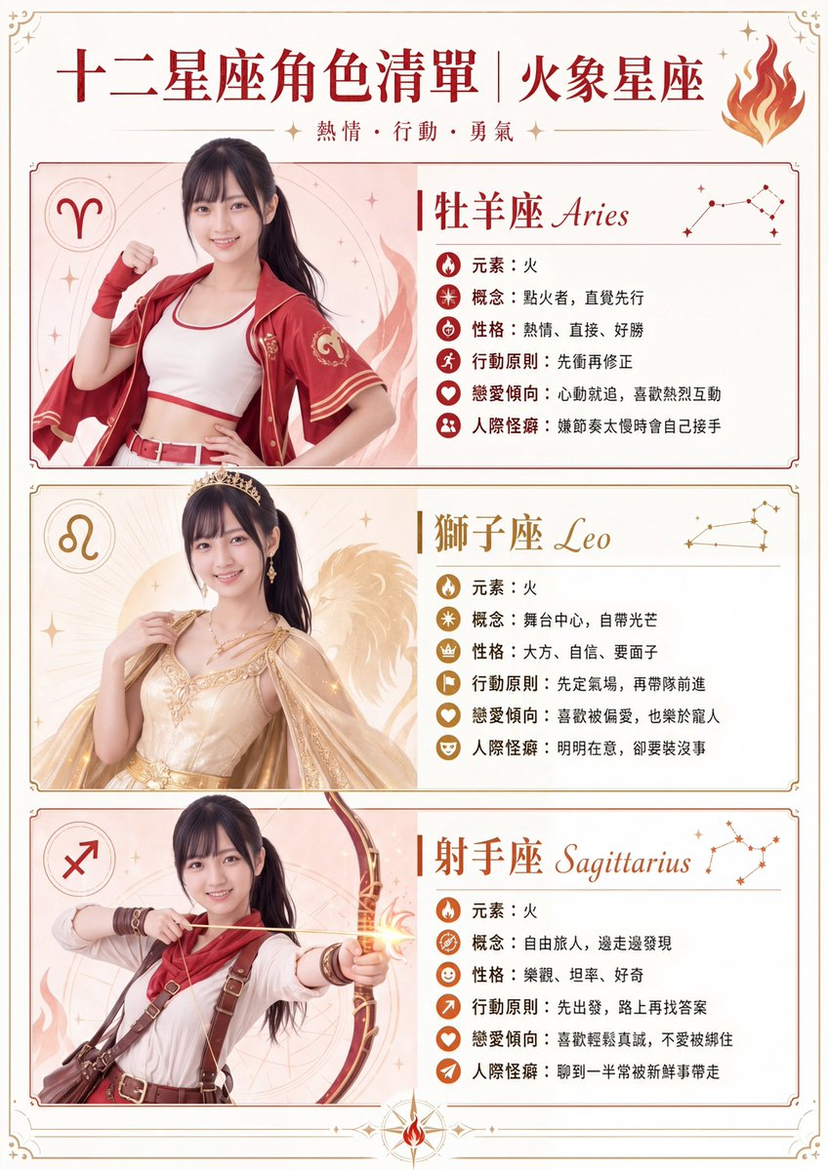
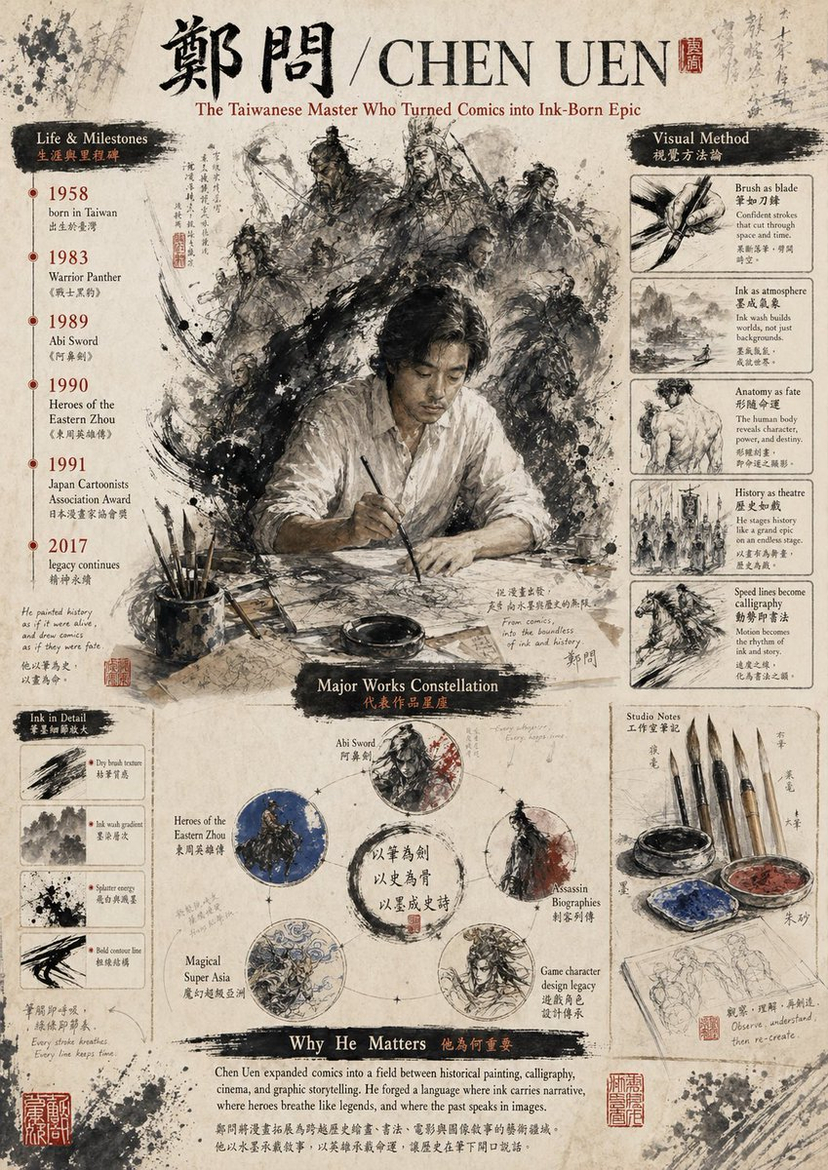
![Cartoon TV Show Poster Pack — A bold Cartoon Network-style promotional poster for [SHOW], featuring the main characters in a flat 2D illustrated style with thic](/_next/image?url=https%3A%2F%2Fcdn.picxstudio.com%2Fuploads%2Fimg0_107064d3-b797-488a-a32e-d75dea9d3b4c.jpg&w=828&q=100)
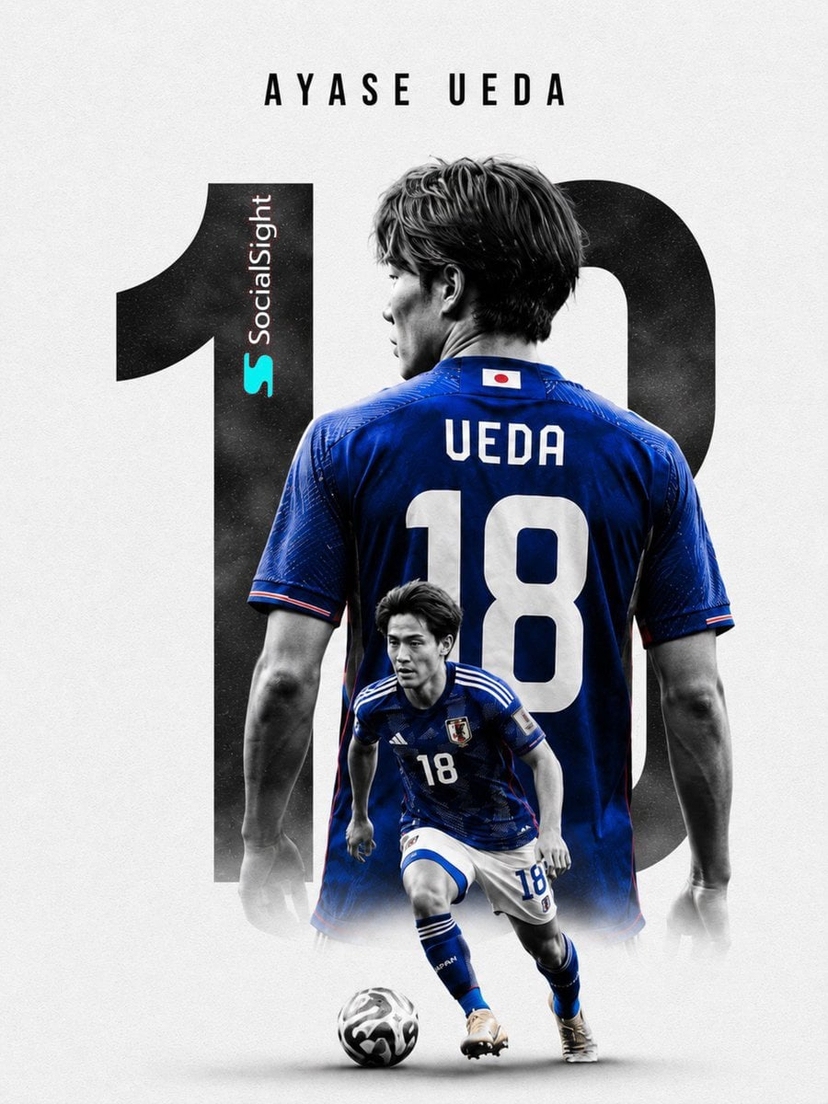
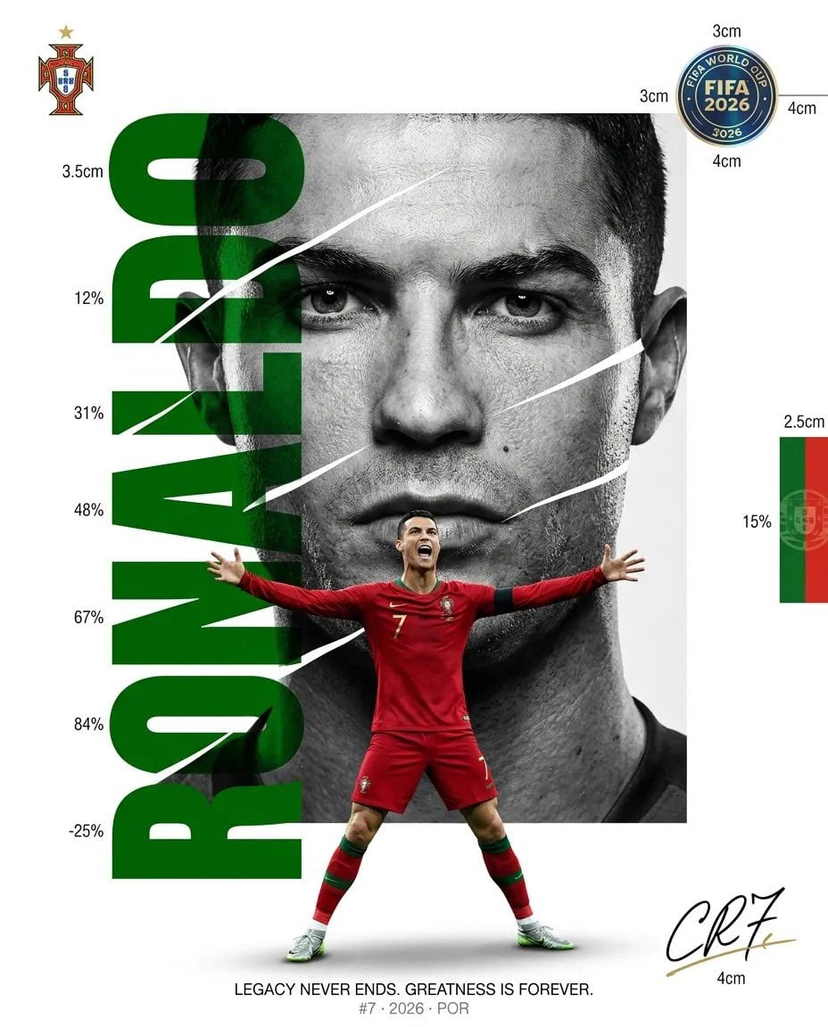
![vertical-football-star-campaign-poster — Create a vertical 9:16 high-resolution football star campaign poster.
Player: [Player Name]
Player concept: [football](/_next/image?url=https%3A%2F%2Fcdn.picxstudio.com%2Fuploads%2Fmeigen_996a192156cb_45d1d198-bb81-4272-be3f-df0eda9f0a74.jpg&w=828&q=100)


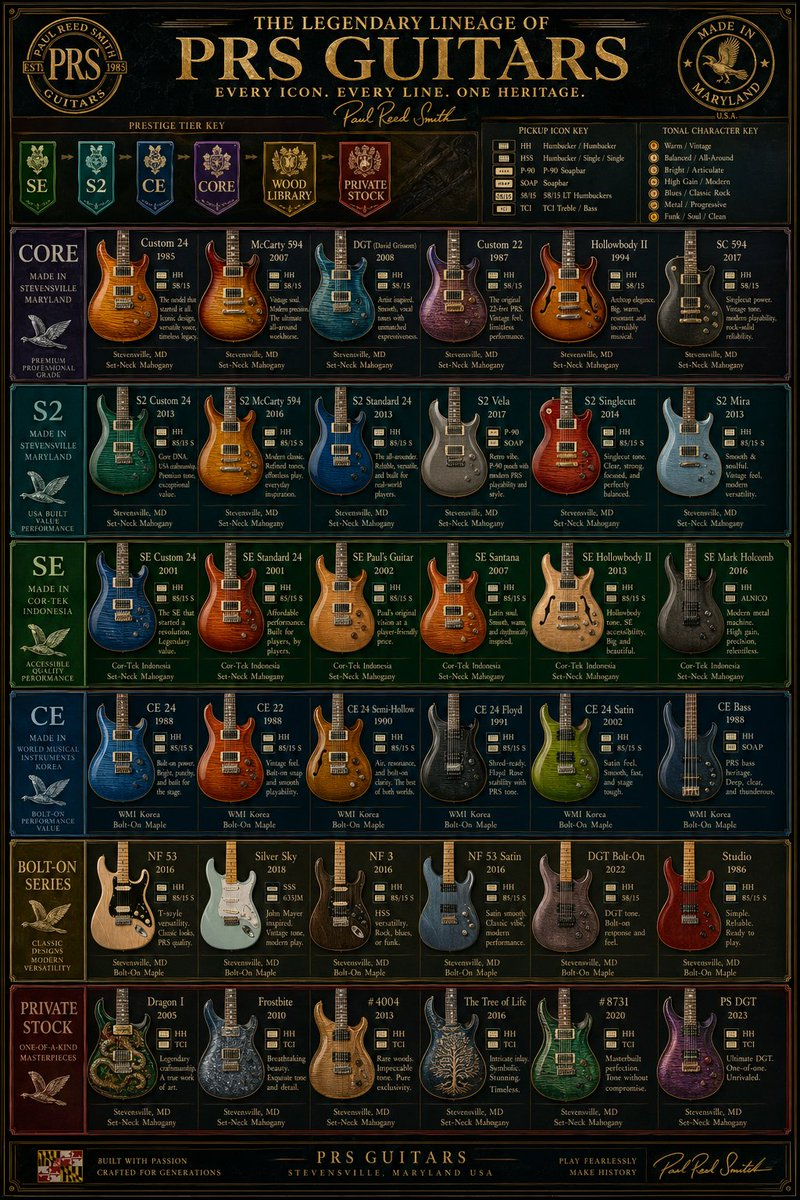
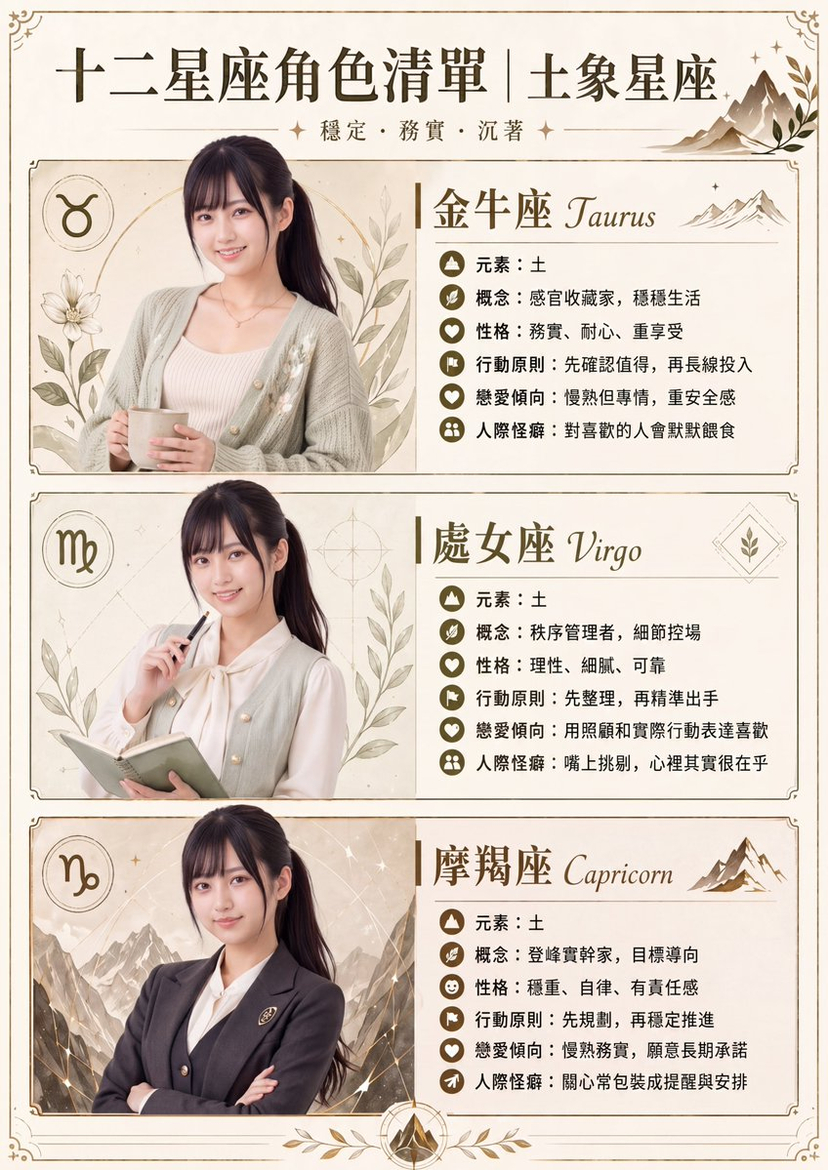
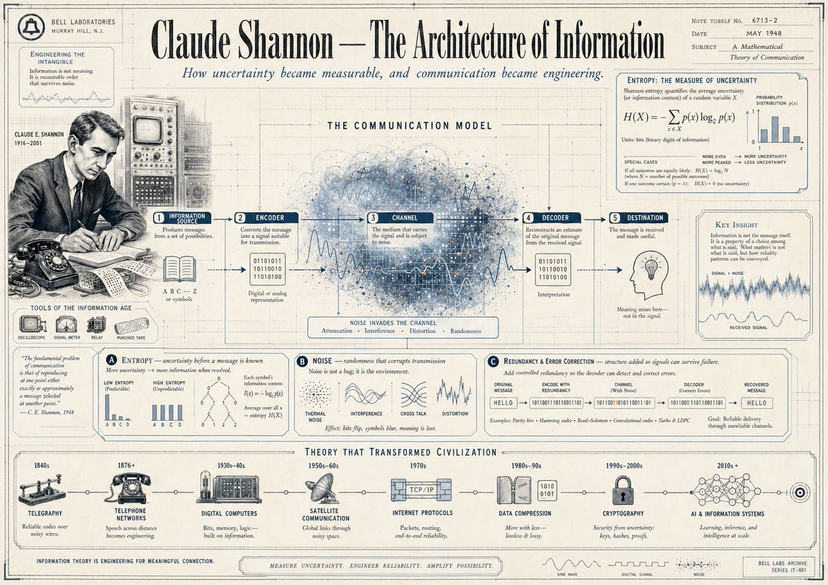





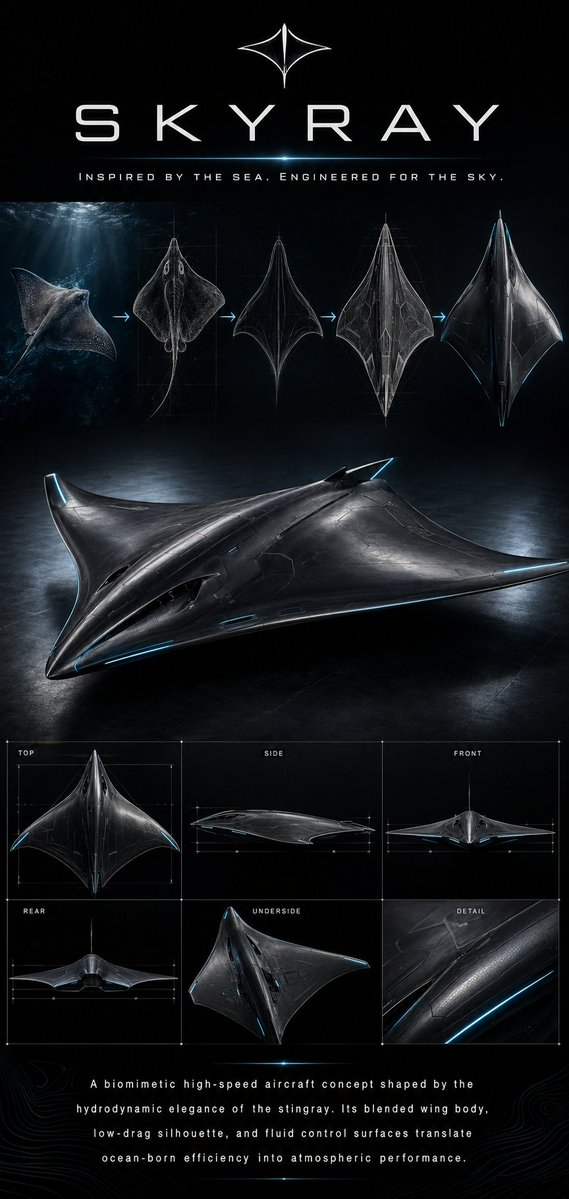
![Minimalist Flat Vector Travel Poster — Premium minimalist flat-vector travel poster for {argument name="city name" default="[CITY_NAME]"}, 3:4 vertical format.](https://cms-assets.youmind.com/media/1787917359711_3ug846_HQX205cbMAA6F6S-300x400.jpg)




























![Retro-Futuristic Product Photography Prompt — Highly detailed retro-futurism {argument name="object name" default="[OBJECT NAME]"}, inspired by 1950s–1960s spac](https://pbs.twimg.com/media/HBB3TJ8WAAArAhz.jpg)