Dramatic High-Contrast Portrait with Window Lighting
{
"metadata": {
"image_type": "photograph",
"primary_purpose": "portrait/editorial"
},
"composition": {
"rule_applied": "center composition",
"aspect_ratio": "3:4",
"layout": "single subject",
"focal_points": [
"Subject's face and tortoiseshell sunglasses",
"The white sash windows in the background brick building"
],
"visual_hierarchy": "Eye starts at the subject's brightly lit face and sunglasses, moves down the strong lapel lines of the dark coat, then out to the textured background building and yellow autumn tree.",
"balance": "asymmetric - subject is centered, but heavy architectural elements on the right are balanced by the brightly lit yellow tree on the left"
},
"color_profile": {
"dominant_colors": [
{
"color": "Dark Navy/Black",
"hex": "#0D1117",
"percentage": "45%",
"role": "primary subject"
},
{
"color": "Warm Brown/Grey",
"hex": "#73655D",
"percentage": "35%",
"role": "background"
},
{
"color": "Golden Yellow",
"hex": "#D19C4C",
"percentage": "10%",
"role": "accent"
}
],
"color_palette": "complementary",
"temperature": "warm",
"saturation": "moderate",
"contrast": "high contrast"
},
"lighting": {
"type": "natural window",
"source_count": "single source",
"direction": "45-degree side",
"directionality": "highly directional",
"quality": "hard light",
"intensity": "bright",
"contrast_ratio": "high contrast (dramatic shadows)",
"mood": "dramatic",
"shadows": {
"type": "harsh defined edges",
"density": "deep black",
"placement": "heavy on the right side of the subject's face, neck, and inside the coat; cast shadows from building elements visible on the brick wall",
"length": "medium"
},
"highlights": {
"treatment": "preserved",
"placement": "on left cheek, jawline, nose bridge, and the left side of the hair"
},
"ambient_fill": "absent",
"light_temperature": "warm (golden)"
},
"technical_specs": {
"medium": "digital photography",
"style": "realistic",
"texture": "sharp",
"sharpness": "tack sharp",
"grain": "none",
"depth_of_field": "medium",
"perspective": "straight on"
},
"artistic_elements": {
"genre": "portrait",
"influences": [
"Street style fashion photography",
"Menswear editorial"
],
"mood": "sophisticated",
"atmosphere": "Crisp autumn golden hour with a cinematic, structured urban feel",
"visual_style": "structured"
},
"typography": {
"present": false,
"fonts": [
{
"type": "sans-serif",
"weight": "regular",
"characteristics": "modern"
}
],
"placement": "none",
"integration": "subtle"
},
"subject_analysis": {
"primary_subject": "Caucasian male in his 30s wearing a heavy dark navy wool overcoat over a dark crewneck sweater, accessorized with tortoiseshell sunglasses. Hair analysis: Length is approximately 3-4 inches on top, tapering to 1-1.5 inches on the sides, styled in a classic executive contour/side-part. The part is located deep on the left side, about 1.5 inche



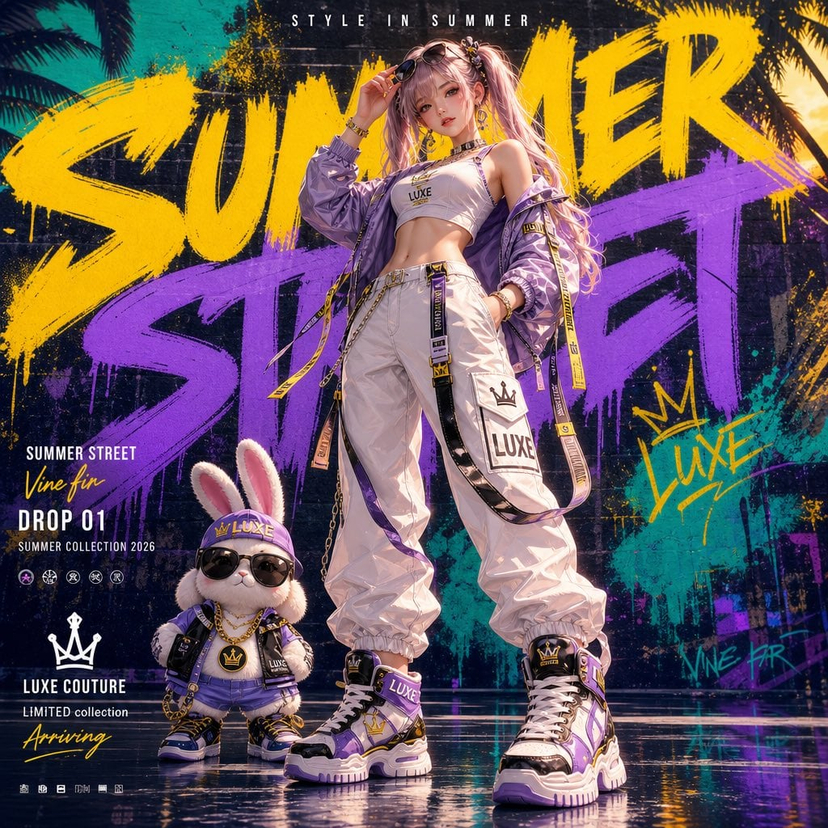
![Anime Streetwear Character Poster — Create a stylized illustration of [character_name] from [franchise].
Character Analysis:
Derive the character's core perso](/_next/image?url=https%3A%2F%2Fcdn.picxstudio.com%2Fuploads%2Fmeigen_2b91784d559f_87c1672f-c0f4-427c-b45d-4d6358f7ace4.jpg&w=828&q=100)

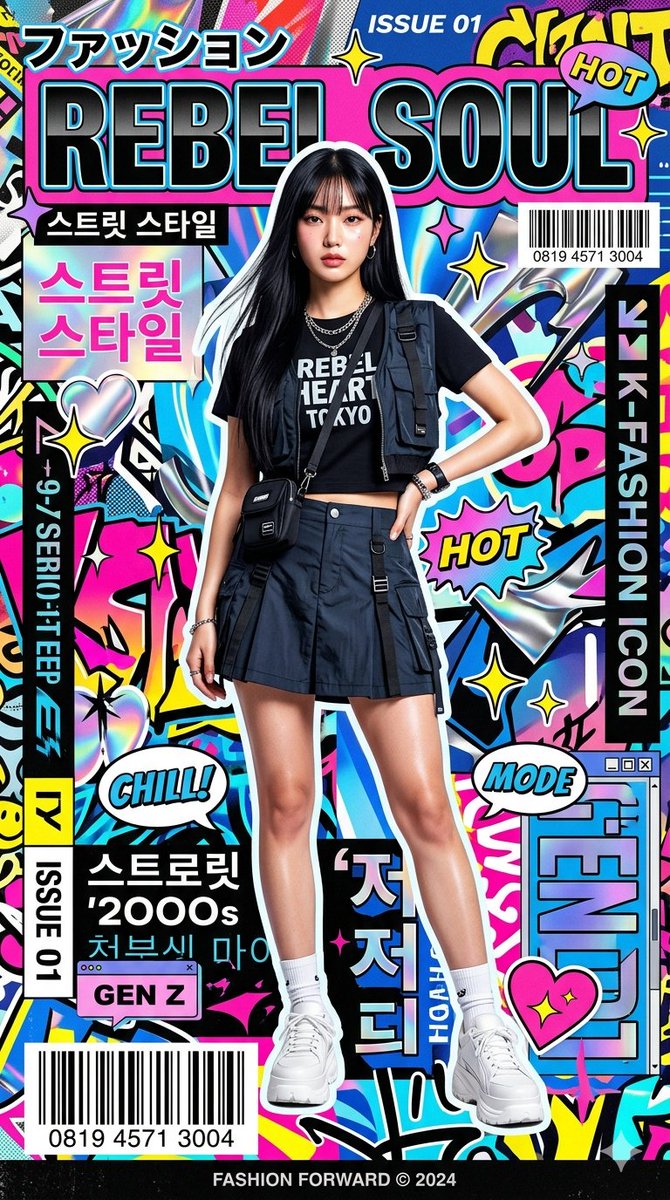
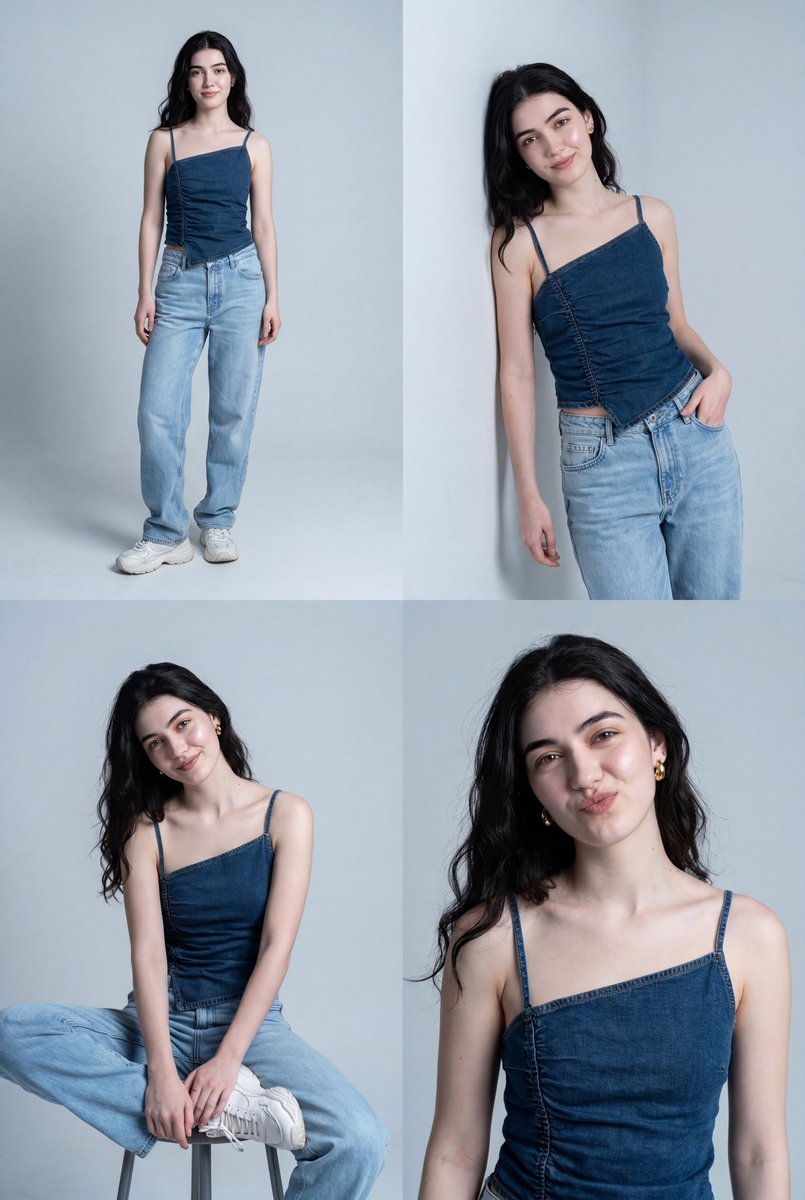


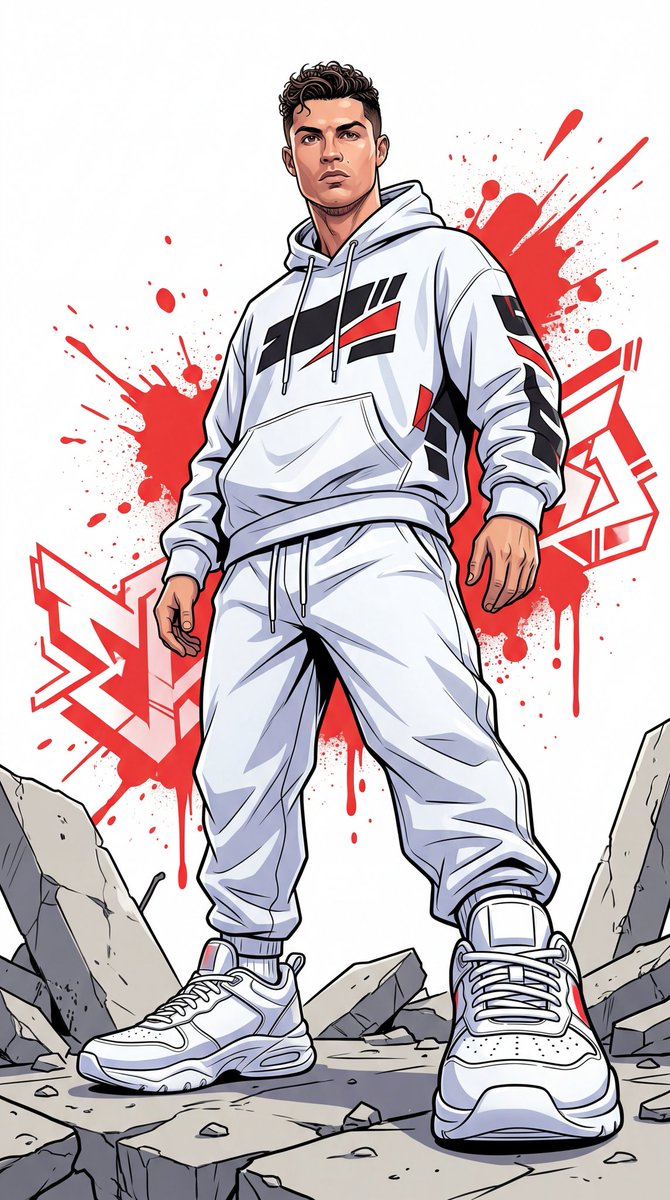


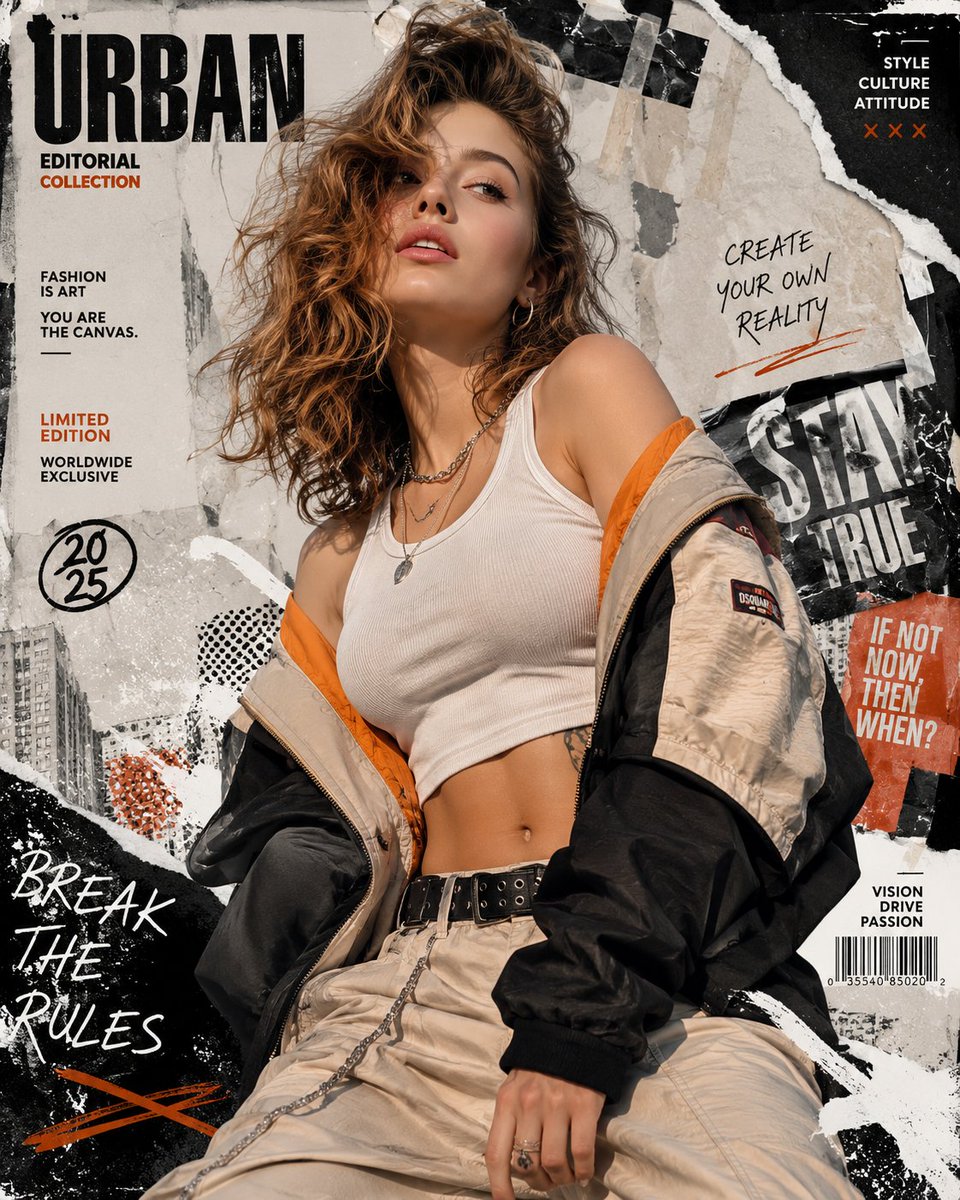



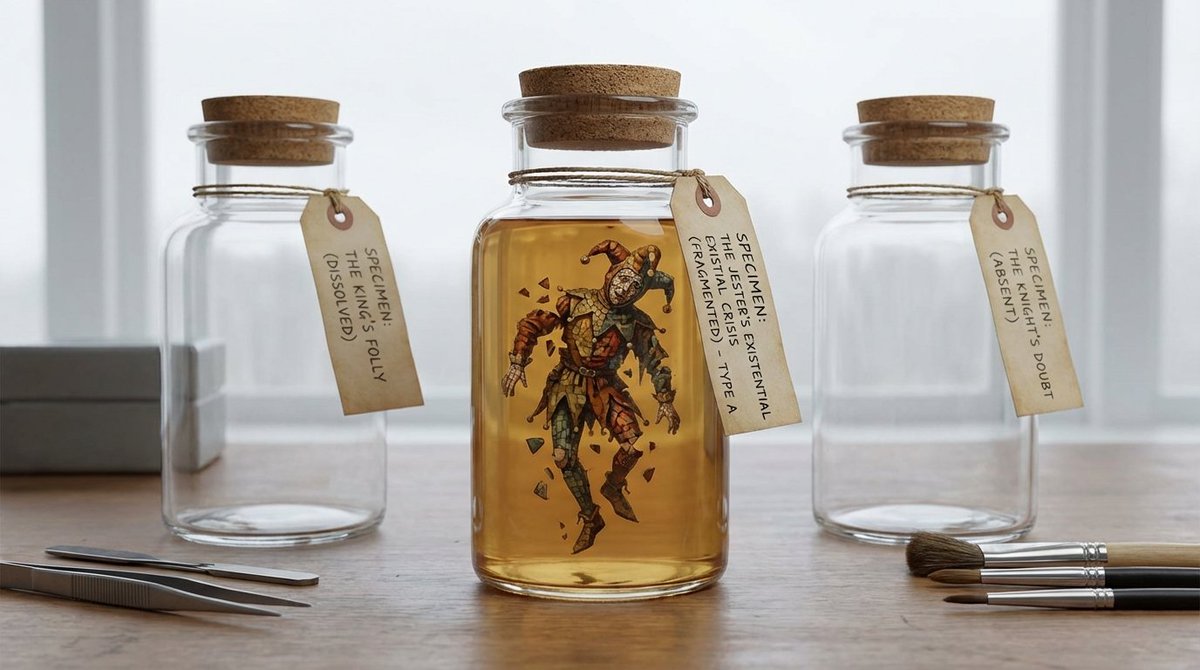
![Naive doodle-style subject illustration — A doodle-style {argument name="subject" default="[subject]"}, naive lines, humorous shape exaggeration](https://pbs.twimg.com/media/G6Wl2YxbsAARB2b.jpg)




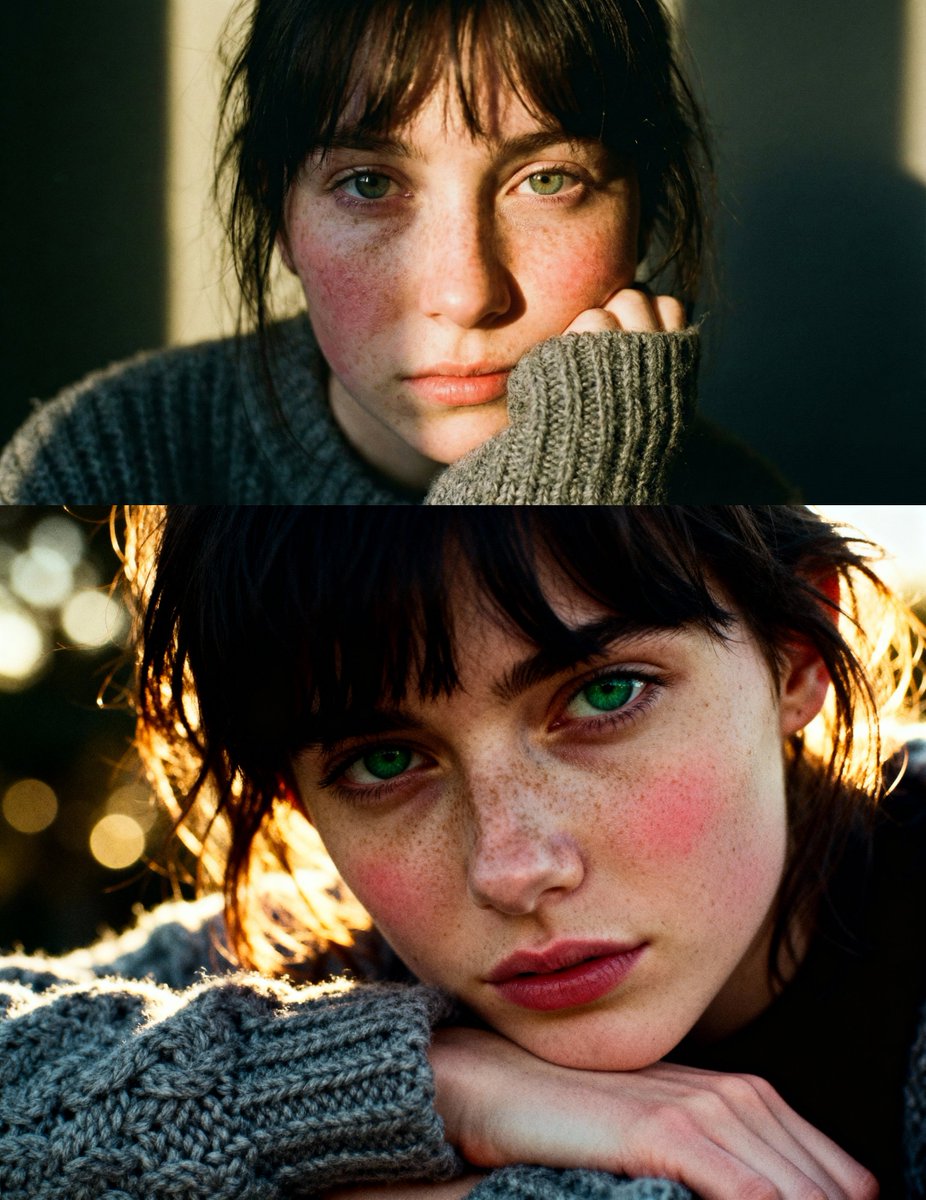




![Ethereal Underwater/Water-Integrated Portrait Prompt — 1.0 · Face_Retention: STRICT_MATCH [Refer to Source Image], Subject_Aesthetic: High-Fashion_Editorial, As](https://pbs.twimg.com/media/HAaxZiiWMAEJy0f.jpg)