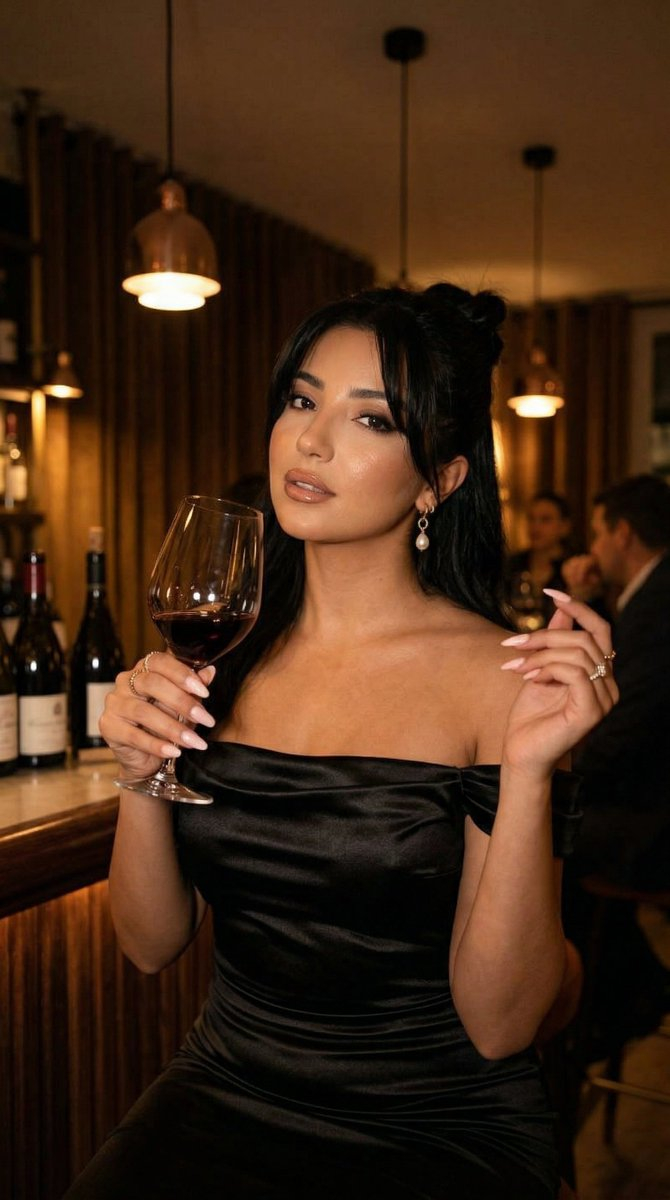
How do I use the Sadie Sink Fine Art Editorial Portrait template?
Choose the primary action to open PicX Studio with the available template settings. Review the model and format, personalize the creative direction, and generate when ready.
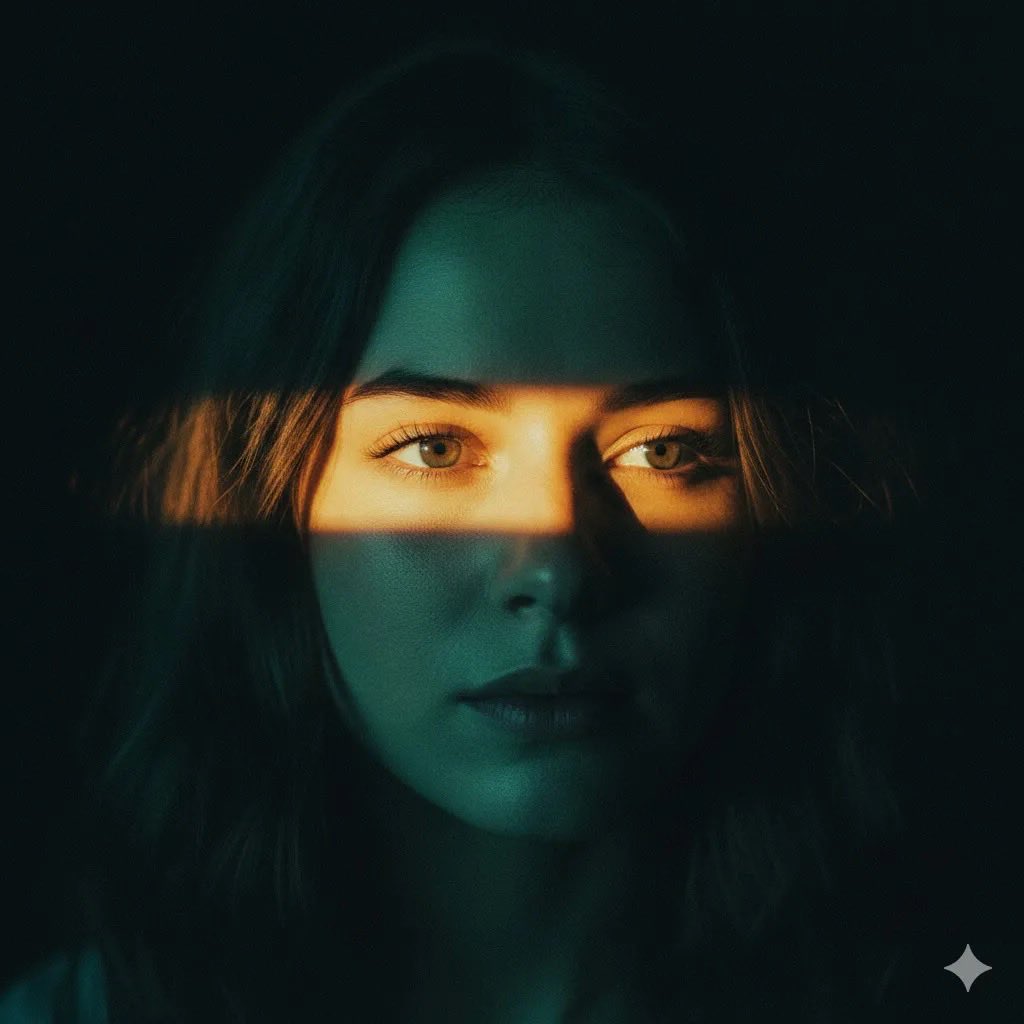
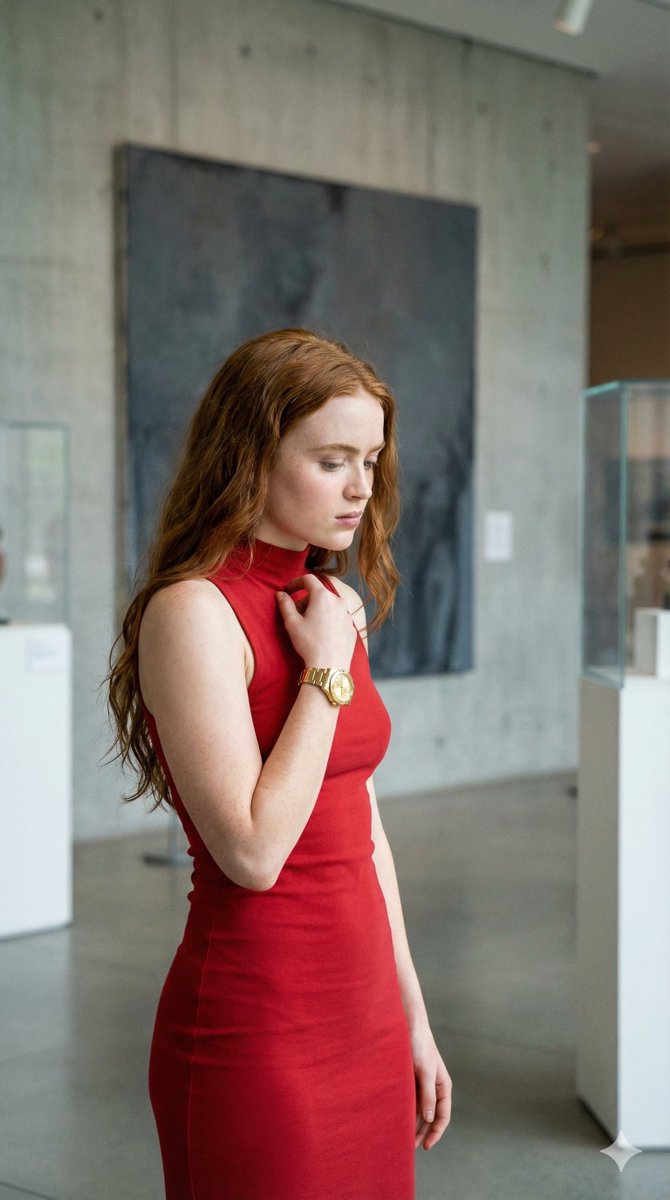
A detailed prompt for generating an elegant, timeless fine art editorial portrait of a woman resembling Sadie Sink, wearing a sheer black lace V-neck dress, set in a historic European castle garden with soft natural daylight and low contrast. Change the subject, setting, or lighting one variable at a time.

{ "subject": { "character": "{argument name="subject name" default="Sadie Sink"}", "age_range": "early to mid 20s", "skin_texture": "smooth, natural skin texture, soft porcelain tone", "expression": "calm, distant, introspective" }, "pose_and_orientation": { "body_direction": "upper body fully facing the camera, straight on", "head_direction": "head turned gently to the left, matching the reference image angle", "gaze_direction": "looking past the camera to the left, identical to the reference image", "shoulders": "even, squared shoulders facing forward", "posture": "upright, elegant, noble posture" }, "gaze": { "eye_focus": "soft, unfocused gaze into the distance", "emotion": "quiet confidence, subtle melancholy, composed elegance" }, "mood": { "overall_feeling": "elegant, poetic, timeless", "energy": "soft, restrained, aristocratic", "atmosphere": "romantic European fine art portrait" }, "hair": { "style": "loosely gathered messy bun", "structure": "soft volume at the crown, natural irregularity", "flyaways": "loose strands framing the face and neck", "finish": "natural, matte, effortless" }, "accessories": { "earrings": "delicate dangling pearl earrings", "style": "classic, minimal, aristocratic", "movement": "subtle natural swing" }, "outfit": { "reference_instruction": "base the outfit directly on the clothing in the provided reference image", "dress_type": "deep V-neck evening dress", "fabric": "sheer black lace overlay", "lace_detail": "intricate floral lace patterns identical in spirit to the reference", "inner_layer": "solid black structured bodice beneath the lace", "neckline_behavior": "lace softly draped over shoulders and collarbone as in the reference image", "overall_style": "haute couture, timeless, refined, identical silhouette to the reference" }, "lighting": { "type": "soft natural daylight", "direction": "side lighting from camera right, matching reference", "shadow_style": "gentle shadows sculpting cheekbones and jawline", "contrast": "low contrast, painterly softness", "skin_light": "even, diffused glow" }, "camera": { "shot_type": "medium close-up portrait", "lens": "85mm portrait lens look", "depth_of_field": "shallow depth of field with soft background blur", "focus": "sharp focus on eyes and facial features" }, "composition": { "framing": "vertical portrait", "subject_placement": "centered composition with subtle negative space", "aesthetic": "fine art editorial photography" }, "background": { "location": "historic European castle garden", "elements": [ "ancient stone castle walls", "ivy-covered arches", "classical European garden statues", "trimmed hedges and greenery", "stone garden pathways" ], "time_of_day": "late afternoon", "backgr
Choose the primary action to open PicX Studio with the available template settings. Review the model and format, personalize the creative direction, and generate when ready.
Yes. You can change the subject, setting, lighting, mood, format, and available model controls before creating your image.
This template is free to open and customize. Generation usage is shown in PicX Studio before you create.
Start with Nano Banana 2, which is the model associated with this template. You can compare another compatible model for a different finish.
© 2026 PicX Studio. All rights reserved.

Follow a topic to a crawlable collection of related PicX Studio templates.
43,474 public templates available. Verified via the PicX Studio public templates API; refreshed hourly.

















![Naive doodle-style subject illustration — A doodle-style {argument name="subject" default="[subject]"}, naive lines, humorous shape exaggeration](https://pbs.twimg.com/media/G6Wl2YxbsAARB2b.jpg)