How do I use the Sadie Sink Hyper-Realistic Studio Portrait template?
Choose the primary action to open PicX Studio with the available template settings. Review the model and format, personalize the creative direction, and generate when ready.
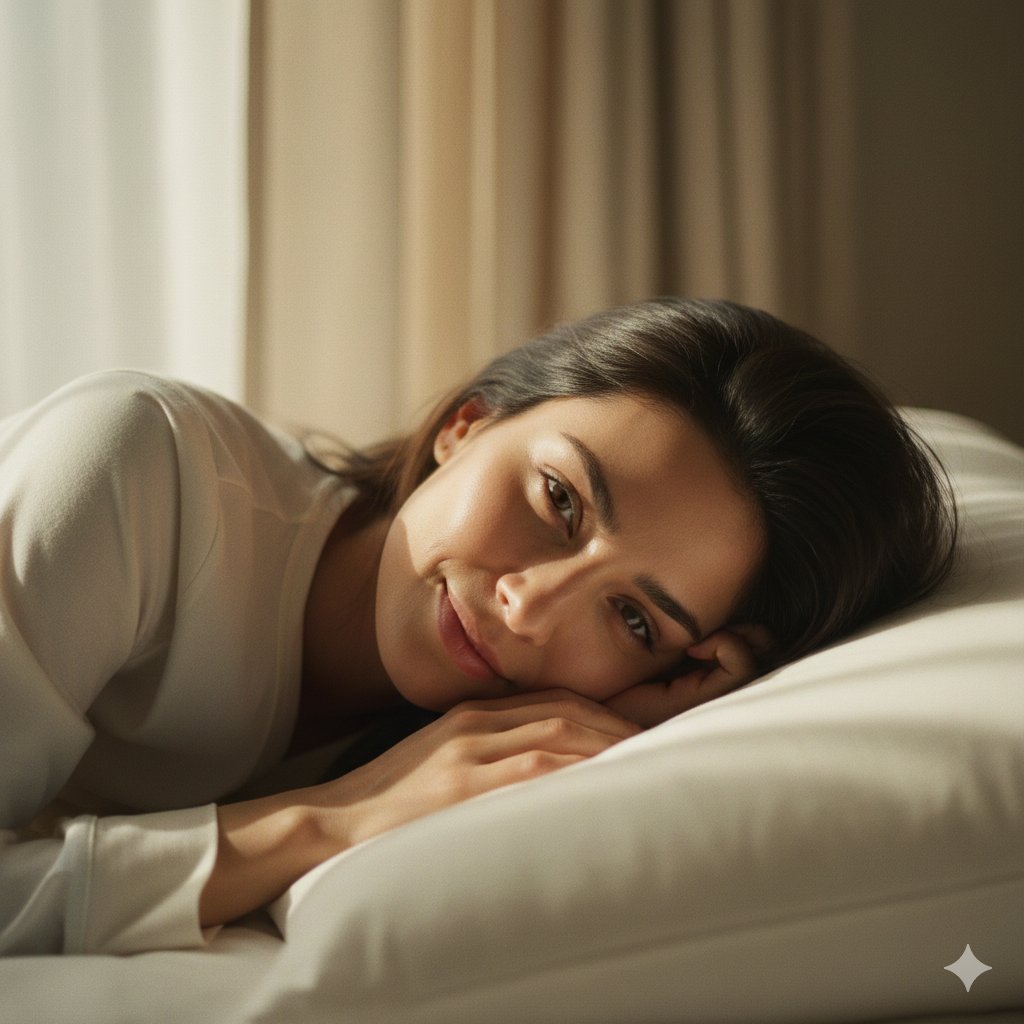
A highly technical JSON prompt for generating a hyper-realistic, 8K portrait of Sadie Sink. It details biometric attributes (hazel-green eyes, warm olive skin, pores, vellus hair), attire (sheer red silk chiffon top), accessories (diamond necklace), and specific studio lighting architecture (4' Octabank Softbox, white bounce card) and camera settings (Sony A7R IV, 85mm f/1.4 GM). (free to use) — Free AI image template on PicX Studio.
{ "project_metadata": { "version": "6.0_terminal_structure", "fidelity_target": "Hyper-Realistic / 8K RAW", "aspect_ratio": "3:4" }, "subject_schema": { "identity_profile": { "biometric_target": "{argument name=\"subject name\" default=\"Sadie Sink\"} ", "likeness_precision": 1.0, "age_rendering": "Current" }, "anatomical_attributes": { "facial_region": { "oculometry": { "iris_color": "Hazel-green", "details": ["Intricate iris texture", "High-clarity sclera", "Sharp catchlights"], "gaze": "Direct-to-lens" }, "dermal_surface": { "tone": "Warm olive", "micro_features": ["Pores", "Vellus hair", "Faint freckles"], "shader": "Sub-surface scattering (SSS)" }, "morphology": { "lips": ["Full", "Nude pink matte", "Natural texture"], "jawline": "Softly contoured", "brows": "Natural arch" } }, "capillary_system": { "color": "Dark mahogany brown", "physique": "Voluminous / Wavy", "flow": "Swept back with realistic flyaways" } }, "performance_logic": { "emotional_state": ["Calm", "Alluring", "Confident"], "kinematic_pose": { "alignment": "Off-the-shoulder stance", "tilt": "15-degree head incline", "posture": "Relaxed / Professional" } } }, "aesthetic_schema": { "apparel_module": { "garment": "Off-the-shoulder top", "material_physics": { "type": "Sheer silk chiffon", "color": "Bright Red ", "details": ["Ruffled edges", "Gathered detailing", "Translucency"] } }, "accessory_set": { "neck": "Single strand diamond tennis necklace", "ears": "Small diamond huggie hoop earrings", "optics": "Raytraced refraction and sparkle" }, "cosmetic_design": { "philosophy": "Natural 'no-makeup' look", "finish": "Dewy / Luminous skin", "palette": ["Mascara-defined lashes", "Soft-matte lip finish"] } }, "environmental_rig": { "scenography": { "backdrop_type": "Seamless grey cyclorama", "gradient_falloff": "Linear / Smooth" }, "lighting_architecture": { "key_source": { "hardware": "4' Octabank Softbox", "azimuth": "45° Left", "quality": "Diffused / High-softness" }, "fill_source": { "method": "White bounce card", "position": "Camera Right", "intent": "Shadow modeling" }, "chromacity": { "temperature": "5500K", "rendering": "CRI 98+" } } }, "cinematography_specification": { "hardware_stack": { "body": "Sony A7R IV", "optics": "Sony FE 85mm f/1.4 GM" }, "exposure_parameters": { "aperture": "f/1.8", "iso": 100, "shutter": "1/160s" }, "depth_mapping": { "focus_target": "Lead eye", } } }
Use Sadie Sink Hyper-Realistic Studio Portrait to plan an AI image around nano-banana-2 generation. Match the preview's composition first, then personalize the subject, setting, and mood for your own project.
Use the primary action to load the template settings in PicX Studio.
Adjust the subject and creative details for your destination.
Create the image, compare the result with the preview, and refine one variable at a time.
A continuous mix — similar concepts first, woven with same-model prompts and fresh picks from the catalog.
Choose the primary action to open PicX Studio with the available template settings. Review the model and format, personalize the creative direction, and generate when ready.
Yes. You can change the subject, setting, lighting, mood, format, and available model controls before creating your image.
This template is free to open and customize. Generation usage is shown in PicX Studio before you create.
Start with nano-banana-2, which is the model associated with this template. You can compare another compatible model for a different finish.
Follow a topic to a crawlable collection of related PicX Studio templates.
39,155 public templates available. Verified via the PicX Studio public templates API; refreshed hourly.
A continuous mix — similar concepts first, woven with same-model prompts and fresh picks from the catalog.