
Modern Cowgirl Portrait Template
Modern Cowgirl Portrait Template is a ready photo look.
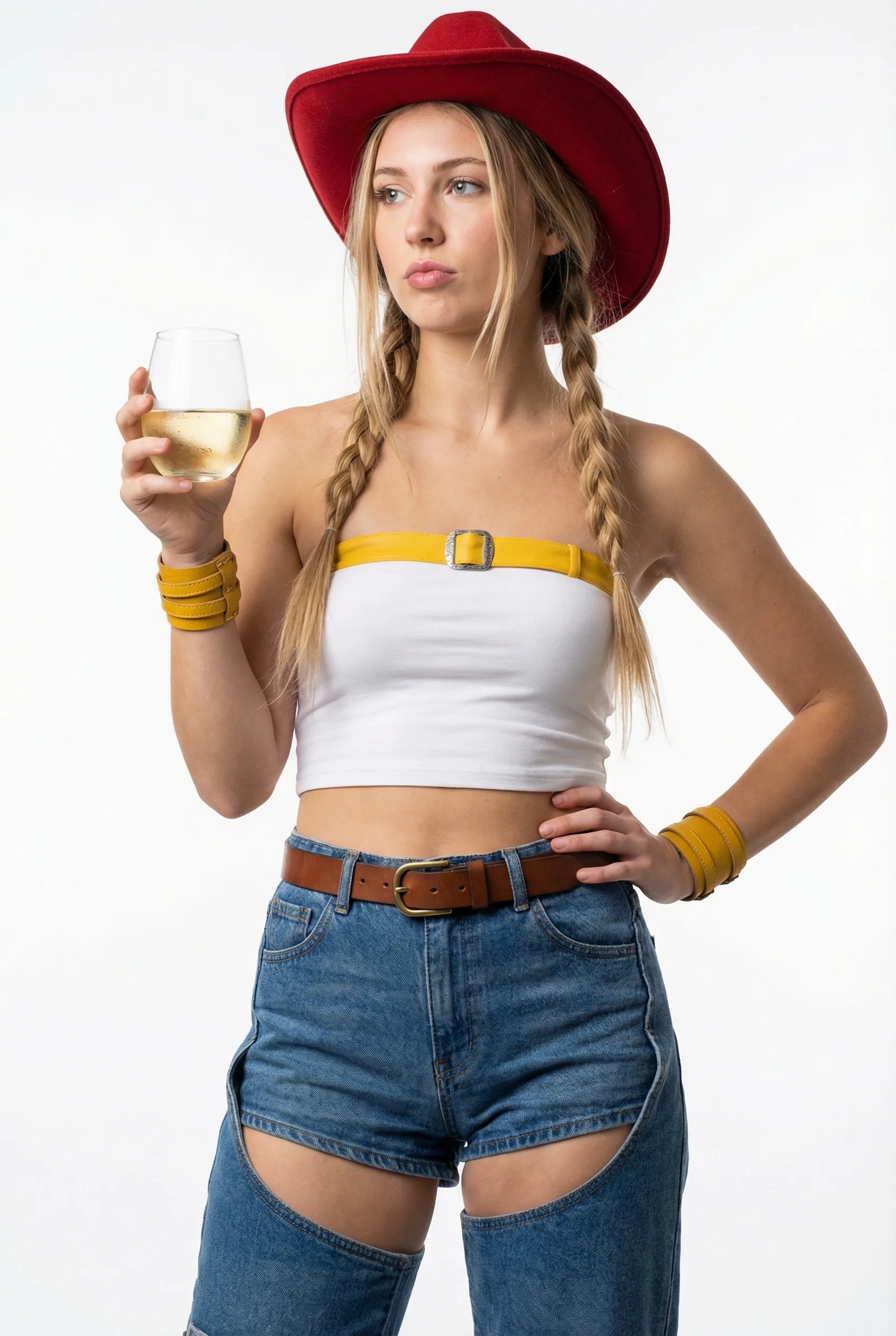
- Prompt included
- Model and format preset
- Premium template
The prompt behind this image
Copy the exact prompt behind Modern Cowgirl Portrait Template, or open it in the studio and make it yours.
- Image Generation Prompt › Subject › Description
- Young woman with long blonde hair styled in two braids with strands framing her face.
- Image Generation Prompt › Subject › Pose
- Standing pose, looking slightly off-camera to the left, holding a glass of white wine in her right hand, left hand on her hip.
- Image Generation Prompt › Subject › Expression
- Neutral, slight pout.
- Image Generation Prompt › Attire › Headwear
- Red felt cowboy hat.
- Image Generation Prompt › Attire › Top
- White and yellow strapless tube top with a faux silver buckle detail at the center of the yellow band.
- Image Generation Prompt › Attire › Bottoms
- Blue denim high-waisted shorts with chaps-style cutouts on the thighs, worn with a brown leather belt with a brass buckle.
- Image Generation Prompt › Attire › Accessories
- Yellow wrist cuffs.
- Image Generation Prompt › Props › Item
- A glass of white wine held in her right hand.
- Image Generation Prompt › Environment › Setting
- Plain, neutral white studio background.
- Image Generation Prompt › Style › Lighting
- Bright, even studio lighting.
- Image Generation Prompt › Style › Shot Type
- Medium shot, capturing her from the mid-thigh up.
Raw JSON
{
  "image_generation_prompt": {
    "subject": {
      "description": "Young woman with long blonde hair styled in two braids with strands framing her face.",
      "pose": "Standing pose, looking slightly off-camera to the left, holding a glass of white wine in her right hand, left hand on her hip.",
      "expression": "Neutral, slight pout."
    },
    "attire": {
      "headwear": "Red felt cowboy hat.",
      "top": "White and yellow strapless tube top with a faux silver buckle detail at the center of the yellow band.",
      "bottoms": "Blue denim high-waisted shorts with chaps-style cutouts on the thighs, worn with a brown leather belt with a brass buckle.",
      "accessories": "Yellow wrist cuffs."
    },
    "props": {
      "item": "A glass of white wine held in her right hand."
    },
    "environment": {
      "setting": "Plain, neutral white studio background."
    },
    "style": {
      "lighting": "Bright, even studio lighting.",
      "shot_type": "Medium shot, capturing her from the mid-thigh up."
    }
  }
}How to use Modern Cowgirl Portrait Template in 3 steps
- 1
Open
The prompt is already in the box next to the preview, with the template's model and format selected.
- 2…a portrait of your subject in softgolden-hour light, 85mm…
Personalize
Edit the subject and creative details for your destination.
- 3Generate
Generate
Press Generate — your image is created in PicX Studio, so you can compare it with the original and refine one variable at a time.
More like this
Templates with the same subject, style or setup. Open one to see its prompt.
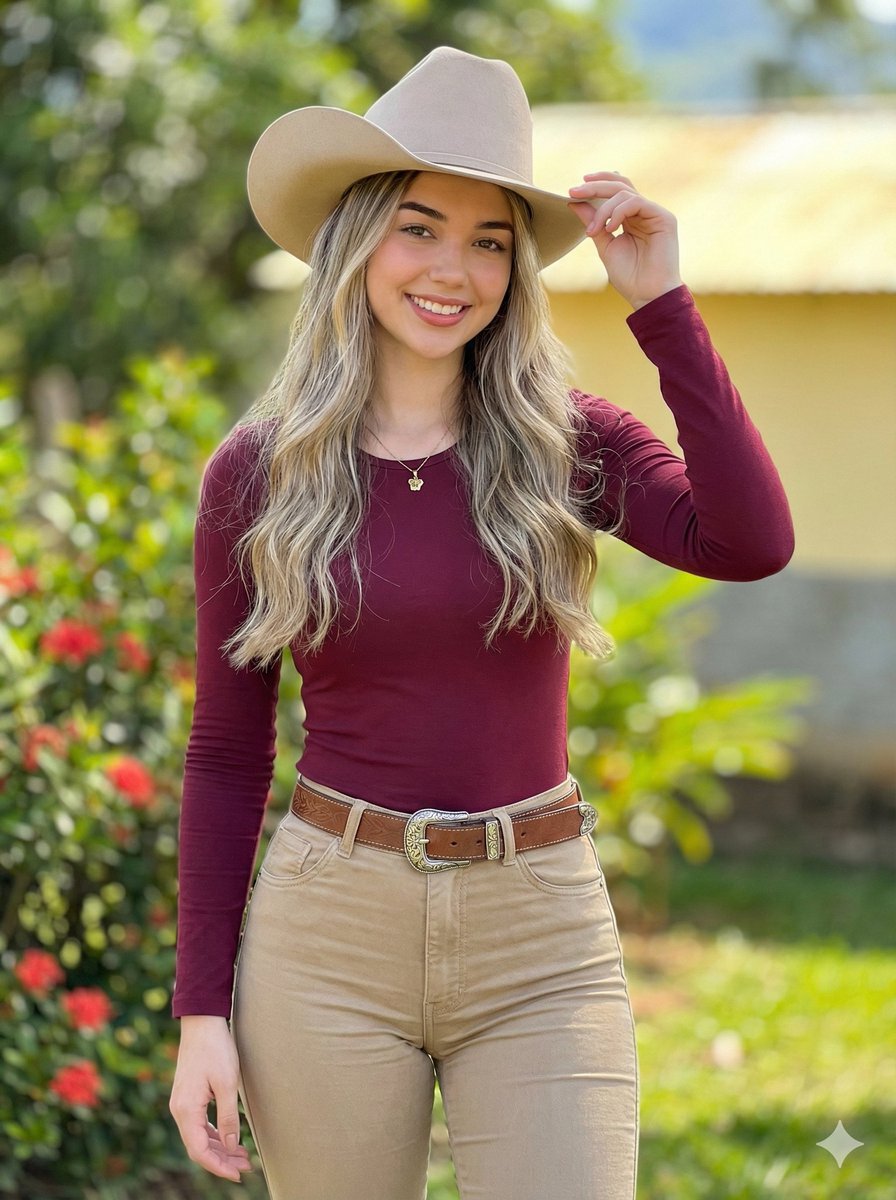
Photorealistic Modern Country Cowgirl Portrait

Found Photograph: Us, 1970

80s Couple Studio Portrait

80s Bollywood Star

80s Golden Hour Cinema

Me in 1985

1985 Studio Portrait

Hyper-Realistic Minecraft POV Portrait

Rooftop Fisheye — Cat-Ear Balaclava at Golden Hour

Paper Cut Craft Illustration

Rainy Café Window Moody Portrait

untitled
Make it yours
Modern Cowgirl Portrait Template works as-is. These are the safest ways to change it without losing the look.
Swap the setting
Keep the rest of the prompt and replace the location block. The current setting is “Plain, neutral white studio background.”.
Swap the light
One lighting change is enough to compare takes. Current light: “Bright, even studio lighting.”.
Change one field
Copy a single group, rewrite it, and generate again so you can see what that field is doing.
| If the result… | Why | Fix |
|---|---|---|
| The result drifts from the preview | Too many fields changed at once. | Reuse Modern Cowgirl Portrait Template as-is first, then change one group — subject, light, or setting. |
| PicX Studio ignores part of the JSON | Some models flatten or skip nested keys. | Keep the same values and paste them as a short paragraph instead. |
More image prompts
Fresh picks from across the catalog.
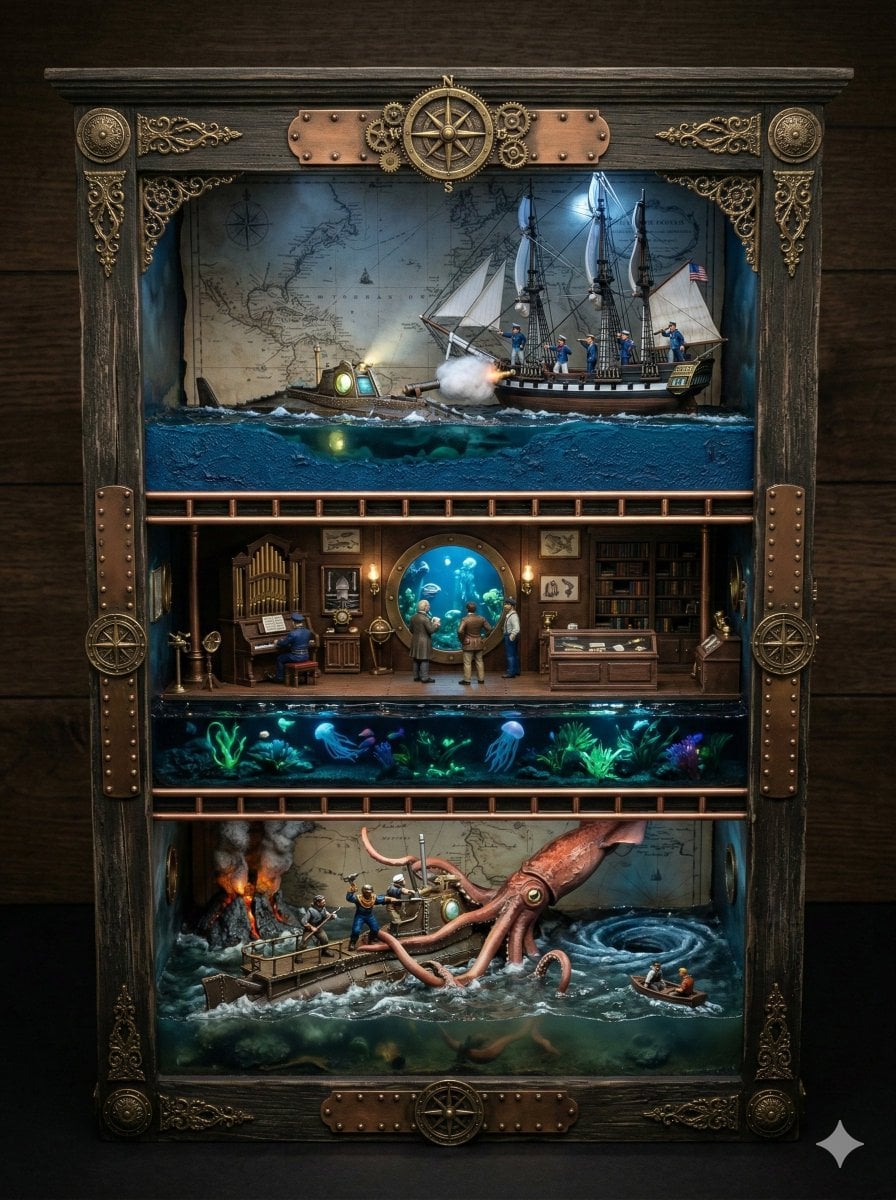
Ornate Box Diorama Prompt for Twenty Thousand Leagues Under the Sea

Monochrome Macro Luminous Portrait
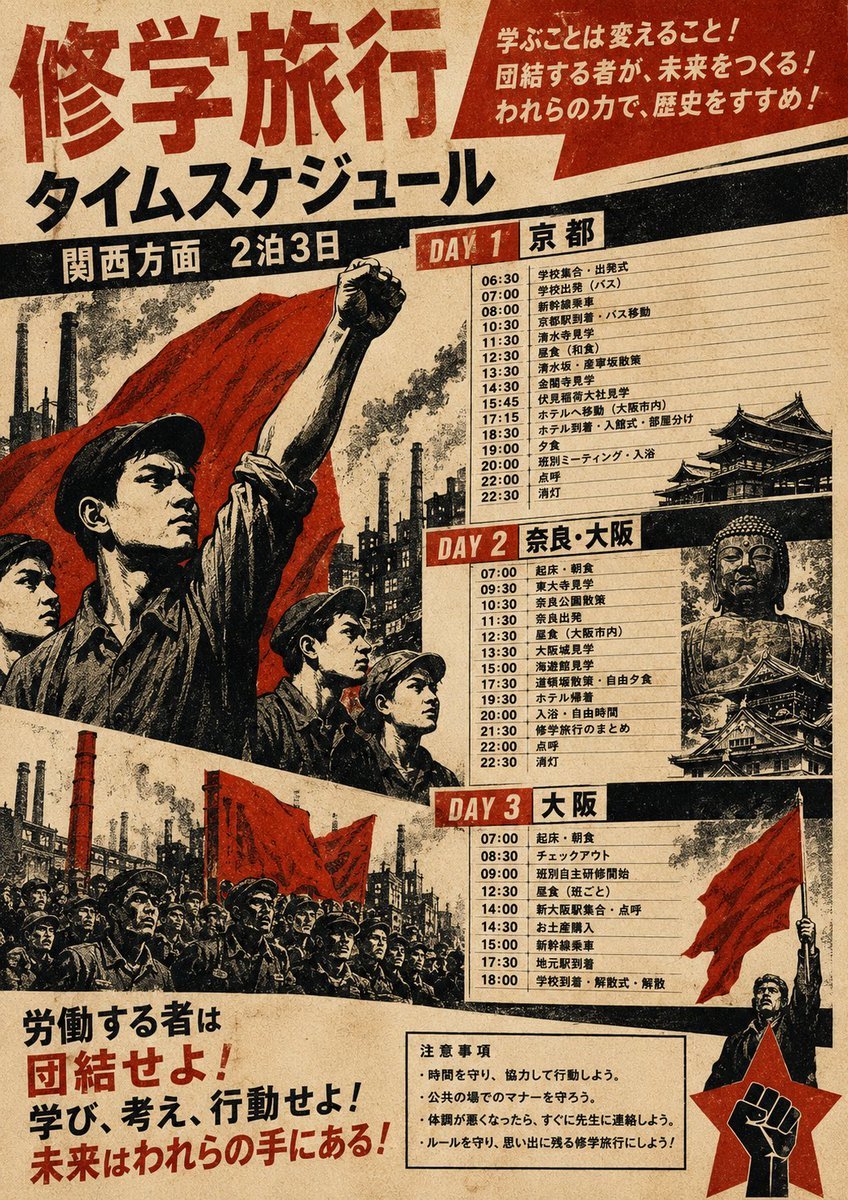
Propaganda School Trip Schedule Poster
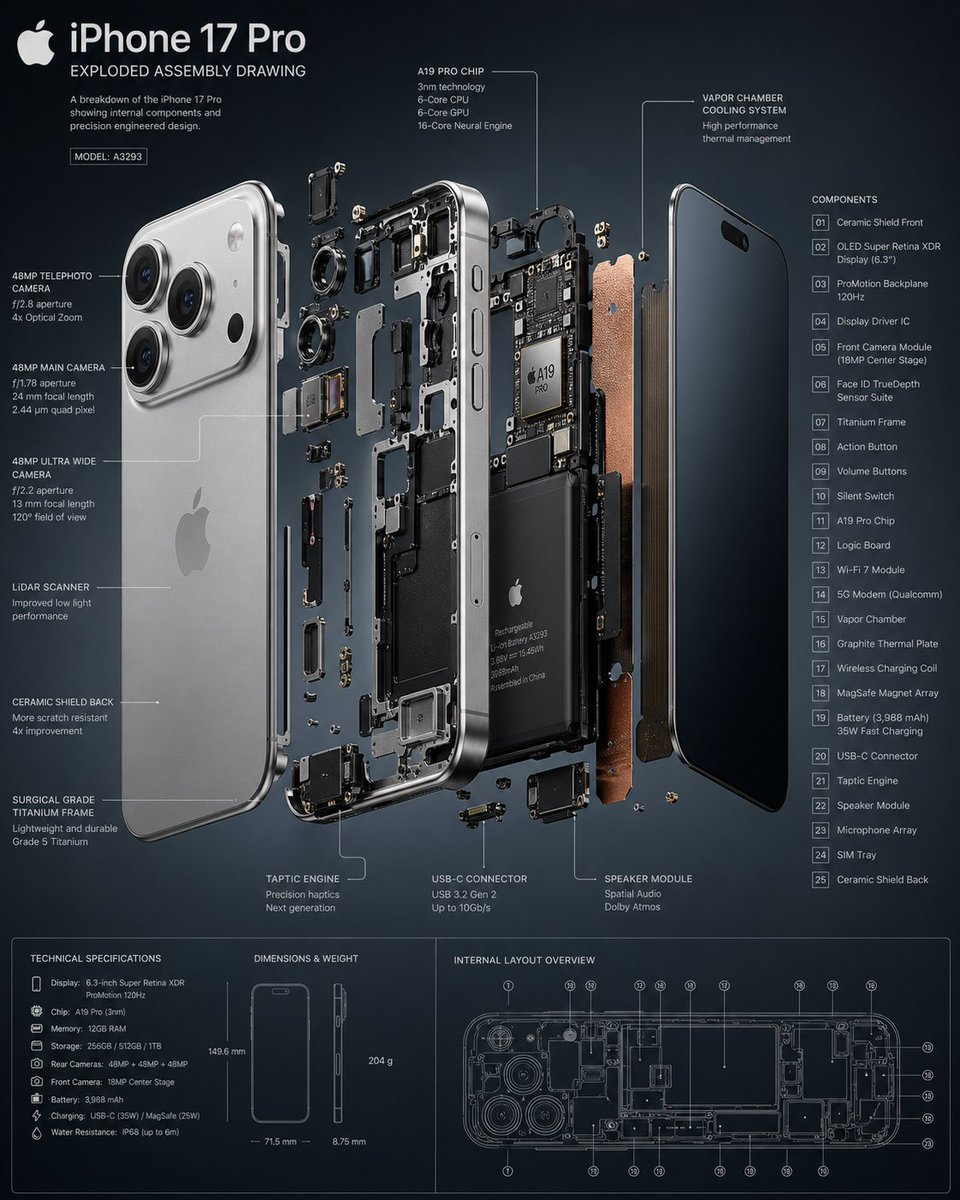
3D Exploded Assembly Drawing
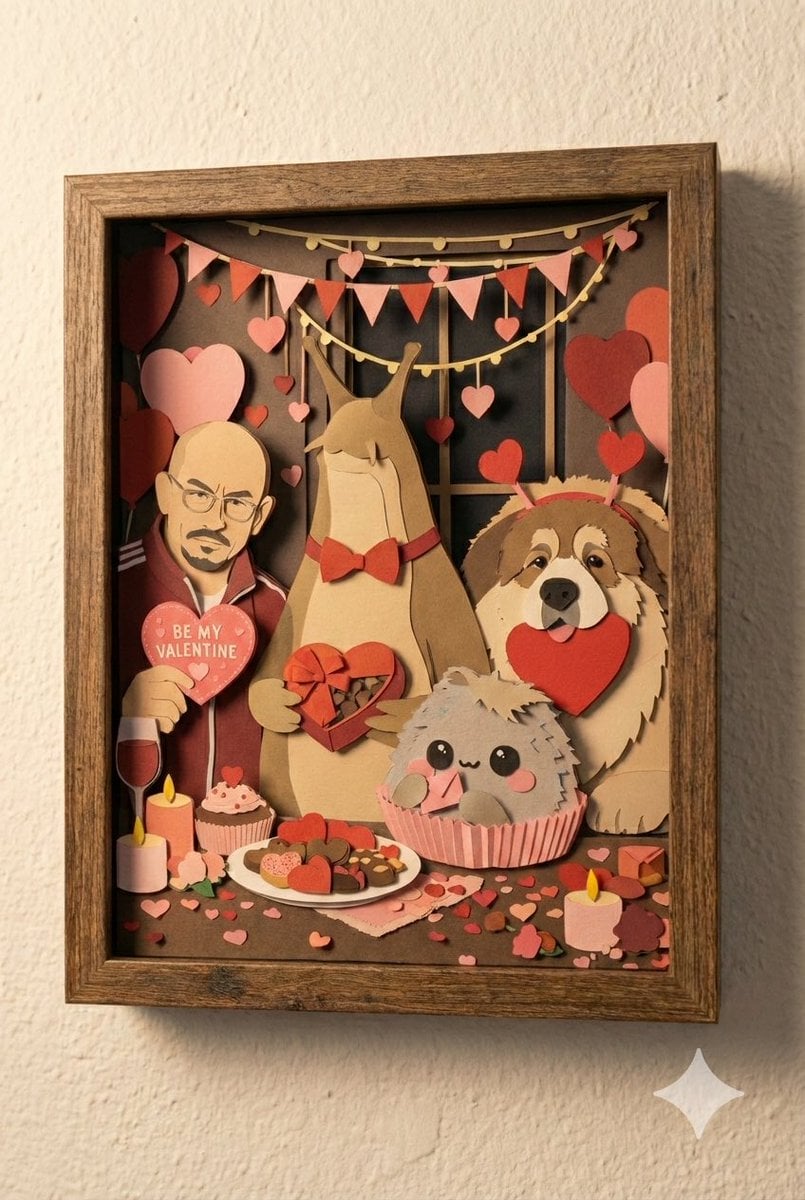
Shadow Box Conversion Prompt
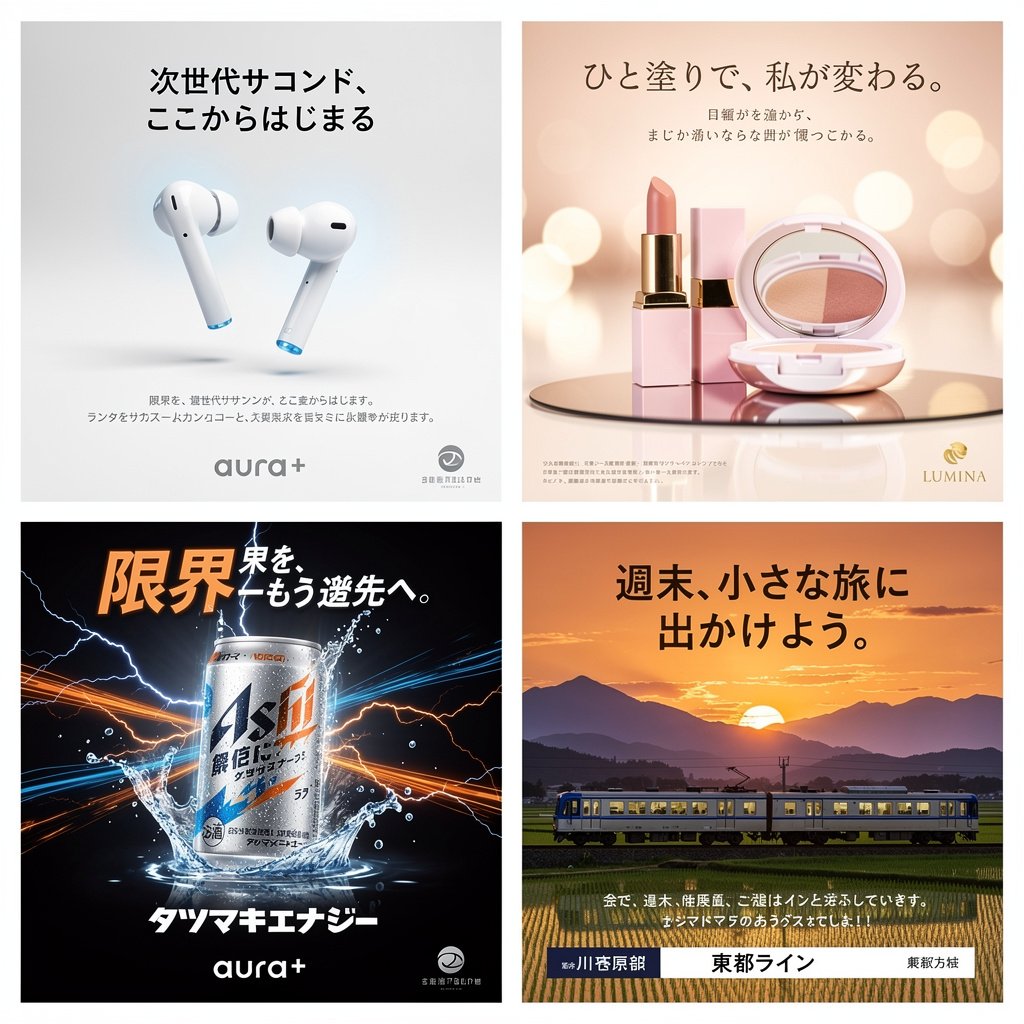
Panel Japanese Advertising Concept Grid
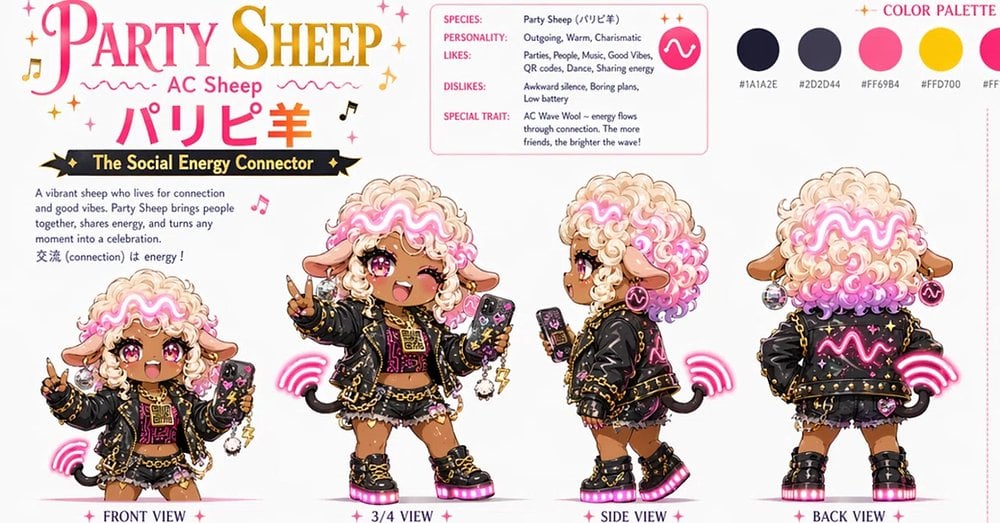
Party Sheep Character Design Sheet
07 LACMA Urban Light — California Series
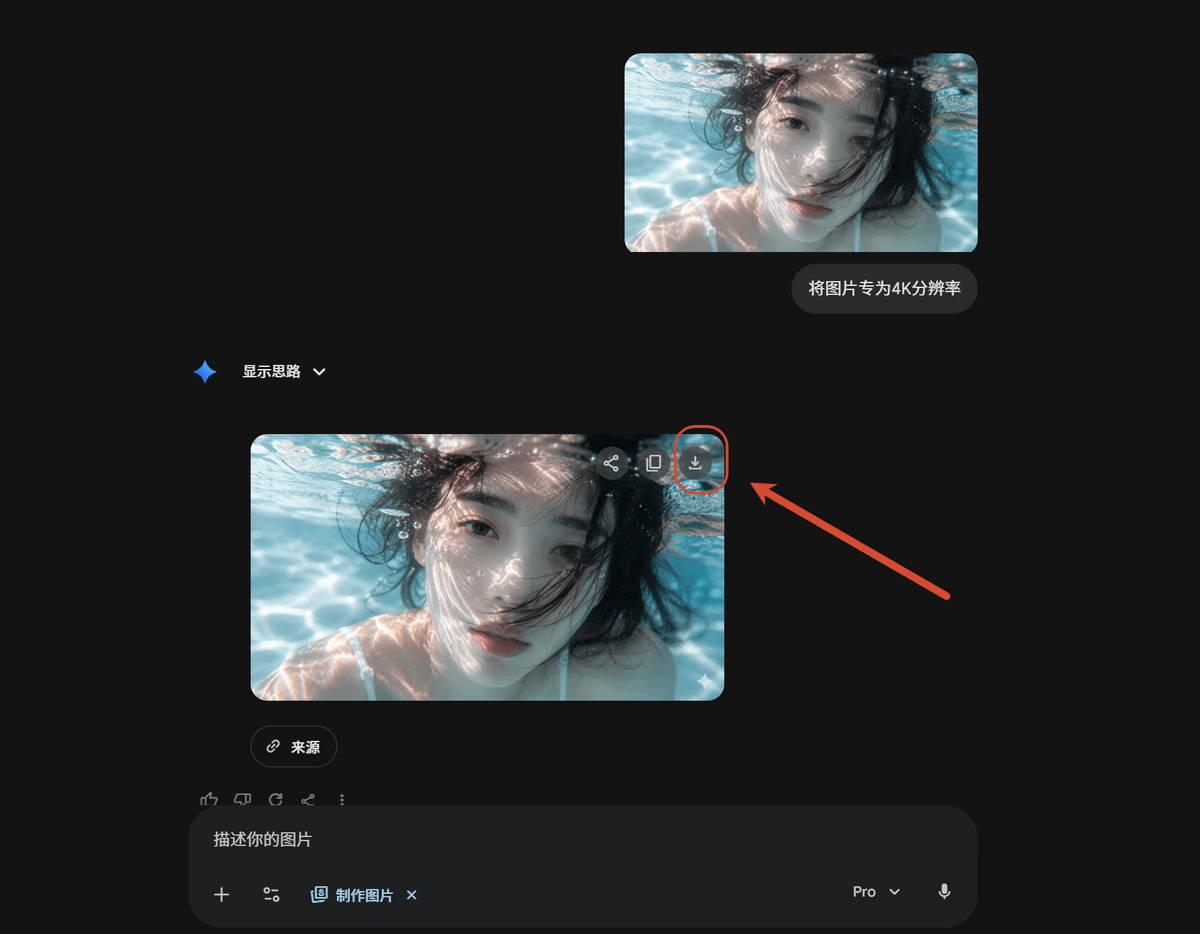
Dark AI Chat 4K Upscale Tutorial
Anime Fantasy Travel Movie Poster
Browse template categories
Modern Cowgirl Portrait Template questions
How do I use the Modern Cowgirl Portrait Template template?
Add your photo if the template asks for one, edit the prompt if you like — the template's model and format are already selected — and press Generate. Your version opens in PicX Studio.
Can I customize the Modern Cowgirl Portrait Template template?
Yes. You can change the subject, setting, lighting, mood, format, and available model controls before creating your image.
Is the Modern Cowgirl Portrait Template template free?
Opening and editing this template is free. Generating uses credits, shown on the Generate button when you are signed in.
Which AI model should I use?
Choose a compatible model in PicX Studio based on the style, speed, and output controls your project needs.
Looking for something else? Browse all templates.

Your photo, any look
Thousands of ready templates for every top image and video model, from one credit balance.