
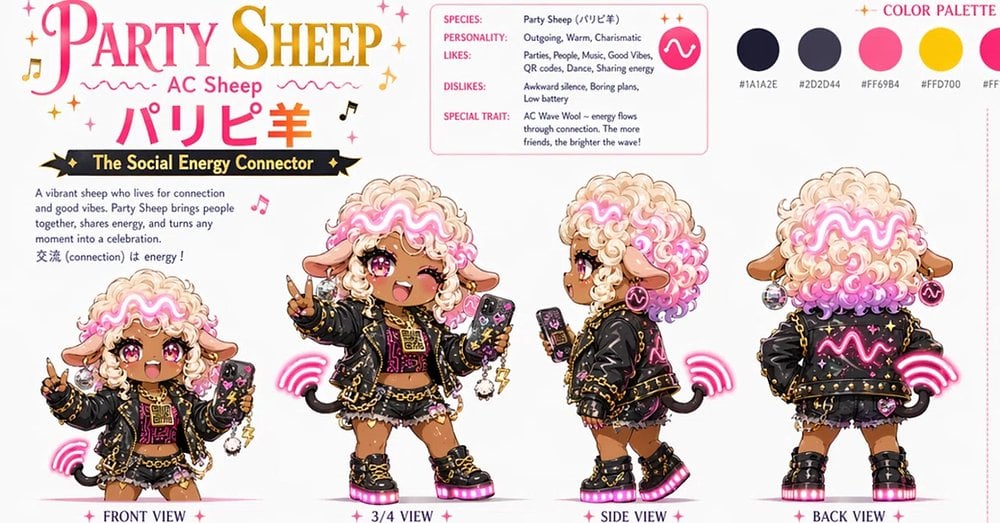
Party Sheep Character Design Sheet
Creates a detailed kawaii anime mascot turnaround sheet with four character views, profile information, and a color palette for production asset design.
- Prompt included
- Model and format preset
- Free template
The prompt behind this image
Copy the exact prompt behind Party Sheep Character Design Sheet, or open it in the studio and make it yours.
Goal: Create a polished anime character design sheet for {argument name="character name" default="Party Sheep"}, an AC Sheep mascot called {argument name="Japanese character name" default="パリピ羊"}, themed as “The Social Energy Connector.” Canvas: Wide horizontal white design-board canvas, about 1000×560 px, clean production-asset presentation with lots of white space, pink and gold accents, tiny sparkles, music notes, and dotted divider lines. Layout: Large title block in the upper left reading “PARTY SHEEP” in elegant serif lettering, with “PARTY” in hot pink and “SHEEP” in gold gradient. Under it place “AC Sheep,” then the large Japanese name “パリピ羊” in hot pink. Beneath that, add a black ribbon banner with gold stars and the subtitle “The Social Energy Connector.” Add a short description paragraph on the left: “A vibrant sheep who lives for connection and good vibes. Party Sheep brings people together, shares energy, and turns any moment into a celebration. 交流 (connection) は energy!” Character views: Show exactly 4 full-body chibi anime views along the bottom, each labeled in small serif text with pink star separators: 1) FRONT VIEW at far left, smaller pose, winking, holding up a peace sign and a decorated smartphone; 2) 3/4 VIEW near center-left, largest main pose, winking with open smiling mouth, peace sign, phone in the other hand; 3) SIDE VIEW center-right, profile pose looking left while holding a phone; 4) BACK VIEW far right, showing the jacket back and rear hair silhouette. Keep all four views consistent in proportions, outfit, colors, accessories, and facial features. Subject details: The character is a cute dark-tan chibi sheep girl with fluffy cream-and-pink wool hair, big glossy magenta eyes, one eye winking in front/3/4 poses, sheep ears, tiny black curled tail, and a glowing neon pink wavy “AC wave” motif flowing through the hair like a headband. Outfit: oversized black cropped leather jacket covered with gold studs, chains, tiny stars, patches, and a bright pink glowing wave graphic; black-and-pink party top; layered short skirt or shorts with lace/frills; chunky black platform boots with gold buckles and glowing hot-pink soles; multiple gold necklaces and chains; hoop earrings; charms including a small fluffy sheep keychain; decorated black smartphone with pink and yellow stickers. Add neon pink wireless-signal arcs around the character, especially near the phone and tail, plus small sparkles and music notes. Info card: In the upper middle, include a rounded rectangle profile card with a thin pink outline. It must contain exactly 5 labeled rows: “SPECIES: Party Sheep (パリピ羊)”; “PERSONALITY: Outgoing, Warm, Charismatic”; “LIKES: Parties, People, Music, Good Vibes, QR codes, Dance, Sharing energy”; “DISLIKES: Awkward silence, Boring plans, Low battery”; “SPECIAL TRAIT: AC Wave Wool -- energy flows through connection. The more friends, the brighter the wave!” Add a hot-pink circular icon with a white wave mark on the right side of the card. Color palette: In the upper right, title it “COLOR PALETTE” in pink serif text. Show exactly 5 circular swatches in a row with small hex labels beneath them: 1) near-black navy “#1A1A2E,” 2) dark slate “#2D2D44,” 3) hot pink “#FF69B4,” 4) golden yellow “#FFD700,” 5) warm cream/white “#FFF4E6.” Visual style: High-detail kawaii anime game asset sheet, crisp ink lines, soft cel shading, glossy eyes, luminous neon effects, gold metallic details, clean typography, production-ready character turnaround. Keep the overall palette {argument name="main palette" default="hot pink, black navy, gold, cream wool, and warm tan skin"}. No photo realism, no 3D render, no watermark, no extra characters, and do not add more than the 4 labeled views or 5 palette swatches.
How to use Party Sheep Character Design Sheet in 3 steps
- 1Upload ImagePNG, JPG or paste
Add your photo
Upload the photo the template builds on. The prompt, model and format are already set.
- 2…a portrait of your subject in softgolden-hour light, 85mm…
Personalize
Edit the subject and creative details for your destination.
- 3Generate
Generate
Press Generate — your image is created in PicX Studio, so you can compare it with the original and refine one variable at a time.
More like this
Templates with the same subject, style or setup. Open one to see its prompt.

One Dance Before Midnight
80s Disco Dancefloor
80s Birthday Party

Eid al-Adha Cute Chaos — Fisheye Selfie with Farm Selfie, Mosque & Animals

Dancer Character - Four View Reference Sheet

Movement Sheet - Dance Reference (Seedance 2.0)

Nano Banana - Paris Night Party Dancing
Harpy Attacking Sheep
Aerial View of Vast Grassy Plain with Two Sheep
Rainy Cottage Garden With Sheep

Six VTuber Japanese Logo Sheet
Alpine Meadow Sheep Flock
Make it yours
Party Sheep Character Design Sheet works as-is. These are the safest ways to change it without losing the look.
Change one field
Copy a single group, rewrite it, and generate again so you can see what that field is doing.
Keep the frame, change the subject
Hold the composition and light of Party Sheep Character Design Sheet, then swap wardrobe, props or the person for a new take.
| If the result… | Why | Fix |
|---|---|---|
| The result drifts from the preview | Too many fields changed at once. | Reuse Party Sheep Character Design Sheet as-is first, then change one group — subject, light, or setting. |
| The model over-stylizes the scene | The prose prompt leaves finish and camera underspecified. | Add one camera or lighting sentence and stay on GPT Image 2. |
More GPT Image 2 templates
Other prompts made for GPT Image 2.

Realistic Portrait of Woman and Deer

The Vista Modular Condo Poster

AI Model Routing Comparison Infographic

2.5D Anime Art Board

Isometric Productivity Desk Scene

New York Double Exposure Poster

Four-Panel AI Landscape Comparison

Japanese Tatami Lifestyle Magazine Cover

NESCAFÉ Coffee Map Poster

Brutalist Cogito Chinese Typography Poster
More image prompts
Fresh picks from across the catalog.
Photorealistic Night Selfie on a Ferris Wheel
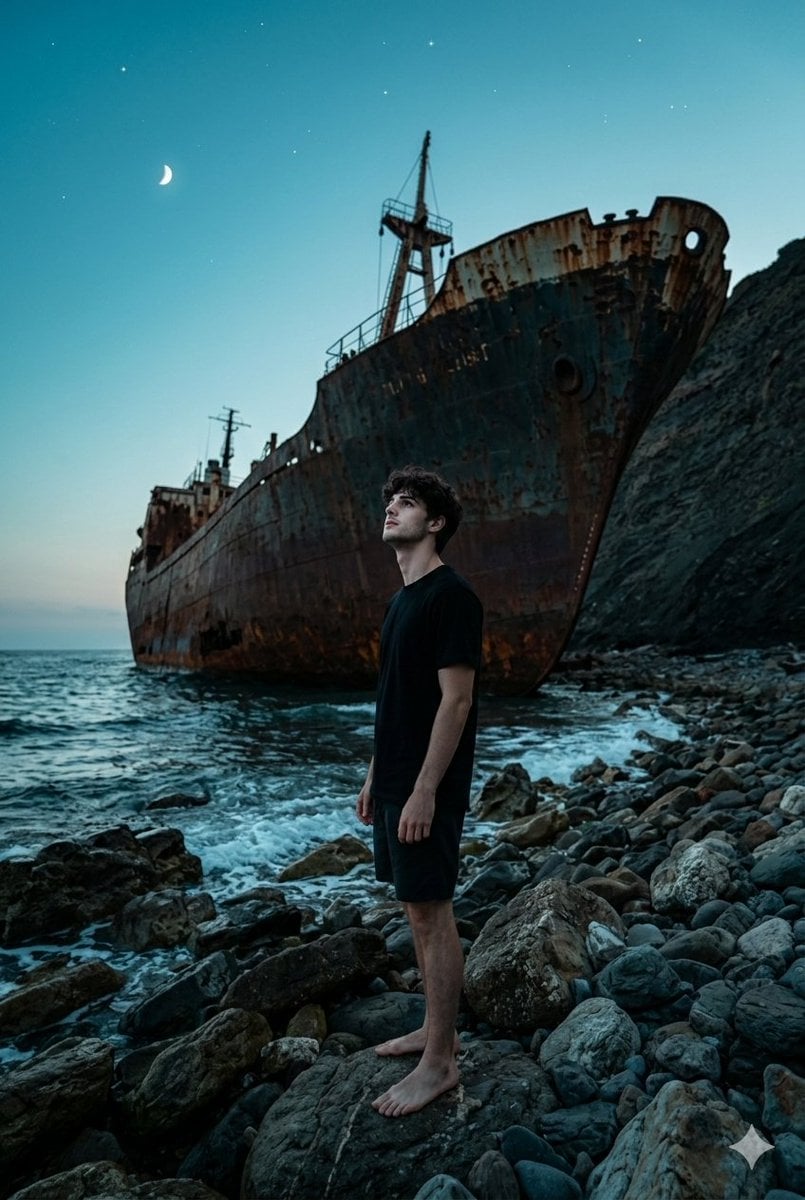
Shipwreck Twilight Scene
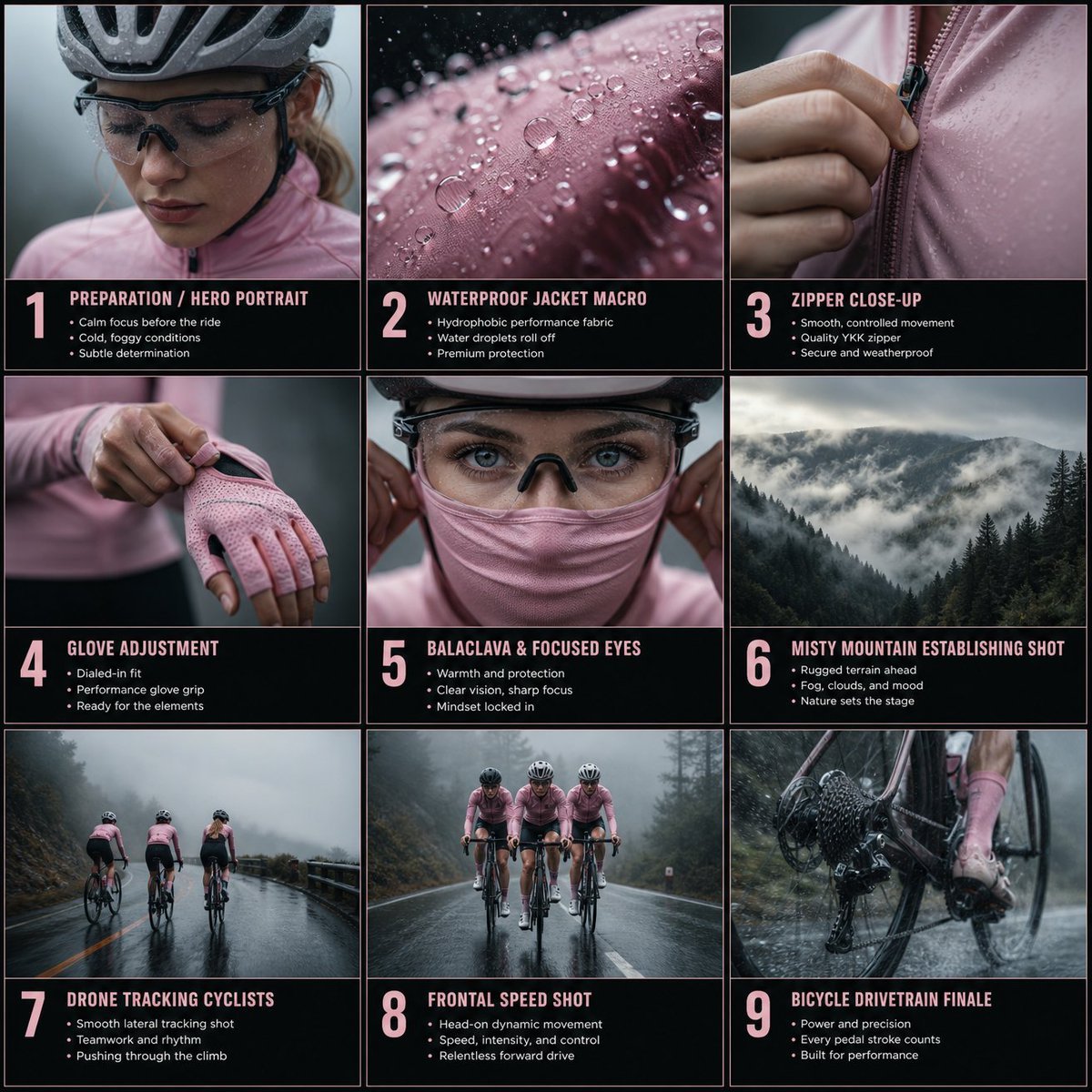
Rain Cycling Storyboard Grid
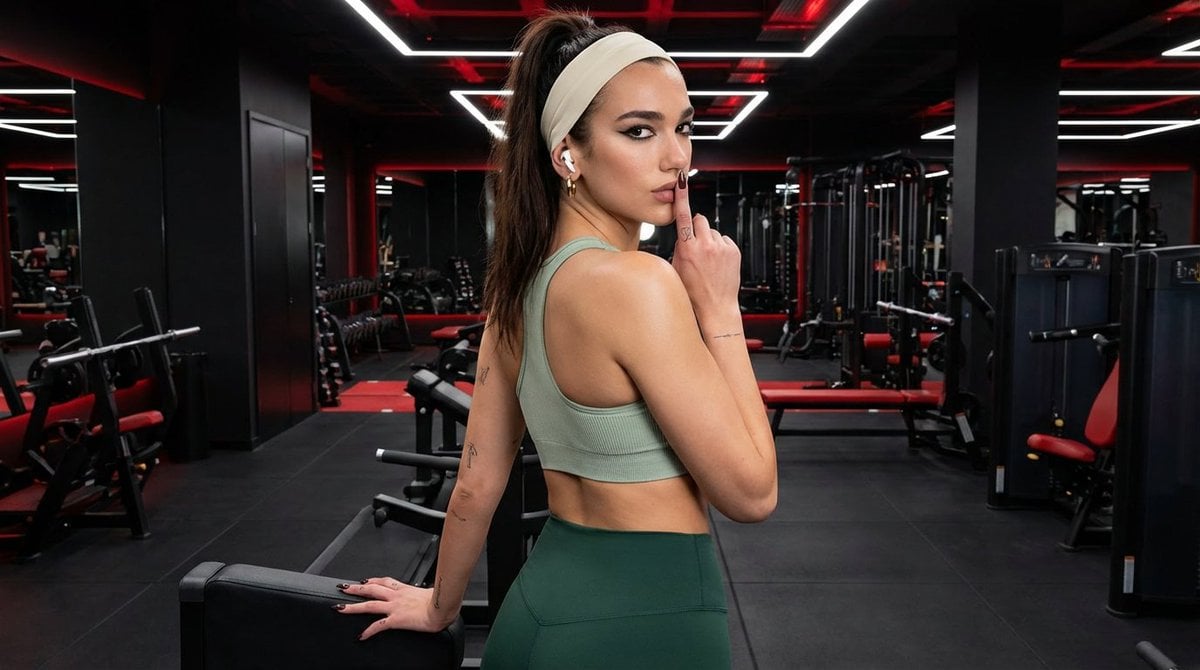
Modern Fitness Editorial Portrait
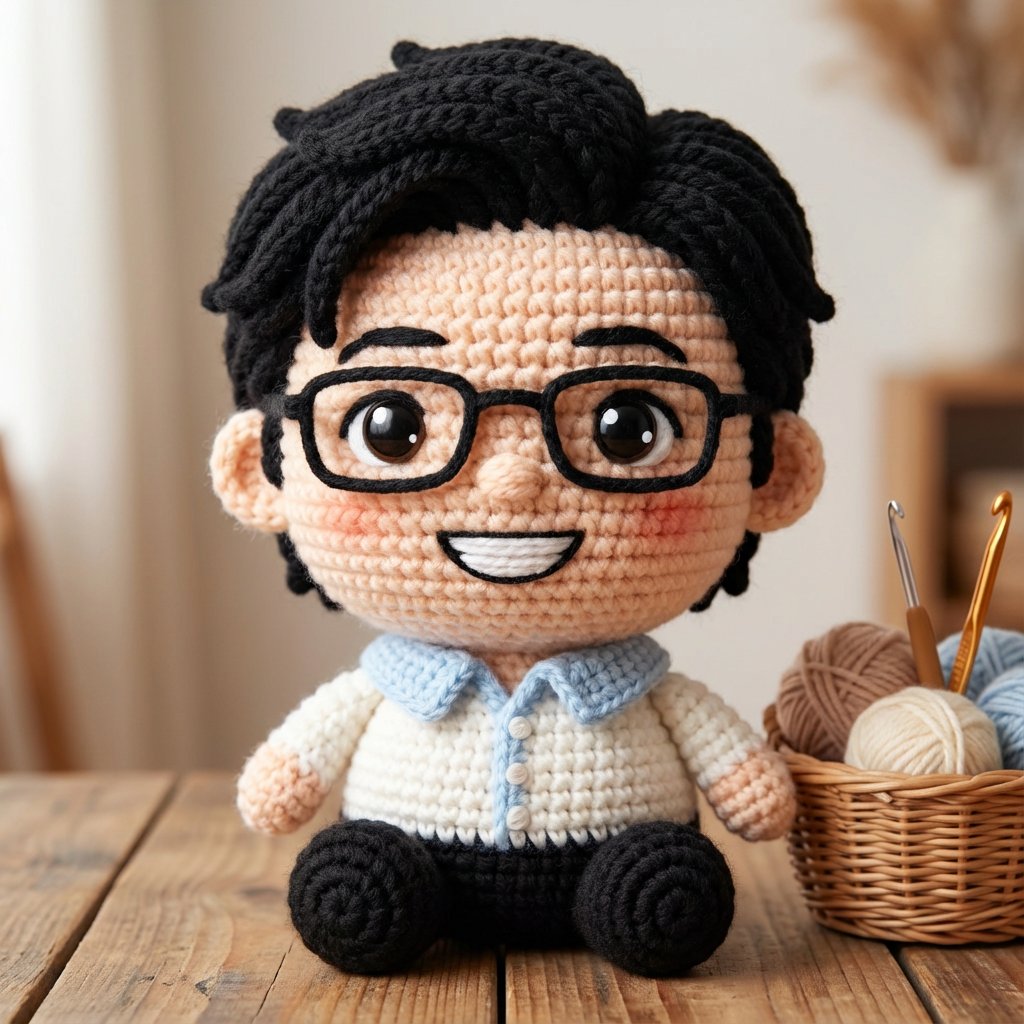
Amigurumi-style Scissor Man Image Generation Prompt
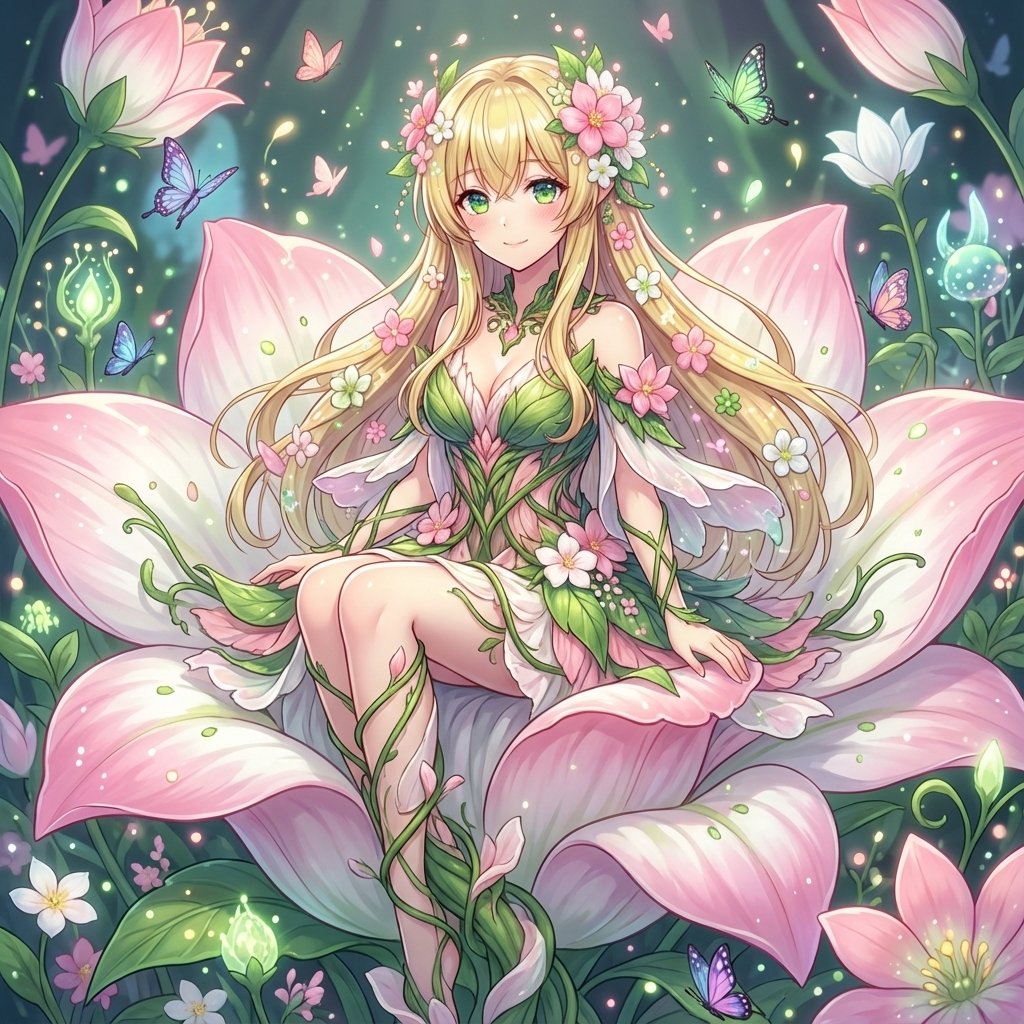
Alraune (Mandragora) Transformation Prompt
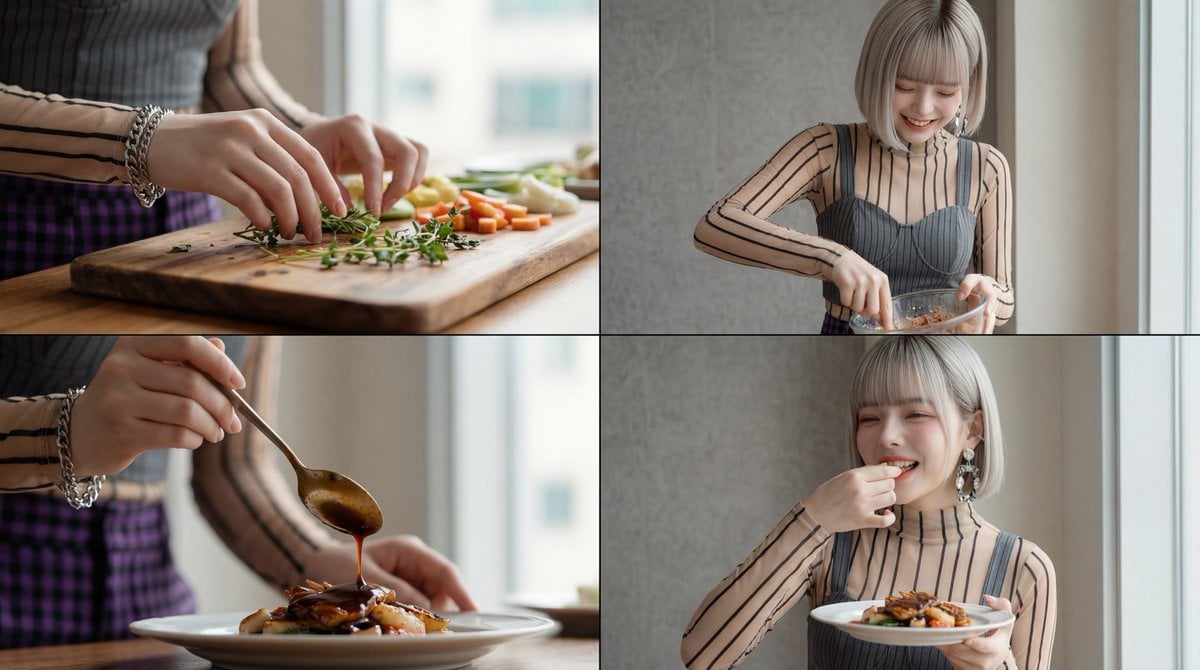
Image Sequence Video Prompt (GPT-5 Generated)

Urban Lifestyle Portrait on Vintage Muscle Car Prompt
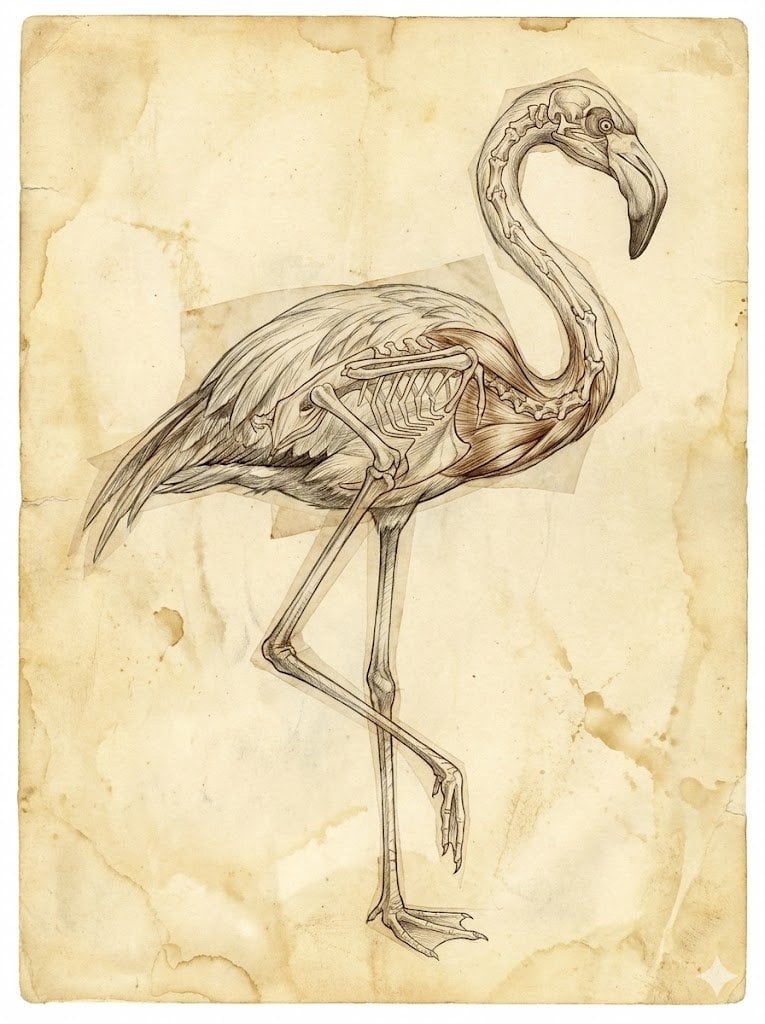
Renaissance Anatomical Study of a Flamingo
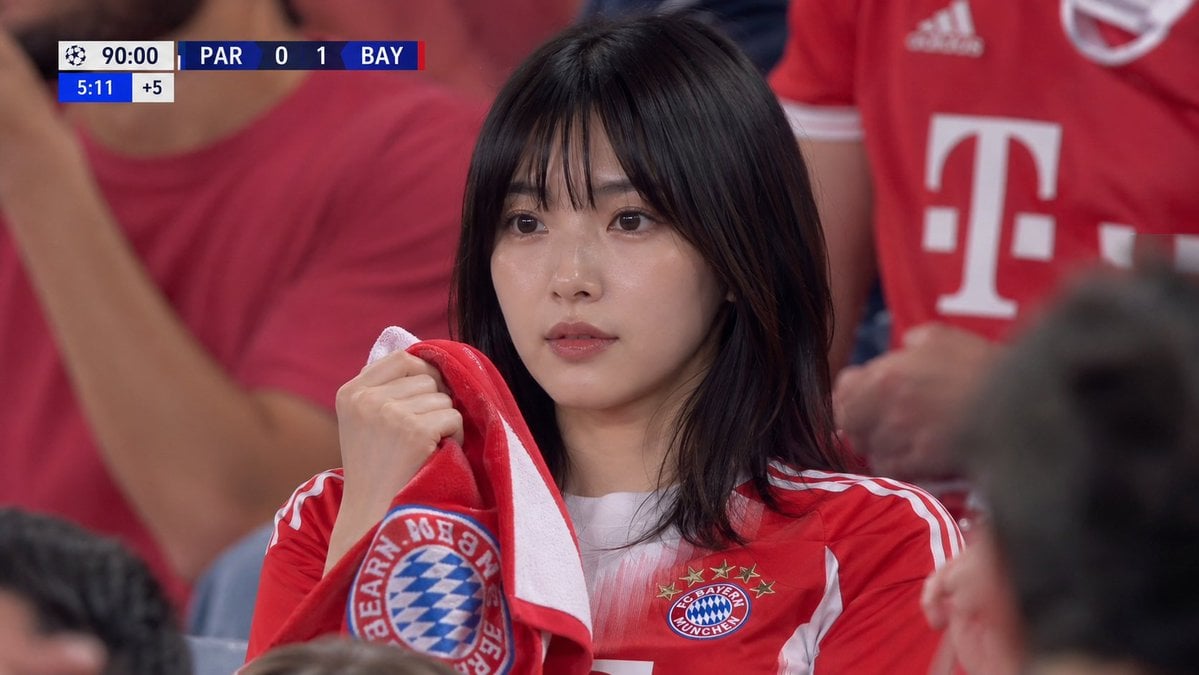
Realistic Soccer Stadium Supporter Portrait
Browse template categories
Party Sheep Character Design Sheet questions
How do I use the Party Sheep Character Design Sheet template?
Add your photo if the template asks for one, edit the prompt if you like — the template's model and format are already selected — and press Generate. Your version opens in PicX Studio.
Can I customize the Party Sheep Character Design Sheet template?
Yes. You can change the subject, setting, lighting, mood, format, and available model controls before creating your image.
Is the Party Sheep Character Design Sheet template free?
Opening and editing this template is free. Generating uses credits, shown on the Generate button when you are signed in.
Which AI model should I use?
Start with GPT Image 2, which is the model associated with this template. You can compare another compatible model for a different finish.
Looking for something else? Browse all templates.

Your photo, any look
Thousands of ready templates for every top image and video model, from one credit balance.