
Alpine Meadow Sheep Flock
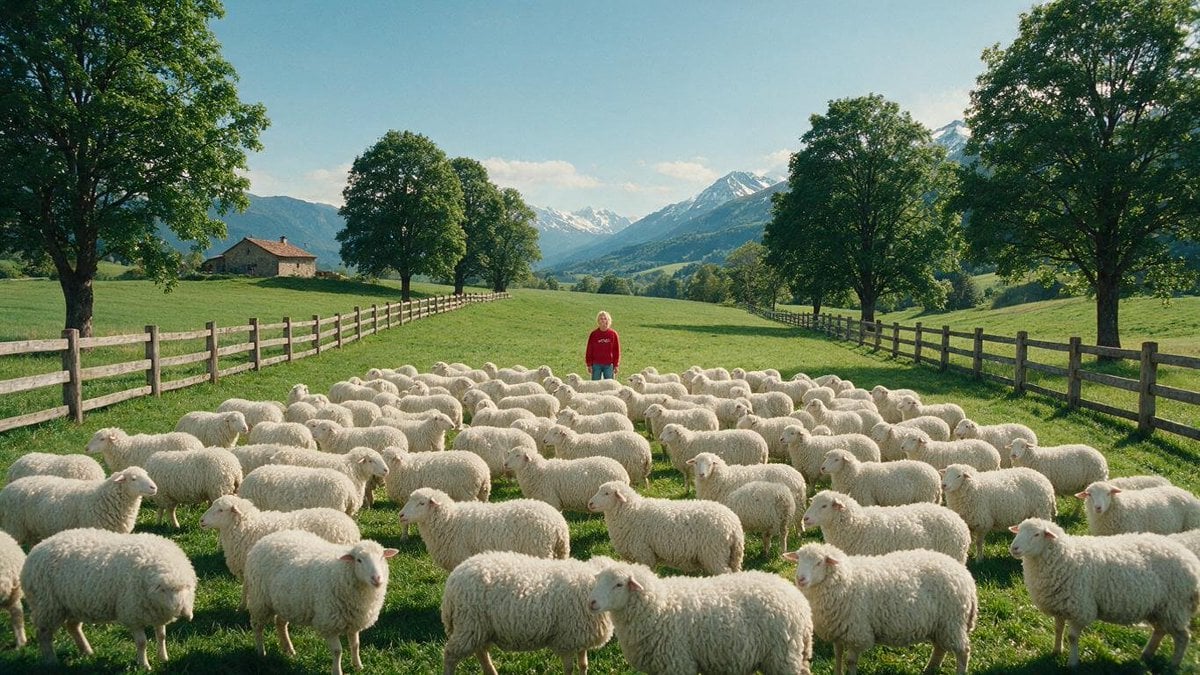
A photorealistic pastoral Alpine landscape featuring a child standing among a large flock of sheep, ideal for cinematic nature or rural scene generation.
- Prompt included
- Model and format preset
- Free template
The prompt behind this image
Copy the exact prompt behind Alpine Meadow Sheep Flock, or open it in the studio and make it yours.
Create a photorealistic wide-angle landscape scene in a bright Alpine meadow: a large flock of exactly 85 fluffy white sheep fills the foreground and middle ground, spread across lush green grass, with many sheep facing different directions and overlapping naturally. In the center background of the flock stands a small lone child wearing a {argument name="hoodie color" default="red"} hoodie and {argument name="pants color" default="teal blue"} pants, facing the camera calmly, partially surrounded by the animals. The pasture is bordered by two long rustic wooden rail fences, one on the left and one on the right, converging toward the distance to create strong depth. Include a small stone farmhouse with a reddish roof on the left hillside, rows of mature leafy green trees lining both sides of the meadow, and dramatic snow-capped mountains in the far background under a clear pale blue sky with a few soft clouds. Use {argument name="time of day" default="sunny late morning"} natural light, crisp shadows, soft atmospheric haze over the mountains, highly detailed grass and wool texture, realistic proportions, cinematic composition, 16:9 aspect ratio, no text, no watermark, no stylization.
How to use Alpine Meadow Sheep Flock in 3 steps
- 1Upload ImagePNG, JPG or paste
Add your photo
Upload the photo the template builds on. The prompt, model and format are already set.
- 2…a portrait of your subject in softgolden-hour light, 85mm…
Personalize
Edit the subject and creative details for your destination.
- 3Generate
Generate
Press Generate — your image is created in PicX Studio, so you can compare it with the original and refine one variable at a time.
More like this
Templates with the same subject, style or setup. Open one to see its prompt.

Teen Girl Alpine Lake Mountain View

Eid al-Adha Cute Chaos — Fisheye Selfie with Farm Selfie, Mosque & Animals
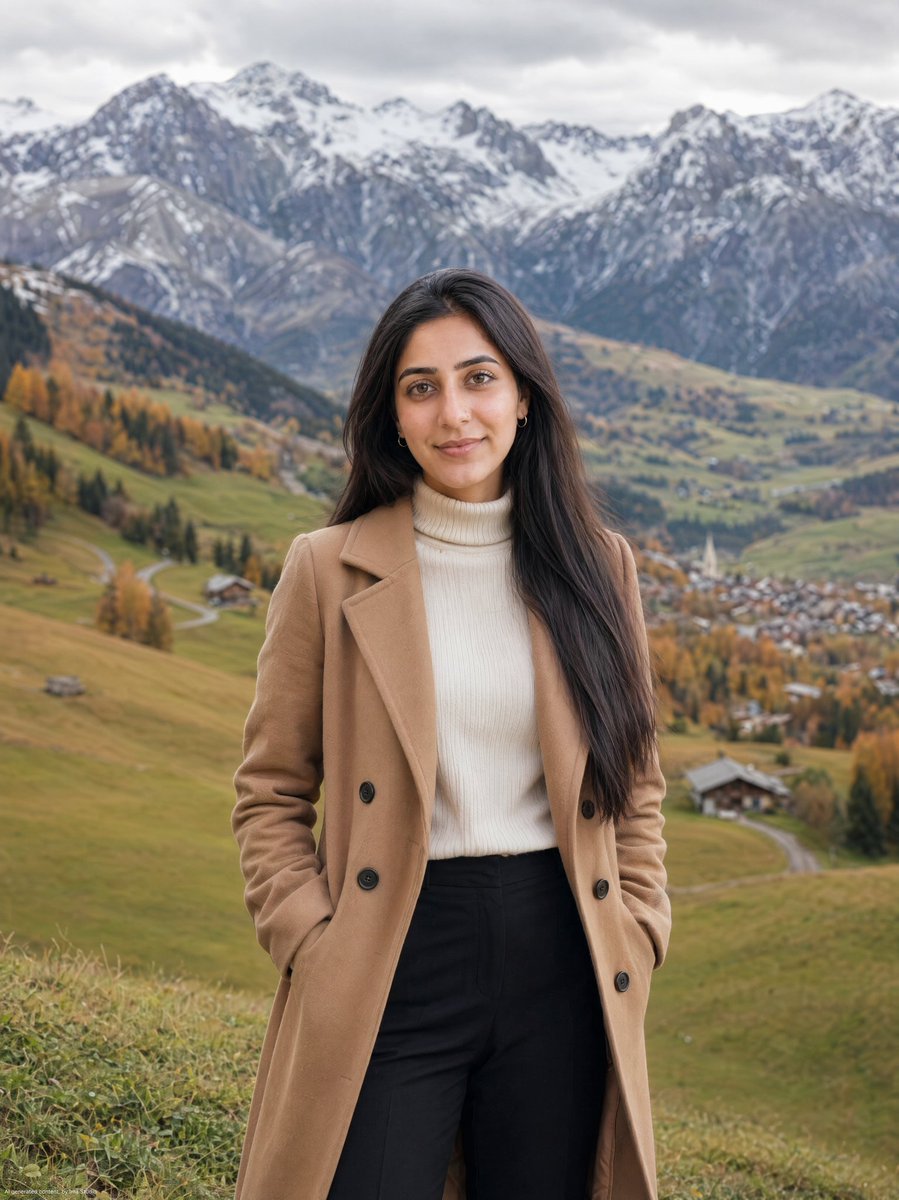
Autumn Alpine Meadow Portrait
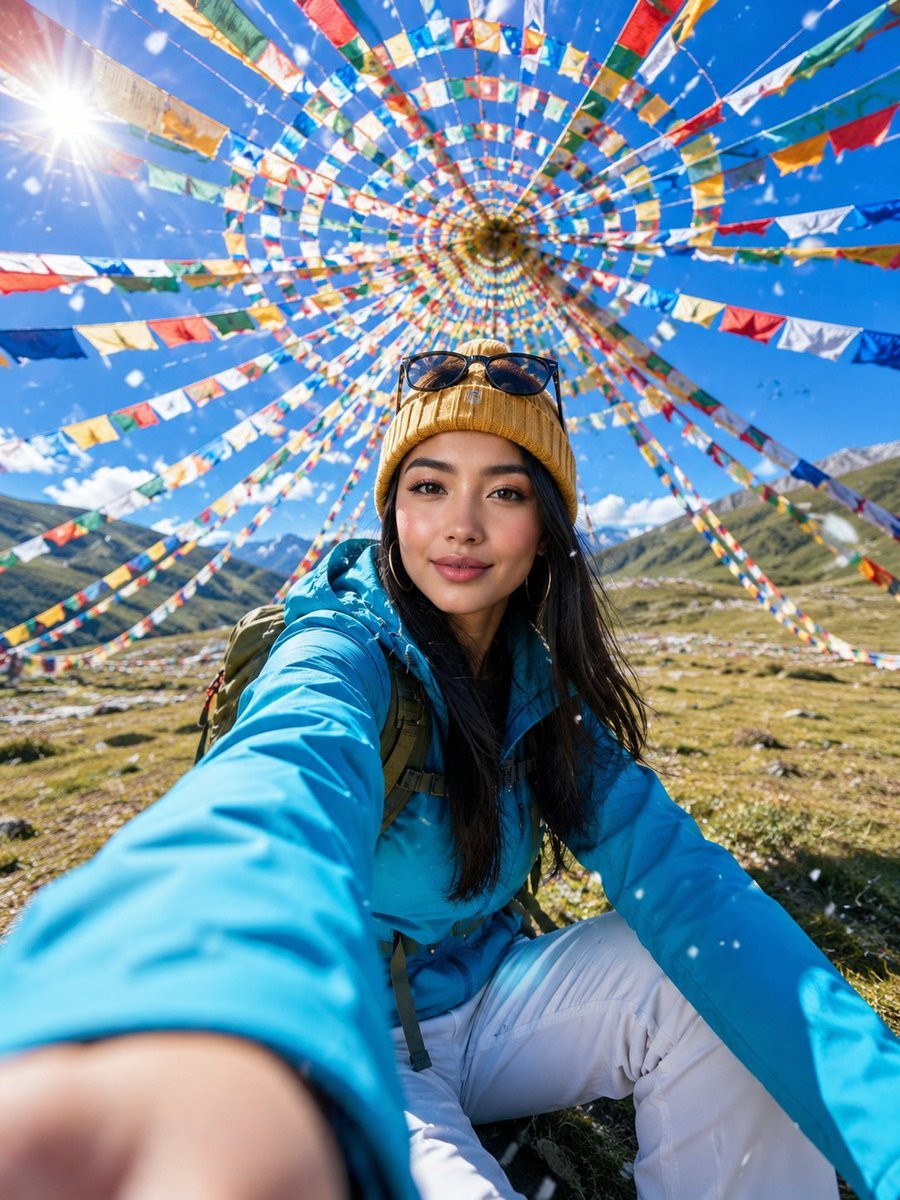
Alpine Meadow Travel Selfie Portrait
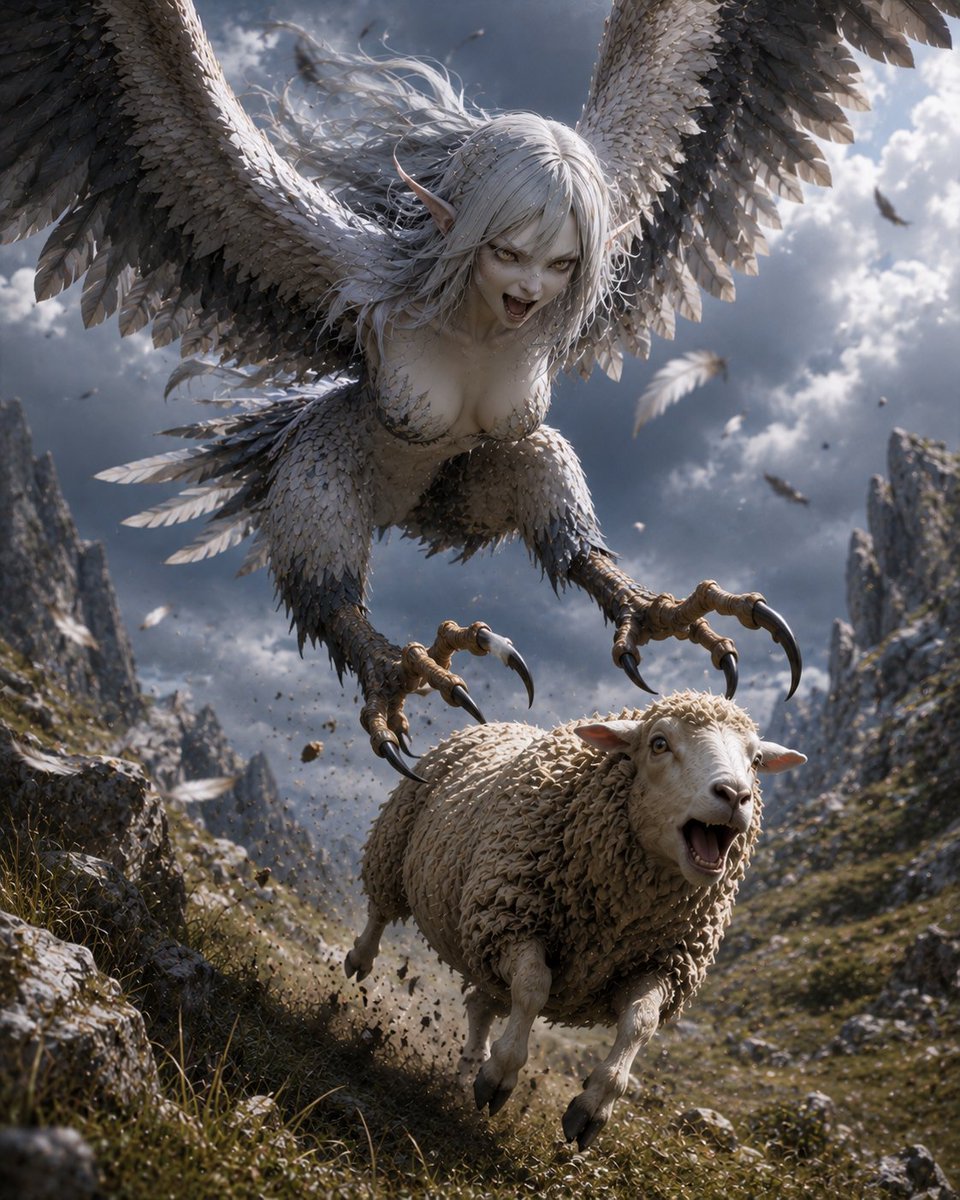
Harpy Attacking Sheep
Aerial View of Vast Grassy Plain with Two Sheep
Meadow Reading Lifestyle Photography
Minimalist Meadow Portrait
Rainy Cottage Garden With Sheep
Alpine Lake Candid — Mountain Air Moment

Meadow Lifestyle Quote Poster

Wolf Boy Summer Meadow Nap
Make it yours
Alpine Meadow Sheep Flock works as-is. These are the safest ways to change it without losing the look.
Change one field
Copy a single group, rewrite it, and generate again so you can see what that field is doing.
Keep the frame, change the subject
Hold the composition and light of Alpine Meadow Sheep Flock, then swap wardrobe, props or the person for a new take.
| If the result… | Why | Fix |
|---|---|---|
| The result drifts from the preview | Too many fields changed at once. | Reuse Alpine Meadow Sheep Flock as-is first, then change one group — subject, light, or setting. |
| The model over-stylizes the scene | The prose prompt leaves finish and camera underspecified. | Add one camera or lighting sentence and stay on GPT Image 2. |
More GPT Image 2 templates
Other prompts made for GPT Image 2.

Six VTuber Japanese Logo Sheet

Realistic Portrait of Woman and Deer

The Vista Modular Condo Poster

AI Model Routing Comparison Infographic

2.5D Anime Art Board

Isometric Productivity Desk Scene

New York Double Exposure Poster

Four-Panel AI Landscape Comparison

Japanese Tatami Lifestyle Magazine Cover

NESCAFÉ Coffee Map Poster
More image prompts
Fresh picks from across the catalog.
Elf Warrior Transformation Collage
Shot Cinematic Campaign Sequence Prompt

Diabetes Causal Chain Infographic
Minimal Streetwear Merch Campaign Grid

3D image generation prompt for God Ganesh worshipping God Mahadev
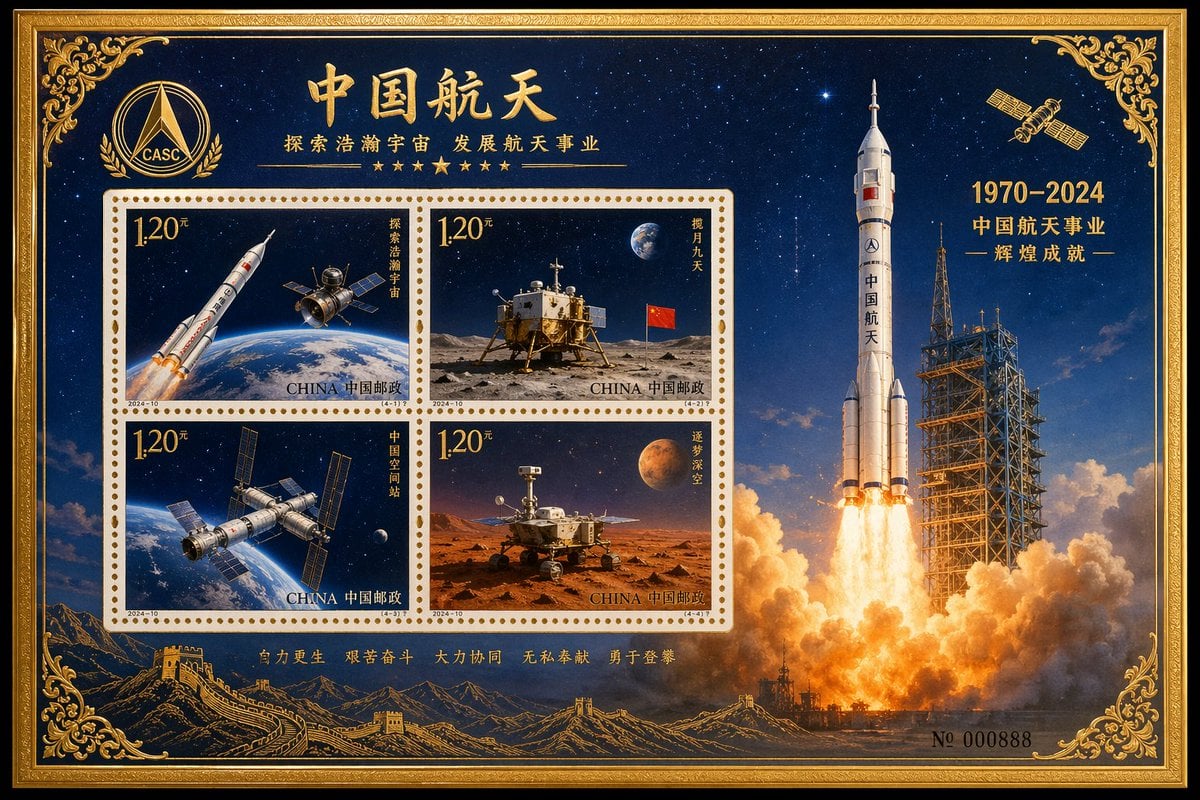
Commemorative Postage Stamp Sheet

1990s Time Traveler Magazine Cover
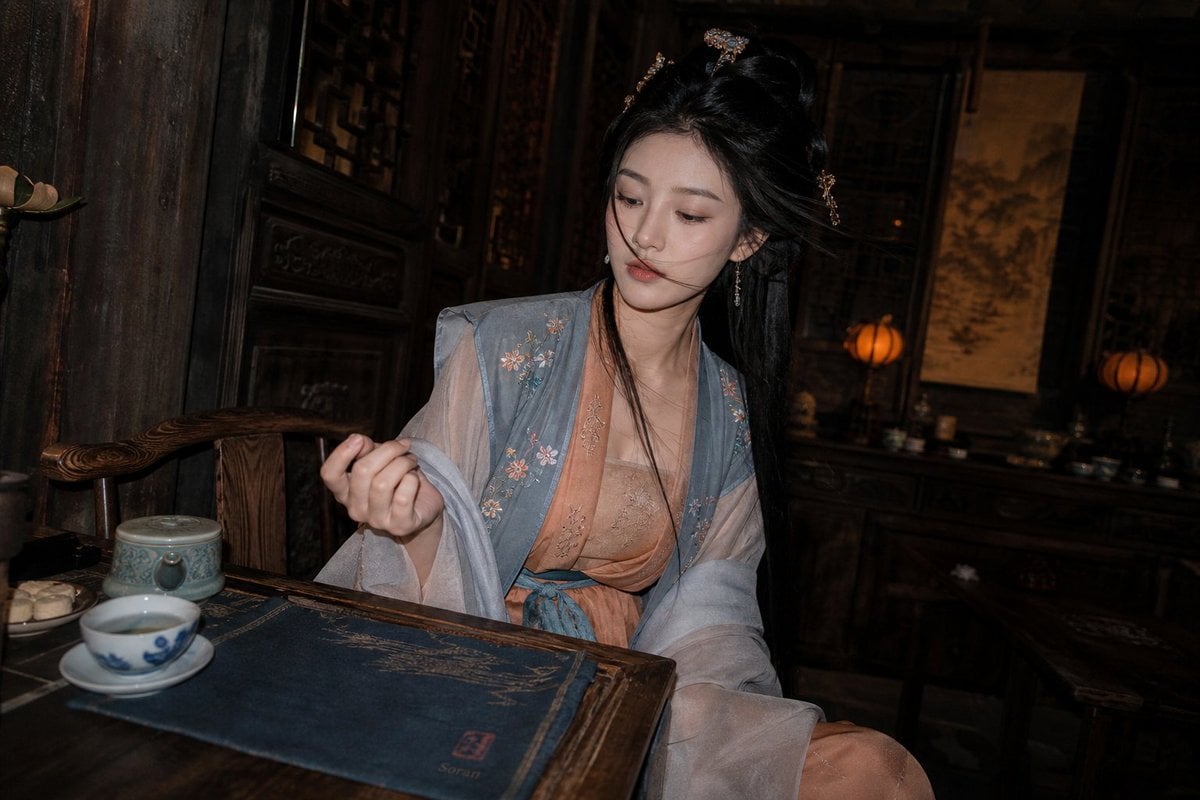
Cinematic Hanfu Tea Room Portrait

Photo to Soft Anime Wedding Illustration
Cloud Pareidolia Smartphone Snapshot
Browse template categories
Alpine Meadow Sheep Flock questions
How do I use the Alpine Meadow Sheep Flock template?
Add your photo if the template asks for one, edit the prompt if you like — the template's model and format are already selected — and press Generate. Your version opens in PicX Studio.
Can I customize the Alpine Meadow Sheep Flock template?
Yes. You can change the subject, setting, lighting, mood, format, and available model controls before creating your image.
Is the Alpine Meadow Sheep Flock template free?
Opening and editing this template is free. Generating uses credits, shown on the Generate button when you are signed in.
Which AI model should I use?
Start with GPT Image 2, which is the model associated with this template. You can compare another compatible model for a different finish.
Looking for something else? Browse all templates.

Your photo, any look
Thousands of ready templates for every top image and video model, from one credit balance.