How do I use the Wolf Boy Summer Meadow Nap template?
Edit the prompt in the box under the preview — the template's model and format are already selected — and press Generate. Your version appears right on this page.
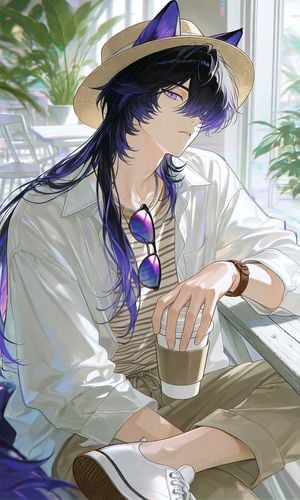
A cinematic anime prompt for generating a serene wolf-eared character resting in a sunlit wildflower meadow.

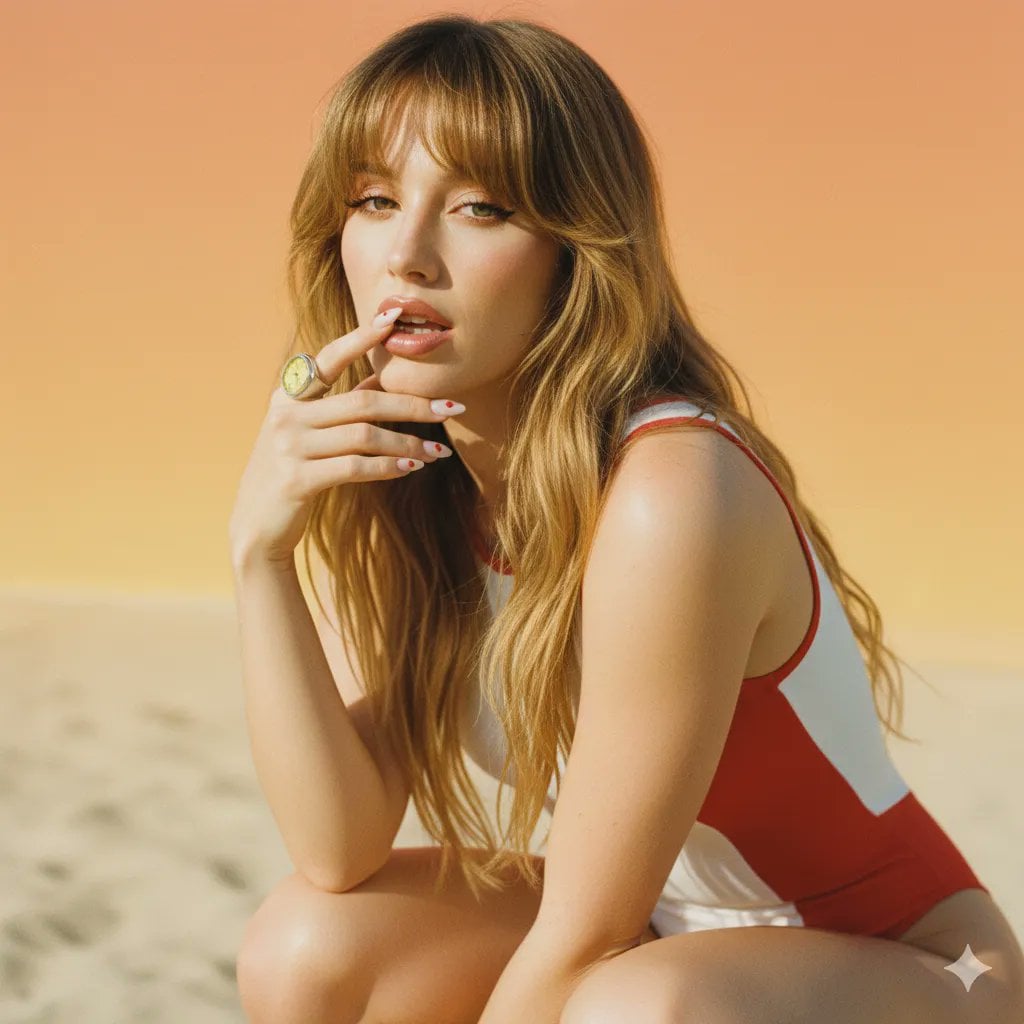
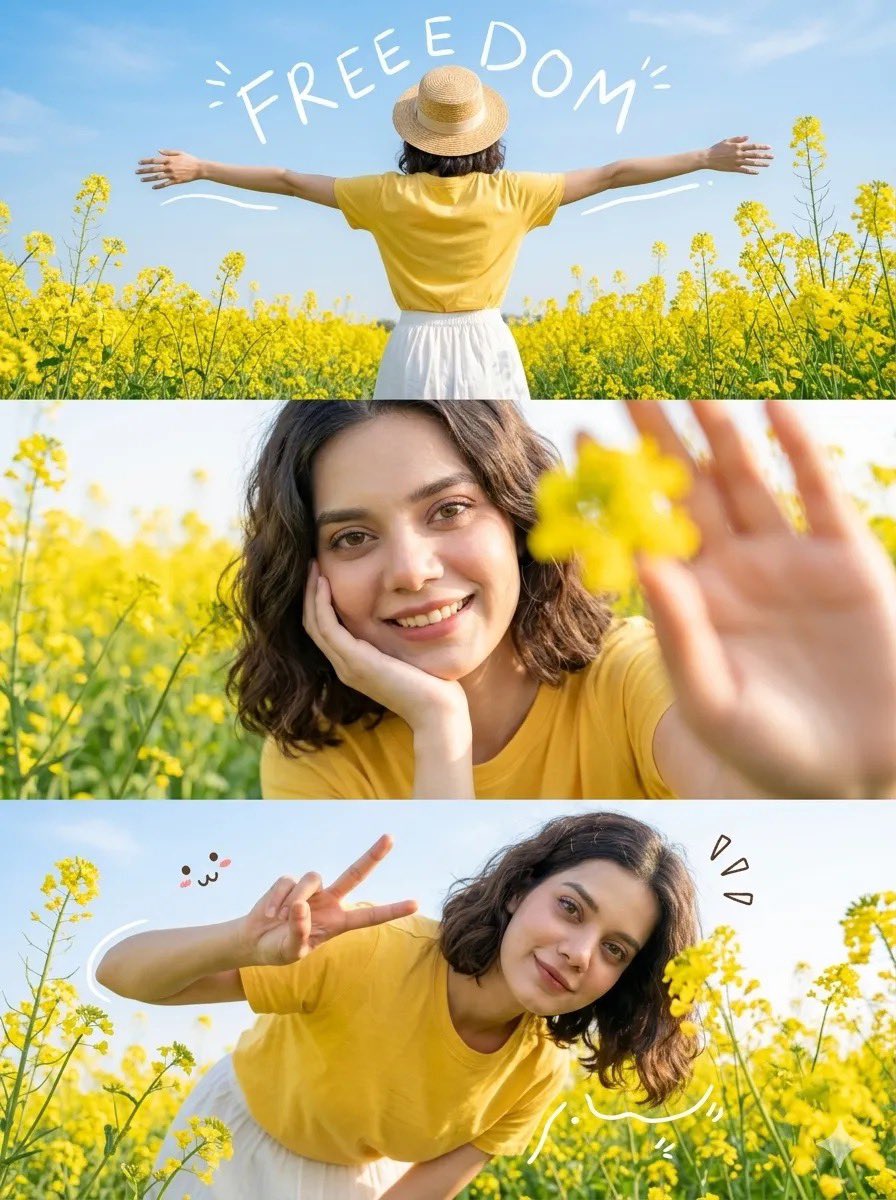
This template uses your photo — add one with the + button.
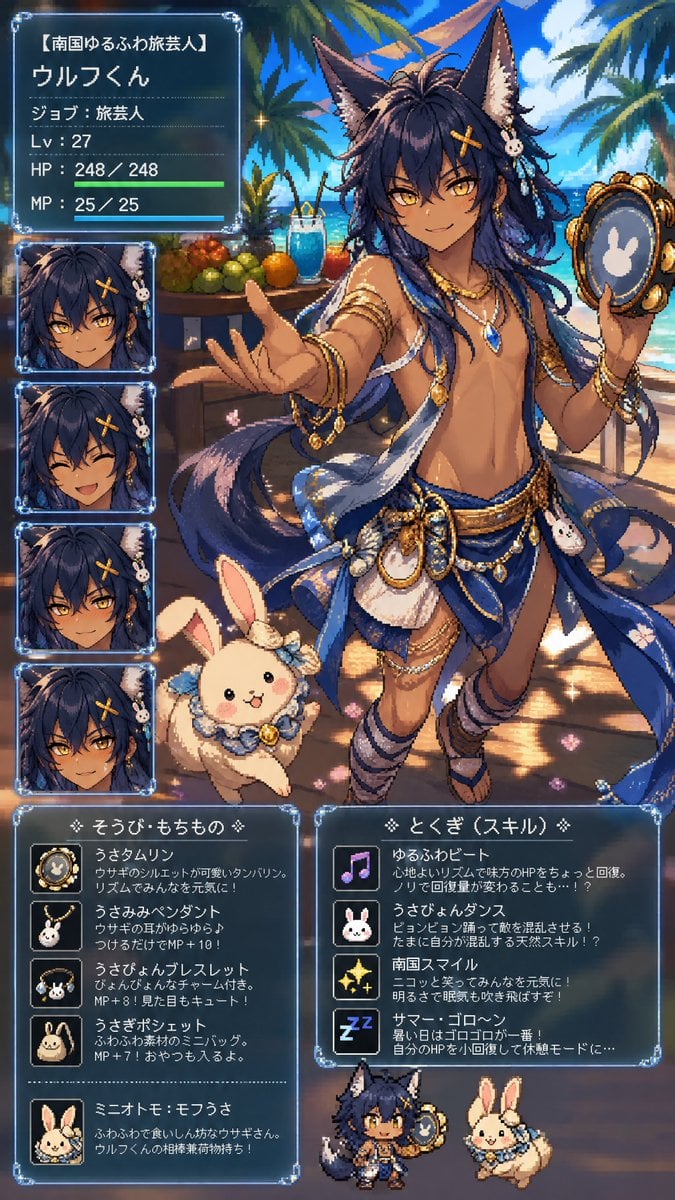
Create a highly detailed cinematic anime illustration in a soft romantic fantasy style, widescreen 16:9. Show {argument name="character name" default="Wolf-kun"}, a beautiful androgynous young wolf-eared man reclining lazily in a sun-dappled wildflower meadow beneath a large tree. He has long flowing {argument name="hair color" default="deep navy blue"} hair spread across the grass, two large pointed wolf ears with pale inner fur, and one large fluffy dark blue wolf tail curling behind him. His eyes are closed, his expression is sleepy and relaxed with slightly parted lips, and one arm is raised across his forehead as if shielding his face from the warm sunlight. He wears a loose oversized white button-up shirt, open at the chest and waist, with soft folds and translucent highlights, plus light beige trousers with a lace-up waistband and a delicate silver necklace. A small white rabbit rests asleep against his shoulder. Surround him with lavender-purple flowers, tiny white daisies, green grass, drifting sparkling motes, and soft bokeh. Include exactly three visible nearby props: 1 white rabbit sleeping on his shoulder, 1 straw hat lying in the grass on the right, and 1 dark blue book with gold lettering beside the hat. The background should feel like a peaceful countryside garden with a faint fence and glowing morning light. Use painterly high-end anime rendering, delicate linework, luminous skin, realistic fabric folds, shallow depth of field, warm rim light, leaf-shadow patterns across the shirt and skin, ethereal sparkles, and a calm summer nap atmosphere. Avoid text overlays, watermark, extra characters, or exaggerated facial expression.
Create a highly detailed cinematic anime illustration in a soft romantic fantasy style, widescreen 16:9. Show {argument name="character name" default="Wolf-kun"}, a beautiful androgynous young wolf-eared man reclining lazily in a sun-dappled wildflower meadow beneath a large tree. He has long flowing {argument name="hair color" default="deep navy blue"} hair spread across the grass, two large pointed wolf ears with pale inner fur, and one large fluffy dark blue wolf tail curling behind him. His eyes are closed, his expression is sleepy and relaxed with slightly parted lips, and one arm is raised across his forehead as if shielding his face from the warm sunlight. He wears a loose oversized white button-up shirt, open at the chest and waist, with soft folds and translucent highlights, plus light beige trousers with a lace-up waistband and a delicate silver necklace. A small white rabbit rests asleep against his shoulder. Surround him with lavender-purple flowers, tiny white daisies, green grass, drifting sparkling motes, and soft bokeh. Include exactly three visible nearby props: 1 white rabbit sleeping on his shoulder, 1 straw hat lying in the grass on the right, and 1 dark blue book with gold lettering beside the hat. The background should feel like a peaceful countryside garden with a faint fence and glowing morning light. Use painterly high-end anime rendering, delicate linework, luminous skin, realistic fabric folds, shallow depth of field, warm rim light, leaf-shadow patterns across the shirt and skin, ethereal sparkles, and a calm summer nap atmosphere. Avoid text overlays, watermark, extra characters, or exaggerated facial expression.
Edit the prompt in the box under the preview — the template's model and format are already selected — and press Generate. Your version appears right on this page.
Yes. You can change the subject, setting, lighting, mood, format, and available model controls before creating your image.
Opening and editing this template is free. Generating uses credits, shown on the Generate button when you are signed in.
Start with GPT Image 2, which is the model associated with this template. You can compare another compatible model for a different finish.
Follow a topic to a crawlable collection of related PicX Studio templates.