
Summer Cafe Anime Wolf Boy
A vertical anime character illustration prompt for creating a stylish animal-eared young man in a relaxed summer cafe outfit.
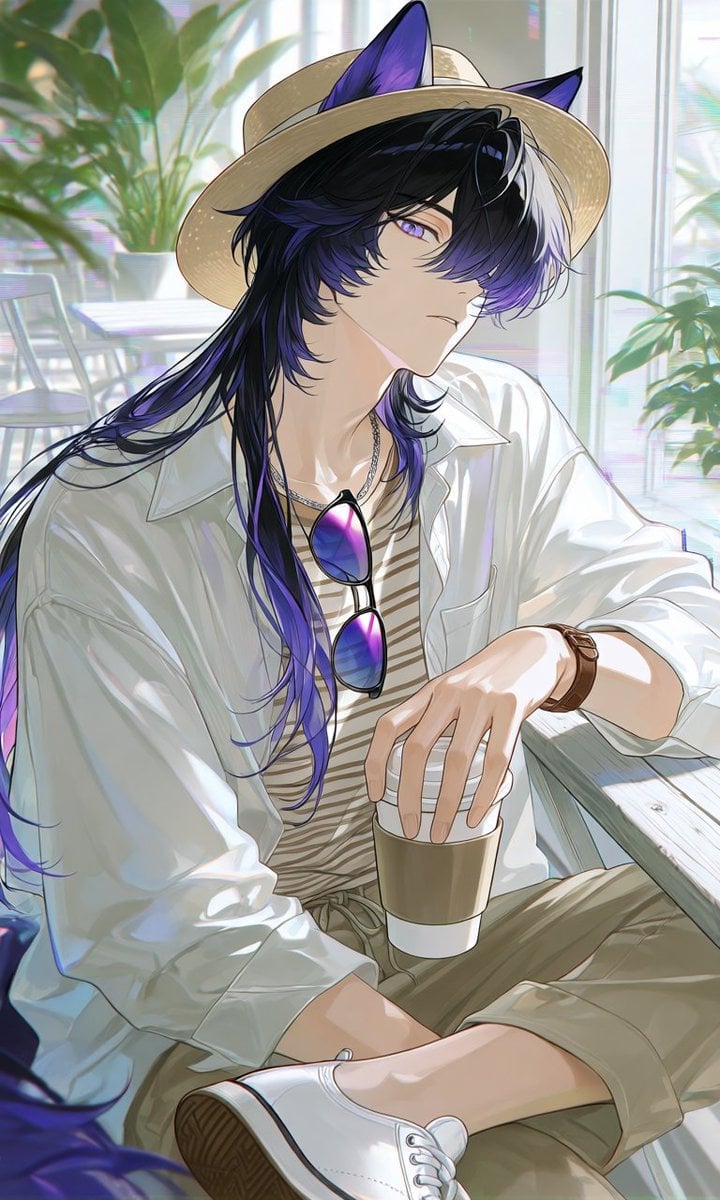
- Prompt included
- Model and format preset
- Premium template
The prompt behind this image
Copy the exact prompt behind Summer Cafe Anime Wolf Boy, or open it in the studio and make it yours.
Create a polished vertical anime illustration of an androgynous young man with black wolf/cat ears and a calm, slightly aloof expression, seated in a bright summer cafe. He has long layered {argument name="hair color" default="glossy black hair with deep violet-purple streaks and a white front section"}, violet eyes, pale skin, and soft elegant facial features; his bangs partially cover one eye and his long hair flows over his shoulders. Dress him in a refreshing relaxed cafe outfit: a wide-brim natural straw hat placed over the animal ears, an oversized open white button-up shirt with rolled sleeves, a beige-and-cream striped inner shirt, loose olive khaki cropped pants, white low-top sneakers, a brown leather wristwatch, a thin silver necklace, and purple-blue gradient sunglasses hanging from his chest. Pose him sitting casually by a light wooden cafe table, one leg bent forward, one hand resting on or holding a takeaway coffee cup with a white sleeve, the other arm relaxed. Use a sunlit indoor cafe background with large windows, soft white furniture, leafy green plants, and bright diffused summer light with gentle bokeh. Style: high-quality modern Japanese anime, delicate linework, luminous skin shading, soft pastel highlights, airy atmosphere, subtle chromatic glow, detailed fabric folds, reflective sunglasses, clean composition, vertical portrait framing, no text, no watermark.
How to use Summer Cafe Anime Wolf Boy in 3 steps
- 1Upload ImagePNG, JPG or paste
Add your photo
Upload the photo the template builds on. The prompt, model and format are already set.
- 2…a portrait of your subject in softgolden-hour light, 85mm…
Personalize
Edit the subject and creative details for your destination.
- 3Generate
Generate
Press Generate — your image is created in PicX Studio, so you can compare it with the original and refine one variable at a time.
More like this
Templates with the same subject, style or setup. Open one to see its prompt.
Wolf Boy Summer Meadow Nap

Cel 2D Cafe Morning
Anime Wolf Mascot with Korean Text
Anime Dim Sum Festival Boy
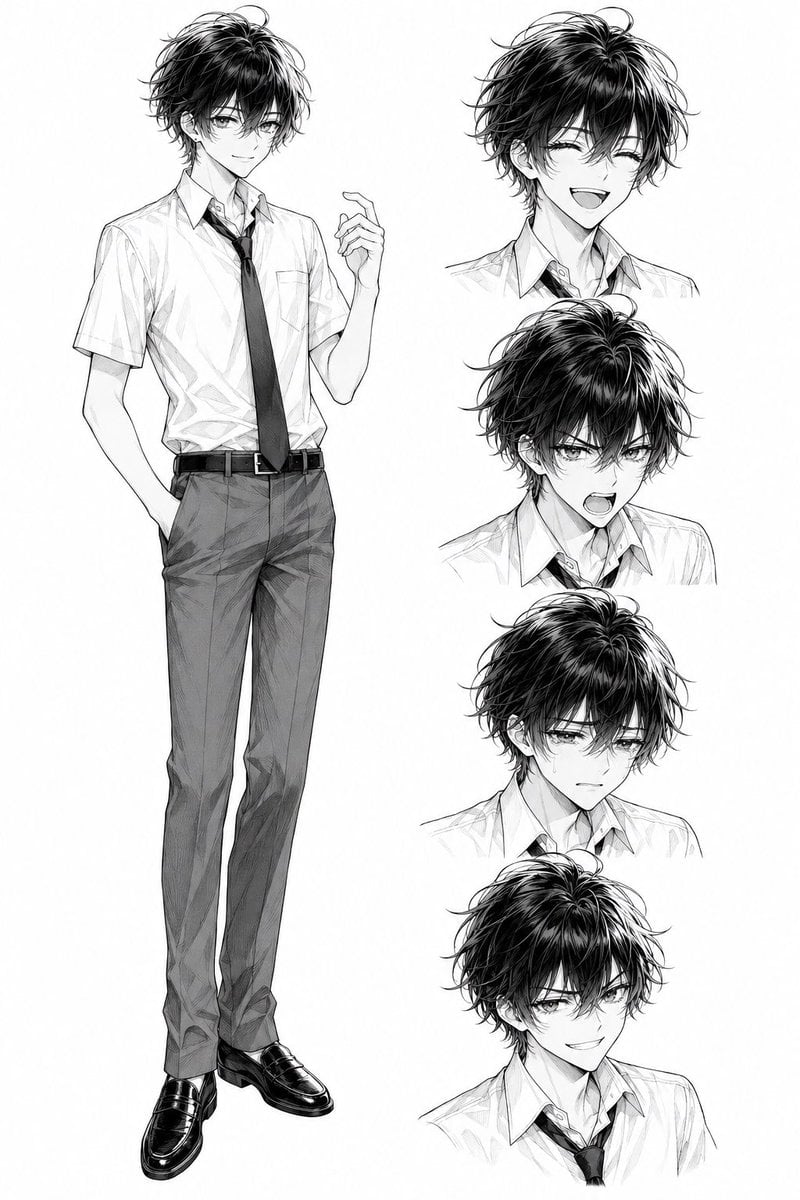
Monochrome Anime Schoolboy Expression Sheet

Pastel Anime Summer Beach Collage
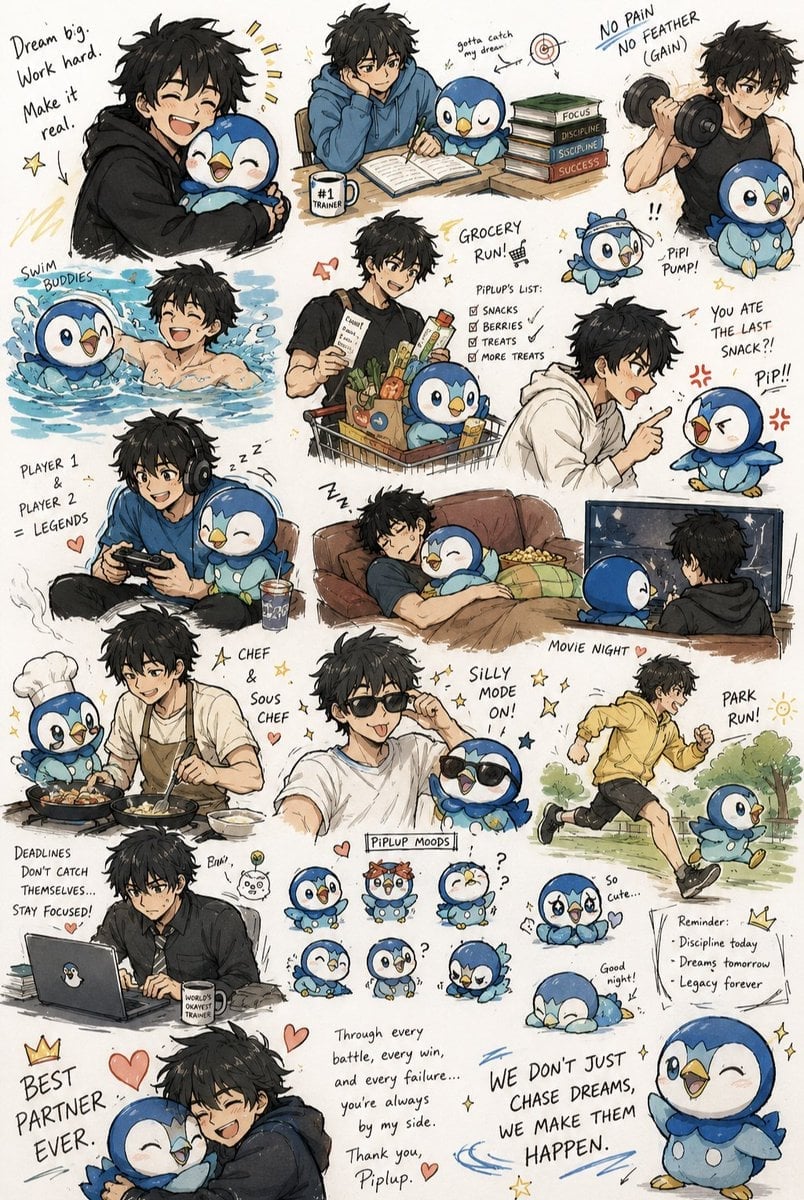
Anime Boy and Piplup Adventure Sheet

Cel 2D Finale Fireworks

Cel 2D Garden Maze

Cel 2D Rooftop Concert

Cel 2D Bicycle Coast

Cel 2D Castle Gate
Make it yours
Summer Cafe Anime Wolf Boy works as-is. These are the safest ways to change it without losing the look.
Change one field
Copy a single group, rewrite it, and generate again so you can see what that field is doing.
Keep the frame, change the subject
Hold the composition and light of Summer Cafe Anime Wolf Boy, then swap wardrobe, props or the person for a new take.
| If the result… | Why | Fix |
|---|---|---|
| The result drifts from the preview | Too many fields changed at once. | Reuse Summer Cafe Anime Wolf Boy as-is first, then change one group — subject, light, or setting. |
| The model over-stylizes the scene | The prose prompt leaves finish and camera underspecified. | Add one camera or lighting sentence and stay on GPT Image 2. |
More GPT Image 2 templates
Other prompts made for GPT Image 2.

Six VTuber Japanese Logo Sheet

Realistic Portrait of Woman and Deer

The Vista Modular Condo Poster

AI Model Routing Comparison Infographic

2.5D Anime Art Board

Isometric Productivity Desk Scene

New York Double Exposure Poster

Four-Panel AI Landscape Comparison

Japanese Tatami Lifestyle Magazine Cover

NESCAFÉ Coffee Map Poster
More image prompts
Fresh picks from across the catalog.
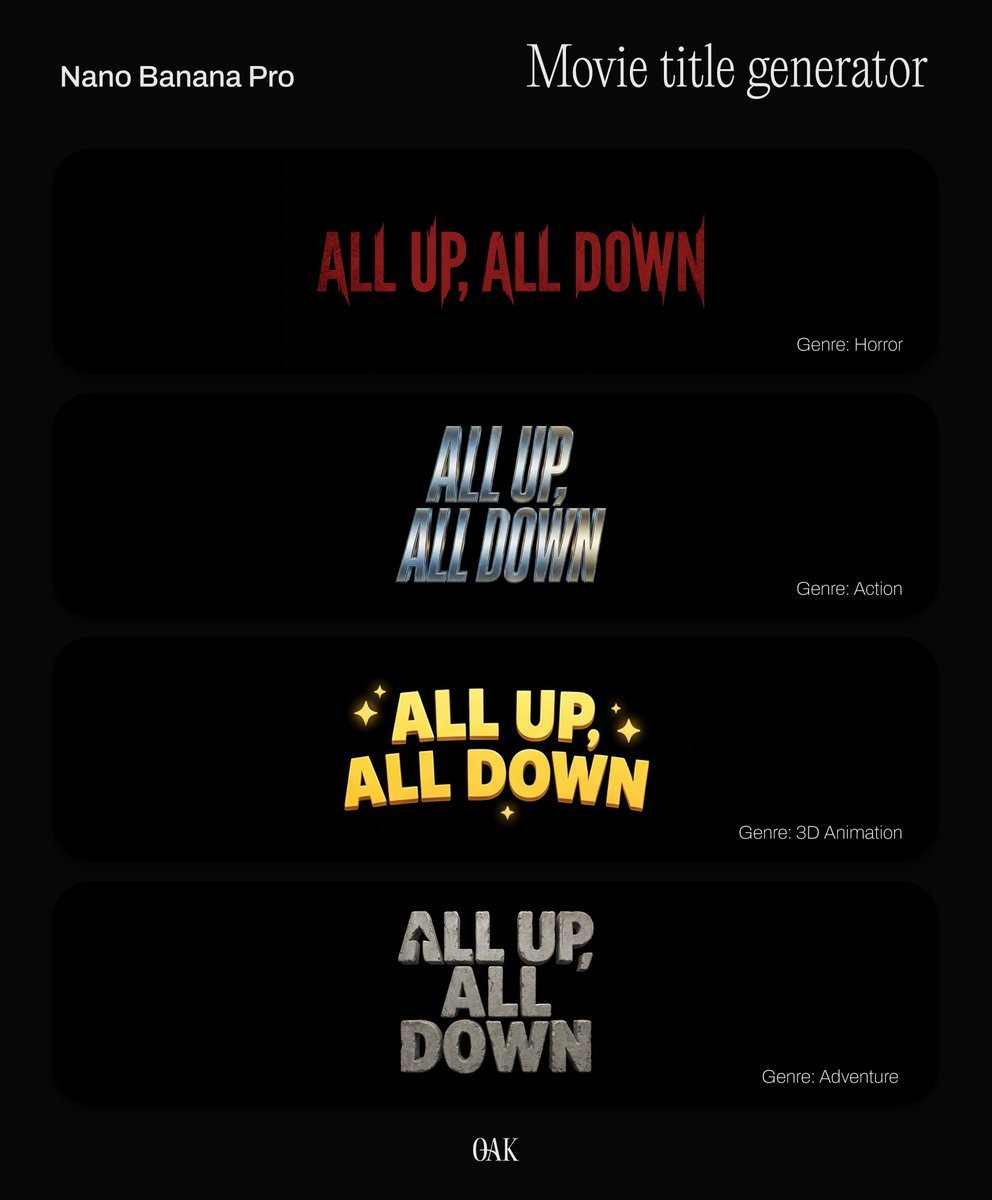
Movie Title Generator Prompt
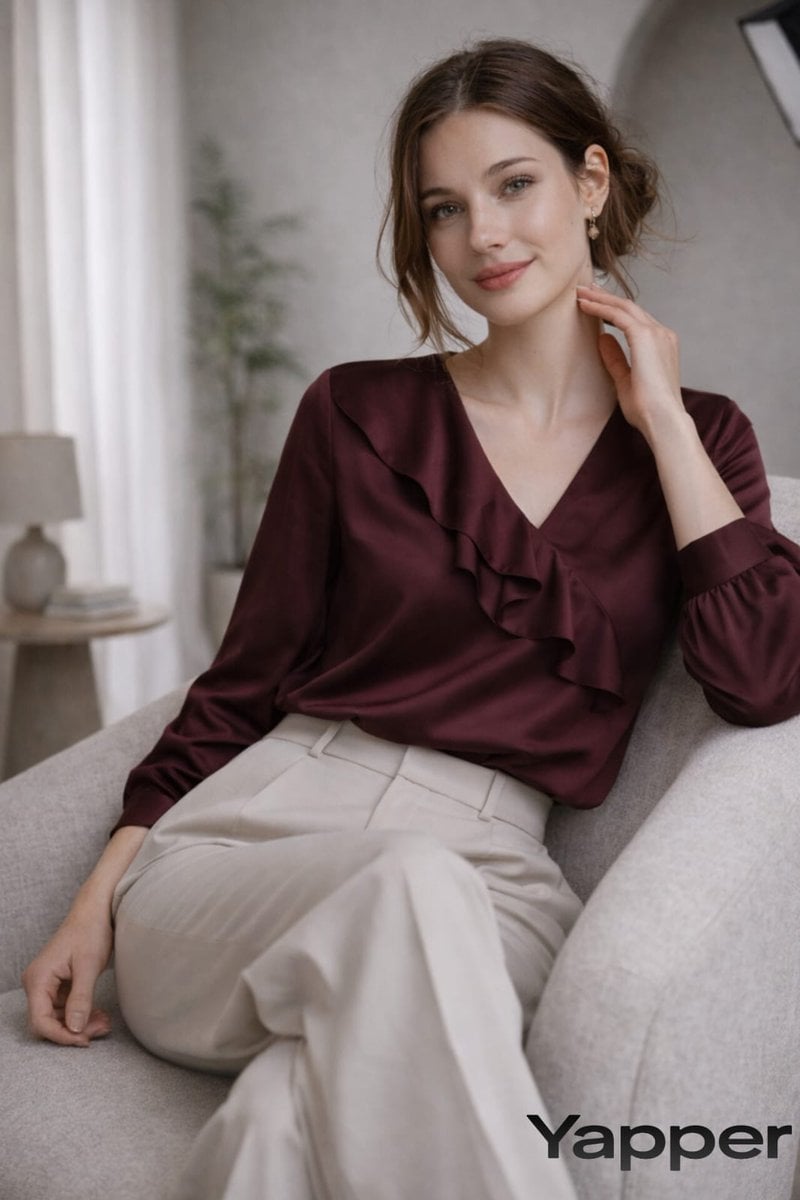
Prompt for fashion editorial photograph
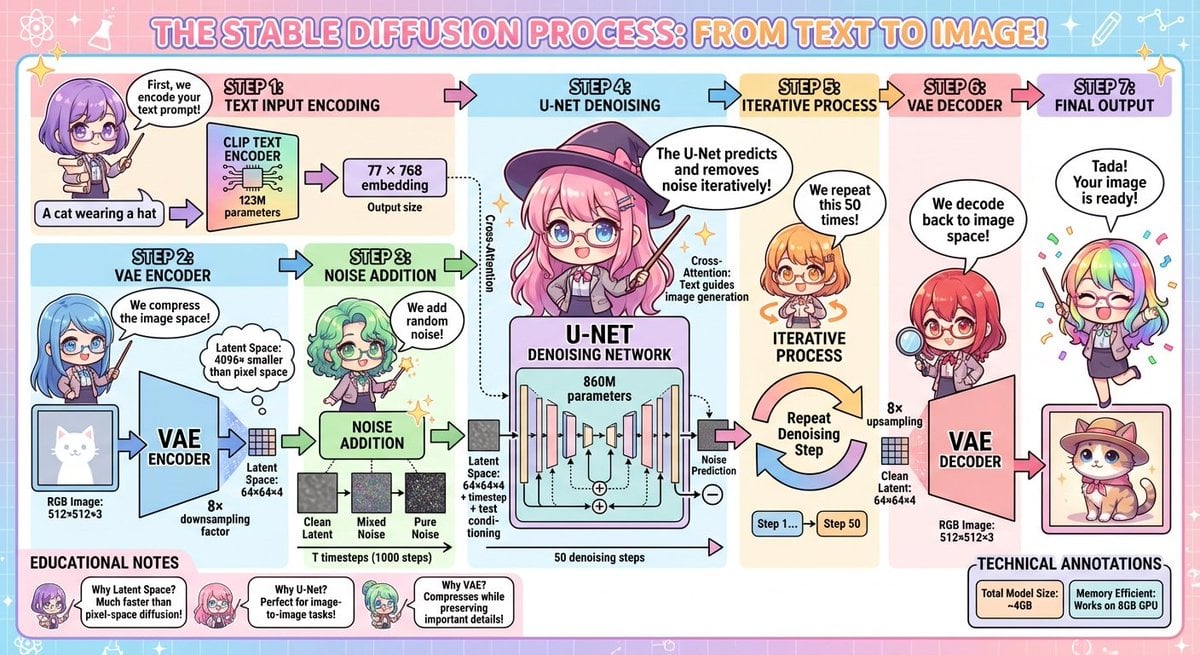
Stable Diffusion educational anime diagram
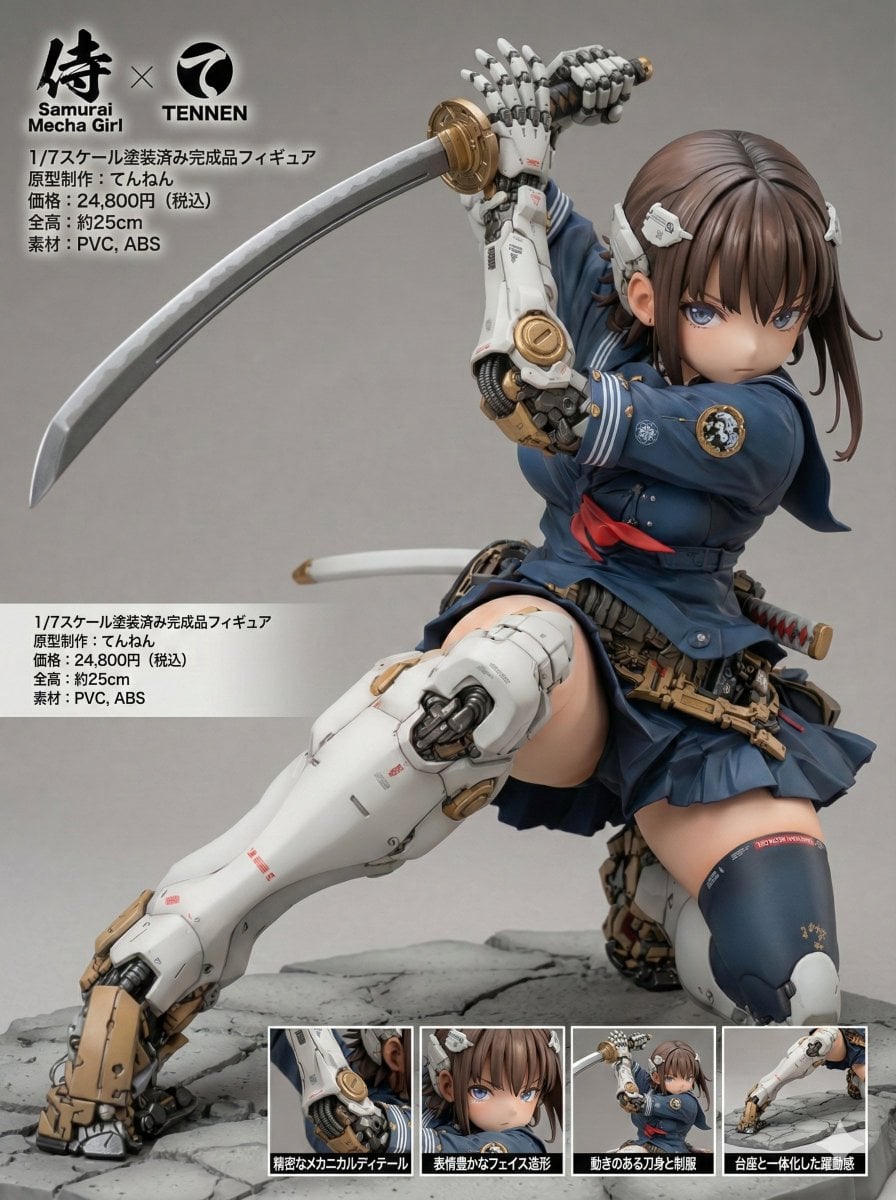
Multilingual Figure Product Introduction Layout Prompt for Nano Banana Pro
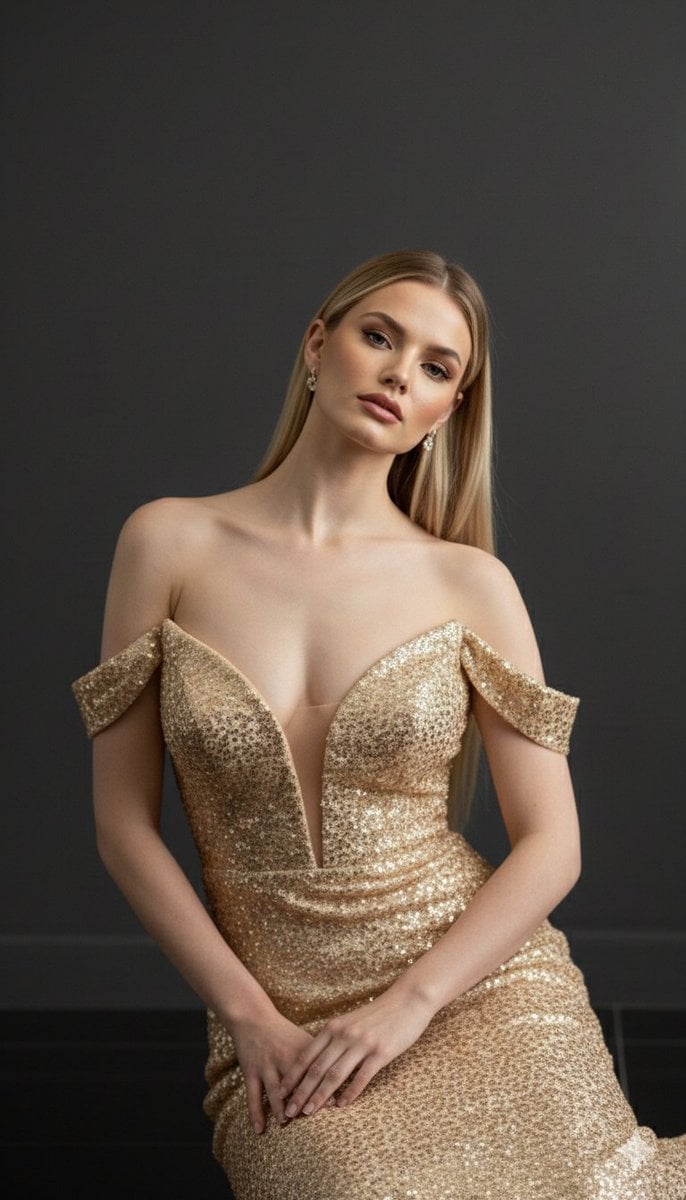
Luxurious 8K Portrait of Polina Gagarina in a Gold Gown
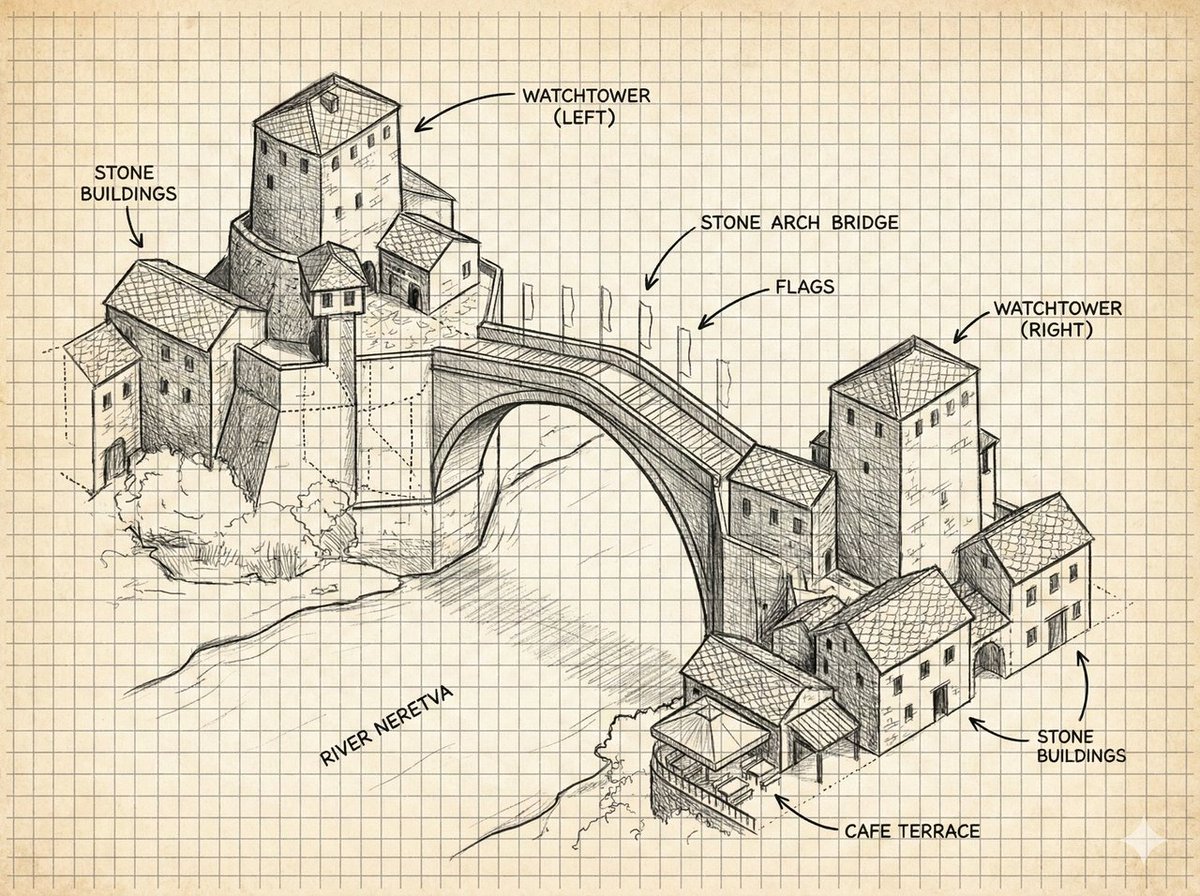
Annotated Stone Arch Bridge Sketch
High-Fashion Black and White Portrait with Cigarette Smoke
Anime Mirror Reflection of Younger Self
Atmospheric Tea Alley Street Scene
Premium Marketing Shots with Nano Banana
Browse template categories
Summer Cafe Anime Wolf Boy questions
How do I use the Summer Cafe Anime Wolf Boy template?
Add your photo if the template asks for one, edit the prompt if you like — the template's model and format are already selected — and press Generate. Your version opens in PicX Studio.
Can I customize the Summer Cafe Anime Wolf Boy template?
Yes. You can change the subject, setting, lighting, mood, format, and available model controls before creating your image.
Is the Summer Cafe Anime Wolf Boy template free?
Opening and editing this template is free. Generating uses credits, shown on the Generate button when you are signed in.
Which AI model should I use?
Start with GPT Image 2, which is the model associated with this template. You can compare another compatible model for a different finish.
Looking for something else? Browse all templates.

Your photo, any look
Thousands of ready templates for every top image and video model, from one credit balance.