
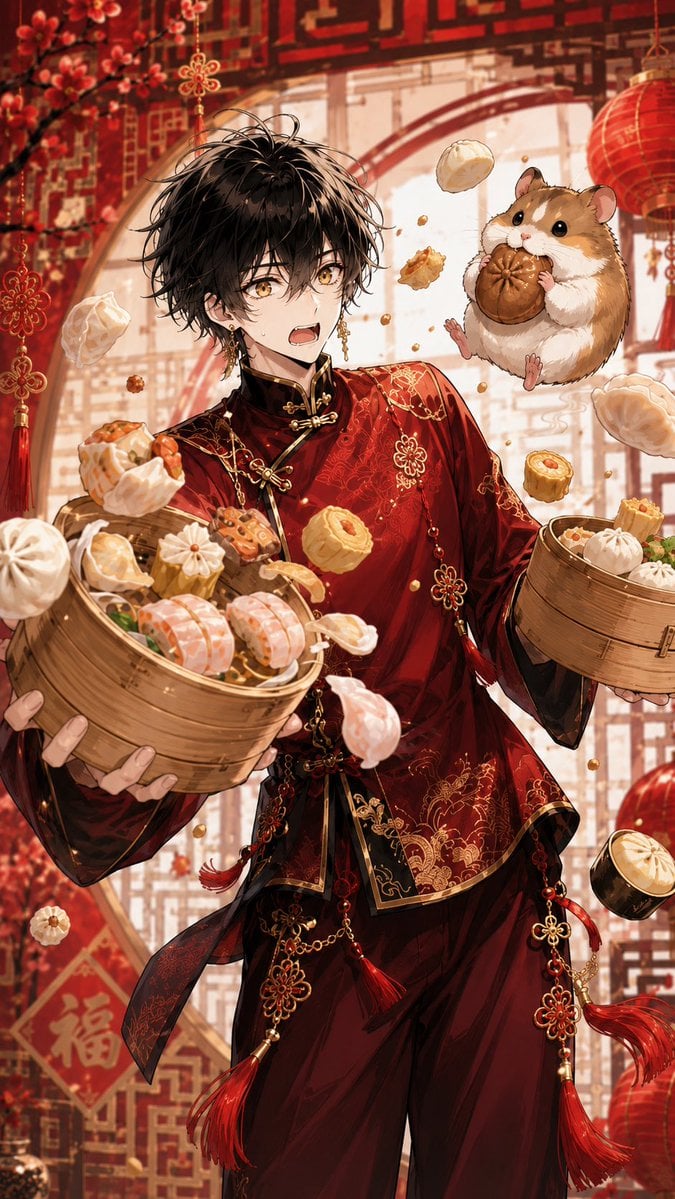
Anime Dim Sum Festival Boy
A festive vertical anime illustration prompt featuring an ornate red-clad young man, flying dim sum, and a giant hamster in a Chinese New Year setting.
- Prompt included
- Model and format preset
- Free template
The prompt behind this image
Copy the exact prompt behind Anime Dim Sum Festival Boy, or open it in the studio and make it yours.
Create a highly detailed vertical anime illustration of {argument name="character name" default="Sol"}, a slim young man with messy tousled {argument name="hair color" default="black hair"} and bright golden eyes, startled with his mouth slightly open as he juggles an extravagant dim sum feast. He wears an ornate Chinese New Year outfit: deep crimson silk changshan-style top with black collar and cuffs, gold frog closures, intricate gold embroidery, dangling red tassels, gold chains, flower-knot ornaments, and matching dark red trousers. He holds two bamboo steamer baskets, one large basket in the foreground packed with assorted dim sum and one smaller basket to the right with buns and dumplings. Show exactly 13 airborne food pieces around him: 3 white soup dumplings, 2 pleated white buns, 2 shrimp dumplings, 2 round siu mai, 1 brown chocolate-like bun in the hamster’s paws, 1 golden fried bite, 1 crescent dumpling, and 1 small cylindrical custard tart. Add a giant round golden-brown hamster floating near his shoulder, cheeks puffed, tiny paws holding and eating the brown bun, with an innocent happy expression. The background is a warm festive Chinese restaurant or banquet hall with red paper lanterns, red lattice window patterns, hanging knot ornaments, plum blossom branches, soft golden sunlight, and a red diamond paper decoration with the Chinese character 福. Use dynamic composition, food flying in midair, rich red and gold palette, delicate line art, glossy anime rendering, high detail fabric texture, shallow depth of field, lively celebratory mood, no watermark, no extra readable text besides 福.
How to use Anime Dim Sum Festival Boy in 3 steps
- 1Upload ImagePNG, JPG or paste
Add your photo
Upload the photo the template builds on. The prompt, model and format are already set.
- 2…a portrait of your subject in softgolden-hour light, 85mm…
Personalize
Edit the subject and creative details for your destination.
- 3Generate
Generate
Press Generate — your image is created in PicX Studio, so you can compare it with the original and refine one variable at a time.
More like this
Templates with the same subject, style or setup. Open one to see its prompt.

Cel 2D Mountain Summit

Pixar Anime Festival Mask
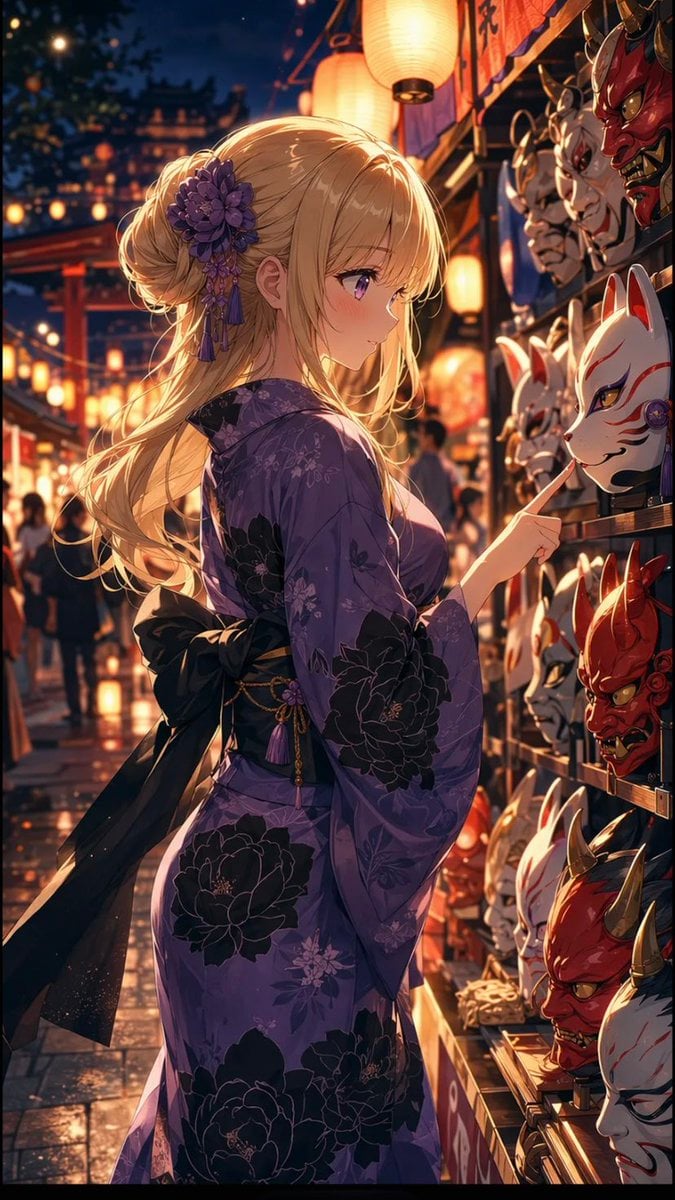
Anime Girl at Summer Festival Mask Stall
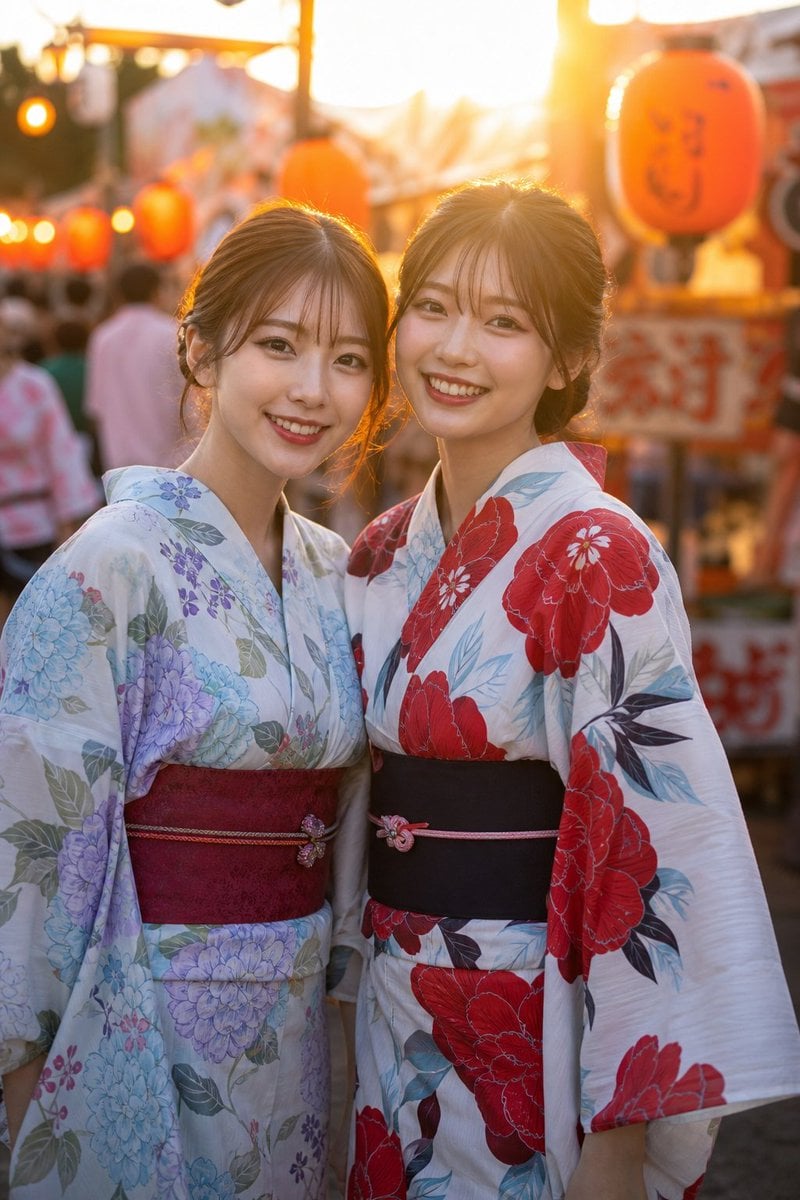
Two Friends in Yukata at Summer Festival
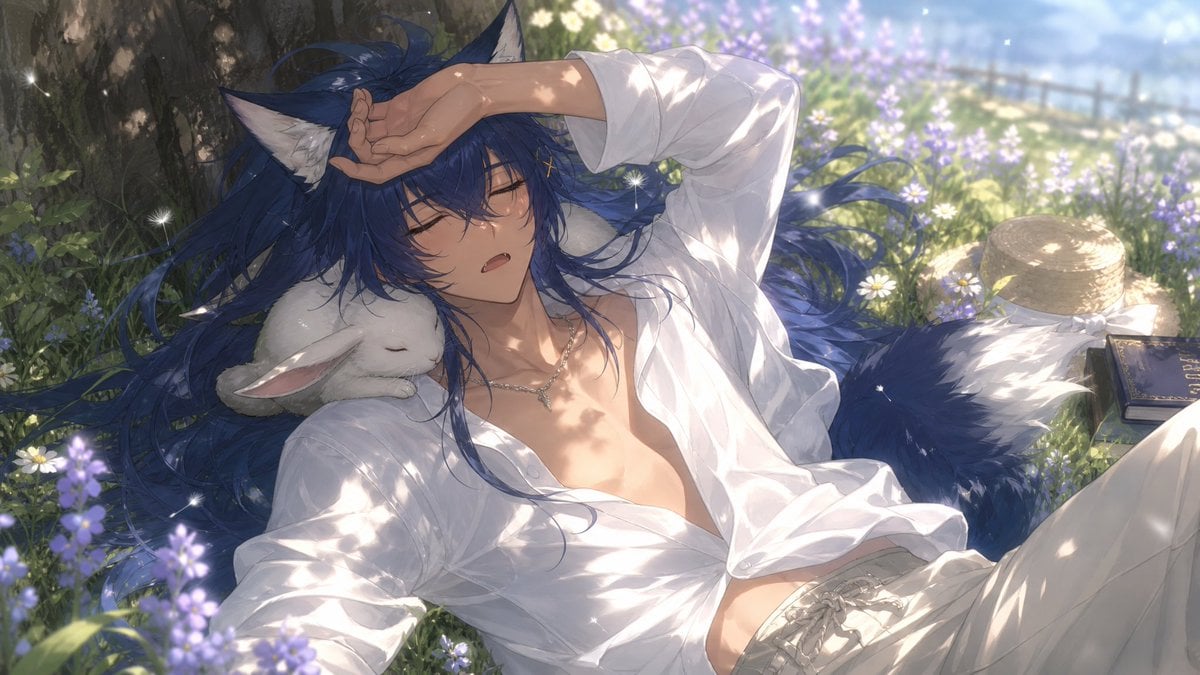
Wolf Boy Summer Meadow Nap
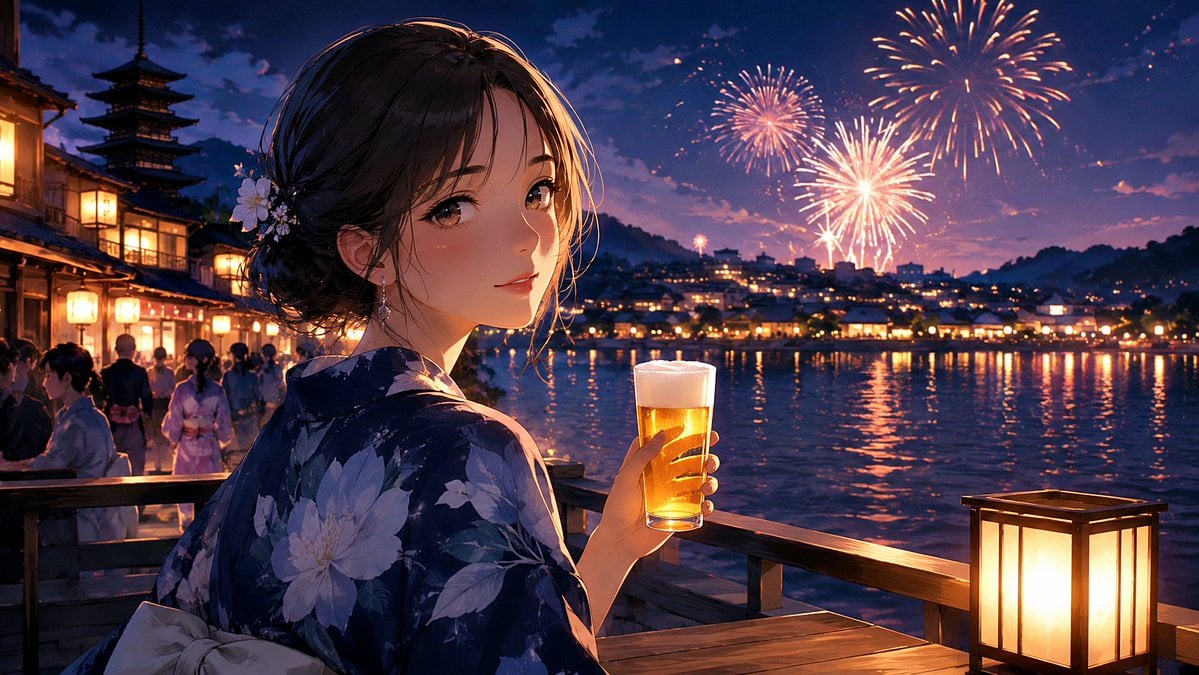
Kyoto Summer Festival Fireworks

Cel 2D Finale Fireworks

Cel 2D Garden Maze

Cel 2D Rooftop Concert

Cel 2D Bicycle Coast

Cel 2D Castle Gate

Cel 2D Kitchen Chaos
Make it yours
Anime Dim Sum Festival Boy works as-is. These are the safest ways to change it without losing the look.
Change one field
Copy a single group, rewrite it, and generate again so you can see what that field is doing.
Keep the frame, change the subject
Hold the composition and light of Anime Dim Sum Festival Boy, then swap wardrobe, props or the person for a new take.
| If the result… | Why | Fix |
|---|---|---|
| The result drifts from the preview | Too many fields changed at once. | Reuse Anime Dim Sum Festival Boy as-is first, then change one group — subject, light, or setting. |
| The model over-stylizes the scene | The prose prompt leaves finish and camera underspecified. | Add one camera or lighting sentence and stay on GPT Image 2. |
More GPT Image 2 templates
Other prompts made for GPT Image 2.

Six VTuber Japanese Logo Sheet

Realistic Portrait of Woman and Deer

The Vista Modular Condo Poster

AI Model Routing Comparison Infographic

2.5D Anime Art Board

Isometric Productivity Desk Scene

New York Double Exposure Poster

Four-Panel AI Landscape Comparison

Japanese Tatami Lifestyle Magazine Cover

NESCAFÉ Coffee Map Poster
More image prompts
Fresh picks from across the catalog.
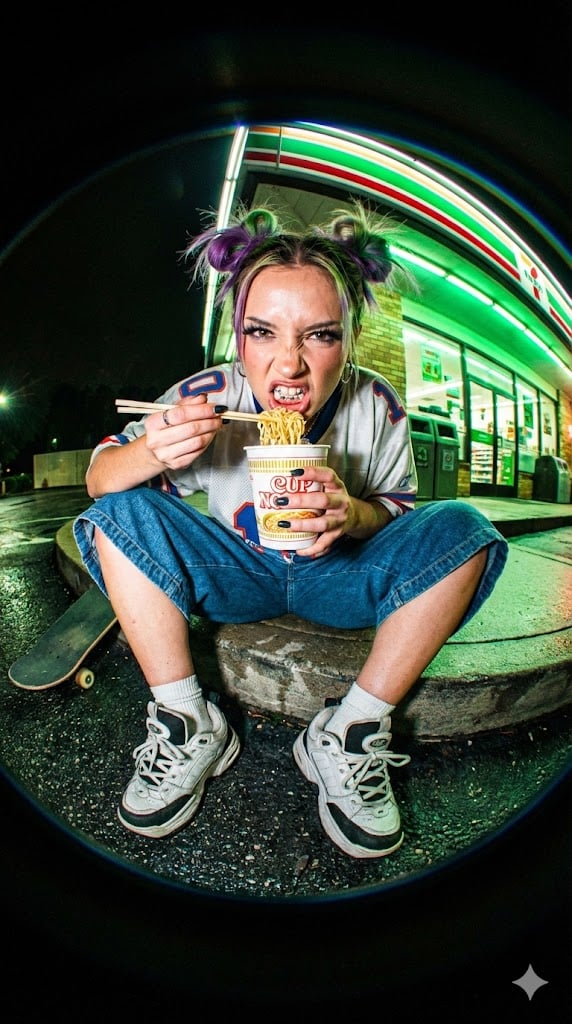
Extreme Fisheye Streetwear Portrait
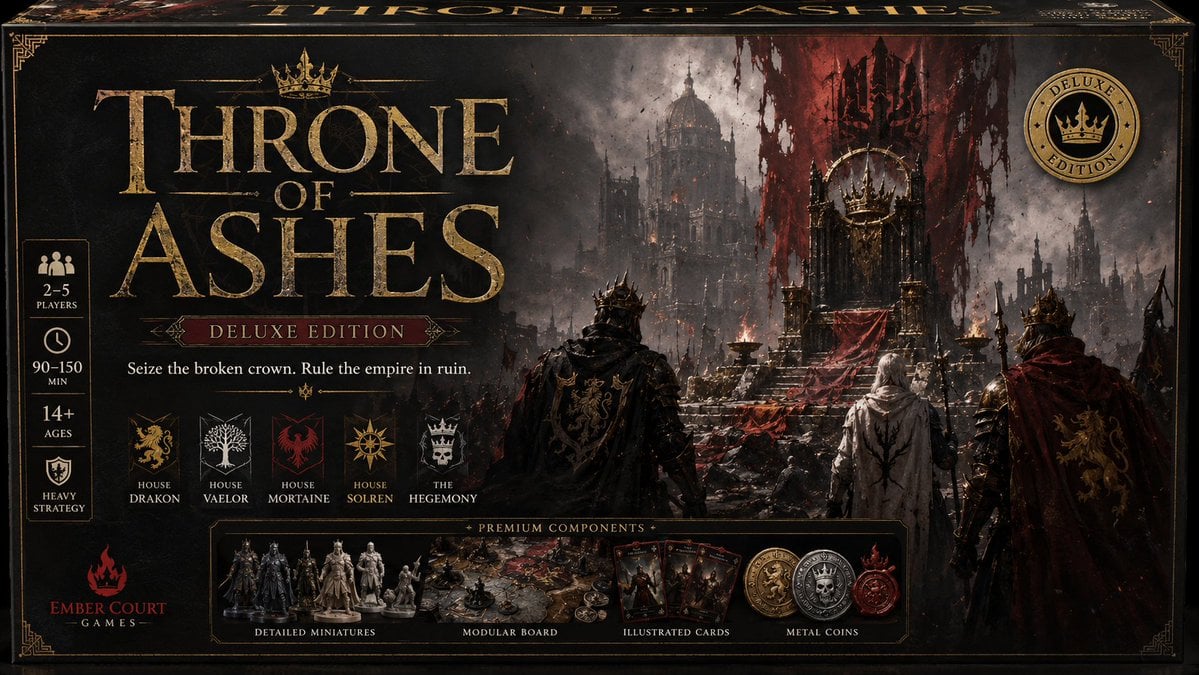
Throne of Ashes Deluxe Box Front
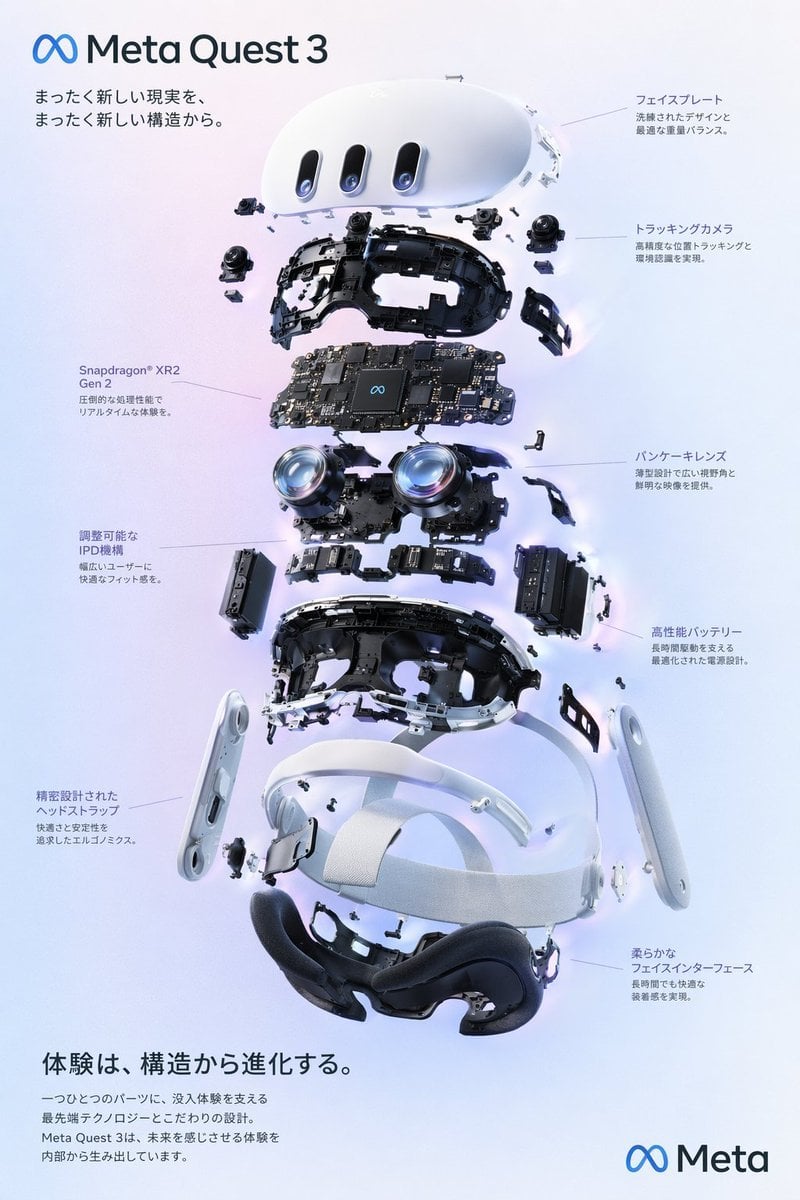
Meta Quest 3 Exploded Infographic
Storyboard-style action-following frame
Pastel Kawaii Girl Fashion Portrait
Cozy Monochromatic Studio Portrait
Three-Image Fusion and Integration
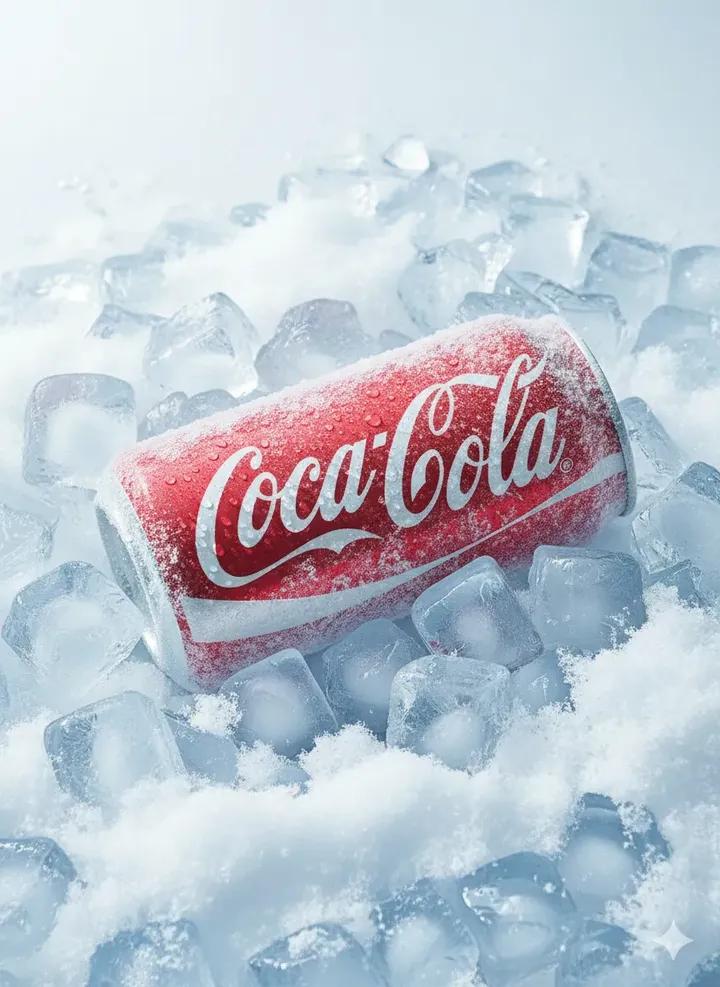
Hyper-Realistic Icy Coca-Cola Product Shot
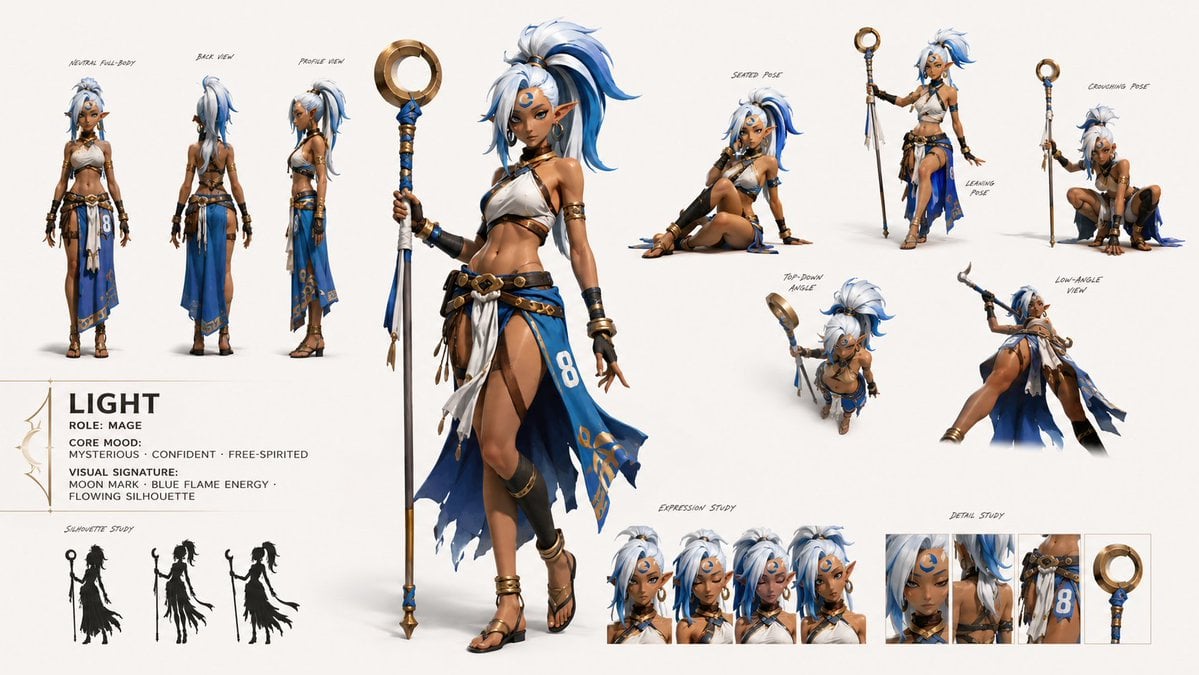
GPT Image 2 Fantasy Forest Ritual Storyboard
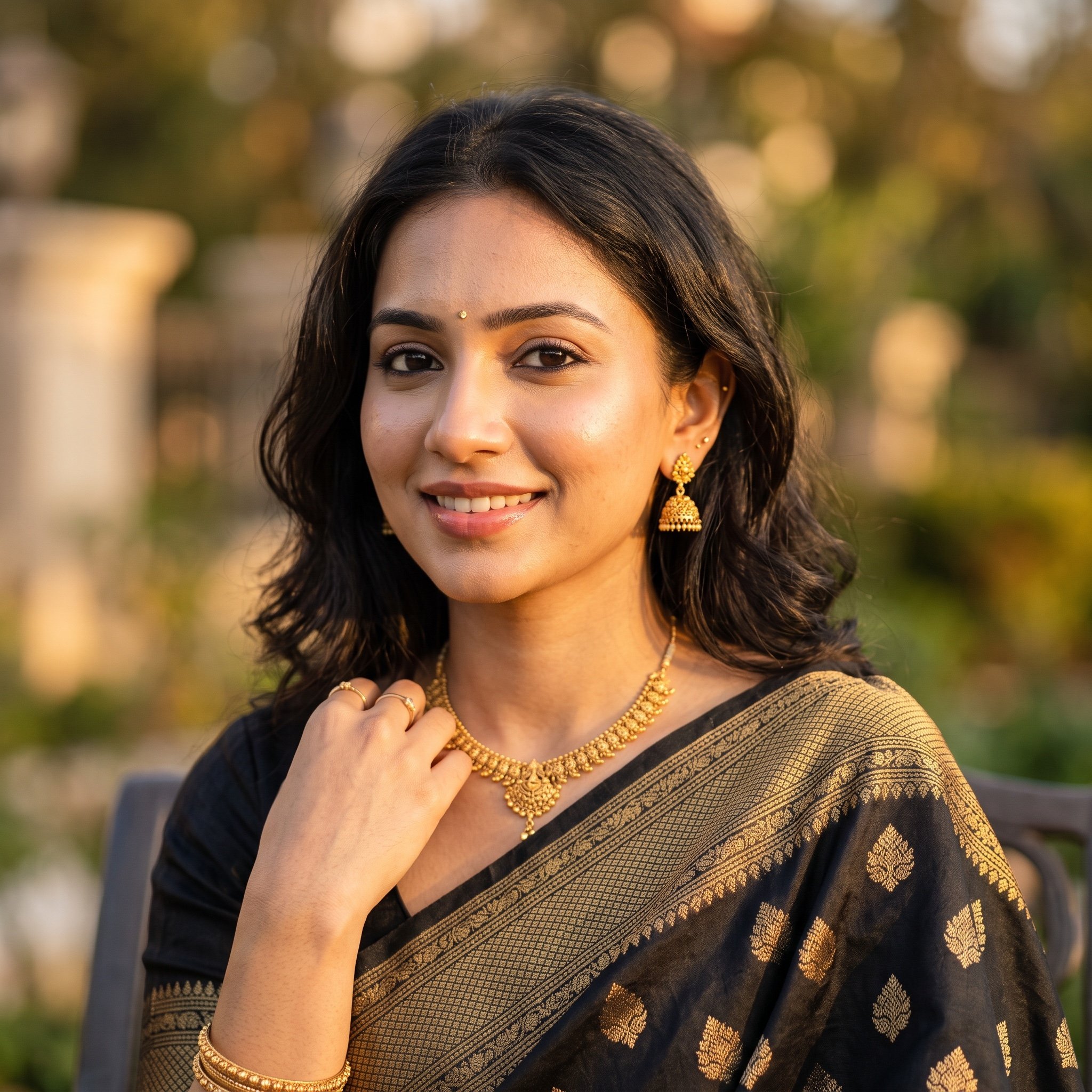
Soft Glam Close-Up Portrait Prompt (Indian Woman)
Browse template categories
Anime Dim Sum Festival Boy questions
How do I use the Anime Dim Sum Festival Boy template?
Add your photo if the template asks for one, edit the prompt if you like — the template's model and format are already selected — and press Generate. Your version opens in PicX Studio.
Can I customize the Anime Dim Sum Festival Boy template?
Yes. You can change the subject, setting, lighting, mood, format, and available model controls before creating your image.
Is the Anime Dim Sum Festival Boy template free?
Opening and editing this template is free. Generating uses credits, shown on the Generate button when you are signed in.
Which AI model should I use?
Start with GPT Image 2, which is the model associated with this template. You can compare another compatible model for a different finish.
Looking for something else? Browse all templates.

Your photo, any look
Thousands of ready templates for every top image and video model, from one credit balance.