
GPT Image 2 Fantasy Forest Ritual Storyboard
A cinematic storyboard prompt for GPT Image 2 designed to create a fantasy project card for a ritual-themed scene set in a forest.
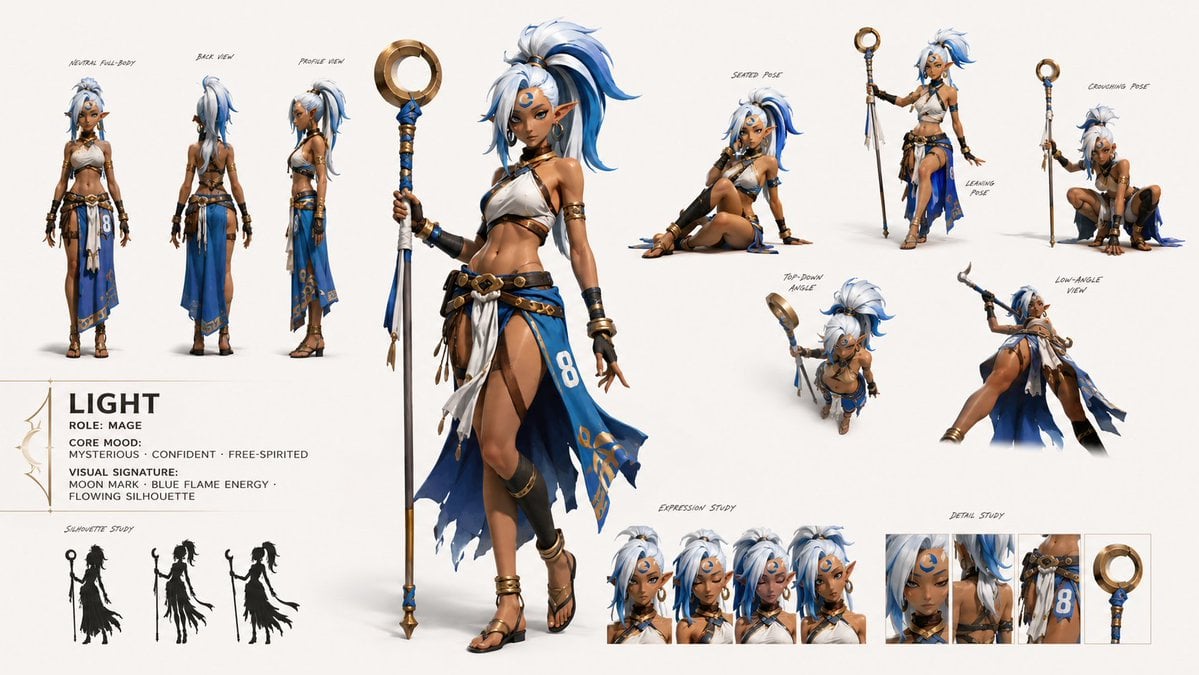
- Prompt included
- Model and format preset
- Free template
The prompt behind this image
Copy the exact prompt behind GPT Image 2 Fantasy Forest Ritual Storyboard, or open it in the studio and make it yours.
Create a 16:9 image. [PROJECT CARD] Create a compact designed masthead, not a table. TITLE: {argument name="project title" default="NOX / LUMOS POI FOREST"} META LINE: {argument name="theme description" default="sudden void magic / fantasy ritual suspense / fast 15-second burst flow"} PRIORITY: {argument name="priority frame" default="first frame empty forest"}
How to use GPT Image 2 Fantasy Forest Ritual Storyboard in 3 steps
- 1
Open
The prompt is already in the box next to the preview, with the template's model and format selected.
- 2…a portrait of your subject in softgolden-hour light, 85mm…
Personalize
Edit the subject and creative details for your destination.
- 3Generate
Generate
Press Generate — your image is created in PicX Studio, so you can compare it with the original and refine one variable at a time.
More like this
Templates with the same subject, style or setup. Open one to see its prompt.
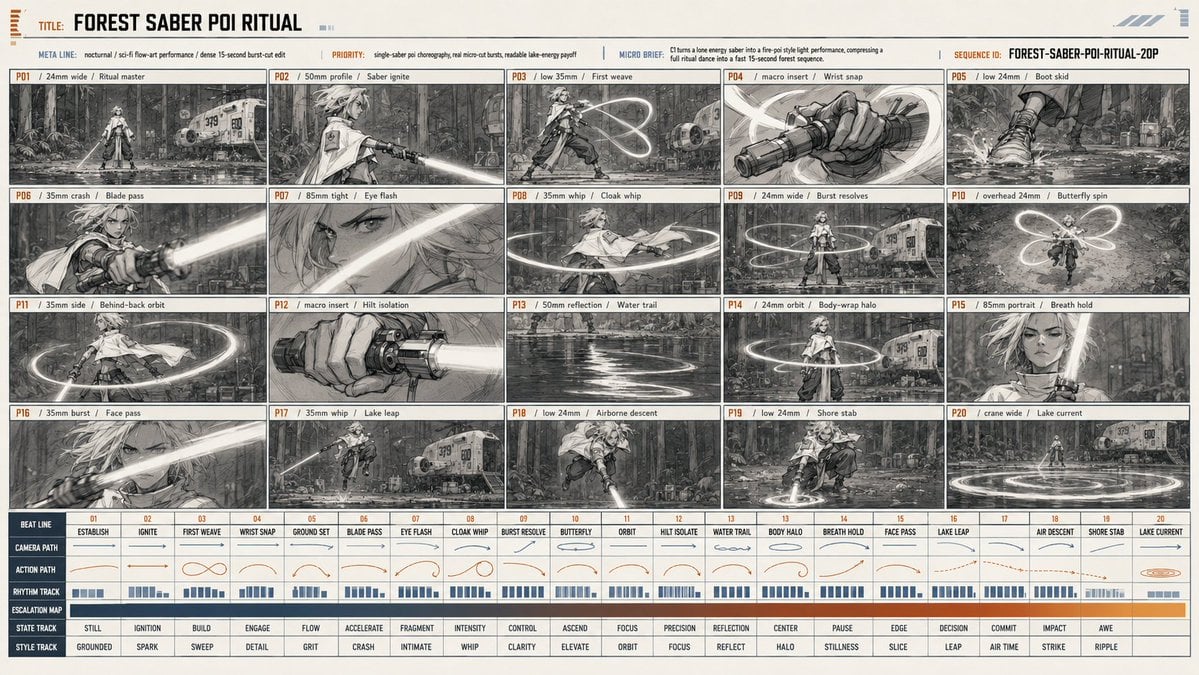
Forest Saber Ritual Storyboard Sheet
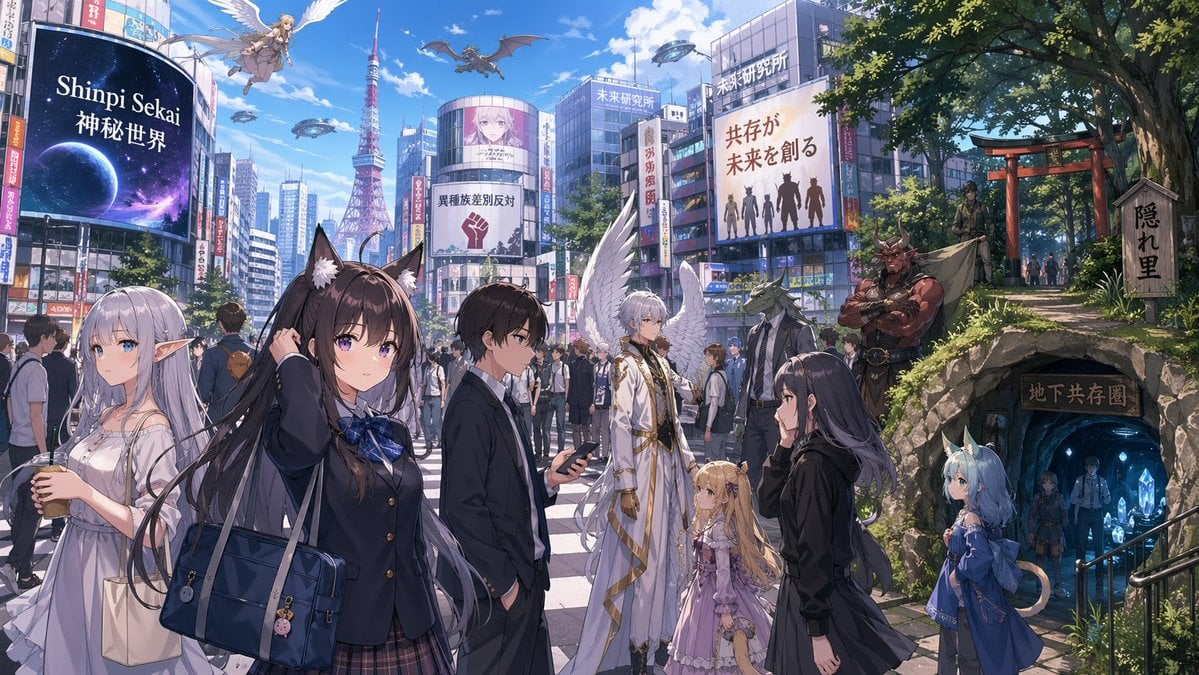
Gpt2 Comic Storyboard Urban Fantasy Coexistence Crossing
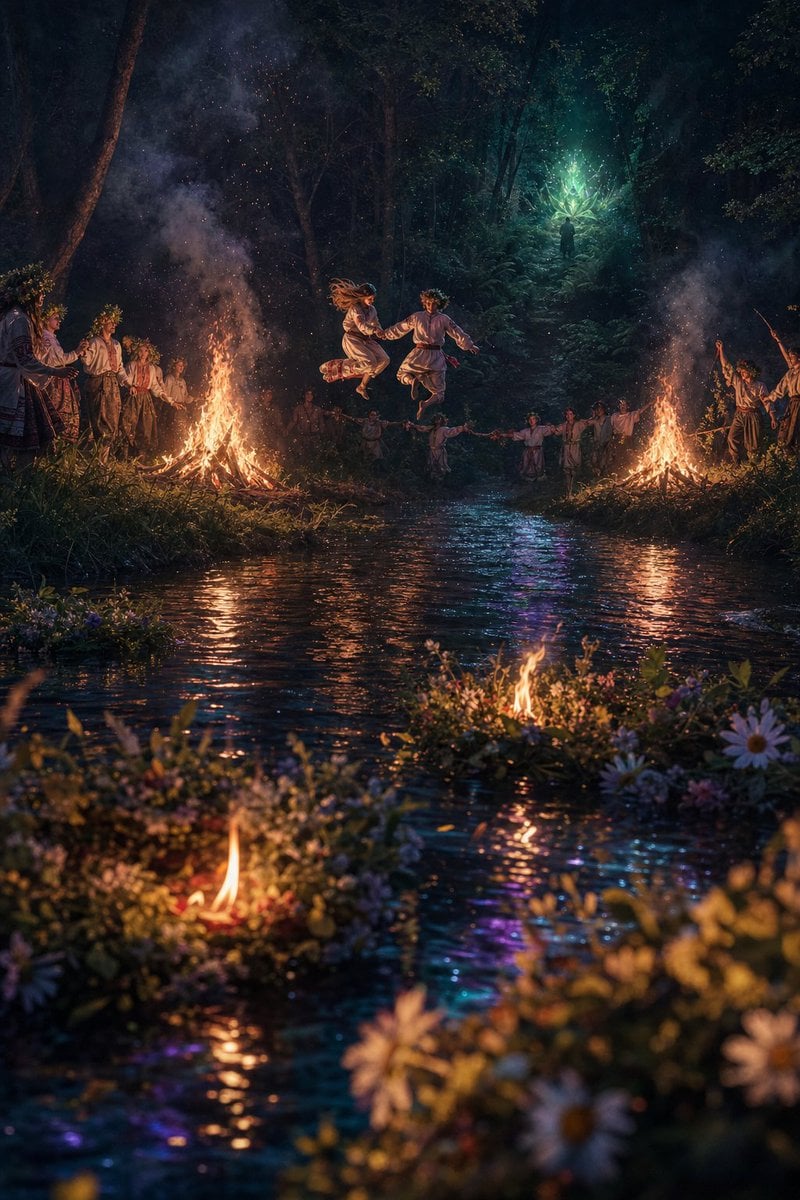
Midsummer Forest Ritual
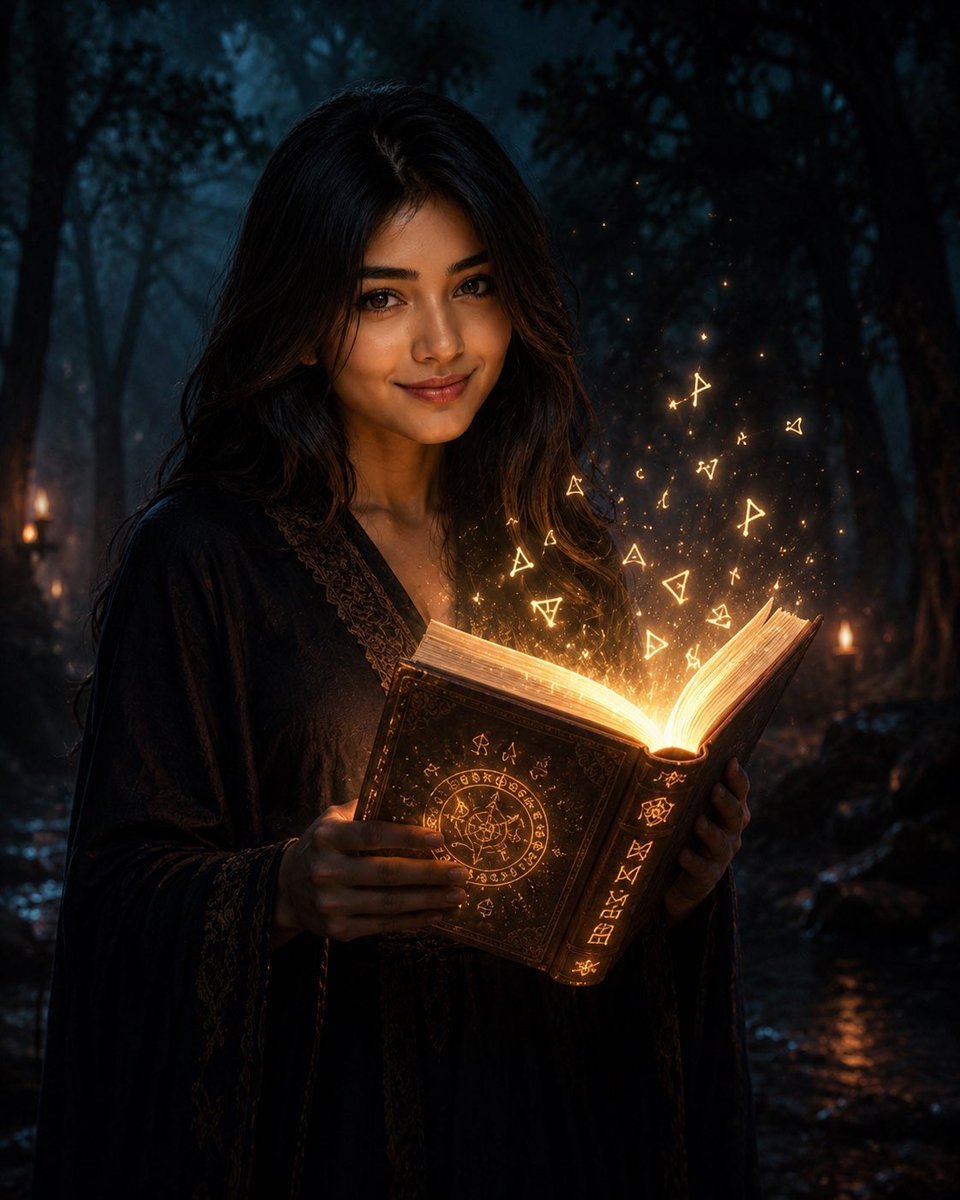
Mysterious Dark Forest Ritual Portrait
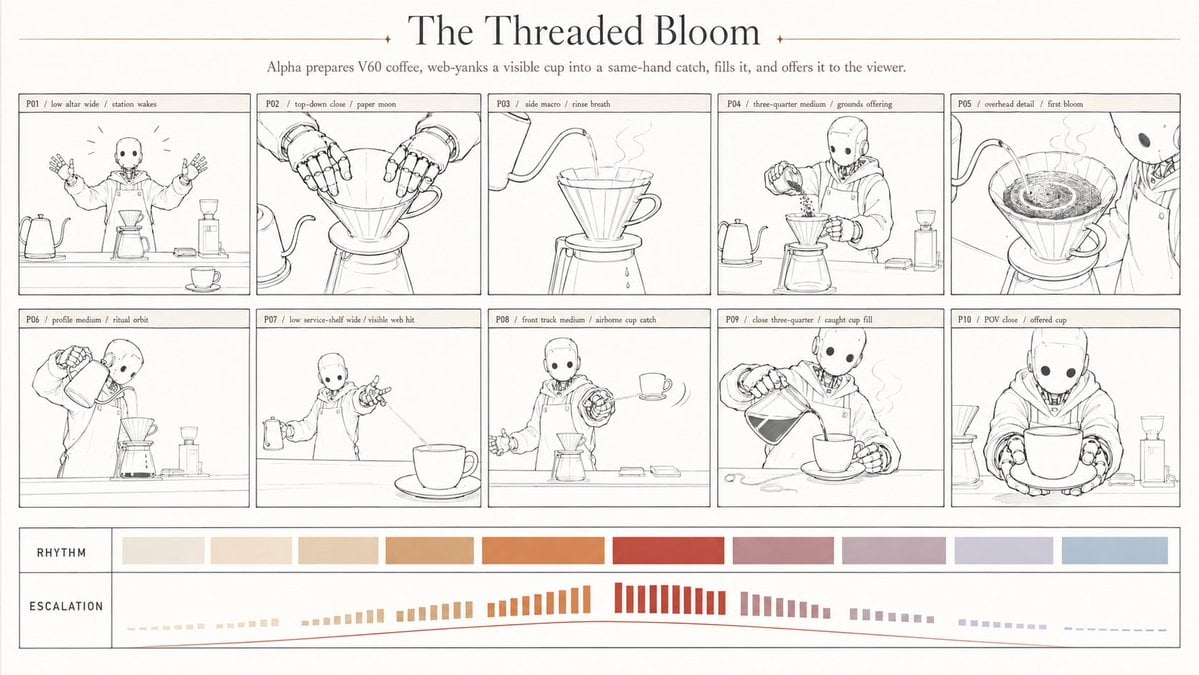
Robotic coffee ritual storyboard

Layered Paper Cut Forest Diorama
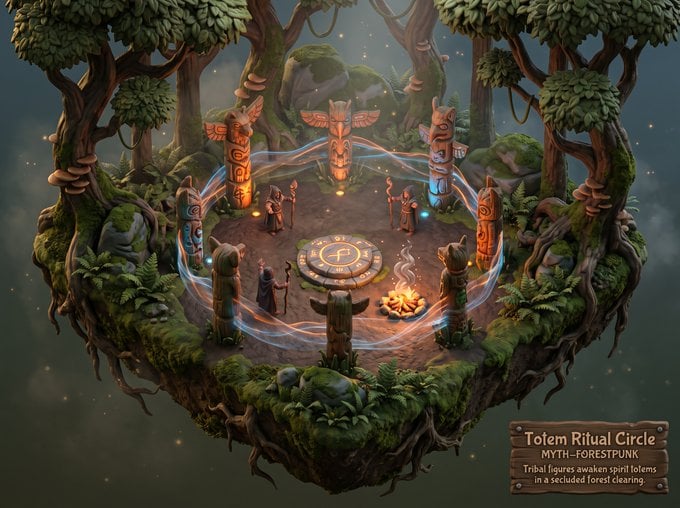
Whimsical Mythpunk Forest Ritual

Anime Fantasy Celestial Movie Poster
Anime Fantasy Celestial Movie Poster

Minecraft Fantasy Kingdom Voxel Landscape

Headphones Lifestyle Nine Panel Grid

Unfinished Sketch Comes Alive Portrait
Make it yours
GPT Image 2 Fantasy Forest Ritual Storyboard works as-is. These are the safest ways to change it without losing the look.
Change one field
Copy a single group, rewrite it, and generate again so you can see what that field is doing.
Keep the frame, change the subject
Hold the composition and light of GPT Image 2 Fantasy Forest Ritual Storyboard, then swap wardrobe, props or the person for a new take.
| If the result… | Why | Fix |
|---|---|---|
| The result drifts from the preview | Too many fields changed at once. | Reuse GPT Image 2 Fantasy Forest Ritual Storyboard as-is first, then change one group — subject, light, or setting. |
| The model over-stylizes the scene | The prose prompt leaves finish and camera underspecified. | Add one camera or lighting sentence and stay on GPT Image 2. |
More GPT Image 2 templates
Other prompts made for GPT Image 2.
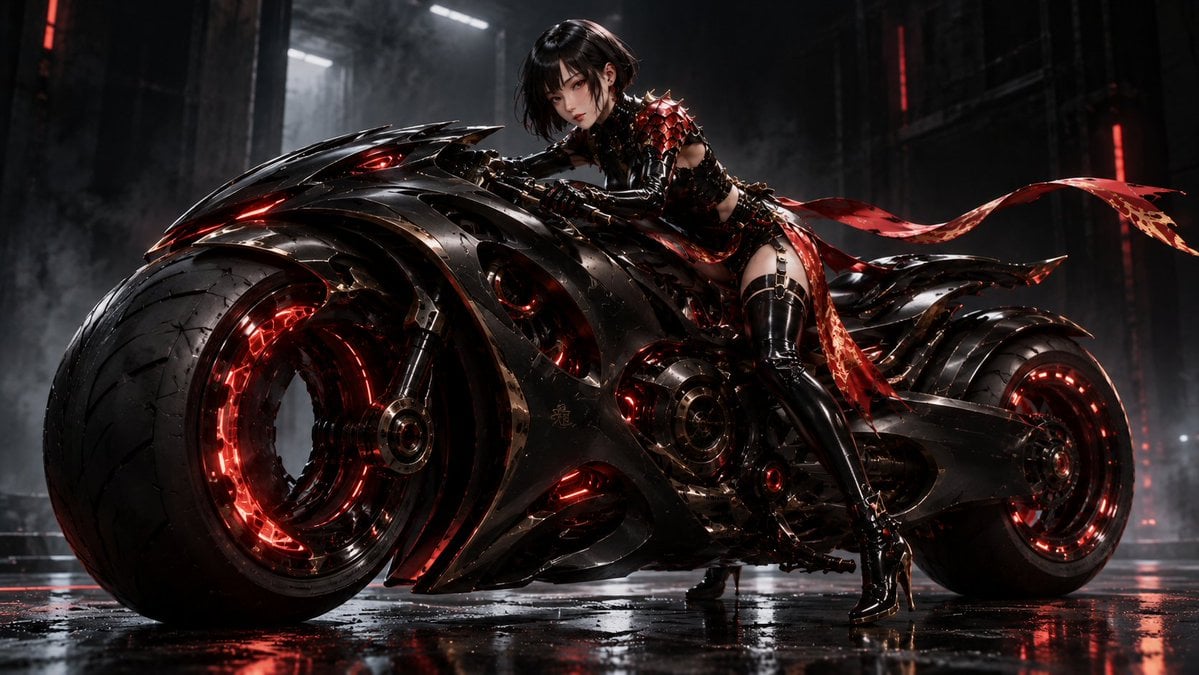
Futuristic Void Fang Mech
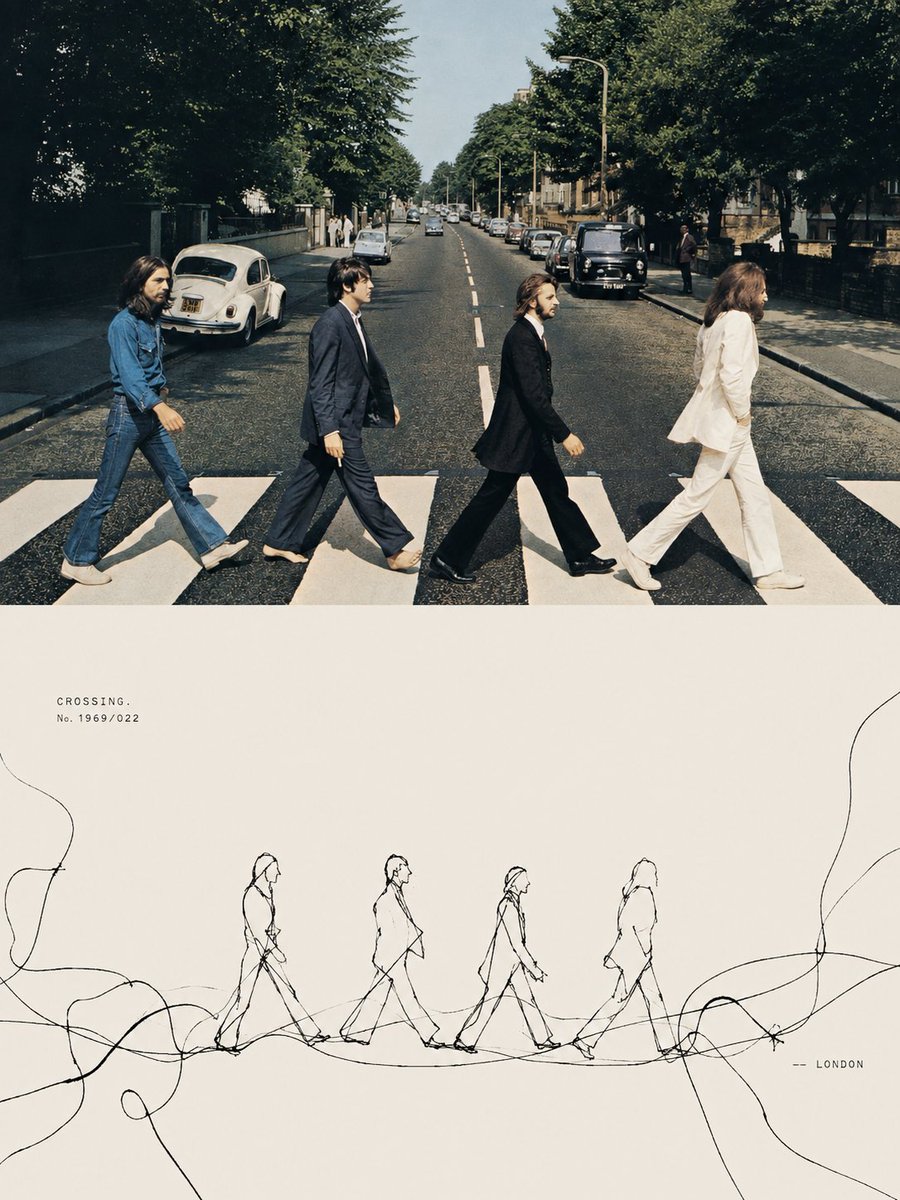
Tension Line Art Concept Poster
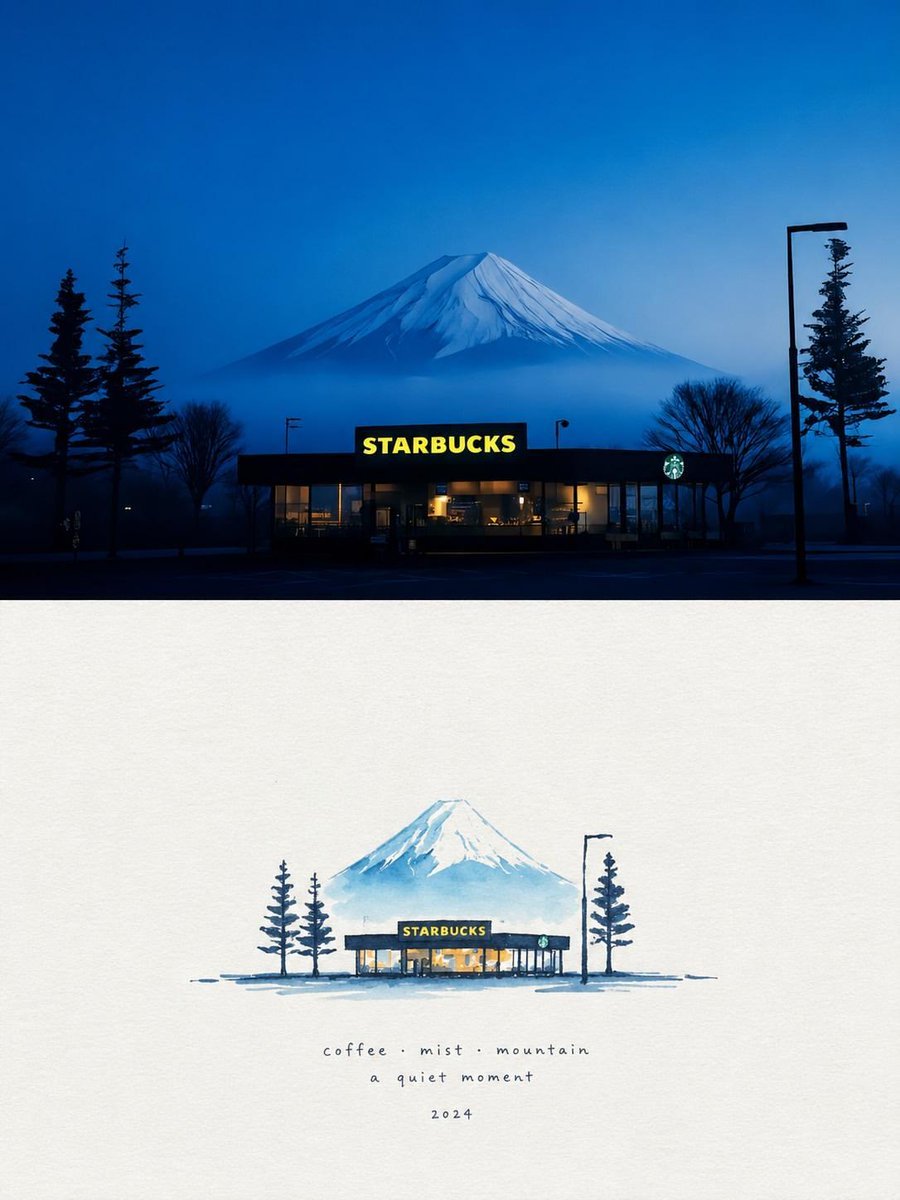
Starbucks Mountain Watercolor Comparison

Six VTuber Japanese Logo Sheet

Luxury ABKR Portrait Poster
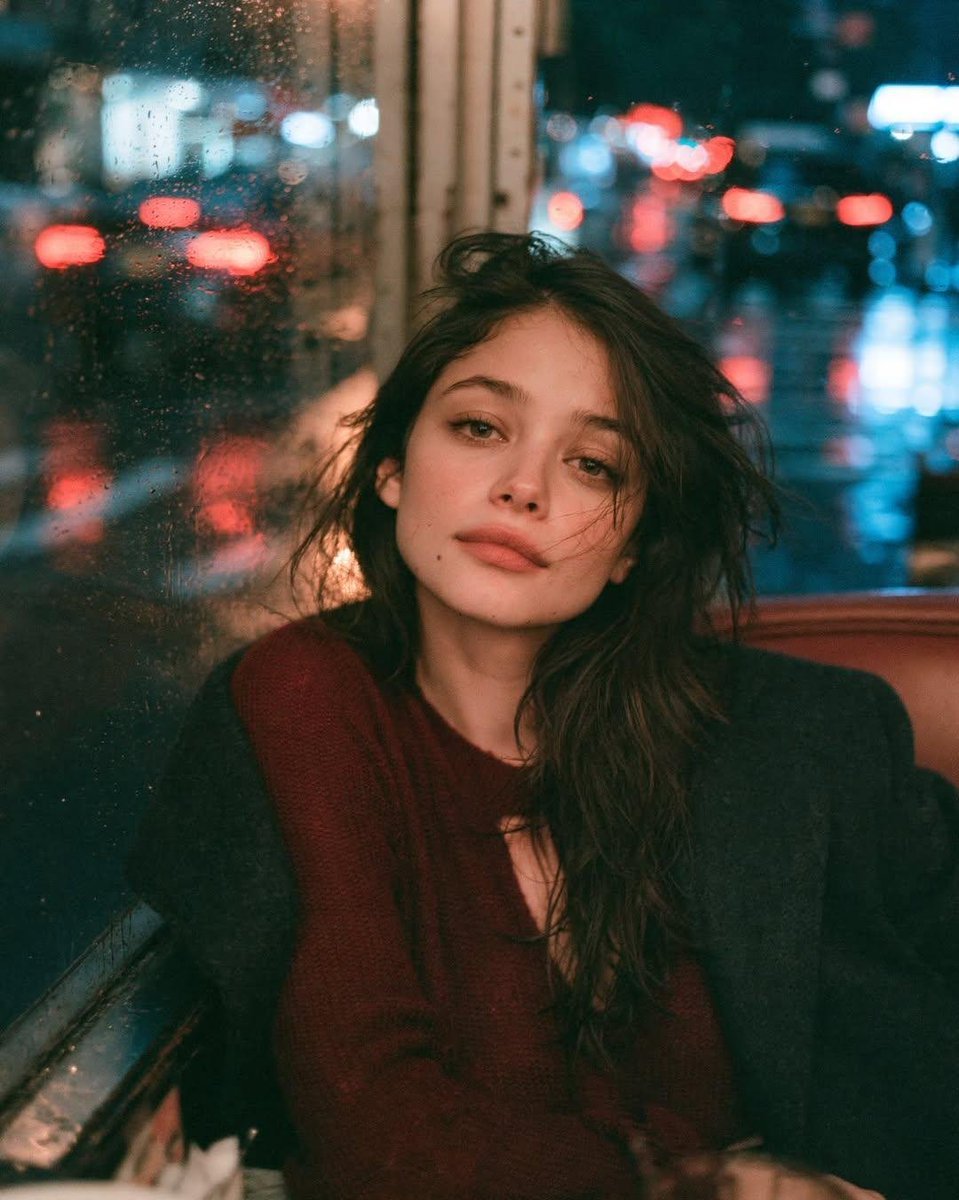
Rainy Night Vintage Diner Portrait
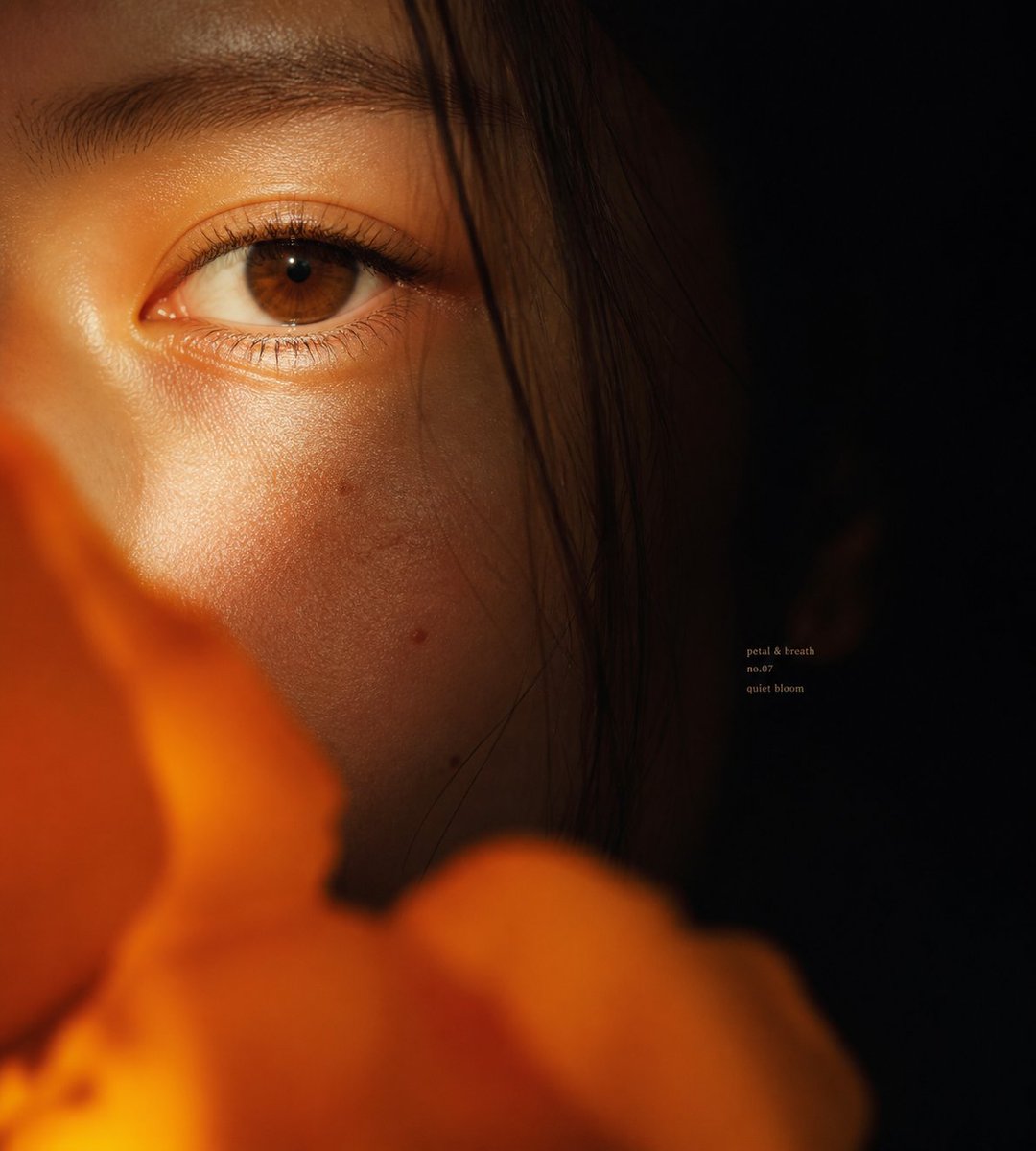
Intimate Flower Petal Macro Portrait
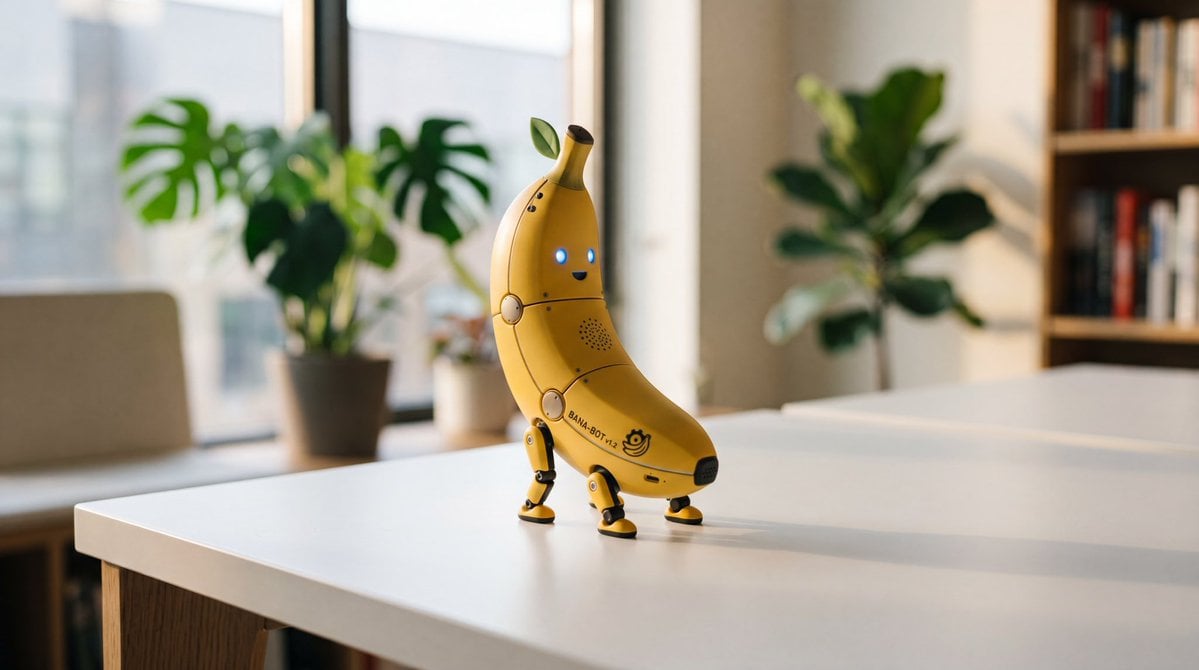
Cute Banana Robot on Table
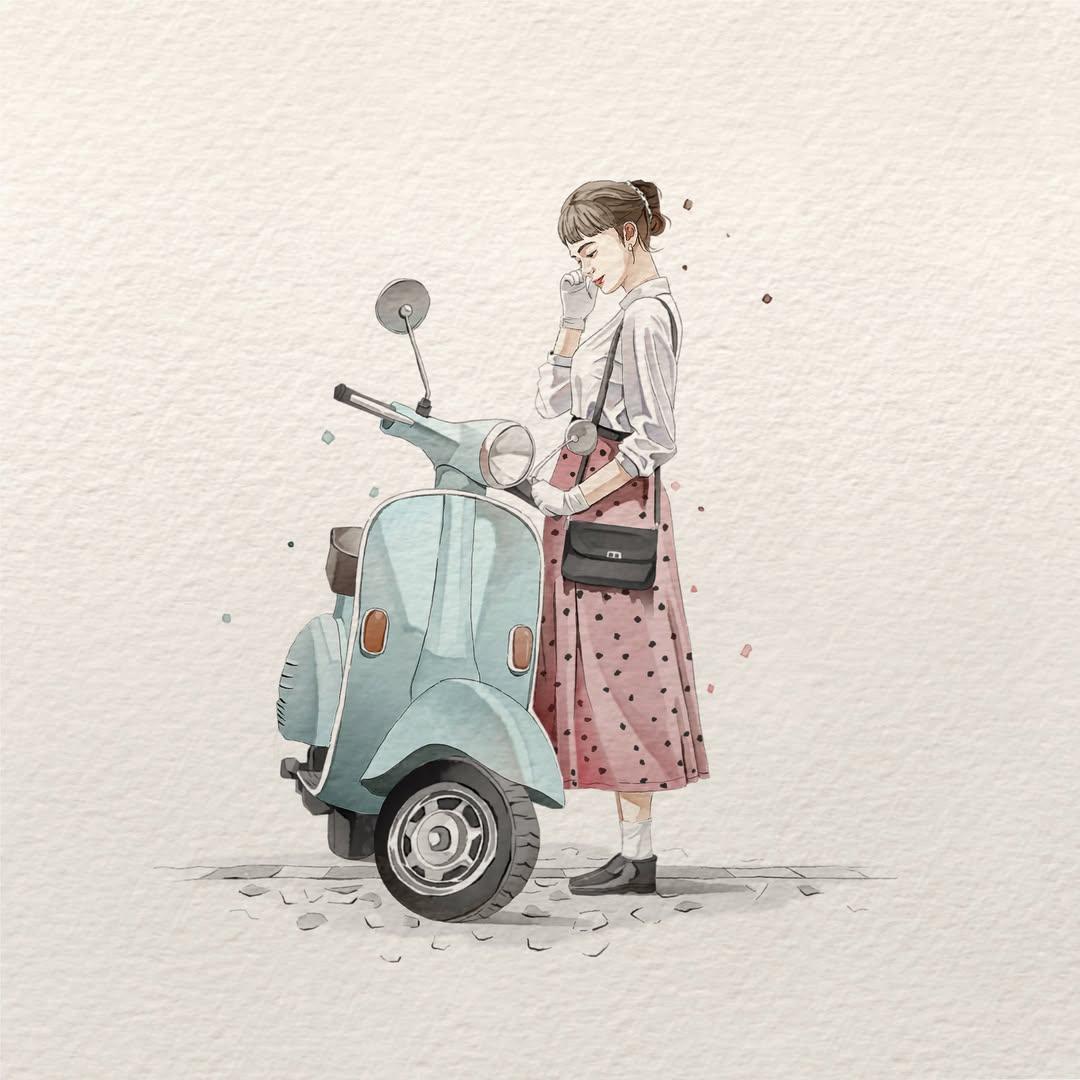
Watercolor Fashion Illustration Aesthetic

Sunlit Orchard Girl With Apples
More image prompts
Fresh picks from across the catalog.
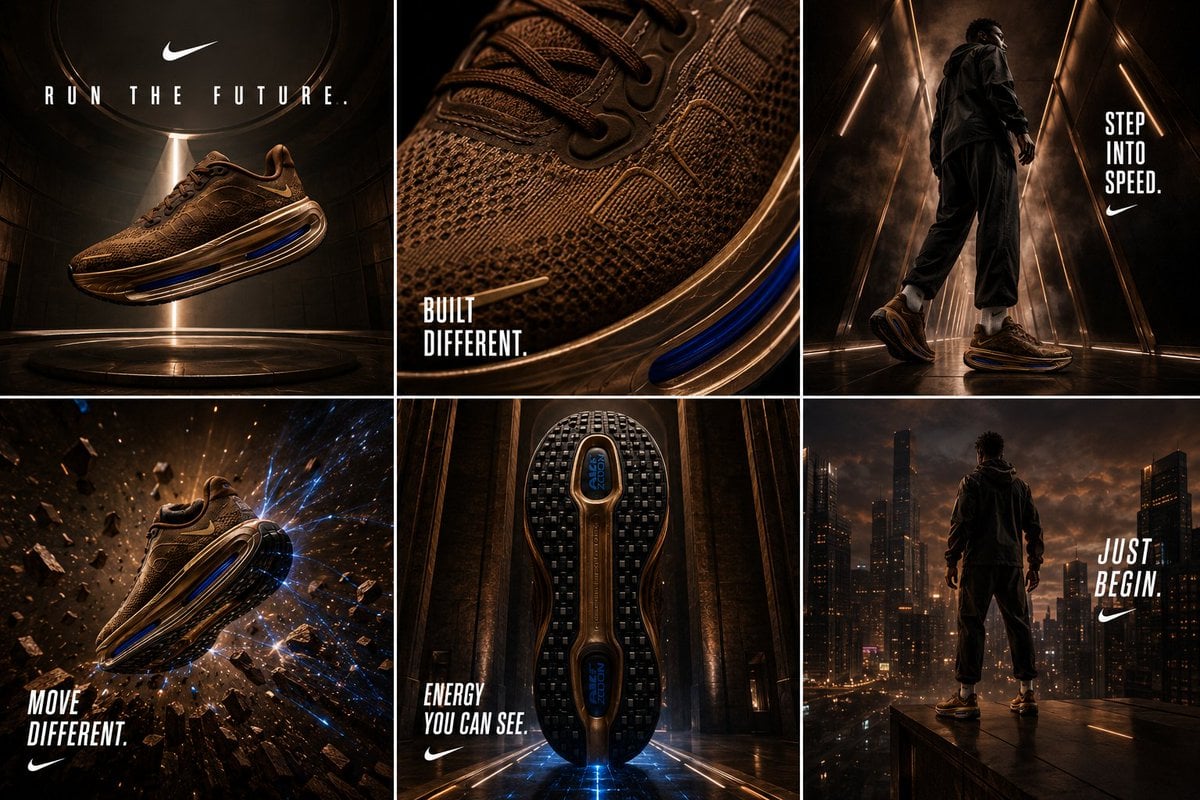
Nike Vomero Future Campaign Master Prompt
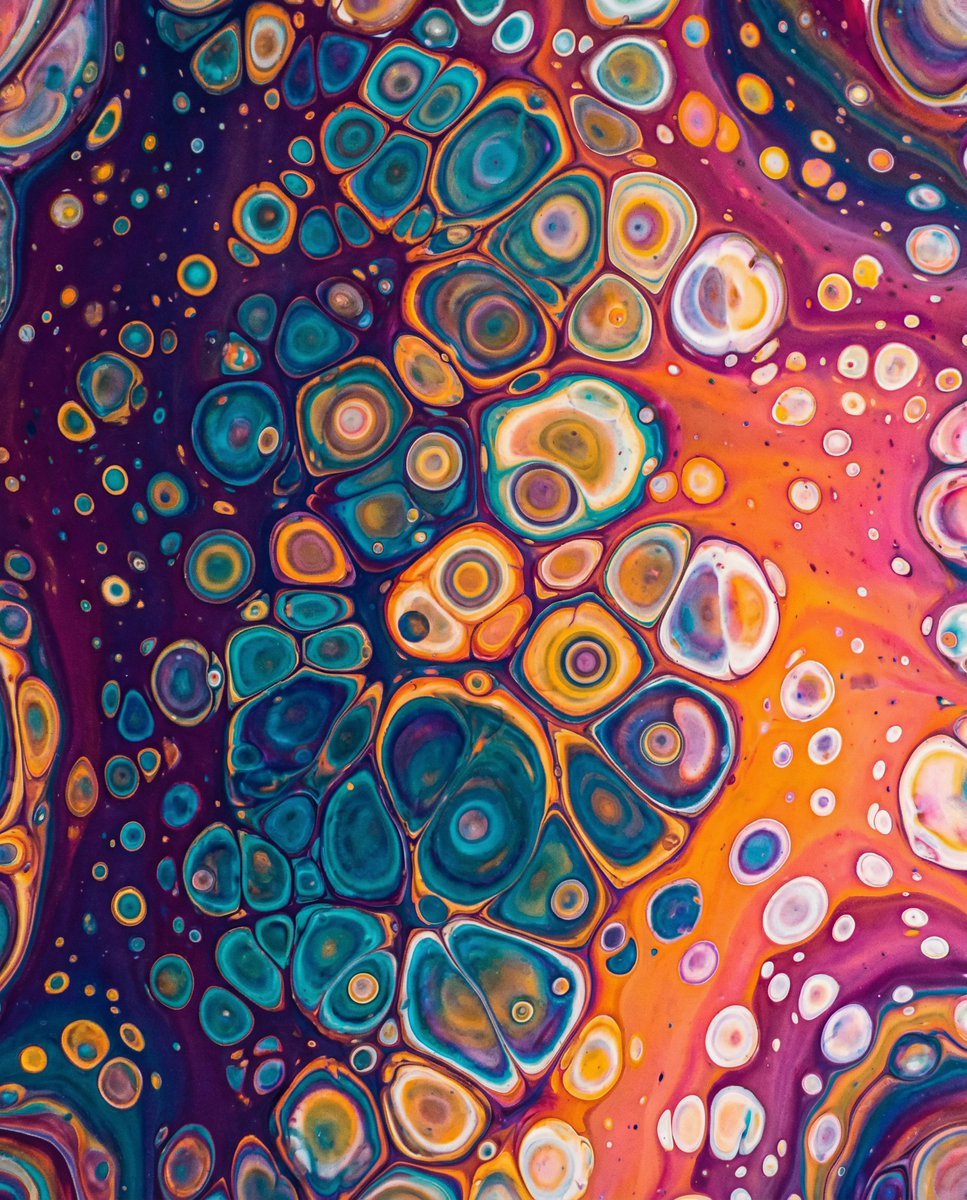
Vibrant Abstract Fluid Art Pour
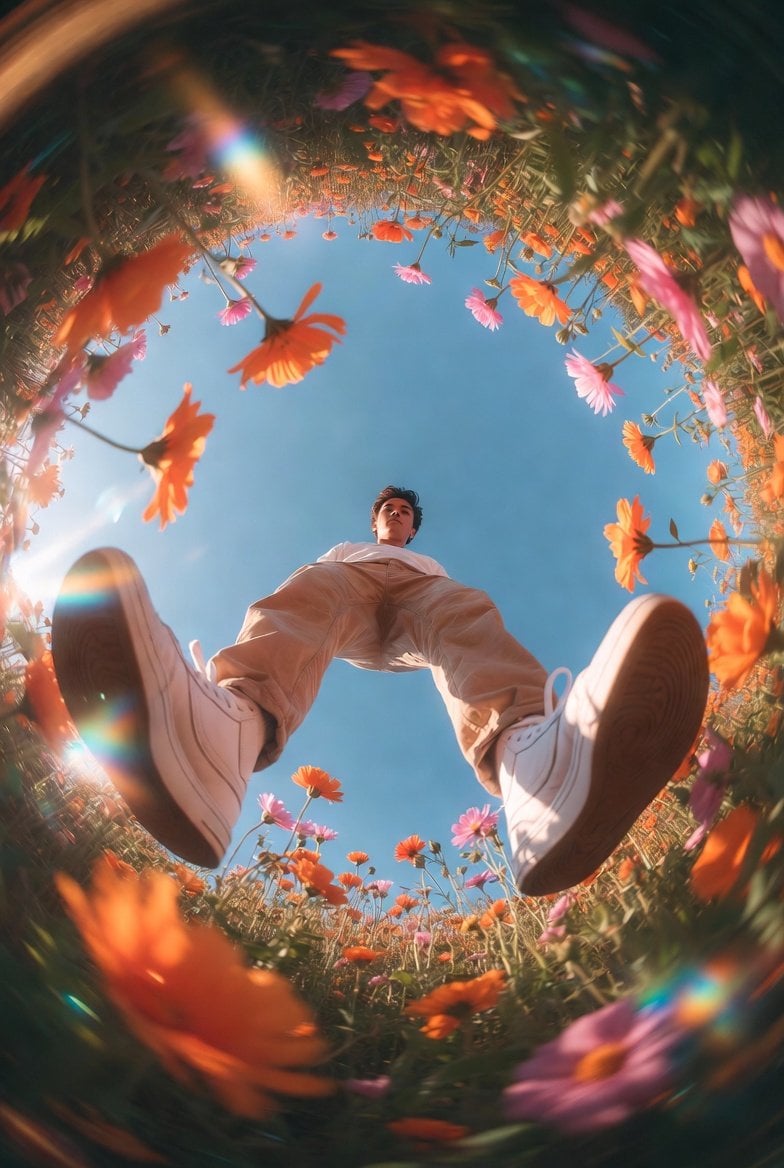
Unexpected High-End Product Concepts Prompt
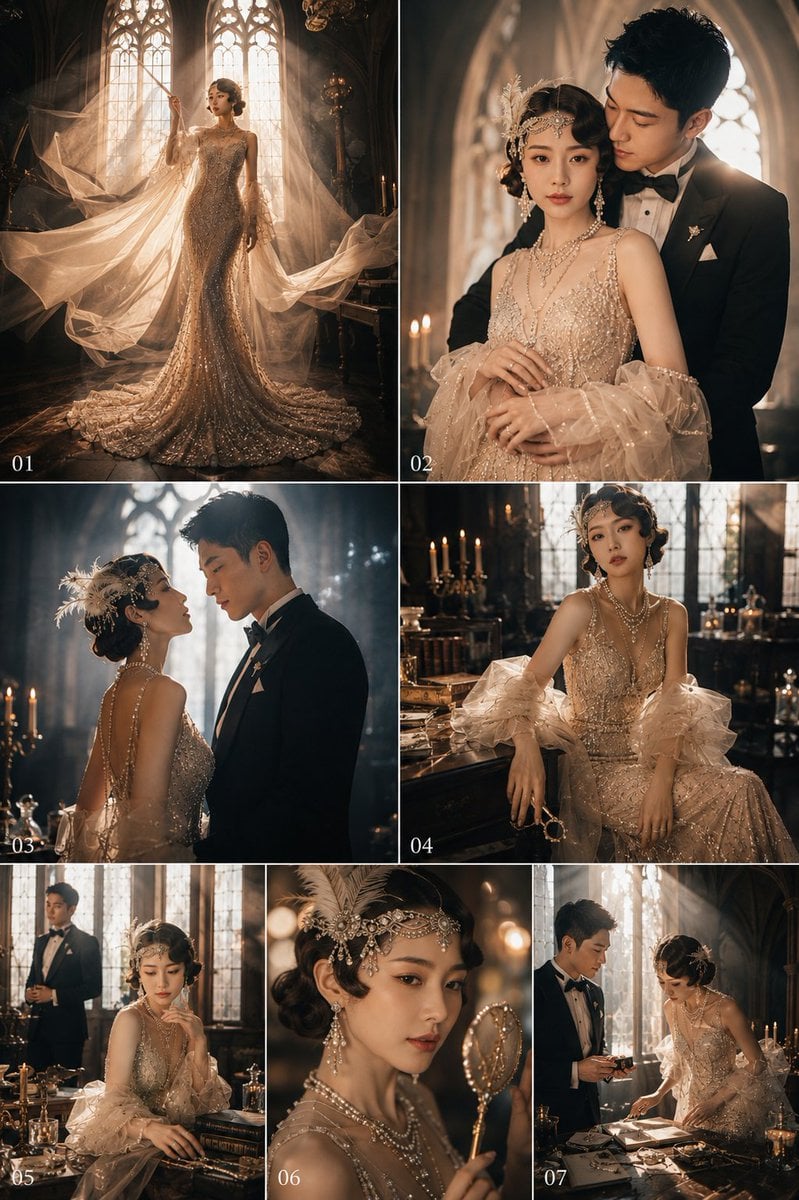
Gatsby Style Art Deco Wedding Photos
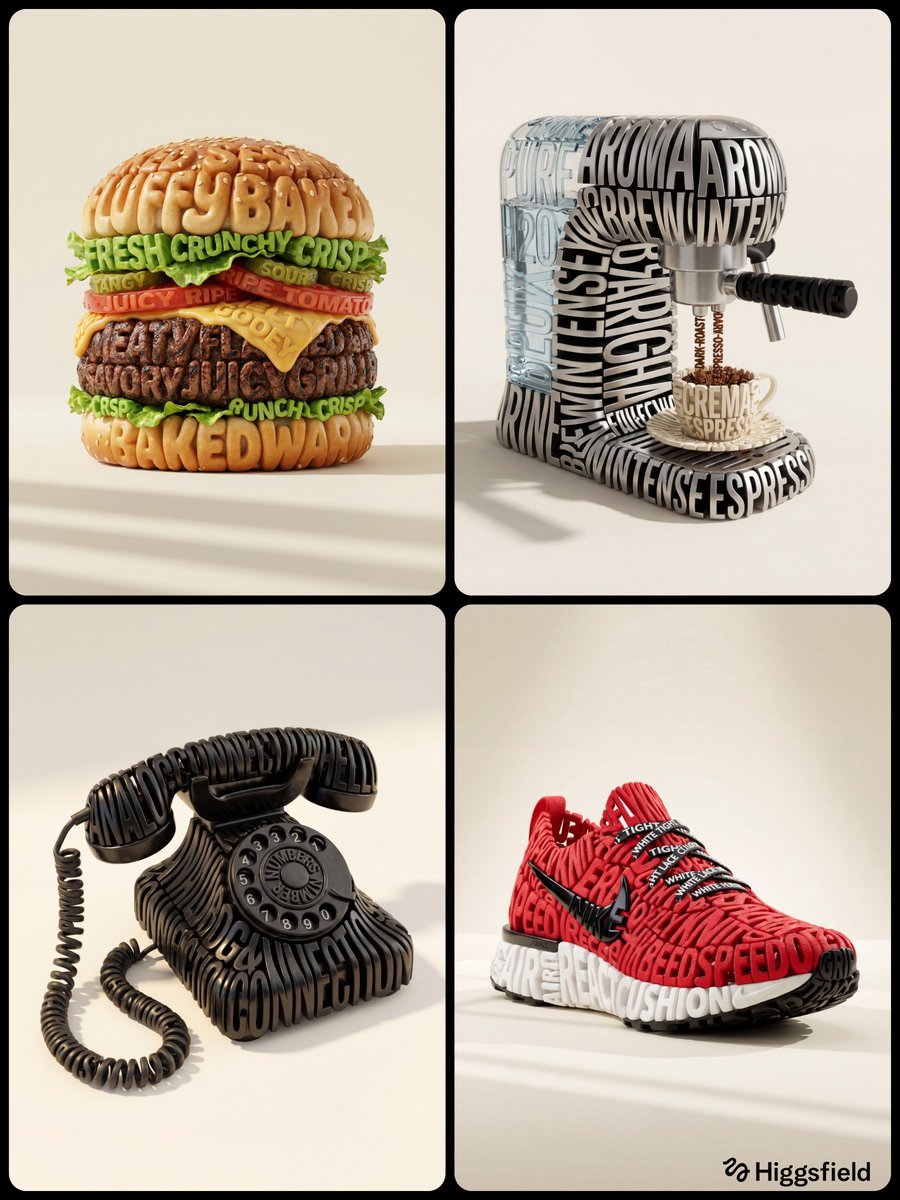
Hyper-Realistic 3D Typographic Sculpture Product Concept
Structured Prompt for Automated Manga Generation
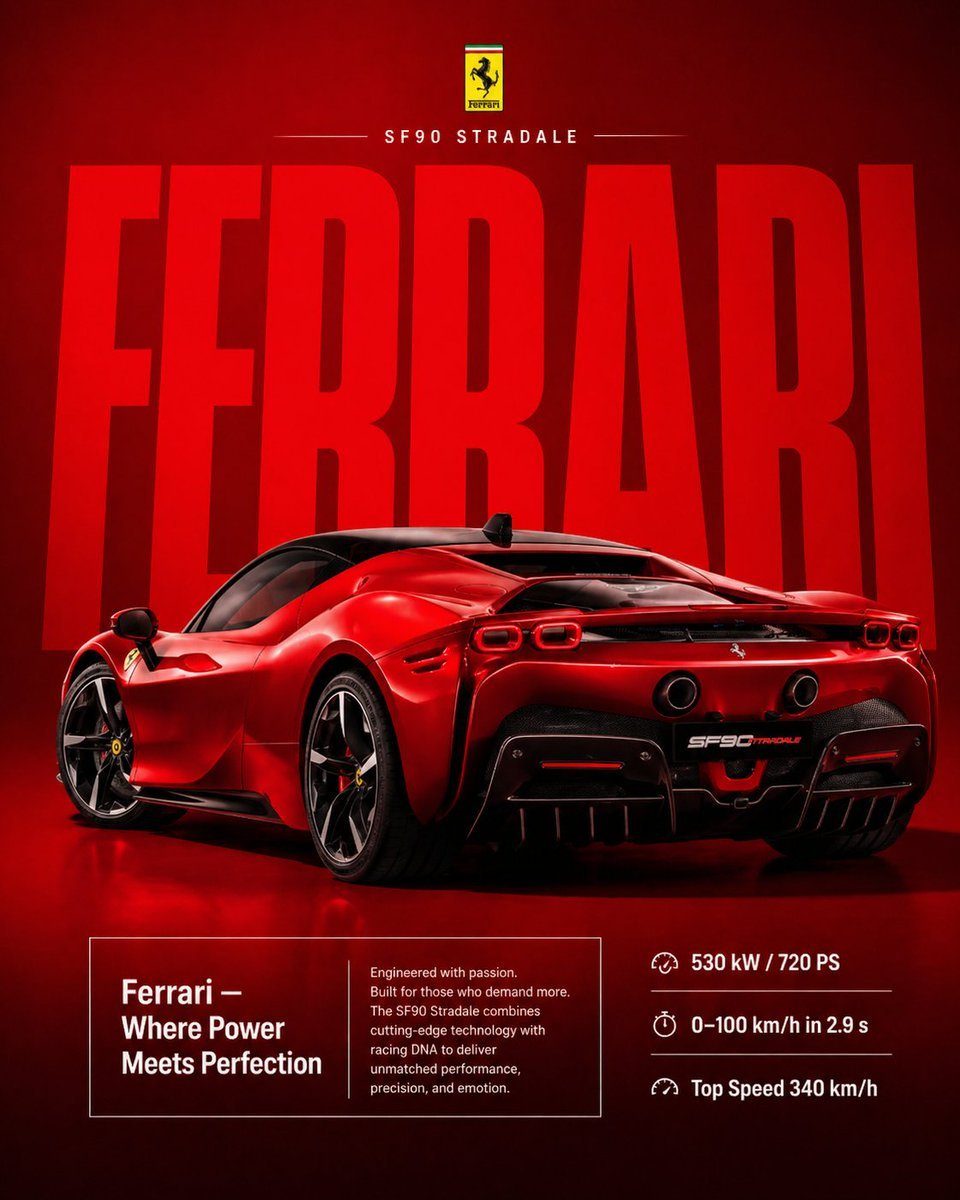
Premium Ferrari Advertisement Poster
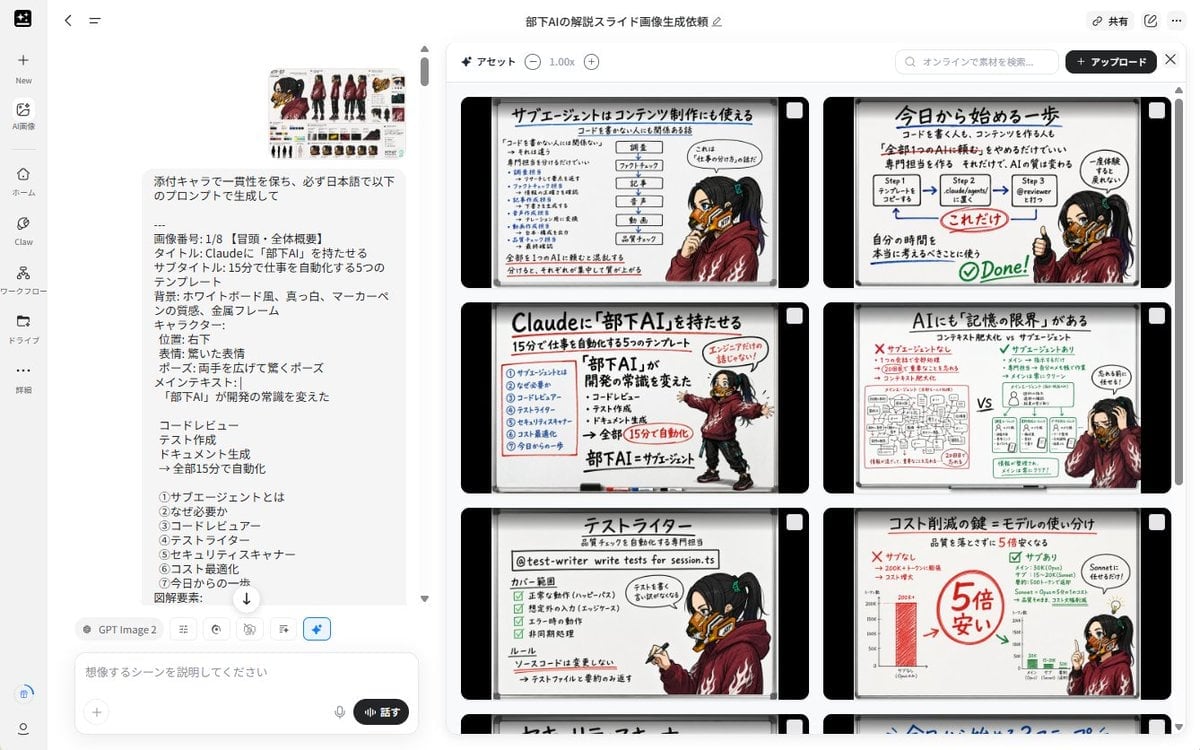
Notebook Slides With Reference Character
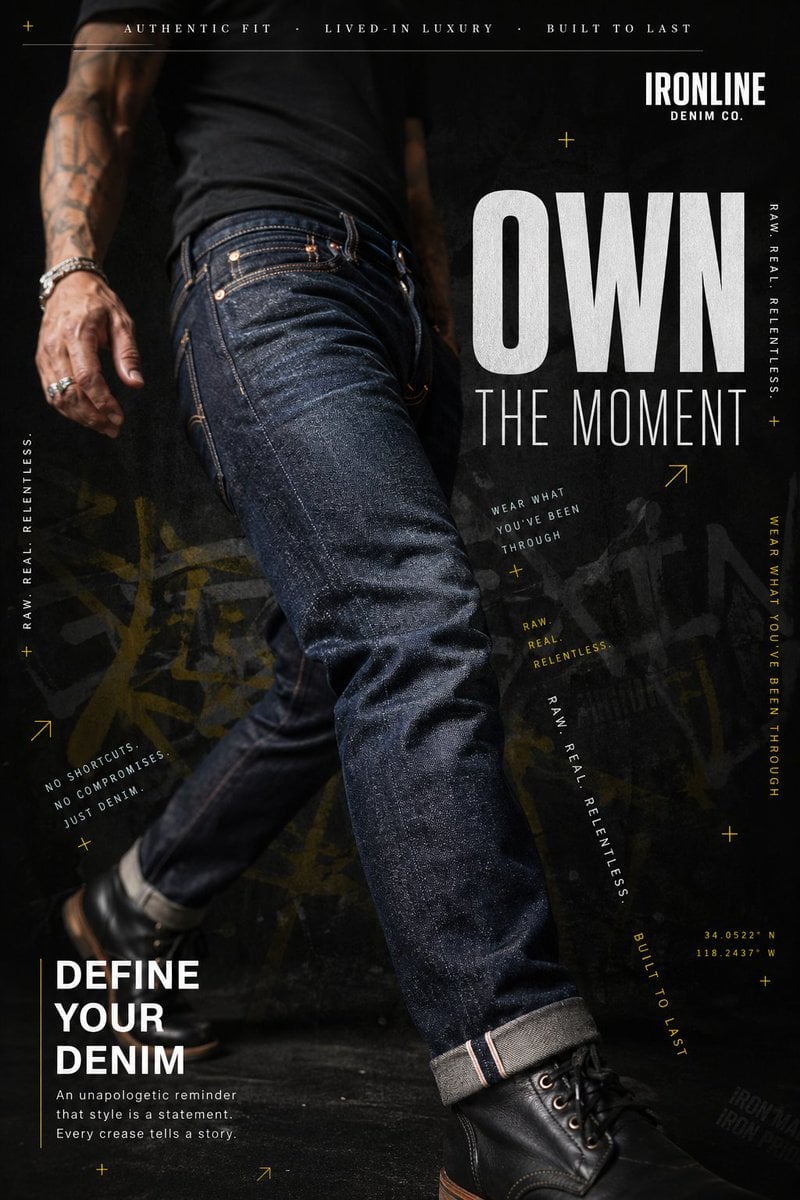
Premium Denim Editorial Advertisement
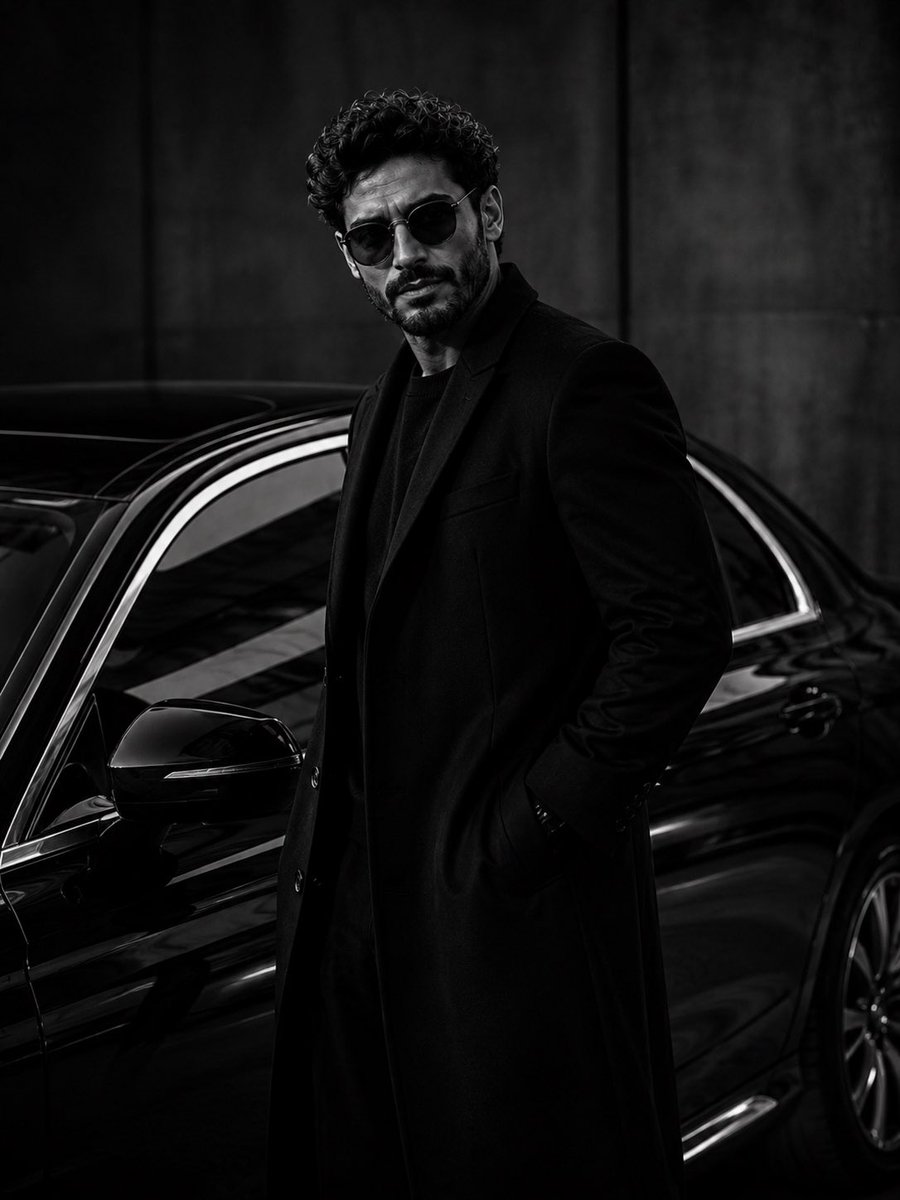
Ultra-Luxury Monochrome Fashion Editorial
Browse template categories
GPT Image 2 Fantasy Forest Ritual Storyboard questions
How do I use the GPT Image 2 Fantasy Forest Ritual Storyboard template?
Add your photo if the template asks for one, edit the prompt if you like — the template's model and format are already selected — and press Generate. Your version opens in PicX Studio.
Can I customize the GPT Image 2 Fantasy Forest Ritual Storyboard template?
Yes. You can change the subject, setting, lighting, mood, format, and available model controls before creating your image.
Is the GPT Image 2 Fantasy Forest Ritual Storyboard template free?
Opening and editing this template is free. Generating uses credits, shown on the Generate button when you are signed in.
Which AI model should I use?
Start with GPT Image 2, which is the model associated with this template. You can compare another compatible model for a different finish.
Looking for something else? Browse all templates.

Your photo, any look
Thousands of ready templates for every top image and video model, from one credit balance.