
Anime Mirror Reflection of Younger Self
Generates a moody anime illustration of a character looking into a mirror that reflects a younger version of themselves, complete with customizable atmospheric text.
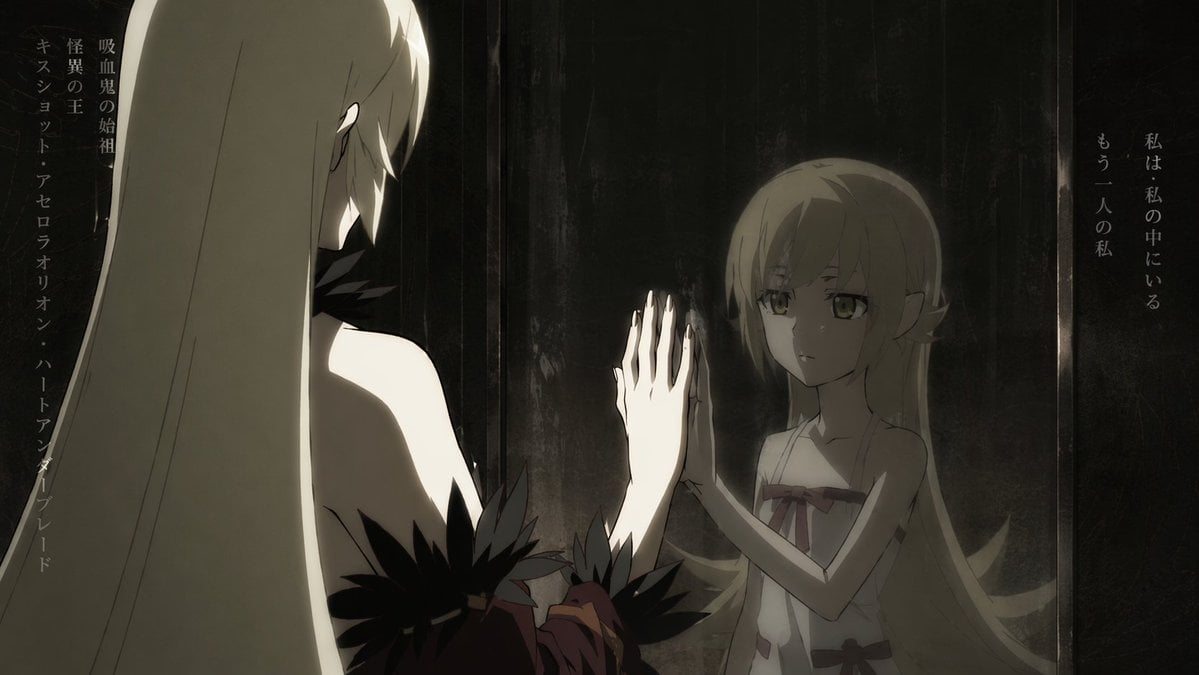
- Prompt included
- Model and format preset
- Free template
The prompt behind this image
Copy the exact prompt behind Anime Mirror Reflection of Younger Self, or open it in the studio and make it yours.
A cinematic anime illustration of a mature woman looking into a dark mirror, but her reflection shows her as a young child. The foreground features the tall, mature woman seen from behind in a three-quarter view, with long straight {argument name="hair color" default="blonde"} hair, pale skin, and wearing a dark dress adorned with black feather-like accents on the shoulders. She is reaching out to touch the mirror with her right hand. The mirror reflects a young child version of herself with {argument name="eye color" default="golden"} eyes, slightly pointed ears, and a simple white dress with red ribbon bows. The child's hand is pressed against the glass, perfectly aligning with the older woman's hand. The scene has dark, moody, cinematic lighting with a muted, almost sepia-toned color palette, creating high contrast between the pale skin and the dark background. Vertical Japanese text is placed on the left reading {argument name="left text" default="吸血鬼の始祖 怪異の王 キスショット・アセロラオリオン・ハートアンダーブレード"} and on the right reading {argument name="right text" default="私は・私の中にいる もう一人の私"}.
How to use Anime Mirror Reflection of Younger Self in 3 steps
- 1Upload ImagePNG, JPG or paste
Add your photo
Upload the photo the template builds on. The prompt, model and format are already set.
- 2…a portrait of your subject in softgolden-hour light, 85mm…
Personalize
Edit the subject and creative details for your destination.
- 3Generate
Generate
Press Generate — your image is created in PicX Studio, so you can compare it with the original and refine one variable at a time.
More like this
Templates with the same subject, style or setup. Open one to see its prompt.
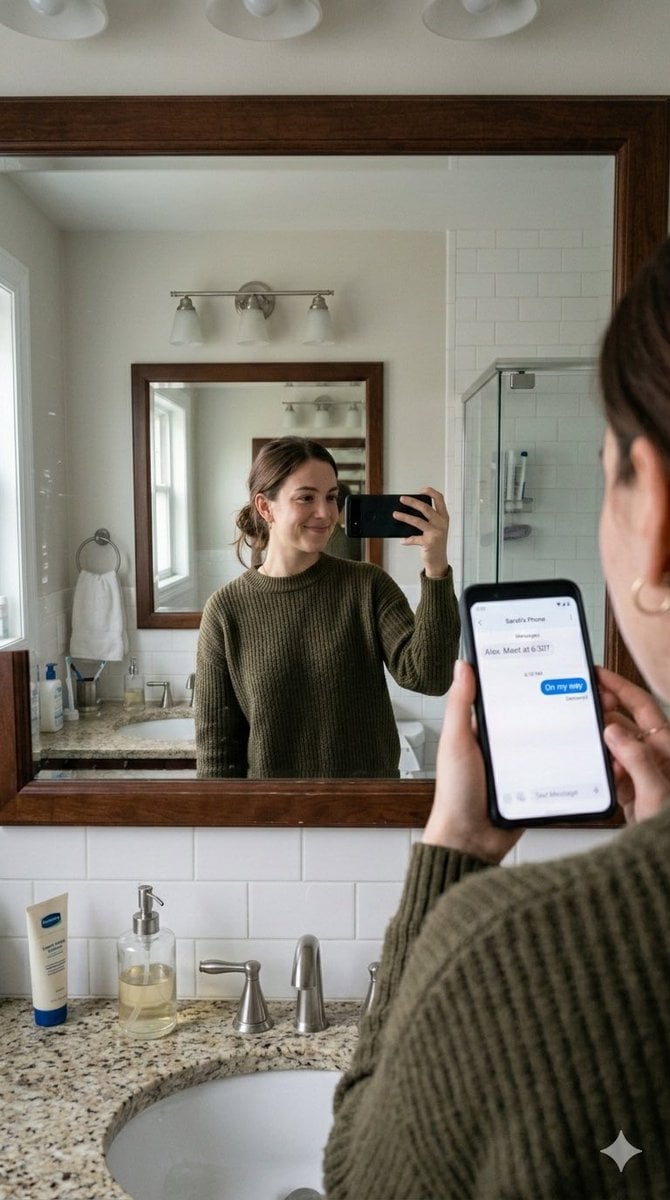
Realistic Bathroom Mirror Selfie with Correct Reflection

Cinematic Mirror Reflection Portrait

Morning Mirror Selfie Candid

Panel Mirror Selfie Collage

Rooftop Fisheye — Cat-Ear Balaclava at Golden Hour

Felt & Knit 3D Character — Photo-Exact Face, Pixar-Quality Plush Figurine

Surreal Cat Astronaut — Humanoid Face Freefall
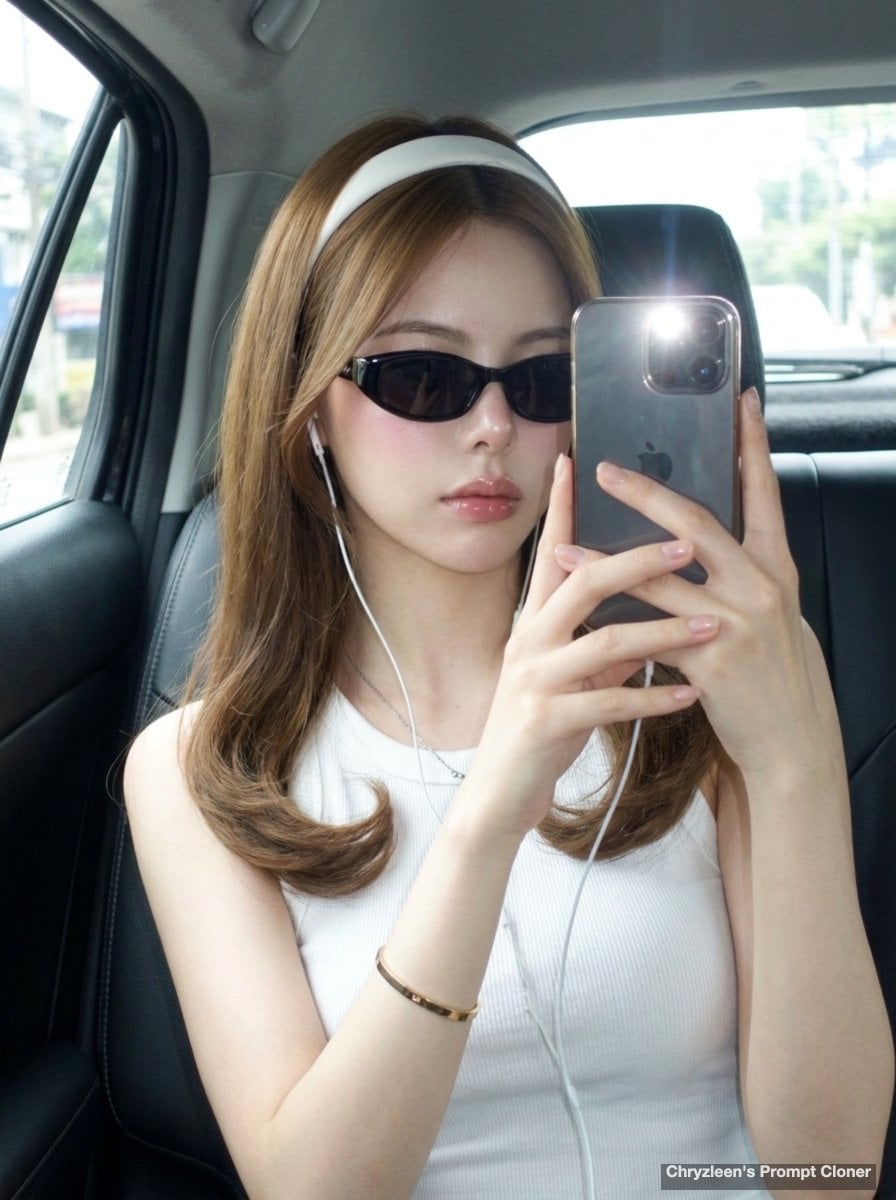
Backseat Mirror Selfie
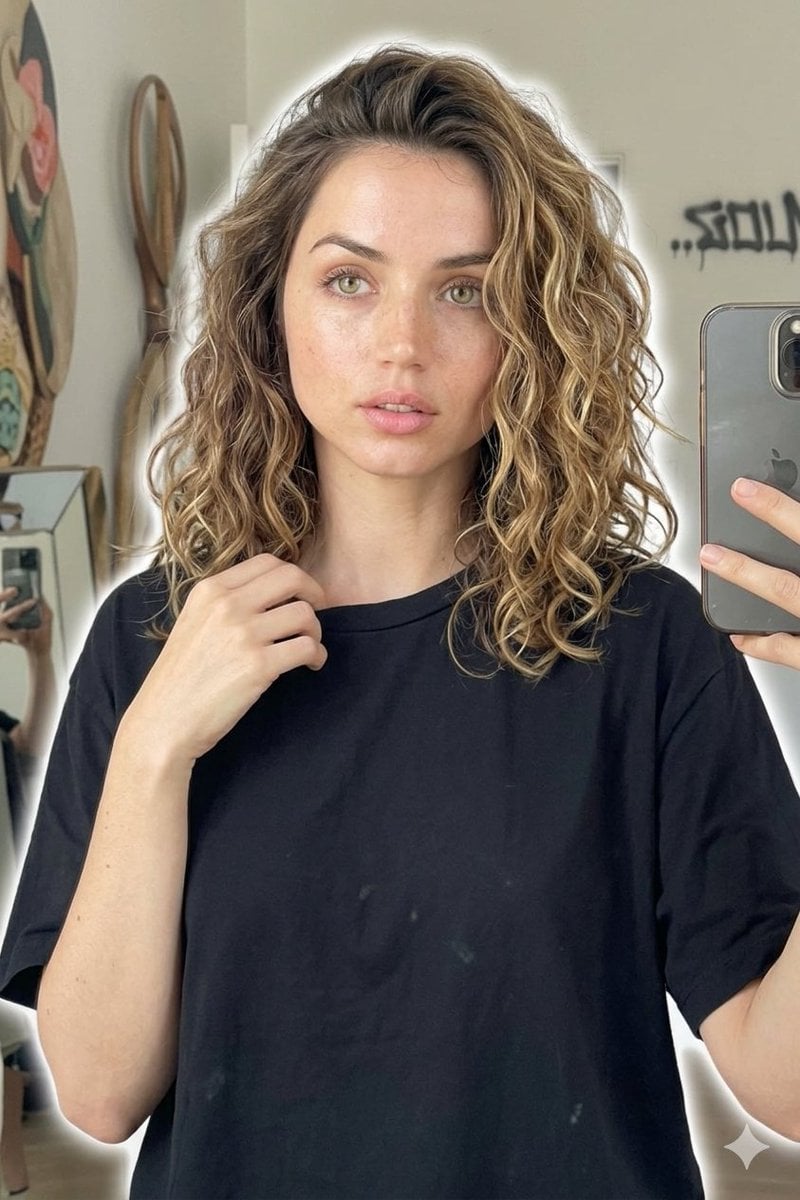
Candid Mirror Selfie Beauty Portrait
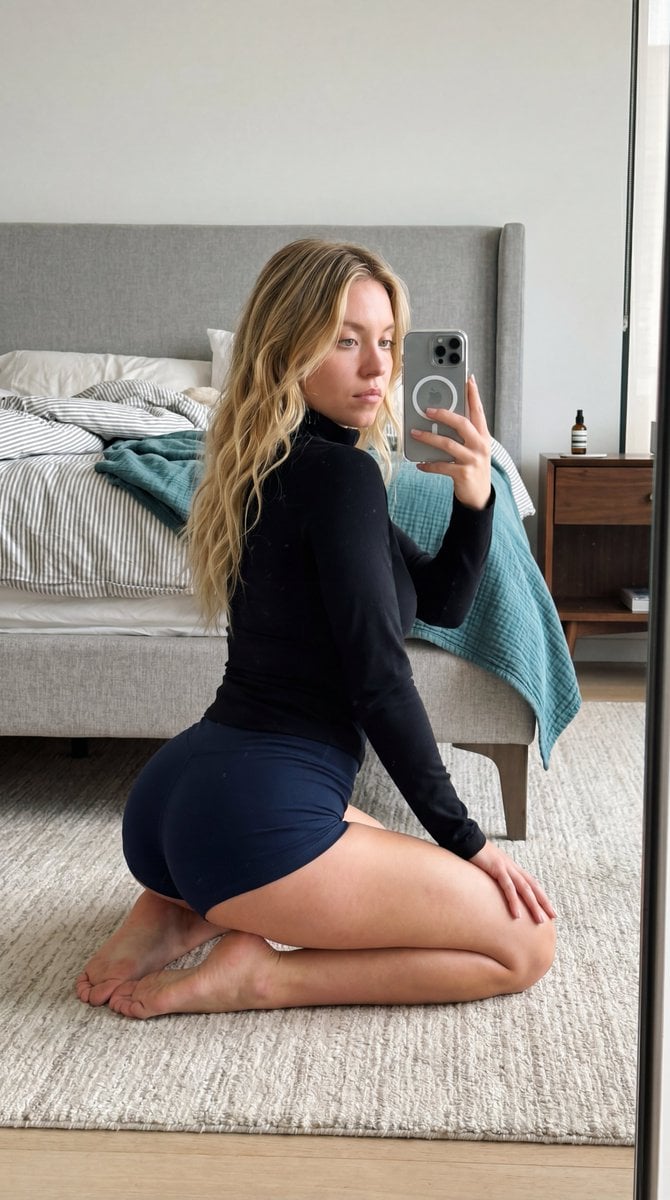
Intimate Bedroom Mirror Selfie
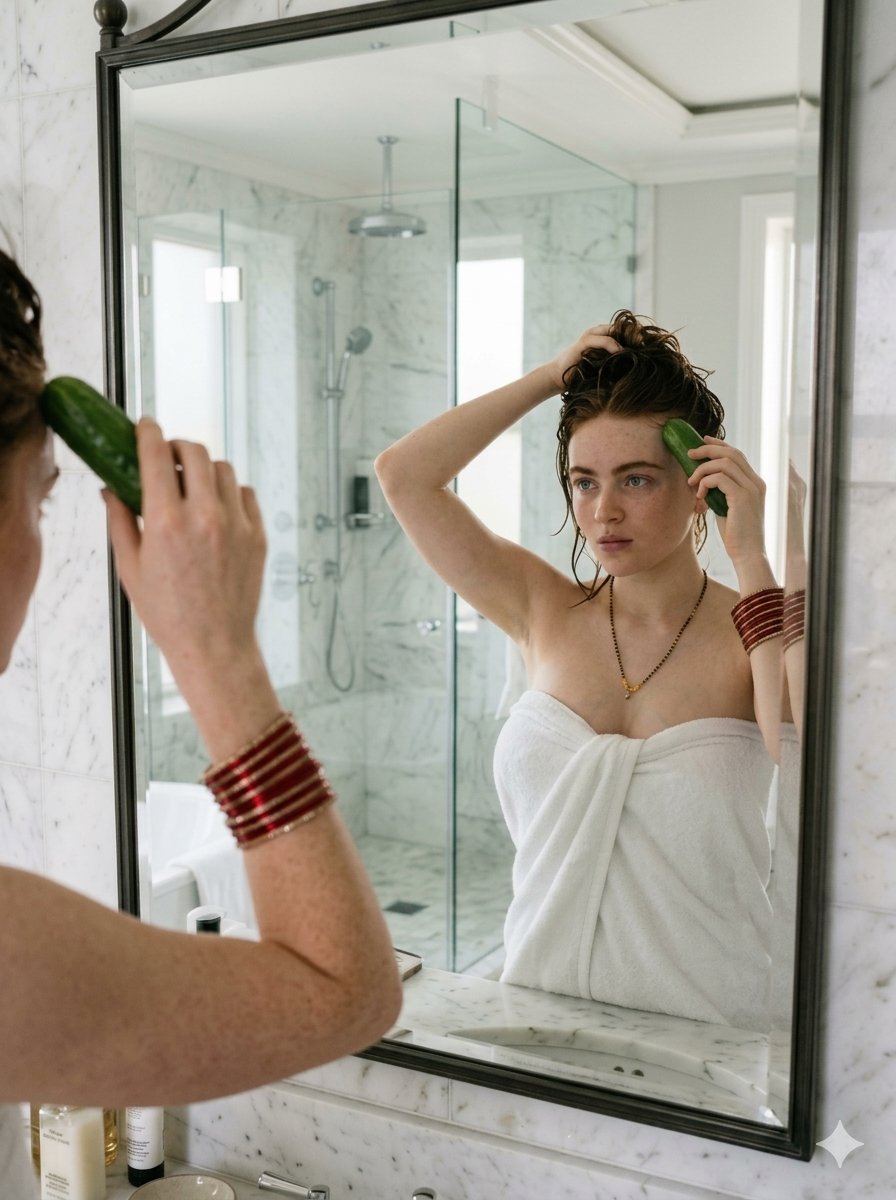
Candid Mirror Reflection Lifestyle Portrait
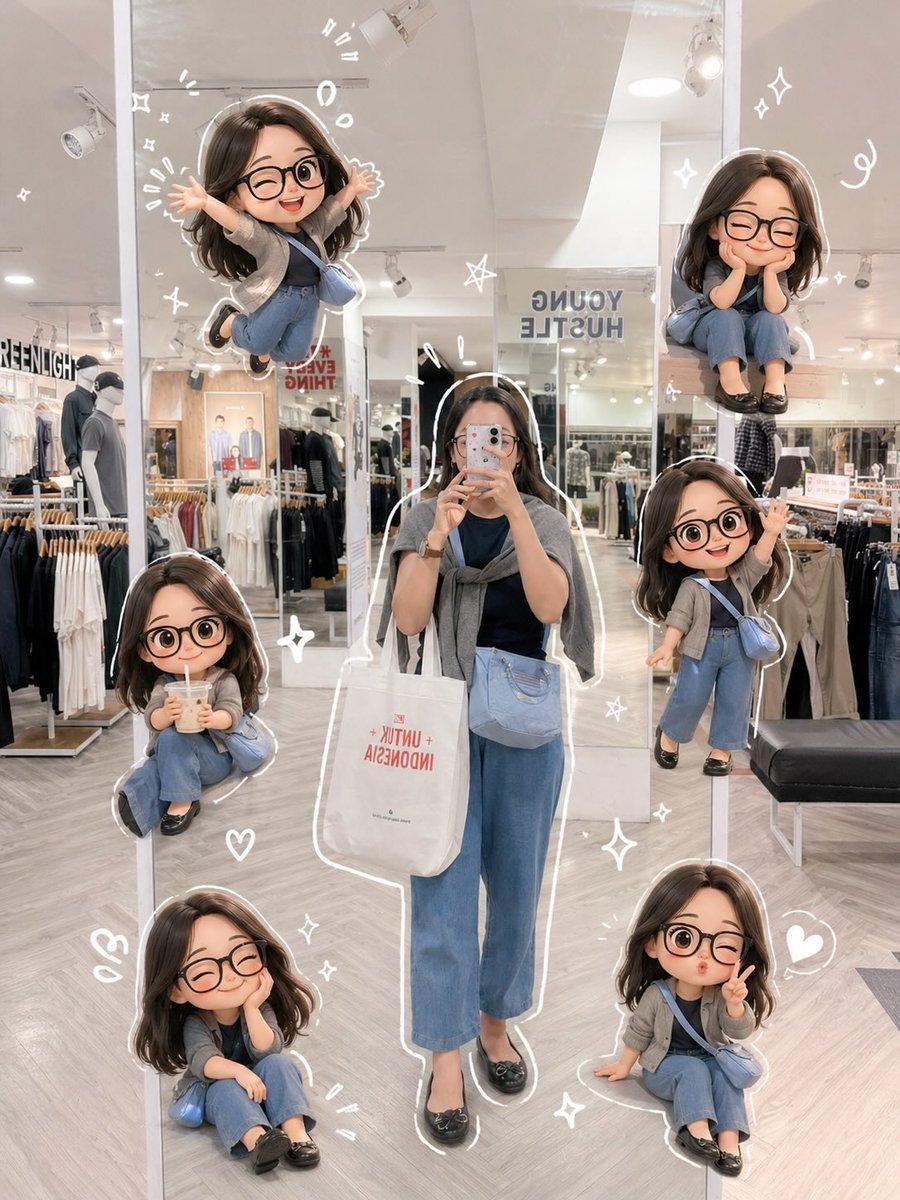
Chibi Mirror Selfie with Kawaii Doodles
Make it yours
Anime Mirror Reflection of Younger Self works as-is. These are the safest ways to change it without losing the look.
Change one field
Copy a single group, rewrite it, and generate again so you can see what that field is doing.
Keep the frame, change the subject
Hold the composition and light of Anime Mirror Reflection of Younger Self, then swap wardrobe, props or the person for a new take.
| If the result… | Why | Fix |
|---|---|---|
| The result drifts from the preview | Too many fields changed at once. | Reuse Anime Mirror Reflection of Younger Self as-is first, then change one group — subject, light, or setting. |
| The model over-stylizes the scene | The prose prompt leaves finish and camera underspecified. | Add one camera or lighting sentence and stay on GPT Image 2. |
More GPT Image 2 templates
Other prompts made for GPT Image 2.

Six VTuber Japanese Logo Sheet

Realistic Portrait of Woman and Deer

The Vista Modular Condo Poster

AI Model Routing Comparison Infographic

2.5D Anime Art Board

Isometric Productivity Desk Scene

New York Double Exposure Poster

Four-Panel AI Landscape Comparison

Japanese Tatami Lifestyle Magazine Cover

NESCAFÉ Coffee Map Poster
More image prompts
Fresh picks from across the catalog.
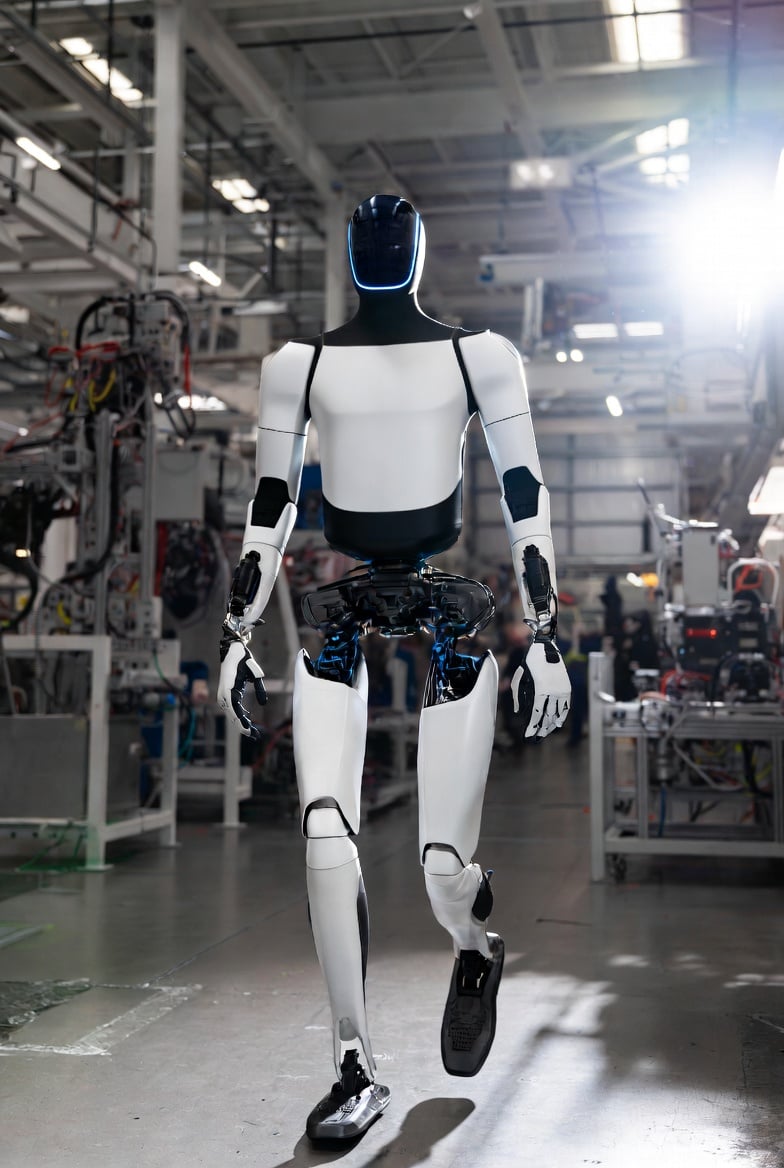
Optimus Robot on Tesla Assembly Line
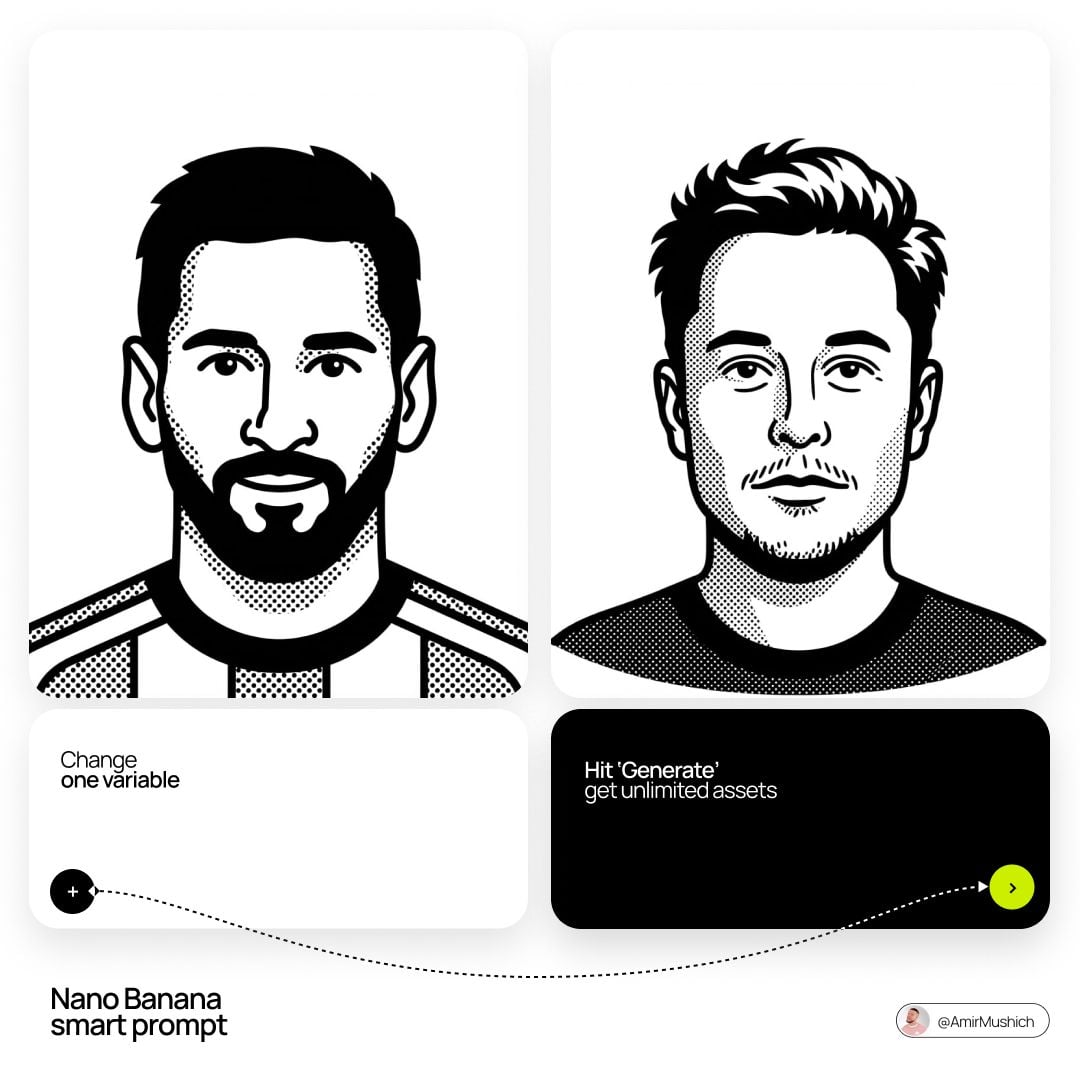
Notion Style Flat Vector Portrait
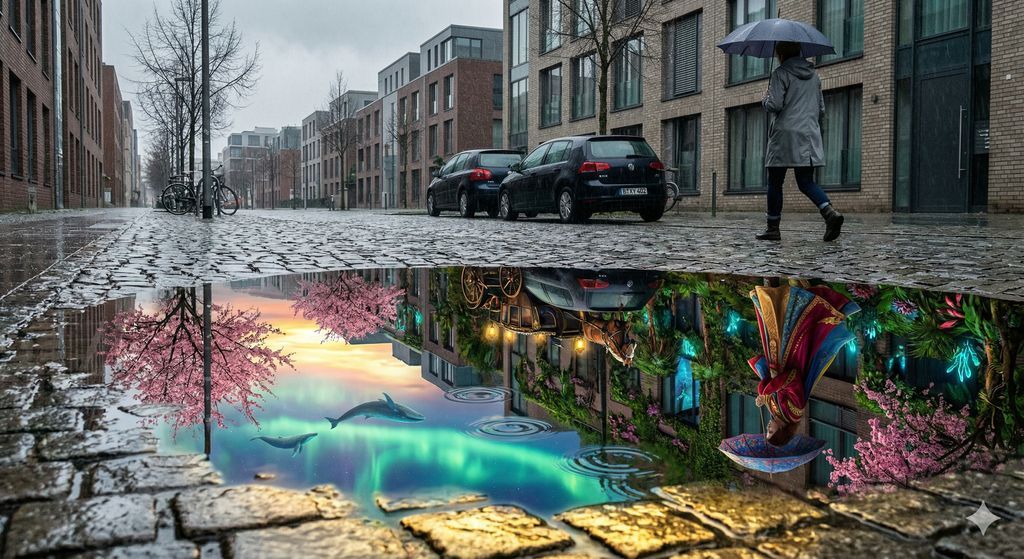
Impossible Reflection - Parallel Reality Puddle
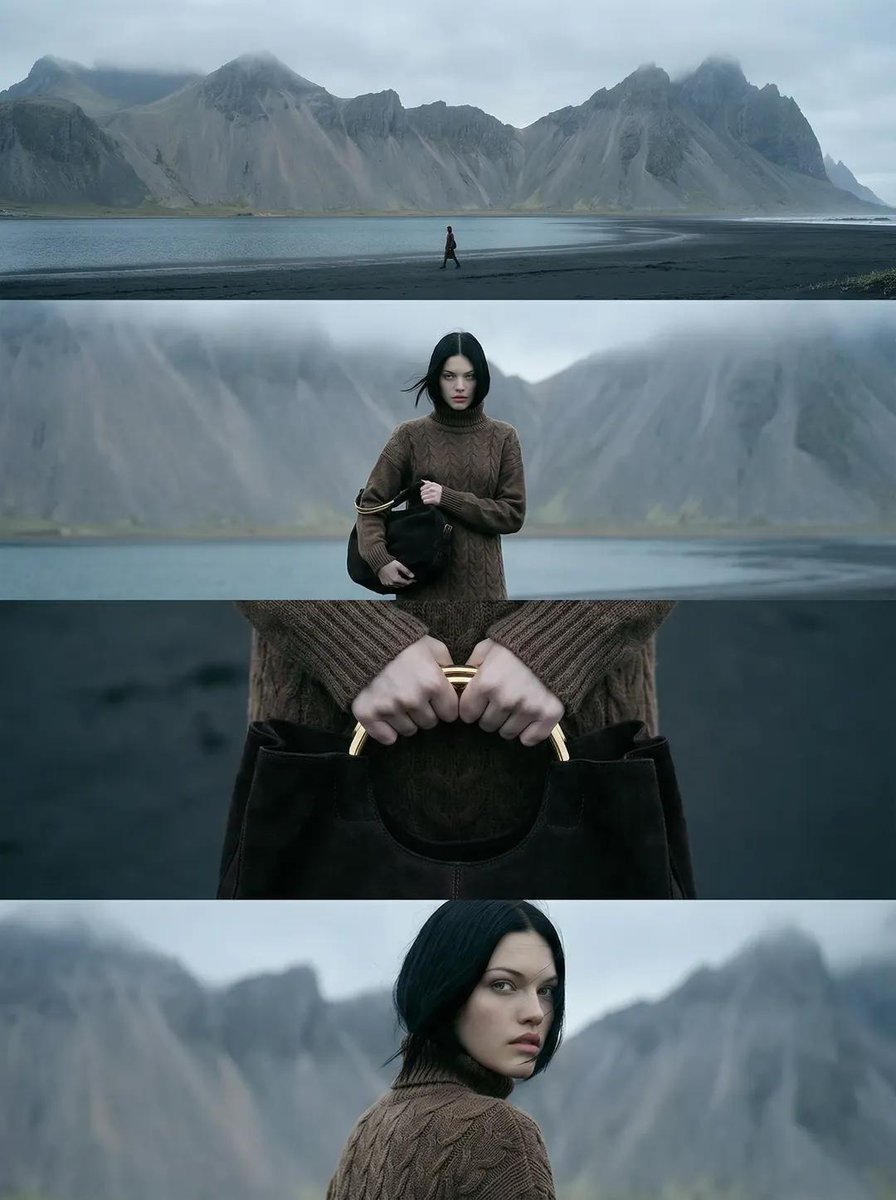
Cinematic Nordic Editorial Image Stack
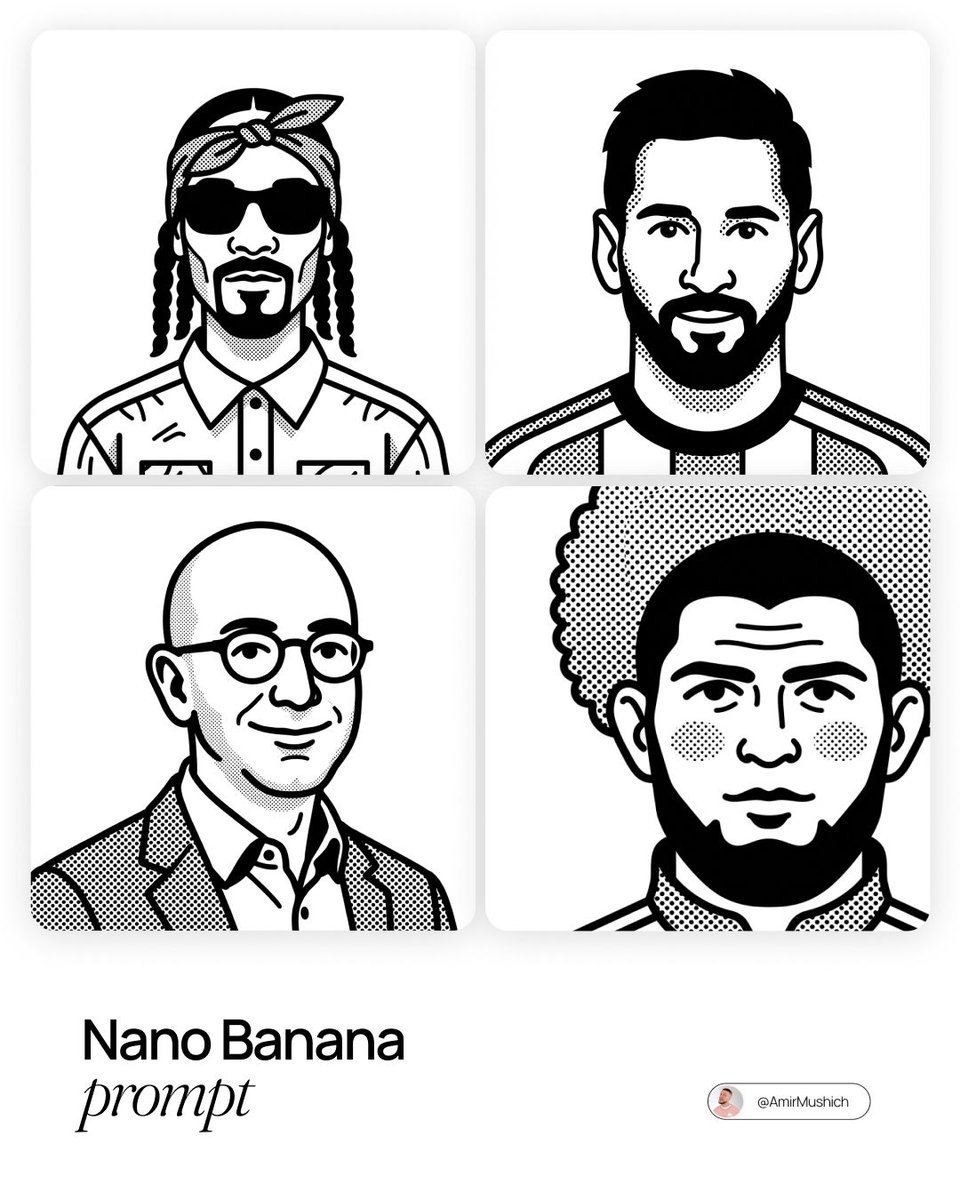
Notion-Styled Portrait Prompt
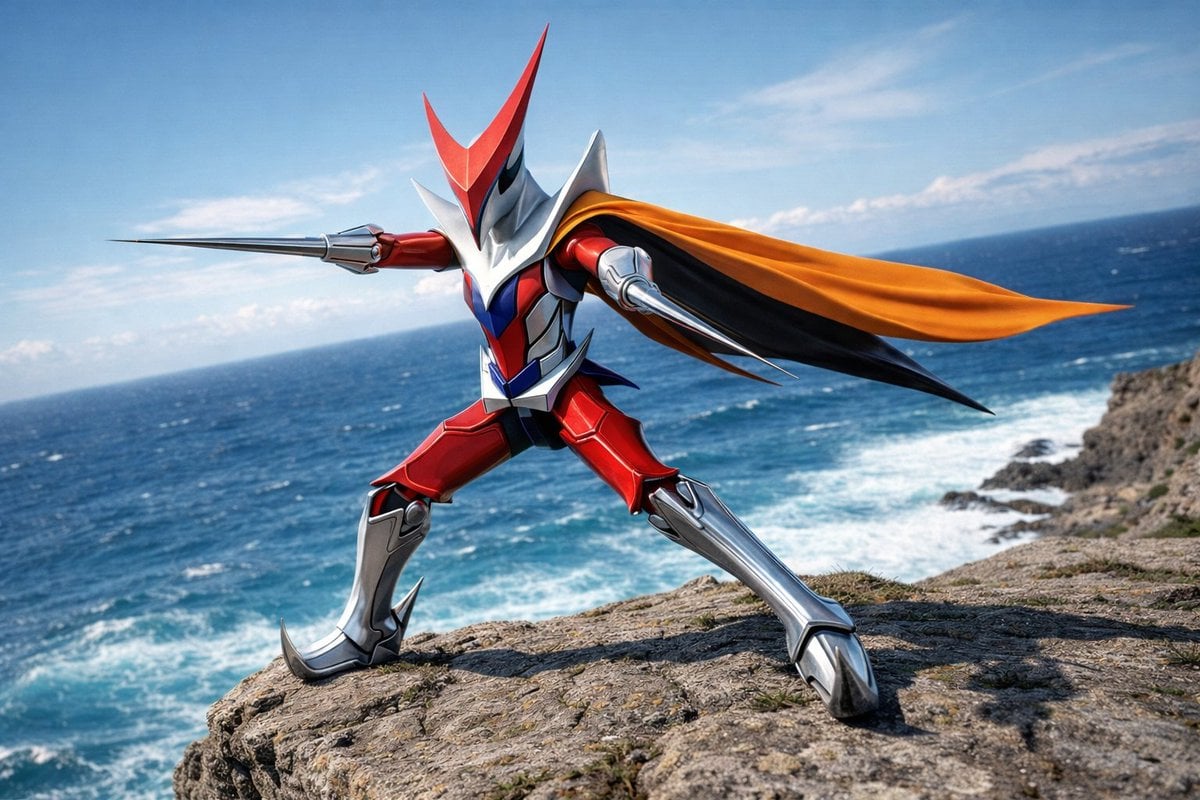
Wingman Character Fighting Pose Generation
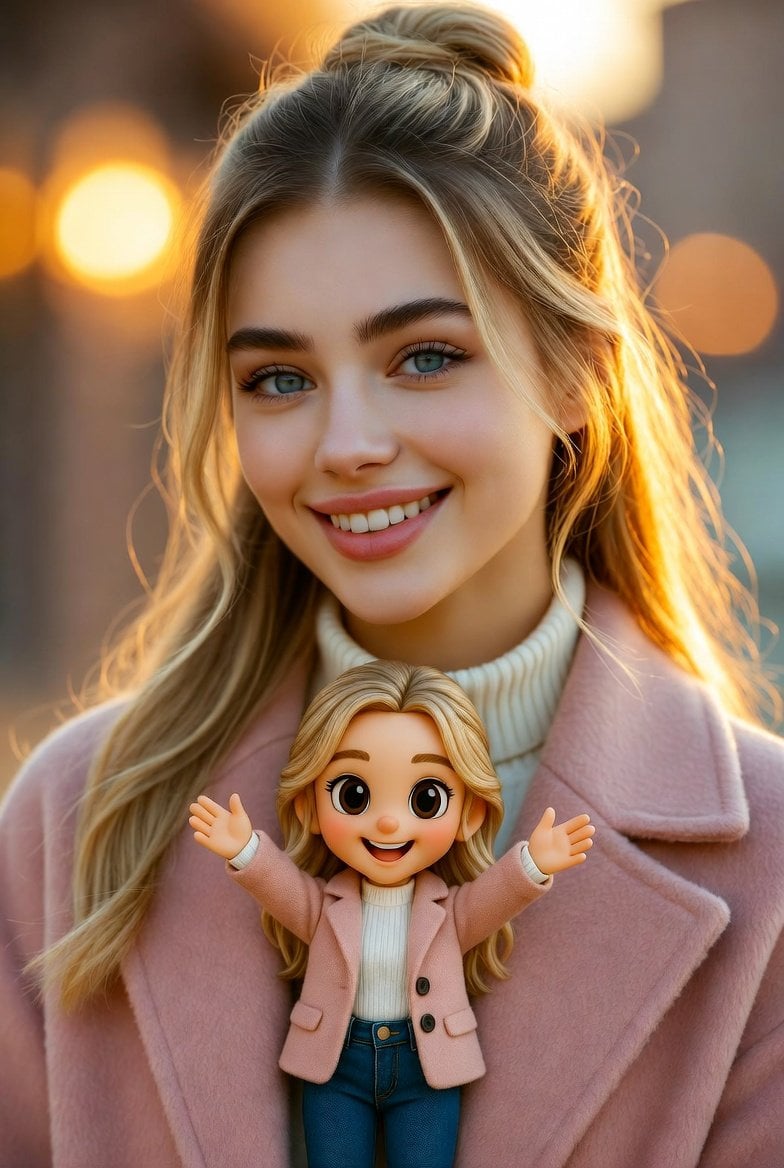
Cinematic Portrait with Miniature Chibi Figurine
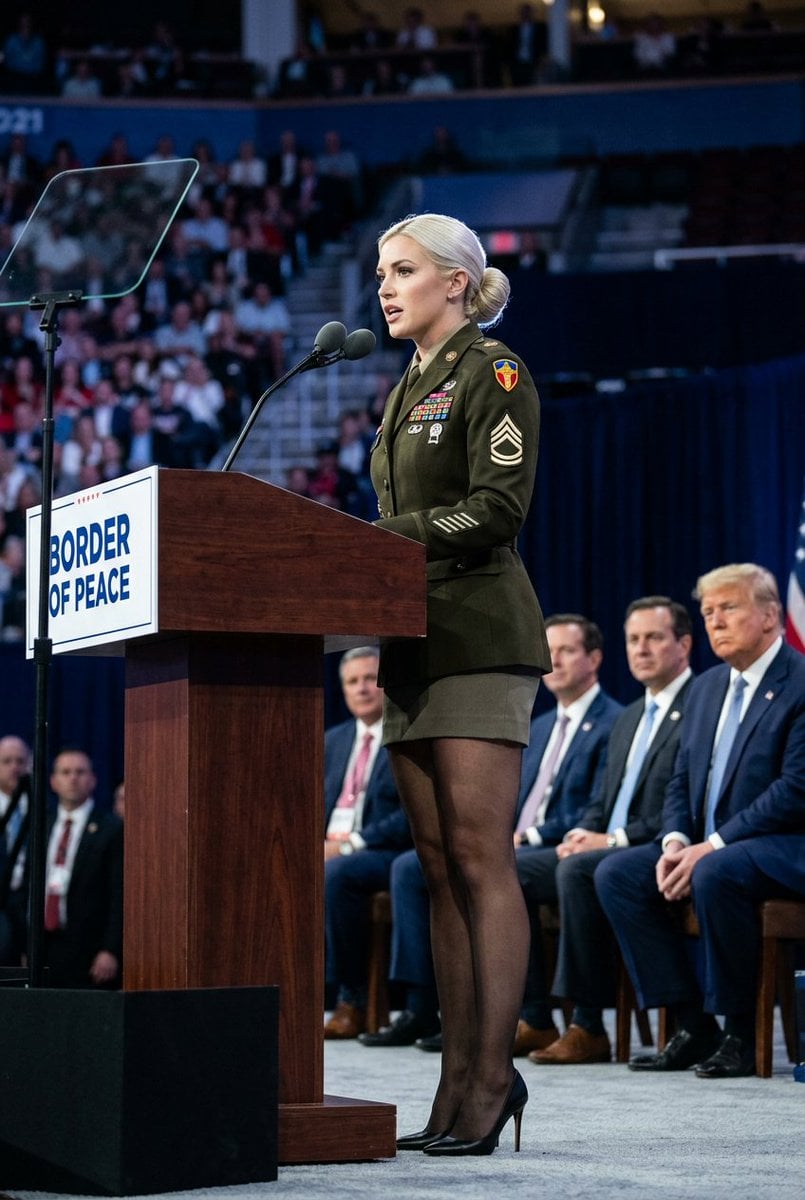
Political Speaker in Provocative Military Uniform
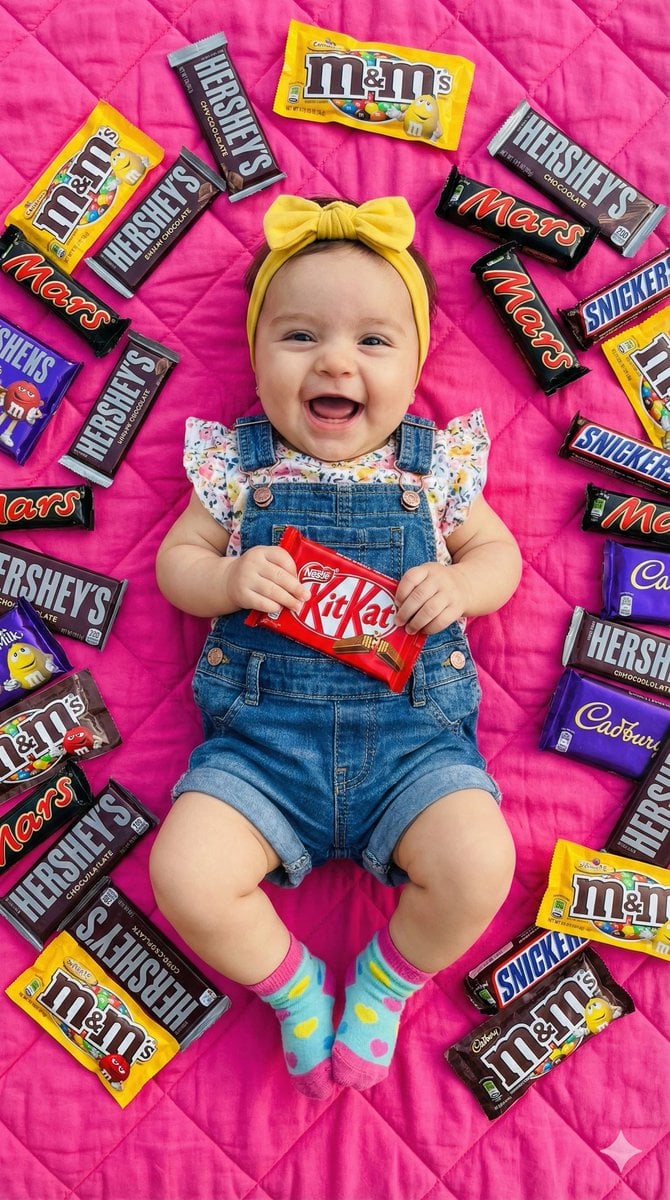
Ultra-Realistic Flat Lay of Baby with Chocolate Brands
Censored Family Snapshot
Browse template categories
Anime Mirror Reflection of Younger Self questions
How do I use the Anime Mirror Reflection of Younger Self template?
Add your photo if the template asks for one, edit the prompt if you like — the template's model and format are already selected — and press Generate. Your version opens in PicX Studio.
Can I customize the Anime Mirror Reflection of Younger Self template?
Yes. You can change the subject, setting, lighting, mood, format, and available model controls before creating your image.
Is the Anime Mirror Reflection of Younger Self template free?
Opening and editing this template is free. Generating uses credits, shown on the Generate button when you are signed in.
Which AI model should I use?
Start with GPT Image 2, which is the model associated with this template. You can compare another compatible model for a different finish.
Looking for something else? Browse all templates.

Your photo, any look
Thousands of ready templates for every top image and video model, from one credit balance.