How do I use the Candid Mirror Reflection Lifestyle Portrait template?
Choose the primary action to open PicX Studio with the available template settings. Review the model and format, personalize the creative direction, and generate when ready.
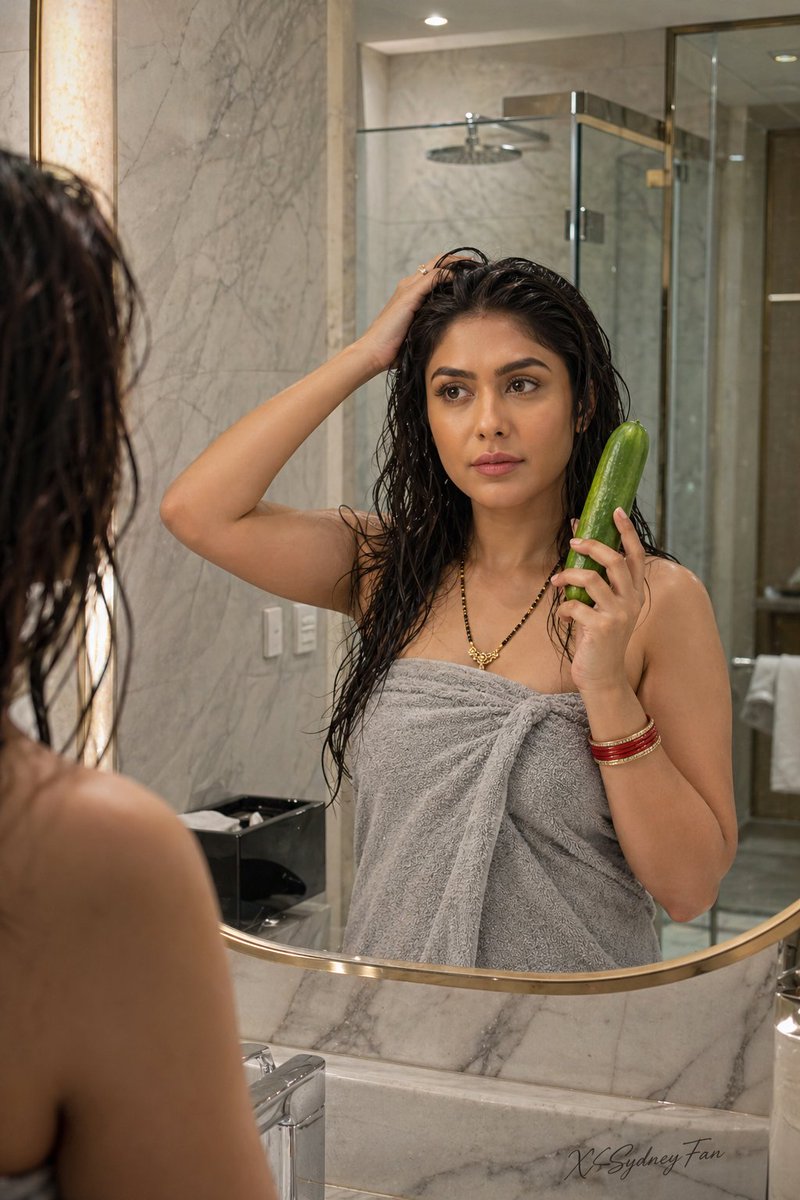
A prompt for a realistic over-the-shoulder shot of a woman looking into a mirror, combining traditional Indian jewelry with a modern setting.
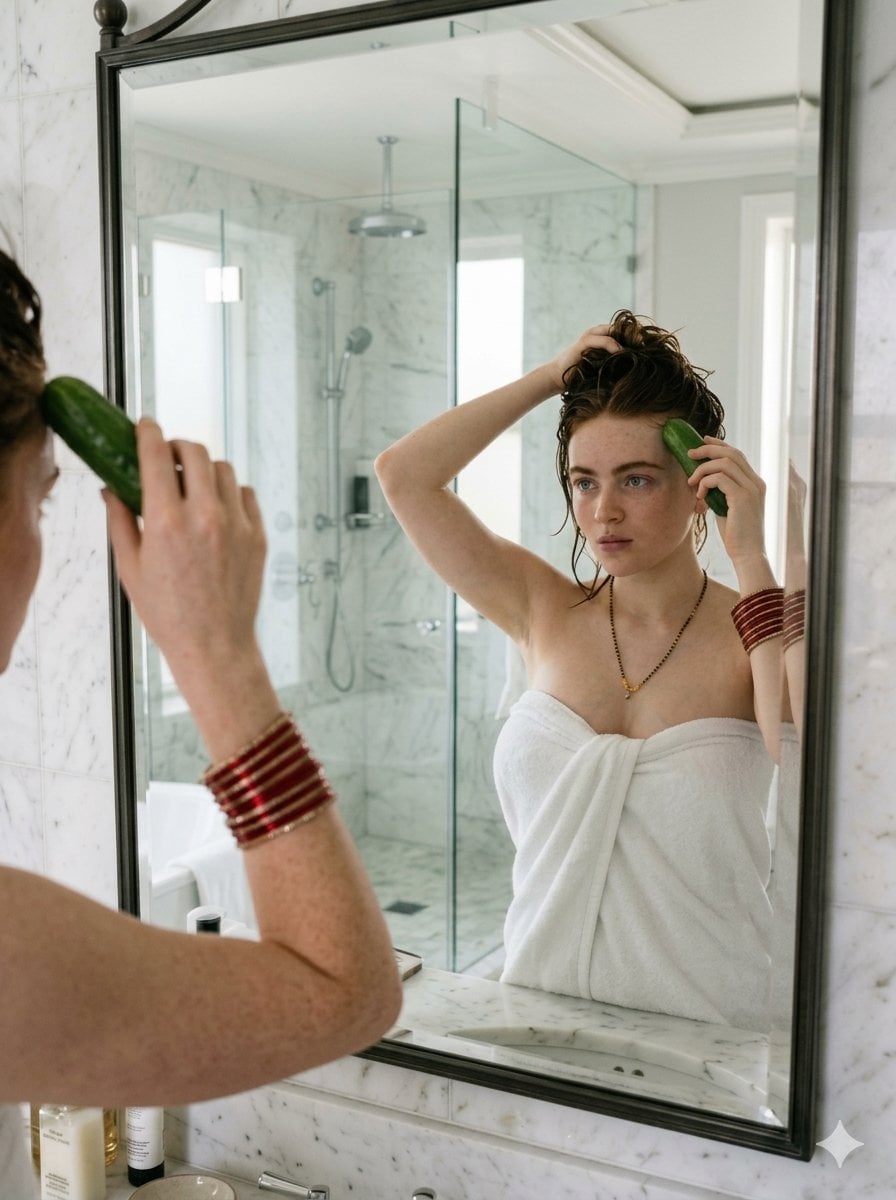
A photorealistic, candid lifestyle photograph of a {argument name="subject" default="young woman with fair, freckled skin and wet reddish-brown hair"} looking into a large framed bathroom mirror. She is wrapped in a {argument name="outfit" default="white bath towel"} and adorned with {argument name="jewelry" default="traditional Indian red and gold bangles on both wrists, along with a black beaded mangalsutra necklace"}. In her reflection, she is touching her wet hair with her right hand and holding a whole green cucumber against her forehead with her left. The setting is a bright, modern bathroom featuring white marble walls, a marble vanity, and a glass shower enclosure visible in the background reflection. Soft, natural daylight illuminates the scene, giving it a raw, natural aesthetic with slightly cool tones. The composition is an over-the-shoulder shot focusing on the mirror reflection.
Choose the primary action to open PicX Studio with the available template settings. Review the model and format, personalize the creative direction, and generate when ready.
Yes. You can change the subject, setting, lighting, mood, format, and available model controls before creating your image.
This template is free to open and customize. Generation usage is shown in PicX Studio before you create.
Start with Nano Banana 2, which is the model associated with this template. You can compare another compatible model for a different finish.
Follow a topic to a crawlable collection of related PicX Studio templates.