
Y2K Vector Magazine Cover
Transforms reference photos into a flat vector Y2K magazine-cover illustration with chrome typography, bubbles, sparkles, and a crouching fashion pose.
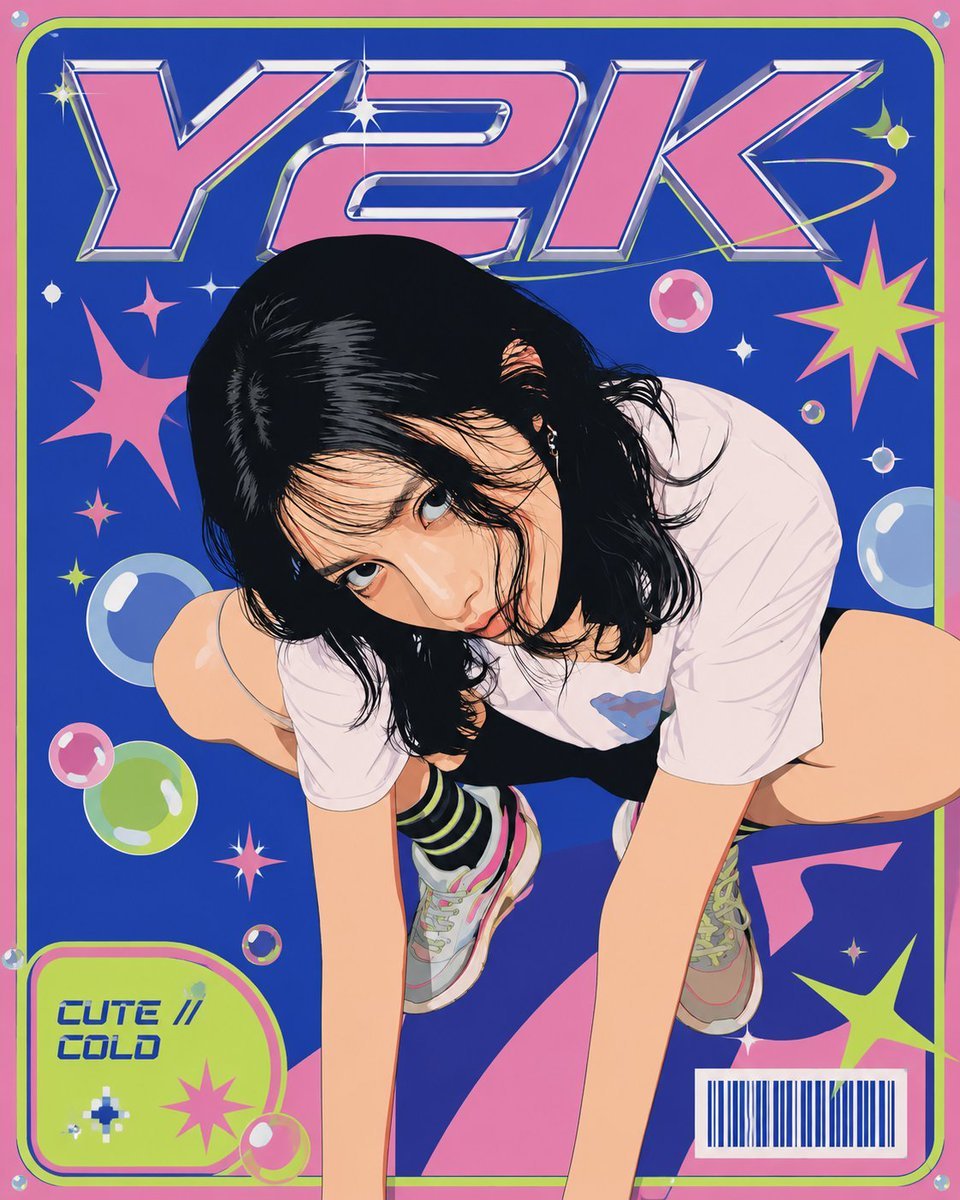
- Prompt included
- Model and format preset
- Free template
The prompt behind this image
Copy the exact prompt behind Y2K Vector Magazine Cover, or open it in the studio and make it yours.
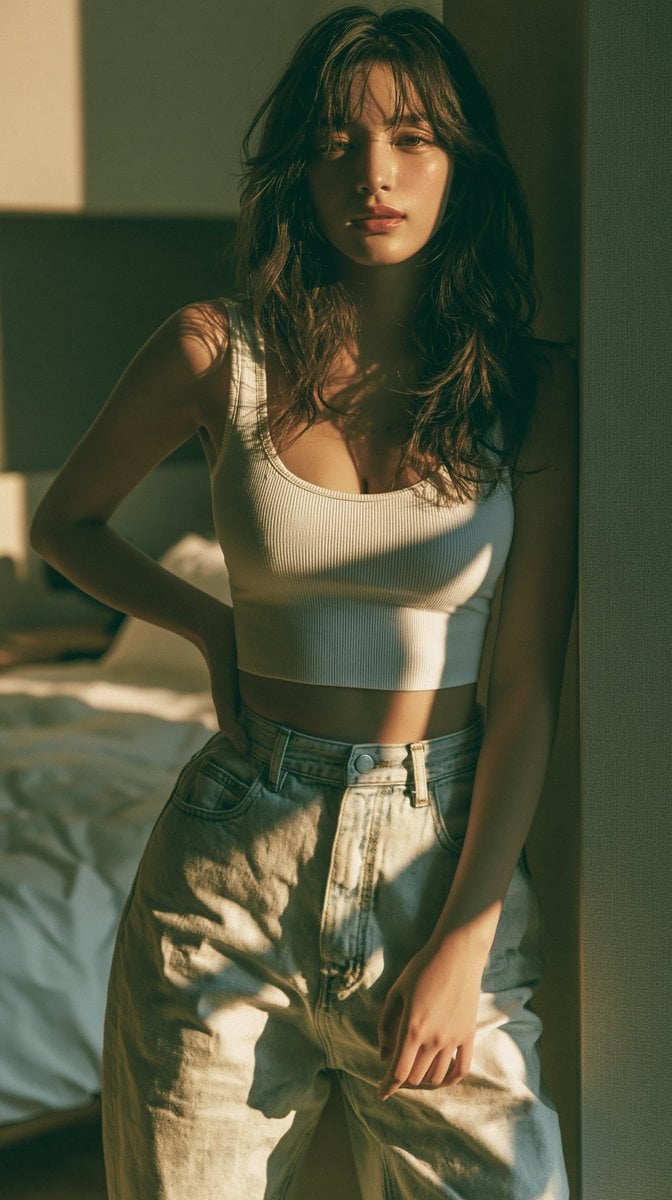
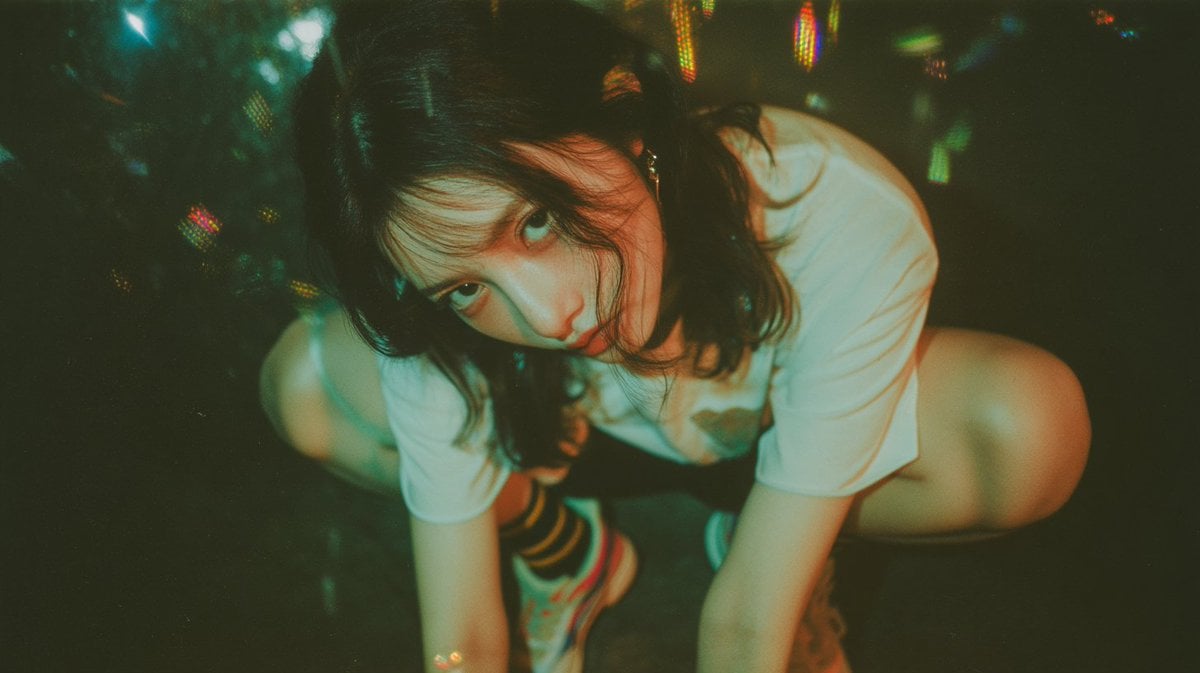
Using REFERENCE_0 as the identity/character base and REFERENCE_1 as the pose and mood reference, create a single Y2K retro magazine-cover poster in flat vector illustration style. Keep the woman recognizable from the source references, but redraw her as a clean anime-inspired vector cover model in the low crouching pose from REFERENCE_1, viewed from slightly above, with a cute surface and a subtly cool melancholic edge. Transformations: replace the photographic look with crisp flat colors, smooth cel-shaded skin, clean black hair shapes, sharp vector outlines, glossy highlights, and a polished early-2000s fashion-magazine aesthetic. Preserve the overall casual outfit direction from the crouching reference: oversized white T-shirt, dark shorts, striped socks, and sneakers. Cover layout: vertical poster/magazine cover with a bold electric-blue background, hot pink outer border, lime-green rounded inner frame, and large chrome/pink 3D headline text at the top reading {argument name="headline text" default="Y2K"}. Add exactly 7 main decorative bubble/circle elements: large pale blue bubble at lower left, green bubble at lower left, small pink bubble near lower left border, pink bubble near upper right, small green bubble near upper right, small blue bubble at mid-right, and tiny multicolor bubble near lower center. Add exactly 9 starburst/sparkle elements: large pink starburst on left, small pink sparkle under it, lime starburst at upper right, lime starburst at lower right, pink starburst inside the bottom-left label, small white sparkle near the top headline, white sparkle near center right, yellow sparkle at top left, and small pixel sparkle inside the label. Magazine graphics: add a rounded lime-green label panel at bottom left with blue italic text reading {argument name="label text" default="CUTE //\nCOLD"}. Add a white barcode box at bottom right. Include abstract pink geometric shapes behind the figure near the bottom. Make the design feel like a glossy Y2K teen magazine cover: neon palette, chrome lettering, bubbles, stickers, sparkles, playful but slightly edgy. Constraints: no photorealism, no extra people, no watermark, no clutter beyond the specified cover graphics, maintain a clean centered composition with the character overlapping the headline area slightly.
Reference images included
Y2K Vector Magazine Cover needs input media to work. They load alongside the prompt when you open it in the studio.
How to use Y2K Vector Magazine Cover in 3 steps
- 1Upload ImagePNG, JPG or paste
Add your photo
Upload the photo the template builds on. The prompt, model and format are already set.
- 2…a portrait of your subject in softgolden-hour light, 85mm…
Personalize
Edit the subject and creative details for your destination.
- 3Generate
Generate
Press Generate — your image is created in PicX Studio, so you can compare it with the original and refine one variable at a time.
More like this
Templates with the same subject, style or setup. Open one to see its prompt.
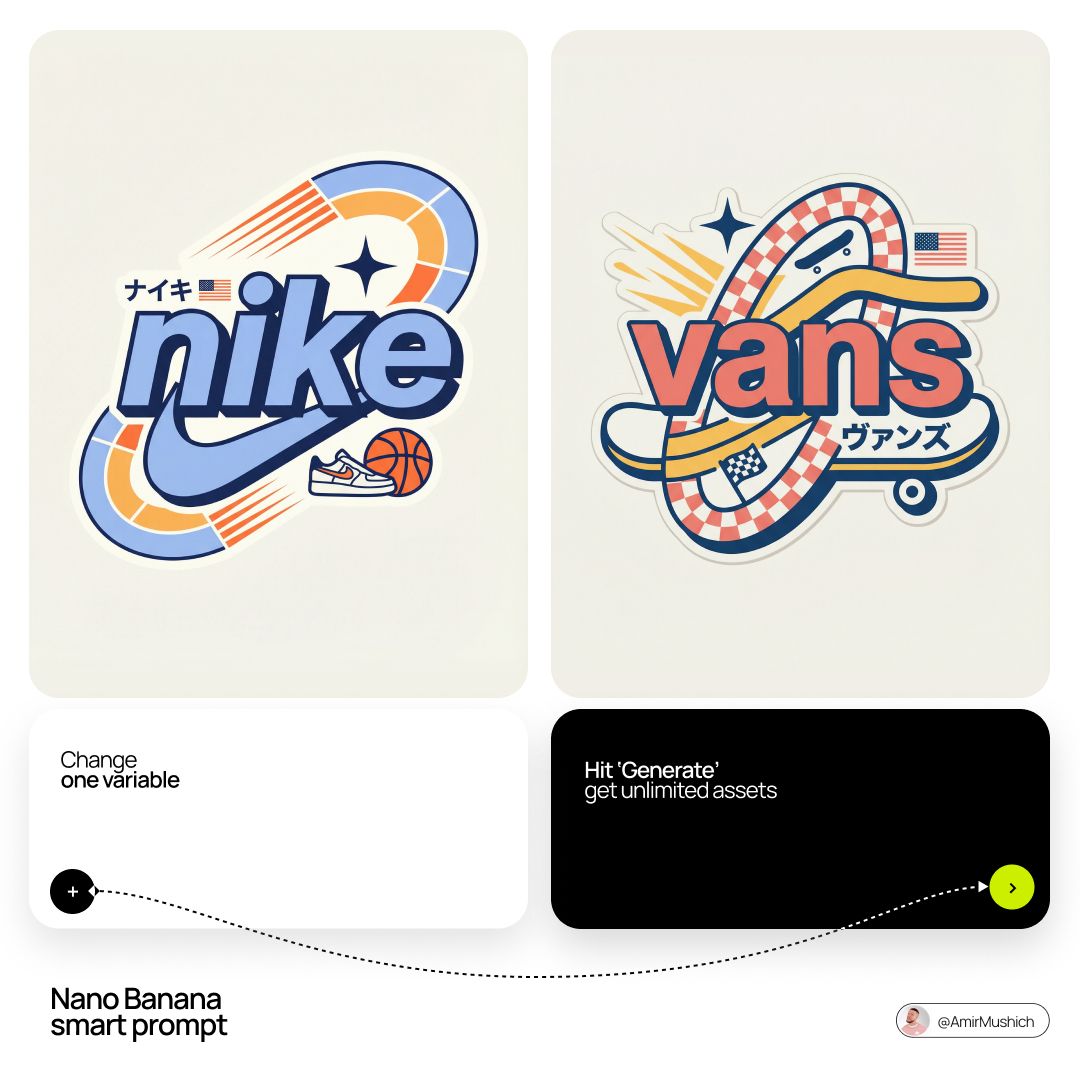
Act as a Senior Vector Graphic Designer specializing in Y2K Japanese

Off Duty Fashion Magazine Cover

Japanese Tatami Lifestyle Magazine Cover

Ethereal Bloom Magazine Cover

Tropical Macaw Magazine Cover

Anime Mahjong Magazine Cover

Neon Anime Fireworks Magazine Cover

Gen Z Triple Selfie Collage — Y2K Flash Photography

High-Fashion Magazine Cover Portrait

Open Magazine Luxury Fashion Editorial Layout

Monochrome Halftone Editorial Fashion Poster

Korean Model Floating Magazine Pages Campaign
Make it yours
Y2K Vector Magazine Cover works as-is. These are the safest ways to change it without losing the look.
Change one field
Copy a single group, rewrite it, and generate again so you can see what that field is doing.
Keep the frame, change the subject
Hold the composition and light of Y2K Vector Magazine Cover, then swap wardrobe, props or the person for a new take.
| If the result… | Why | Fix |
|---|---|---|
| The result drifts from the preview | Too many fields changed at once. | Reuse Y2K Vector Magazine Cover as-is first, then change one group — subject, light, or setting. |
| The model over-stylizes the scene | The prose prompt leaves finish and camera underspecified. | Add one camera or lighting sentence and stay on GPT Image 2. |
More GPT Image 2 templates
Other prompts made for GPT Image 2.

Six VTuber Japanese Logo Sheet

Realistic Portrait of Woman and Deer

The Vista Modular Condo Poster

AI Model Routing Comparison Infographic

2.5D Anime Art Board

Isometric Productivity Desk Scene

New York Double Exposure Poster

Four-Panel AI Landscape Comparison

NESCAFÉ Coffee Map Poster

Brutalist Cogito Chinese Typography Poster
More image prompts
Fresh picks from across the catalog.
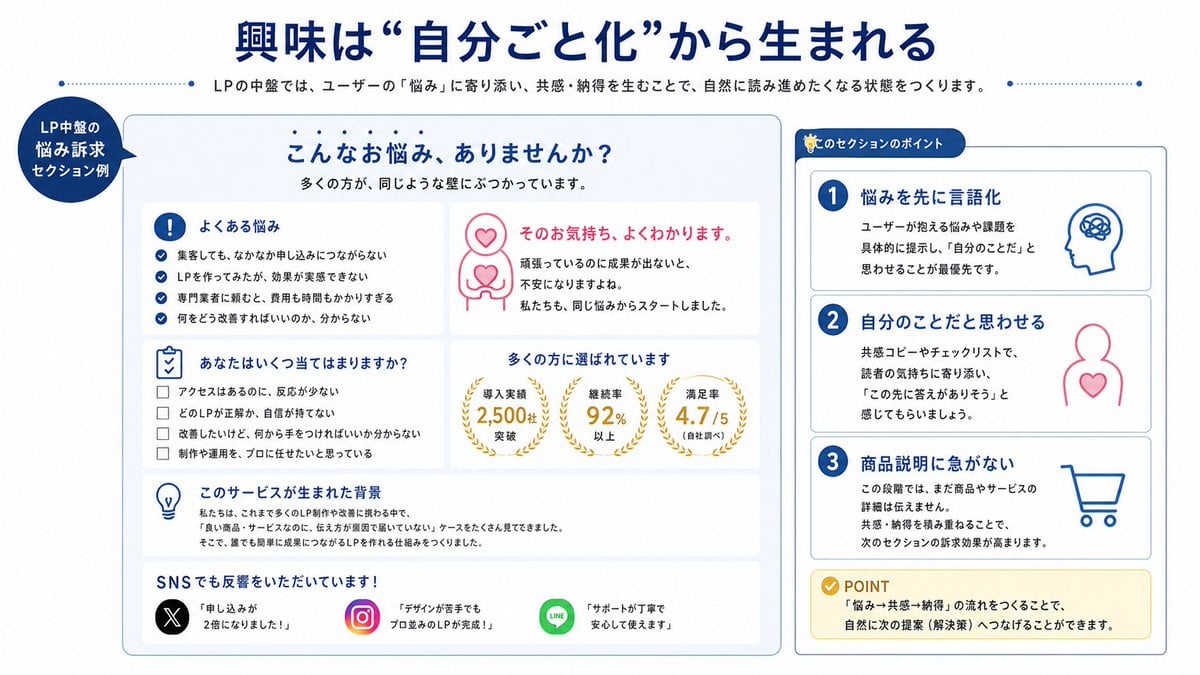
Japanese LP Empathy Infographic
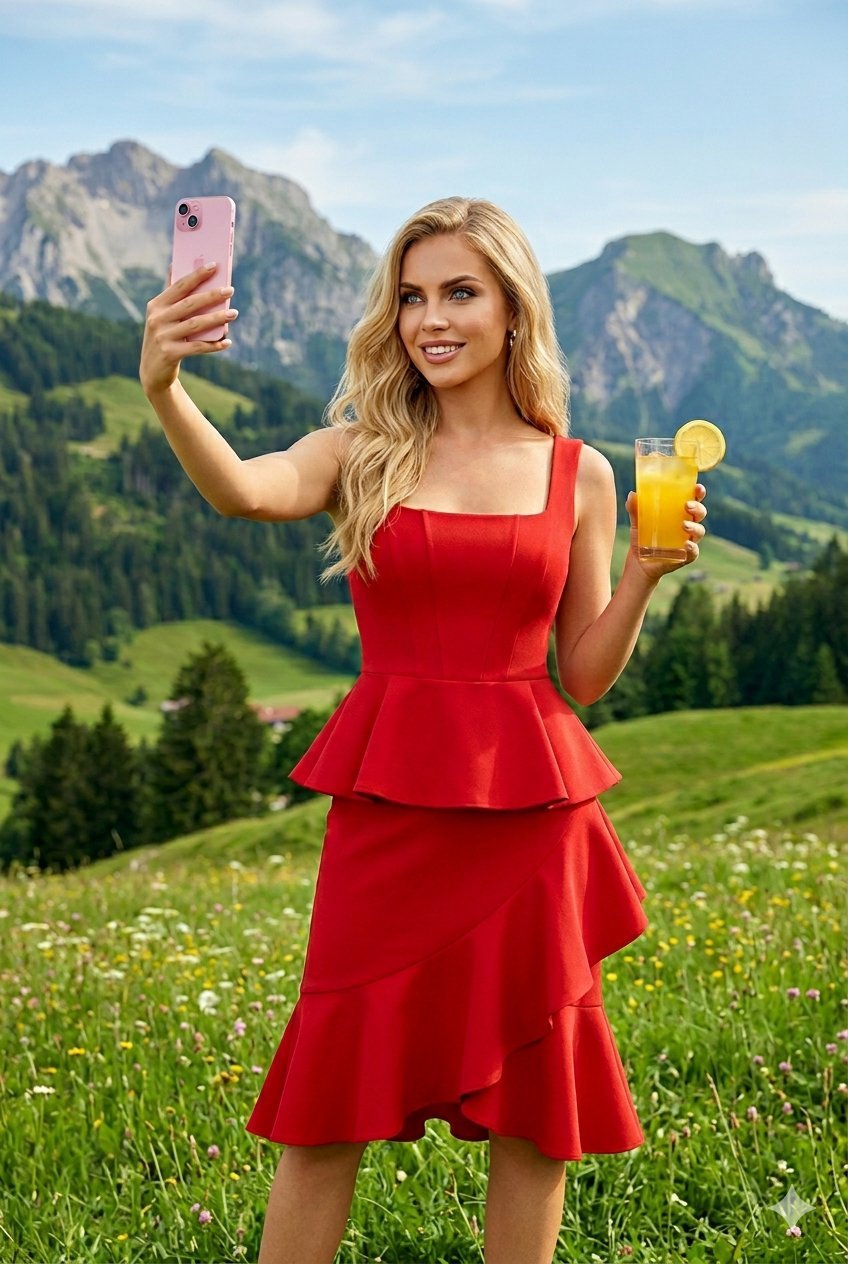
Young Woman in a Red Ensemble in an Alpi
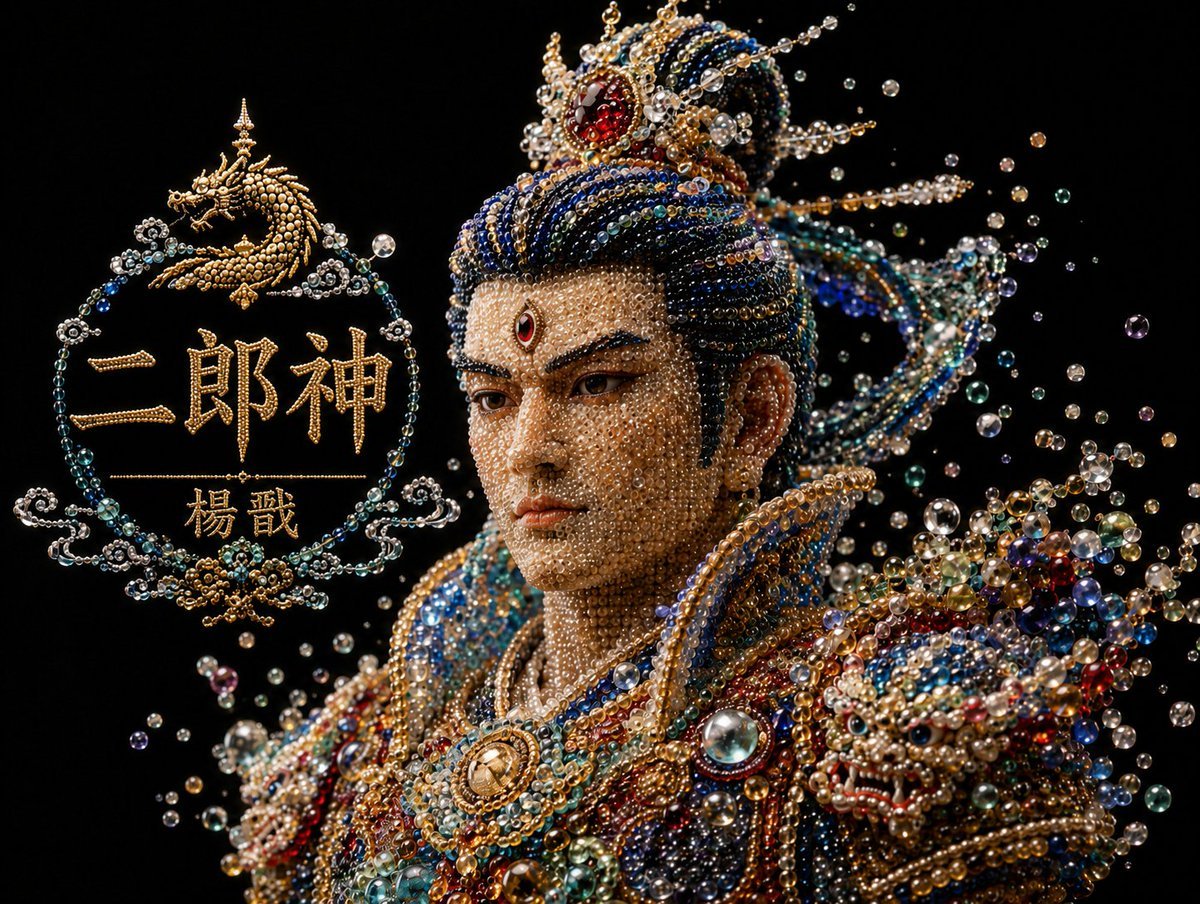
Pearlescent Erlang Shen Bust
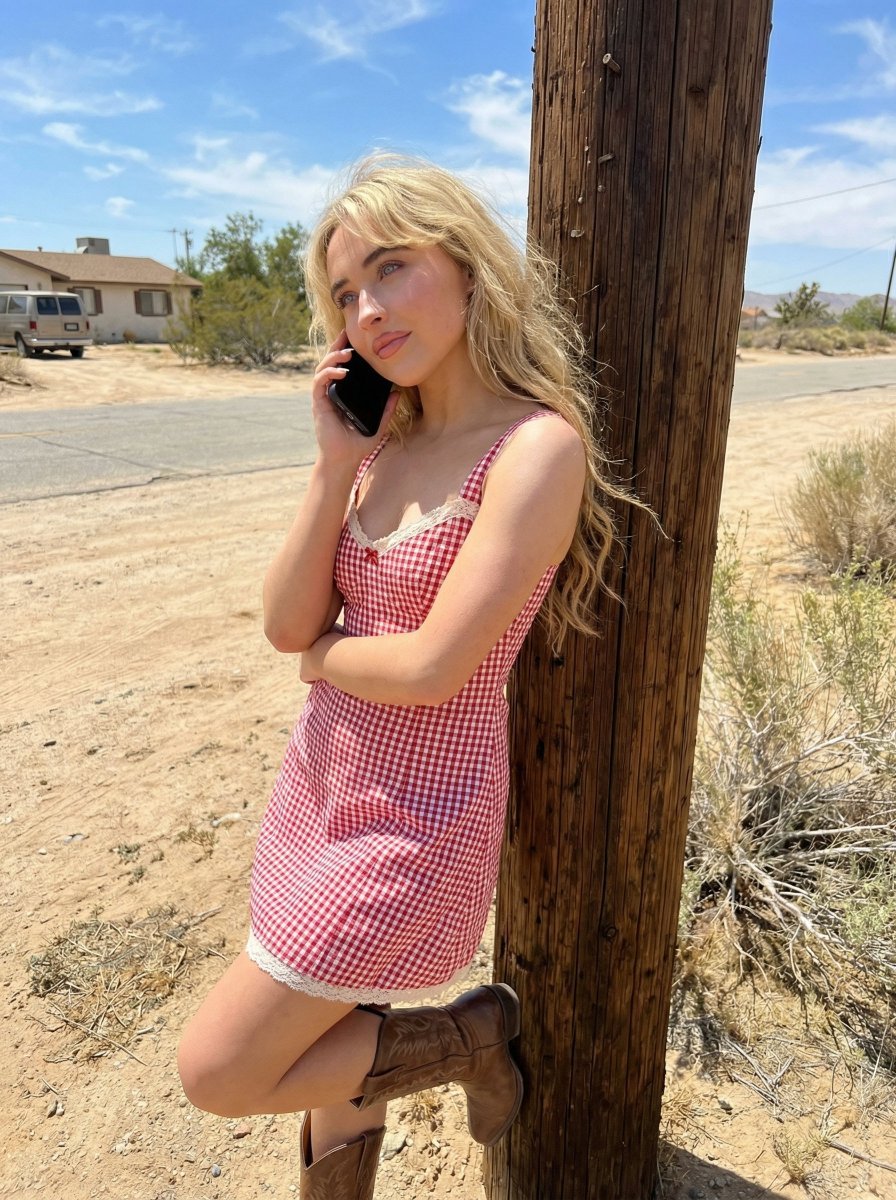
Desert Roadside Phone Call Lifestyle Photo
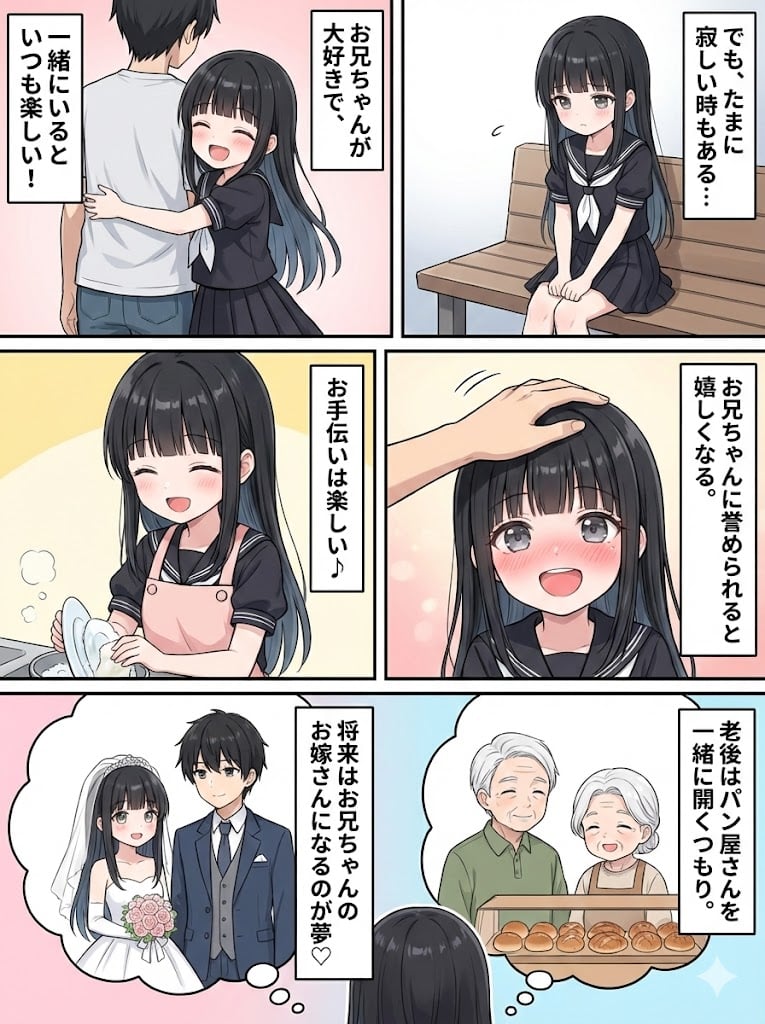
Character Generation and Document Summary Visualization
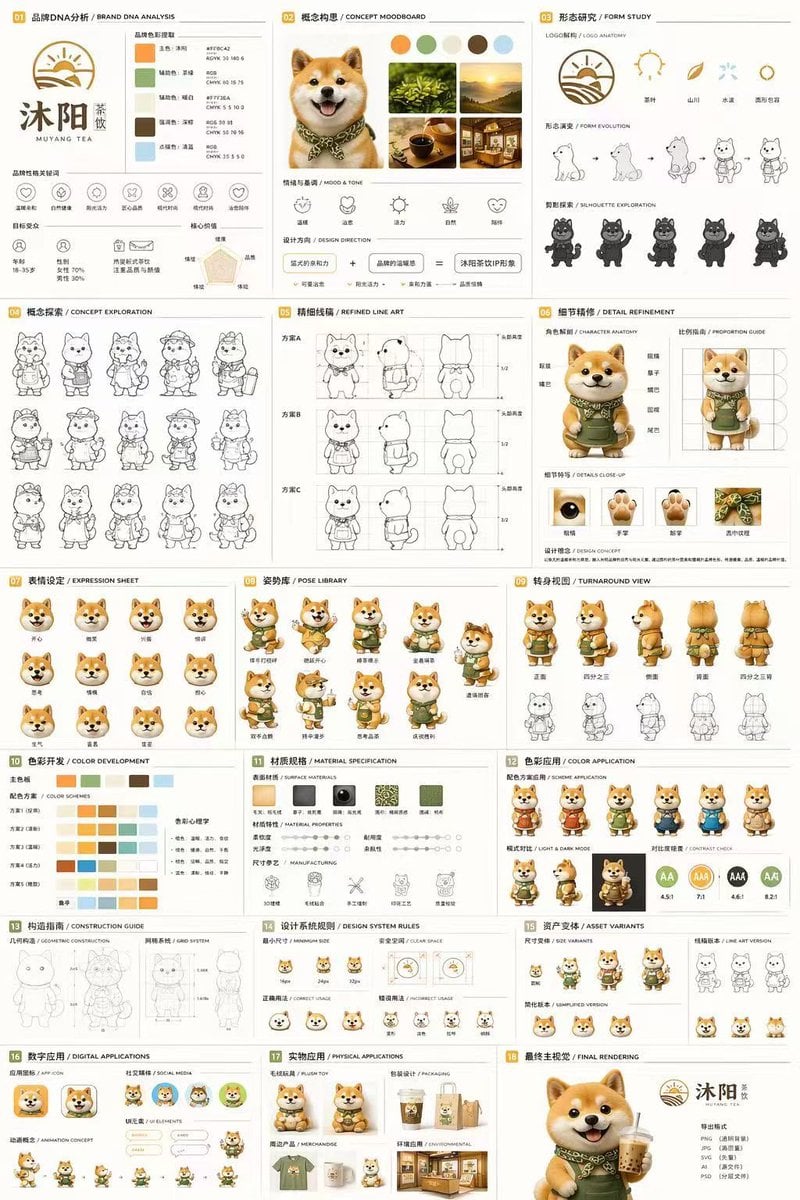
Panel Mascot Brand Identity Document
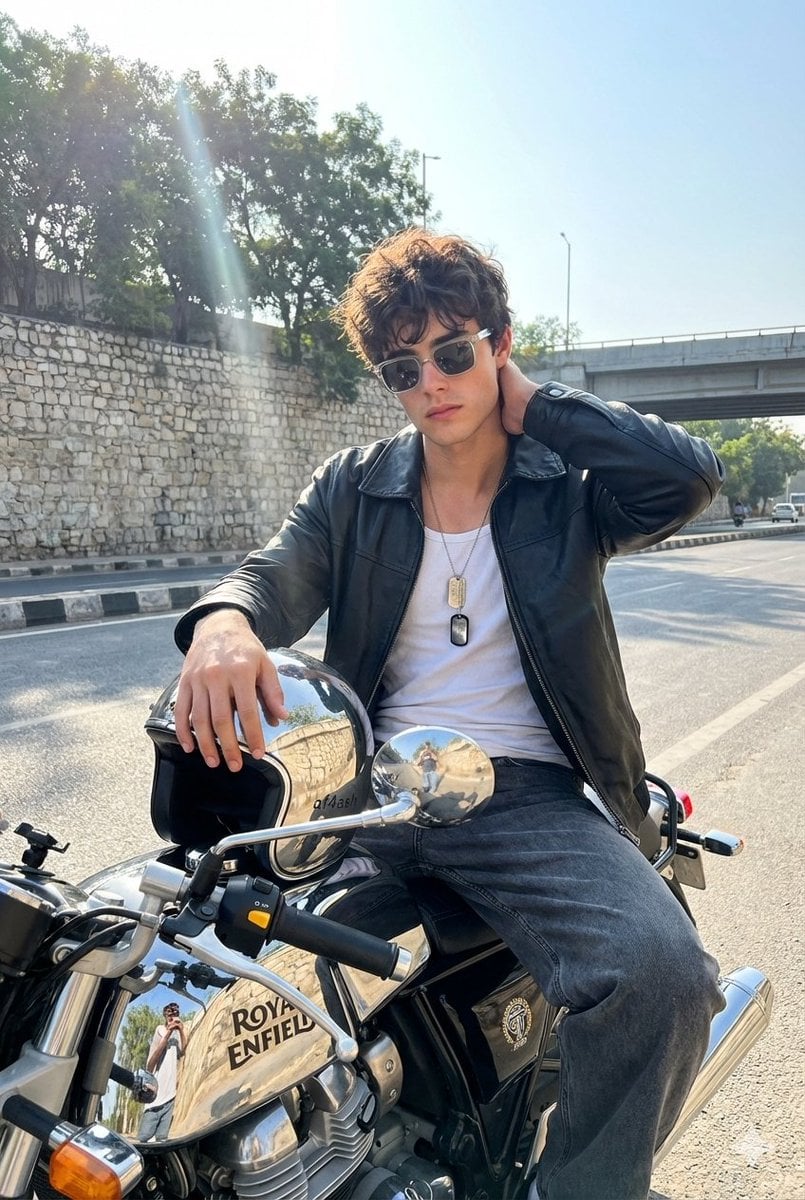
Candid Motorcycle Portrait with Face Swap Prompt
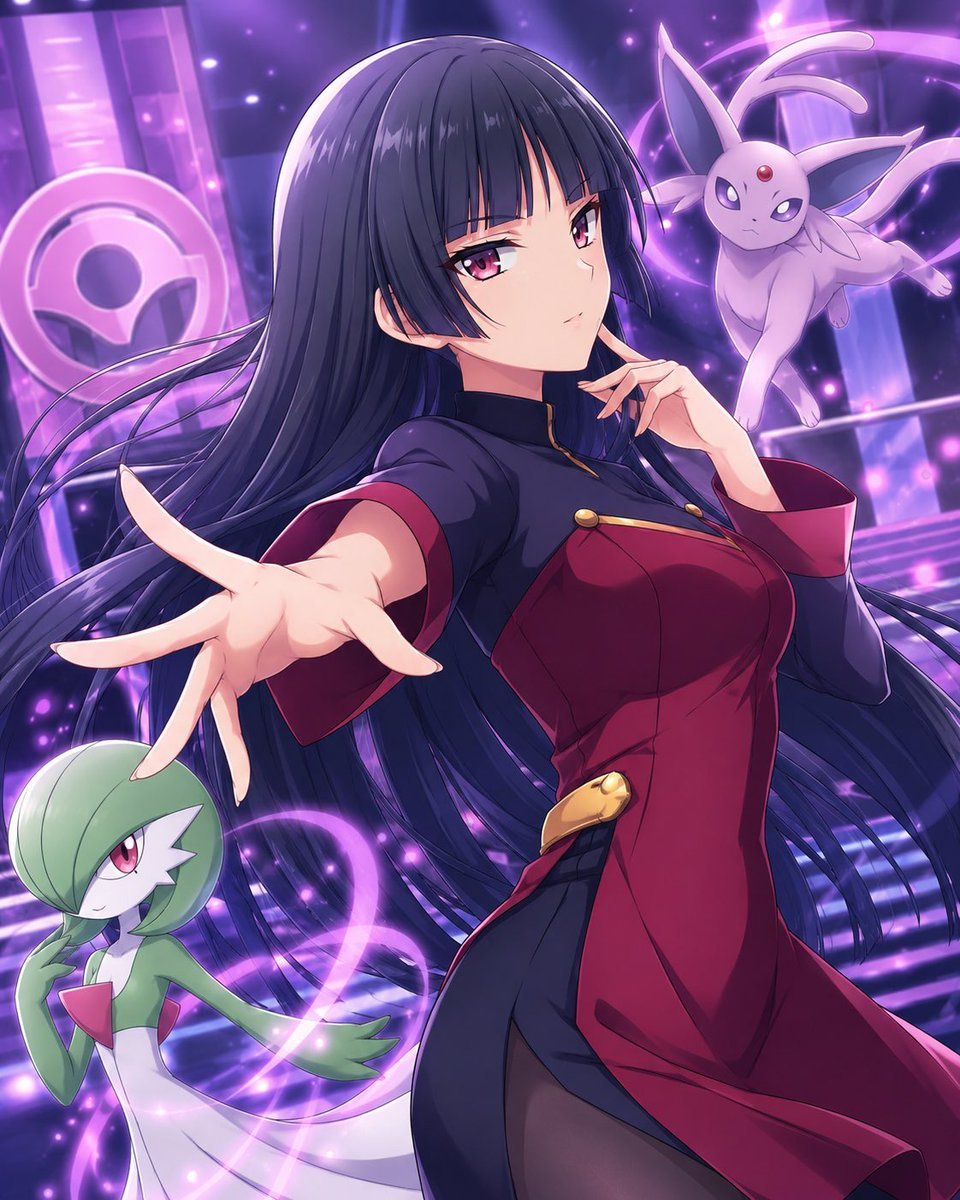
Psychic Trainer Anime Battle Art
Commercial Product Advertising Illustration
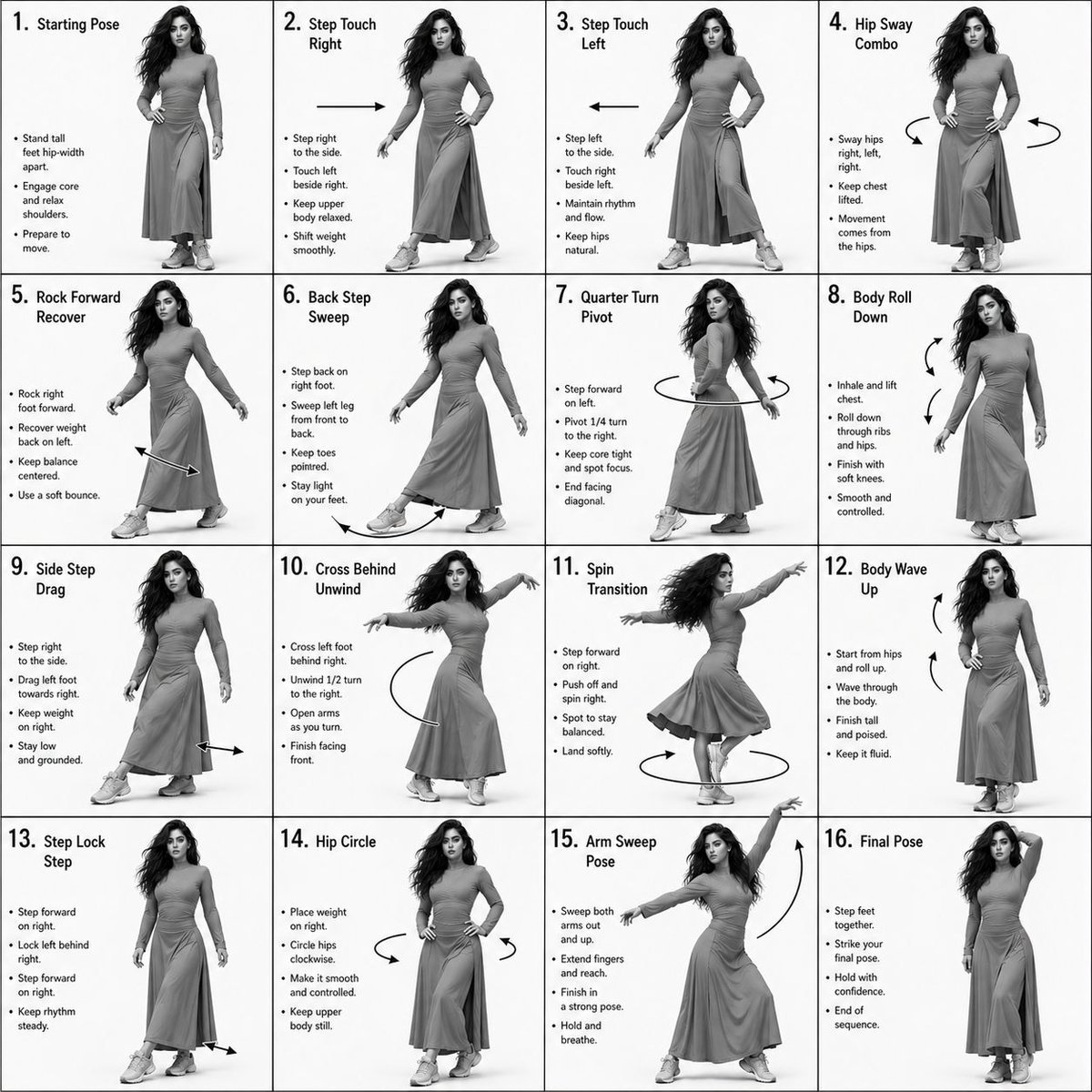
Choreography Instruction Sheet Generator
Browse template categories
Y2K Vector Magazine Cover questions
How do I use the Y2K Vector Magazine Cover template?
Add your photo if the template asks for one, edit the prompt if you like — the template's model and format are already selected — and press Generate. Your version opens in PicX Studio.
Can I customize the Y2K Vector Magazine Cover template?
Yes. You can change the subject, setting, lighting, mood, format, and available model controls before creating your image.
Is the Y2K Vector Magazine Cover template free?
Opening and editing this template is free. Generating uses credits, shown on the Generate button when you are signed in.
Which AI model should I use?
Start with GPT Image 2, which is the model associated with this template. You can compare another compatible model for a different finish.
Looking for something else? Browse all templates.

Your photo, any look
Thousands of ready templates for every top image and video model, from one credit balance.