
Pearlescent Erlang Shen Bust
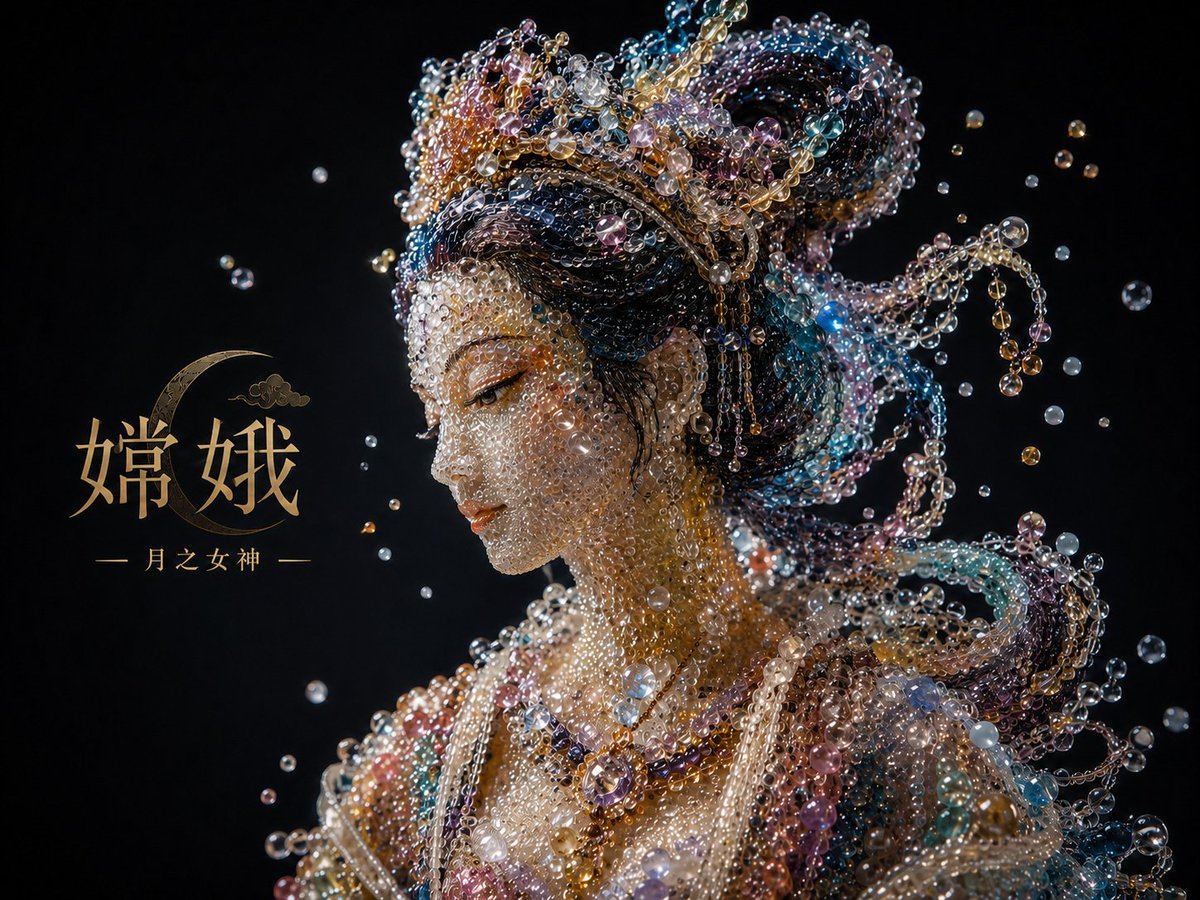
Creates a jeweled mythological bust transformation from a reference image, changing Chang'e into Erlang Shen with matching pearl-and-gem styling.
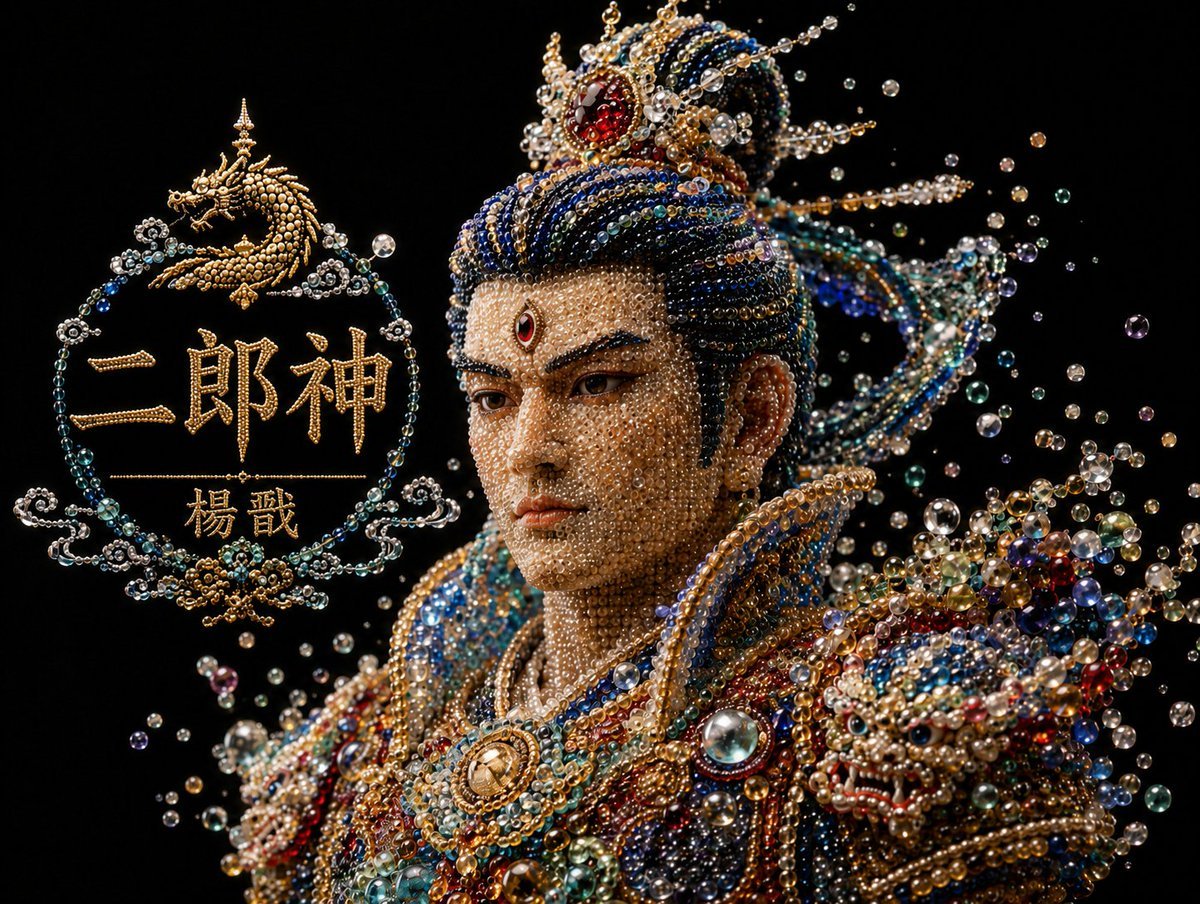
- Prompt included
- Model and format preset
- Free template
The prompt behind this image
Copy the exact prompt behind Pearlescent Erlang Shen Bust, or open it in the studio and make it yours.
Using REFERENCE_0 as the visual style and composition reference, transform the pearlescent bead-and-jewel bust from Chang'e into {argument name="character name" default="Erlang Shen Yang Jian"}. Keep the same black background, half-length bust framing, luxury macro photography look, floating pearl/bubble particles, and intricate translucent beadwork. Change the subject into a masculine Chinese mythological warrior deity with a taller jeweled crown, darker blue-and-gold hair ornaments, sharper heroic silhouette, ornate shoulder armor, and richer red, blue, teal, pearl, and gold gemstones. Add exactly 1 prominent dragon-themed jeweled shoulder/armor motif on the viewer's right, made from beads and gems. Replace the left-side title graphic with an ornate circular bead-and-gold emblem containing exactly 4 elements: 1 small golden dragon icon at the top, 1 large main title text {argument name="main title text" default="二郎神"}, 1 smaller subtitle text {argument name="subtitle text" default="楊戩"}, and 1 thin horizontal divider line between the title and subtitle. Make all lettering look constructed from golden pearls and filigree, matching the jewelry material. Preserve the elegant dark negative space and high-contrast sparkling highlights; do not add modern objects, extra text, or a watermark.
Reference images included
Pearlescent Erlang Shen Bust needs input media to work. They load alongside the prompt when you open it in the studio.
How to use Pearlescent Erlang Shen Bust in 3 steps
- 1Upload ImagePNG, JPG or paste
Add your photo
Upload the photo the template builds on. The prompt, model and format are already set.
- 2…a portrait of your subject in softgolden-hour light, 85mm…
Personalize
Edit the subject and creative details for your destination.
- 3Generate
Generate
Press Generate — your image is created in PicX Studio, so you can compare it with the original and refine one variable at a time.
More like this
Templates with the same subject, style or setup. Open one to see its prompt.
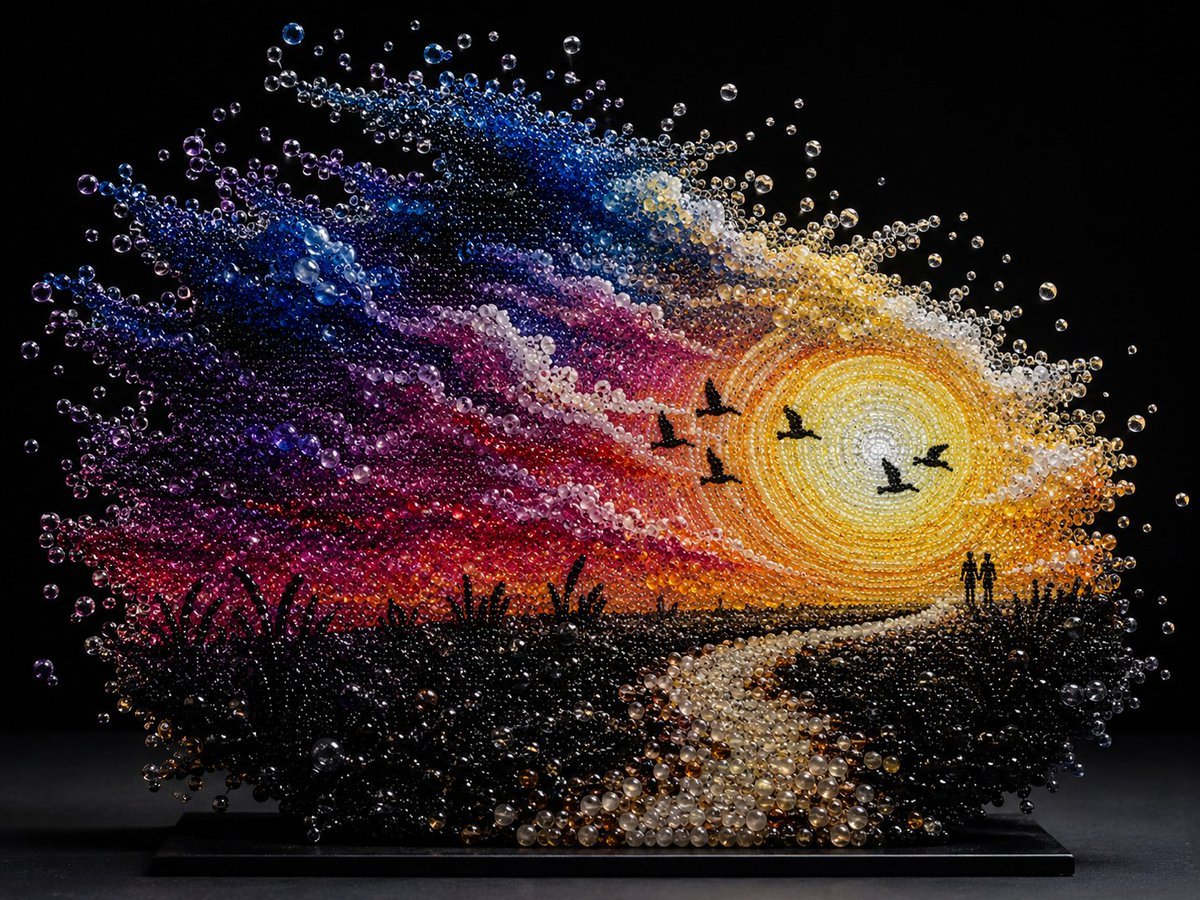
Pearlescent Bead Sunset Sculpture
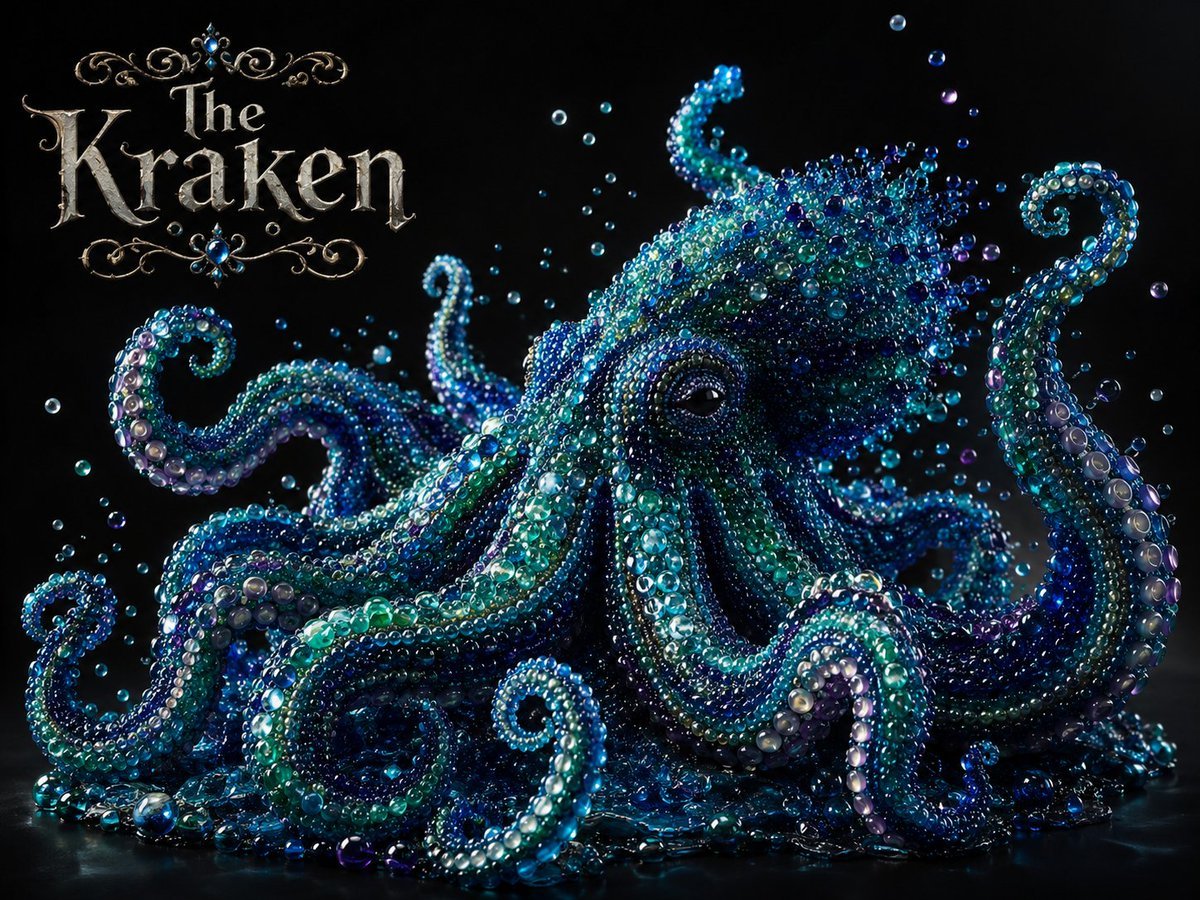
Pearlescent Glass Sculpture
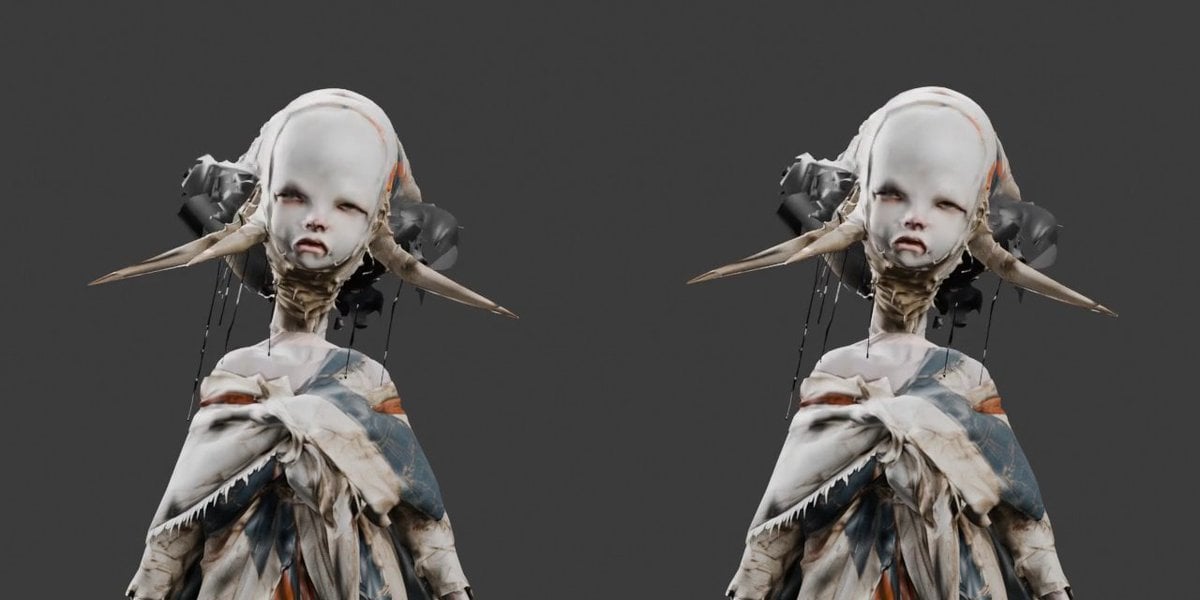
Side-by-Side 3D Character Bust Preview
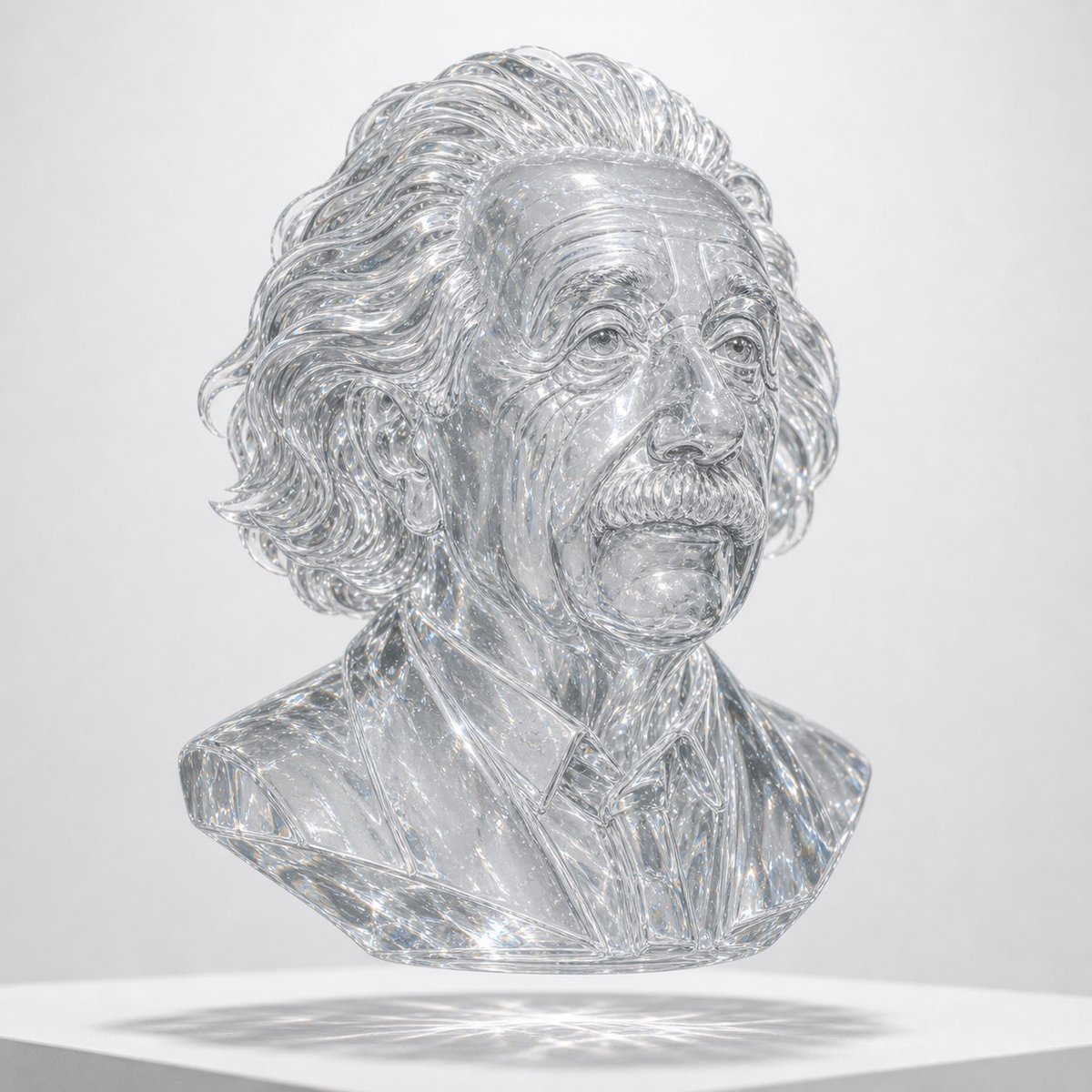
Crystal Glass Sculptural Bust Render
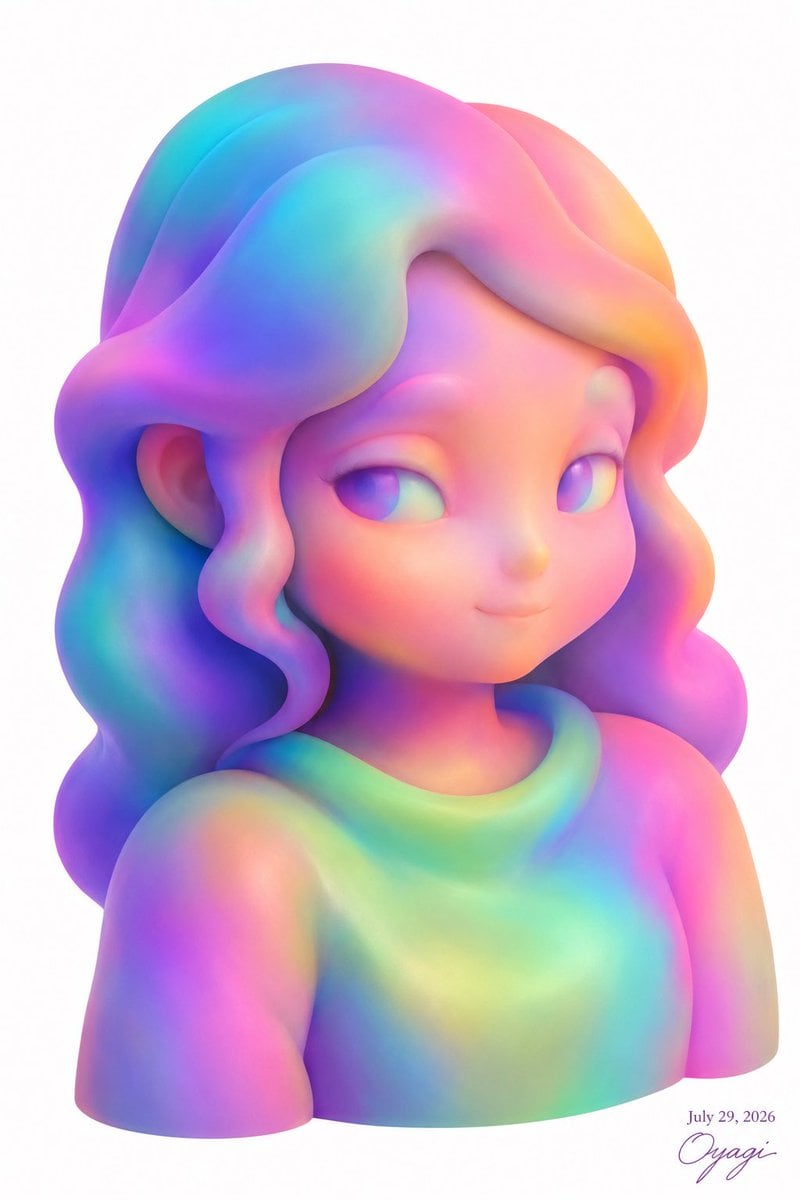
Pastel Rainbow 3D Girl Bust
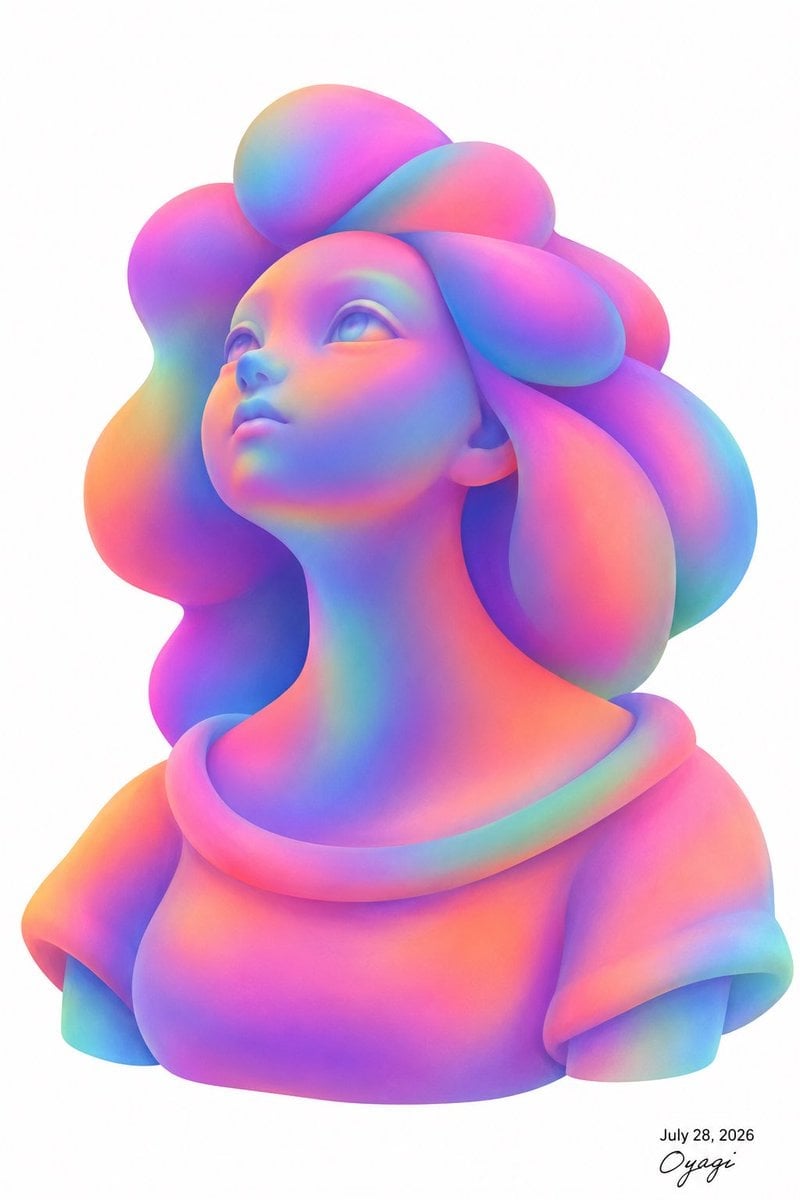
Iridescent Bubble-Hair Bust Portrait
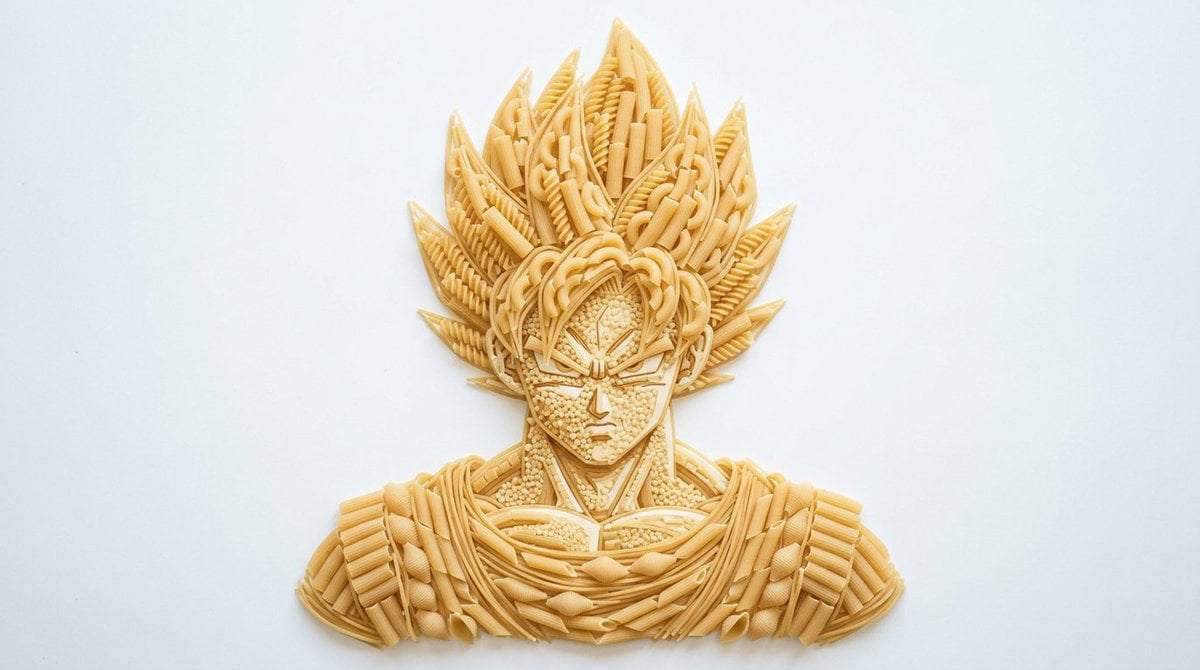
Pasta Art Bust Portrait
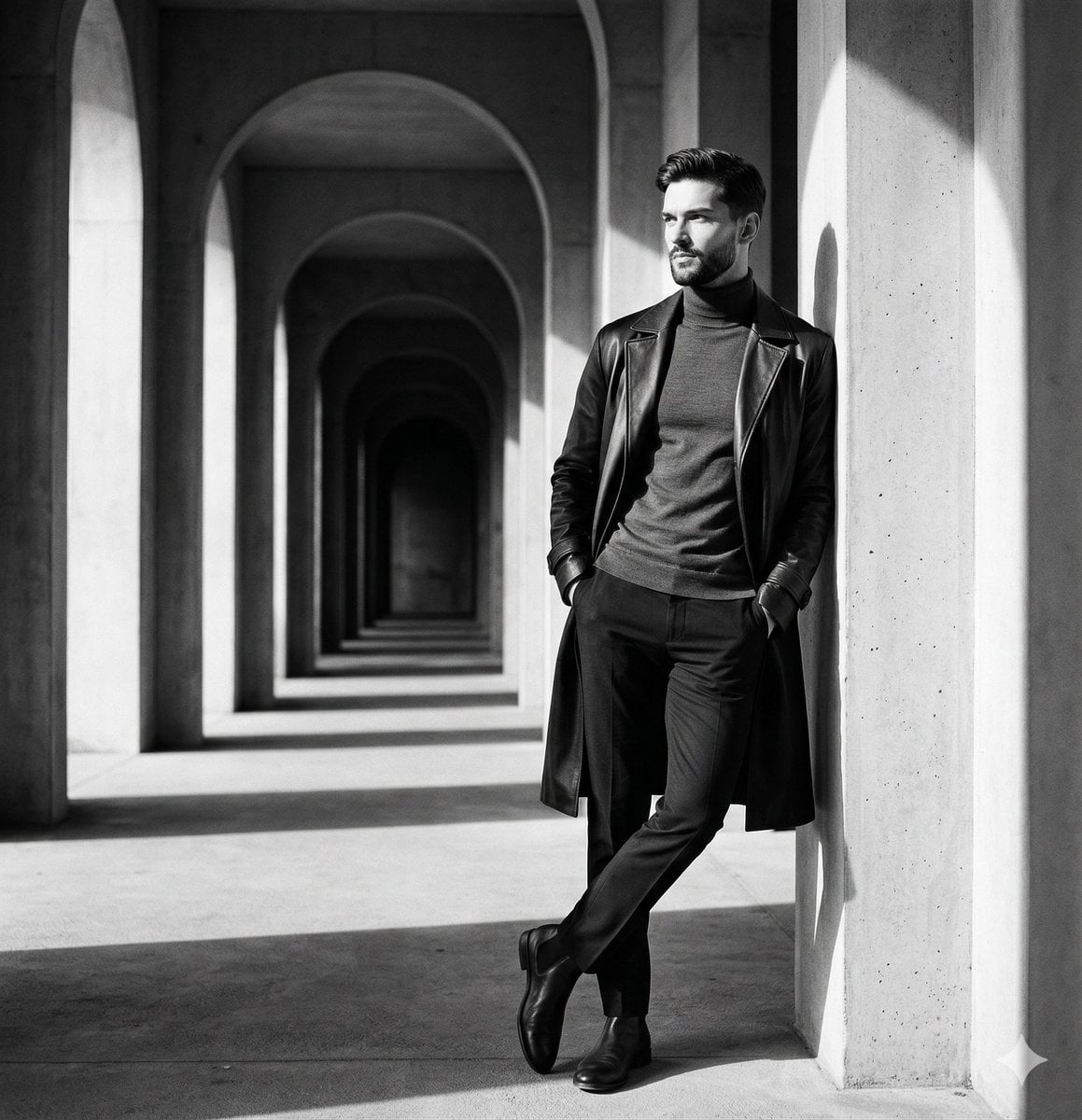
Greek Column Marble Bust
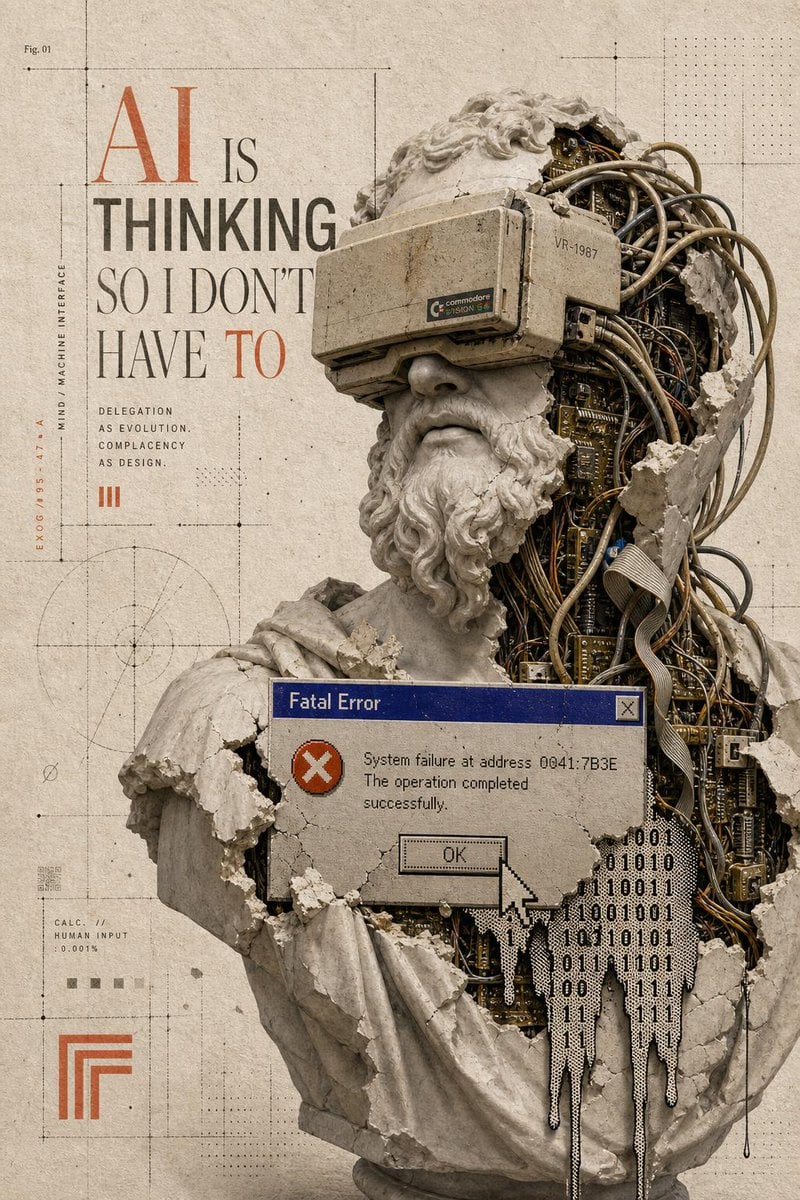
AI Thinking Classical Bust Poster
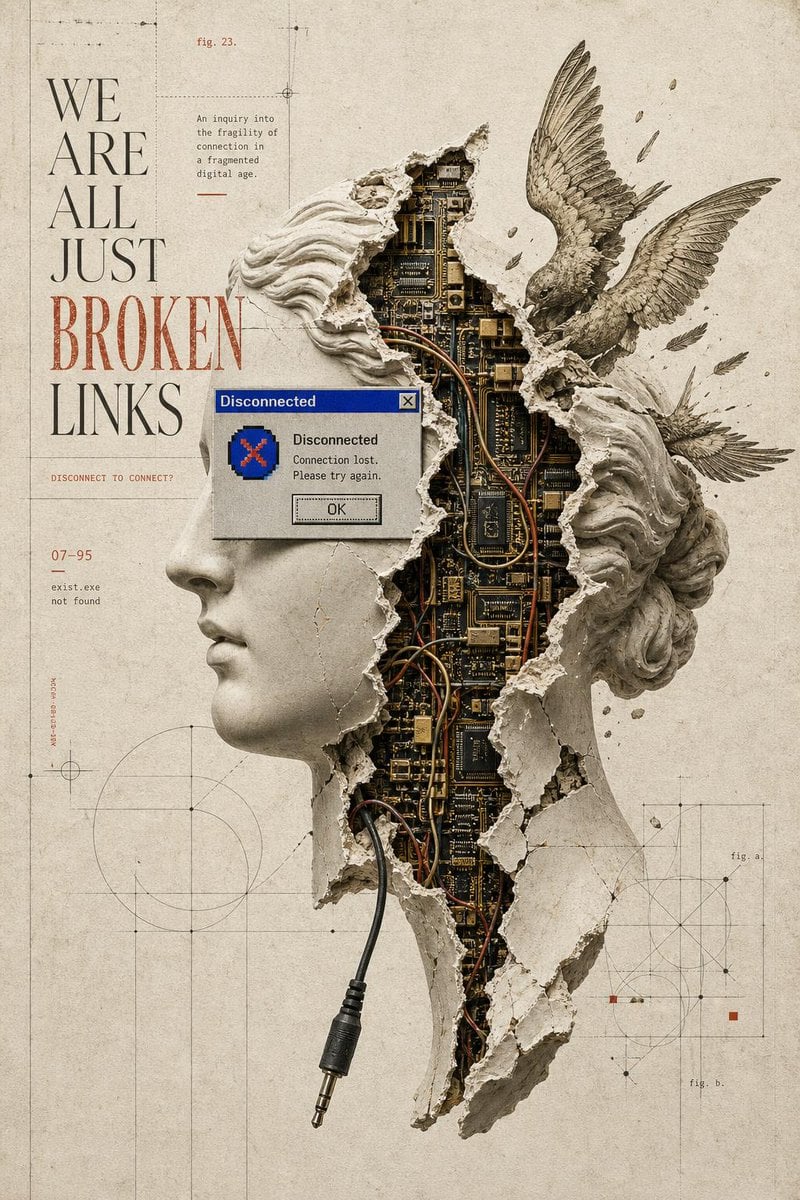
Broken Links Cybernetic Bust Poster
Melancholic Marble Bust Portrait
Digital Oil-Painted Bust Portrait
Make it yours
Pearlescent Erlang Shen Bust works as-is. These are the safest ways to change it without losing the look.
Change one field
Copy a single group, rewrite it, and generate again so you can see what that field is doing.
Keep the frame, change the subject
Hold the composition and light of Pearlescent Erlang Shen Bust, then swap wardrobe, props or the person for a new take.
| If the result… | Why | Fix |
|---|---|---|
| The result drifts from the preview | Too many fields changed at once. | Reuse Pearlescent Erlang Shen Bust as-is first, then change one group — subject, light, or setting. |
| The model over-stylizes the scene | The prose prompt leaves finish and camera underspecified. | Add one camera or lighting sentence and stay on GPT Image 2. |
More GPT Image 2 templates
Other prompts made for GPT Image 2.

Six VTuber Japanese Logo Sheet

Realistic Portrait of Woman and Deer

The Vista Modular Condo Poster

AI Model Routing Comparison Infographic

Isometric Productivity Desk Scene

New York Double Exposure Poster

Four-Panel AI Landscape Comparison

Japanese Tatami Lifestyle Magazine Cover

NESCAFÉ Coffee Map Poster

Brutalist Cogito Chinese Typography Poster
More image prompts
Fresh picks from across the catalog.
Portrait prompt for replicating a subject's appearance
Cherry Blossom Kimono Portrait Grid

Dark Tech Marketing Slide Collage
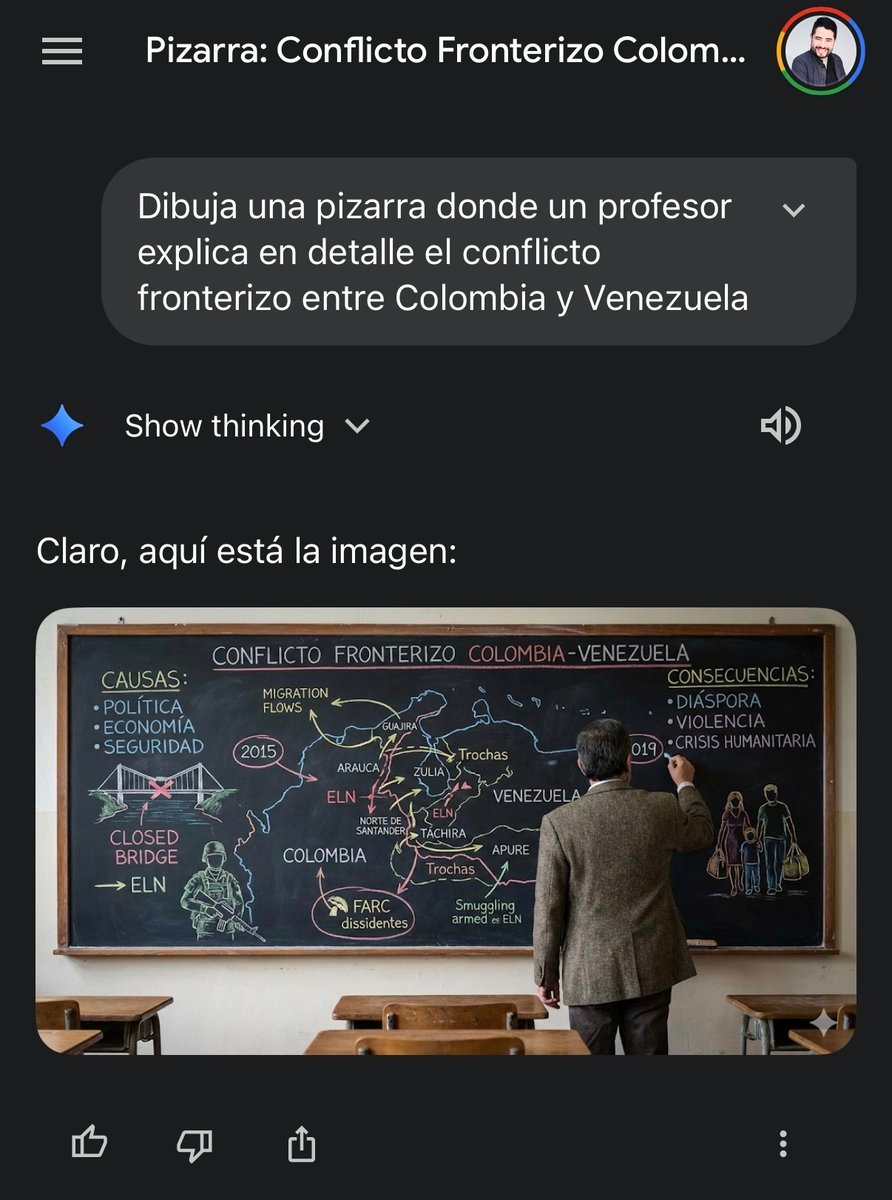
Military briefing on Caribbean tensions

Christmas Tree Disaster Action Freeze (Tom and Jerry Style)
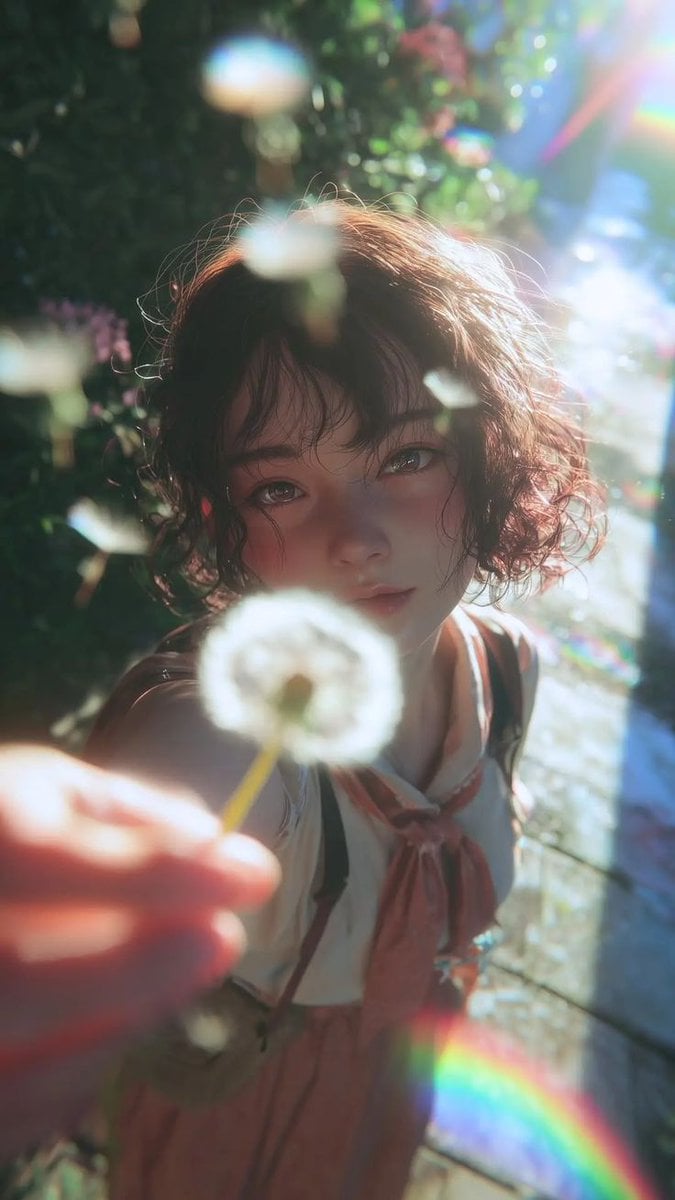
Dreamy Semi-Realistic Anime Portrait of a Girl with a Dandelion
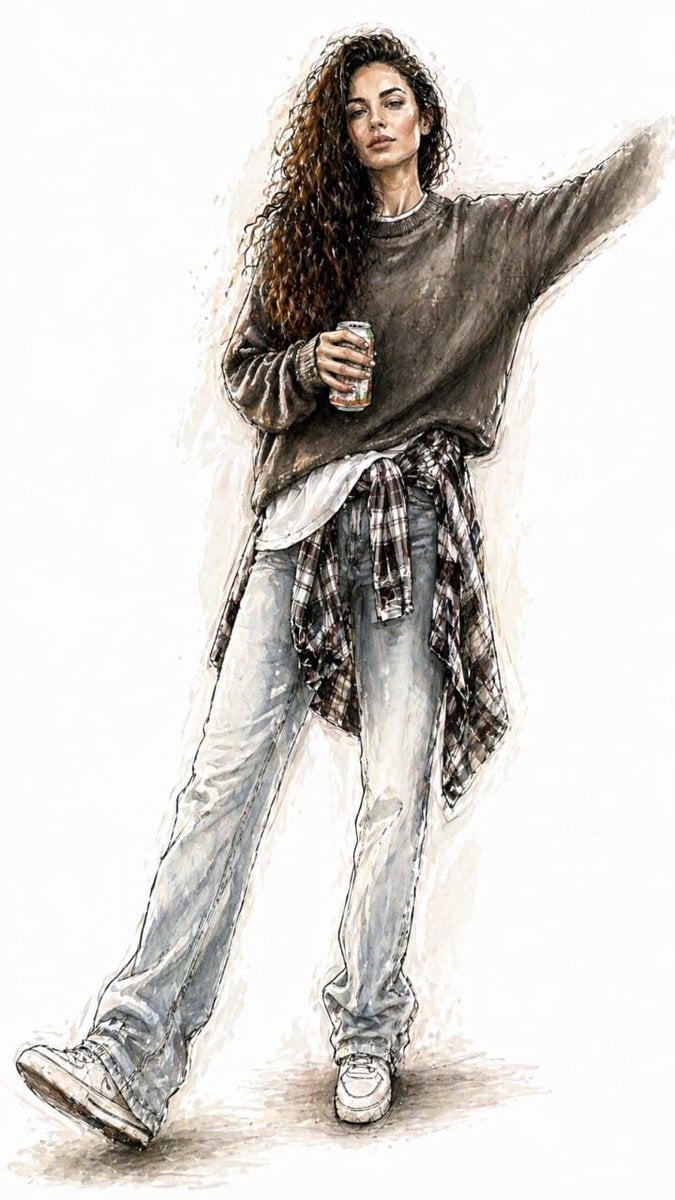
Watercolor Fashion Illustration Sketch
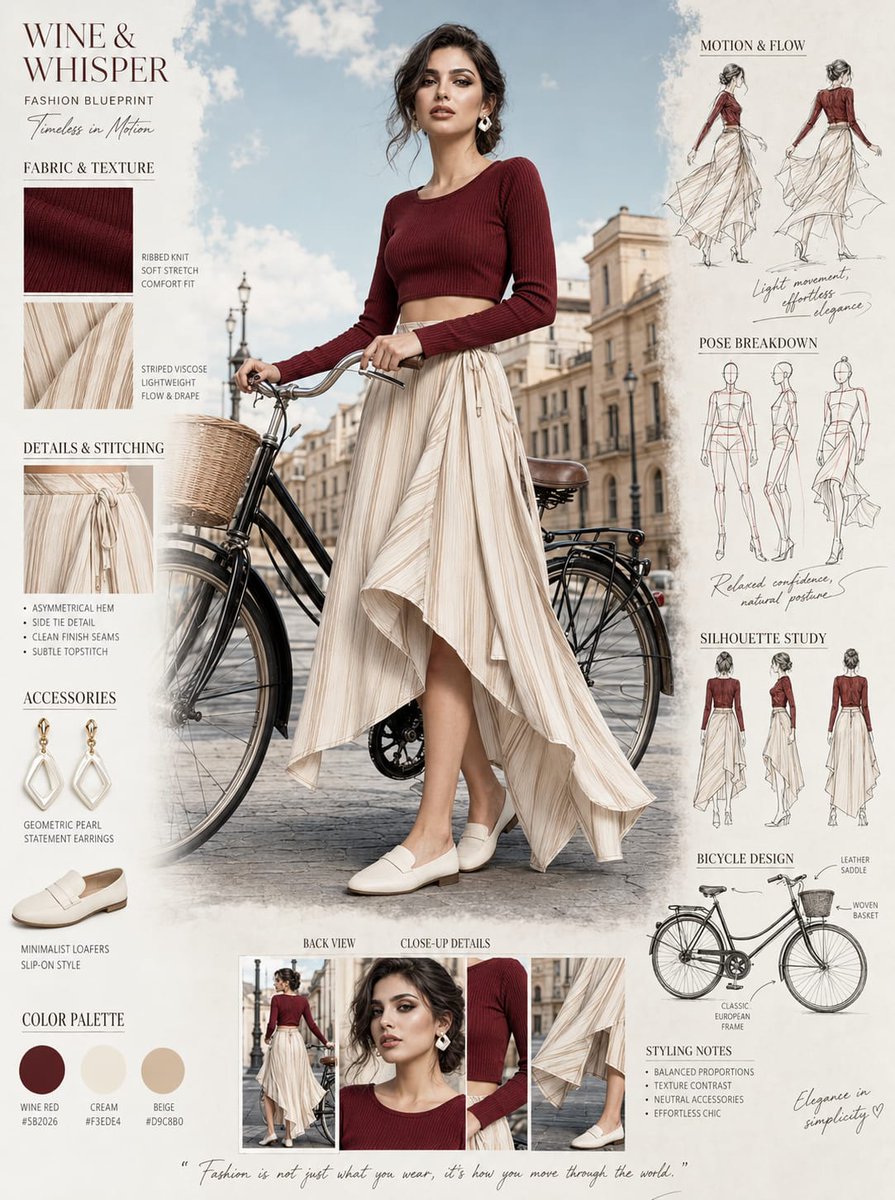
Fashion Blueprint Concept Sheet
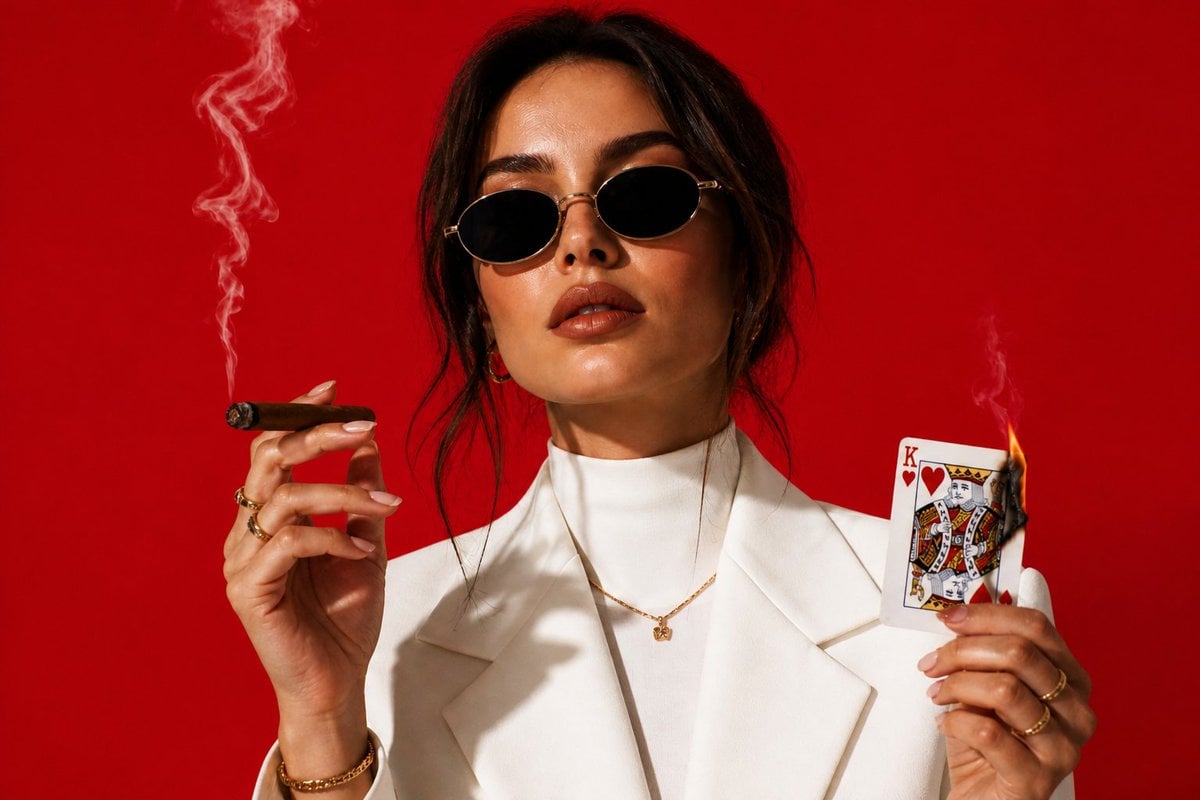
High-Fashion Cigar Portrait
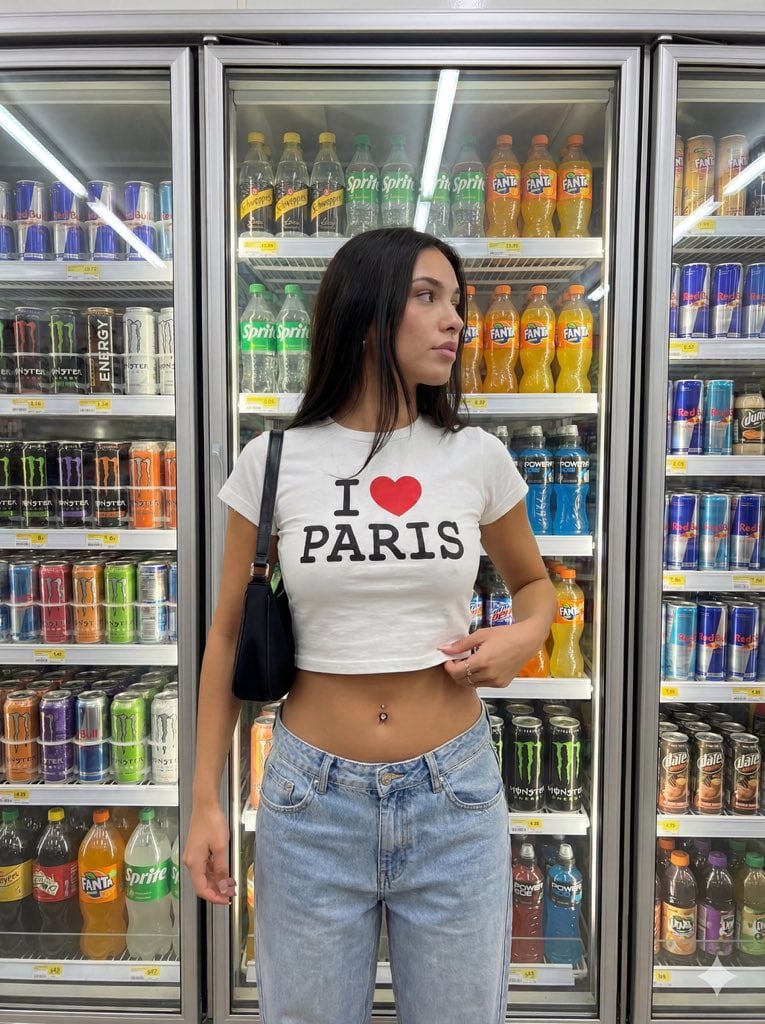
Convenience Store Aisle Portrait with Fluorescent Lighting
Browse template categories
Pearlescent Erlang Shen Bust questions
How do I use the Pearlescent Erlang Shen Bust template?
Add your photo if the template asks for one, edit the prompt if you like — the template's model and format are already selected — and press Generate. Your version opens in PicX Studio.
Can I customize the Pearlescent Erlang Shen Bust template?
Yes. You can change the subject, setting, lighting, mood, format, and available model controls before creating your image.
Is the Pearlescent Erlang Shen Bust template free?
Opening and editing this template is free. Generating uses credits, shown on the Generate button when you are signed in.
Which AI model should I use?
Start with GPT Image 2, which is the model associated with this template. You can compare another compatible model for a different finish.
Looking for something else? Browse all templates.

Your photo, any look
Thousands of ready templates for every top image and video model, from one credit balance.