
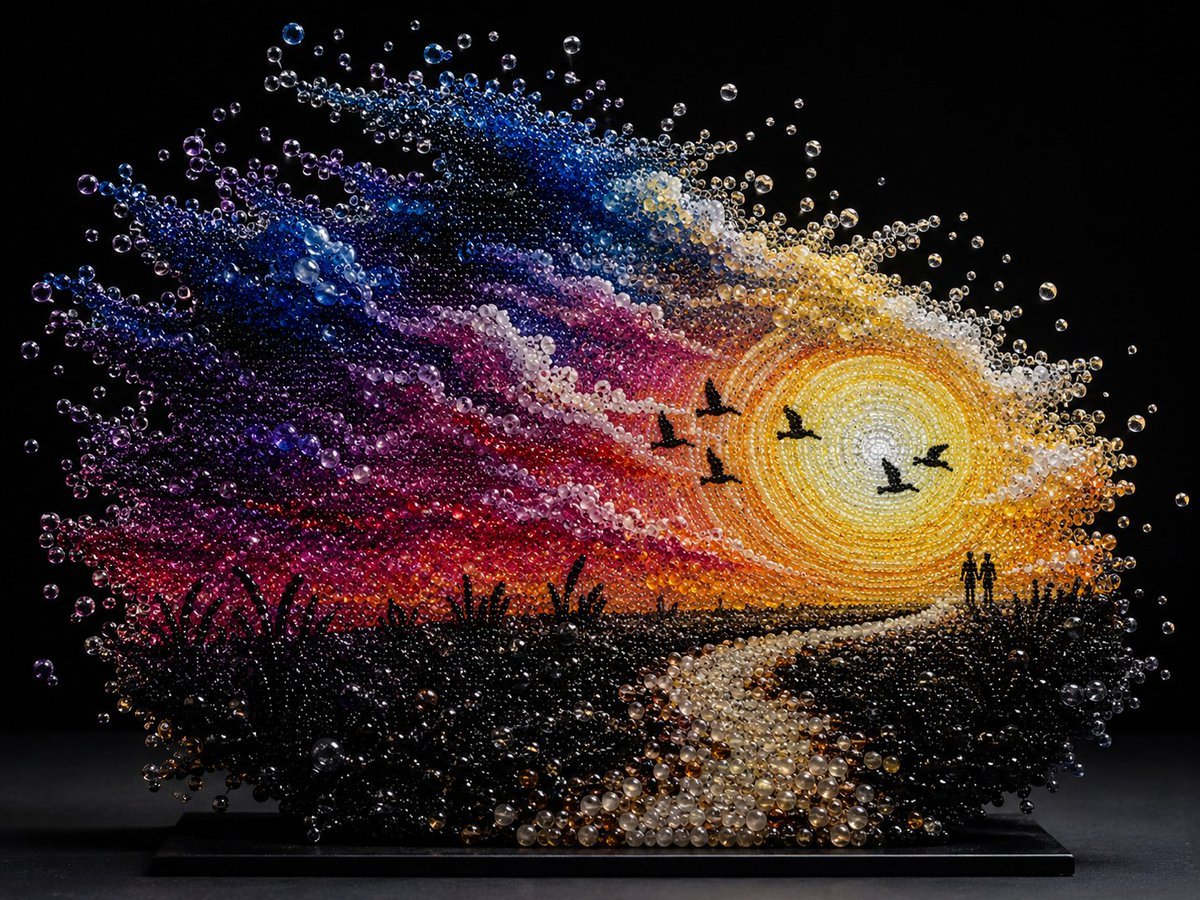
Pearlescent Bead Sunset Sculpture
Generates a dreamy glass-pearl sculpture of a romantic sunset landscape for fantasy art, decorative concepts, or product-style visual inspiration.
- Prompt included
- Model and format preset
- Free template
The prompt behind this image
Copy the exact prompt behind Pearlescent Bead Sunset Sculpture, or open it in the studio and make it yours.
Create a dreamy pearlescent bead sculpture of a sunset landscape, as if the entire scene is built from thousands of glossy translucent glass pearls, bubbles, and tiny crystal spheres suspended in space on a black rectangular display base. The artwork shows {argument name="scene theme" default="a romantic riverside sunset landscape"}: a huge glowing sun on the right made from concentric rings of yellow, gold, white, and amber beads, with radiant bead spray around it; a winding reflective river or path starts at the bottom center and curves toward the horizon; dark silhouetted reeds and marsh grasses fill the lower foreground; two tiny human silhouettes stand together near the right horizon; exactly 5 black bird silhouettes fly across the sunlit sky. The sky is a dramatic swirl of bead colors: deep navy and cobalt at upper left, violet and purple clouds, magenta and crimson bands, orange near the horizon, and pearly white cloud streaks around the sun. Use {argument name="dominant material" default="iridescent glass pearls and crystal bubbles"} with strong specular highlights, transparent refractions, and pearl-like luster. Background is pure black studio darkness, making the floating beads sparkle; the sculpture sits on a flat black plinth with subtle reflection and shadow. Style is ultra-detailed macro product photography of a handmade jewel-like installation, high contrast, cinematic lighting, crisp focus on the bead texture, magical and dreamlike, no text, no watermark.
How to use Pearlescent Bead Sunset Sculpture in 3 steps
- 1Upload ImagePNG, JPG or paste
Add your photo
Upload the photo the template builds on. The prompt, model and format are already set.
- 2…a portrait of your subject in softgolden-hour light, 85mm…
Personalize
Edit the subject and creative details for your destination.
- 3Generate
Generate
Press Generate — your image is created in PicX Studio, so you can compare it with the original and refine one variable at a time.
More like this
Templates with the same subject, style or setup. Open one to see its prompt.

Mountain Lake Sunset Landscape

Artistic Arborpunk Garden Observatory Complex
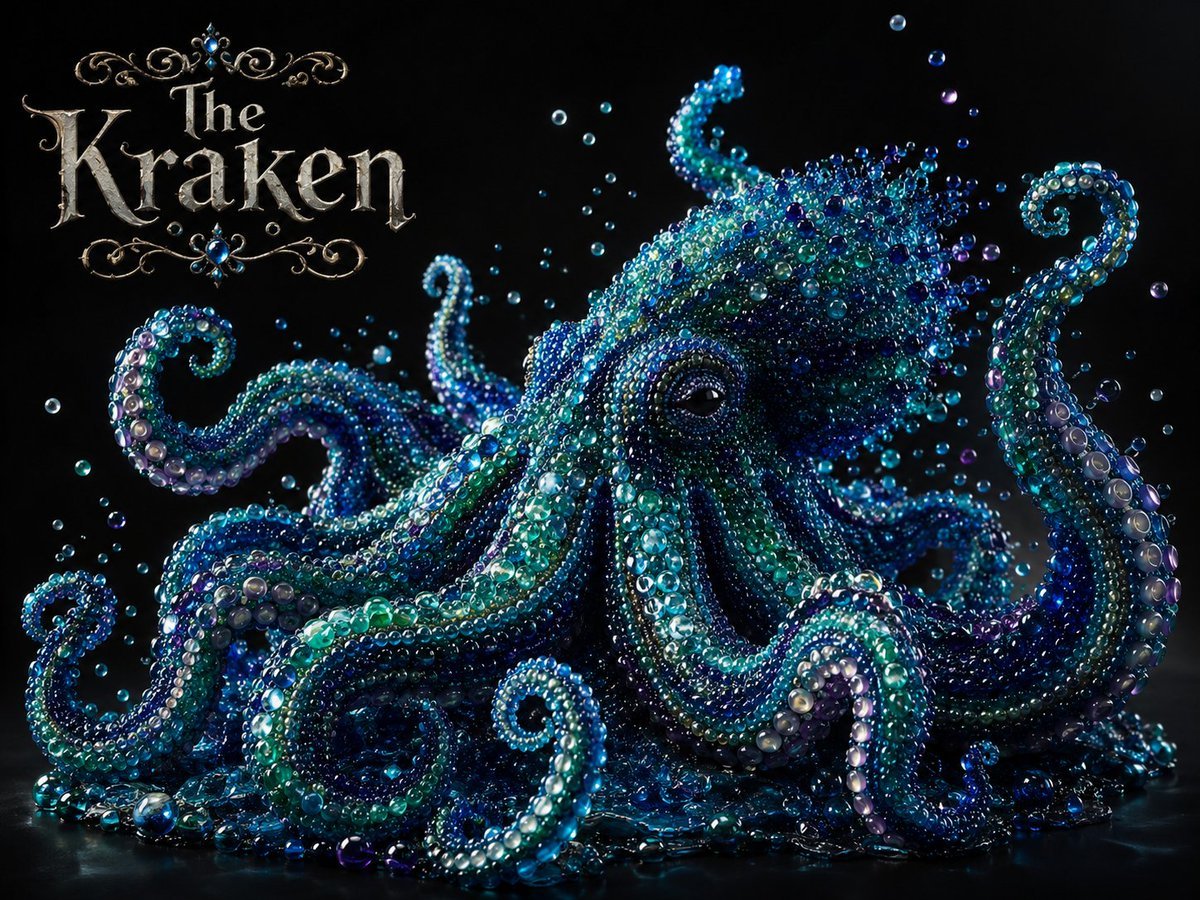
Pearlescent Glass Sculpture

Gpt2 Avant Garde Tennis Fashion

Indian Village Cattle Herding — Nano Banana

Golden Retriever Sunset Campfire Photography
Beaded Pixel Art Portrait
Romantic Zushi Beach Sunset Couple
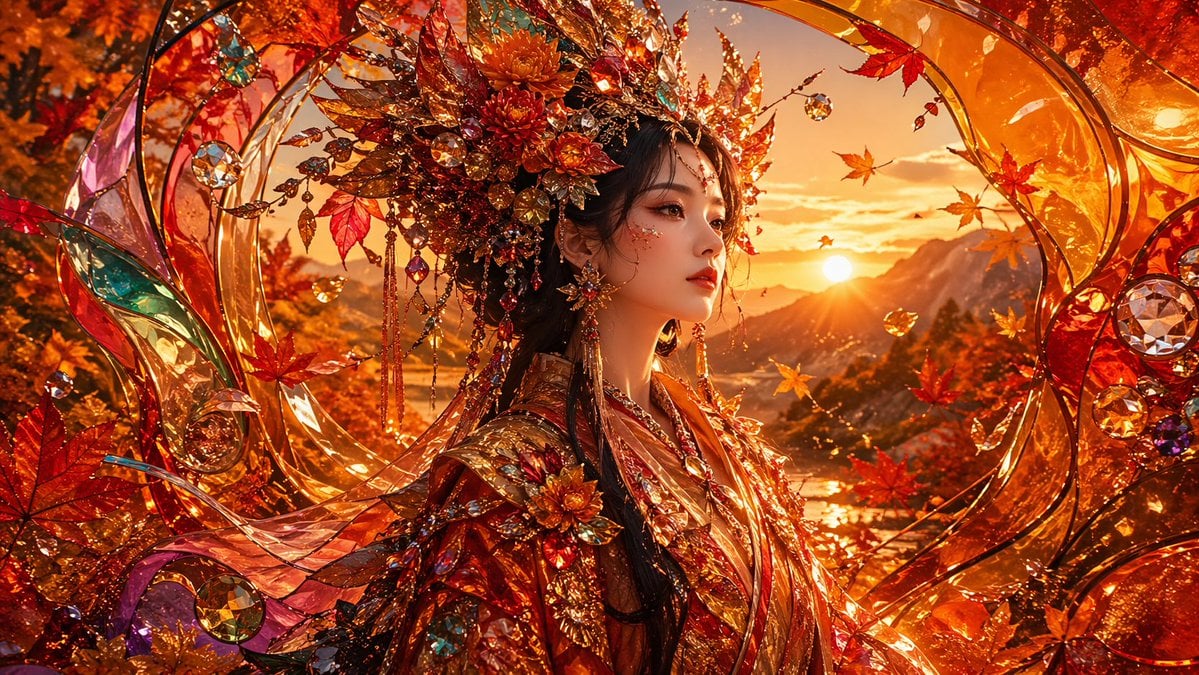
Opulent Autumn Empress at Sunset
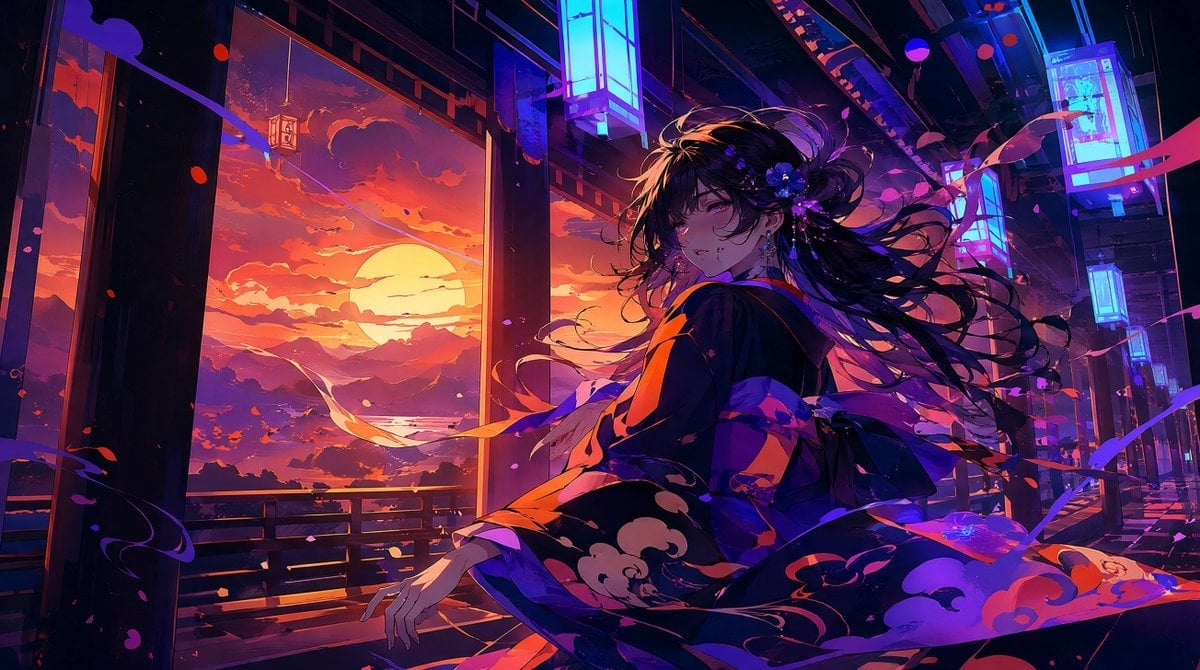
Neon Sunset Kimono Girl
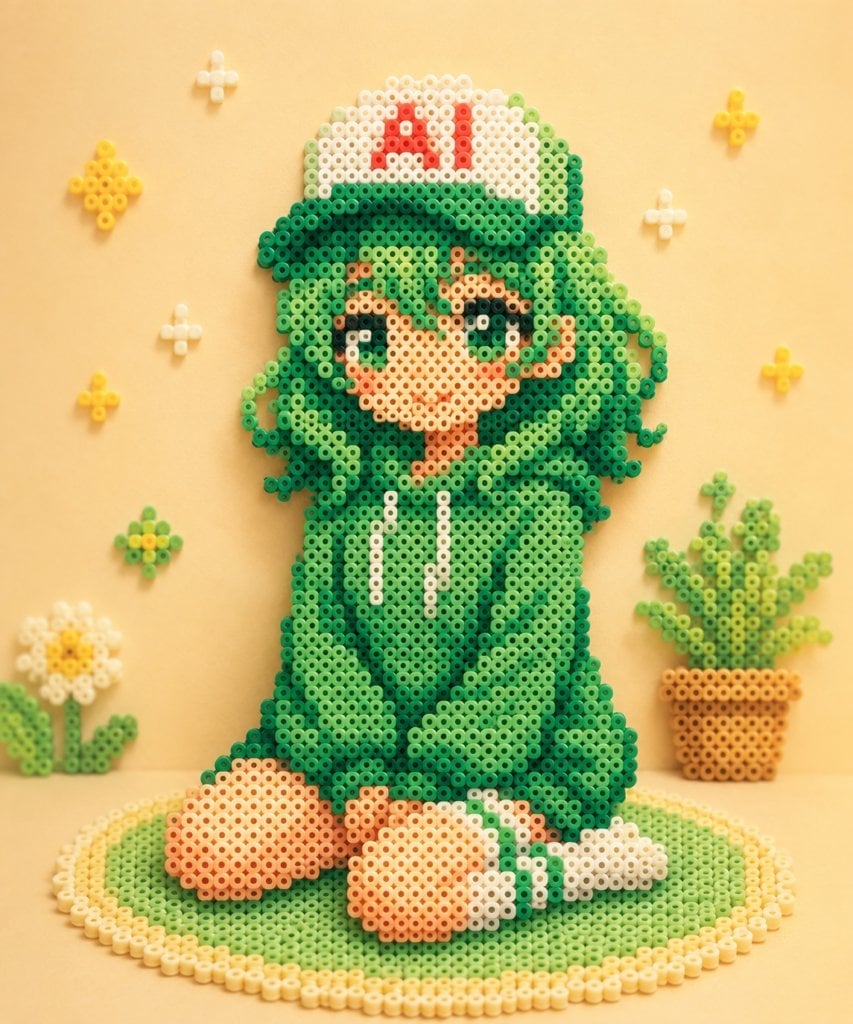
Kawaii Green Bead Art Girl
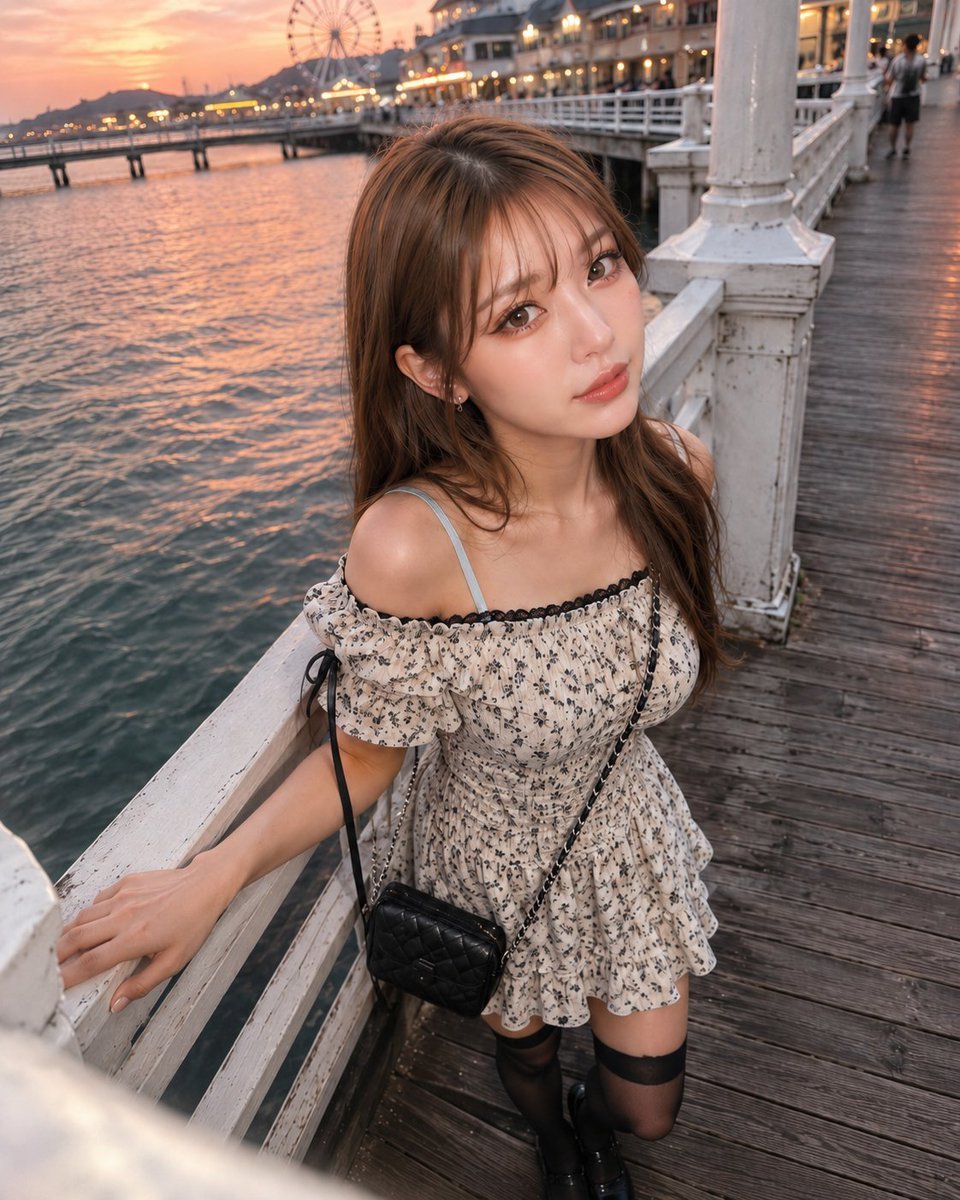
Boyfriend POV Seaside Sunset Date
Make it yours
Pearlescent Bead Sunset Sculpture works as-is. These are the safest ways to change it without losing the look.
Change one field
Copy a single group, rewrite it, and generate again so you can see what that field is doing.
Keep the frame, change the subject
Hold the composition and light of Pearlescent Bead Sunset Sculpture, then swap wardrobe, props or the person for a new take.
| If the result… | Why | Fix |
|---|---|---|
| The result drifts from the preview | Too many fields changed at once. | Reuse Pearlescent Bead Sunset Sculpture as-is first, then change one group — subject, light, or setting. |
| The model over-stylizes the scene | The prose prompt leaves finish and camera underspecified. | Add one camera or lighting sentence and stay on GPT Image 2. |
More GPT Image 2 templates
Other prompts made for GPT Image 2.

Six VTuber Japanese Logo Sheet

Realistic Portrait of Woman and Deer

The Vista Modular Condo Poster

AI Model Routing Comparison Infographic

2.5D Anime Art Board

Isometric Productivity Desk Scene

New York Double Exposure Poster

Four-Panel AI Landscape Comparison

Japanese Tatami Lifestyle Magazine Cover

NESCAFÉ Coffee Map Poster
More image prompts
Fresh picks from across the catalog.
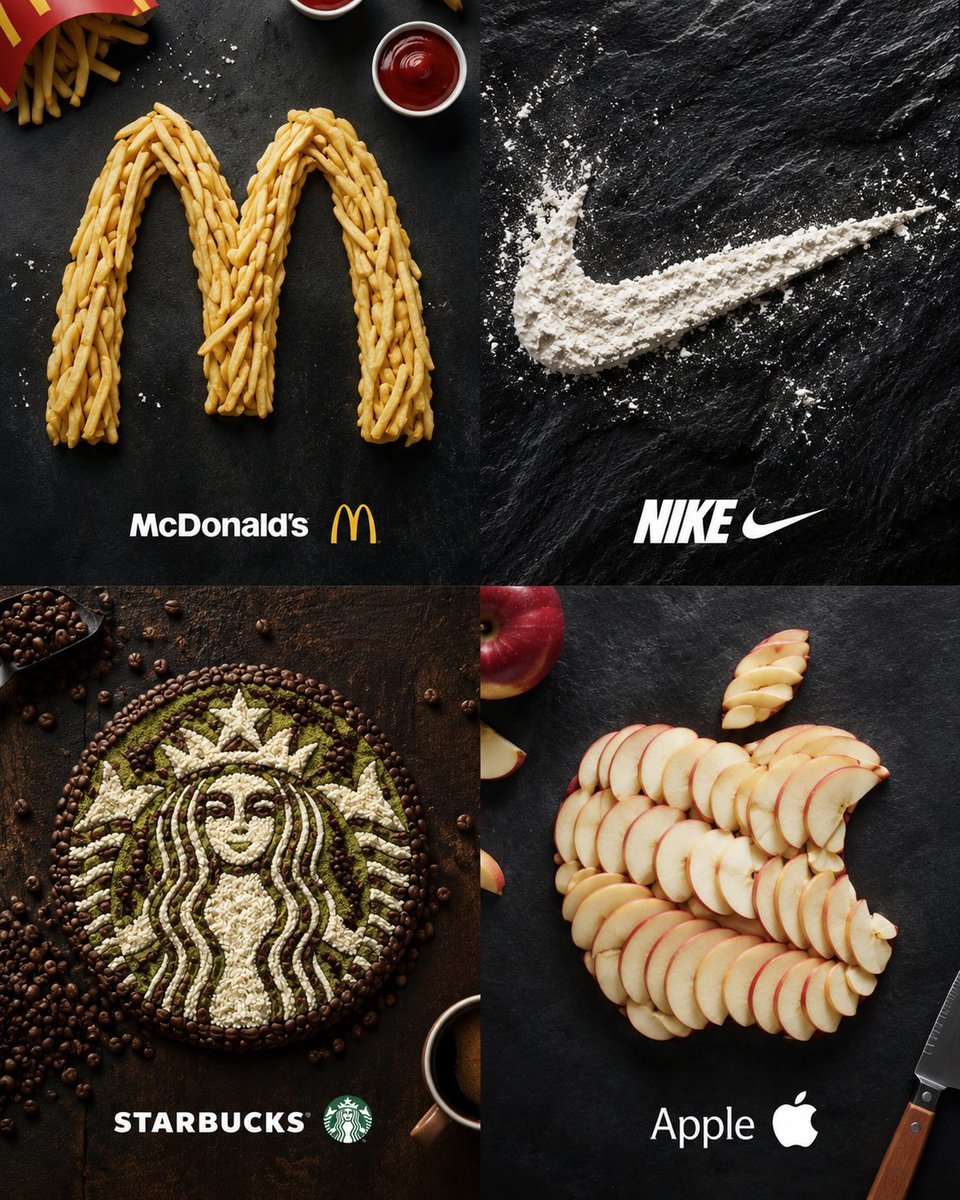
Food Ingredient Brand Logo Transformation

Y2K Scrapbook Collage Poster
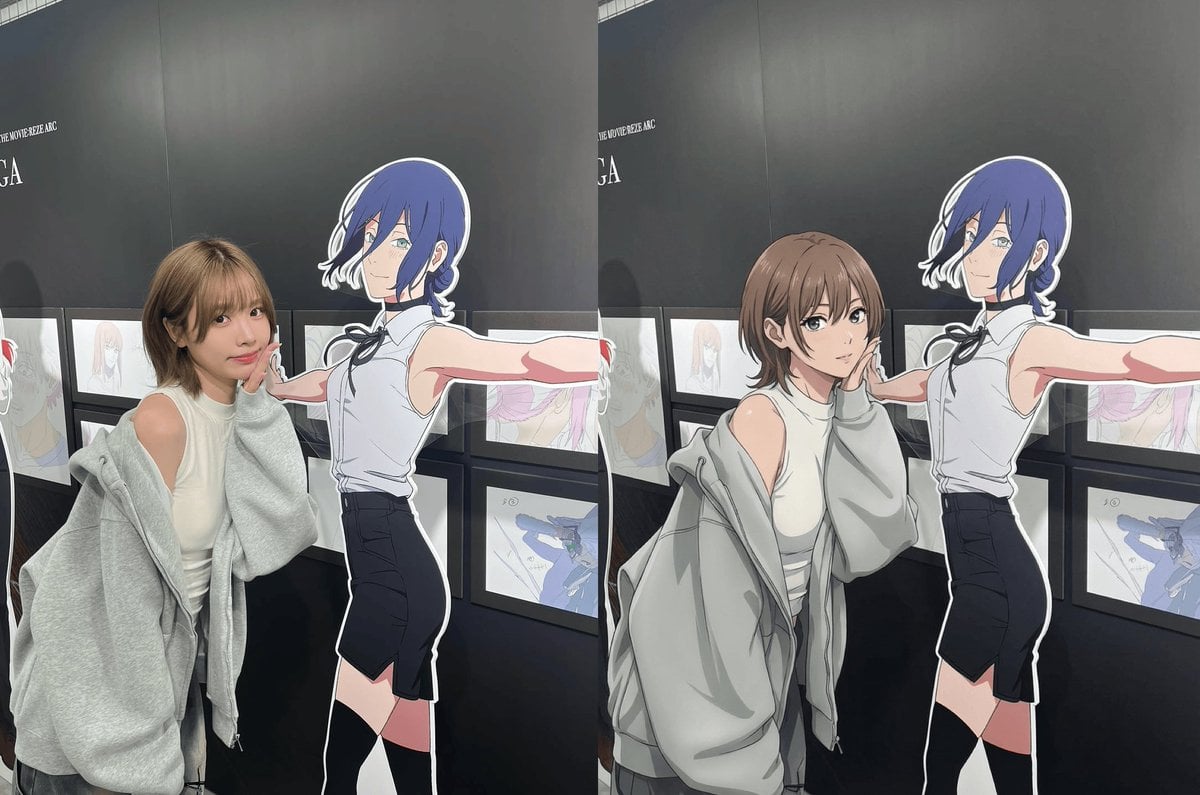
Modern anime-film style, only modify left girl

Himalayan Hiker Adventure Poster

Structured Prompt for Coffee Shop Lifestyle Photo
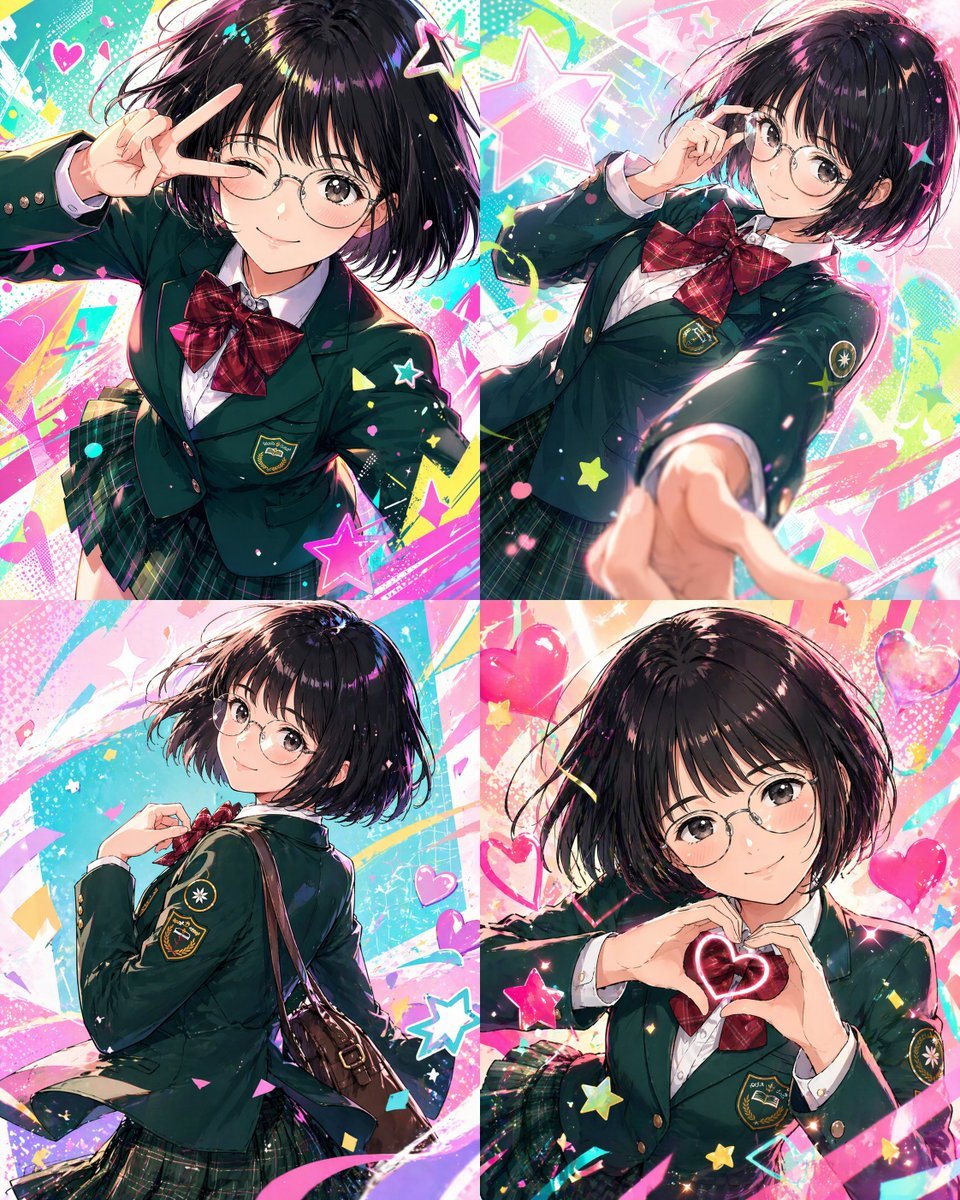
Character color and style adjustment
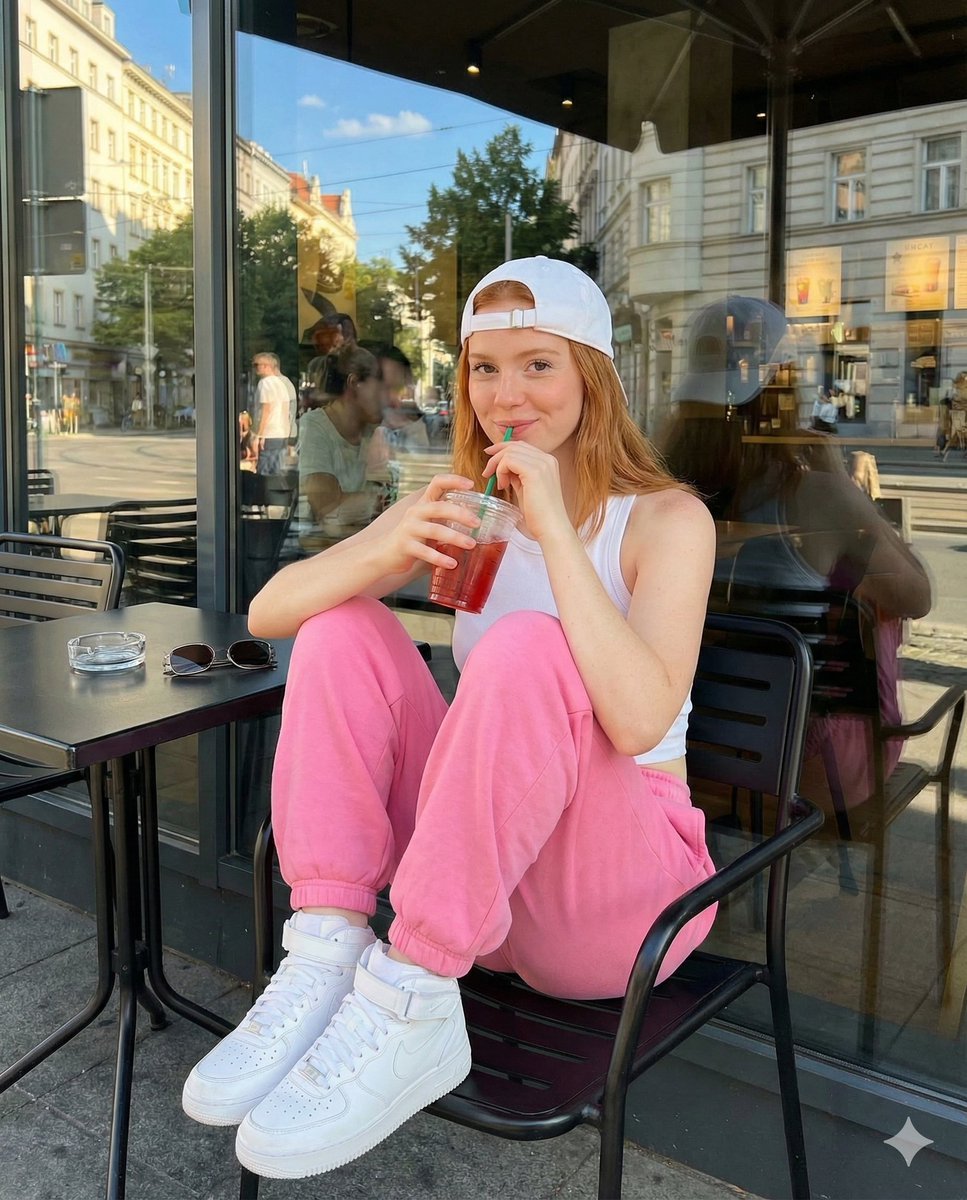
Candid Street Photography at European Cafe
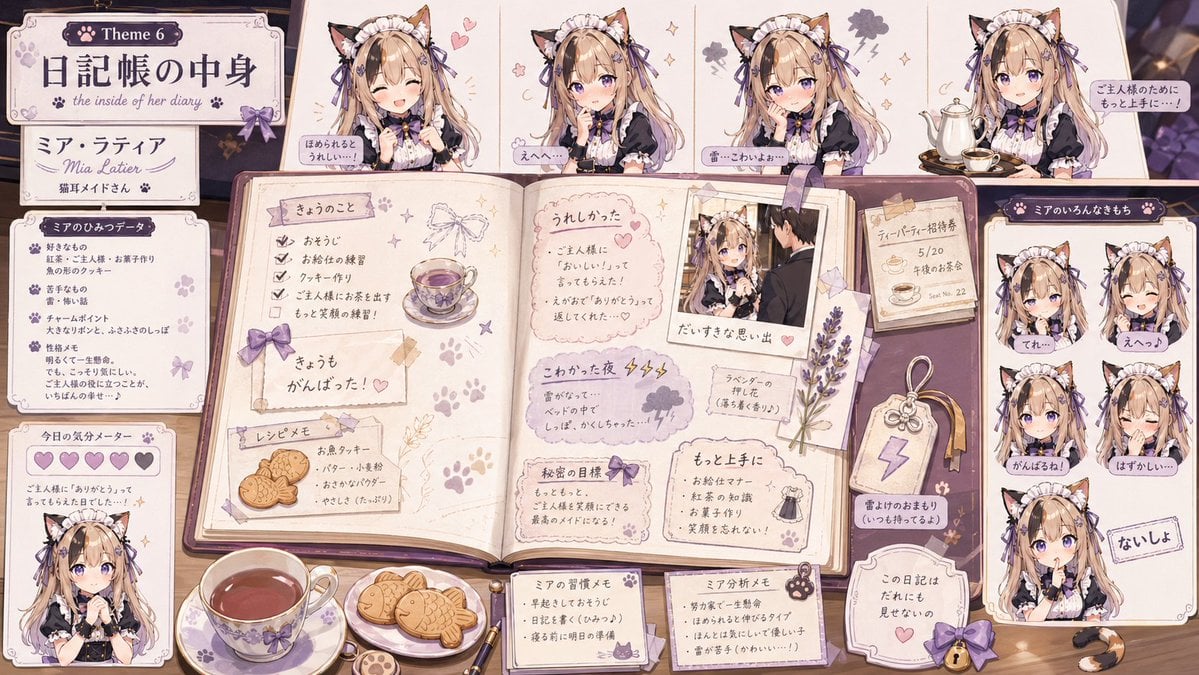
Cat Maid Diary Reference Sheet
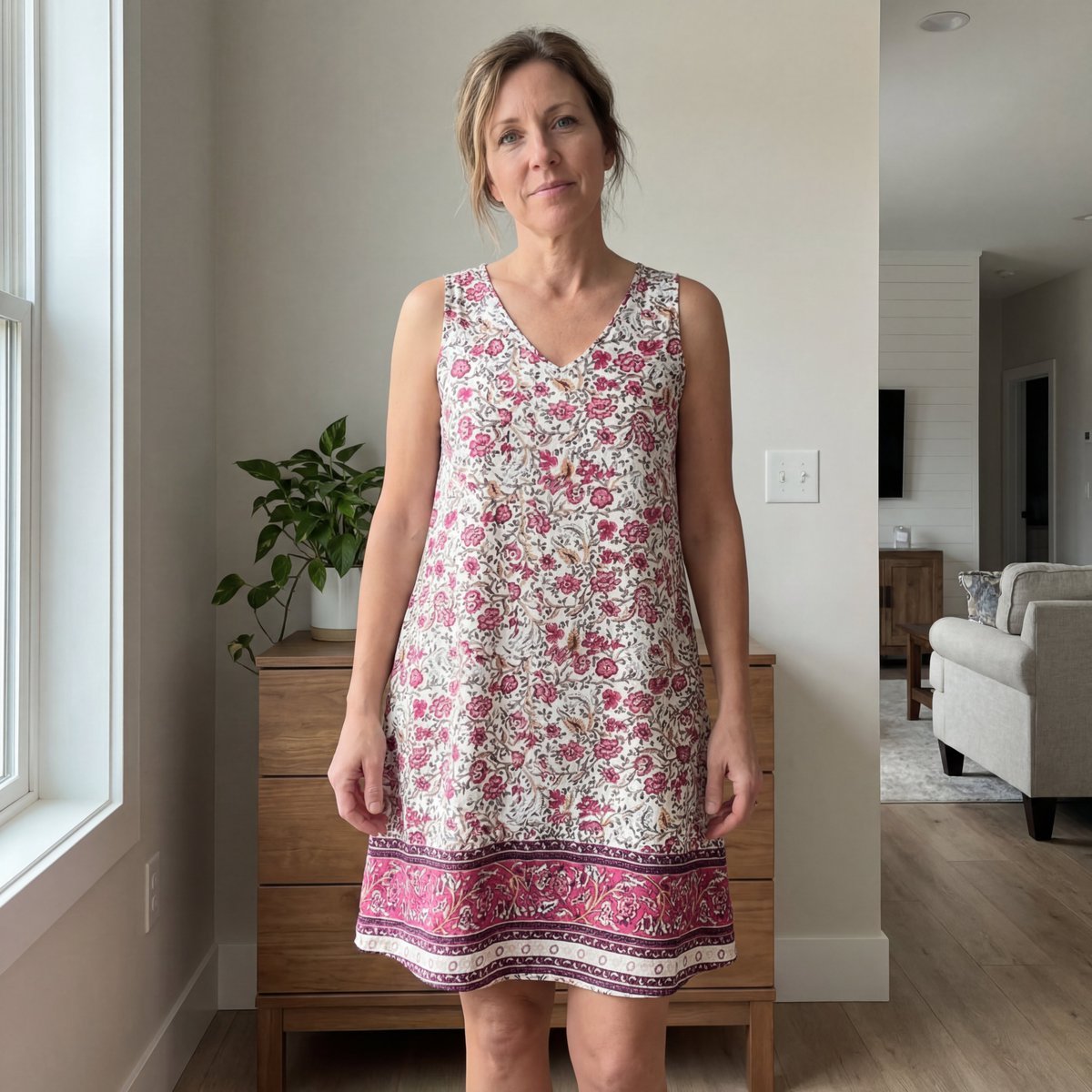
E-commerce Try-On Photo Generation Prompt
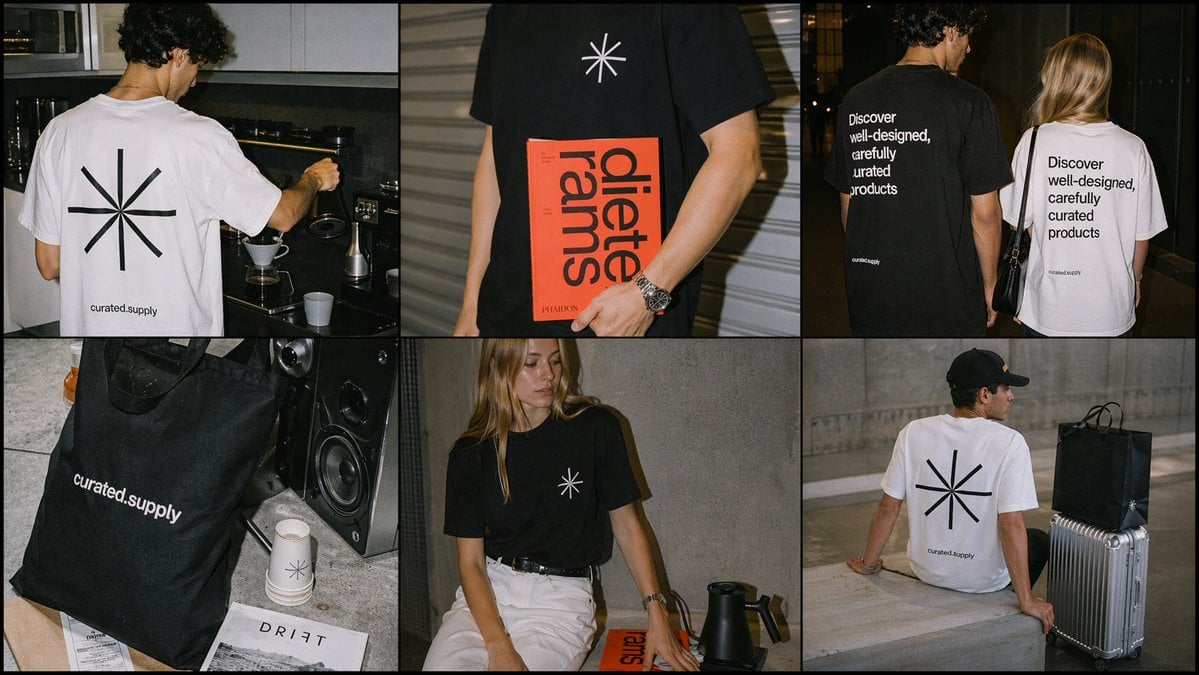
Minimal Streetwear Merch Campaign Grid
Browse template categories
Pearlescent Bead Sunset Sculpture questions
How do I use the Pearlescent Bead Sunset Sculpture template?
Add your photo if the template asks for one, edit the prompt if you like — the template's model and format are already selected — and press Generate. Your version opens in PicX Studio.
Can I customize the Pearlescent Bead Sunset Sculpture template?
Yes. You can change the subject, setting, lighting, mood, format, and available model controls before creating your image.
Is the Pearlescent Bead Sunset Sculpture template free?
Opening and editing this template is free. Generating uses credits, shown on the Generate button when you are signed in.
Which AI model should I use?
Start with GPT Image 2, which is the model associated with this template. You can compare another compatible model for a different finish.
Looking for something else? Browse all templates.

Your photo, any look
Thousands of ready templates for every top image and video model, from one credit balance.