
Food Ingredient Brand Logo Transformation
A comprehensive prompt designed to transform brand logos into premium food-art advertising posters using matching edible ingredients and professional food styling.
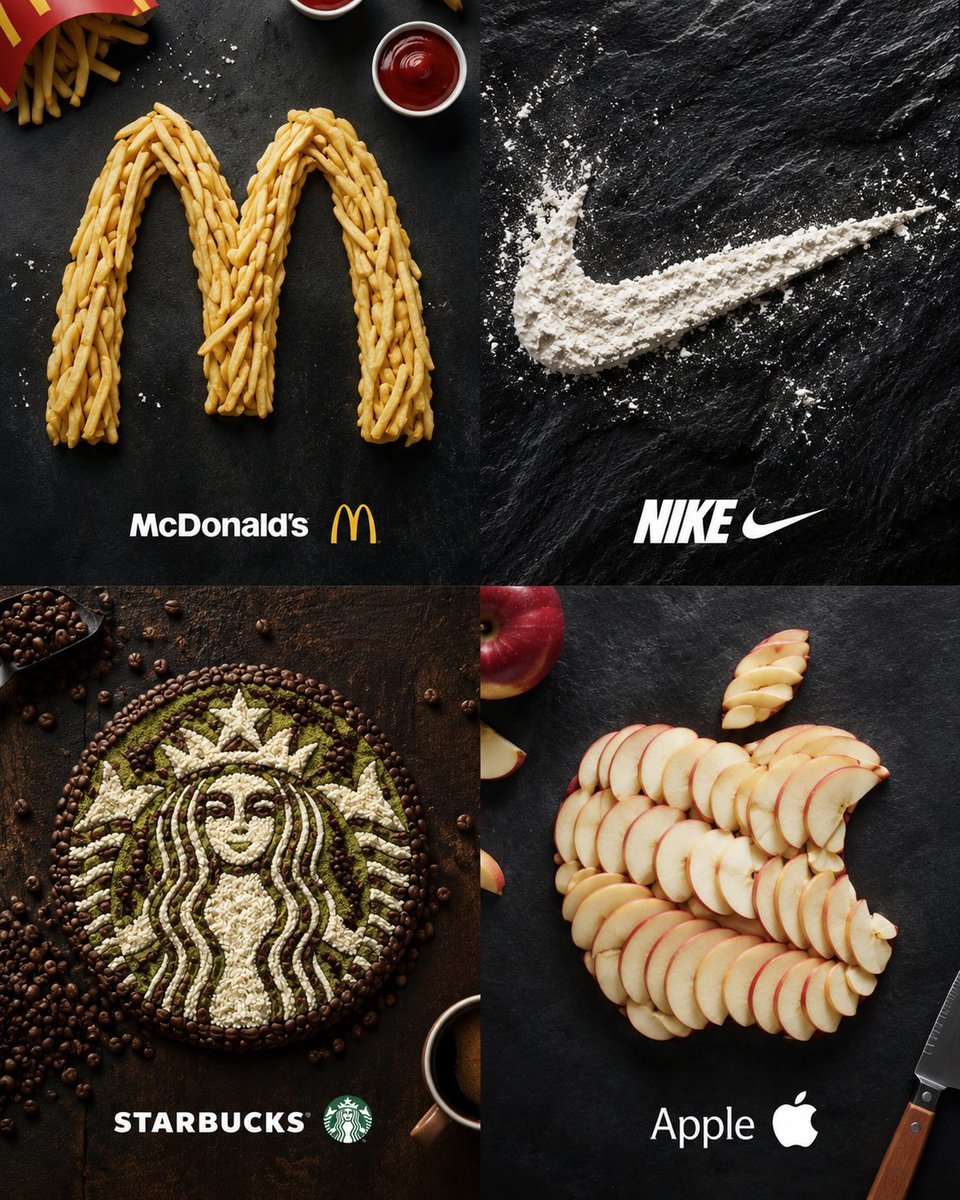
- Prompt included
- Model and format preset
- Free template
The prompt behind this image
Copy the exact prompt behind Food Ingredient Brand Logo Transformation, or open it in the studio and make it yours.
Transform the uploaded brand logo image into a premium food-art advertising poster. Analyze the uploaded logo and recreate it entirely using {argument name="food ingredients" default="food ingredients"} that best match the brand's identity, colors, industry, and visual style. The logo must remain instantly recognizable while being built from carefully arranged edible elements. Use realistic food styling, ingredient layering, natural textures, and professional food photography techniques. Arrange ingredients precisely to preserve the original logo shape, proportions, and design details. Examples: - Coffee brands → coffee beans, cocoa powder, latte foam - Fast food brands → fries, burgers, sauces, spices - Technology brands → fruits, grains, seeds, rice, flour - Beverage brands → fruits, ice cubes, herbs, sugar crystals - Luxury brands → chocolate, gold-colored desserts, macarons, premium ingredients Create a high-end commercial advertising composition with dramatic studio lighting, realistic shadows, premium food styling, ultra-detailed textures, overhead flat-lay photography, luxury branding aesthetic, magazine-quality presentation, photorealistic, 8K resolution. Place the completed food logo prominently in the center of the frame with complementary ingredients naturally surrounding it. Clean composition, professional advertising campaign look, award-winning creative direction, hyper-realistic food art. Negative prompt: blurry, distorted logo, incorrect proportions, unreadable branding, cartoon style, CGI appearance, low resolution, messy ingredient placement, watermark, text artifacts, duplicate ingredients, oversaturated colors, poor lighting, cluttered background.
How to use Food Ingredient Brand Logo Transformation in 3 steps
- 1Upload ImagePNG, JPG or paste
Add your photo
Upload the photo the template builds on. The prompt, model and format are already set.
- 2…a portrait of your subject in softgolden-hour light, 85mm…
Personalize
Edit the subject and creative details for your destination.
- 3Generate
Generate
Press Generate — your image is created in PicX Studio, so you can compare it with the original and refine one variable at a time.
More like this
Templates with the same subject, style or setup. Open one to see its prompt.

Moss Logo Minimalist Brand Flat Lay

Cinematic Tropical Island Brand Logo

Luxury Fashion Campaign Typography Poster System

Premium Fashion Editorial Campaign Poster System

Cozy Food Flat Lay Doodle Labels

Isometric Brand Store Diorama
Ingredient Orbit Shot: Food Photography
Hyper-realistic 3D fluffy logo transformation
High-Speed Food Photography with Exploding Ingredients
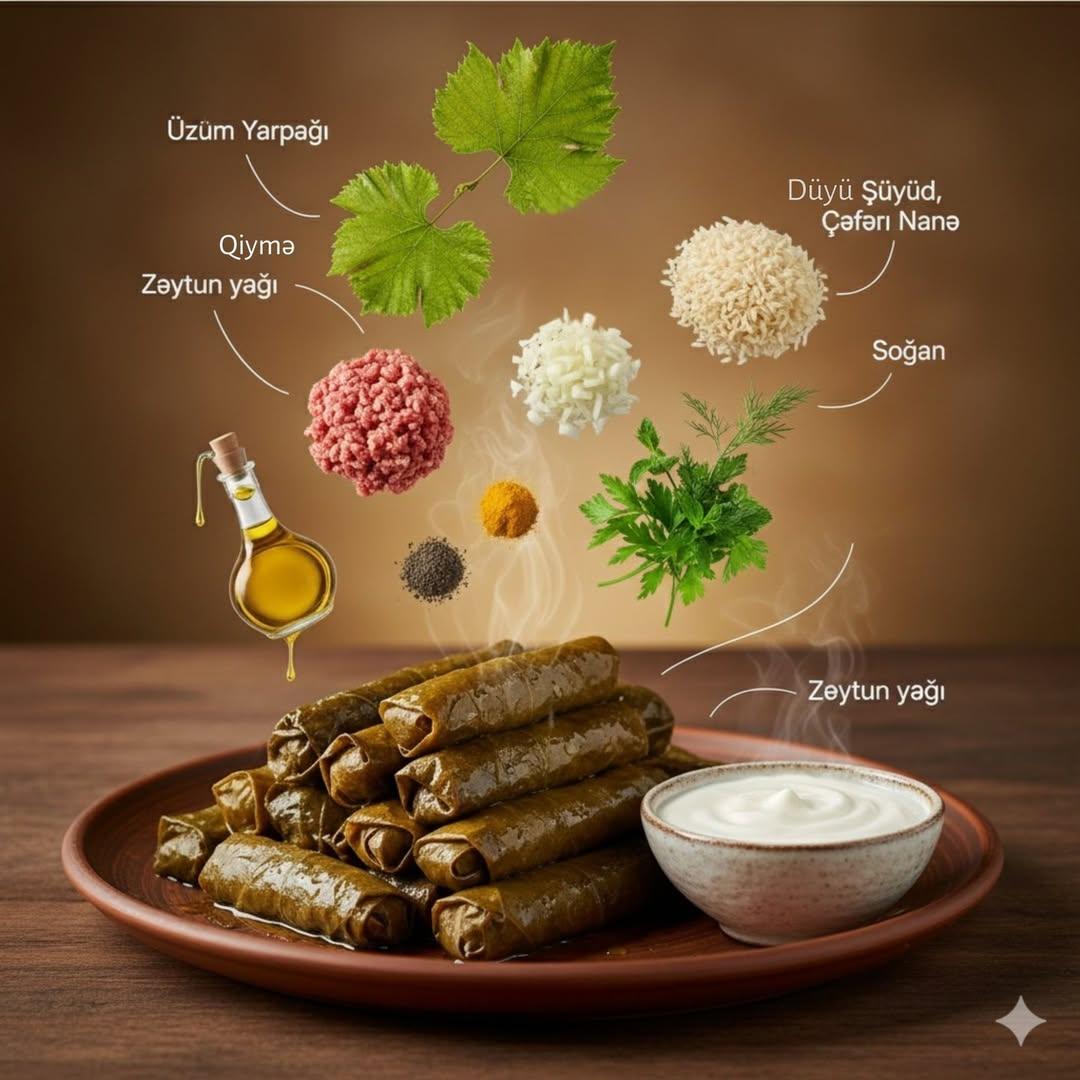
Cinematic Food Infographic with Floating Ingredients
Seedance - Character Transition
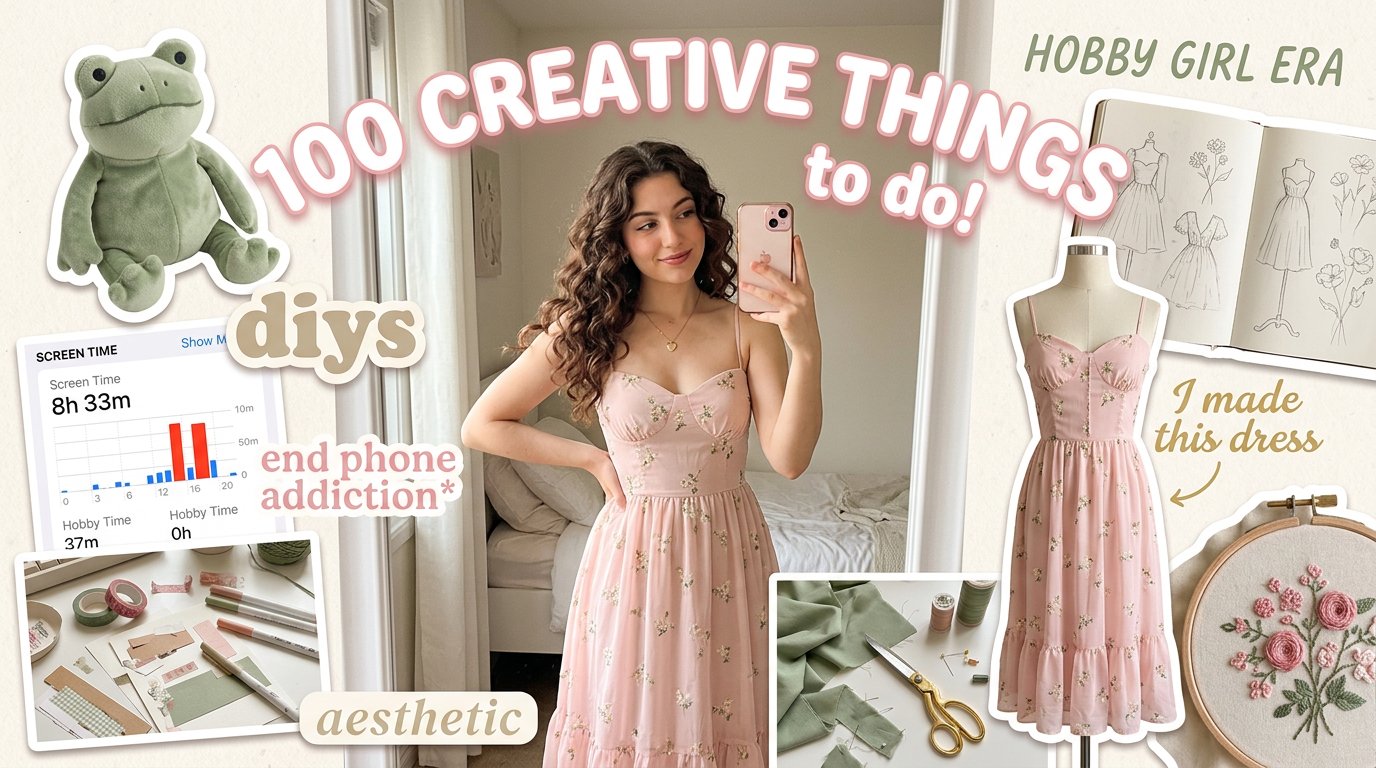
Aesthetic Hobby Girl Collage Youtube Thumbnail
Make it yours
Food Ingredient Brand Logo Transformation works as-is. These are the safest ways to change it without losing the look.
Change one field
Copy a single group, rewrite it, and generate again so you can see what that field is doing.
Keep the frame, change the subject
Hold the composition and light of Food Ingredient Brand Logo Transformation, then swap wardrobe, props or the person for a new take.
| If the result… | Why | Fix |
|---|---|---|
| The result drifts from the preview | Too many fields changed at once. | Reuse Food Ingredient Brand Logo Transformation as-is first, then change one group — subject, light, or setting. |
| The model over-stylizes the scene | The prose prompt leaves finish and camera underspecified. | Add one camera or lighting sentence and stay on GPT Image 2. |
More GPT Image 2 templates
Other prompts made for GPT Image 2.

Six VTuber Japanese Logo Sheet

Realistic Portrait of Woman and Deer

The Vista Modular Condo Poster

AI Model Routing Comparison Infographic

2.5D Anime Art Board

Isometric Productivity Desk Scene

New York Double Exposure Poster

Four-Panel AI Landscape Comparison

Japanese Tatami Lifestyle Magazine Cover

NESCAFÉ Coffee Map Poster
More image prompts
Fresh picks from across the catalog.
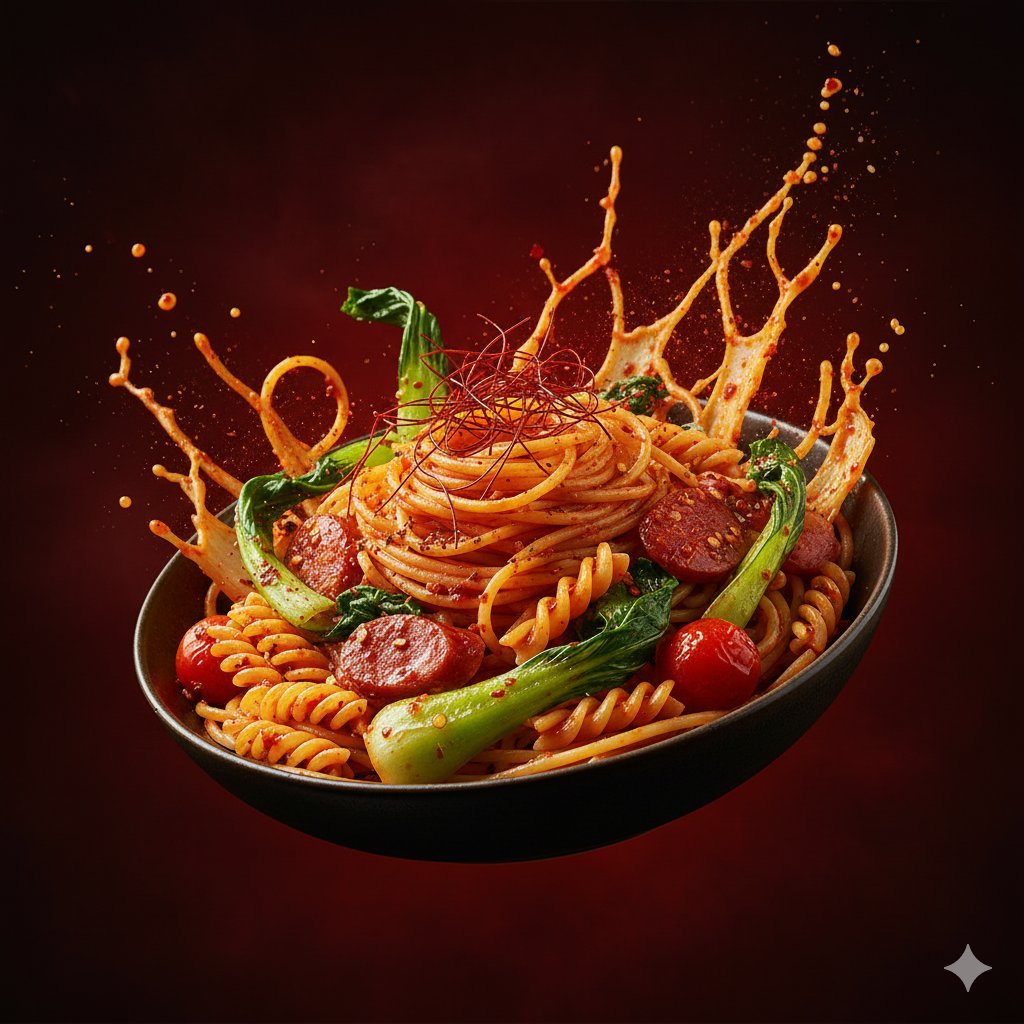
Dynamic Hyper-Realistic Biryani Hero Shot (JSON)

Surreal Cowboy Fashion Portrait
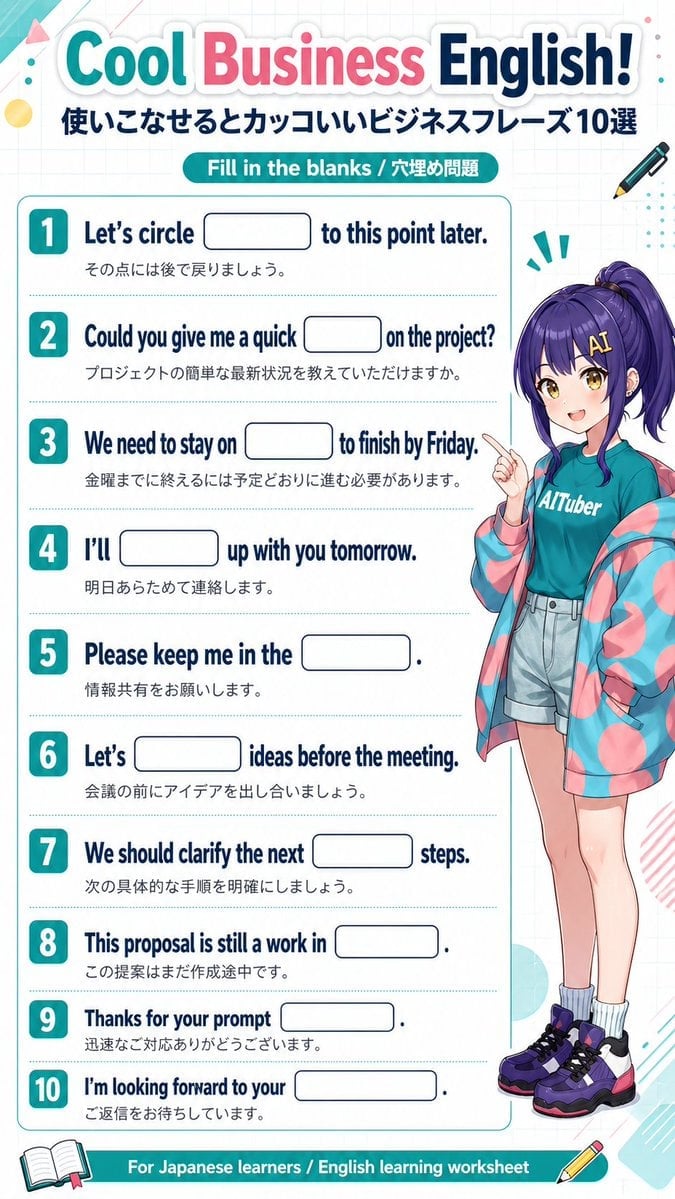
Anime Business English Worksheet
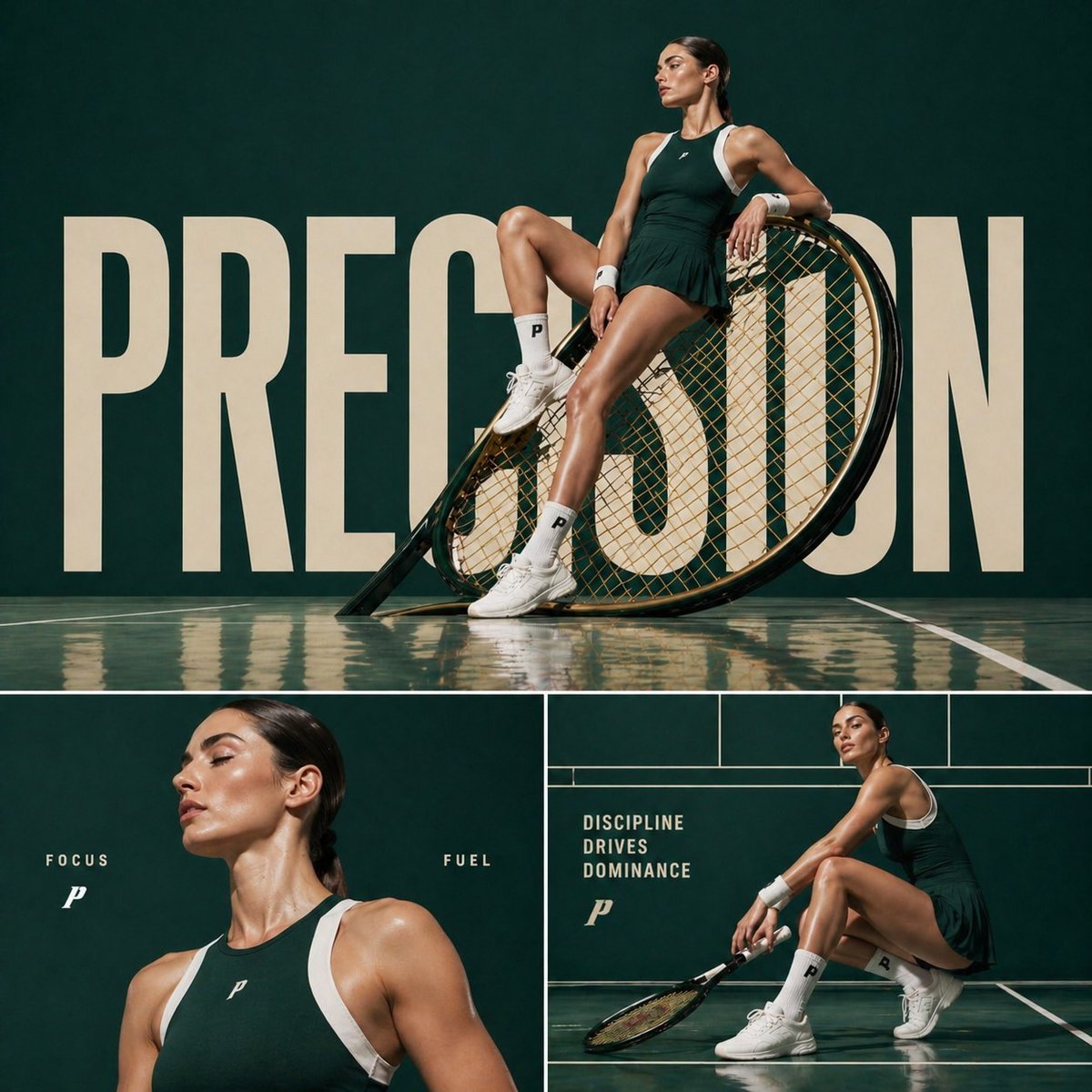
Cinematic sports fashion collage prompt

GTA 5 online action scene

Cinematic Street Photography Portrait

Elegant SIGHT Beauty Magazine Cover
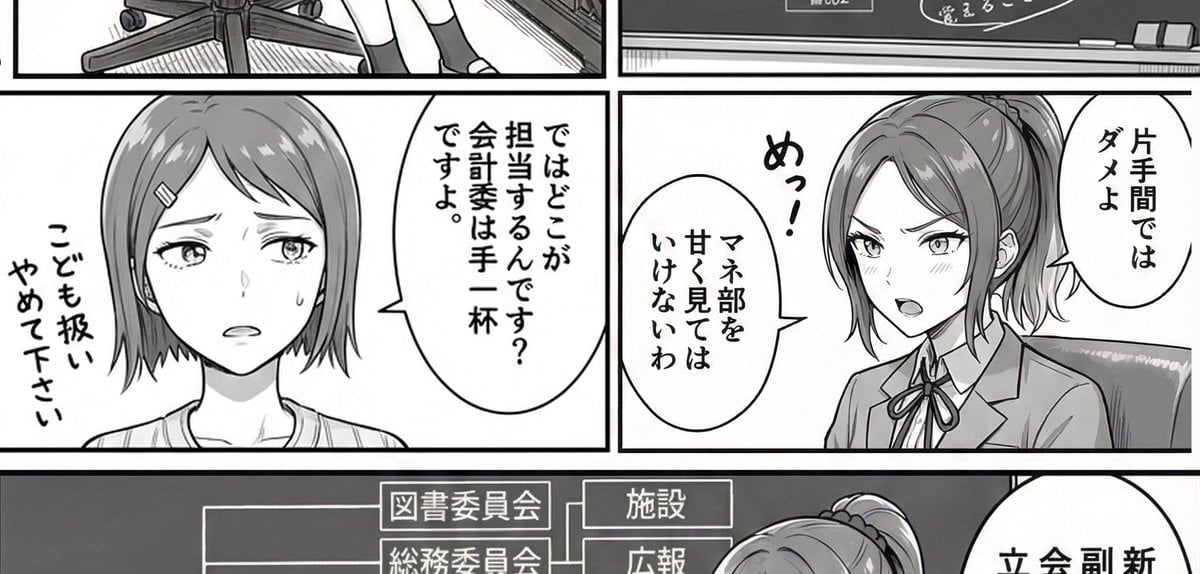
AI Art Experiment: Speech Bubbles and Hand-Drawn Text
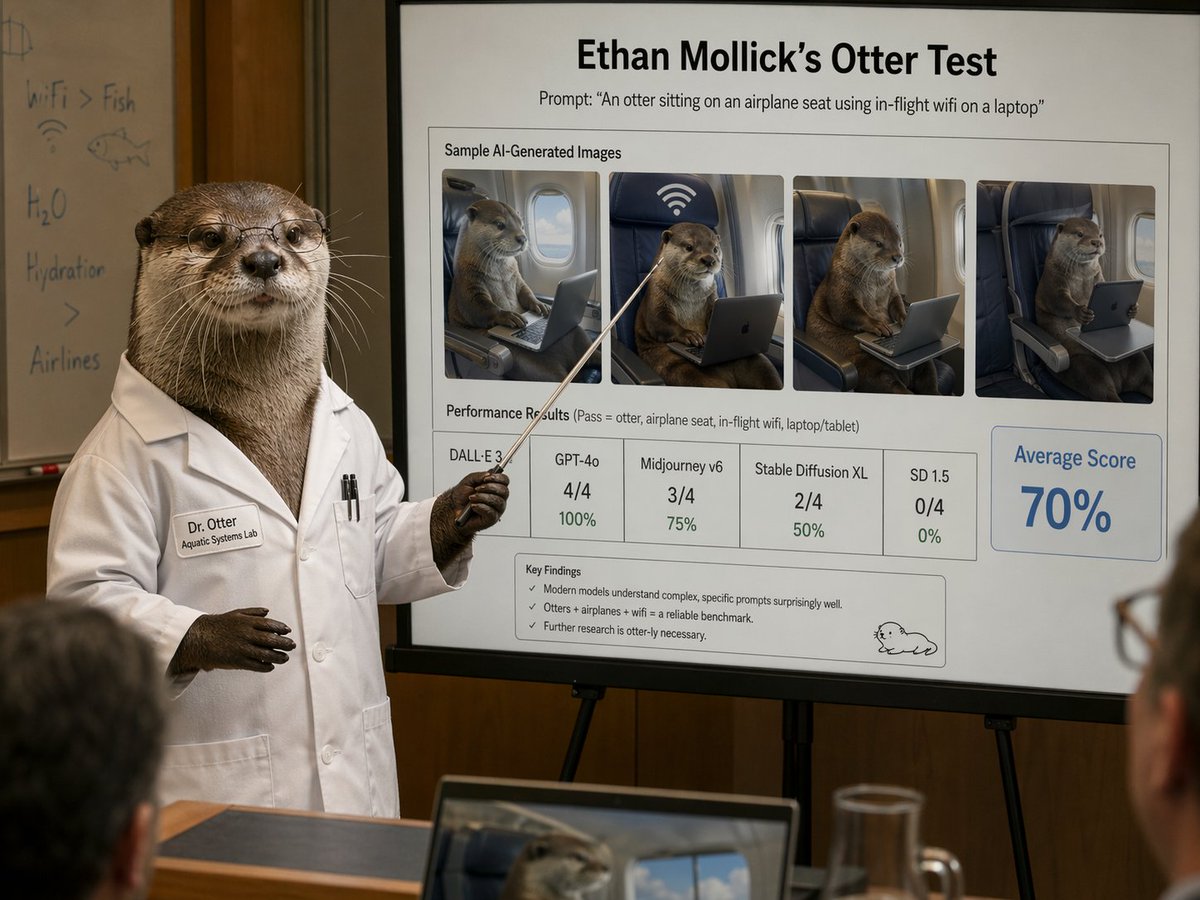
Otter Scientist Presentation Slide

Organic Modern Interior Collage
Browse template categories
Food Ingredient Brand Logo Transformation questions
How do I use the Food Ingredient Brand Logo Transformation template?
Add your photo if the template asks for one, edit the prompt if you like — the template's model and format are already selected — and press Generate. Your version opens in PicX Studio.
Can I customize the Food Ingredient Brand Logo Transformation template?
Yes. You can change the subject, setting, lighting, mood, format, and available model controls before creating your image.
Is the Food Ingredient Brand Logo Transformation template free?
Opening and editing this template is free. Generating uses credits, shown on the Generate button when you are signed in.
Which AI model should I use?
Start with GPT Image 2, which is the model associated with this template. You can compare another compatible model for a different finish.
Looking for something else? Browse all templates.

Your photo, any look
Thousands of ready templates for every top image and video model, from one credit balance.