
Anime Business English Worksheet
A colorful bilingual worksheet poster with 10 business English fill-in-the-blank questions and an anime mascot, ideal for social media educational posts or printable study sheets.
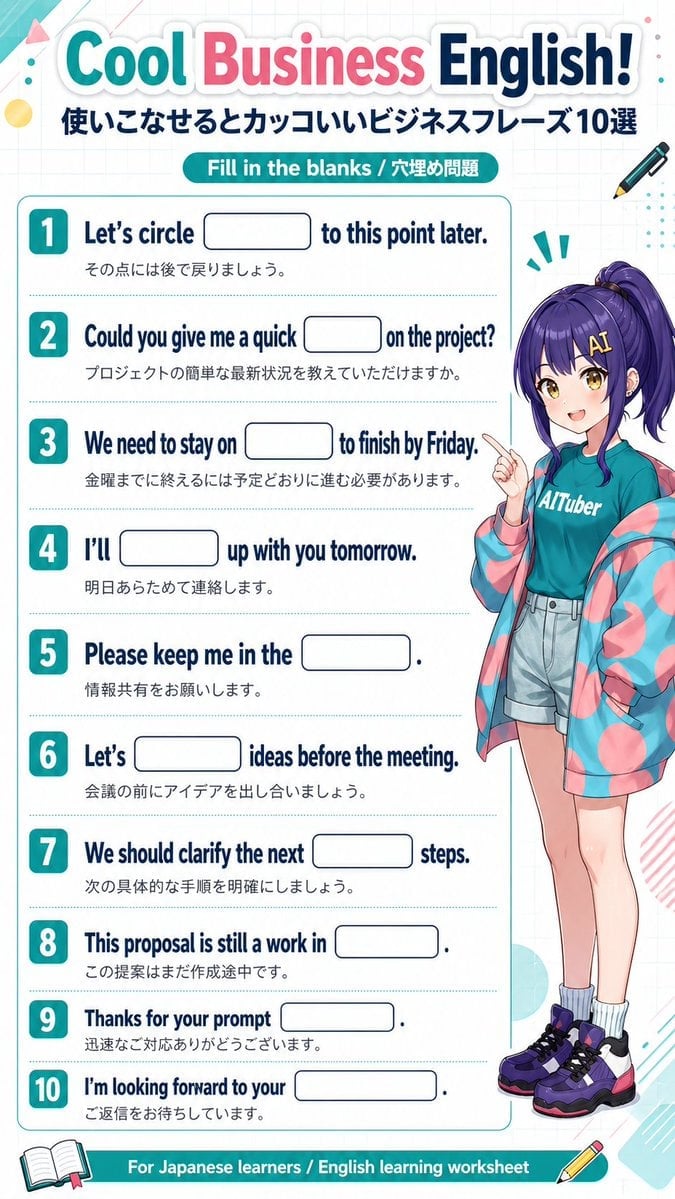
- Prompt included
- Model and format preset
- Free template
The prompt behind this image
Copy the exact prompt behind Anime Business English Worksheet, or open it in the studio and make it yours.
{"type":"bilingual English learning worksheet poster","style":"clean educational infographic with anime character mascot, bright pastel stationery theme, white graph-paper background, rounded shapes, glossy headline lettering, print-friendly vertical A4 layout","topic":"business English fill-in-the-blank quiz","language":"Japanese and English","audience":"Japanese learners of English","layout":{"orientation":"portrait","sections":[{"title":"Cool Business English!","position":"top header","count":2,"labels":["Cool Business English!","使いこなせるとカッコいいビジネスフレーズ10選"]},{"title":"Fill in the blanks / 穴埋め問題","position":"below header","count":1,"labels":["Fill in the blanks / 穴埋め問題"]},{"title":"worksheet items","position":"left and center main panel","count":10,"labels":["1","2","3","4","5","6","7","8","9","10"]},{"title":"footer banner","position":"bottom","count":1,"labels":["For Japanese learners / English learning worksheet"]}],"main_panel":"large rounded white worksheet box with thin teal outline and dotted divider lines between each question","right_panel":"full-body anime girl standing along the right side, partially overlapping the worksheet","decorations":{"count":10,"labels":["top-left teal corner ribbon","pink triangle","yellow circle","small teal dots","right-side pen icon","bottom-left open book icon","bottom-right pencil icon","teal exclamation marks near character","pastel geometric scribbles","light cyan and pink abstract corner accents"]}},"text":{"headline":"{argument name=\"headline text\" default=\"Cool Business English!\"}","subheadline":"使いこなせるとカッコいいビジネスフレーズ10選","badge":"Fill in the blanks / 穴埋め問題","footer":"For Japanese learners / English learning worksheet","questions":[{"number":1,"english":"Let’s circle ____ to this point later.","japanese":"その点には後で戻りましょう。"},{"number":2,"english":"Could you give me a quick ____ on the project?","japanese":"プロジェクトの簡単な最新状況を教えていただけますか。"},{"number":3,"english":"We need to stay on ____ to finish by Friday.","japanese":"金曜までに終えるには予定どおりに進む必要があります。"},{"number":4,"english":"I’ll ____ up with you tomorrow.","japanese":"明日あらためて連絡します。"},{"number":5,"english":"Please keep me in the ____.","japanese":"情報共有をお願いします。"},{"number":6,"english":"Let’s ____ ideas before the meeting.","japanese":"会議の前にアイデアを出し合いましょう。"},{"number":7,"english":"We should clarify the next ____ steps.","japanese":"次の具体的な手順を明確にしましょう。"},{"number":8,"english":"This proposal is still a work in ____.","japanese":"この提案はまだ作成途中です。"},{"number":9,"english":"Thanks for your prompt ____.","japanese":"迅速なご対応ありがとうございます。"},{"number":10,"english":"I’m looking forward to your ____.","japanese":"ご返信をお待ちしています。"}]}},"character":{"type":"anime girl mascot","count":1,"appearance":{"age":"teenage or young adult","build":"slim","skin":"fair","hair":{"color":"{argument name=\"hair color\" default=\"deep purple\"}","style":"high side ponytail with long bangs and shiny strands"},"expression":"cheerful and helpful","pose":"standing, one hand raised with index finger pointing upward"},"outfit":{"count":5,"pieces":["teal T-shirt with white logo text reading {argument name=\"shirt text\" default=\"AITuber\"}","oversized pink-and-teal translucent hooded jacket worn open","light gray high-waisted shorts","white scrunched socks","chunky purple, black, and pink sneakers"]}},"color_palette":{"count":6,"labels":["teal","cyan","pink","navy","white","purple"]},"rendering":"crisp polished poster design, balanced typography, cute modern Japanese educational social-media graphic, high readability, subtle shadows, no answers filled into the blanks"}
How to use Anime Business English Worksheet in 3 steps
- 1Upload ImagePNG, JPG or paste
Add your photo
Upload the photo the template builds on. The prompt, model and format are already set.
- 2…a portrait of your subject in softgolden-hour light, 85mm…
Personalize
Edit the subject and creative details for your destination.
- 3Generate
Generate
Press Generate — your image is created in PicX Studio, so you can compare it with the original and refine one variable at a time.
More like this
Templates with the same subject, style or setup. Open one to see its prompt.












Make it yours
Anime Business English Worksheet works as-is. These are the safest ways to change it without losing the look.
Change one field
Copy a single group, rewrite it, and generate again so you can see what that field is doing.
Keep the frame, change the subject
Hold the composition and light of Anime Business English Worksheet, then swap wardrobe, props or the person for a new take.
| If the result… | Why | Fix |
|---|---|---|
| The result drifts from the preview | Too many fields changed at once. | Reuse Anime Business English Worksheet as-is first, then change one group — subject, light, or setting. |
| The model over-stylizes the scene | The prose prompt leaves finish and camera underspecified. | Add one camera or lighting sentence and stay on GPT Image 2. |
More GPT Image 2 templates
Other prompts made for GPT Image 2.

Six VTuber Japanese Logo Sheet

Realistic Portrait of Woman and Deer

The Vista Modular Condo Poster

AI Model Routing Comparison Infographic

2.5D Anime Art Board

Isometric Productivity Desk Scene

New York Double Exposure Poster

Four-Panel AI Landscape Comparison

Japanese Tatami Lifestyle Magazine Cover

NESCAFÉ Coffee Map Poster
More image prompts
Fresh picks from across the catalog.

Selfie Portrait in Recording Studio Prompt

High-Fashion Cigar Portrait
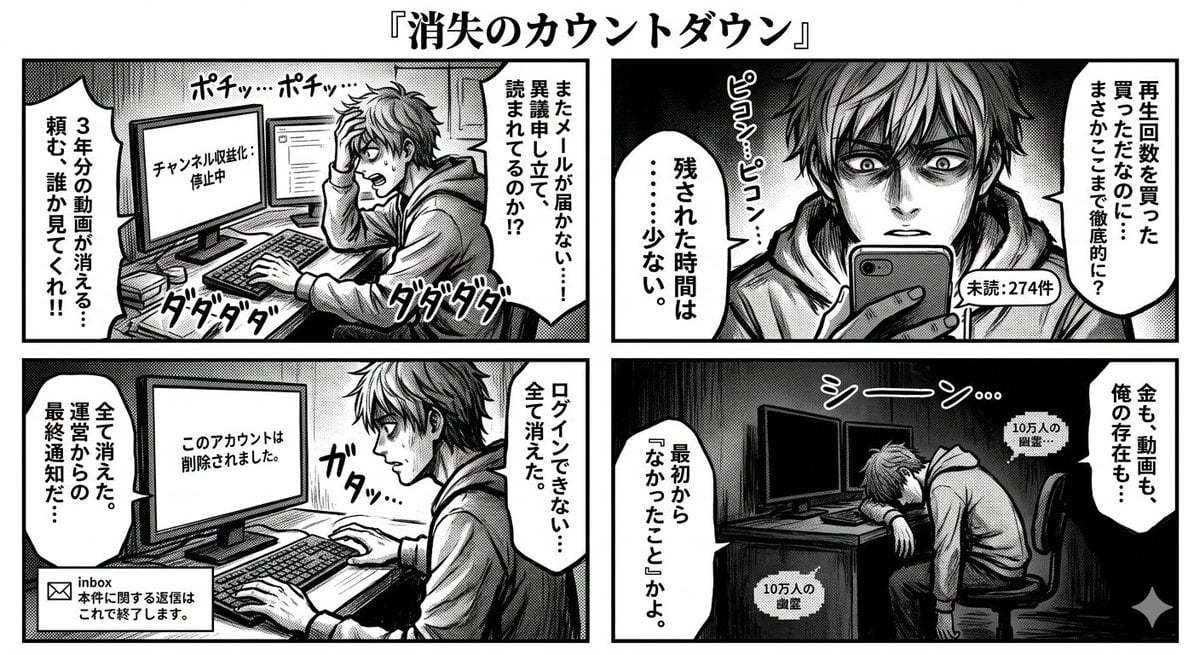
Four-Panel Manga: Countdown to Disappearance

Ultra Detailed Shonen Anime Warrior

Custom Enamel Souvenir Magnet

Professional Corporate Logo Generator

Cinematic Double Exposure Portrait in Moonlight
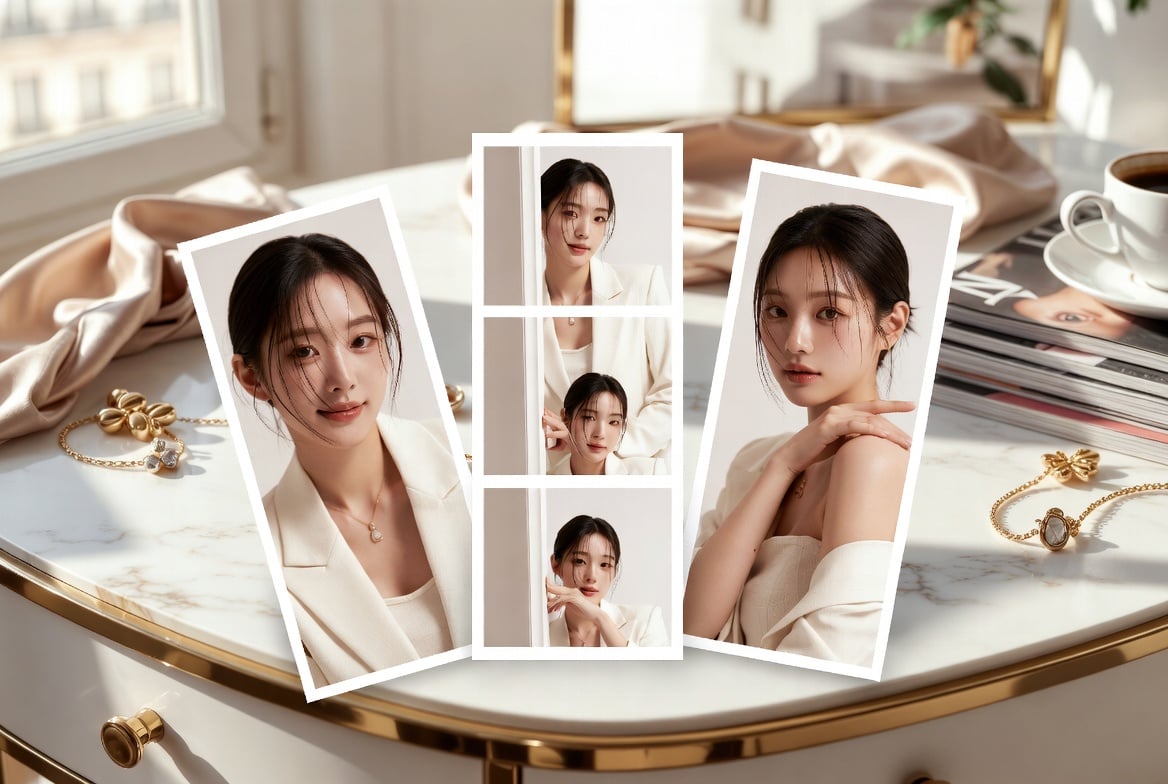
Luxury Vanity Photo Prints
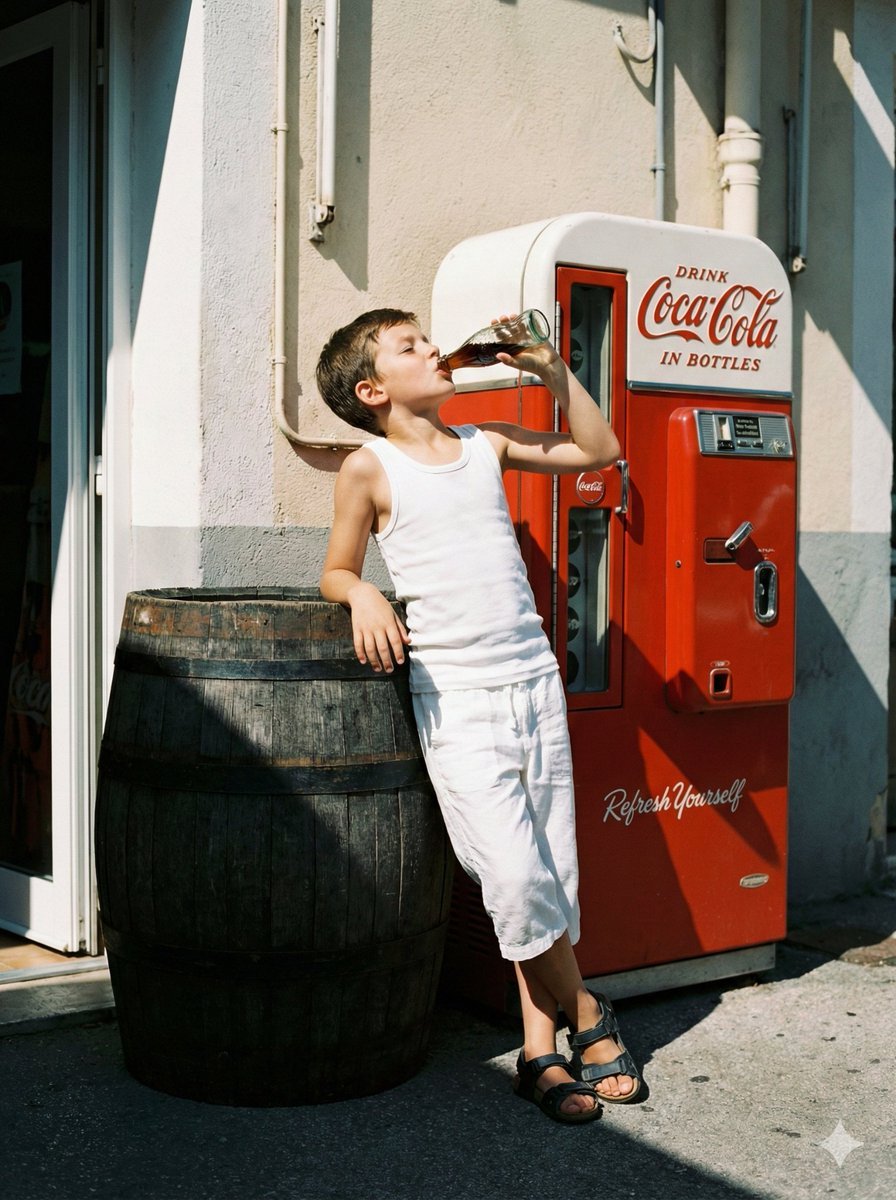
Nostalgic Film Photo of Boy by Coca-Cola Vending Machine
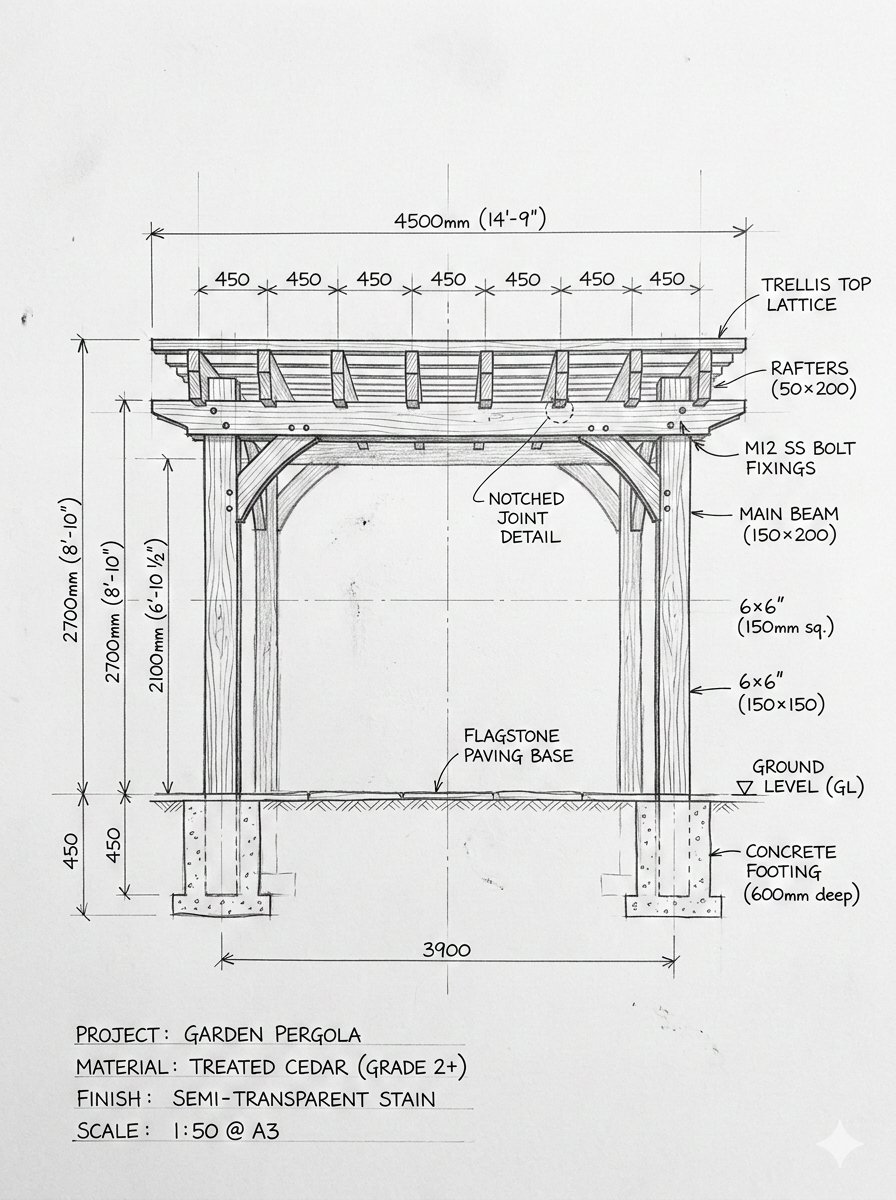
Pergola Blueprint to Photoreal Structure Prompt
Browse template categories
Anime Business English Worksheet questions
How do I use the Anime Business English Worksheet template?
Add your photo if the template asks for one, edit the prompt if you like — the template's model and format are already selected — and press Generate. Your version opens in PicX Studio.
Can I customize the Anime Business English Worksheet template?
Yes. You can change the subject, setting, lighting, mood, format, and available model controls before creating your image.
Is the Anime Business English Worksheet template free?
Opening and editing this template is free. Generating uses credits, shown on the Generate button when you are signed in.
Which AI model should I use?
Start with GPT Image 2, which is the model associated with this template. You can compare another compatible model for a different finish.
Looking for something else? Browse all templates.

Your photo, any look
Thousands of ready templates for every top image and video model, from one credit balance.