
Kawaii Green Bead Art Girl
Generates a cozy square craft-photo scene of a chibi green-haired girl made entirely from fuse beads, suitable for kawaii bead art concepts.
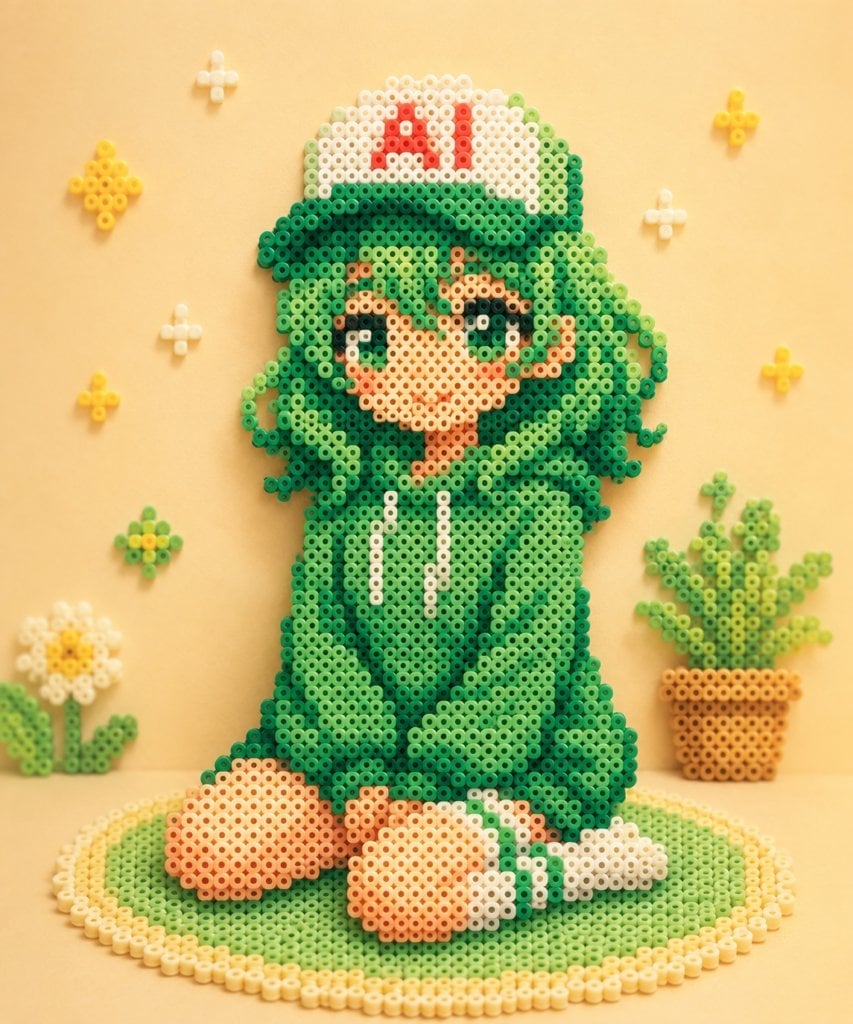
- Prompt included
- Model and format preset
- Premium template
The prompt behind this image
Copy the exact prompt behind Kawaii Green Bead Art Girl, or open it in the studio and make it yours.
Create a cute handcrafted bead art scene made from fuse beads / Perler beads, photographed like a real tabletop craft. The main subject is a chibi anime-style {argument name="character name" default="green-haired girl"} sitting on a round green-and-cream beaded rug, wearing an oversized dark-to-light green hoodie with two white drawstrings, large rounded sleeves, bare peach-colored feet, and white socks with green stripes. She has very long curly/wavy {argument name="hair color" default="green"} hair made of many bead clusters, big sparkling dark green eyes, rosy cheeks, a small smiling mouth, and one raised hand in a peace-sign pose. On her head is a white baseball cap with a green brim and bold red letters reading {argument name="cap text" default="AI"}. Make the entire character and all props visibly constructed from small circular plastic beads with hollow centers, arranged in pixel-art gradients, with soft shadows and tactile depth. Canvas and style: square 1:1 composition, warm pastel yellow background, soft studio lighting, shallow depth of field, cozy handmade kawaii aesthetic, high-resolution macro craft photography, no hard outlines except the bead colors themselves. Scene elements: include exactly 1 main seated character, exactly 1 circular rug under her, exactly 1 potted plant on the right made from beads in an orange pot, exactly 1 white daisy-like flower on the lower left with green leaves, and exactly 7 small floating bead decorations on the wall/background: 3 yellow star/flower clusters, 3 small white sparkle crosses, and 1 green-yellow flower cluster near the lower left. Keep the background uncluttered and symmetrical enough to frame the character. Color details: use multiple greens for hair and hoodie shadows, peach and tan beads for skin, white and cream beads for highlights, red beads for the cap letters, yellow beads for stars and flower centers, and orange-brown beads for the plant pot. Preserve the visible bead holes and gridlike pixel construction throughout. Avoid realistic fabric, extra text, watermarks, or additional characters.
How to use Kawaii Green Bead Art Girl in 3 steps
- 1Upload ImagePNG, JPG or paste
Add your photo
Upload the photo the template builds on. The prompt, model and format are already set.
- 2…a portrait of your subject in softgolden-hour light, 85mm…
Personalize
Edit the subject and creative details for your destination.
- 3Generate
Generate
Press Generate — your image is created in PicX Studio, so you can compare it with the original and refine one variable at a time.
More like this
Templates with the same subject, style or setup. Open one to see its prompt.

Cute Layered Paper Cut Chibi Girl

Teen Girl Alpine Lake Mountain View

Elegant Green Evening Gown Studio Fashion Portrait
Elegant Green Evening Gown Studio Fashion Portrait

Premium Editorial Branding Poster Charcoal Green
Pastel Kawaii Girl Fashion Portrait
Kawaii Miniature Girl in Capsule
Kawaii Sheep Girl Icing Cookie
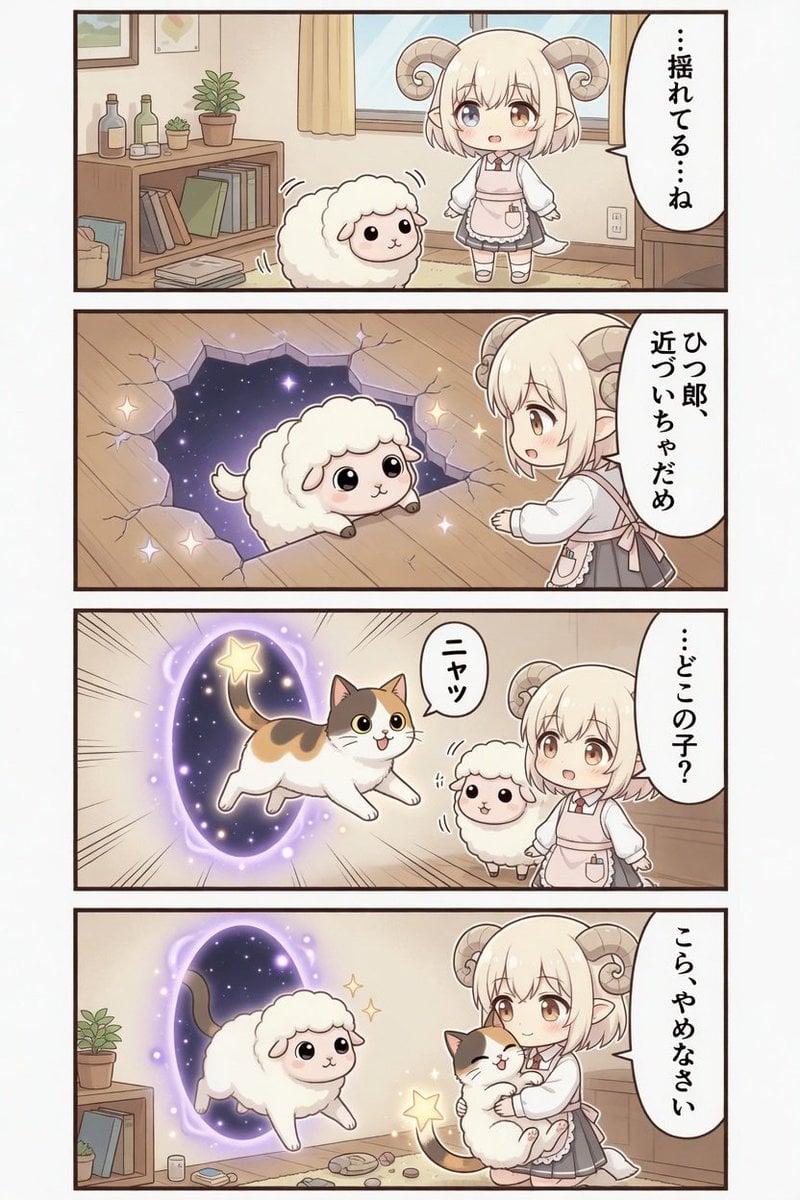
Kawaii Sheep Girl Portal Comic
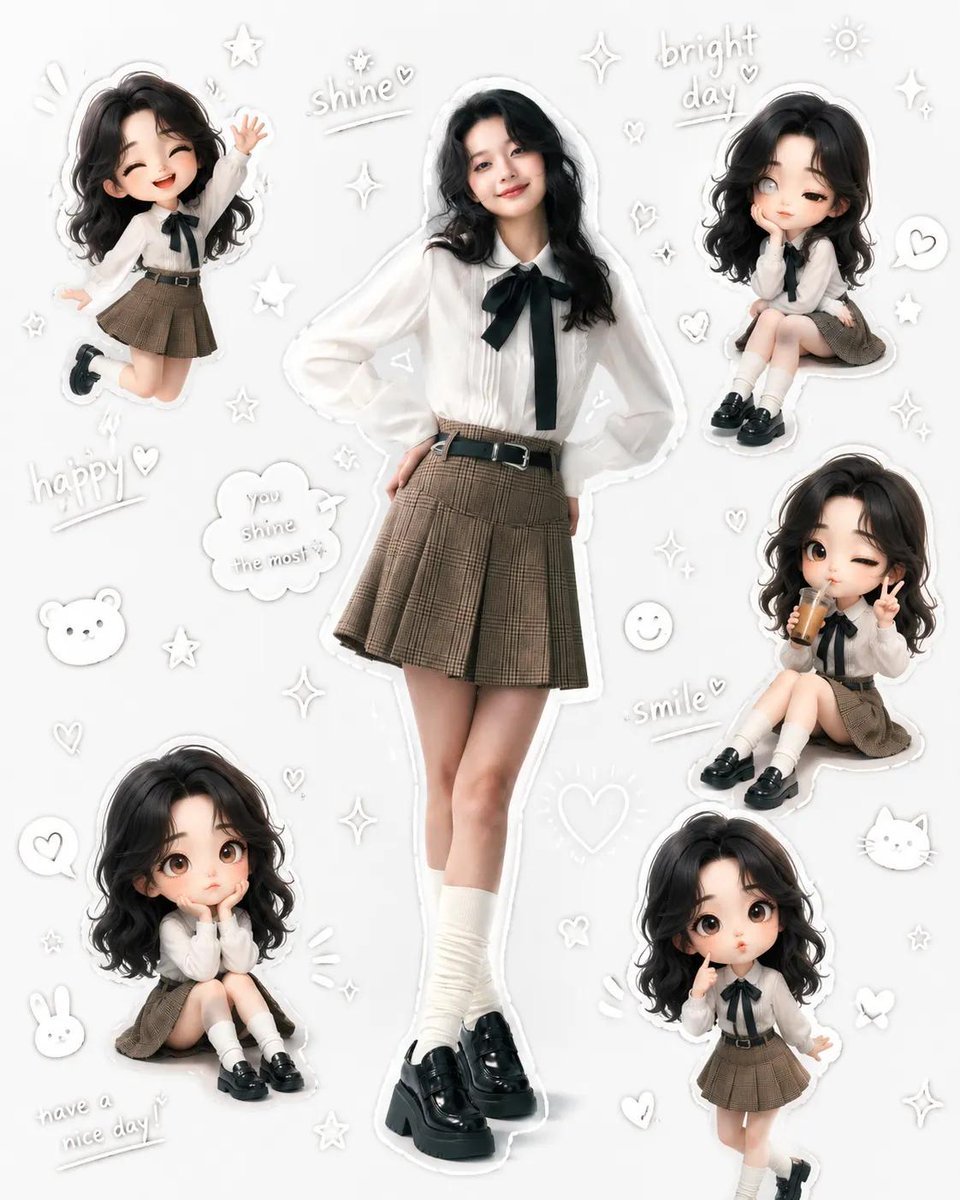
Kawaii School Girl Aesthetic Collage
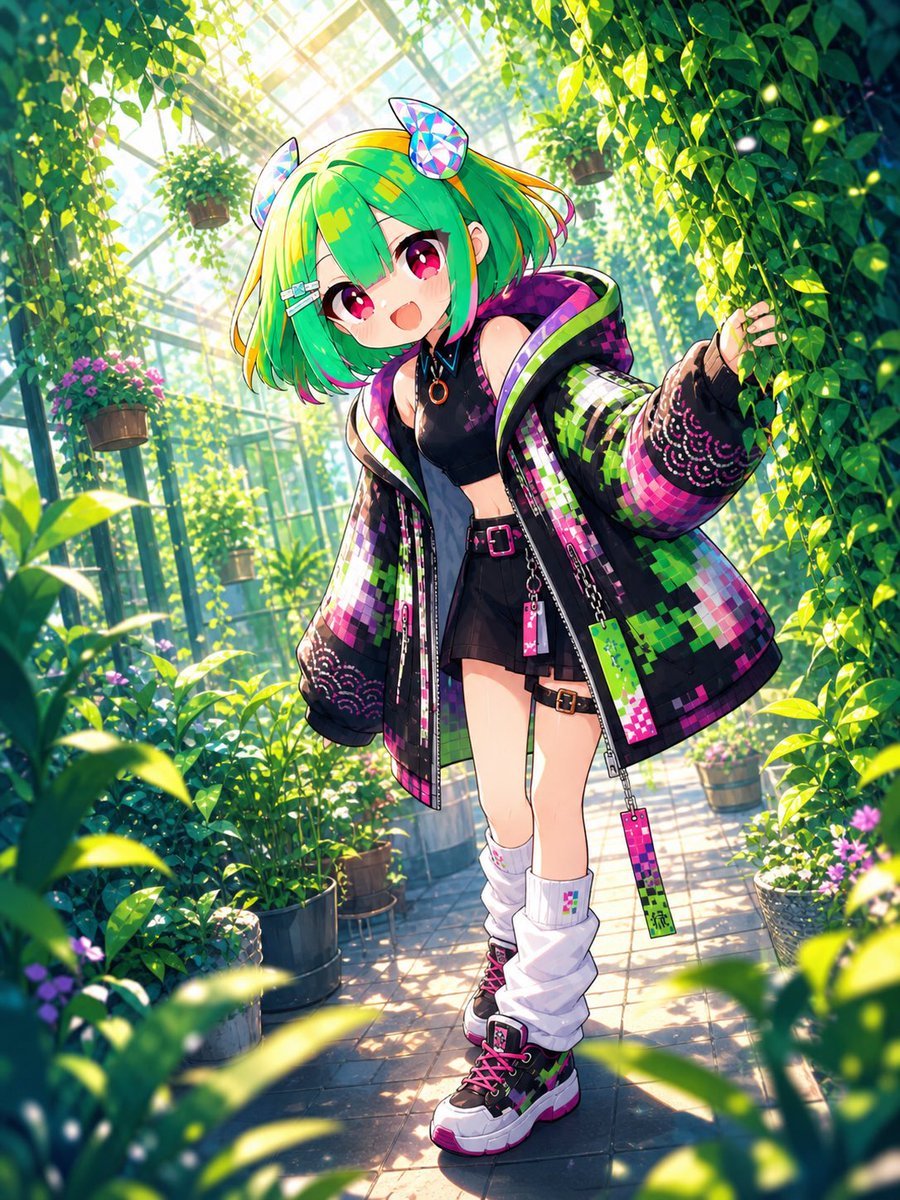
Greenhouse Cyber Streetwear Anime Girl
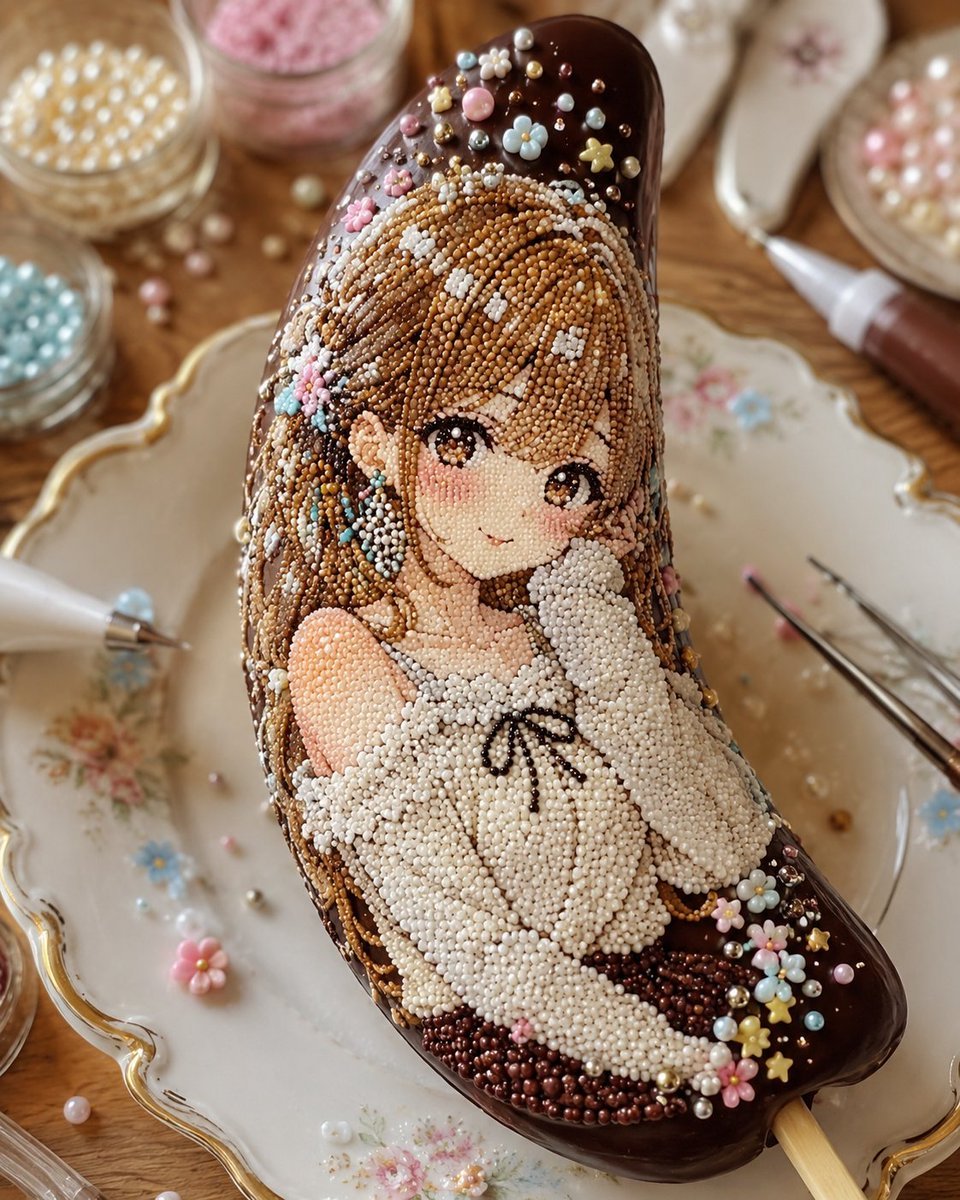
Kawaii Bead Art Chocolate Banana
Make it yours
Kawaii Green Bead Art Girl works as-is. These are the safest ways to change it without losing the look.
Change one field
Copy a single group, rewrite it, and generate again so you can see what that field is doing.
Keep the frame, change the subject
Hold the composition and light of Kawaii Green Bead Art Girl, then swap wardrobe, props or the person for a new take.
| If the result… | Why | Fix |
|---|---|---|
| The result drifts from the preview | Too many fields changed at once. | Reuse Kawaii Green Bead Art Girl as-is first, then change one group — subject, light, or setting. |
| The model over-stylizes the scene | The prose prompt leaves finish and camera underspecified. | Add one camera or lighting sentence and stay on GPT Image 2. |
More GPT Image 2 templates
Other prompts made for GPT Image 2.

Six VTuber Japanese Logo Sheet

Realistic Portrait of Woman and Deer

The Vista Modular Condo Poster

AI Model Routing Comparison Infographic

2.5D Anime Art Board

Isometric Productivity Desk Scene

New York Double Exposure Poster

Four-Panel AI Landscape Comparison

Japanese Tatami Lifestyle Magazine Cover

NESCAFÉ Coffee Map Poster
More image prompts
Fresh picks from across the catalog.
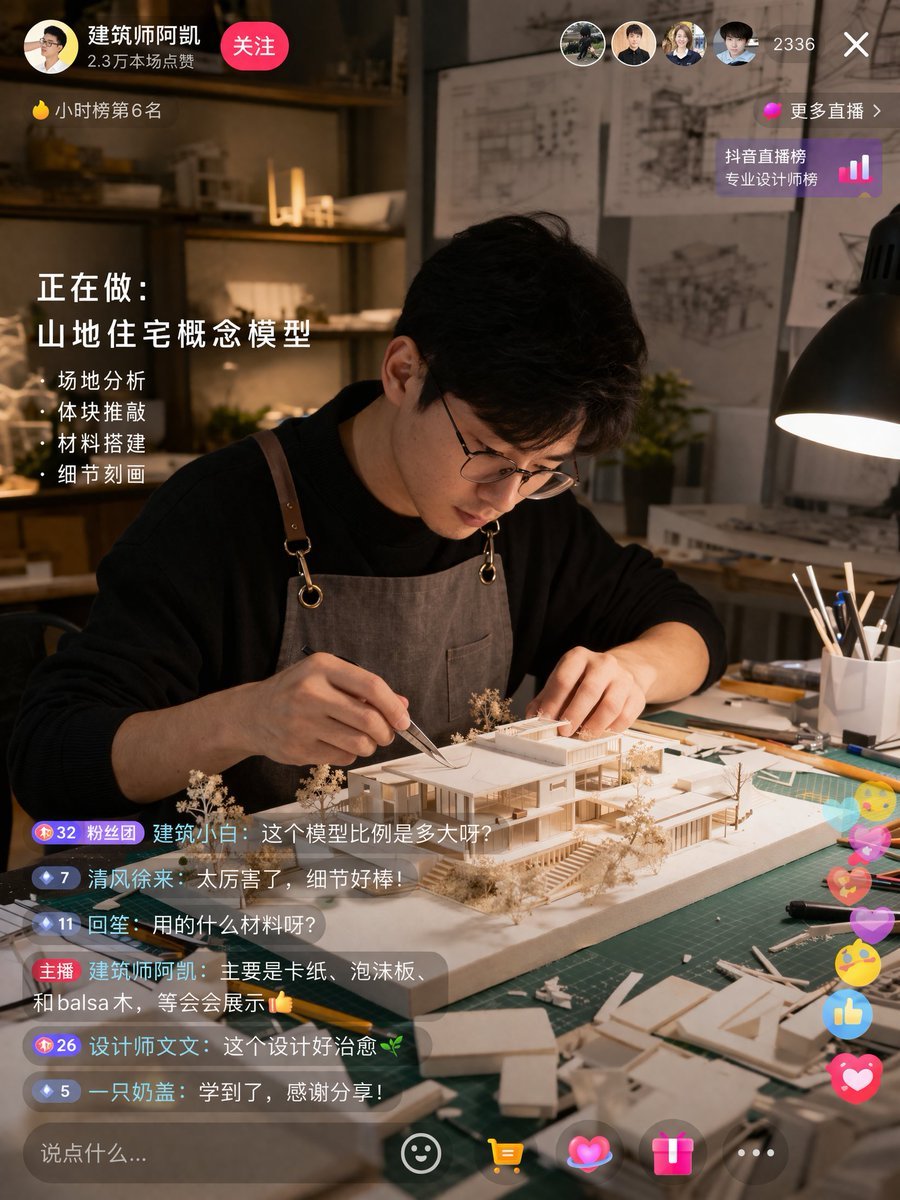
Architect Live Stream UI Mockup
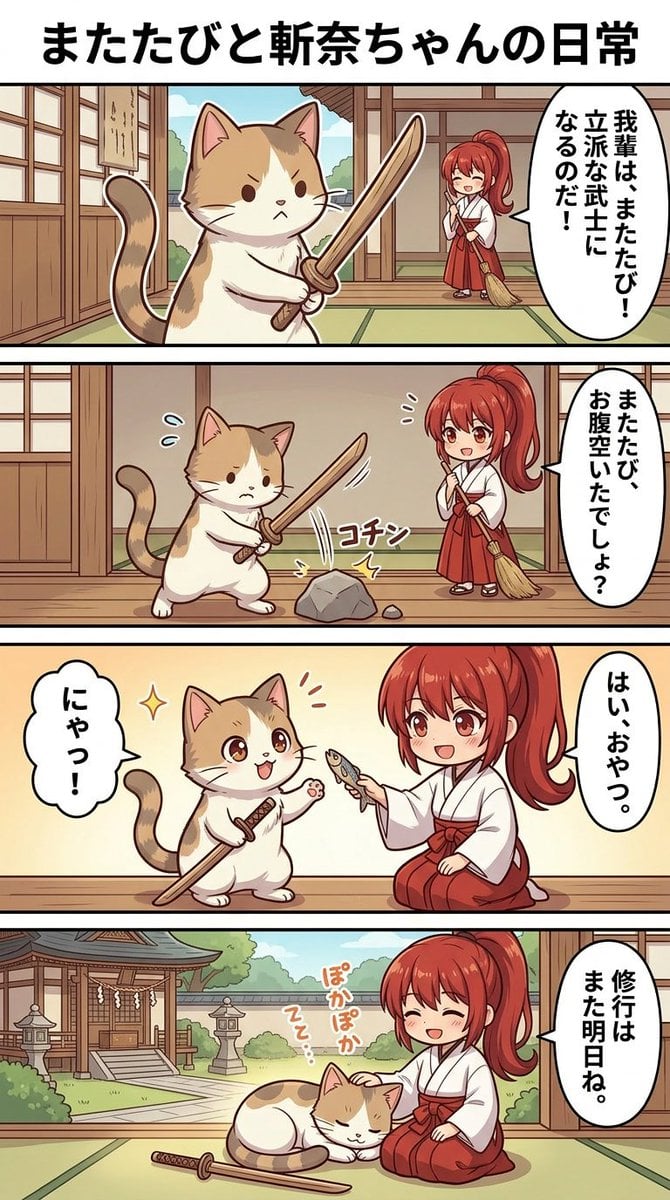
Panel Manga Generation Prompt
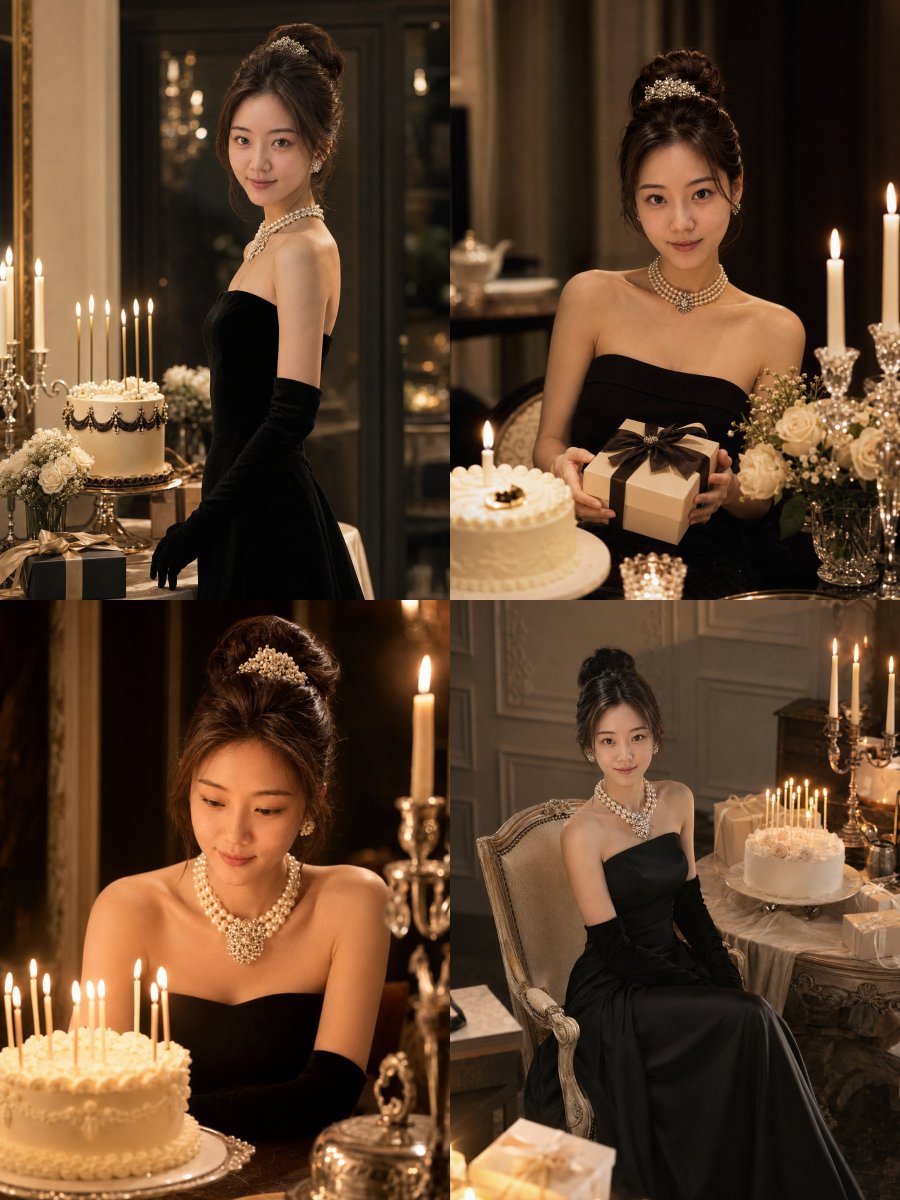
Audrey Hepburn Style Birthday Photoshoot
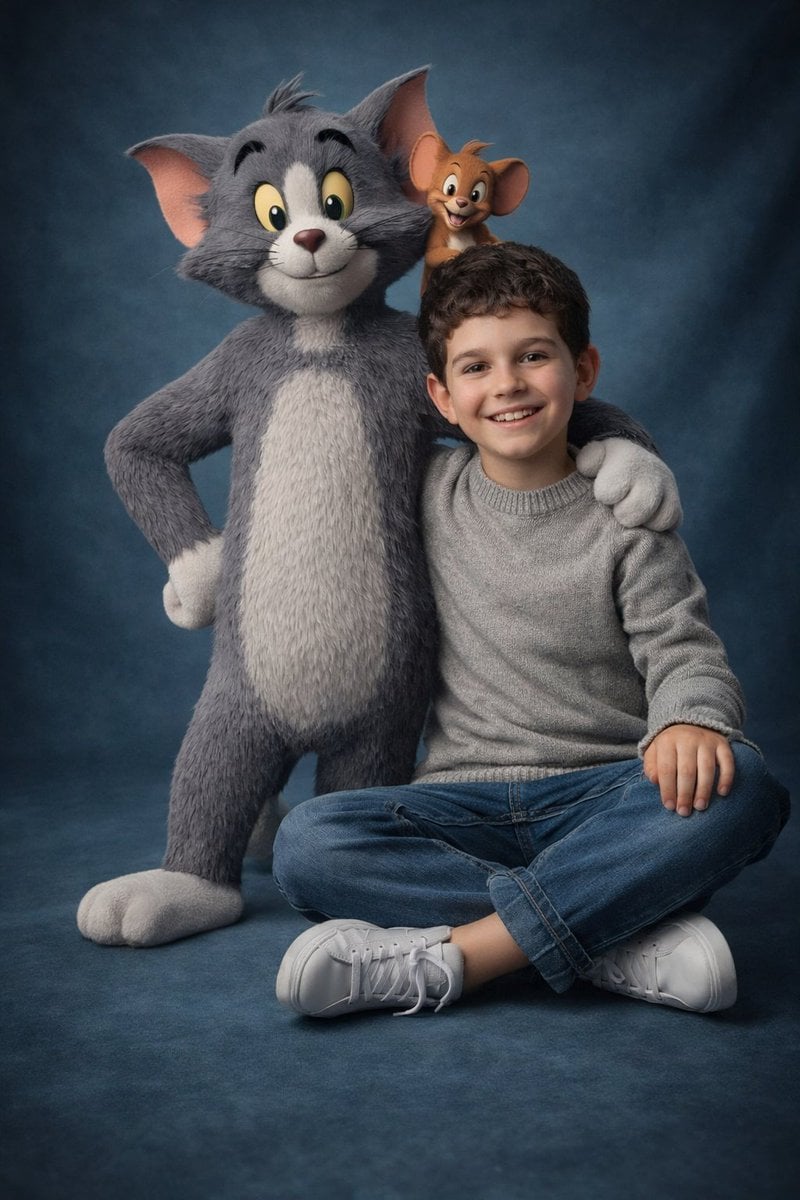
Ultra-Realistic 3D Cinematic Portrait of Boy with Tom and Jerry

Fairy Tale Woodcut Engraving Style
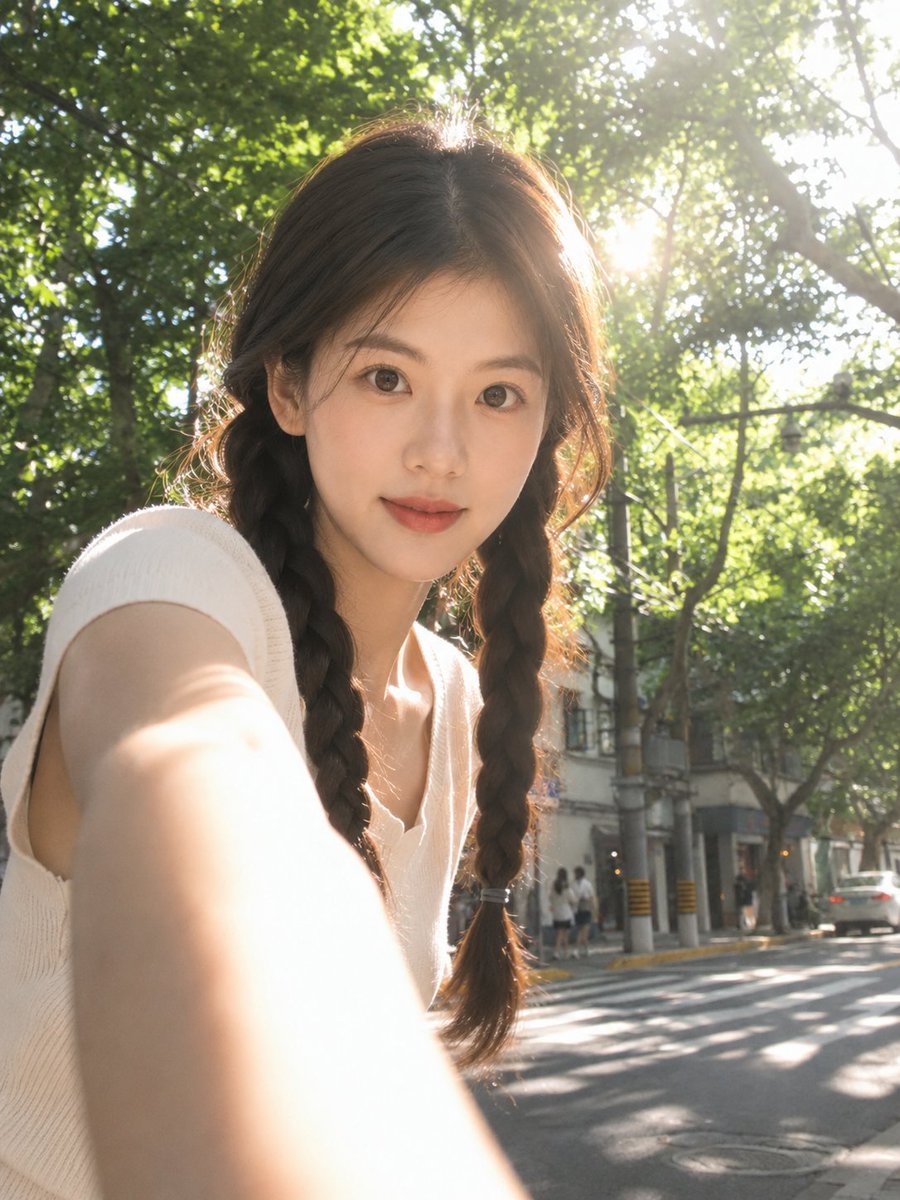
Sun-Drenched Candid Selfie Portrait
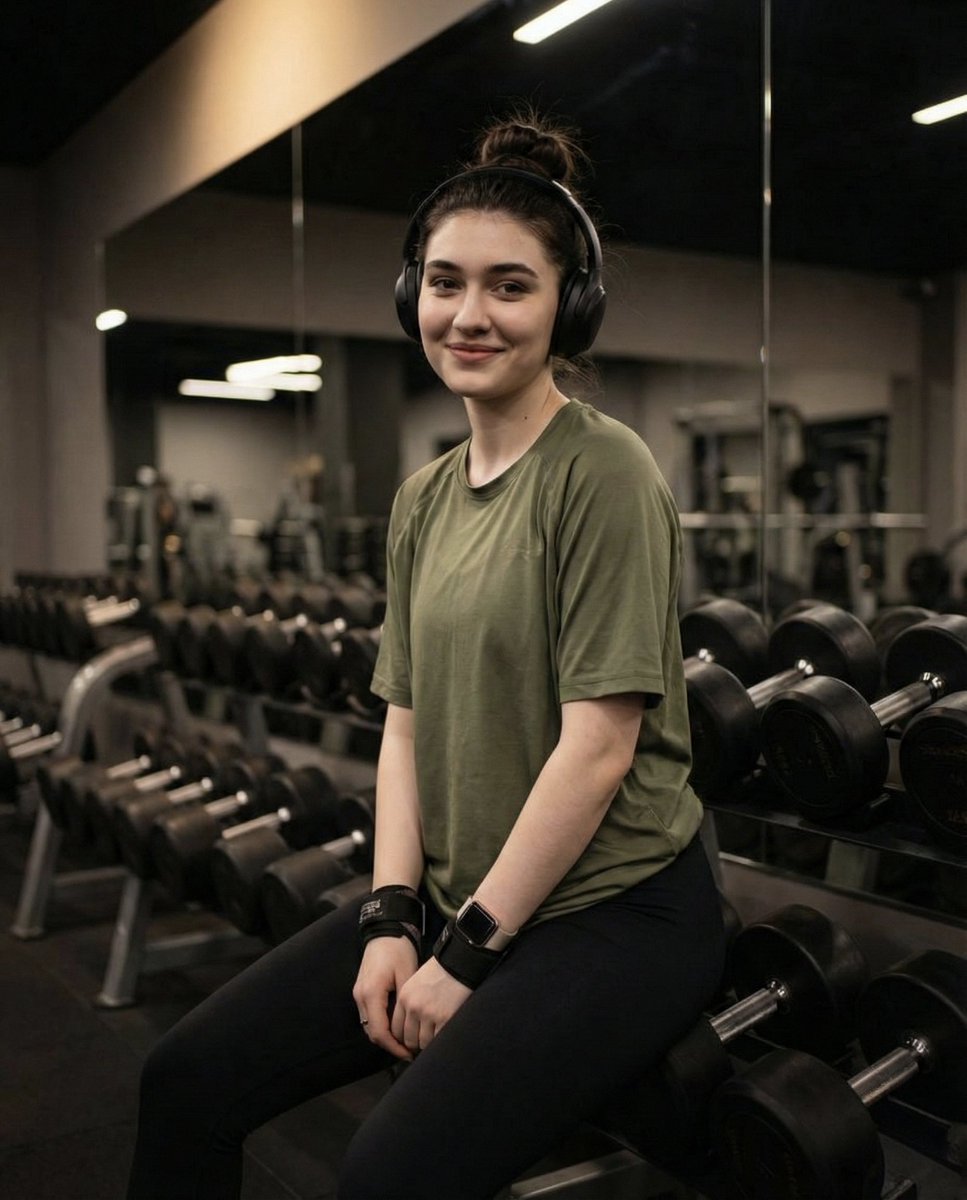
Moody Fitness Influencer Gym Portrait

Cinematic Black and White Close-Up Portrait
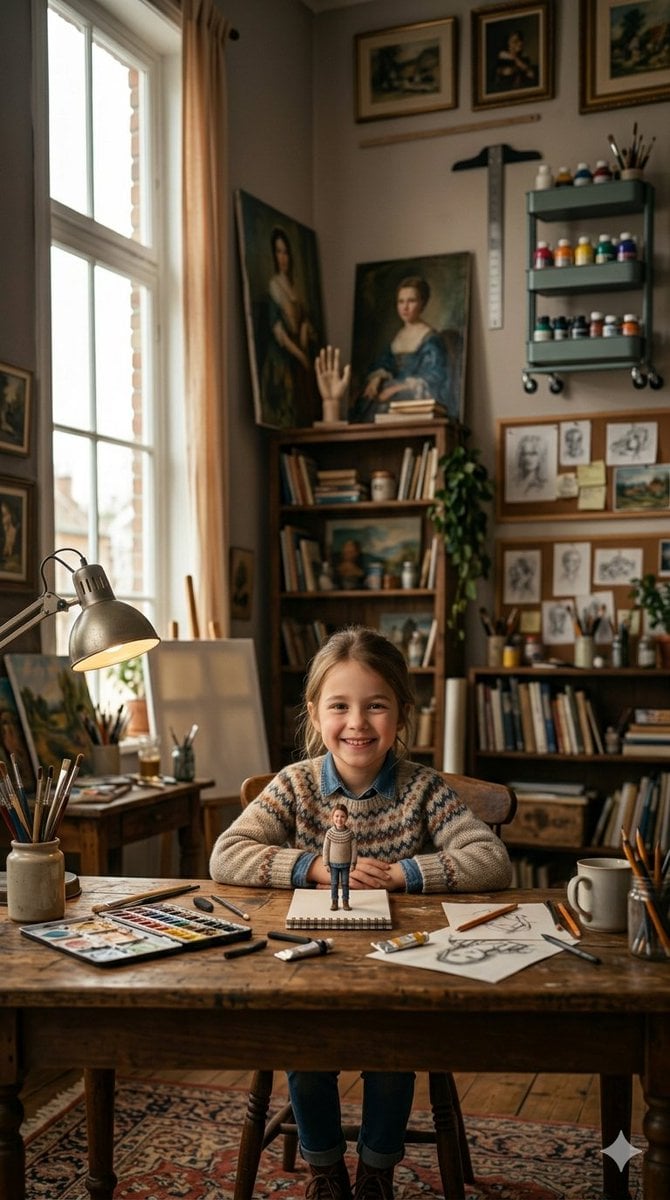
3D Miniature Clay Figurine Illusion in an Artist's Studio
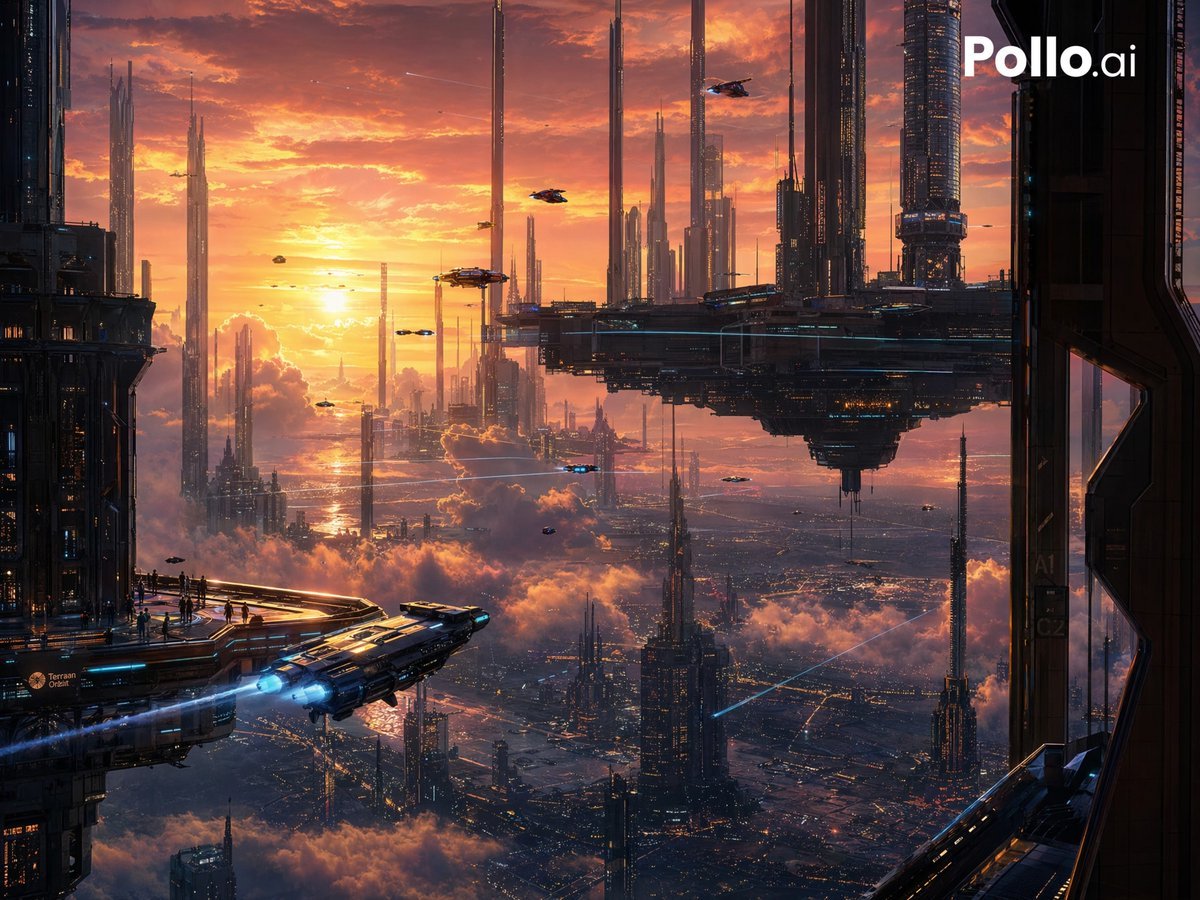
Sunset Futuristic Megacity Panorama
Browse template categories
Kawaii Green Bead Art Girl questions
How do I use the Kawaii Green Bead Art Girl template?
Add your photo if the template asks for one, edit the prompt if you like — the template's model and format are already selected — and press Generate. Your version opens in PicX Studio.
Can I customize the Kawaii Green Bead Art Girl template?
Yes. You can change the subject, setting, lighting, mood, format, and available model controls before creating your image.
Is the Kawaii Green Bead Art Girl template free?
Opening and editing this template is free. Generating uses credits, shown on the Generate button when you are signed in.
Which AI model should I use?
Start with GPT Image 2, which is the model associated with this template. You can compare another compatible model for a different finish.
Looking for something else? Browse all templates.

Your photo, any look
Thousands of ready templates for every top image and video model, from one credit balance.