
Kawaii Bead Art Chocolate Banana
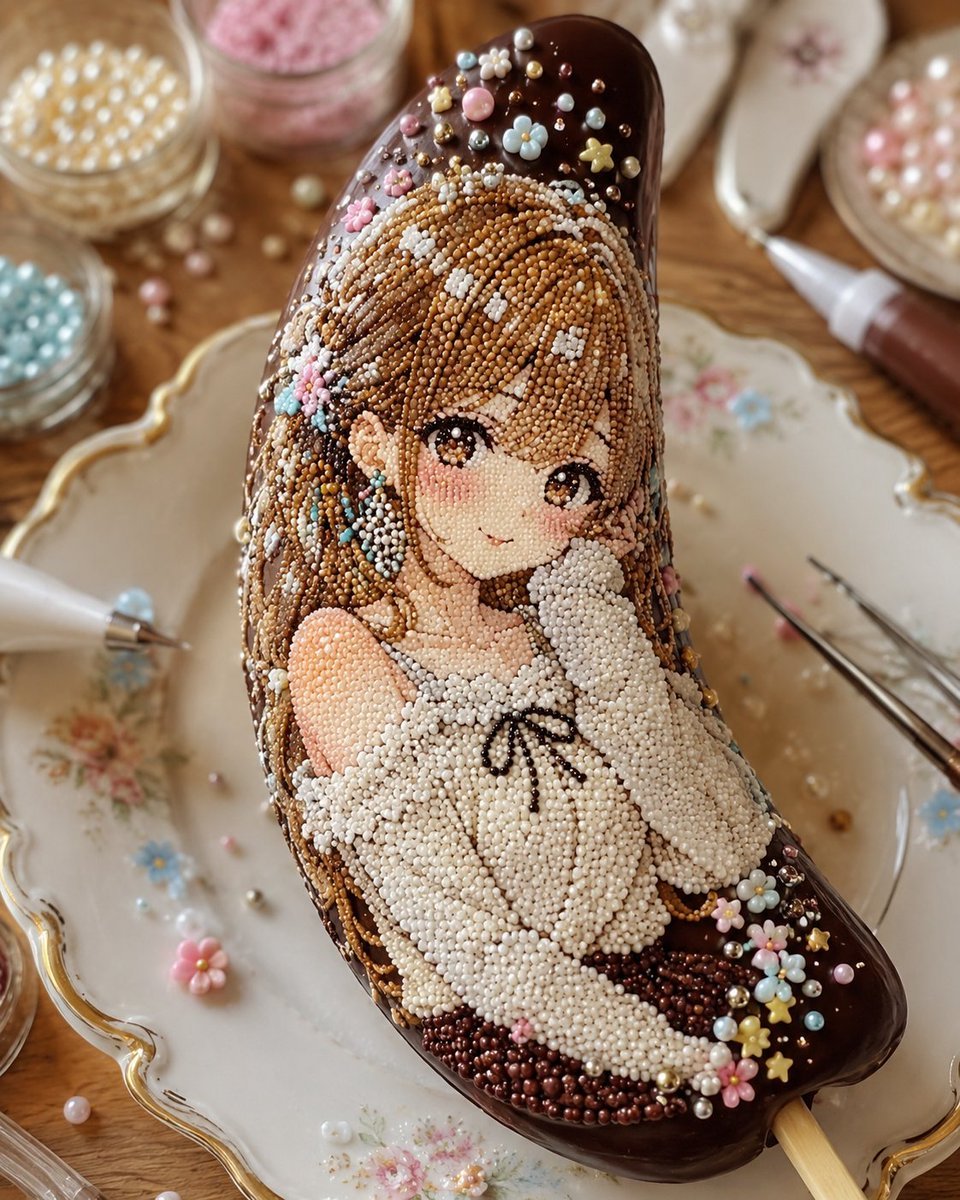
A macro food-photo prompt for creating a chocolate banana dessert decorated with tiny sugar beads into an anime girl mosaic.
- Prompt included
- Model and format preset
- Free template
The prompt behind this image
Copy the exact prompt behind Kawaii Bead Art Chocolate Banana, or open it in the studio and make it yours.
Create a hyper-realistic kawaii confectionery artwork: a chocolate-covered banana on a wooden popsicle stick, shaped like a curved banana and placed diagonally on an ornate vintage porcelain plate. The dessert is decorated entirely with thousands of tiny round sugar beads forming an anime-style girl illustration on the banana surface. The girl has {argument name="hair color" default="caramel brown"} long flowing hair, large glossy brown eyes, soft blush, a small gentle smile, and a white fluffy off-shoulder dress tied with a tiny black ribbon at the chest. Make the bead mosaic look tactile and three-dimensional, with every strand of hair, face shading, eyes, dress folds, and shadows rendered from individual sugar pearls. The chocolate shell is dark glossy brown and visible around the edges and at the top and bottom, with extra decorations: pastel flower sprinkles, tiny gold stars, white sugar pearls, blue beads, pink beads, and small metallic dragees scattered like a fancy dessert topping. Count the main visible elements as one decorated chocolate banana, one wooden stick, one anime girl bead portrait, one ornate porcelain plate, two piping bags or decorating tubes, two metal tweezers, and five small open jars or dishes of sugar beads in the background containing pearl white, pink, pale blue, beige-gold, and pastel pink bead colors. Surround the plate with a warm craft-table setting: spilled pearls, tiny flower sprinkles, blurred glass jars, a soft wooden tabletop, and shallow depth of field. Use macro food photography lighting, warm natural highlights, creamy bokeh, high detail, realistic reflections on chocolate, delicate handmade patisserie mood, no text, no watermark, no extra characters.
How to use Kawaii Bead Art Chocolate Banana in 3 steps
- 1Upload ImagePNG, JPG or paste
Add your photo
Upload the photo the template builds on. The prompt, model and format are already set.
- 2…a portrait of your subject in softgolden-hour light, 85mm…
Personalize
Edit the subject and creative details for your destination.
- 3Generate
Generate
Press Generate — your image is created in PicX Studio, so you can compare it with the original and refine one variable at a time.
More like this
Templates with the same subject, style or setup. Open one to see its prompt.
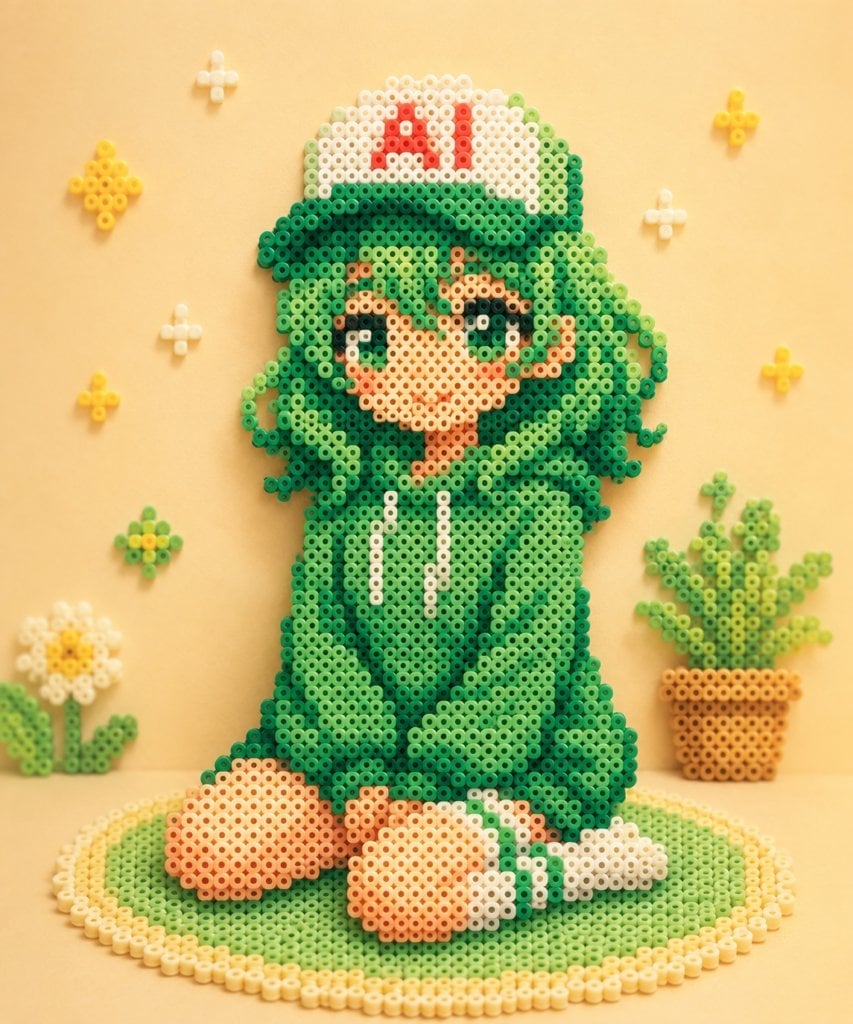
Kawaii Green Bead Art Girl

Cute Layered Paper Cut Chibi Girl

Woman in Mall with Chanel Bag - Heart Gesture
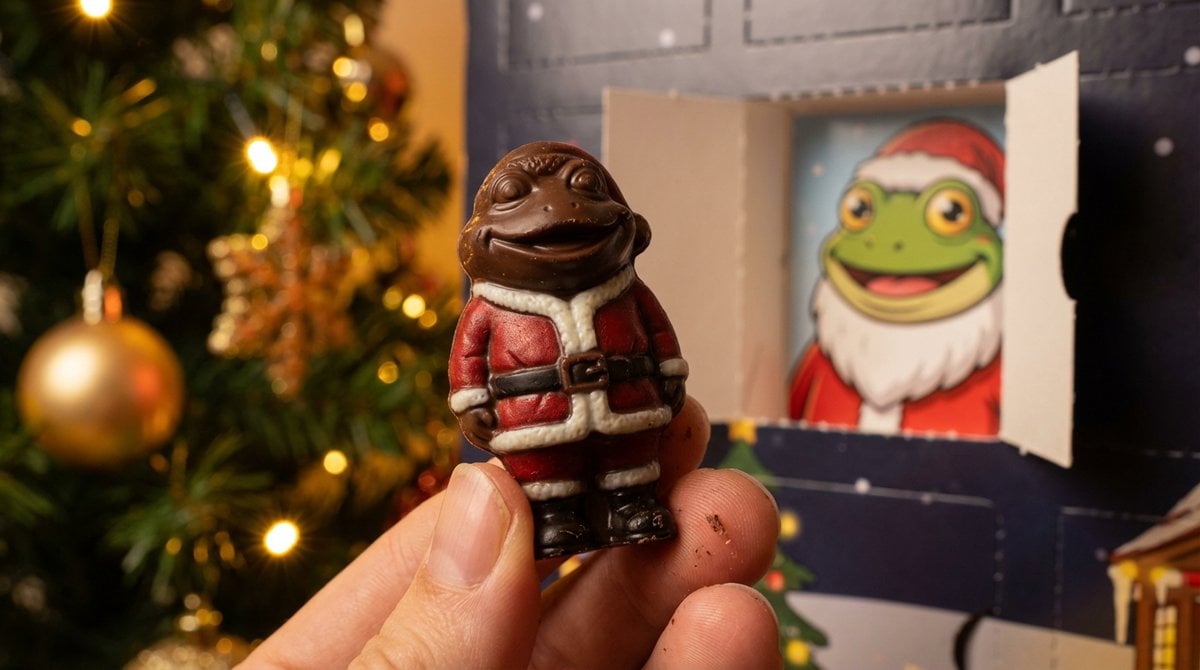
Nano Banana Pro Prompt for Miniature Chocolate Photo
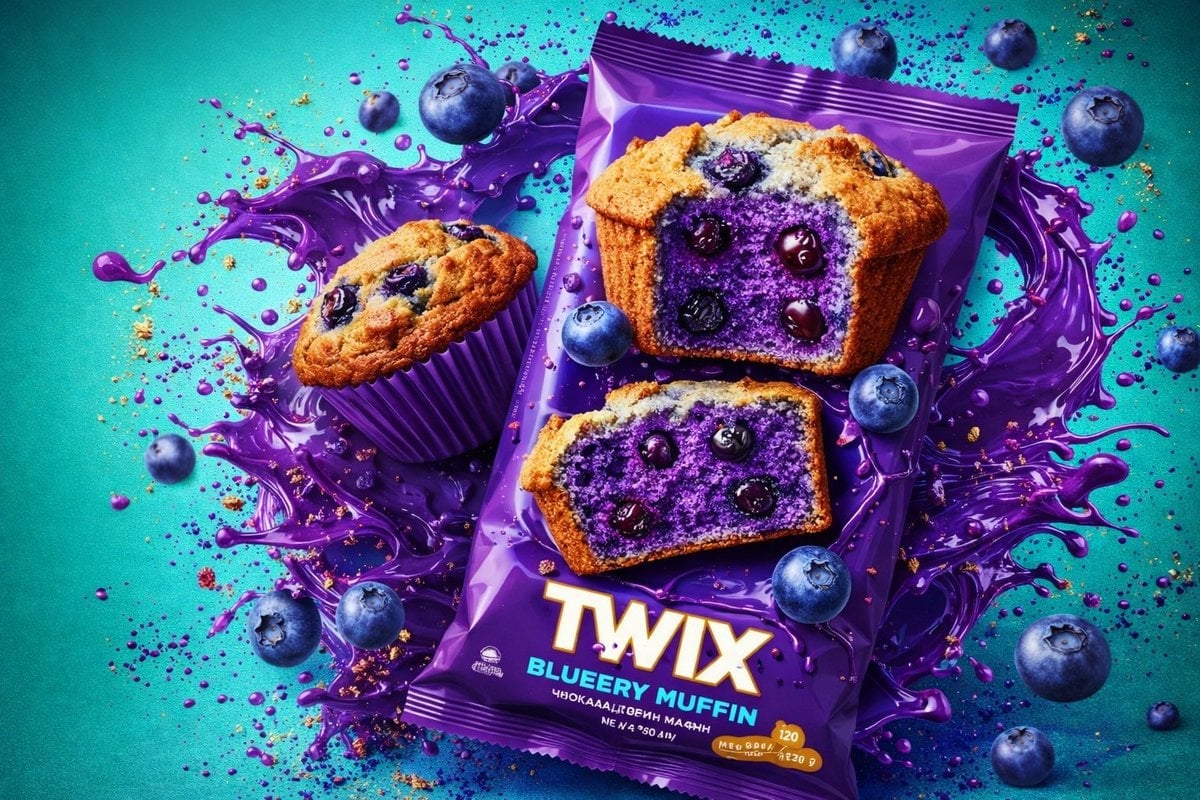
Thick molten chocolate splashes wrapping around the package
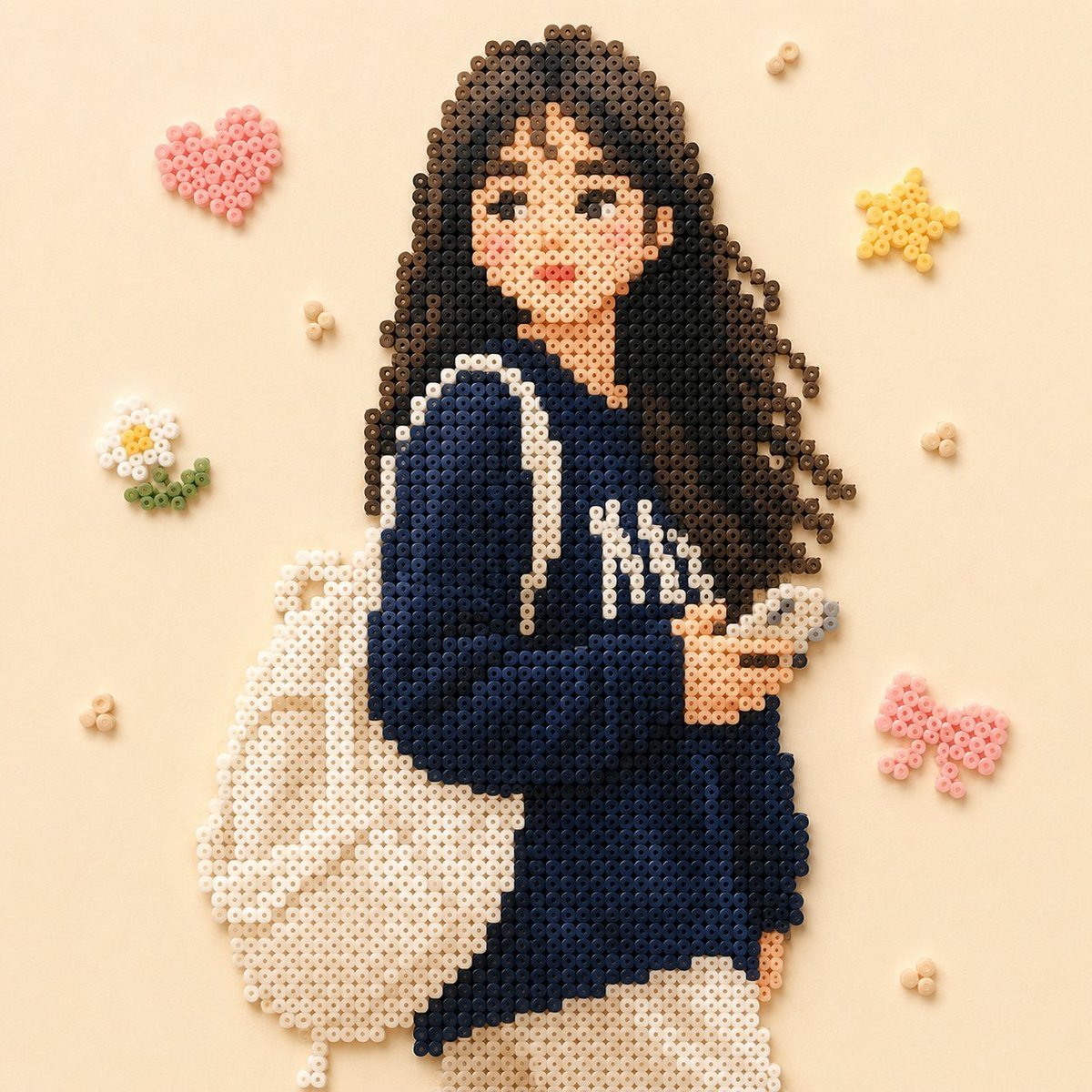
Beaded Pixel Art Portrait
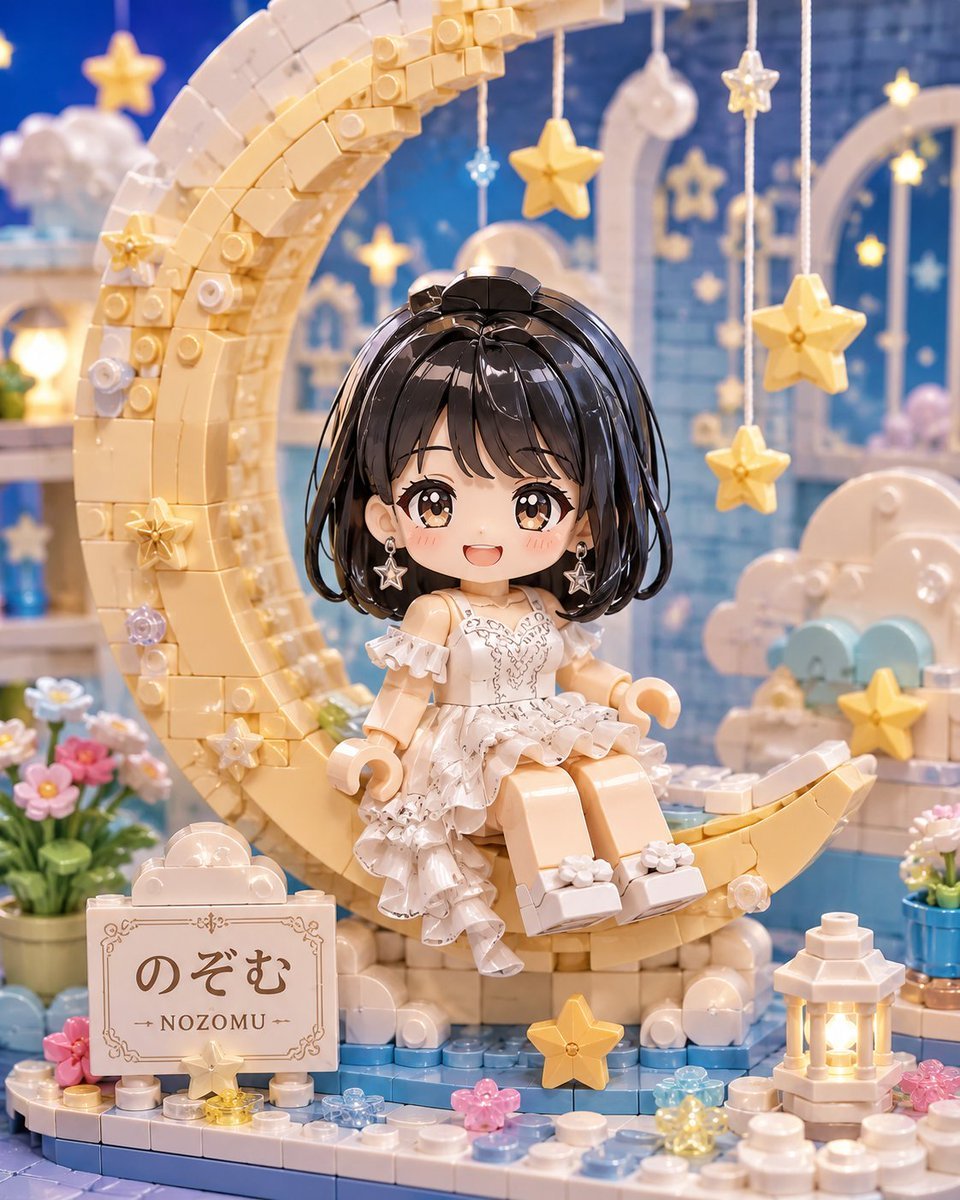
Kawaii Brick Moon Chibi Diorama
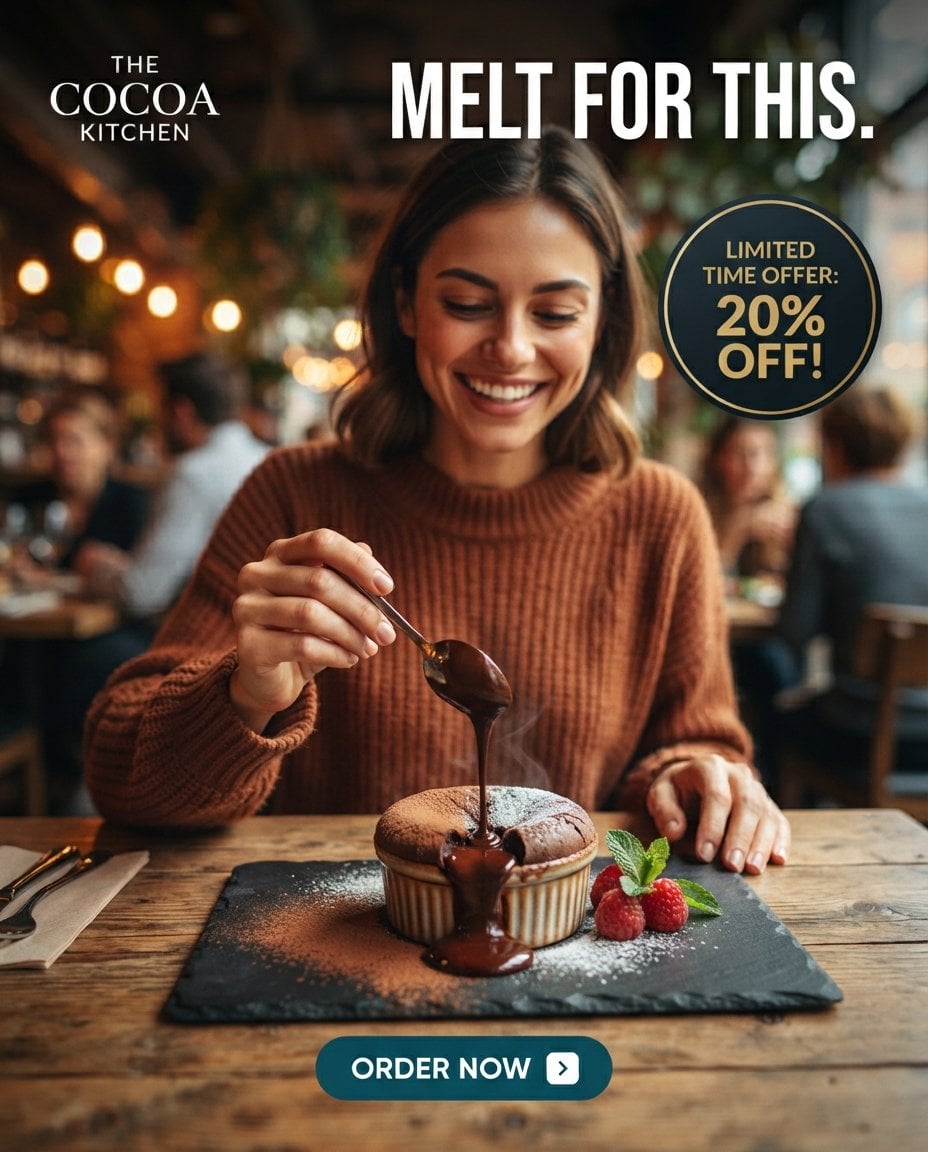
Molten Chocolate Dessert Café Ad
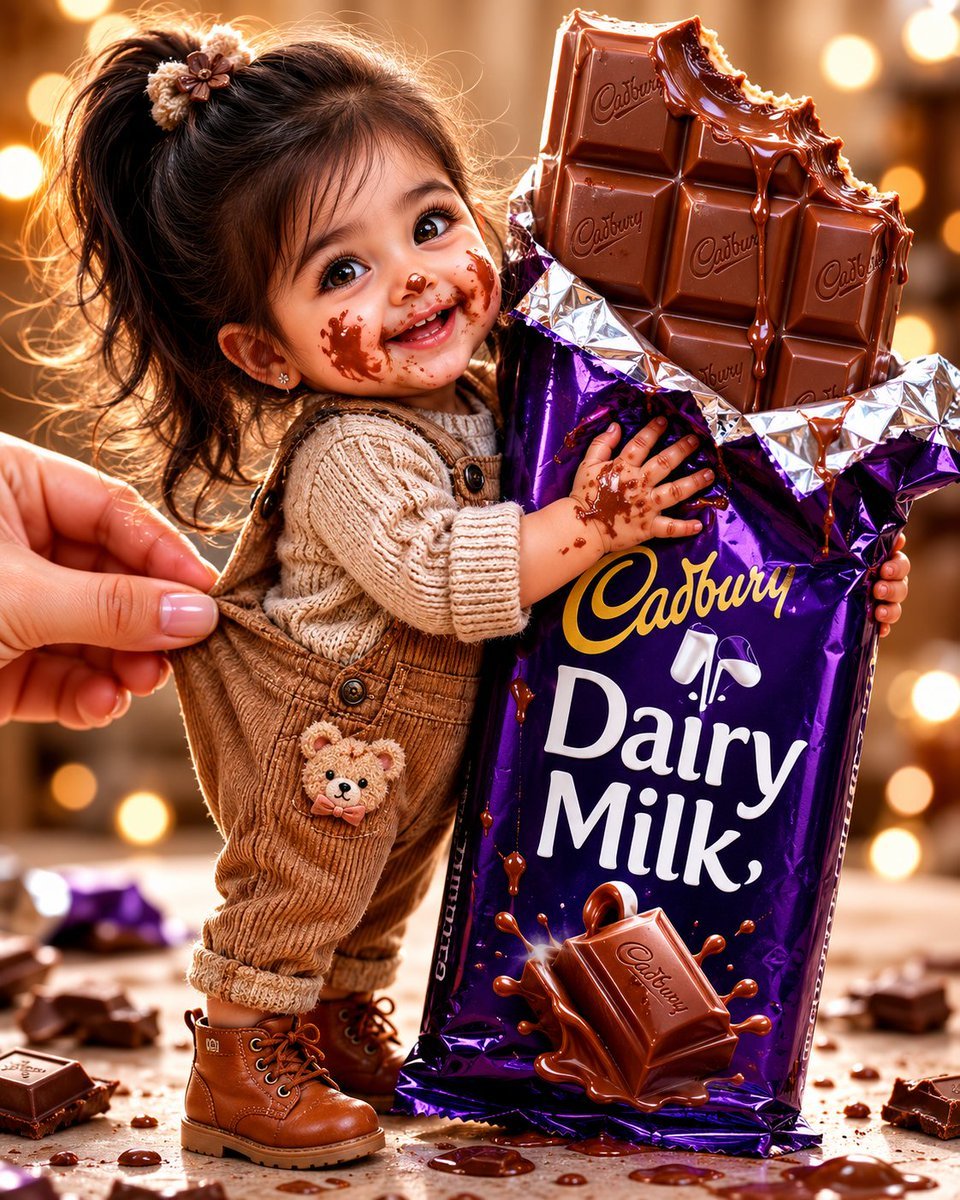
Tiny Toddler Hugging Giant Chocolate Bar
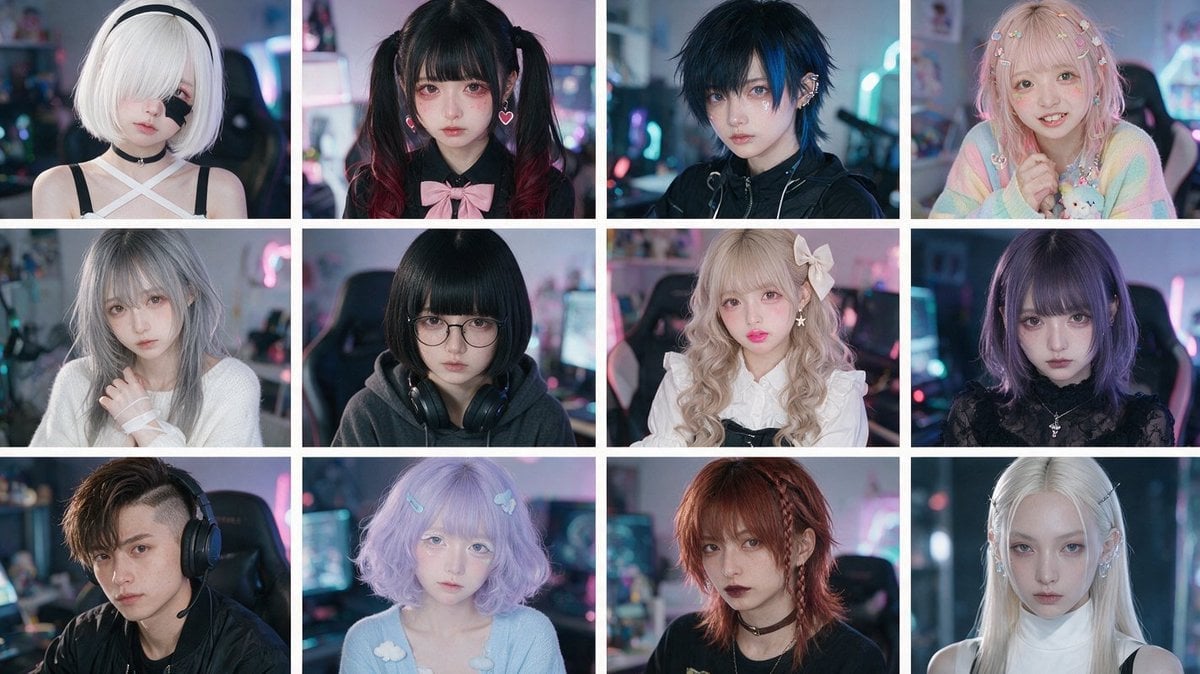
Cyber-Kawaii Influencer Portrait Grid
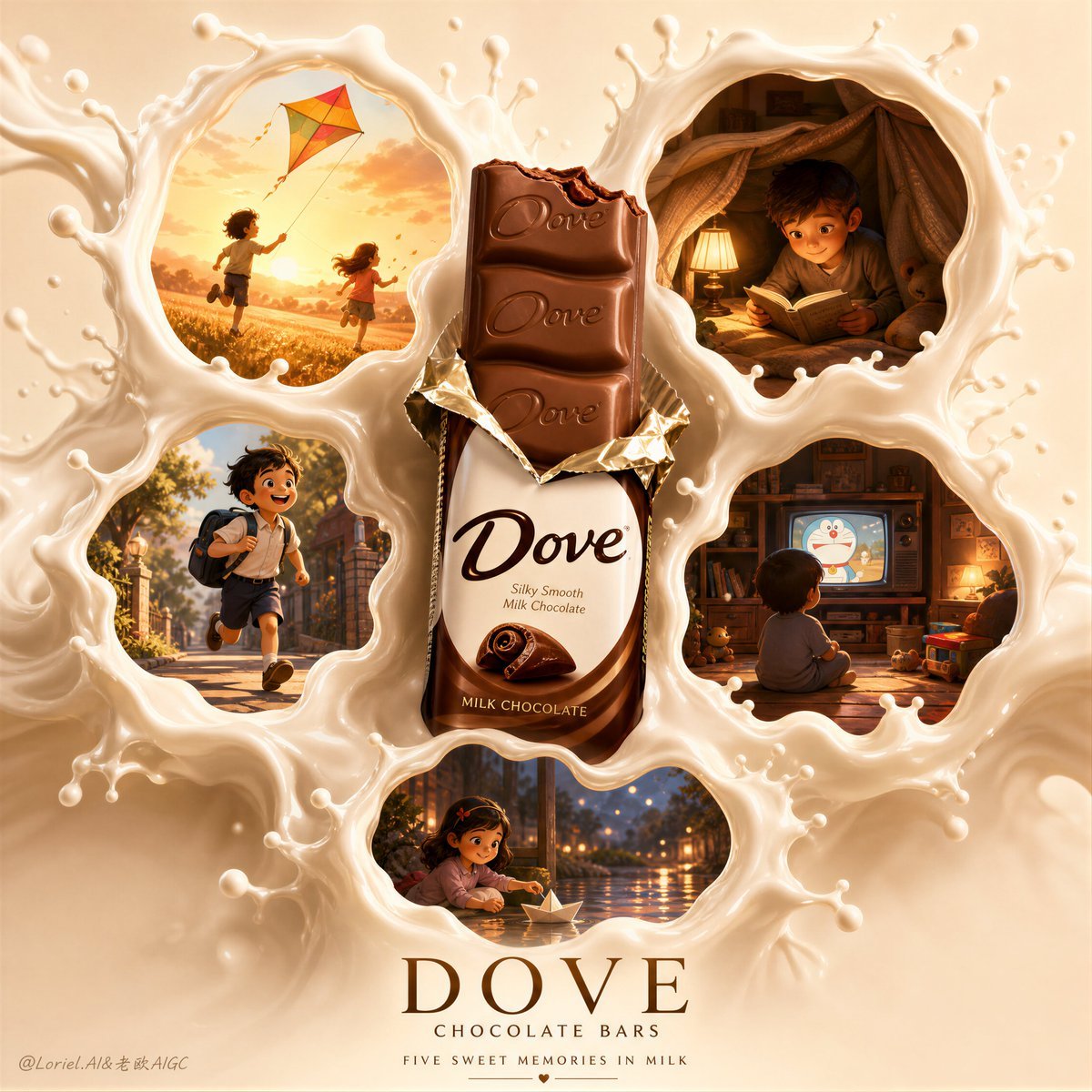
Magical Dove Chocolate Memory Splash
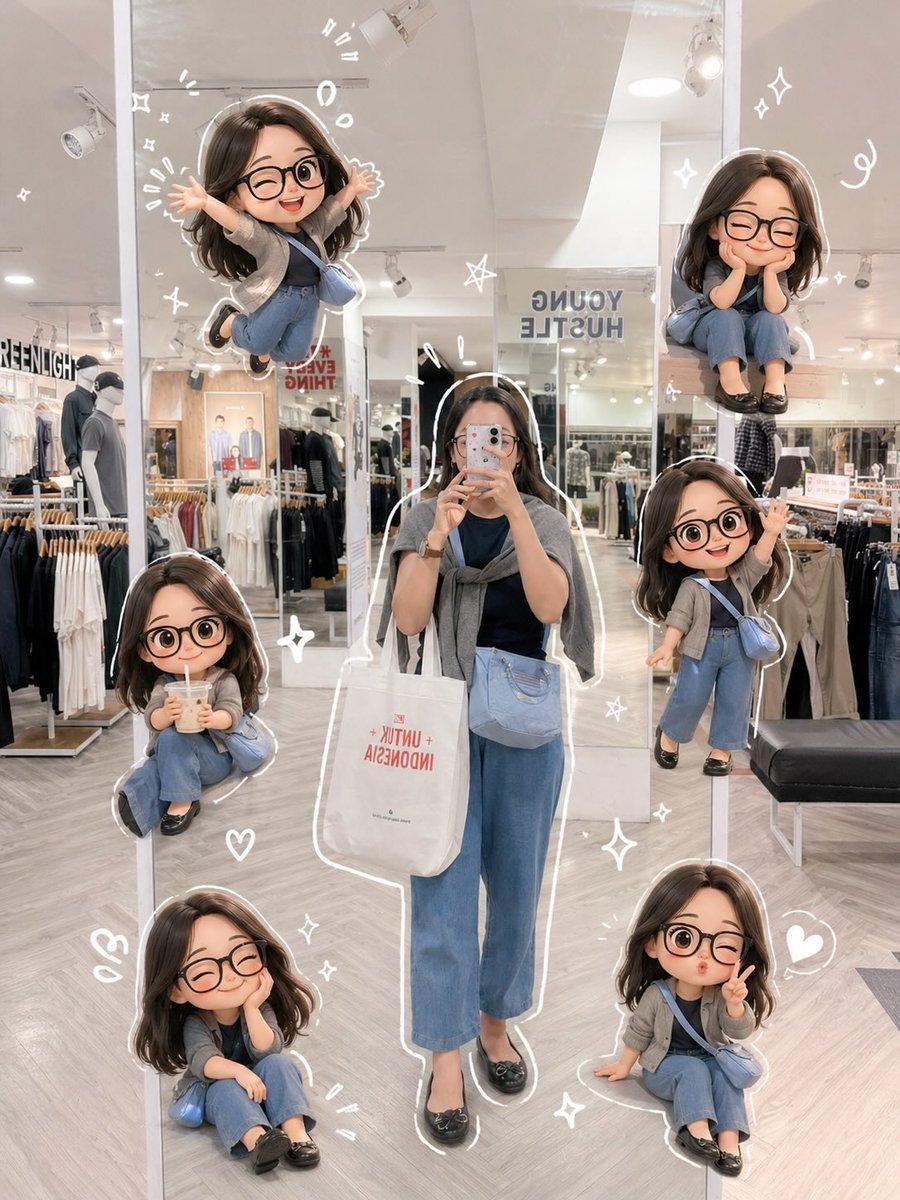
Chibi Mirror Selfie with Kawaii Doodles
Make it yours
Kawaii Bead Art Chocolate Banana works as-is. These are the safest ways to change it without losing the look.
Change one field
Copy a single group, rewrite it, and generate again so you can see what that field is doing.
Keep the frame, change the subject
Hold the composition and light of Kawaii Bead Art Chocolate Banana, then swap wardrobe, props or the person for a new take.
| If the result… | Why | Fix |
|---|---|---|
| The result drifts from the preview | Too many fields changed at once. | Reuse Kawaii Bead Art Chocolate Banana as-is first, then change one group — subject, light, or setting. |
| The model over-stylizes the scene | The prose prompt leaves finish and camera underspecified. | Add one camera or lighting sentence and stay on GPT Image 2. |
More GPT Image 2 templates
Other prompts made for GPT Image 2.

Six VTuber Japanese Logo Sheet

Realistic Portrait of Woman and Deer

The Vista Modular Condo Poster

AI Model Routing Comparison Infographic

2.5D Anime Art Board

Isometric Productivity Desk Scene

New York Double Exposure Poster

Four-Panel AI Landscape Comparison

Japanese Tatami Lifestyle Magazine Cover

NESCAFÉ Coffee Map Poster
More image prompts
Fresh picks from across the catalog.
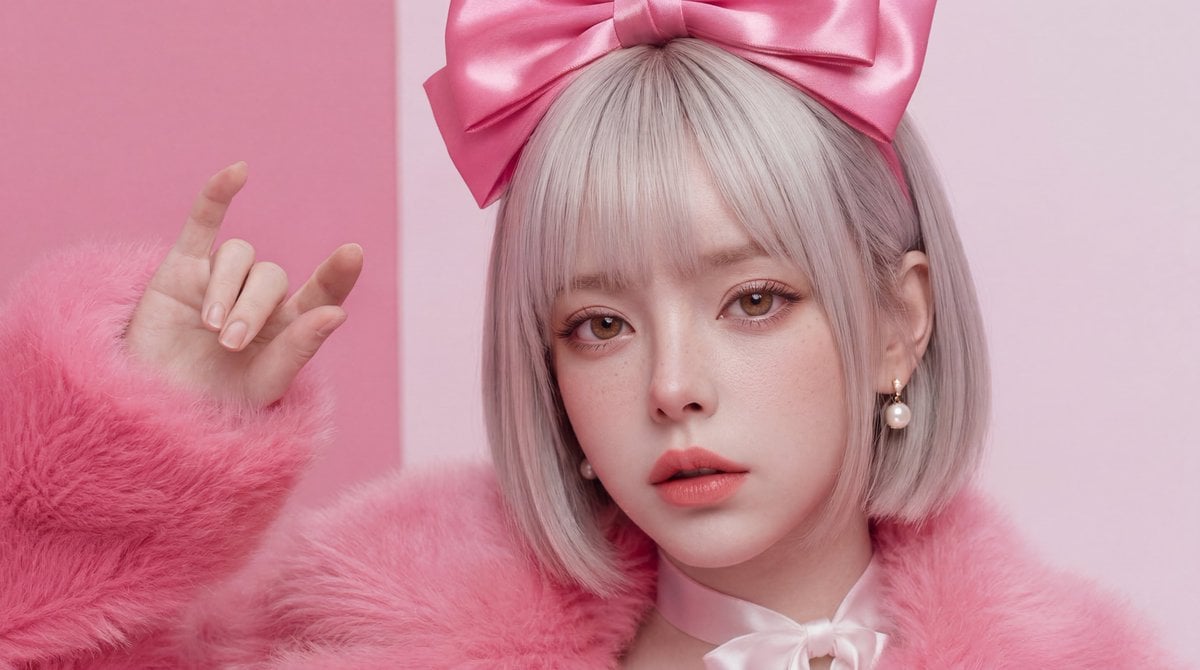
Hyper-Realistic Skin Texture Prompt for Nano Banana Pro (Detailed Version)
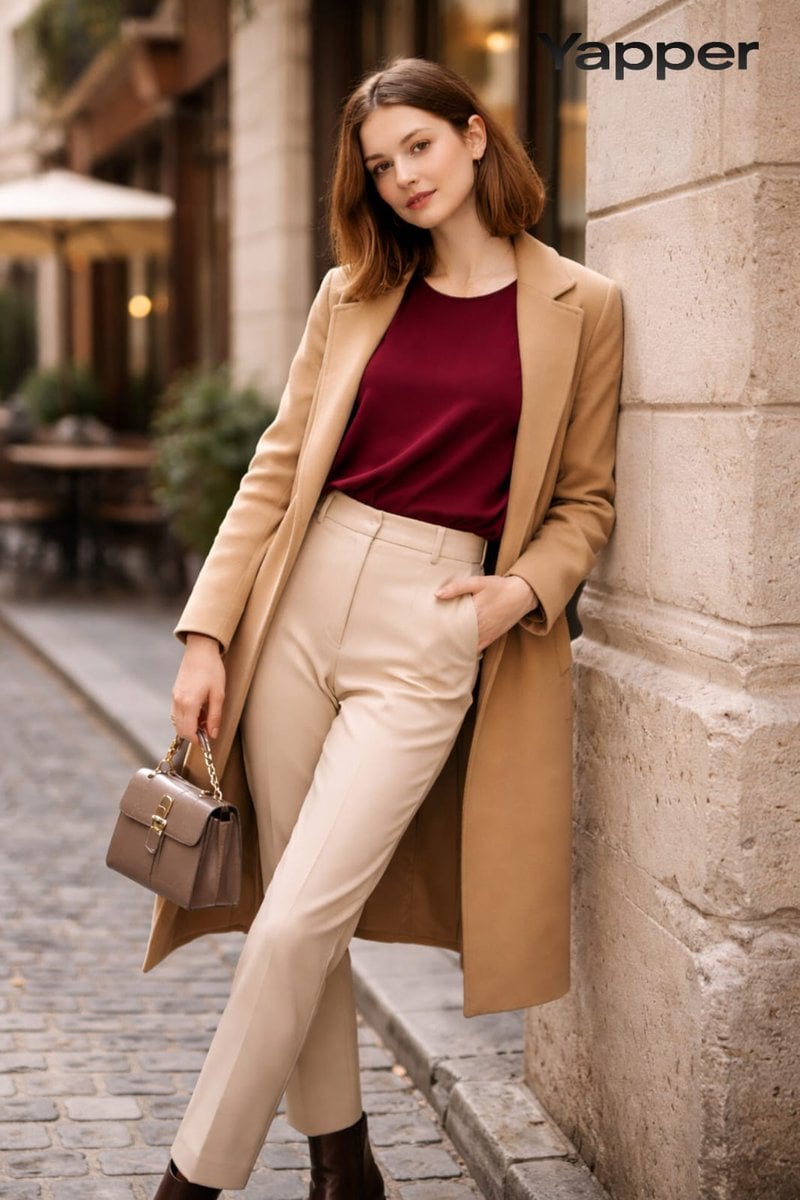
High-Fashion Street Portrait Prompt for Nano Banana Pro
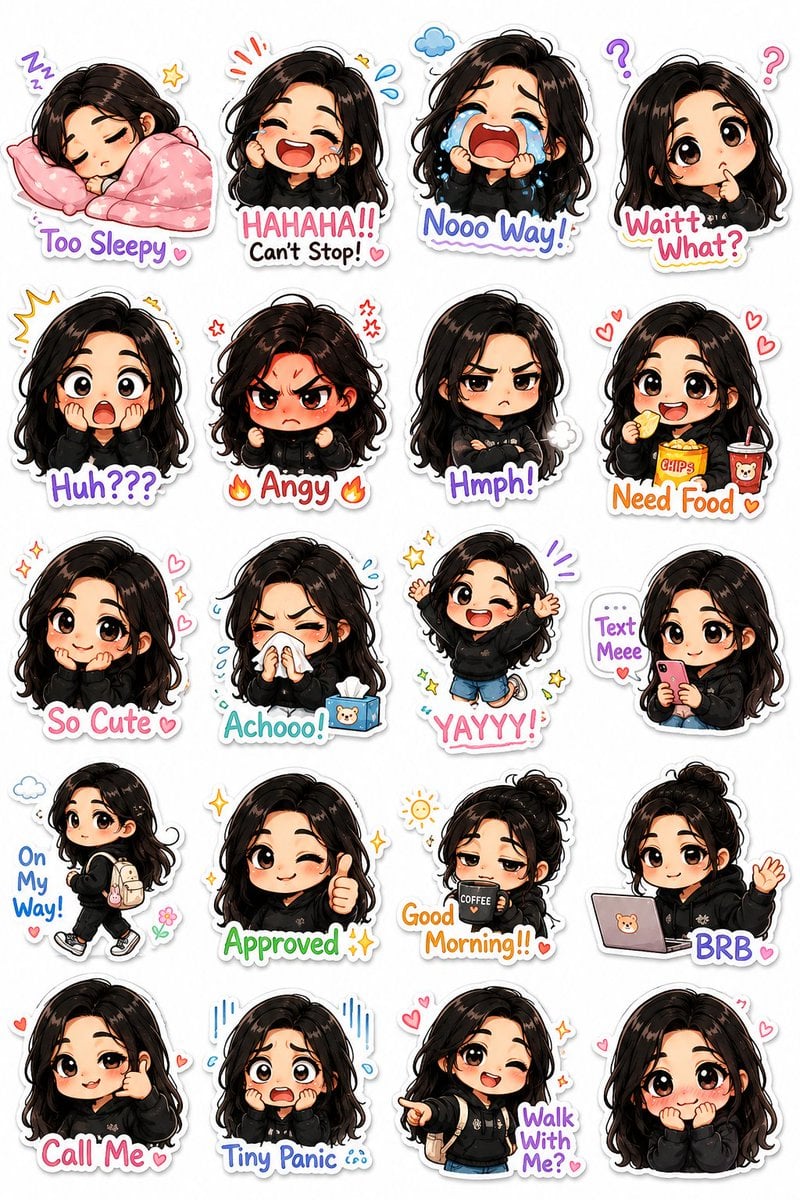
Kawaii Chibi Sticker Pack Creator
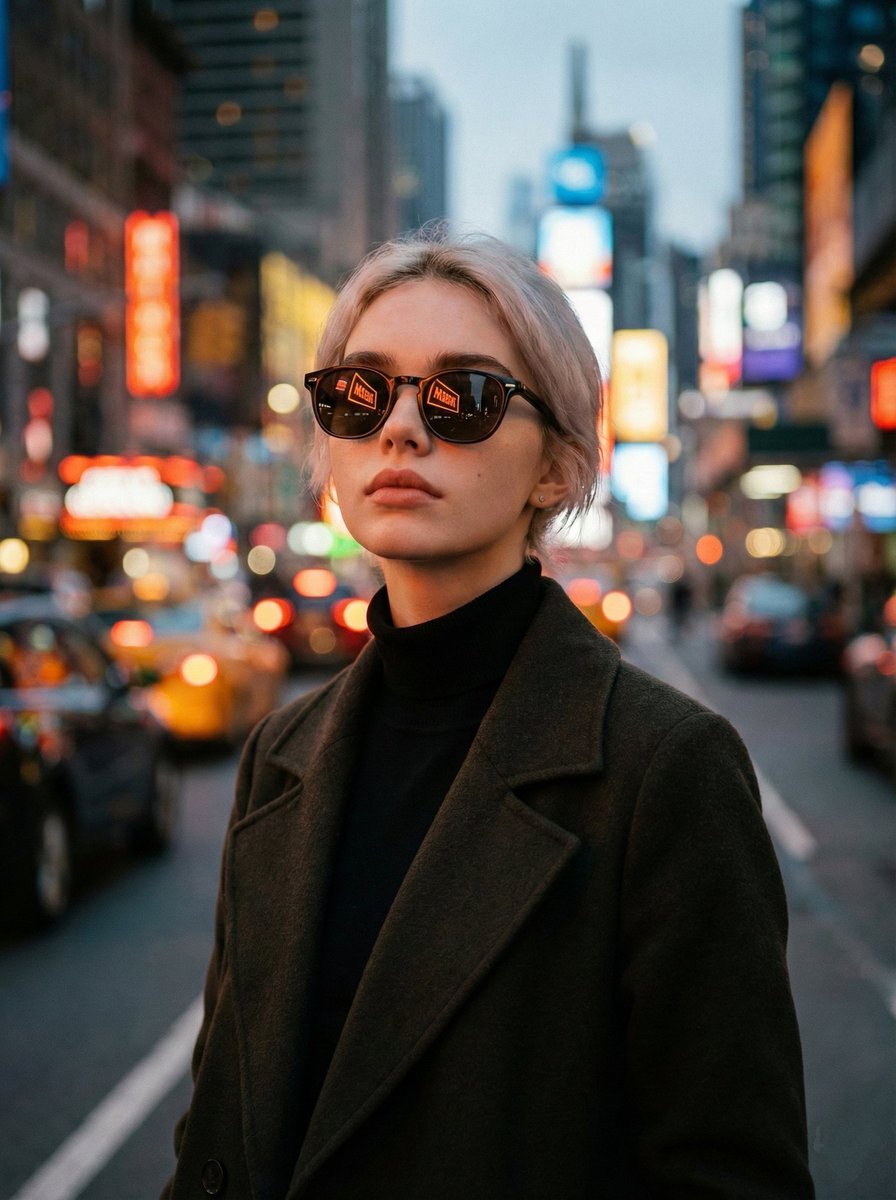
Cinematic Twilight City Portrait with Neon Reflections
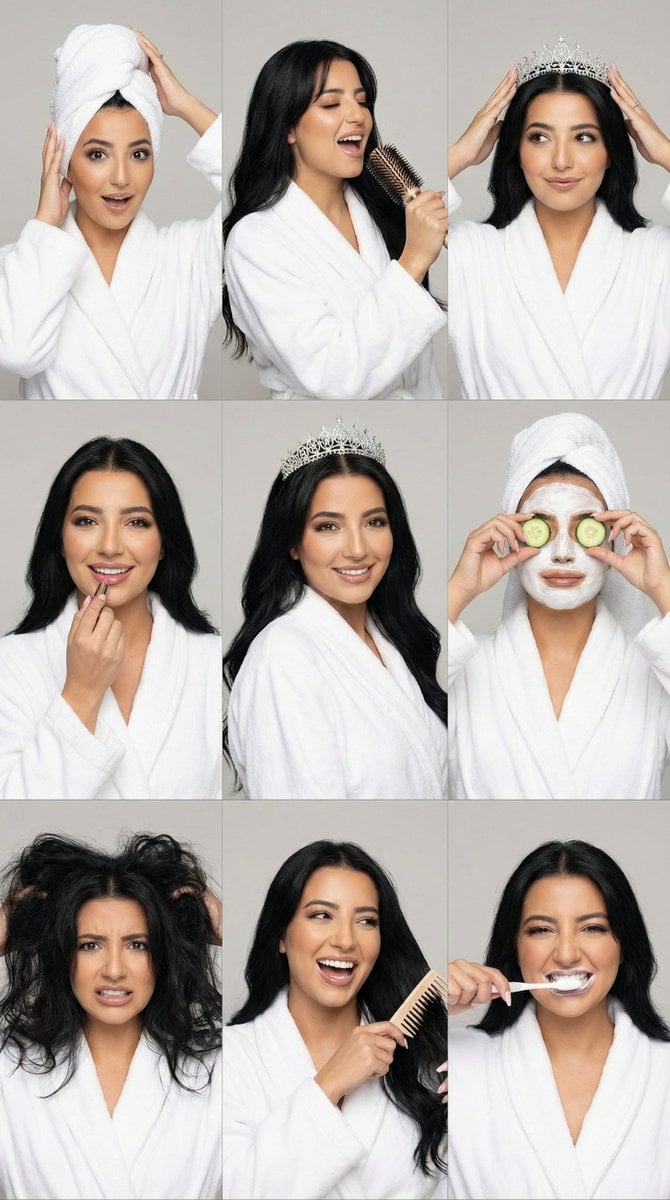
3x3 Photorealistic Beauty Photoshoot Grid with Identity Lock
Visual Contrast Cultural Photography

Romantic Candlelit Couple Dinner

Paris Travel Collage Grid - Face Reference
Neon Noir Wide-Angle Cinematic Portrait Prompt in JSON
Gritty Evangelion Poster
Browse template categories
Kawaii Bead Art Chocolate Banana questions
How do I use the Kawaii Bead Art Chocolate Banana template?
Add your photo if the template asks for one, edit the prompt if you like — the template's model and format are already selected — and press Generate. Your version opens in PicX Studio.
Can I customize the Kawaii Bead Art Chocolate Banana template?
Yes. You can change the subject, setting, lighting, mood, format, and available model controls before creating your image.
Is the Kawaii Bead Art Chocolate Banana template free?
Opening and editing this template is free. Generating uses credits, shown on the Generate button when you are signed in.
Which AI model should I use?
Start with GPT Image 2, which is the model associated with this template. You can compare another compatible model for a different finish.
Looking for something else? Browse all templates.

Your photo, any look
Thousands of ready templates for every top image and video model, from one credit balance.