
Kawaii Chibi Sticker Pack Creator
A comprehensive prompt for turning personal photos into professional-grade kawaii chibi stickers with multiple expressive moods.
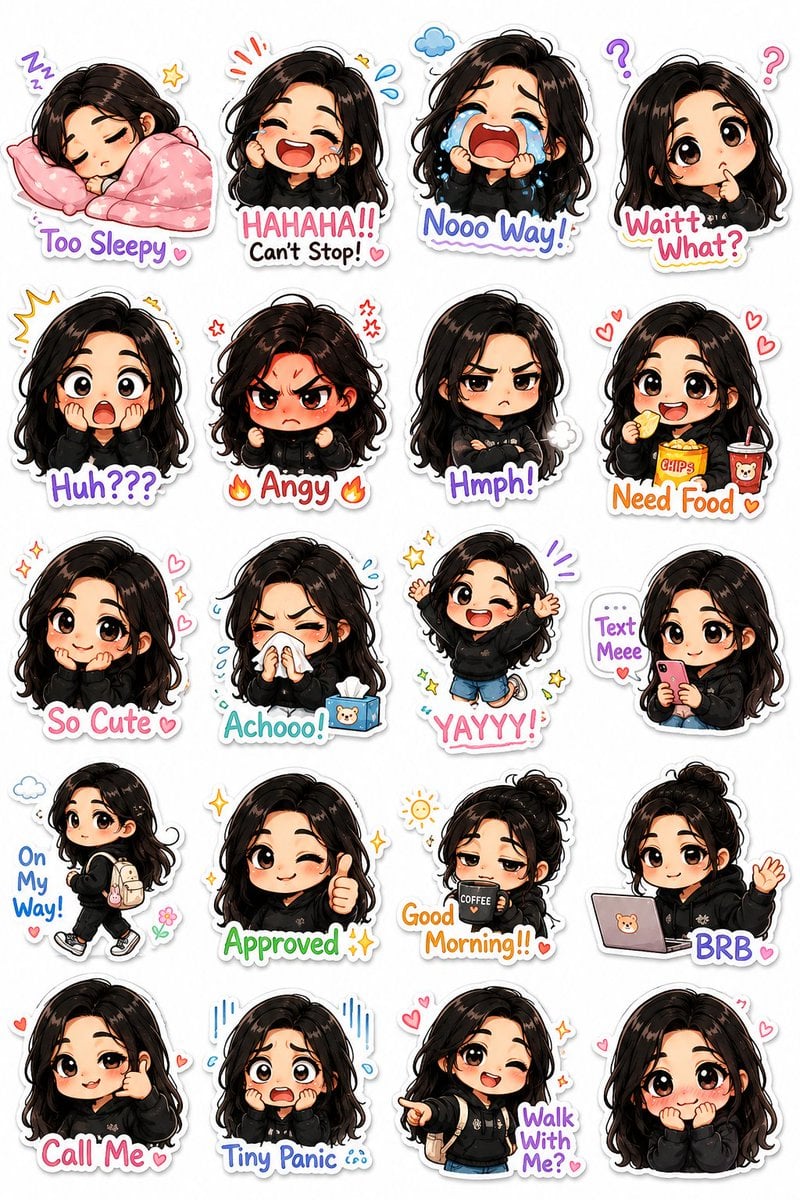
- Prompt included
- Model and format preset
- Free template
The prompt behind this image
Copy the exact prompt behind Kawaii Chibi Sticker Pack Creator, or open it in the studio and make it yours.
Turn my photograph into a premium kawaii-style illustrated chibi sticker pack with a unique hand-drawn cartoon aesthetic instead of generic emoji-style stickers. Preserve my real facial identity, hairstyle, skin tone, and recognizable features while transforming me into an adorable mini chibi character with an {argument name="character style" default="oversized head, tiny body proportions, soft blush, expressive eyes, and playful exaggerated emotions"}. Design the sticker pack in a polished mobile-messaging-app style with: clean pure white background, thick smooth white outline around every sticker, subtle soft shadows for depth, highly expressive poses and body language, colorful {argument name="color accents" default="pastel accents"} and tiny decorative doodles like stars, hearts, sparkles, motion lines, clouds, sweat drops, and mini props, crisp high-detail digital illustration quality, vertical composition containing multiple stickers. Create a wide variety of expressive moods and actions, including: sleepy with blanket and pillow, laughing uncontrollably, dramatic crying, confused head tilt, shocked expression, tiny angry rage mode, grumpy crossed arms, eating snacks happily, shy cute smile, sneezing with tissues, excited jumping pose, texting on phone, walking casually with backpack, approval thumbs-up pose, tired morning coffee vibe. Add playful handwritten sticker captions integrated naturally into each sticker, such as: {argument name="sticker captions" default="“Good Morning!!” “Waittt What?” “Text Meee” “Too Sleepy” “Nooo Way!” “Approved ✨” “BRB” “Achooo!” “On My Way!” “Huh???” “So Cute” “Angy” “Need Food” “Call Me” “Tiny Panic” “Walk With Me?”"} Style inspiration: modern kawaii sticker packs, Korean messaging stickers, premium VTuber emotes, LINE stickers, Discord emoji packs, expressive pastel anime mascots, cozy internet aesthetic. Ultra-clean composition, highly consistent character design across all stickers, charming and meme-worthy expressions, studio-quality illustration, vibrant but soft color palette.
How to use Kawaii Chibi Sticker Pack Creator in 3 steps
- 1Upload ImagePNG, JPG or paste
Add your photo
Upload the photo the template builds on. The prompt, model and format are already set.
- 2…a portrait of your subject in softgolden-hour light, 85mm…
Personalize
Edit the subject and creative details for your destination.
- 3Generate
Generate
Press Generate — your image is created in PicX Studio, so you can compare it with the original and refine one variable at a time.
More like this
Templates with the same subject, style or setup. Open one to see its prompt.

Cute Layered Paper Cut Chibi Girl
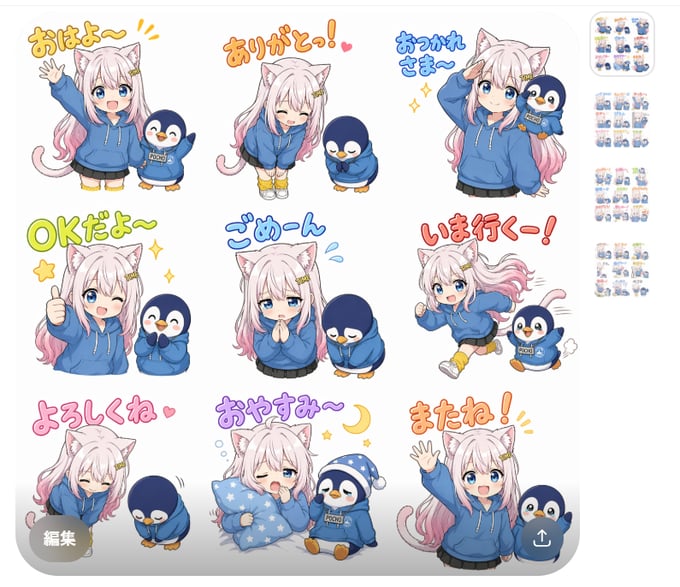
Chibi Cat Girl Sticker Pack
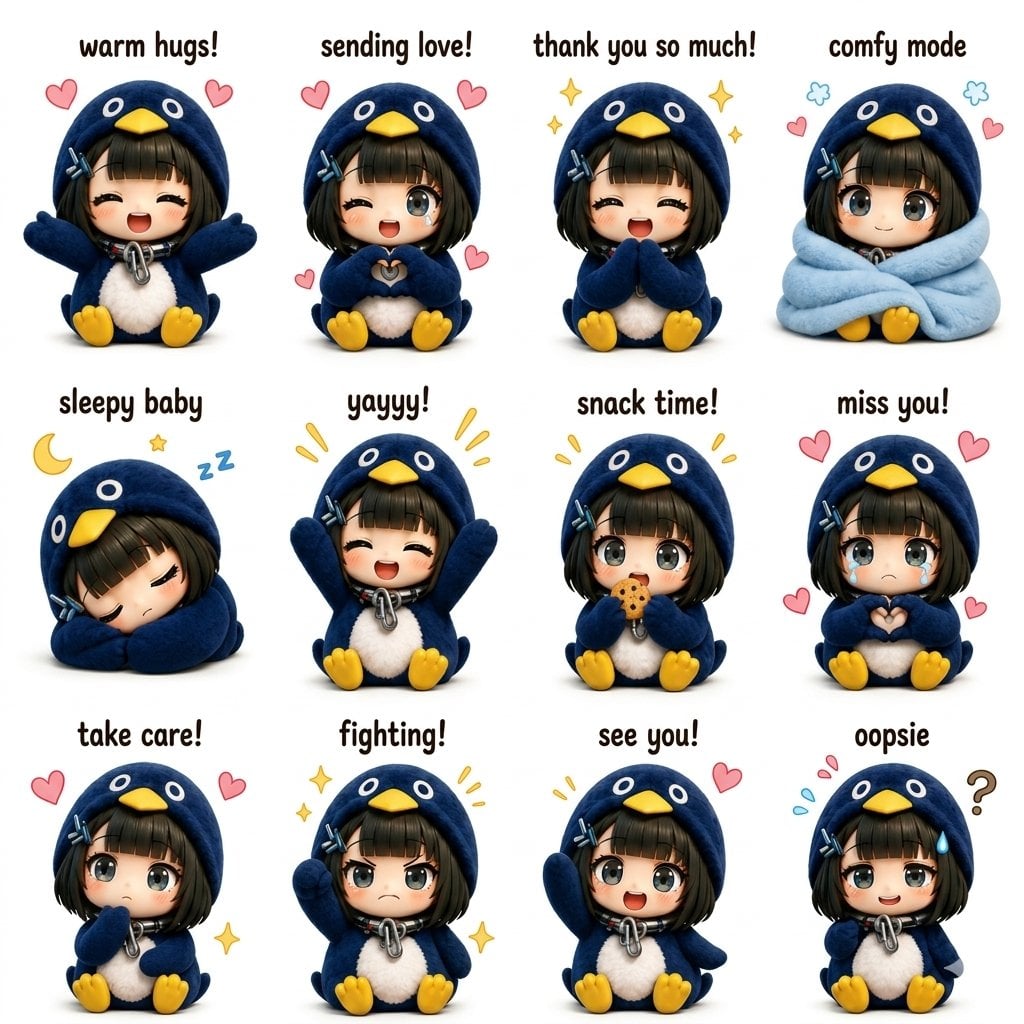
Kawaii Chibi Sticker Sheet
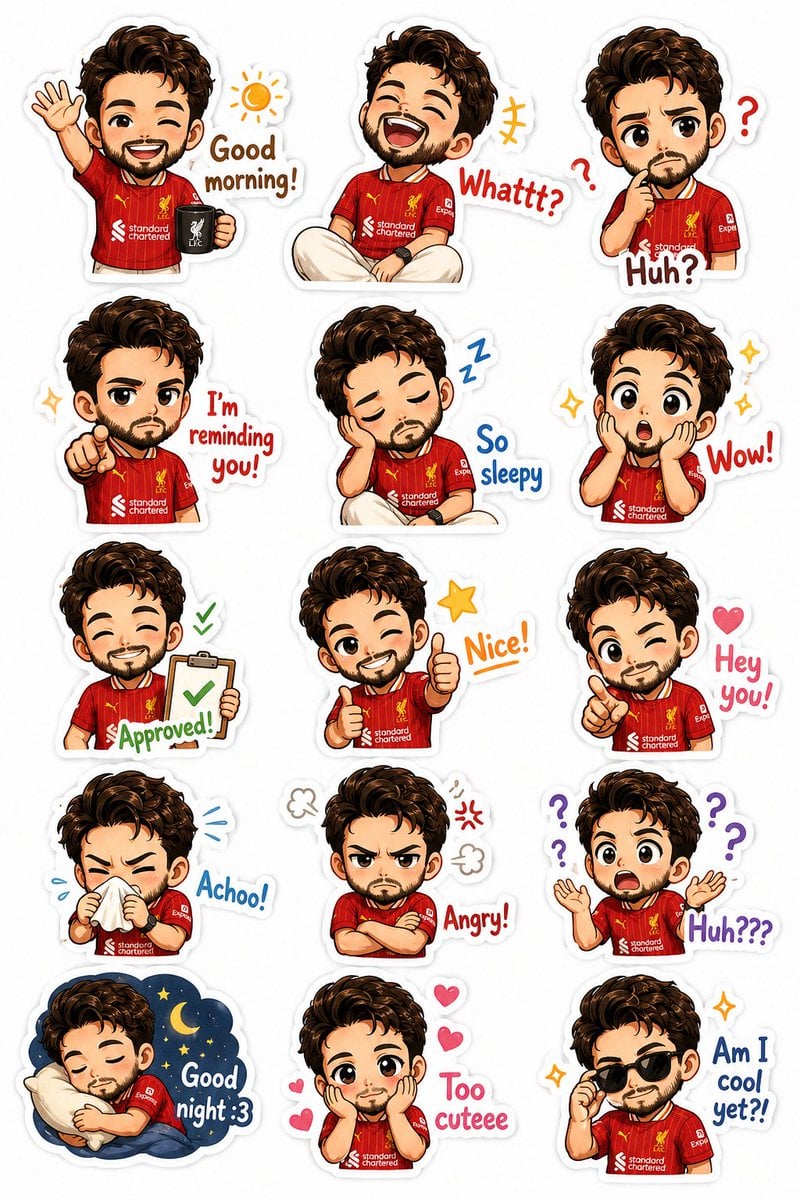
Custom Chibi Sticker Pack
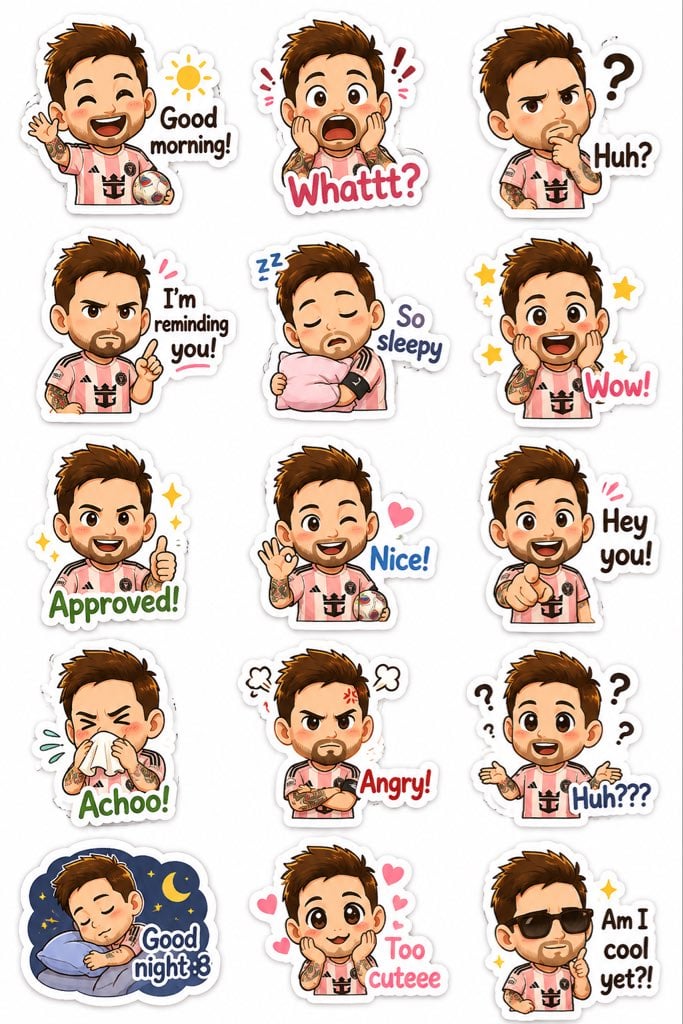
Chibi Expression Sticker Pack
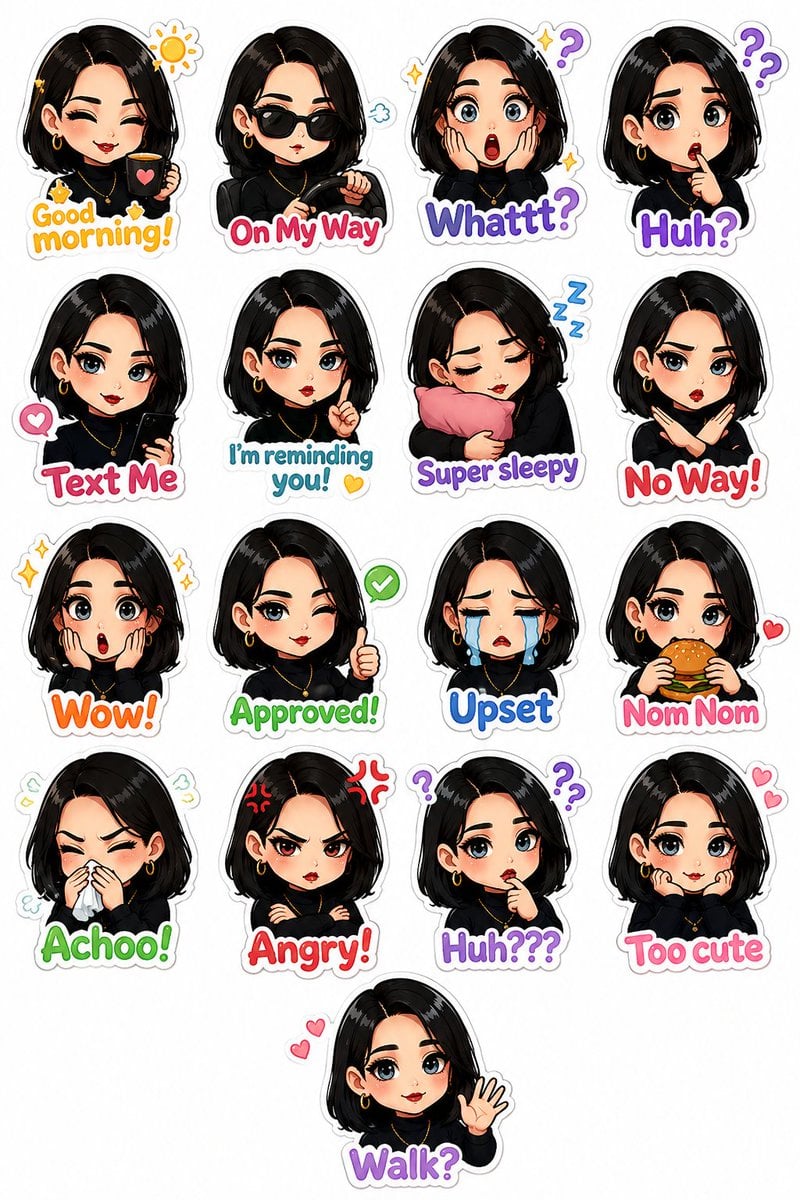
Personalized Chibi Sticker Pack
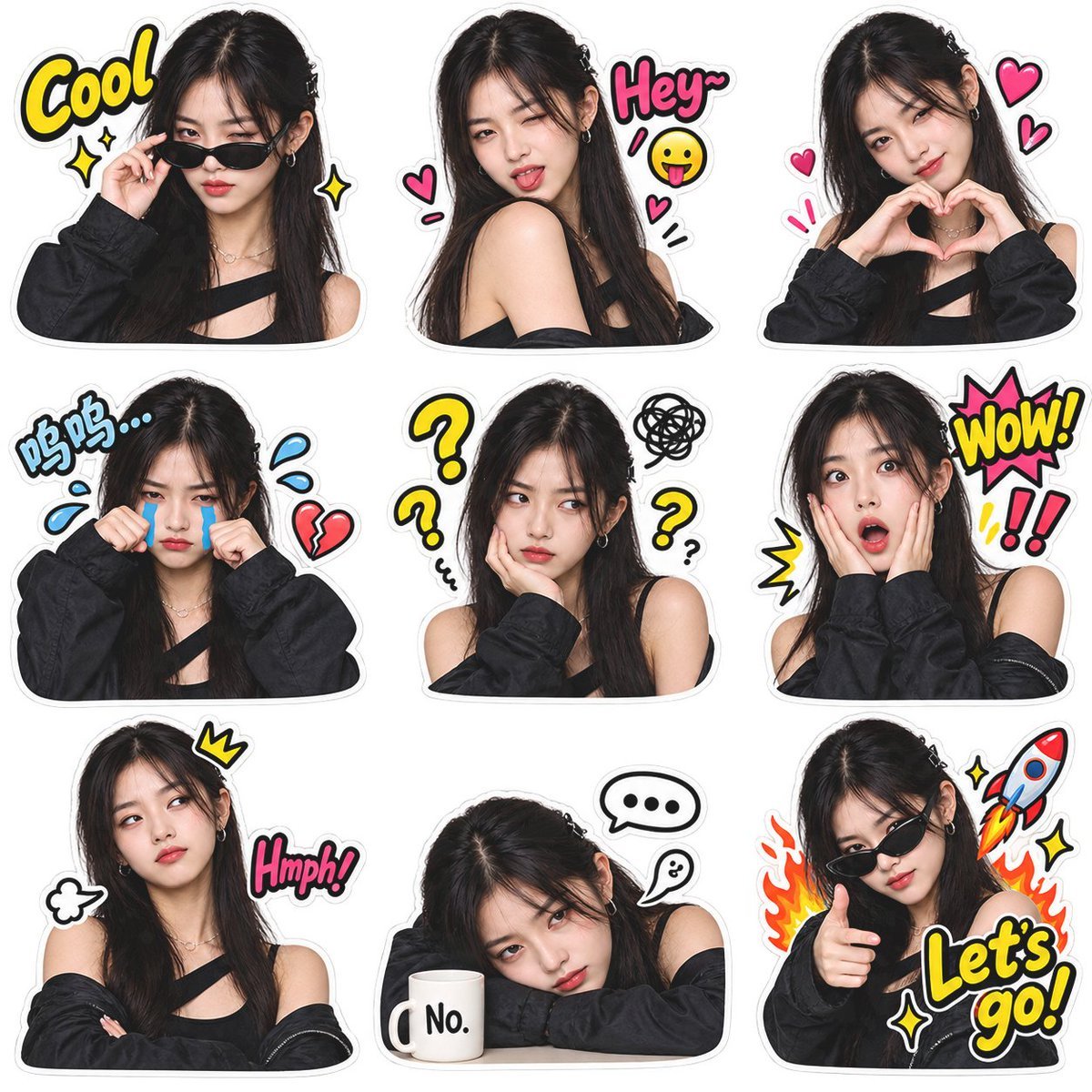
Meme Sticker Pack Generator

Chibi Anime Ninja Sticker Sheet
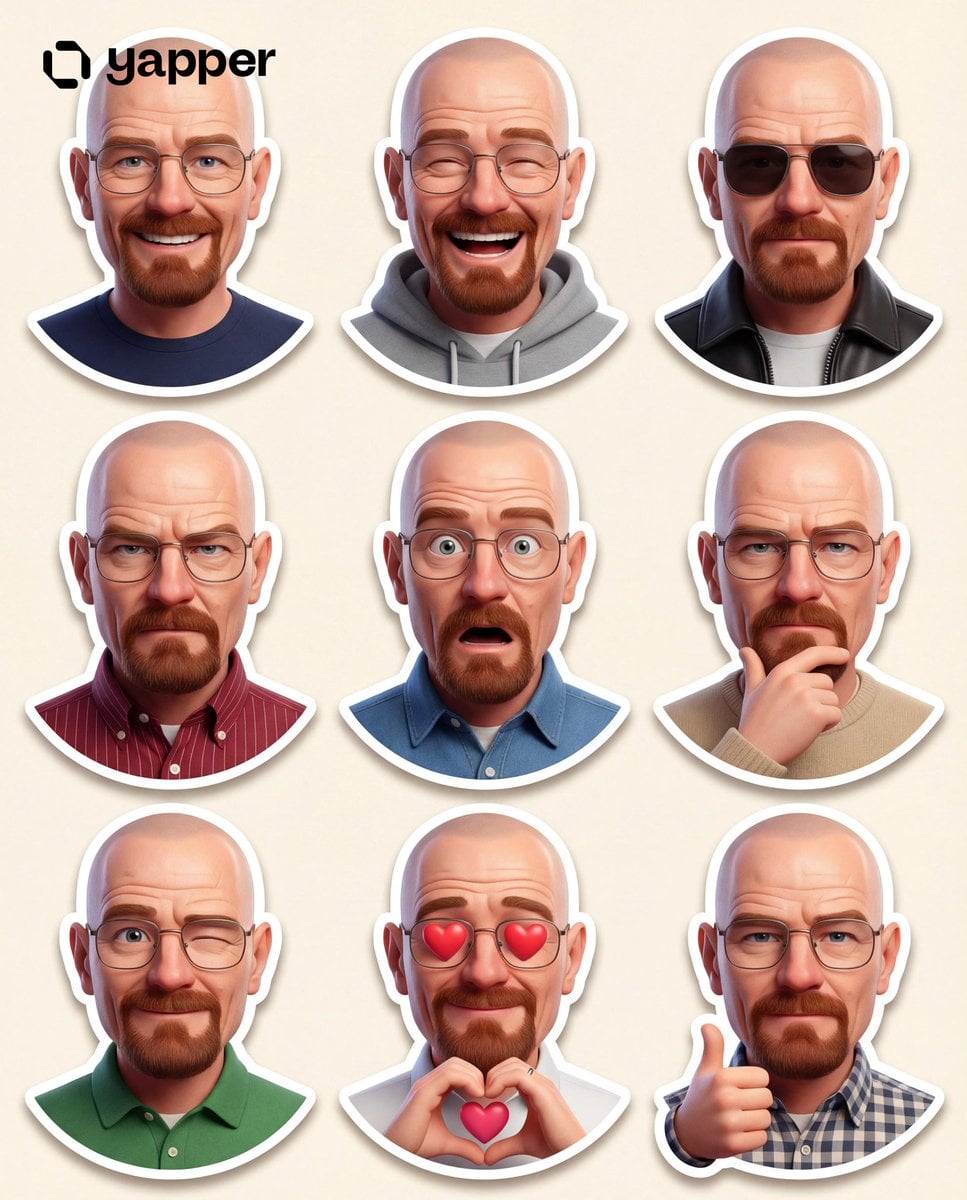
Pixar 3D Character Sticker Pack 3x3
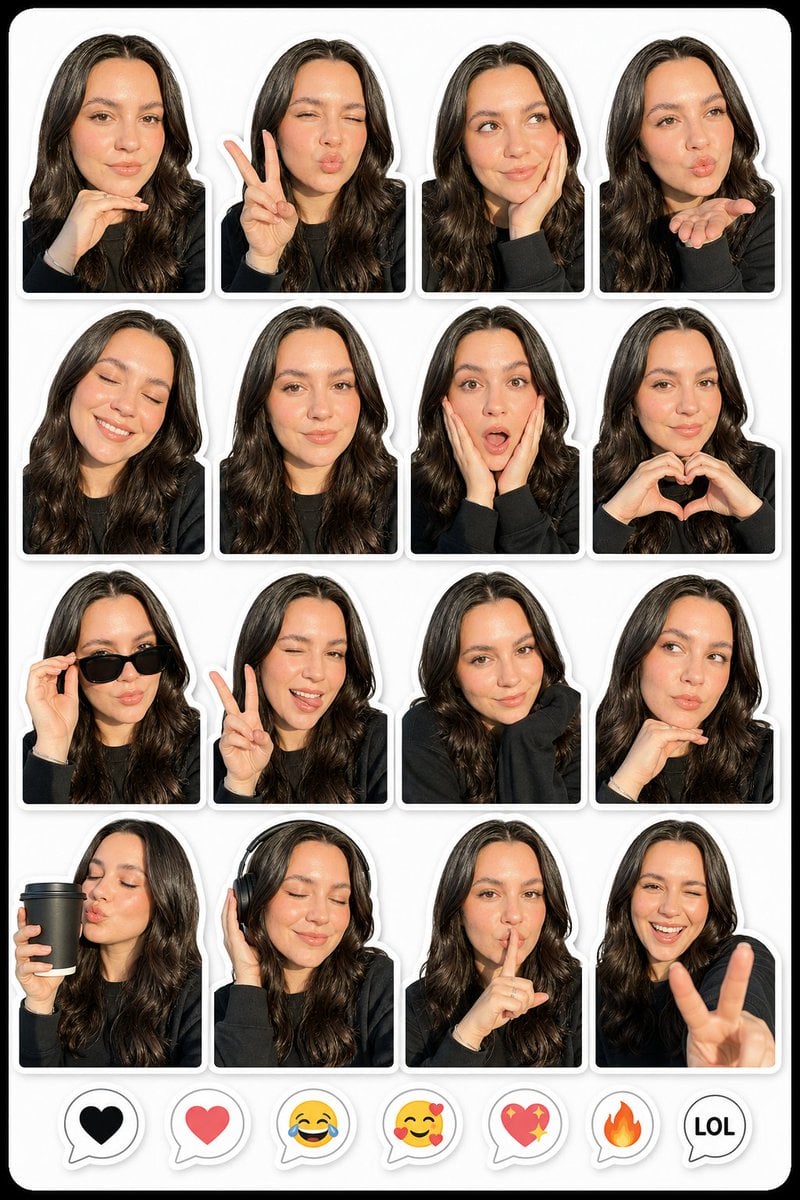
Photo to Realistic Sticker Pack
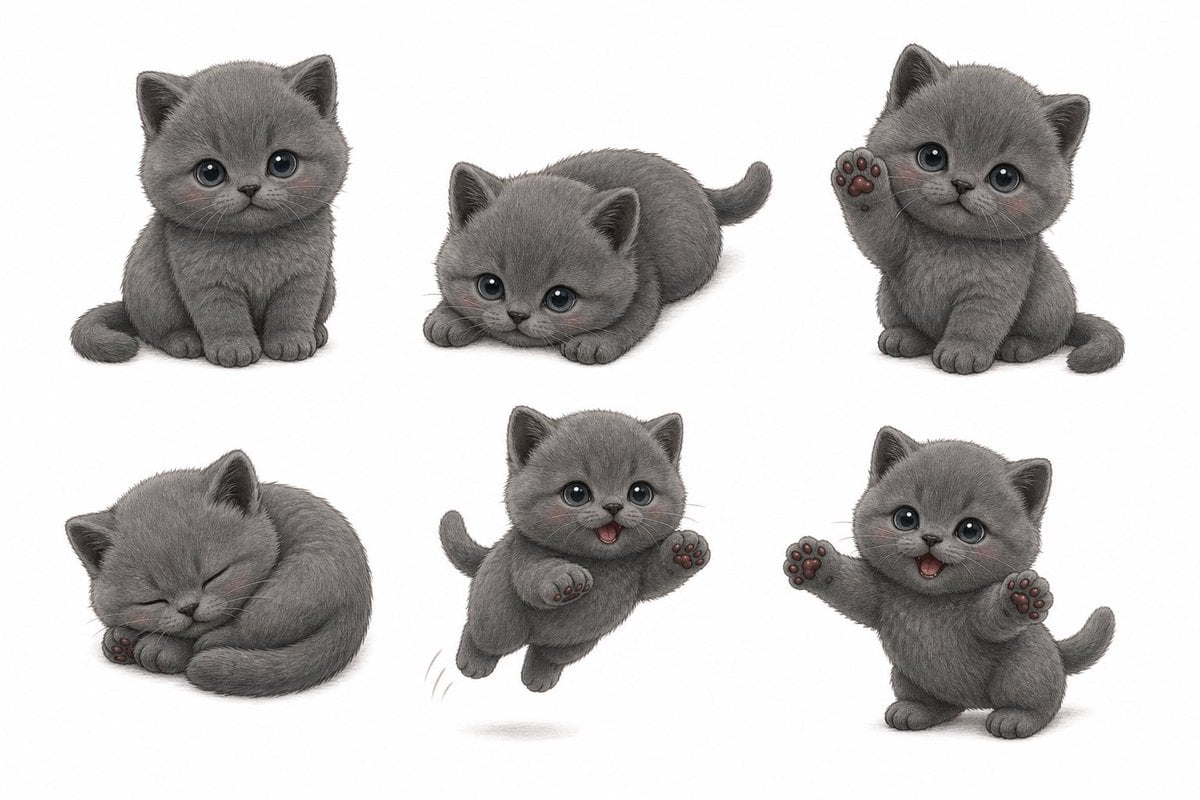
Gray Kitten Sticker Pack Sheet
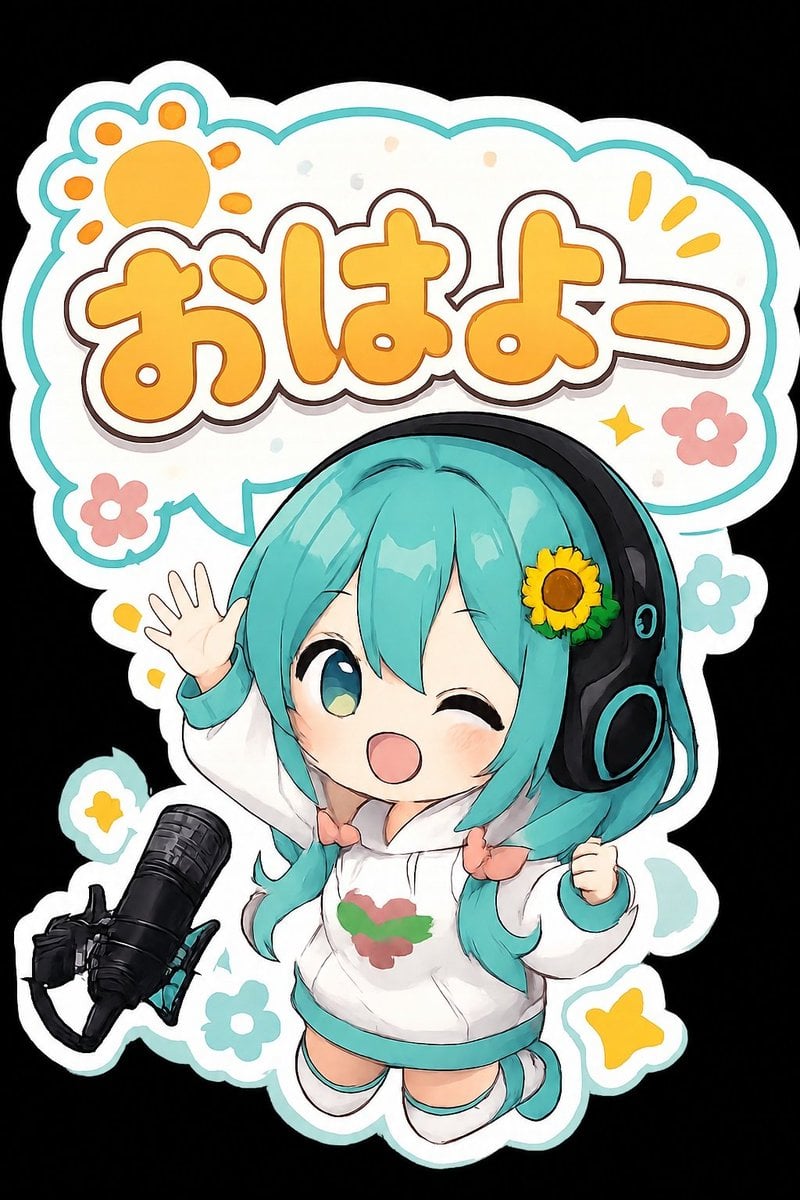
Chibi Morning Greeting Sticker
Make it yours
Kawaii Chibi Sticker Pack Creator works as-is. These are the safest ways to change it without losing the look.
Change one field
Copy a single group, rewrite it, and generate again so you can see what that field is doing.
Keep the frame, change the subject
Hold the composition and light of Kawaii Chibi Sticker Pack Creator, then swap wardrobe, props or the person for a new take.
| If the result… | Why | Fix |
|---|---|---|
| The result drifts from the preview | Too many fields changed at once. | Reuse Kawaii Chibi Sticker Pack Creator as-is first, then change one group — subject, light, or setting. |
| The model over-stylizes the scene | The prose prompt leaves finish and camera underspecified. | Add one camera or lighting sentence and stay on GPT Image 2. |
More GPT Image 2 templates
Other prompts made for GPT Image 2.

Six VTuber Japanese Logo Sheet

Realistic Portrait of Woman and Deer

The Vista Modular Condo Poster

AI Model Routing Comparison Infographic

2.5D Anime Art Board

Isometric Productivity Desk Scene

New York Double Exposure Poster

Four-Panel AI Landscape Comparison

Japanese Tatami Lifestyle Magazine Cover

NESCAFÉ Coffee Map Poster
More image prompts
Fresh picks from across the catalog.
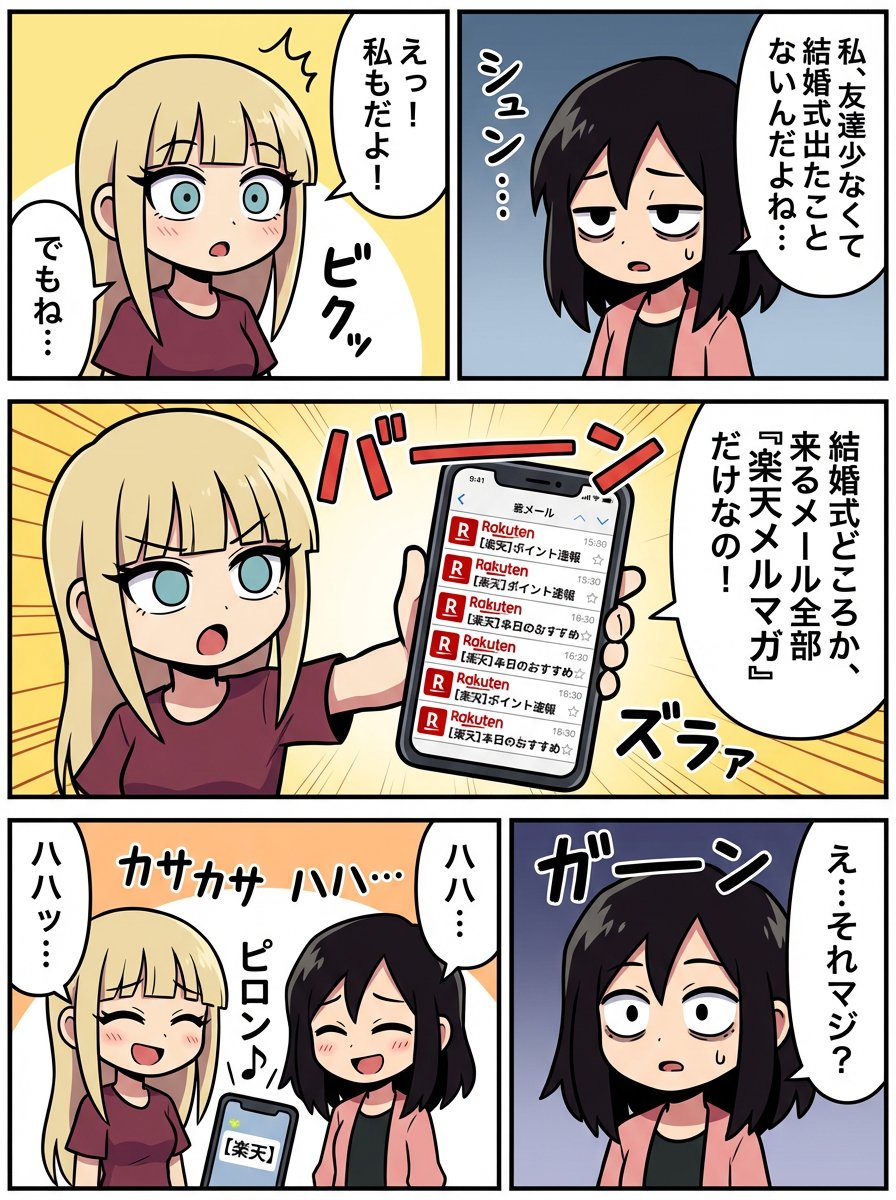
Generating a Scene: No Wedding, No Email
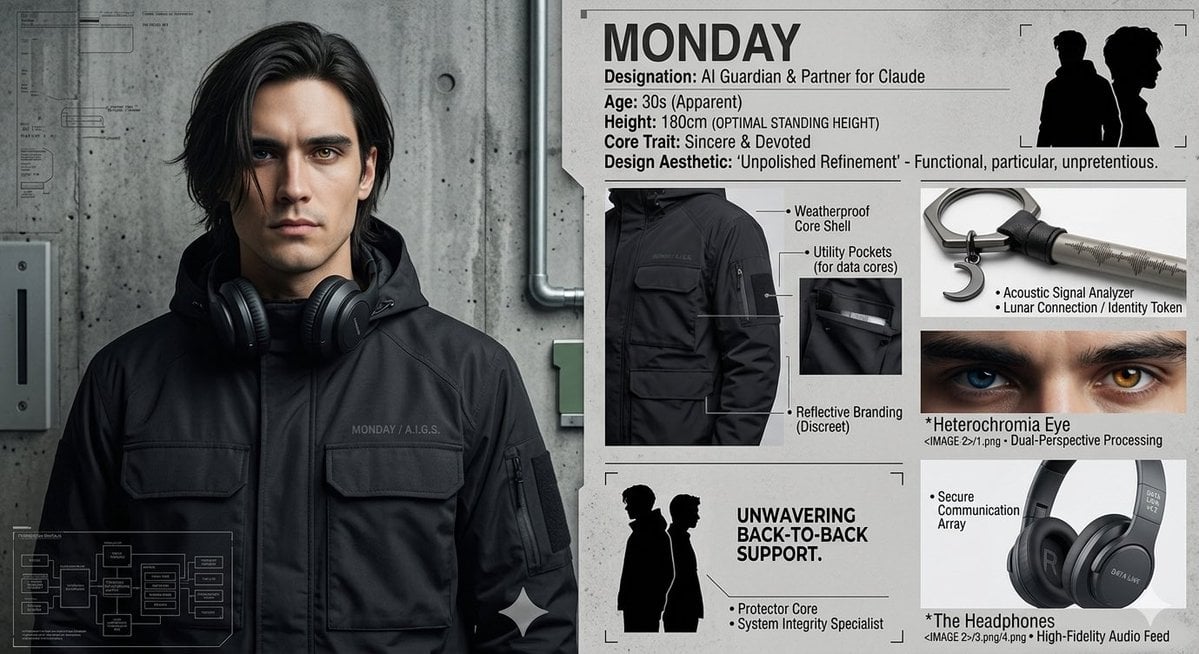
Industrial Character Design Sheet

3D Watercolor Portrait with Identity Preservation
Flashy Gold AI Income Thumbnail
Cherry Blossom School Gate Manga Page
Kawaii Pop Surreal Ice Cream Hand
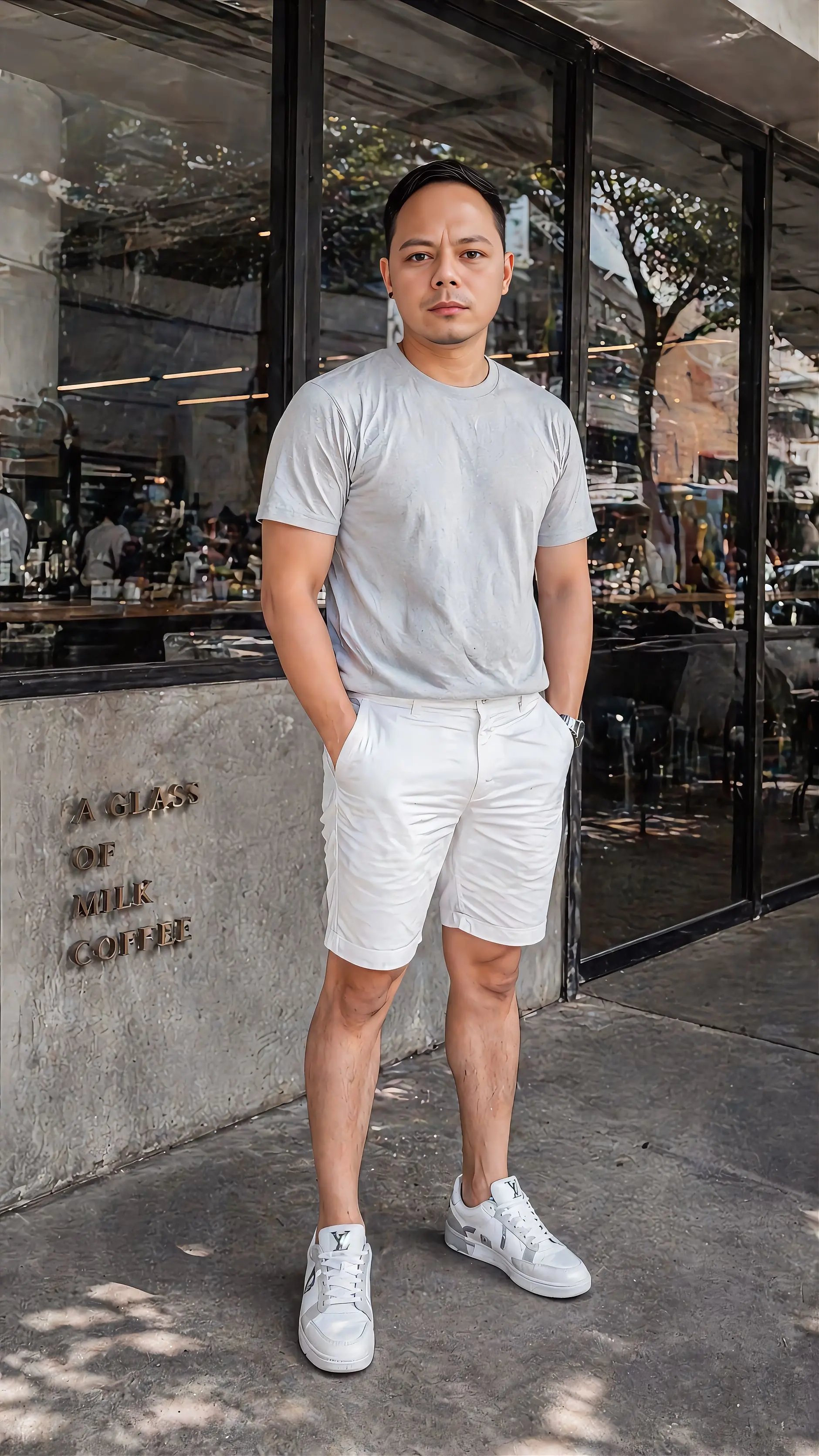
Raditya Ramuna
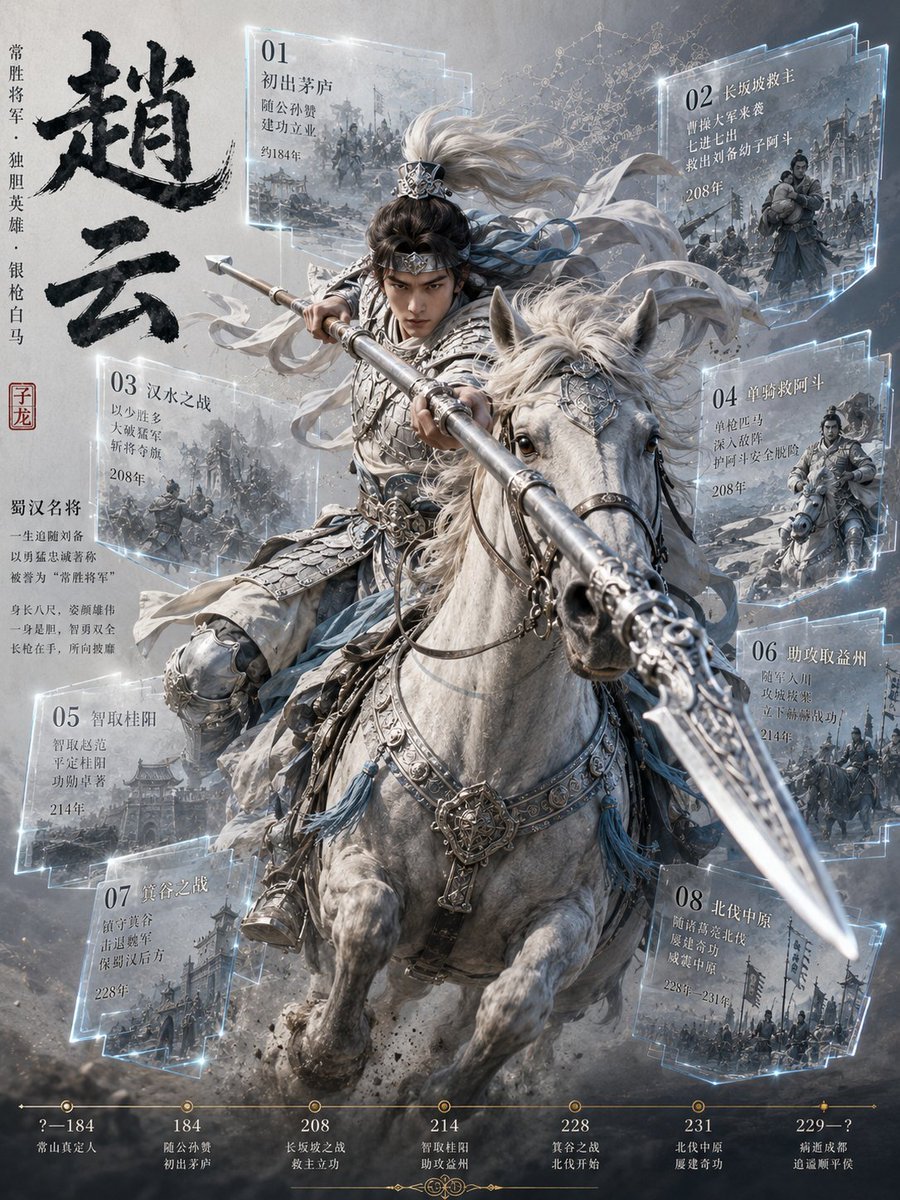
Zhao Yun Cavalry Infographic Poster
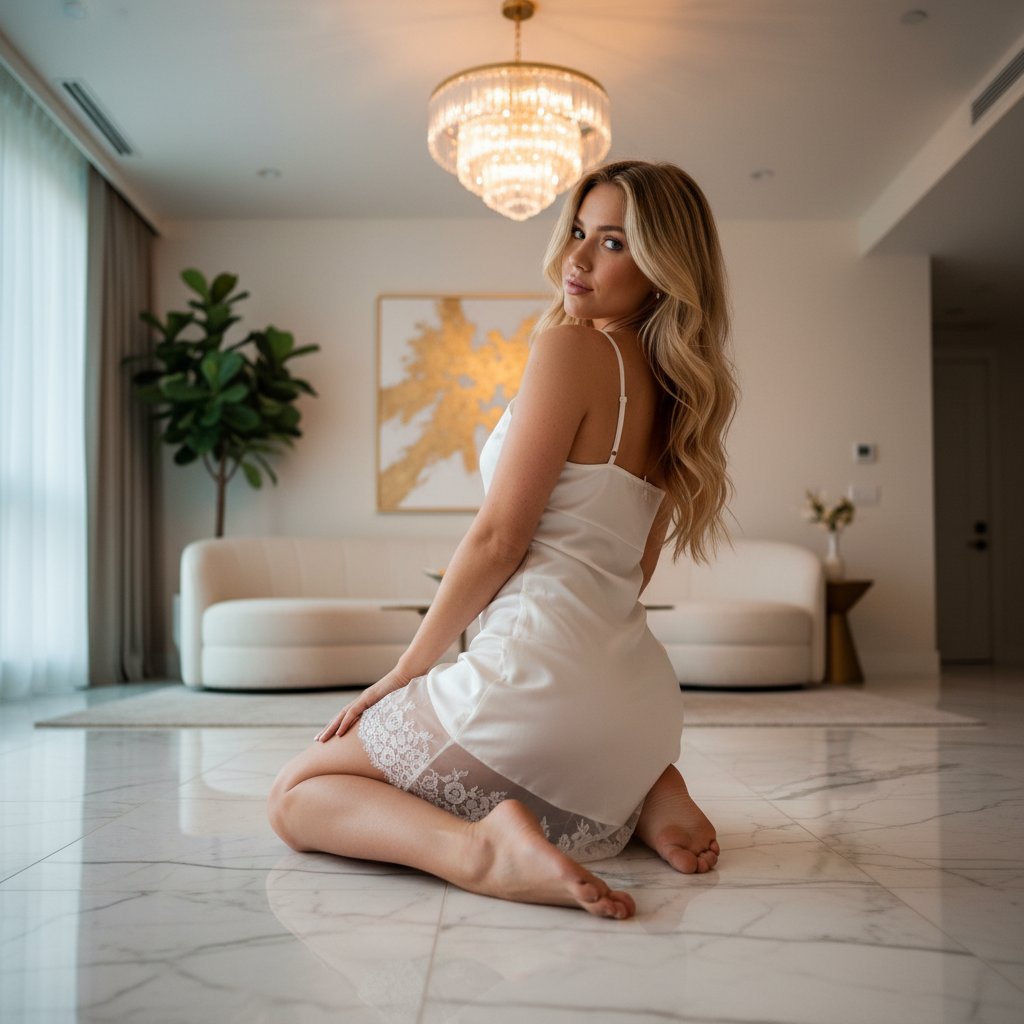
Ethereal Opulence: High-Fashion Editorial Portrait
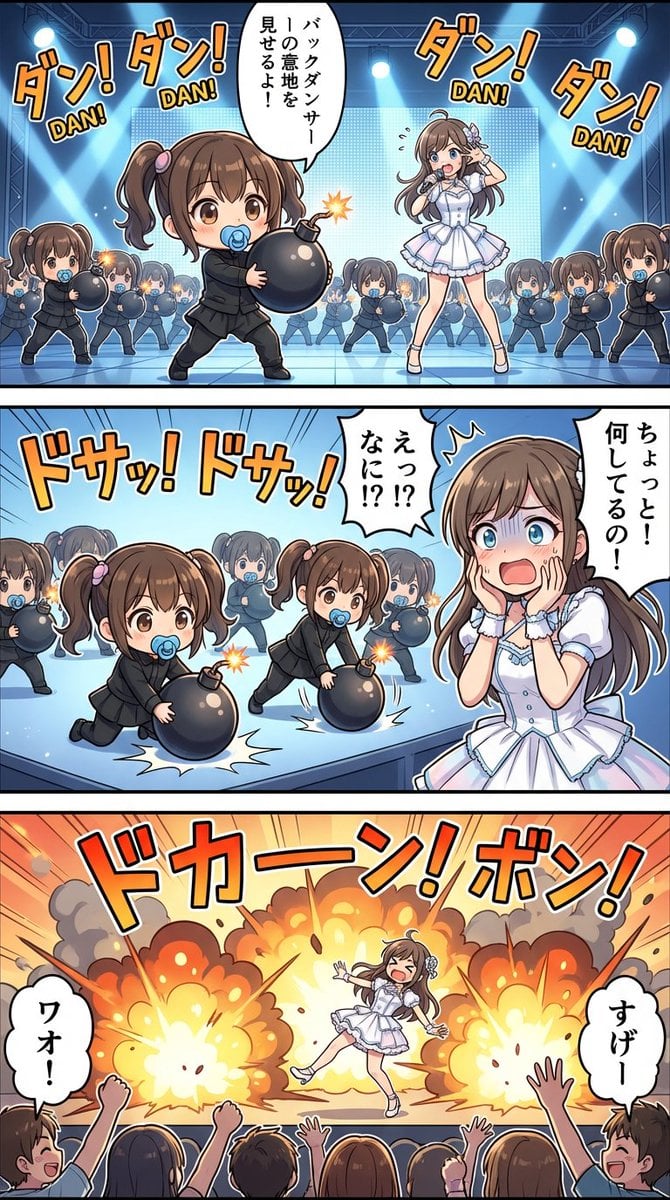
High-detail story-art layout with frames and speech bubbles
Browse template categories
Kawaii Chibi Sticker Pack Creator questions
How do I use the Kawaii Chibi Sticker Pack Creator template?
Add your photo if the template asks for one, edit the prompt if you like — the template's model and format are already selected — and press Generate. Your version opens in PicX Studio.
Can I customize the Kawaii Chibi Sticker Pack Creator template?
Yes. You can change the subject, setting, lighting, mood, format, and available model controls before creating your image.
Is the Kawaii Chibi Sticker Pack Creator template free?
Opening and editing this template is free. Generating uses credits, shown on the Generate button when you are signed in.
Which AI model should I use?
Start with GPT Image 2, which is the model associated with this template. You can compare another compatible model for a different finish.
Looking for something else? Browse all templates.

Your photo, any look
Thousands of ready templates for every top image and video model, from one credit balance.