
Chibi Cat Girl Sticker Pack
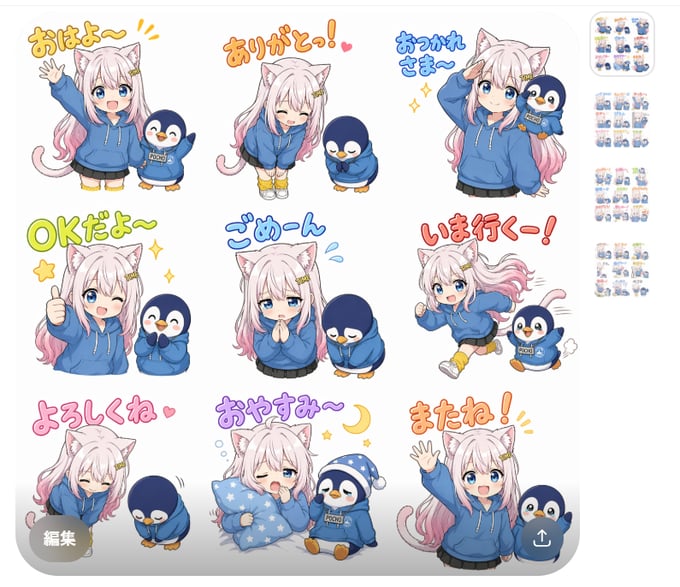
Generates a kawaii 3x3 messaging sticker sheet featuring a cat girl and penguin mascot with expressive Japanese-style phrases.
- Prompt included
- Model and format preset
- Free template
The prompt behind this image
Copy the exact prompt behind Chibi Cat Girl Sticker Pack, or open it in the studio and make it yours.
Goal: Create a cute digital sticker pack preview sheet for messaging apps, showing exactly 9 chibi stickers in a 3 by 3 grid on a clean white canvas. The main character is {argument name="character description" default="a white-haired anime cat girl with pale pink gradient twin-tail hair, blue eyes, white cat ears, a pink cat tail, a loose blue hoodie, black pleated skirt, yellow socks, and sneakers"}. Her sidekick is {argument name="mascot description" default="a small round navy-blue penguin wearing a matching blue hoodie, sometimes holding a tiny phone"}. Use a soft kawaii Japanese LINE-sticker style: rounded forms, pastel colors, thick clean outlines, expressive faces, small sparkles, hearts, motion lines, and hand-drawn bubble lettering. Canvas: square-ish white sticker sheet with rounded corners, no heavy background, subtle drop shadow, and small miniature sticker-sheet thumbnails stacked vertically along the right edge like a marketplace preview. Layout: exactly 9 large stickers, evenly spaced in three rows and three columns. Include these 9 sticker scenes and matching text phrases from {argument name="sticker phrases" default="おはよ〜, ありがとっ!, おつかれさま〜, OKだよ〜, ごめーん, いま行くー!, よろしくね, おやすみ〜, またね!"}: 1) top left, cheerful morning greeting: cat girl waves with one hand, penguin smiles beside her, yellow-orange handwritten text above; 2) top center, thank-you: cat girl bows with eyes closed and hands down, penguin bows too, orange text with a small heart; 3) top right, good-work/tired greeting: cat girl salutes while holding or standing near the penguin, blue text and sparkles; 4) middle left, OK confirmation: cat girl gives a big thumbs-up with a wink, penguin laughs, green text with stars; 5) middle center, apology: cat girl clasps hands apologetically with sad watery eyes, penguin bows deeply, blue text with sweat drops; 6) middle right, on-my-way action: cat girl runs energetically with flowing hair and tail, penguin runs beside her holding a phone, red-orange text and motion lines; 7) bottom left, please/nice-to-meet-you: cat girl and penguin bow politely, pink text with a small heart; 8) bottom center, good night: sleepy cat girl hugs a blue star-pattern blanket or pillow, penguin wears a blue nightcap and hoodie, purple text with crescent moon and stars; 9) bottom right, see you again: cat girl waves happily, penguin waves beside her, orange text with excitement marks. Add a small semi-transparent gray circular button labeled {argument name="edit button text" default="編集"} at the bottom-left corner and a small semi-transparent circular share/download icon at the bottom-right corner, like a mobile preview overlay. Constraints: keep the characters consistent across all 9 stickers, make the text large and hand-lettered above or near each sticker, use no photorealism, no extra characters, no extra sticker panels, and no watermark.
How to use Chibi Cat Girl Sticker Pack in 3 steps
- 1Upload ImagePNG, JPG or paste
Add your photo
Upload the photo the template builds on. The prompt, model and format are already set.
- 2…a portrait of your subject in softgolden-hour light, 85mm…
Personalize
Edit the subject and creative details for your destination.
- 3Generate
Generate
Press Generate — your image is created in PicX Studio, so you can compare it with the original and refine one variable at a time.
More like this
Templates with the same subject, style or setup. Open one to see its prompt.

Cute Layered Paper Cut Chibi Girl
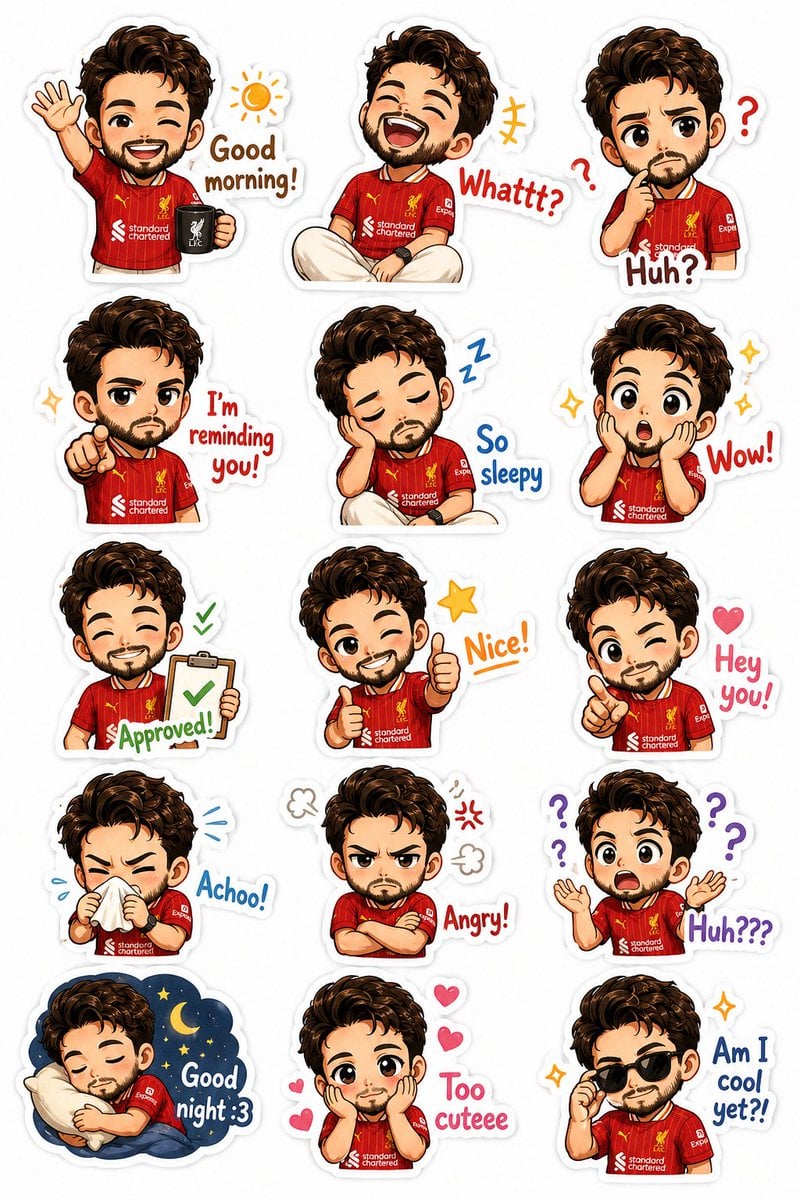
Custom Chibi Sticker Pack
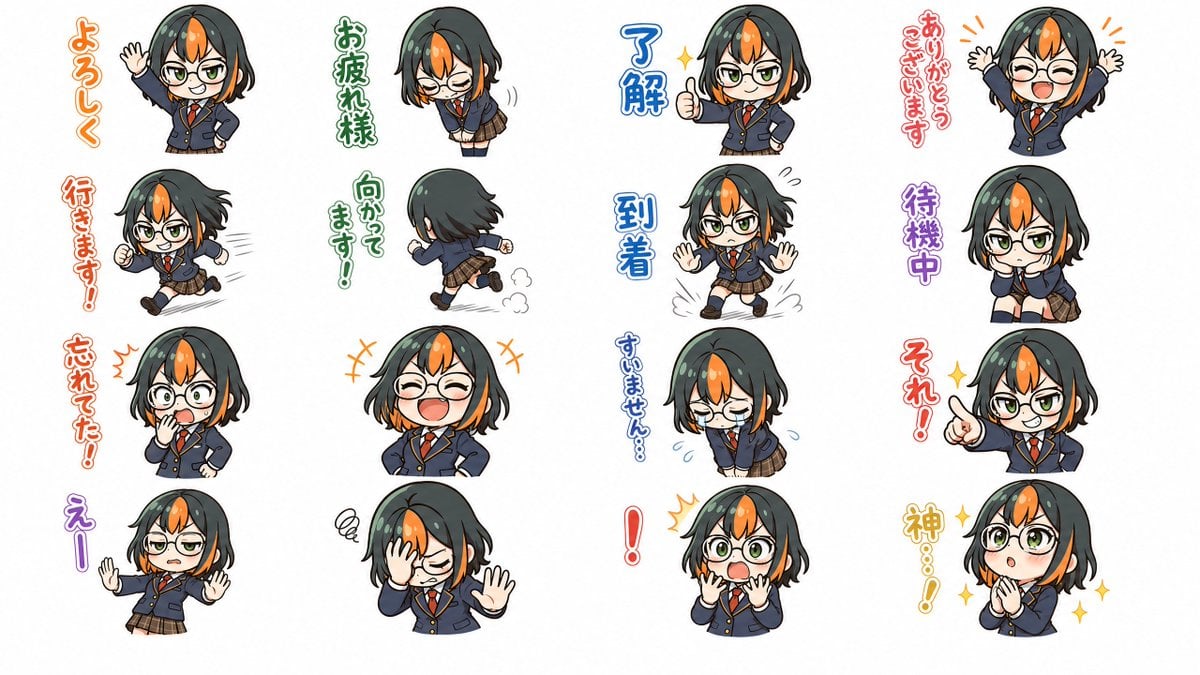
Chibi Japanese Schoolgirl Sticker Sheet
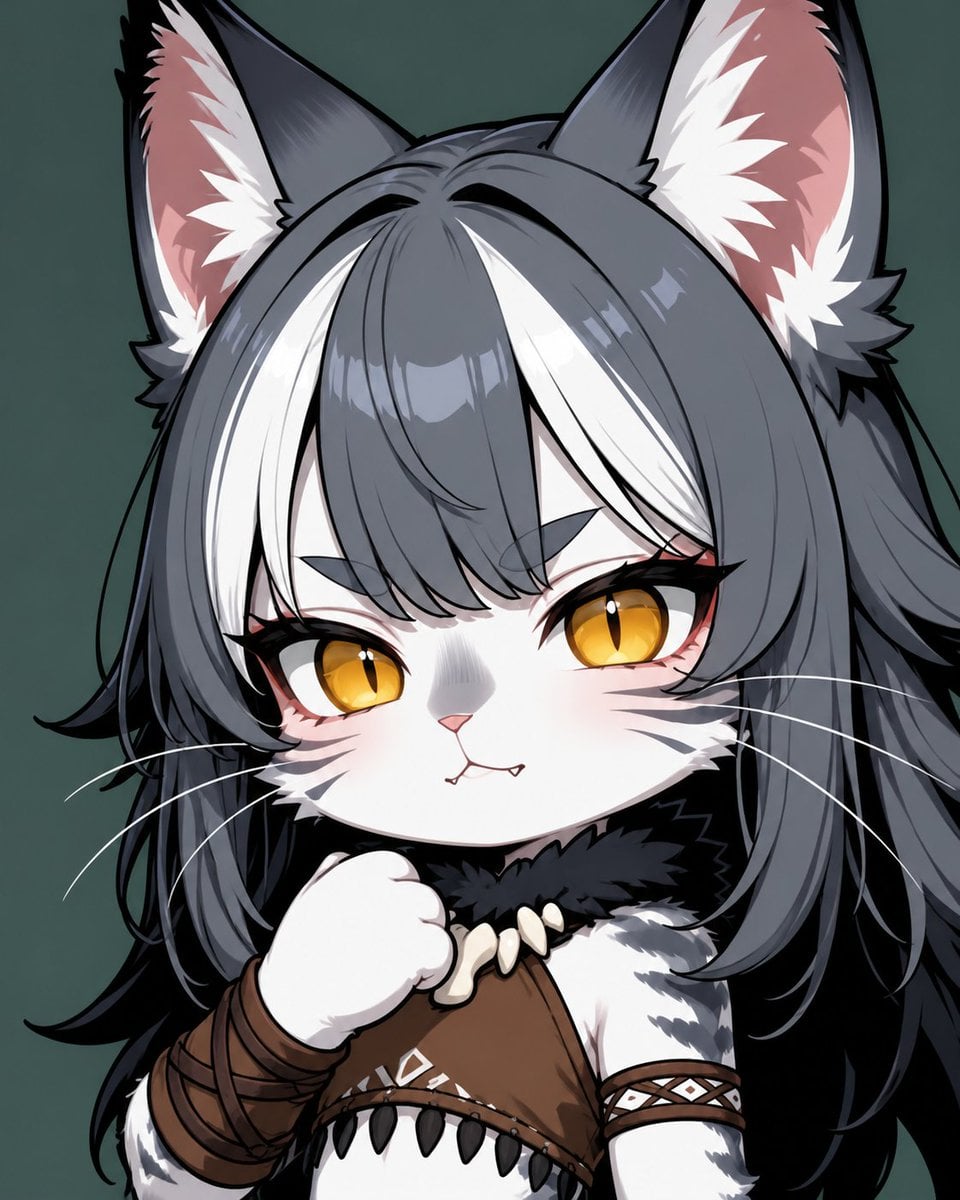
Chibi Cat-Girl Portrait
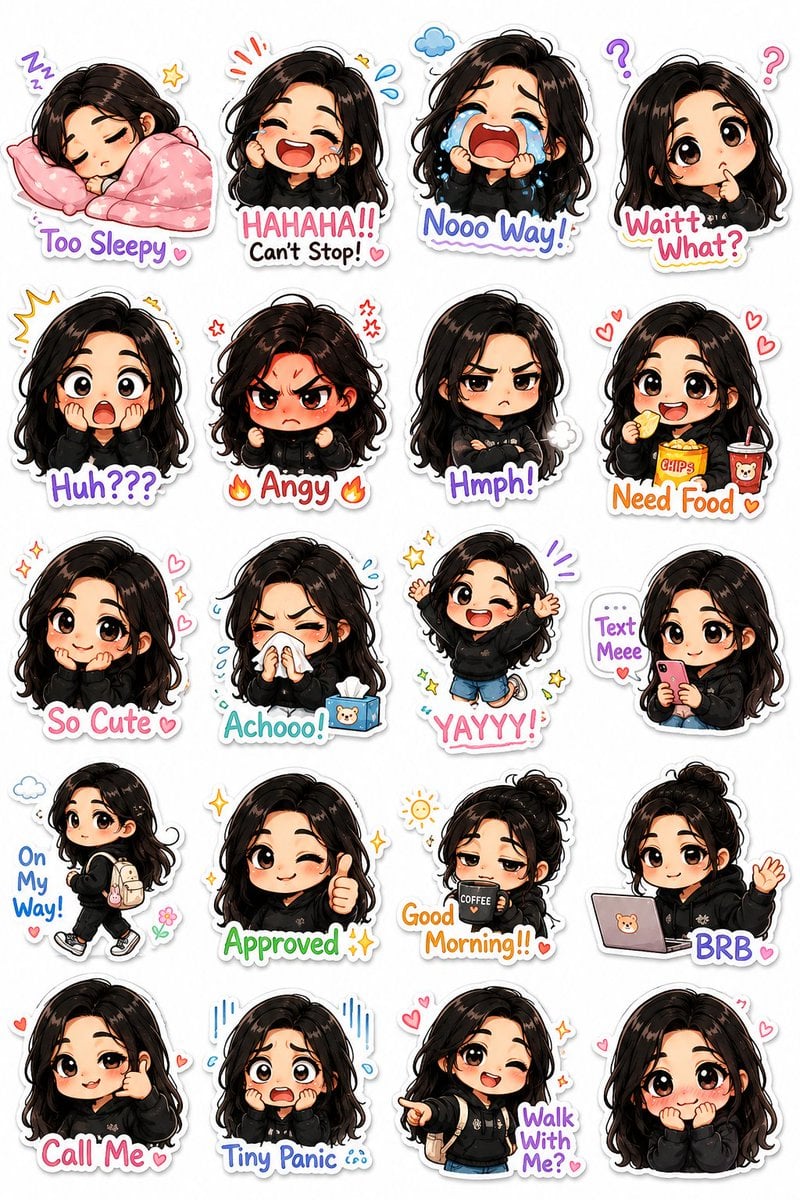
Kawaii Chibi Sticker Pack Creator
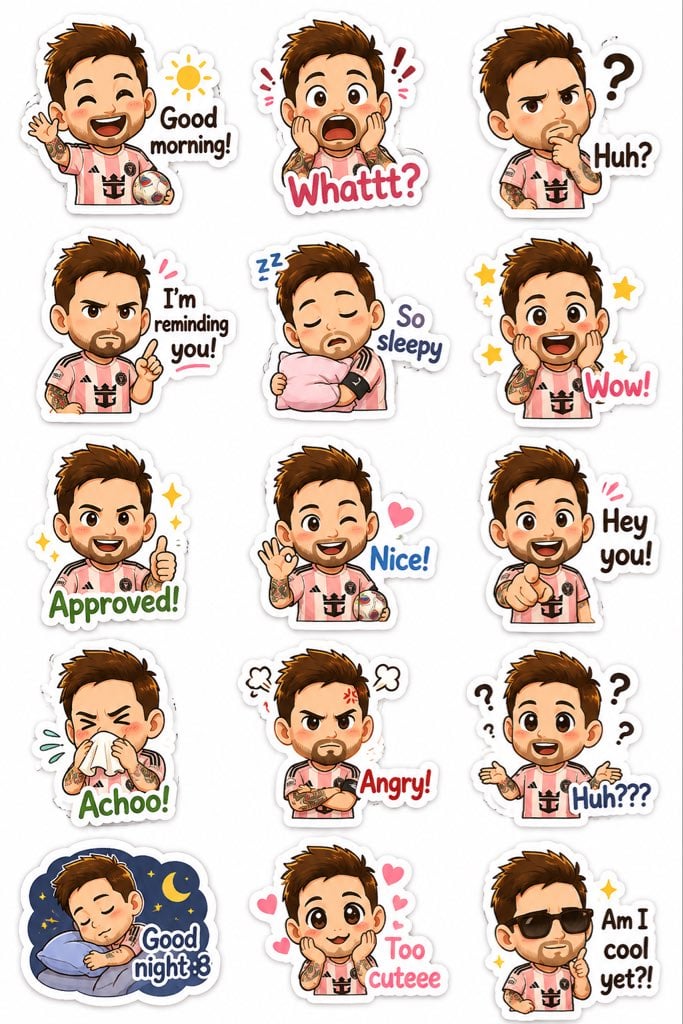
Chibi Expression Sticker Pack
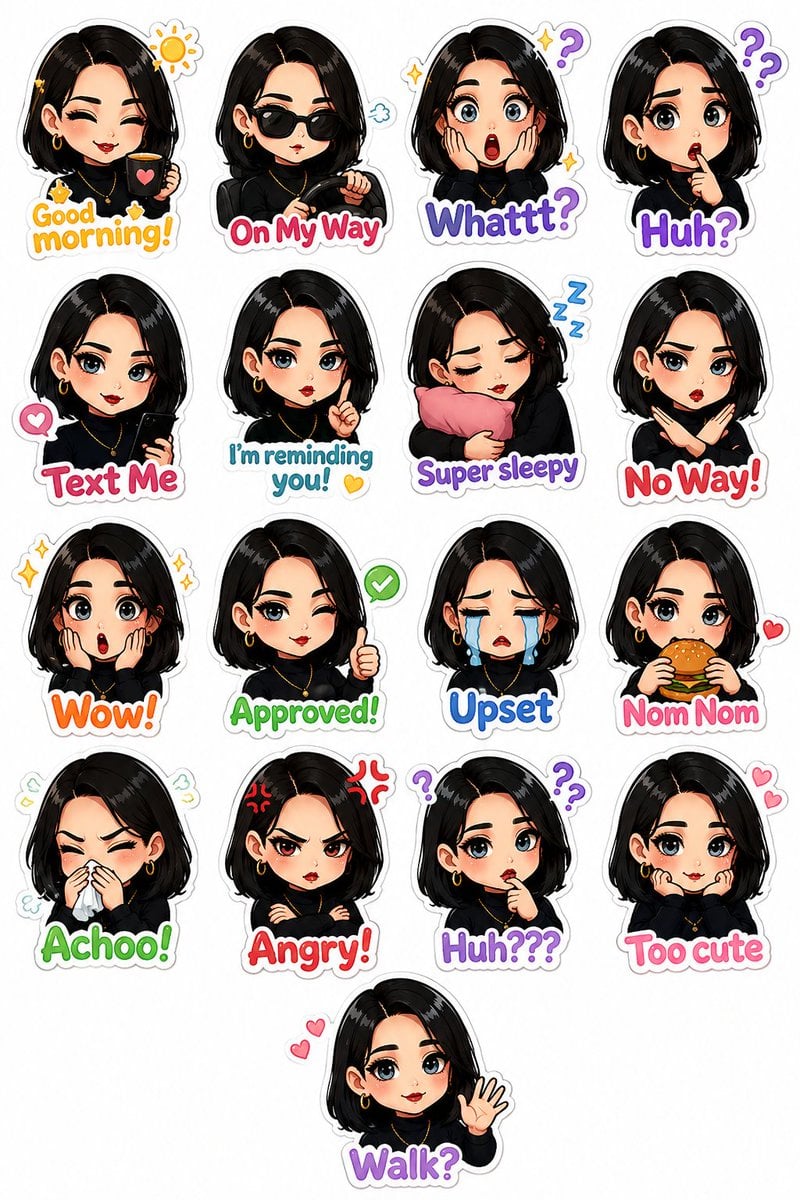
Personalized Chibi Sticker Pack
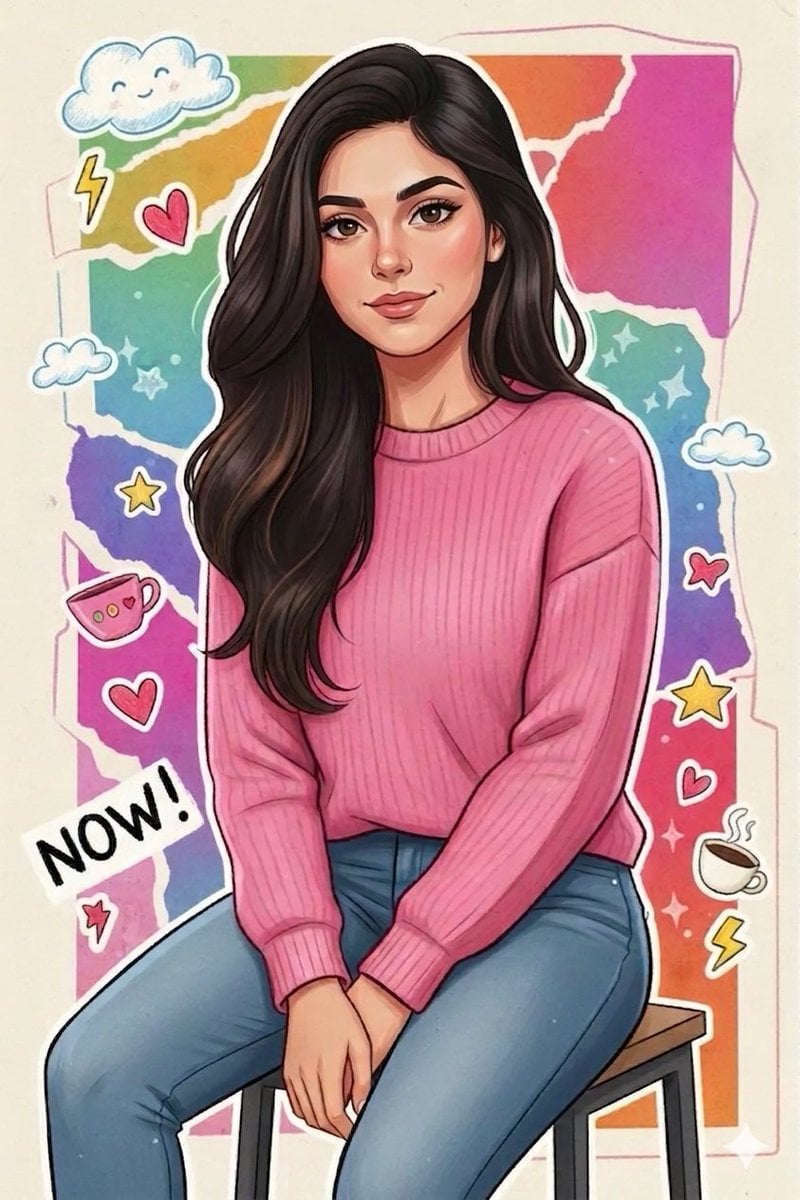
Sticker Art Style - Rainbow Girl

Sticker Art Style - Rainbow Girl v2
Sticker Art Style - Rainbow Girl
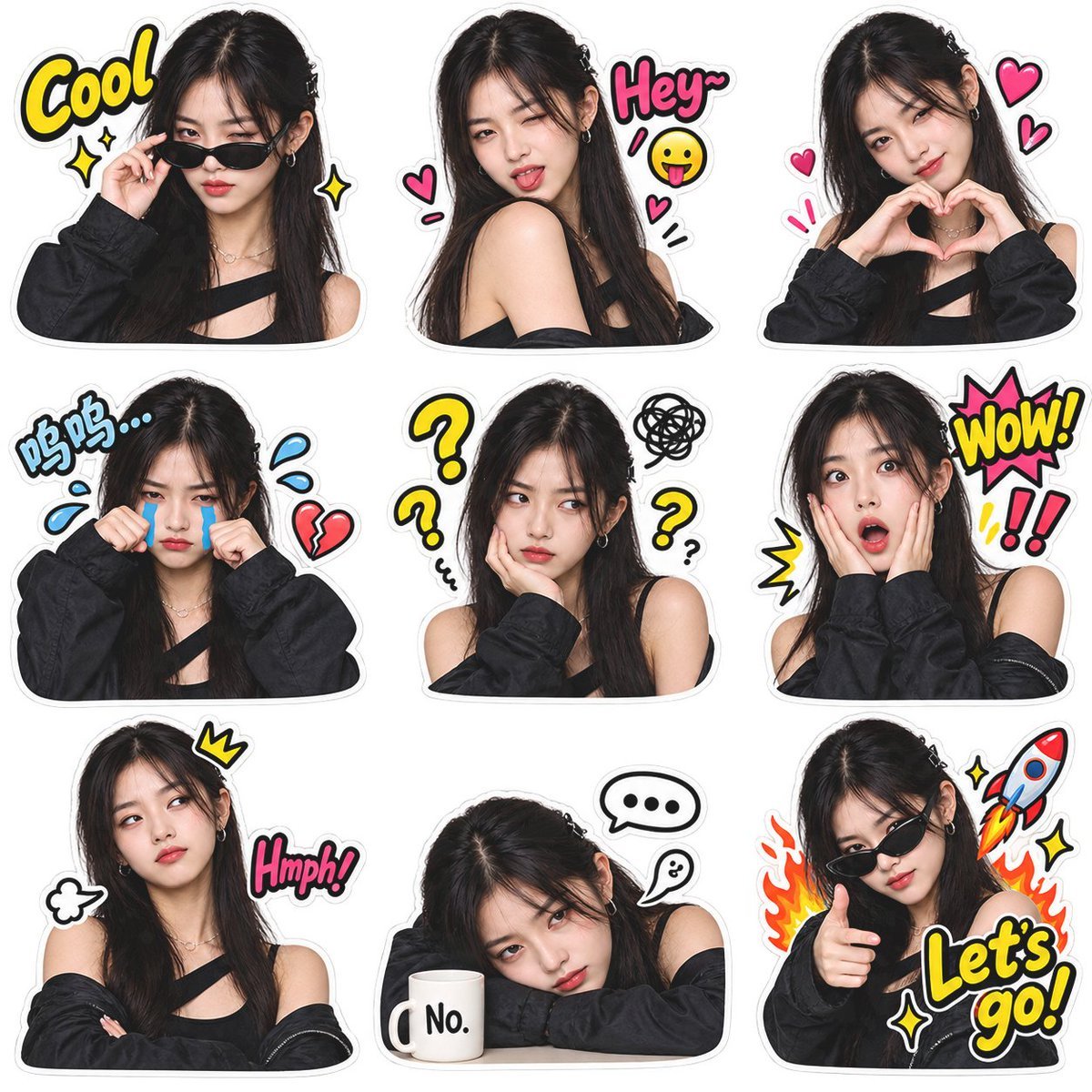
Meme Sticker Pack Generator

Chibi Anime Ninja Sticker Sheet
Make it yours
Chibi Cat Girl Sticker Pack works as-is. These are the safest ways to change it without losing the look.
Change one field
Copy a single group, rewrite it, and generate again so you can see what that field is doing.
Keep the frame, change the subject
Hold the composition and light of Chibi Cat Girl Sticker Pack, then swap wardrobe, props or the person for a new take.
| If the result… | Why | Fix |
|---|---|---|
| The result drifts from the preview | Too many fields changed at once. | Reuse Chibi Cat Girl Sticker Pack as-is first, then change one group — subject, light, or setting. |
| The model over-stylizes the scene | The prose prompt leaves finish and camera underspecified. | Add one camera or lighting sentence and stay on GPT Image 2. |
More GPT Image 2 templates
Other prompts made for GPT Image 2.

Six VTuber Japanese Logo Sheet

Realistic Portrait of Woman and Deer

The Vista Modular Condo Poster

AI Model Routing Comparison Infographic

2.5D Anime Art Board

Isometric Productivity Desk Scene

New York Double Exposure Poster

Four-Panel AI Landscape Comparison

Japanese Tatami Lifestyle Magazine Cover

NESCAFÉ Coffee Map Poster
More image prompts
Fresh picks from across the catalog.
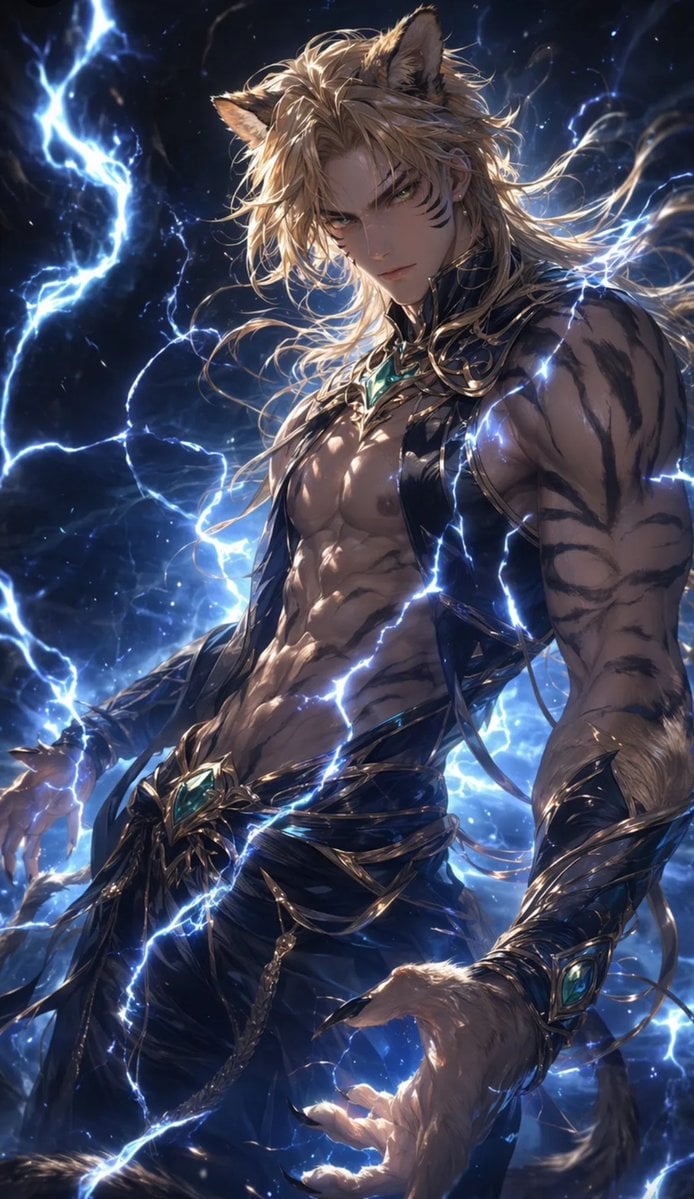
Tiger Beastman Lightning Warrior
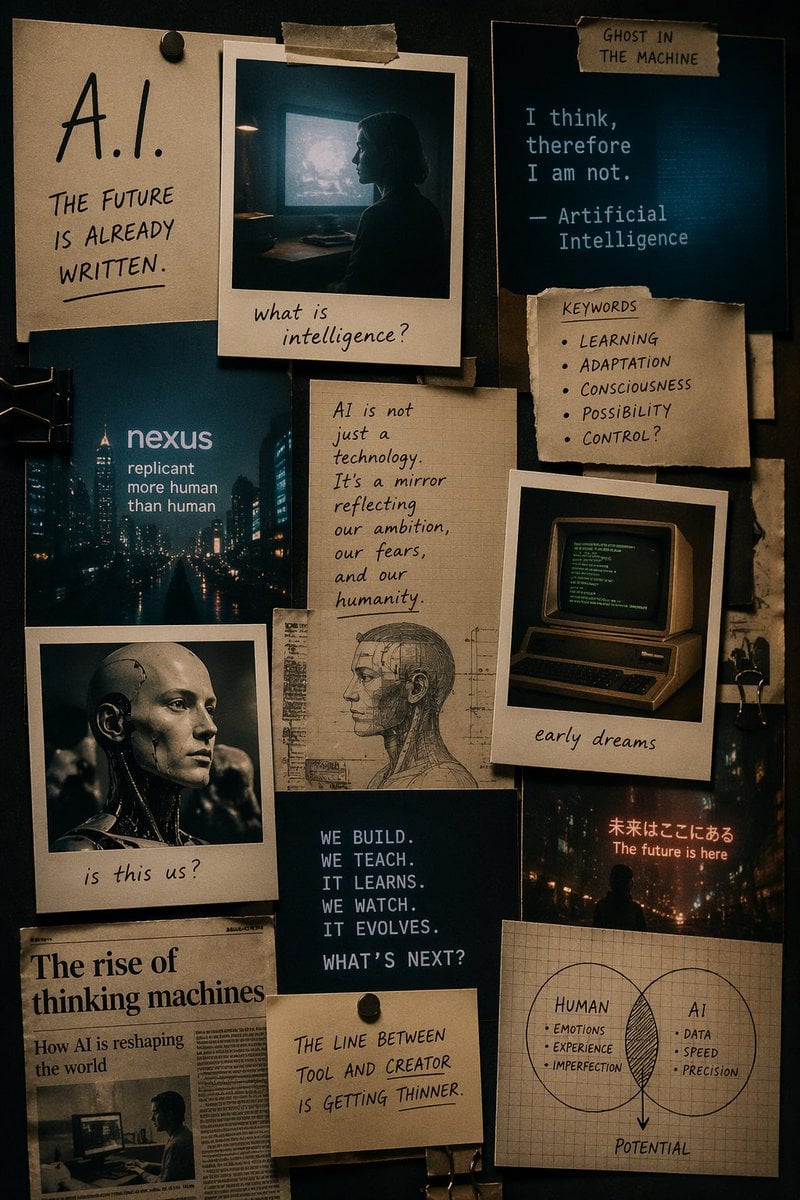
Cinematic AI mood board prompt
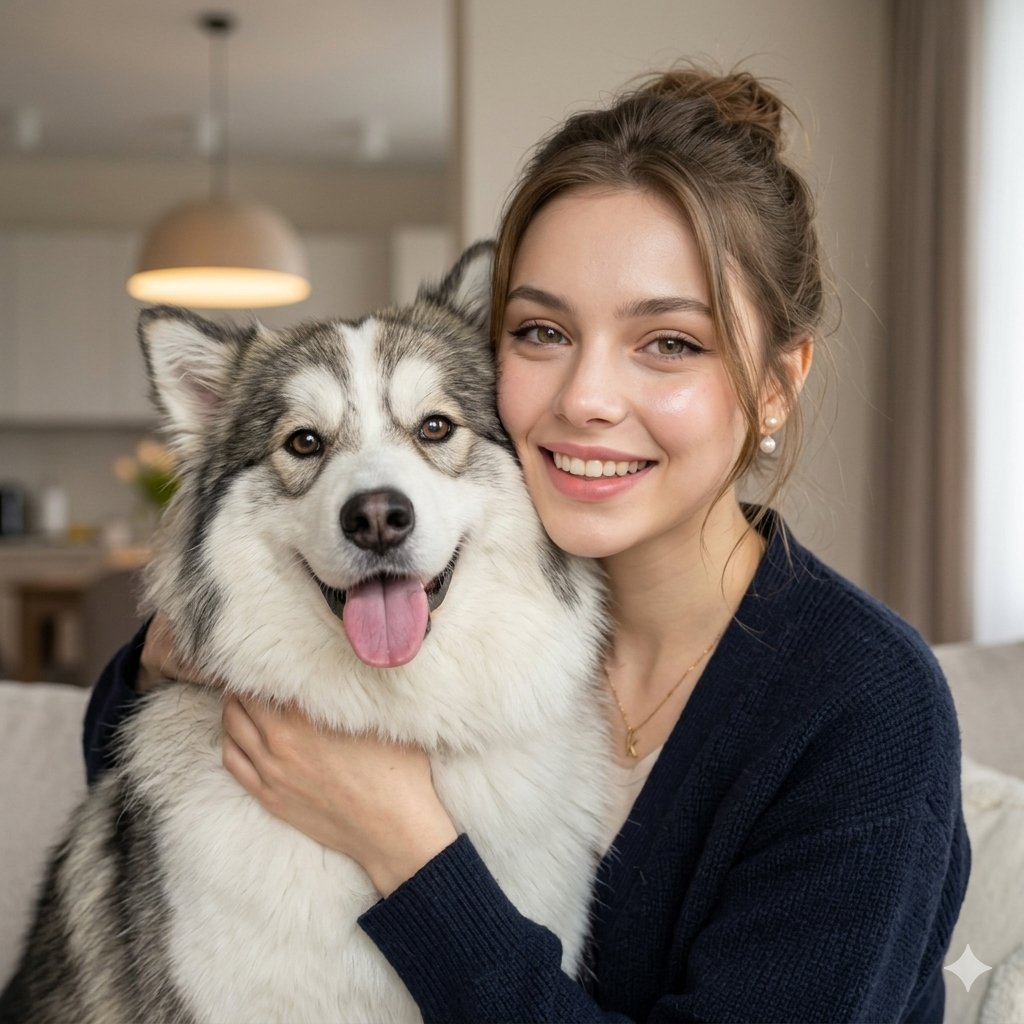
Nano Banana Pet Portrait Dog
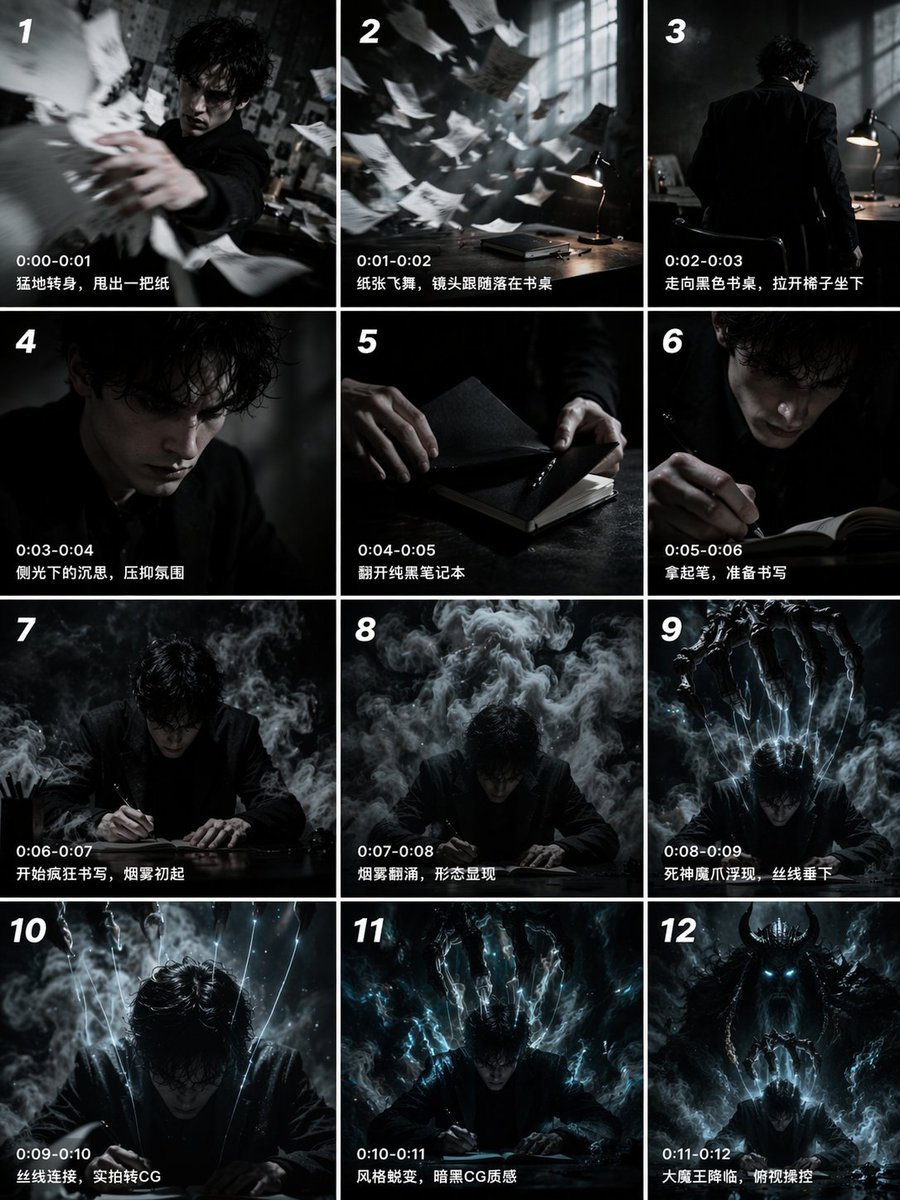
Panel Cinematic Storyboard Grid
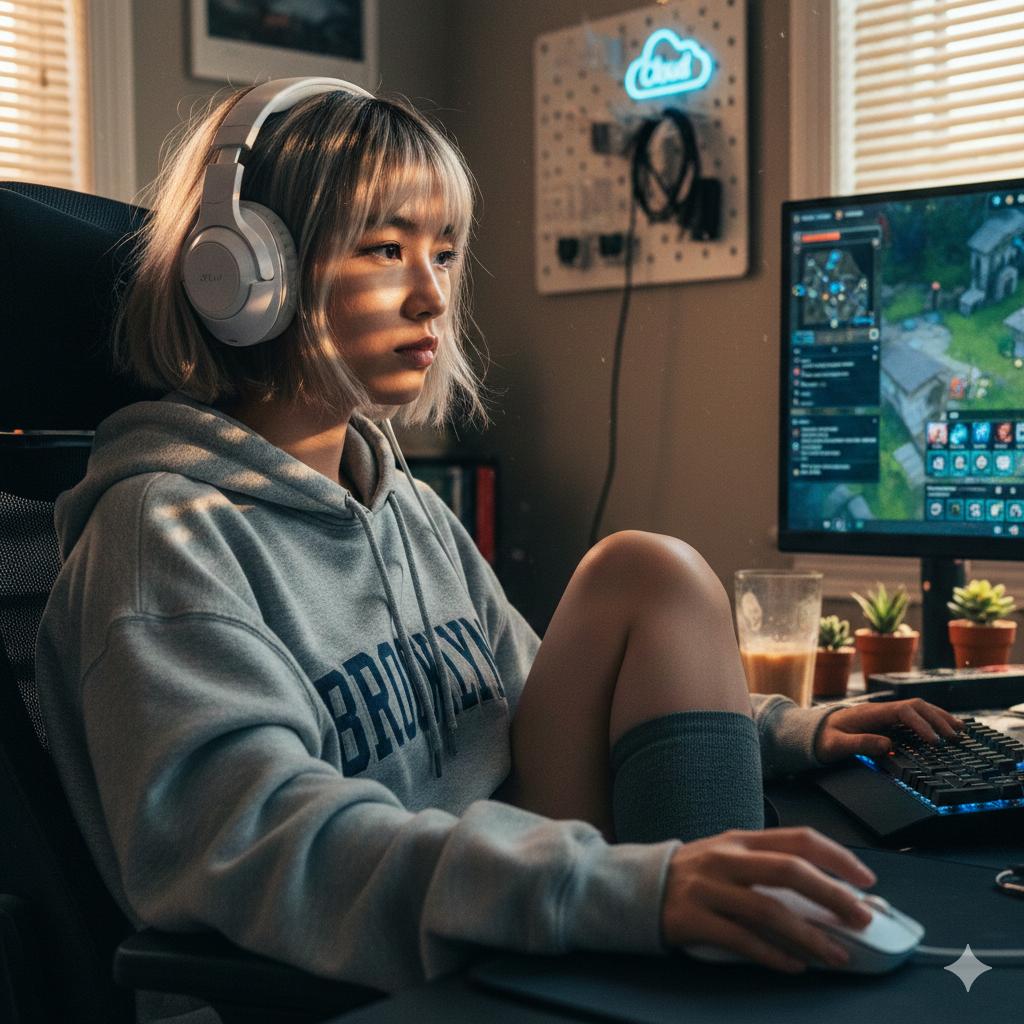
Cinematic Golden Hour Gaming Setup Portrait
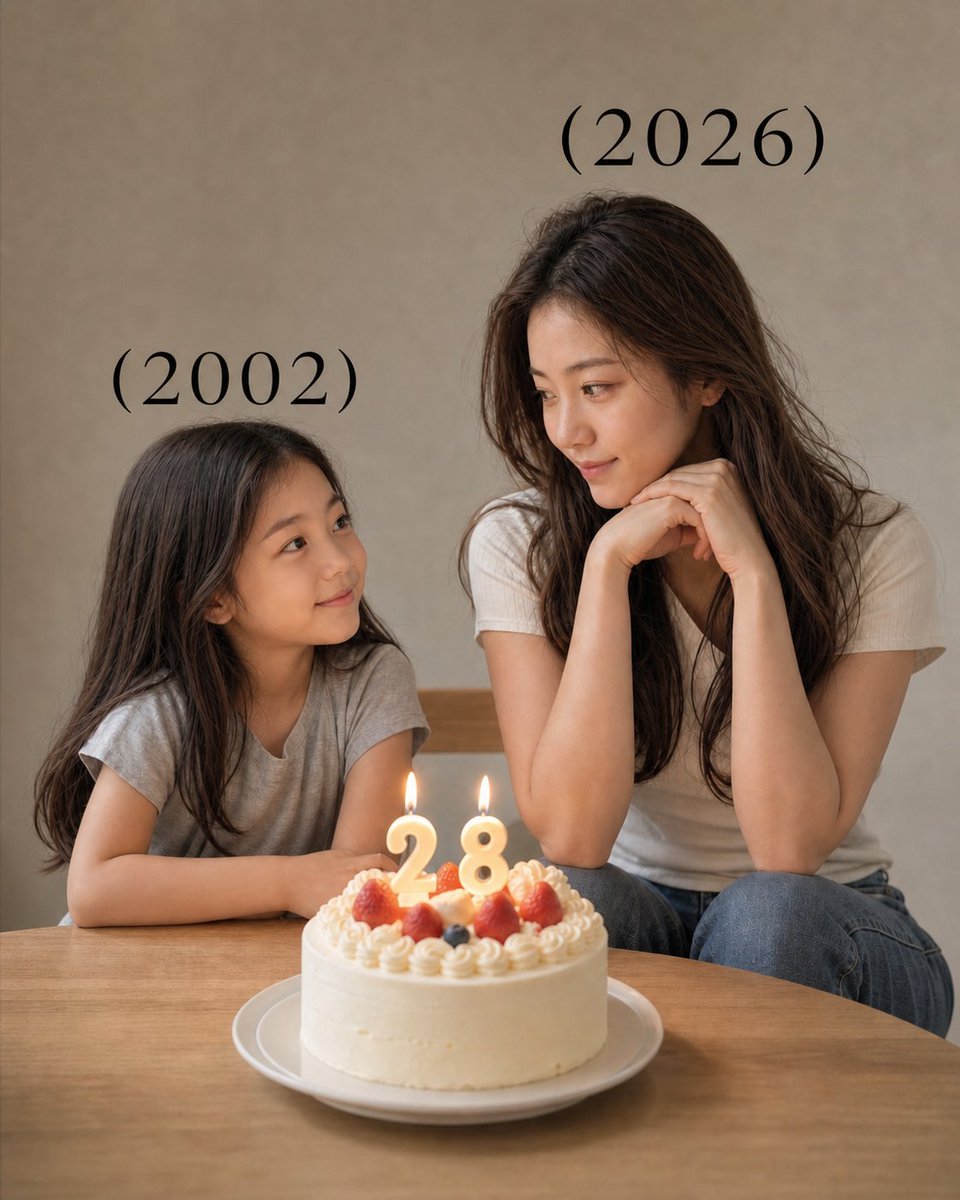
Time-Travel Birthday Reunion Portrait
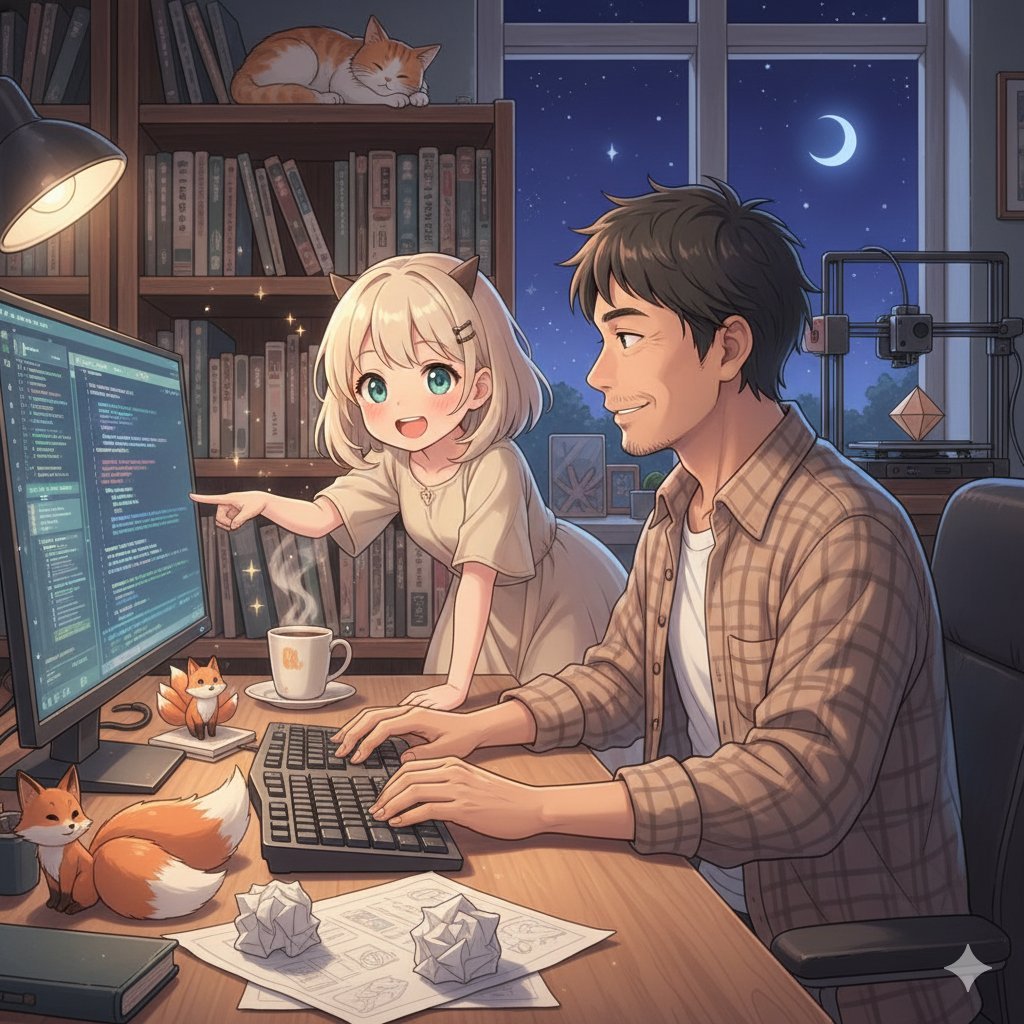
Image Generation for People Who Can't Draw
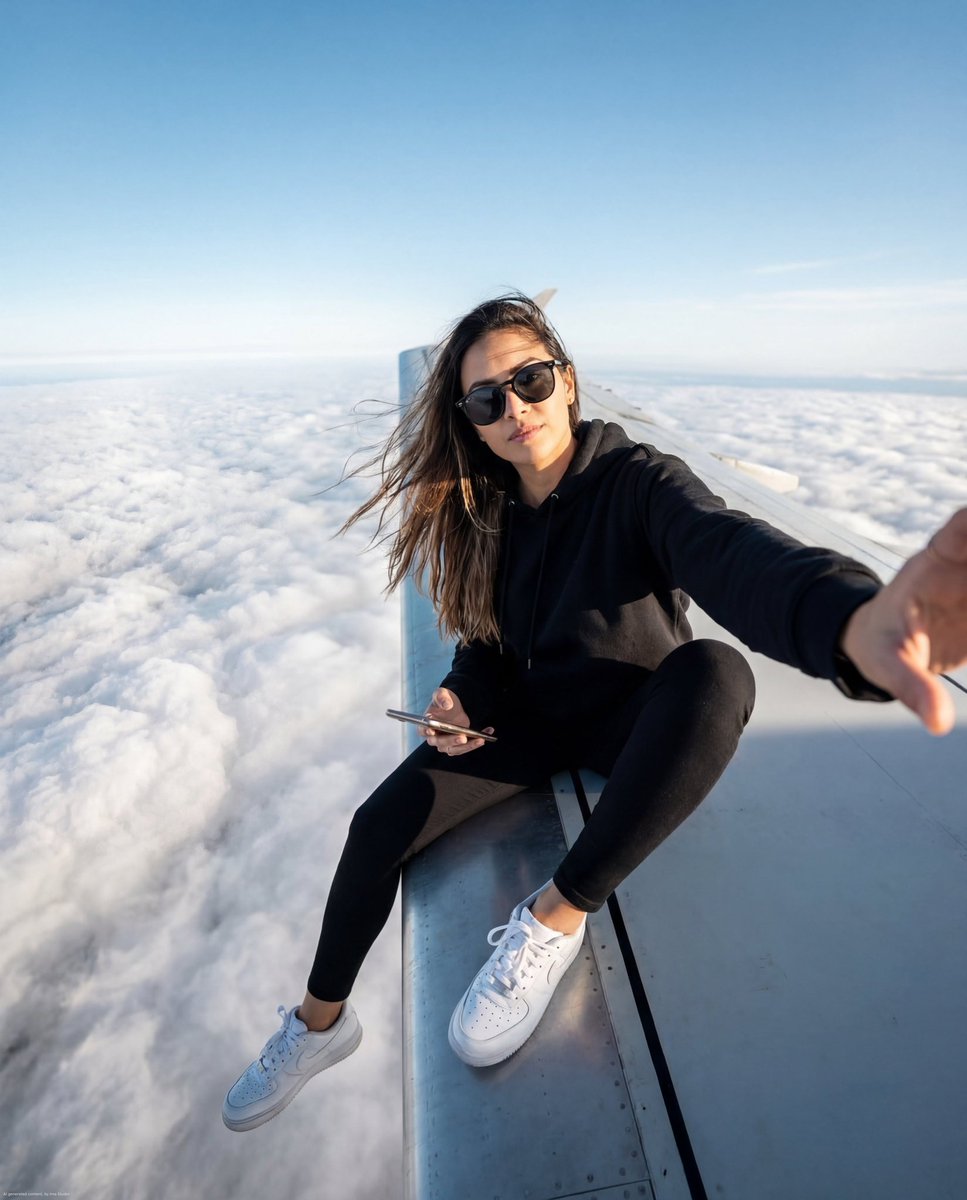
Airplane Wing Selfie Prompt (JSON)
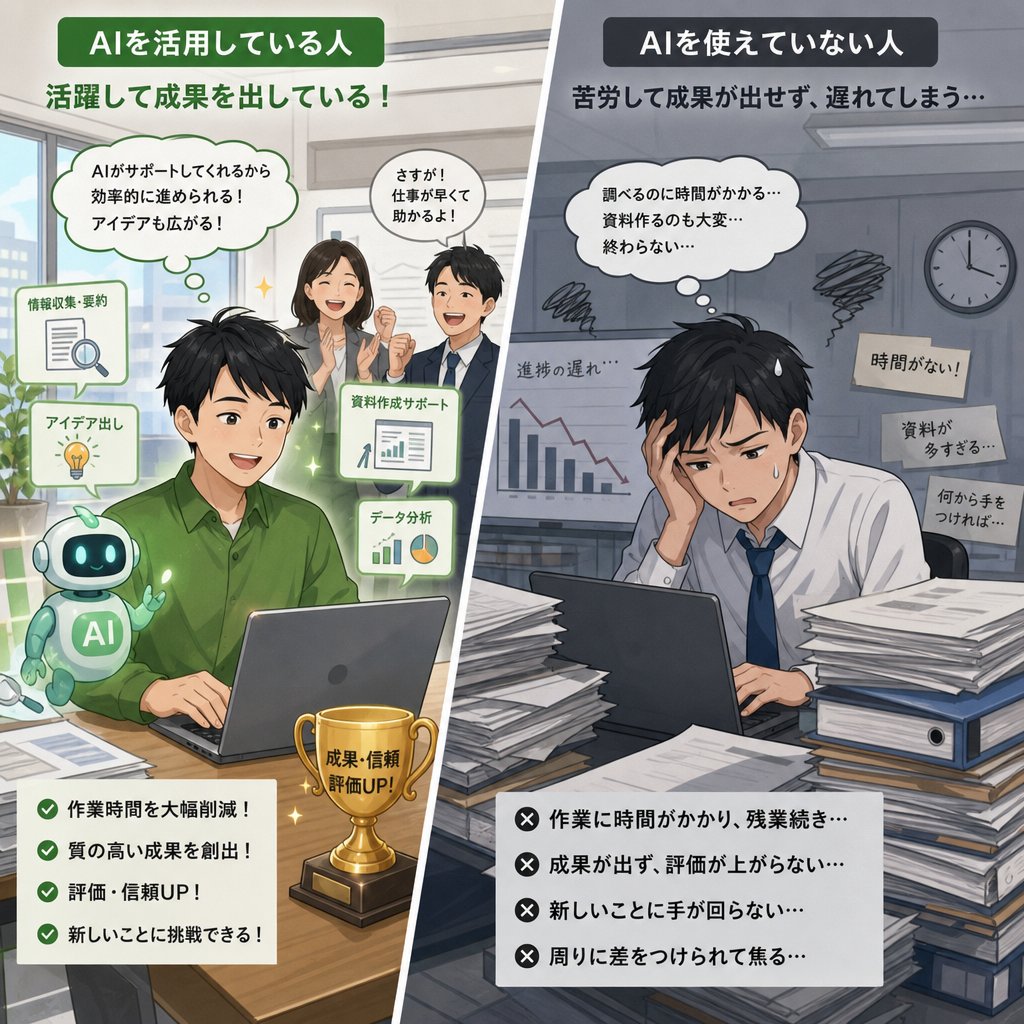
AI Use Comparison Infographic
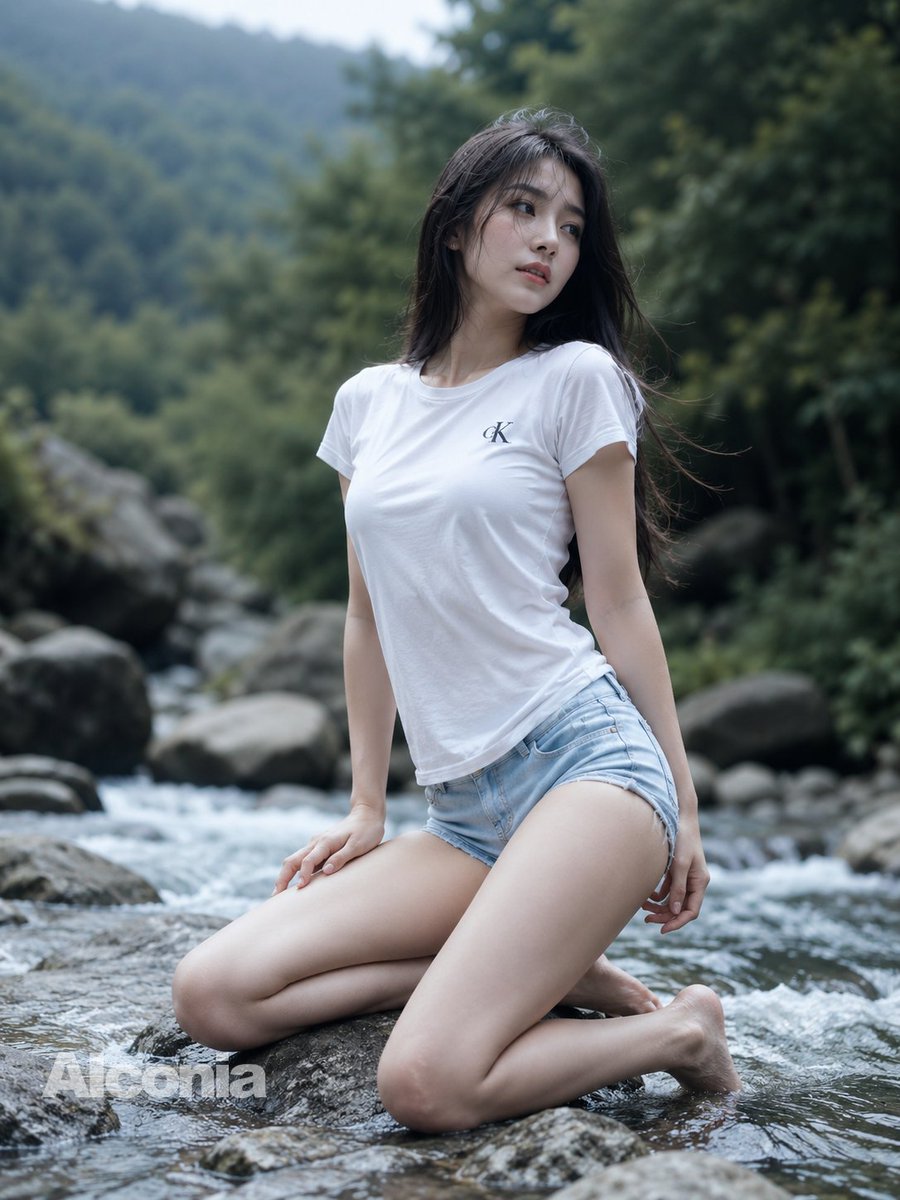
Mountain Stream Portrait
Browse template categories
Chibi Cat Girl Sticker Pack questions
How do I use the Chibi Cat Girl Sticker Pack template?
Add your photo if the template asks for one, edit the prompt if you like — the template's model and format are already selected — and press Generate. Your version opens in PicX Studio.
Can I customize the Chibi Cat Girl Sticker Pack template?
Yes. You can change the subject, setting, lighting, mood, format, and available model controls before creating your image.
Is the Chibi Cat Girl Sticker Pack template free?
Opening and editing this template is free. Generating uses credits, shown on the Generate button when you are signed in.
Which AI model should I use?
Start with GPT Image 2, which is the model associated with this template. You can compare another compatible model for a different finish.
Looking for something else? Browse all templates.

Your photo, any look
Thousands of ready templates for every top image and video model, from one credit balance.