
Panel Cinematic Storyboard Grid
Generates a 12-panel sequential storyboard with timestamps and captions, ideal for pre-visualizing short films or video generation prompts.
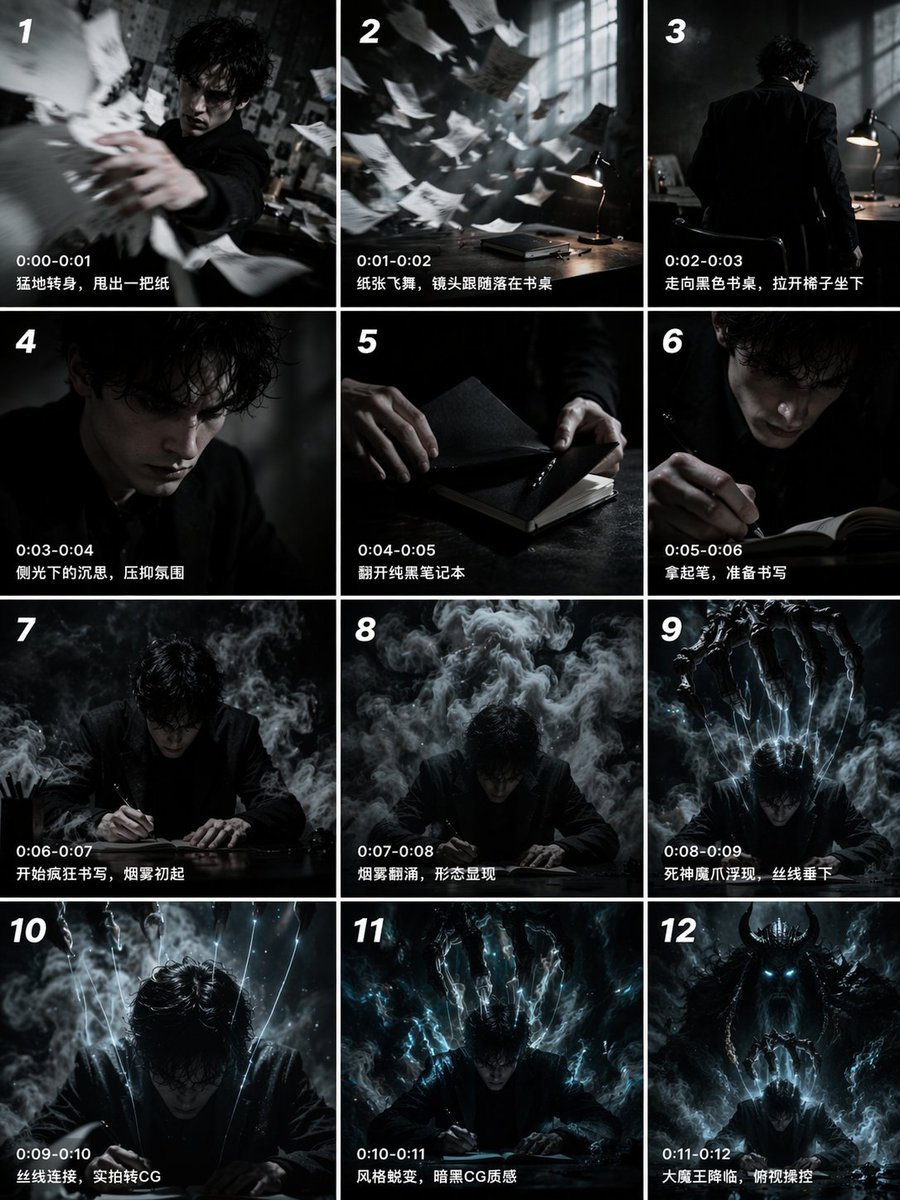
- Prompt included
- Model and format preset
- Free template
The prompt behind this image
Copy the exact prompt behind Panel Cinematic Storyboard Grid, or open it in the studio and make it yours.
- Type
- 12-panel cinematic storyboard grid
- Style
- {argument name="visual style" default="dark cinematic transitioning to dark fantasy CG"}
- Character
- {argument name="main character" default="pale young man with messy black hair in a dark suit"}
- Layout › Columns
- 3
- Layout › Rows
- 4
- Layout › Panel Count
- 12
- Panels › 0 › Id
- 1
- Panels › 0 › Timestamp
- 0:00-0:01
- Panels › 0 › Caption
- 猛地转身,甩出一把纸
- Panels › 0 › Visual
- character throwing papers at camera
- Panels › 1 › Id
- 2
- Panels › 1 › Timestamp
- 0:01-0:02
- Panels › 1 › Caption
- 纸张飞舞,镜头跟随落在书桌
- Panels › 1 › Visual
- papers flying in dark room with desk lamp
- Panels › 2 › Id
- 3
- Panels › 2 › Timestamp
- 0:02-0:03
- Panels › 2 › Caption
- 走向黑色书桌,拉开椅子坐下
- Panels › 2 › Visual
- character walking away towards desk
- Panels › 3 › Id
- 4
- Panels › 3 › Timestamp
- 0:03-0:04
- Panels › 3 › Caption
- 侧光下的沉思,压抑氛围
- Panels › 3 › Visual
- close-up of character's face in shadow
- Panels › 4 › Id
- 5
- Panels › 4 › Timestamp
- 0:04-0:05
Raw JSON
{
  "type": "12-panel cinematic storyboard grid",
  "style": "{argument name=\"visual style\" default=\"dark cinematic transitioning to dark fantasy CG\"}",
  "character": "{argument name=\"main character\" default=\"pale young man with messy black hair in a dark suit\"}",
  "layout": {
    "columns": 3,
    "rows": 4,
    "panel_count": 12
  },
  "panels": [
    { "id": "1", "timestamp": "0:00-0:01", "caption": "猛地转身,甩出一把纸", "visual": "character throwing papers at camera" },
    { "id": "2", "timestamp": "0:01-0:02", "caption": "纸张飞舞,镜头跟随落在书桌", "visual": "papers flying in dark room with desk lamp" },
    { "id": "3", "timestamp": "0:02-0:03", "caption": "走向黑色书桌,拉开椅子坐下", "visual": "character walking away towards desk" },
    { "id": "4", "timestamp": "0:03-0:04", "caption": "侧光下的沉思,压抑氛围", "visual": "close-up of character's face in shadow" },
    { "id": "5", "timestamp": "0:04-0:05", "caption": "翻开纯黑笔记本", "visual": "close-up of hands opening a black notebook" },
    { "id": "6", "timestamp": "0:05-0:06", "caption": "拿起笔,准备书写", "visual": "close-up of character holding pen over notebook" },
    { "id": "7", "timestamp": "0:06-0:07", "caption": "开始疯狂书写,烟雾初起", "visual": "character writing frantically, smoke rising" },
    { "id": "8", "timestamp": "0:07-0:08", "caption": "烟雾翻涌,形态显现", "visual": "thick smoke surging around character" },
    { "id": "9", "timestamp": "0:08-0:09", "caption": "死神魔爪浮现,丝线垂下", "visual": "skeletal hands emerging above, glowing threads hanging down" },
    { "id": "10", "timestamp": "0:09-0:10", "caption": "丝线连接,实拍转CG", "visual": "glowing threads attaching to character's head" },
    { "id": "11", "timestamp": "0:10-0:11", "caption": "风格蜕变,暗黑CG质感", "visual": "magical energy, heavy CG fantasy style shift" },
    { "id": "12", "timestamp": "0:11-0:12", "caption": "大魔王降临,俯视操控", "visual": "{argument name=\"final entity\" default=\"giant horned demon figure\"} looming behind, controlling character like a puppet" }
  ]
}Reference images included
Panel Cinematic Storyboard Grid needs input media to work. They load alongside the prompt when you open it in the studio.
How to use Panel Cinematic Storyboard Grid in 3 steps
- 1Upload ImagePNG, JPG or paste
Add your photo
Upload the photo the template builds on. The prompt, model and format are already set.
- 2…a portrait of your subject in softgolden-hour light, 85mm…
Personalize
Edit the subject and creative details for your destination.
- 3Generate
Generate
Press Generate — your image is created in PicX Studio, so you can compare it with the original and refine one variable at a time.
More like this
Templates with the same subject, style or setup. Open one to see its prompt.

Headphones Lifestyle Nine Panel Grid

Pixar 6-Panel Streethero Expression Grid

A 3x3 grid storyboard contact sheet comprised of nine candid, cinematic
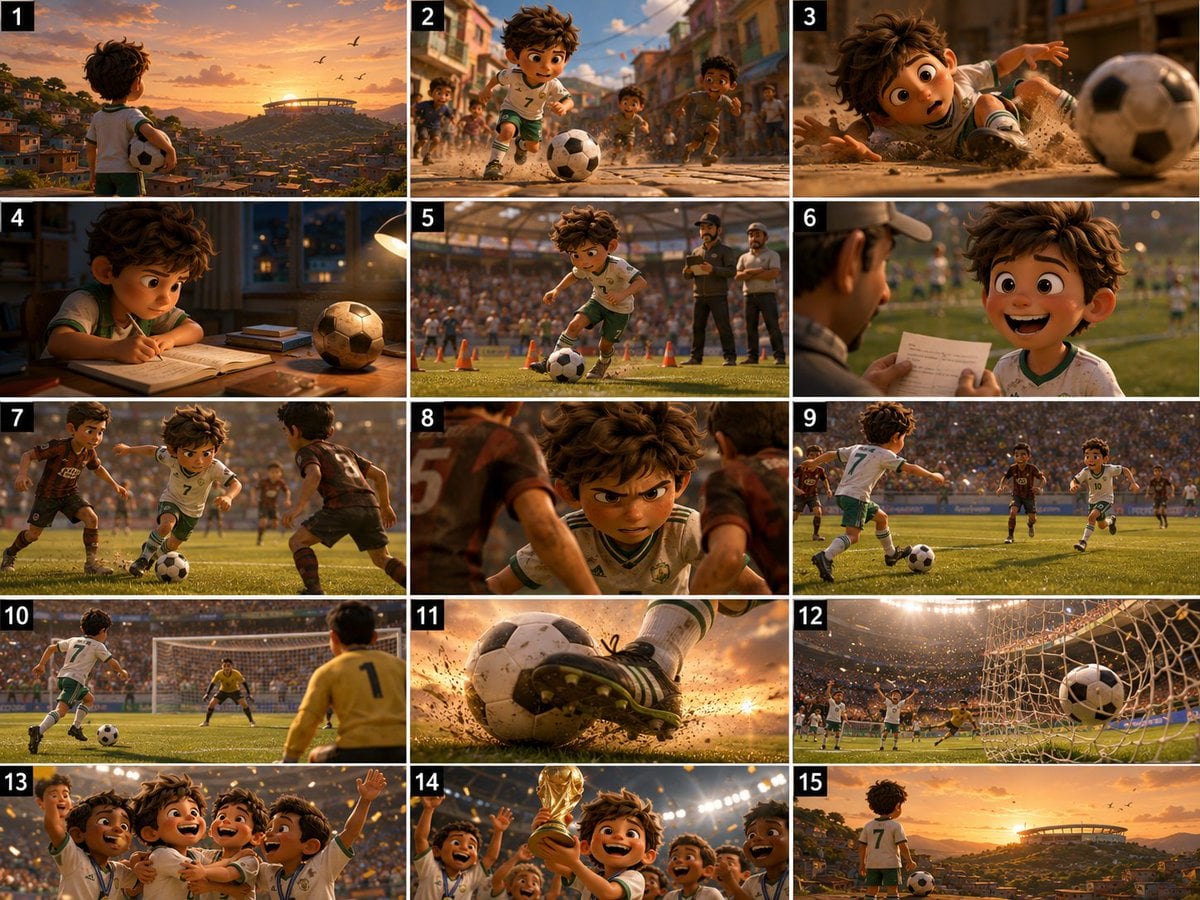
Panel Football Boy Storyboard

Korean Luxury Fashion Editorial 2x2 Grid Series

Minimalist Fashion Editorial Split Layout

Ultra-Realistic Vogue-Style Editorial Fashion Grid
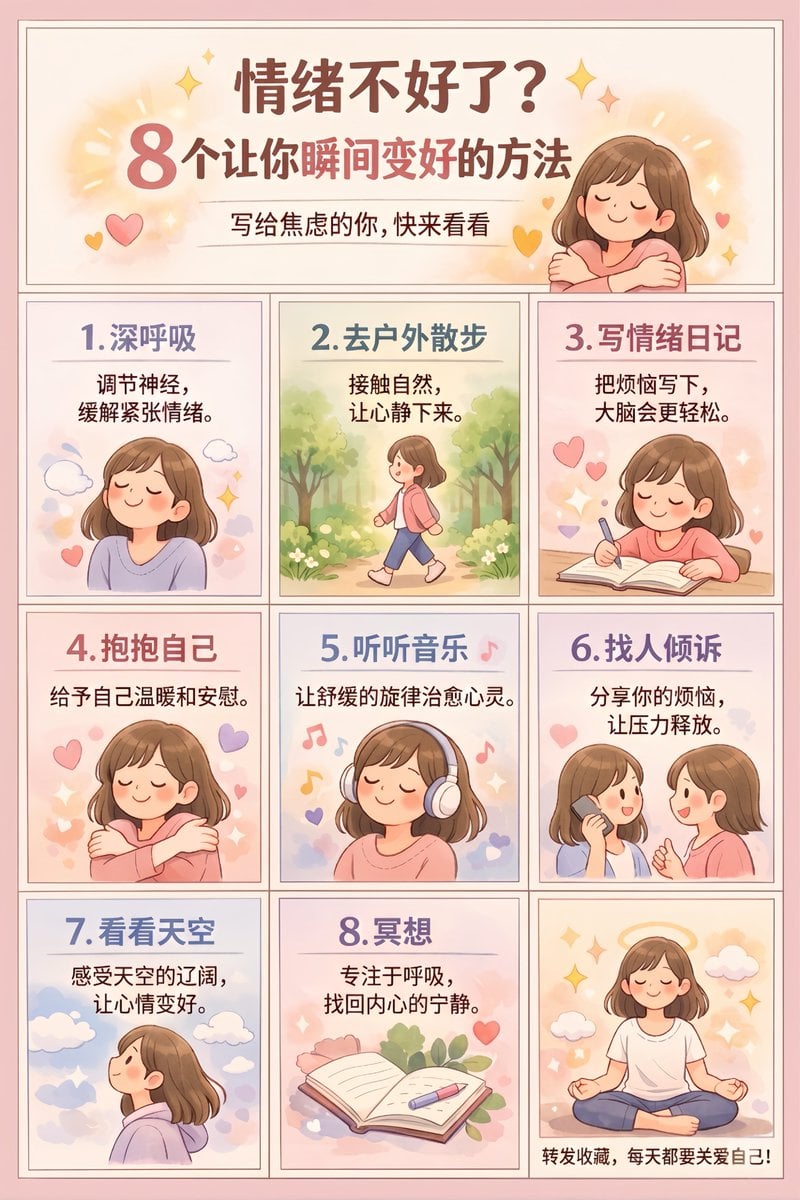
Panel Self-Care Infographic Grid
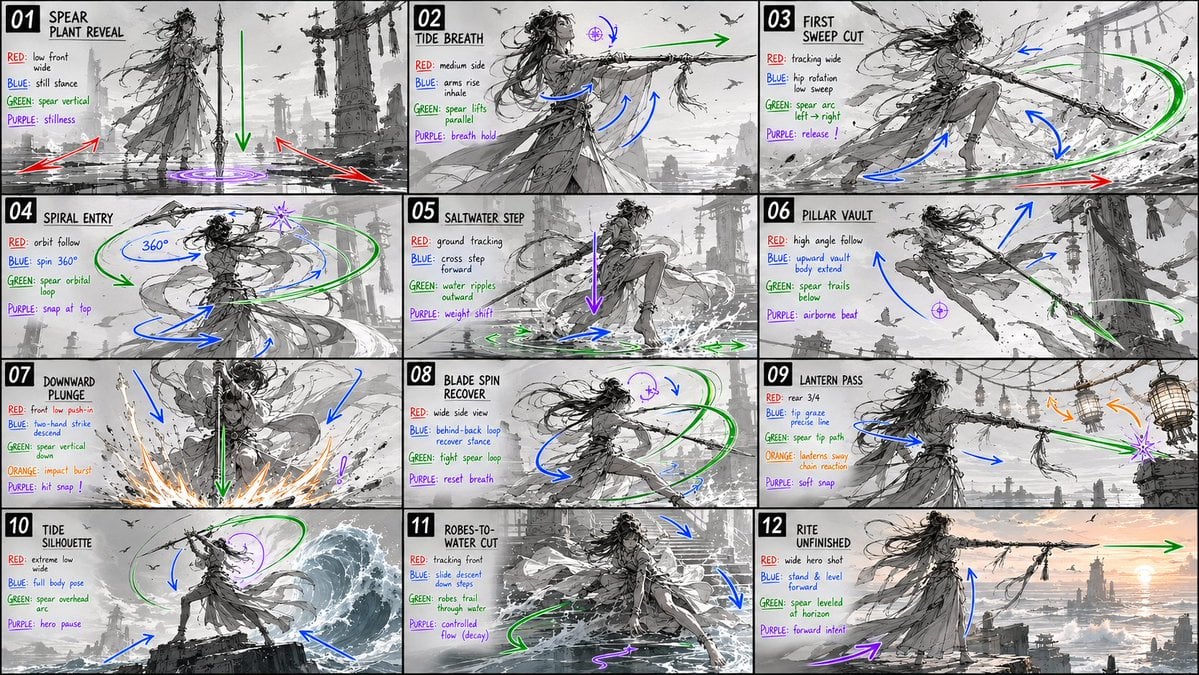
Panel Spear Sakuga Storyboard
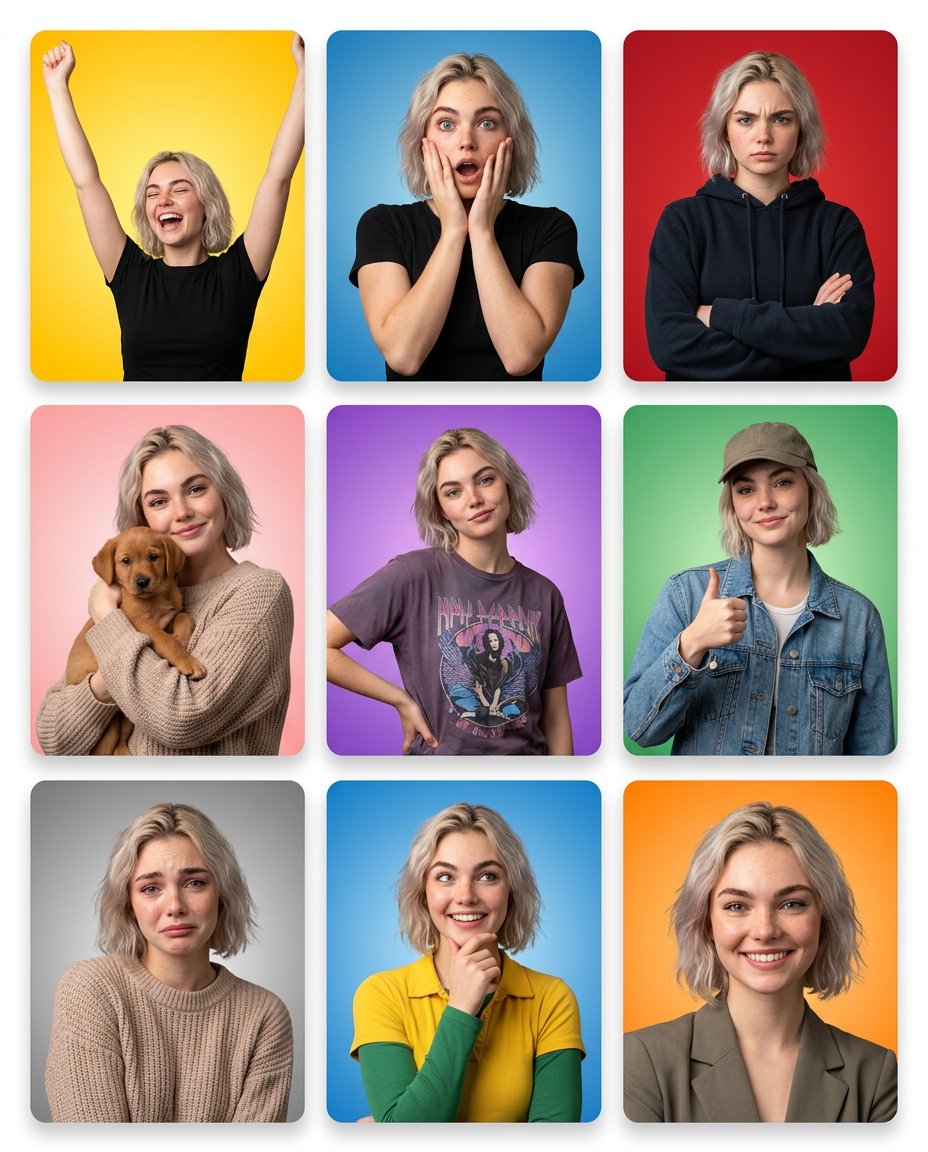
Multi-Panel Emotional State Grid

Panel Japanese Advertising Concept Grid

4x4 Grid - Candid Nostalgic Vacation Selfies
Make it yours
Panel Cinematic Storyboard Grid works as-is. These are the safest ways to change it without losing the look.
Change one field
Copy a single group, rewrite it, and generate again so you can see what that field is doing.
Keep the frame, change the subject
Hold the composition and light of 12-Panel Cinematic Storyboard Grid, then swap wardrobe, props or the person for a new take.
| If the result… | Why | Fix |
|---|---|---|
| The result drifts from the preview | Too many fields changed at once. | Reuse 12-Panel Cinematic Storyboard Grid as-is first, then change one group — subject, light, or setting. |
| GPT Image 2 ignores part of the JSON | Some models flatten or skip nested keys. | Keep the same values and paste them as a short paragraph instead. |
More GPT Image 2 templates
Other prompts made for GPT Image 2.

Six VTuber Japanese Logo Sheet

Realistic Portrait of Woman and Deer

The Vista Modular Condo Poster

AI Model Routing Comparison Infographic

2.5D Anime Art Board

Isometric Productivity Desk Scene

New York Double Exposure Poster

Four-Panel AI Landscape Comparison

Japanese Tatami Lifestyle Magazine Cover

NESCAFÉ Coffee Map Poster
More image prompts
Fresh picks from across the catalog.
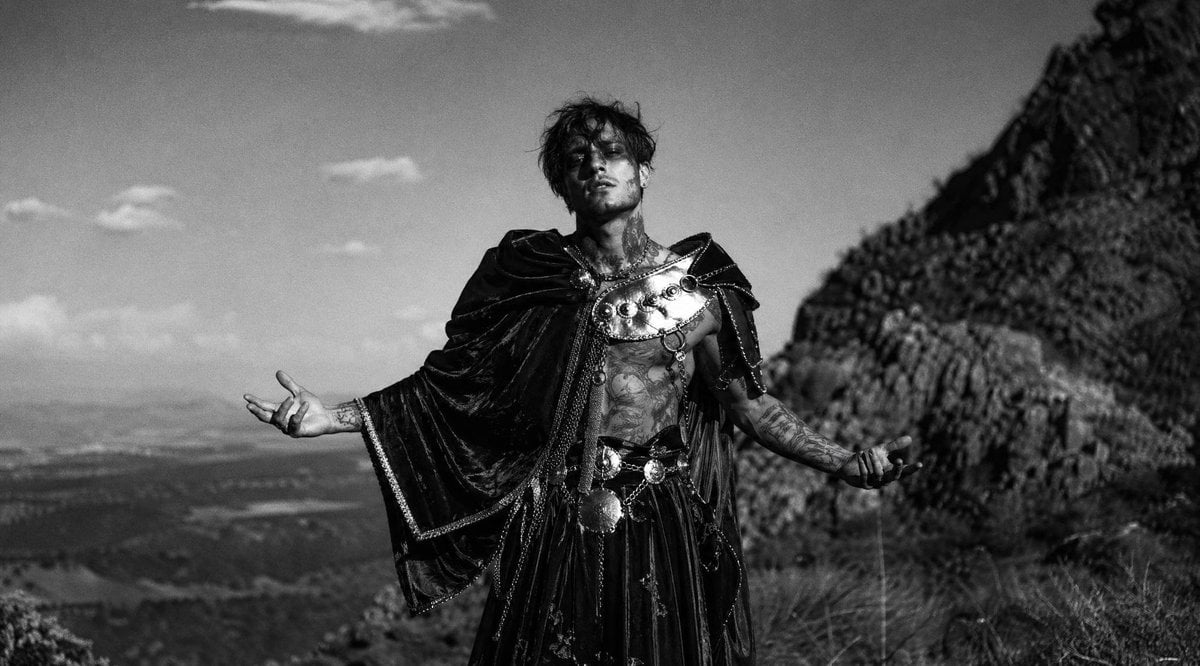
Monochrome Mountain Warrior Portrait

Nano Banana - Peace Sign Bedroom Selfie
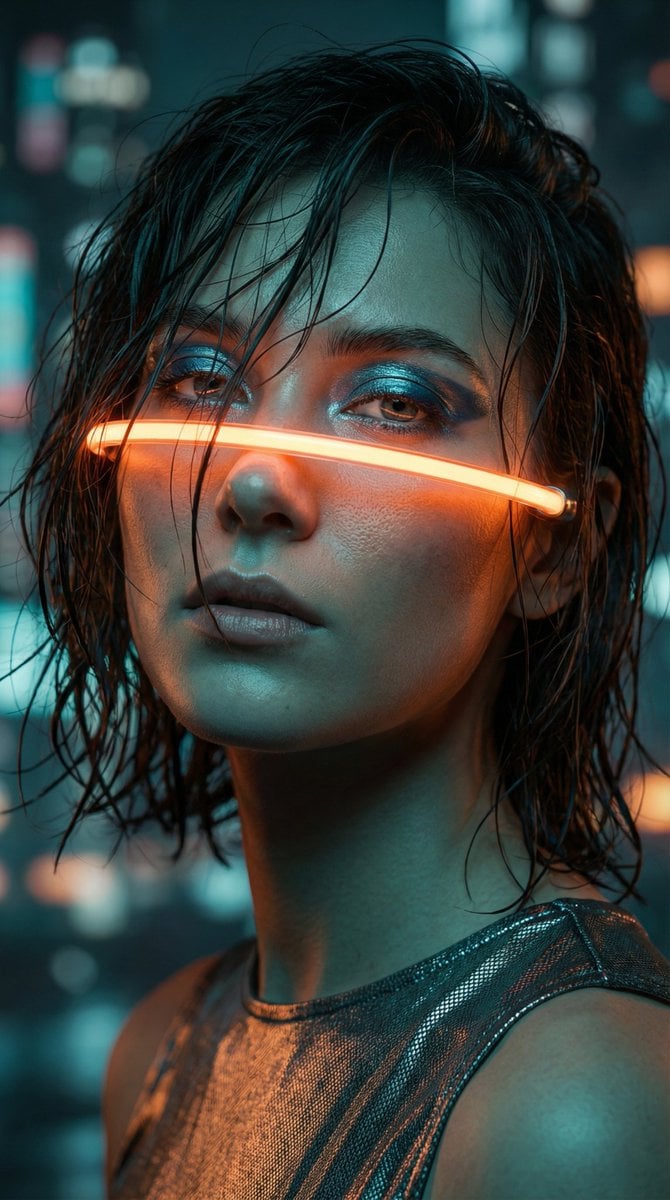
Cyberpunk High-Fashion Portrait Prompt

Futuristic Smart Mirror Website Mockup
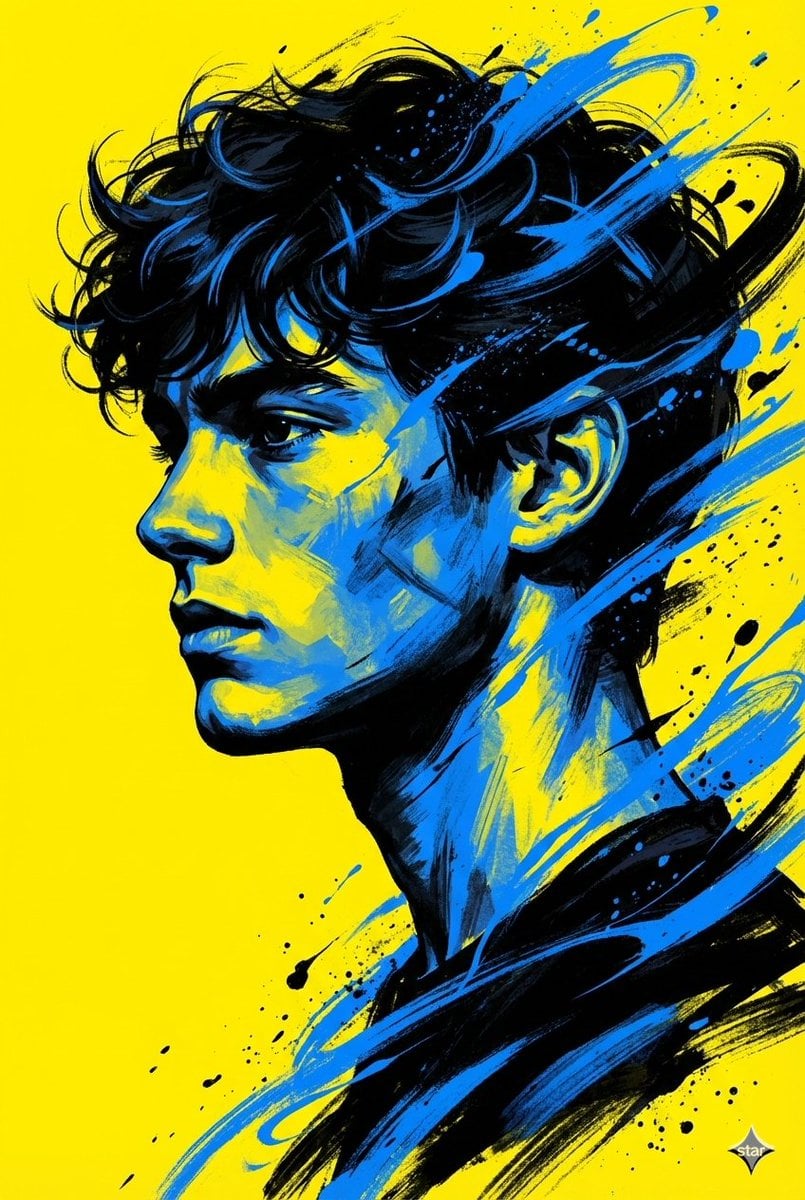
Digital Painterly Portrait with Street Art Feel
K-Fashion Retro Streetwear Editorial
Image Quality Enhancement Prompt for Nano Banana 2
8K Studio Fashion Portrait in Red Jumpsuit
Modern Loft Lifestyle Editorial Portrait Prompt
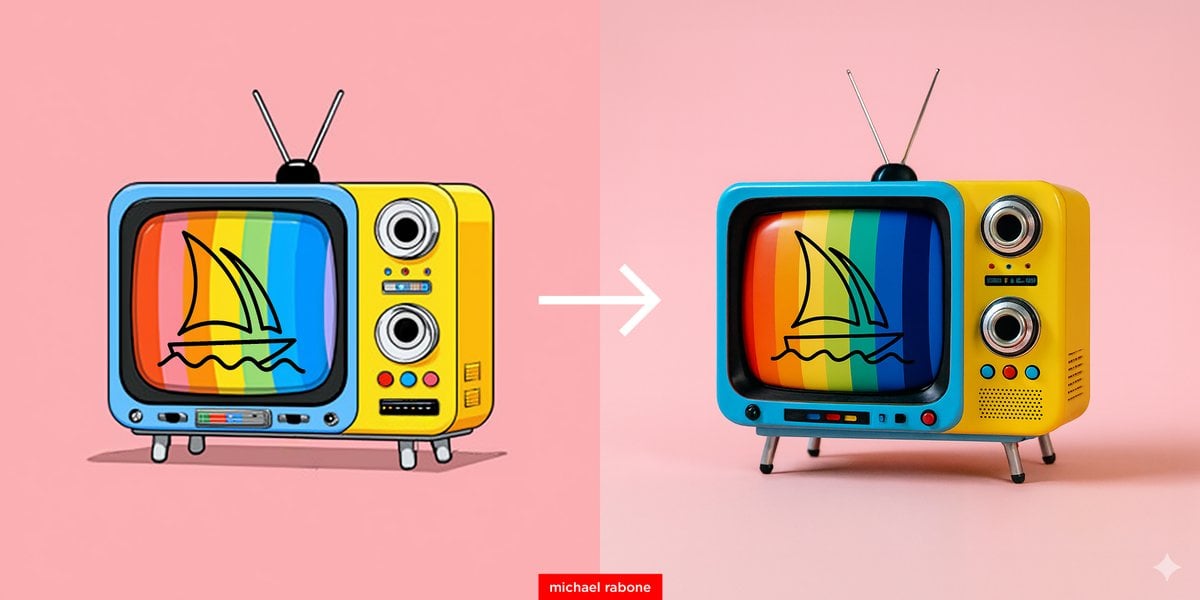
Cartoon to 4K Photo Transformation Prompt
Browse template categories
Panel Cinematic Storyboard Grid questions
How do I use the 12-Panel Cinematic Storyboard Grid template?
Add your photo if the template asks for one, edit the prompt if you like — the template's model and format are already selected — and press Generate. Your version opens in PicX Studio.
Can I customize the 12-Panel Cinematic Storyboard Grid template?
Yes. You can change the subject, setting, lighting, mood, format, and available model controls before creating your image.
Is the 12-Panel Cinematic Storyboard Grid template free?
Opening and editing this template is free. Generating uses credits, shown on the Generate button when you are signed in.
Which AI model should I use?
Start with GPT Image 2, which is the model associated with this template. You can compare another compatible model for a different finish.
Looking for something else? Browse all templates.

Your photo, any look
Thousands of ready templates for every top image and video model, from one credit balance.