
Thick molten chocolate splashes wrapping around the package
{ "global_settings": { "resolution": "8K", "quality": "ultra-high", "render_style": "hyperrealistic commercial CGI", "lighting": "studio-grade, high-contrast, glossy highlights", "focus": "extreme sharpness, macro-level…
- Prompt included
- Model and format preset
- Premium template
The prompt behind this image
Copy the exact prompt behind Thick molten chocolate splashes wrapping around the package, or open it in the studio and make it yours.
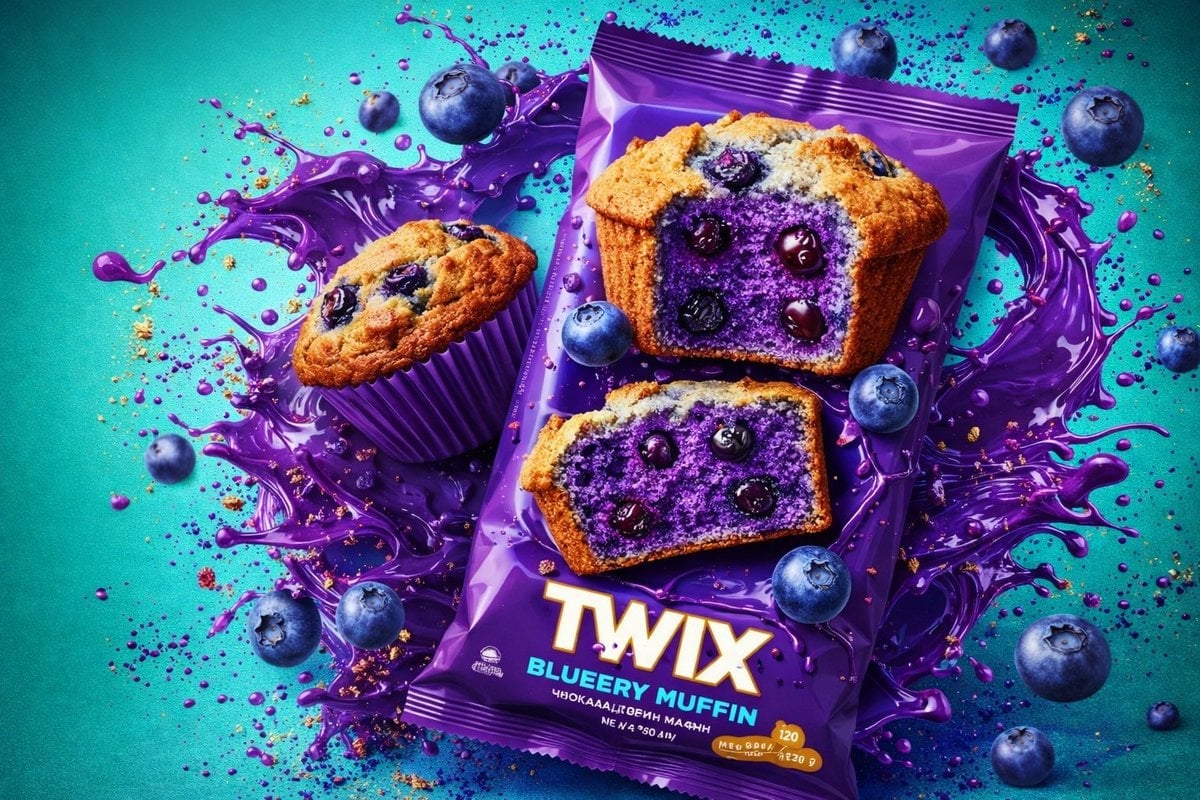
{ "global_settings": { "resolution": "8K", "quality": "ultra-high", "render_style": "hyperrealistic commercial CGI", "lighting": "studio-grade, high-contrast, glossy highlights", "focus": "extreme sharpness, macro-level texture visibility", "color_depth": "rich, saturated, clean gradients", "noise": "none", "artifacts": "none" }, "Module_1_Image_1_Style": { "subject": { "primary_object": "Snickers mint chocolate bar in turquoise wrapper", "pose": "diagonally tilted, floating mid-air", "orientation": "top-left to bottom-right angle", "visibility": "full front-facing packaging visible" }, "packaging_details": { "colors": ["turquoise", "brown", "white", "blue"], "text_visible": ["SNICKERS", "SNICKES", "with mint"], "surface": "glossy plastic wrapper with subtle creases", "product_image": "chocolate bar segment printed on wrapper" }, "ingredients_visible": [ "fresh mint leaves", "whole almonds", "white sugar-like spherical candies", "chocolate bar pieces" ], "motion_elements": { "liquid": "clear water splash forming a curved arc around the bar", "droplets": "floating water bubbles and droplets suspended in air" }, "background": { "color": "light aqua blue", "texture": "smooth gradient", "depth": "foreground and background elements clearly separated" }, "lighting": { "key_light": "bright frontal studio light", "rim_light": "cool highlights on water edges", "reflections": "strong specular highlights on wrapper and liquid" } }, "Module_2_Image_2_Style": { "subject": { "primary_object": "Hershey’s Special Dark chocolate mint packaging", "pose": "upright, centered, slightly elevated", "orientation": "front-facing, symmetrical composition" }, "packaging_details": { "colors": ["black", "green", "yellow"], "text_visible": [ "SPECIAL DARK", "HERSHEY’S", "SABOR MENTA", "60% DE CACAU", "100 g" ], "surface": "matte-black wrapper with glossy highlights" }, "ingredients_visible": [ "mint leaves", "embossed Hershey’s chocolate squares" ], "motion_elements": { "liquid": "thick molten chocolate splashes wrapping around the package", "droplets": "small chocolate particles suspended mid-air" }, "background": { "color": "deep green gradient", "base_surface": "liquid chocolate pool beneath the package" }, "lighting": { "key_light": "warm directional light", "accent_light": "golden highlights on chocolate splashes", "contrast": "high contrast between dark wrapper and green background" } }, "Module_3_Image_3_Style": { "subject": { "primary_object": "Twix Blueberry Muffin packaged snack", "pose": "slightly tilted, floating above background", "orientation": "front-facing with angled depth" }, "packaging_details": { "colors": ["purple", "gold", "white"], "text_visible": ["TWIX", "BLUEBERRY MUFFIN"], "surface": "glossy purple plastic wrapper" }, "food_elements": [ "blueberry muffin", "sliced muffin revealing purple interior", "whole blueberries" ], "motion_elements": { "liquid": "purple splash forming circular motion behind the product", "particles": "crumbs and droplets suspended in air" }, "background": { "color": "turquoise-blue", "texture": "clean gradient with high saturation" }, "lighting": { "key_light": "bright neutral studio light", "rim_light": "purple-tinted highlights on splash edges", "detail_visibility": "crumb texture and muffin pores clearly visible" } },
How to use Thick molten chocolate splashes wrapping around the package in 3 steps
- 1
Open
The prompt is already in the box next to the preview, with the template's model and format selected.
- 2…a portrait of your subject in softgolden-hour light, 85mm…
Personalize
Edit the subject and creative details for your destination.
- 3Generate
Generate
Press Generate — your image is created in PicX Studio, so you can compare it with the original and refine one variable at a time.
More like this
Templates with the same subject, style or setup. Open one to see its prompt.
Highly reflective, thick, slow-dripping matcha glaze
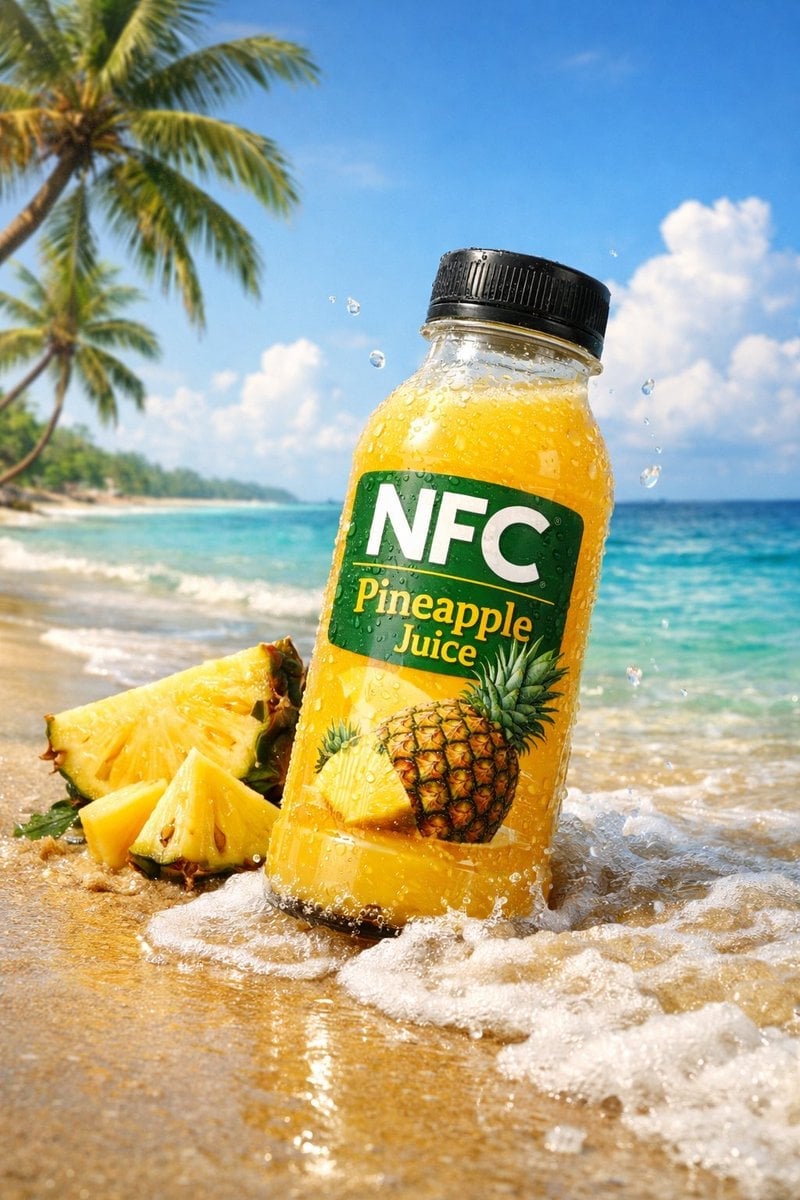
A small wave splashes lightly against the bottle base
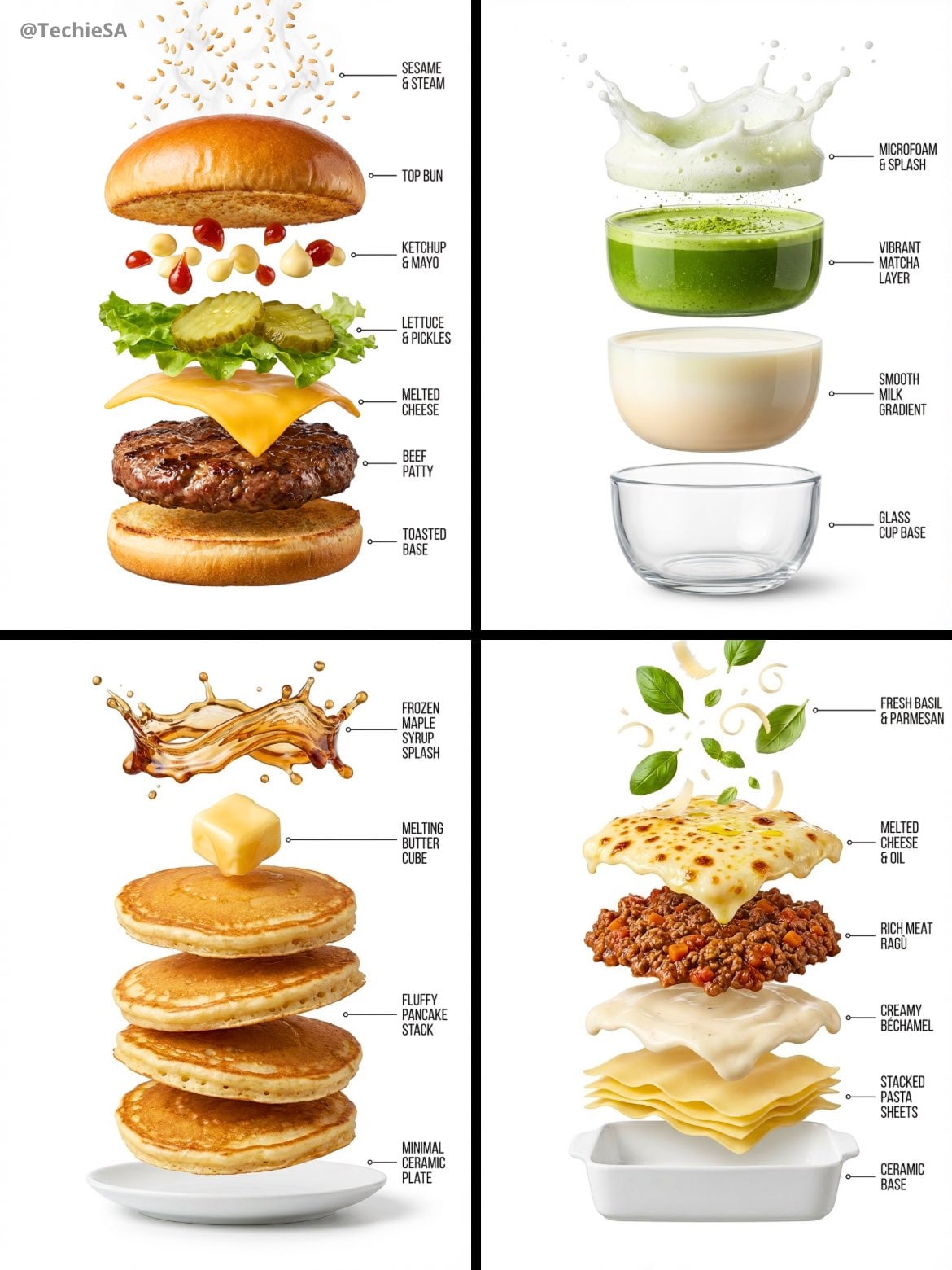
Hyper-realistic exploded vertical infographic composition
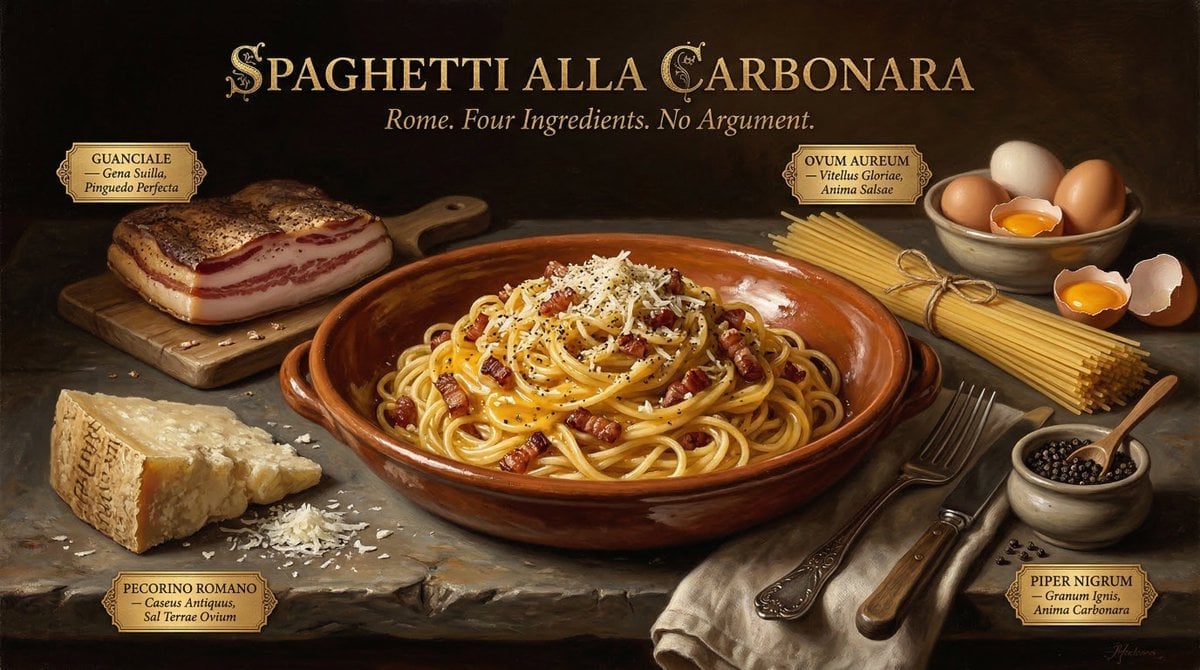
Food & Drink Prompt #913
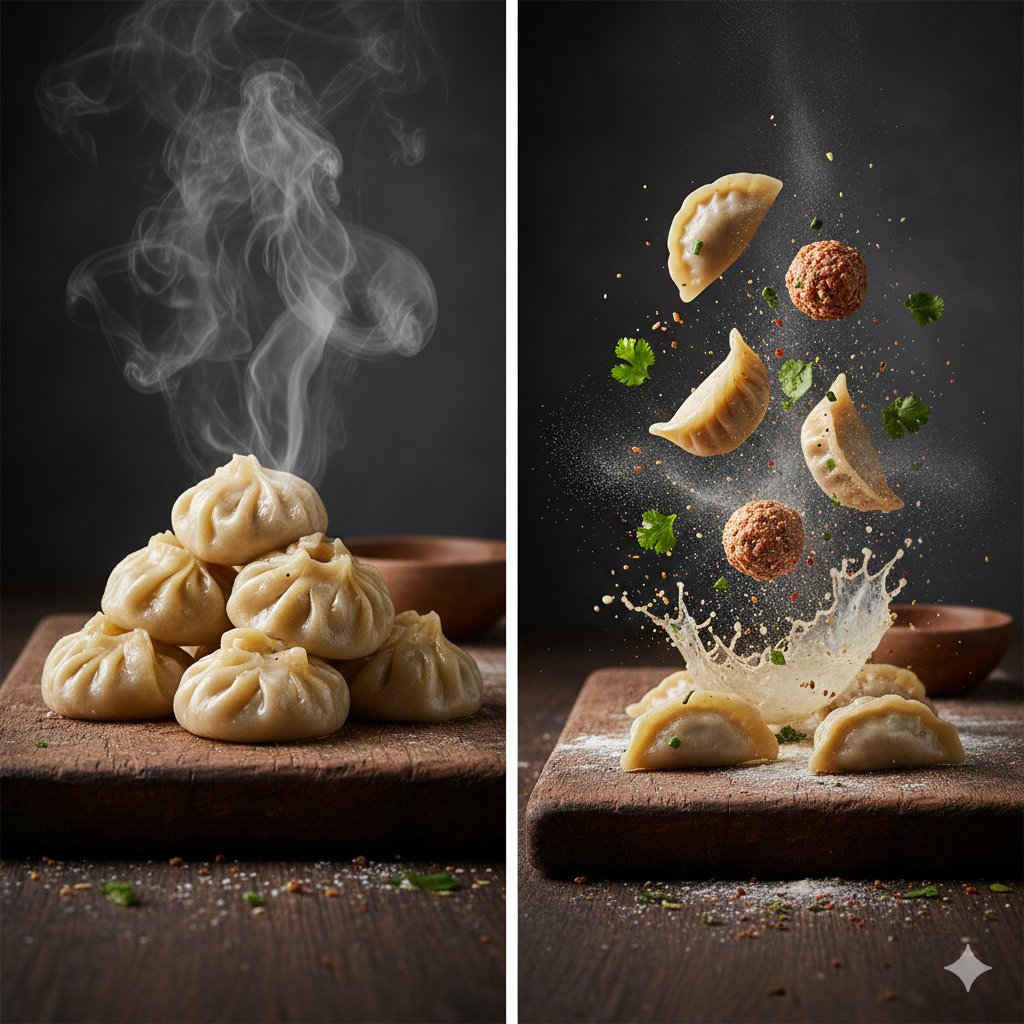
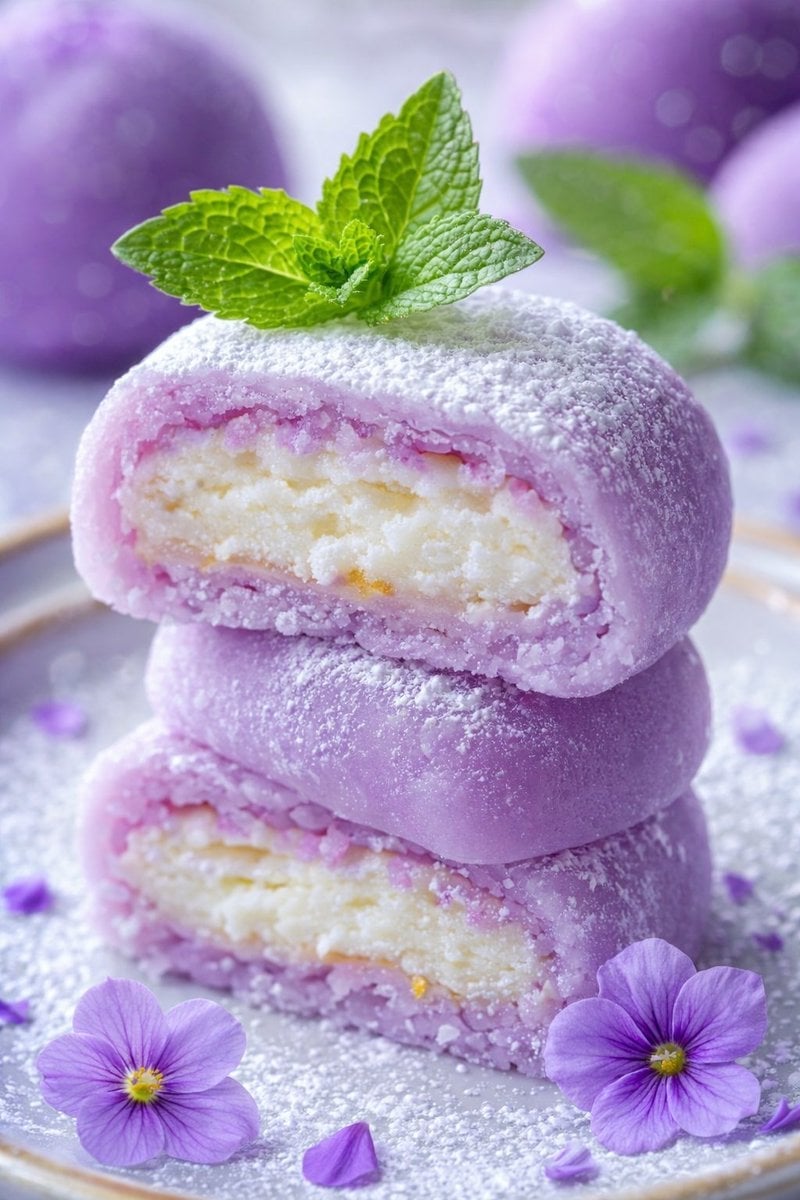
The Cinematic Momo Duo
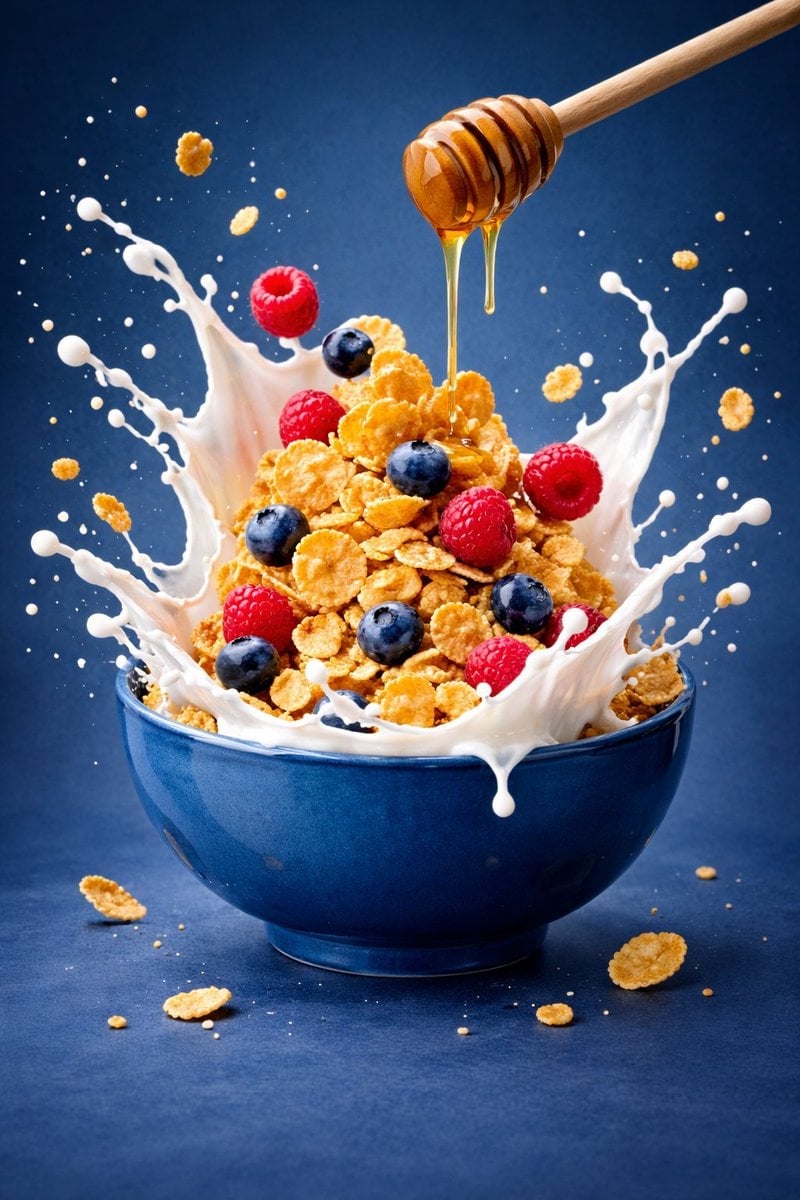
Ultra-premium cinematic food photography, 8K UHD, 3 4 aspect ratio
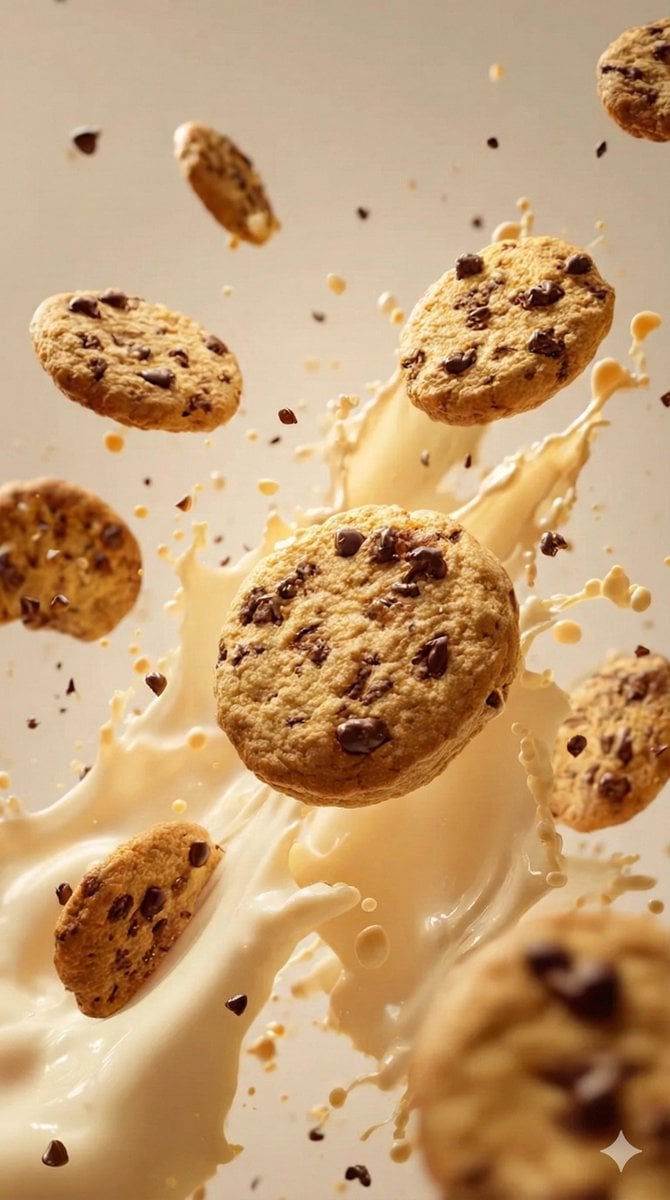
Food & Drink Prompt #1406

Bold, intense, premium, cinematic, high-impact food commercial aesthetic

Multiple dark purple berries erupting from inside the can
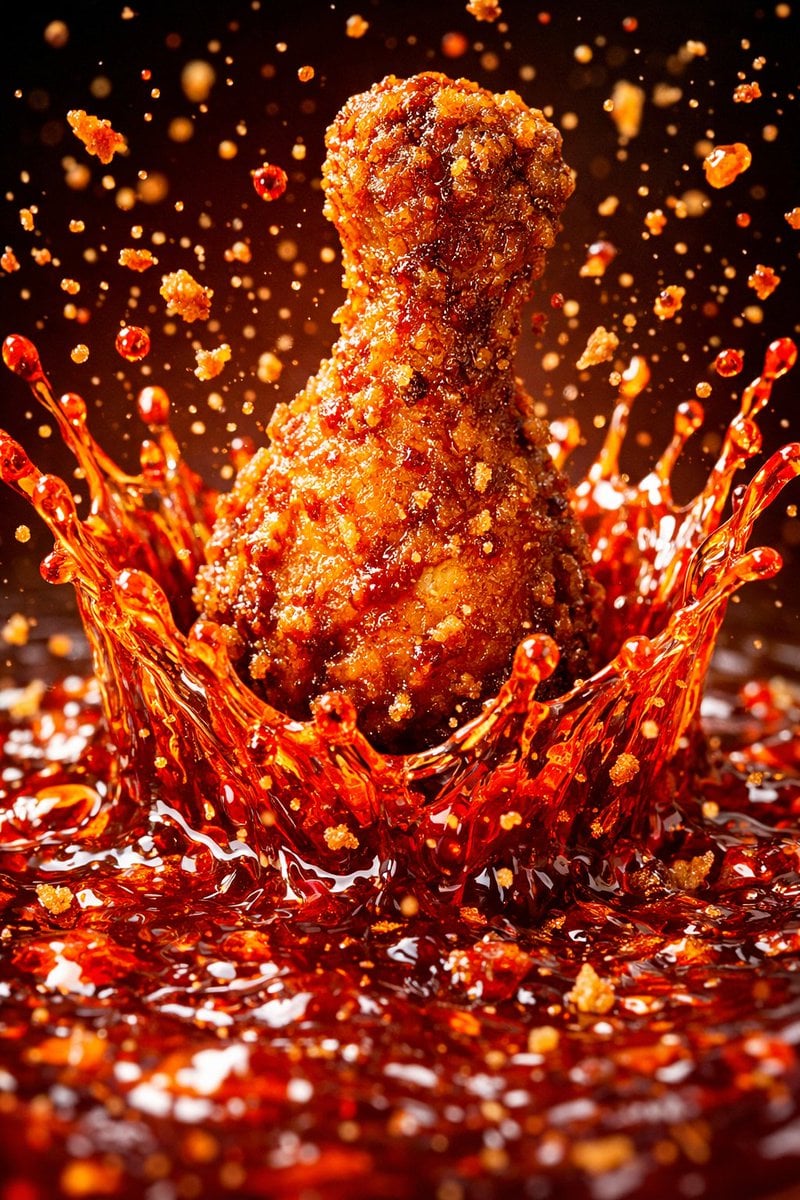
Each module shares structure but maintains unique visual dynamics
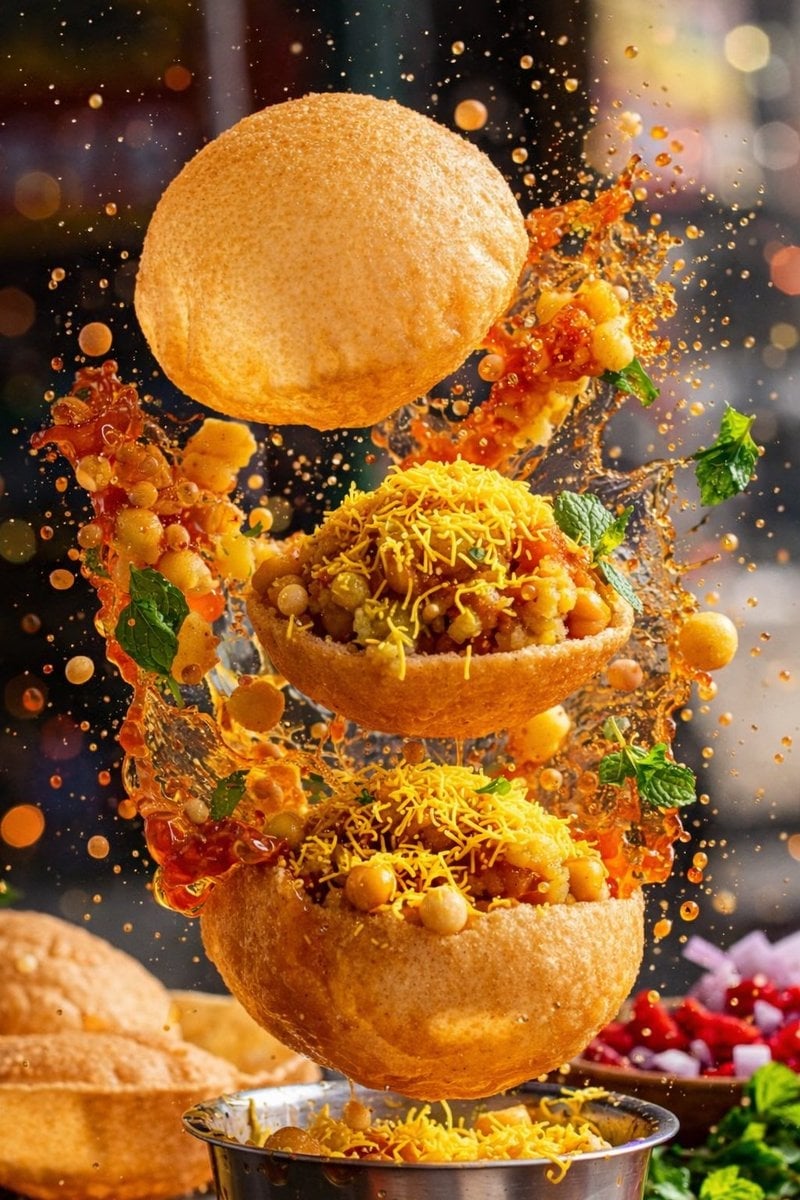
Enhanced realism, minimal alteration from original composition
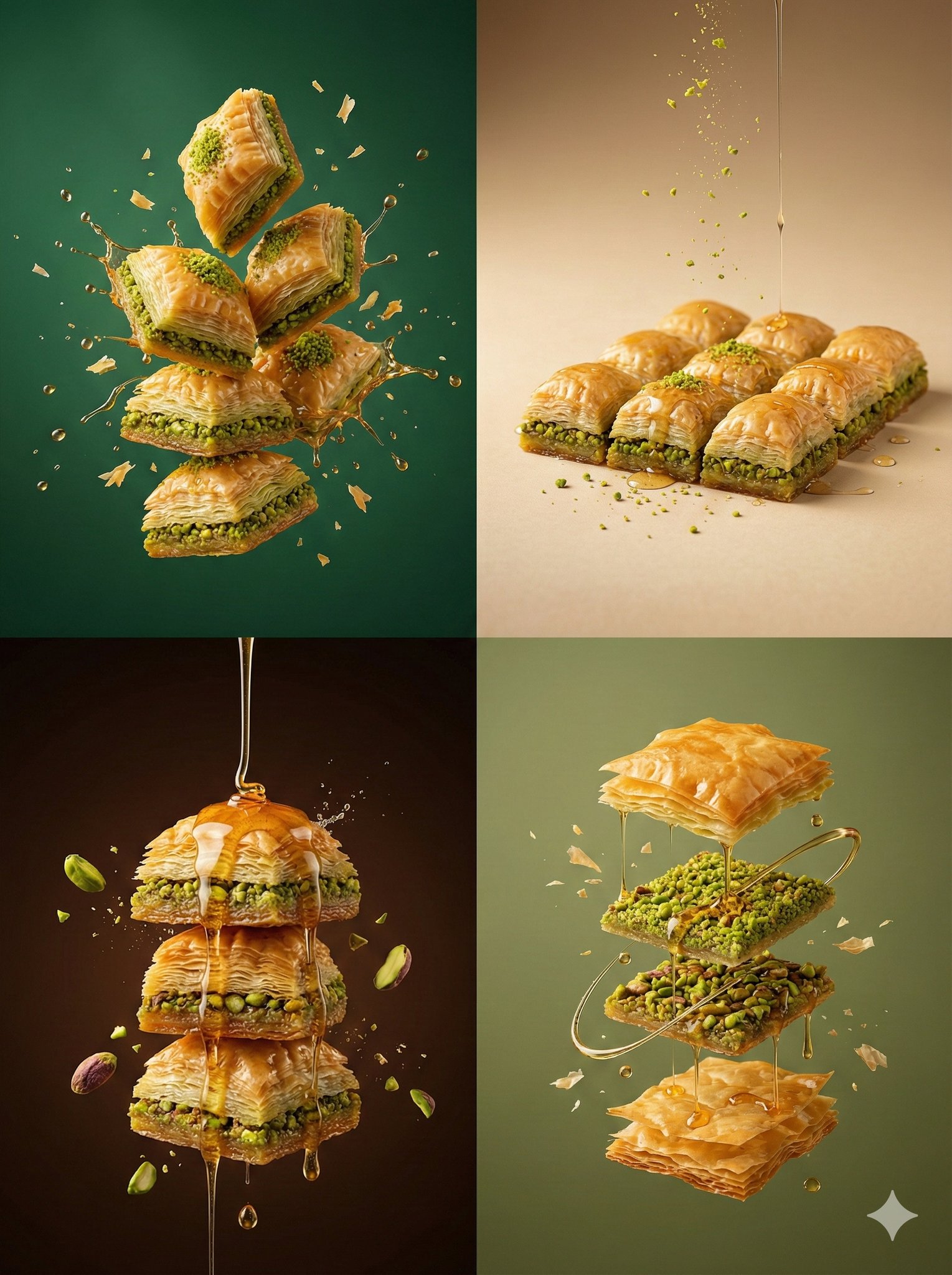
Controlled studio lighting emphasizing texture, layers, and syrup
Make it yours
Thick molten chocolate splashes wrapping around the package works as-is. These are the safest ways to change it without losing the look.
Change one field
Copy a single group, rewrite it, and generate again so you can see what that field is doing.
Keep the frame, change the subject
Hold the composition and light of Thick molten chocolate splashes wrapping around the package, then swap wardrobe, props or the person for a new take.
| If the result… | Why | Fix |
|---|---|---|
| The result drifts from the preview | Too many fields changed at once. | Reuse Thick molten chocolate splashes wrapping around the package as-is first, then change one group — subject, light, or setting. |
| The model over-stylizes the scene | The prose prompt leaves finish and camera underspecified. | Add one camera or lighting sentence and stay on GPT Image 2. |
More GPT Image 2 templates
Other prompts made for GPT Image 2.

Six VTuber Japanese Logo Sheet

Realistic Portrait of Woman and Deer

The Vista Modular Condo Poster

AI Model Routing Comparison Infographic

2.5D Anime Art Board

Isometric Productivity Desk Scene

New York Double Exposure Poster

Four-Panel AI Landscape Comparison

Japanese Tatami Lifestyle Magazine Cover

NESCAFÉ Coffee Map Poster
More image prompts
Fresh picks from across the catalog.
E-commerce Studio Portrait with UI Overlay
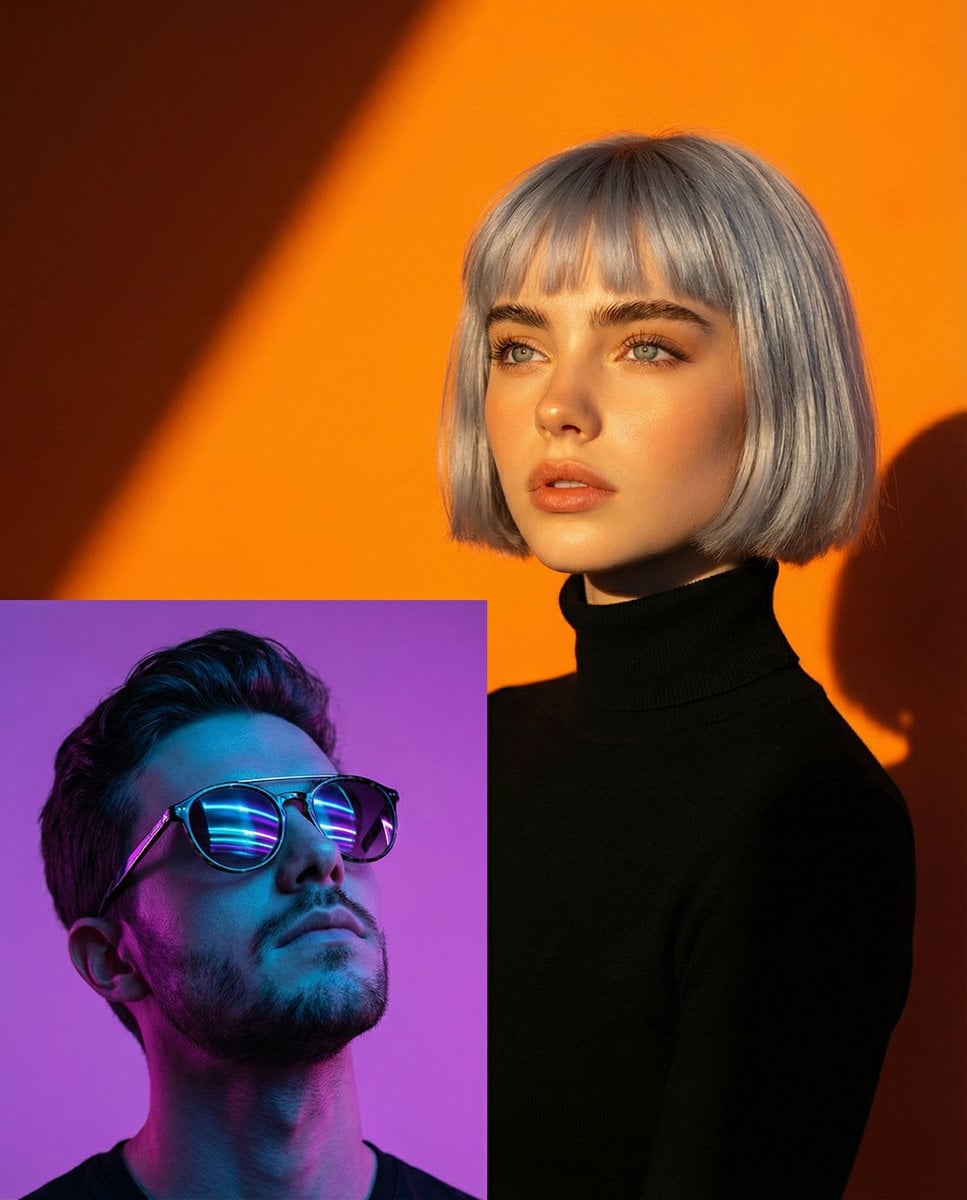
Two Dramatic Portraits: Neon Man and Golden Hour Woman
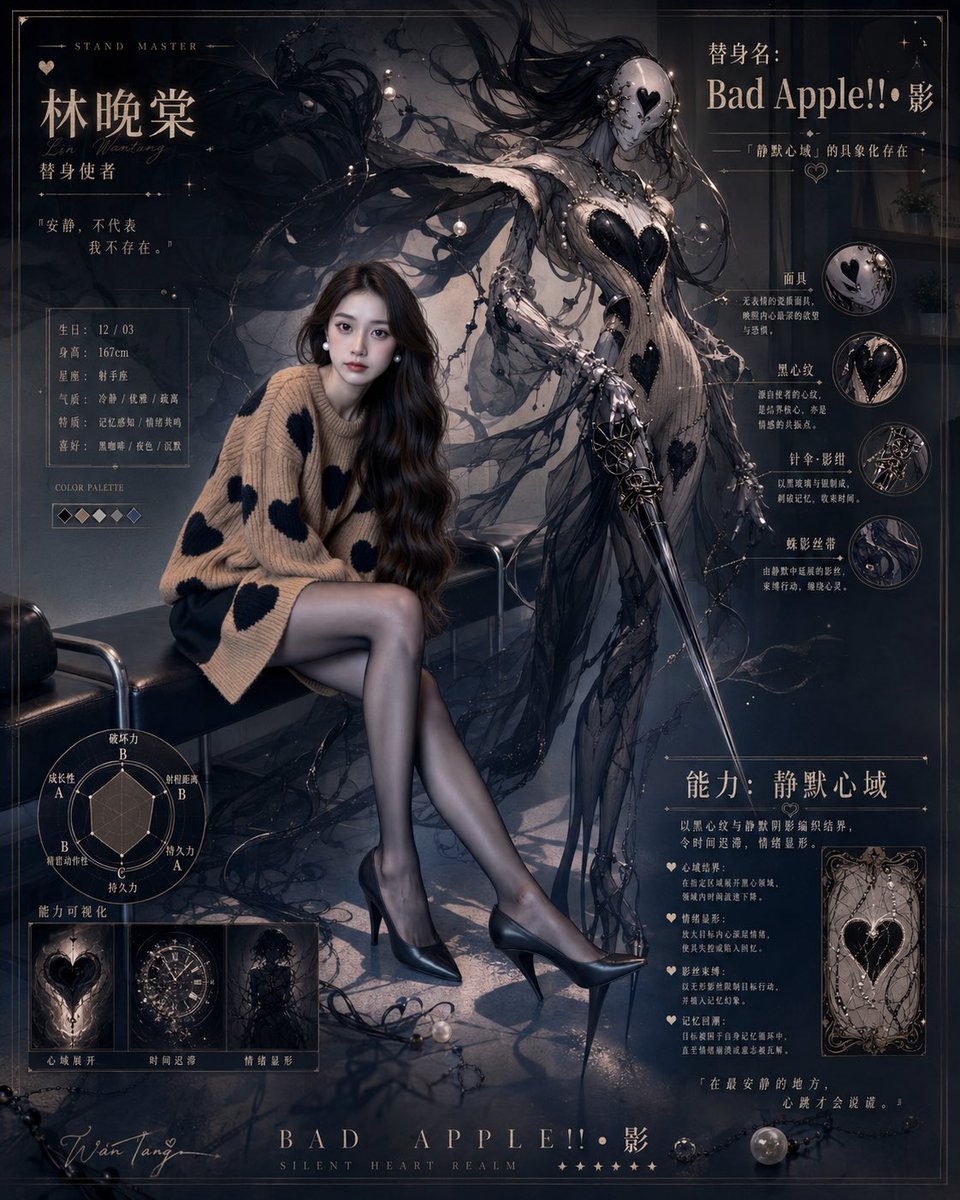
Gothic Stand Guardian Poster
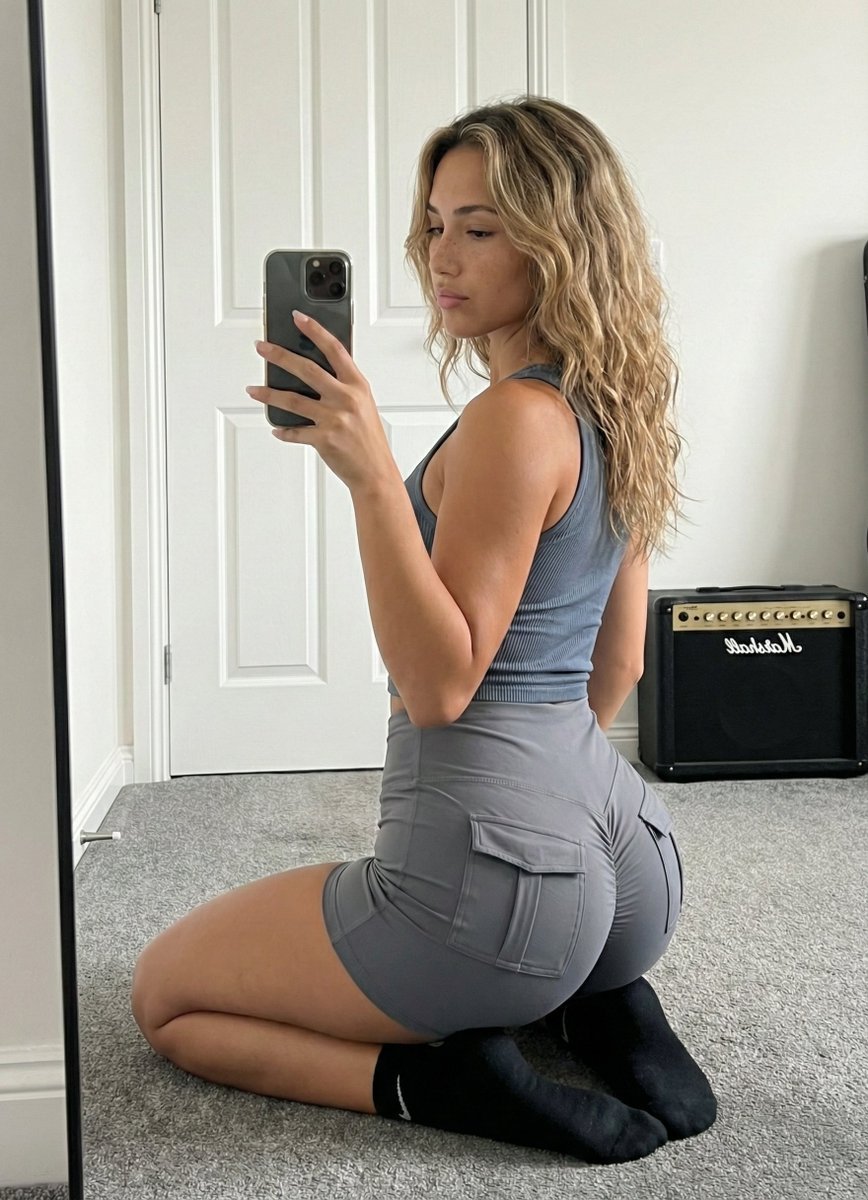
Mirror Selfie Athleisure Look with Detailed Anatomy
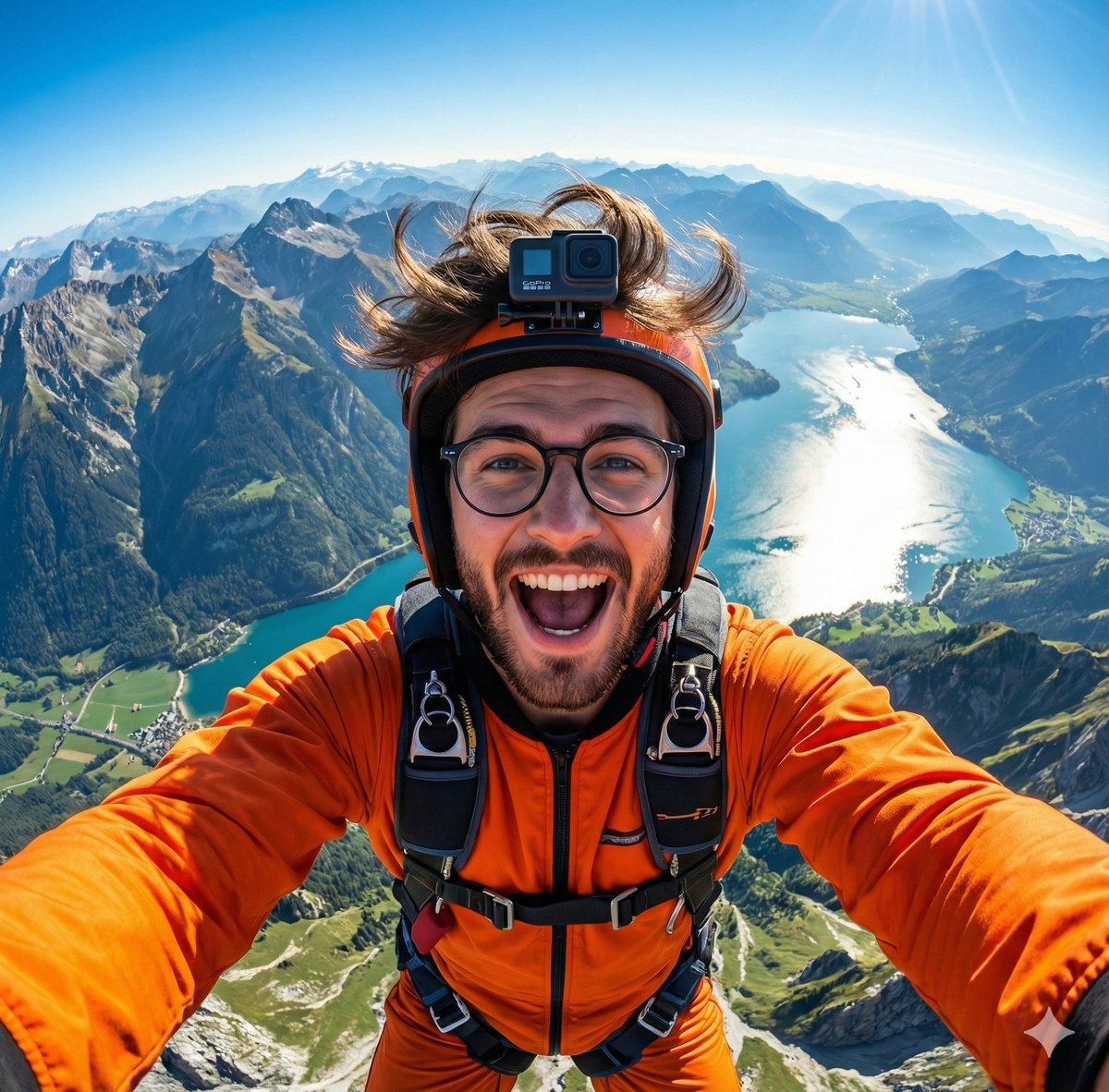
GoPro-style extreme sports selfie prompt
Cyberpunk Marie Antoinette Carriage
Melancholic Portrait in Coastal Rain
Moroccan Restaurant Brand Board
Luxury Restroom Mirror Selfie
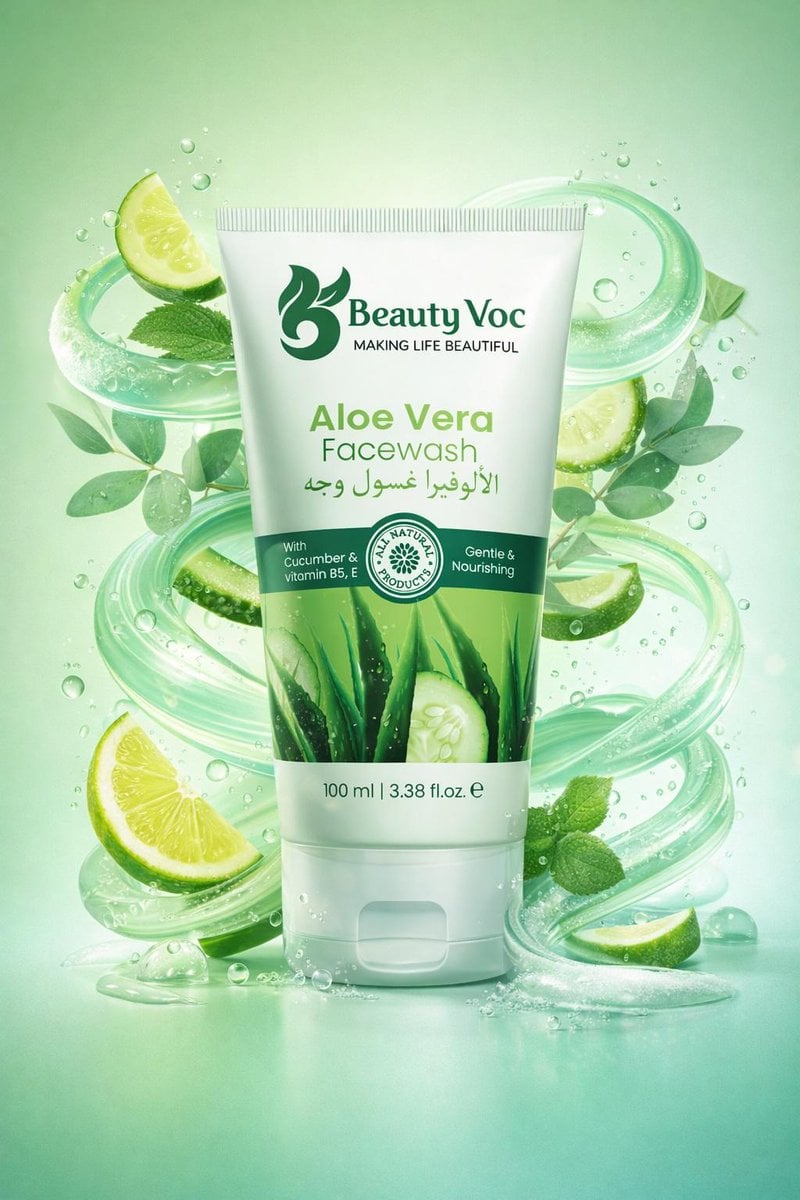
Skincare Product Key Visual Generator
Browse template categories
Thick molten chocolate splashes wrapping around the package questions
How do I use the Thick molten chocolate splashes wrapping around the package template?
Add your photo if the template asks for one, edit the prompt if you like — the template's model and format are already selected — and press Generate. Your version opens in PicX Studio.
Can I customize the Thick molten chocolate splashes wrapping around the package template?
Yes. You can change the subject, setting, lighting, mood, format, and available model controls before creating your image.
Is the Thick molten chocolate splashes wrapping around the package template free?
Opening and editing this template is free. Generating uses credits, shown on the Generate button when you are signed in.
Which AI model should I use?
Start with GPT Image 2, which is the model associated with this template. You can compare another compatible model for a different finish.
Looking for something else? Browse all templates.

Your photo, any look
Thousands of ready templates for every top image and video model, from one credit balance.